AI Scene Lighting Consistency Fix
Input · OriginalOutput · Result

AI Composite Photo Fix

Upload a composite that looks pasted together. It works out why: light arriving from two directions, color temperature that does not match, shadows that are missing or pointing the wrong way. Then it unifies the frame under one dominant source.

Input
Composite image with inconsistent lighting · RequiredFix requirements · Optional
Output
Scene with consistent lighting × 1

Composite image with inconsistent lighting

Required

Drop the composite

Your image is uploaded on the canvas — this form carries the settings.

What an AI composite photo fix actually changes

An AI composite photo fix repairs the three things that give a montage away. Light direction, colour temperature and shadows are brought into agreement under one dominant source, and the subject and composition stay exactly as you assembled them.

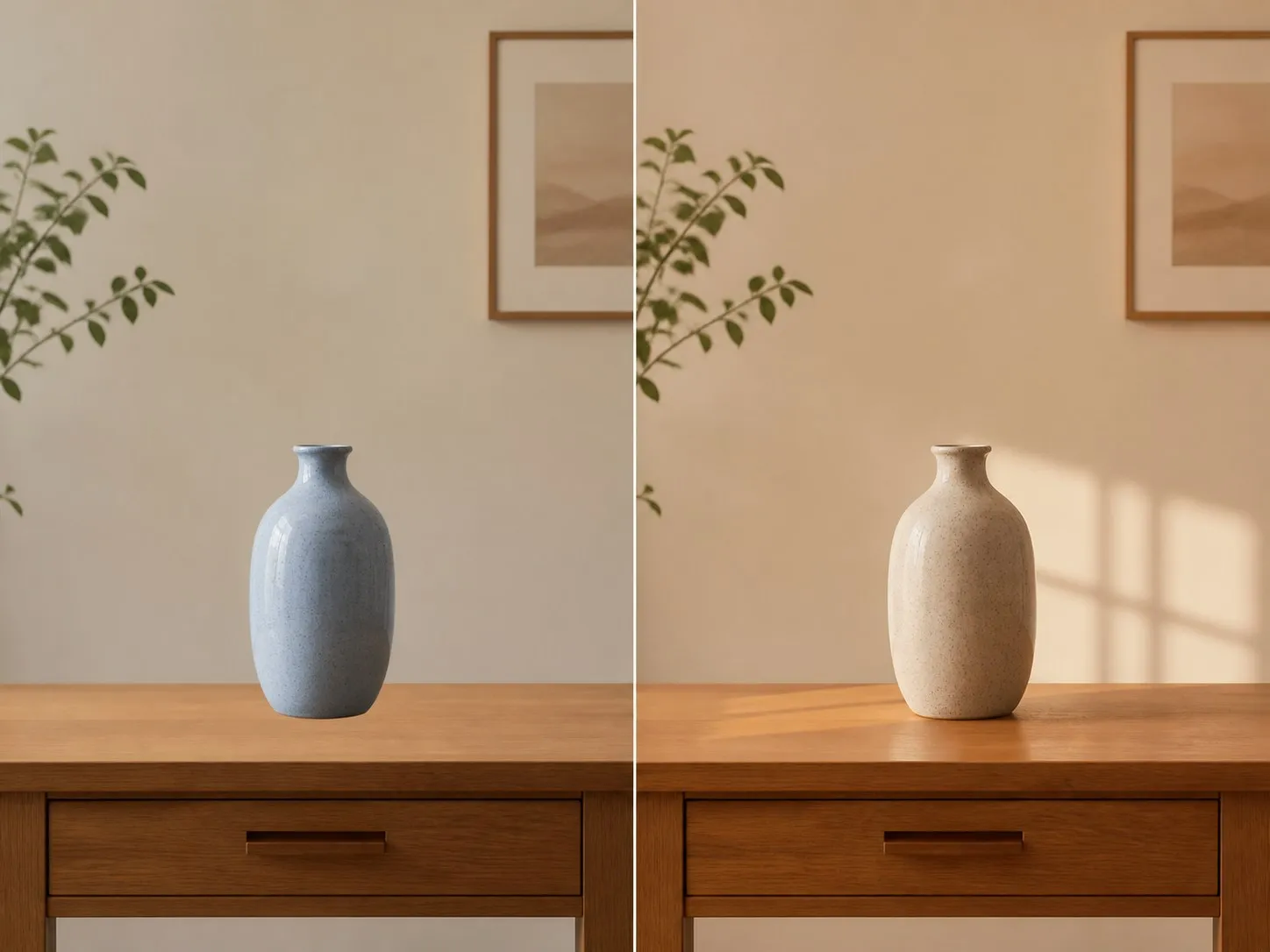
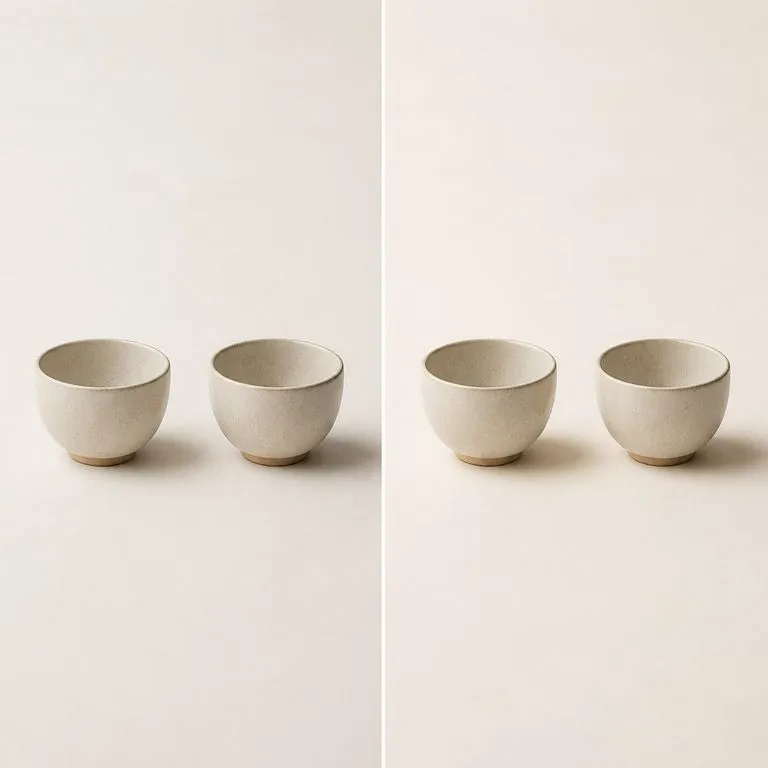
A composite that reads as pasted together on the left and the same frame with its lighting unified on the right
A composite before and after the lighting is unified

What it takes to blend an image with a background using AI

Three problems, one required image. These are what the tool is looking for when it reads your file.

Two conflicting light directions in a composite resolved into one
Diagnosed

Light coming from two directions

A subject lit from the left dropped onto a background lit from the right is the fault people notice without being able to name. One dominant source is chosen and everything is brought under it.


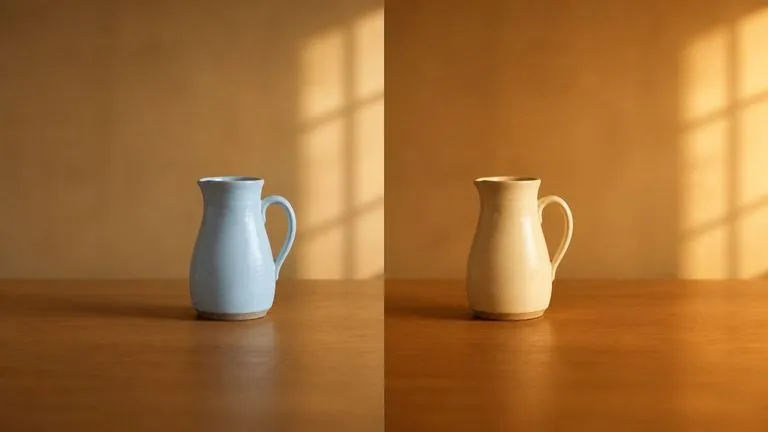
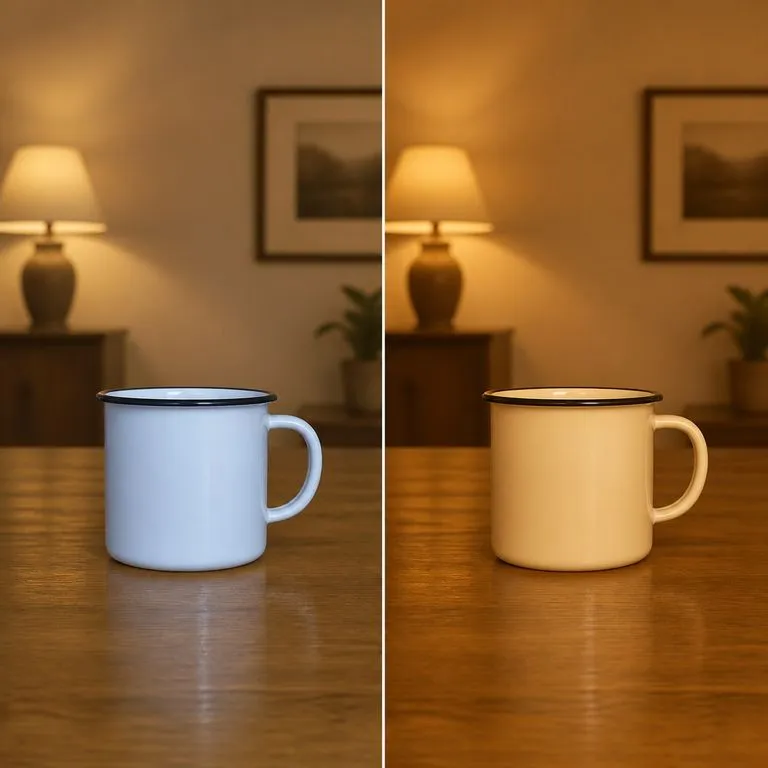
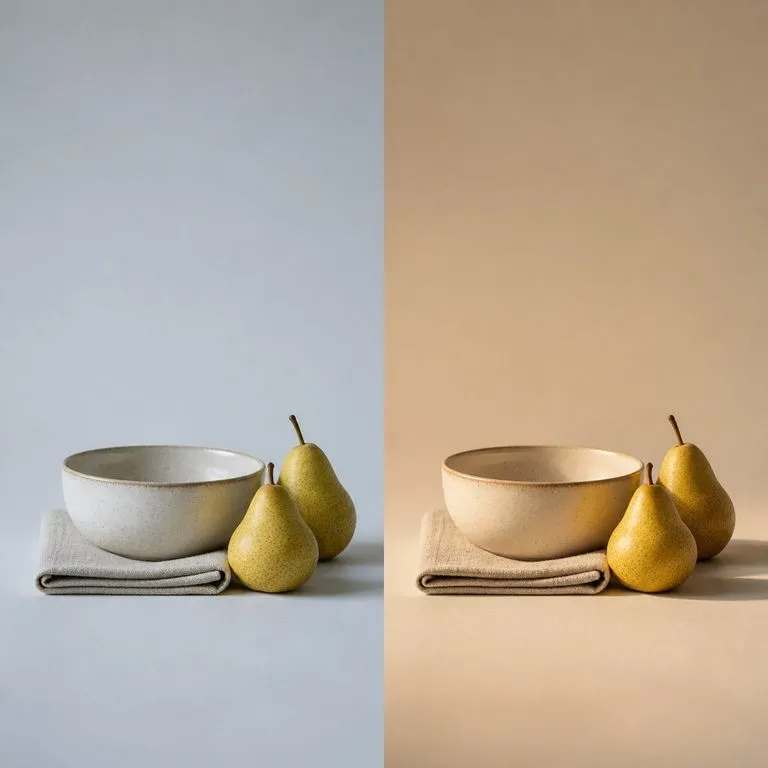
A cool daylight cutout reconciled with a warm tungsten interior
Diagnosed

Colour temperature that does not match

A daylight cutout on a tungsten interior reads wrong even when the edges are perfect. Warmth is reconciled across the frame rather than being corrected on one layer and left on the other.
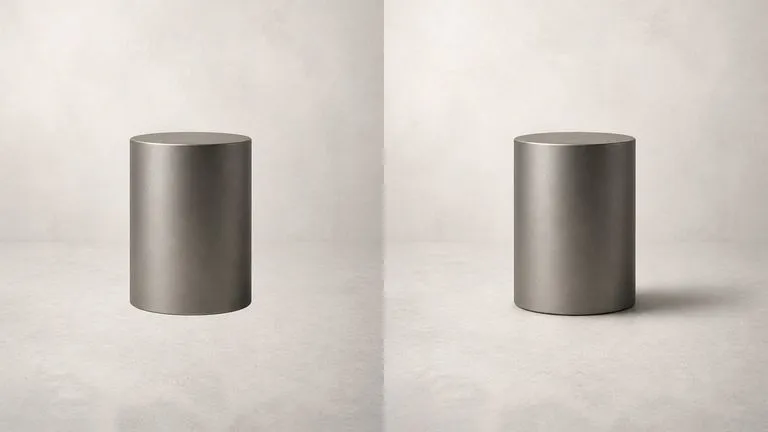
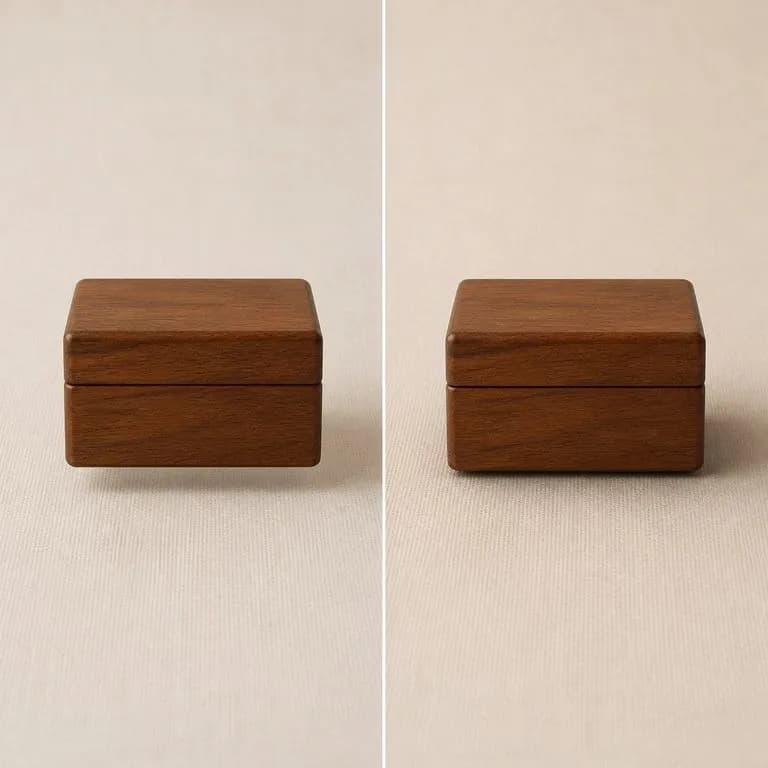
An object with no shadow given a contact shadow that agrees with the scene
Rebuilt

Shadows that are missing or contradictory

Nothing says pasted like an object with no shadow, or one whose shadow falls the opposite way to everything around it. Cast shadows are rebuilt to agree with the source that was chosen.

How to fix bad lighting in a photo with AI in four steps

  1. Drop in the composite

    Whatever you assembled, flattened. The edges do not need to be perfect first, because lighting is usually the thing that gives a montage away rather than the cutout.

  2. Say what to protect

    Naming one element limits the fix to it and leaves the rest of the frame alone. Leave the notes empty and the whole frame is unified.

  3. Fix the lighting

    The corrected version comes back with the subject and the composition unchanged. Only direction, temperature and shadow have moved.

  4. Compare, then keep working

    The result lands on a fresh Virse canvas beside your composite. Compare the two, re-run with a narrower instruction, or take it into an edit without exporting.

Who needs an AI shadow generator and lighting fix

People who assembled an image out of parts and now have to make it look like one photograph.

A packshot dropped onto a lifestyle background with a matching shadow

E-commerce & Product Teams

Drop a packshot onto a lifestyle background and have the shadow land where the room's light says it should.
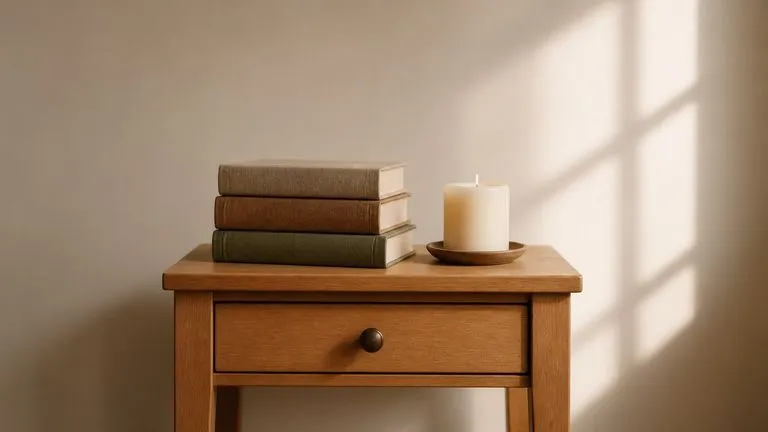
A composite corrected without any visible masking or hand-painted shadow

Retouchers & Photo Editors

Skip the part where you rebuild a shadow by hand and hand-match a curve across two layers.
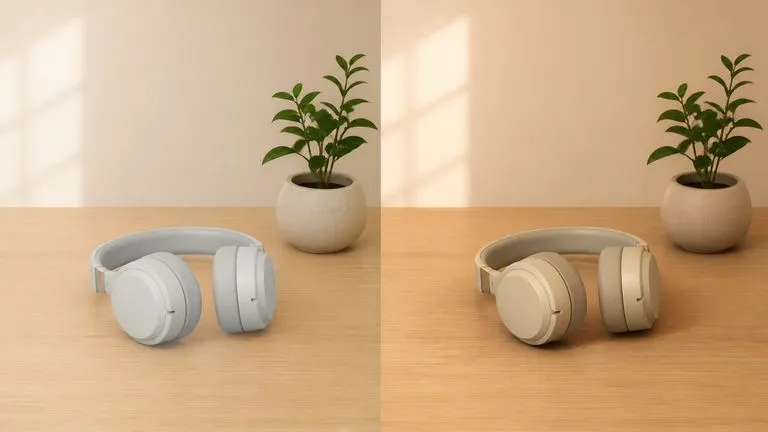
A rough composite and the same frame made deliberate, side by side

Marketing & Social Teams

Rescue a composite that was assembled quickly and needs to go out looking deliberate.
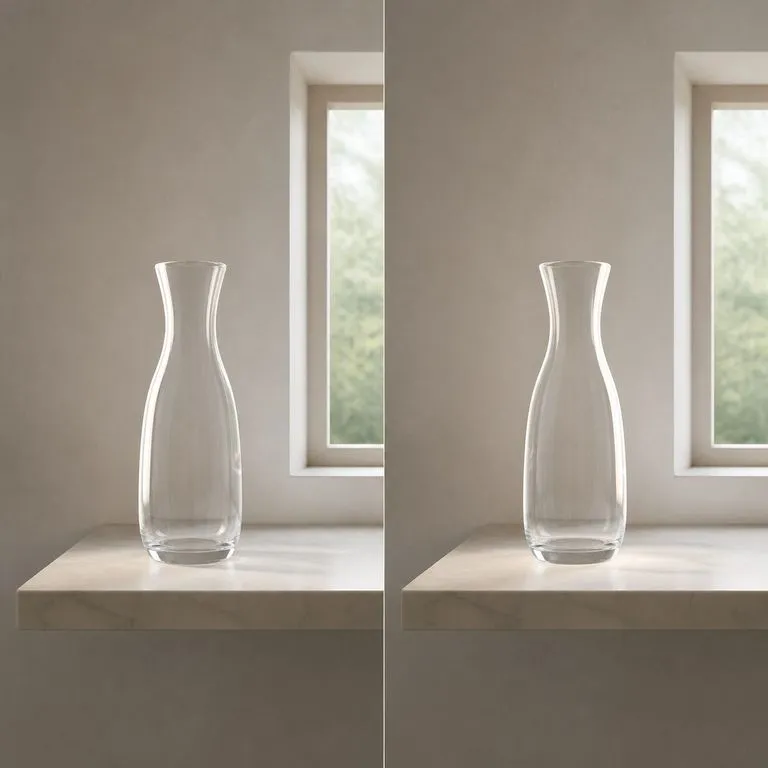
What blending an image into a background returns

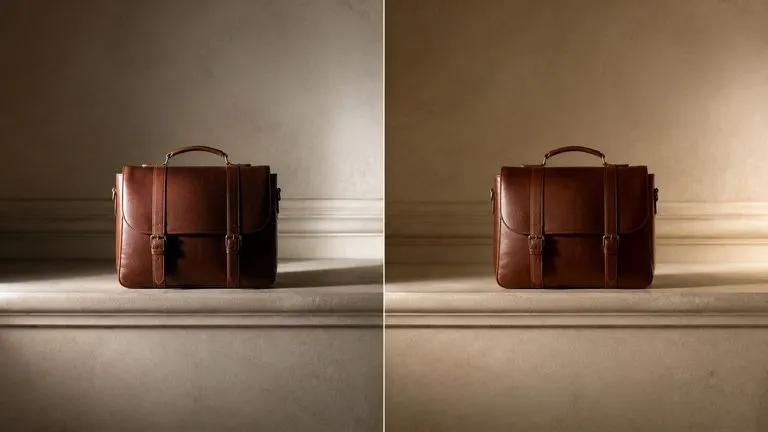
A subject relit so its highlight agrees with the background it sits in
One Light Direction: a subject relit to agree with the background it was dropped onto
A floating object given the contact shadow it was missing
Shadow Rebuilt Underneath: a floating object given the contact shadow it was missing
A cold cutout warmed to match the tungsten room it sits in
Daylight Meets Tungsten: colour temperature reconciled across a cutout and a room
One named element corrected while the rest of the frame is left alone
Only the Product Fixed: the named element corrected, the background left alone
Two objects whose shadows pointed different ways brought into line
Contradictory Shadows Resolved: two shadows pointing different ways brought into line
A before and after in which nothing but the lighting has changed
Before and After, Same Composition: subject and framing unchanged through the fix

Why an AI composite fix is not the same as brightening a photo

Plenty of tools make a photo brighter. Very few make two photographs agree with each other.

Exposure and relight filters

  • The whole image gets brighter or warmer, so a mismatch just becomes a brighter mismatch
  • Shadows are darkened or lifted, but a missing shadow is still missing
  • The tool has no idea which parts of the frame came from different photographs
  • Fixing one element means masking it first and correcting it by hand

The Virse composite fix

  • The conflict is diagnosed first, then one dominant source is chosen for the whole frame
  • Missing and contradictory cast shadows are rebuilt to agree with that source
  • Colour temperature is reconciled across the frame rather than corrected on one part
  • Naming an element limits the fix to it, with no masking step
FAQ

Questions

What exactly does it change?
Light direction, colour temperature and shadows. Those are the three things that make a composite read as pasted together. Subject and composition stay as they are.
Can I limit it to one element?
Yes. Name the element in the notes and the rest of the frame is left alone.
Is this for fixing a badly exposed photo?
Not really. It is built for images assembled from more than one source, where the problem is that the parts disagree. A single photograph shot in bad light has no conflict to resolve, so an exposure correction will serve you better than this will.
Will it move or replace anything in the frame?
No. Subject and composition are held. If an object has shifted, an edge has changed, or something has appeared that you did not put there, that is a defect rather than the tool taking initiative.
Does pressing Create run the tool straight away?
No. Your inputs travel into a fresh canvas and land on the tool already filled in, but nothing runs until you press Start there. A link can never spend your credits on your behalf.
Can I keep working on the result afterwards?
Yes. Everything the tool produces arrives on a normal Virse canvas, so you can re-run a single output, adjust it, or take it into an edit without exporting and re-importing.

Make the composite look like one photograph

Start here. Drop it in and the corrected version opens on a fresh Virse canvas, with nothing running until you press Start.