
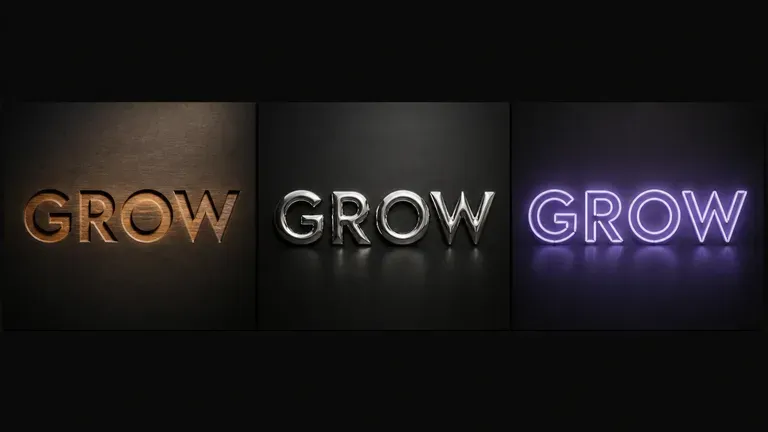
Gratis
Mulai dengan Generasi Gratis
Coba efek tipografi pertama Anda dengan kredit Virse. Pengguna baru dapat membuat hingga 10 gambar, cukup untuk melihat apakah perlakuan material tetap kuat sebelum digunakan dalam proyek nyata.
Huruf yang diukir pada kayu bereaksi berbeda terhadap cahaya dibanding huruf yang dicetak dalam logam cair, dan tidak ada satu prompt pun yang bisa membuat keduanya tepat secara kebetulan. Ketik teks Anda, sebutkan materialnya, dan dapatkan efek yang menjaga susunan kata tetap utuh sambil menentukan bagaimana material itu seharusnya menangkap cahaya. Kredit gratis memberi Anda versi pertama.
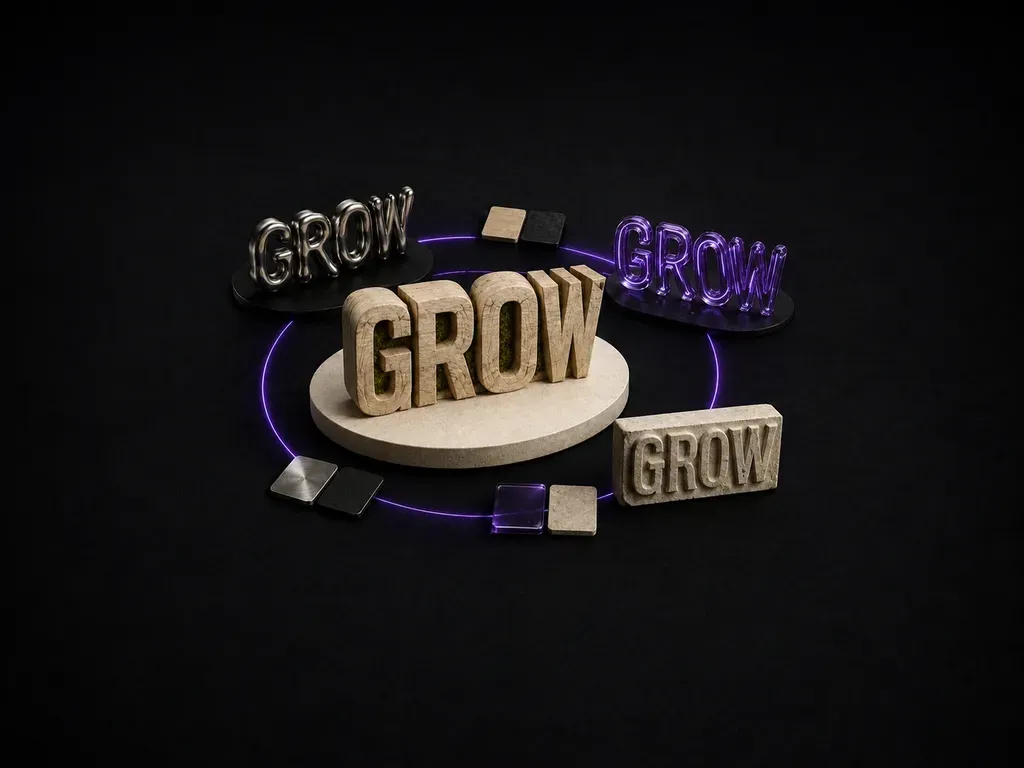
Generator tipografi AI mengubah baris teks singkat menjadi efek artistik sambil tetap mempertahankan susunan katanya. Di Virse Anda mengetik teks, mendeskripsikan material dan gaya, lalu menghasilkan beberapa perlakuan untuk dibandingkan dalam satu kanvas sebelum memilih salah satunya.
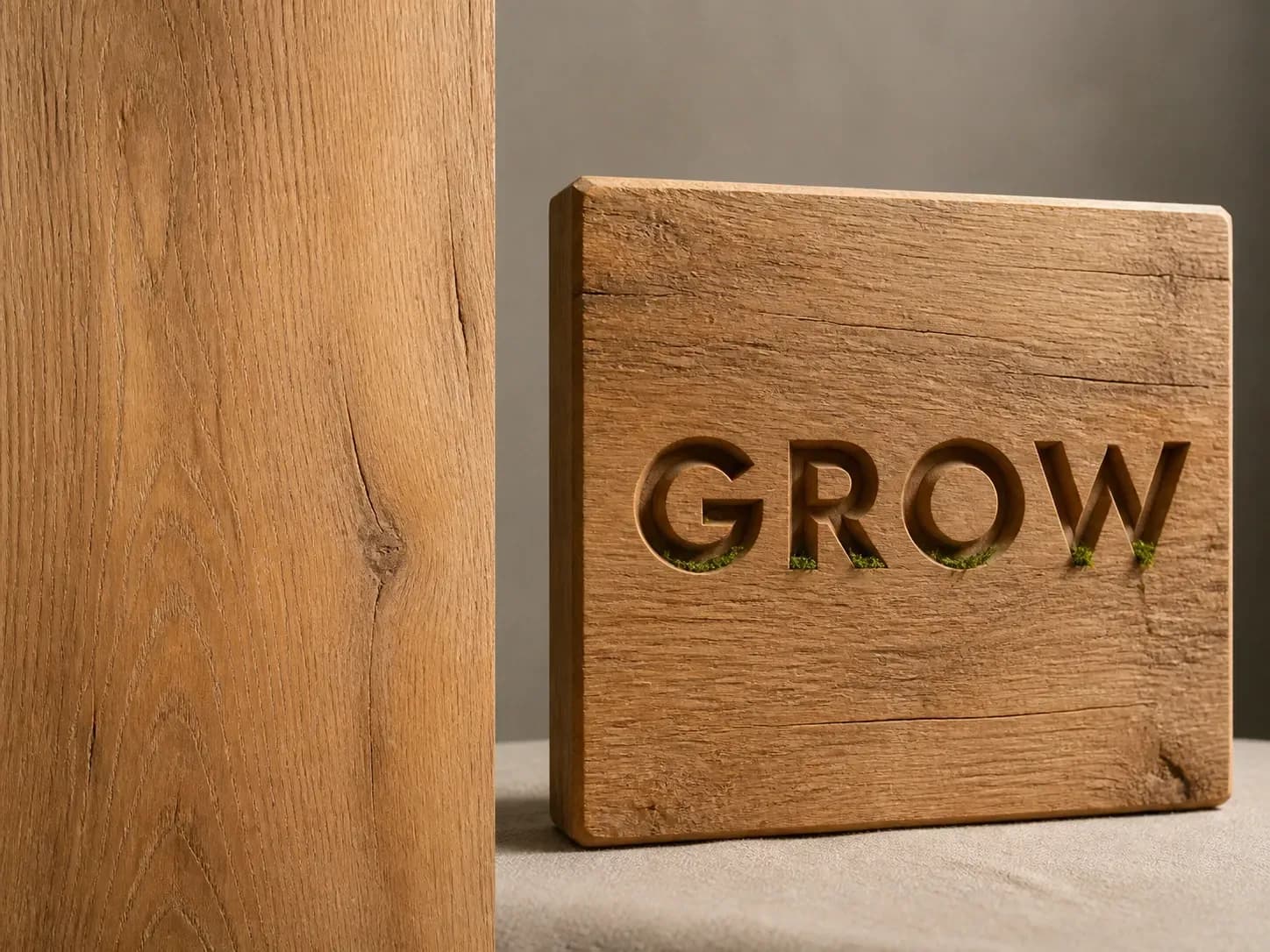
Efek teks mudah keliru pada tingkat huruf. Mengunci susunan kata dan menepatkan material adalah yang membuatnya layak digunakan.
Coba efek tipografi pertama Anda dengan kredit Virse. Pengguna baru dapat membuat hingga 10 gambar, cukup untuk melihat apakah perlakuan material tetap kuat sebelum digunakan dalam proyek nyata.
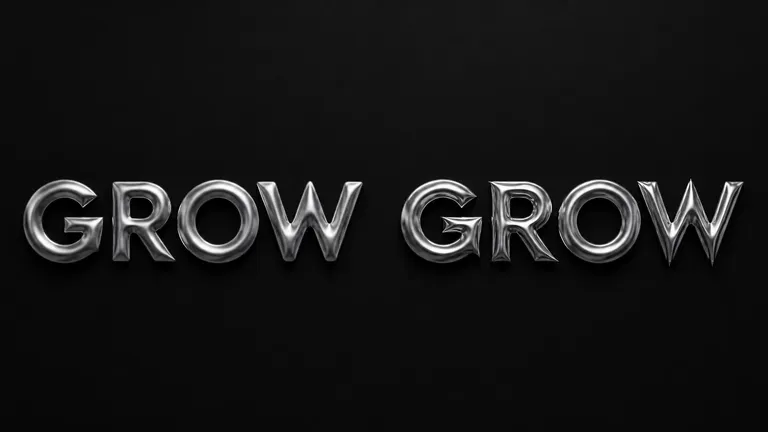
Virse menghadirkan 40+ model AI dalam satu lingkungan, dan paket berbayar mencakup penggunaan model tanpa batas. Anda dapat melihat bagaimana model berbeda merender material yang sama tanpa perlu menyusun ulang brief untuk masing-masing.
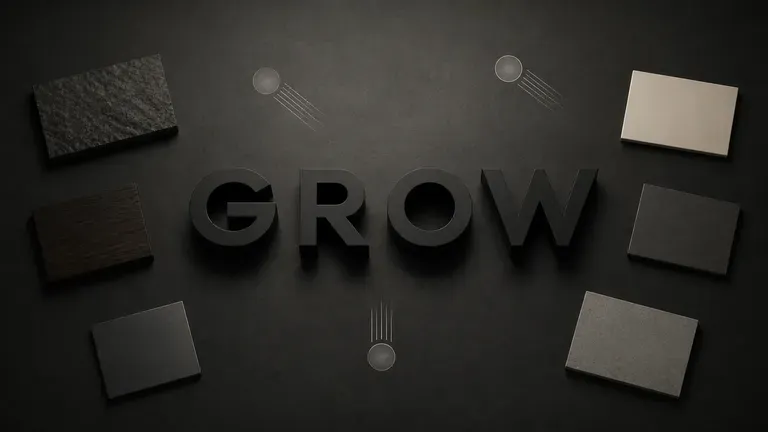
Referensi, perlakuan yang dihasilkan, dan material alternatif tetap bersama dalam kanvas tak terbatas. Virse menjaga susunan kata dan catatan gaya Anda tetap dalam konteks, sehingga putaran berikutnya dibangun di atas hal yang sudah berhasil.
Bandingkan pengaturan shader dan pencahayaan 3D manual dengan tipografi material cepat di kanvas Virse.
Ekstrusi Teks 3D Manual & Gaya Layer
Generator Efek Tipografi Virse
Buat singkat, satu kata atau frasa pendek adalah yang terbaik. Kalimat yang lebih panjang lebih sulit dirender dengan rapi oleh model apa pun pada tingkat material.
Tuliskan materialnya, seperti kayu berukir atau logam cair, serta suasananya, dari hangat dan alami hingga dingin dan industrial.
Jalankan model gambar AI yang tersedia dan biarkan model tersebut menerapkan material ke teks Anda sambil menjaga susunan katanya tetap tidak berubah.
Pilih olahan terkuat dan terus sesuaikan material serta pencahayaan dengan catatan yang diperbarui.
Pertahankan teks Anda dalam 1–3 kata yang berdampak dan jelaskan material fisik, profil tepi, serta pencahayaan latar:
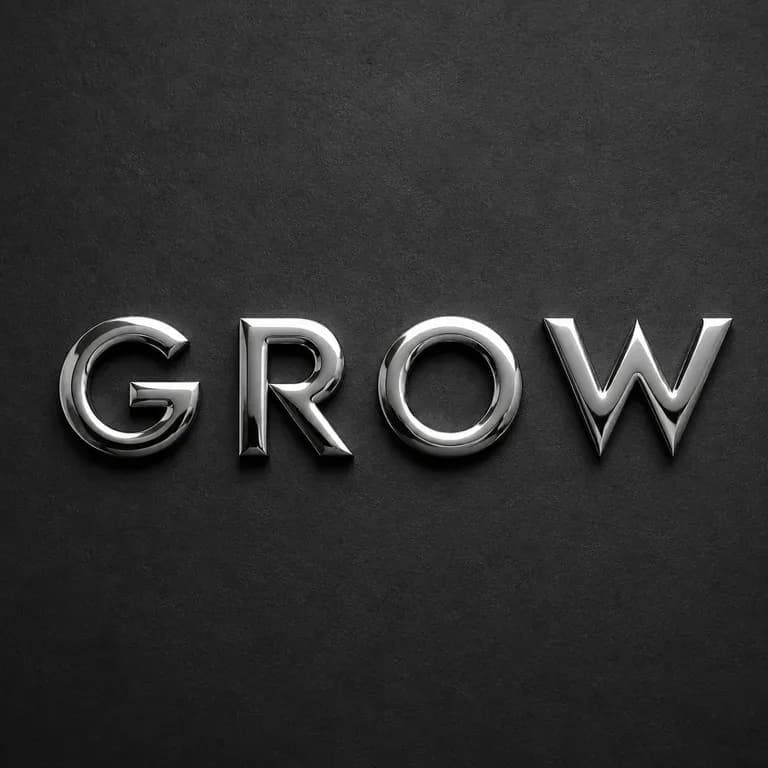
· Judul krom cair meleleh: Kata 'PULSE' dalam krom merkuri cair yang mengembang dan dipoles cermin, pantulan studio neon sian-violet, latar belakang karbon gelap.
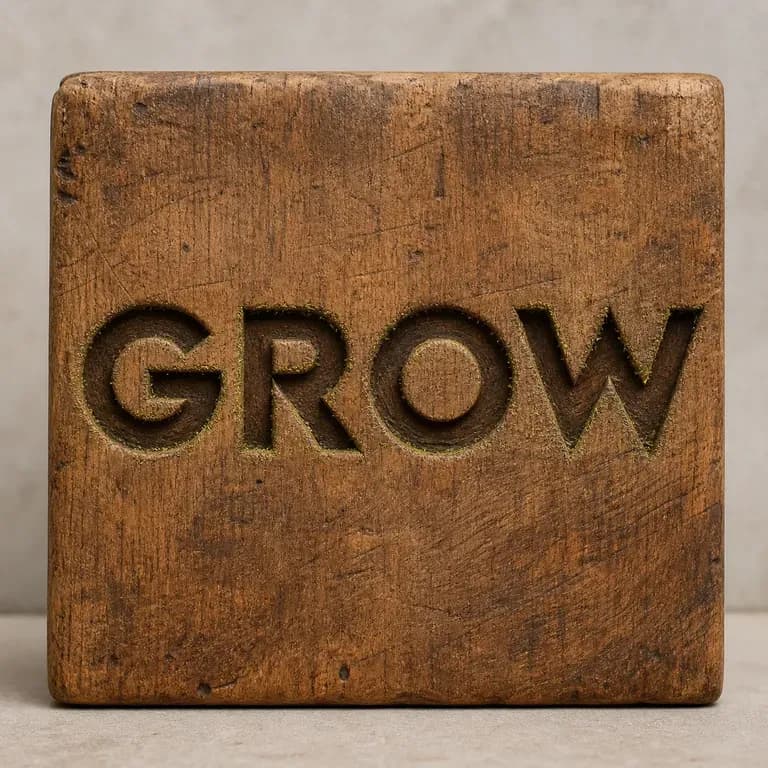
· Huruf walnut ukiran kerajinan: Kata 'HARVEST' dipahat dengan pahat dari balok kayu walnut hangat yang diminyaki, bayangan bevel tajam, permukaan meja linen krem.
· Huruf puff botani taktil: Kata 'BLOOM' dibentuk dari lumut lebat, bunga liar, dan tetesan embun, sinar matahari pagi lembut pada latar seamless sage redup.
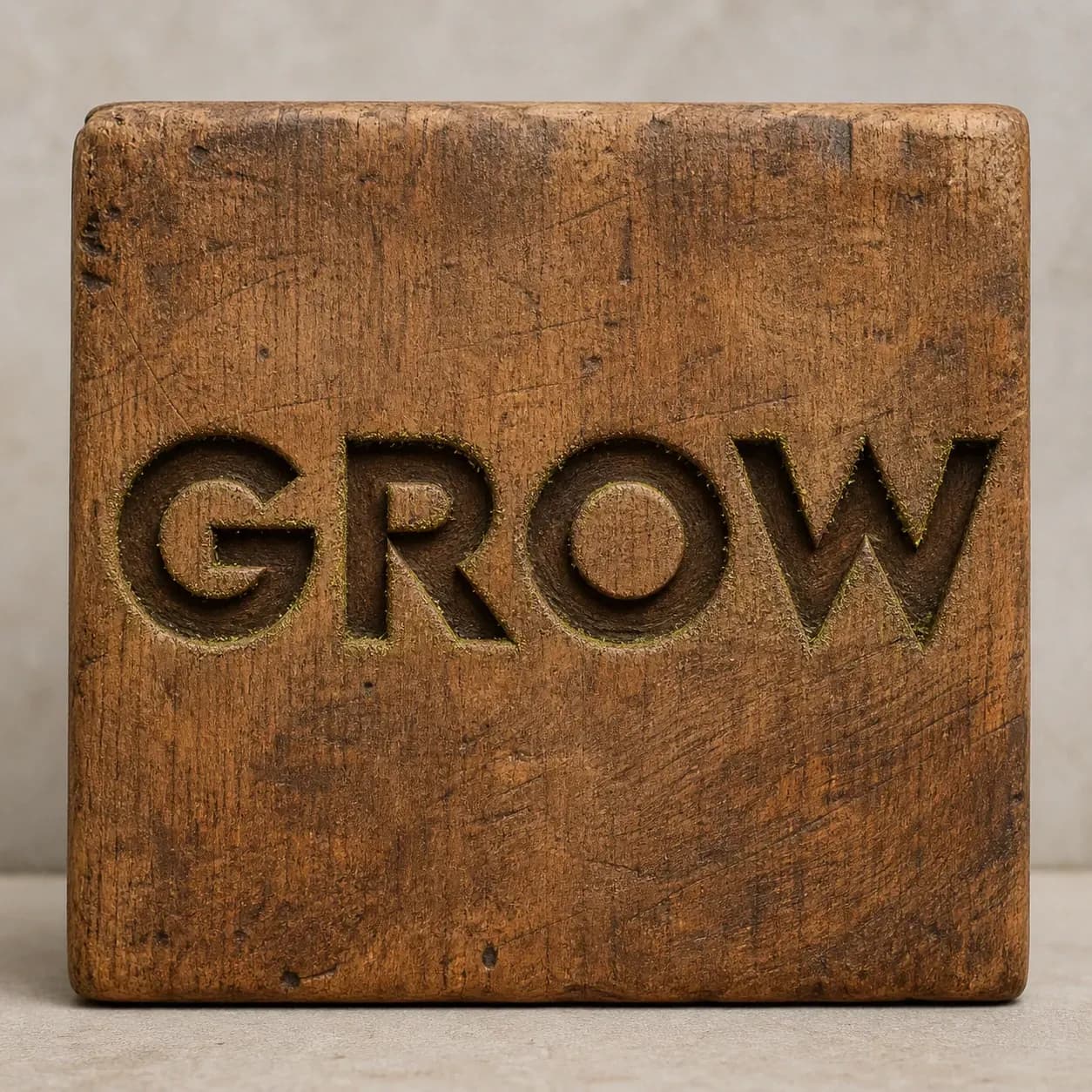
Orang yang membutuhkan sebuah kata terlihat seperti sesuatu, bukan hanya mengatakan sesuatu.
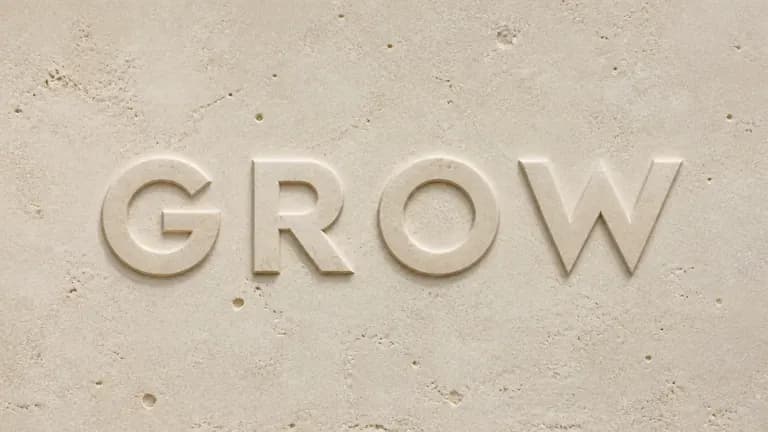
Jelajahi tipografi berbasis material untuk poster, olahan judul, atau momen merek.
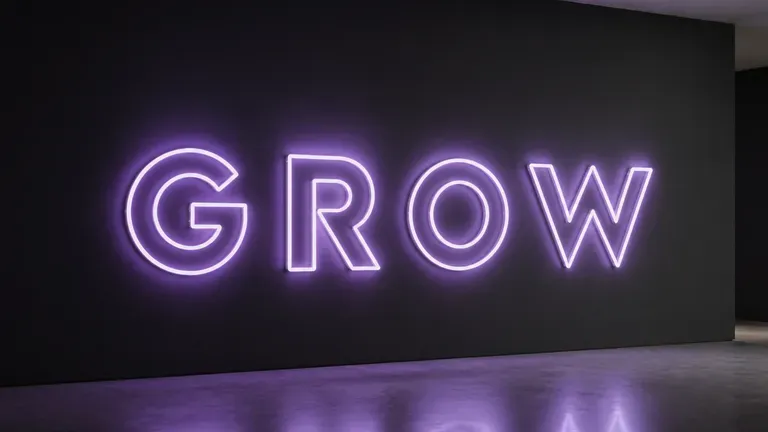
Buat olahan teks yang menarik perhatian untuk postingan, sampul, atau thumbnail.
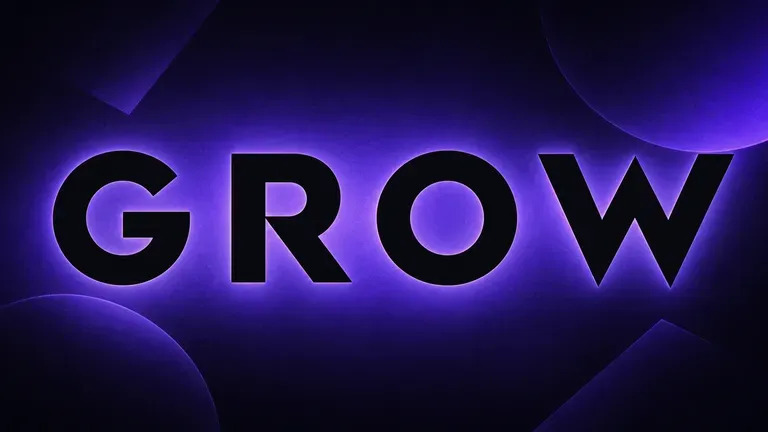
Rancang olahan headline yang tegas untuk poster atau pengumuman acara.
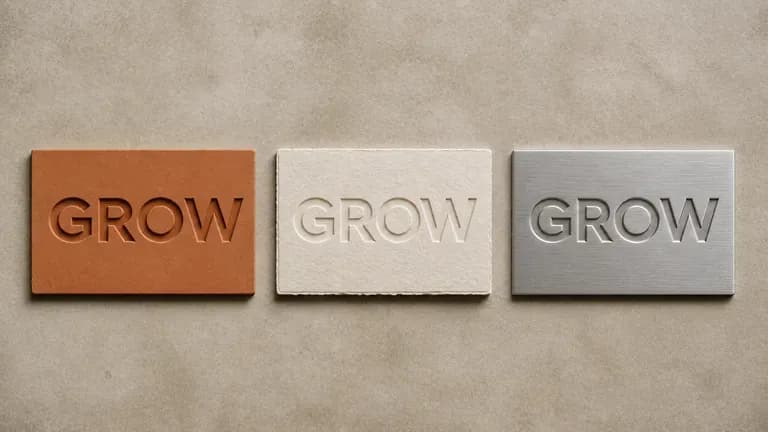
Berlatih menerapkan material dan gaya pada huruf sebagai latihan desain.
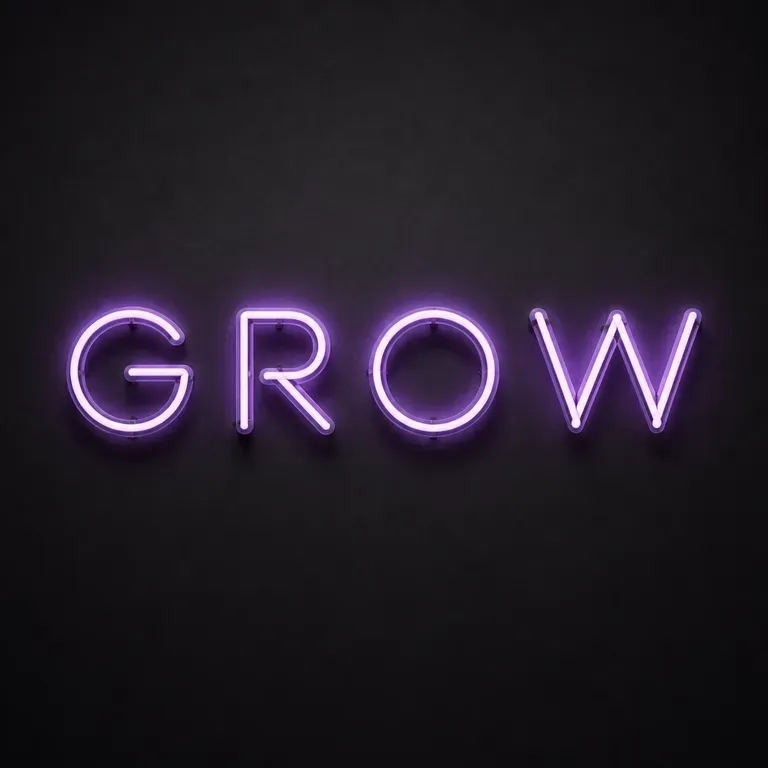
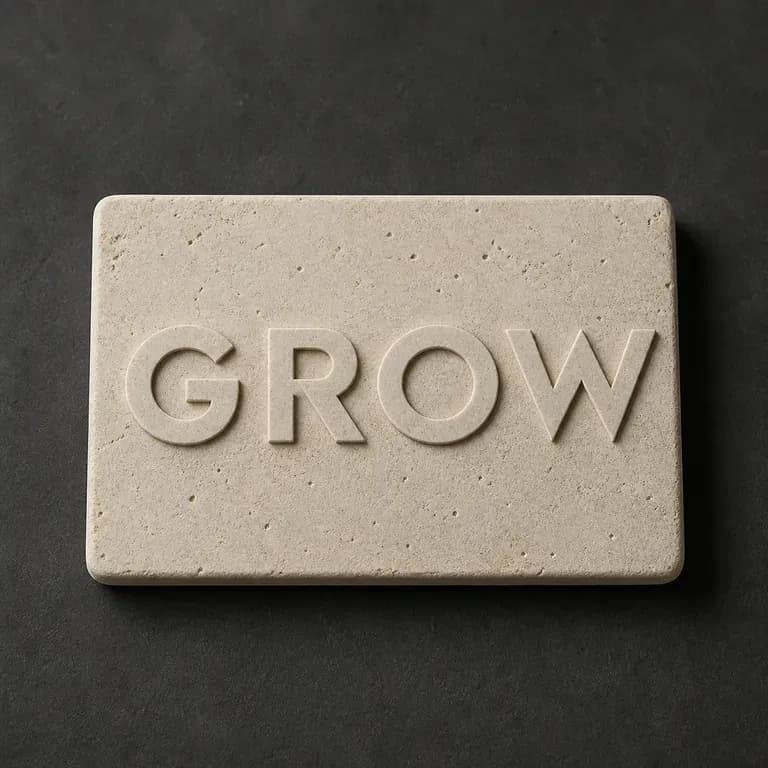
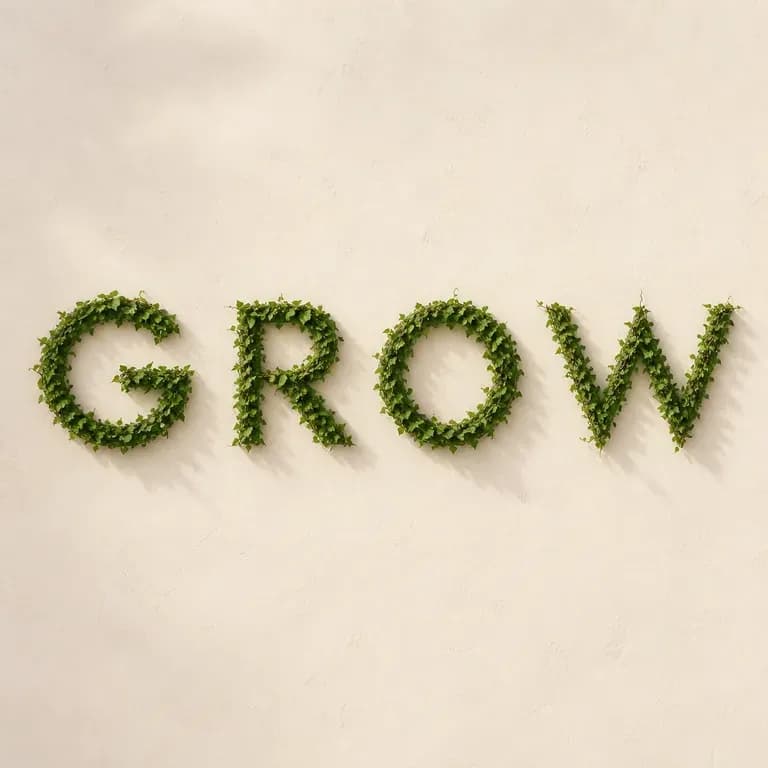
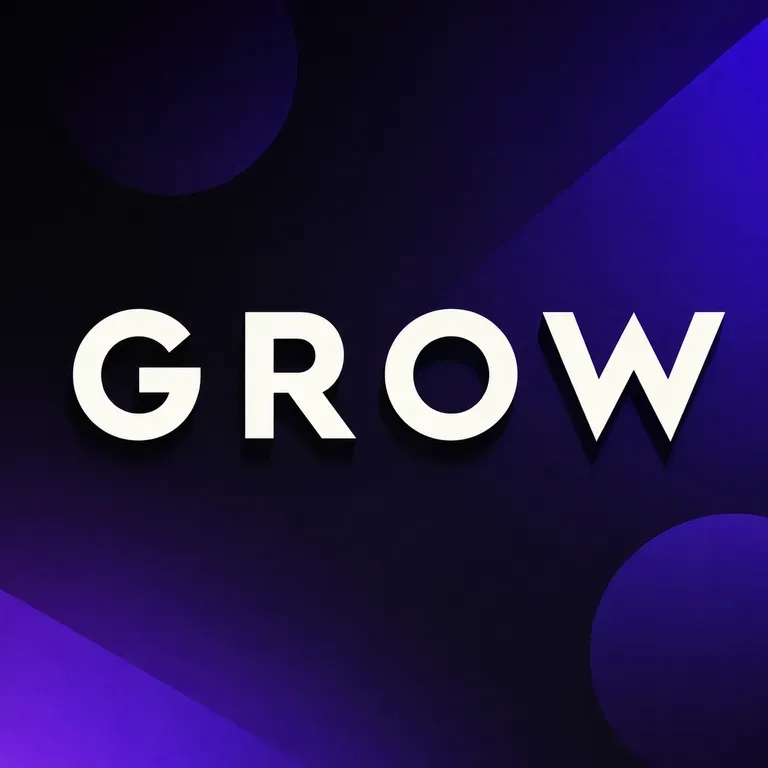
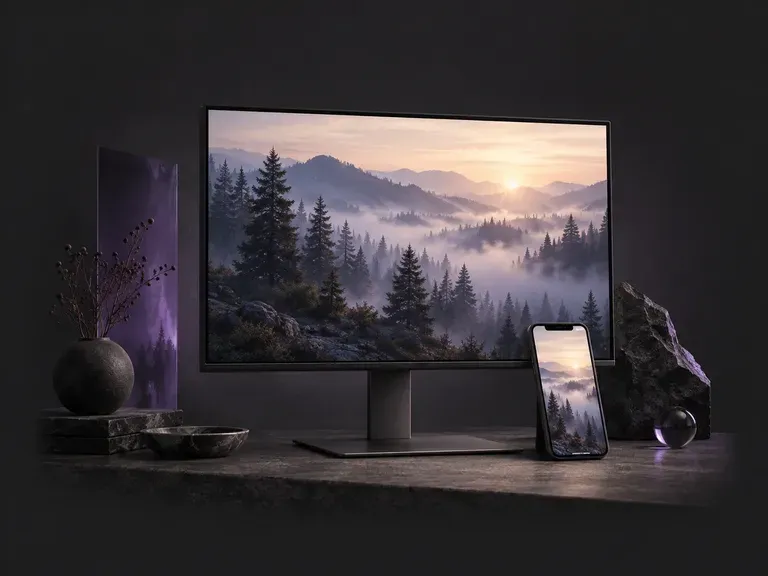
Choose a 9:16 phone or 16:9 desktop format, then describe the scene, style, and palette you want. This AI wallpaper generator creates custom screen backgrounds across minimalist gradients, misty landscapes, anime skylines, and 3D geometry with clock headroom.
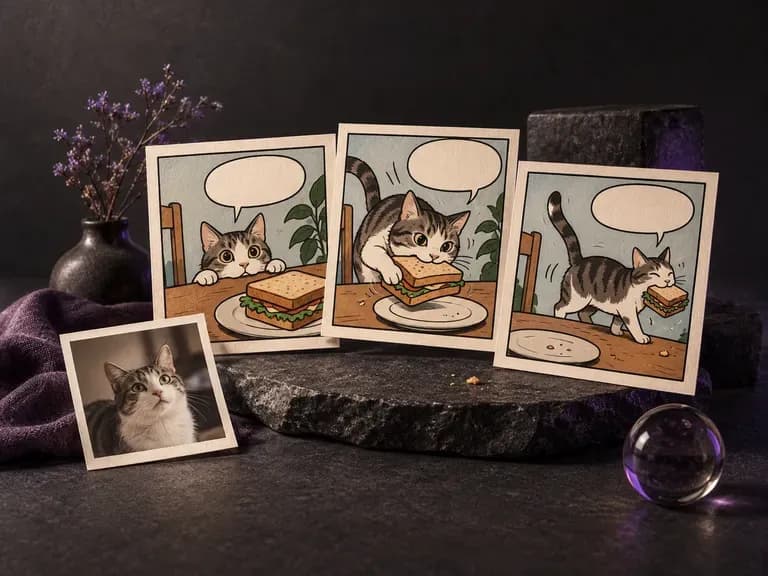
Baik Anda sedang mempresentasikan lelucon tiga panel, mengilustrasikan handout kelas, atau menggambar ulang foto favorit dengan tinta dan titik halftone, generator komik AI ini mengubah alur cerita tertulis atau gambar yang diunggah menjadi bingkai komik tunggal dan strip berurutan pendek di kanvas Virse.
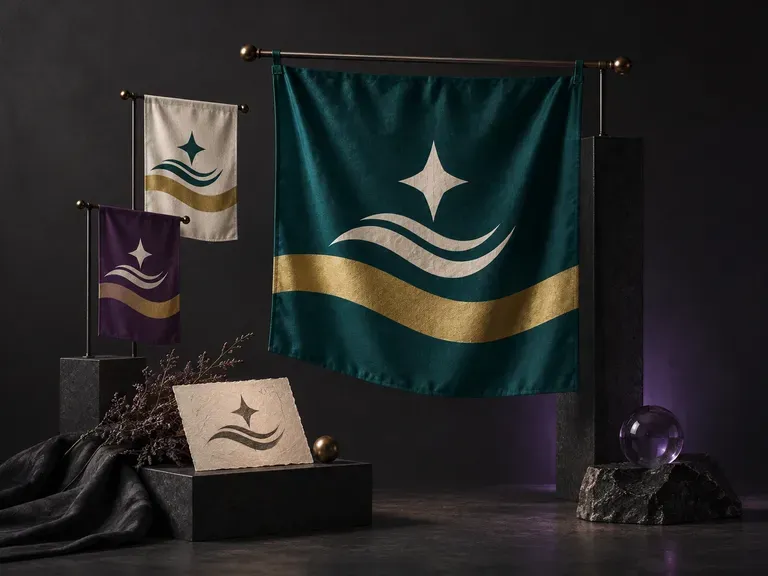
Bendera yang kuat terlihat jelas dari seberang stadion atau pada peta worldbuilding kecil. Jelaskan warna bidang, pembagian geometris, dan motif utama Anda (atau unggah emblem yang sudah ada), lalu generator bendera AI ini akan membuat desain bendera tampak depan dan pratinjau tiang bendera di kanvas Virse Anda.
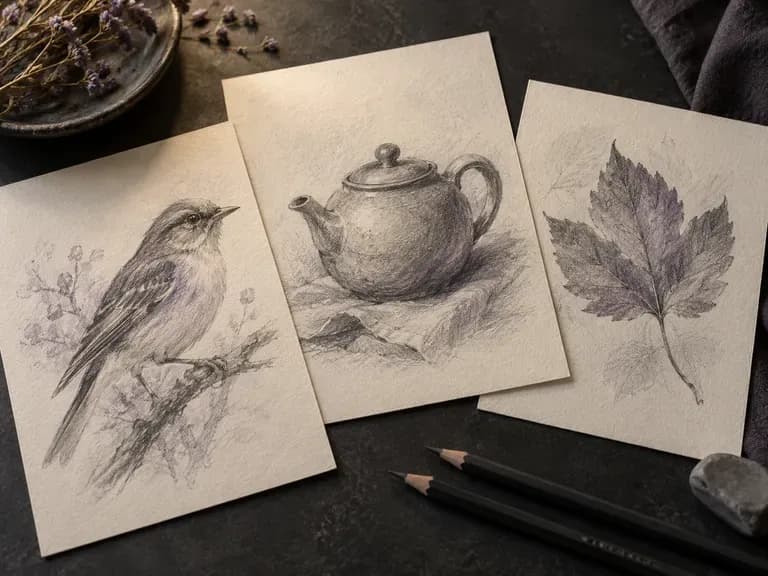
Render studi pensil grafit, garis pena-dan-tinta arsitektural, gambar arang, croquis mode, dan wireframe industri dengan generator sketsa AI kami. Mulai dari teks atau unggah foto untuk mengontrol ketebalan kontur, arsir silang, dan tekstur kertas.
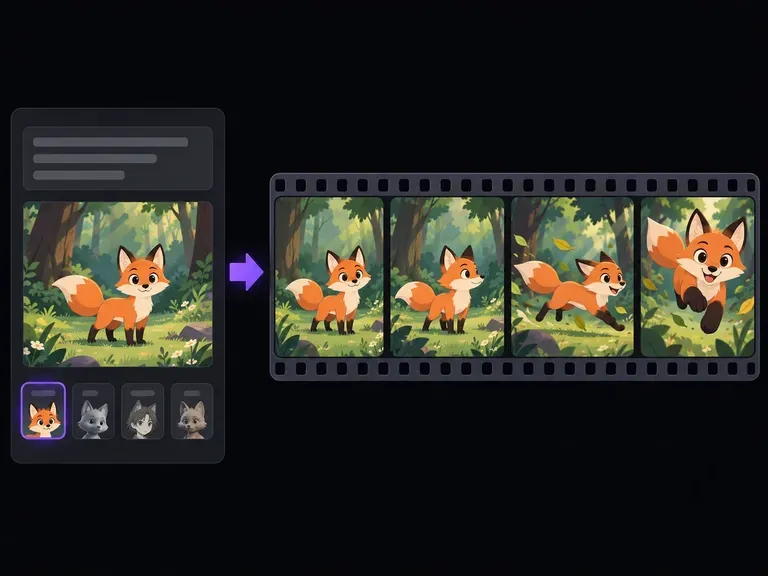
Deskripsikan satu karakter, satu aksi yang mudah dibaca, dan gerakan kamera, atau unggah ilustrasi awal opsional untuk menjadi acuan desain. Generator animasi AI ini mengubah adegan tertulis Anda menjadi klip video animasi pendek dalam gaya kartun 2D, anime cel-shaded, claymation stop-motion, atau 3D berdimensi sebelum Anda berkomitmen pada produksi penuh.
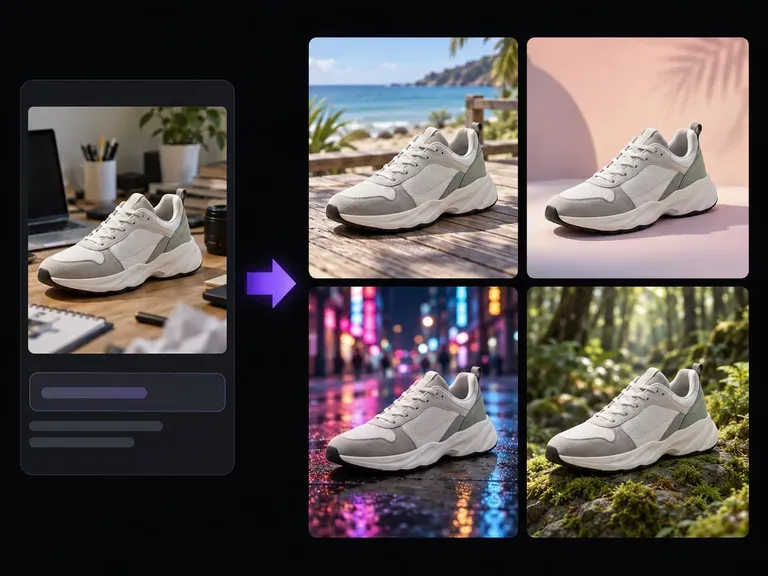
Upload a product photo or portrait and describe the new setting: a studio plinth, a sunlit room, or an outdoor patio. This AI background changer builds a custom scene around your subject to test surface materials, lighting direction, and mood on one canvas.

Buat dan edit gambar diam dengan FLUX 3 Image pada 1K, 2K, atau 4K. Beralih ke FLUX 3 Video untuk adegan berdurasi 5–20 detik pada 720P atau 1080P dengan audio native, di kanvas Virse yang sama.

Buat dan edit gambar dengan Nano Banana 2.1 di Virse. Pilih output 1K, 2K, atau 4K dan gunakan hingga 14 gambar referensi untuk memandu subjek, latar, dan material.

Qwen Image 3.0 Pro dari Alibaba merender huruf sebagai bahasa dalam belasan sistem tulisan, dengan keterbacaan hingga ukuran sepuluh piksel pada tata letak padat.
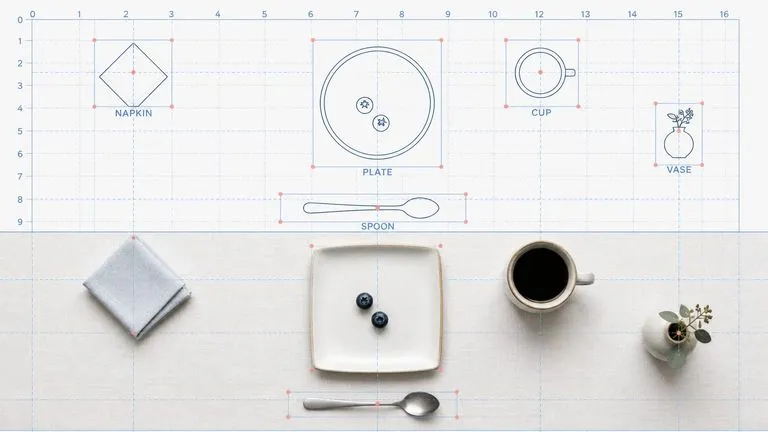
Model generasi kedua Reve AI membangun tata letak dengan elemen berposisi yang dapat dituju sebelum merender, sehingga susunan yang ditentukan kembali sesuai susunannya.
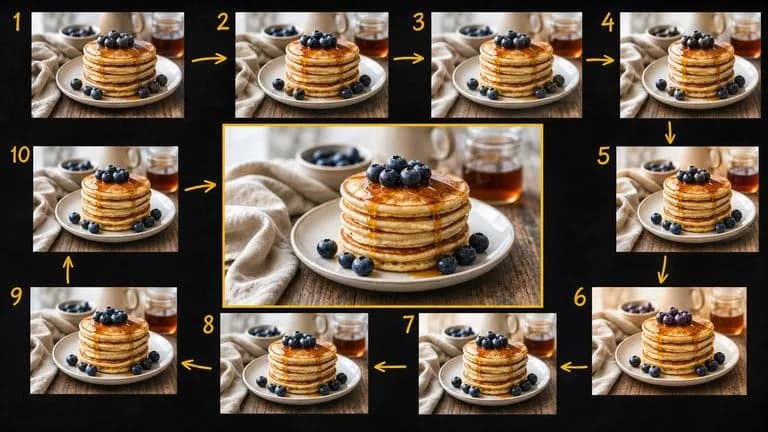
Gemini 2.5 Flash Image dari Google—Nano Banana asli—membuat dan menyunting gambar secepat percakapan, sehingga koreksi cukup dengan satu kalimat, bukan satu sesi.

Seedream 4.0 dan Seedream 4.5 dari ByteDance menghasilkan gambar dari deskripsi tertulis dan dari gambar yang Anda berikan, mengubah satu gambar sumber menjadi sebanyak mungkin arah yang dibutuhkan proyek.
Ketik teks Anda, jelaskan material dan gayanya, lalu buat olahan efek yang menjaga teks Anda tetap utuh.