AI Talking Avatar Generator

AI Avatar Generator: Animate Portraits and Talking Avatars

Upload an authorized portrait, headshot, or stylized character image and pair it with a short spoken script. This AI avatar generator animates your portrait into a 4-, 6-, or 8-second talking presenter clip with native speech or silent delivery.

Input
Portrait or character image · RequiredScript and delivery · OptionalScene & style reference · OptionalShot & posture · OptionalDuration · OptionalAspect ratio · OptionalAudio · Optional
Output
1 short avatar video with optional native scripted speech × 1

Portrait or character image

Required

Portrait or character image (required)

Your image is uploaded on the canvas — this form carries the settings.

Scene & style referenceOptional

Shot & postureOptional
DurationOptional
Aspect ratioOptional
AudioOptional

How Virse's AI Avatar Video Generator Works

An AI avatar generator (or AI avatar video generator and AI avatar generator from photo) pairs a front-facing portrait with a brief script to render a talking presenter clip:

• Versatile portrait sources: Start with a studio headshot, gaming avatar, or original 3D, anime, or illustrated portrait with clear eyes, nose, and mouth.

• Clean chest-up framing: Square 1:1 avatar framing and centered chest-up portraits provide balanced headroom when the speaker nods or talks.

• Focused spoken scripts: Short 4-, 6-, and 8-second clips read best with a single sentence, clear vocal pace, and restrained gestures.

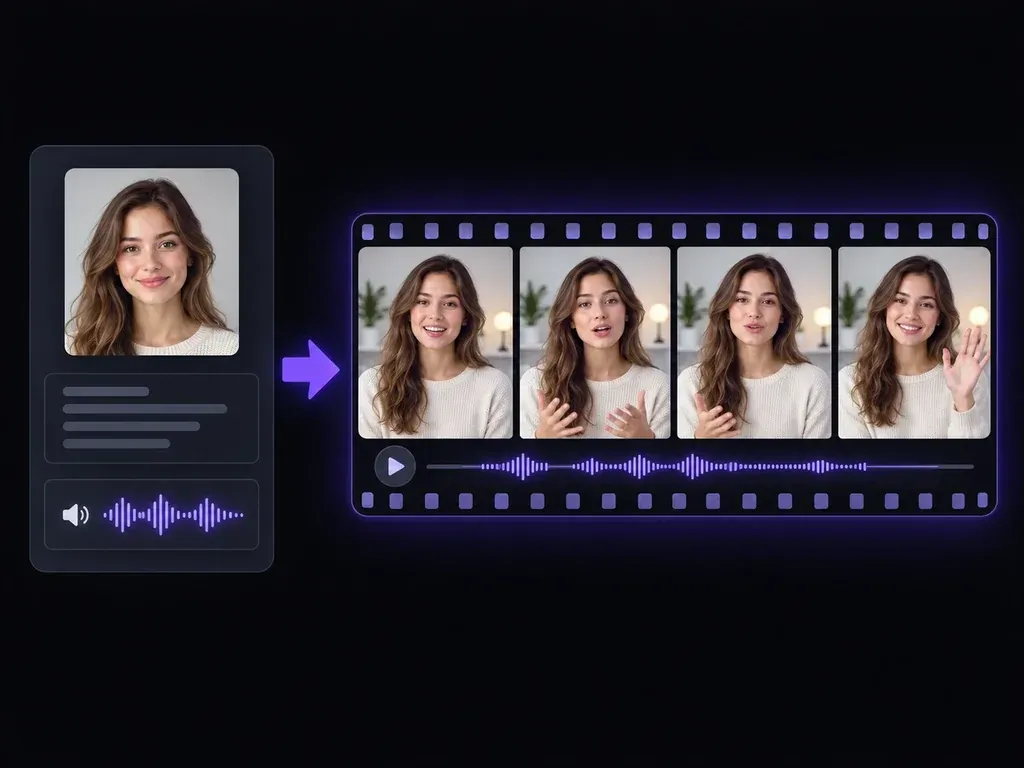
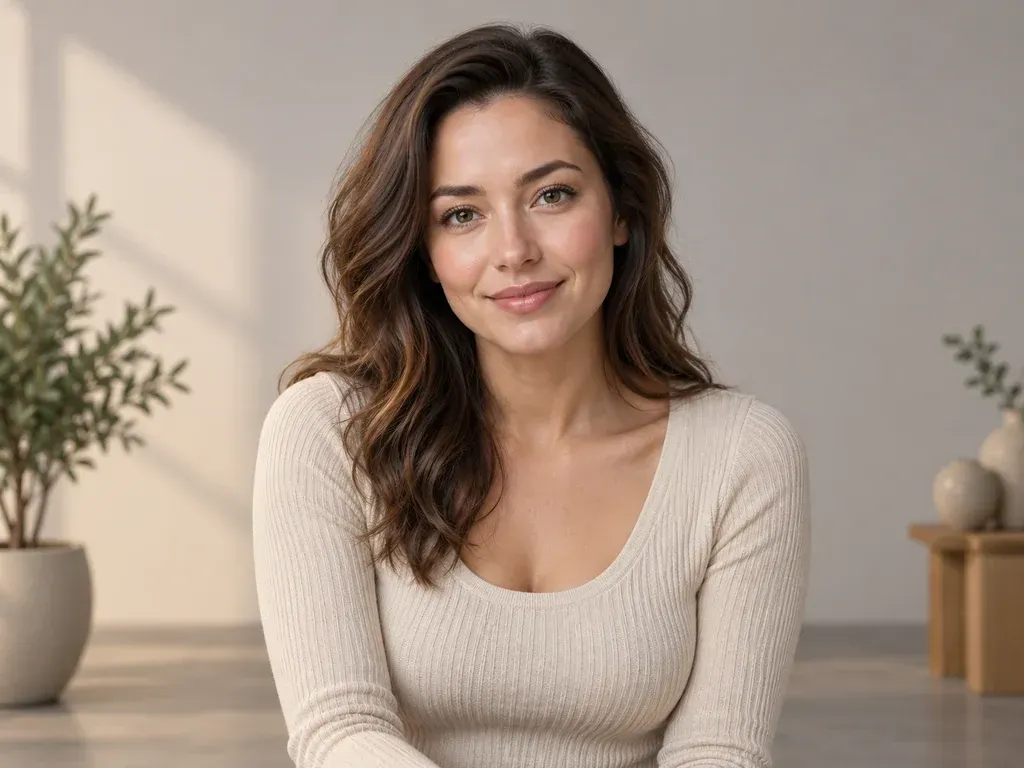
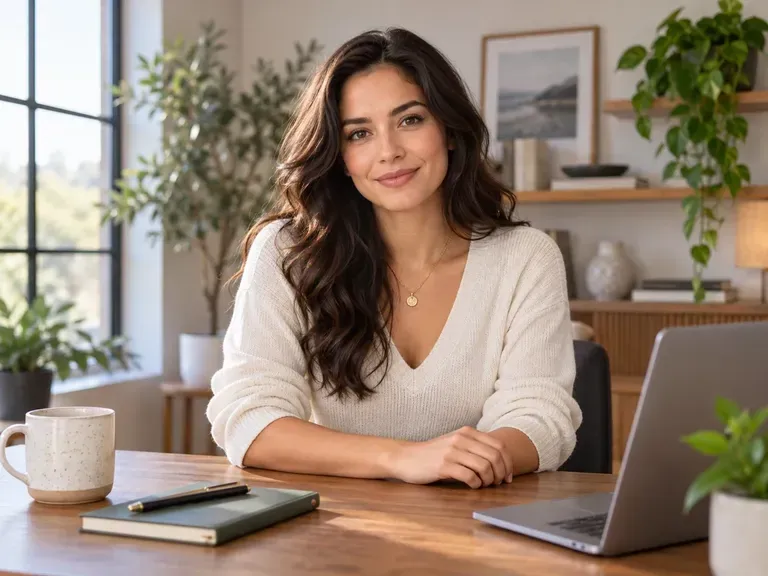
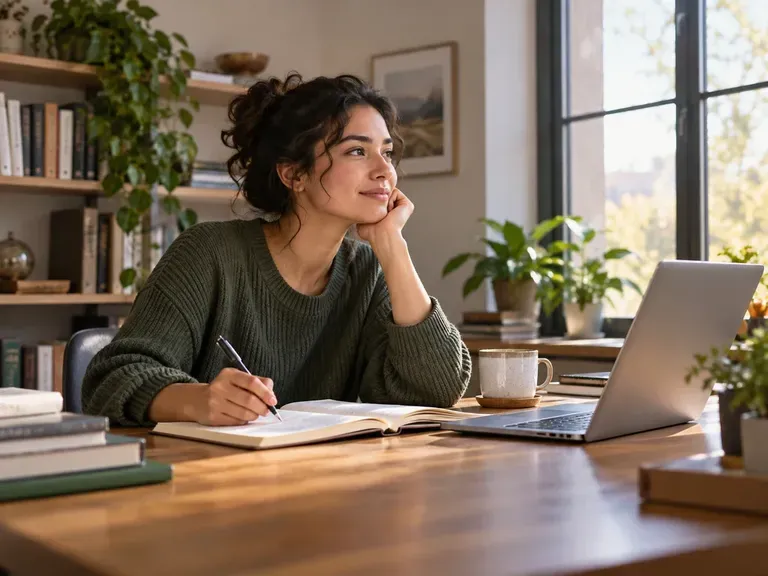
An original fictional adult presenter facing the camera in a softly lit studio, static concept frame
Original fictional presenter facing the camera in a softly lit studio frame

Key Capabilities of the AI Avatar Generator

Three controls that help a talking presenter clip preserve your source portrait's likeness and spoken clarity.

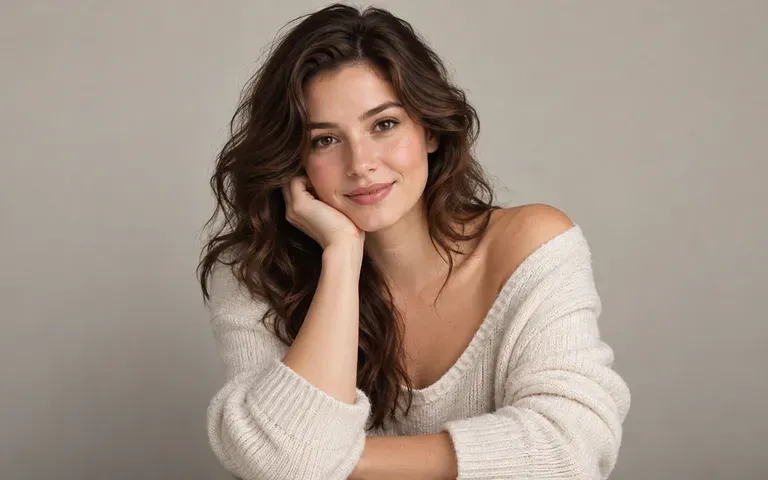
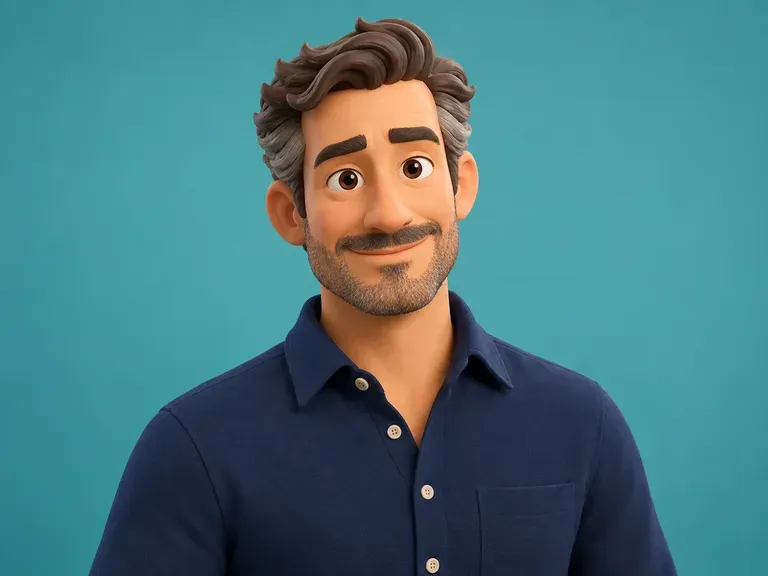
A clear front-facing original fictional adult portrait with neutral background
Source portrait

Preserve Facial Identity from Reference Photos

Upload an authorized professional headshot, gaming persona, or 3D, anime, or illustrated portrait with even lighting so facial structure and eye contact stay recognizable across the clip.

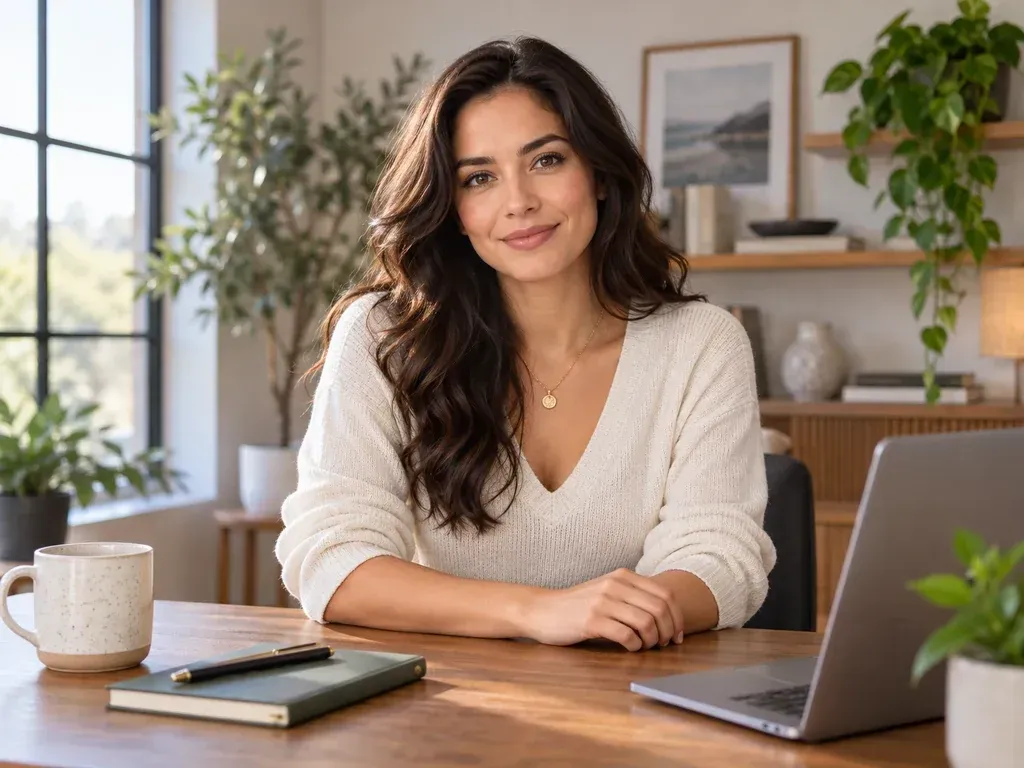
An original fictional adult presenter seated at a simple desk, concept frame
Script control

Direct Pacing and Spoken Tone in Text

Write one natural spoken sentence in quotation marks and specify a steady, warm, or calm delivery pace without stacking conflicting emotional directions into a few seconds.

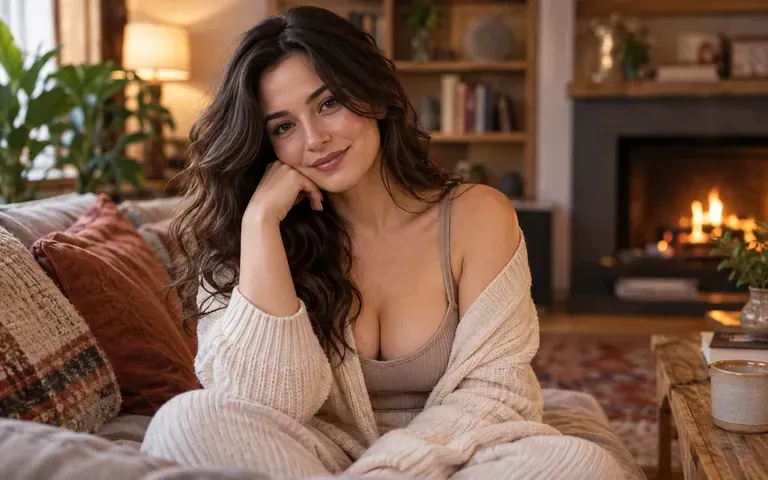
An original fictional adult presenter in a warm indoor setting, concept frame
Delivery check

Inspect Lip Movement and Framing Together

Play the rendered video to verify pronunciation, mouth articulation, head posture, and 1:1 avatar framing or studio composition against your uploaded portrait before sharing.

AI Avatar Video Generator vs. Live Studio Filming

How testing a short presenter message with an AI generated avatar compares with booking a live camera and lighting setup.

Traditional Camera & Studio Shoot

  • Requires lighting setup, microphone checks, and wardrobe prep just to test a 6-second intro hook
  • Re-recording a single changed product phrase means matching the exact studio lighting and framing
  • Cannot turn a 3D, anime, or illustrated creator mascot into a speaking presenter without rigging
  • Reviewing multiple presenter tones takes separate casting and filming sessions

Virse AI Avatar Generator

  • Animates an authorized headshot or original character portrait from a short written script
  • Lets you revise a spoken line and regenerate the clip without resetting lights or cameras
  • Works across photorealistic portraits, stylized gaming avatars, and 3D or illustrated characters
  • Compares warm, calm, or upbeat delivery variations side by side in your browser workspace

How to Create an AI Avatar from a Photo

  1. Prepare an Authorized Portrait

    Select a sharp, front-facing headshot, 1:1 profile avatar, or character image you have permission to animate with an uncovered mouth.

  2. Write a Single Spoken Line

    Enter the exact words in quotes along with the language, speaking pace, and one clear expression cue in the prompt field.

  3. Generate the Talking Clip

    Run the avatar generator AI workflow in Virse and watch the 4-, 6-, or 8-second presenter video with audio enabled.

  4. Verify Likeness and Ethics

    Check mouth movement, pronunciation, and facial identity, label the AI generated avatar clearly, and never imply unapproved endorsement.

Copy-Ready Speaking Prompts for an AI Generated Avatar

Pair a portrait upload with a speaking brief stating the quoted line, vocal pace, and gesture restraint for your AI generated avatar:

• Studio intro: "Say 'Welcome to our weekly product walkthrough, let us look at what shipped today' warmly at a measured pace with a subtle nod."

• Creator greeting: "Say 'Thanks for dropping into the stream, grab a seat while we load the new map' in an upbeat tone with a slight smile."

• Educator tip: "Say 'Start by checking the front lighting before you upload your reference portrait' in a steady cadence with natural blinking."

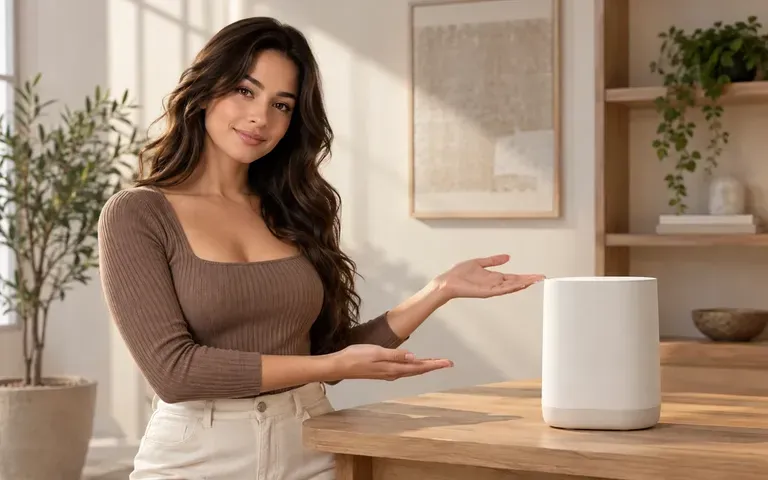
An original fictional adult presenter facing the camera
Studio presenter avatar delivering a brief opening welcome message on camera

Who Uses an Avatar Generator AI Workflow?

Four teams and creators who use an avatar generator AI workflow to test spoken introductions, explainers, and host concepts.

An original fictional adult in a bright creator studio

Creators Testing Channel Introductions

Upload a stylized creator portrait or 1:1 gaming avatar to audition short welcome hooks and channel bumpers before recording a full episode.

An original fictional adult presenter beside a plain product display

Product Teams Drafting Feature Callouts

Pair an authorized team portrait or brand character with a one-sentence feature summary to preview how a spoken announcement lands on a landing page.

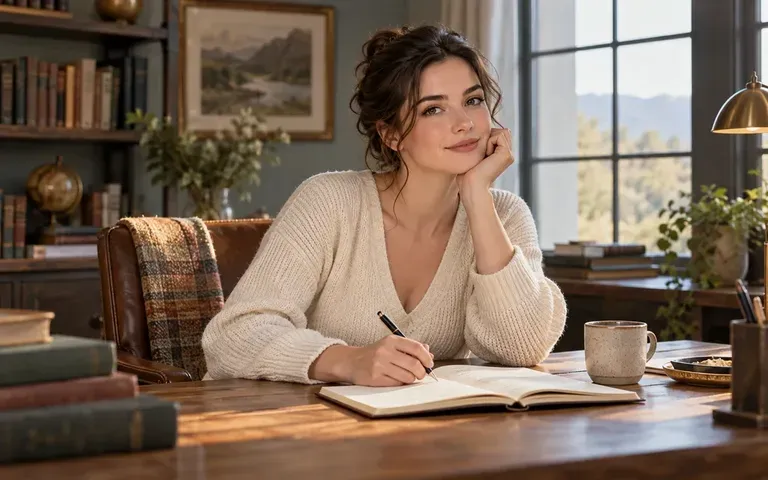
An original fictional adult presenter in a quiet study

Educators Prototyping Micro-Lessons

Test how a concise definition or study tip sounds when delivered by an illustrated or photo instructor portrait, verifying facts separately.

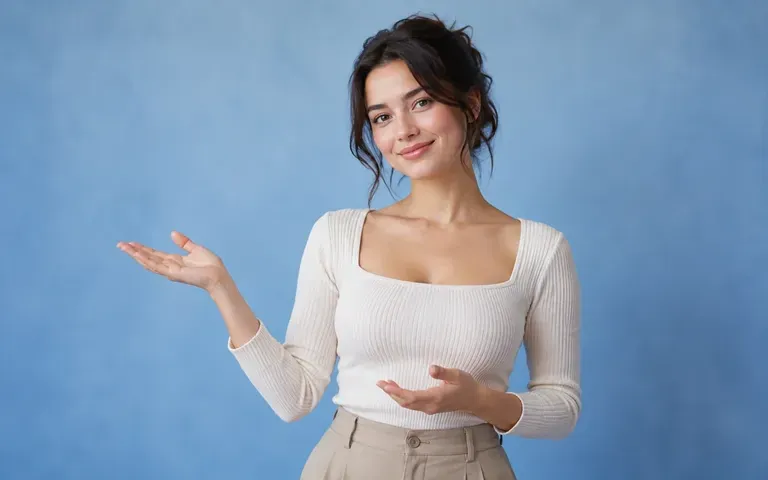
An original fictional adult presenter against a soft blue backdrop

Designers Pitching Fictional Host Styles

Show stakeholders how an original 3D, anime, or editorial persona looks and speaks as a recurring guide, presenting the clip clearly as a concept study.

AI Talking Avatar Examples and Presenter Concepts

Six presenter scenarios showing welcome hooks, product callouts, learning moments, and fictional character hosts created from portraits.

An original fictional adult presenter facing the camera
Welcome Messages: A brief opening greeting framed for an online audience
An original fictional adult beside an unbranded object
Product Introductions: One concise spoken point about a featured item
An original fictional adult at a tidy study desk
Learning Moments: A focused instructional explanation delivered at a steady pace
An original fictional adult in a neutral office
Project Updates: A short status message with a clear single purpose
An original illustrated adult host in a simple studio
Fictional Hosts: An original stylized character acting as a video presenter
An original fictional adult against a warm studio background
Presentation Concepts: A proposed speaker tone and studio lighting direction
FAQ

AI Avatar Generator FAQs

Can I try an AI avatar generator free workflow on Virse?
Yes. New Virse accounts receive 200 free compute credits at sign-up, and the Free plan replenishes 50 compute daily whenever your balance is below 200. The interface shows the compute cost before you submit, letting you test an AI avatar generator free run first.
Does this page generate static 1:1 profile pictures or talking videos?
This tool animates an uploaded portrait into a short talking presenter video. If you need a static 1:1 profile avatar first, such as a headshot, gaming icon, or 3D/anime portrait, generate the still portrait in Virse's AI Character Generator and bring it here.
What portrait photos keep facial identity most consistent?
Use a sharp, front-facing portrait with even lighting on both sides of the face, neutral or gently closed lips, and unobstructed eyes and jawline. Square 1:1 avatar framing or a centered chest-up studio crop gives the generator stable proportions and reduces warping around the chin and collar during speech.
Can I upload someone else's photo to create an AI generated avatar?
Only upload a photograph or likeness that you own or have explicit permission to animate. Never use a real person's face to imply that they spoke, endorsed, or approved a statement without their consent, and disclose generated presenter clips clearly when sharing them publicly.
Can I upload my own voice file or clone a voice?
No. Virse generates prompt-directed native speech from your written script or renders silent presenter movement, and it does not accept uploaded audio tracks or perform voice cloning. Always listen to the full output clip to check word pronunciation and mouth synchronization before publishing.
How long can a talking avatar clip be in one generation?
The current tool generates short 4-, 6-, and 8-second presenter clips designed for a single greeting, hook, or takeaway sentence. Keep each script to one concise thought so the speaking pace stays natural, and combine multiple clips in a video editor when building a longer presentation.

Create a Talking Clip with the AI Avatar Generator

Upload an authorized portrait or original character image, add a one-sentence script, and preview your talking avatar in Virse.