
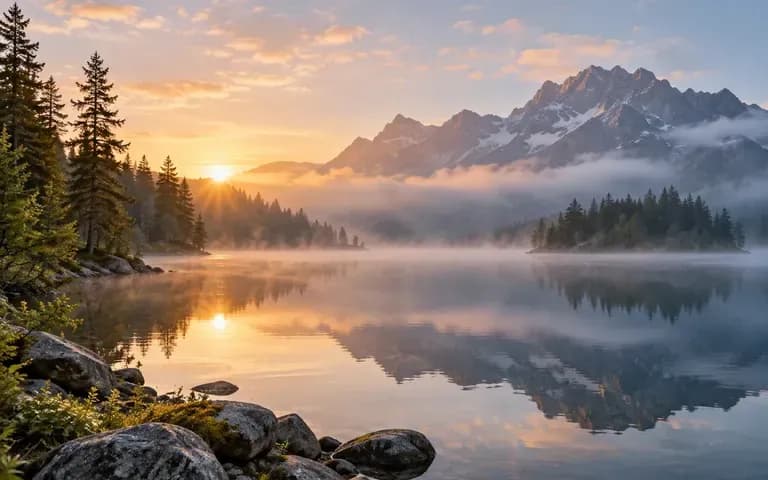
Natural Movement
Subject & Expression Animation
Guide portraits and characters through subtle, lifelike actions such as turning toward the lens, smiling, blinking, or shifting posture without losing the look of your uploaded photo.
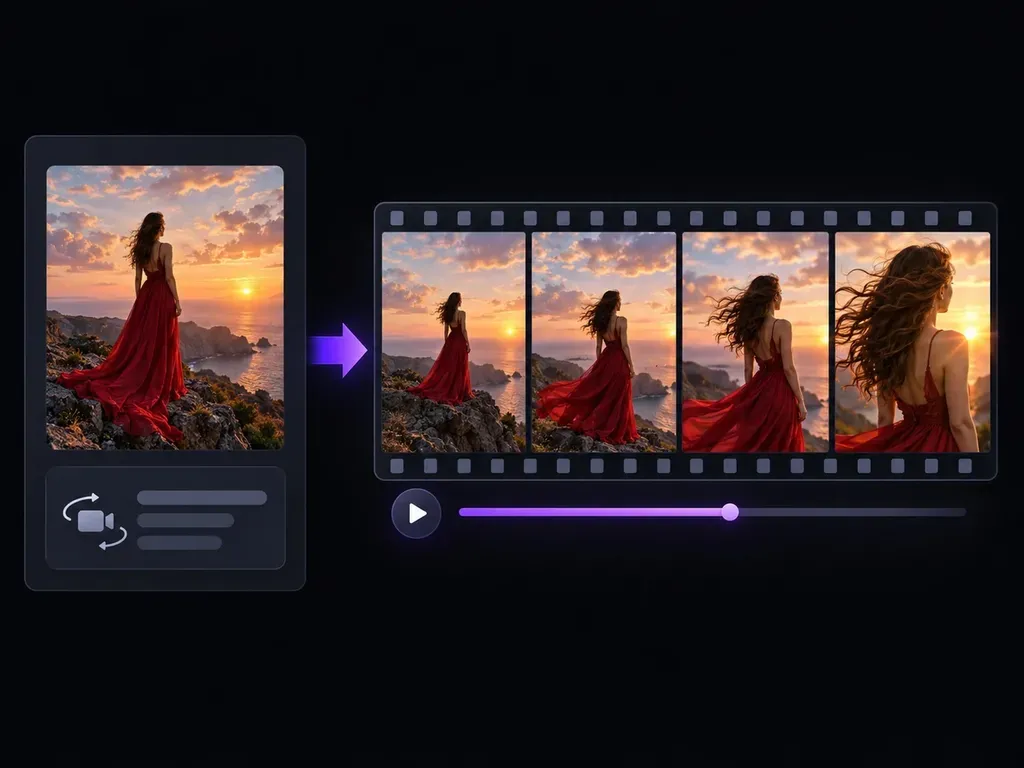
Bring static portraits, product shots, and concept art to life with our AI photo to video generator. Upload a single image, describe how the subject and camera should move, and generate a short video clip with dimensional parallax and atmospheric motion.
Unlike flat 2D pan filters, an AI photo to video generator interprets foreground subjects, mid-ground props, and background depth separately so you can direct subject actions and camera moves in plain English:
• Subject Micro-Actions: Add natural head turns, soft smiles, eye blinks, and fabric motion while preserving your photo's lighting.
• Directed Camera Moves: Specify a slow dolly push-in, gentle horizontal pan, subtle handheld drift, or shallow rack focus.
• Environmental Atmosphere: Set background water rippling, steam rising from a mug, neon reflections shimmering, or clouds drifting.

Our photo to video AI combines source-image anchoring with prompt-driven camera and environmental physics so your clips stay grounded in the original frame.
Guide portraits and characters through subtle, lifelike actions such as turning toward the lens, smiling, blinking, or shifting posture without losing the look of your uploaded photo.

Direct the virtual lens with slow push-ins, pull-backs, lateral tracking, or orbit moves that separate foreground subjects from distant backgrounds with realistic depth parallax.
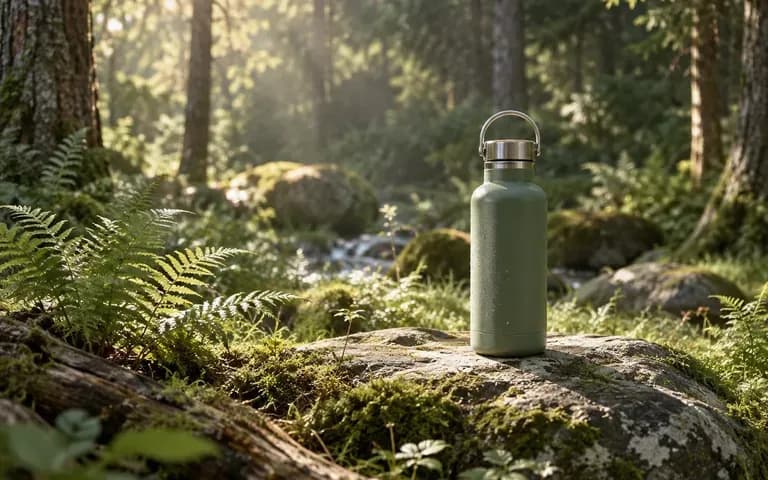
Animate environmental details around your subject, including rising coffee steam, wind through tall grass, flickering candlelight, falling snow, or water reflections.
Compare how an AI photo to video generator handles still-image animation against manual 2.5D parallax editing or basic slideshow zoom filters.
Manual Keyframes & 2D Slideshow Filters
Virse AI Photo to Video Generator
Upload a clear, well-lit portrait, product shot, or illustration where the main subject is unobstructed and in focus.
Pick a preset matching your goal: Subtle Motion for hair and fabric, Camera Move for push-ins, or Living Scene for water.
Write one subject action and one camera move in the prompt box, like 'slow camera push-in, steam rising from the cup.'
Click Animate photo, review frame consistency across the full clip, and download the MP4 for your social feed or editing timeline.
Use this formula in the AI photo to video generator: one subject action + one environmental detail + one camera move. Copy any of these three motion prompts:
• Portrait Reel Opener: "The woman slowly turns toward the lens with a warm smile, hair drifting in a breeze, slow 50mm dolly push-in, golden hour."
• Product B-Roll: "White steam rising steadily from the ceramic espresso cup, morning window shadows shifting across linen, slow pan right."
• Sci-Fi Concept Scene: "Floating rock islands drifting slowly through low mountain mist, waterfalls cascading below, smooth aerial push-in."

Social teams, e-commerce brands, and digital artists use AI photo to video tools to turn static libraries into high-retention motion posts.

Turn top-performing still portraits, travel snapshots, and aesthetic moodboards into 5-second video hooks for Instagram Reels, TikTok, and Shorts.

Add rising steam, splashing water droplets, or slow studio camera orbits to existing catalog photography for higher-converting video ads.
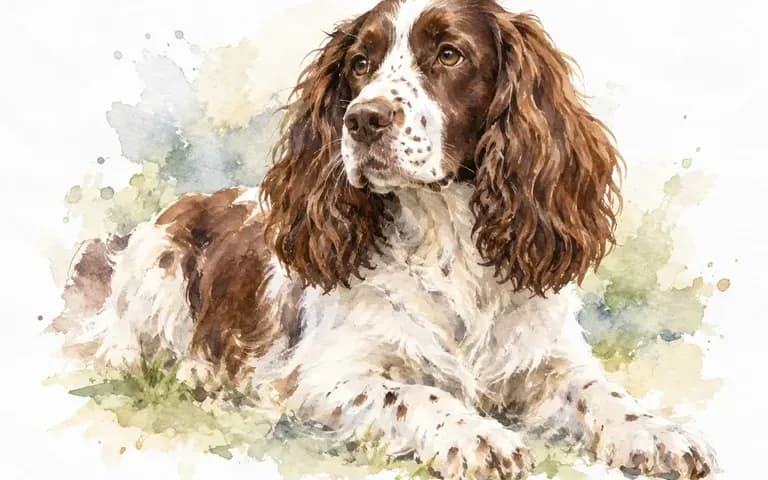
Bring character illustrations, comic panels, and environment paintings to life with atmospheric fog, cape movement, and glowing embers.

Add gentle expressions, natural blinking, and subtle depth movement to studio portraits, lookbook frames, and restored family photographs.
See how different source images respond when you convert photo to video AI clips across portraits, products, and illustrated worlds.

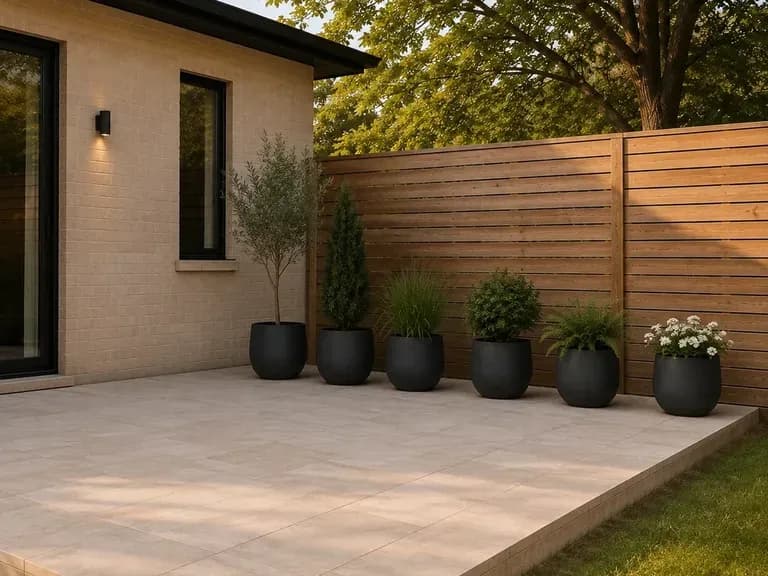
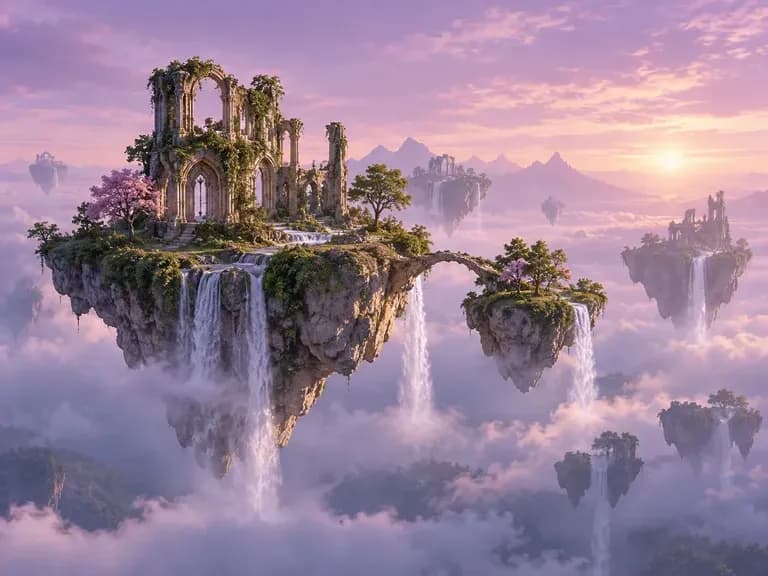

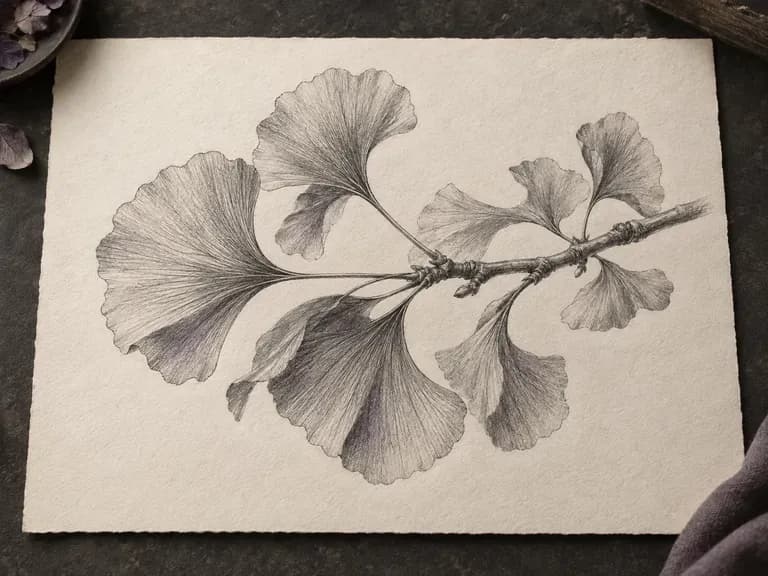
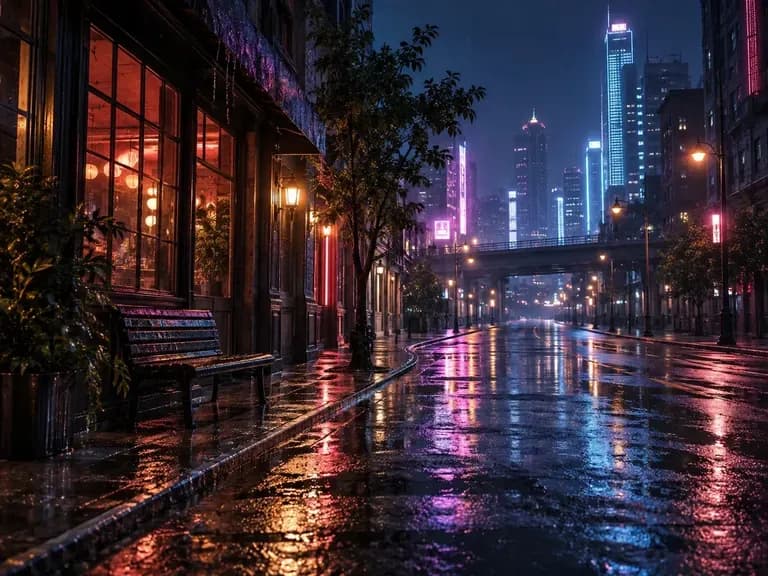
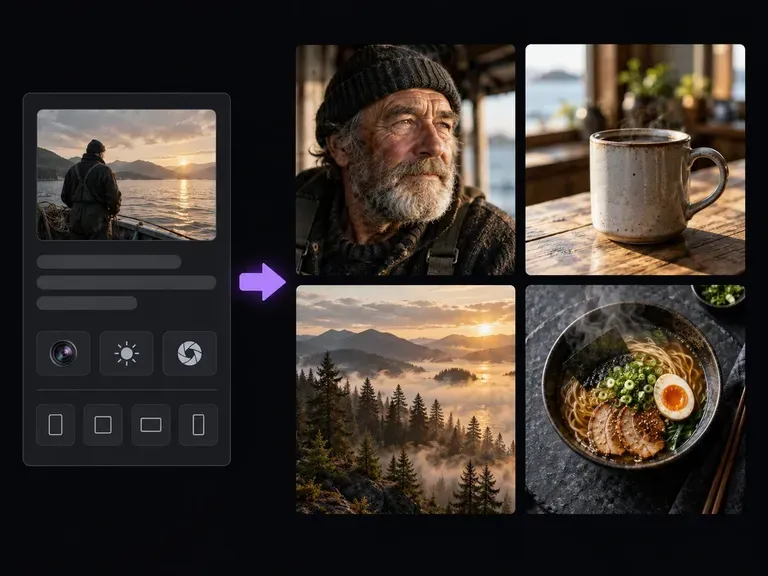
Generate photorealistic portraits and product scenes from text first, then animate them into video clips.
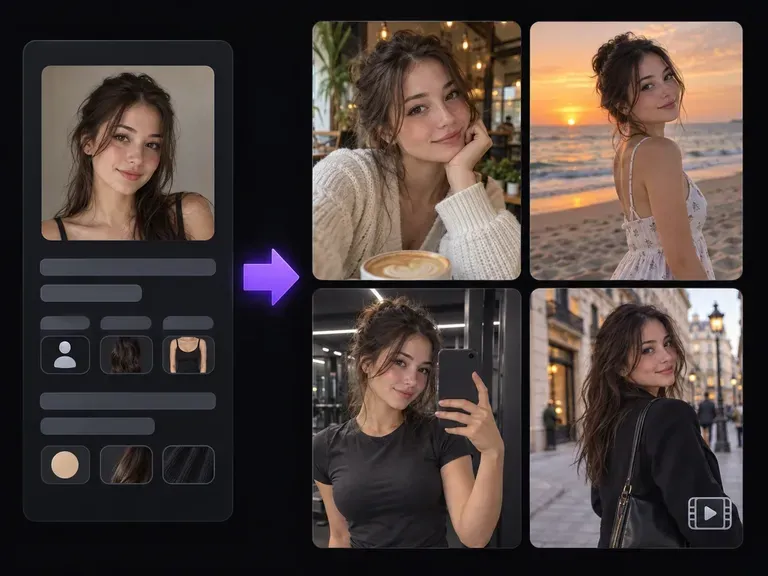
Design a consistent virtual persona and animate their lifestyle photos into short vertical social clips.
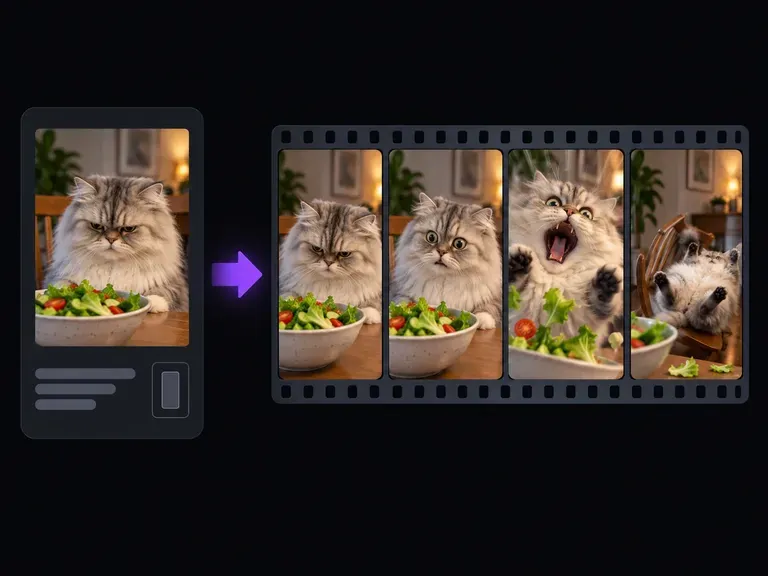
Turn reaction photos and pet snapshots into loopable video memes with crash zooms and expressive timing.
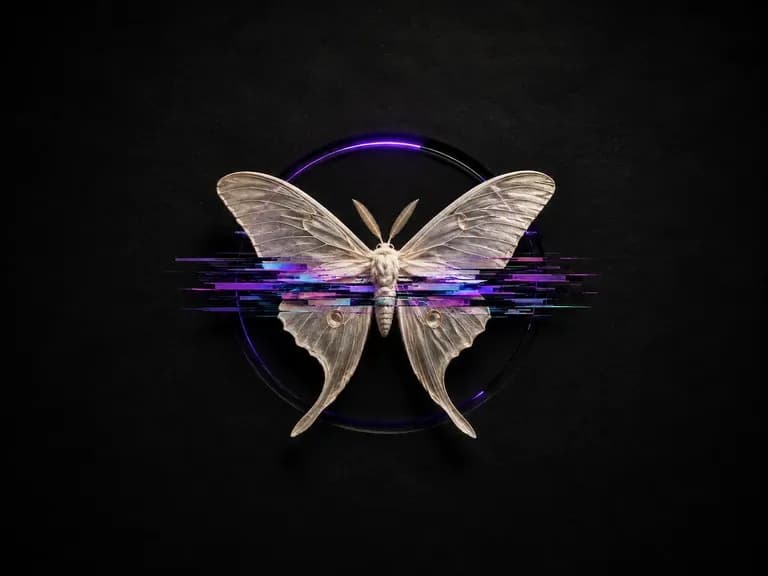
Add controlled scanlines, chromatic splits, and datamosh textures while keeping subjects legible.
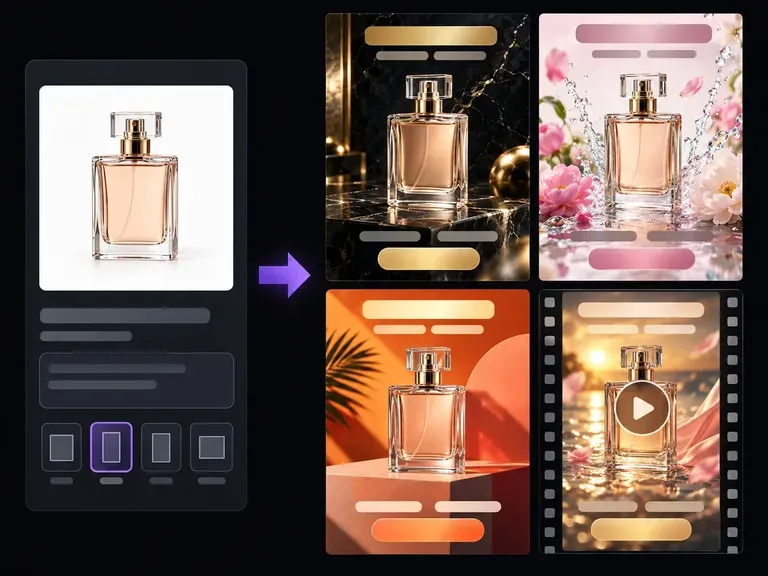
Compose scroll-stopping paid social visuals that pair product hero shots with clear focal space.
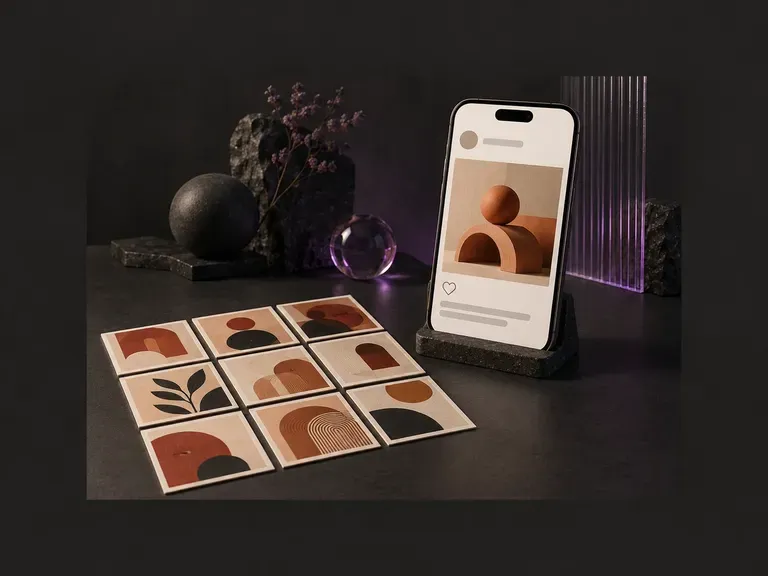
Preview how square and 4:5 creatives read inside a realistic social feed frame before posting.
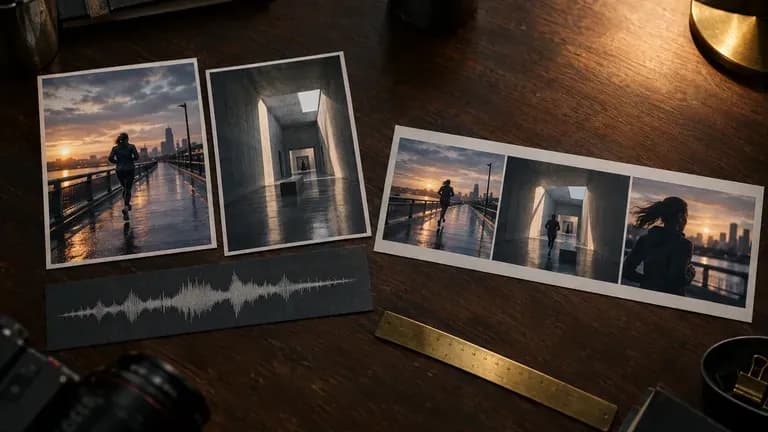
Turn static reference frames into rhythmic, beat-aware motion clips for social and campaign storyboards.
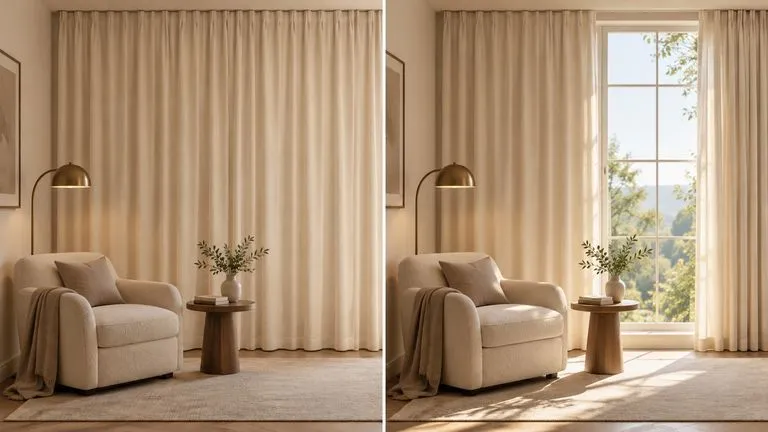
Maintain consistent character styling and background architecture across continuous video shots.
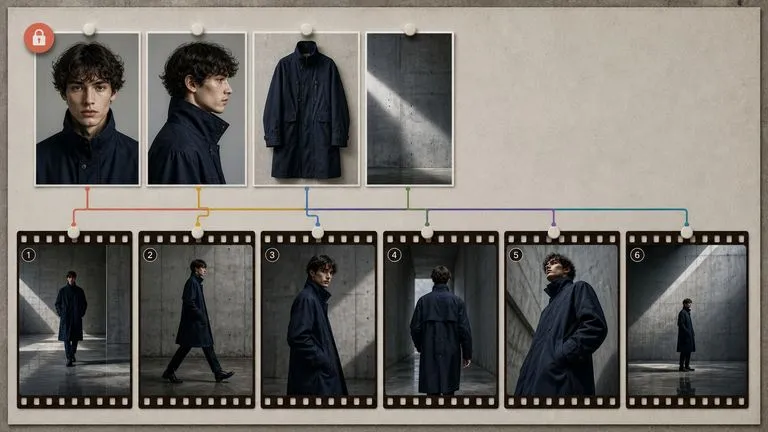
Produce expressive facial motion, dynamic pacing, and cinematic camera framing for short clips.
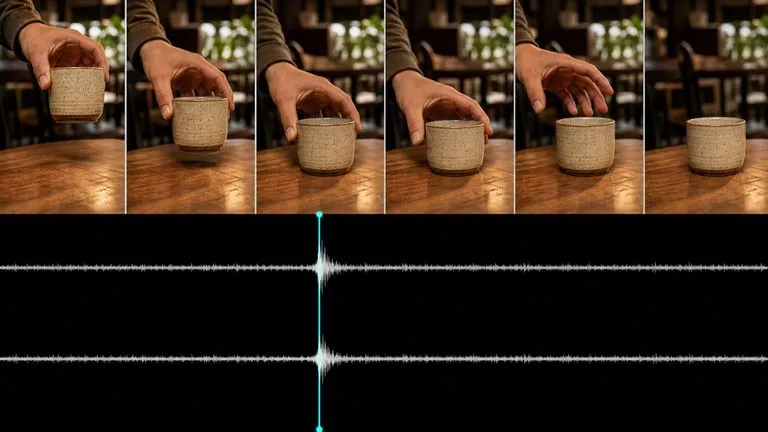
Test alternative motion trajectories and camera pans from a single starting keyframe.
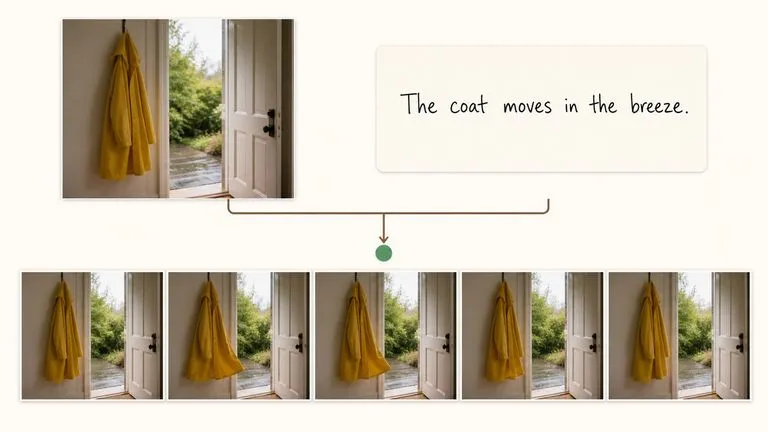
Create lively social-ready motion loops and stylized animated movement for short-form feeds.
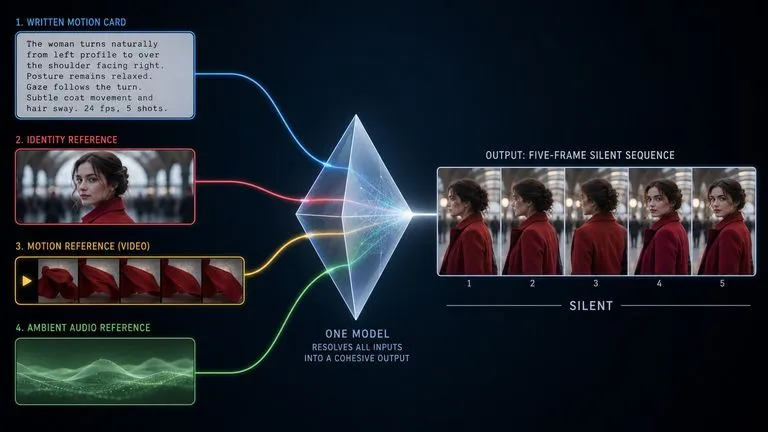
Draft quick motion previews and timing studies before rendering final high-bitrate video deliverables.
Drop in a favorite image, pick a camera preset, and render a cinema-grade motion clip in seconds.