
Single Opening Frame
One image is the entire visual input.
The Happy Horse 1.0 AI video model needs one still image and a sentence, producing motion from the frame you already have.
Abra esta página em um navegador de desktop para começar a criar.
The Happy Horse AI video model asks for less input than anything else in the Virse video roster, and that narrowness is the reason to use it.
Most video models want more from you than you have — a first frame and a last frame, several reference images with stated roles, a brief covering camera behaviour and sound design. When you have exactly one picture and want to see it move, those models make you invent material you do not possess. This one starts where you actually are: a single opening frame and a description of what happens next.
Use the Happy Horse AI video model when the starting point already exists. Animate a photograph, bring a generated still to life, test whether an idea works as motion, and produce short clips without assembling a brief first.
Happy Horse 1.0 is a 15-billion-parameter video generation model built on a unified single-stream Transformer, and the first to generate picture and sound in a single forward pass rather than in separate stages. It entered the Artificial Analysis blind-test leaderboard at number one in April 2026 and is published as open source under a commercial licence.
The model is built around three major strengths:
Clips run five to eight seconds, with aspect ratios covering 16:9, 9:16, 4:3, 21:9, and 1:1. The configuration offered in Virse generates audio with the picture, driven by a single opening frame plus a written prompt.
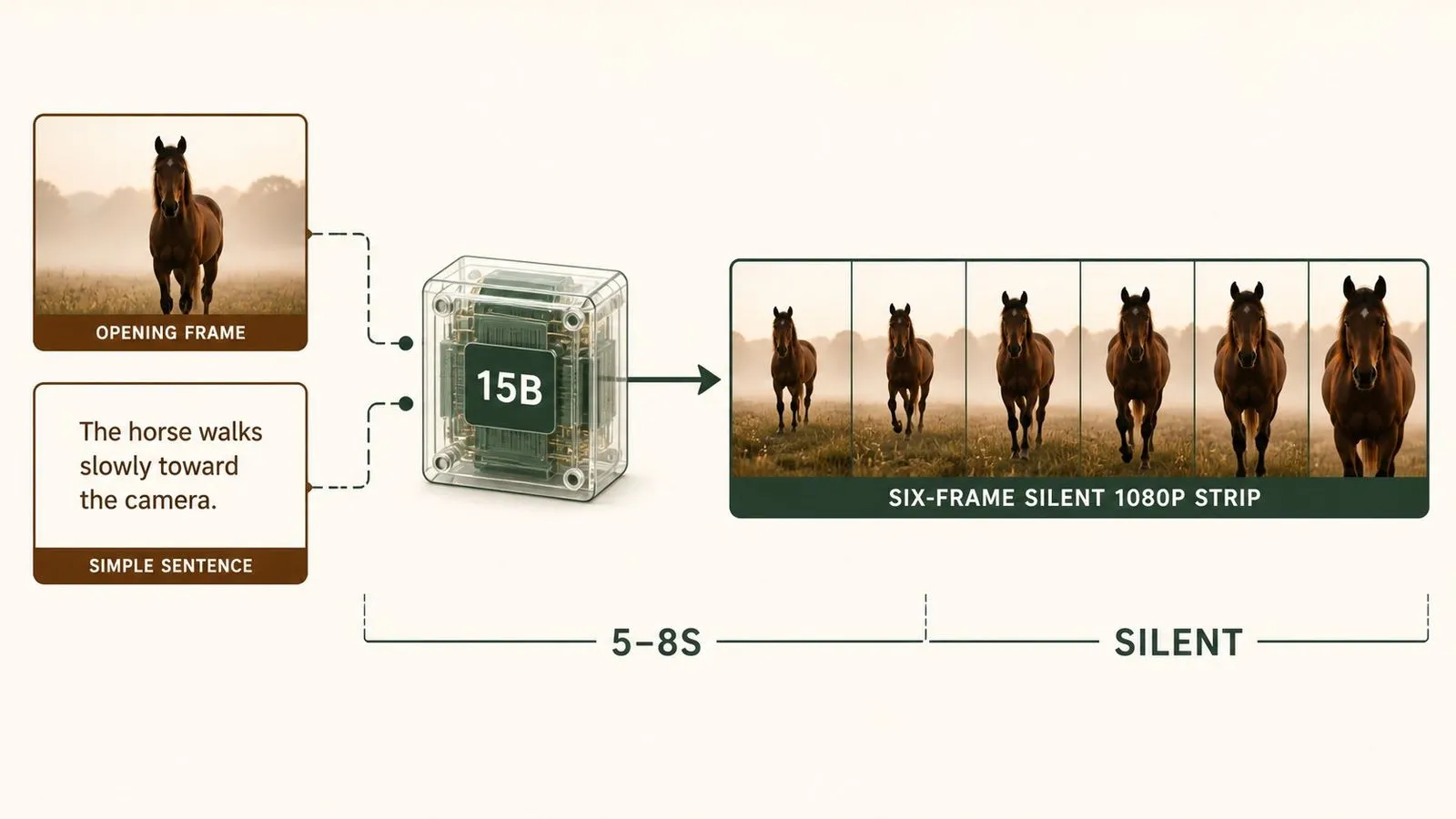
One image is the entire visual input.
A unified single-stream Transformer rather than a staged pipeline.
Picture and sound generated together in the underlying model.
Full HD output rather than an upscale.
Single-pass clip length.
16:9, 9:16, 4:3, 21:9, and 1:1.
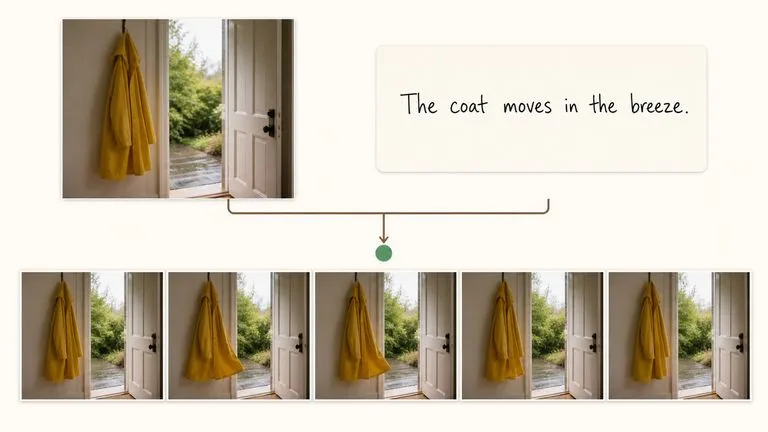
One picture and one sentence is the whole requirement. There is no reference set to assemble and no closing frame to design, which makes this the fastest route from having an image to seeing it move.
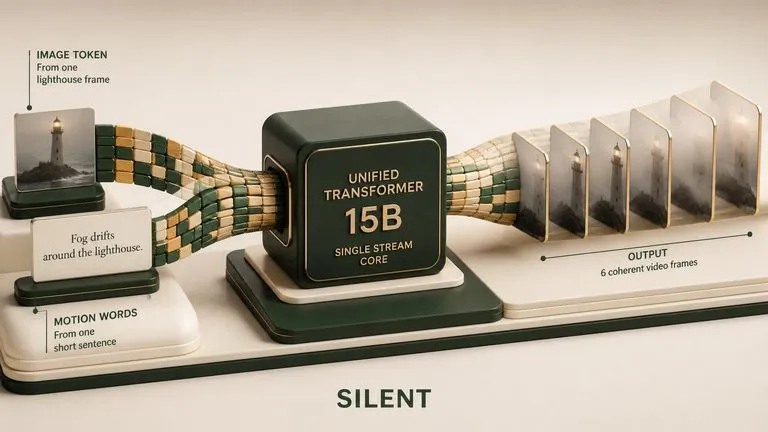
Generating audio and video in one forward pass, rather than producing a silent clip and scoring it afterwards, is what the model was built to demonstrate — and it reached the top of a blind-test leaderboard doing it.
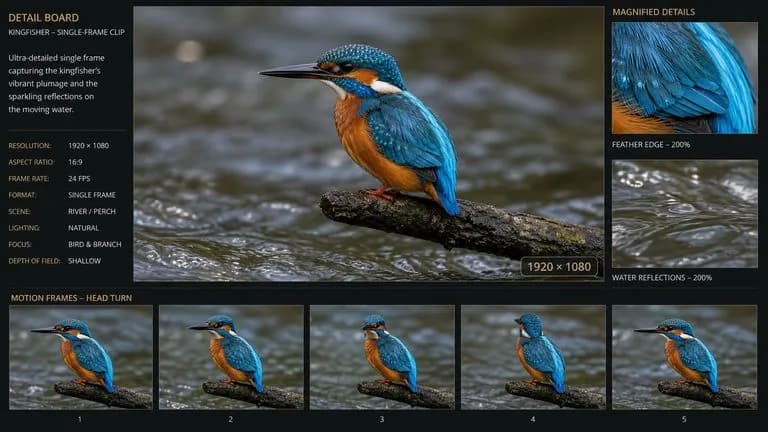
Full HD comes out of the model directly. For a single-frame-driven model that is a higher ceiling than the input requirement suggests.
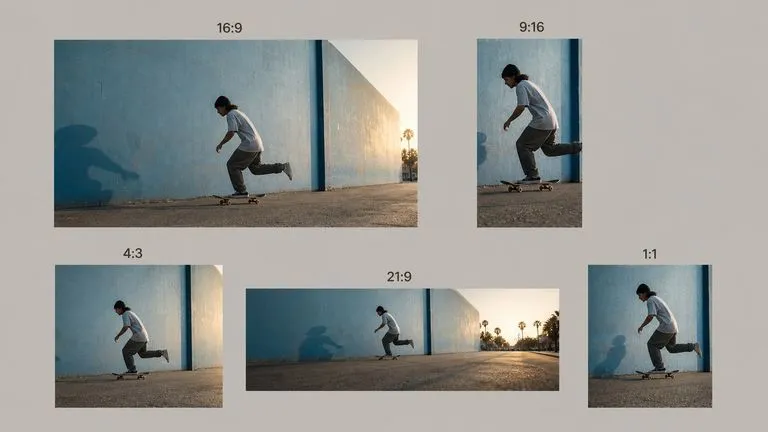
Landscape, vertical, square, and ultrawide from the same brief, which matters when one clip has to appear in several places.
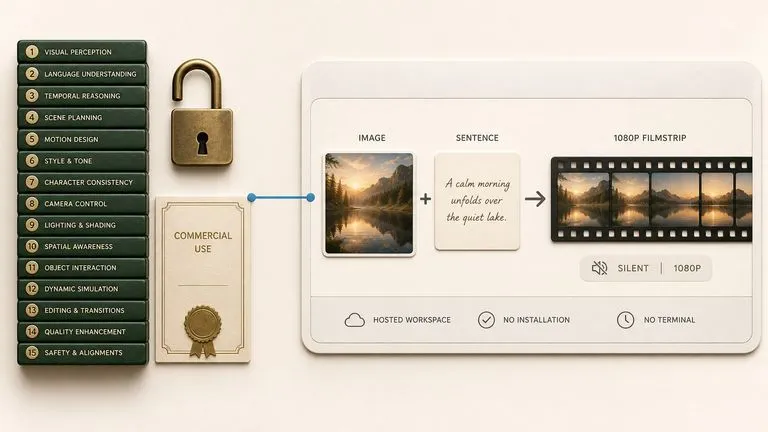
The model is published openly with commercial use permitted, though in Virse it runs as a hosted service with nothing to install.
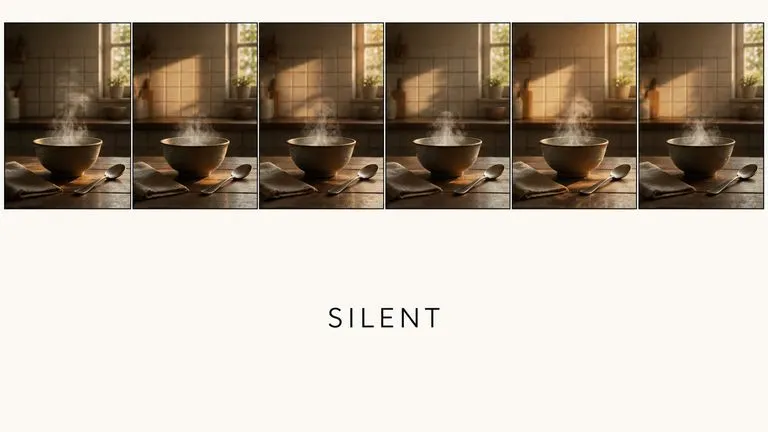
Sound is generated with the picture in the same pass, and there is no switch to turn it off.
A one-frame model changes what counts as worth trying. When the input is a picture you already have, the question stops being whether to build a brief and becomes simply whether you are curious. Virse makes that curiosity cheap to act on. Any still on the canvas — generated by an image model or dragged in from elsewhere — can be handed to the Happy Horse AI video model without leaving the workspace.
Take any still already in the workspace and put it into motion without exporting it first.
Find out whether a composition works as motion before investing in a reference set for a heavier model.
Move between the Happy Horse AI video model and 30+ other image and video models without leaving the canvas or rewriting the brief.
When a shot has to land on a specific closing composition, hand the same frame to a model that accepts both endpoints.
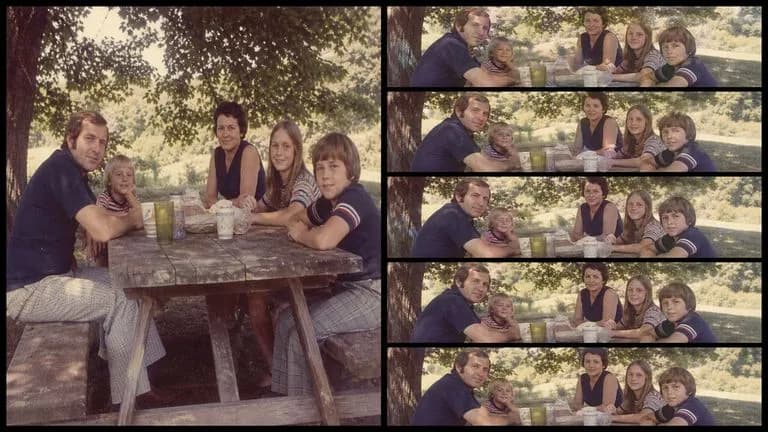
Motion added to a product shot, a location, or a portrait you already have.
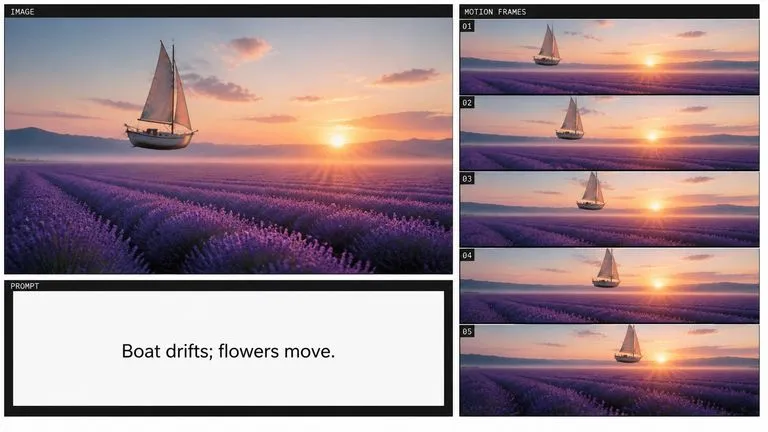
Any image from the canvas turned into a short moving clip.
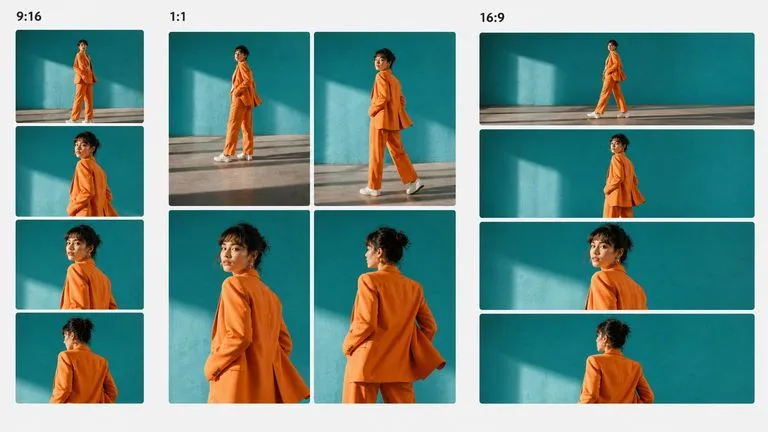
Short vertical or square video produced from a single existing asset.
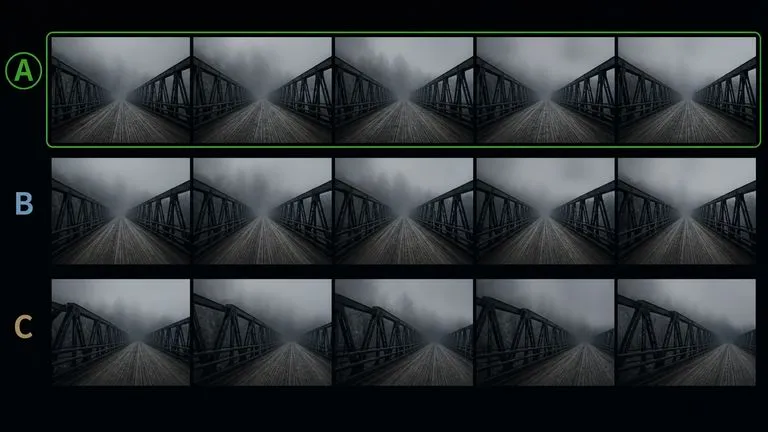
Quick checks on whether a still reads as motion before committing further.
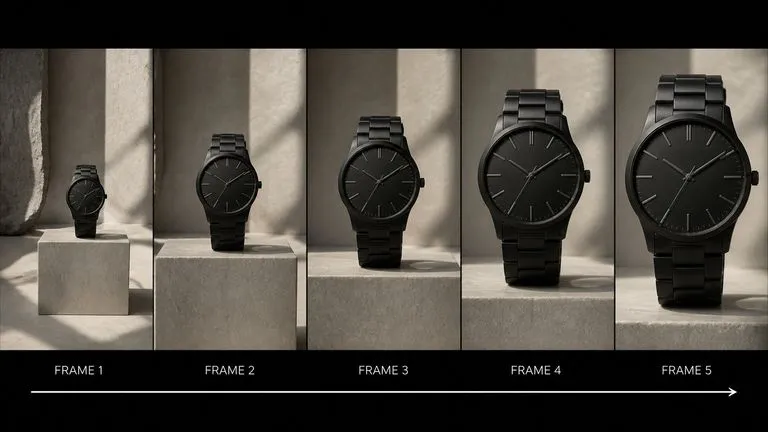
A slow push or drift that starts from the product shot you already have.
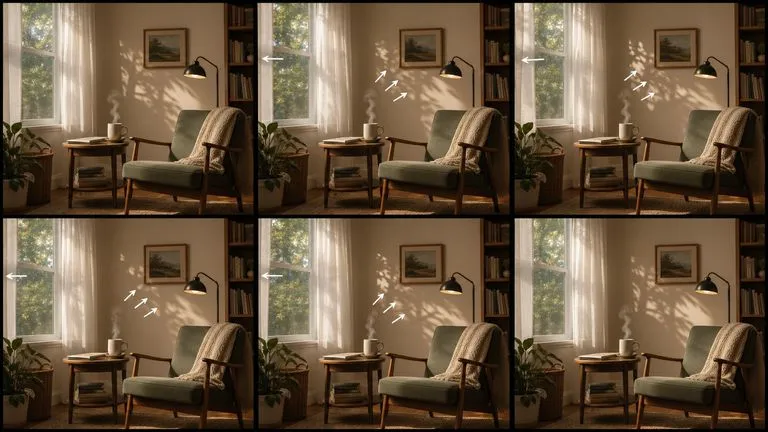
Ambient motion — steam, wind, light shifts — added to a static scene.
Upload an image or drag one across from elsewhere on the canvas.
Say what moves and how the camera behaves. One action reads better than three.
Judge the pace before the picture. Rhythm problems come from the brief.
When the motion is wrong, rewrite the movement clause rather than replacing the input image.
A useful Happy Horse AI video prompt usually includes three elements:
Em vez de escrever
Make this image come alive, cinematic motion, beautiful.
Escreva
The camera pushes in slowly and steadily toward the centre of the frame. Steam rises from the cup in a thin continuous stream. Nothing else moves, and there are no cuts.
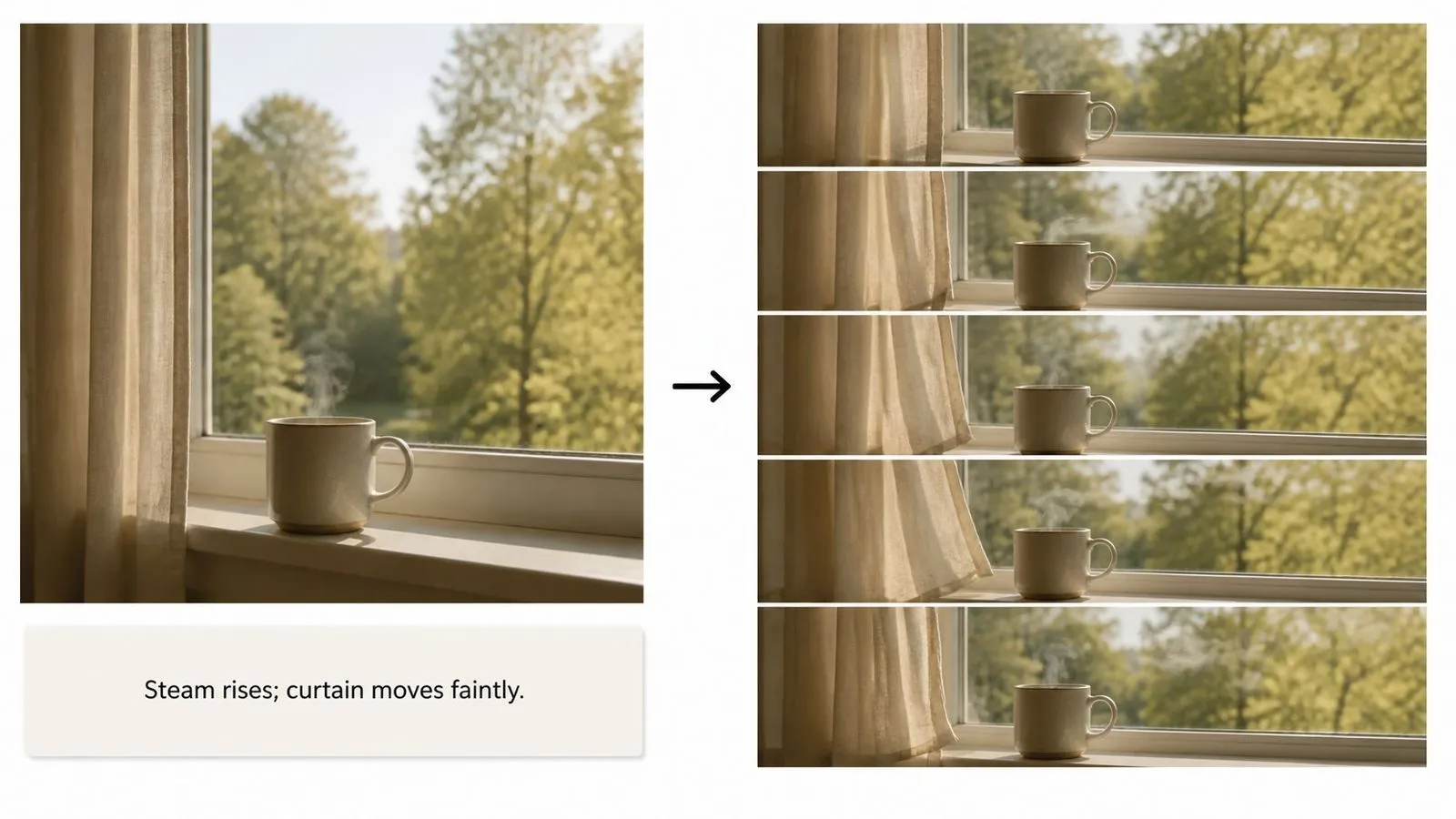
The camera holds completely still. Steam rises from the mug in a thin continuous stream, drifting slightly to the right. The curtain at the edge of frame moves faintly. Nothing else in the scene changes. No cuts, no camera movement, no change in light.
The camera pushes in slowly and evenly toward the product at the centre of the frame, stopping before it fills the shot. The product itself does not move or rotate. Light stays fixed, so the highlight travels slightly across the surface as the framing tightens. No cuts.
The camera drifts slowly to the left at a constant speed. Grass in the foreground moves in a light wind. Cloud shadow passes gradually across the middle distance. The horizon line stays level throughout and nothing enters the frame. End with the composition shifted one quarter of the frame width to the left.
| Dimensão | Happy Horse AI Video | Seedance 2.0 |
|---|---|---|
| Visual input | A single opening frame | Frames or a reference set |
| Endpoint control | Opening frame only | First and last frame |
| Output in Virse | Silent | Audio generated with the picture |
| Clip length | Five to eight seconds | Four to fifteen seconds |
| Setup required | One image and a sentence | A brief covering action and sound |
| Choose it when | You have one picture and a question | The shot has to land somewhere specific |
The frame already establishes what things look like. Spend the prompt on what changes.
Five to eight seconds holds one thing happening. Briefs that stack several produce all of them at once, badly.
Naming the static elements is what stops the model animating the entire scene.
Sound renders on every generation, so ambience, effects, and dialogue cues in the prompt are worth writing.
Prepare reference images and visual directions for your next video.
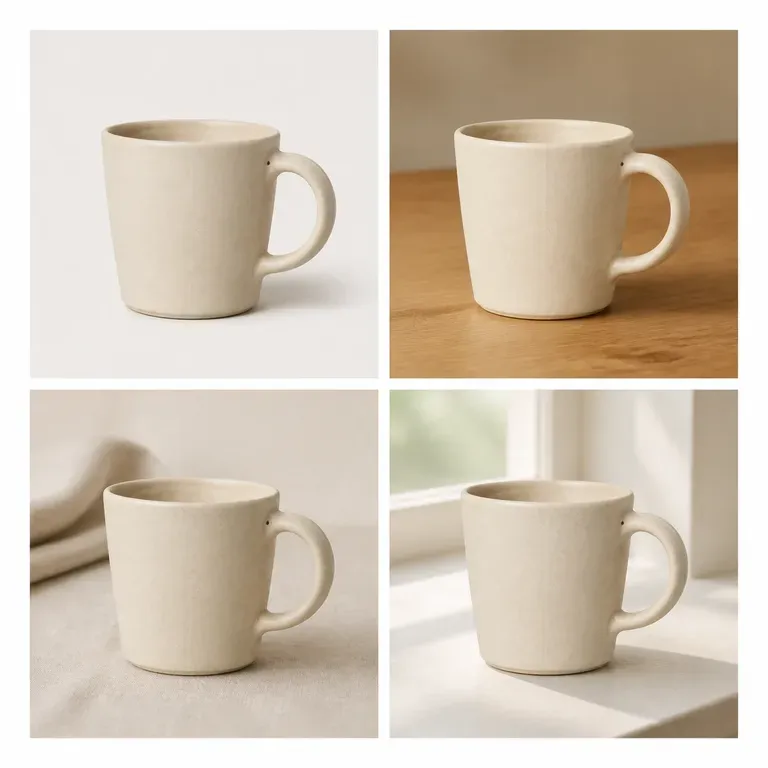
Uma variação que altera discretamente o produto não é uma variação, é um produto diferente. Carregue uma imagem, diga se é o cenário, a cor ou o ângulo que deve mudar, e receba um conjunto em que tudo o resto permanece igual. Os créditos gratuitos são suficientes para testar se o motivo realmente se mantém ao longo do conjunto.
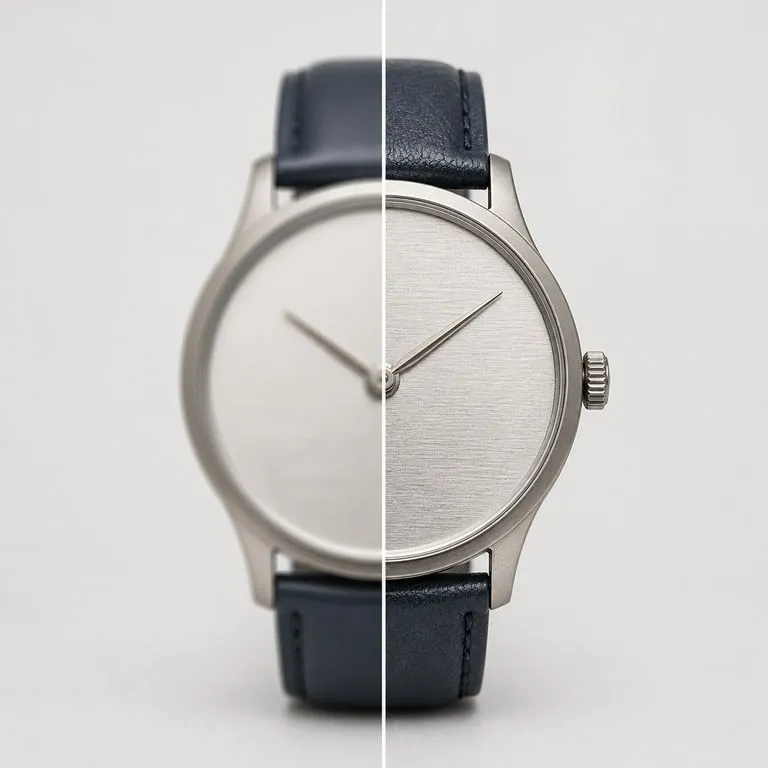
Carregue uma imagem que não tem qualidade suficiente para ser usada. Deteta o que correu mal, seja desfoque, ruído, artefactos de compressão ou simplesmente poucos píxeis, repara isso primeiro e depois renderiza na resolução que escolher.
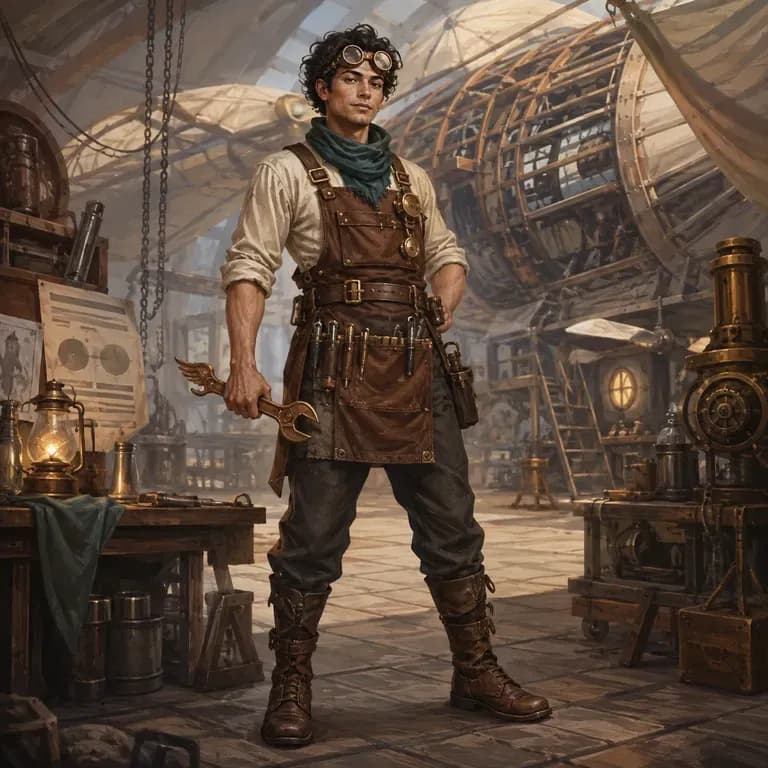
A maioria dos prompts de personagens parece boa para uma pessoa e desmorona-se perante um modelo de imagem, porque a identidade, o mundo e o estilo visual estão espalhados por três frases diferentes em vez de estarem numa só que ele consiga interpretar. Descreva quem são, gere uma versão estruturada e teste-a com uma renderização real diretamente na mesma tela. Os créditos gratuitos cobrem a primeira ronda.
ByteDance's Seedance 2.0 produces picture and sound in one pass, from a first and last frame or from reference images, at sizes from 480P to native 4K.
Google DeepMind's Veo 3.1 generates short clips with synchronised 48kHz audio and extends them into longer sequences by carrying the closing frames forward.
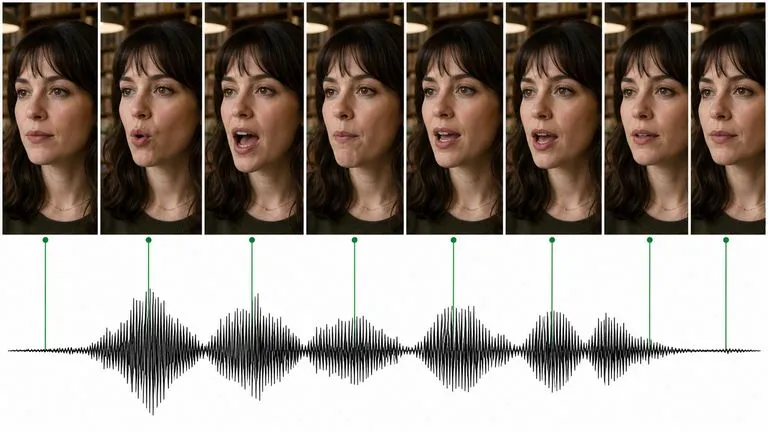
O Kling 3.0 da Kuaishou fala — diálogo sincronizado com os lábios em cinco idiomas, uma voz diferente por personagem e um modo de storyboard que estrutura uma sequência completa.
One picture, one sentence, and a clip you can look at before you have finished deciding whether it was worth trying.