
Eight-Step Inference
Renders in eight sampling steps, configurable down to one.
A 6-billion-parameter model compressed to an eight-step inference pipeline, built to return a usable picture before your train of thought moves on.
Abra esta página em um navegador de desktop para começar a criar.
Z-Image Turbo is built around one decision: compress inference to eight steps instead of the twenty to fifty a standard diffusion model needs, and see how much quality survives.
Quite a lot, as it turns out. The published strengths are photorealistic output, bilingual English and Chinese text rendering, and instruction adherence — none of which are what you would expect a model this small and this fast to be good at. What it gives up is headroom, not competence.
Use Z-Image Turbo at the front of the work. Search a visual direction, test whether an idea reads at all, fill a layout with placeholders, and generate the volume of throwaway images that thinking properly actually requires.
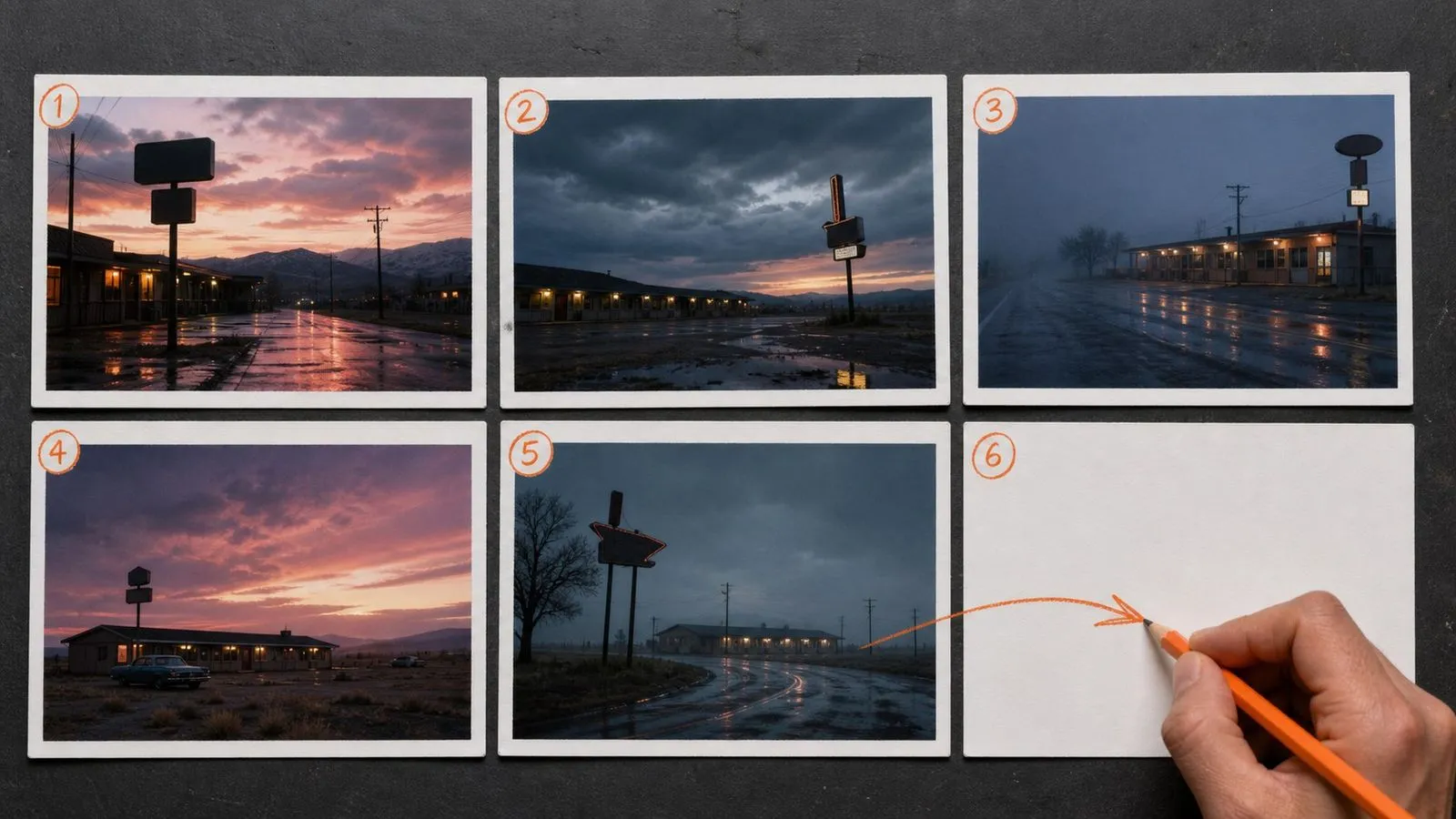
Z-Image Turbo is a 6-billion-parameter text-to-image model. Its architecture is a single-stream diffusion transformer in which text tokens, semantic tokens, and image tokens share one transformer rather than being processed in separate branches.
The model is built around three major strengths:
The step count is configurable down to one, and sub-second latency is achievable on data-centre hardware. The weights are published openly, though in Virse it runs as a hosted model with nothing to install.
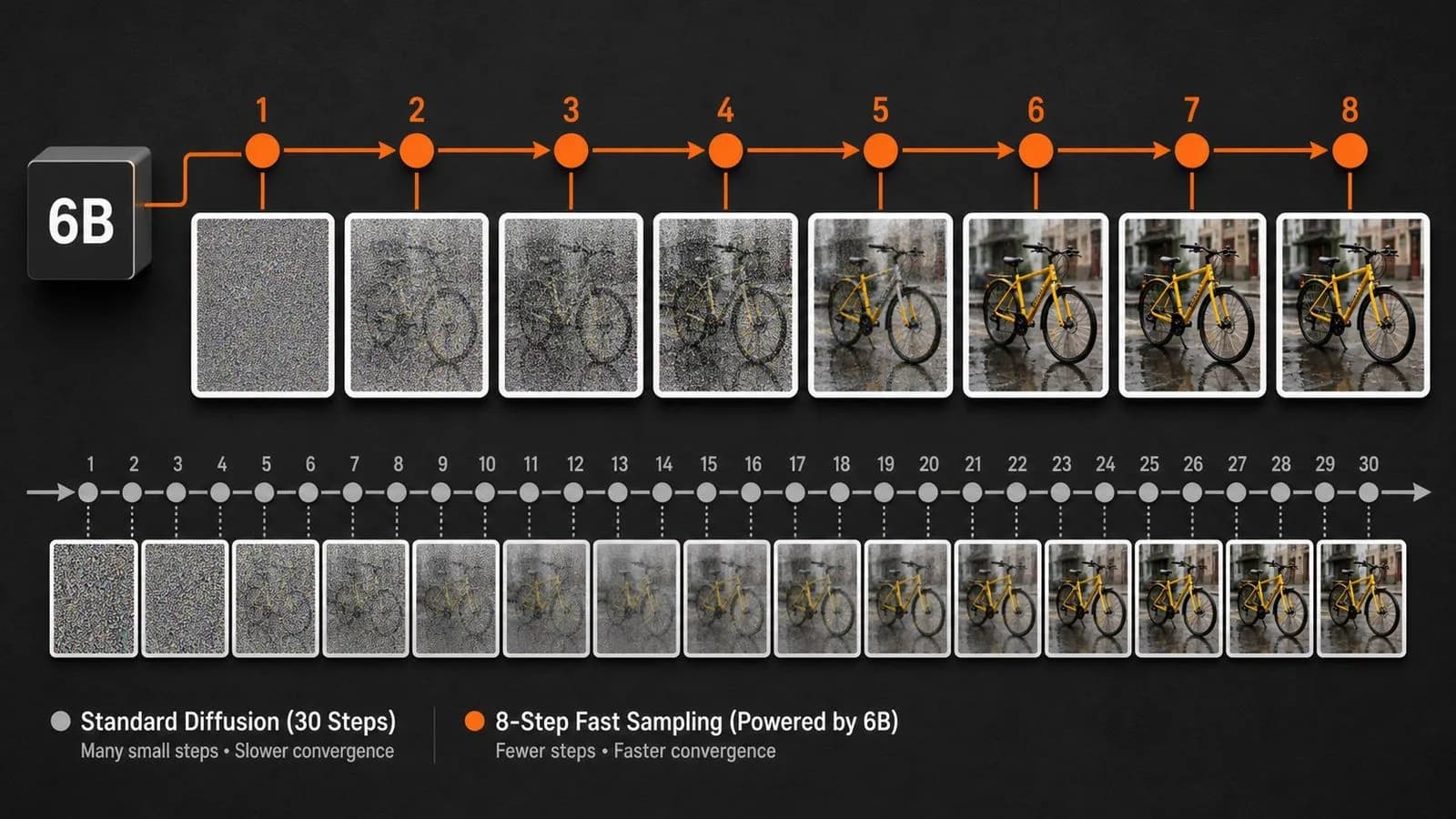
Renders in eight sampling steps, configurable down to one.
Achievable on data-centre hardware, which is what the whole design targets.
Deliberately small, which is where the speed comes from.
Text, semantic, and image tokens share one transformer rather than separate branches.
English and Chinese type handled as language rather than as decoration.
Realistic rendering rather than a stylised house look.
Eight steps against the usual twenty to fifty is not a tuning tweak, it is the architecture. Everything else about this model follows from the decision to make each render finish before you lose the thread.
Six billion parameters is a fraction of what flagship models carry, yet photorealism and instruction adherence both hold. The trade shows up in headroom rather than in basic competence.
English and Chinese text both render as readable language. Among fast models that is unusual enough to matter when a layout needs a label in either script.
When a render takes under a second, generating a set of six is a single decision rather than six of them.
A composition you like here can go straight to a heavier image model as a reference, or to a video model as an opening frame, without leaving the canvas.
The model is published openly, but in Virse it runs as a hosted service with no environment to configure.
A fast model is only as useful as what sits downstream of it. On its own it is a curiosity; as the first stage of a pipeline it changes the economics of everything after it. Virse makes that hand-off direct. A result generated here can become a reference for a flagship model or an opening frame for a video model without being exported, renamed, and re-uploaded.
Generate thirty directions in the time a flagship model takes for two, then spend real effort only on what survives.
Send the composition that worked straight into a heavier model as a reference image, on the same canvas.
Move between Z-Image Turbo and 30+ other image and video models without leaving the canvas or rewriting the brief.
Rejected directions stay laid out beside the chosen one, which is where most second-round ideas come from.
Wide visual searches at the start of a project, when the number of directions matters more than the finish of any one.
Build a coherent board in a single sitting rather than assembling one from search results.
Fill a design comp with images that are approximately right before anyone has decided what the real ones are.
Work out what wording produces what result before spending time on a slower model finding out.
Iterate cheaply on the frame a video model will start from.
Posting cadences where each image needs to be reasonable rather than exceptional.
Name the subject, the setting, and the treatment. Long briefs are wasted at this speed.
Run six at once. The whole batch returns in about the time one flagship render takes.
Compare composition, palette, and mood. Fine detail is not what you are assessing yet.
Take the prompt that worked to a higher-headroom model for the version that ships.
A useful Z-Image Turbo prompt usually includes three elements:
Em vez de escrever
A lone figure standing at the edge of a windswept cliff at golden hour, hair caught mid-motion, individual strands catching the rim light, weathered wool coat with visible fibre texture, distant seabirds, volumetric god rays, shot on 85mm at f/1.4.
Escreva
A figure standing at the edge of a cliff at sunset, seen from behind, wide shot. Warm low light. Painterly, muted colours.
A single tree on an otherwise empty hillside, seen from a low angle against an overcast sky. Wide shot, tree slightly right of centre. Muted grey-green palette, photographic.
A city street market at night. Flat illustration, limited palette of four colours, heavy black linework, no gradients. Even distribution of stalls across the frame, viewed head-on.
A small noodle shop frontage at dusk, viewed straight on from across the street. A horizontal sign above the door reads NORTHSIDE NOODLES, with 面馆 beneath it at half the size. Warm light spilling from inside, wet pavement reflecting it, photographic treatment.
| Dimensão | Z-Image Turbo | Nano Banana Pro |
|---|---|---|
| Parameters | 6 billion | Flagship scale |
| Inference steps | 8, configurable to 1 | Standard pipeline |
| Design target | Latency | Output ceiling |
| Text rendering | English and Chinese, short strings | Long passages and multilingual layouts |
| Reference handling | Single prompt-driven | Multi-image blending with roles |
| Where it fits | Exploration and placeholders | Final assets, print, client work |
You are looking at composition, palette, and mood. Detail is not on the table and should not be part of the assessment.
Enough variation to see a pattern, fast enough that you never consider whether it is worth it.
Beyond that you are describing things eight inference steps will not resolve.
The moment you are re-running to fix small details, switch models rather than switching prompts.
Explore focused tools for creating, editing, and preparing design assets.
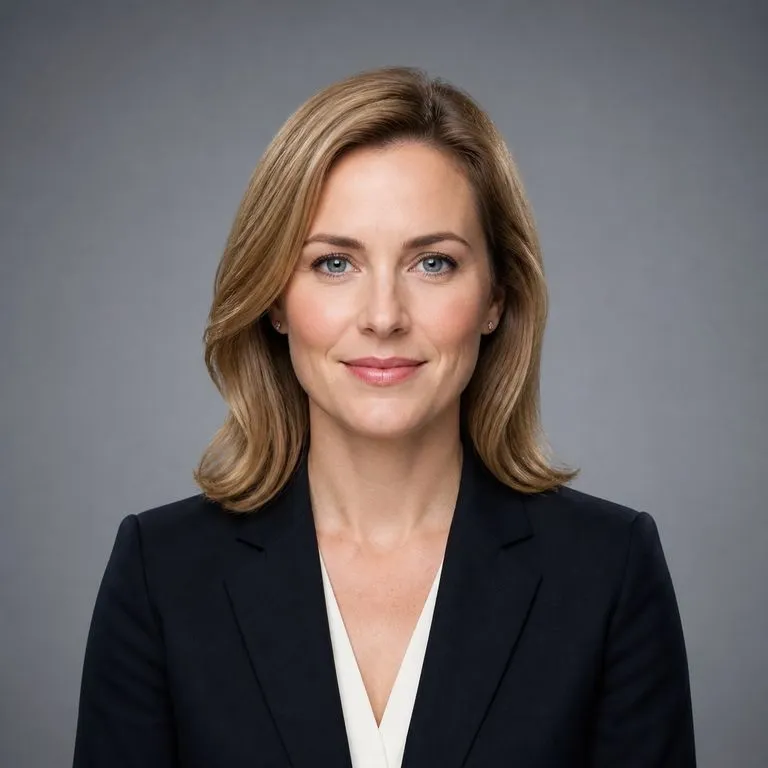
Carregue uma fotografia e receba um conjunto de retratos profissionais com qualidade de estúdio, cada um num cenário, vestuário e tom diferentes. O seu rosto permanece inalterado. Não há etapa de treino nem lote de imagens para reunir primeiro.
Substitui o fundo de uma foto de produto por uma cor sólida uniforme especificada — através do nome da cor, de um código hex ou de uma imagem de referência de cor — mantendo o produto intacto, com sombras de contacto naturais e contornos limpos. Não indicado para fotos de listagem conformes com fundo branco puro nem para substituição de fundos de cena/lifestyle.
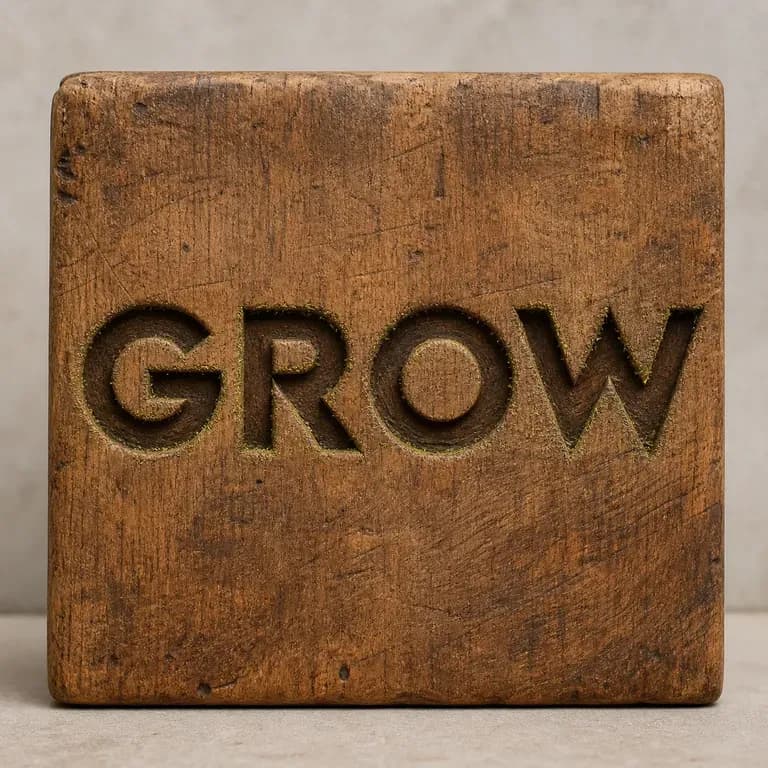
Letras entalhadas em madeira comportam-se de forma diferente sob a luz do que letras fundidas em metal líquido, e nenhum prompt único acerta em ambos por acaso. Escreva o seu texto, indique o material e receba um efeito que mantém o texto intacto enquanto determina como esse material deve realmente captar a luz. Os créditos gratuitos dão-lhe a primeira versão.
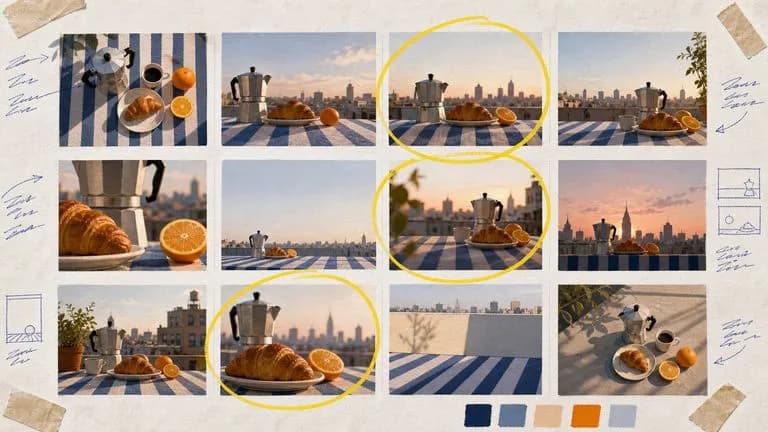
Google's Nano Banana 2 pairs flagship-level image quality with Flash-class speed, across four output sizes from rapid 0.5K prototypes to finished 4K.
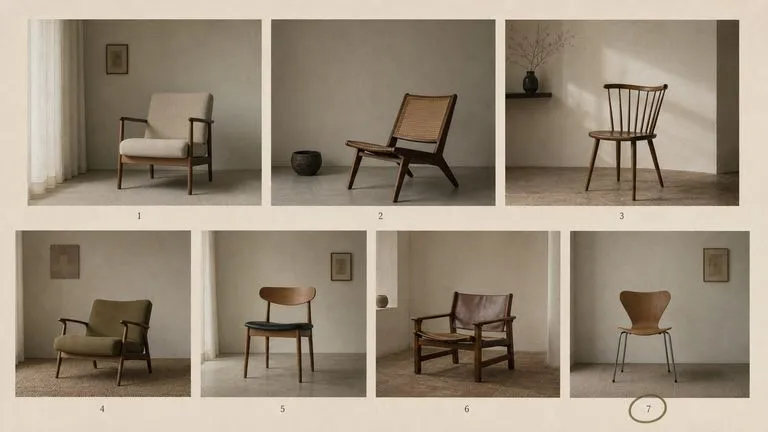
The generation of Black Forest Labs' FLUX line that came before FLUX 2, kept available as two entries — the standard model and Ultra.
O Seedream 4.0 e o Seedream 4.5 da ByteDance geram a partir de descrições escritas e de imagens que fornece, transformando uma imagem de origem em tantas direções quantas um projeto precisar.
When a render finishes before you have finished thinking, the constraint stops being time and starts being how many results you can usefully look at.