
Two Entries
Seedream 5.0 Pro and Seedream V5 Lite, listed separately in Virse.
ByteDance's newest Seedream generation, available as Seedream 5.0 Pro and Seedream V5 Lite, both taking the same written brief.
Abra esta página em um navegador de desktop para começar a criar.
Seedream 5.0 is the current generation of ByteDance's Seedream line, and Virse carries it as two separate entries rather than one.
That is more useful than it sounds. Seedream 5.0 Pro and Seedream V5 Lite accept the same brief and the same input images, which means choosing between them is not a research exercise — it is running one prompt twice and looking at two results. Most model families make you commit before you can compare; this one does not.
Use Seedream 5.0 when you want the current generation and would rather test than read. Generate campaign imagery, product visuals, editorial illustration, and photographic work, and let the side-by-side decide which entry suits the job.
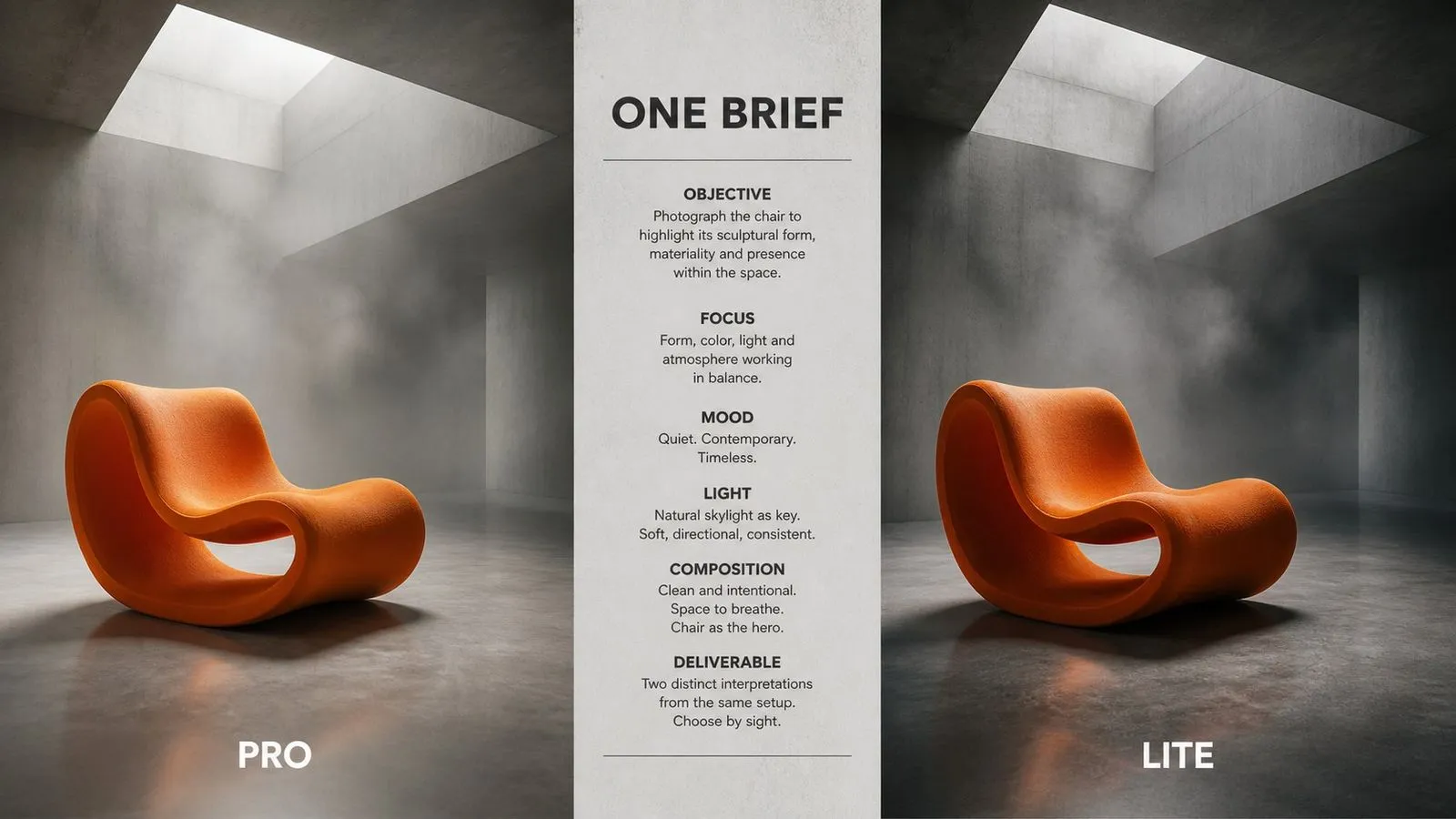
Seedream 5.0 is the current generation of ByteDance's Seedream image line, following Seedream 4 and Seedream 4.5. It generates from written descriptions and accepts an input image for editing and transformation.
The model is built around three major strengths:
The Pro entry offers a selectable output size; the Lite entry runs at a single fixed size with nothing to configure. The previous generation remains available separately as Seedream 4 and Seedream 4.5, and briefs move between all four entries unchanged.
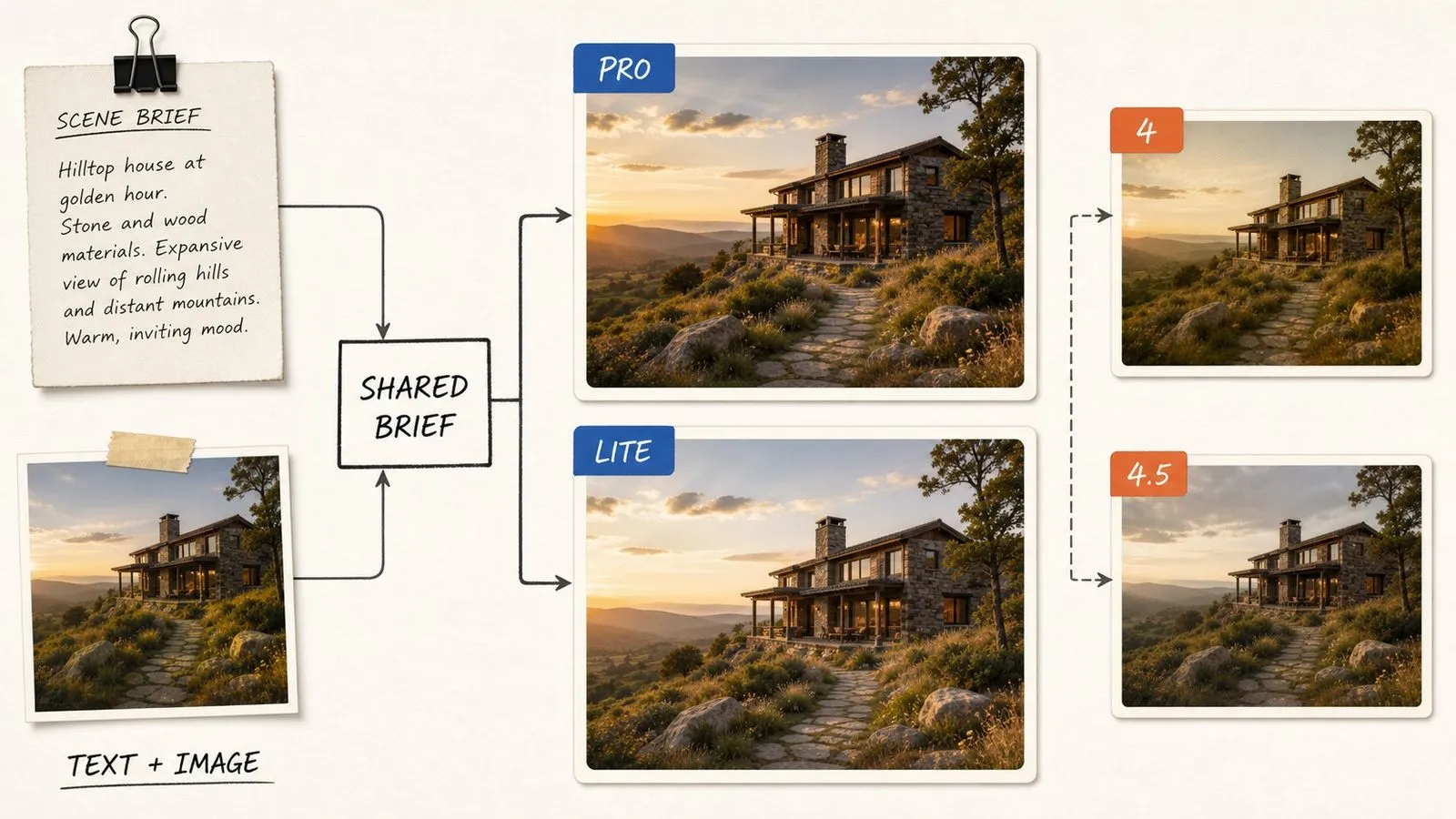
Seedream 5.0 Pro and Seedream V5 Lite, listed separately in Virse.
Choose the output size per generation.
One output size, nothing to configure before generating.
Neither entry treats working from a supplied picture as a secondary mode.
The same prompt runs on both entries without modification.
Prompts move to and from Seedream 4 and 4.5 unchanged.

Because both entries accept the same brief, evaluating them is one prompt and two clicks. That removes the usual problem of choosing a model based on a specification sheet rather than on your own work.
Seedream 5.0 Pro exposes output size as a choice, which is what you want when one concept has to ship as both a thumbnail and a full-bleed image.
The Lite entry removes the size question entirely. When you are generating in volume and every image is going to the same place, that is one fewer thing standing between the idea and the output.
Neither entry treats transformation as a secondary mode. Supply a picture and describe the change on whichever one you are using.
The Seedream line has kept its prompting behaviour stable across generations, so existing briefs carry forward rather than needing rewriting for the new release.
Seedream 4 and 4.5 remain in the model list. For work with an established look, staying on the older generation is a legitimate choice rather than a compromise.
Two entries taking one brief is only an advantage if you can see both results together. Otherwise it is just two models and a decision you keep postponing. Virse runs them side by side on the same canvas. The same prompt, two outputs, laid out next to each other — which turns an abstract comparison into a five-second look.
Generate the same brief through Pro and Lite together and choose from the pair rather than from the documentation.
Add Seedream 4.5 to the same comparison. Newer is not automatically better for a specific look.
Move between Seedream 5.0 and 30+ other image and video models without leaving the canvas or rewriting the brief.
The prompt that produced the chosen image stays on the canvas with it, so the next image in the series starts from the same place.
Key visuals generated on the current generation of the line.
Item photography, either from a written brief or from an existing shot.
Concept imagery for articles and features.
Environments, interiors, and location work.
Restyling and adjusting pictures you already have.
The same brief across entries and generations, for deciding what a project should standardise on.
Compose the prompt once, in plain descriptive sentences.
Generate through Seedream 5.0 Pro and Seedream V5 Lite together.
Run the same brief on Seedream 4.5 so the comparison covers the whole line.
Pick the entry that suited this work and use it for the rest of the series.
A useful Seedream 5.0 prompt usually includes five elements:
Em vez de escrever
Beautiful atmospheric shot of an old bookshop with lovely warm lighting and great mood.
Escreva
A narrow second-hand bookshop interior, shelves floor to ceiling on both sides. Late afternoon, one window at the far end, dust visible in the light. Warm tungsten from a single hanging bulb mid-aisle. Photographic, slightly desaturated, fine grain. Shot down the centre of the aisle at eye level, symmetrical.
A double-height concrete stairwell with a single skylight above. Bare formwork texture on the walls, steel handrail, no furniture. Overcast daylight falling straight down from the skylight, everything else in shadow gradient. Photographic, cool neutral colour, no warm cast. Shot from the base looking up, the stair spiralling out of frame.
Three glass bottles of different heights on a dark linen cloth, backlit against a plain grey wall. Rim light defining each edge, no front fill, deep shadows in the folds of the cloth. Muted and low contrast, subtle grain. Centred composition with equal space either side, shot straight on at bottle height.
A person in a heavy knitted jumper seated against a plain plaster wall, three-quarter view, looking off camera to the left. Single soft source from the upper left, gentle falloff, no fill on the shadow side. Photographic with natural skin texture retained, no smoothing. Waist-up framing, generous space in the direction they are looking.
| Dimensão | Seedream 4.5 | Seedream 5.0 |
|---|---|---|
| Position in line | Previous generation | Current generation |
| Entries in Virse | One | Two: Pro and V5 Lite |
| Size selection | Fixed | Selectable on Pro, fixed on Lite |
| Input modes | Text and image | Text and image |
| Brief portability | Runs on 5.0 unchanged | Runs on 4.5 unchanged |
| How to choose | Run one brief through both | Run one brief through both |
Compare the entries using a prompt you actually intend to use, not a throwaway. The differences show up in specifics, not in generic subjects.
When comparing, change only the entry. Changing the prompt at the same time makes the test meaningless.
For a series, keep the style sentence identical across every image. That consistency is what makes a set read as one job.
Run Seedream 4.5 into the same comparison. For a particular look, the previous generation sometimes suits the work better.
Explore focused tools for creating, editing, and preparing design assets.
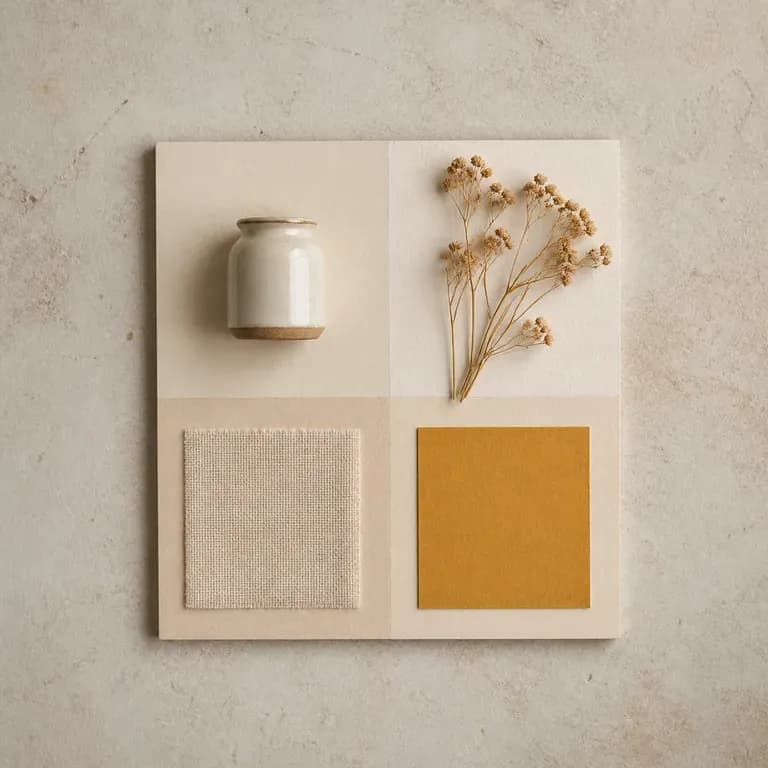
Uma versão de um mood é apenas uma suposição. Dê-lhe uma referência ou um tema escrito e receba algumas leituras diferentes da mesma ideia, com cor, material e imagética compostos em conjunto num só quadro, para haver algo a que reagir em vez de uma página em branco. Os créditos gratuitos são suficientes para começar.
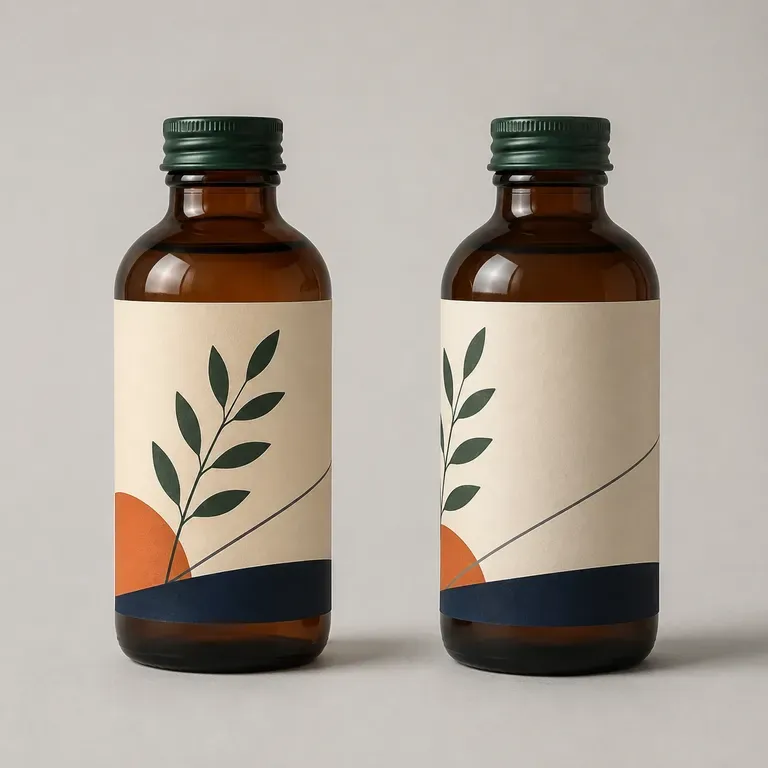
Uma embalagem que parece correta em plano pode ainda assim falhar quando envolvida numa garrafa ou caixa real. Descreva o produto e o formato, e receba conceitos como maquetes 3D para detetar esse problema antes de ser uma arte-final plana. Os créditos gratuitos são suficientes para ver uma primeira versão em volume.
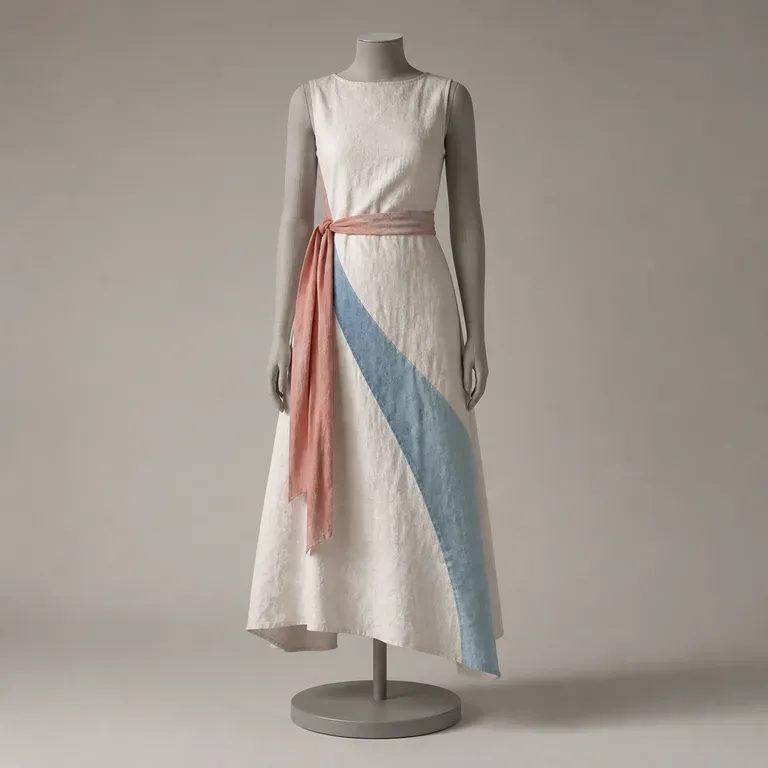
Um único look não lhe diz nada sobre se uma coleção funciona como um todo. Descreva a estação, o público e as silhuetas que tem em mente, e receba um conjunto completo de looks coordenados que partilham uma paleta e uma narrativa de tecidos, para poder avaliar a gama em vez de apenas uma peça, começando com créditos gratuitos da Virse.
O Seedream 4.0 e o Seedream 4.5 da ByteDance geram a partir de descrições escritas e de imagens que fornece, transformando uma imagem de origem em tantas direções quantas um projeto precisar.

Generate studio-grade 4K images with Nano Banana Pro, blending multiple references while holding characters, products, and typography consistent.

Black Forest Labs' production model reads briefs up to 32,000 tokens, so brand rules, colour values, and compositional constraints can all go in at once.
One brief, two entries, side by side on the canvas — which is a better way to choose a model than reading about one.