
Um único canvas para todo o seu fluxo de trabalho de design com IA
Pense visualmente. Crie com contexto.
O Virse AI Canvas reúne referências, ideias, gerações e decisões criativas num único espaço de trabalho infinito. Explore, ligue, compare e refine sem interromper o seu fluxo criativo.
Mais do que um lugar para gerar
Um espaço de trabalho que entende como as ideias se ligam
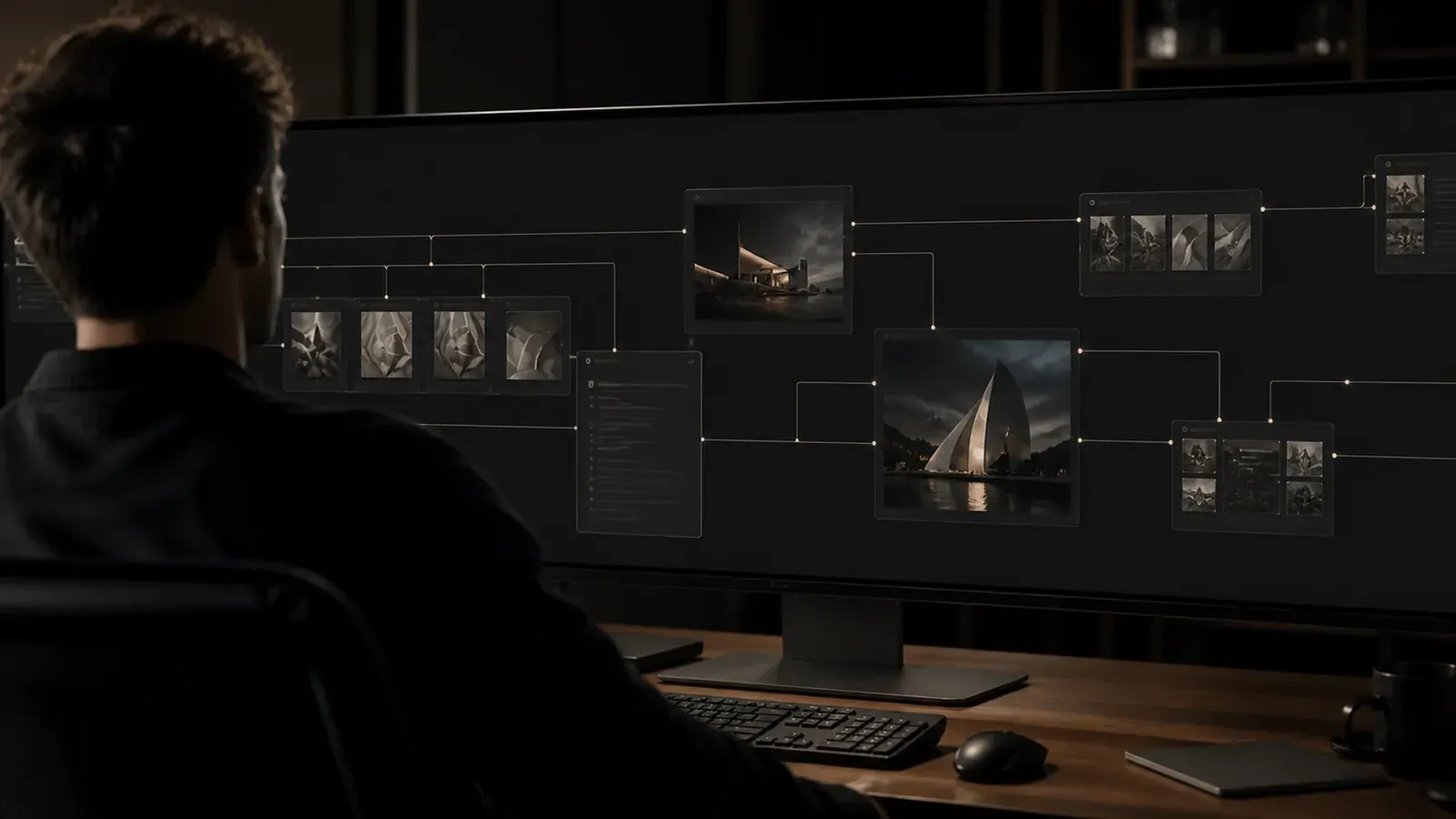
O design raramente acontece um prompt de cada vez. No Virse Canvas, referências, imagens, grupos, ligações e resultados permanecem visíveis em conjunto — dando tanto a si como à IA o contexto por trás de cada decisão criativa. O seu espaço de trabalho torna-se parte do prompt.
O seu canvas é o contexto
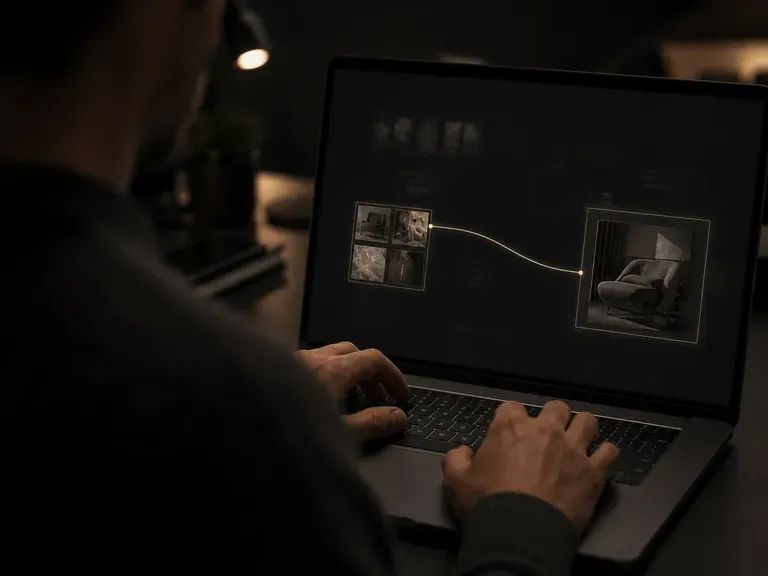
Pare de reconstruir o mesmo prompt de cada vez. Adicione referências, ligue ideias relacionadas, agrupe direções e construa a partir de resultados anteriores. Virse compreende o que já está no canvas e utiliza esse contexto visual para apoiar o que vem a seguir — menos explicações, mais criação.
Veja todo o processo criativo
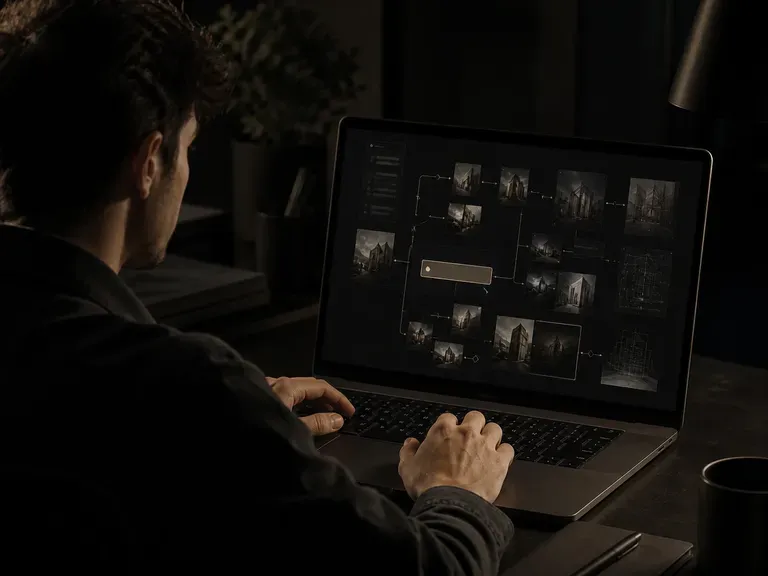
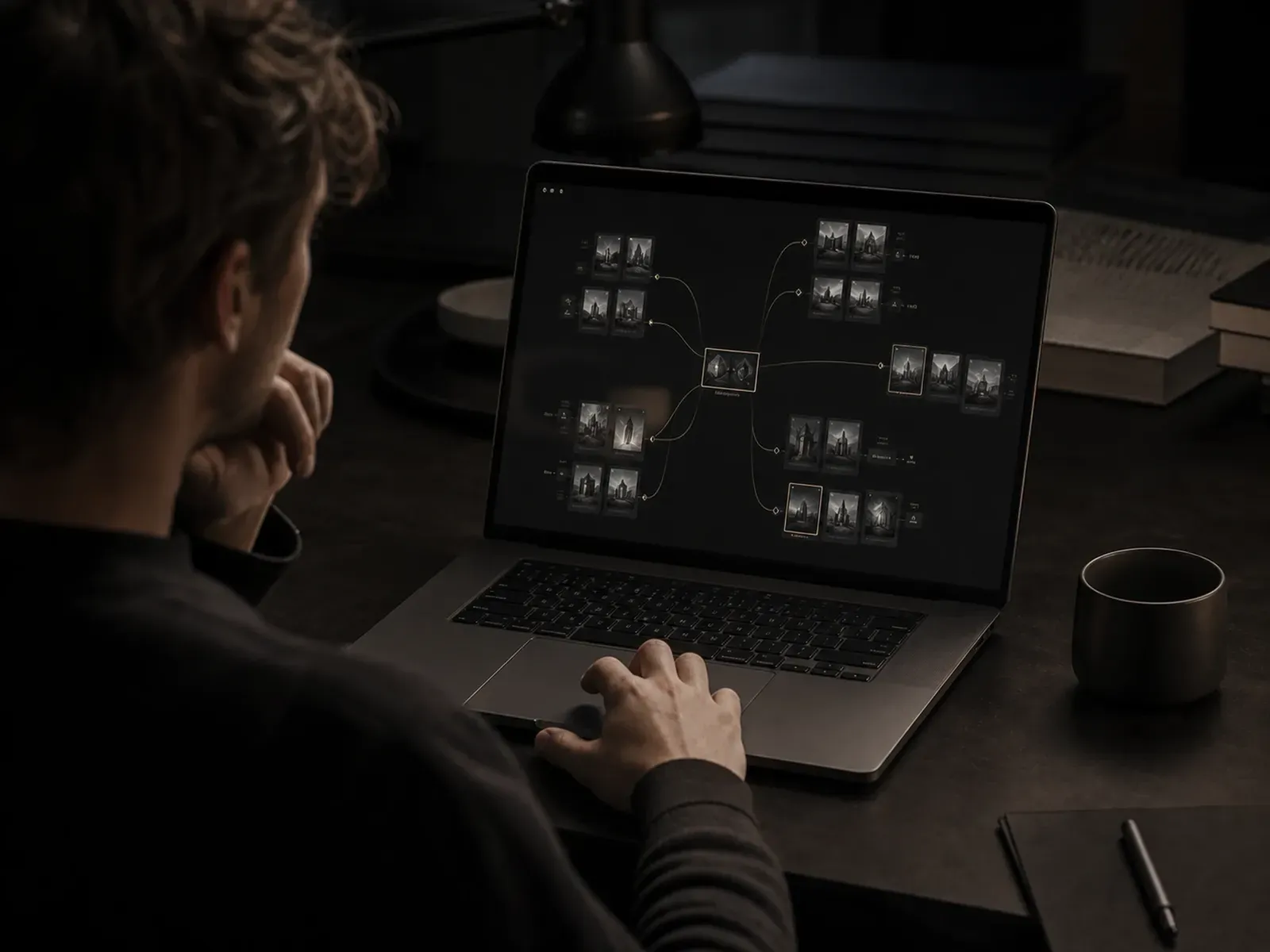
Mantenha referências, experiências, direções selecionadas e iterações num único espaço visual. Em vez de esconder decisões criativas no histórico de chat ou em ficheiros desconexos, o Virse Canvas torna visível a evolução de uma ideia — da primeira referência à direção final, tudo permanece ligado.
Trabalhe visualmente, não apenas com prompts
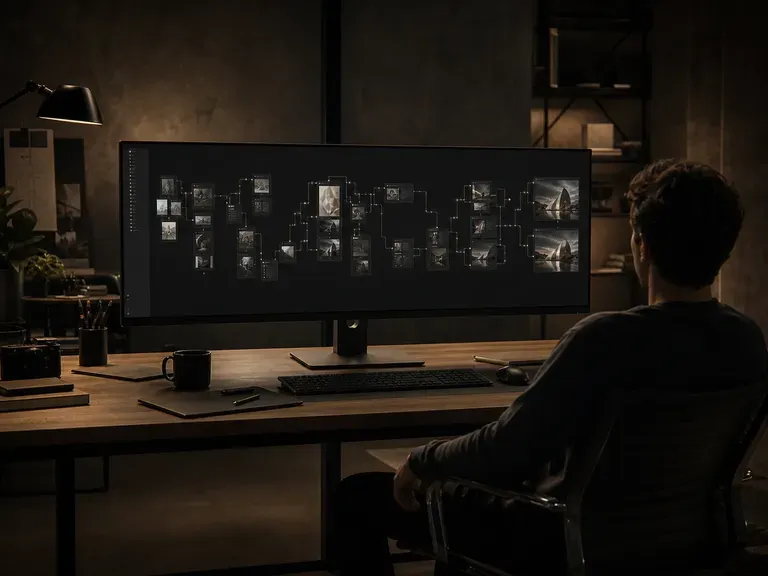
A direção criativa é muitas vezes mais fácil de mostrar do que de descrever. Use imagens, disposição, agrupamento e ligações para comunicar relações difíceis de expressar apenas através de texto. Mostre à IA o que quer dizer — não apenas o que consegue descrever.
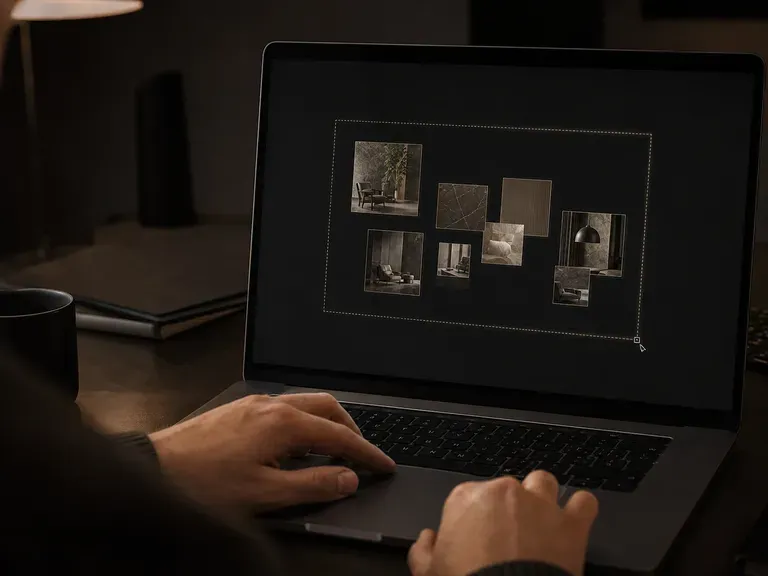
Um único canvas. Vários fluxos de trabalho de IA.
Use o mesmo canvas nas diferentes fases do trabalho criativo — o seu contexto permanece no projeto à medida que o trabalho evolui.
Exploração visual
Reúna referências e desenvolva várias direções.
Desenvolvimento de conceitos
Desenvolva ideias selecionadas sem começar de novo.
Iteração
Compare resultados e refine direções promissoras.
Produção
Expanda conceitos aprovados em mais recursos criativos.
Explore sem perder o fio
O trabalho criativo raramente é linear. Gere várias direções, coloque-as lado a lado, compare variações e continue a partir das ideias que vale a pena desenvolver.
Fluxo de trabalho tradicional de IA
- Escreva um prompt
- Gere uma imagem
- Transfira o resultado
- Recomece para a ideia seguinte
Virse Canvas
- Adicione uma referência
- Explore várias direções
- Compare e aperfeiçoe no canvas
- Expanda a direção que funciona
Concebido para a forma como os designers pensam
Os designers não pensam em prompts isolados. Pensam através de referências, relações, alternativas, comparações e iterações.
Virse Canvas transforma esse processo num espaço de trabalho que a IA consegue compreender. As suas ideias permanecem visíveis. O seu contexto permanece ligado. A sua direção criativa continua a ser sua.
Perguntas frequentes
O que é um canvas de IA?
Em que é que o Virse AI Canvas é diferente das ferramentas de design com IA baseadas em chat?
Como é que o Virse AI Canvas mantém o contexto criativo?
Que fluxos de trabalho de design pode o Virse AI Canvas suportar?
O seu espaço de trabalho criativo, agora nativo de IA
Reúna todo o processo de design numa única tela onde pessoas, ideias, recursos e IA podem trabalhar a partir do mesmo contexto.