AI Wallpaper Generator

AI Wallpaper Generator

A lighthouse in a storm or a fox asleep in the snow: whatever scene you type, the AI wallpaper generator paints it as your next wallpaper.

入力
Wallpaper brief · 必須Style & color reference · 任意Subject asset · 任意Device target · 任意UI breathing room · 任意Number of designs · 任意
出力
A single high-resolution wallpaper fitted to the device ratio (phone 9:16 / desktop 16:9 / tablet 4:3); optionally 2 or 3 independent variants

Style & color reference任意

画像はキャンバスでアップロードします。ここでは設定のみ入力します。

Subject asset任意

Device target任意
UI breathing room任意
Number of designs任意

What is an AI wallpaper generator?

An AI wallpaper generator creates a new screen background from a description you write. Each description gives you one wallpaper for a personal screen, and a brand's coordinated wallpaper series is outside its scope.

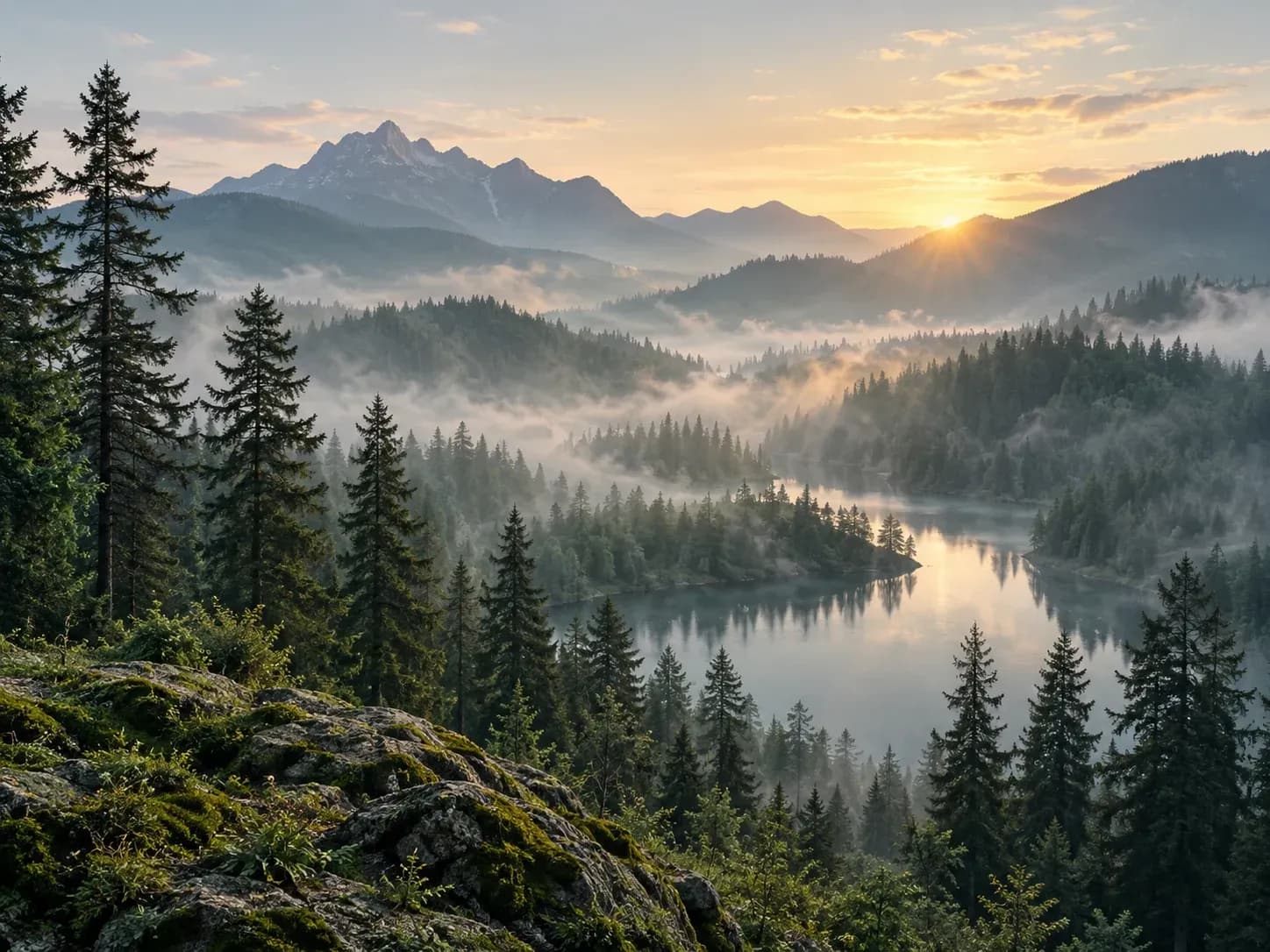
A misty forest wallpaper painted from a short description

Why use Virse as an AI phone wallpaper generator?

You look at your wallpaper many times a day, so it may as well be one you described.

The same scene as a phone and a desktop wallpaper
Device ratio

Shaped for your screen

Choose phone or desktop and the wallpaper comes back in that screen's proportions, tall for a phone and wide for a monitor.
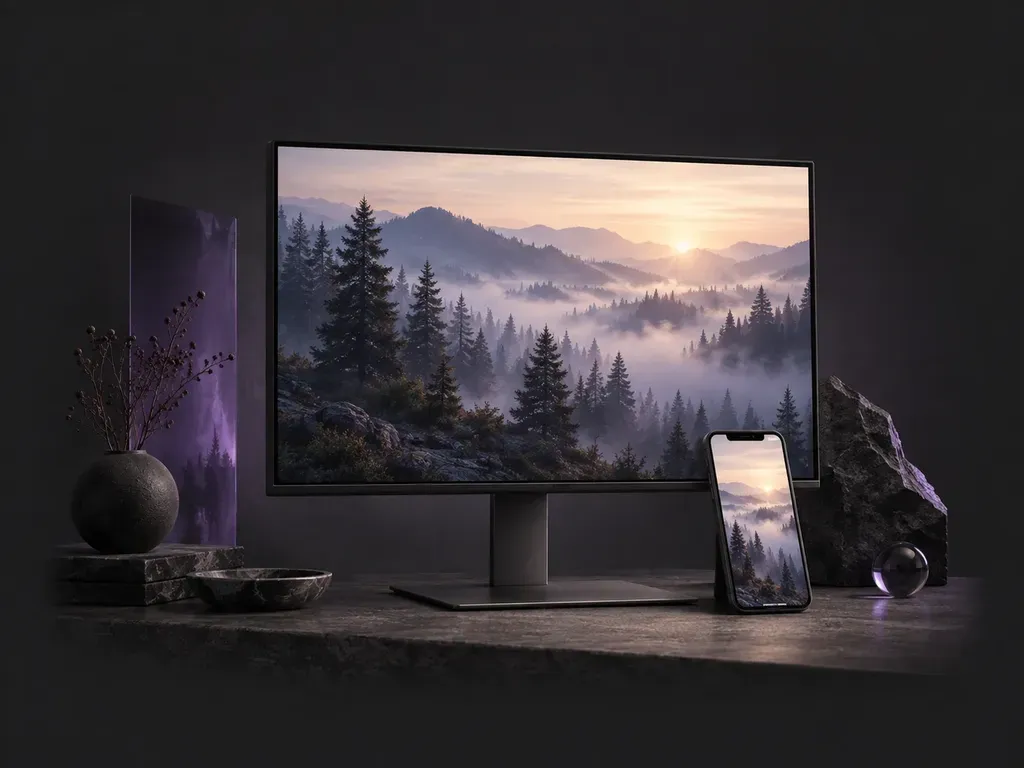
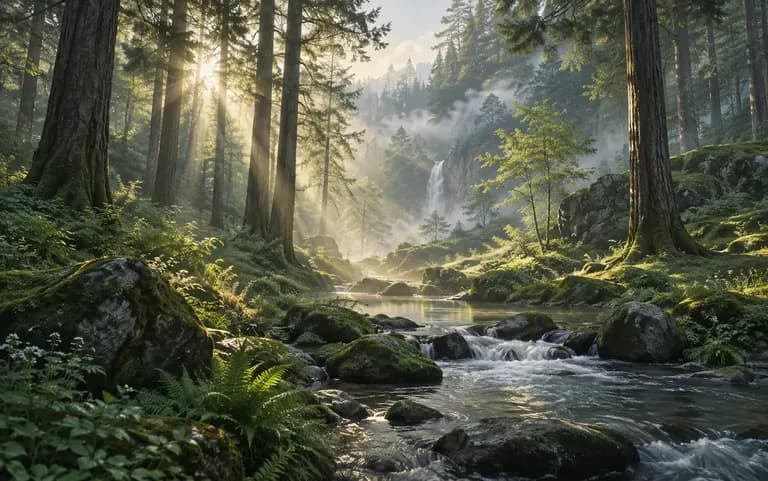
A dawn forest scene in cool greens
Describe

Mood in a few words

Describe the theme, the colors and the mood, such as a misty pine forest at dawn in cool greens, and the image follows it.
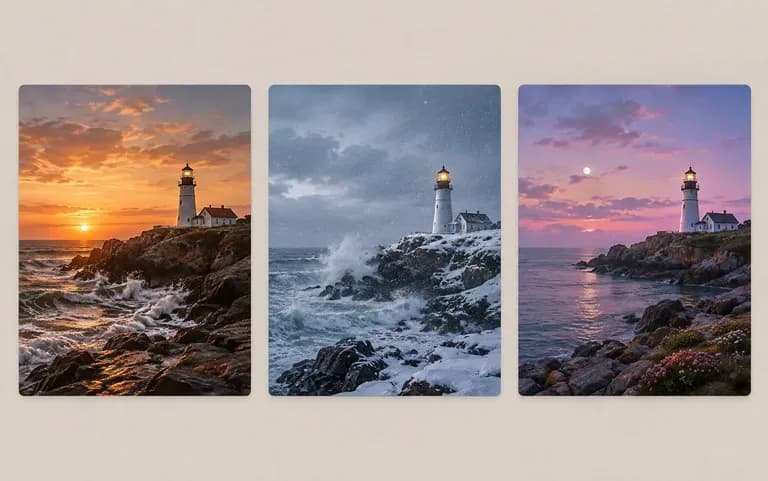
Three versions of one description on a canvas
Canvas

Same words, another version

Not sold on the first result? Send the same description again from your Virse canvas and choose between the versions.

How to use the AI desktop wallpaper maker

  1. Choose phone or desktop

    Pick the screen the wallpaper is for.

  2. Describe the scene

    Write what you want to see, such as mountains, a city at night or a simple pattern.

  3. Add colors and mood

    Name the colors and the feeling, for example calm blues or bright and playful.

  4. Generate and set it

    Download the wallpaper and set it on your screen.

Who uses a custom wallpaper generator?

Anyone who stares at the same screen every day.
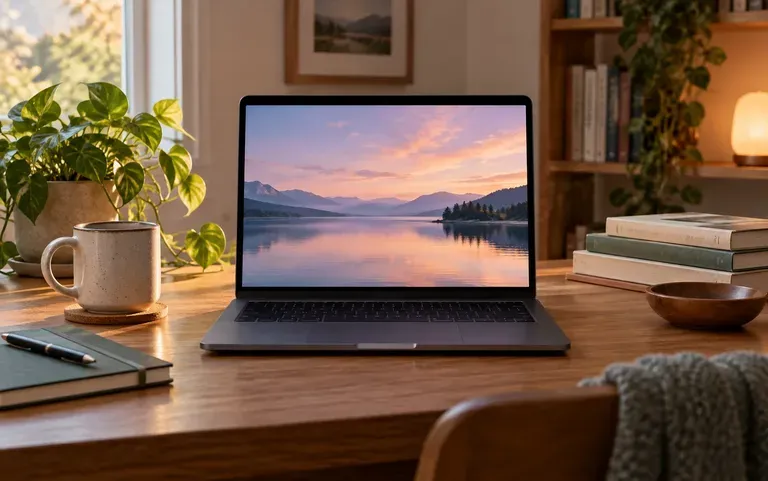
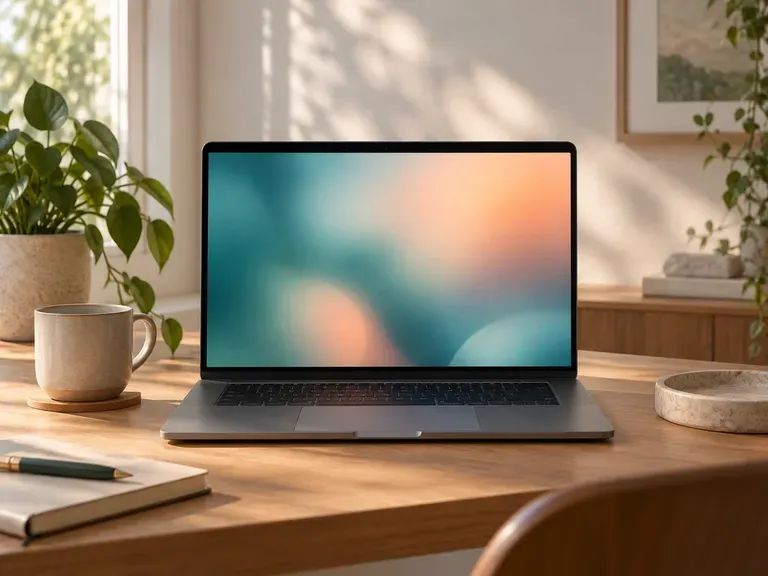
A calm study wallpaper on a laptop

Students

Make a calm study background for exam season.
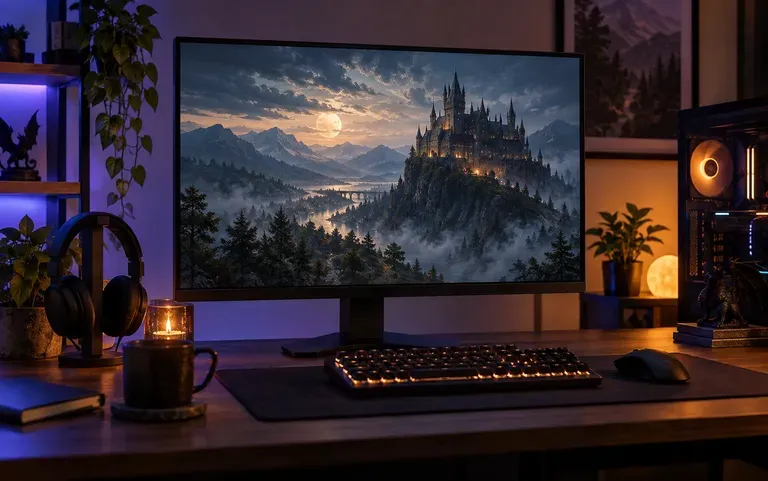
A game-themed desktop wallpaper

Gamers

Give the desktop the mood of the game you are playing right now.
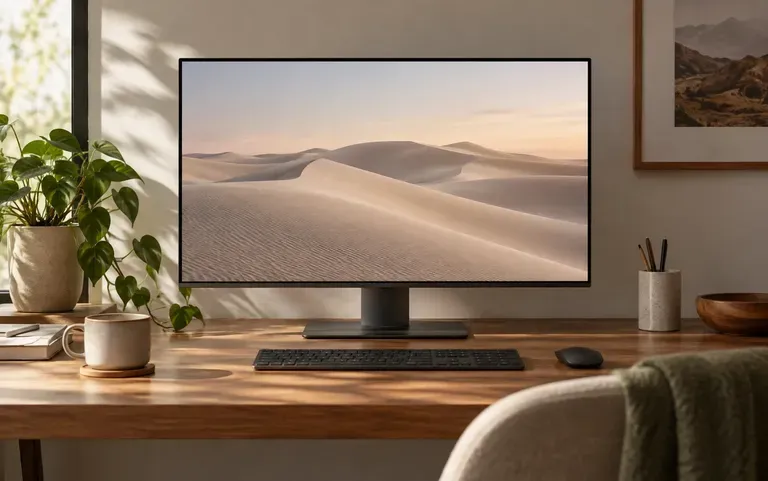
A quiet wallpaper on a home office monitor

Remote workers

Swap a busy wallpaper for something quieter during work hours.
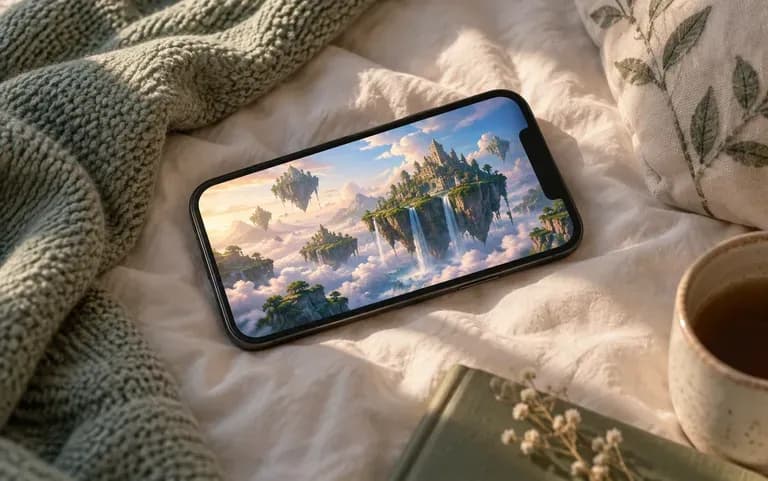
A fantasy scene on a phone lock screen

Daydreamers

Put a scene from your imagination on the phone's lock screen.
Wallpaper ideas to generate

Soft Blurs: out-of-focus color with no clutter
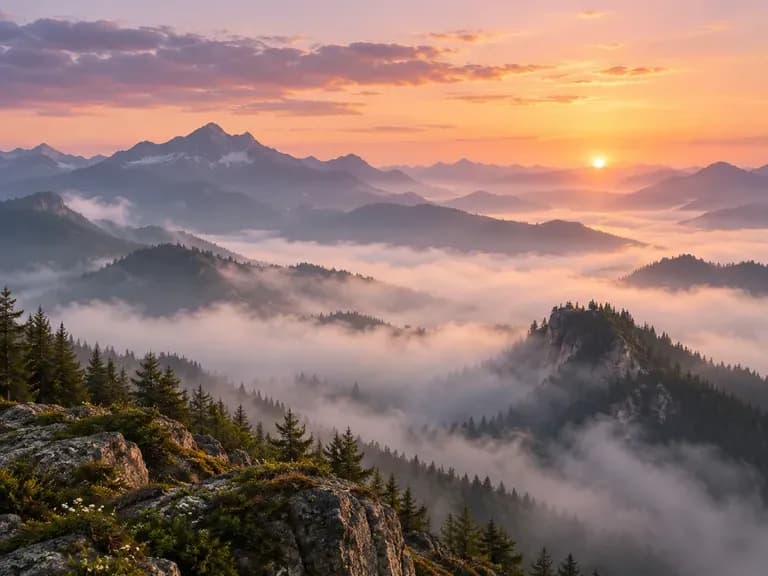
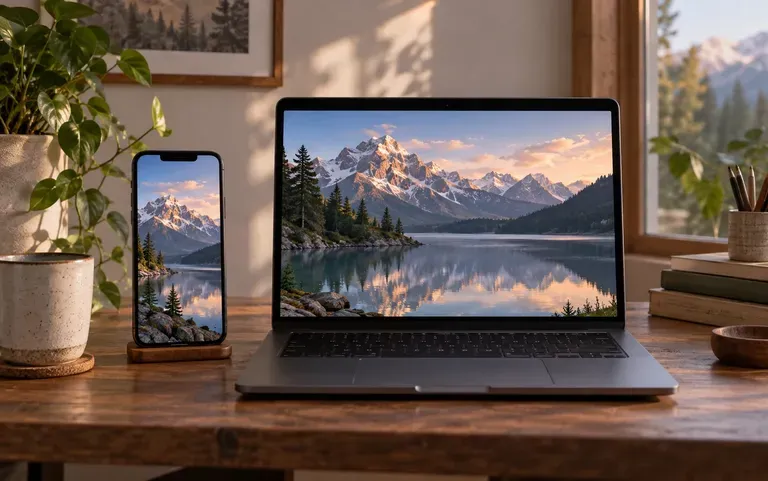
Misty Landscapes: forests and mountains at dawn
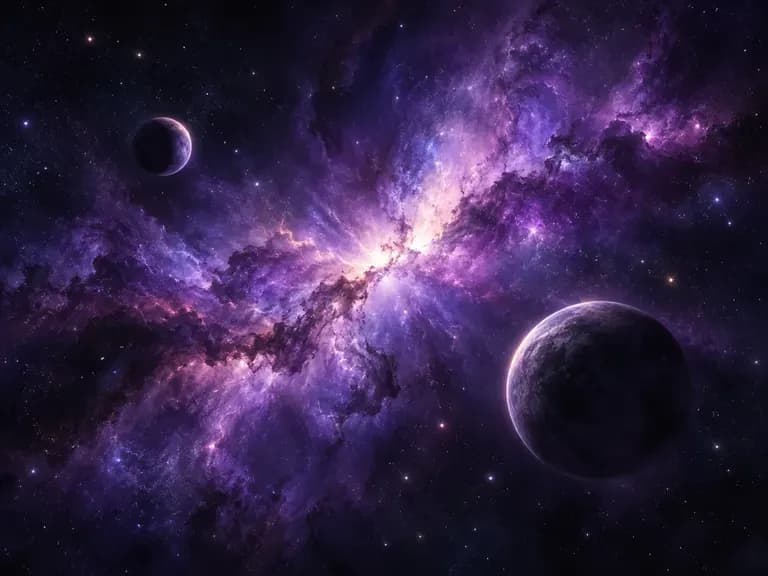
Space Scenes: nebulae and distant planets
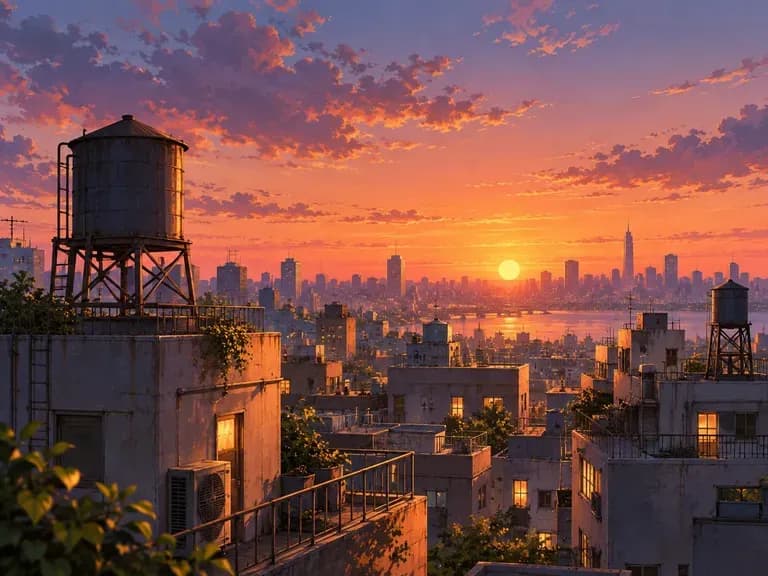
Anime Skylines: city rooftops at sunset
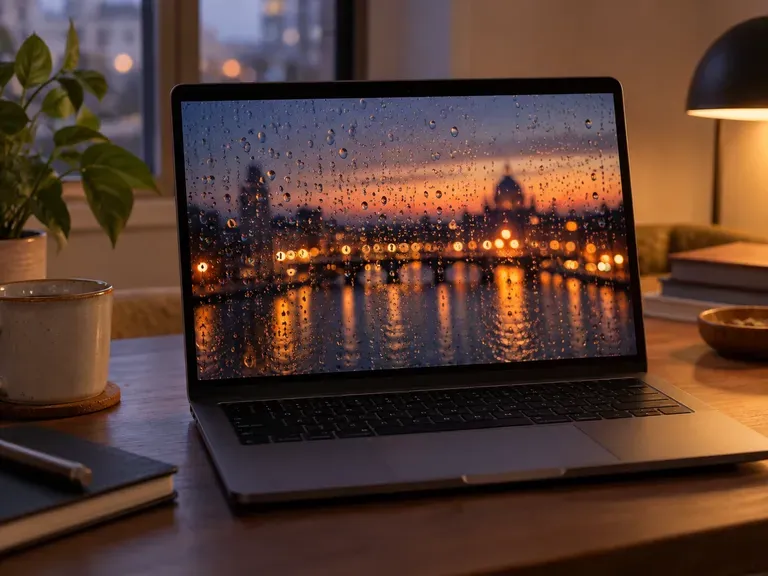
Rainy Windows: raindrops against warm evening light
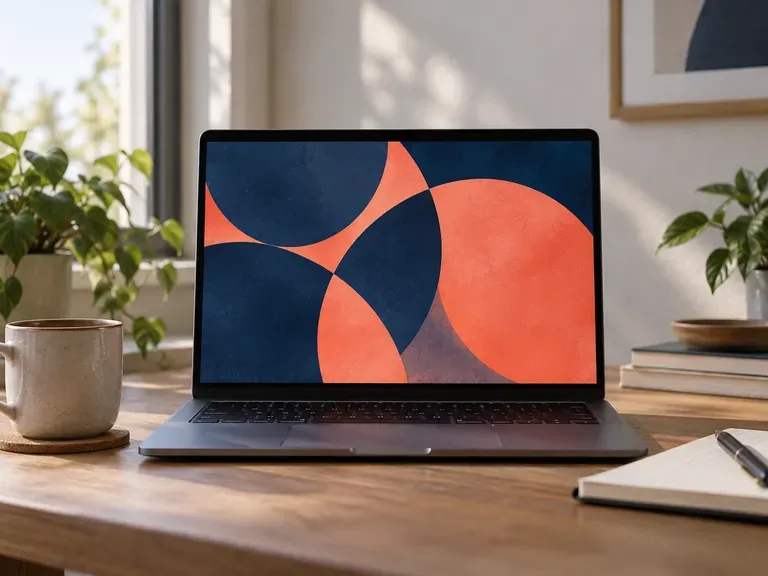
Abstract Patterns: bold shapes in two colors
FAQ

Frequently asked questions

Can I use it for a brand campaign?
No. Brand work is not what it is for. It paints wallpapers for your own phone or computer, not artwork a marketing team has to sign off.
Is it a 4K AI wallpaper creator?
No. The tool does not promise 4K output, so open a wallpaper at full size and check the detail before you set it on a large high-resolution monitor.
Will it fit my screen without cropping?
Mostly. It is made in the proportions of the device you picked, but screens crop a little differently, so nudge the position when you set it.
Is Virse's AI wallpaper generator free?
Yes. You get 200 compute on sign-up plus 50 a day when the balance dips below 200. Free wallpapers are 1K, and every image model is included.
Can I make a live or animated wallpaper?
No. The tool makes still images only. For a moving wallpaper you would need a separate app.
Which styles and themes can I describe?
You describe it in your own words, from a simple two-color gradient to a detailed fantasy scene; naming colors, light and mood gives you the most control.

Make your own wallpaper with AI

Describe a scene and get your new wallpaper.