
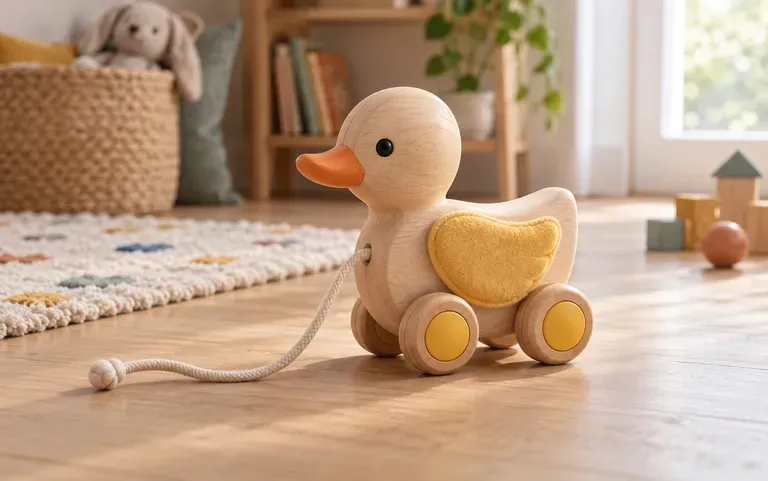
Age & material
Made for an age group
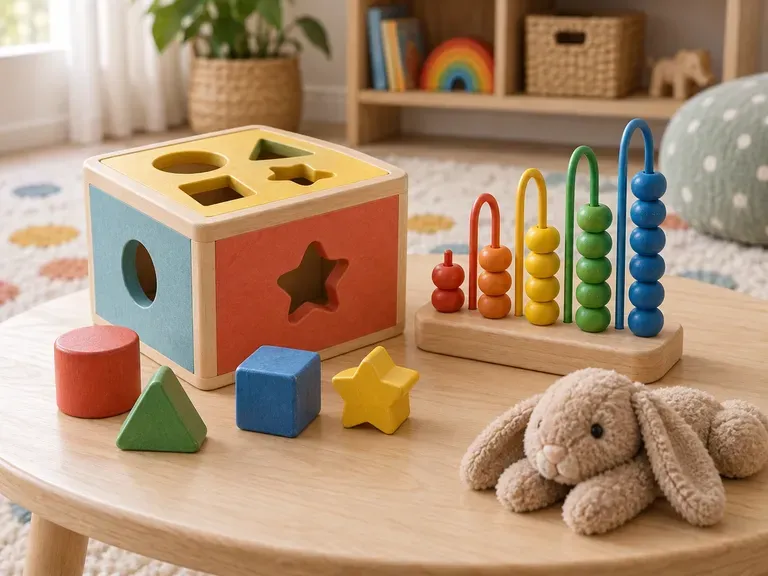
Tell the tool the toy type, the material and the target age, for example chunky wooden blocks for toddlers, and the concept reflects that brief.
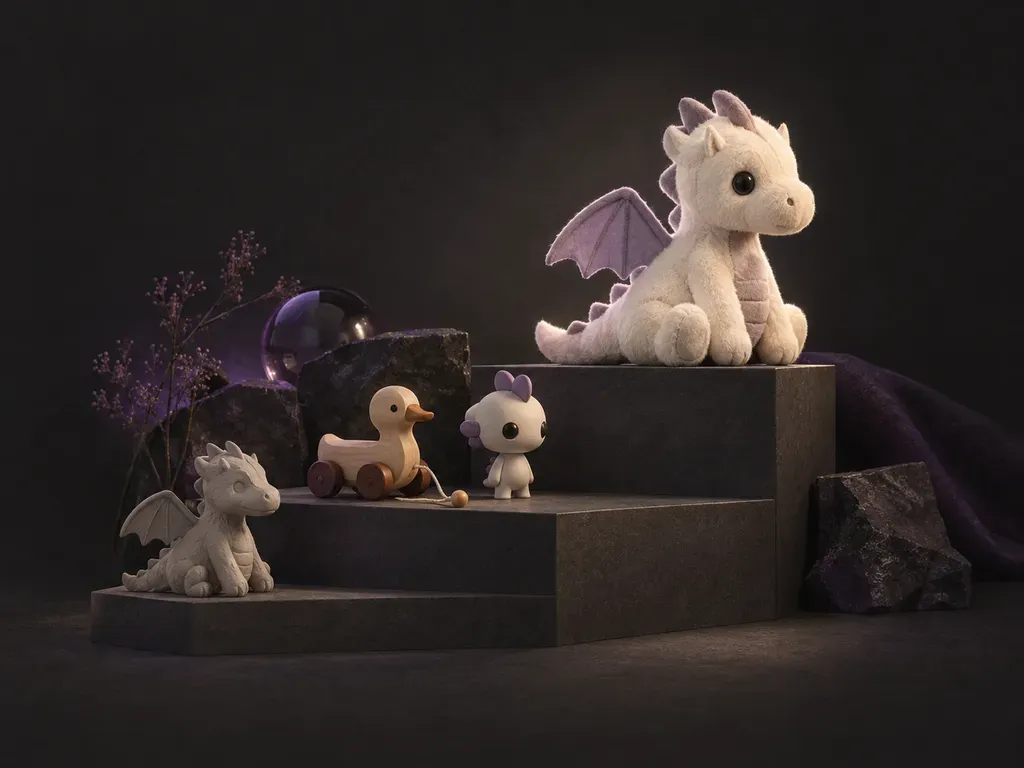
Describe the toy you have in mind, from a soft plush for toddlers to a detailed figure for collectors, and this AI toy designer draws the concept so there is something to show before any prototype is made.
Toy companies and hobby makers use an AI toy designer, or AI toy design generator, to turn a toy idea into a picture they can share. Mold drawings and safety testing are not included and stay with the manufacturer.
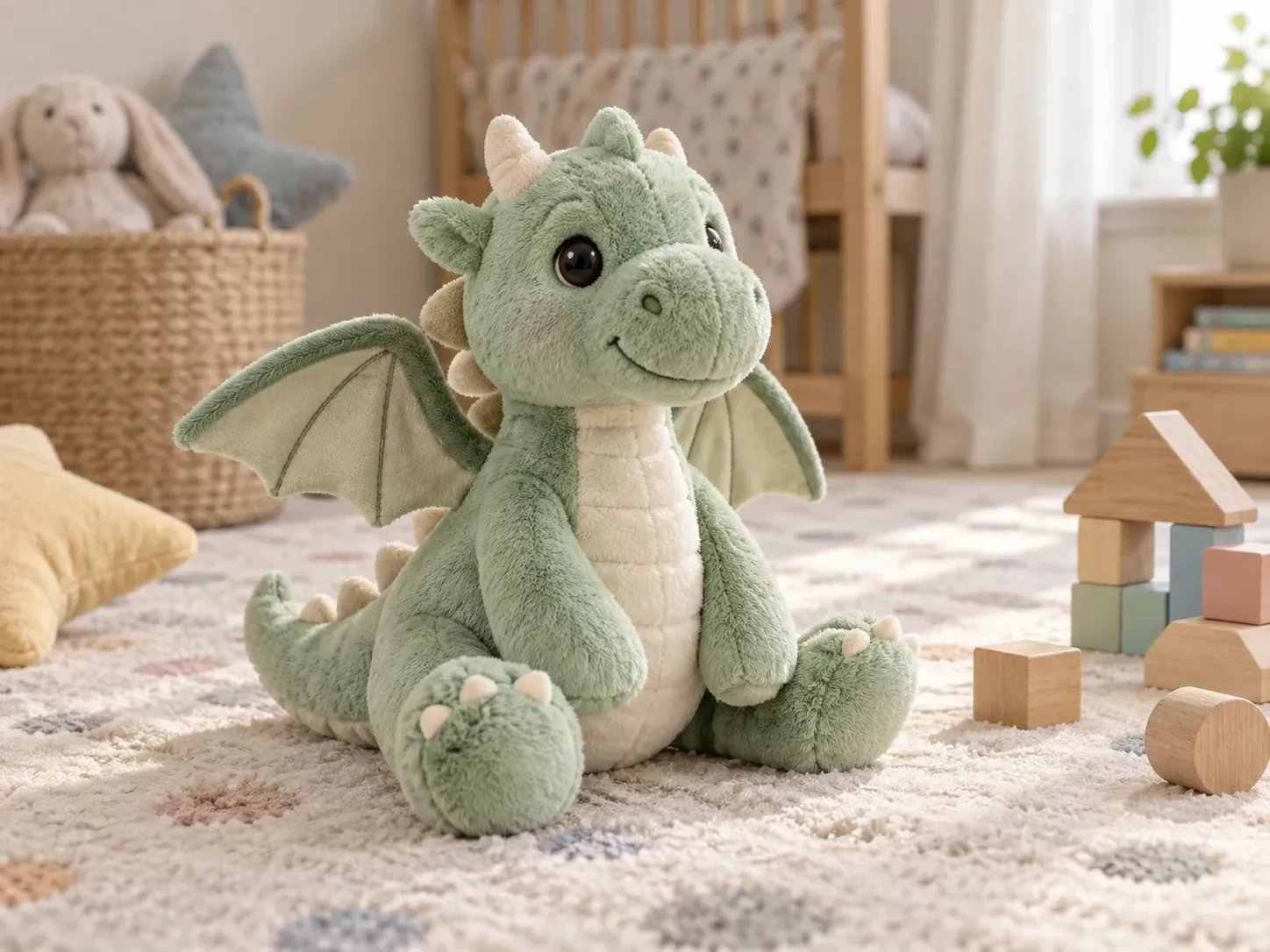
Start with whichever part of the toy idea you are surest about.
Tell the tool the toy type, the material and the target age, for example chunky wooden blocks for toddlers, and the concept reflects that brief.
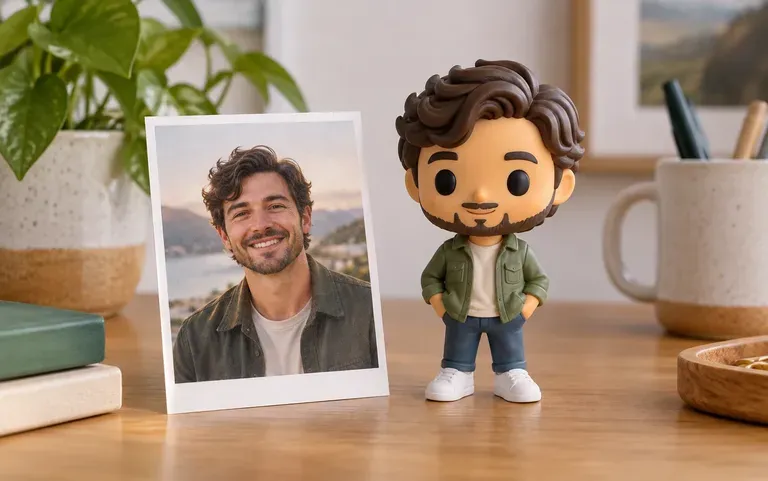
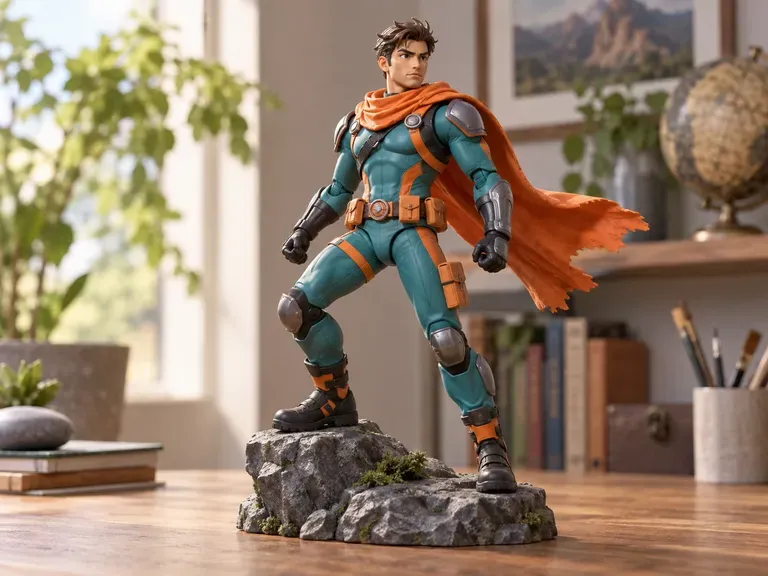
Turn a portrait into an action figure or a collectible-style character, which is also a quick way to test how a character reads.
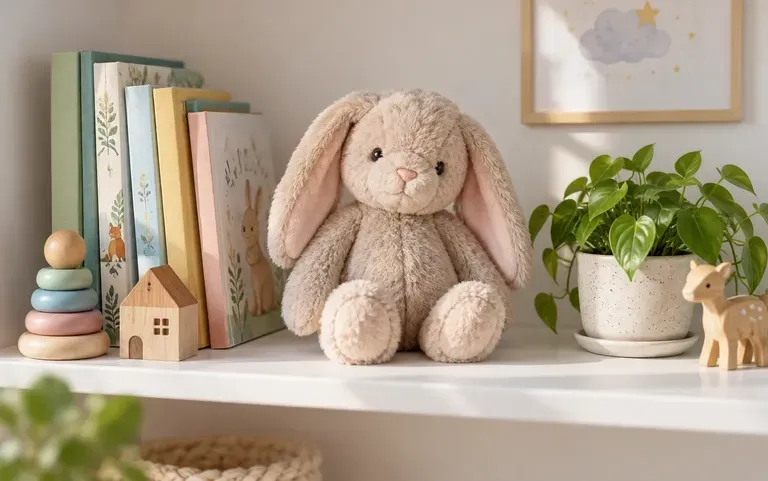
Ask for a lifestyle scene, such as the toy on a nursery shelf, to show how it looks at home rather than on a blank background.
Start with the age group or the collector the toy is meant for.
Name the toy type, the material and the style, for example a felt plush with embroidered eyes.
Upload a clear portrait to turn the person into a figure-style toy. Leave it out for an original character.
Look at the concept, then rerun with one change or ask for a three-view sheet for a maker.
Every toy starts as an idea that someone needs to show.
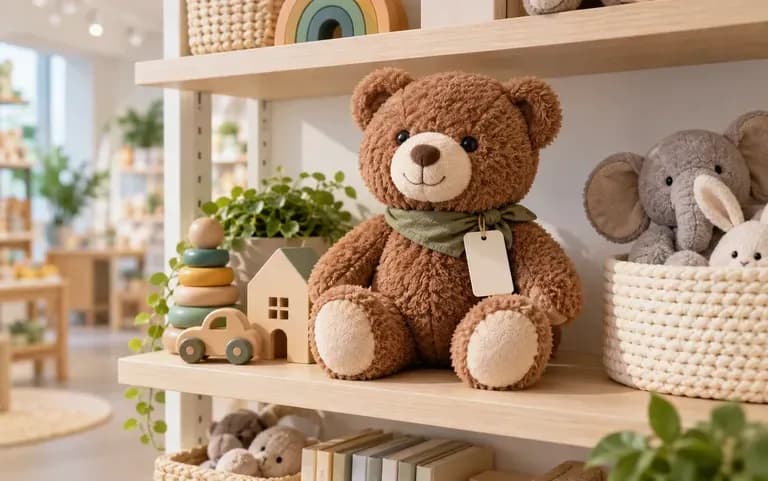
Show a manufacturer or a retailer what the next plush or figure should look like.
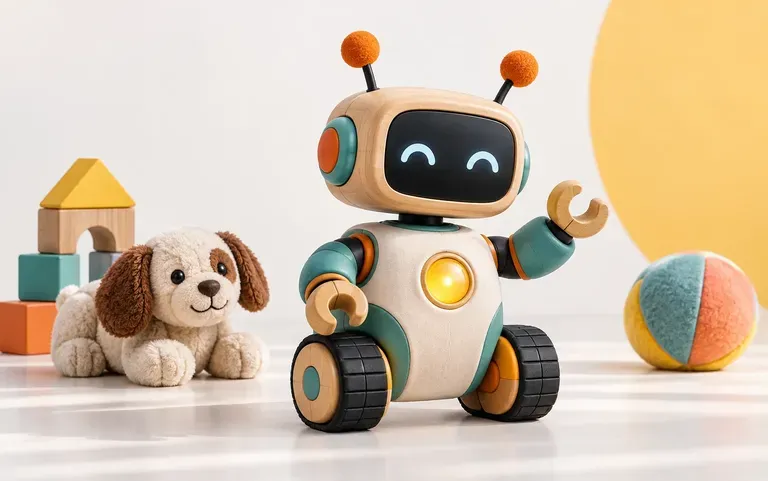
Give backers a picture of the reward while the campaign page is still in draft.
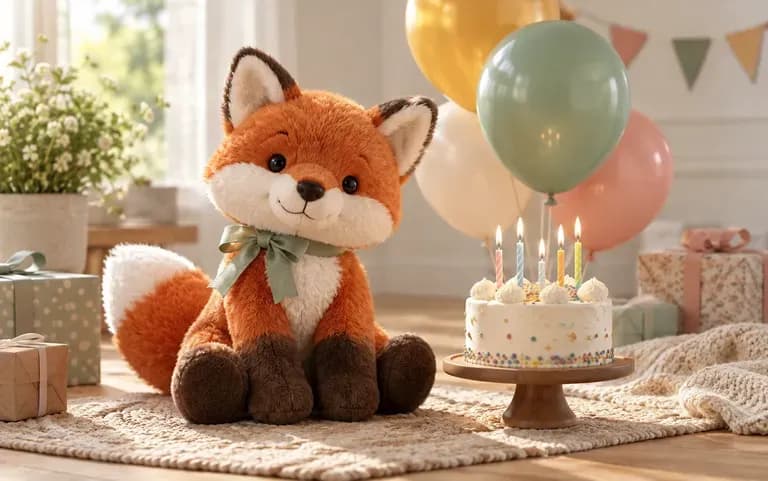
Picture a one-off toy based on a child's favorite animal.
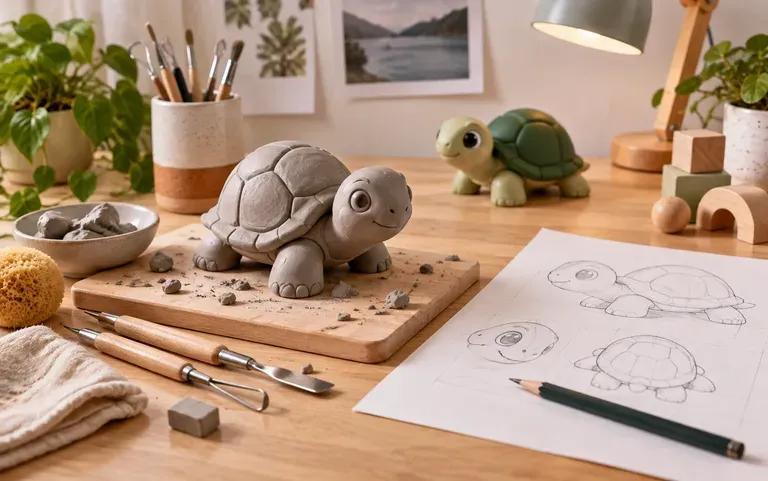
Take a toy idea from a class brief to a presentable image.
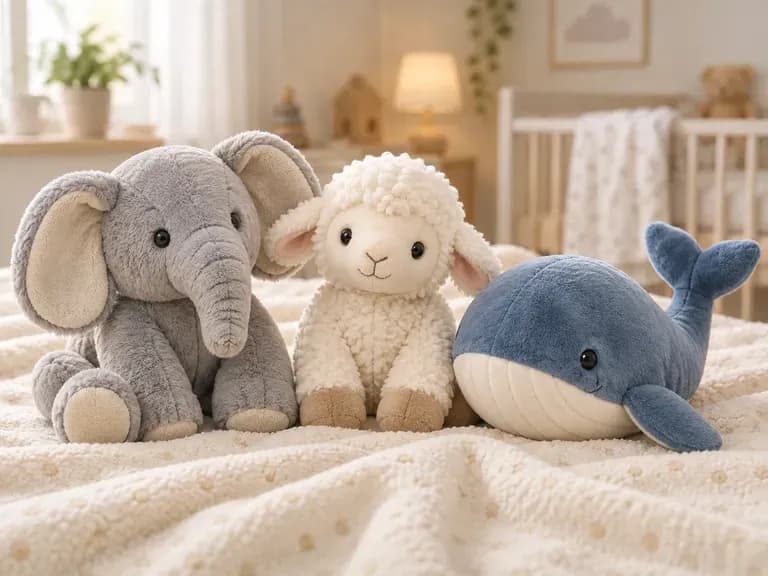
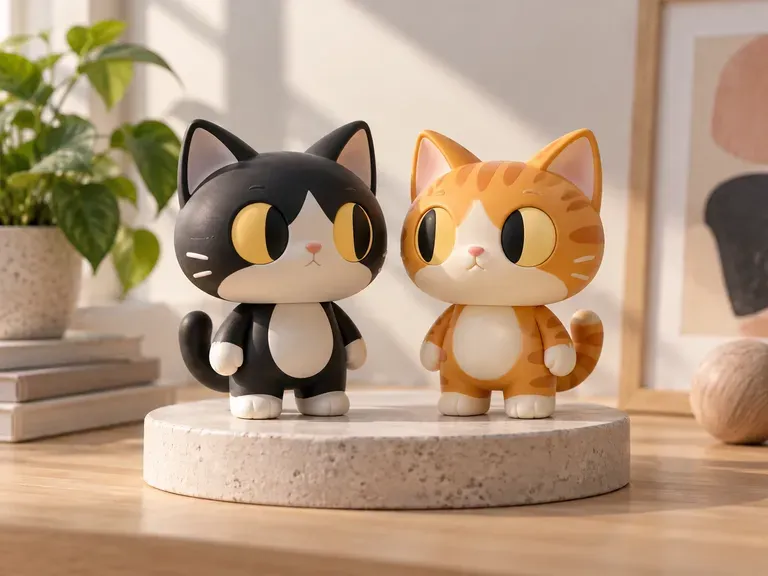
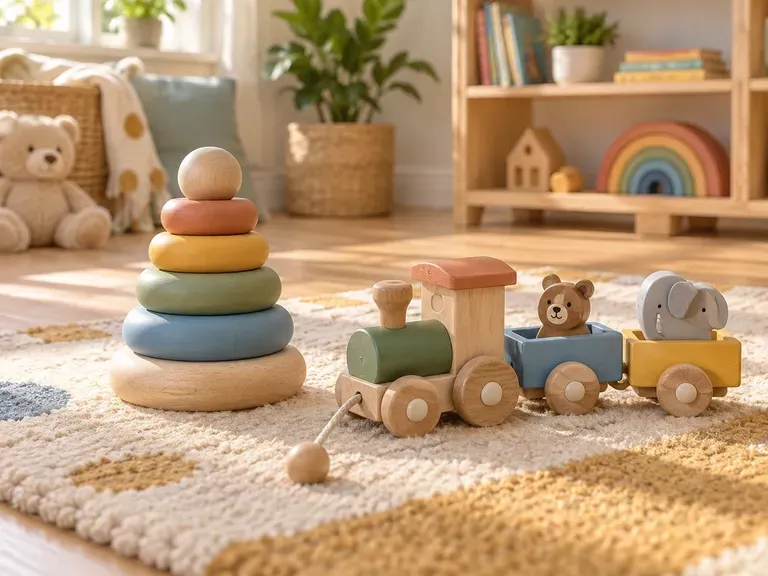
Tell the tool who the toy is for and what it is made of, and look at the first concept.