Age & material
Tailor Proportions and Materials by Age Group
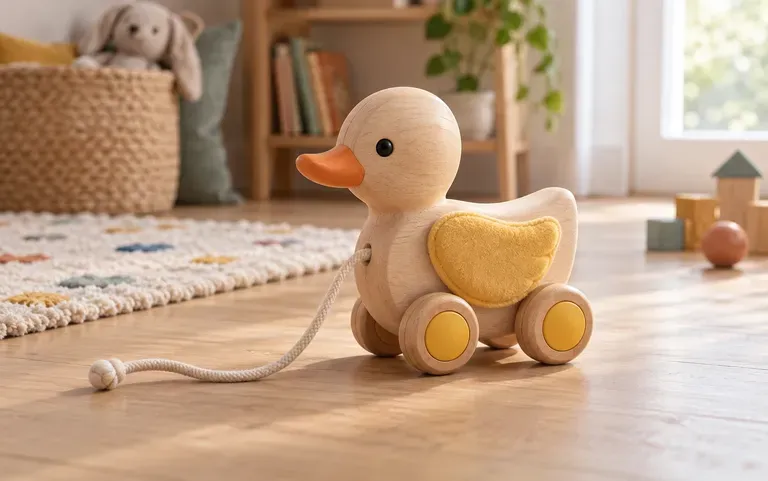
Specify whether the concept is a toddler-safe wooden stacker with rounded edges and non-toxic waterbased stains or an adult collector statue with sharp mechanical armor details.
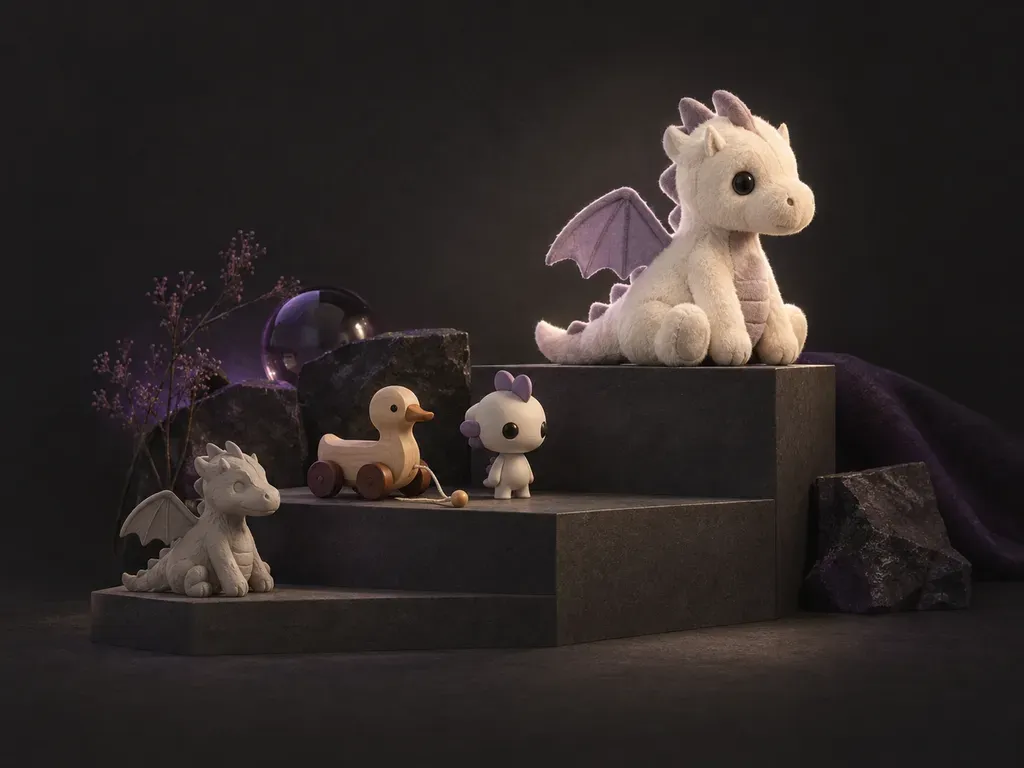
Turn a character brief or uploaded portrait into a studio-lit toy concept before sculpting a prototype. This AI toy generator visualizes blind-box vinyl figures, posable action figures, stitched minky plushies, and wooden playsets on your Virse canvas.
An AI toy generator (also called an AI toy designer or AI action figure generator) turns a product brief or portrait into a 3D-style toy concept for pitch decks and maker reviews. Virse lets you direct three physical toy attributes before ordering factory samples:
• Category and scale: Design chibi blind-box vinyl figures, 6-inch articulated action figures, plushies, or wooden blocks.
• Material and surface craft: Specify matte rotocast PVC, flocked velvet, metallic paint masks, minky fleece, or satin beechwood.
• Presentation and packaging: Stage isolated studio shots, three-view turnaround sheets, or blister-card and window-box packaging.
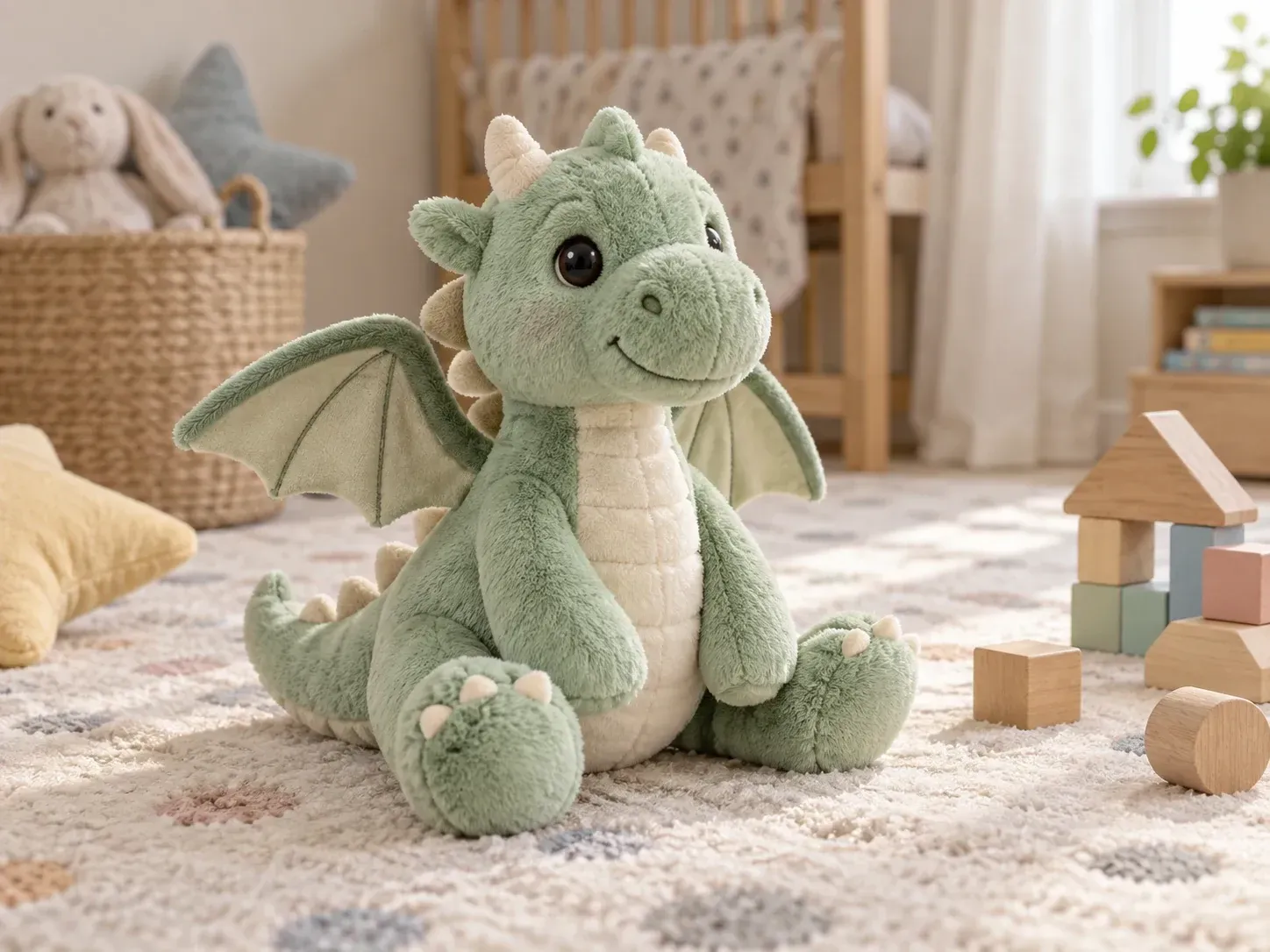
Three concept controls that help indie toy makers, Kickstarter creators, and industrial designers visualize characters across materials and age brackets.
Specify whether the concept is a toddler-safe wooden stacker with rounded edges and non-toxic waterbased stains or an adult collector statue with sharp mechanical armor details.
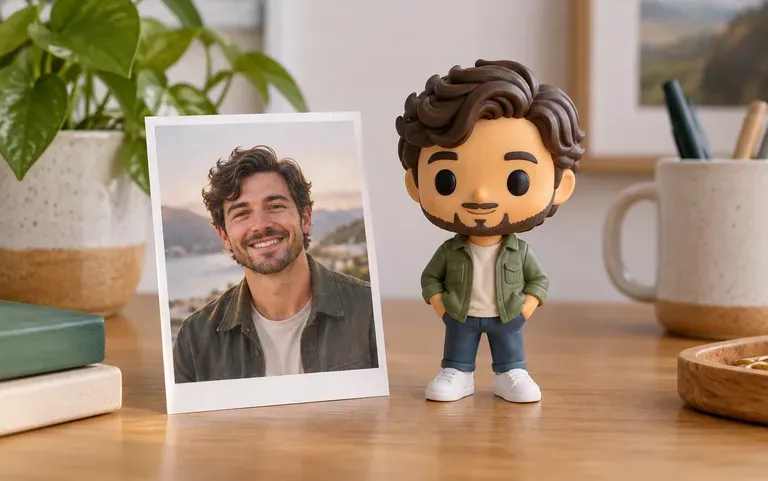
Upload a clear front-facing portrait and use the tool as an action figure AI generator or chibi vinyl converter to stylize a real person into a boxed collectible character.
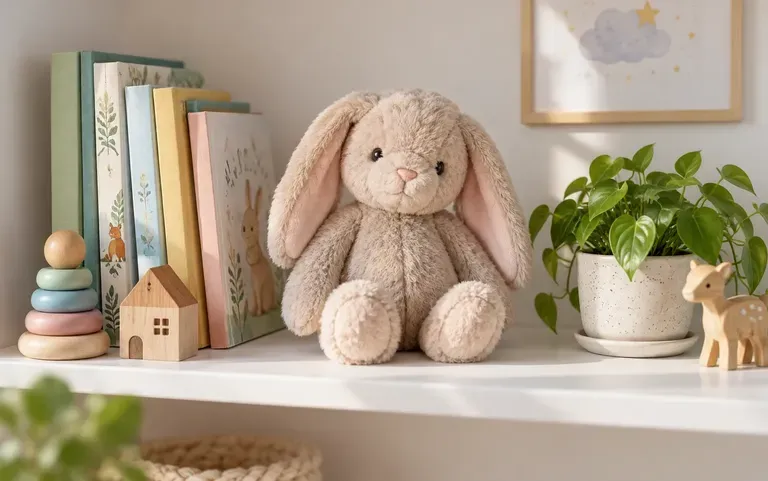
Render your concept on a clean white studio sweep for manufacturer quotes, on a sunlit playroom shelf for crowdfunding headers, or inside an AI toy box generator window carton.
How exploring toy directions on the Virse Infinite Canvas compares with commissioning early ZBrush sculpts or sewing physical plush mockups.
Early 3D Sculpts & Hand-Sewn Prototypes
Virse AI Toy Generator
Name the exact toy format: blind-box vinyl art toy, articulated action figure, stitched plush animal, or wooden educational playset.
Describe physical construction, such as matte rotocast PVC with gold visor, stitched fleece with embroidered eyes, or ball joints.
Attach a clear portrait photo to turn a person into a stylized action figure or chibi collectible, or leave it blank for original designs.
Compare colorways side by side on your canvas, or request a front, side, and back turnaround sheet to share with a 3D sculptor.
Specify toy category, character subject, physical material, and studio or packaging view. Copy any of these three briefs:
• Blind-box vinyl figure: "Studio photo of a chibi astronaut cat vinyl figure, matte cream PVC, amber visor, copper backpack, beside a pastel window box."
• Blister-card action figure: "Posable sci-fi ranger action figure with ball-jointed knees and olive ABS armor, sealed in a clear blister on retro cardstock."
• Stitched toddler plush: "Soft sleepy red-panda plush toy in rust and cream minky fleece, neat seam stitching, embroidered brown eyes, on an oak shelf."
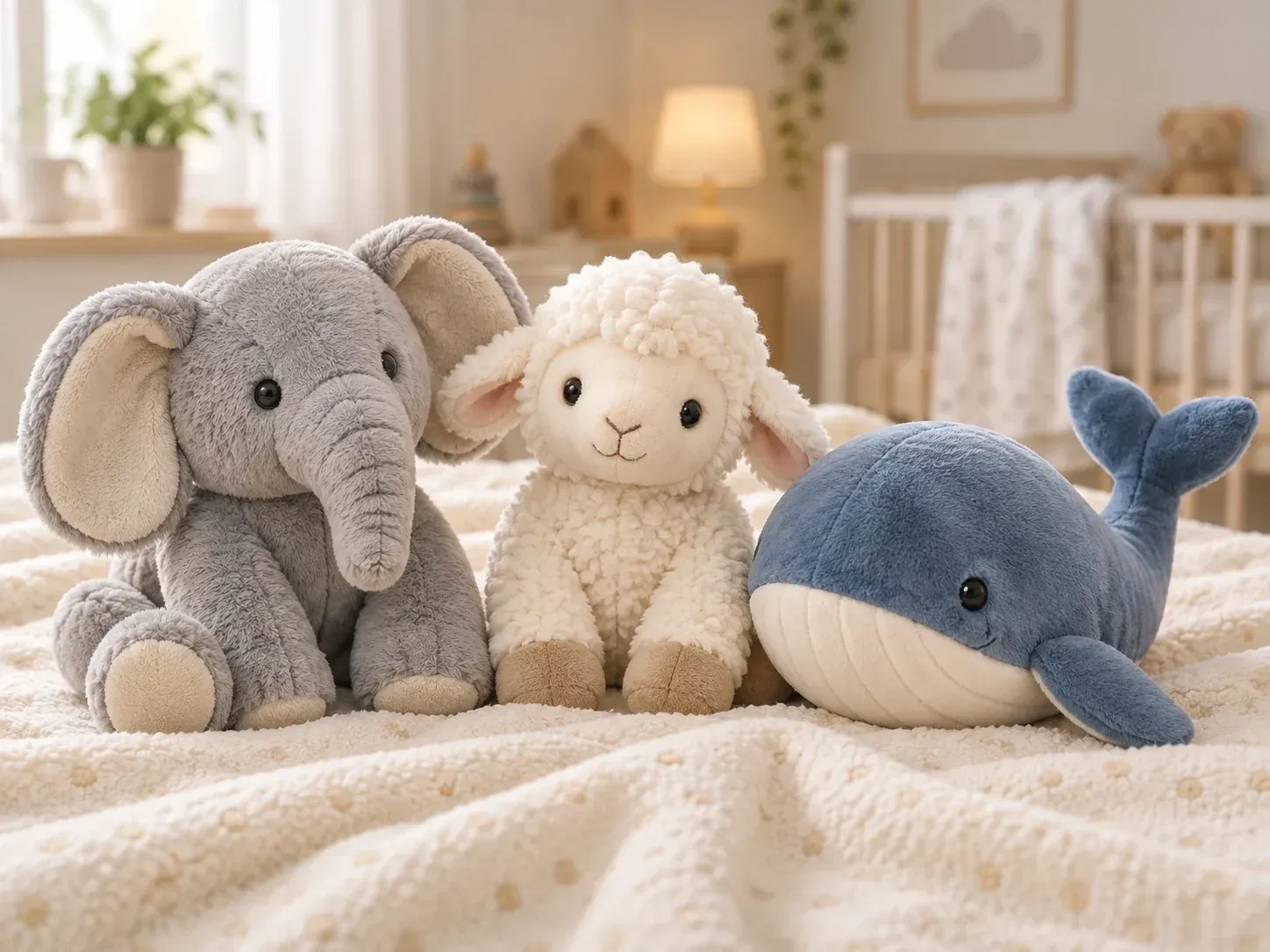
Four maker, crowdfunding, and design groups that visualize toy concepts before investing in 3D sculpting or factory tooling.
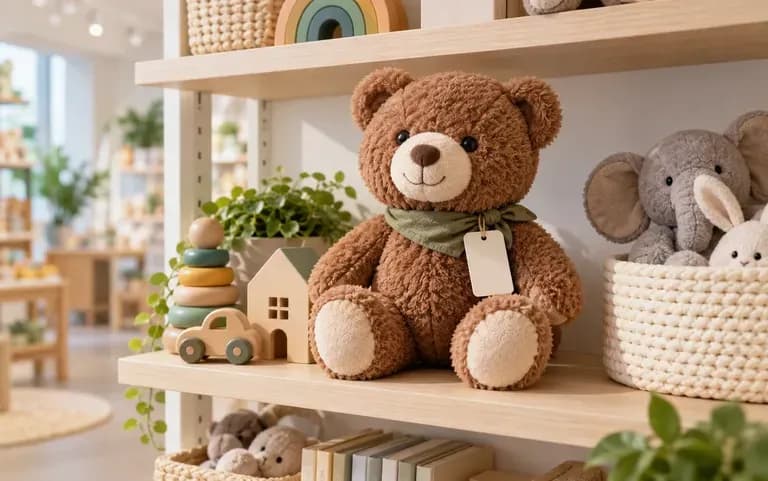
Show plush factories, 3D sculptors, or retail buyers how a proposed character silhouette and colorway should look before commissioning patterns.
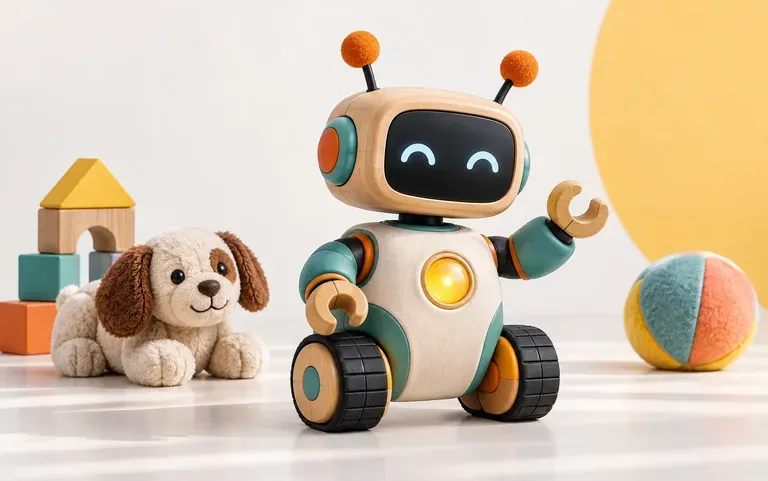
Build visual stretch-goal lineups, limited-edition colorway tiers, and boxed collector previews while your campaign page is still in pre-launch draft.
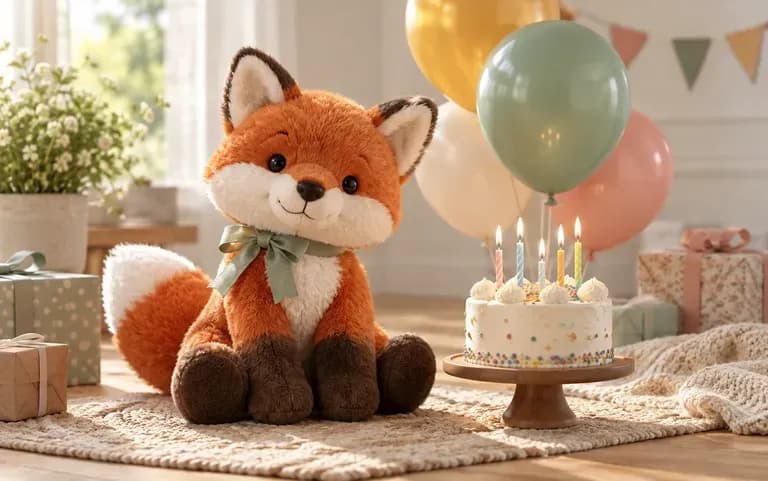
Visualize a custom plush animal from a bedtime story or turn a friend's photo into a personalized boxed action figure keepsake.
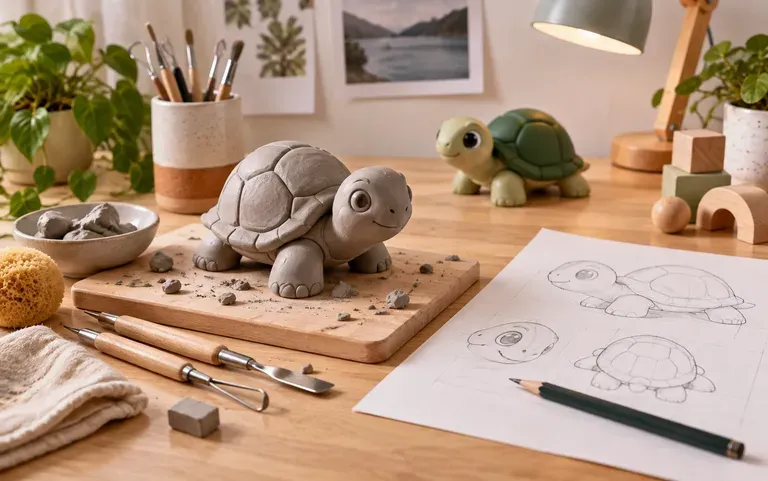
Develop toy design studio briefs into polished material explorations, age-group studies, and playset boards ready for pin-up critiques and portfolios.
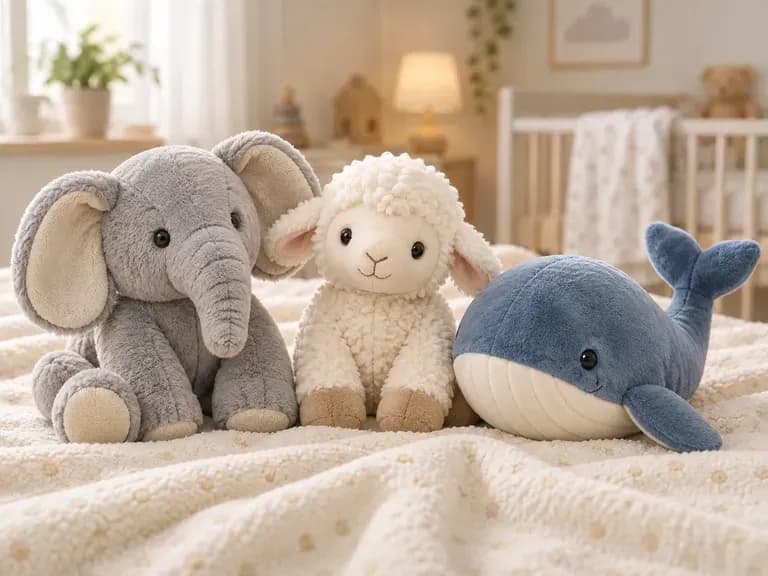
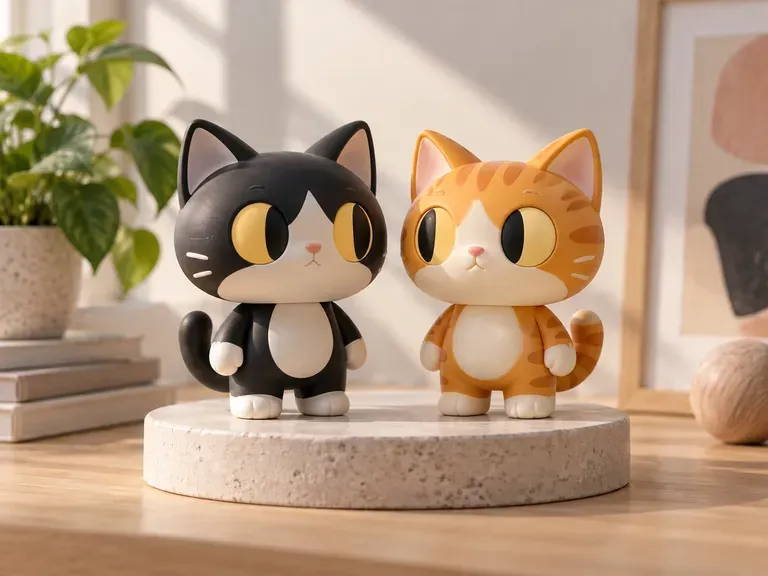
Six toy design categories generated in Virse, covering nursery plushies, urban vinyl art toys, beechwood stackers, posable heroes, STEM sorters, and miniature playsets.
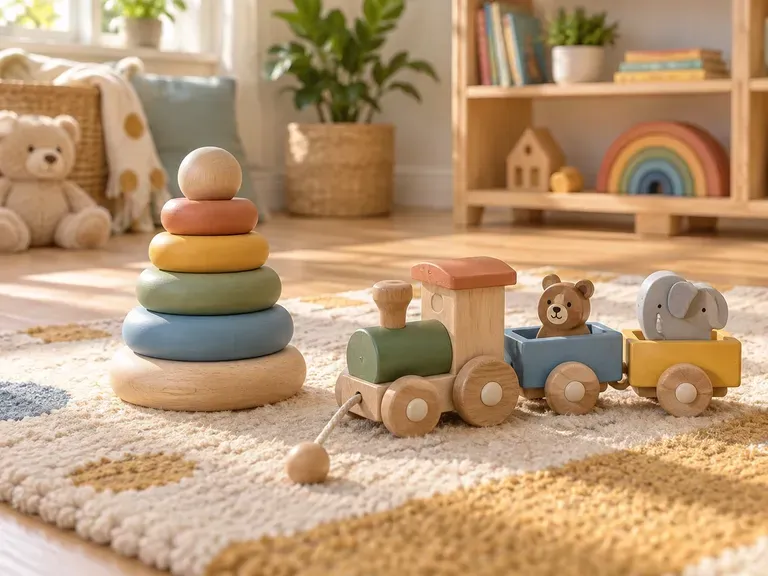
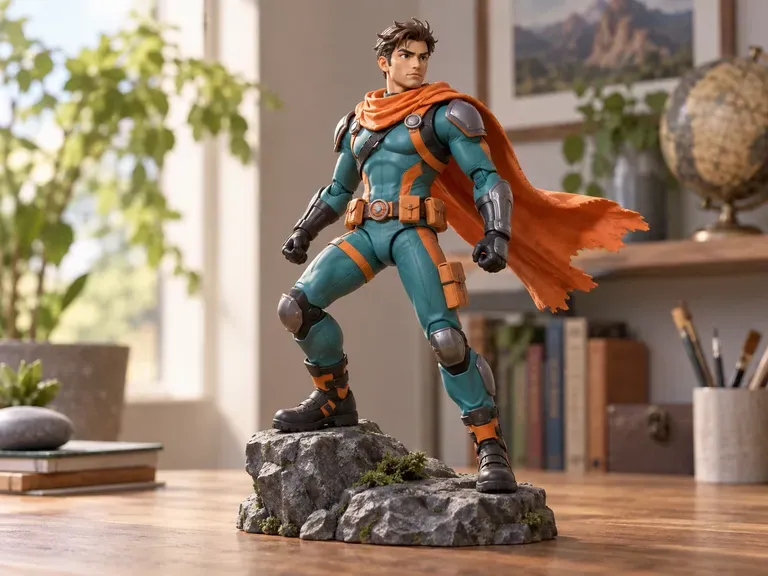
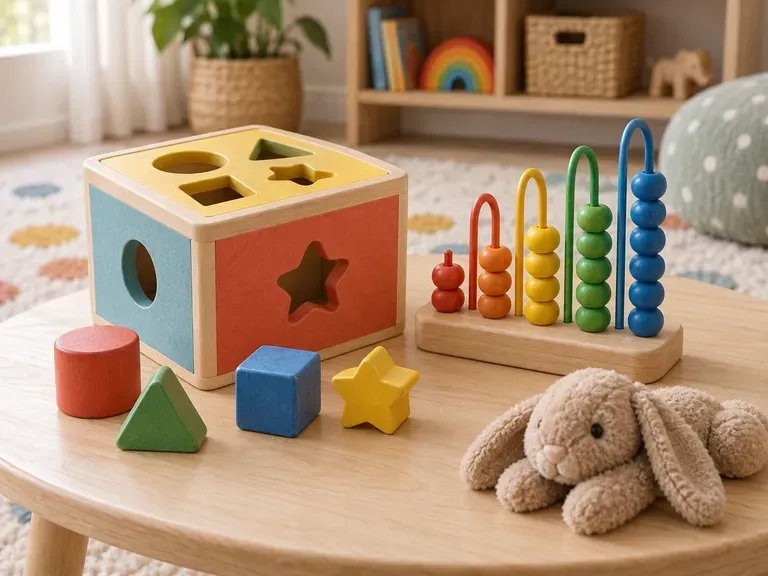
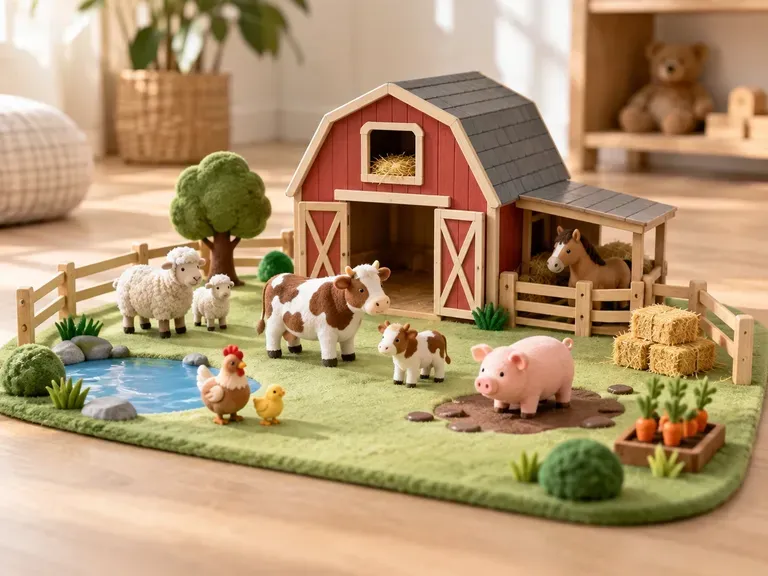
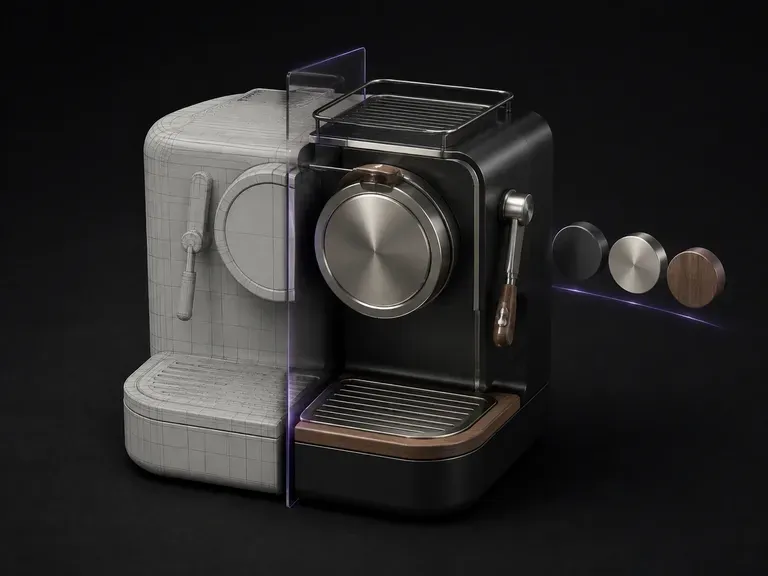
Turn a grey 3D blockout or sculpt screenshot into a finished matte clay or painted studio render.
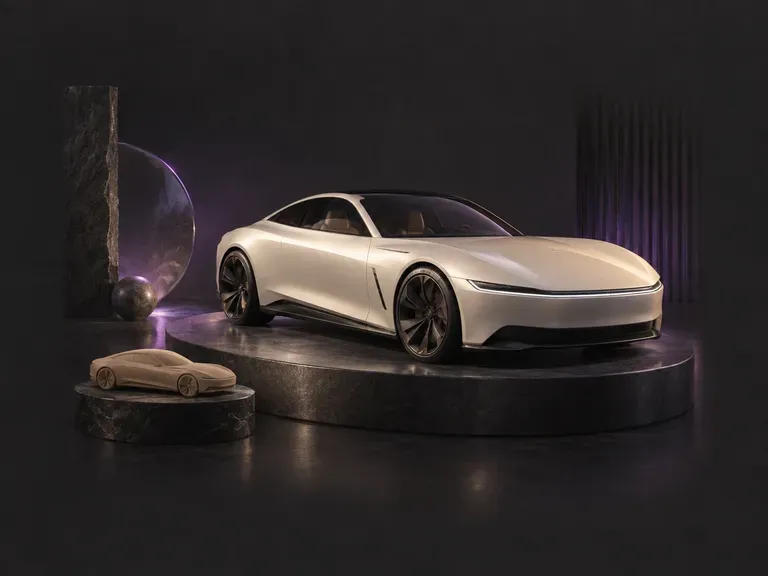
Design miniature die-cast vehicles, wooden toy cars, and sci-fi playset transports on the same canvas.
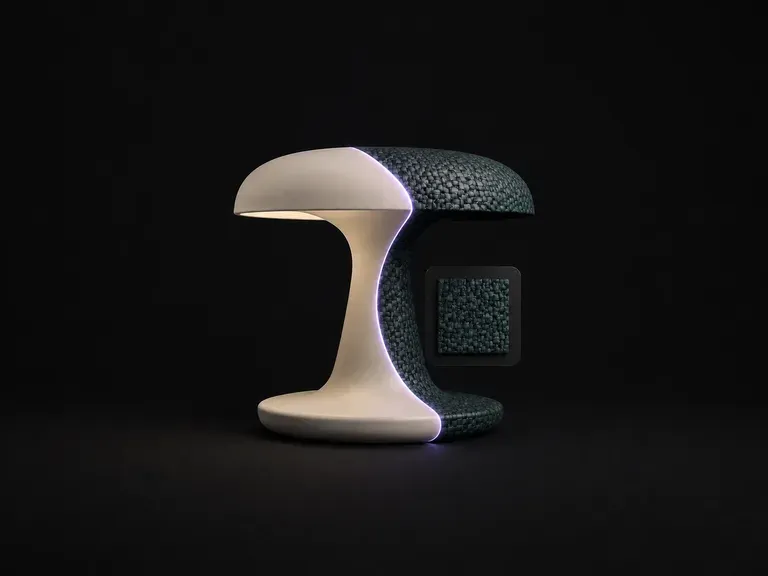
Wrap a reference wood grain, brushed metal, or fabric texture onto an existing product silhouette.
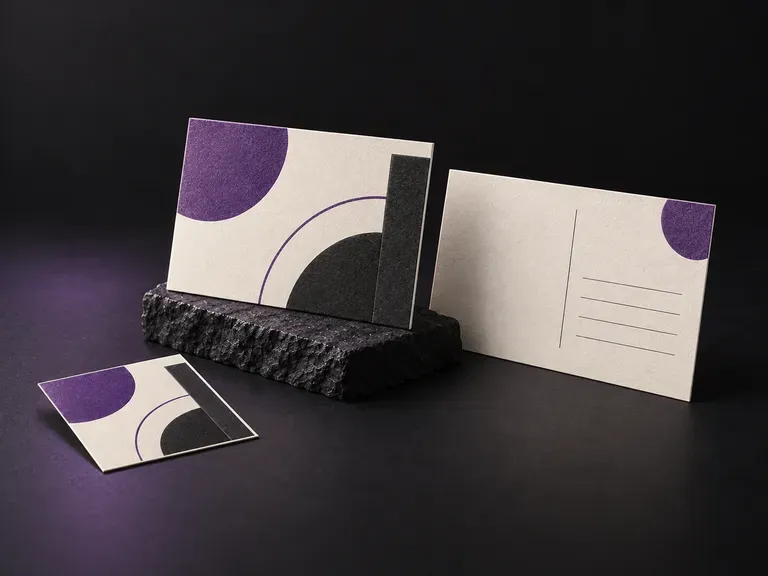
Check front artwork and back message layouts on flat or stacked 4x6 and A6 mailers.
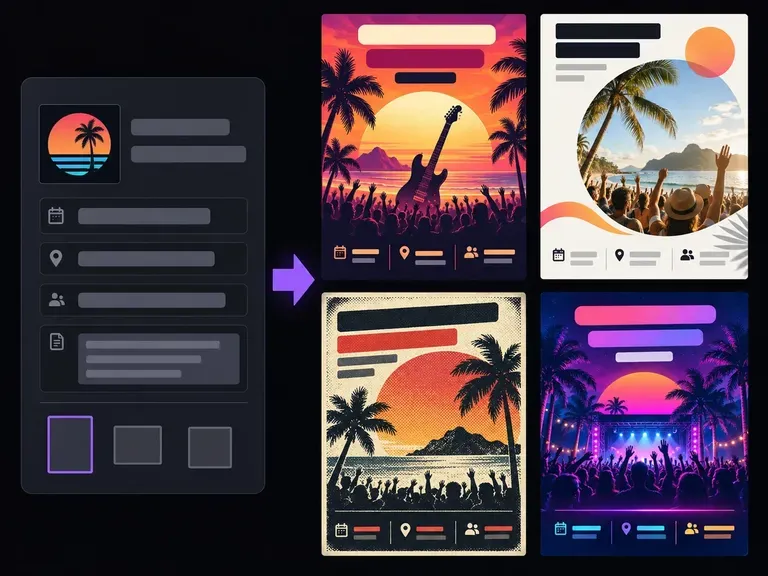
Lay out promotional handbills and event leaflets with strong headline and date hierarchy.
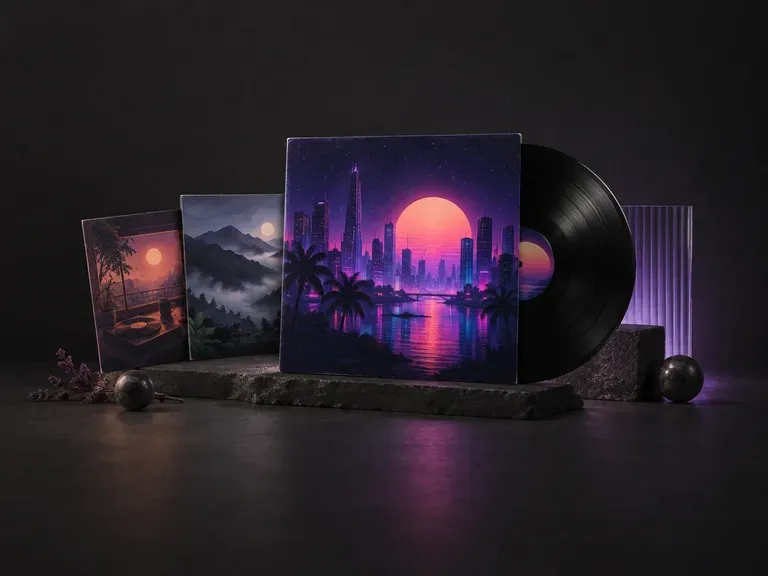
Create square 1:1 cover artwork built to hold up on vinyl sleeves and tiny streaming thumbnails.

Translate detailed creative briefs into balanced compositions with reliable spatial relationships.
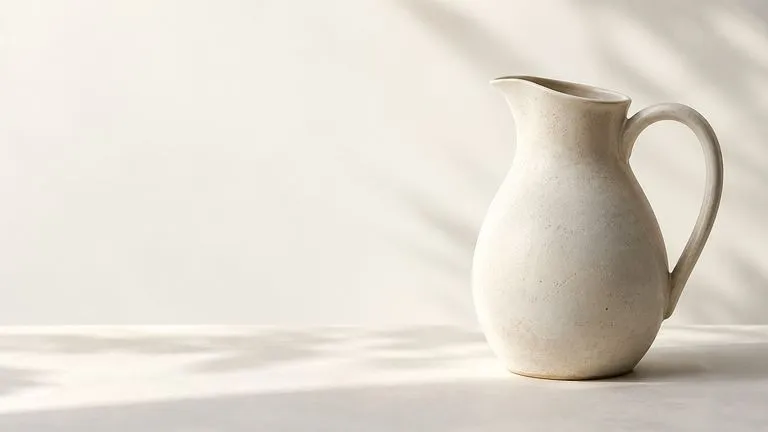
Render high-contrast metallic reflections, fabric weaves, and shallow depth of field.

Guide subject posture, materials, and lighting using up to 14 reference images at 1K to 4K.
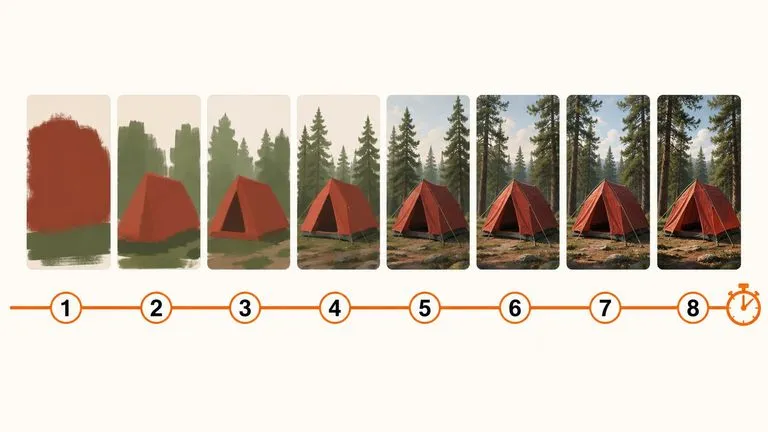
Draft rapid concept thumbnails and layout options before committing compute to final high-res renders.
Render crisp labels, fine surface textures, and multi-reference compositions up to 4K resolution.

Follow complex multi-part written briefs that combine uploaded reference photos with strict layout rules.
Open the Virse Infinite Canvas with a character brief or portrait photo to explore toy concepts, materials, and collector box views side by side.