AI Backpack Designer

AI Backpack Designer

Tell this AI backpack designer what the bag is for, such as a daily commute or a day hike, then add the style, material and colors. It renders the backpack's exterior so you can see how those choices look together.

Entrada
Backpack style & use case · ObligatorioStyle references · OpcionalExisting logo or artwork · OpcionalMaterial & colorway · OpcionalView layout · OpcionalVariant scheme · Opcional
Salida
1 backpack exterior concept rendering; optionally 2-3 colorway or material variants, or 3 multi-angle shots, each generated independently

Style referencesOpcional

La imagen se sube en el lienzo; este formulario lleva los ajustes.

Existing logo or artworkOpcional

View layoutOpcional
Variant schemeOpcional

What is an AI backpack designer?

Type a short description into an AI backpack designer, also known as a backpack design generator, and you get a render of the bag's exterior. Virse stops at the look of the bag and does not draw sewing patterns or list zips and hardware.

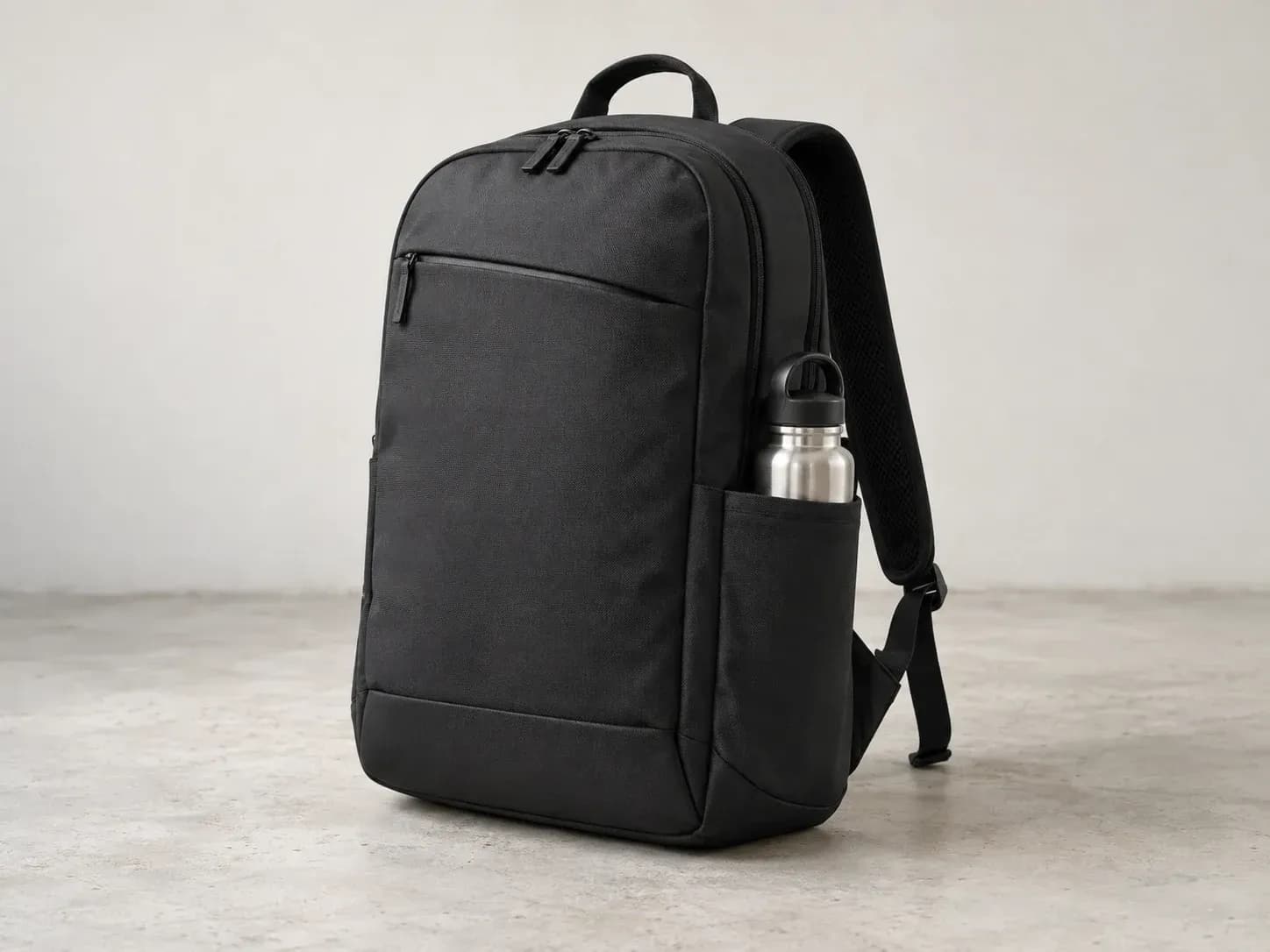
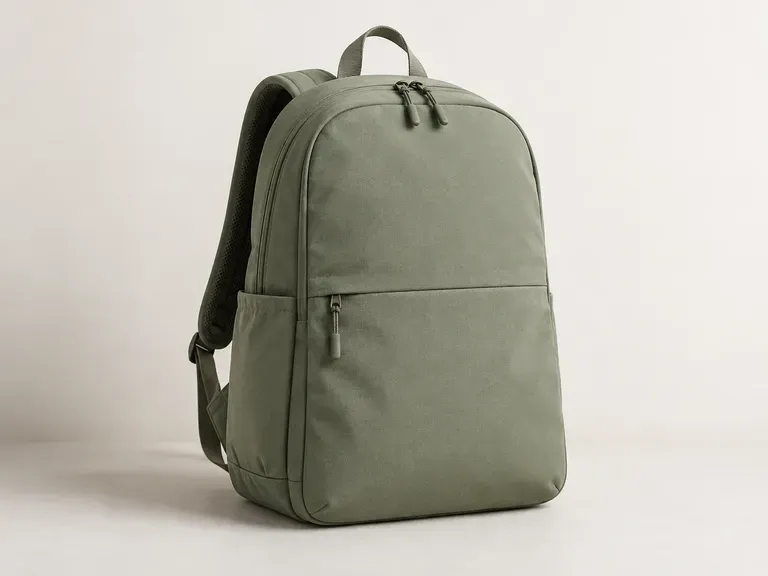
A commuter backpack rendered from a short written brief

Why use Virse as an AI backpack design generator?

A backpack review usually starts with color, then moves to the sides and back of the bag and whether it carries the brand.

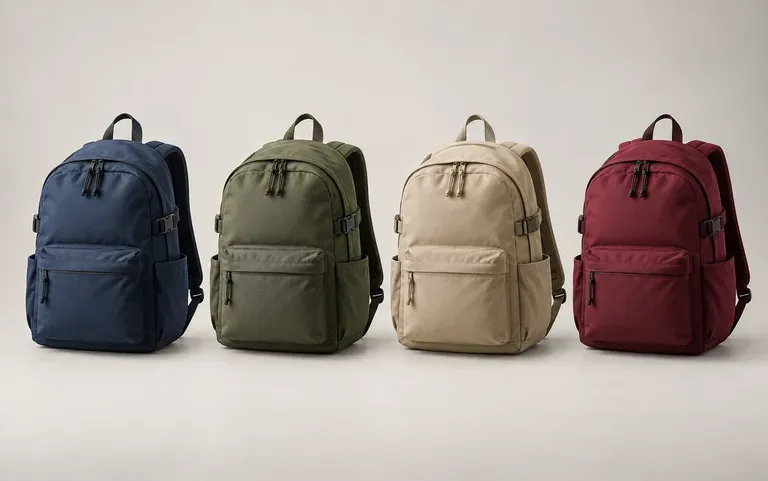
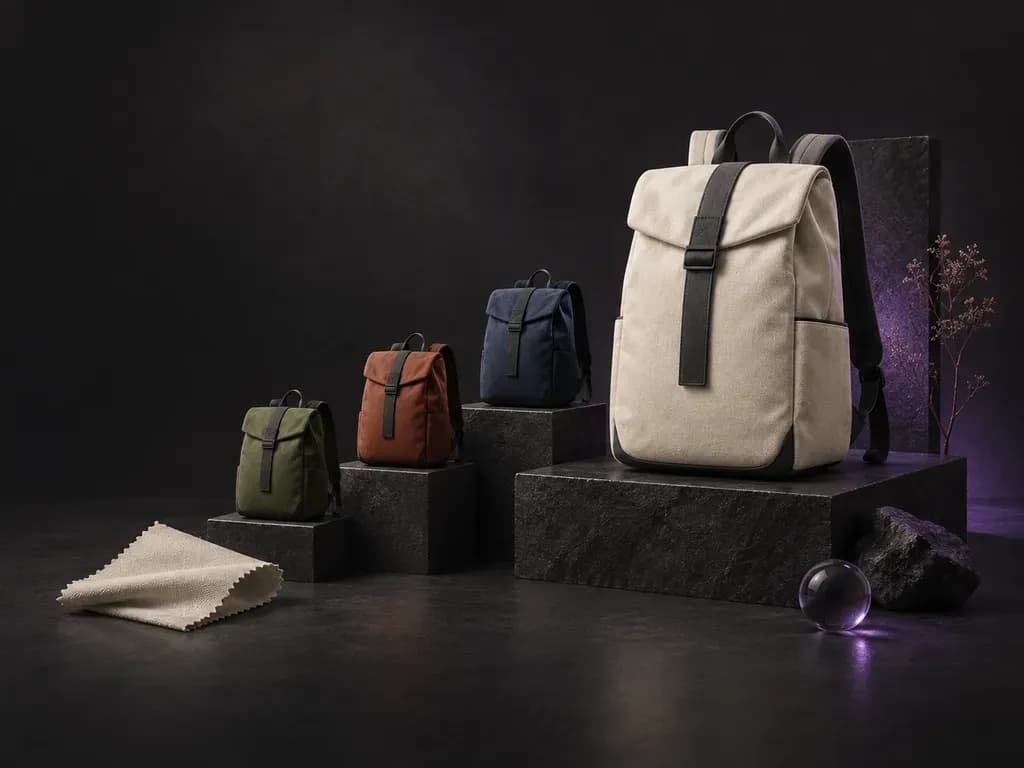
One backpack design in four colorways
Colorways

Colorways of one design

Ask for the same shape in other fabrics and colors, for example black nylon or grey recycled polyester. Versions side by side are easier to judge than fabric swatches pinned beside a sketch.
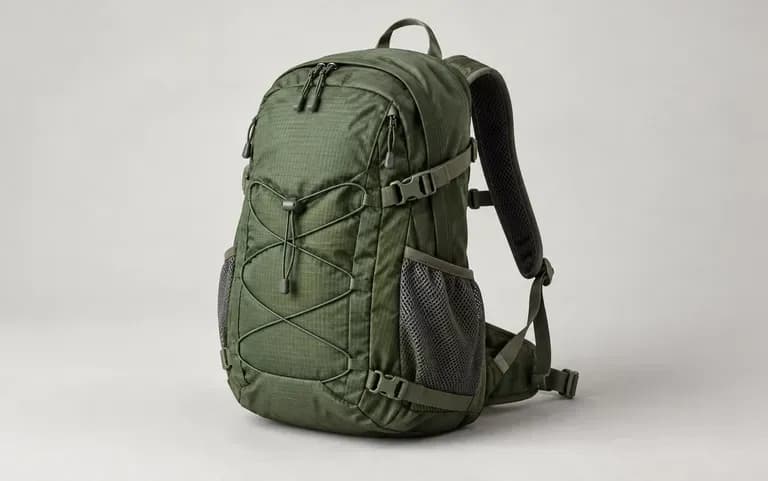
A daypack turned to show its side pockets
Angles

More than one angle

Ask for other views of the same backpack. Side pockets, strap padding and the back panel stay hidden in a front view.
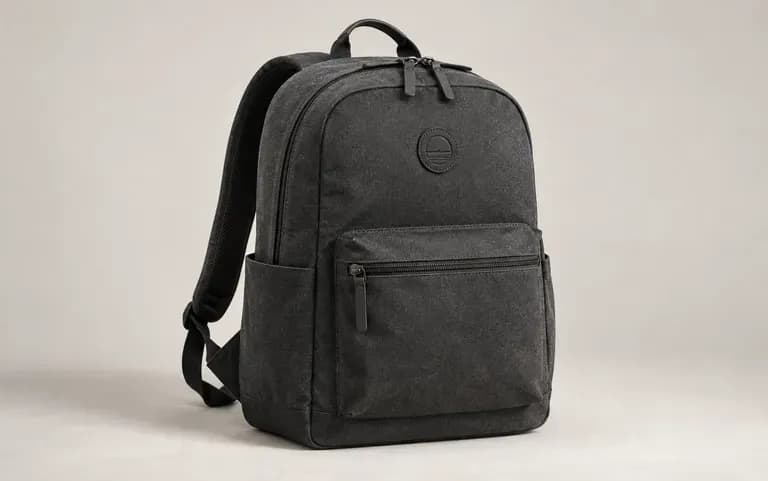
A brand logo placed on a new backpack design
Logo input

Your logo on the bag

Upload your logo with the description and Virse adds it to the new design, so the pack already looks like part of your own line.

How to design a custom backpack with AI

  1. Name the bag's use

    Commuting, hiking, school and travel each call for different pockets, straps and fabric. Start the description there.

  2. Add style, material and color

    Name the look, for example a clamshell pack in ballistic nylon, and list the colors you want.

  3. Attach a logo or reference

    Skip this step unless the bag has to match a brand. If it does, attach the logo or a photo of a current model.

  4. Generate and review

    Send the brief, look at the exterior on your Virse canvas and reword whatever missed before the next run.

Who uses an AI backpack designer for custom bags?

Each of them has to get a bag design past someone else first: a product team, a client, a committee or a tutor.
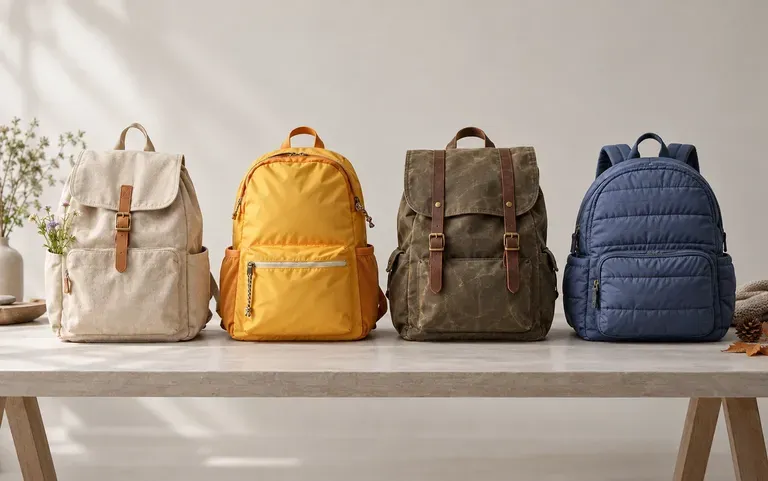
Seasonal backpack directions for an accessory brand

Bag and accessory brands

Sort out next season's shapes and colors before the factory brief goes out.
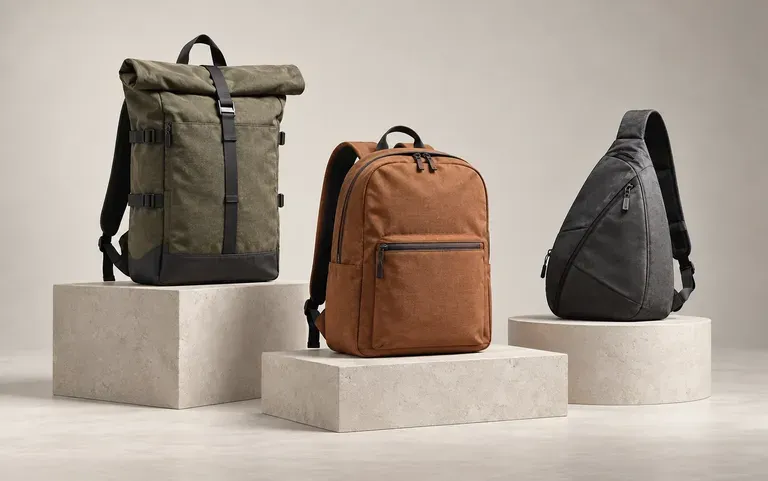
Three backpack directions laid out for a client review

Freelance bag designers

Send a client a few directions as renders, then draw the tech pack only for the one they pick.
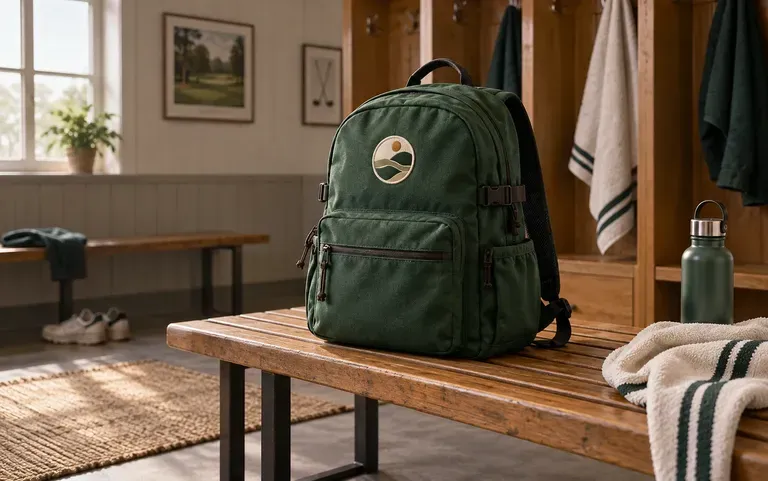
A club backpack concept ready for a committee vote

Schools, clubs and companies

Let a committee or staff see the bag they will hand out before a bulk order is placed.
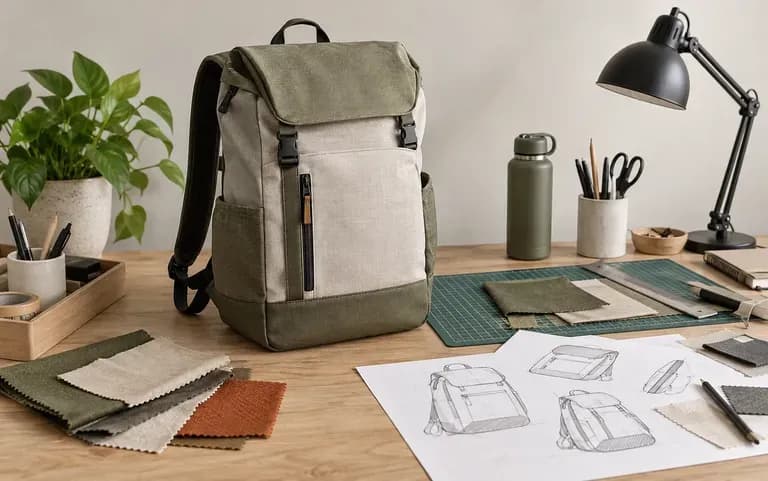
A student's backpack concept for a portfolio

Product design students

Put a backpack idea into a render for your next studio critique.
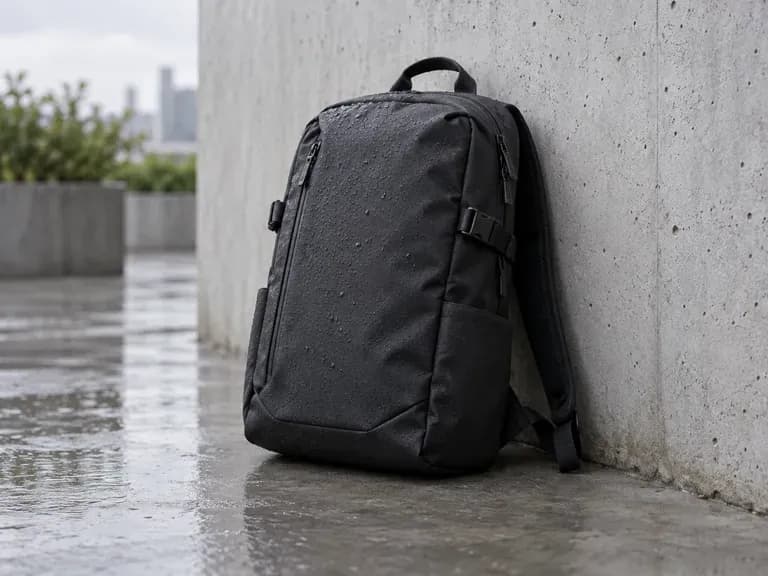
Backpack design ideas to generate

Commuter Backpacks: slim profiles in dark, water-resistant fabric
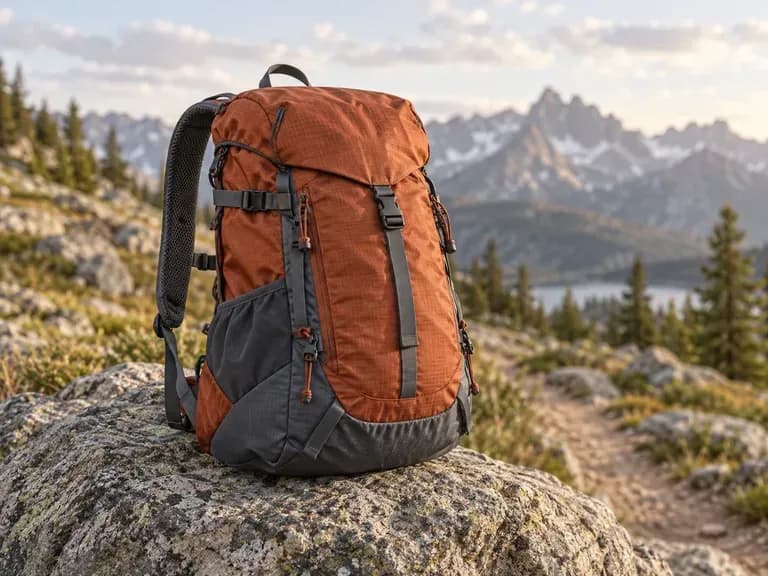
Hiking Daypacks: ripstop shells in trail colors like rust and slate
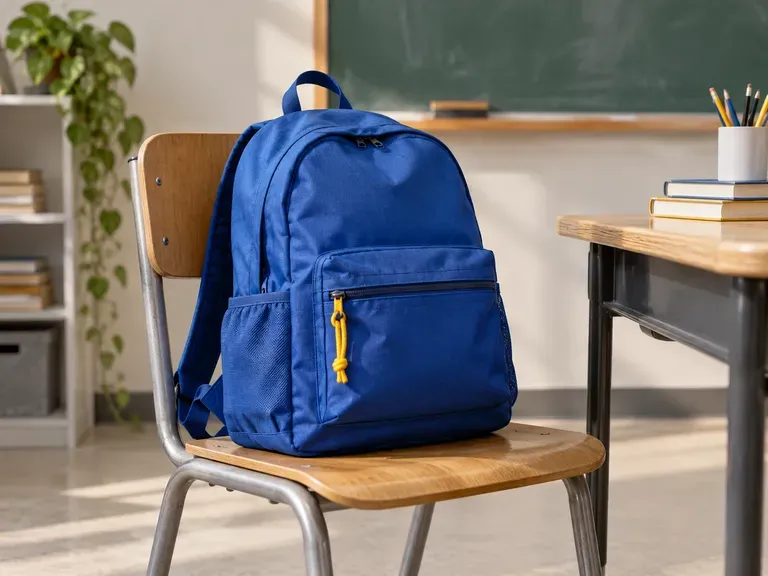
School Backpacks: durable everyday packs in bold colors
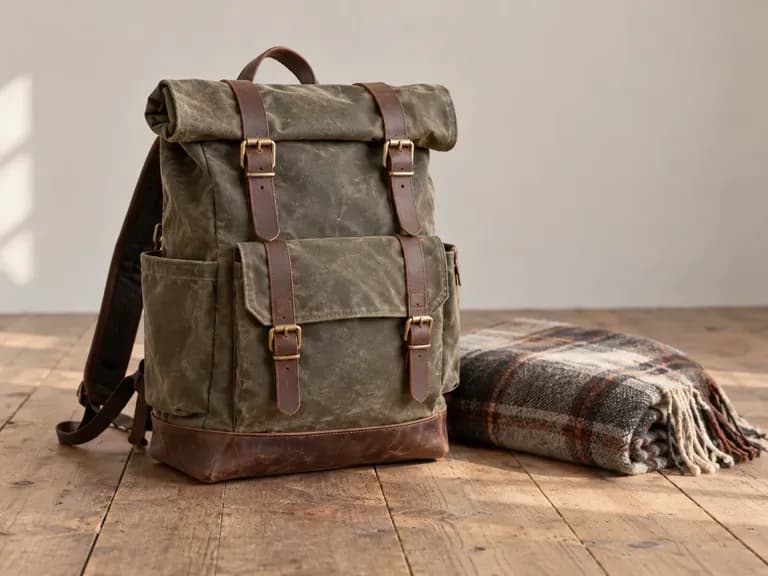
Roll-Top Travel Packs: waxed canvas with leather straps
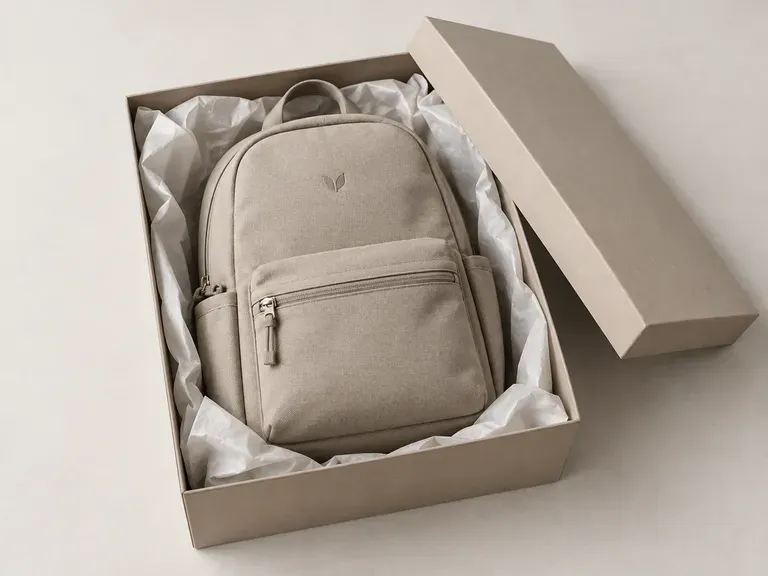
Company Gift Backpacks: a plain pack carrying a small tonal logo
Minimalist Laptop Backpacks: clean front panels in muted tones
FAQ

Frequently asked questions

Does it give me a sewing pattern or a tech pack?
No. The output is a picture of the backpack's exterior. It does not include pattern pieces, a construction drawing or a bill of materials for zips and hardware.
Can a factory produce the bag from this render?
Not directly. A factory can take the render as a visual brief, but its team still has to check that the shape and pockets can be built as drawn.
Can I start from a backpack photo I already have?
Yes. Upload the photo as a reference and describe the direction you want, such as a roll-top closure or a different front pocket. The new design takes its cues from the photo.
Can I add my own logo to the backpack?
Yes. Attach it in the upload area and say where it goes, such as the front pocket or a shoulder strap. Check the placement and the lettering in the render, because AI can move or redraw small details.
Can I get different colorways of one design?
Yes. Ask for the other colorways in the same request or in a new run, and name what should stay fixed, such as the pocket layout. Check that the shape still matches, since each version is generated fresh.
Is Virse's AI backpack designer free?
Yes, to start. A new account comes with 200 compute, and the Free plan adds 50 a day while the balance is under 200. Every image model is open to free users, and results come out at 1K.

Design your backpack with AI

Start with what the bag is for, and the first render follows from there.