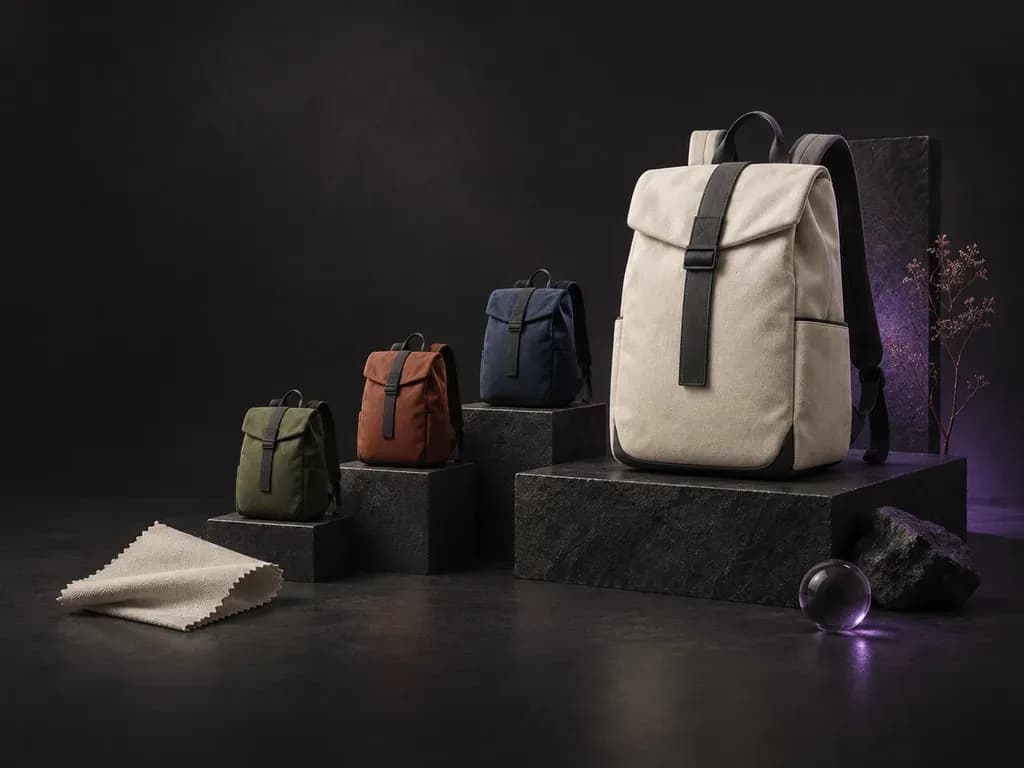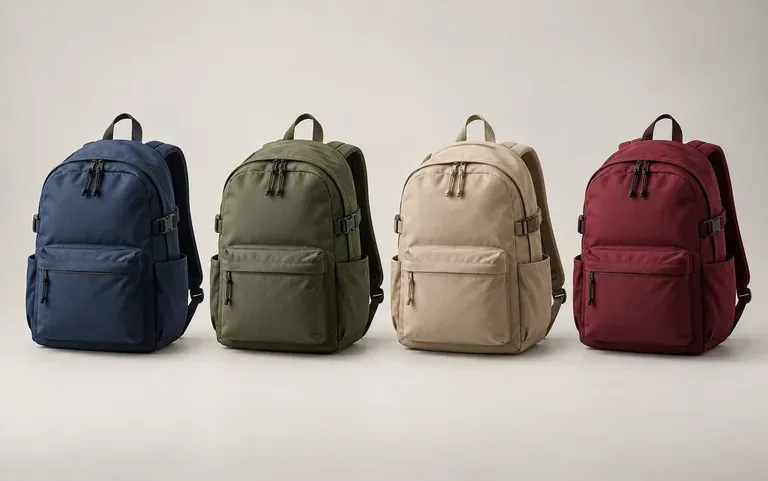
Colorways
Colorways of one design
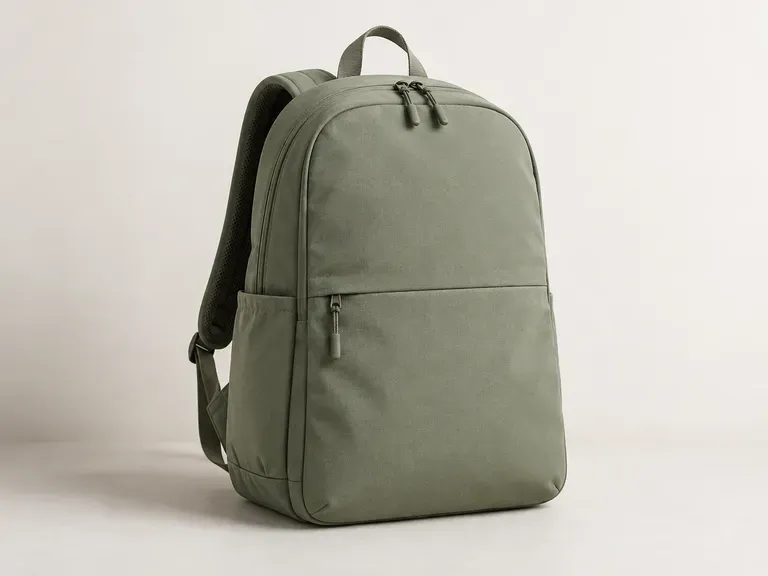
Ask for the same shape in other fabrics and colors, for example black nylon or grey recycled polyester. Versions side by side are easier to judge than fabric swatches pinned beside a sketch.
Tell this AI backpack designer what the bag is for, such as a daily commute or a day hike, then add the style, material and colors. It renders the backpack's exterior so you can see how those choices look together.
Type a short description into an AI backpack designer, also known as a backpack design generator, and you get a render of the bag's exterior. Virse stops at the look of the bag and does not draw sewing patterns or list zips and hardware. Instead, it helps product teams, freelance designers, and brands evaluate exterior design decisions early:
· Silhouette and pocket layout: Preview roll-top, clamshell, flap-top, and zip-around daypack proportions.
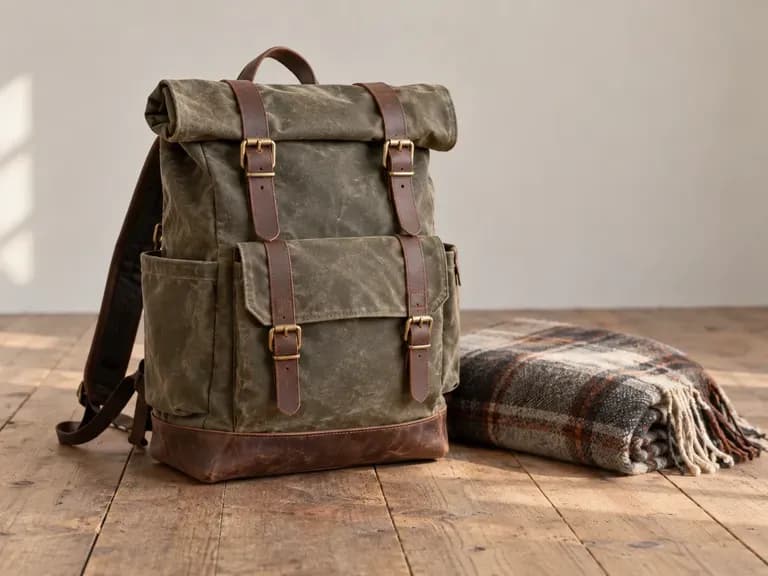
· Fabric and trim combinations: Test waxed canvas, ballistic nylon, ripstop shells, leather straps, and webbing.
· Logo and colorway variations: Compare seasonal colour palettes and branded badge placements before sampling.
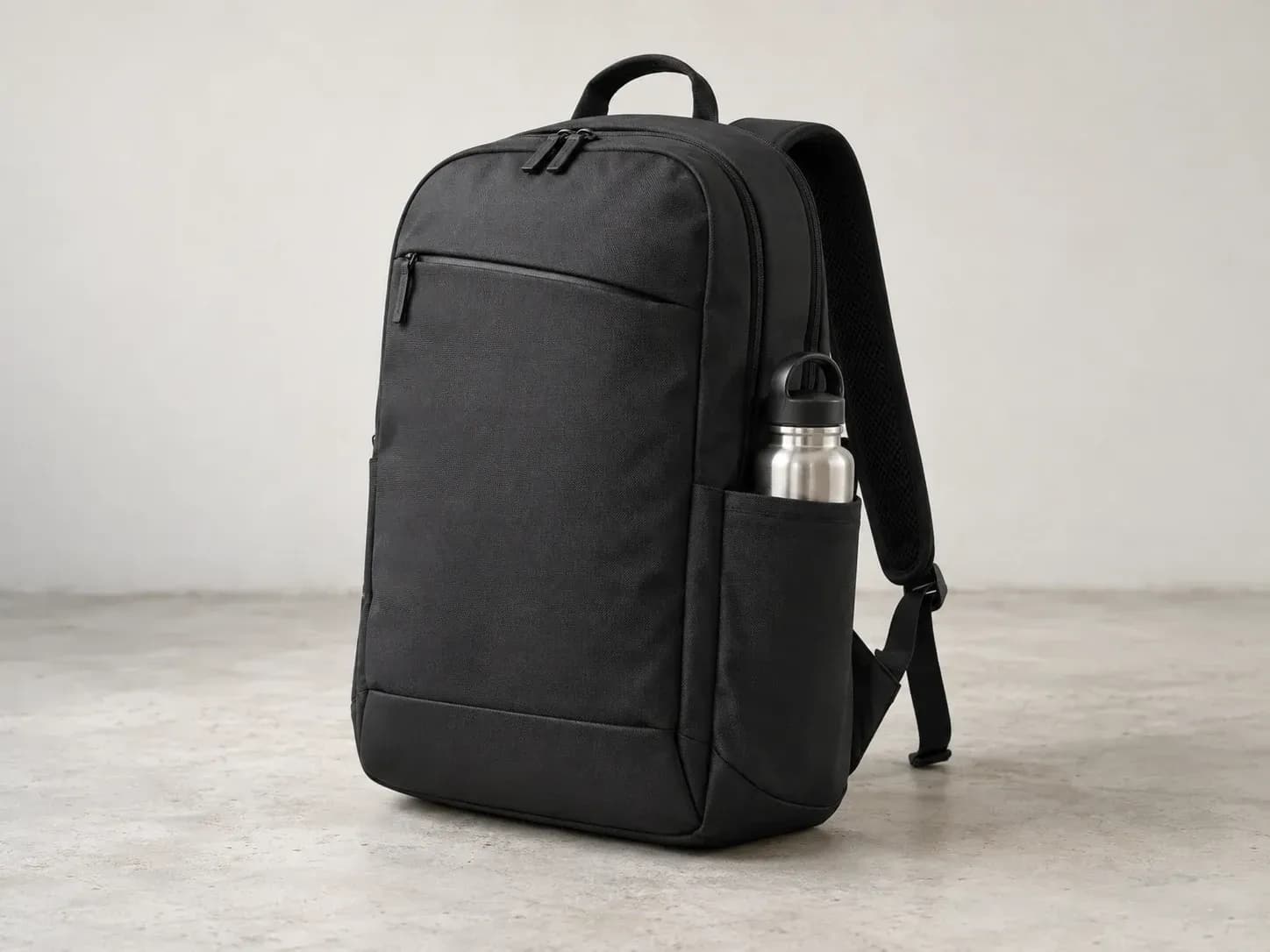
A backpack review usually starts with color, then moves to the sides and back of the bag and whether it carries the brand.
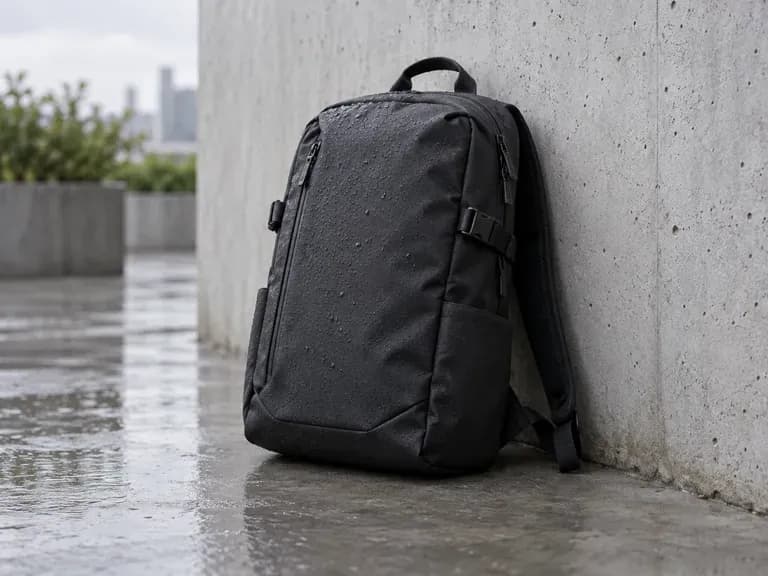
Ask for the same shape in other fabrics and colors, for example black nylon or grey recycled polyester. Versions side by side are easier to judge than fabric swatches pinned beside a sketch.
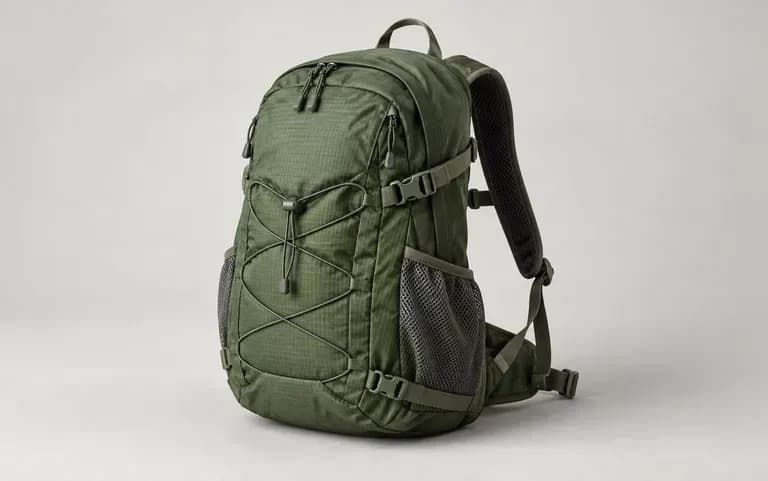
Ask for other views of the same backpack. Side pockets, strap padding and the back panel stay hidden in a front view.
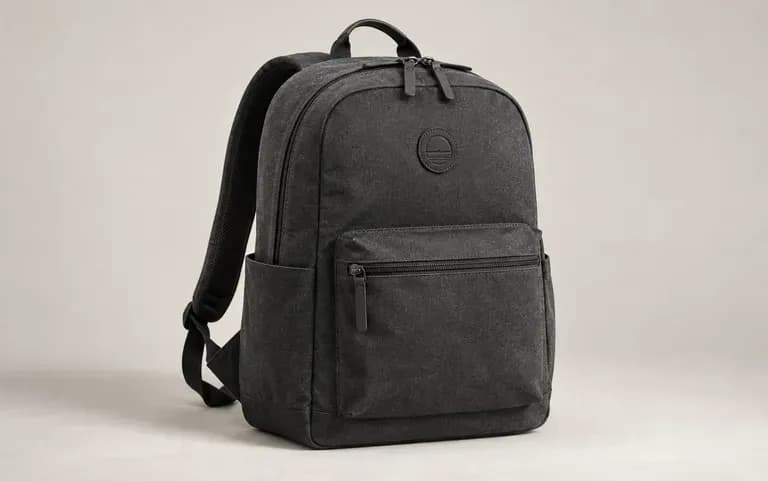
Upload your logo with the description and Virse adds it to the new design, so the pack already looks like part of your own line.
Compare traditional flat line sketches and physical sampling against fast exterior renders on the Virse canvas.
Flat Sketches & Early Factory Samples
Virse AI Backpack Designer
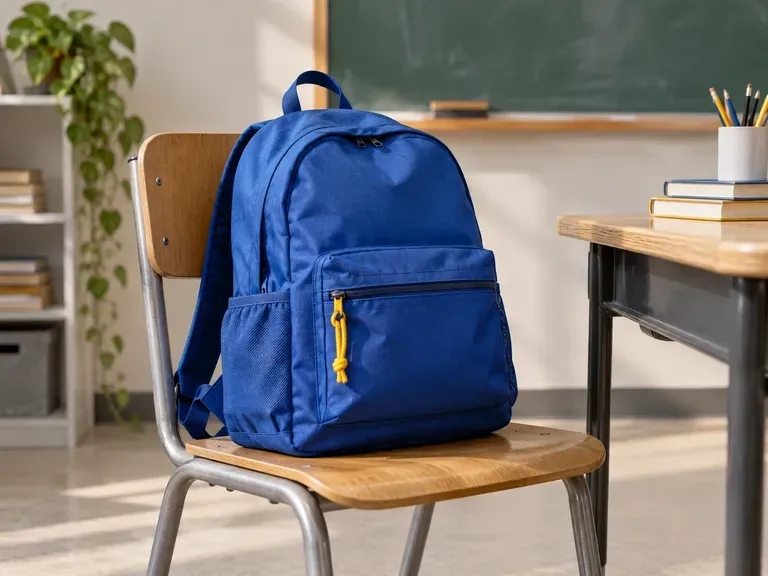
Commuting, hiking, school and travel each call for different pockets, straps and fabric. Start the description there.
Name the look, for example a clamshell pack in ballistic nylon, and list the colors you want.
Skip this step unless the bag has to match a brand. If it does, attach the logo or a photo of a current model.
Send the brief, look at the exterior on your Virse canvas and reword whatever missed before the next run.
Strong backpack prompts specify the carry purpose, closure style, shell material, pocket layout, and accent colours. Copy any of these three templates to start:
· Roll-top city commuter pack: 22L roll-top commuter backpack in olive waxed canvas, tan saddle-leather front strap, matte black metal buckle, hidden side zip laptop access.
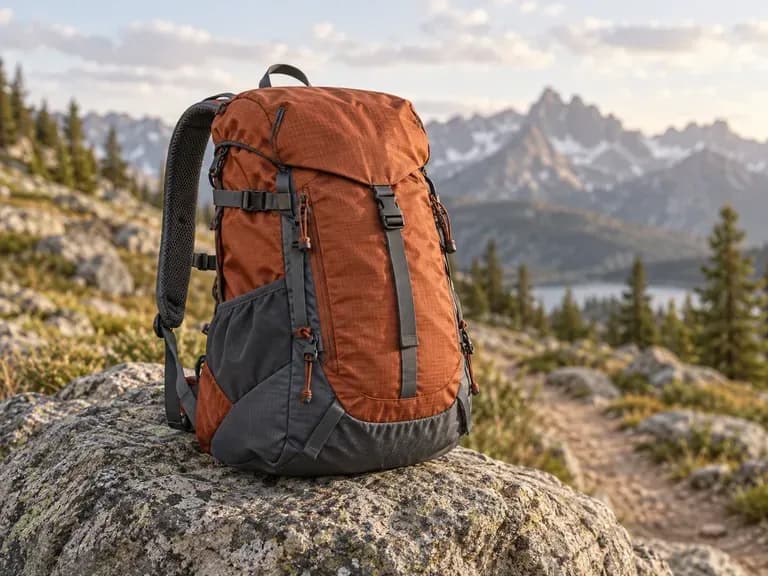
· Technical trail daypack: 28L hiking daypack in rust and slate ripstop nylon, stretch mesh side bottle pockets, daisy-chain webbing, padded hip belt, three-quarter view.
· Minimalist corporate gift bag: Slim clamshell laptop backpack in charcoal recycled polyester, clean front panel with small tonal woven logo badge, waterproof matte zippers.
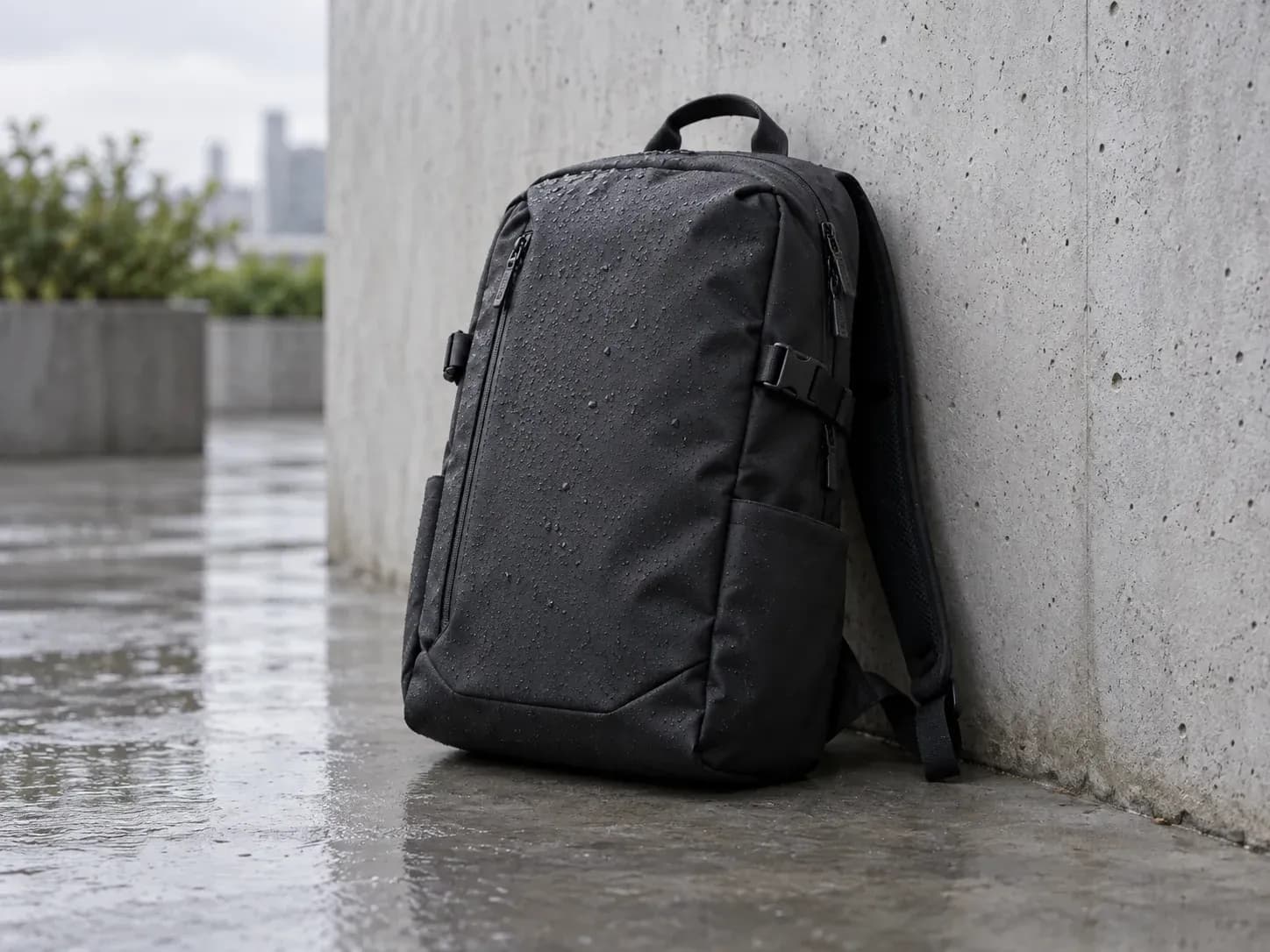
Each of them has to get a bag design past someone else first: a product team, a client, a committee or a tutor.
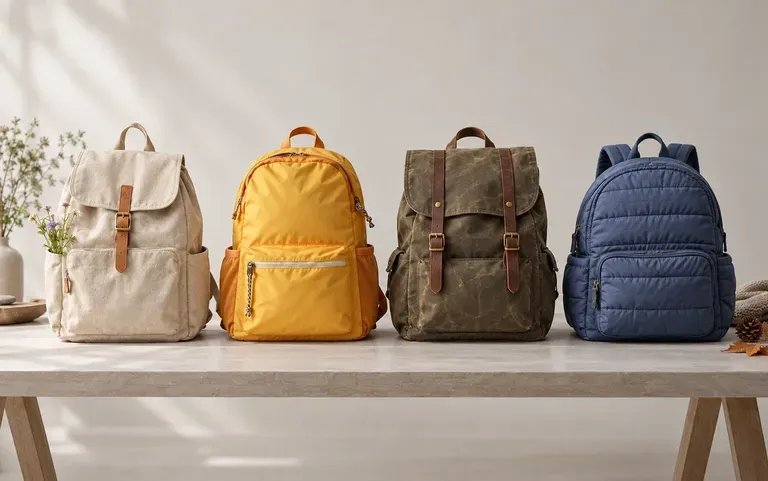
Sort out next season's shapes and colors before the factory brief goes out.
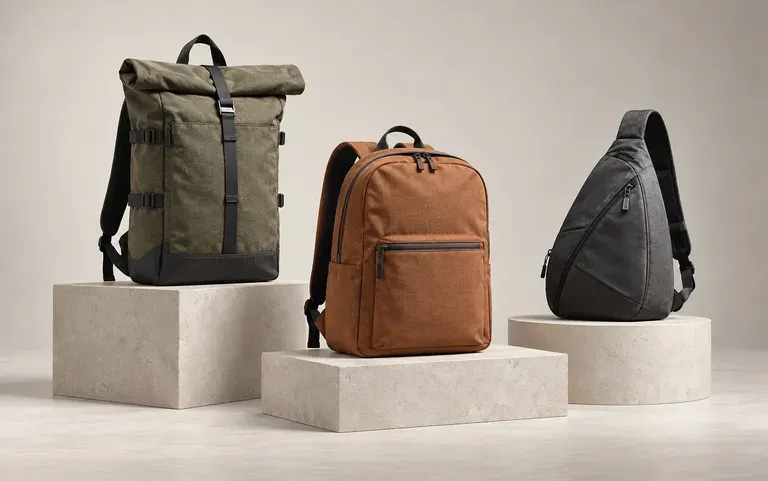
Send a client a few directions as renders, then draw the tech pack only for the one they pick.
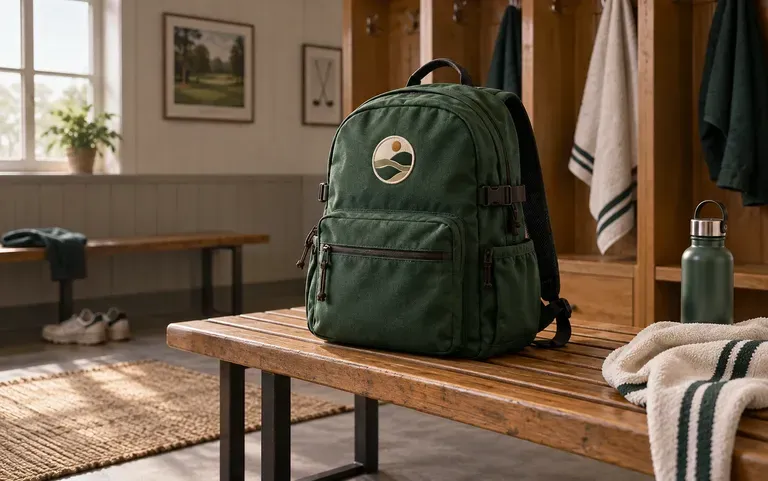
Let a committee or staff see the bag they will hand out before a bulk order is placed.
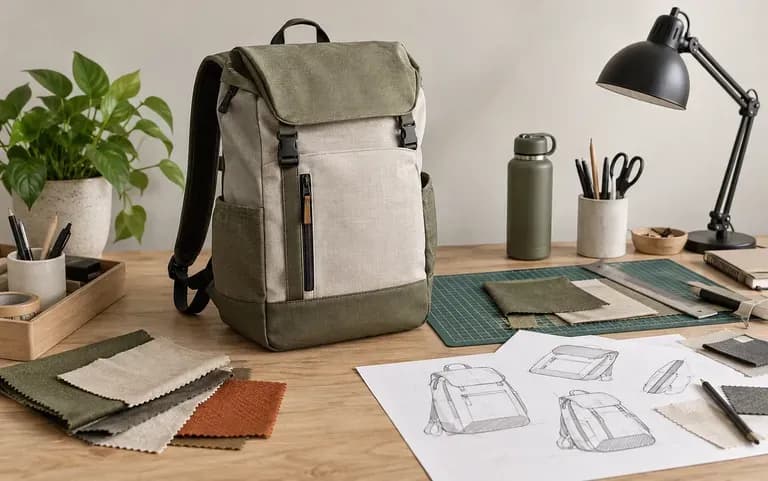
Put a backpack idea into a render for your next studio critique.
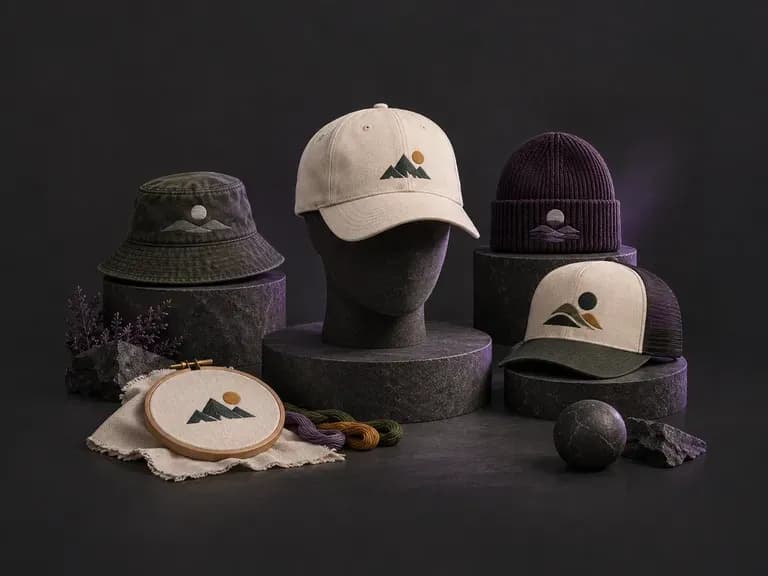
Describe your crown shape, fabric texture, and graphic application, or upload a logo, to preview headwear before ordering samples. This AI hat design generator renders front and side concepts for snapbacks, dad hats, truckers, and beanies on your Virse canvas.
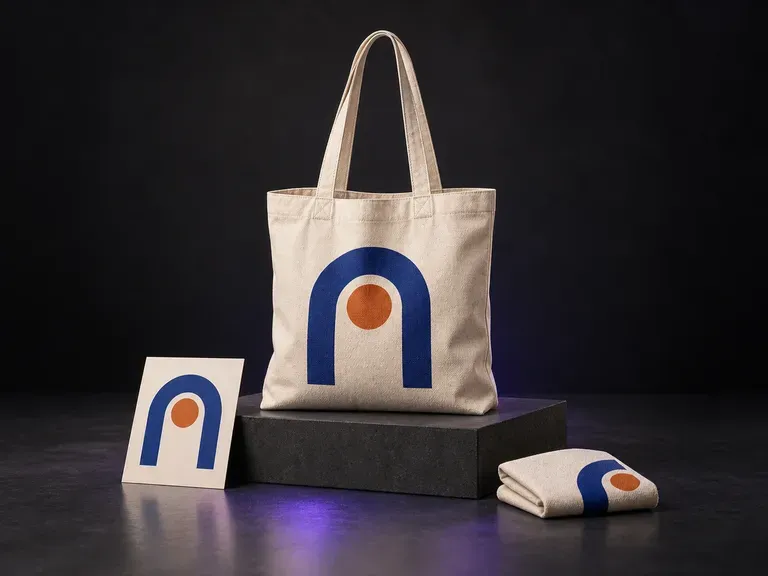
Add a canvas bag reference, your logo or illustration, and color and scene notes. Virse creates a canvas bag mockup that shows the artwork with the bag's texture and folds, ready for a merchandise design discussion.
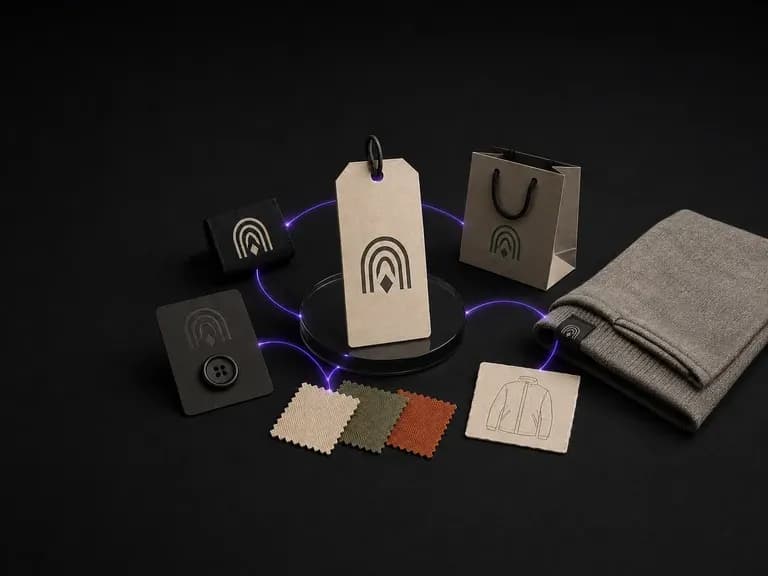
Describe your positioning, audience and garment category to generate a unified brand board where logo mark, colour palette and apparel style work together from the start, using free Virse credits.
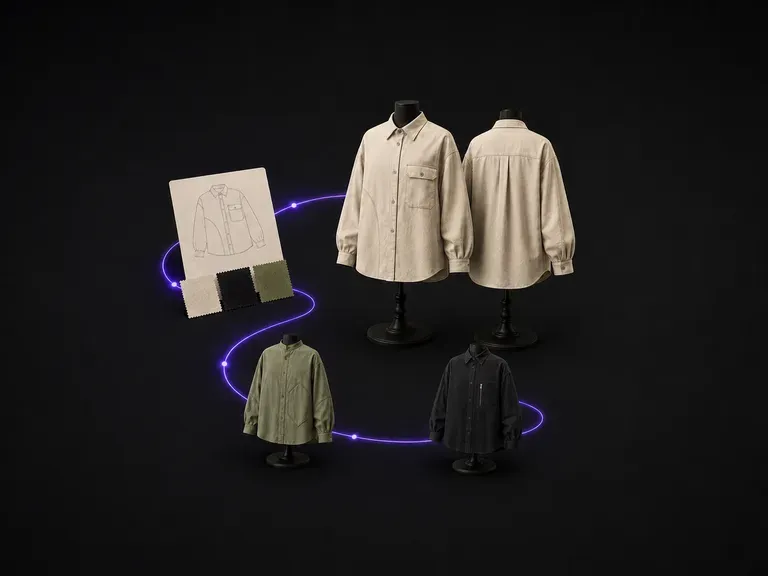
Describe the garment category, fit, fabric and colour, and get a concept back with matched front and back views, so nothing gets cut before both sides have been checked against each other. Free credits are enough to see whether the silhouette is worth taking further.
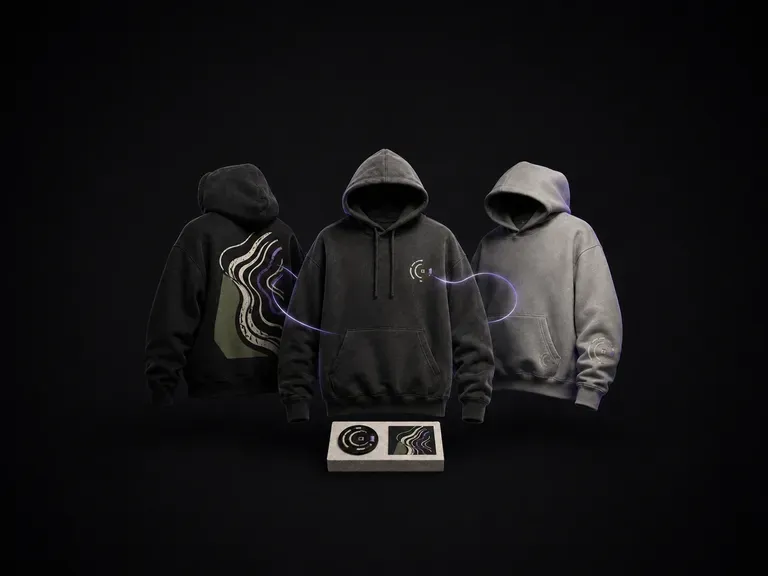
Describe your garment colour, graphic idea and whether you want print or embroidery to preview hoodie design concepts across chest, back and sleeve mockups, starting on free Virse credits.
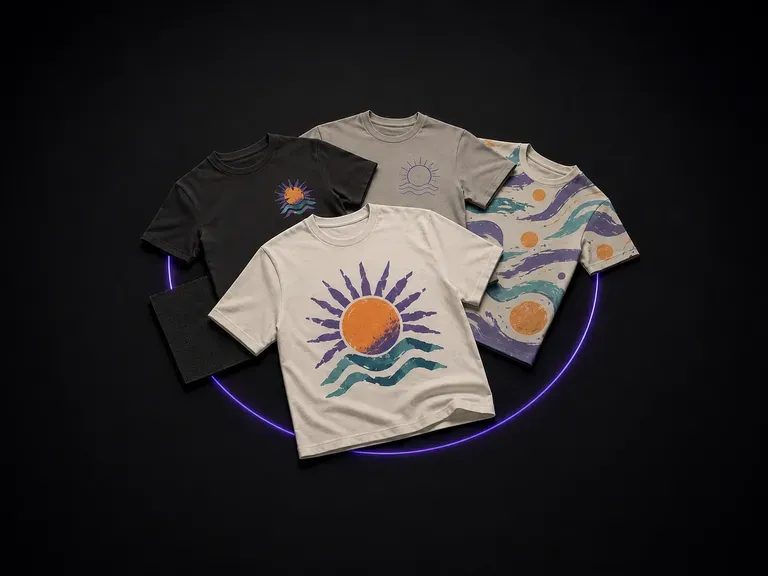
A graphic that looks fine on screen can shift once printed at chest scale. Describe your idea and colour palette to preview concepts on real print-position shirt mockups, starting with free Virse credits.
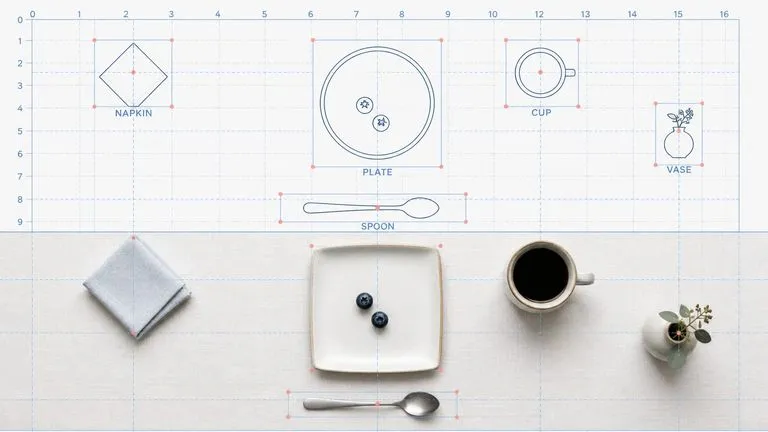
Reve AI's second-generation model builds an addressable layout of positioned elements before it renders, so a specified arrangement comes back arranged.
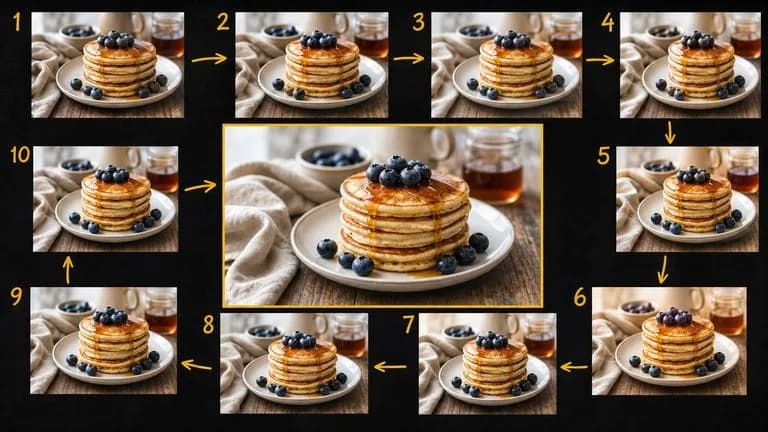
Google's Gemini 2.5 Flash Image — the original Nano Banana — generates and edits pictures at conversation speed, so a correction takes a sentence instead of a session.
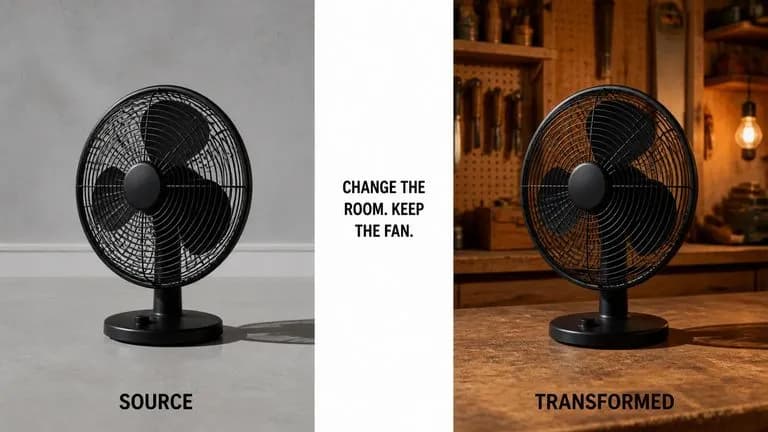
ByteDance's Seedream 4.0 and Seedream 4.5 generate from written descriptions and from images you supply, turning one source picture into as many directions as a project needs.
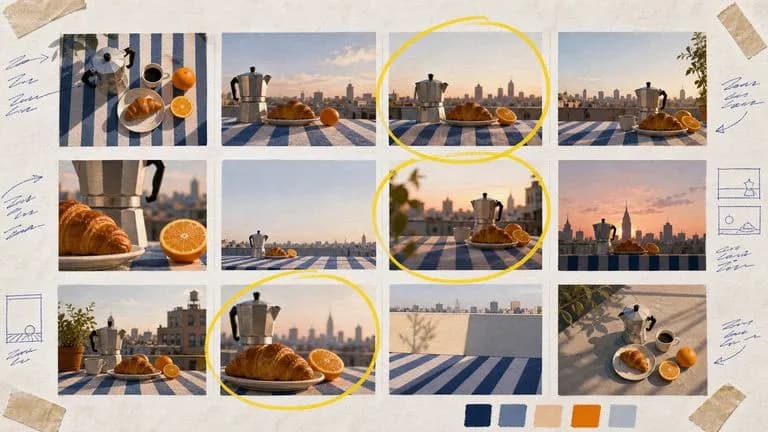
Google's Nano Banana 2 pairs flagship-level image quality with Flash-class speed, across four output sizes from rapid 0.5K prototypes to finished 4K.
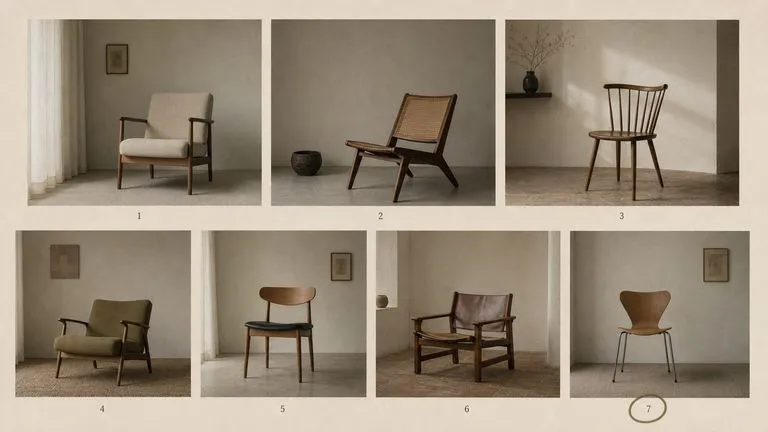
The generation of Black Forest Labs' FLUX line that came before FLUX 2, kept available as two entries — the standard model and Ultra.
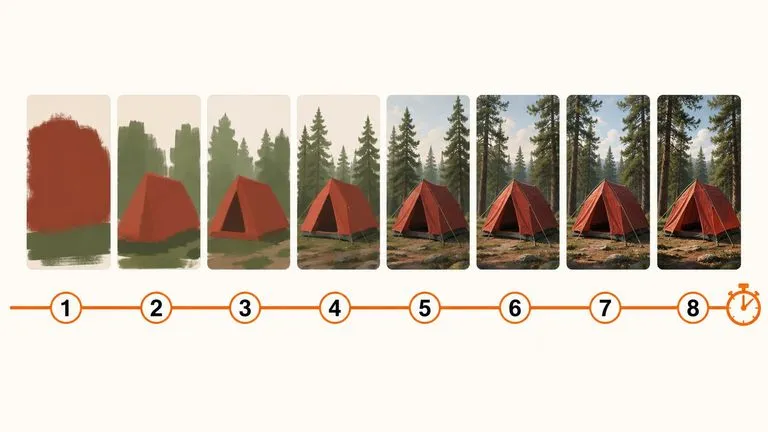
A 6-billion-parameter model compressed to an eight-step inference pipeline, built to return a usable picture before your train of thought moves on.
Start with what the bag is for, and the first render follows from there.