
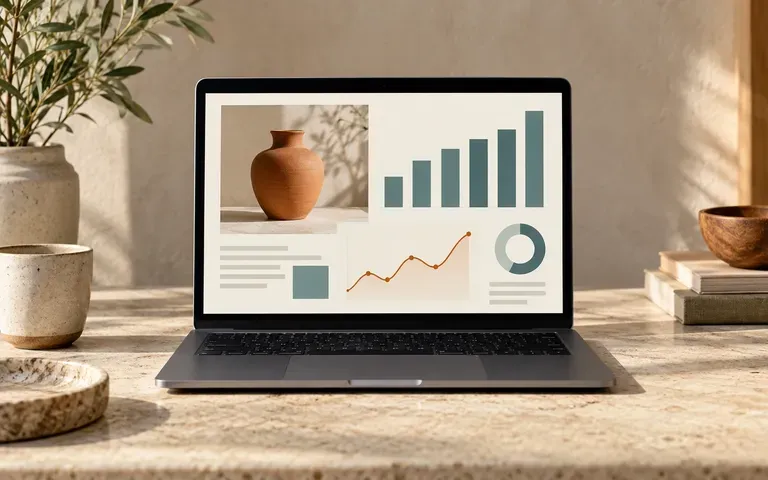
Screenshot input
Use an existing interface
Provide the webpage or application view you want to present. The screenshot is the source for the laptop screen content.
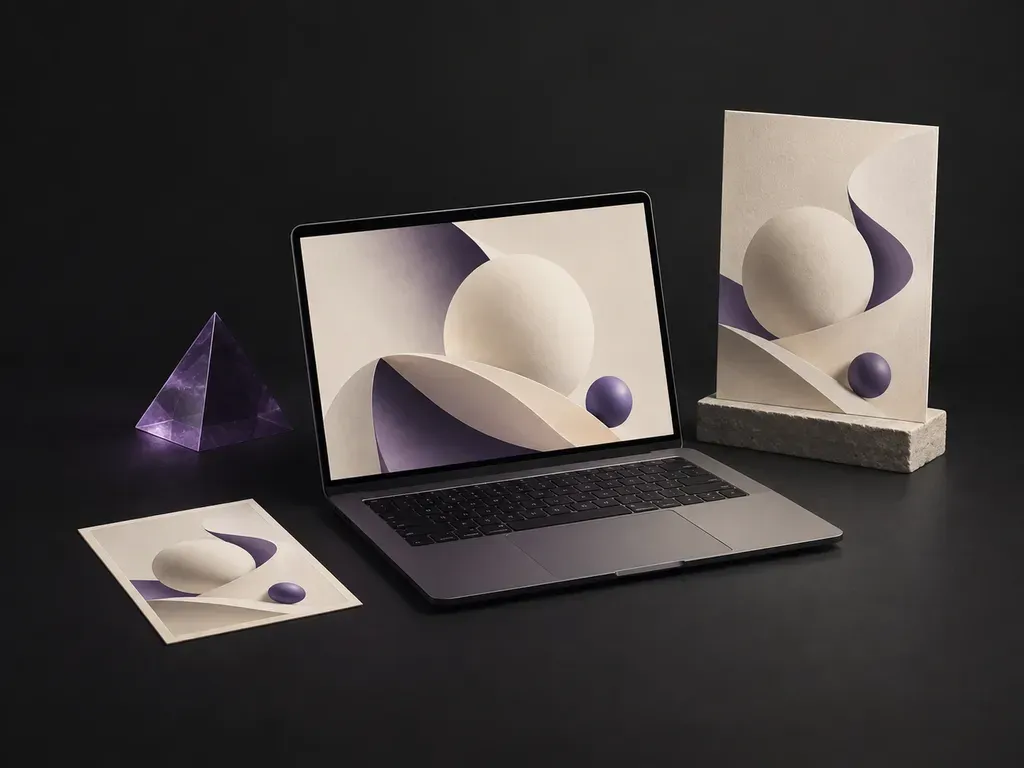
Give your interface a setting for the presentation. Add a screenshot and laptop reference, then describe the scene and screen fit. Virse creates a static laptop mockup for a portfolio, product pitch or design review.
A laptop mockup shows an existing website or app screenshot inside a laptop screen. Virse uses your screenshot, device reference and scene notes to create a static image for a portfolio, pitch or design review—built around three core workflow advantages:
· Exact UI screenshot fidelity: Places your exported website or app interface onto the display without warping buttons or text.
· Proper bezel & aspect fit: Fits 16:10 or 16:9 screens cleanly inside modern aluminum, matte black, or clay-rendered laptops.
· Pitch-ready desk & studio scenes: Choose minimalist podiums, sunlit wooden desks, conference rooms, or dark-mode tech backdrops.
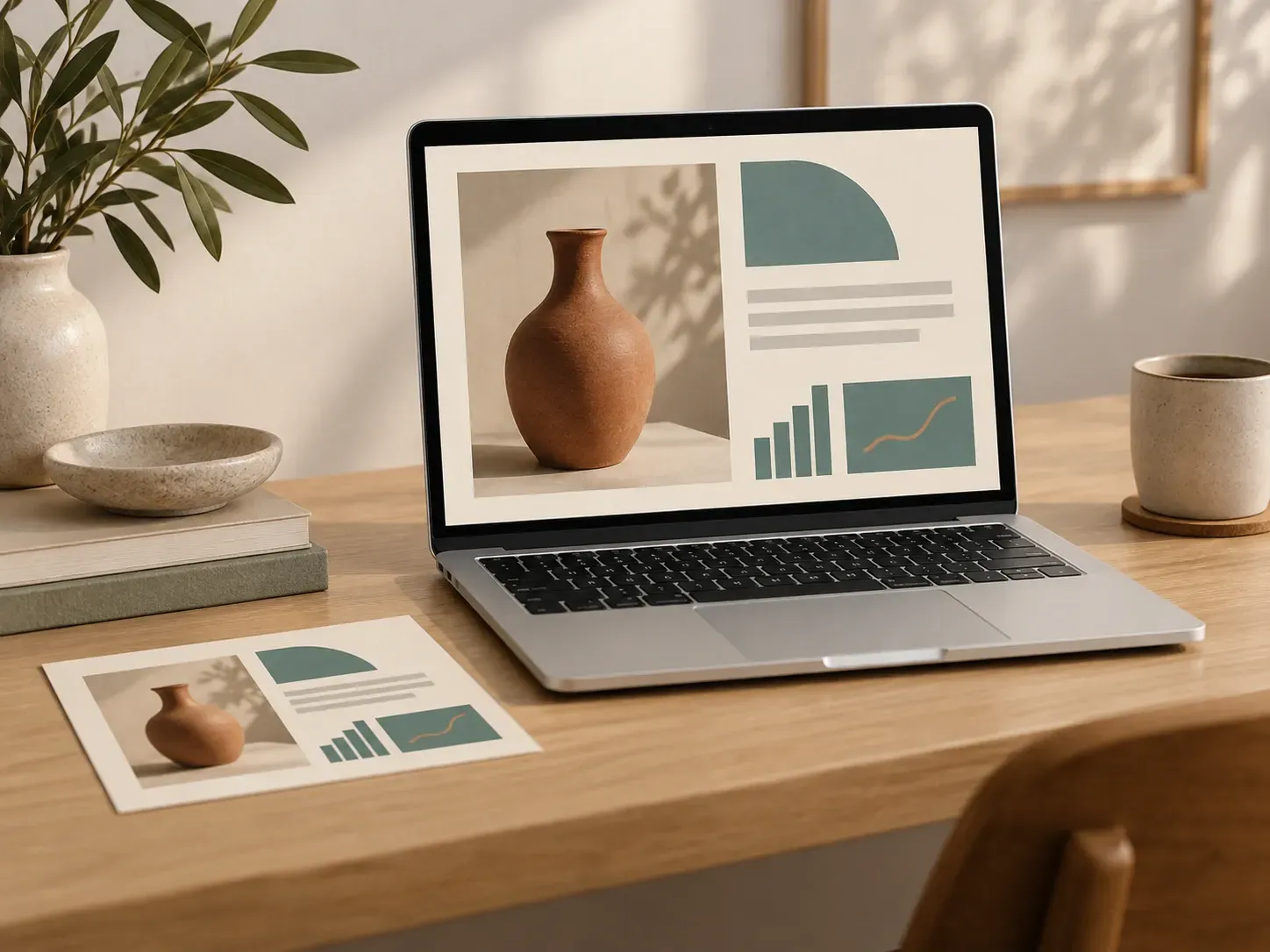
Start with the interface you need to explain, then give it a device and setting.
Provide the webpage or application view you want to present. The screenshot is the source for the laptop screen content.
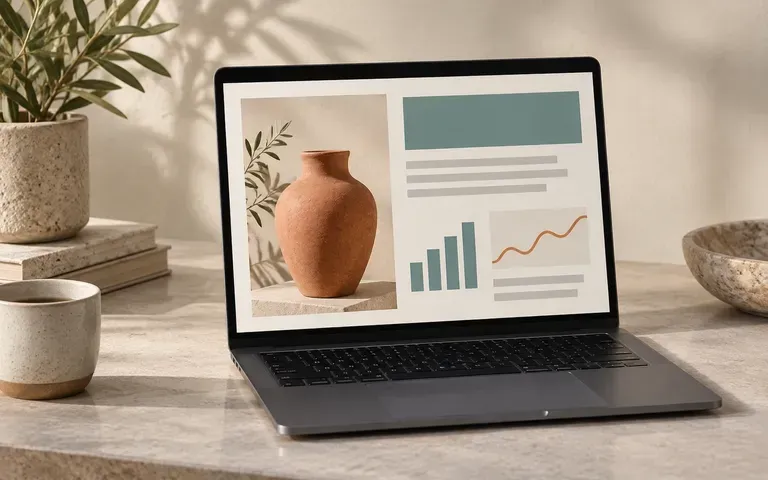
State whether the entire screenshot should appear or which area matters most. Check the result for cropping so the presentation does not lose essential interface content.
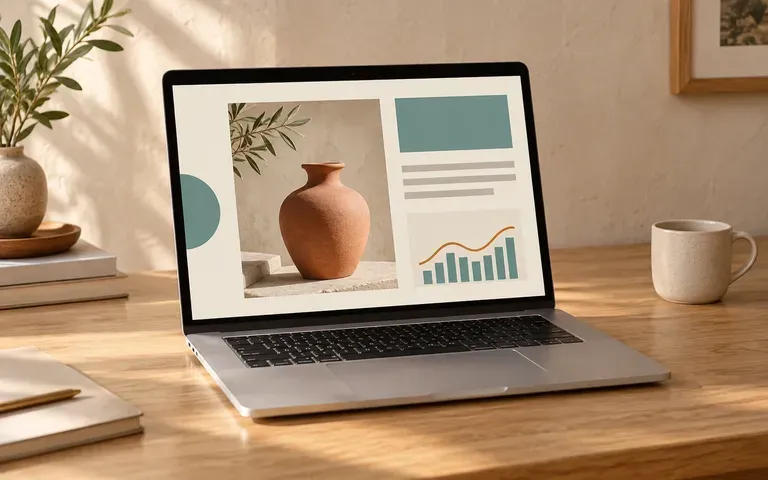
Add a laptop reference and describe a desk or other display environment. Use a simple scene when the screen needs most of the attention.
Compare raw browser screenshots against contextualized laptop device mockups on the Virse canvas.
Raw Browser Screenshots
Virse Laptop Mockup
Capture the website or application view you need. Use the exact interface state you want to present.
Provide a laptop reference and describe the surroundings. Explain how the screenshot should fit, including any crop preference.
Create a static image of the supplied screenshot inside the laptop display.
Compare text, icons, screen proportions and visible content with the original screenshot. Check the device appearance before using the image.
Upload your clean UI or website screenshot and specify the laptop finish, camera angle, and background setting:
· Dark-mode SaaS studio podium: Space-black thin-bezel laptop angled at 15 degrees on a matte charcoal plinth, subtle violet rim light matching the UI.
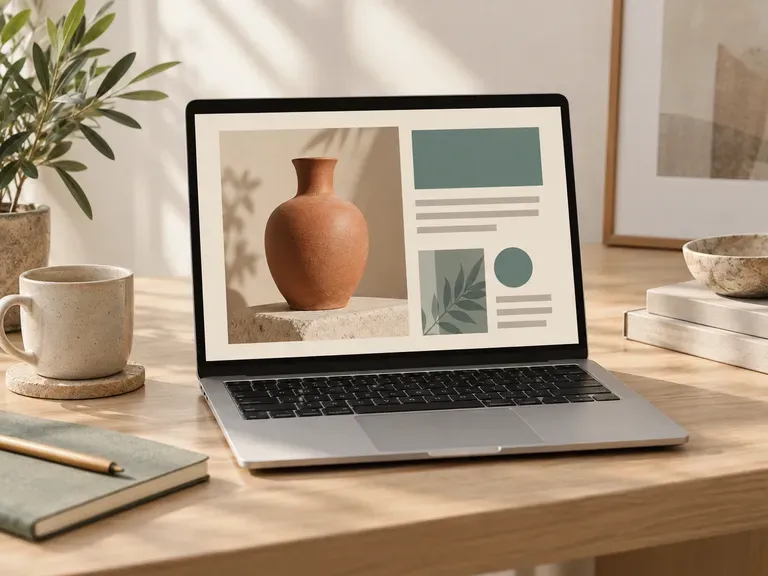
· Warm architectural desk setup: Silver aluminum laptop open on a walnut desk beside a ceramic cup, soft morning window light and plant shadow.
· Front-facing portfolio hero: Centered orthographic view of a sleek laptop floating over a clean warm-grey gradient for a case-study cover.
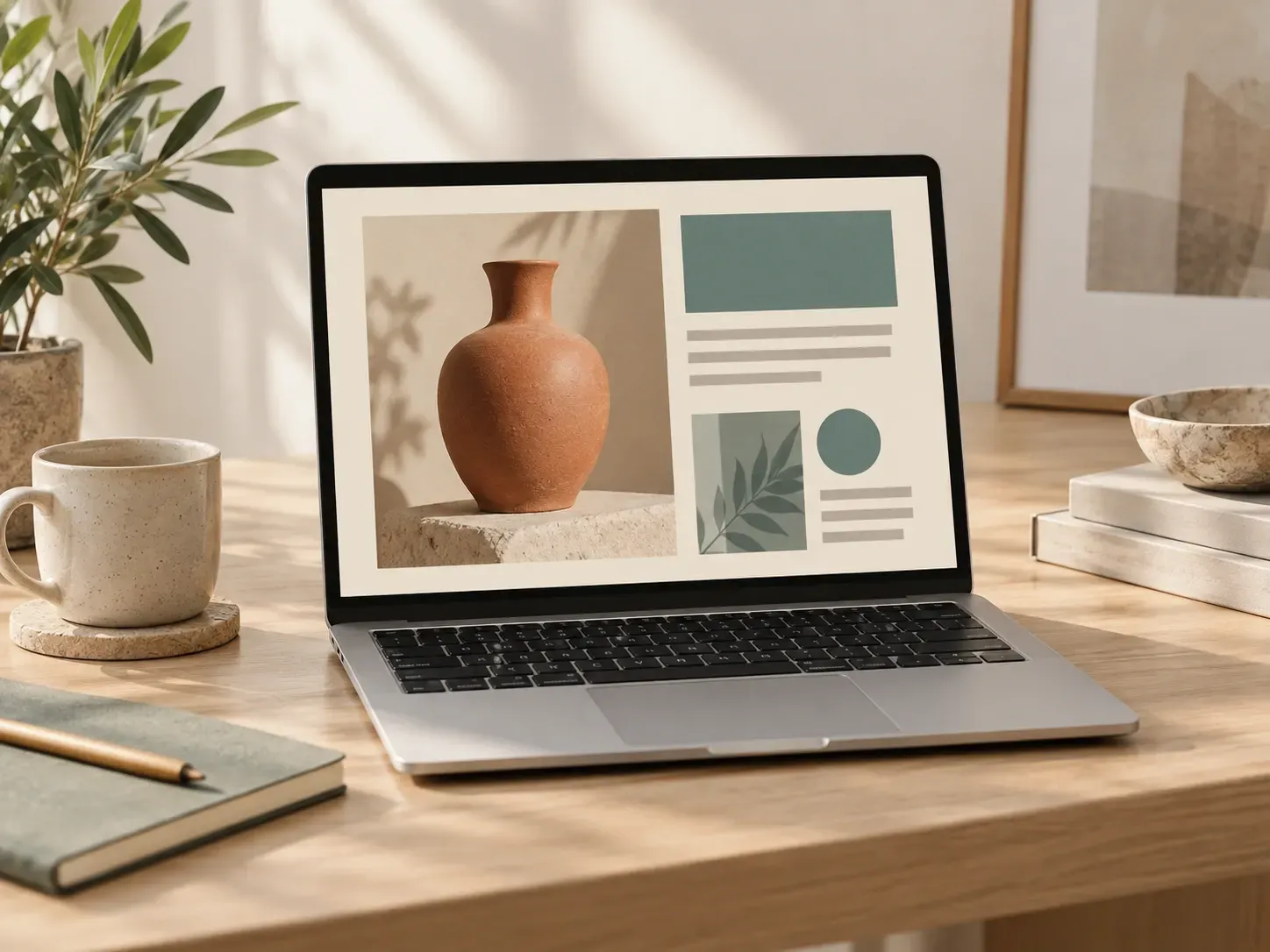
For teams presenting an interface that already exists as a screenshot.
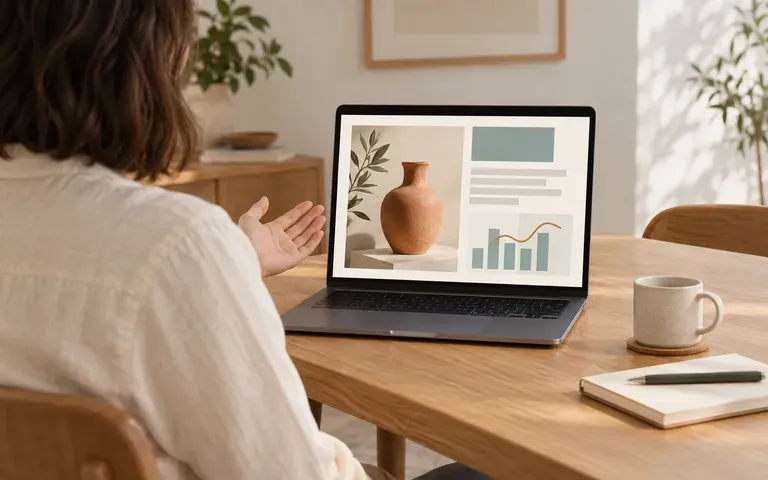
Present a completed webpage on a laptop in a client review or case study.
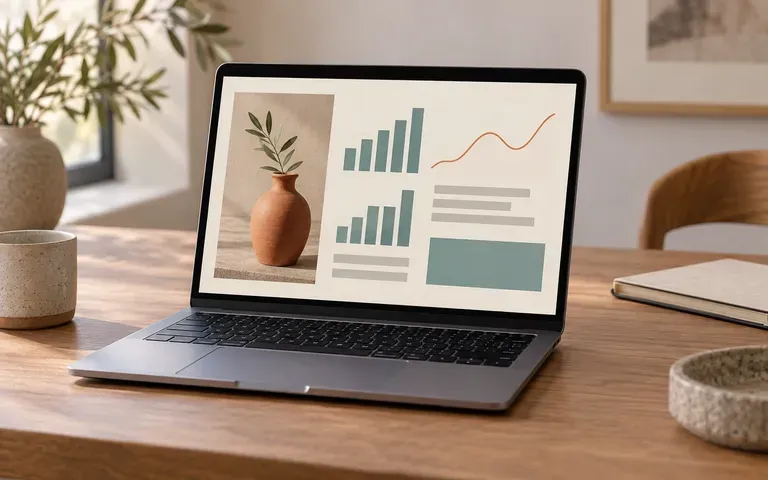
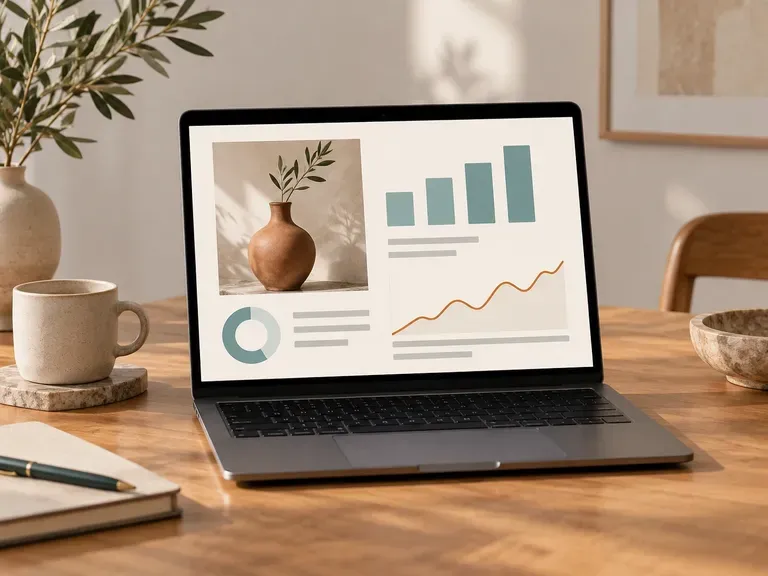
Show a specific dashboard or app state in a device setting.
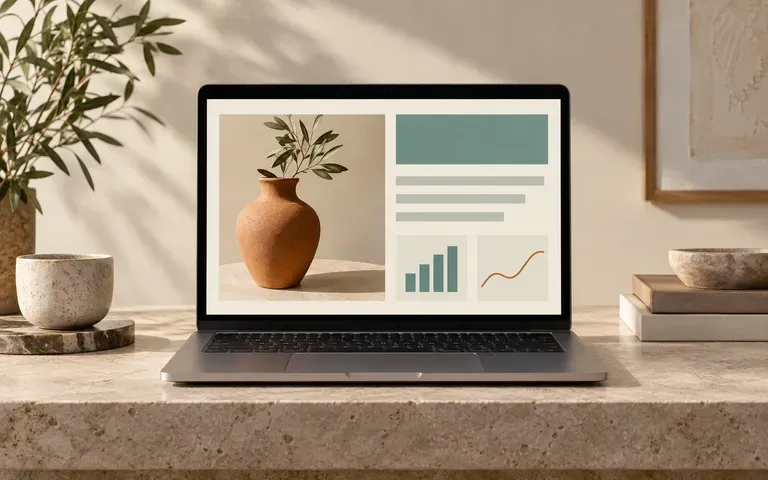
Use a reviewed screenshot presentation to explain the product in a pitch.
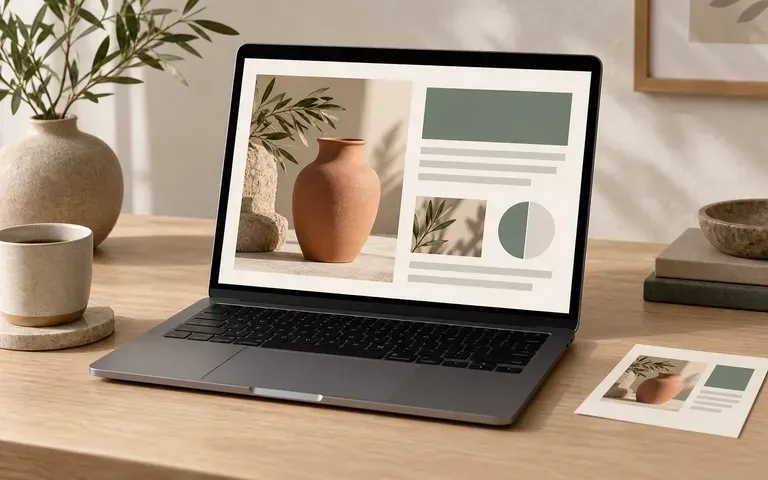
Present the appearance of an existing desktop template in a product image.
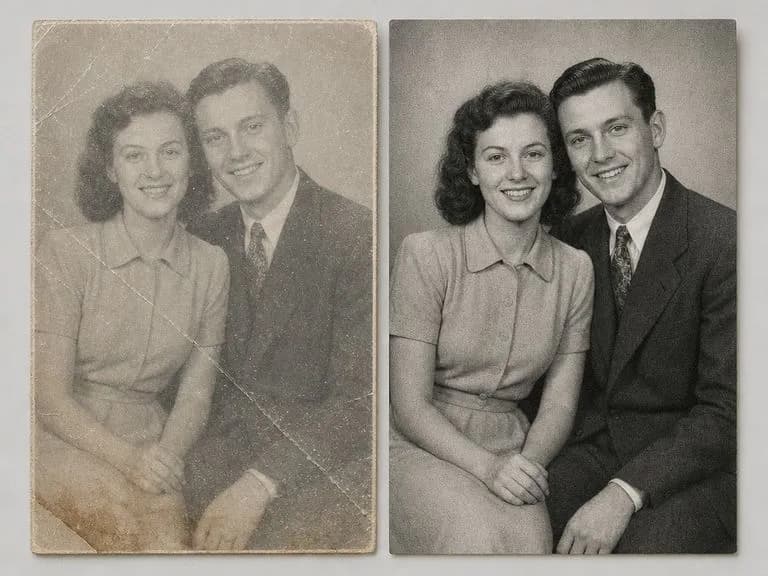
Upload a scan or glare-free phone photo of a damaged print to lift scratches, creases, water stains, and fading while keeping film grain. This old photo restorer keeps monochrome portraits black and white by default or adds color in a second pass.
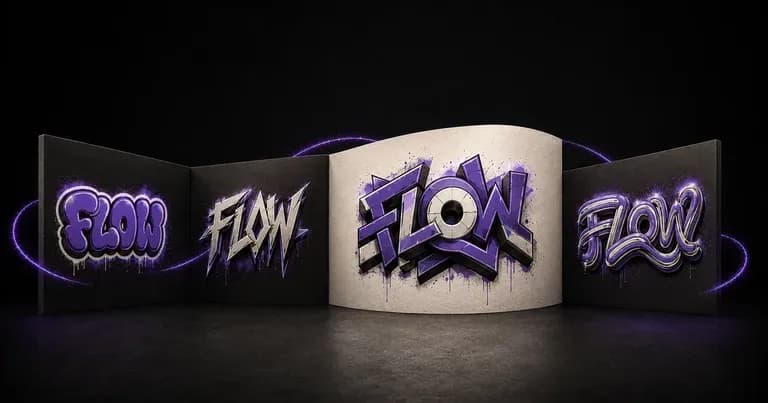
Enter a short tag or theme, upload an optional sketch, and name your surface. This graffiti design generator creates wildstyle, bubble throw-up, stencil, and 3D street-art concepts on brick walls, concrete, or clean graphic backgrounds.
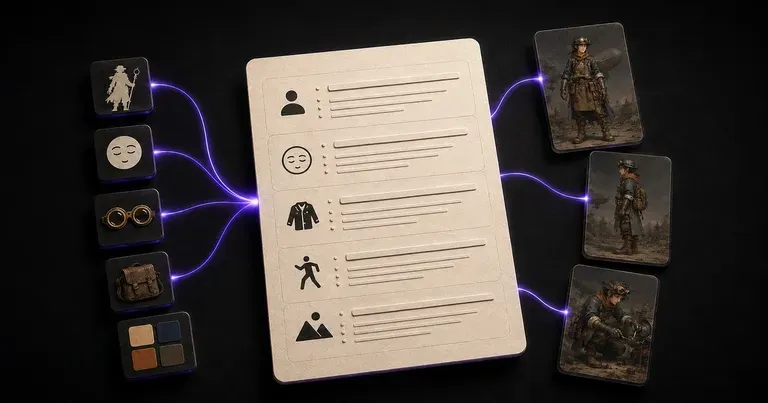
Enter your character's role, world, and traits, or drop an optional sketch reference. This character design prompt generator turns loose story ideas into a structured prompt covering silhouette, materials, color triad, and turnaround syntax.
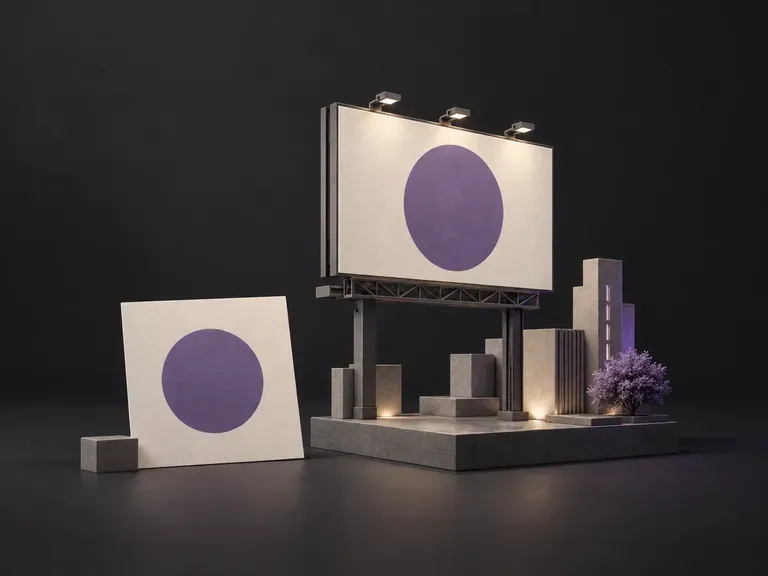
Upload your campaign artwork and a street or board reference photo, then set the camera angle and lighting. This billboard mockup generator places your design onto a highway bulletin, brick facade, or city screen for client pitches.
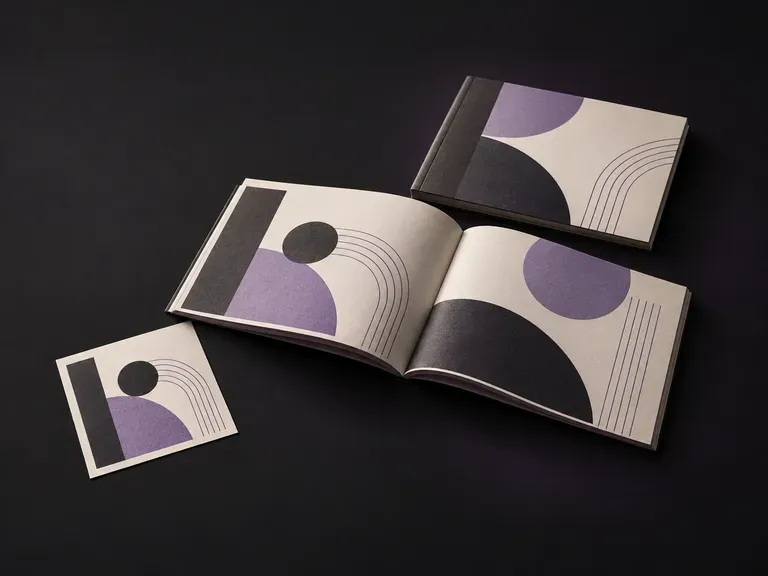
Upload your booklet cover and interior spread artwork with format references, then note the paper stock and lighting. This booklet mockup generator renders your pages as a bound publication so you can review layout flow before print.
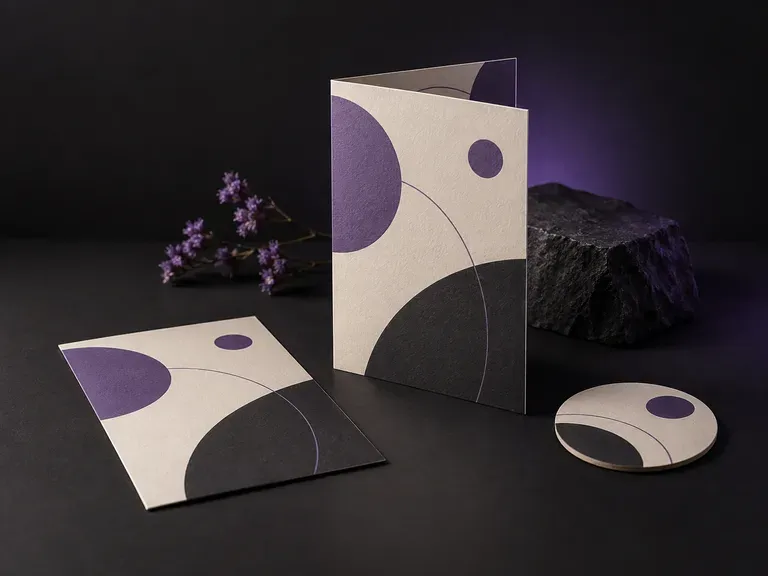
Upload your finished menu layout and an optional venue photo, then note the paper stock, fold style, and table setting. This menu mockup generator stages A4 dinner cards, bi-fold spreads, and counter displays in a dining scene.
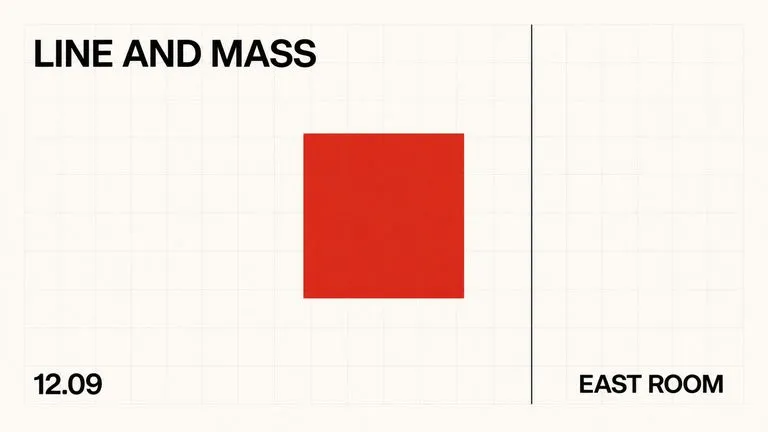
A text-to-image foundation model trained from scratch around layout, with bounding-box placement, hex colour conditioning, and native 2K output.

Create and edit stills with FLUX 3 Image at 1K, 2K or 4K. Switch to FLUX 3 Video for 5–20-second scenes at 720P or 1080P with native audio, on the same Virse canvas.

Generate and edit images with Nano Banana 2.1 in Virse. Choose 1K, 2K or 4K output and use up to 14 reference images to guide the subject, setting and materials.

Alibaba's Qwen Image 3.0 Pro renders type as language across a dozen scripts, holding legibility down to ten pixels in dense layouts.
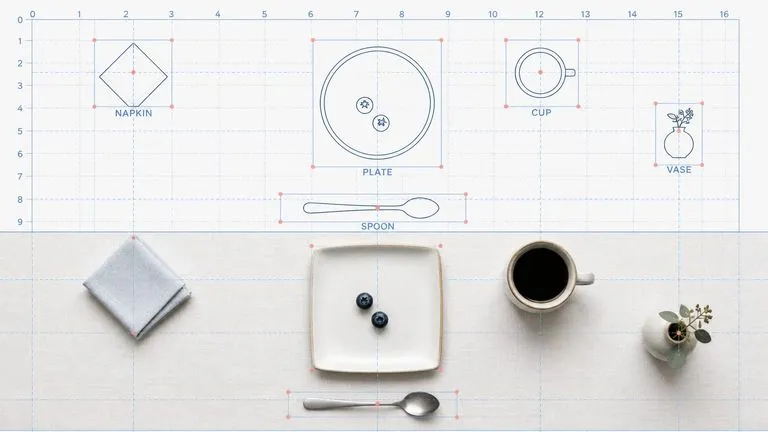
Reve AI's second-generation model builds an addressable layout of positioned elements before it renders, so a specified arrangement comes back arranged.
Google's Gemini 2.5 Flash Image — the original Nano Banana — generates and edits pictures at conversation speed, so a correction takes a sentence instead of a session.
Add the screenshot and a device reference. Create a laptop presentation image for your next pitch or portfolio update.