AI Instagram Post Mockup

AI Instagram Post Mockup

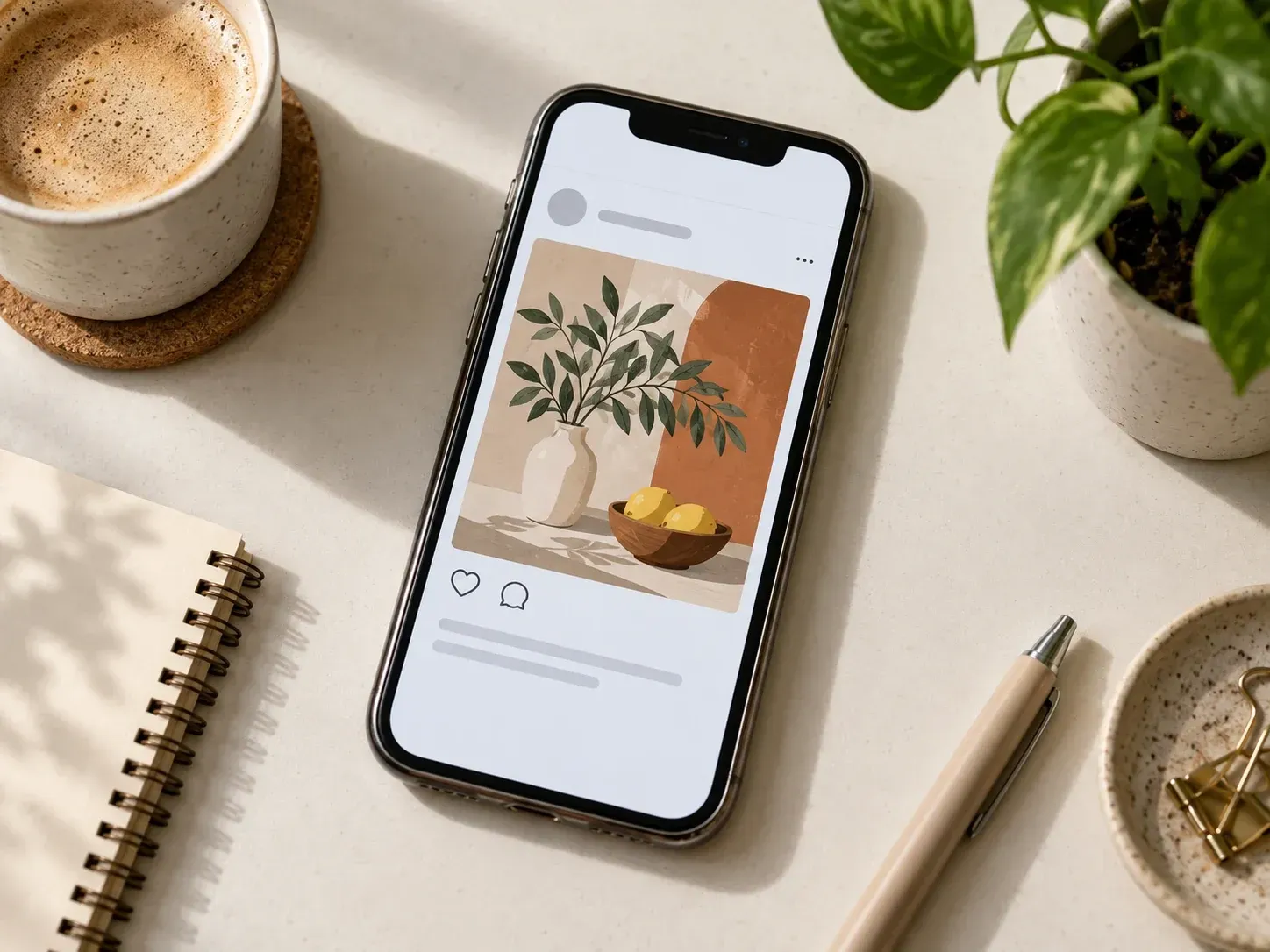
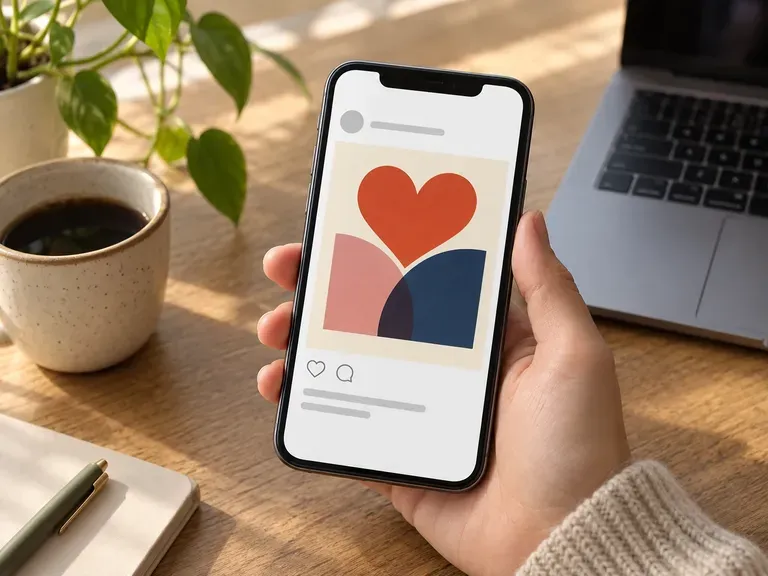
The AI Instagram post mockup frames a finished design as a realistic post, so you see it the way followers will.

Input
Post image · RequiredProfile avatar · OptionalPhone or scene reference · OptionalDisplay info · OptionalLayout · OptionalUI theme · OptionalNumber of variants · OptionalFeed profile header · Optional
Output
1 Instagram-style post preview; optionally 2 or 4 independent variants with different views or scenes

Post imageRequired

Your image is uploaded on the canvas — this form carries the settings.

Profile avatarOptional
Phone or scene referenceOptional

LayoutOptional
UI themeOptional
Number of variantsOptional
Feed profile headerOptional

What is an Instagram post mockup?

An Instagram post mockup is a still image that places your design inside the familiar look of an Instagram post, from the account header to the like row. Nothing is published, and it must not be used to pass off a fake post as a real account's.

A design shown as an Instagram post preview

Why use Virse as an Instagram post mockup generator?

It is built for seeing a post before it goes out.

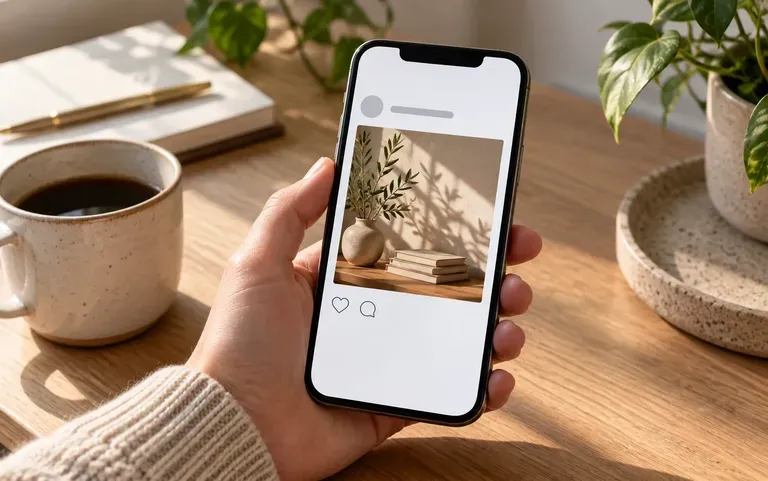
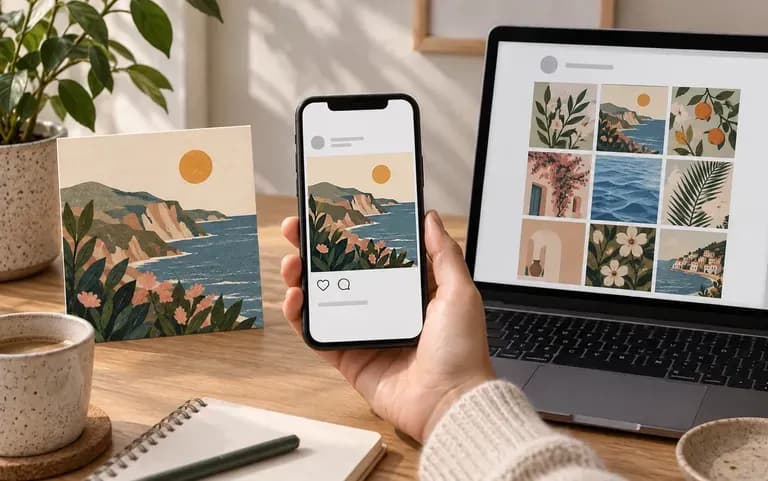
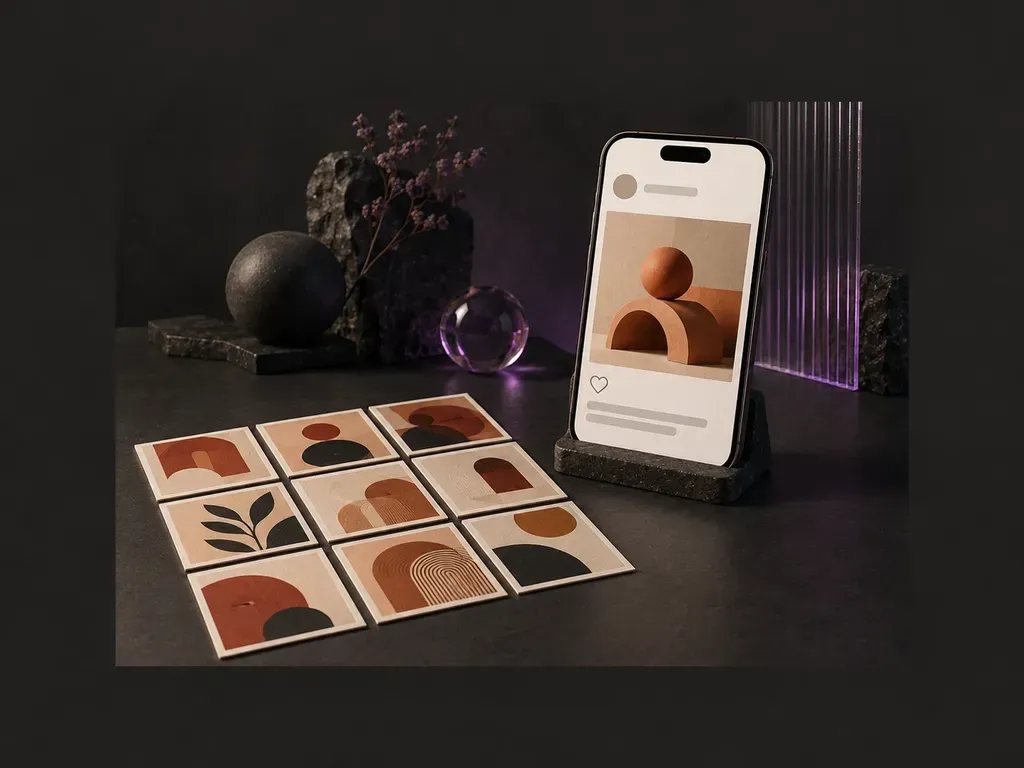
One design as a post, in a phone and in a grid
Views

Three ways to view

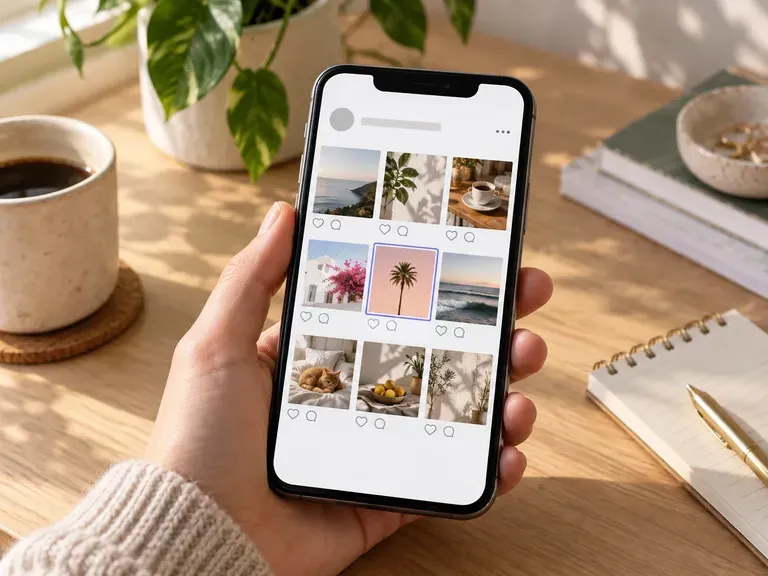
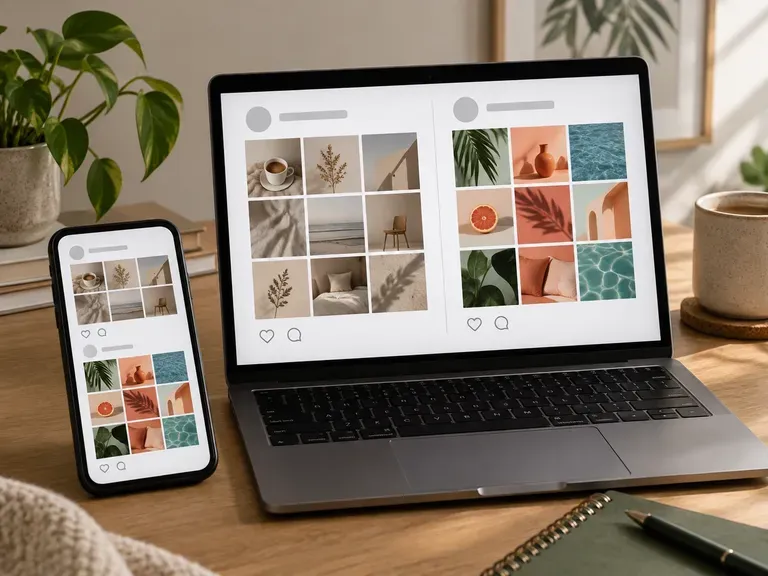
See it as a single post, inside a phone or in a 3x3 feed grid.
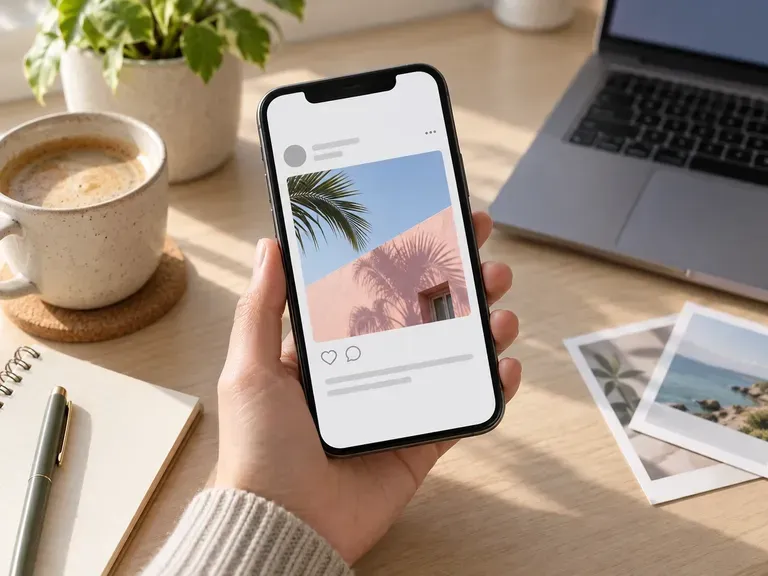
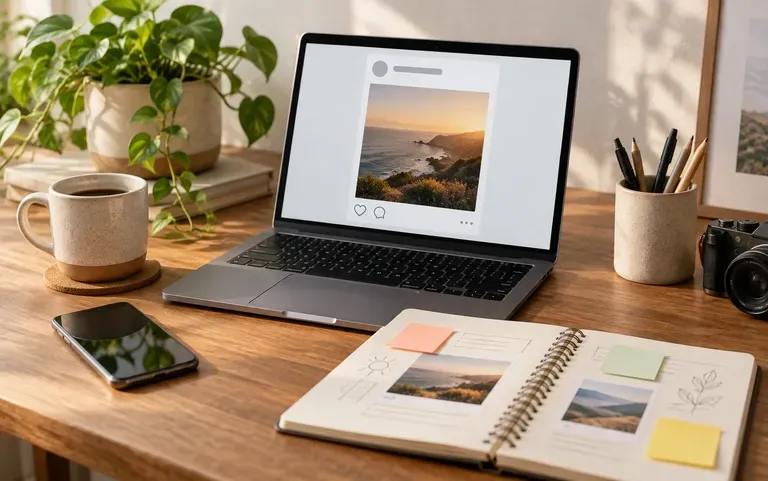
A preview with a username and like count
Custom

Your details on it

Add a username, a profile picture, and like and comment counts so the preview reads true to life.
A post preview sent for client approval
Clients

For approvals

Send a client the preview and collect their changes while the post is still a draft.

How to preview a post before it goes live

  1. Upload your design

    Add the finished image for the post.

  2. Add account details

    Fill in any account details you want shown.

  3. Pick a view

    Single post, phone frame or feed grid.

  4. Create and share

    Download the preview and send it for feedback.

Who uses an Instagram phone mockup?

People who make the images an Instagram account posts.
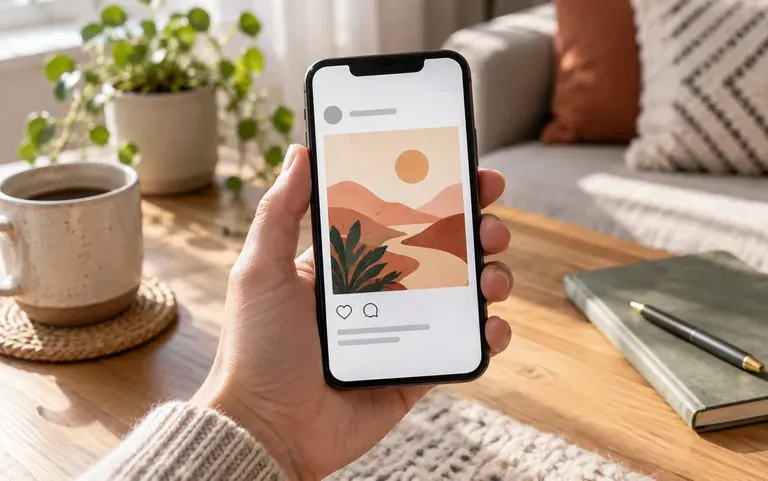
A post image checked at phone size

Social media managers

Check that a post image reads well at phone size.
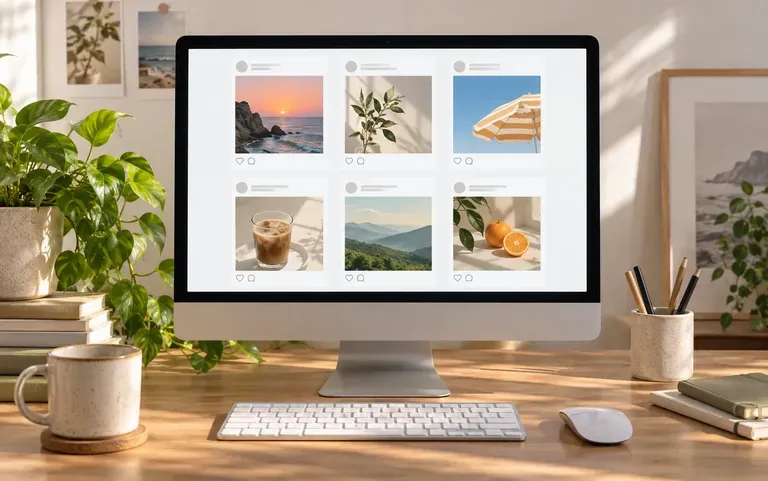
Client social work laid out on a portfolio page

Freelance designers

Put social work into a portfolio the way it looks in the app.
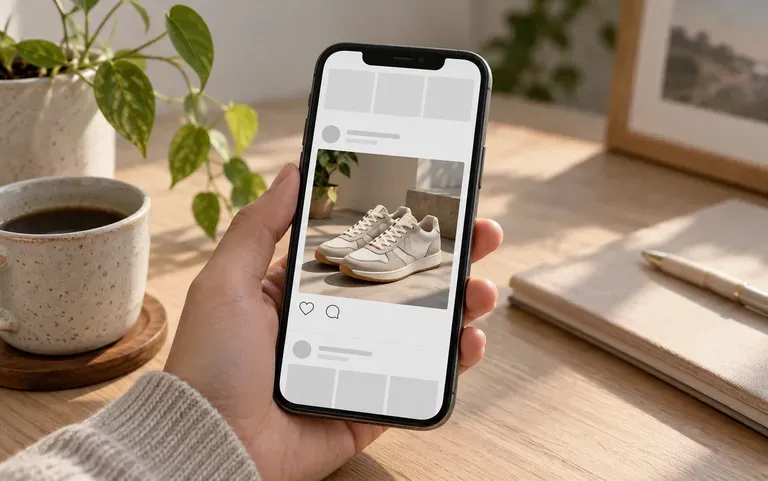
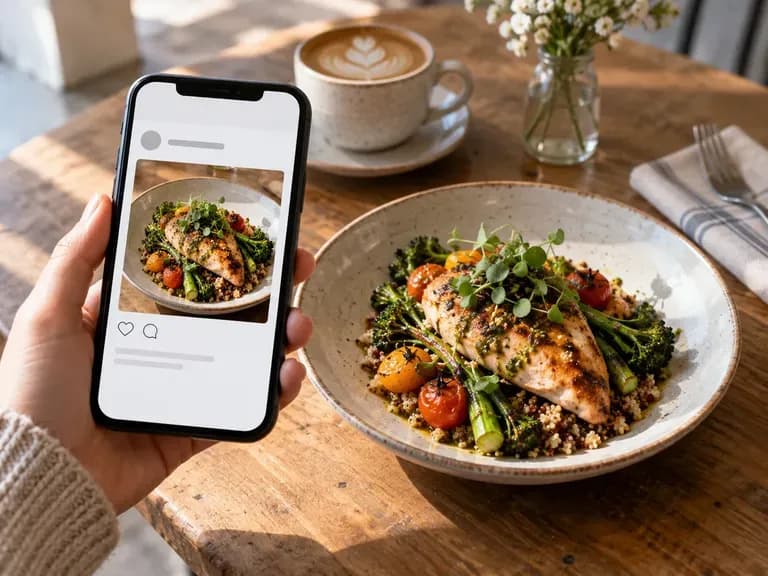
A product photo previewed in the feed

Small brands

See whether a new product photo stands out in the feed.
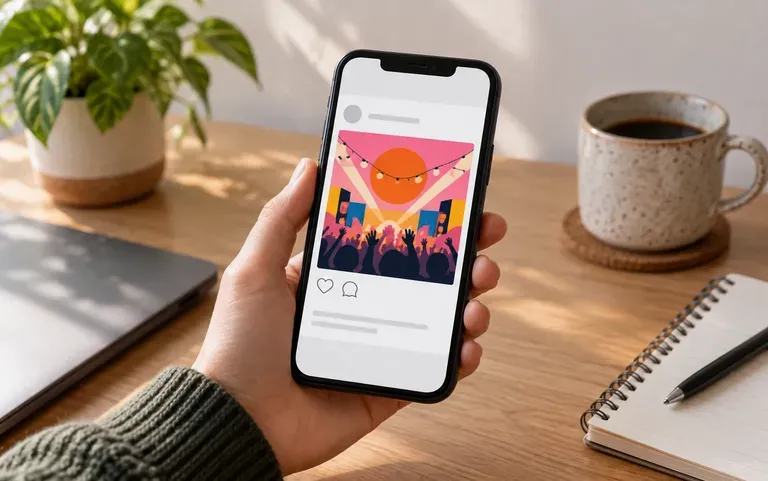
An event poster previewed as a post

Event organizers

Test whether an announcement poster made for print still reads as a post.
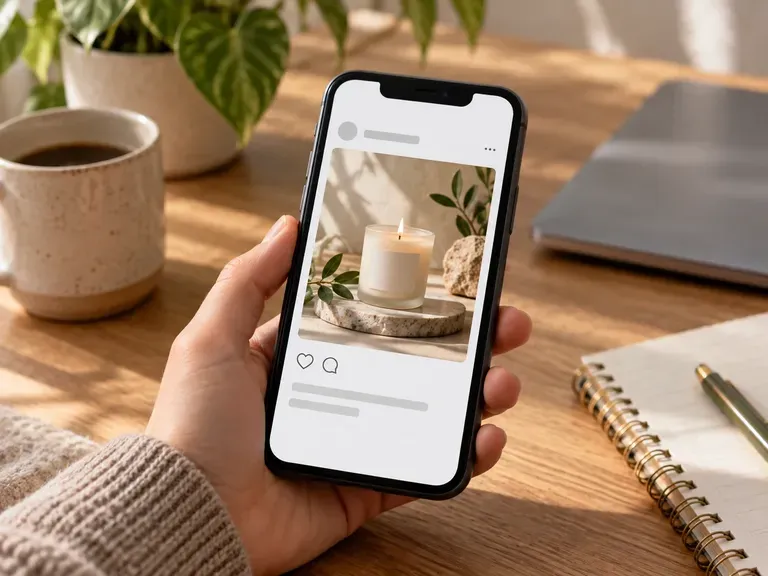
Post preview ideas

Launch Post Previews: a product reveal before it goes out
Portfolio Shots: social work shown in a phone
Feed Grid Plans: a new post checked against the grid
Event Announcements: a date poster as a post
Rebrand Previews: new colors seen in context
Menu Specials: a café's dish of the day as a post
FAQ

Frequently asked questions

Can I post directly to Instagram from here?
No. It only makes a preview image. Posting and scheduling happen in Instagram or a scheduling tool.
Is it a fake Instagram post generator for other people's accounts?
No. Use your own account details, or a client's with permission. Mockups made to look like a real person's or brand's post without their consent are not allowed.
Can I show the post inside a phone?
Yes. The phone frame view places the post on a phone screen instead of showing it as a flat image.
Can I set the username, likes and comments?
Yes. Each of those fields is optional, so you can show a full post or leave the header bare for a cleaner preview.
Can I preview a 3x3 feed grid?
Yes. The grid view shows your post within a 3x3 feed, so you can judge how it fits the profile.
Is Virse's Instagram post mockup free?
Yes. You receive 200 compute when you sign up, and 50 a day is added while you have under 200. Free previews come out at 1K on every image model.

Preview your Instagram post

Upload the design you are about to post.