
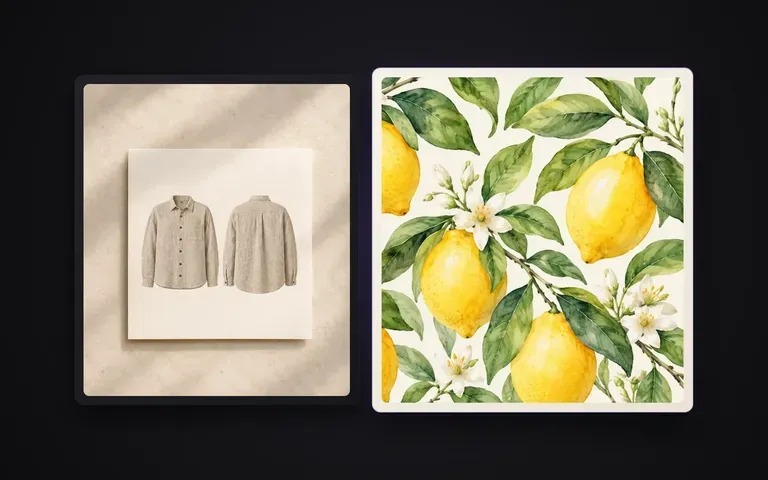
Orthographic
Wrinkles, drape and perspective removed
Straightens patterns photographed on curved sleeves, folded fabric swatches, upholstered furniture or angled walls so the motif sits flat on a 2D plane.
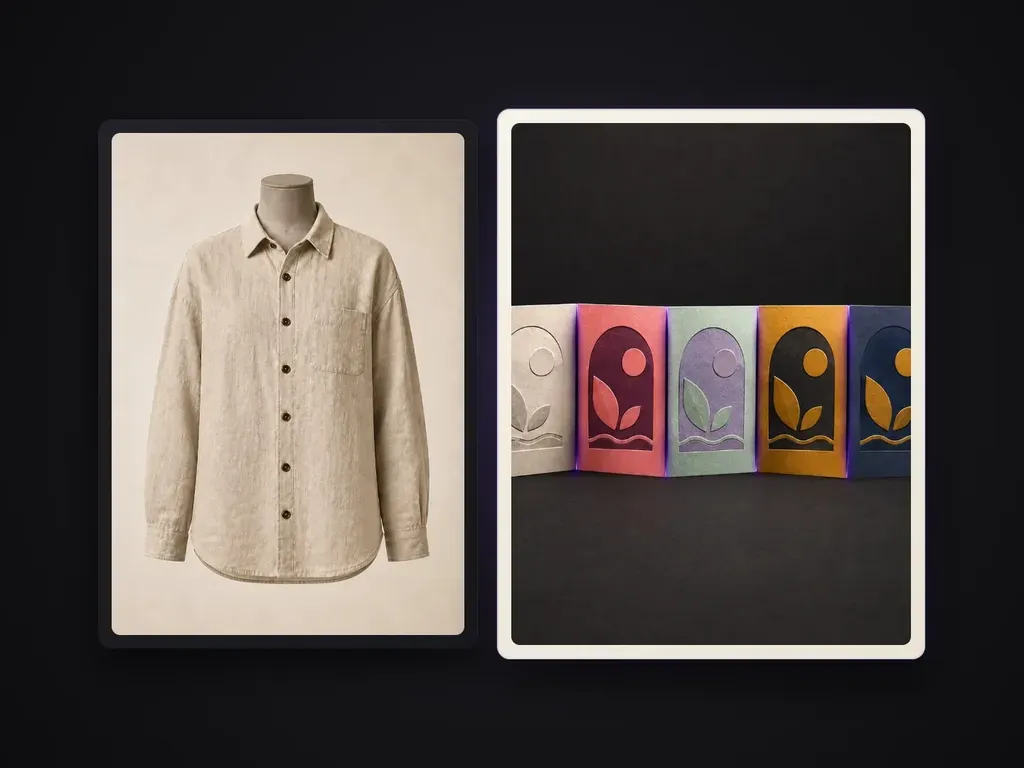
Upload a photo of a garment, draped fabric, cushion, wallpaper or patterned object. Pattern Extractor removes folds, perspective distortion and uneven lighting to reconstruct a clean, flat pattern swatch with faithful motif geometry and colors.
When you photograph a printed shirt, a vintage textile, a rug or a ceramic tile in the real world, the pattern is warped by fabric drape, camera angle and shadows. Cropping the photo only gives you a wrinkled patch. Pattern Extractor reads the underlying motif and repeat layout across the surface, flattens out the folds and perspective tilt, neutralizes uneven lighting, and returns a clean, front-facing pattern swatch:
· Drape flattened: Reconstructs motifs hidden inside pleats, sleeves, and cushions.
· Even lighting: Neutralizes studio glare, crease shadows, and warm room casts.
· Clean repeat: Restores floral, geometric, and plaid spacing into a flat swatch.
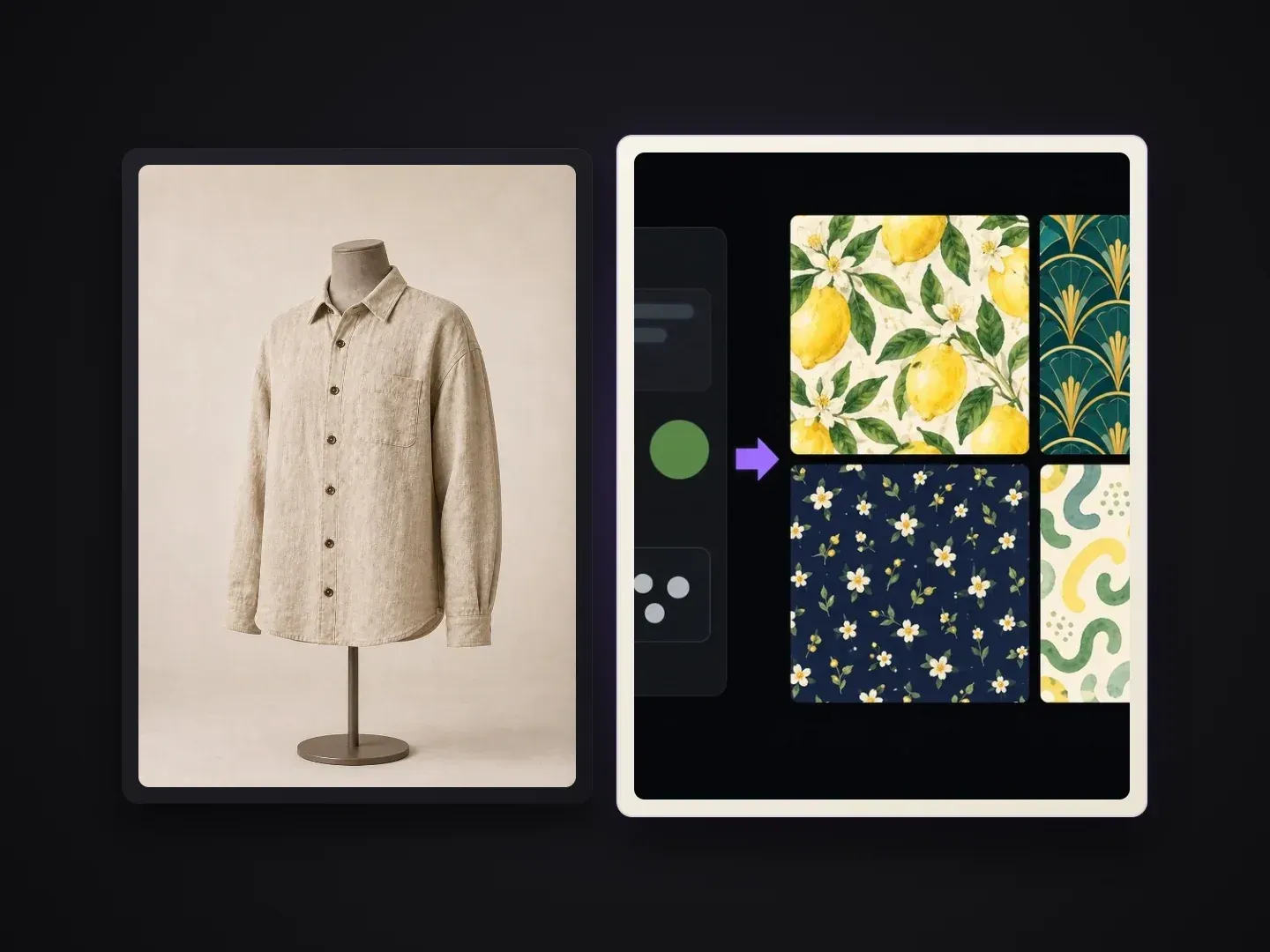
Built for textile, fashion and surface designers working from real-world reference photos.
Straightens patterns photographed on curved sleeves, folded fabric swatches, upholstered furniture or angled walls so the motif sits flat on a 2D plane.
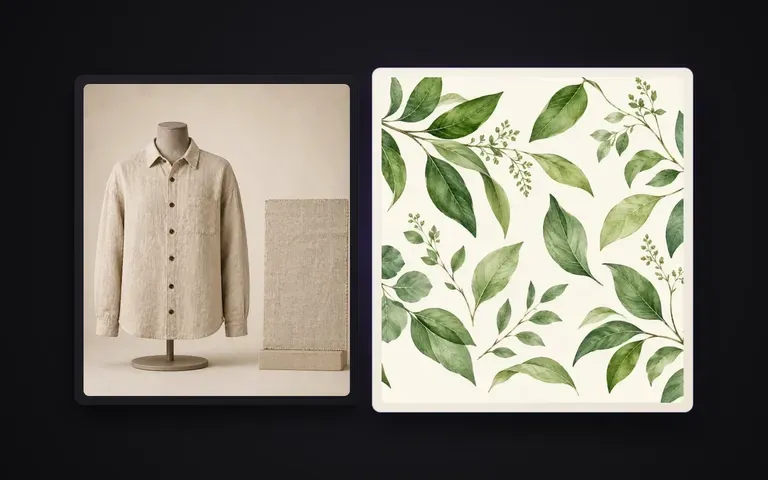
Strips away crease shadows, specular highlights and warm/cool room lighting casts so the background ground color and motif palette stay uniform across the swatch.
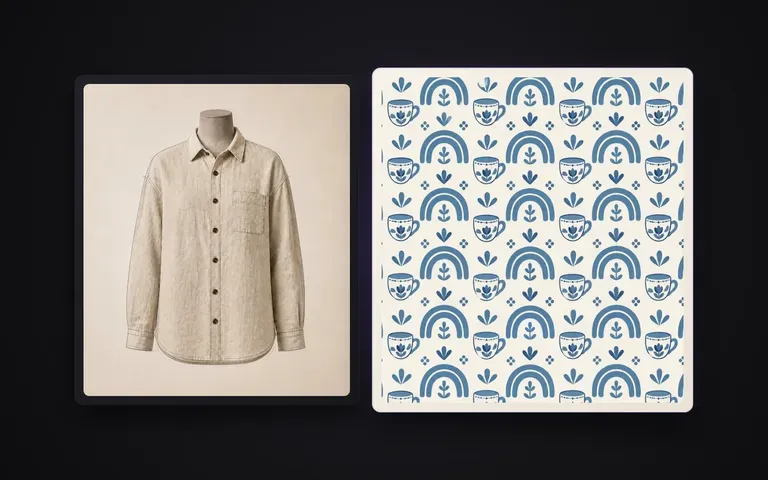
Reconstructs floral prints, geometric tiles, stripes, plaids and jacquard weaves with clean edges and consistent spacing ready for moodboards, CAD re-coloring or 3D material mapping.
What happens when you extract the underlying design instead of just cutting a square out of a photograph.
Cropping a Photo in an Image Editor
Virse Pattern Extractor
Drop in a clear photo of the garment, textile swatch, wallpaper, rug or patterned object. Include at least one full repeat of the motif in the frame.
If the photo was taken under strong colored lighting or has a complex weave, add a short note describing the ground color or motif style.
Run the tool on the Virse canvas to remove wrinkles, perspective distortion and shadows while restoring the flat 2D pattern layout.
Download the flat swatch for your spec sheet, or chain it directly into Virse's Material Transfer or Illustration Color Variants tools on the same canvas.
While Pattern Extractor reads most textiles automatically, adding a short note helps lock ground colours and repeat geometry when your reference photo was shot under harsh indoor lighting or heavy drape:
· Woven tartan or plaid shirt: Flatten sleeve folds, preserve perpendicular twill check alignment, navy and hunter green ground.
· Vintage floral dress print: Remove waist gathers and warm tungsten cast, restore flat cream ground with botanical motifs.
· Hand-painted ceramic tile: Correct angled camera perspective, strip gloss specular glare, keep cobalt blue geometry sharp.
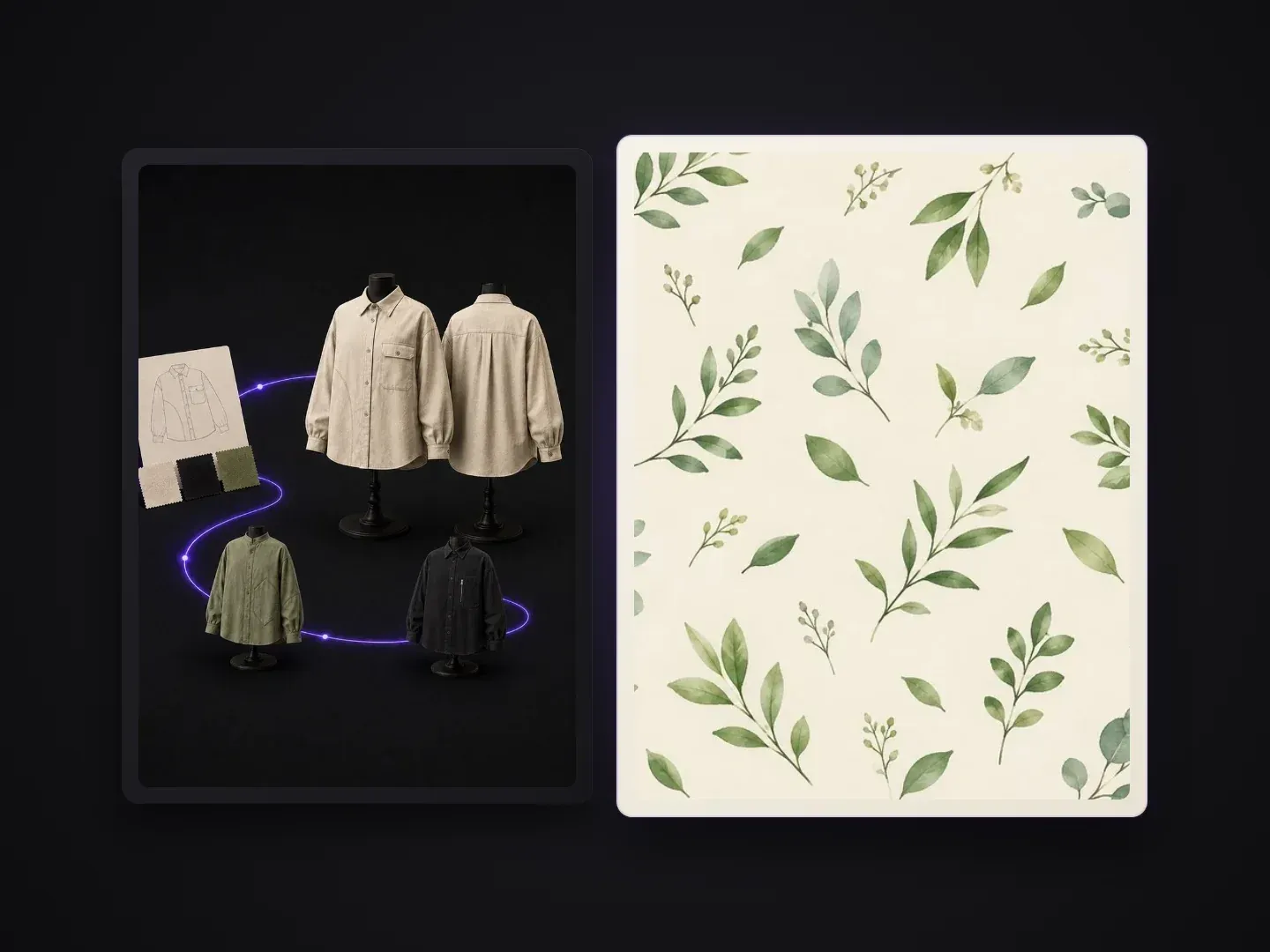
Teams that need a clean flat swatch from a physical sample or reference photo.
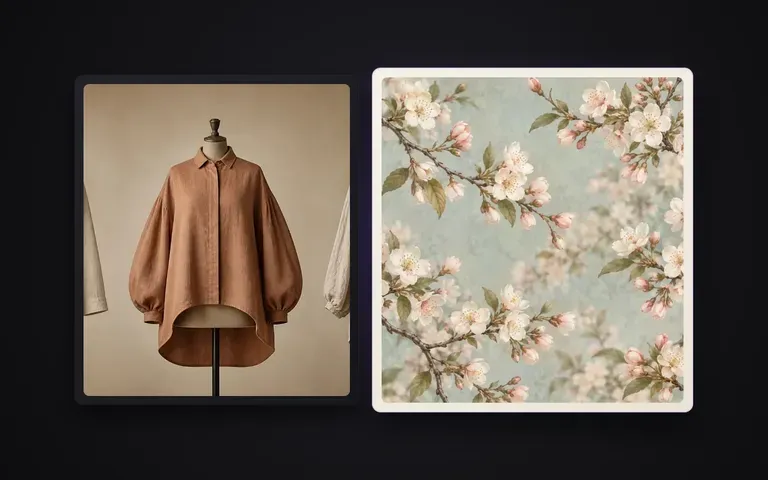
Turn photos of vintage garments, trade-show hanger samples or draped yardage into flat print swatches for seasonal line sheets and tech packs.
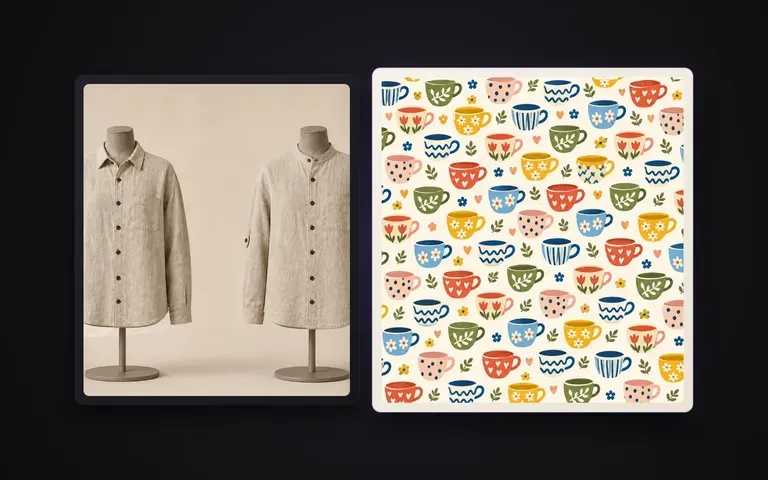
Capture patterns from cushions, rugs, curtains, wallpapers or ceramic tiles and flatten them for room moodboards and client presentations.
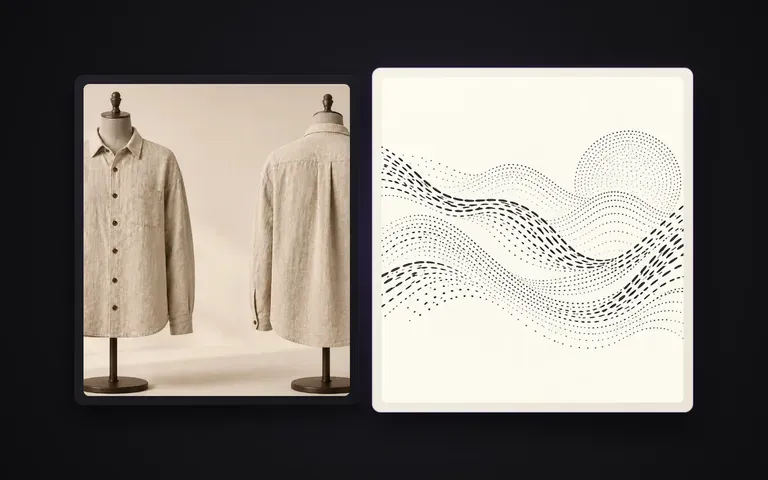
Extract clean surface patterns from real product photos so they can be mapped onto 3D garments, packaging or furniture renders without baked-in folds.
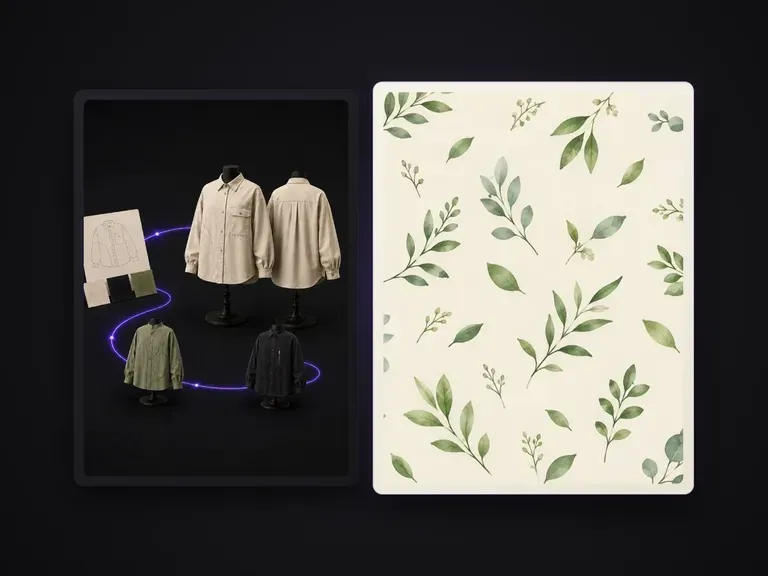
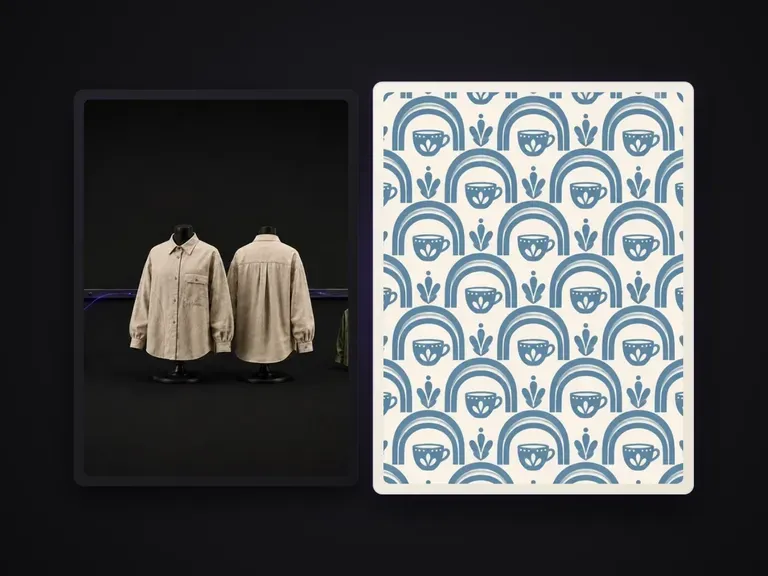
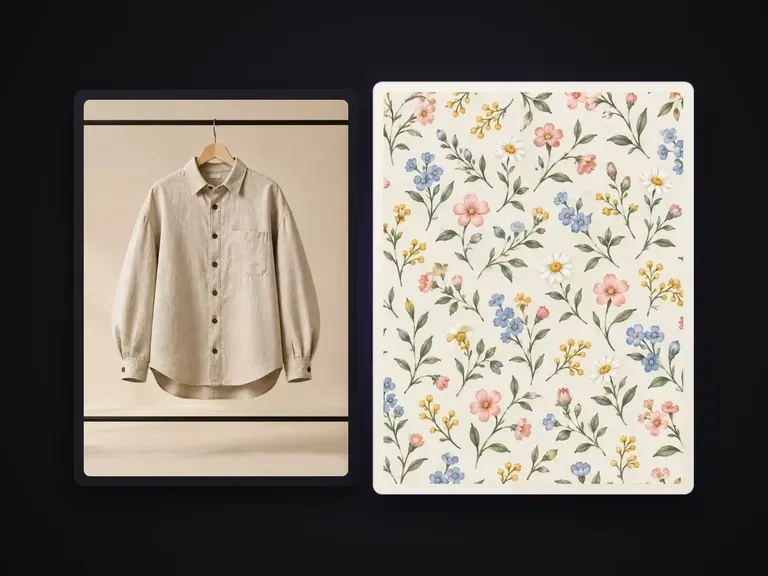
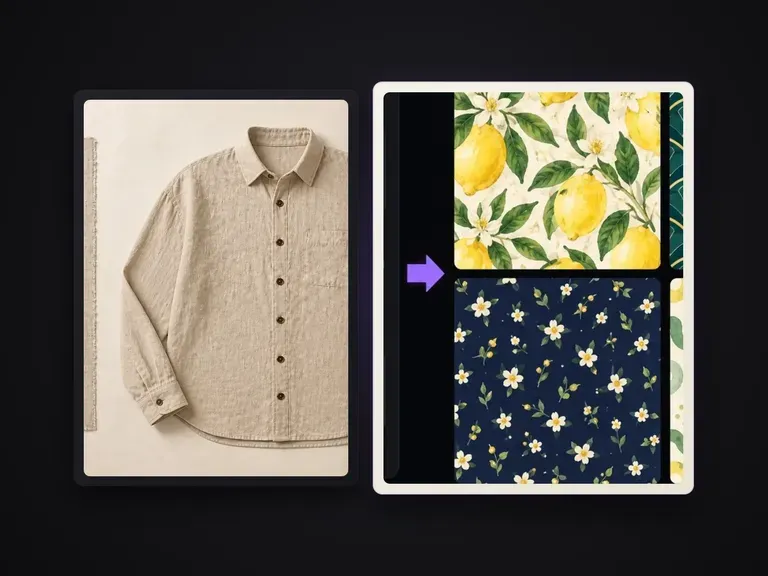
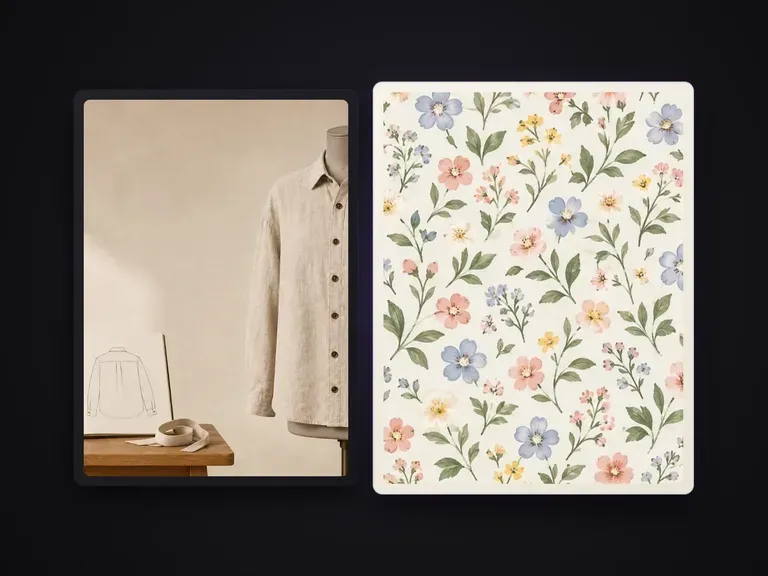
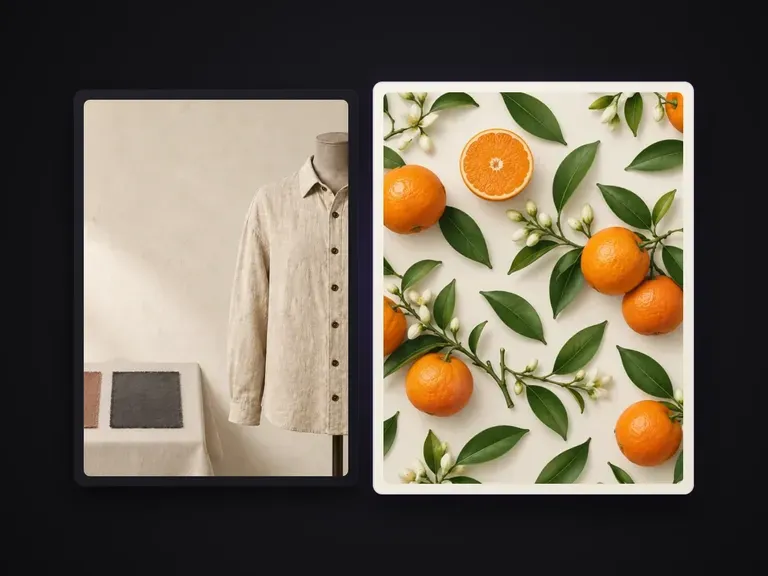
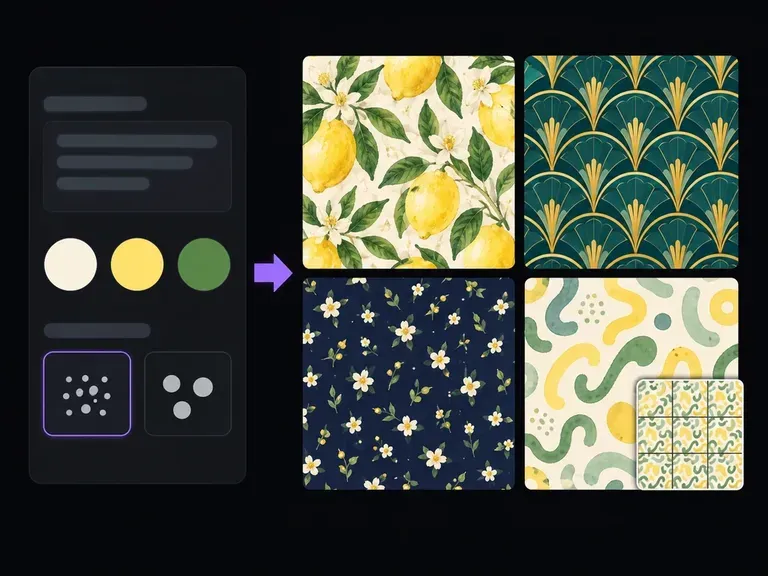
Describe the motifs to repeat, their relative scale, and your ground color, or upload a style reference. This AI pattern generator creates square repeat tiles across botanical, geometric, terrazzo, and toile styles with a 3x3 repeat preview on canvas.
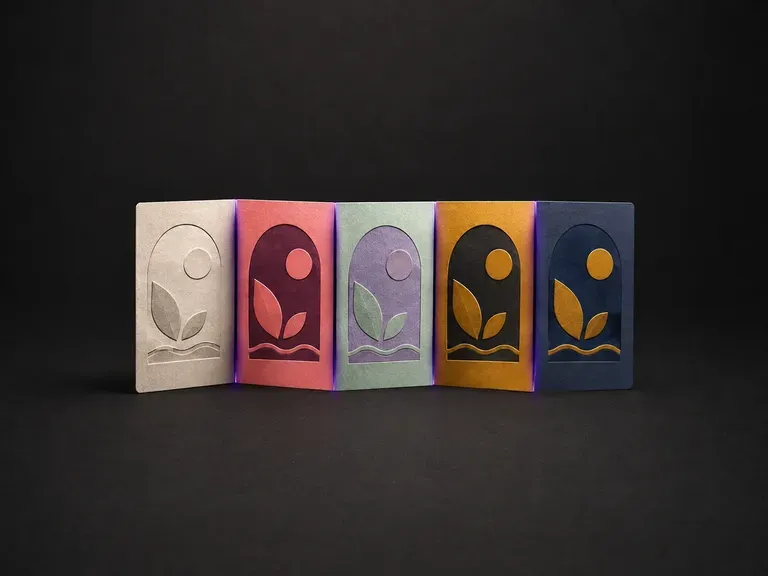
Upload one illustration. The drawing is held exactly as it is and re-graded into variants that are actually distinguishable from each other, rather than three versions of the same tone.
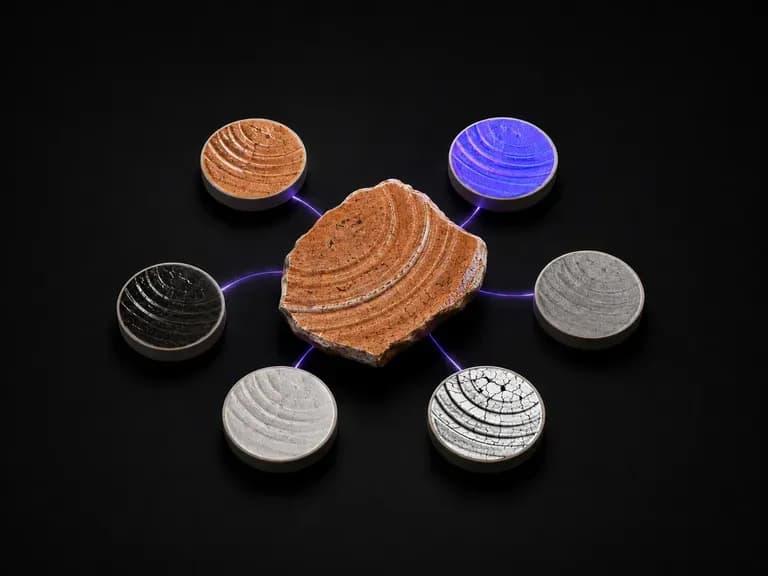
Point it at anything with a surface you want. It returns a fixed six-piece set every time: material sphere, albedo, normal, roughness, metallic and ambient occlusion, all read off the one photograph you gave it.
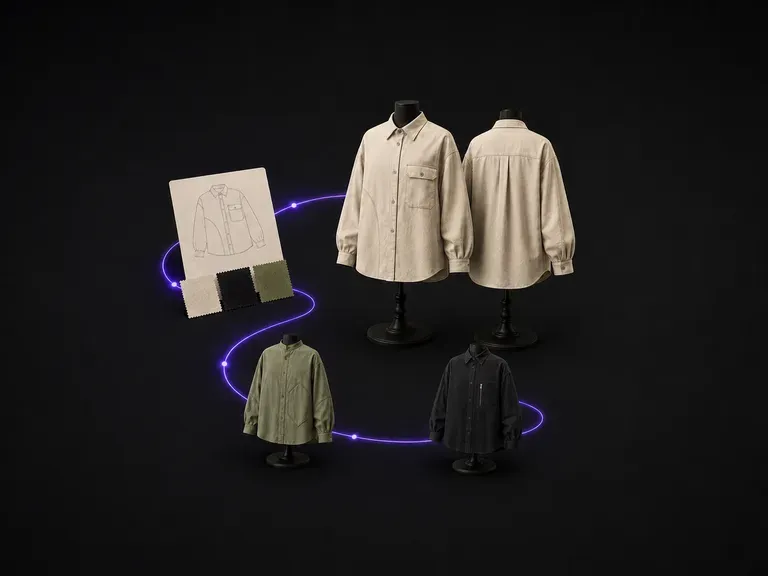
Describe the garment category, fit, fabric and colour, and get a concept back with matched front and back views, so nothing gets cut before both sides have been checked against each other. Free credits are enough to see whether the silhouette is worth taking further.
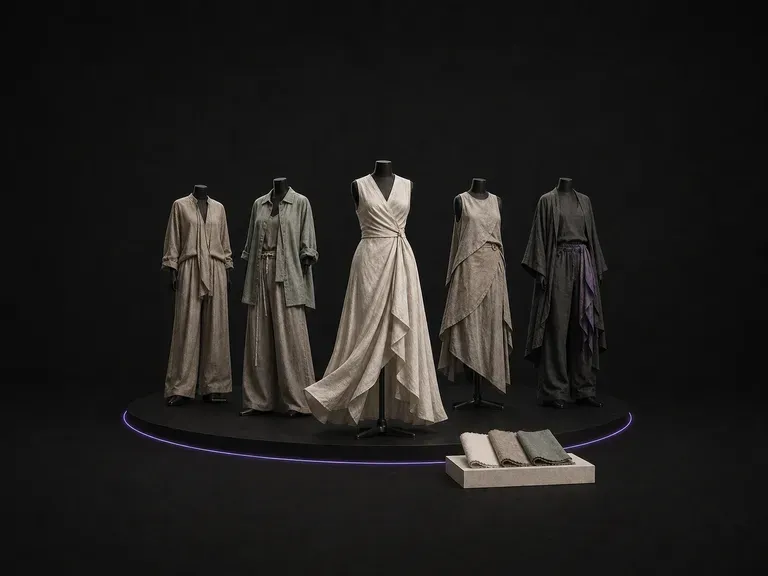
Describe your season, audience and silhouettes to generate a cohesive set of styled collection looks sharing one palette and fabric story on the Virse canvas, starting on free credits.
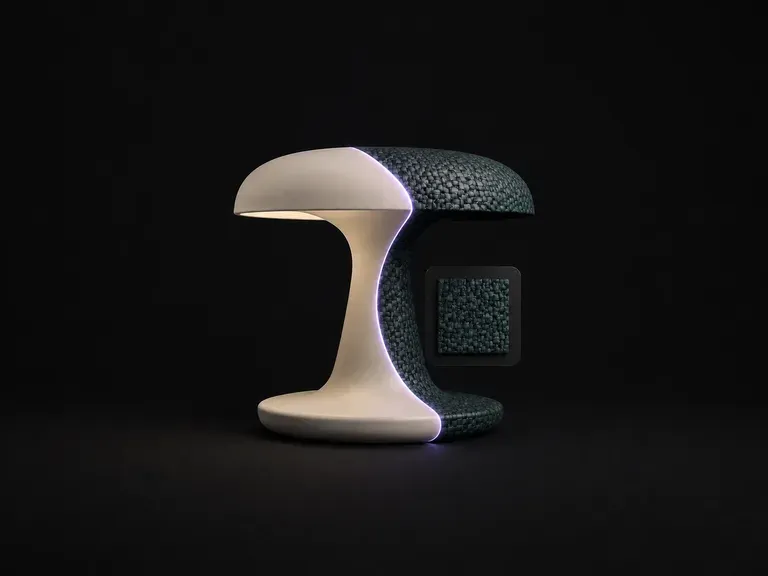
Upload your product shot and a material reference. It reads the structure underneath, works out which panel is which and where each surface turns, then wraps the new material along that structure with the lighting consistent and the form exactly where it was.
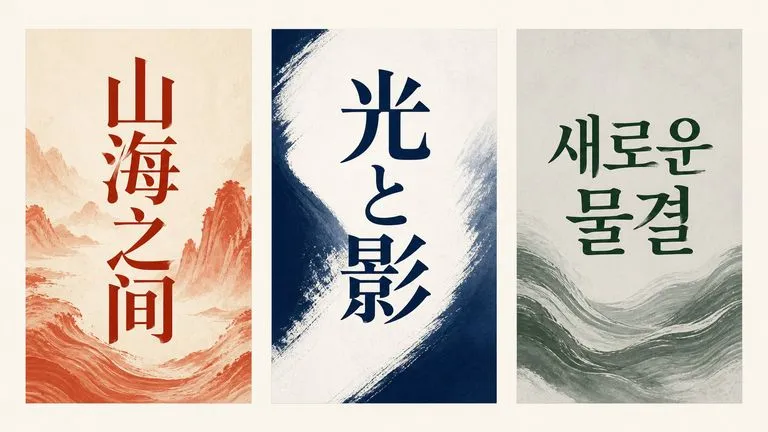
Alibaba's Qwen Image 3.0 Pro renders type as language across a dozen scripts, holding legibility down to ten pixels in dense layouts.
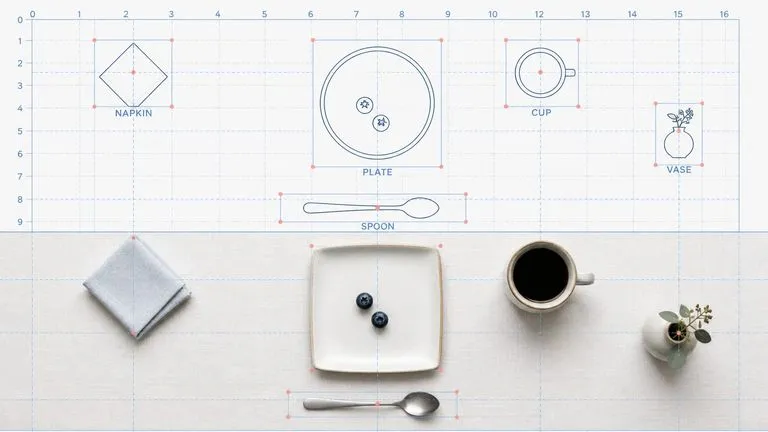
Reve AI's second-generation model builds an addressable layout of positioned elements before it renders, so a specified arrangement comes back arranged.
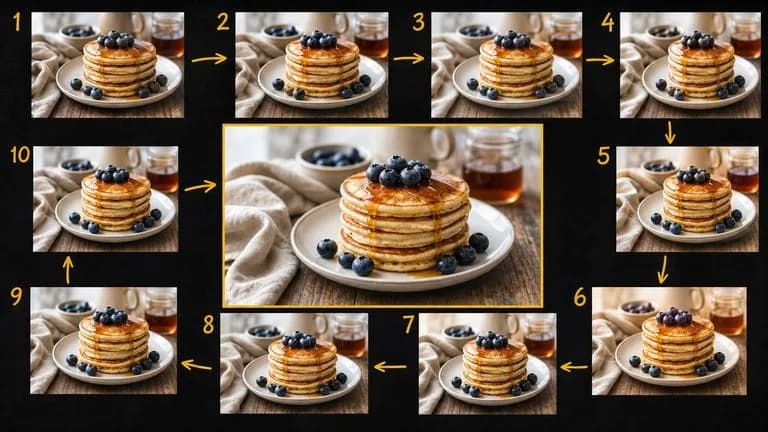
Google's Gemini 2.5 Flash Image — the original Nano Banana — generates and edits pictures at conversation speed, so a correction takes a sentence instead of a session.
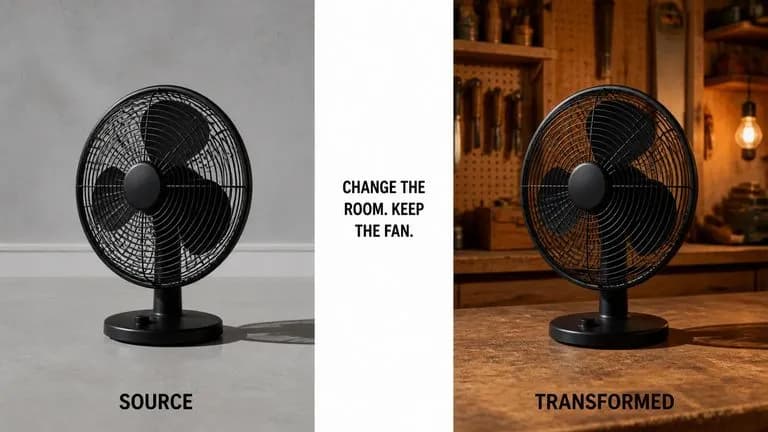
ByteDance's Seedream 4.0 and Seedream 4.5 generate from written descriptions and from images you supply, turning one source picture into as many directions as a project needs.
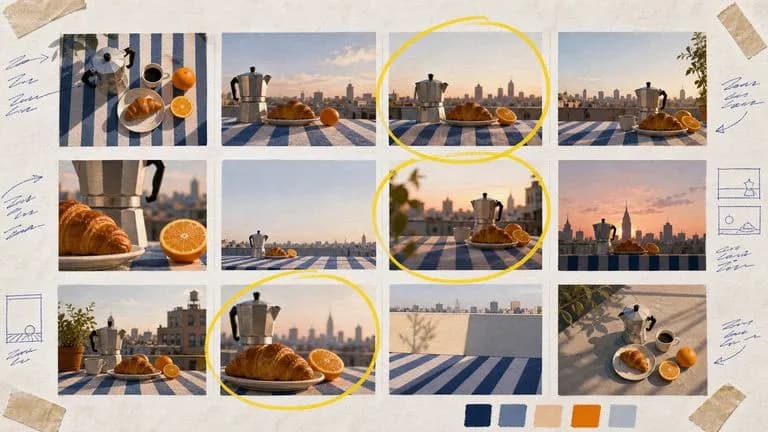
Google's Nano Banana 2 pairs flagship-level image quality with Flash-class speed, across four output sizes from rapid 0.5K prototypes to finished 4K.
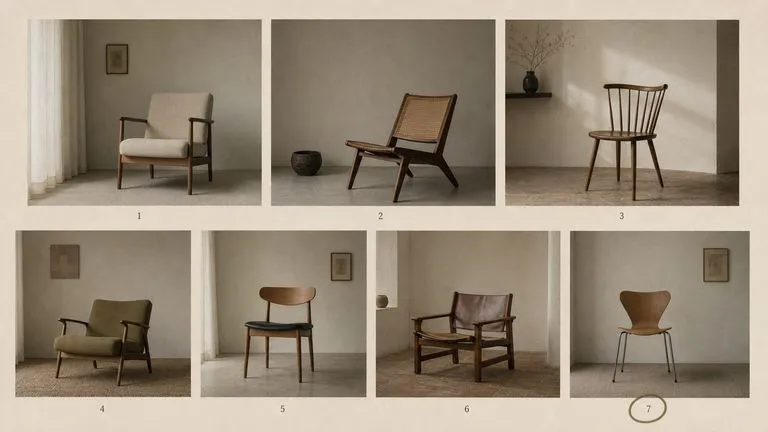
The generation of Black Forest Labs' FLUX line that came before FLUX 2, kept available as two entries — the standard model and Ultra.
Upload a photo of fabric, apparel or a patterned surface and reconstruct a clean, wrinkle-free swatch on the Virse canvas.