
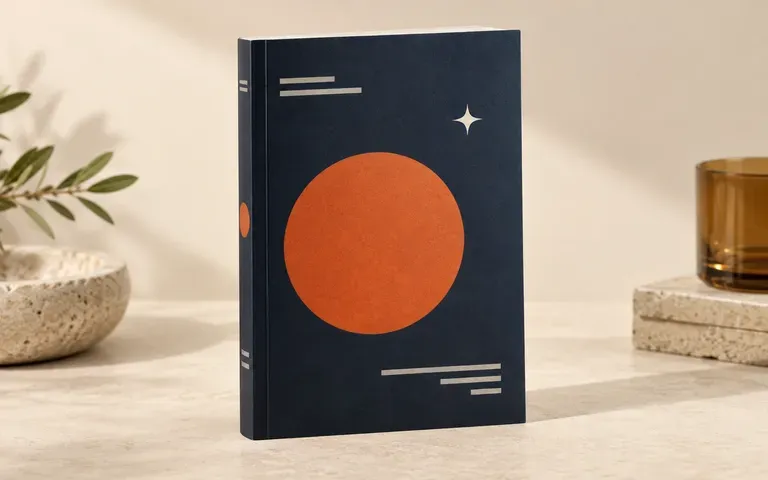
Cover first
Present Front-Only or Full Jacket Files
Start with just a finished front cover when your page count and spine width are still unconfirmed, or upload front, spine, and back files together for an angled wrap preview.
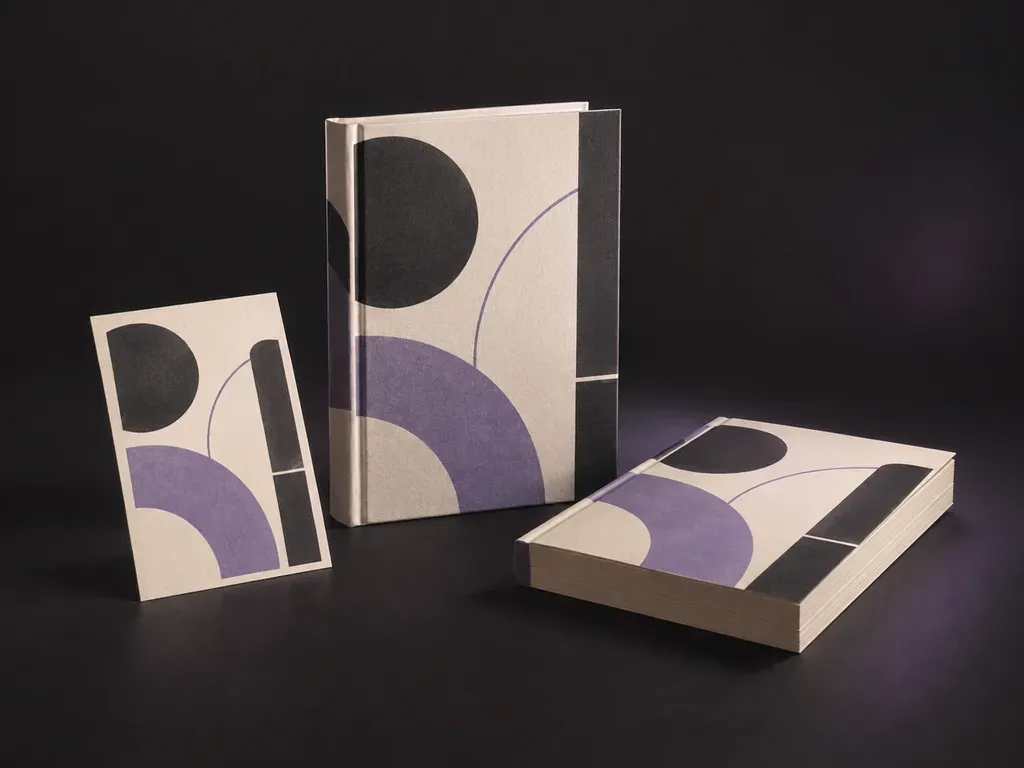
Upload your finished front cover with optional spine or back-cover artwork, then set the binding format and scene. This book mockup generator wraps your design onto a hardcover dust jacket or paperback edition for launch graphics.
A book mockup generator (or book cover mockup generator and 3D book mockup generator) turns a flat 2D cover layout into a realistic bound volume preview:
• Binding geometry: Check how title typography sits relative to the spine hinge crease, board overhang, and paperback trade trim edges.
• Multi-surface alignment: Verify how the front jacket, spine lettering, and back-cover blurb connect when viewed at a three-quarter angle.
• Surface finish and lighting: Preview how matte laminate, cloth-bound boards, or gloss dust jackets respond to directional studio or tabletop light.
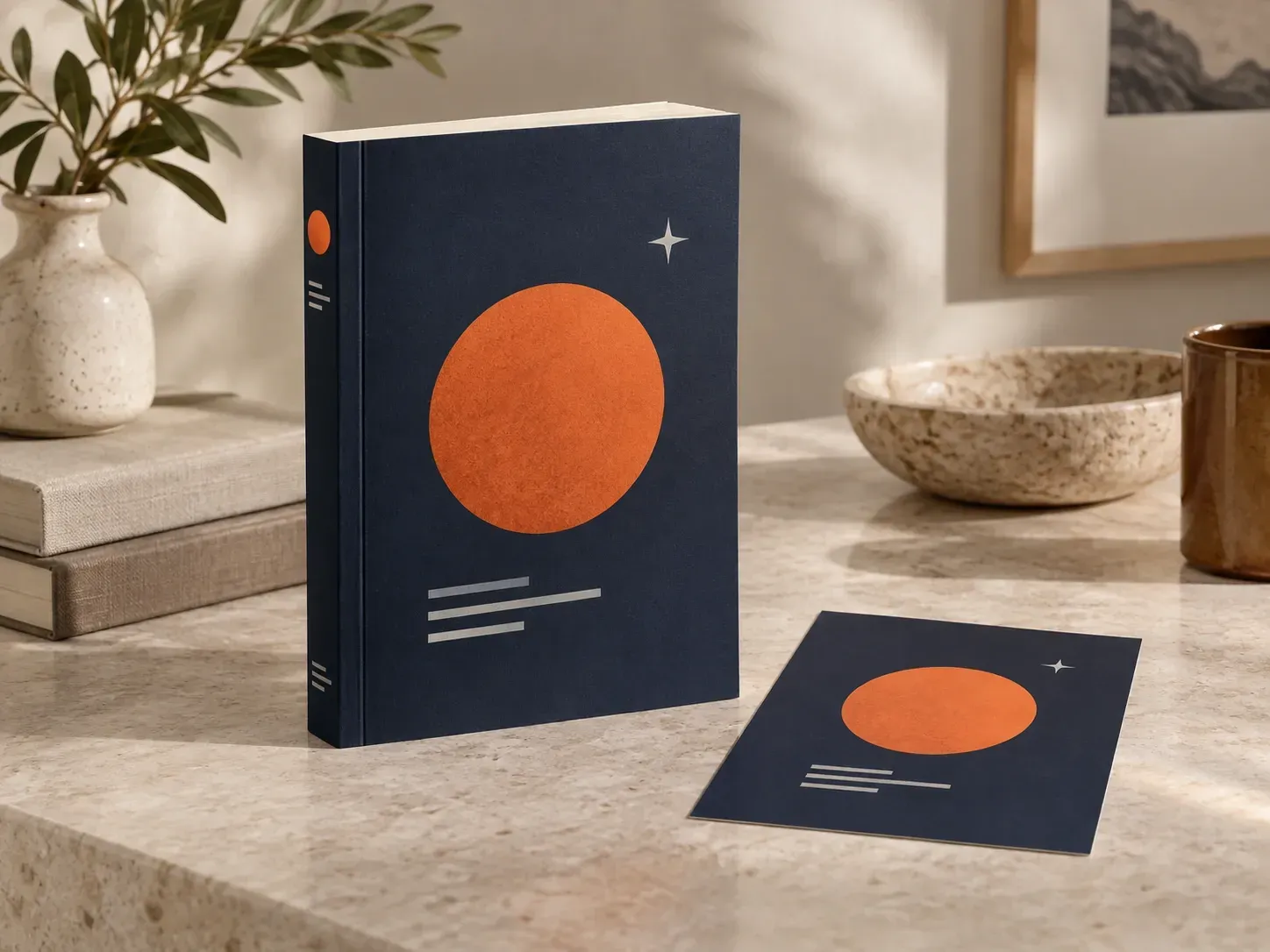
Three publishing checks a reference-aware book mockup generator handles from your actual cover files.
Start with just a finished front cover when your page count and spine width are still unconfirmed, or upload front, spine, and back files together for an angled wrap preview.
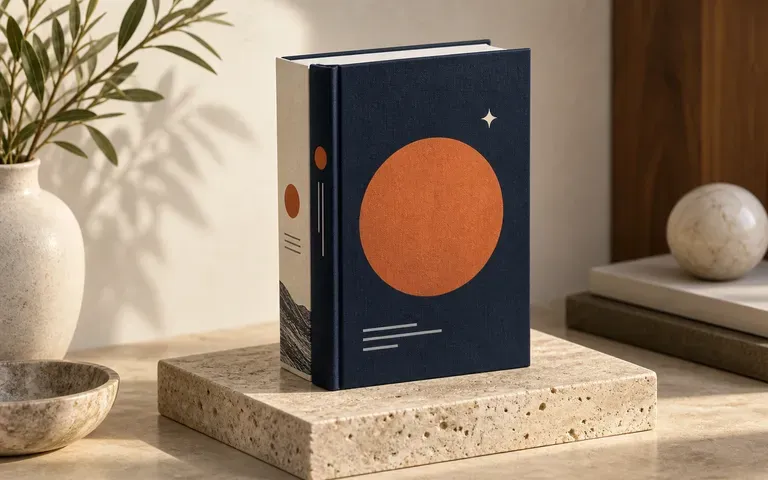
Name the binding style in your brief, from a casebound hardcover book mockup with a French-fold dust jacket and head and tail bands to a flexible paperback book mockup.
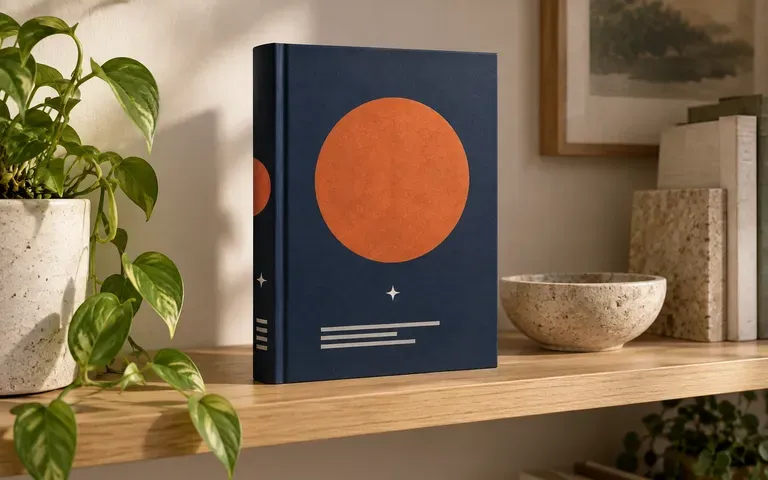
Supply spine and rear-cover artwork when your camera angle shows them so editors and marketers can review the full book exterior in one frame.
How generating a preview from your cover files and written brief compares with rigid 3D box generators or Photoshop actions.
Static 3D Book Mockup & PSD Actions
Virse Book Mockup Generator
Add your completed front cover file, and attach spine or back-cover artwork if your chosen angle reveals those sides.
State whether the volume is a hardcover or paperback, note the viewing angle, and describe the tabletop or studio surface.
Run the generator to render your supplied cover artwork onto the bound edition in your requested setting.
Inspect the title, author name, spine text, and trim edges against your source files before publishing the image.
Specific binding and lighting notes yield cleaner edition previews. Copy any of these three book mockup prompts:
• Front paperback: "Standing 6x9 paperback book mockup from the uploaded front cover, matte paper stock with left spine hinge crease, upright on linen in side light."
• Angled hardcover: "Casebound hardcover book mockup using the uploaded front cover and spine artwork, cream page edges visible, angled on a walnut desk."
• Front and back pair: "Two copies of the paperback book mockup on a studio plinth, one showing the front cover and the second showing the back cover."
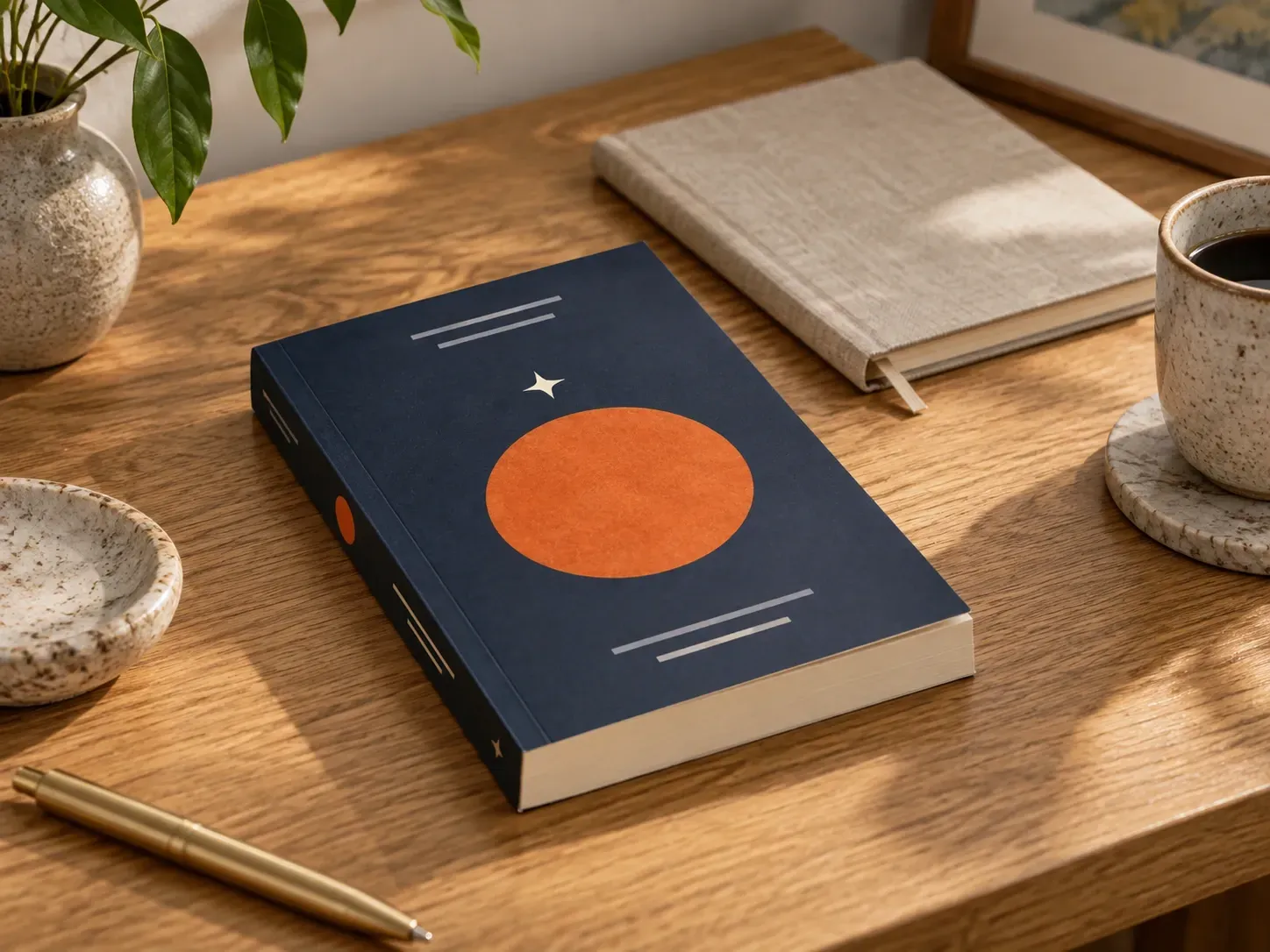
Four publishing and marketing roles that rely on a book mockup generator to present titles before physical copies come off press.
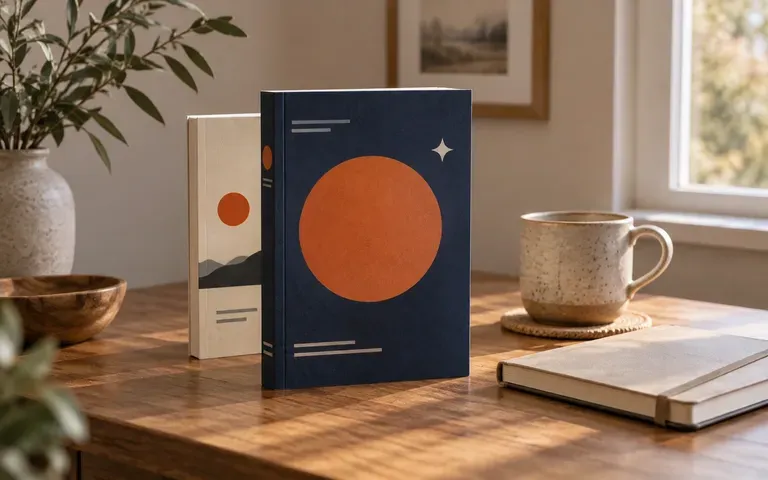
Create hardcover and paperback product images for pre-order pages, reader magnets, and social launch posts as soon as the front cover is finalized.
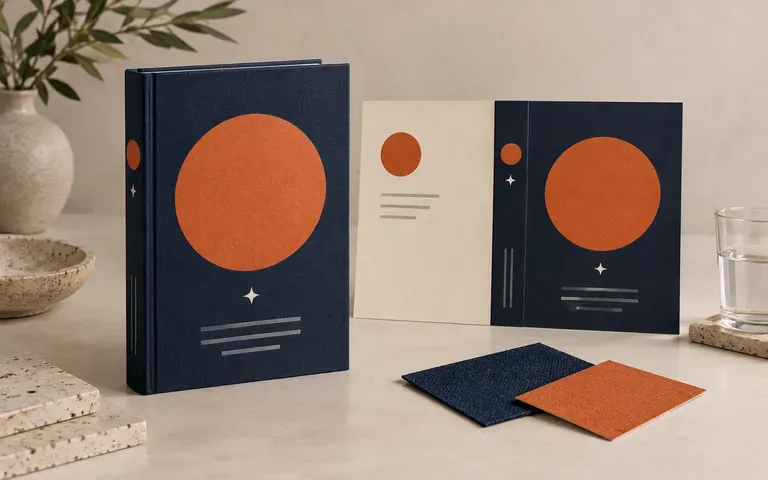
Show authors and art directors how a flat cover concept reads across a curved spine hinge, dust jacket wrap, and trimmed page block.
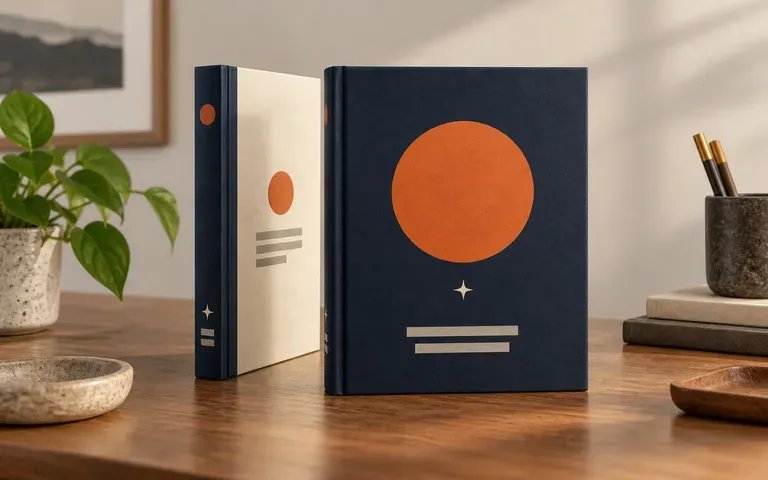
Review front cover, spine lettering, and back-cover copy together as a single bound exterior during editorial and sales-conference sign-off.
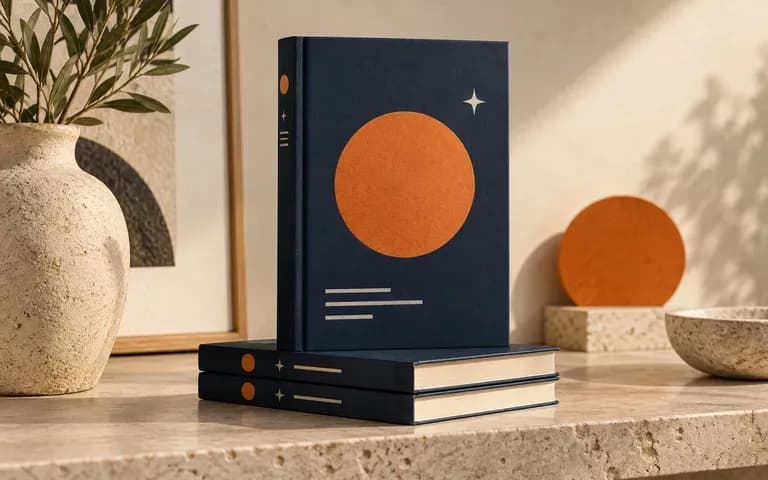
Stage approved jacket artwork in clean studio or reading-desk scenes for newsletter headers, press kits, and retail ad creative.
Six outputs from the book mockup generator showing author website heroes, paperback launches, hardcover reviews, and spine presentations.
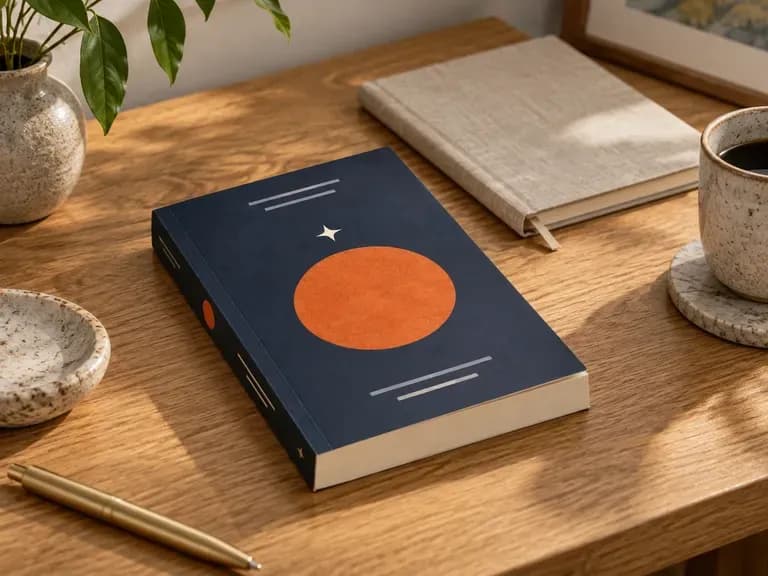
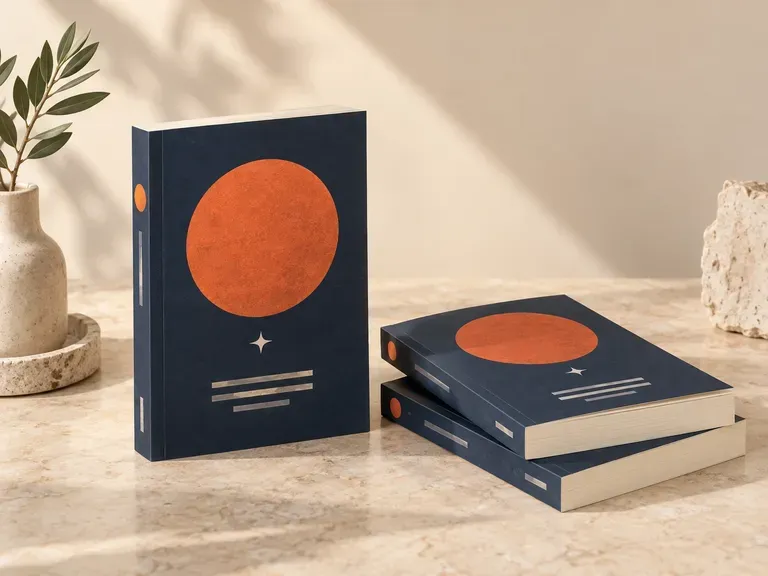
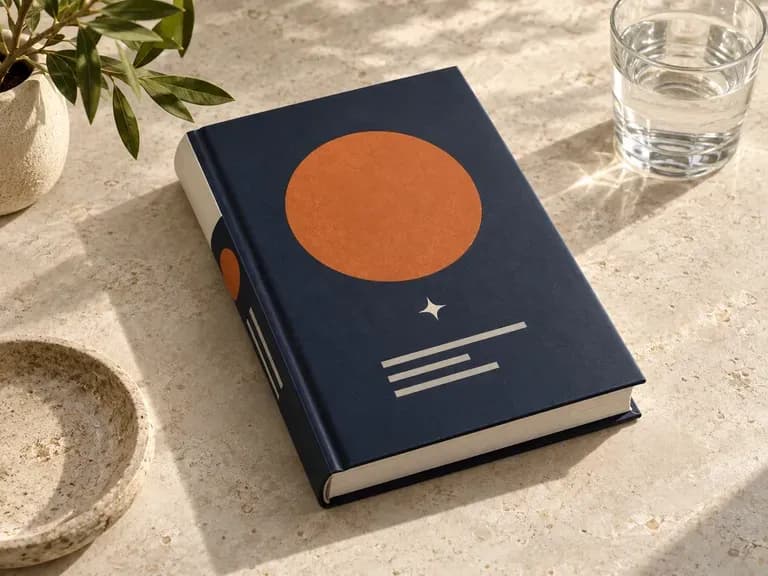
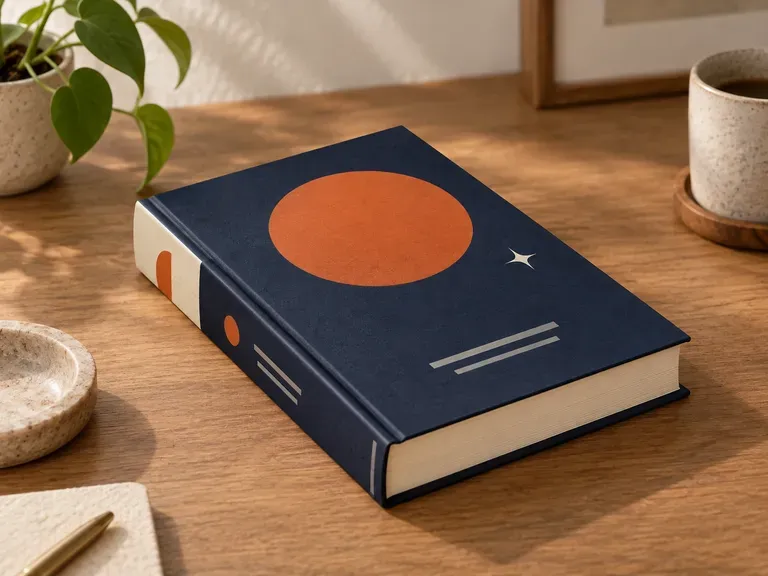
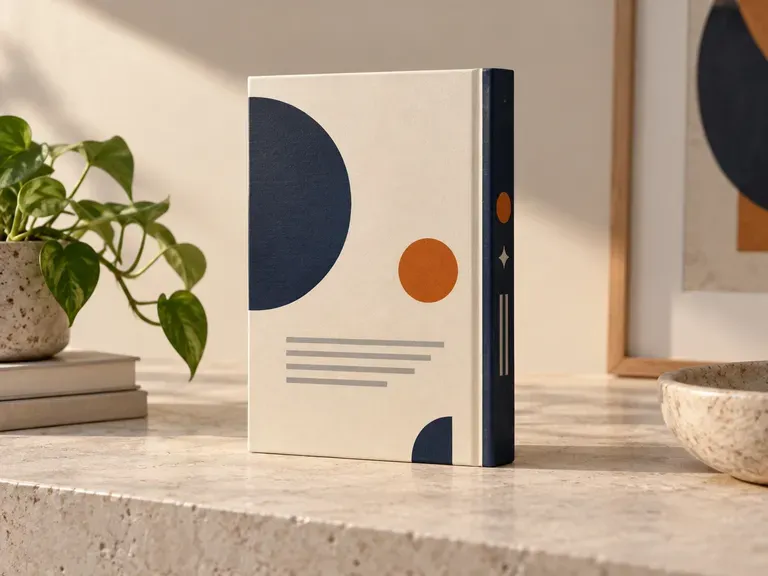
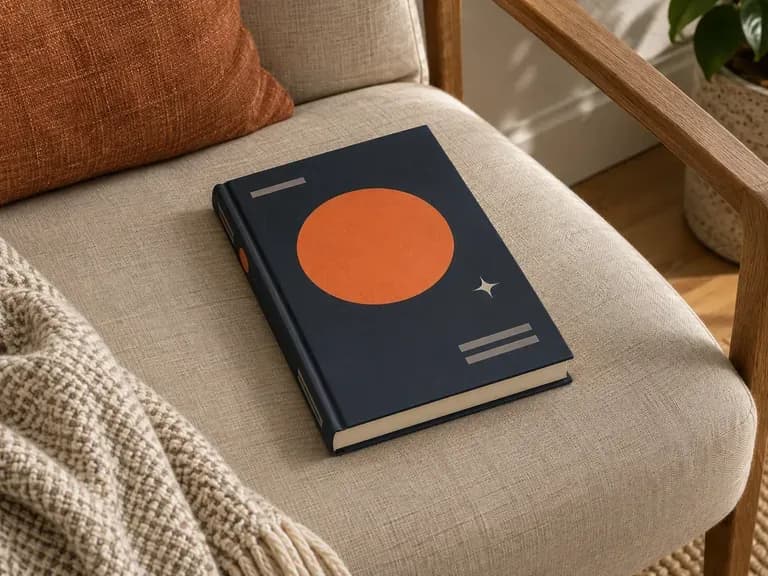
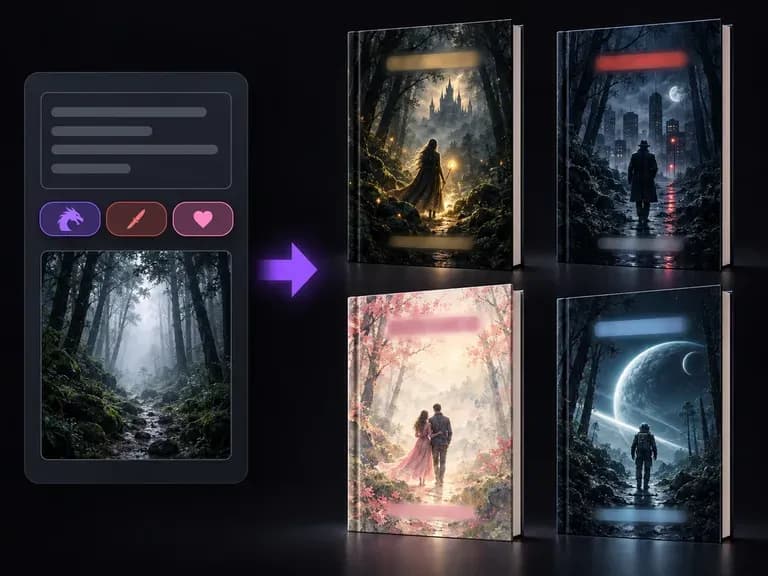
Explore original front-cover illustration and typography concepts before moving to a 3D edition preview.
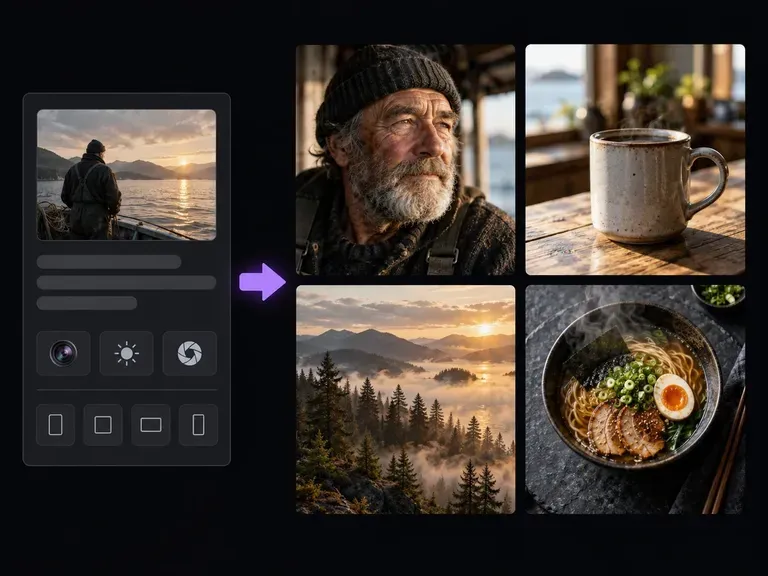
Generate photographic scenes, props, and moodboard references from short text descriptions.
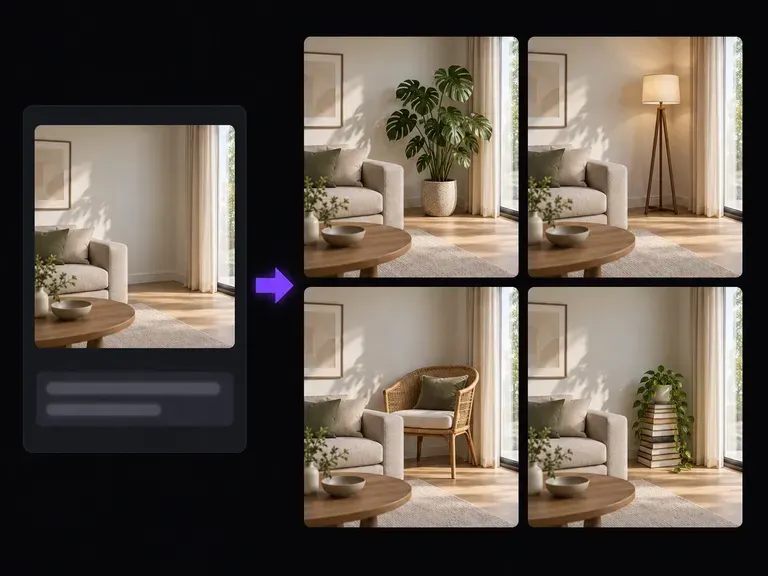
Add, replace, or clean up background elements in an existing product or tabletop photo.
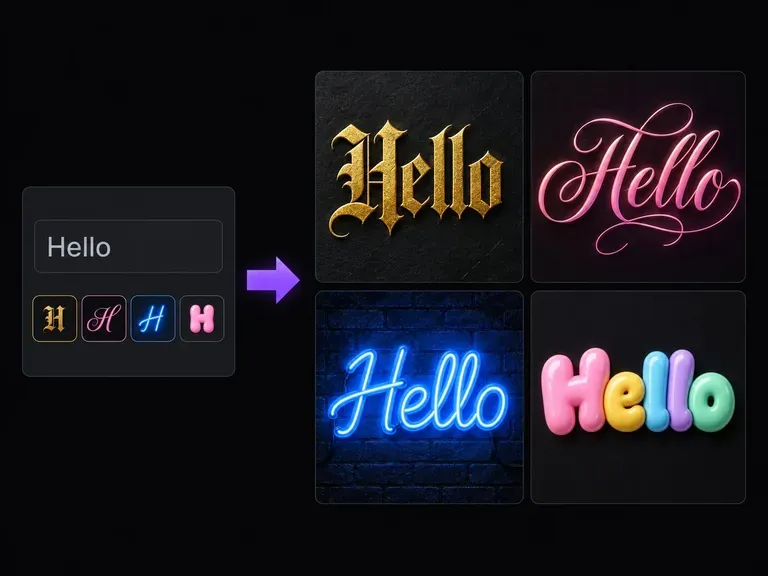
Convert plain phrases into Unicode script, gothic, and decorative text for social bios.
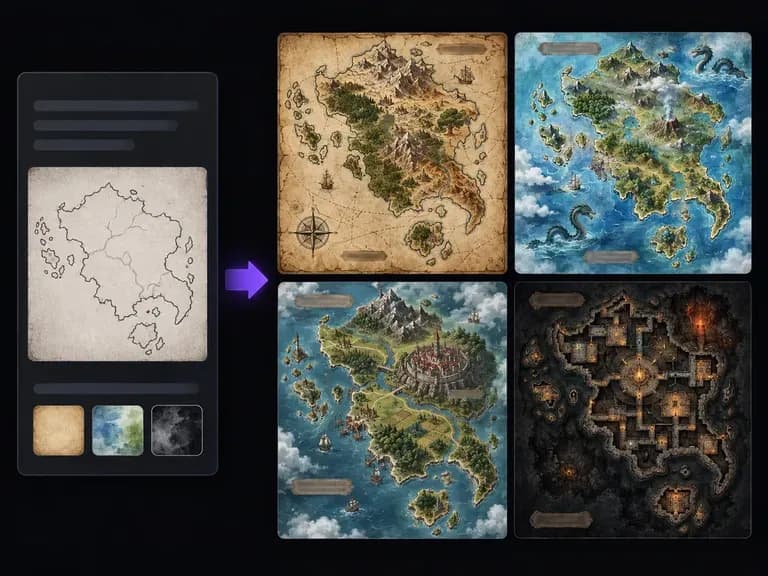
Draw parchment coastlines, mountain ranges, and ink-stamped region labels for tabletop worlds.
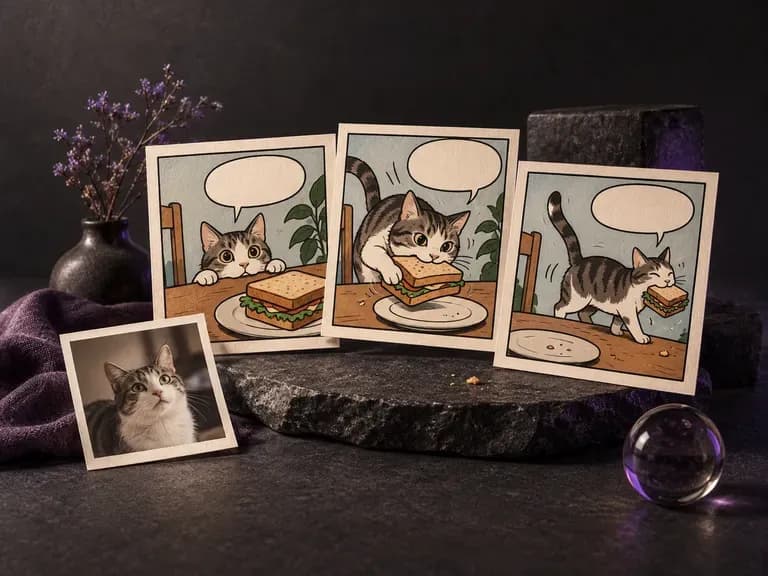
Lay out sequential panels, inked characters, and consistent costumes across comic pages.

Explore four distinct framing and styling variations side by side on the canvas in a single run.
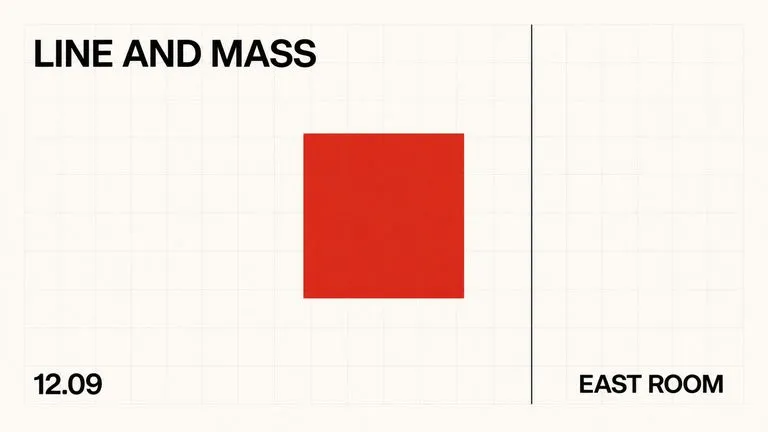
Keep display headlines, packaging wordmarks, and monogram badges sharp inside generated visuals.

Translate detailed creative briefs into balanced compositions with reliable spatial relationships.

Render high-contrast metallic reflections, fabric weaves, and shallow depth of field.

Guide subject posture, materials, and lighting using up to 14 reference images at 1K to 4K.
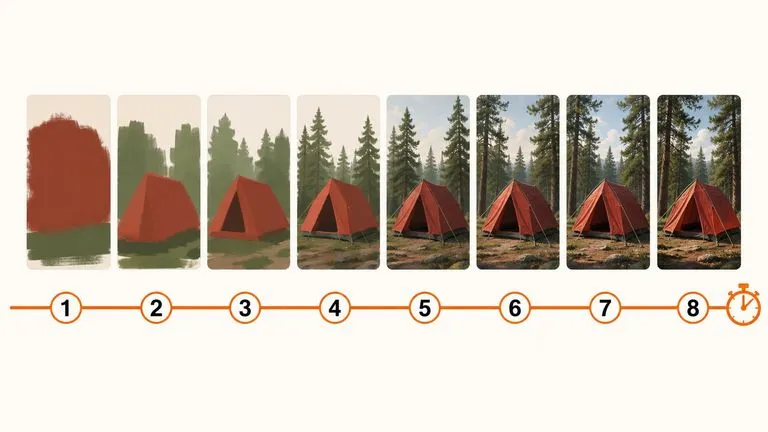
Draft rapid concept thumbnails and layout options before committing compute to final high-res renders.
Upload your finished front cover, optional spine or back artwork, and edition notes to generate a clean book preview in your browser.