Free
Start with Free Generations
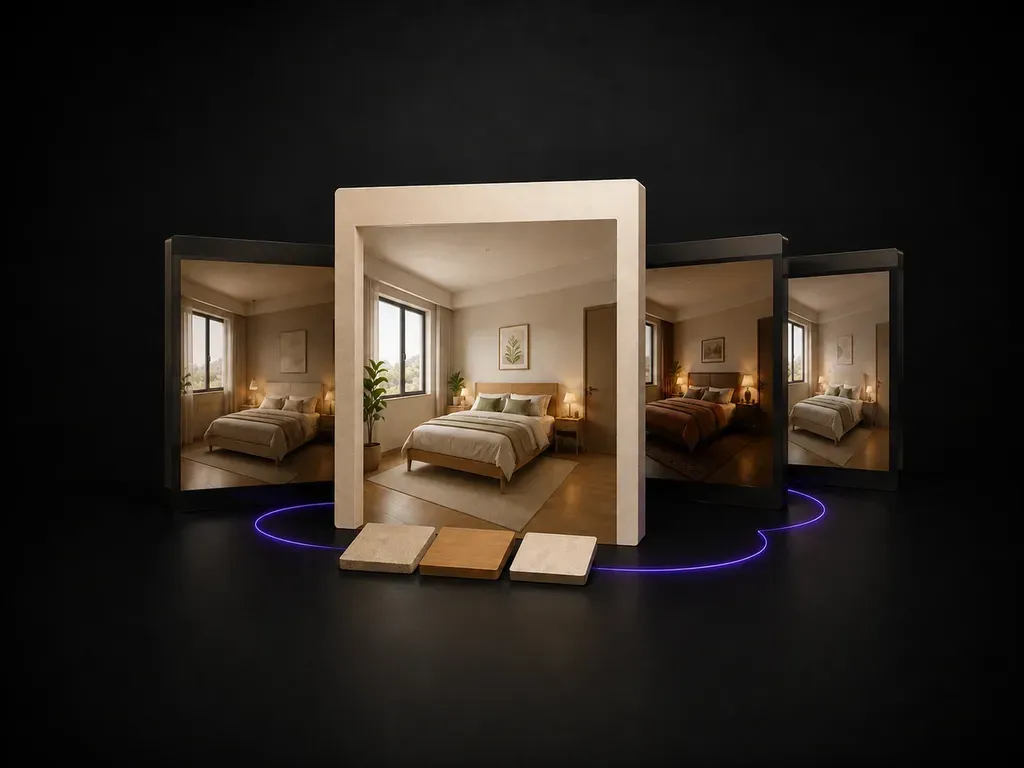
Try your first bedroom preview on Virse credits. New users can generate up to 10 images, enough to see whether a style direction fits your room before committing to a purchase.
Upload a bedroom photo, state how the room needs to function, and preview redesigns that keep the bed wall, window and door swing in place. Your first set runs on free Virse credits.
A bedroom design generator takes a photo of the room you actually sleep in and previews new furniture, textiles and lighting inside its real walls, rather than dropping your idea of a bedroom into a room that is not yours. Virse keeps the door, window and floor plan fixed while it works through the parts that are actually up for change—built around three core workflow advantages:
· Fixed architectural envelope: Keeps your existing windows, door swing, ceiling height, and bed wall in place.
· Furniture & textile swaps: Test bed frames, nightstands, rugs, curtains, and wall paint on your real footprint.
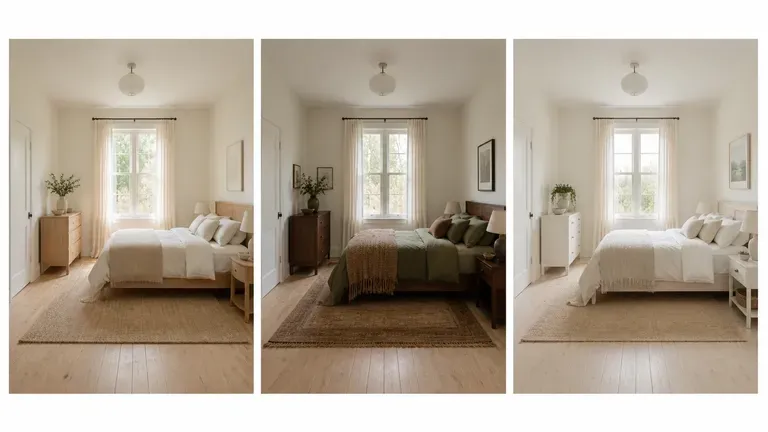
· Side-by-side style boards: Compare Japandi, warm minimalist, mid-century, or hotel-suite directions on one canvas.
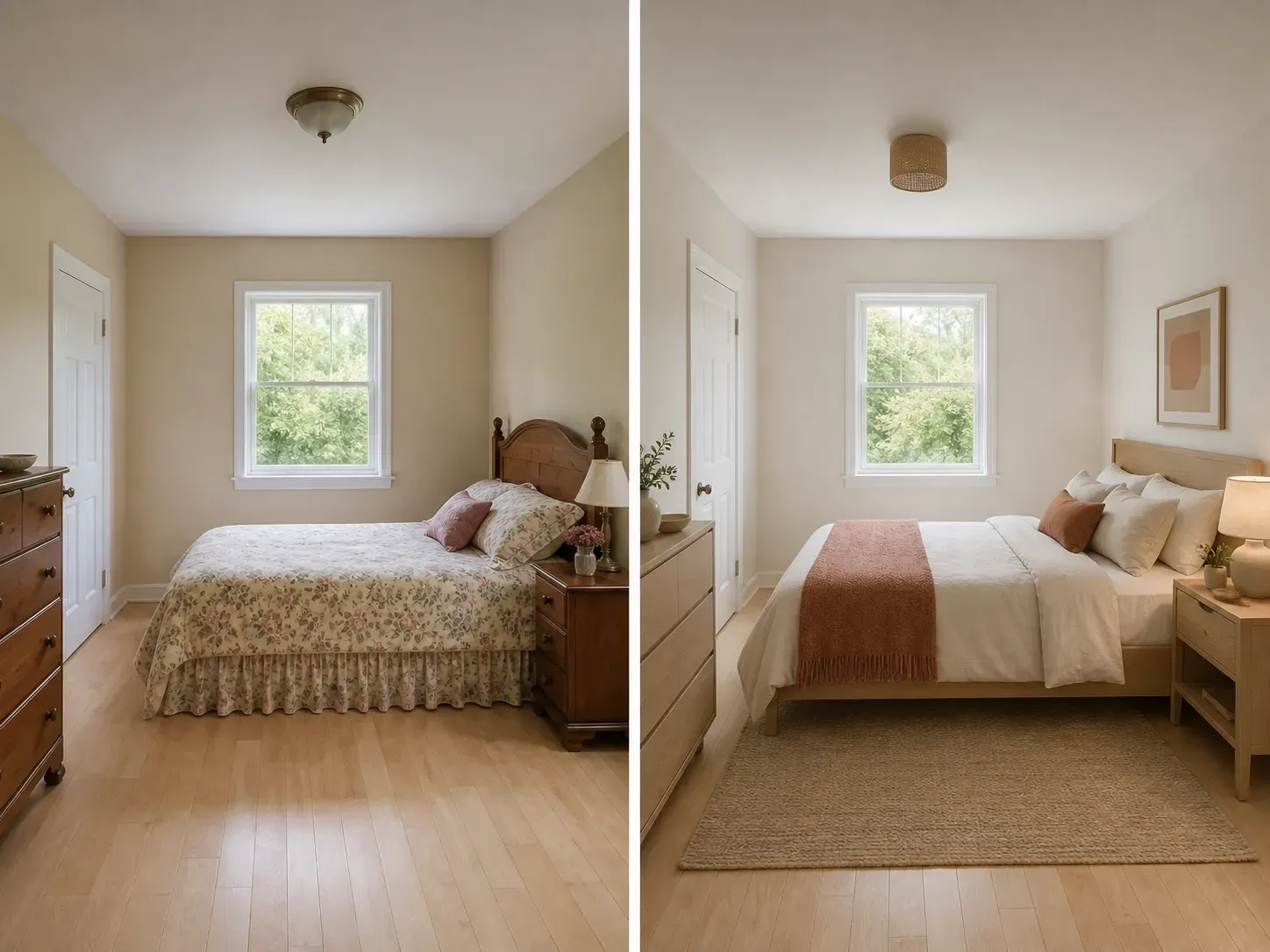
Furniture and paint are expensive to return. Seeing a few directions in your actual room is what makes the decision easier.
Try your first bedroom preview on Virse credits. New users can generate up to 10 images, enough to see whether a style direction fits your room before committing to a purchase.
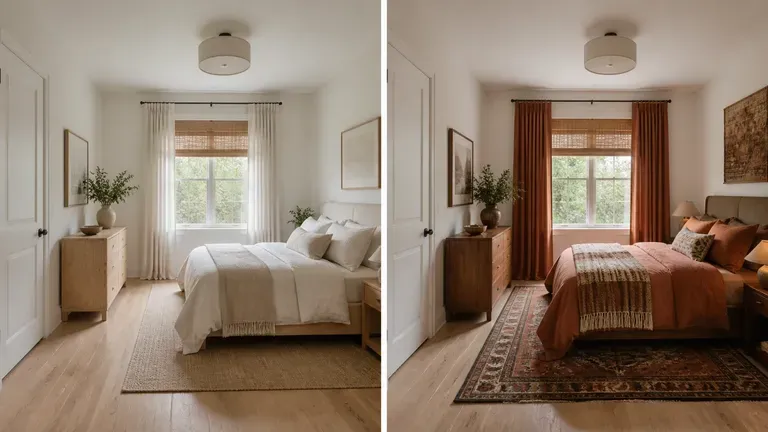
Virse brings 40+ AI models into one environment, and paid plans include unlimited model usage. You can see how different models handle the same room without rebuilding your brief for each one.
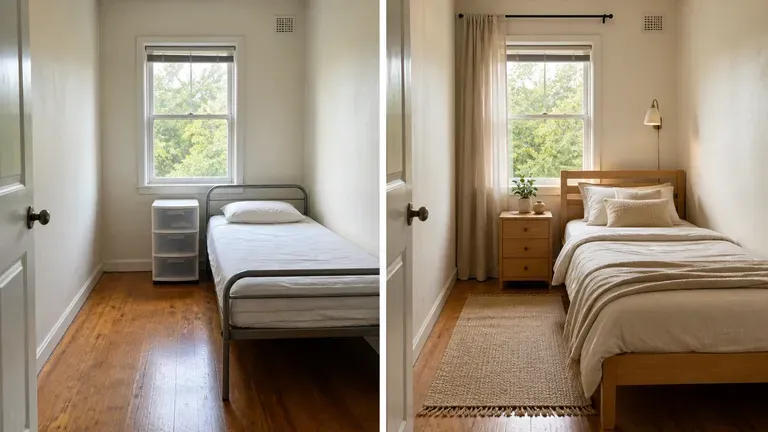
Room photos, generated previews and alternative directions stay together on an infinite canvas. Virse keeps your room details in context, so the next round builds on the direction already picked.
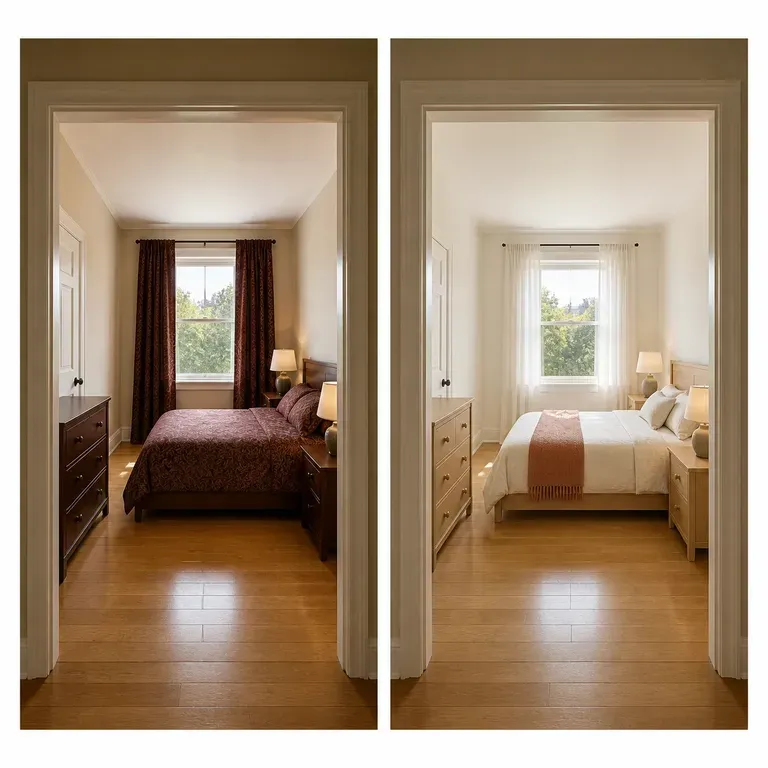
Compare generic moodboard photos against redesigns anchored to your actual bedroom walls and windows.
Generic Pinterest / Magazine Rooms
Virse Bedroom Design Generator
Shoot from the room entrance with lights on and the bed made so the layout stays clear for the redesign.
Note what the room must do: a guest fold-out desk, a bed on the only free wall, or two kids' zones.
Run an AI image model to test storage, textiles and lighting within your room's actual proportions.
Compare two or three previews side by side on the canvas before choosing a final bedroom direction.
Upload a photo of your bedroom from the doorway or corner and add a short brief naming the style, storage needs, and palette:
· Warm Japandi primary bedroom: Low oak platform bed,bouclé upholstered headboard, linen drapes, warm limewash walls, floating sconces.
· Compact guest room + desk: Queen storage bed in slate fabric, slim walnut work desk by the window, woven wool rug, brass reading lamps.
· Boutique hotel suite refresh: Channel-tufted velvet headboard, symmetrical marble nightstands, layered neutral bedding, warm cove lighting.
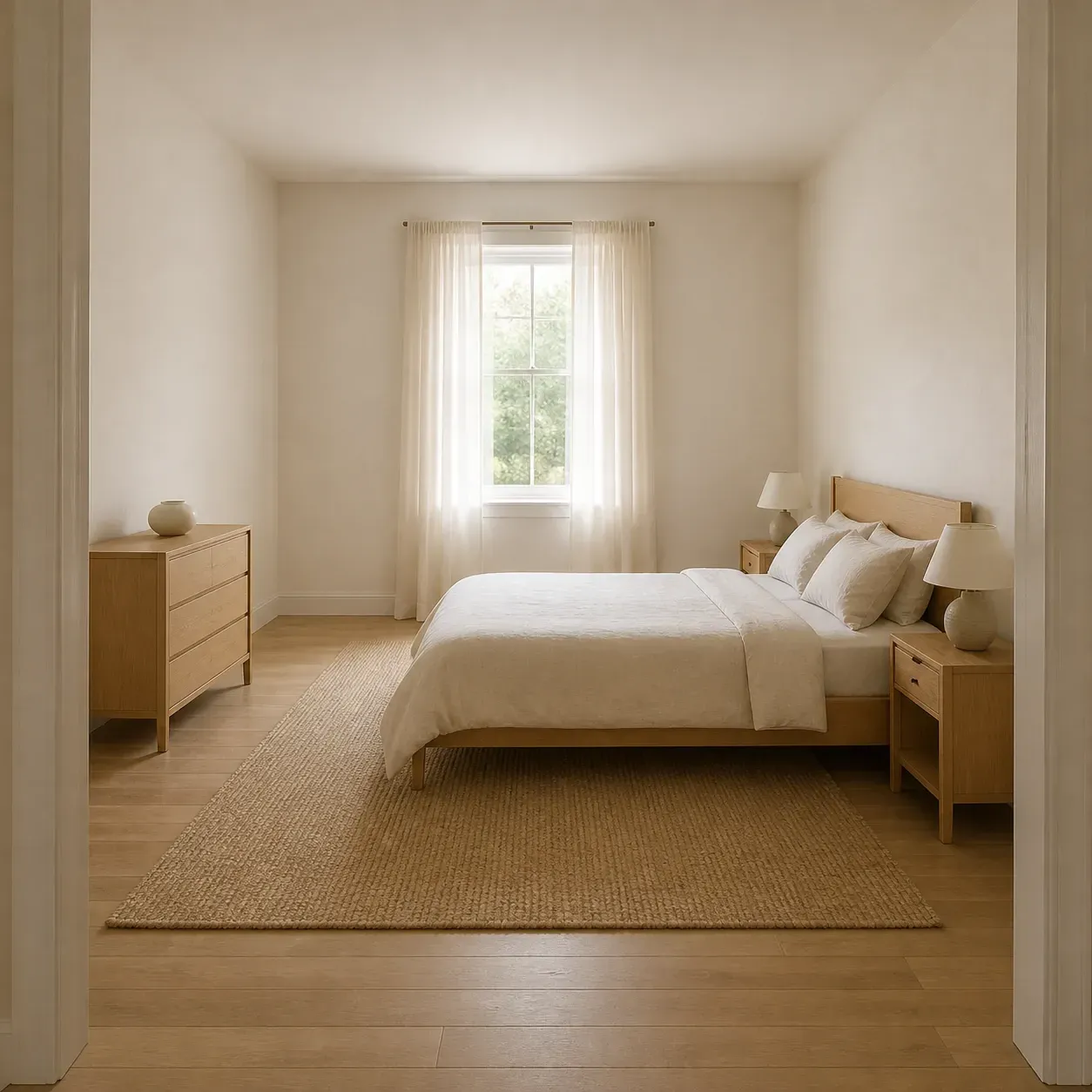
People about to spend real money on a room, who want to see it first.
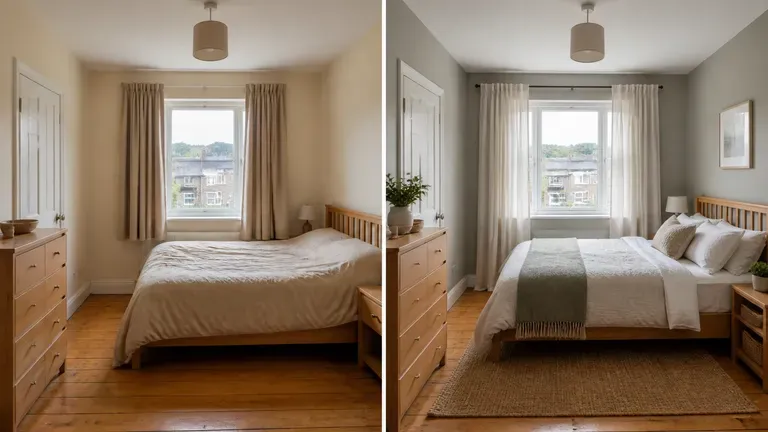
Preview a style direction before buying furniture or paint for a bedroom refresh.
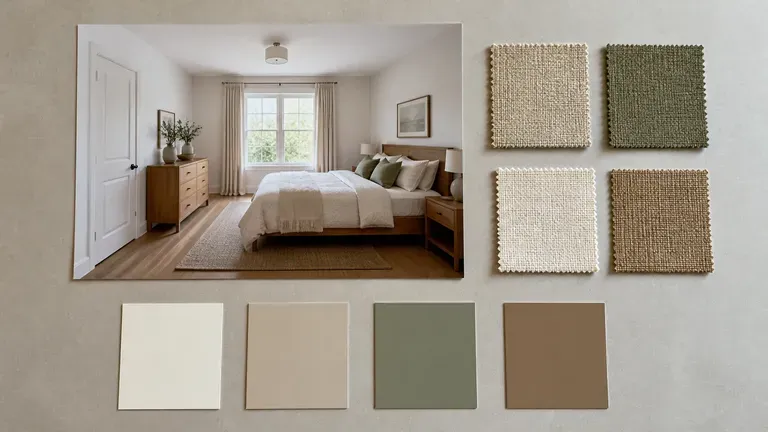
Generate quick concept previews for a client before committing to full design drawings.
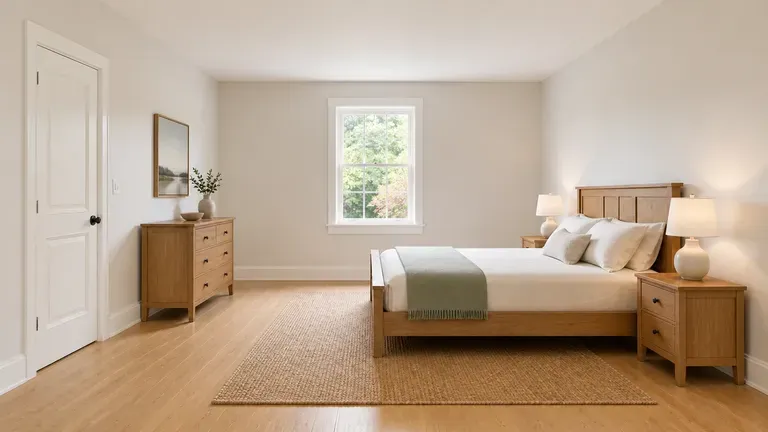
Show a room's potential with a styled preview for a listing.
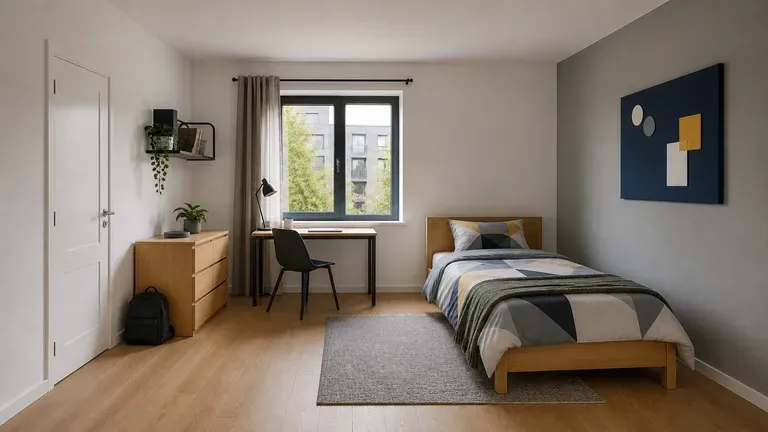
Explore style directions for a dorm room or first apartment bedroom.
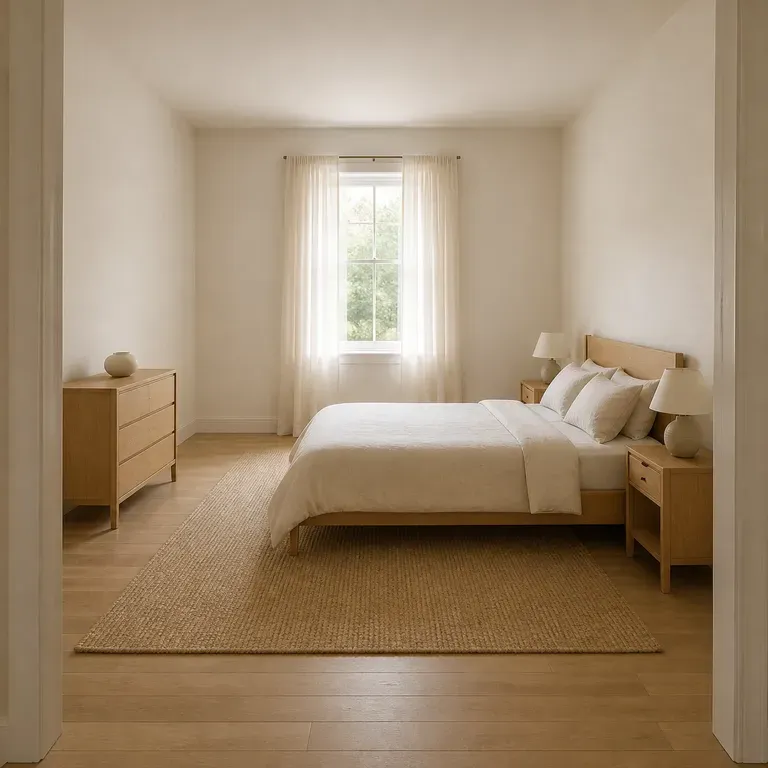
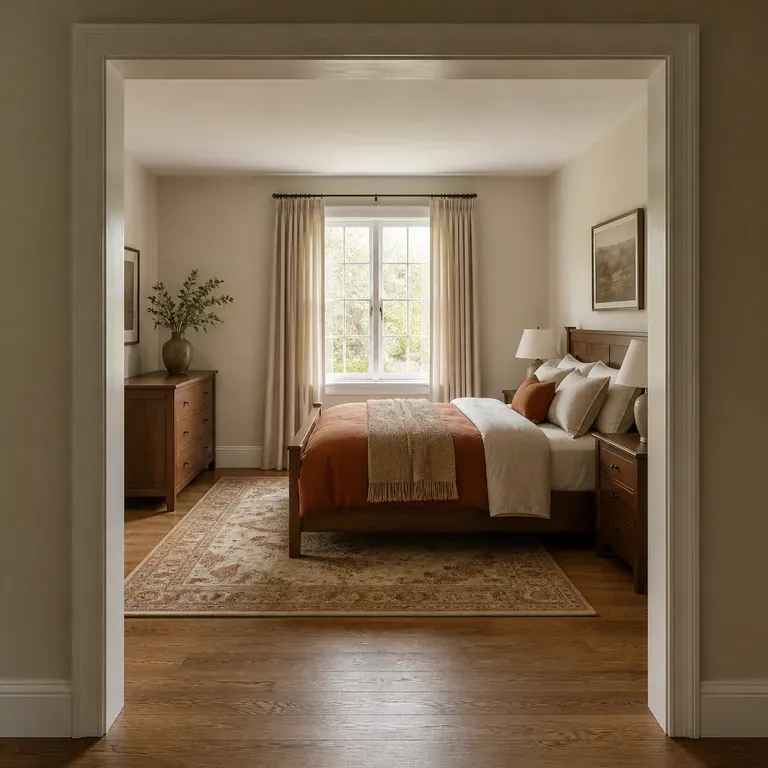
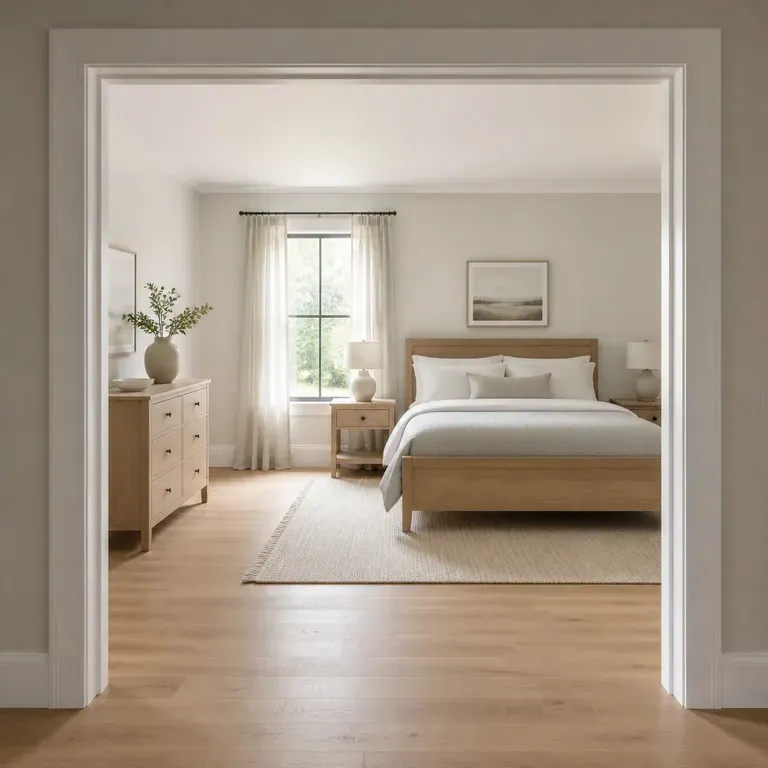
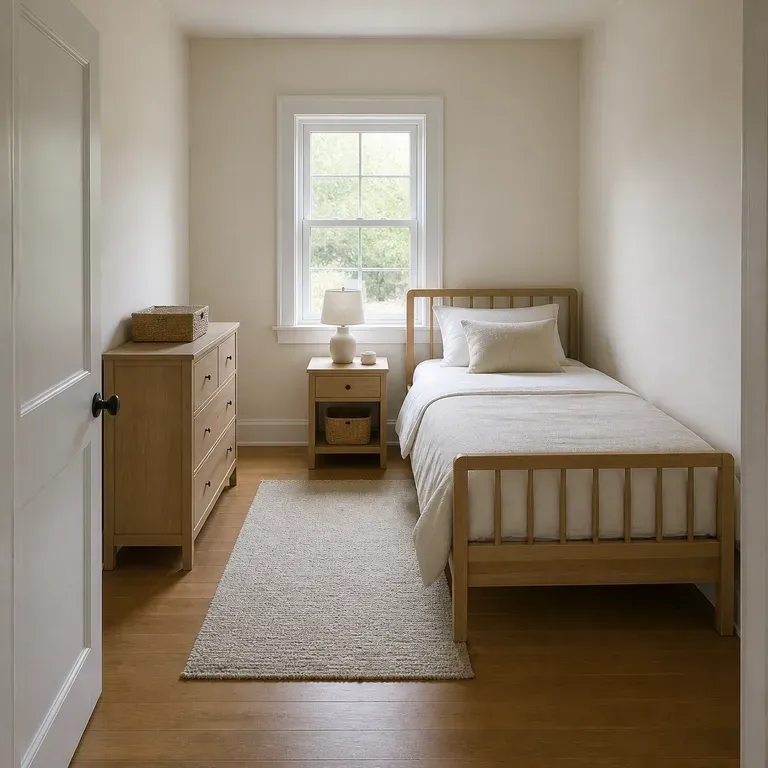
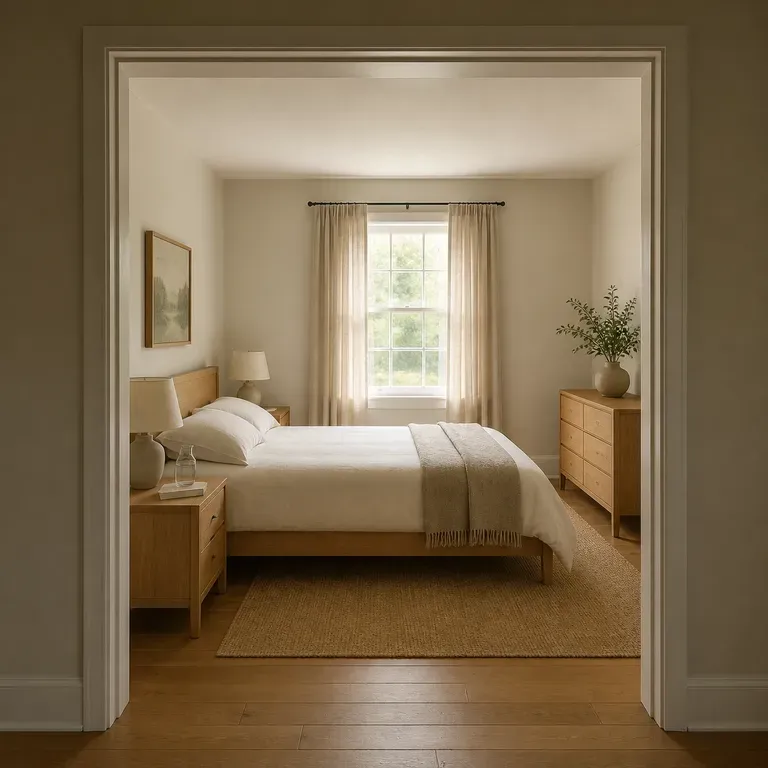
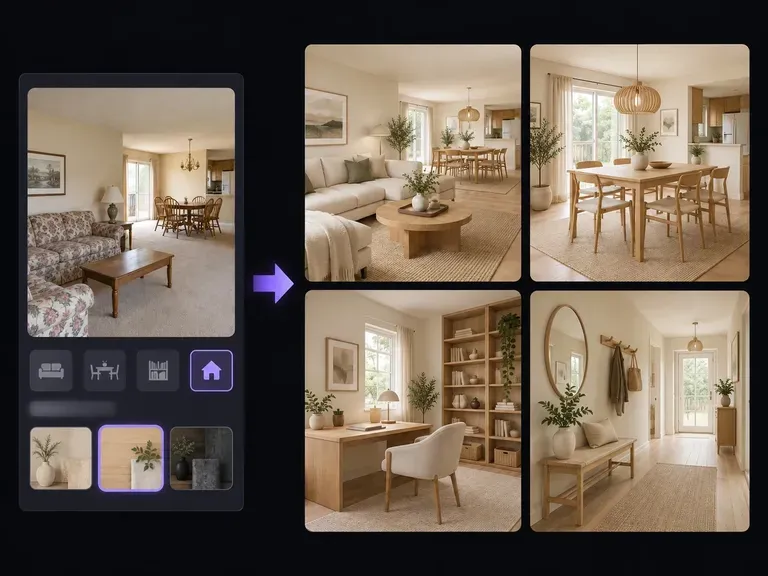
Visualize interior room remodels, open-concept living-dining layouts, and material swaps with our AI home design generator. Upload a room photo or describe your floor plan to test fluted oak cabinetry, travertine surfaces, and warm lighting on canvas.
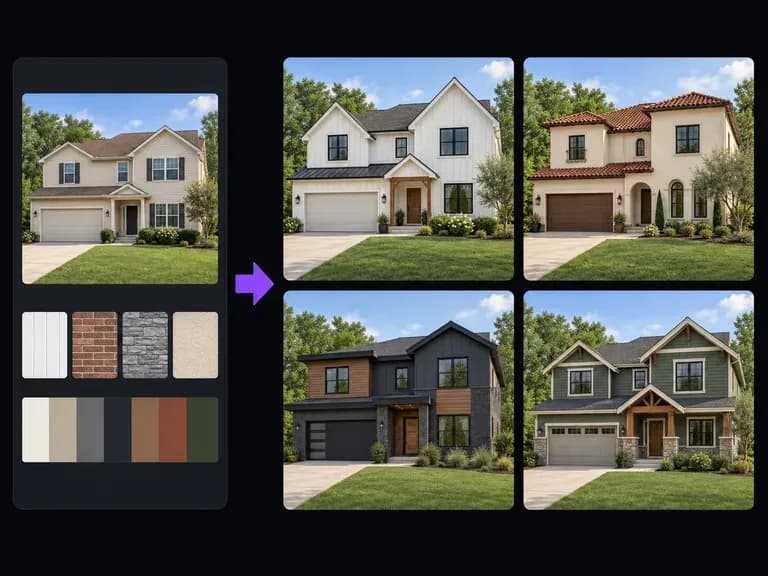
Upload a street-facing house photo or elevation sketch and describe the cladding, roofline, window trim, and entry porch updates to explore. This AI exterior design generator renders facade remodeling concepts on one canvas to evaluate curb appeal.
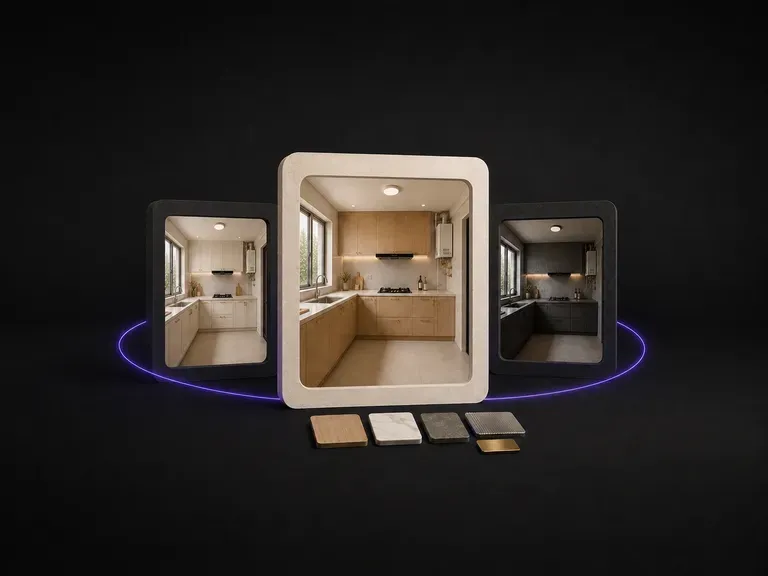
Plumbing and electrics fix cabinet positions, so kitchen redesigns hinge on finishes. Upload a photo, note how you cook, and preview cabinet, counter and hardware directions on your real footprint using free credits.
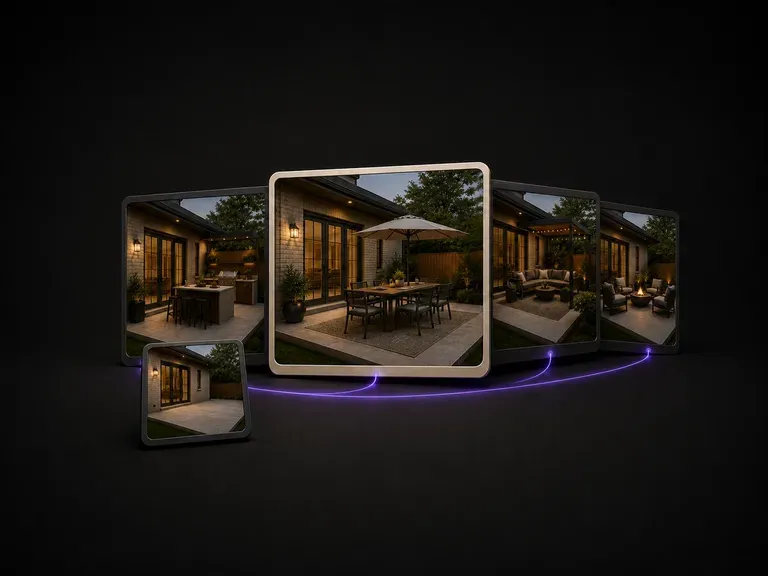
A patio is defined by its footprint and sun exposure. Upload a photo, state how you use the space, and preview furniture and shade layouts sized to your actual deck, starting on free credits.
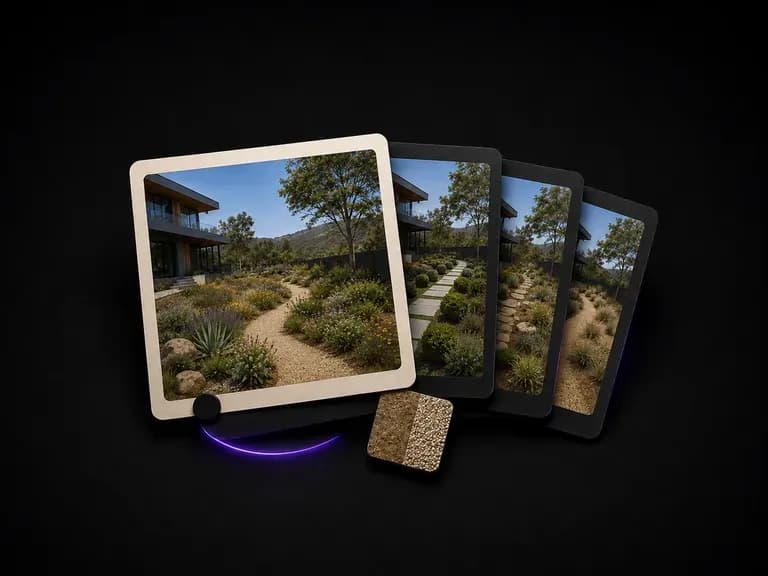
Upload a yard or site photo, state how much maintenance you want, and preview planting and paving directions that respect your existing slope, trees and boundaries, starting on free Virse credits.
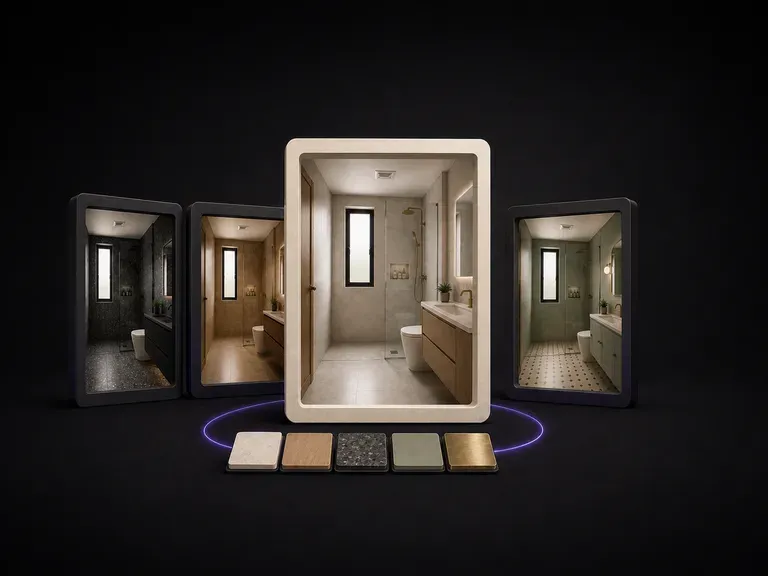
Moving plumbing is expensive, so bathroom updates rely on surface finishes. Upload a photo, note what feels dated, and preview tile, vanity and fixture directions on your existing layout using free credits.

ByteDance's newest Seedream generation, available as Seedream 5.0 Pro and Seedream V5 Lite, both taking the same written brief.
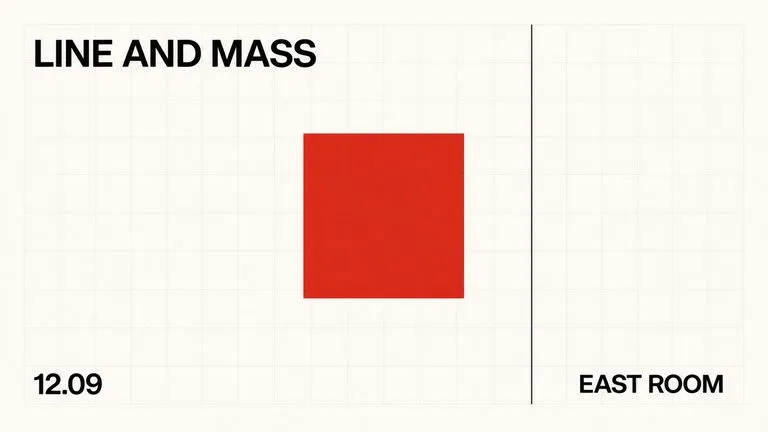
A text-to-image foundation model trained from scratch around layout, with bounding-box placement, hex colour conditioning, and native 2K output.

Create and edit stills with FLUX 3 Image at 1K, 2K or 4K. Switch to FLUX 3 Video for 5–20-second scenes at 720P or 1080P with native audio, on the same Virse canvas.

Generate and edit images with Nano Banana 2.1 in Virse. Choose 1K, 2K or 4K output and use up to 14 reference images to guide the subject, setting and materials.

Alibaba's Qwen Image 3.0 Pro renders type as language across a dozen scripts, holding legibility down to ten pixels in dense layouts.
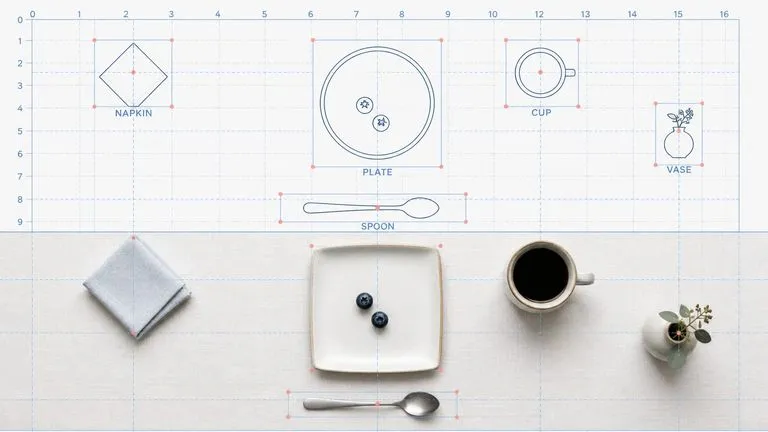
Reve AI's second-generation model builds an addressable layout of positioned elements before it renders, so a specified arrangement comes back arranged.
Photograph the room, tell it what the space needs to do, and see a few real directions before a single piece of furniture gets ordered.