卧室设计生成器

卧室设计生成器

A bedroom carries the bed, the storage, the reading lamp you actually use at 11pm, and none of that should move just because the look changes. Upload a photo, tell it what the room needs to do for you, and get back a set of redesigns that leave the bed wall, the window and the door swing exactly where you left them. The first set runs on free Virse credits.

输入
卧室照片 · 必填使用需求 · 选填风格与配色偏好 · 选填方案数量 · 选填
输出
卧室改造效果预览(套数按所选数量)

卧室照片

必填

Drop a photo of your bedroom

图片在画布里上传,这里填的是参数。

方案数量选填

What Is a Bedroom Design Generator?

A bedroom design generator takes a photo of the room you actually sleep in and previews new furniture, textiles and lighting inside its real walls, rather than dropping your idea of a bedroom into a room that is not yours. Virse keeps the door, window and floor plan fixed while it works through the parts that are actually up for change.

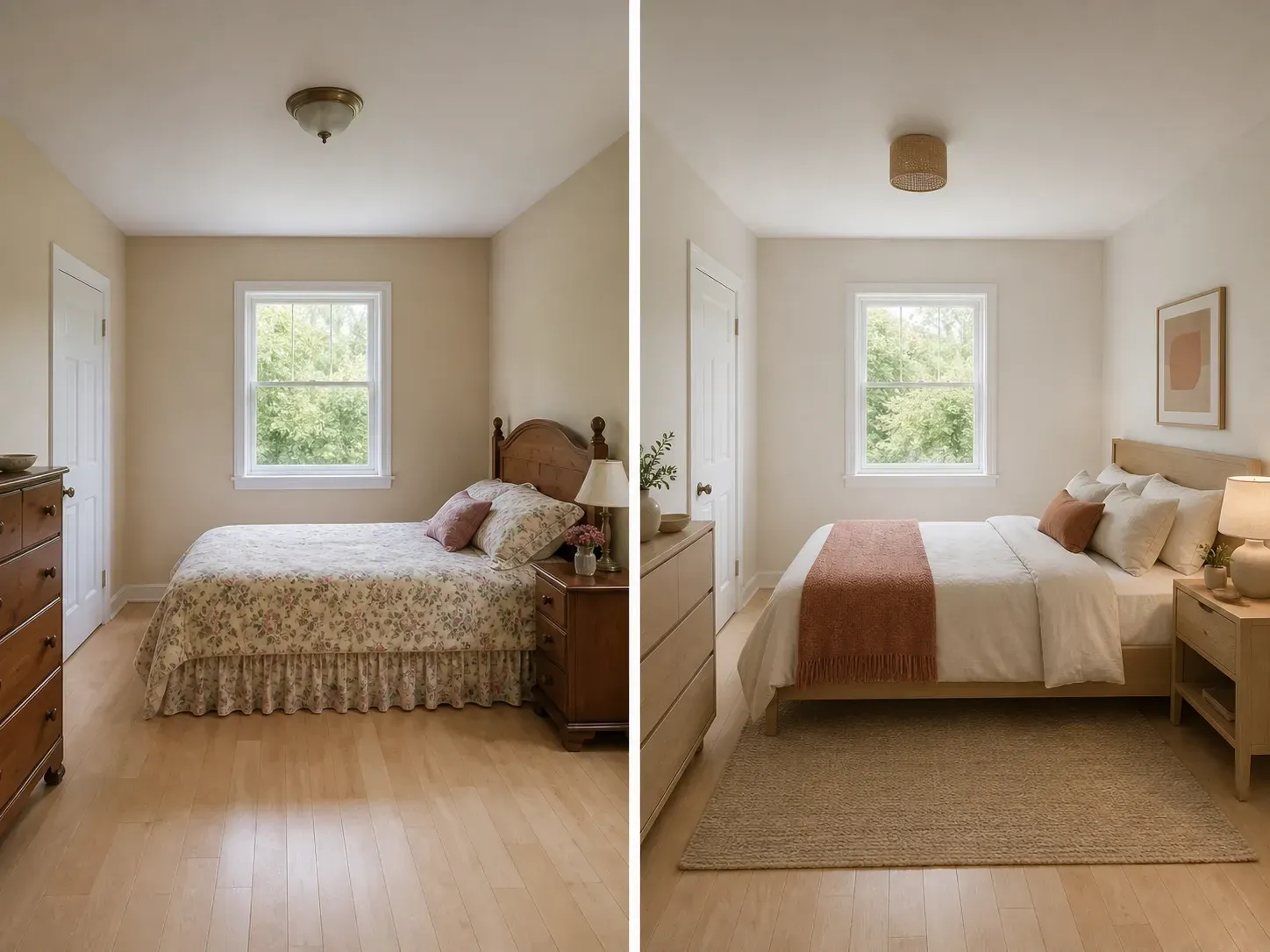
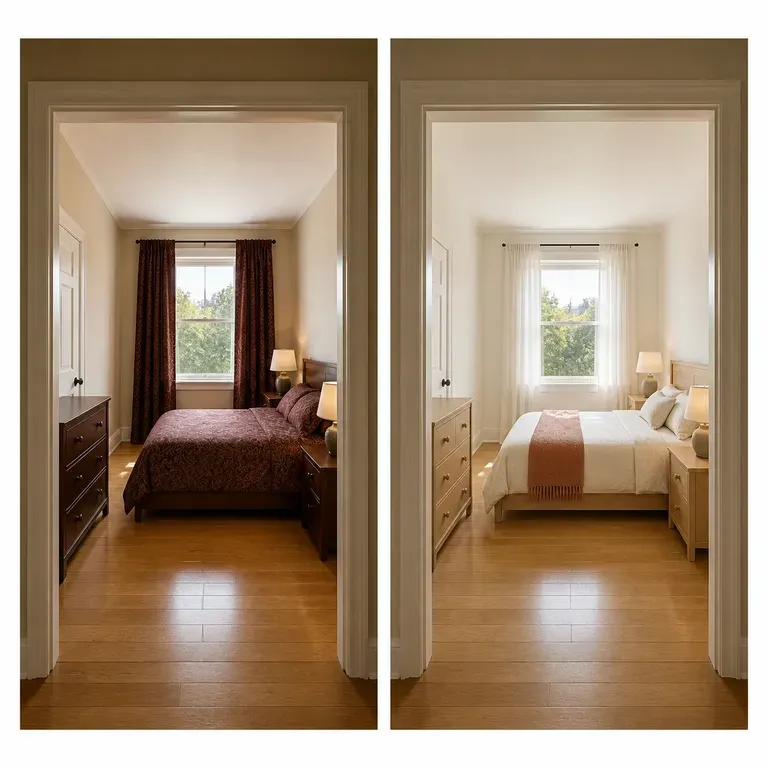
An ordinary bedroom before and after: the same camera position and door and window, now warm and minimal
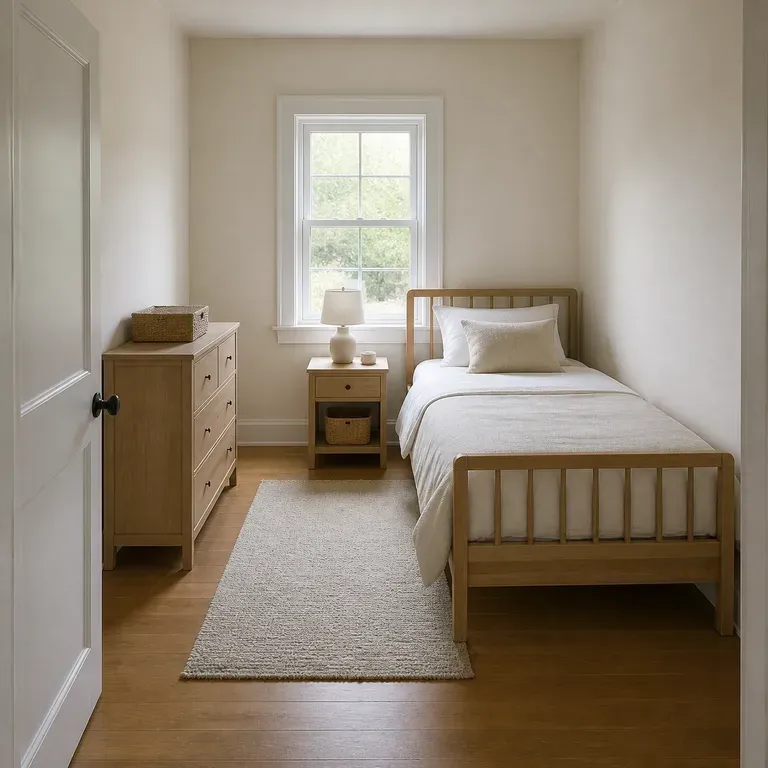
A bedroom photo turned into a redesign preview

Why Use Virse's Bedroom Design Generator?

Furniture and paint are expensive to return. Seeing a few directions in your actual room is what makes the decision easier.

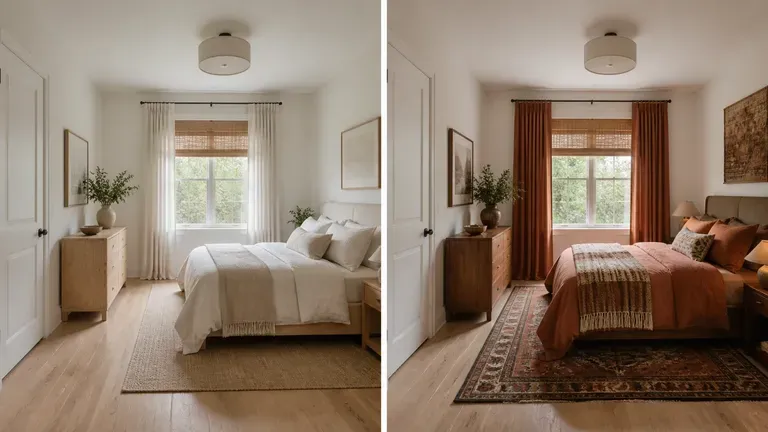
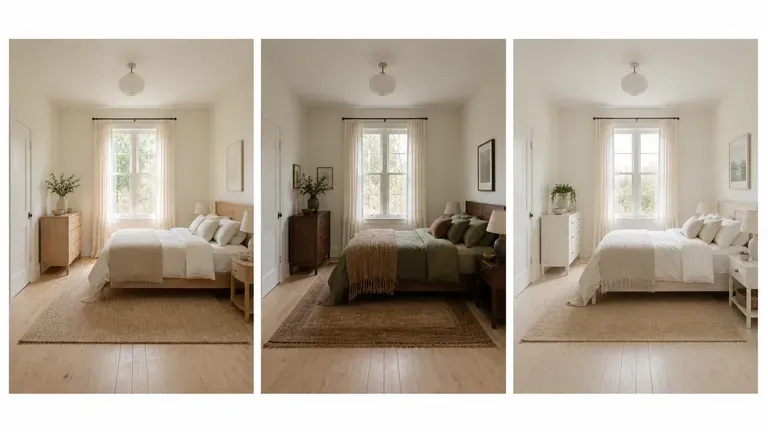
The same bedroom shown in three directions: warm minimal, cosy layered, bright and airy
Free

Start with Free Generations

Try your first bedroom preview on Virse credits. New users can generate up to 10 images, enough to see whether a style direction fits your room before committing to a purchase.

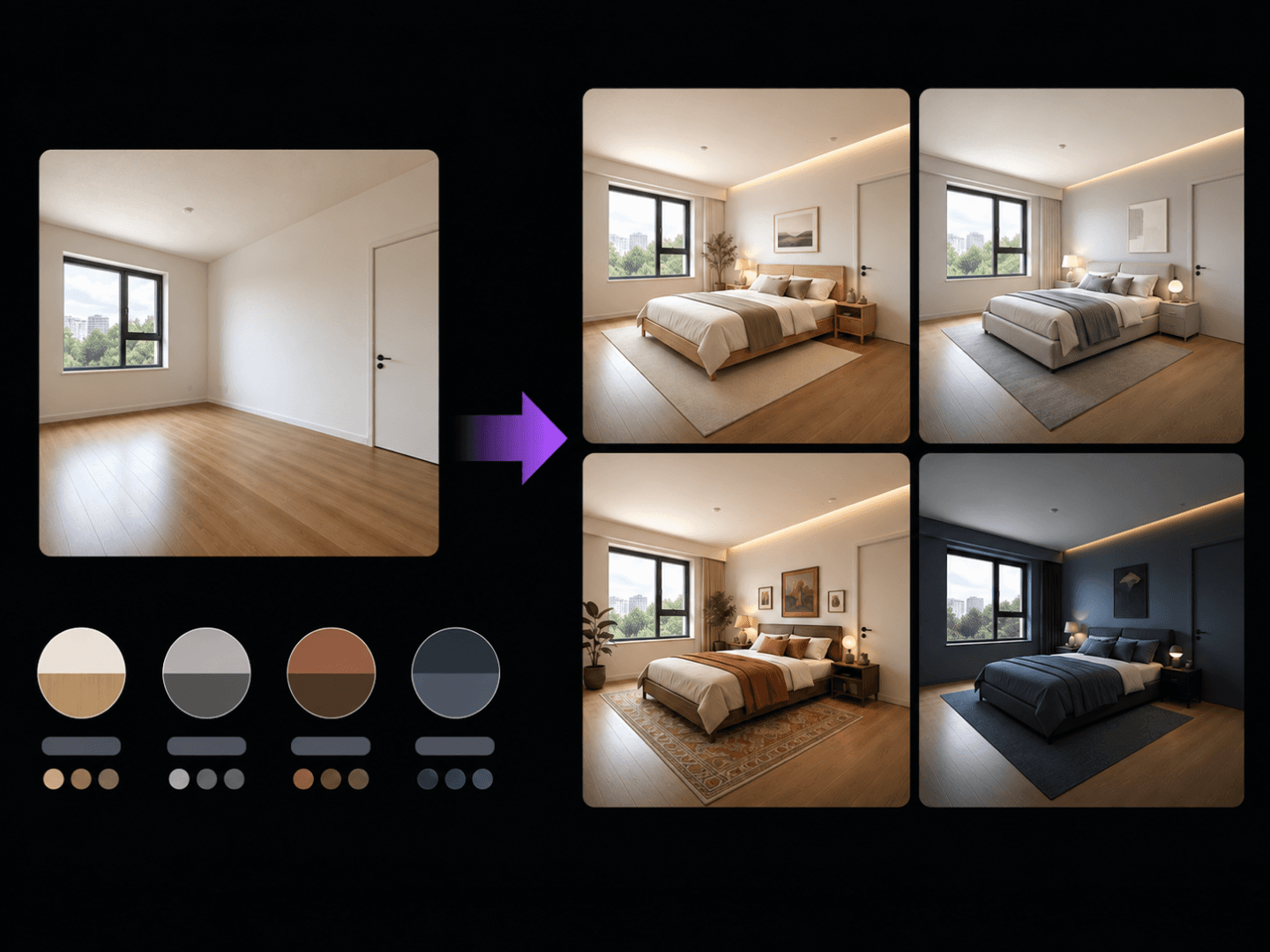
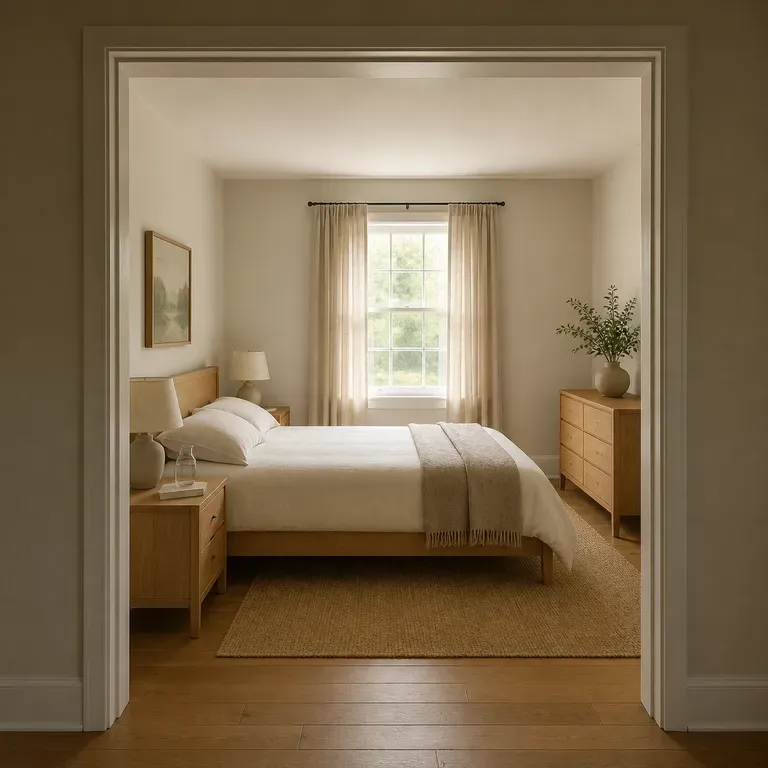
Two model interpretations of the same bedroom preview placed side by side
40+ models

Explore with Multiple AI Models

Virse brings 40+ AI models into one environment, and paid plans include unlimited model usage. You can see how different models handle the same room without rebuilding your brief for each one.
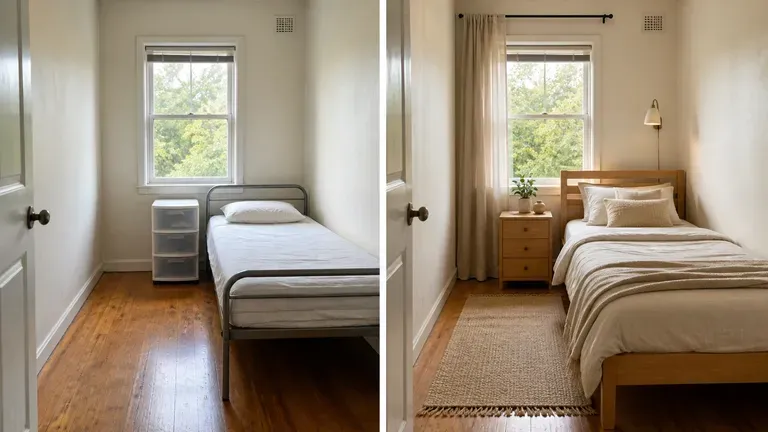
A small bedroom shown before and after, only the furniture and soft furnishings changed
Canvas

Compare Directions on One Canvas

Room photos, generated previews and alternative directions stay together on an infinite canvas. Virse keeps your room details in context, so the next round builds on the direction already picked.

How to Generate a Bedroom Design with AI in Four Steps

  1. Photograph the room from the doorway

    Shoot from where you'd naturally stand entering the room, with the lights on and the bed made. That angle is what shows the layout the previews need to respect.

  2. Say what the room has to do

    A guest room that needs a fold-out desk, a small room that needs the bed against the only free wall, a shared kids' room that needs two distinct zones. The function matters more than the mood board.

  3. Generate a set of directions

    Run an available AI image model and let it work through storage, textiles and lighting layers within your room's real proportions, not a showroom-sized version of it.

  4. Live with a couple of options before deciding

    Keep two or three previews side by side for a day rather than picking the first one. A bedroom is judged at night under lamp light, not in a single daylight render.

Who Is a Bedroom Design Generator For?

People about to spend real money on a room, who want to see it first.
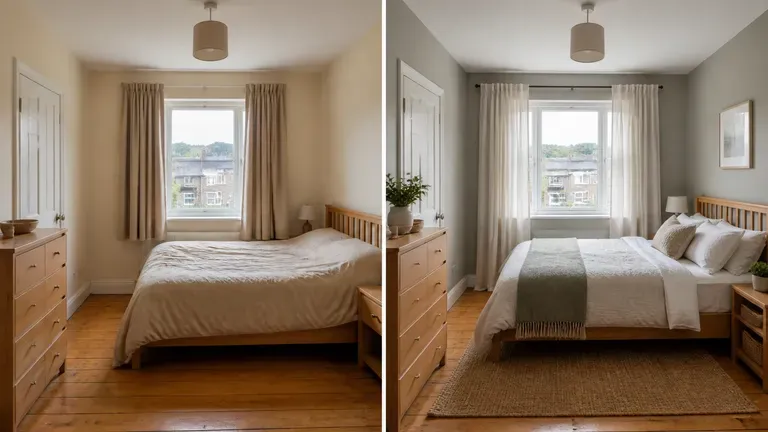
An ordinary bedroom shown before and after a redesign

Homeowners & Renters Refreshing a Room

Preview a style direction before buying furniture or paint for a bedroom refresh.
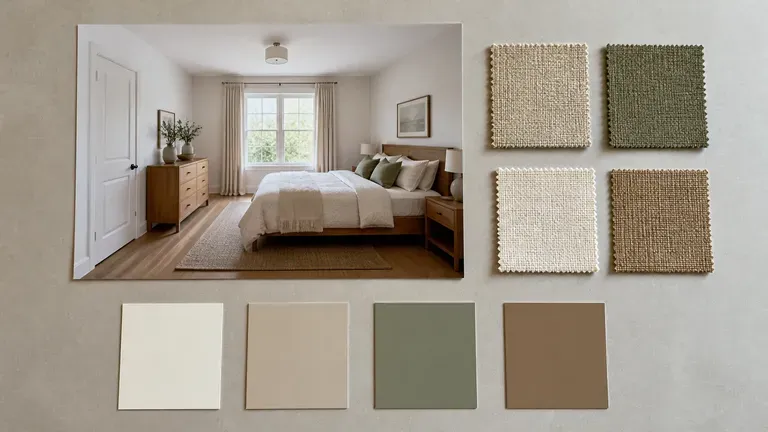
A bedroom concept preview beside fabric swatches and colour cards

Interior Designers

Generate quick concept previews for a client before committing to full design drawings.
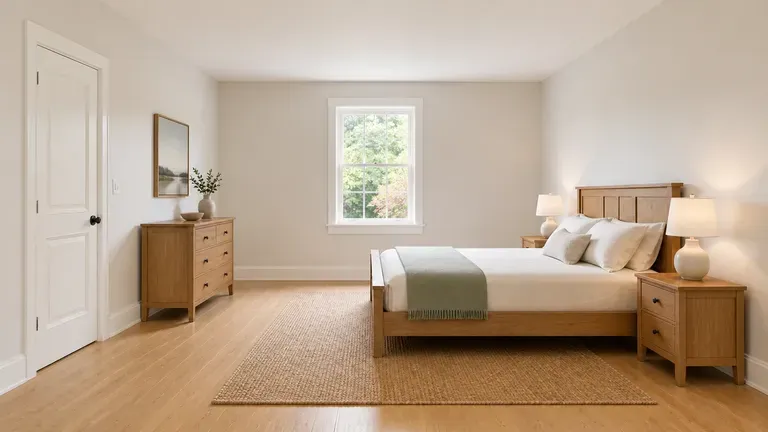
A bedroom redesign preview shot in a bright, real-estate-style composition

Real Estate & Staging Marketers

Show a room's potential with a styled preview for a listing.
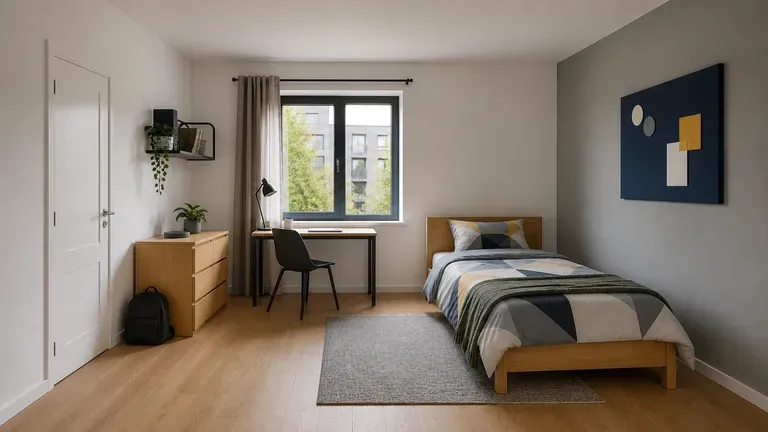
A student apartment bedroom redesign preview with a younger, casual mood

Students Setting Up a First Room

Explore style directions for a dorm room or first apartment bedroom.
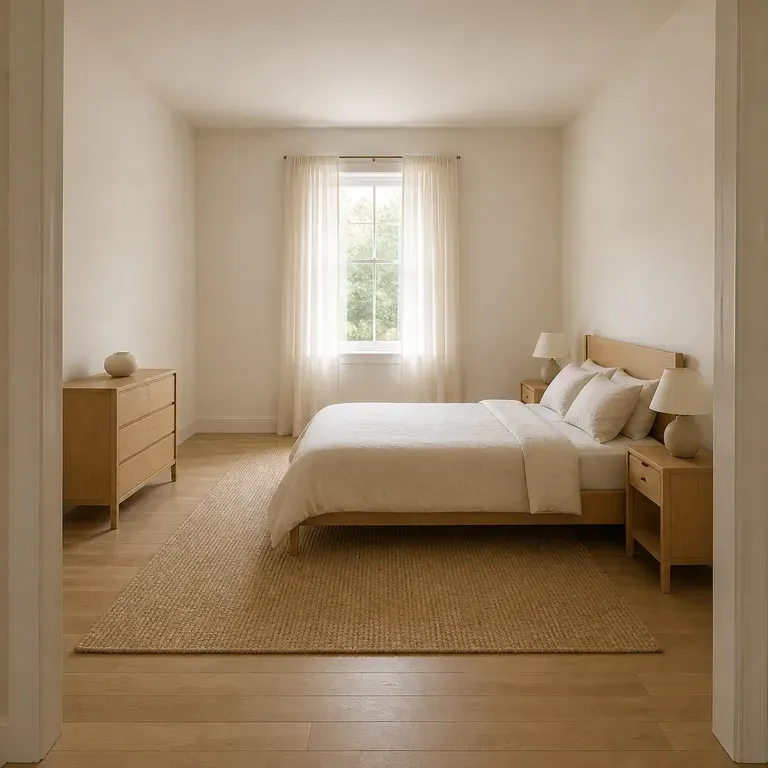
Bedroom Design Generator Use Cases

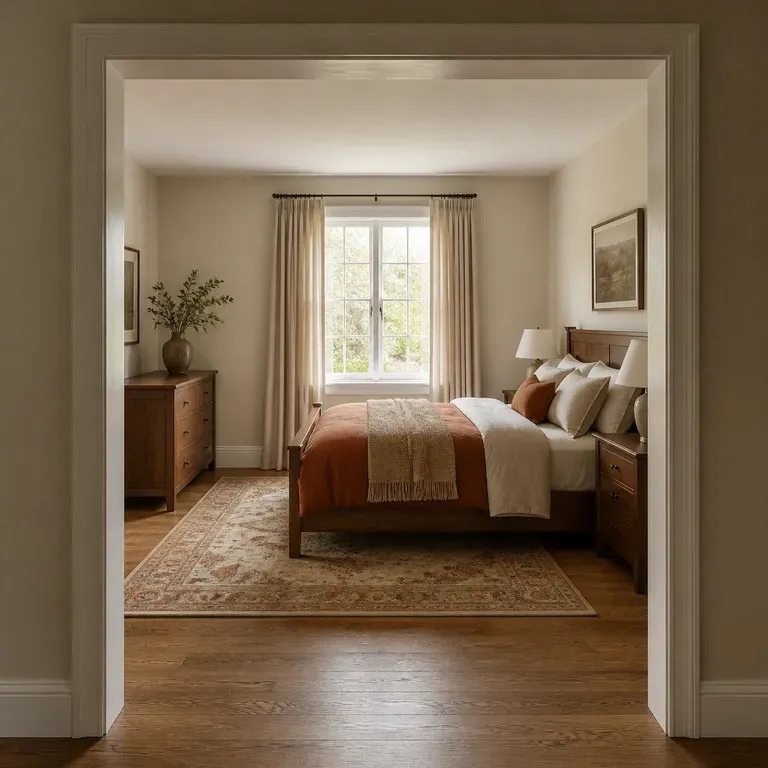
A close-up of a warm minimal bedroom after a redesign
Warm Minimal Previews: clean lines and soft neutrals with low visual clutter
A close-up of a cosy, layered bedroom after a redesign
Cosy & Layered Previews: textiles and warm wood tones for a lived-in feel
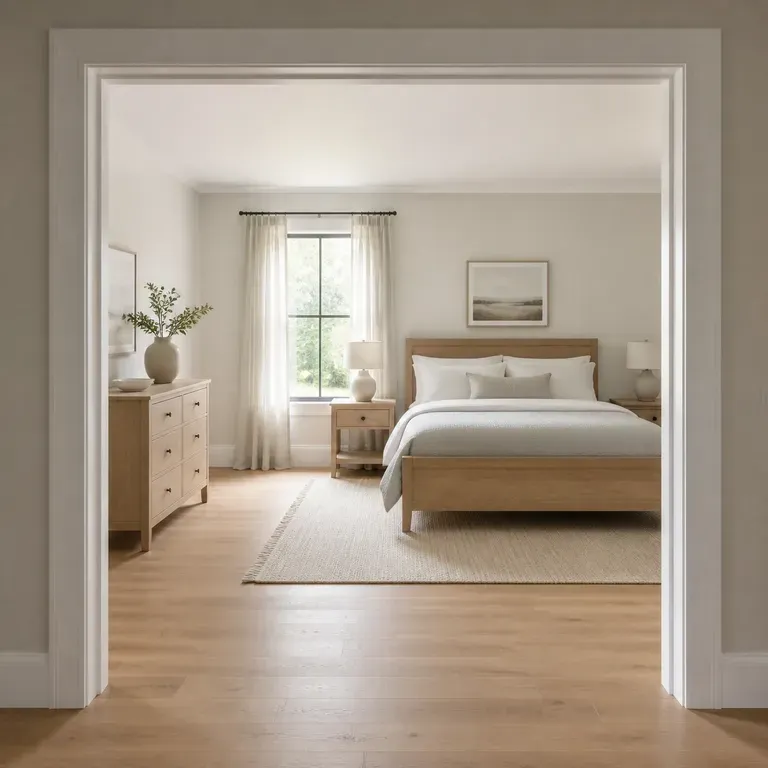
A close-up of a bright, airy bedroom after a redesign
Bright & Airy Previews: a light palette and natural materials for an open feel
A close-up of a small bedroom after a redesign
Small Room Previews: a compact bedroom redesigned within its existing footprint
A close-up of a guest room after a redesign
Guest Room Refresh Previews: a spare room styled for occasional use
A split-frame before and after comparison of the same bedroom
Before & After Room Comparisons: the original photo shown beside the new preview
FAQ

Frequently Asked Questions

Is this bedroom design generator free?
You can start on free Virse credits. New users can generate up to 10 images with Nano Banana 2, enough to test a direction before deciding whether you need a paid workflow. Free access is limited rather than unlimited.
Will the bed still fit where it actually fits?
Yes. The preview keeps your door swing, window position and the wall your bed is against, so it will not suggest a layout that only works in a bigger room.
Can it handle an awkward or very small room?
Yes, and it is worth saying so in your notes. A boxy guest room or a bedroom with a sloped ceiling behaves differently from an open-plan main bedroom, and naming the constraint gets you a preview that actually respects it rather than a generic wide-room layout.
Does it tell me what furniture to buy?
No. It shows you a style direction, not a shopping list. If a preview includes a specific piece like a rattan headboard, you still have to go find one; the tool is not linked to a retailer.
Can it design for a shared or mixed-use bedroom?
Yes. Mention that the room needs two sleeping areas, a desk for working from home, or space for a cot, and the preview works those requirements in rather than defaulting to a single adult bedroom layout.
What do Virse paid plans include?
Paid plans include access to 40+ AI models with unlimited model usage and unlimited team seats, aimed at designers previewing multiple rooms.

Generate Your Bedroom Design with AI

Photograph the room, tell it what the space needs to do, and see a few real directions before a single piece of furniture gets ordered.