Free
Start with Free Generations
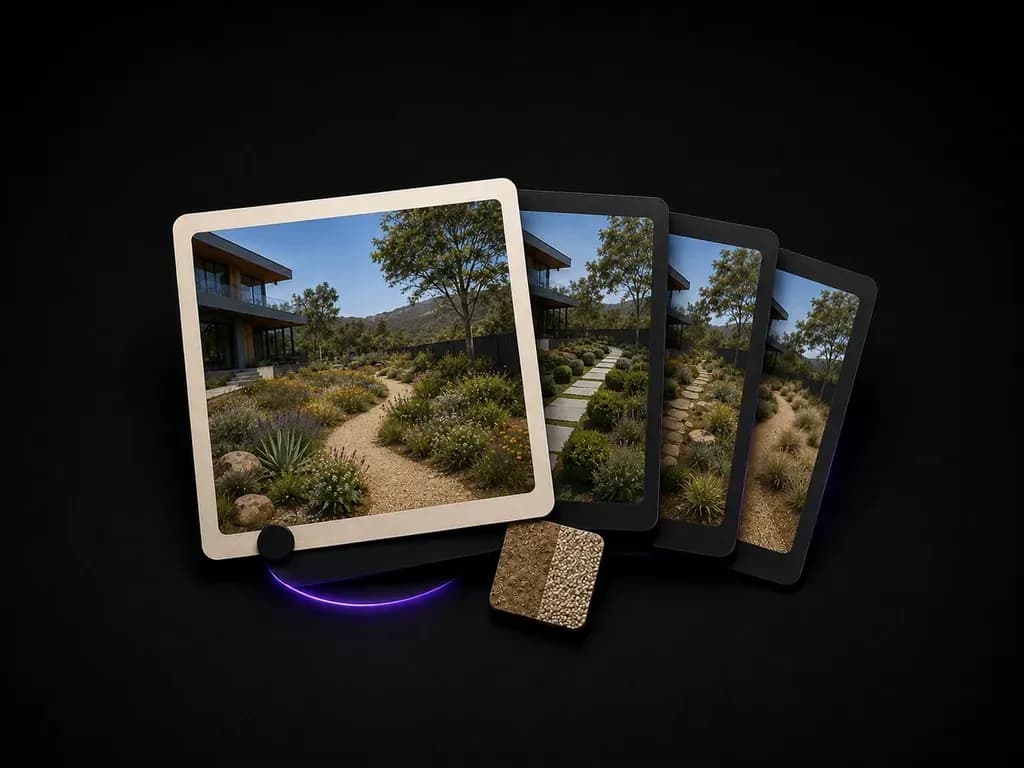
Try your first landscape preview on Virse credits. New users can generate up to 10 images, enough to see whether a planting direction fits your site before committing to a design or install budget.
Upload a yard or site photo, state how much maintenance you want, and preview planting and paving directions that respect your existing slope, trees and boundaries, starting on free Virse credits.
An AI landscape design generator reads the slope, existing trees and hardscape in a site photo and previews new planting and paving around them, rather than proposing a plan that assumes flat, empty ground. It is closer to a planting concept than a grading or engineering drawing—built around three core workflow advantages:
· Site-faithful grading & trees: Respects the existing slope, mature trees, fence line, and house architecture in your yard photo.
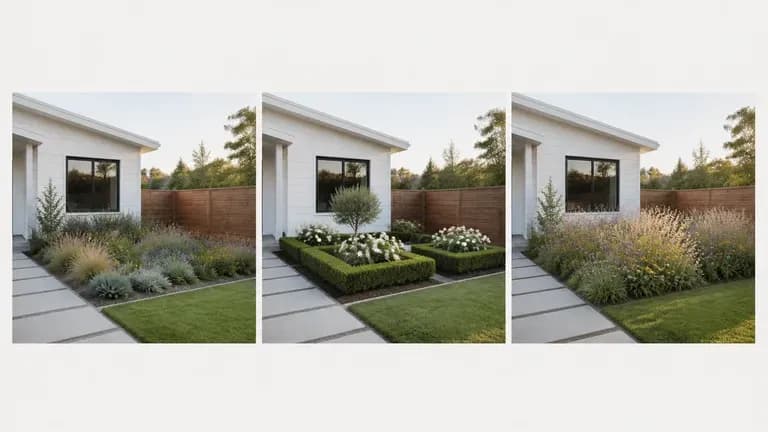
· Planting & hardscape layers: Previews native perennial beds, gravel paths, paver patios, retaining walls, and lawn alternatives.
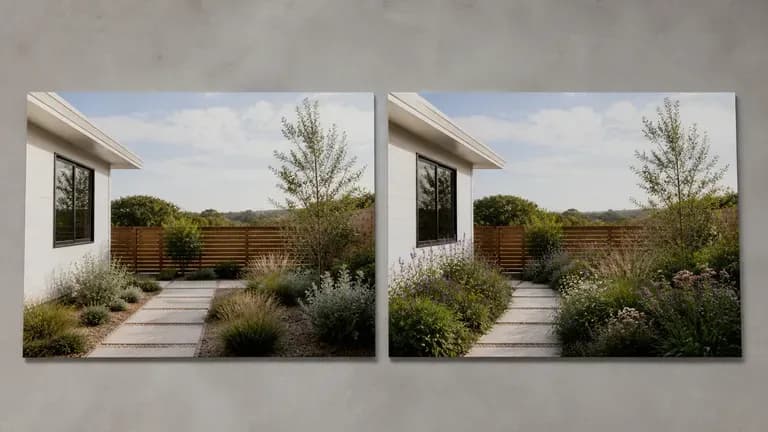
· Maintenance-matched concepts: Tailor directions to drought-tolerant xeriscaping, family lawn play zones, or lush cottage gardens.
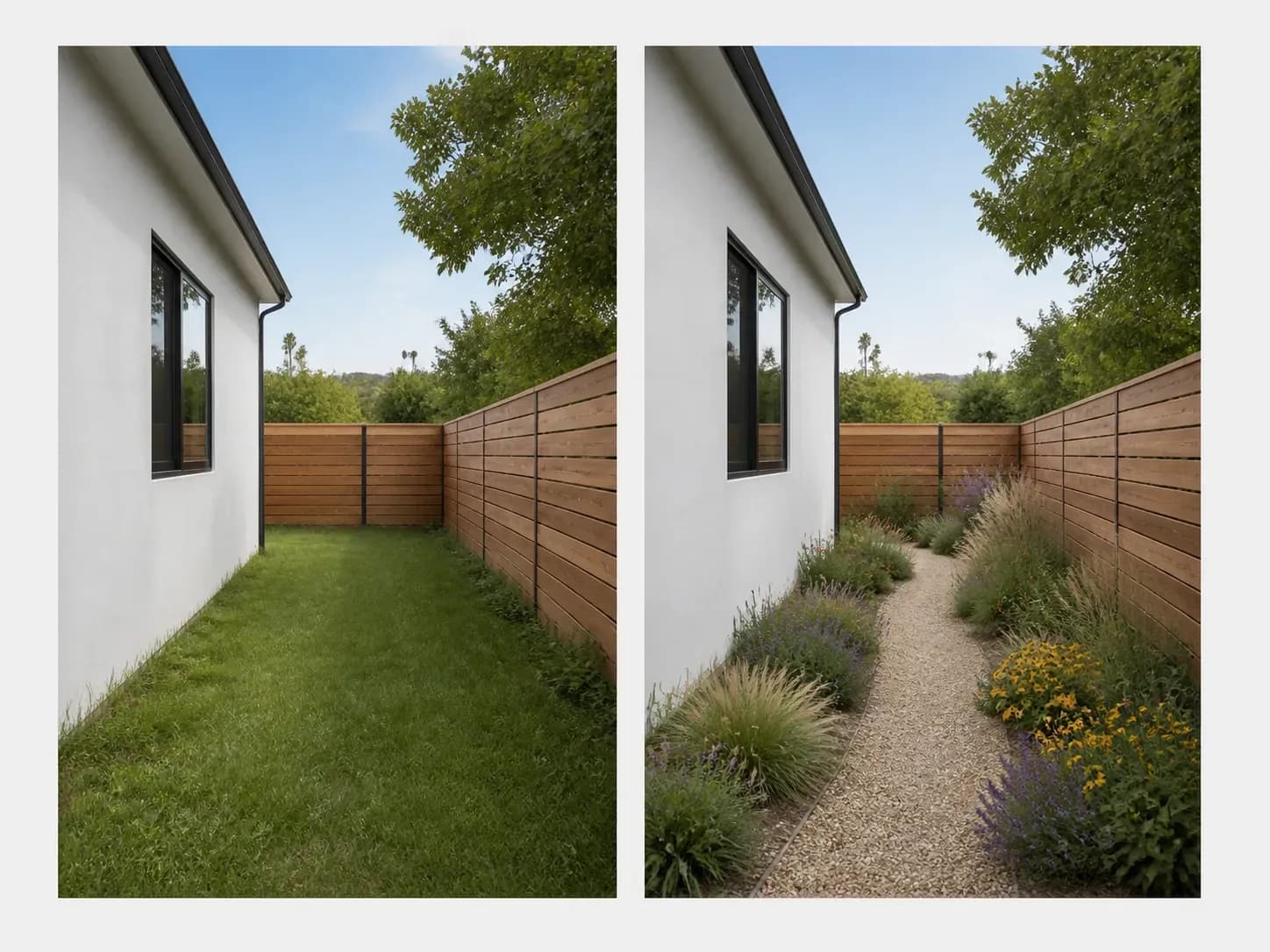
Landscaping is expensive to get wrong. Seeing a few directions on your actual site is what makes the decision easier.
Try your first landscape preview on Virse credits. New users can generate up to 10 images, enough to see whether a planting direction fits your site before committing to a design or install budget.
Virse brings 40+ AI models into one environment, and paid plans include unlimited model usage. You can see how different models handle the same site without rebuilding your brief for each one.
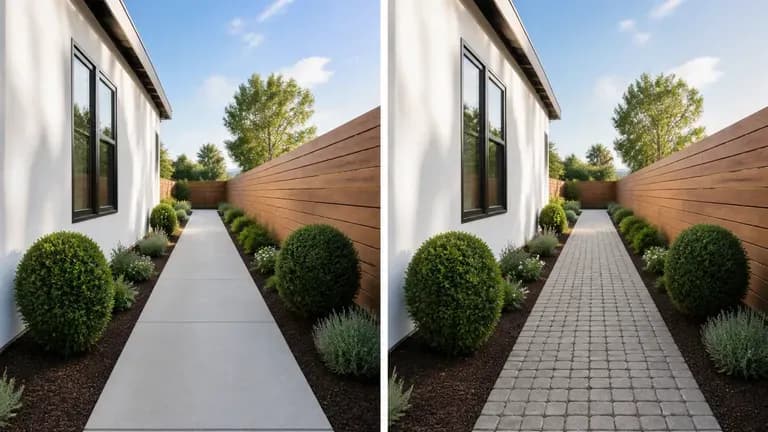
Site photos, generated previews and alternative directions stay together on an infinite canvas. Virse keeps your site details in context, so the next round builds on the direction already picked.
Compare flat 2D planting plans against photorealistic yard concepts built on your actual property photo.
Flat 2D Site Plans & Plant Lists
Virse Landscape Design Generator
Shoot in high sun to avoid long shadows, and note any existing tree, wall or slope you want kept in place.
Match the plant palette to your real watering, mowing and weeding habits rather than a high-maintenance mood board.
Run an AI image model to preview plant selection, path materials and bed shapes on your site's actual grade.
Cross-check the previewed plant palette against your local climate and winter dormancy before ordering plants.
Upload a daytime photo of your yard and note your climate/plant preference, hardscape materials, and maintenance level:
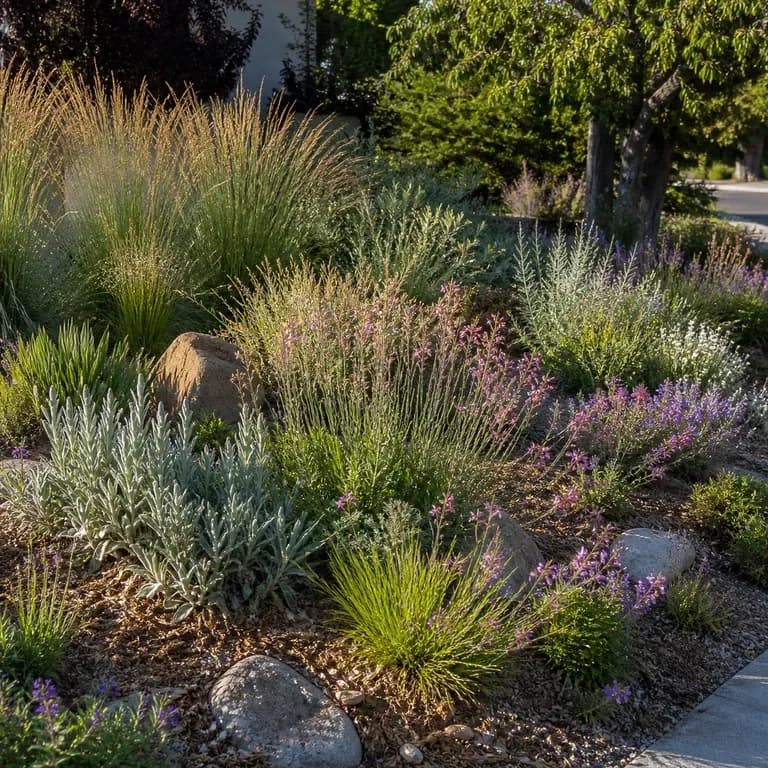
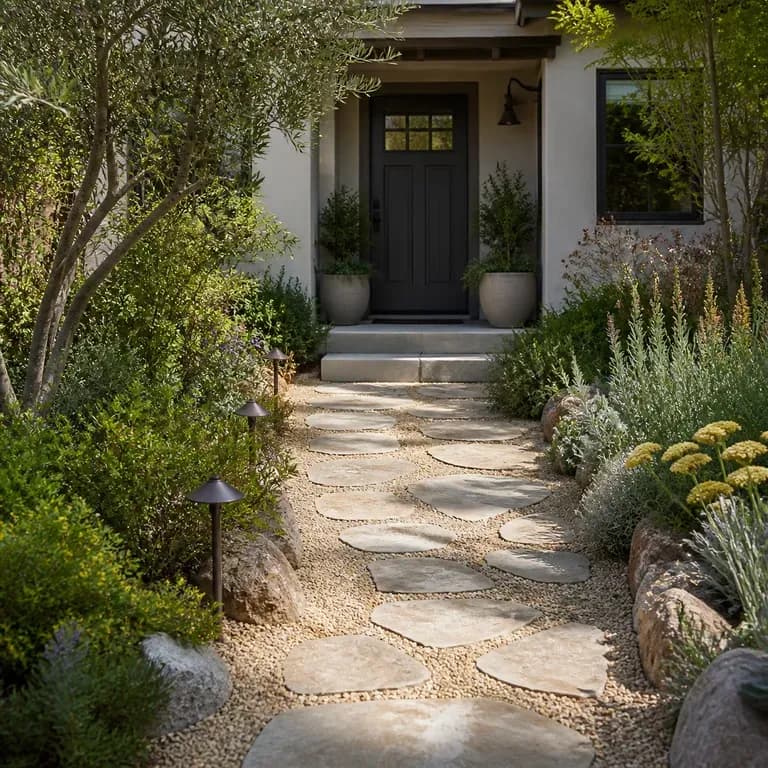
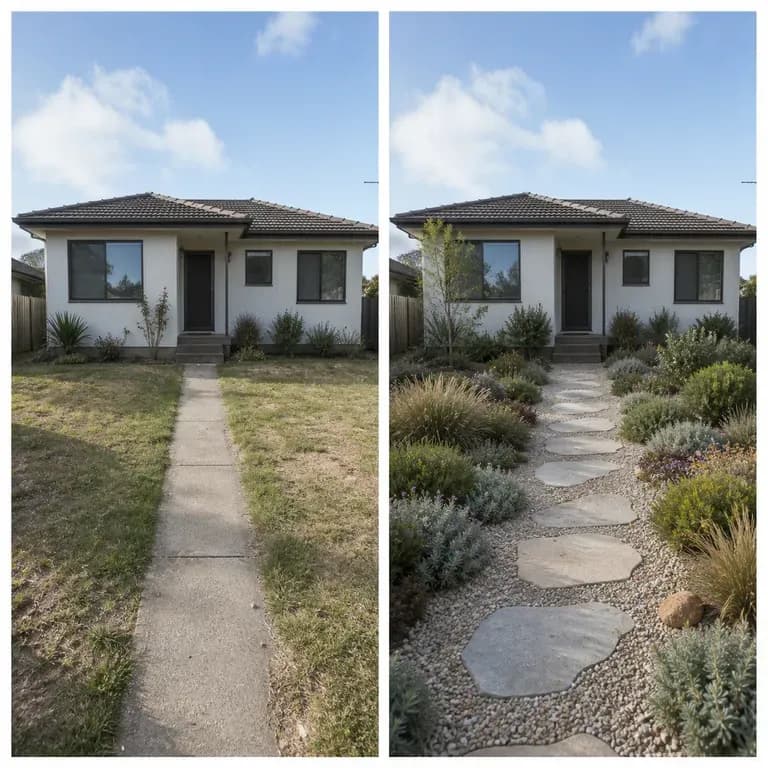
· Drought-tolerant front yard curb appeal: Replace patchy lawn with decomposed granite path, poured concrete stepping pads, agave, lavender, and ornamental grasses.
· Sloped backyard terraced garden: Add tiered weathering-steel retaining planters, bluestone steps, native ferns and hydrangeas, warm path bollards.
· Modern family courtyard lawn: Keep central turf play rectangle, border with cedar privacy fencing, raised herb beds, and a gravel firepit corner.
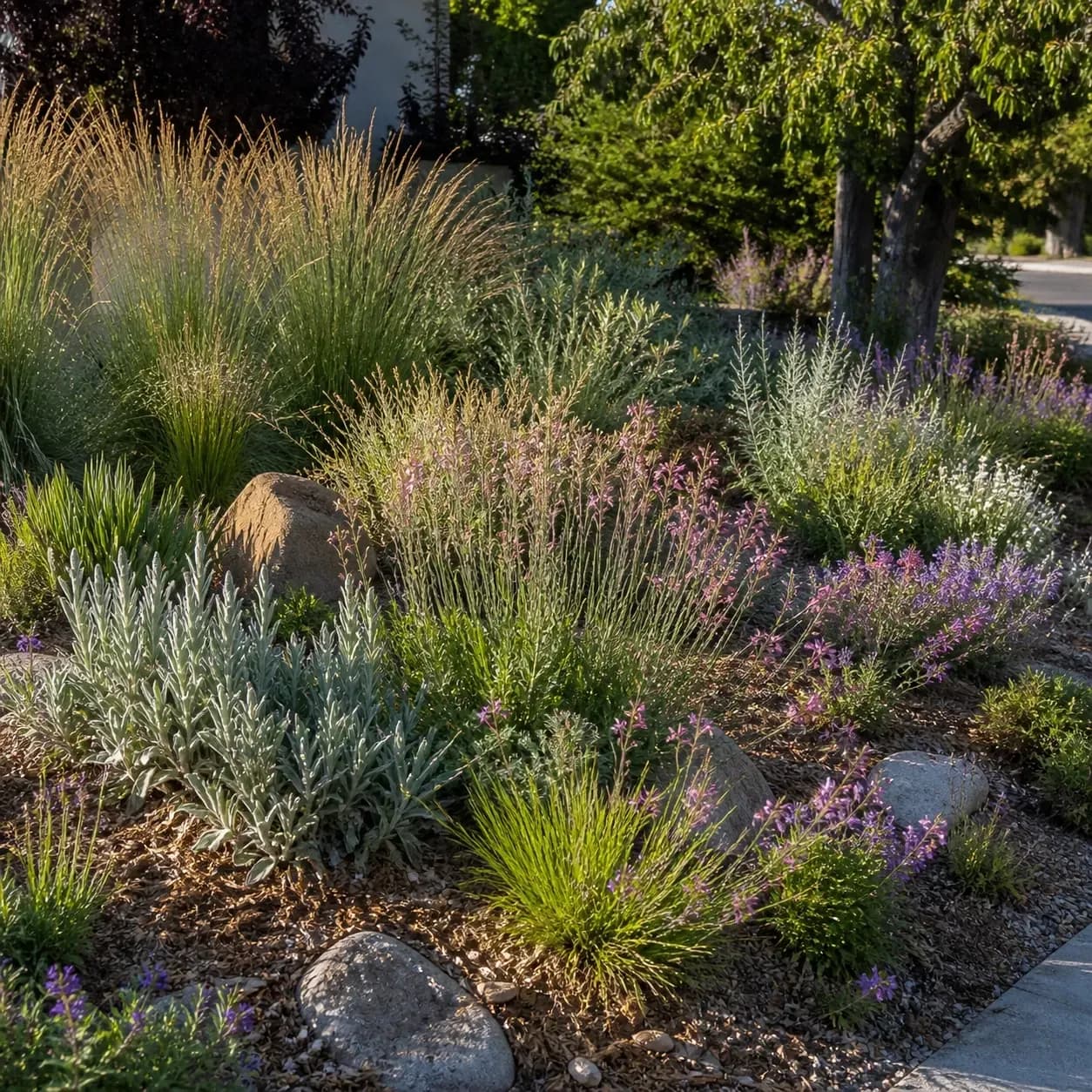
People about to spend real money outdoors, who want to see it first.
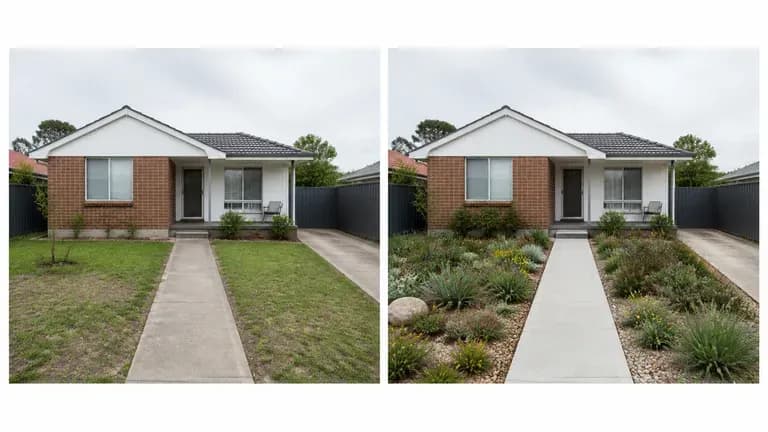
Preview planting and paving directions before calling a landscaper for a quote.
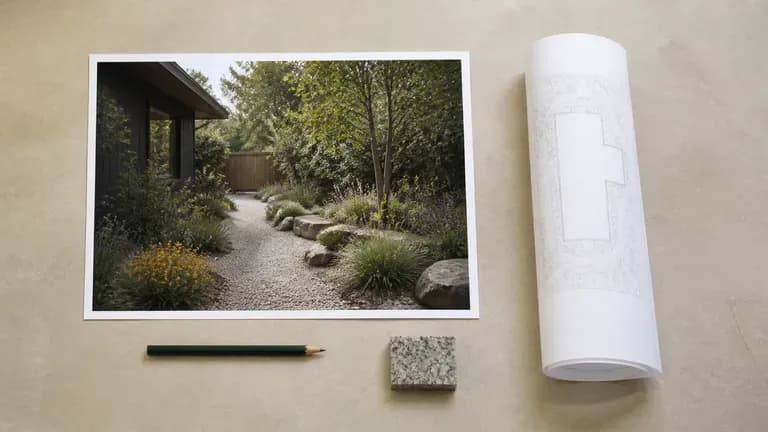
Generate quick concept previews for a client before committing to full design drawings.
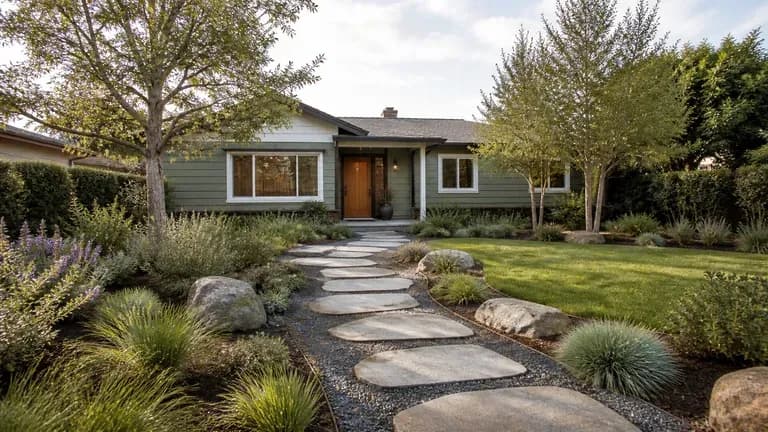
Show a property's outdoor potential with a planting preview for a listing.
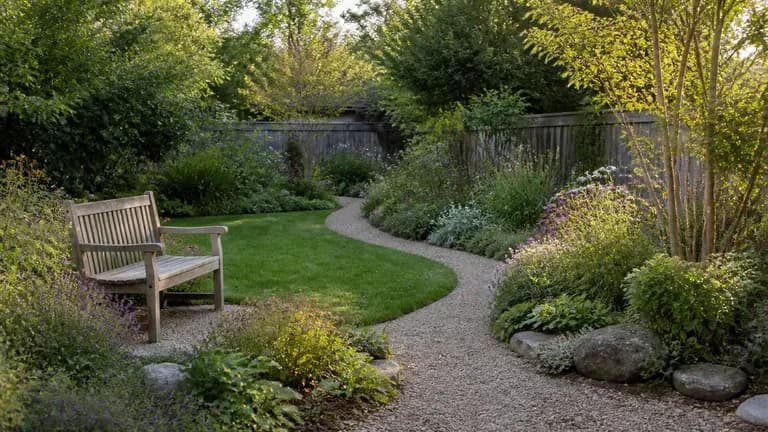
Explore planting styles and layouts for a personal garden project.
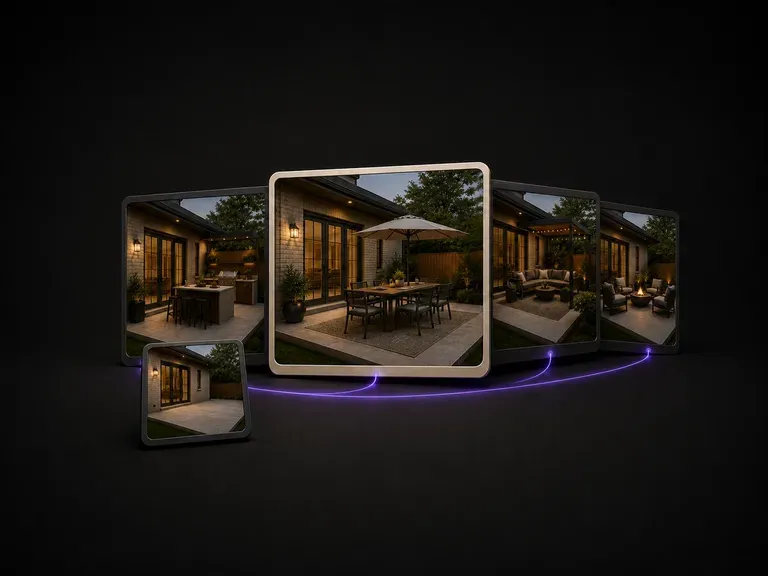
A patio is defined by its footprint and sun exposure. Upload a photo, state how you use the space, and preview furniture and shade layouts sized to your actual deck, starting on free credits.

Moving plumbing is expensive, so bathroom updates rely on surface finishes. Upload a photo, note what feels dated, and preview tile, vanity and fixture directions on your existing layout using free credits.

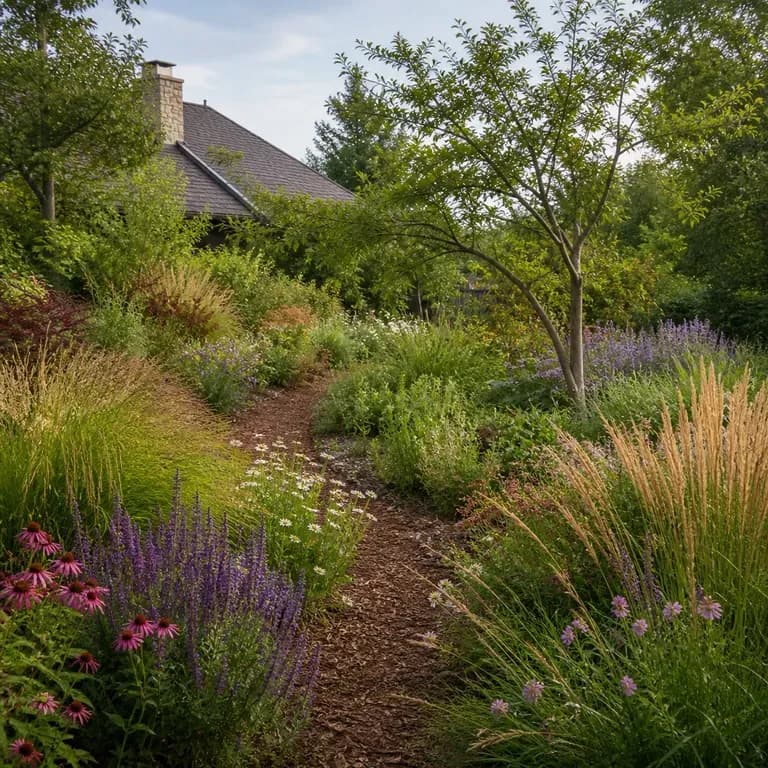
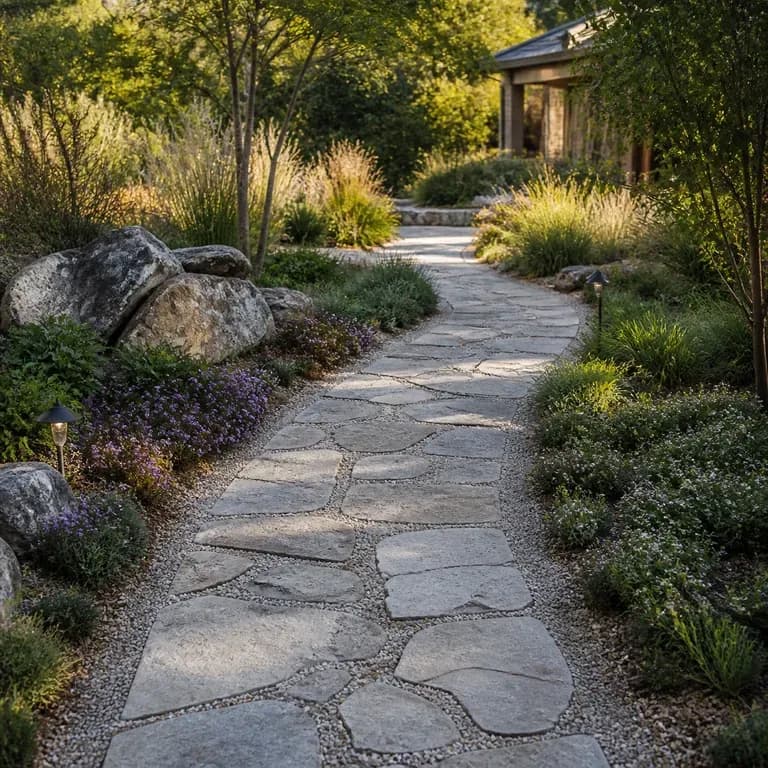
Upload a photo of your front or back yard and list the zones you need, from a flagstone patio and pergola to a dog run and play area. This AI yard design generator previews hardscape and planting layouts while keeping walls and fences intact.
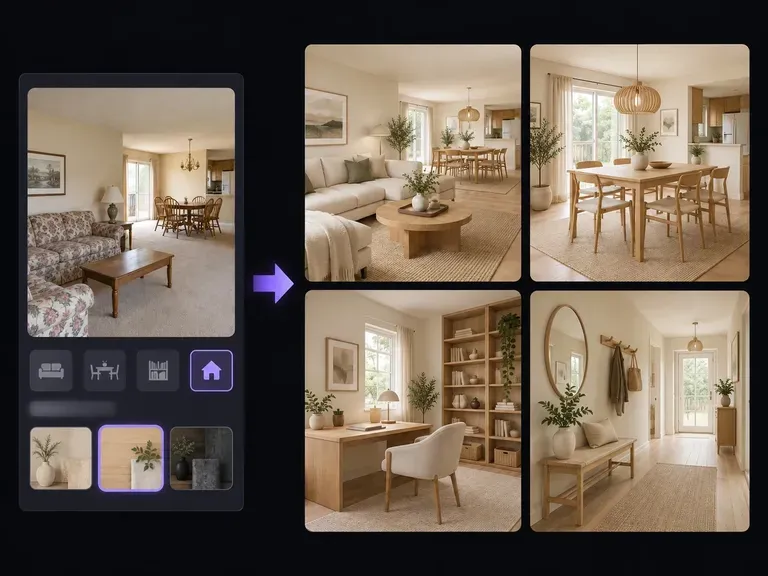
Visualize interior room remodels, open-concept living-dining layouts, and material swaps with our AI home design generator. Upload a room photo or describe your floor plan to test fluted oak cabinetry, travertine surfaces, and warm lighting on canvas.
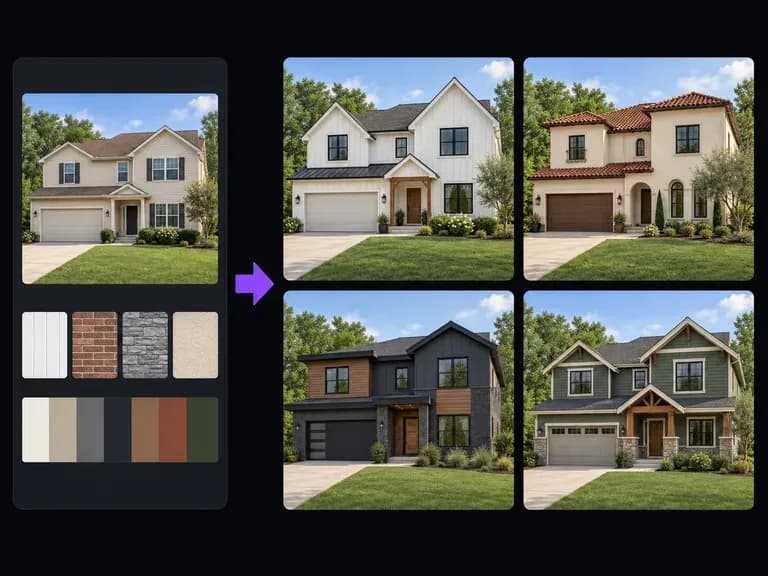
Upload a street-facing house photo or elevation sketch and describe the cladding, roofline, window trim, and entry porch updates to explore. This AI exterior design generator renders facade remodeling concepts on one canvas to evaluate curb appeal.

Upload a bedroom photo, state how the room needs to function, and preview redesigns that keep the bed wall, window and door swing in place. Your first set runs on free Virse credits.
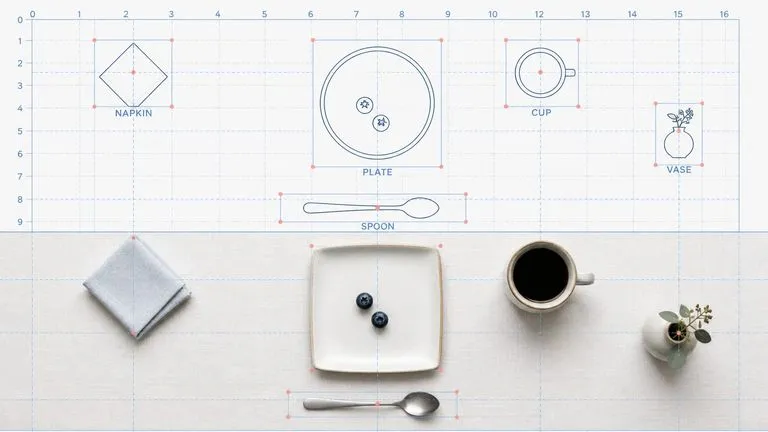
Reve AI's second-generation model builds an addressable layout of positioned elements before it renders, so a specified arrangement comes back arranged.
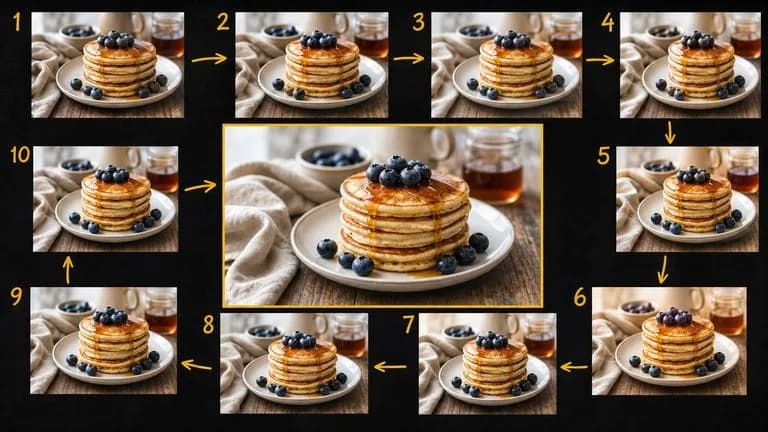
Google's Gemini 2.5 Flash Image — the original Nano Banana — generates and edits pictures at conversation speed, so a correction takes a sentence instead of a session.
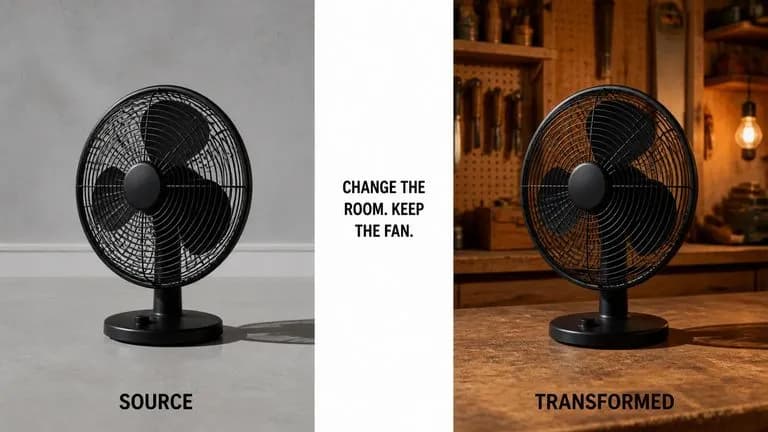
ByteDance's Seedream 4.0 and Seedream 4.5 generate from written descriptions and from images you supply, turning one source picture into as many directions as a project needs.

Google's Nano Banana 2 pairs flagship-level image quality with Flash-class speed, across four output sizes from rapid 0.5K prototypes to finished 4K.
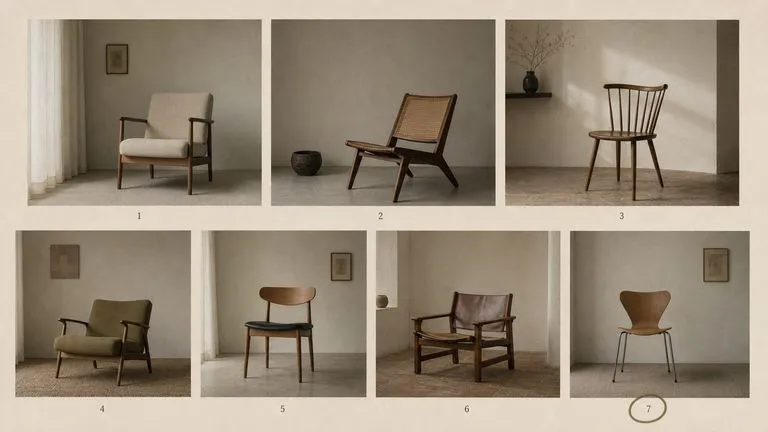
The generation of Black Forest Labs' FLUX line that came before FLUX 2, kept available as two entries — the standard model and Ultra.
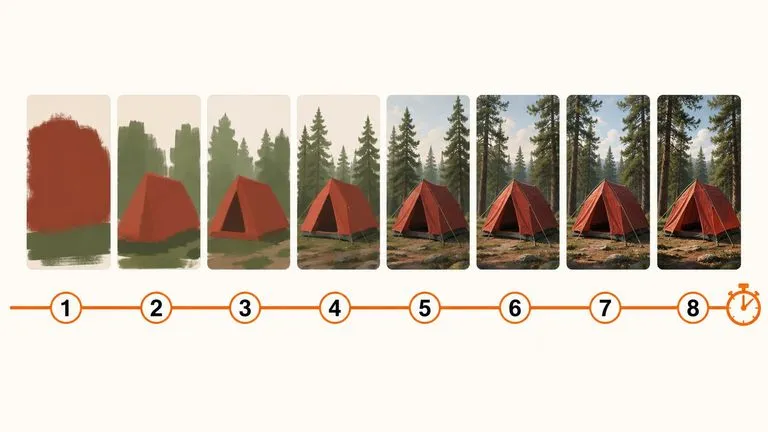
A 6-billion-parameter model compressed to an eight-step inference pipeline, built to return a usable picture before your train of thought moves on.
Photograph the site as it actually slopes, say what upkeep you're willing to do, and see planting directions before a single plant gets ordered.