Free
Start with Free Generations
Try your first outdoor space preview on Virse credits. New users can generate up to 10 images, enough to see whether a direction fits your space before committing to a build budget.
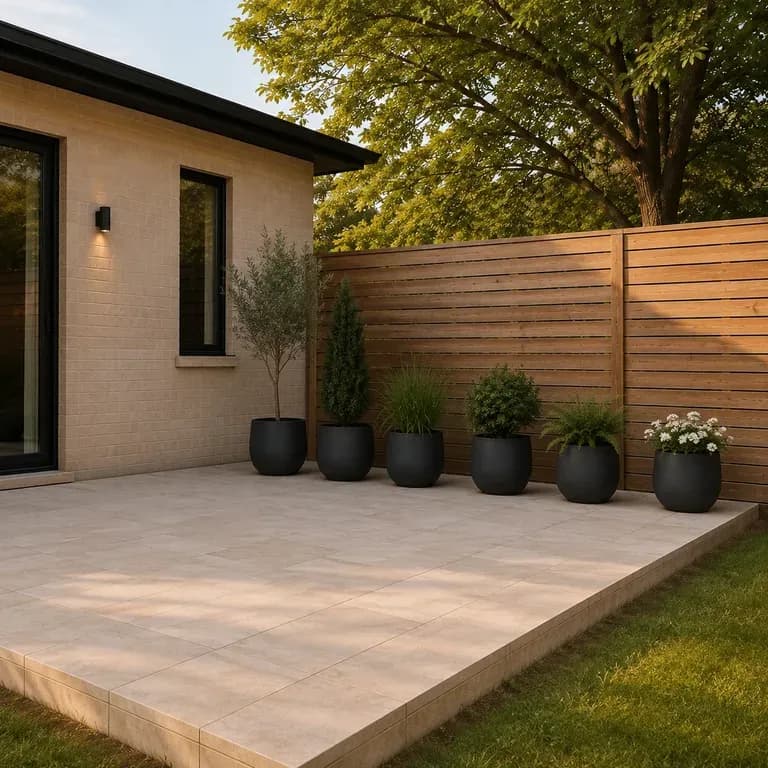
A patio is defined by its footprint and sun exposure. Upload a photo, state how you use the space, and preview furniture and shade layouts sized to your actual deck, starting on free credits.
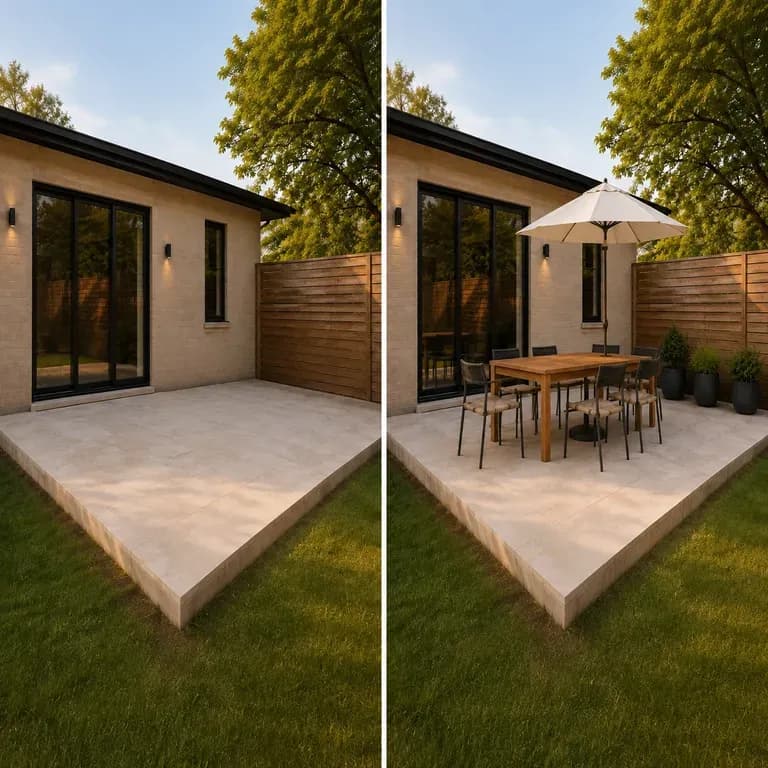
An AI outdoor design generator furnishes the deck or patio you photograph rather than proposing an idealised structure you don't have. It focuses on the layer that actually changes fastest outdoors: furniture, shade and how the space gets used, not the hard construction underneath it—built around three core workflow advantages:
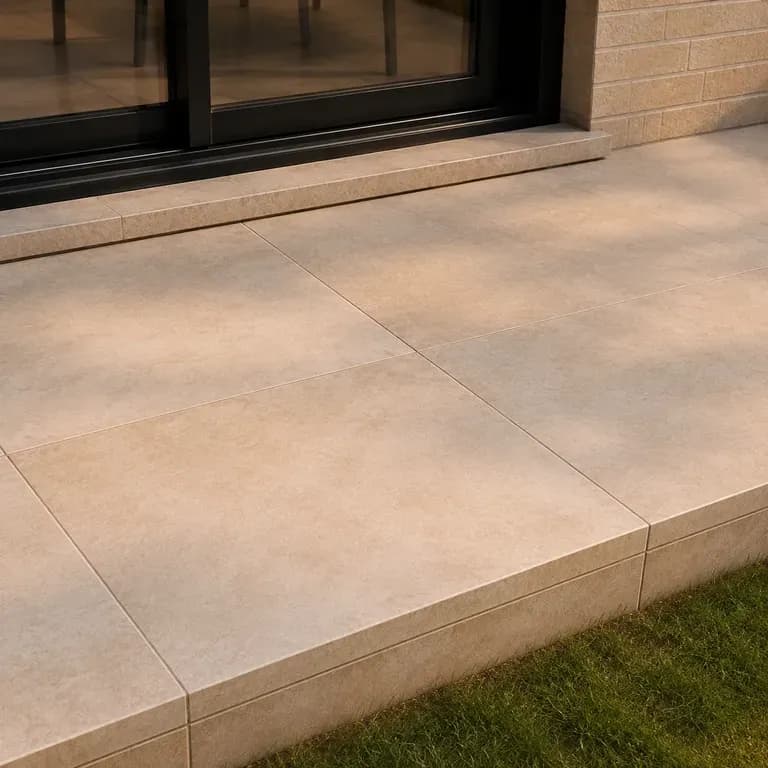
· Respects existing hardscape: Keeps your house facade, deck perimeter, sliding doors, and boundary walls intact.
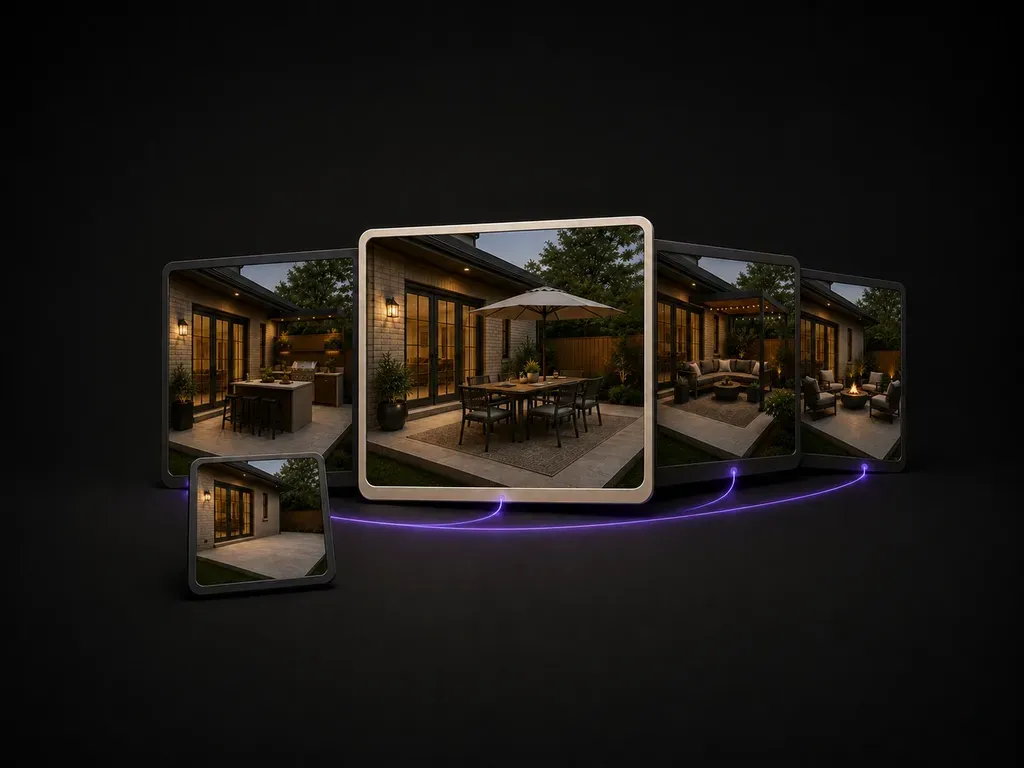
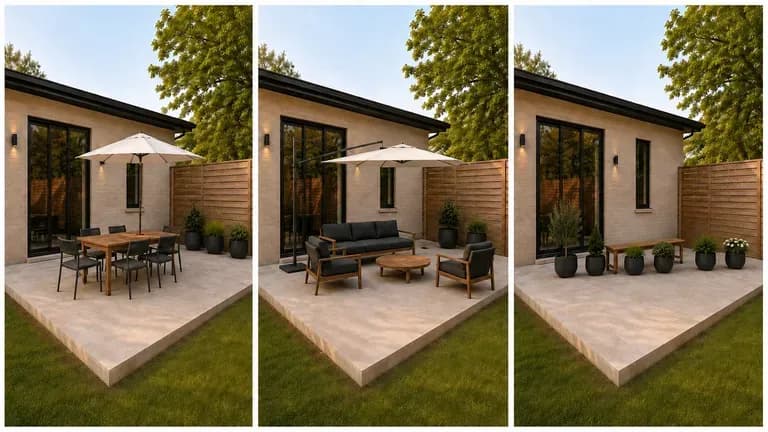
· Zones for dining & lounging: Tests pergola shade structures, sectional seating, fire tables, and outdoor kitchens in scale.
· Day and evening ambience: Preview sunlit daytime layouts alongside warm bistro string lights and firepit glow.
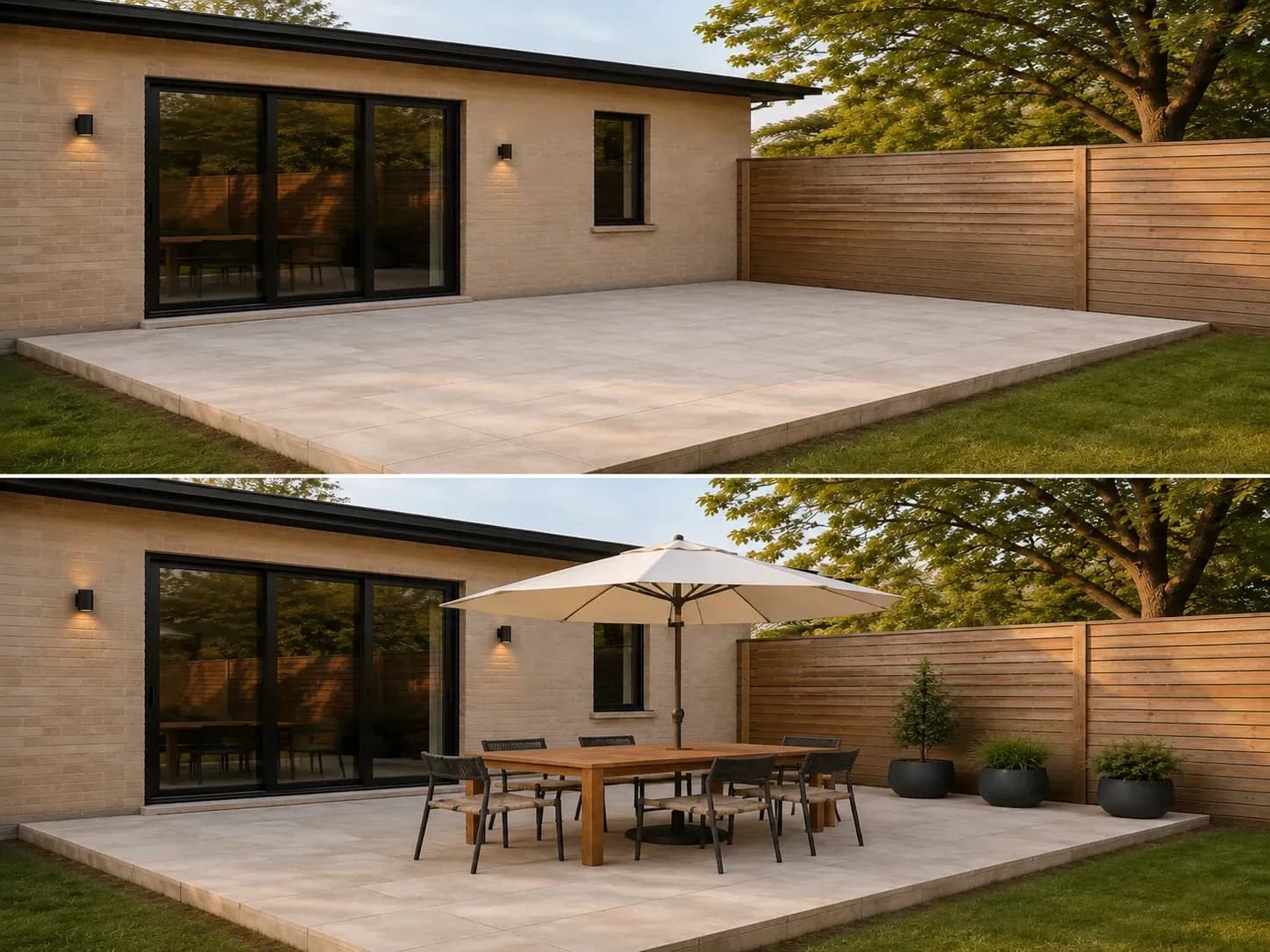
Decking and outdoor furniture are expensive to redo. Seeing a few directions on your actual space is what makes the decision easier.
Try your first outdoor space preview on Virse credits. New users can generate up to 10 images, enough to see whether a direction fits your space before committing to a build budget.
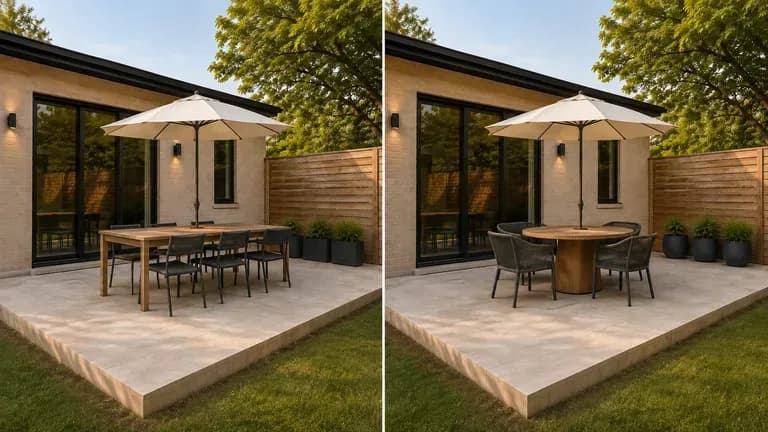
Virse brings 40+ AI models into one environment, and paid plans include unlimited model usage. You can see how different models handle the same space without rebuilding your brief for each one.
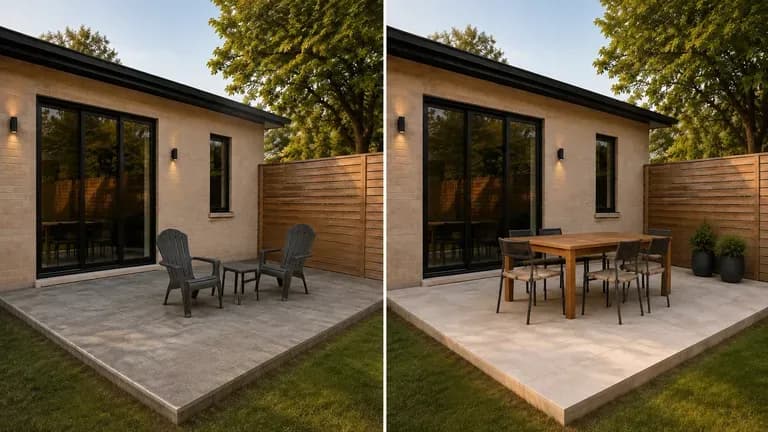
Site photos, generated previews and alternative directions stay together on an infinite canvas. Virse keeps your space details in context, so the next round builds on the direction already picked.
Compare showroom patio sets against outdoor designs fitted directly to your deck or backyard photo.
Showroom Photos & Mental Guesswork
Virse Outdoor Space Designer
Clear away whatever furniture is already out there before shooting. An empty deck or patio shows the true footprint the previews need to fill.
State how you use the space: weeknight dinners for two, Sunday lunches for eight, or a shaded laptop spot.
Run an available AI image model and let it work through furniture, shade structures and planting sized to your actual patio or deck footprint.
Check when you use the patio most and verify that the umbrella or pergola placement shades that exact time of day.
Upload a photo of your outdoor area and note how many people it should seat, preferred shade, and material style:
· Modern teak dining & lounge patio: Black aluminum louvered pergola, 6-seat teak dining table, low L-shaped charcoal sofa, concrete fire bowl, warm string lights.
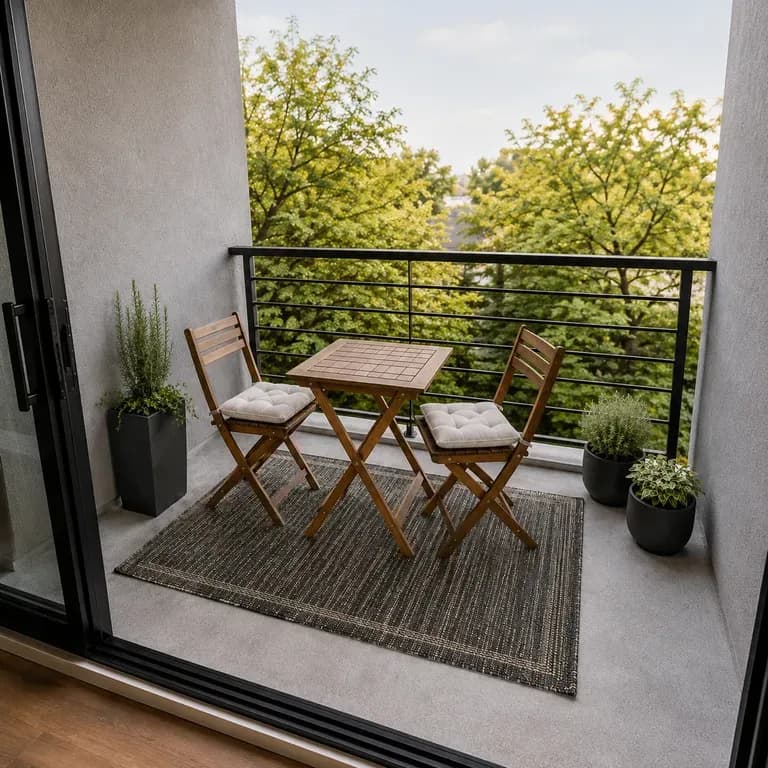
· Compact urban balcony retreat: Foldable bistro table for two, cedar planter boxes with ornamental grasses, woven outdoor runner, warm lantern sconce.
· Mediterranean courtyard terrace: Built-in stucco bench with terracotta cushions, olive trees in clay pots, gravel & limestone pavers, wrought-iron dining set.
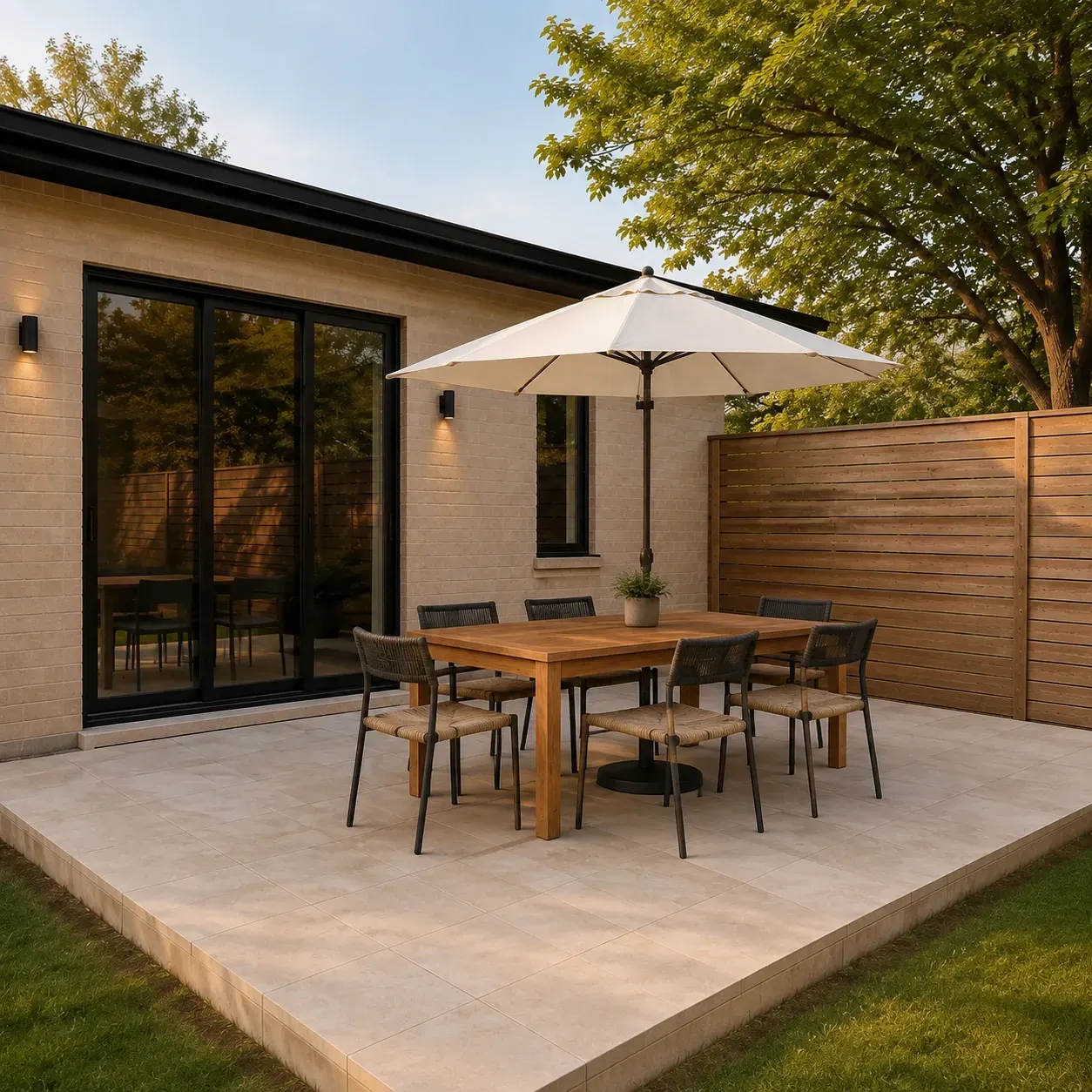
People about to spend real money outdoors, who want to see it first.
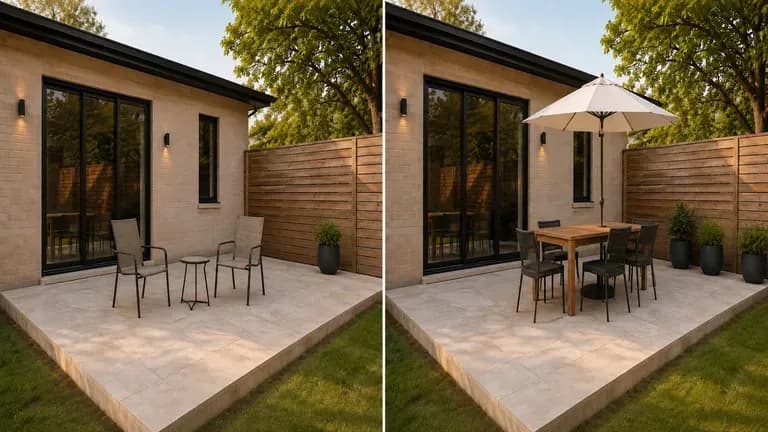
Preview a patio or deck direction before calling a contractor for a quote.
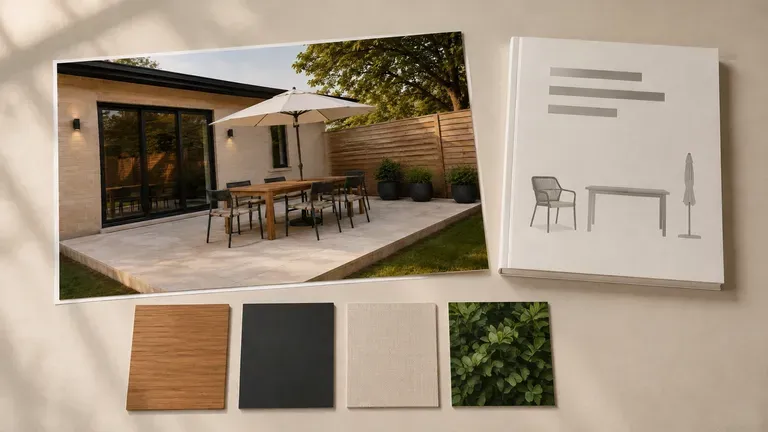
Generate quick concept previews for a client before committing to full design drawings.
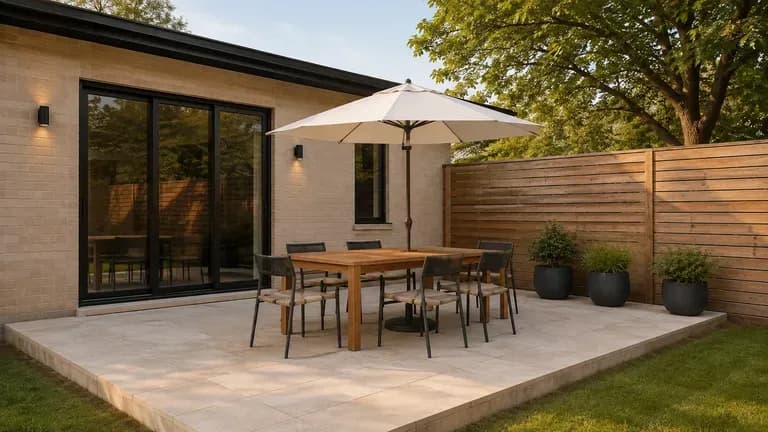
Show a property's outdoor living potential with a preview for a listing.
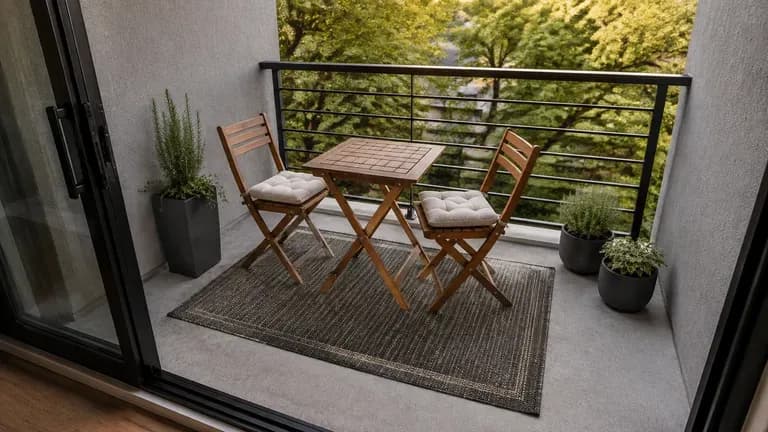
Preview smaller-scale outdoor upgrades that fit a balcony or rented patio.
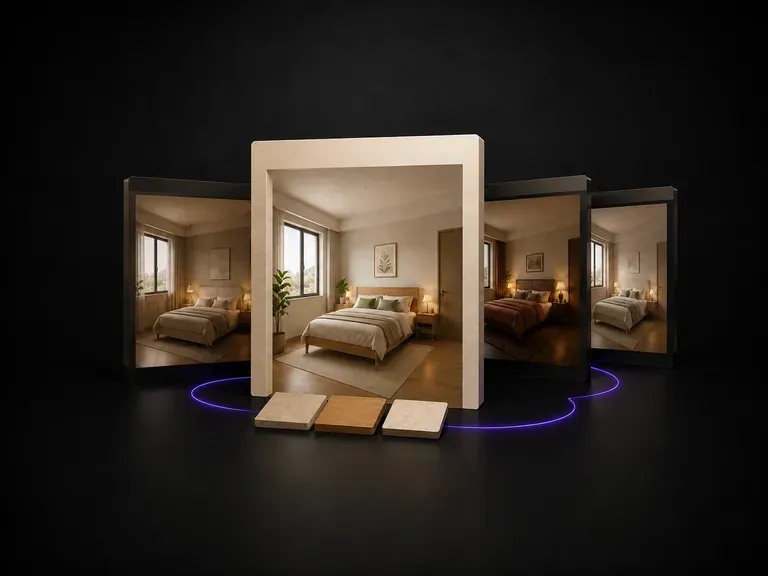
Upload a bedroom photo, state how the room needs to function, and preview redesigns that keep the bed wall, window and door swing in place. Your first set runs on free Virse credits.
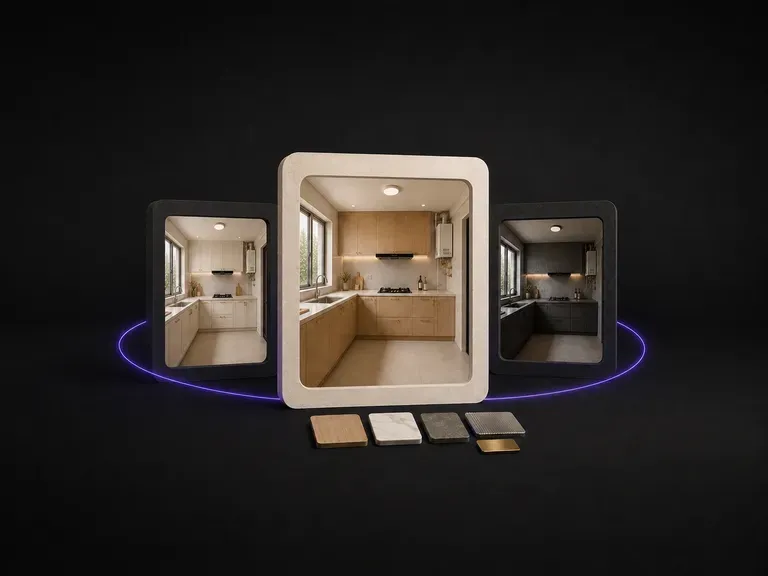
Plumbing and electrics fix cabinet positions, so kitchen redesigns hinge on finishes. Upload a photo, note how you cook, and preview cabinet, counter and hardware directions on your real footprint using free credits.
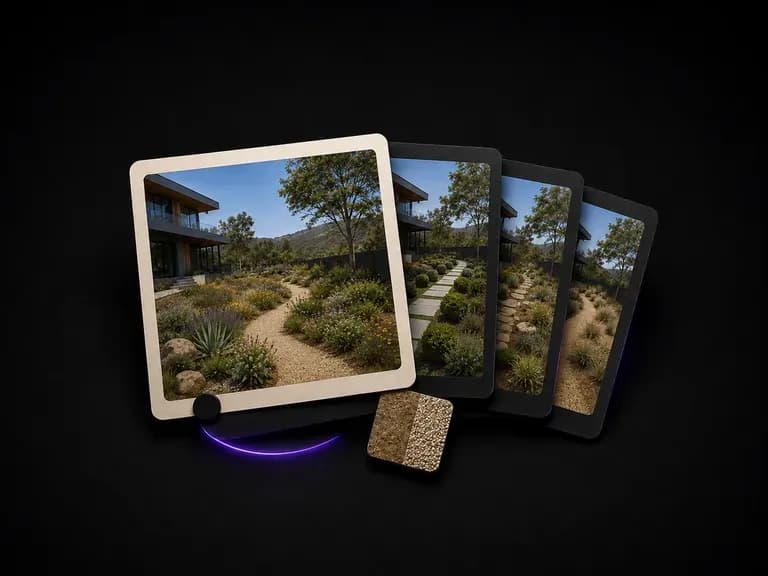
Upload a yard or site photo, state how much maintenance you want, and preview planting and paving directions that respect your existing slope, trees and boundaries, starting on free Virse credits.
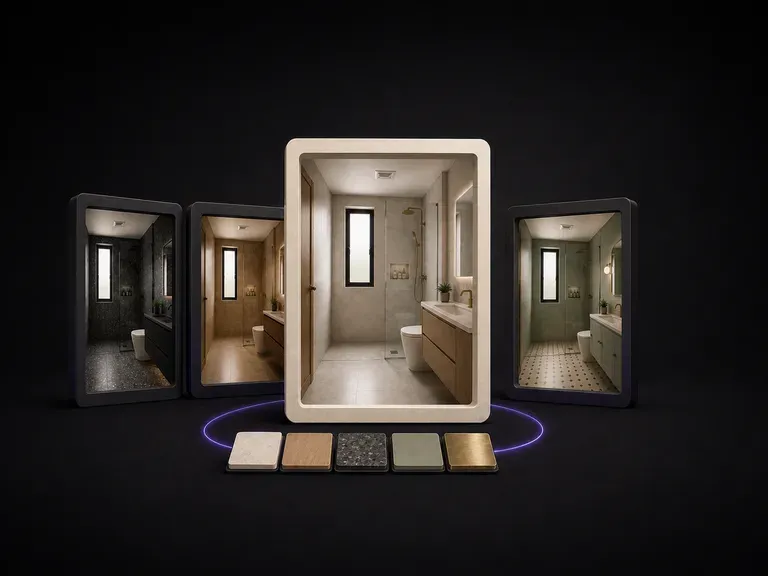
Moving plumbing is expensive, so bathroom updates rely on surface finishes. Upload a photo, note what feels dated, and preview tile, vanity and fixture directions on your existing layout using free credits.
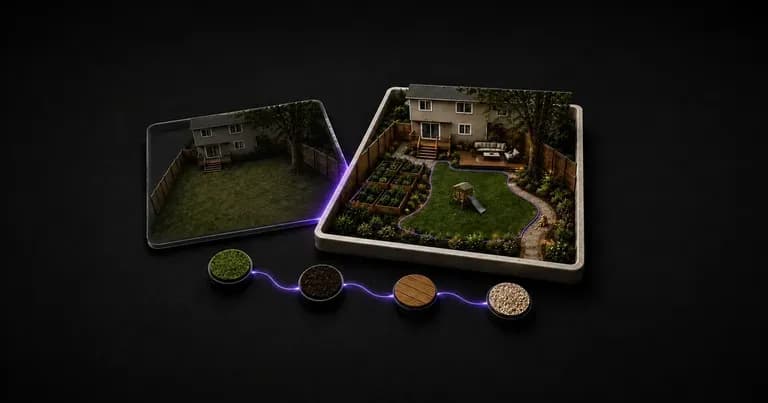
Upload a photo of your front or back yard and list the zones you need, from a flagstone patio and pergola to a dog run and play area. This AI yard design generator previews hardscape and planting layouts while keeping walls and fences intact.
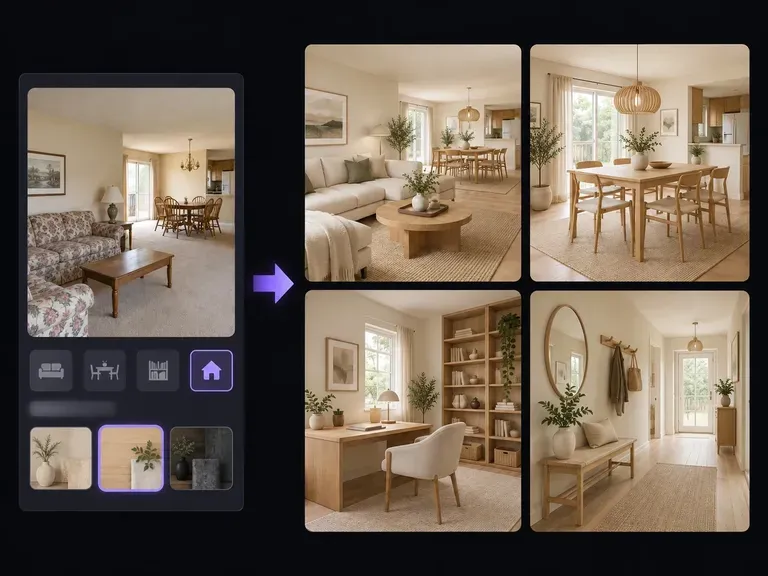
Visualize interior room remodels, open-concept living-dining layouts, and material swaps with our AI home design generator. Upload a room photo or describe your floor plan to test fluted oak cabinetry, travertine surfaces, and warm lighting on canvas.

OpenAI's GPT Image 2.0 reads a hundred-word brief and attempts all of it, with independent quality and resolution controls from 1K to 4K.
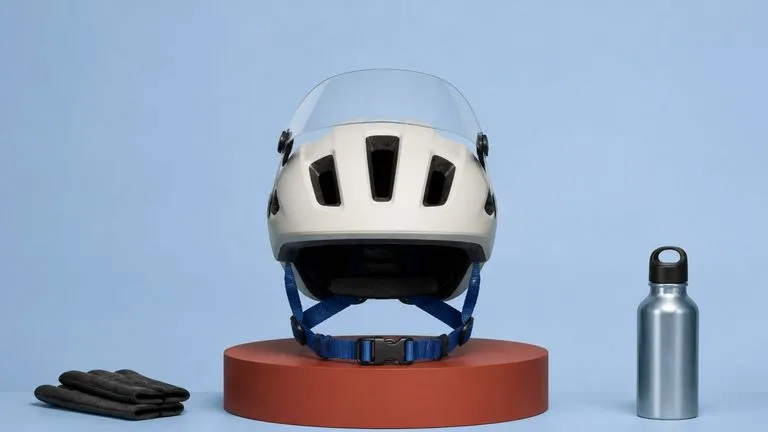
Black Forest Labs' production model reads briefs up to 32,000 tokens, so brand rules, colour values, and compositional constraints can all go in at once.
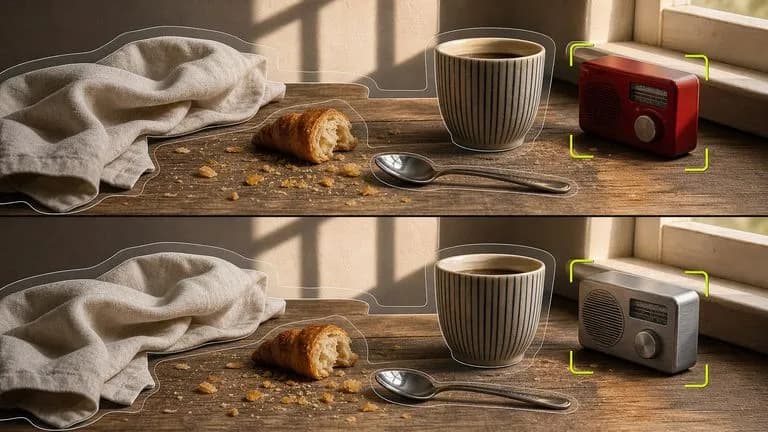
Black Forest Labs' editing models, FLUX Kontext Pro and Kontext Max, built to apply one described change while the rest of the frame survives untouched.

ByteDance's newest Seedream generation, available as Seedream 5.0 Pro and Seedream V5 Lite, both taking the same written brief.
A text-to-image foundation model trained from scratch around layout, with bounding-box placement, hex colour conditioning, and native 2K output.

Create and edit stills with FLUX 3 Image at 1K, 2K or 4K. Switch to FLUX 3 Video for 5–20-second scenes at 720P or 1080P with native audio, on the same Virse canvas.
Photograph the deck or patio you actually have, say what you want to do out there, and see furnished directions before you order anything.