Kitchen Design Generator

Kitchen Design Generator

Cabinets stay where the plumbing and the electrics already are, which is exactly why a kitchen redesign lives or dies on materials rather than layout. Upload a photo, describe how you actually cook and store things, and get back a set of finish and hardware directions built on your real cabinet footprint, at no cost for the first set.

Input
Kitchen photo · RequiredStorage & usage needs · OptionalStyle & material preference · OptionalNumber of schemes · Optional
Output
厨房改造效果预览(套数按所选数量)

Kitchen photo

Required

Drop a photo of your kitchen

Your image is uploaded on the canvas — this form carries the settings.

Number of schemesOptional

What Is an AI Kitchen Design Generator?

An AI kitchen design generator works from a photo of the cabinets, counters and appliances you already have, and previews new finishes and hardware without moving a sink or a stove that is plumbed in. It is closer to a material sample board built around your actual kitchen than a fresh layout plan.

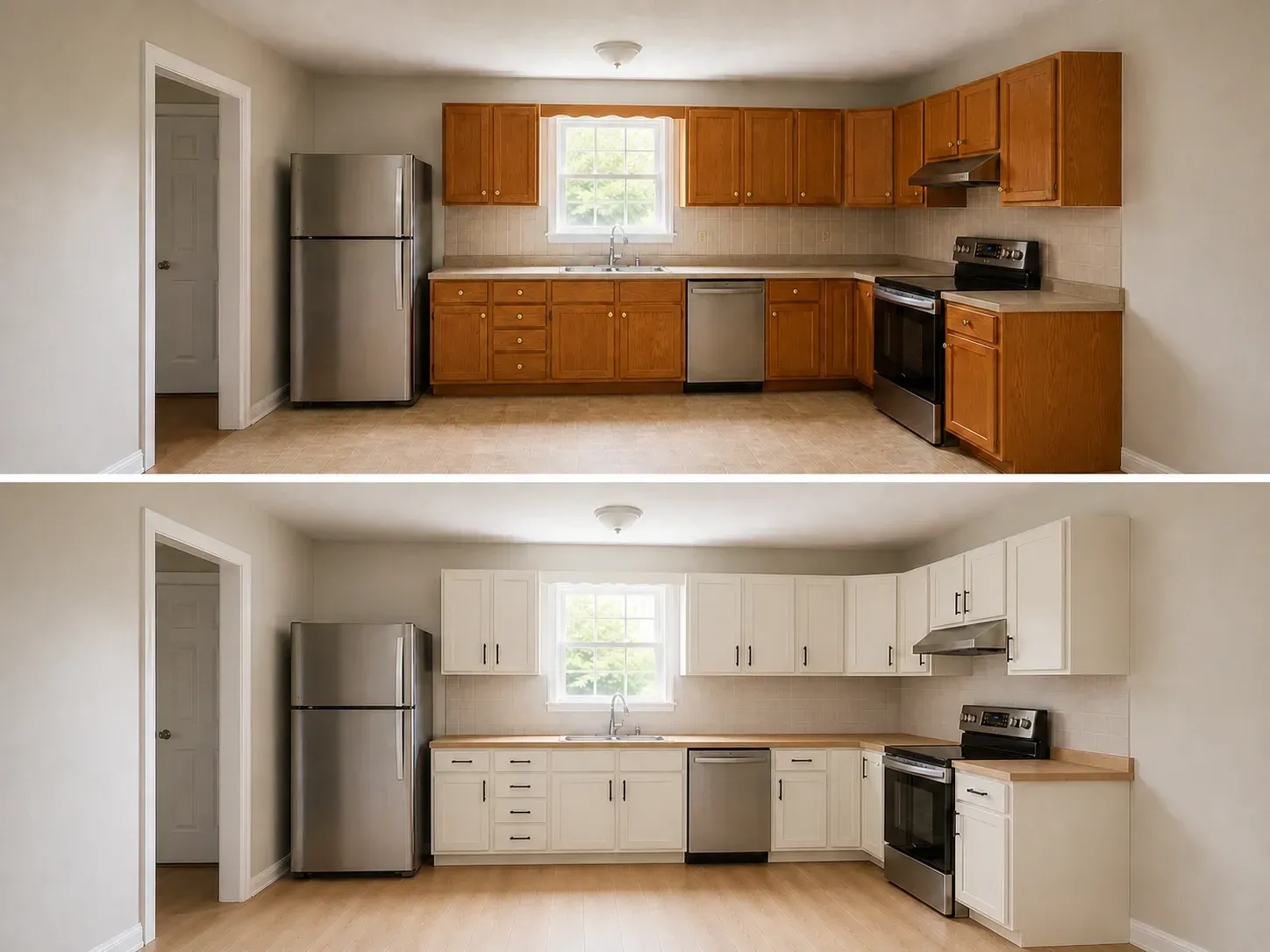
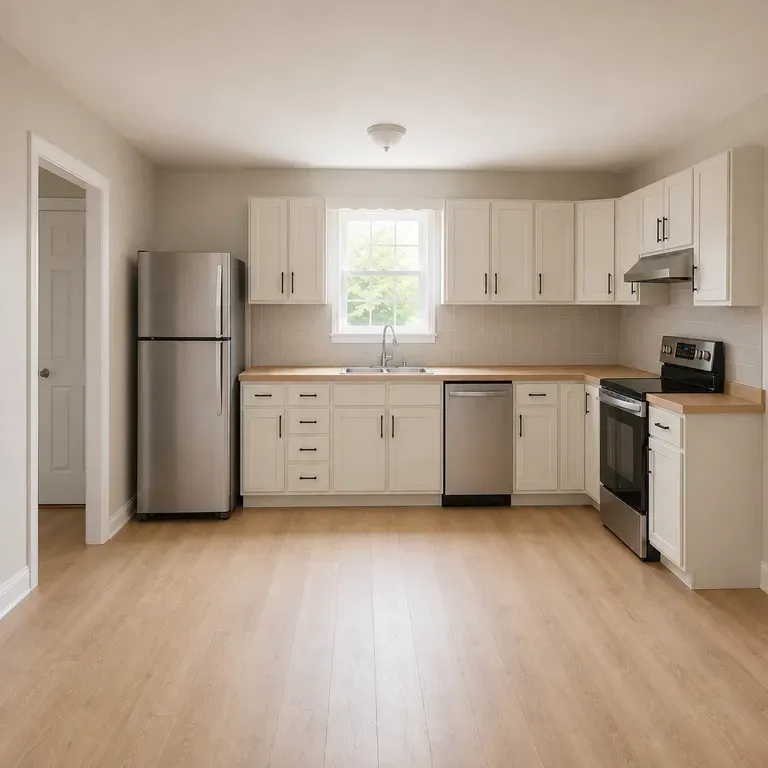
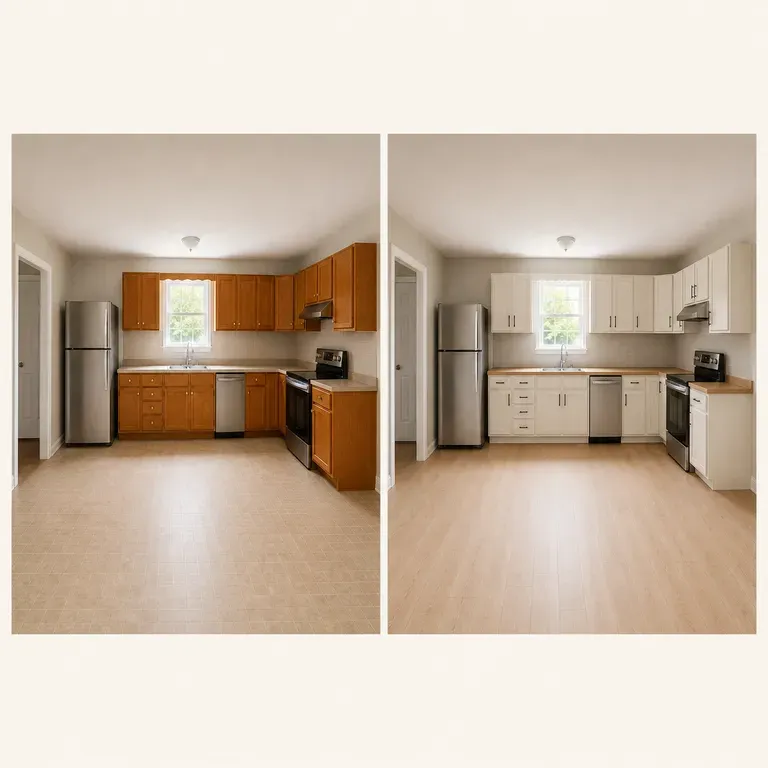
An ordinary kitchen before and after: the same camera position and cabinet layout, now modern white cabinetry
A kitchen photo turned into a redesign preview

Why Use Virse's Kitchen Design Generator?

Cabinets and counters are expensive to redo. Seeing a few material directions in your actual kitchen is what makes the decision easier.

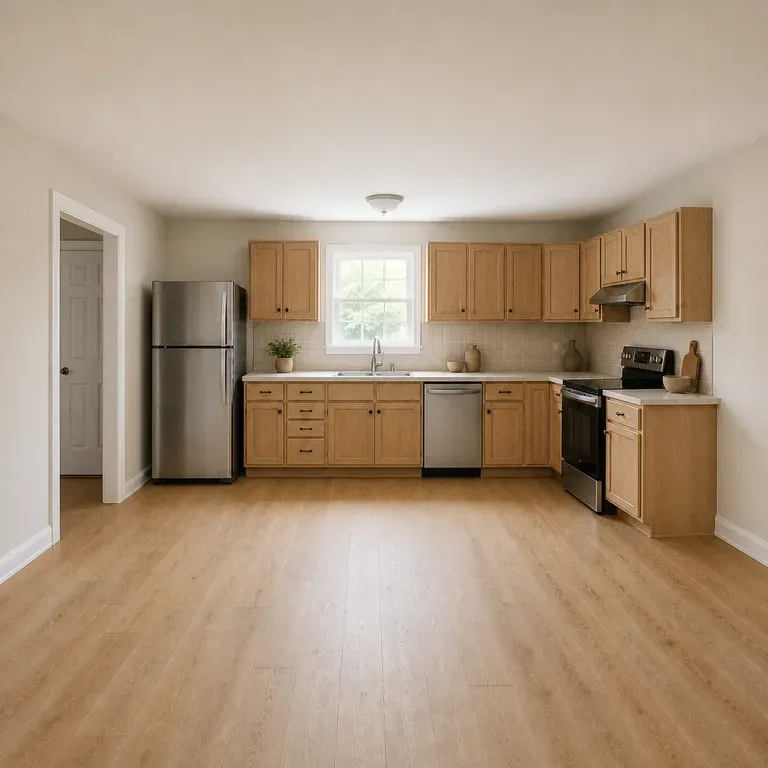
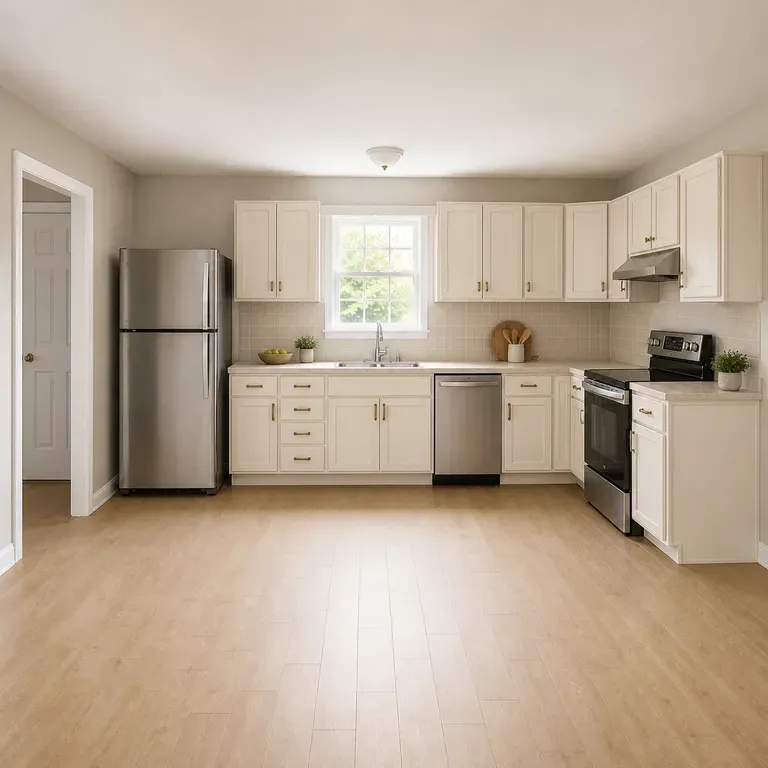
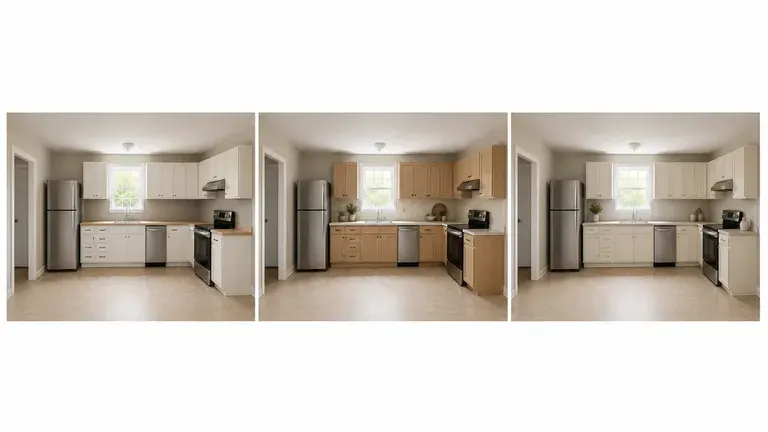
The same kitchen shown in three directions: modern minimal, warm natural, classic timeless
Free

Start with Free Generations

Try your first kitchen preview on Virse credits. New users can generate up to 10 images, enough to see whether a material direction fits your space before committing to a renovation budget.

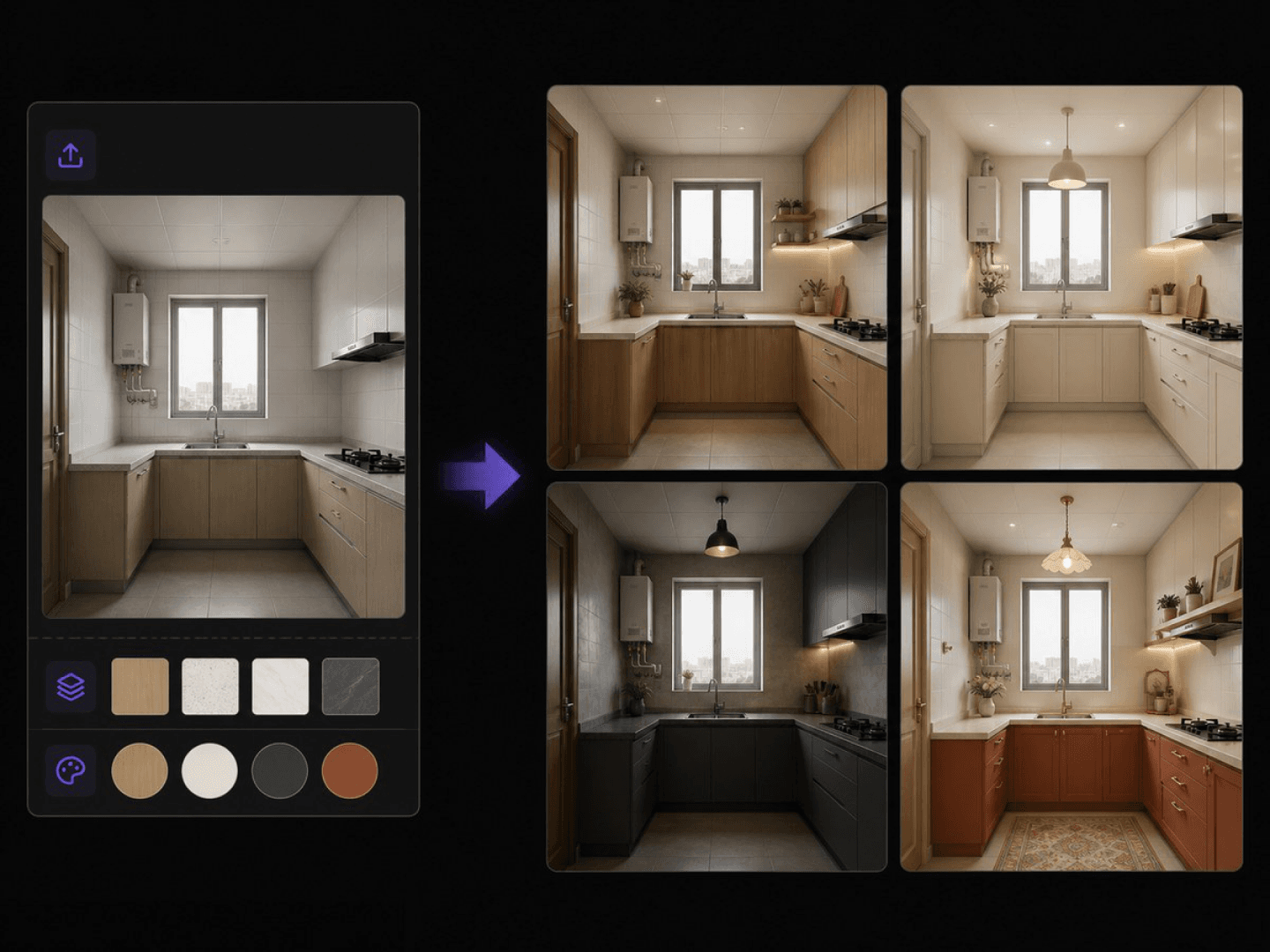
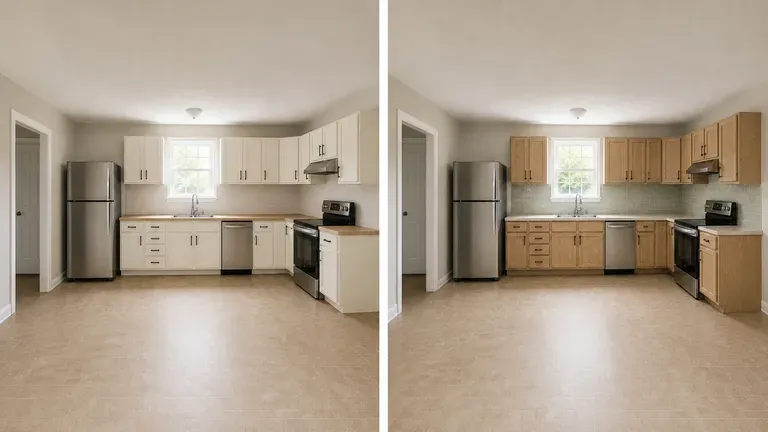
Two model interpretations of the same kitchen preview placed side by side
40+ models

Explore with Multiple AI Models

Virse brings 40+ AI models into one environment, and paid plans include unlimited model usage. You can see how different models handle the same kitchen without rebuilding your brief for each one.
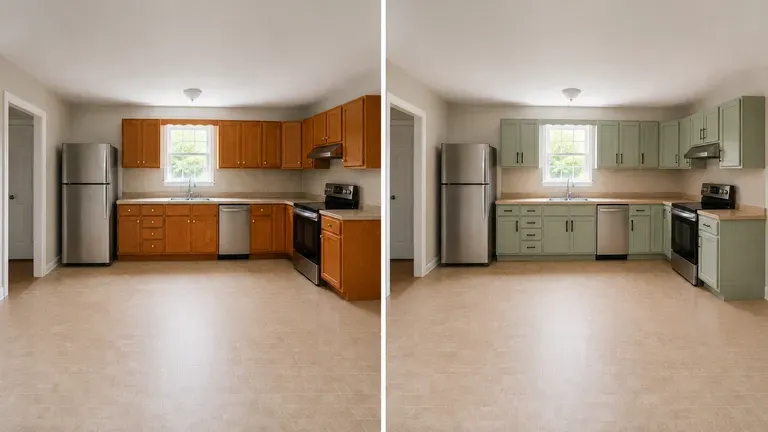
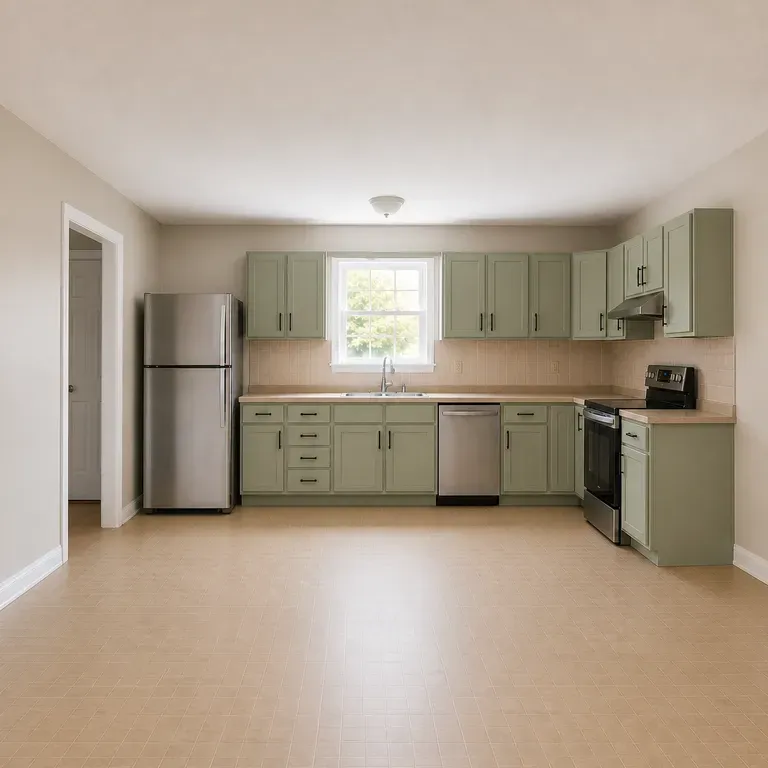
A cabinet colour shown before and after, only the finish and hardware changed
Canvas

Compare Directions on One Canvas

Kitchen photos, generated previews and alternative directions stay together on an infinite canvas. Virse keeps your space details in context, so the next round builds on the direction already picked.

How to Generate a Kitchen Design with AI in Four Steps

  1. Photograph it with the cabinets closed

    Shoot straight on with the doors and drawers shut, so the model can read the actual cabinet lines rather than whatever happens to be on the counter that day.

  2. Describe how the kitchen gets used

    An island that doubles as a breakfast bar, a galley layout where two people can barely pass each other, a wall oven you are not touching. Cooking habits matter more than a mood word.

  3. Generate finish and hardware directions

    Run an available AI image model and let it work through cabinet colour, counter material and hardware within your kitchen's real cabinet positions.

  4. Compare before you order samples

    Sit with two or three directions before requesting physical material samples. A finish that reads well in one preview can look completely different under your kitchen's actual light.

Who Is an AI Kitchen Design Generator For?

People about to spend real money on a kitchen, who want to see it first.
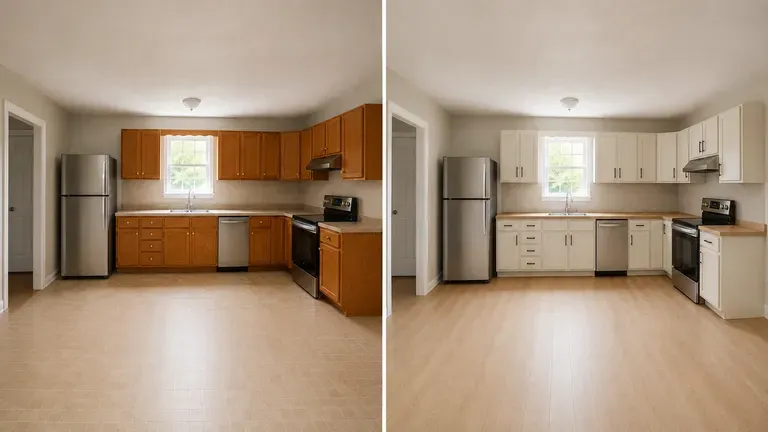
An ordinary kitchen shown before and after a redesign

Homeowners Planning a Kitchen Update

Preview a material direction before calling a contractor for a quote.
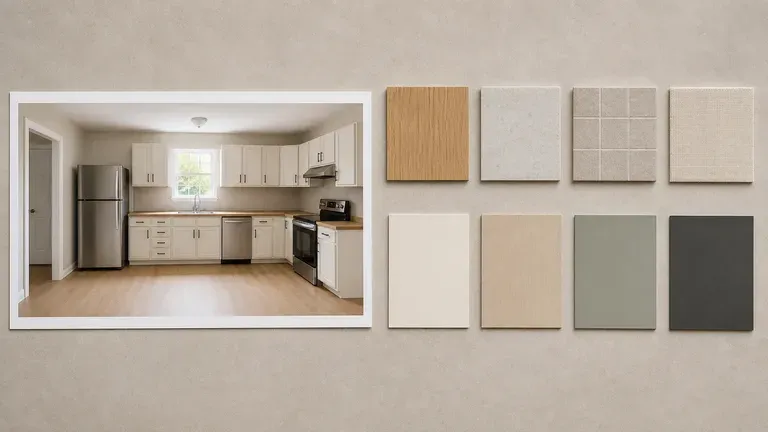
A kitchen concept preview beside material swatches and colour cards

Interior & Kitchen Designers

Generate quick concept previews for a client before committing to full design drawings.
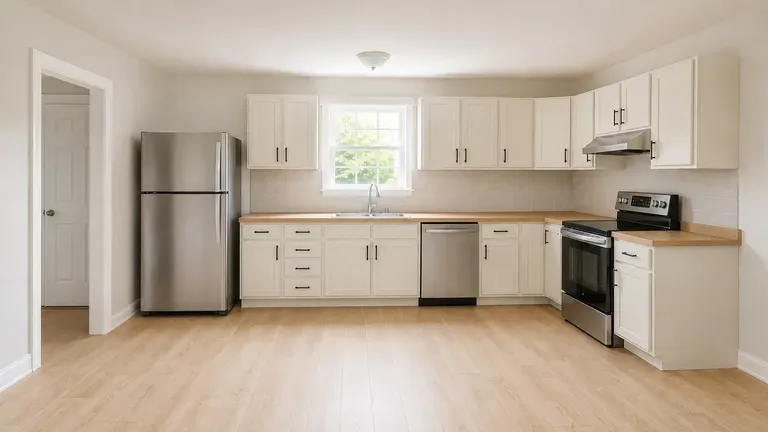
A kitchen redesign preview shot in a bright, real-estate-style composition

Real Estate & Renovation Marketers

Show a kitchen's renovation potential with a styled preview for a listing.
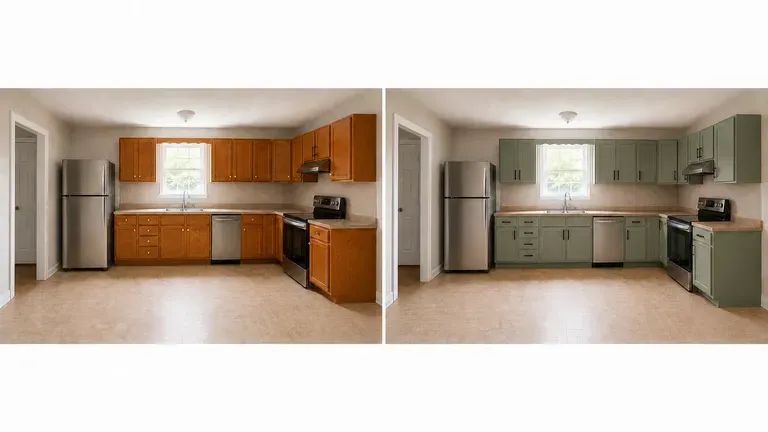
A renter's kitchen with only hardware and cabinet colour changed in the preview

Renters Planning a Refresh

Preview cosmetic changes such as cabinet colour or hardware without a full renovation.
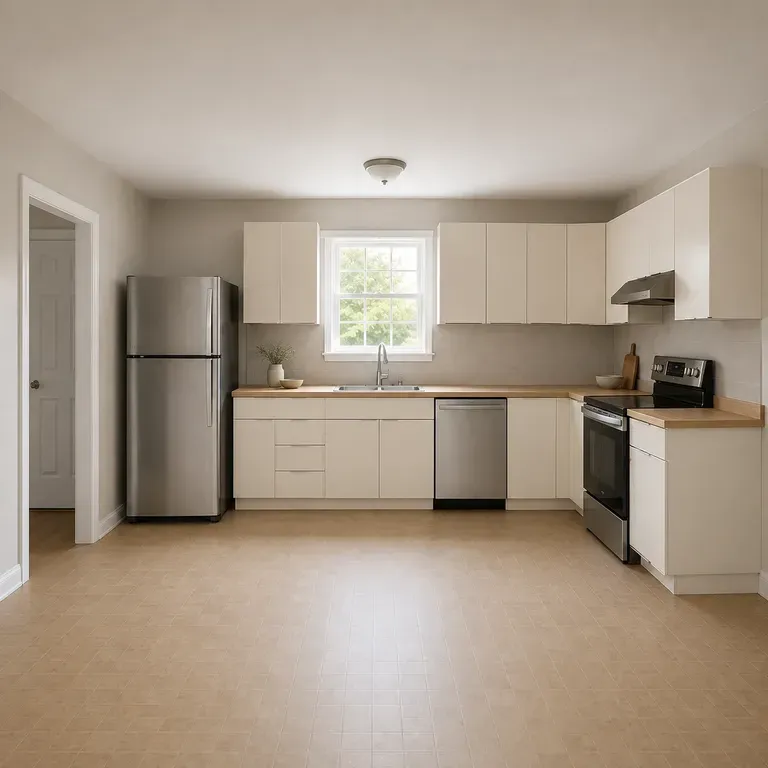
AI Kitchen Design Generator Use Cases

A close-up of a modern minimal kitchen after a redesign
Modern Minimal Previews: handleless cabinets and clean lines in a quiet palette
A close-up of a warm, natural kitchen after a redesign
Warm & Natural Previews: wood tones and matte finishes for a softer feel
A close-up of a classic, timeless kitchen after a redesign
Classic & Timeless Previews: shaker-style cabinets with traditional detailing
A close-up of a kitchen cabinet colour change after a redesign
Cabinet Colour Previews: a new cabinet finish shown on the existing layout
A close-up of a small kitchen after a redesign
Small Kitchen Previews: a compact kitchen redesigned within its existing footprint
A split-frame before and after comparison of the same kitchen
Before & After Kitchen Comparisons: the original photo shown beside the new preview
FAQ

Frequently Asked Questions

Is this kitchen design generator free?
You can start on free Virse credits. New users can generate up to 10 images with Nano Banana 2, enough to test a direction before deciding whether you need a paid workflow. Free access is limited rather than unlimited.
Will my island or peninsula stay where it is?
Yes. The preview works within your kitchen's existing cabinet and counter footprint, so an island stays an island rather than getting redrawn as a different layout.
Can it move plumbing or relocate the sink?
No, and it should not try to. Sinks and stoves are shown where your photo shows them, because moving either in real life means new plumbing and electrical work, not just a new preview.
Can I test just a cabinet colour without touching the counters?
Yes. Say so directly, such as "keep the counters, just change the cabinet colour," and the preview holds the rest of the kitchen steady while it varies that one thing.
Will it account for appliance brands I already own?
Not specifically. It previews the visual style around your appliances as they appear in the photo, but it does not know model numbers or match a specific manufacturer's finish line.
What do Virse paid plans include?
Paid plans include access to 40+ AI models with unlimited model usage and unlimited team seats, aimed at designers previewing multiple kitchens.

Generate Your Kitchen Design with AI

Photograph the cabinets you have, describe how you actually cook, and see finish and hardware directions before a single sample gets ordered.