AI Album Cover Generator

AI Album Cover Generator

Your release title, artist name, genre and mood are all this AI album cover generator needs to draw cover art that fits the music.

Input
Cover brief · RequiredCover lettering · OptionalStyle & color reference · OptionalSubject assets · OptionalVisual direction · OptionalRelease type · OptionalNumber of designs · Optional
Output
Square 1:1 album cover images (count based on selection), ready for Spotify / Apple Music / SoundCloud

Style & color referenceOptional

Your image is uploaded on the canvas — this form carries the settings.

Subject assetsOptional

Visual directionOptional
Release typeOptional
Number of designsOptional

What is an AI album cover generator?

Album cover art is the front image of a music release, and an AI album cover generator, or AI album art generator, creates it for you. Before release day, you still need to clear copyright and check for look-alike covers yourself.

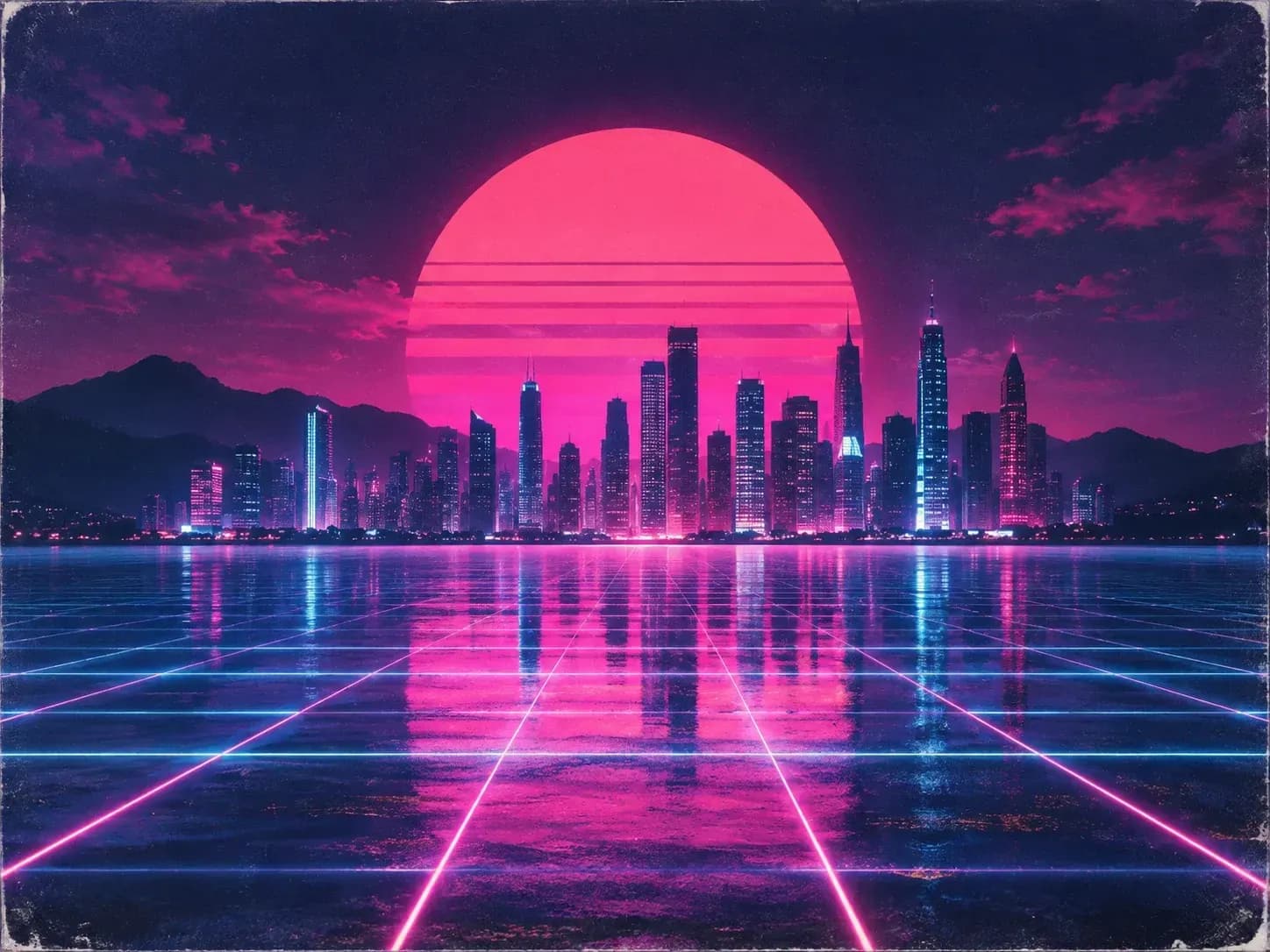
A synthwave single cover with a neon city at night

Why use Virse to make music cover art with AI?

A cover has to work as a full-size image and as a thumbnail in a playlist.

A square cover shown as a playlist thumbnail
Square

Square format

Covers come out square, the shape streaming services such as Spotify, Apple Music and SoundCloud expect, so there is no awkward cropping later.
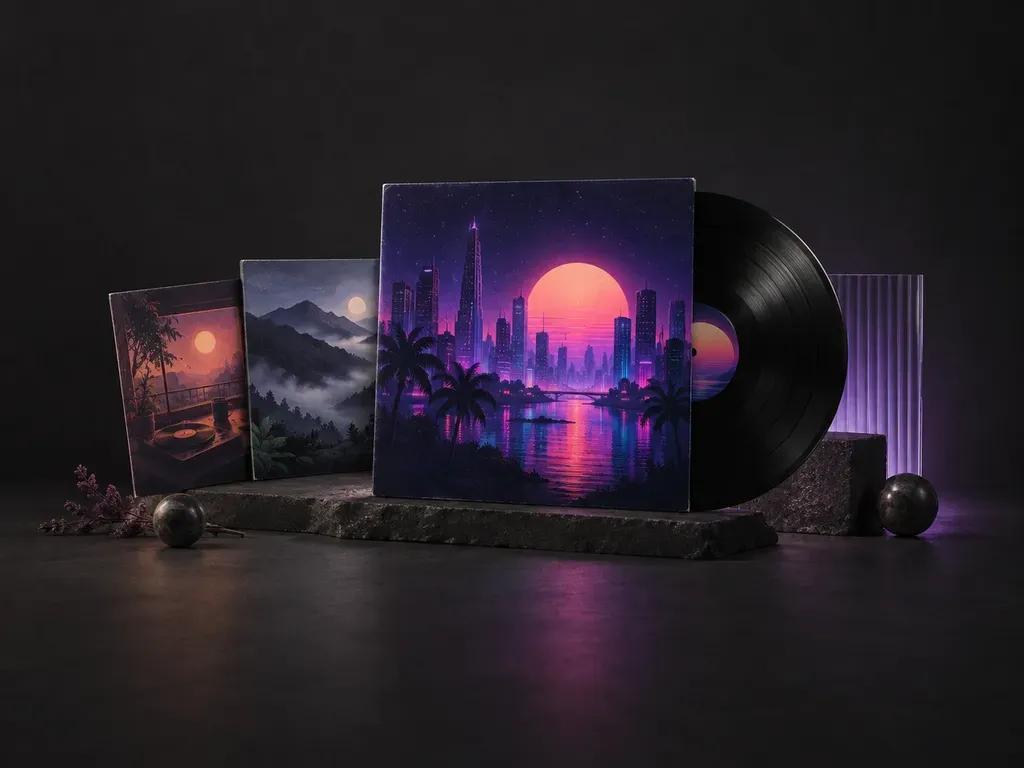
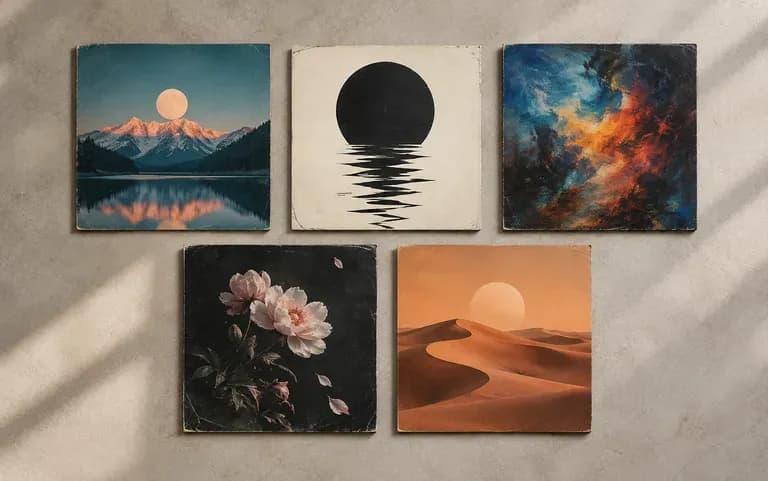
Covers from several releases kept on one canvas
Canvas

Every release kept

Your Virse canvas keeps earlier covers, so the next release can start next to the last one.
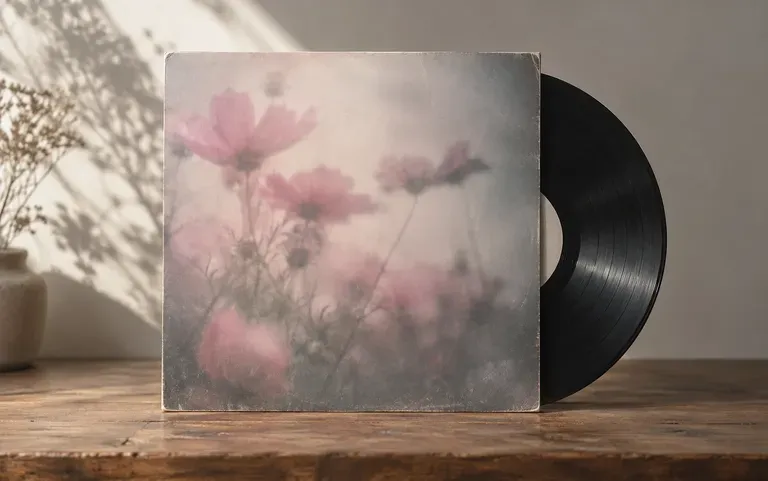
A shoegaze cover with a hazy, washed-out mood
Mood

Genre and mood first

Describe the sound, such as dusty boom-bap or dreamy shoegaze, and the art follows that mood rather than a generic stock look.

How to use this Spotify cover art maker

  1. Enter title and artist

    Type the release title and the artist name. AI sometimes swaps a letter, so read the title on the result.

  2. Describe genre and mood

    Add the genre and a few words about the feeling of the music.

  3. Add a reference image

    Upload a reference if the cover should follow an earlier release or a visual idea you have saved.

  4. Generate and compare

    Run the brief a few times and pick the cover that fits the music best.

Who uses a mixtape cover generator?

Anyone who puts out music on a steady schedule and needs new art each time.
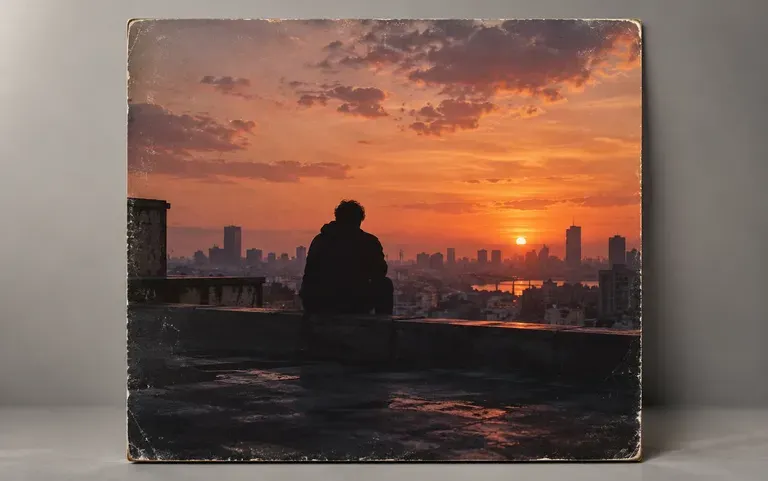
Cover art for an independent artist's new single

Independent artists

Get cover art ready for a new single during release week.
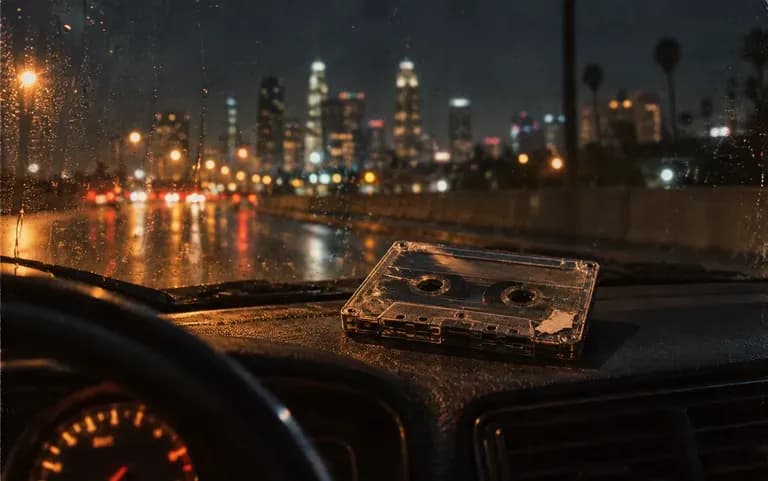
A beat tape cover ready for upload

Producers and beatmakers

Put a cover on each beat tape before it goes up for streaming or sale.
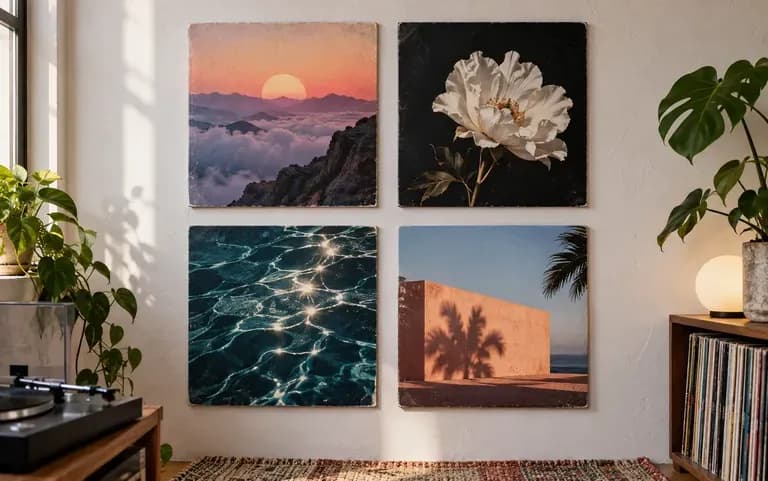
Covers drafted for a small label's season

Small labels

Draft covers for several releases planned for the same season.
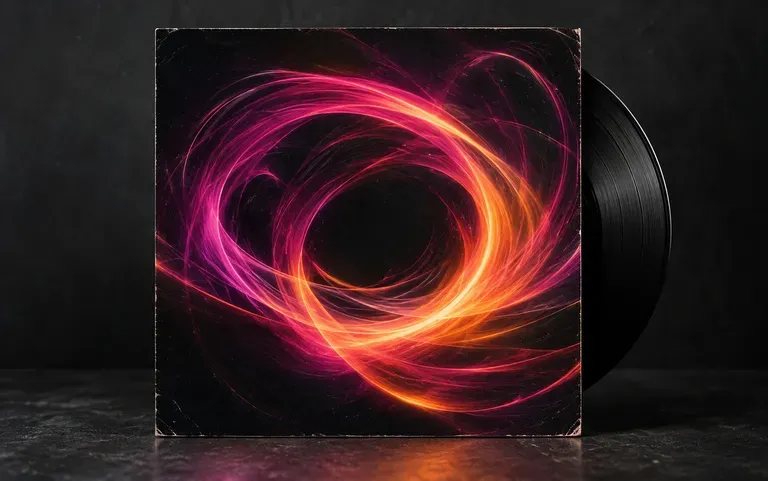
Artwork for a DJ mix

Podcasters and DJs

Make artwork for a DJ mix or a podcast episode.
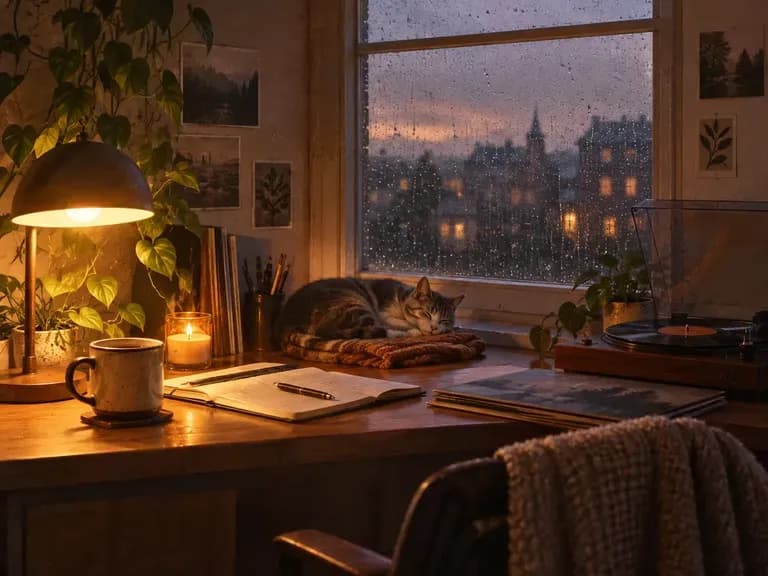
Album cover ideas by genre

Lo-Fi Covers: soft grain and warm window light
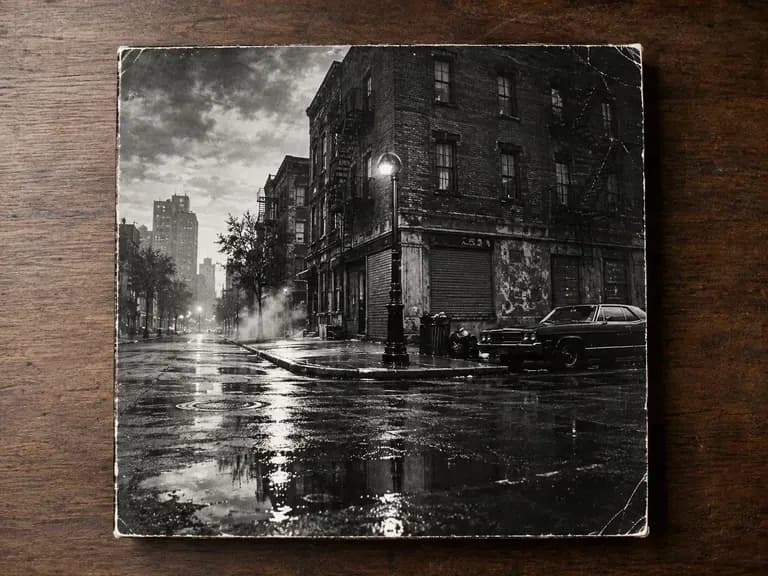
Hip-Hop Mixtapes: gritty streets and bold contrast
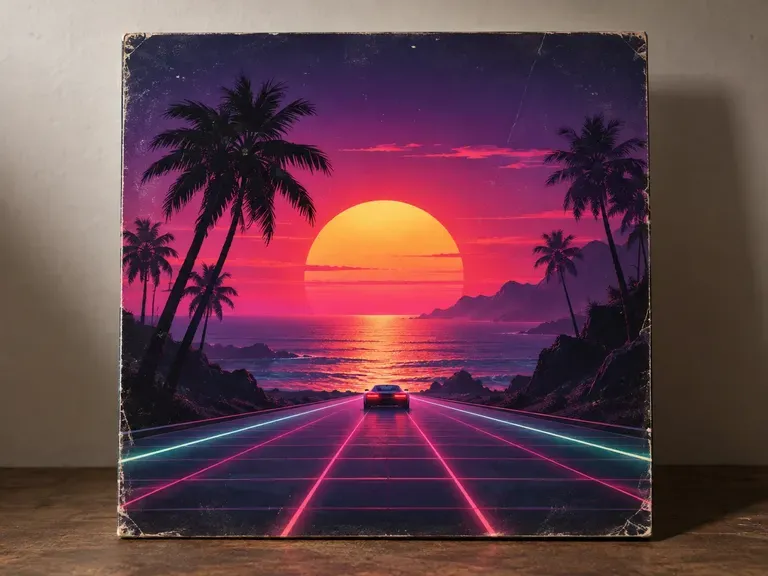
Synthwave Singles: neon grids and night drives
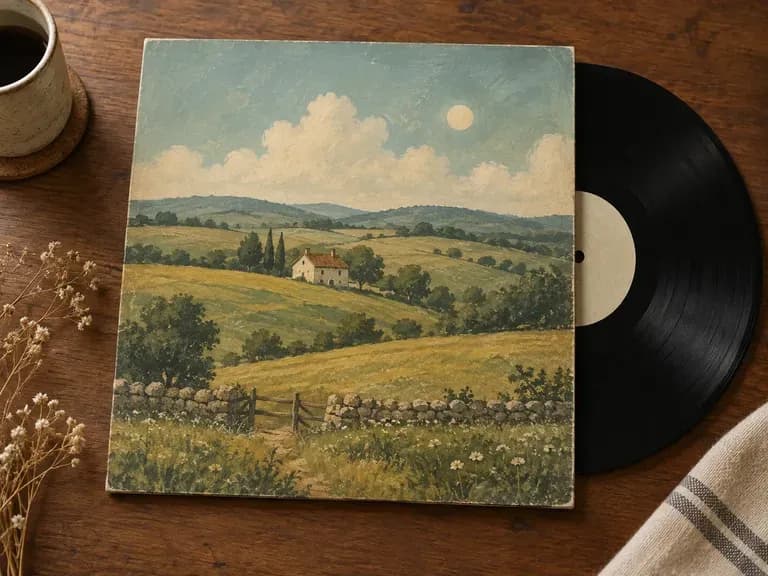
Indie Folk Albums: hand-drawn fields and muted tones
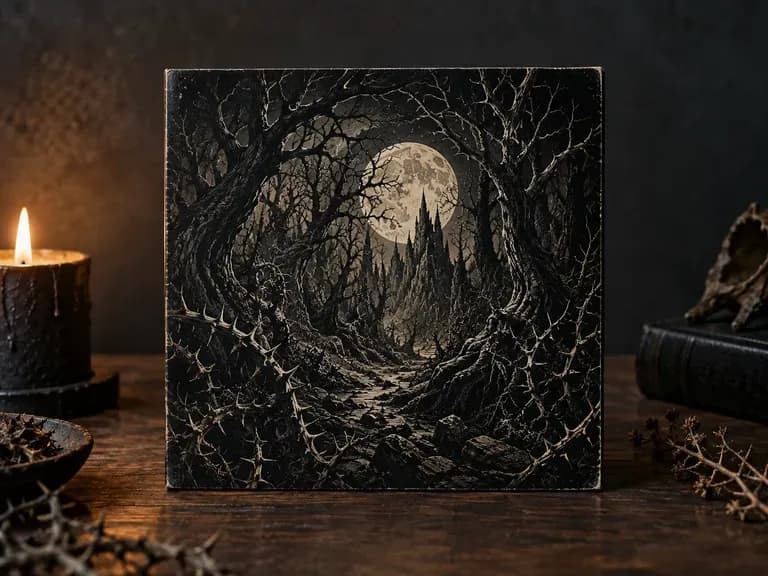
Metal Covers: dark illustration with sharp detail
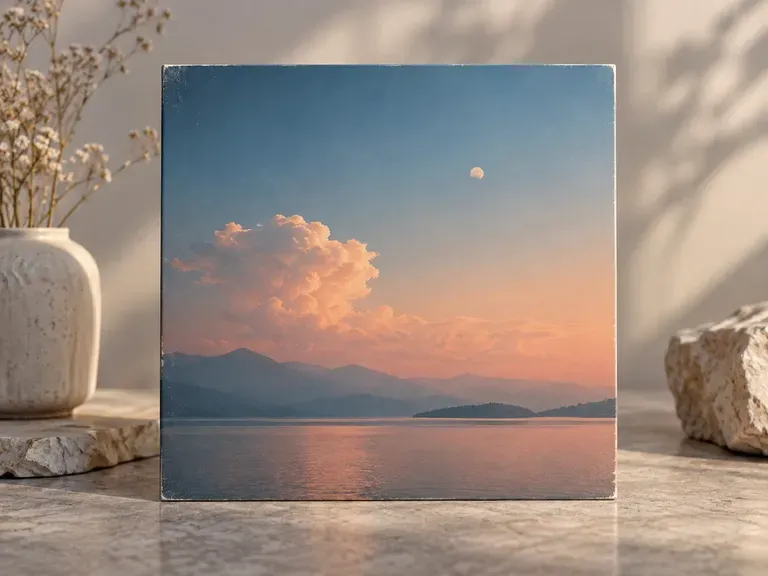
Ambient EPs: open skies and slow gradients
FAQ

Frequently asked questions

Does it check copyright or trademark similarity?
No. The tool does not check copyright or whether the image looks like another release or a registered trademark. Review the art yourself before you distribute it.
Can it make vinyl or CD packaging files?
No. It makes a single cover image. Vinyl sleeves and CD packaging need layered print files with barcodes, spines and inner panels, which a designer prepares.
What size is the cover, and will it work on Spotify?
It is square, the shape Spotify uses, and Free plan covers come out at 1K. Distributors that deliver to Spotify may ask for a larger file, so check their minimum before you upload.
Is Virse's AI album art generator free?
Yes. You receive 200 compute on sign-up plus 50 a day whenever the balance falls below 200. Free covers are generated at 1K with any image model.
Can I upload a reference image for the style?
Yes. Upload a reference image and the new cover takes cues from its colors and style, which helps a series of releases look related.
Can I use it for a single, an EP or a mixtape?
Yes. Singles, EPs, albums and mixtapes all work; mention the release type in your brief so the art suits it.

Make your next cover with AI

Enter the title, the artist and the mood of the release to get a first cover.