
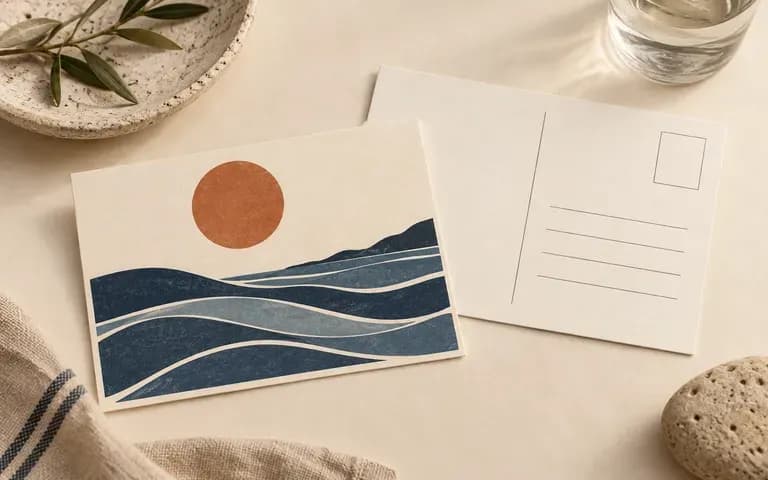
Front and back
Present Front and Back Faces Together
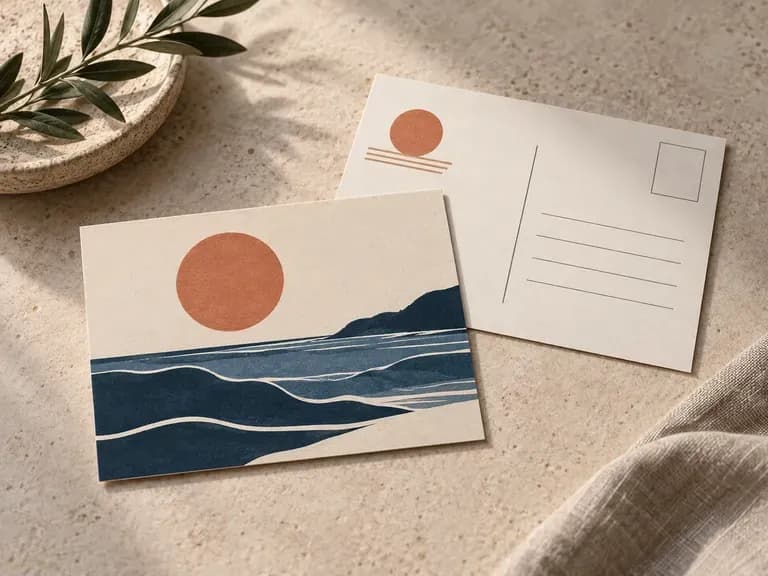
Supply your front artwork and reverse layout as a matched pair so clients or buyers review the complete two-sided card in a single presentation image.
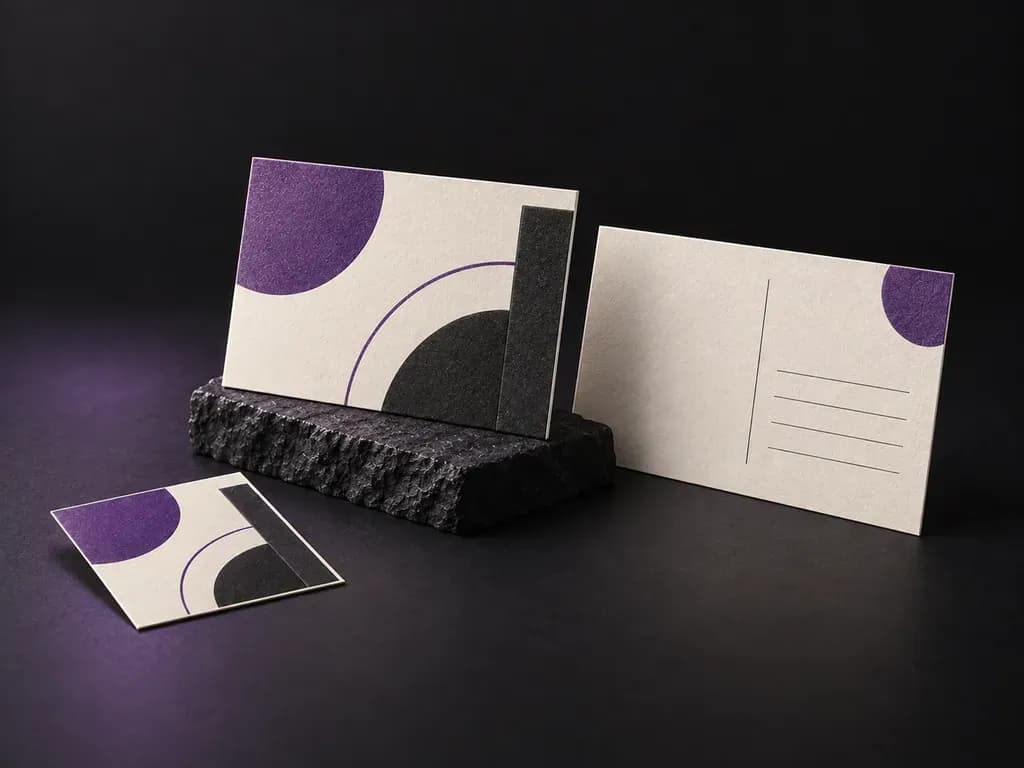
Upload your front illustration and reverse layout, then describe the paper stock and presentation angle. This postcard mockup generator creates a double-sided flat lay, an angled card-edge detail shot, or a hand-held preview before you send files to print.
A postcard mockup is a print preview that shows your front graphic and reverse postal layout on physical cardstock instead of flat files. Virse builds each scene from both uploaded sides, paper texture notes, and lighting cues so teams verify three details:
• Double-sided alignment: How the front illustration pairs visually with the reverse message column, stamp box, and address lines.
• Standard card proportions: Whether a 4x6 postcard mockup, 5x7 mailer, 6x9 card, or A6 print keeps clean trim margins.
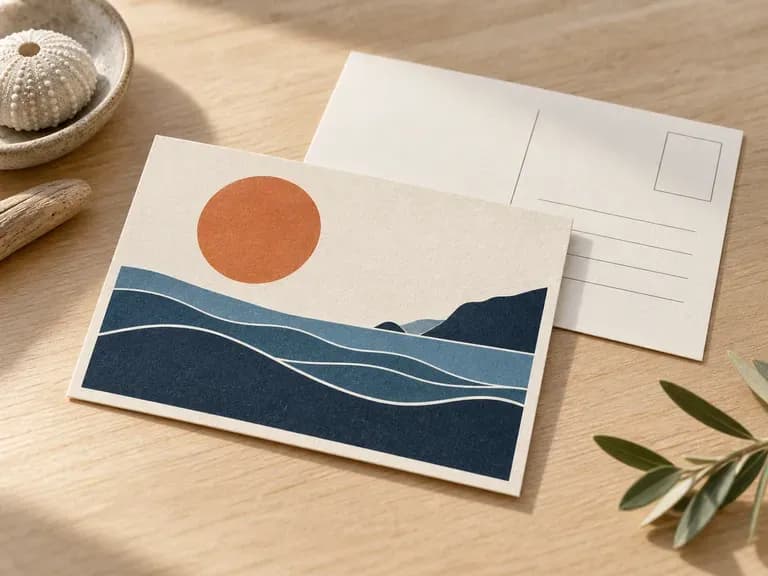
• Paper stock character: How ink contrast and fine linework read against uncoated cotton tooth, recycled board, or matte stock.
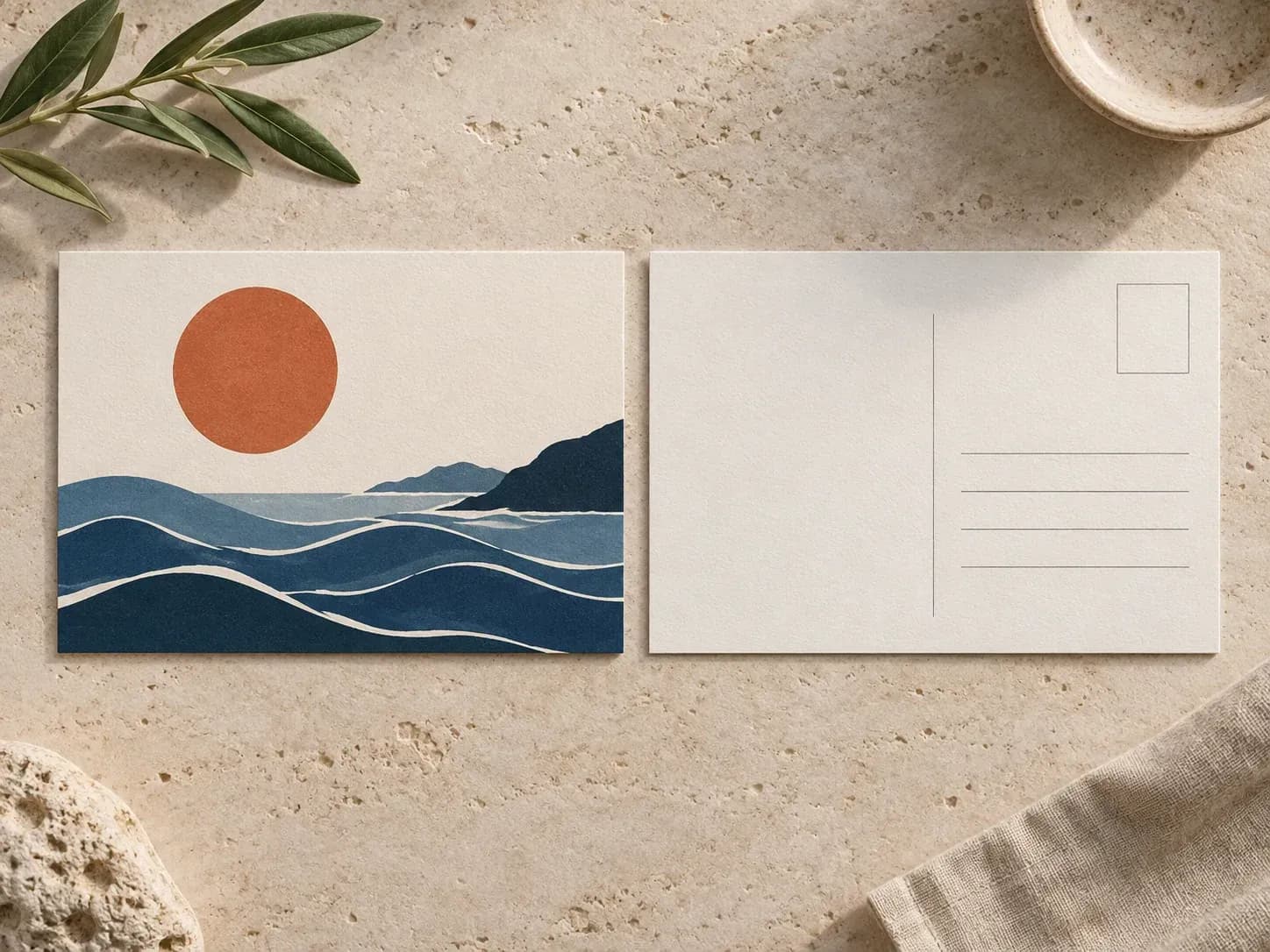
Three presentation controls a dual-side postcard mockup generator handles better than a single-face template.
Supply your front artwork and reverse layout as a matched pair so clients or buyers review the complete two-sided card in a single presentation image.
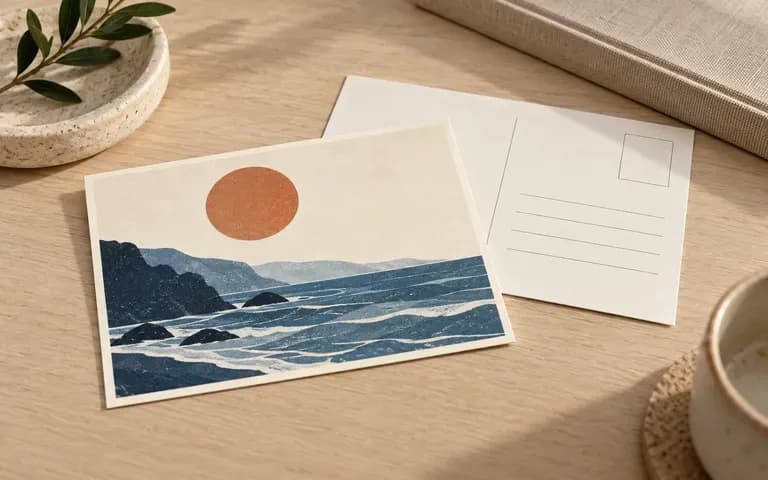
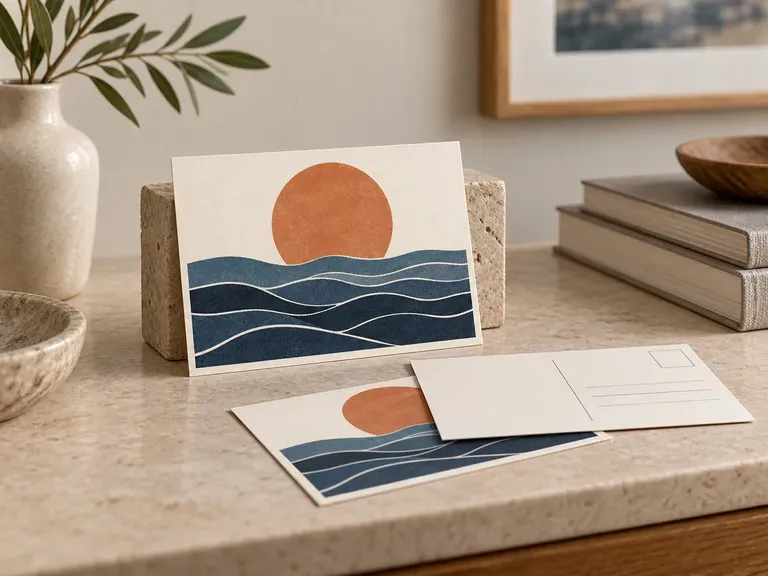
Describe uncoated cotton, linen weave, or heavy matte board in your brief and request an angled viewpoint that reveals paper tooth and the cut card edge.
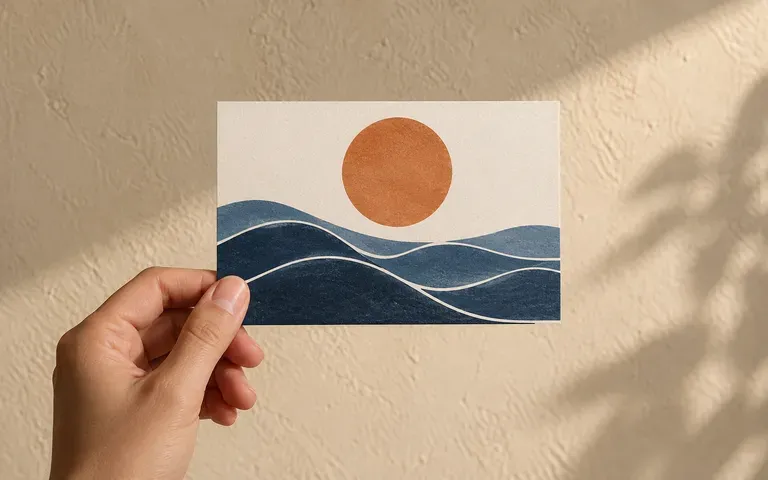
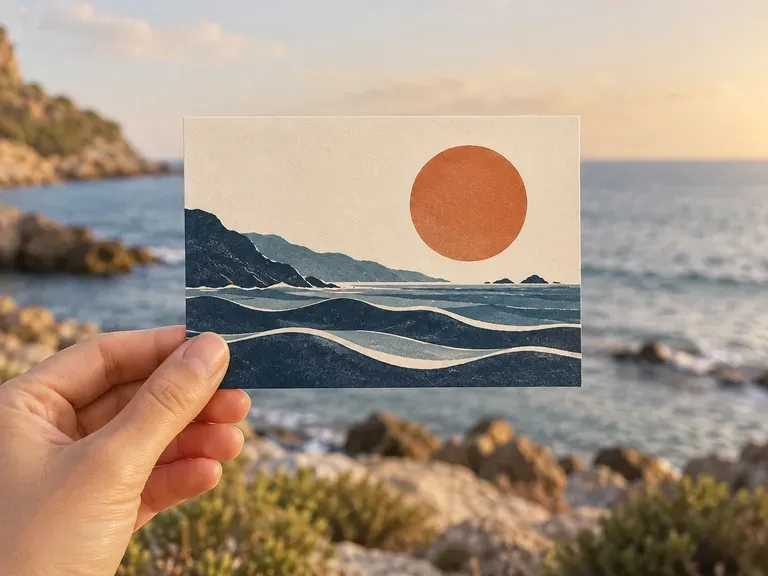
Generate an overhead tabletop flat lay for catalog listings or a hand holding postcard mockup for travel, souvenir, and stationery social posts.
How generating a double-sided preview on the Virse canvas compares with editing a static postcard mockup PSD file.
Static Postcard PSD Template
Virse Postcard Generator
Add your completed front and reverse files at matching proportions, and note which file belongs on each side.
Specify the paper finish, lighting, and whether you want a side-by-side flat lay, angled edge view, or hand-held shot.
Run the tool to place your artwork onto the cardstock in the requested setting on your Virse workspace canvas.
Compare illustration colors, reverse divider lines, and small typography against your original print files before sharing.
Clear notes on card orientation, paper texture, and camera angle produce sharper previews. Copy any of these three briefs:
• Double-sided 4x6 flat lay: "Horizontal 4x6 postcard mockup with uploaded botanical front on left and reverse postal layout on right, flat on warm linen."
• Hand holding postcard mockup: "Hand holding the uploaded vertical travel postcard against a blurred cafe patio in warm afternoon sun on uncoated matte stock."
• Angled paper stock detail: "Three-quarter view of the supplied 5x7 direct mail postcard on a wooden desk, thick cotton cardstock with visible cut edge."
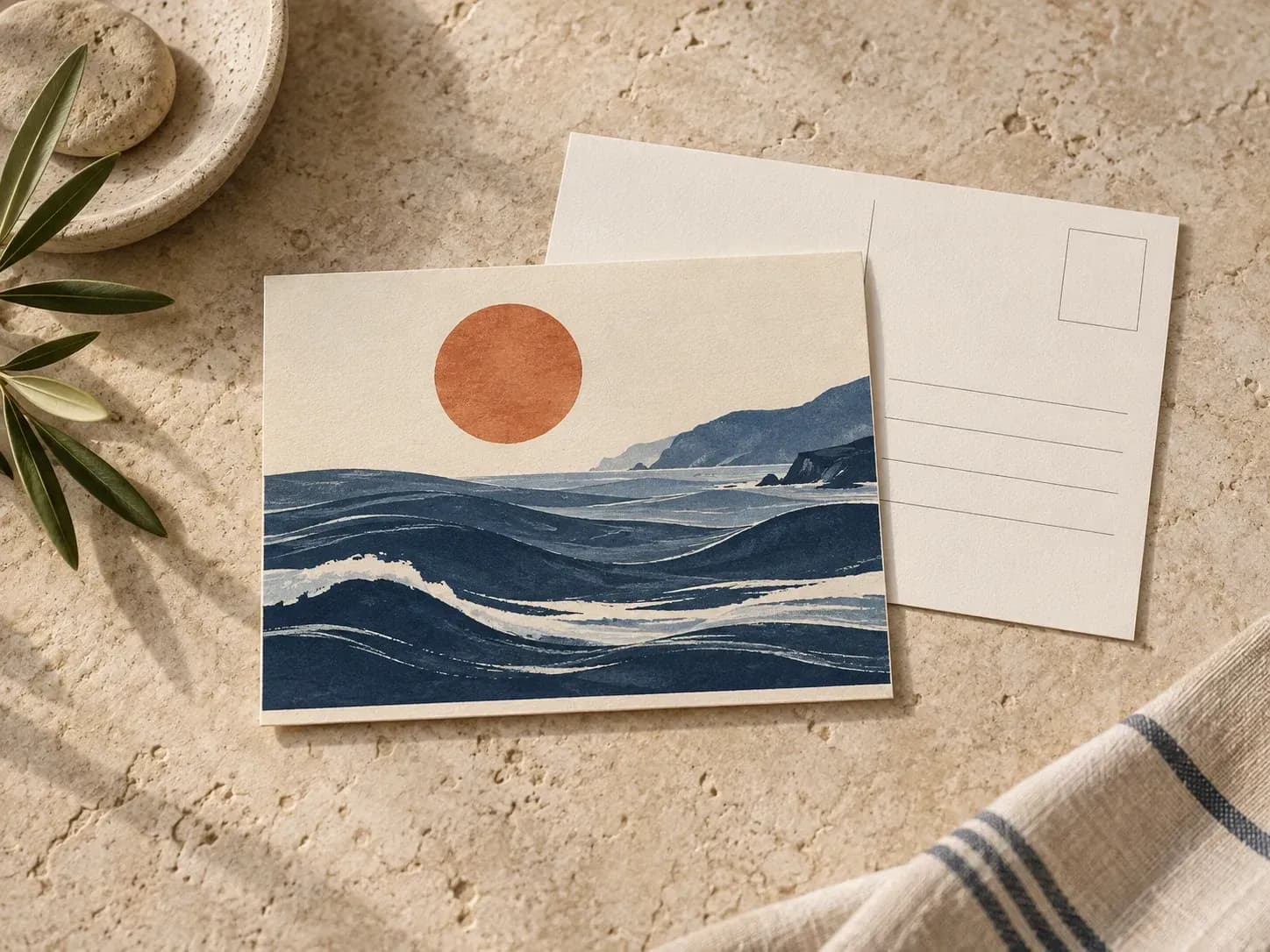
Four creative and commercial groups that use a postcard mockup to present two-sided print pieces before press runs.
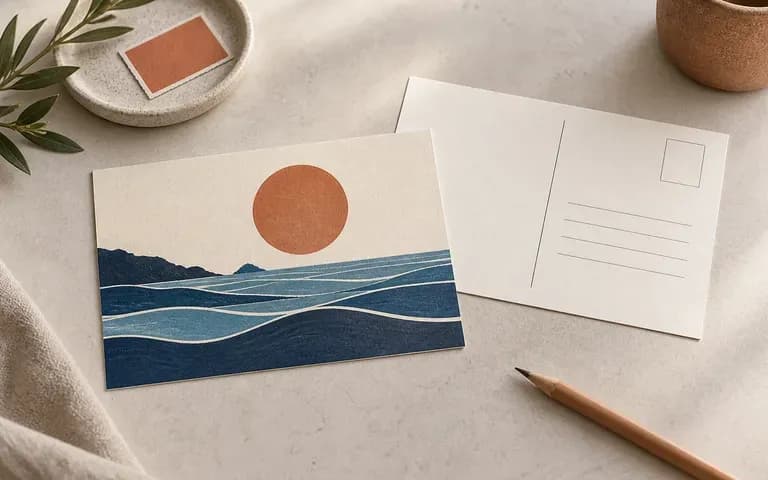
Showcase how original gouache, risograph, or digital illustrations look as physical art cards, including the reverse shop credit and stamp box.
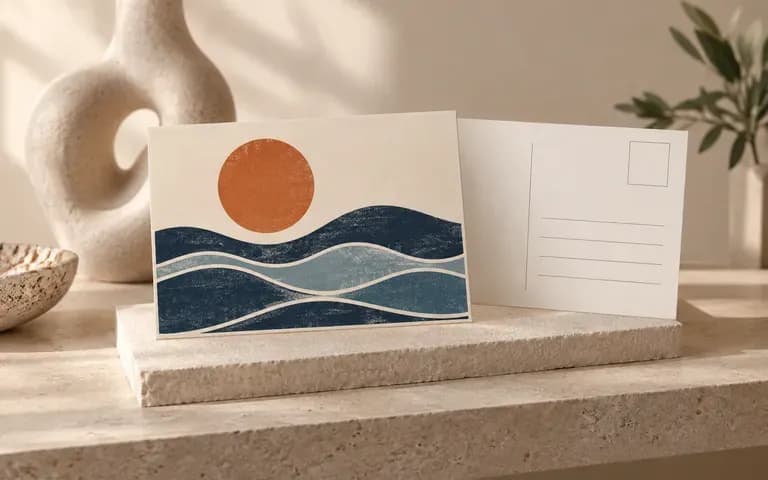
Prepare merchandise proposals based on approved exhibition paintings or archival photographs before ordering printed souvenir stock.
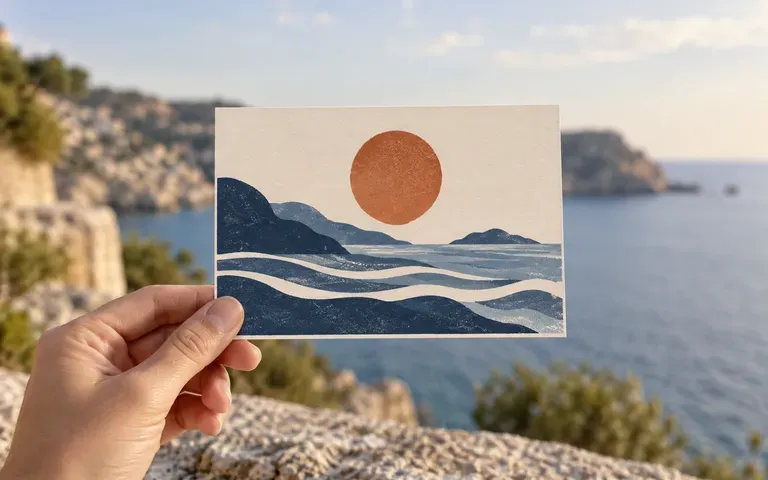
Present destination souvenir cards and hotel welcome notes in natural hand-held or tabletop settings that fit the regional aesthetic.
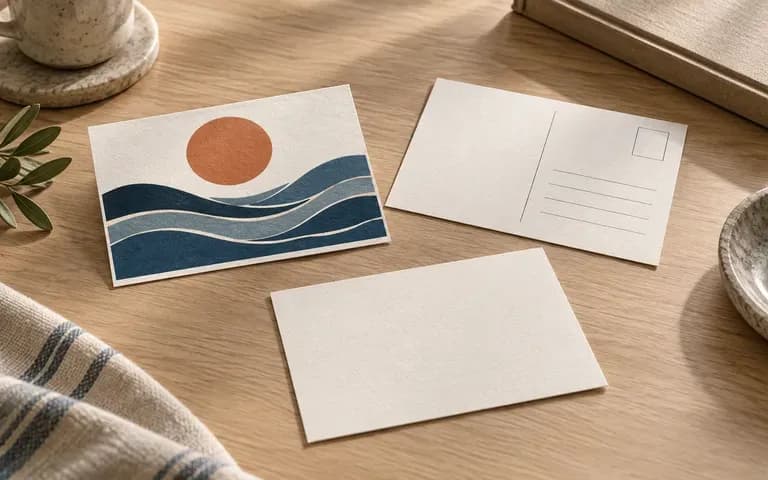
Review front promotional hooks alongside reverse coupon codes, QR placement, and mailing panels with clients prior to commercial printing.
Six stationery and print previews showing illustrated fronts, paired reverse layouts, travel souvenirs, and paper stock details.
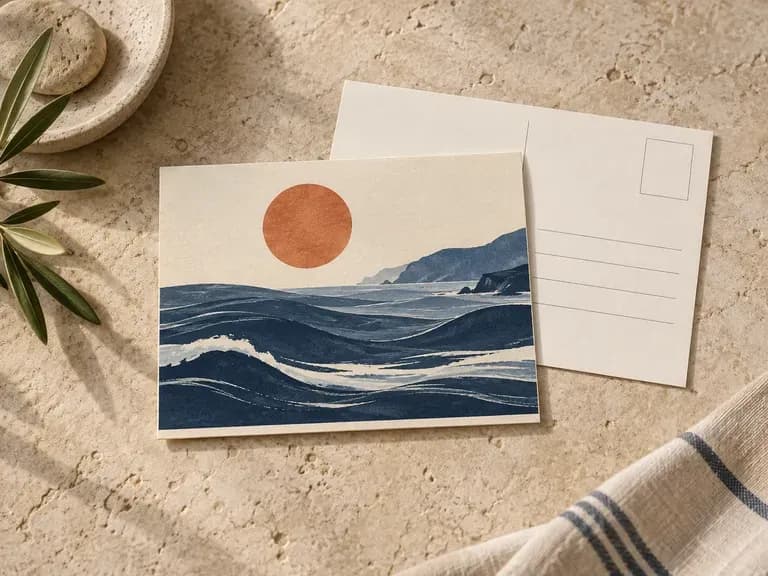
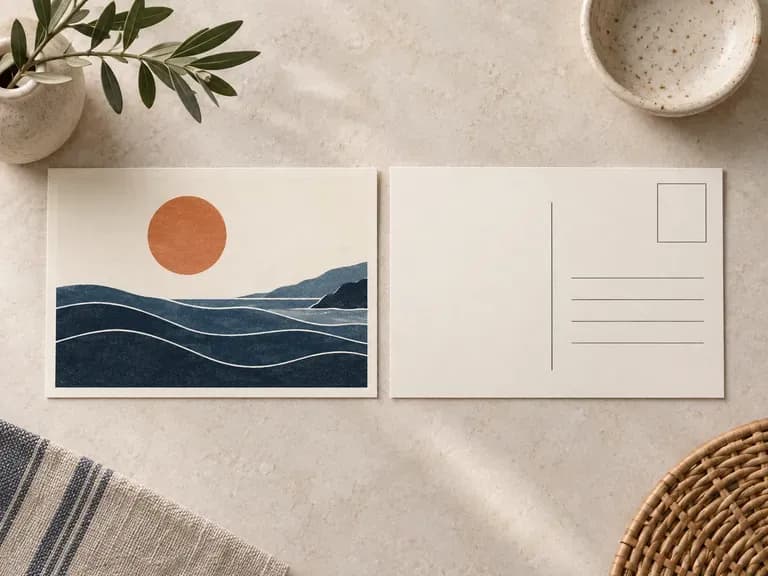
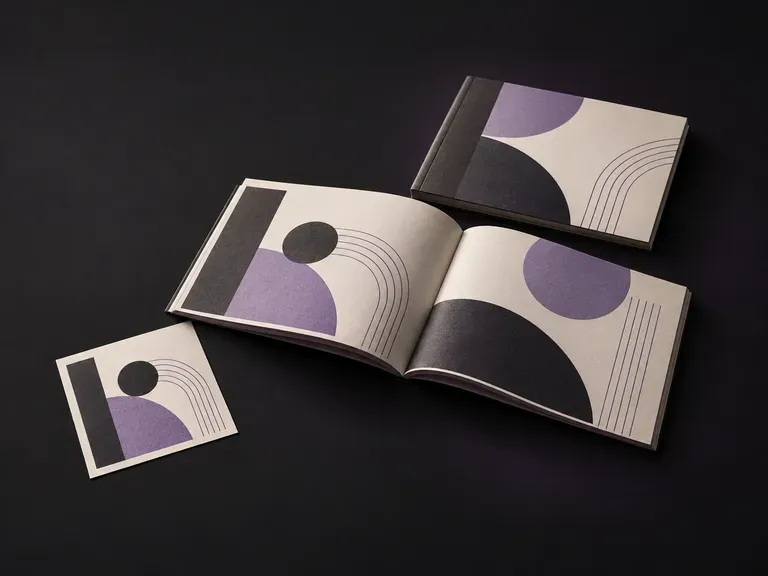
Preview multi-page saddle-stitched or folded print covers and interior spreads in context.
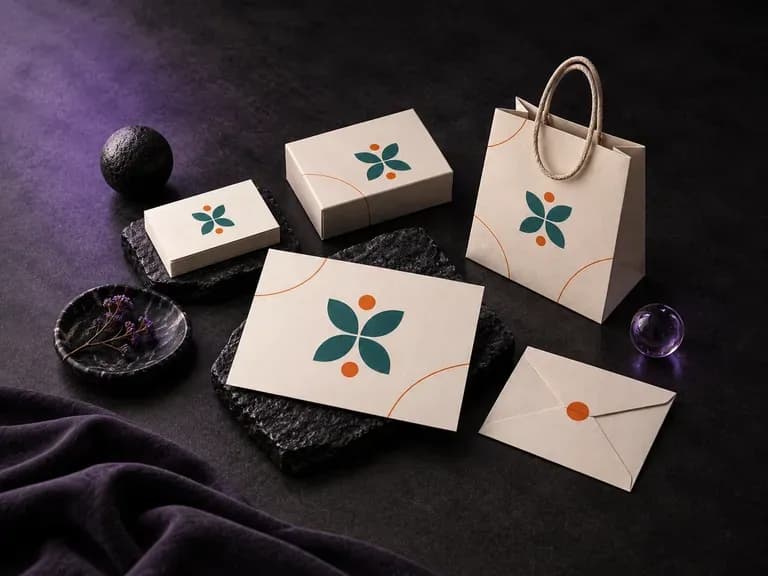
Present a coordinated stationery and visual identity system across multiple physical touchpoints.
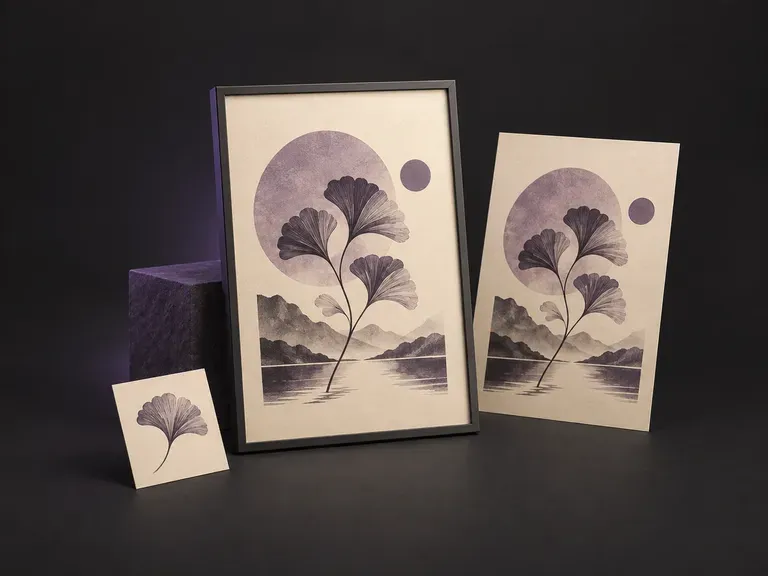
Display larger-format art prints and promotional graphics in framed indoor or street settings.
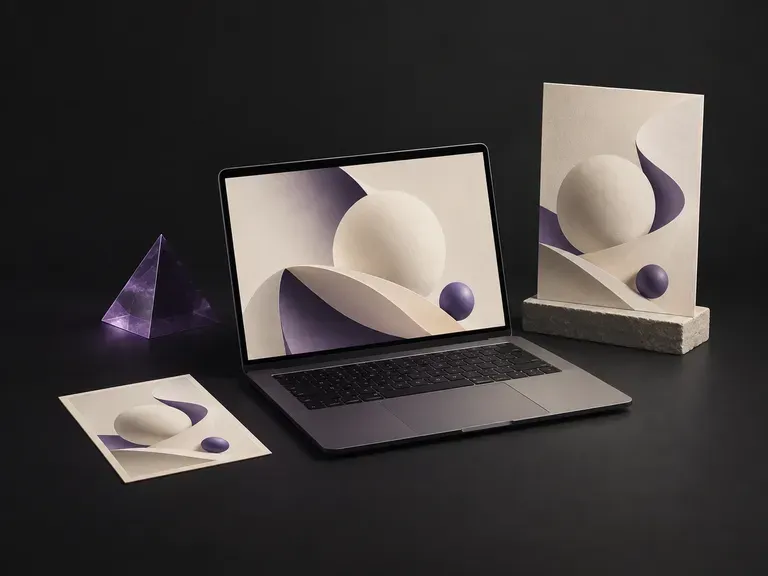
Display web interfaces, SaaS dashboards, and pitch decks on angled laptop screens.
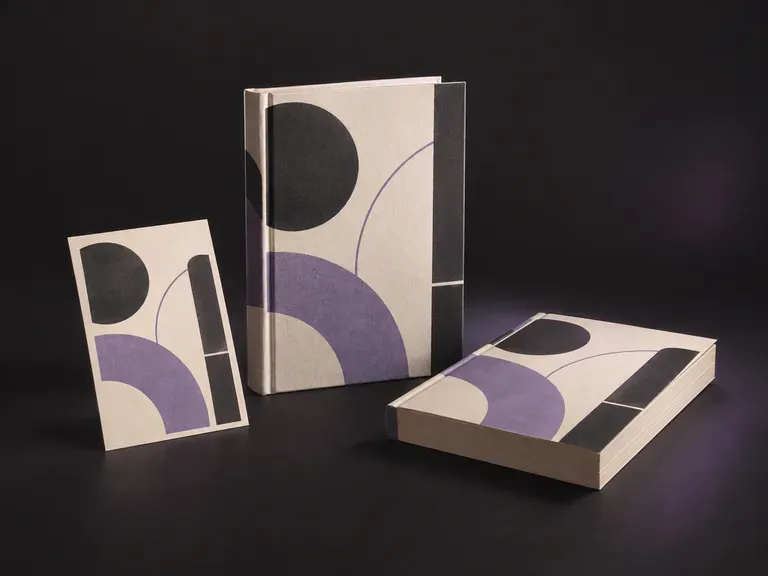
Render front covers, spine widths, and dust jackets on hardcover and paperback volumes.
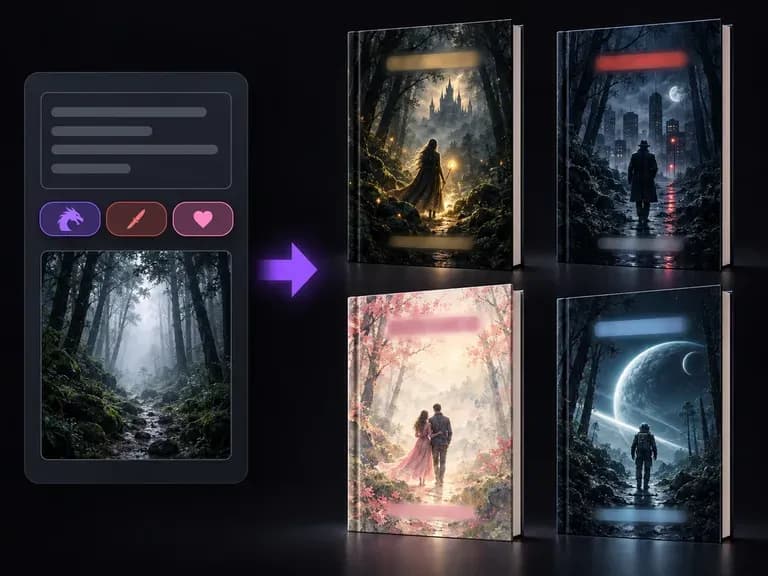
Compose front-cover imagery and clear title zones for fiction, non-fiction, and audiobooks.

Produce realistic studio lighting, crisp contact shadows, and natural material grain for product shots.

Swap backgrounds, lighting setups, or colorways while keeping your core subject geometry locked.

Explore four distinct framing and styling variations side by side on the canvas in a single run.
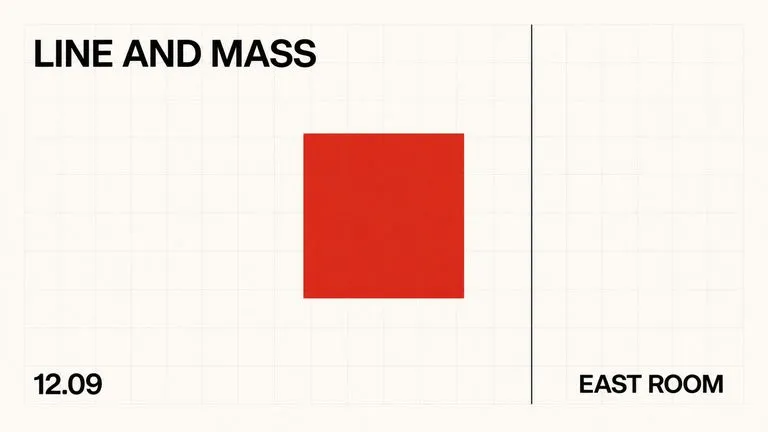
Keep display headlines, packaging wordmarks, and monogram badges sharp inside generated visuals.

Translate detailed creative briefs into balanced compositions with reliable spatial relationships.

Render high-contrast metallic reflections, fabric weaves, and shallow depth of field.
Upload your front and back artwork files and describe the cardstock and scene to generate a postcard preview on the Virse canvas.