
Free
Start with Free Generations
Try your first sticker design on Virse credits. New users can generate up to 10 images, enough to see whether a subject and style hold up before ordering a print run.
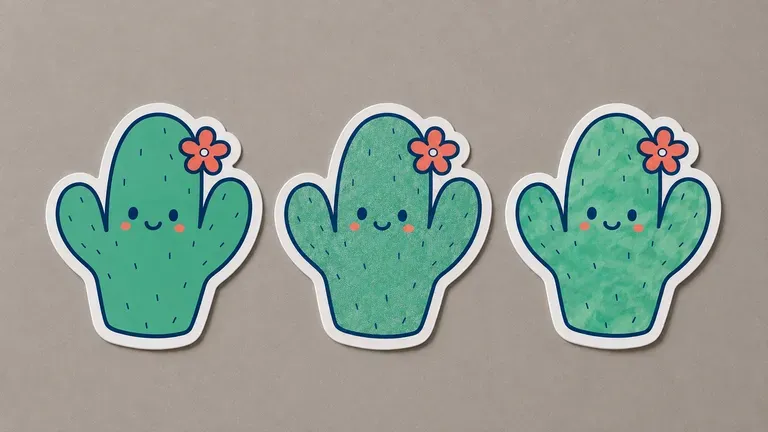
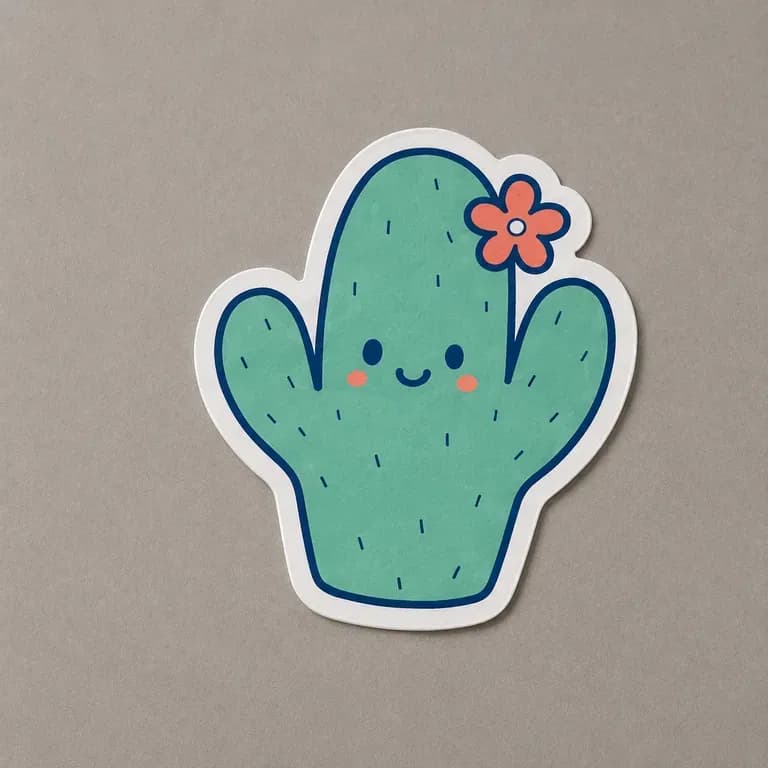
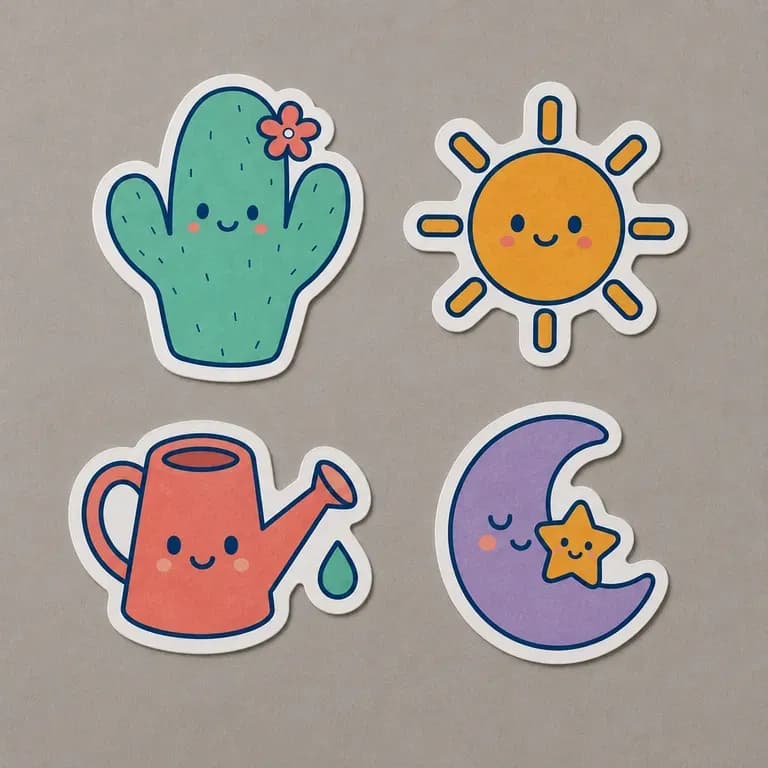
A sticker must hold up as a clean cut shape. Describe your subject and style to generate single characters or matching sticker sheets complete with die-cut outlines, starting on free credits.
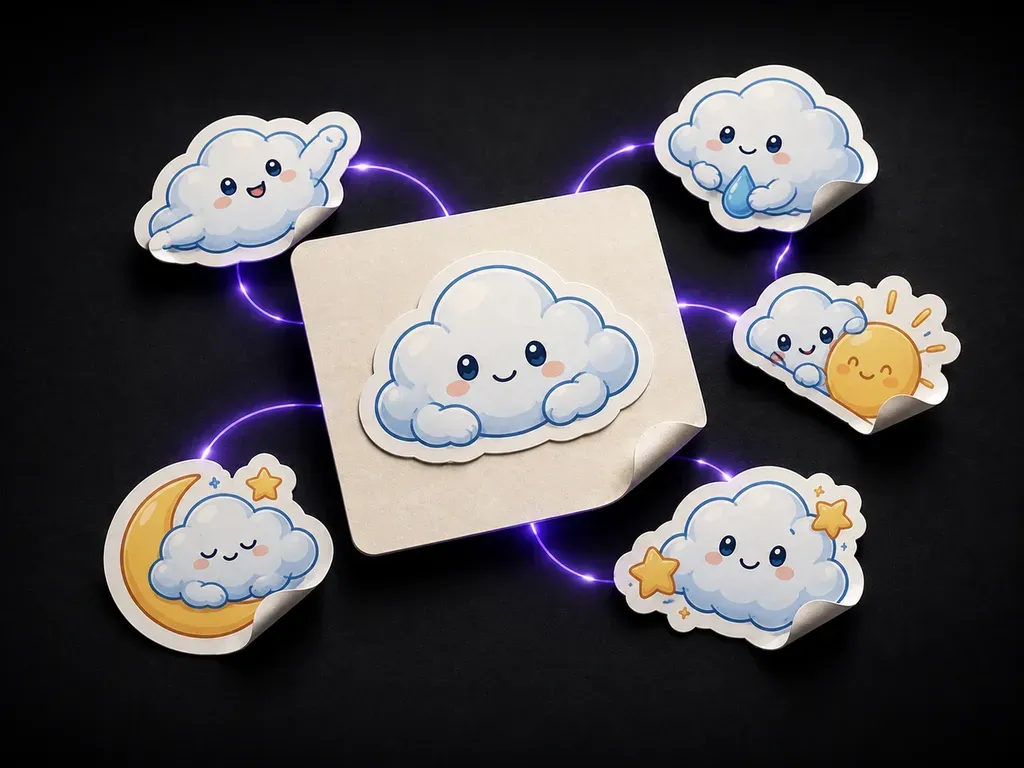
A sticker design generator turns a theme and a subject into sticker designs shown with die-cut outlines. In Virse you describe the subject and style, generate a single sticker or a matching set, and compare directions on one canvas before anything goes to print—built around three core workflow advantages:
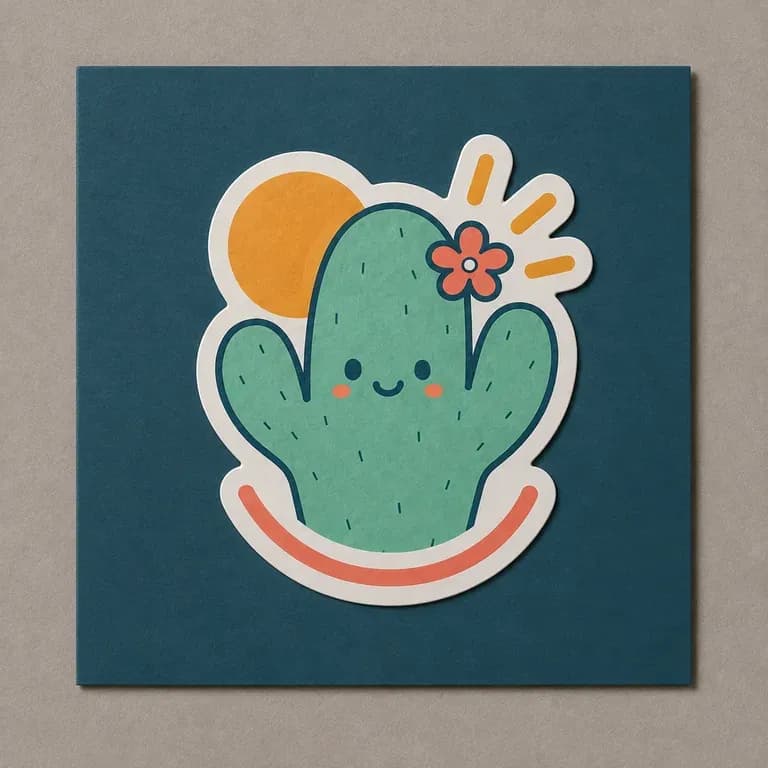
· Clean die-cut white borders: Designs every graphic with a bold silhouette and continuous outer cut contour that holds together when peeled.
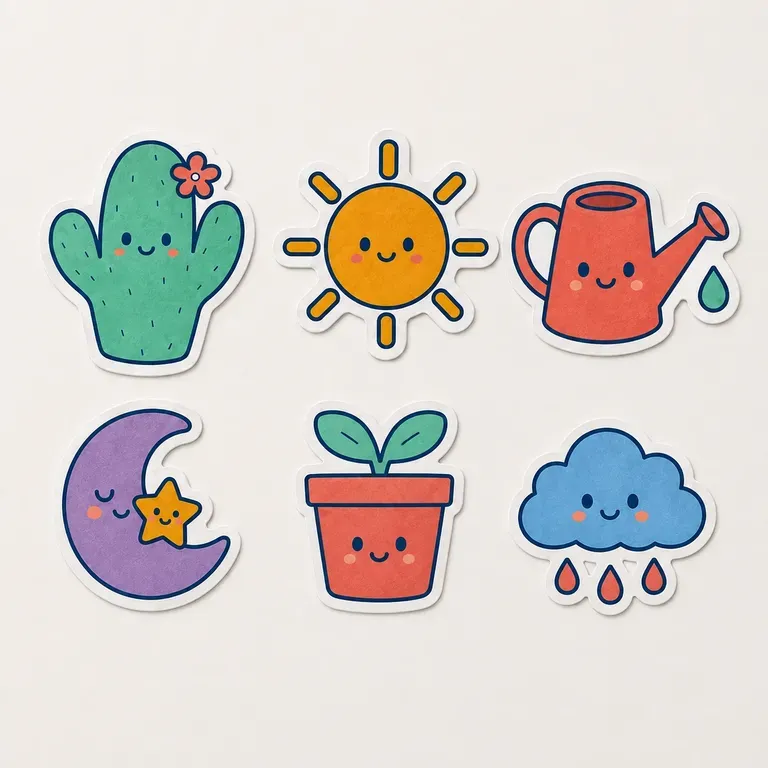
· Single stickers or kiss-cut sheets: Generate one hero laptop sticker or a coordinated multi-piece themed sticker pack on one backing sheet.
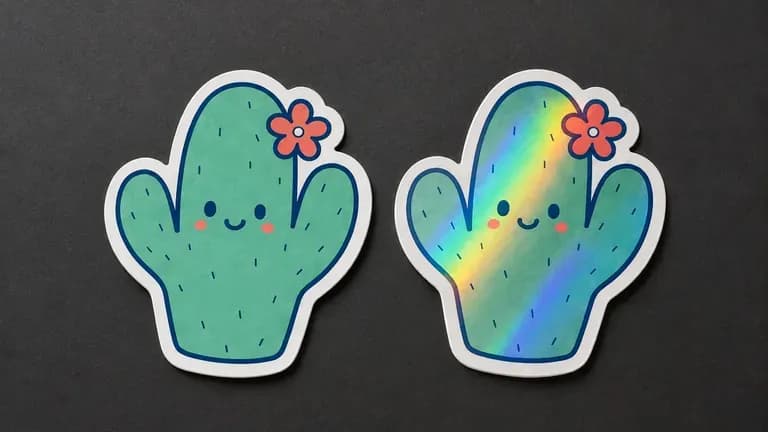
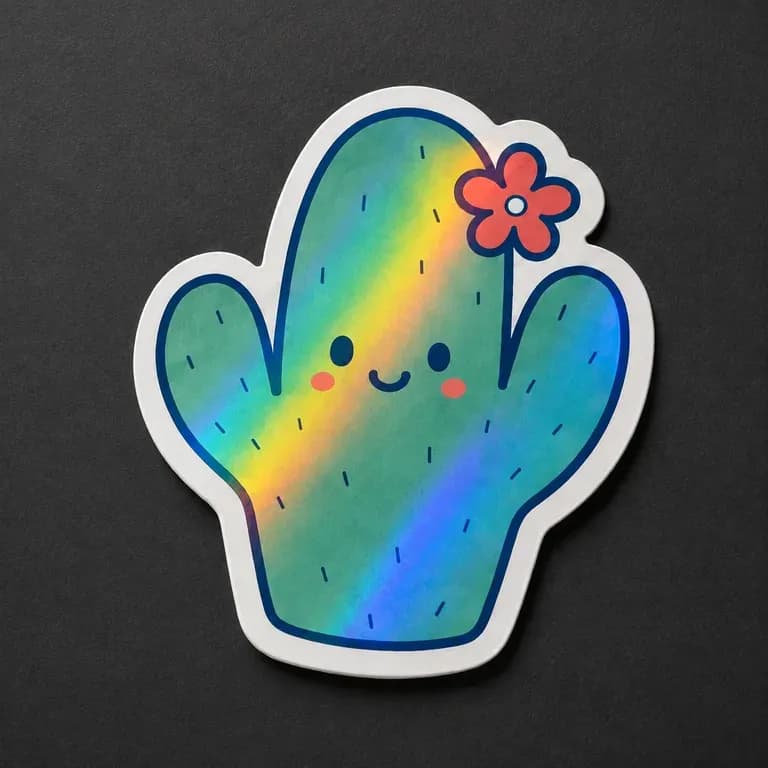
· Vinyl, holographic & matte looks: Preview glossy vinyl, prismatic holographic foil, retro screen-print, or flat vector finishes.
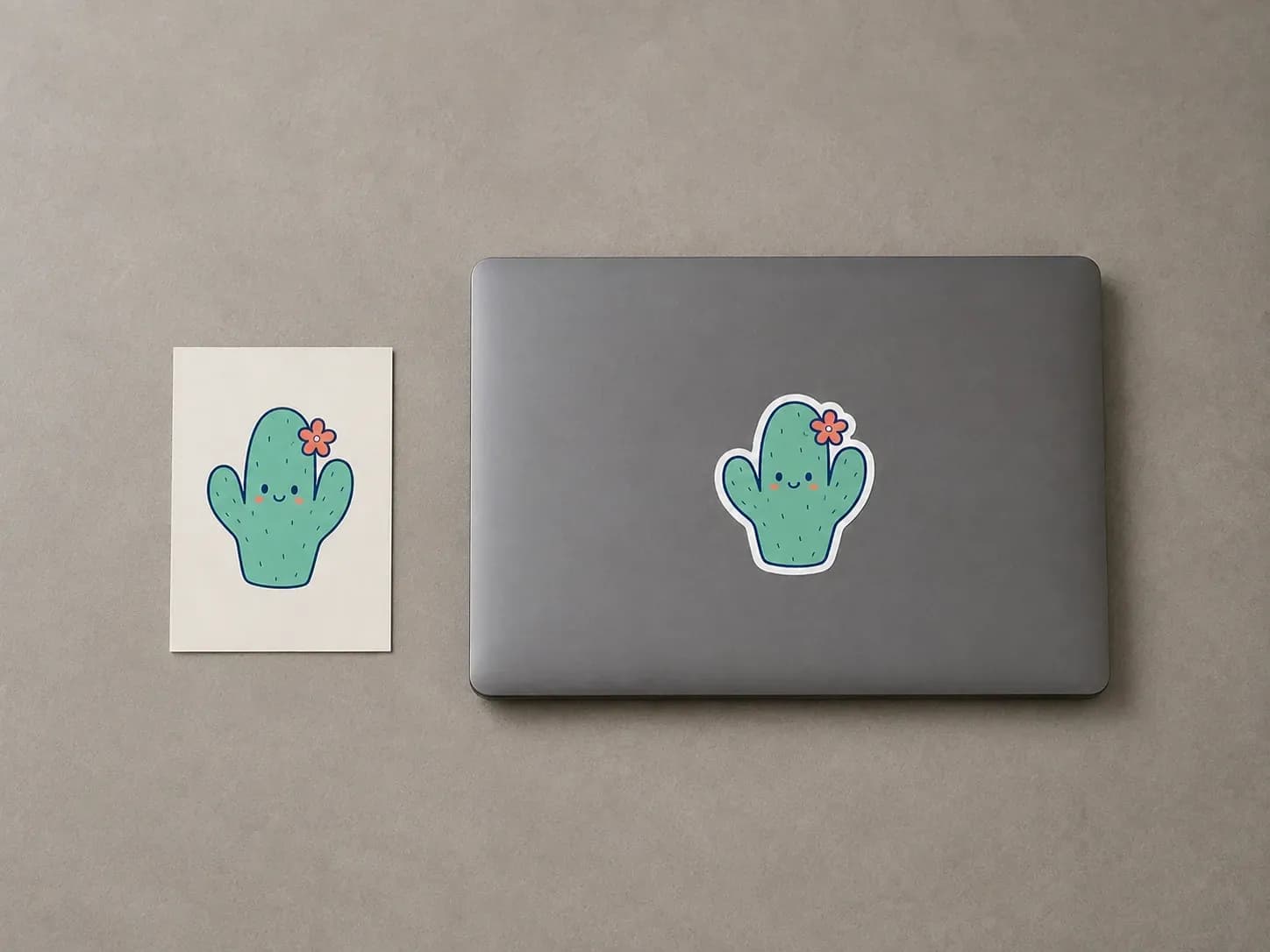
A sticker has to work as a clean, cut shape, not just as a nice illustration. Seeing the outline early is what catches that.
Try your first sticker design on Virse credits. New users can generate up to 10 images, enough to see whether a subject and style hold up before ordering a print run.
Virse brings 40+ AI models into one environment, and paid plans include unlimited model usage. You can see how different models handle the same subject without rebuilding your brief for each one.
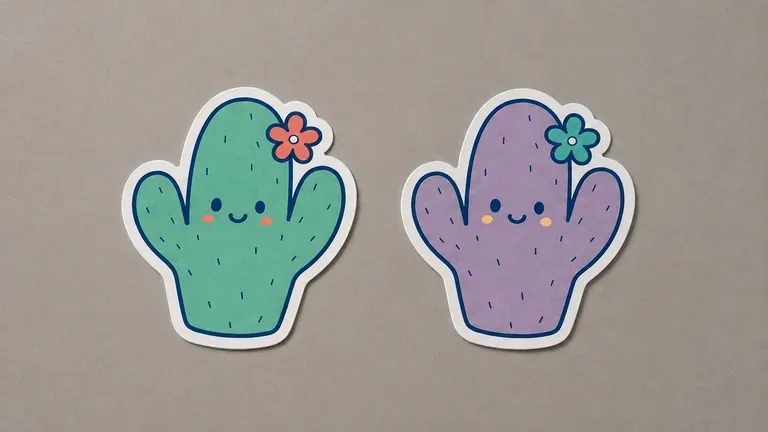
References, generated designs and alternative styles stay together on an infinite canvas. Virse keeps the theme and palette in context, so the next sticker in a set builds on the one already picked.
Compare standard rectangular illustrations against purpose-built die-cut sticker designs on the Virse canvas.
Standard Illustrations + Manual Offset Paths
Virse Sticker Design Generator
Write out the theme, the subject and the visual style, from bold outline illustration to soft watercolour.
Pick a single sticker with one subject, or a matching set that needs to share style and palette across several designs.
Run an available AI image model and let it produce the design shown with a clean die-cut outline.
Adjust colours and detail with updated notes, then hand the settled design to a sticker printer.
Specify whether you want a single die-cut sticker or a multi-piece sheet, and name the art style and border treatment:
· Cohesive 6-piece coffee sticker sheet: Kiss-cut sheet of 6 retro mascot stickers: espresso portafilter, iced latte, croissant, bean bag, 'But First Coffee' badge, thick white vinyl border.
· Single holographic cyberpunk decal: Single die-cut sticker of a neon samurai cat helmet, bold black ink outlines, prismatic holographic vinyl finish, smooth white cut rim.
· Outdoor camp badge sticker pack: Set of 4 vintage national-park style stickers: campfire, pine peak, A-frame cabin, compass, muted earth tones on matte weatherproof vinyl.
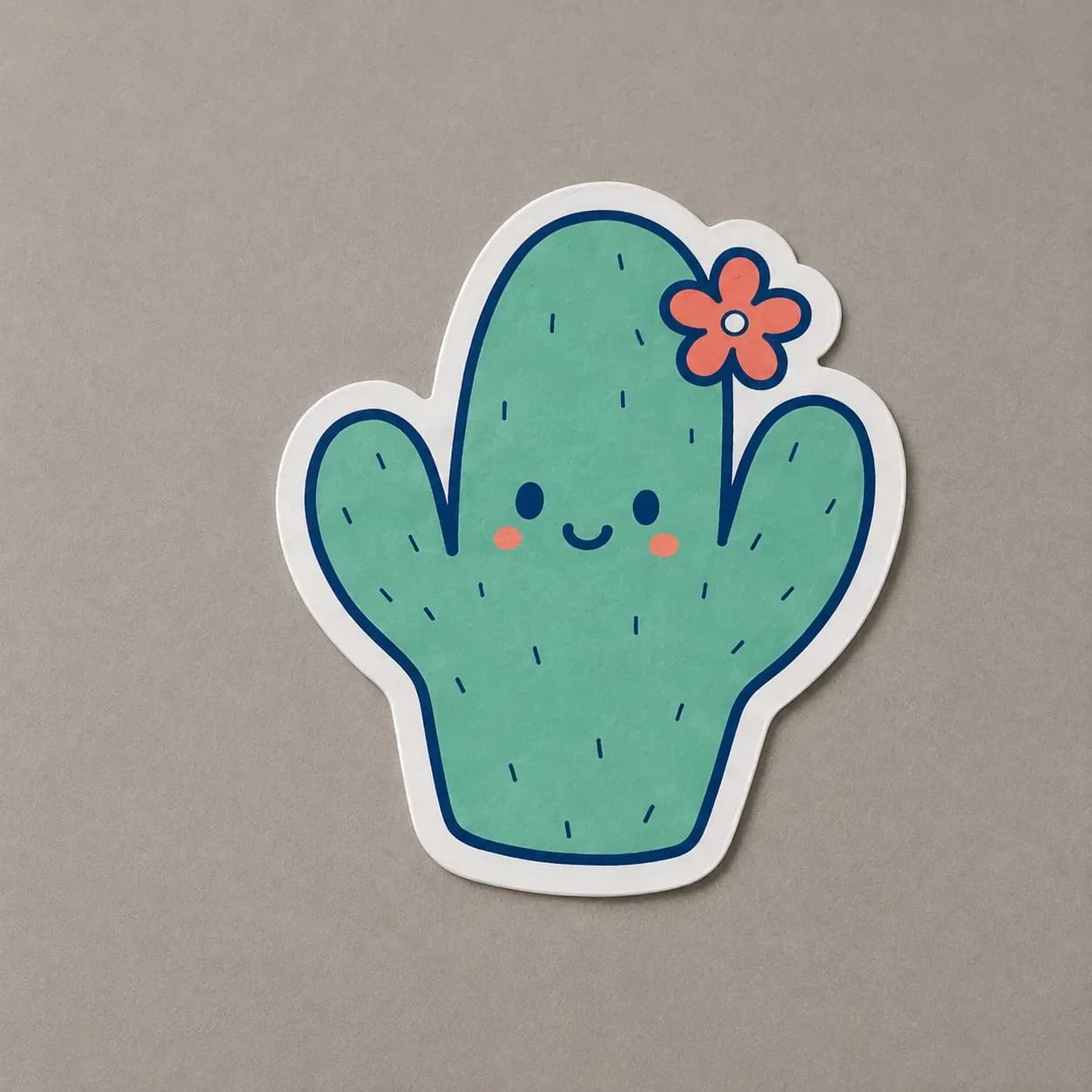
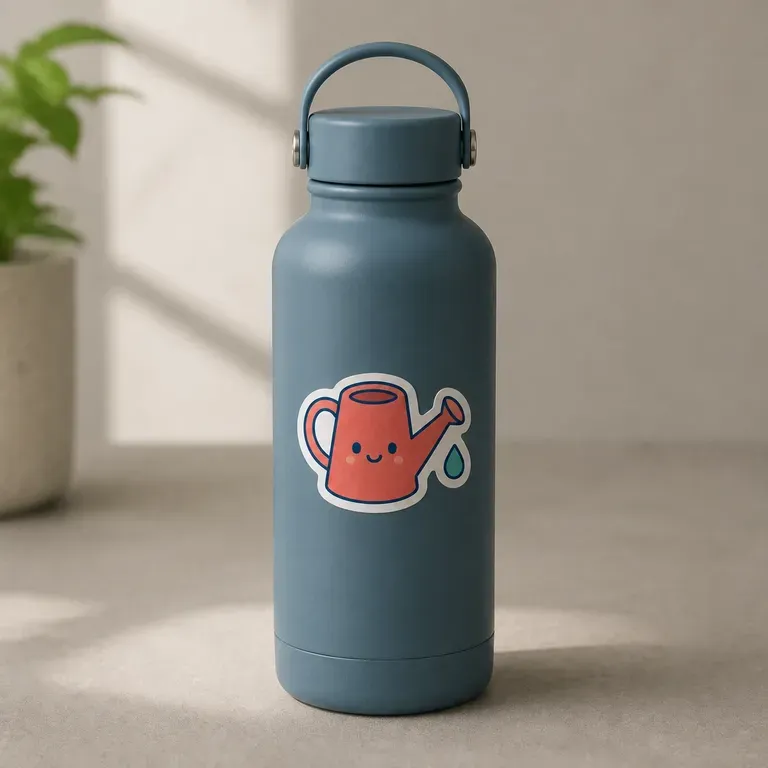
People designing something small enough to end up on a laptop lid or a water bottle.
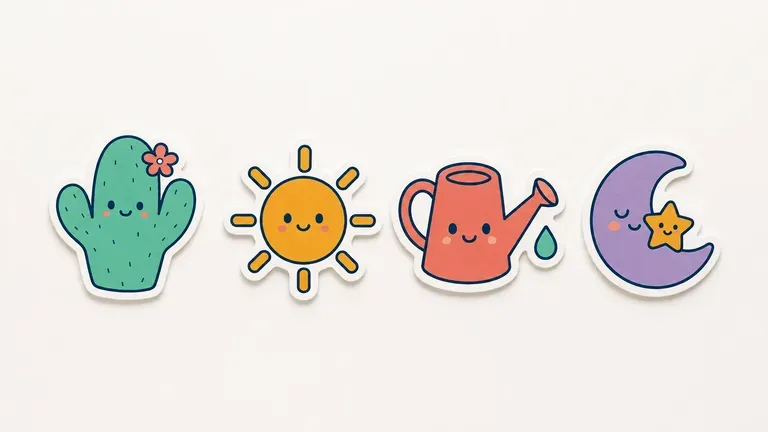
Generate a batch of sticker designs to test across a shop catalogue.
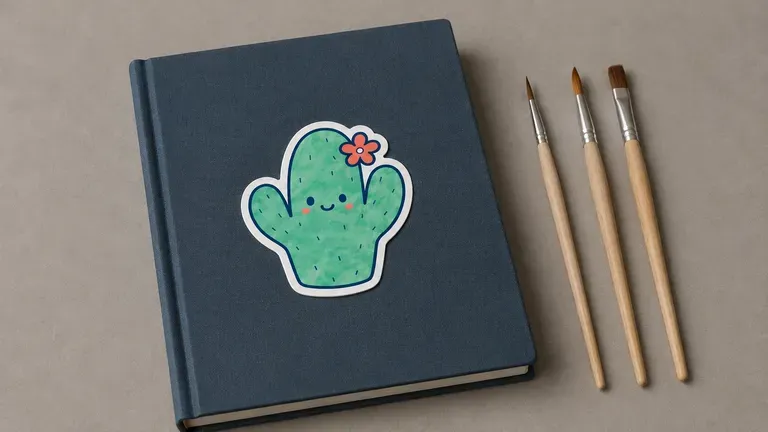
Turn a personal illustration style into a sellable sticker set.
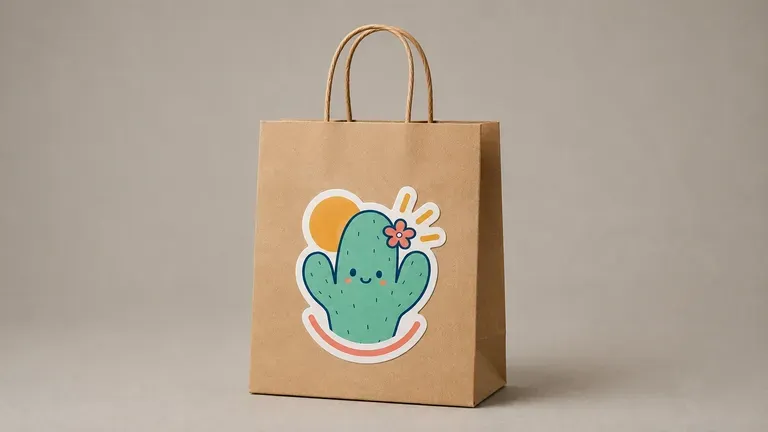
Design branded stickers as a giveaway or merchandise item.
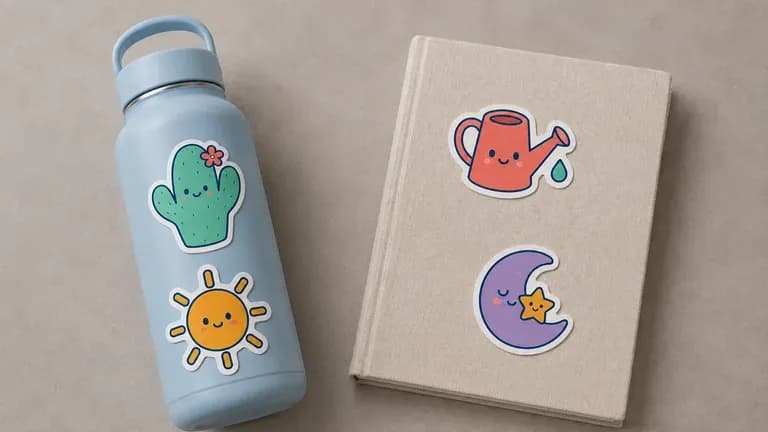
Design personal stickers for laptops, journals or water bottles.
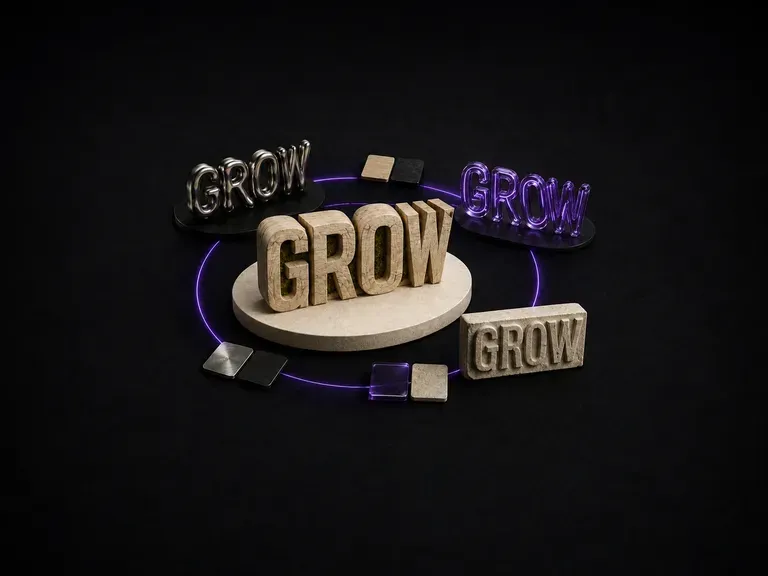
Wood-carved letters catch light differently than liquid metal. Enter a word or short phrase, name the material, and generate a 3D typography effect that keeps your lettering intact, starting on free credits.
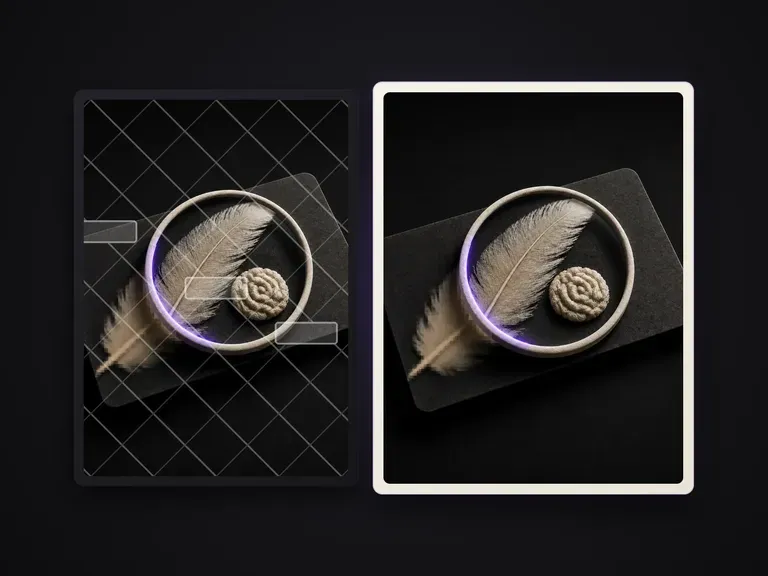
Inventories overlaid text and foreground patches on an image, cleans them item by item, and repairs the occluded background into a clean plate while keeping everything else unchanged.
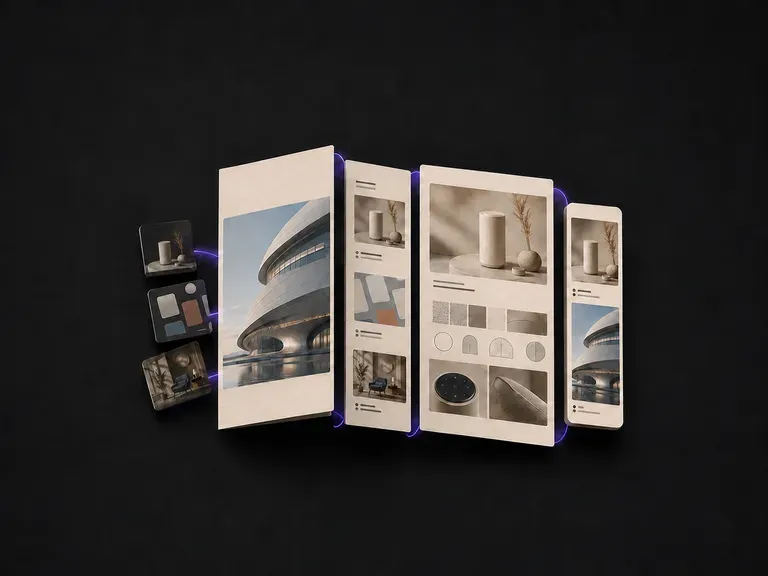
Upload your project images, add a short line on your role in each, and generate a cohesive portfolio layout that holds your work together as a unified set, starting on free Virse credits.
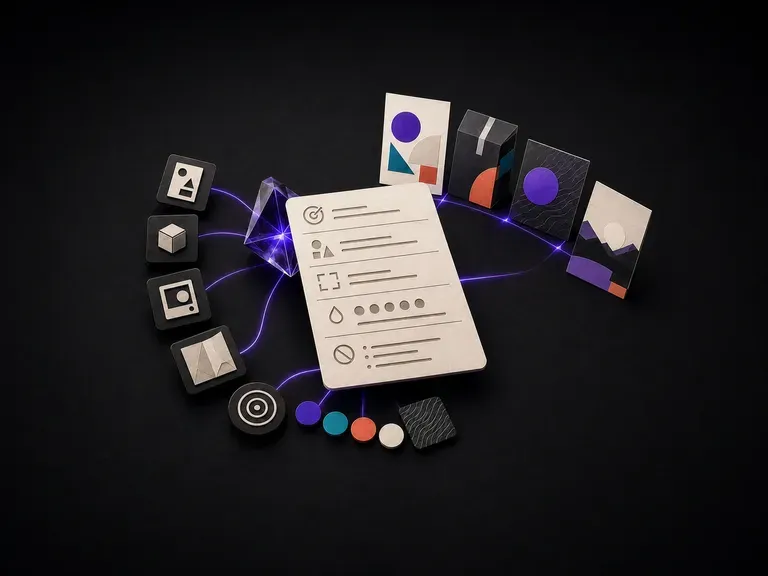
List your design goal, audience, format, brand colours and text constraints to generate a structured prompt that image models can follow accurately, starting on free Virse credits.
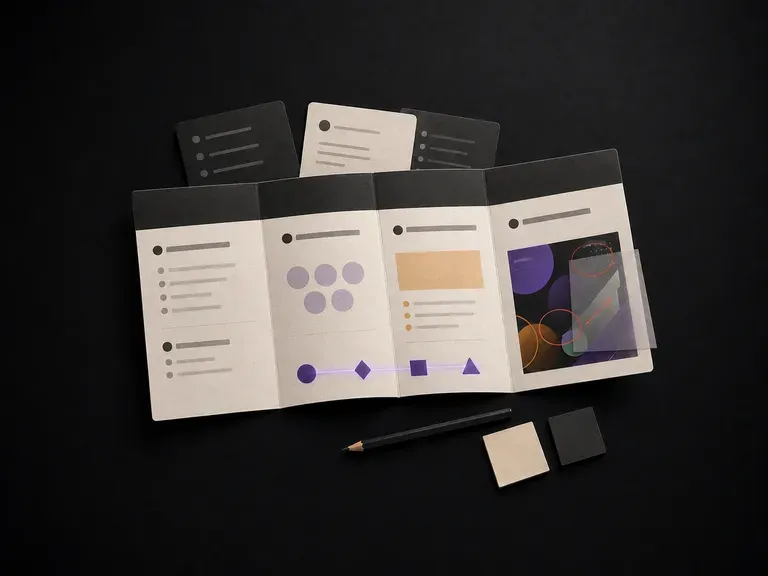
Describe a project to get a structured brief covering background, goals, audience and deliverables, or upload an in-progress design for strategy feedback on a Virse canvas, starting on free credits.
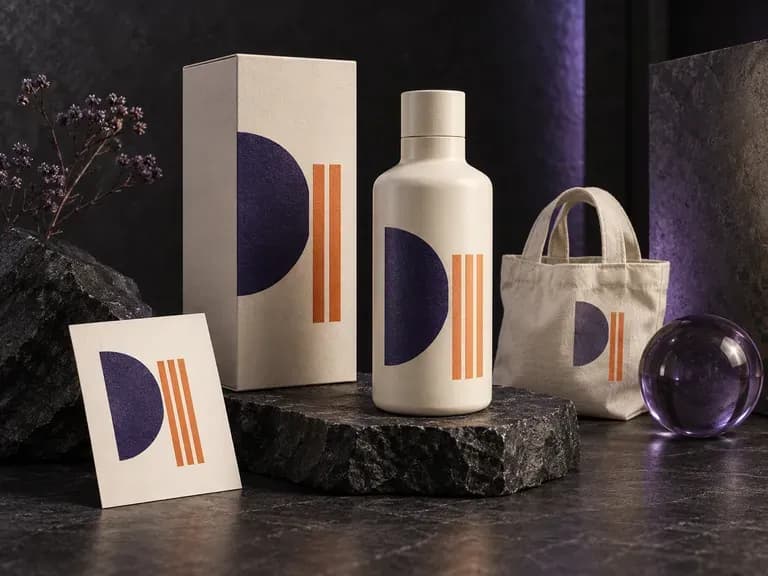
See your design where people will encounter it. Add artwork, a logo, or a product image, then describe the object, material, light, and setting. This AI mockup generator creates a static preview for reviewing the idea in context.
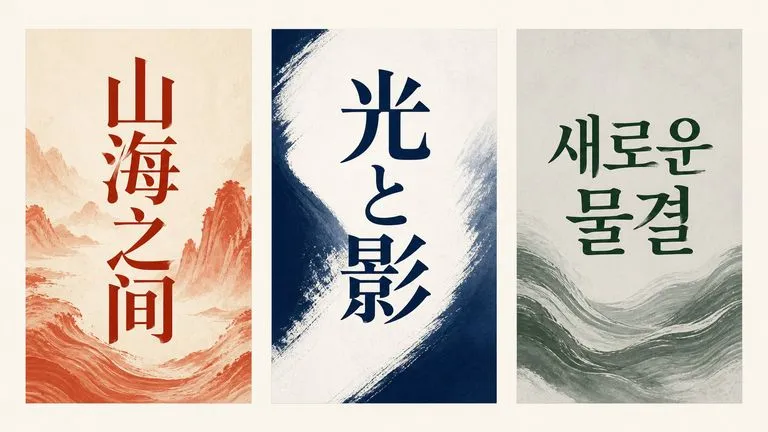
Alibaba's Qwen Image 3.0 Pro renders type as language across a dozen scripts, holding legibility down to ten pixels in dense layouts.
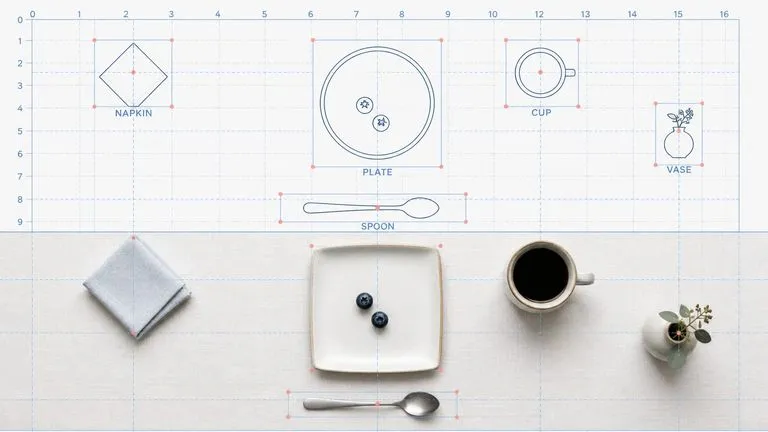
Reve AI's second-generation model builds an addressable layout of positioned elements before it renders, so a specified arrangement comes back arranged.
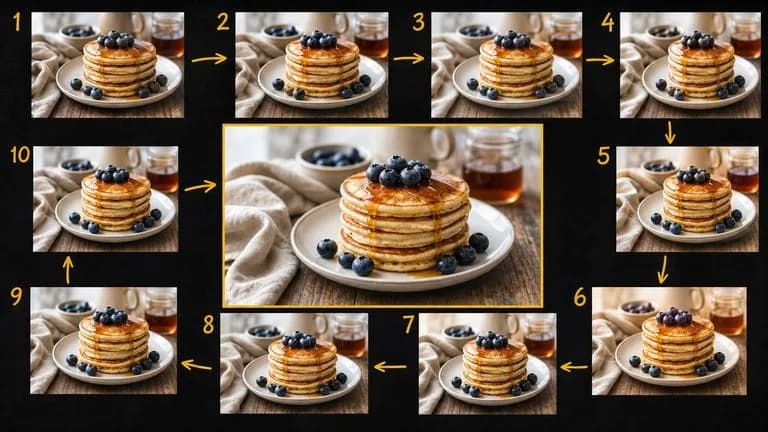
Google's Gemini 2.5 Flash Image — the original Nano Banana — generates and edits pictures at conversation speed, so a correction takes a sentence instead of a session.
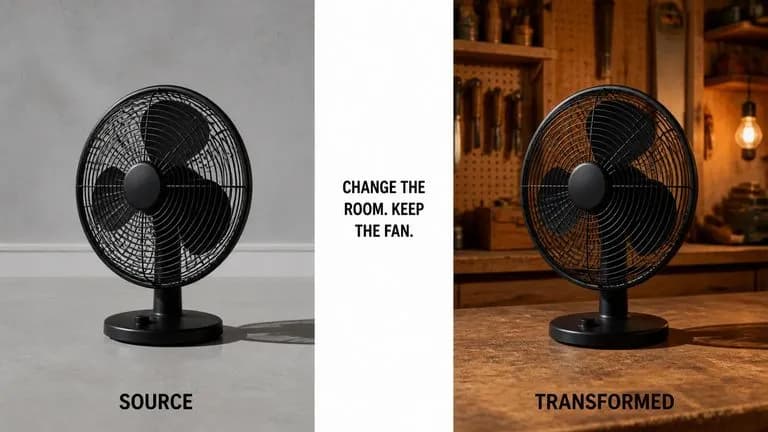
ByteDance's Seedream 4.0 and Seedream 4.5 generate from written descriptions and from images you supply, turning one source picture into as many directions as a project needs.
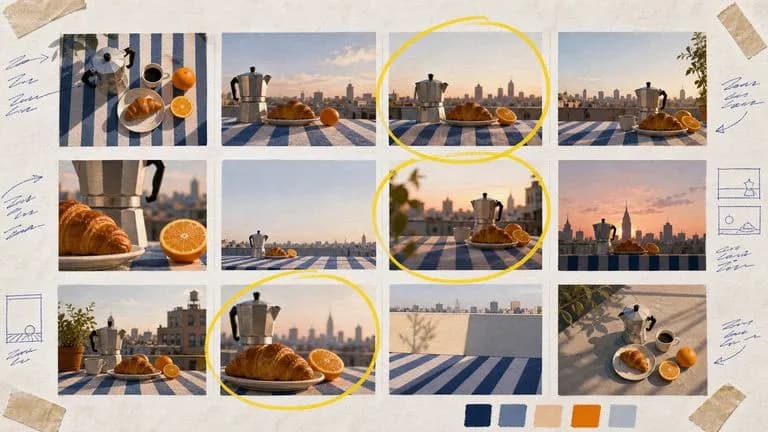
Google's Nano Banana 2 pairs flagship-level image quality with Flash-class speed, across four output sizes from rapid 0.5K prototypes to finished 4K.
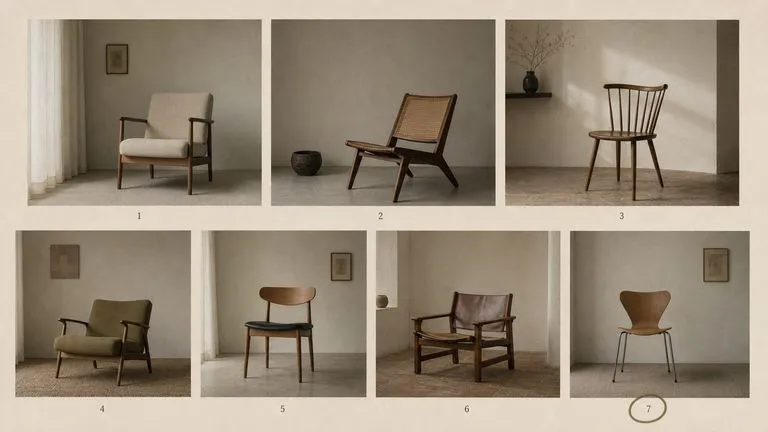
The generation of Black Forest Labs' FLUX line that came before FLUX 2, kept available as two entries — the standard model and Ultra.
Describe your subject and style, generate a sticker or a matching set with die-cut outlines, and refine the one worth printing.