
2K as Standard
Not a premium tier — every generation comes out at 2K.
MiniMax's Hailuo 03 model produces silent 2K video, driven either by a first and last frame or by a set of reference images.
데스크톱 브라우저에서 이 페이지를 열어 창작을 시작하세요.
Minimax H3 is MiniMax's video model, and its position in Virse is unusually simple to describe: it produces 2K, it produces no sound, and there is nothing else to decide.
Most video models present a grid — resolution, aspect ratio, quality tier — and each choice is a small tax on getting started. This one has a single configuration. Every generation comes out at 2K with native audio, including lipsynced dialogue, so a clip arrives with sound rather than waiting on a scoring pass.
Use Minimax H3 when resolution is the requirement and audio is not. Produce detail-heavy product motion, character-led series driven by reference images, and footage destined for a timeline where the sound is being handled separately.
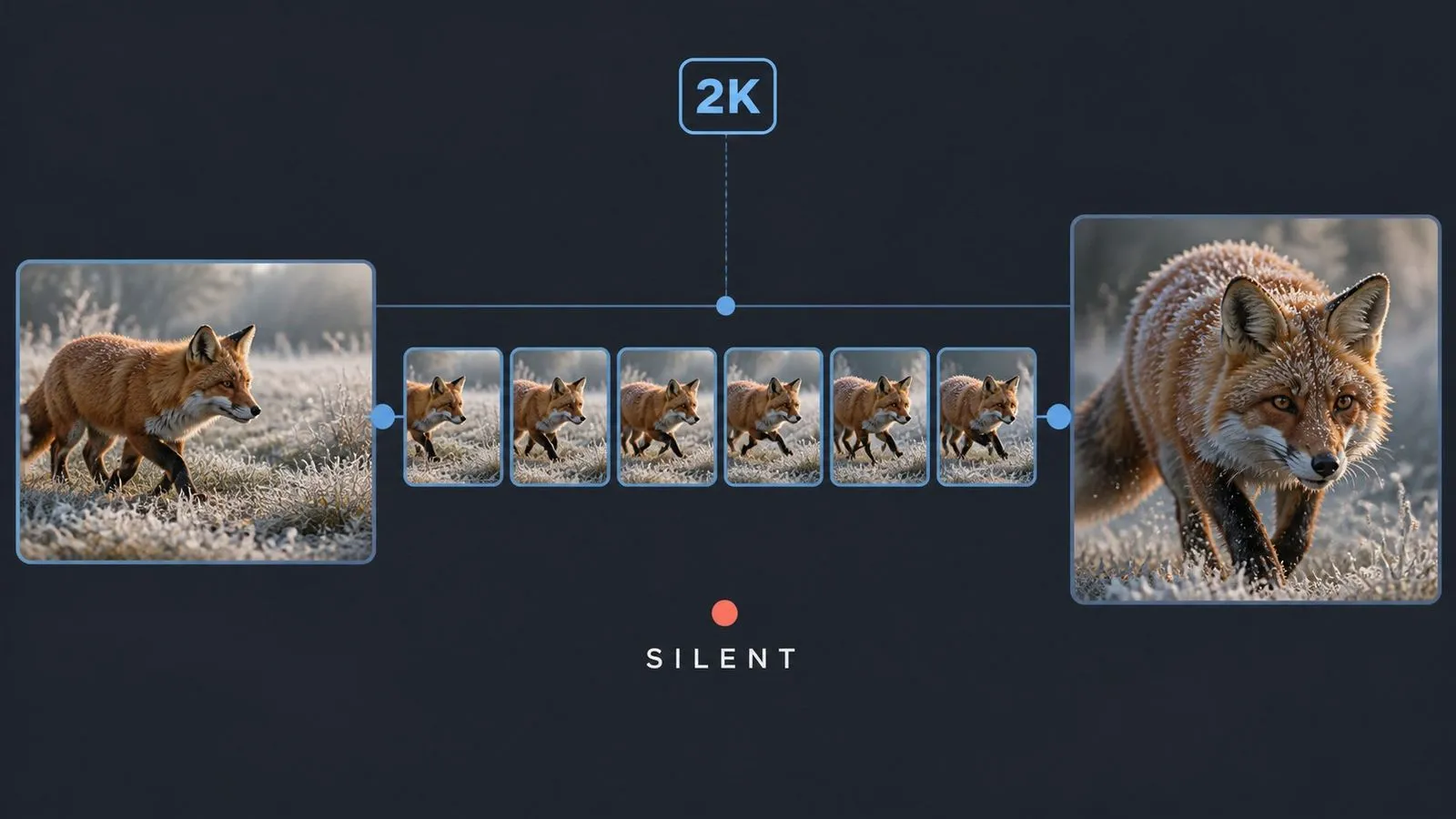
Minimax H3 is an AI video generation model developed by MiniMax, known by its backend name Hailuo 03. Virse carries it as two entries with different inputs and the same output.
The model is built around three major strengths:
Minimax H3 takes a first frame, a last frame, or both, plus a written brief. Minimax H3 Reference takes reference images instead, carrying their subjects, styling, and visual language into a generated sequence. Both output 2K with native audio.
Not a premium tier — every generation comes out at 2K.
A generated audio track arrives with every clip, and there is no option to switch it off.
Frame-driven and reference-driven, listed separately.
No resolution selector and no quality grade. Audio is always on rather than optional.
The Reference entry accepts supplied images as the driver.
The standard entry fixes either endpoint of the shot, or both.
2K is what this model does. There is no tier to weigh up and no upgrade path to consider, which removes the most common source of hesitation before a generation.
Lipsync and ambience are produced in the same pass as the picture. That is the default here rather than a setting you remember to enable.
When a character has to appear across six clips and stay recognisable, showing the model examples beats describing them. The Reference entry exists specifically for that.
Several images can each carry a different job — one for the person, one for the setting, one for the styling — rather than being averaged into a single influence.
The standard entry accepts both a first and a last frame, which turns generation into a path between two known compositions instead of an open-ended one.
Choosing between frame-driven and reference-driven is a question of what you have to work with, not of what you can afford.
Reference-driven continuity work depends on the reference set staying stable. Change one image between clips and the character shifts, usually in a way nobody notices until the sequence is assembled. Virse keeps the set in one place. The reference images live on the canvas beside every clip generated from them, so the same inputs get reused rather than re-gathered, and drift becomes visible while there is still time to fix it.
Keep the character, product, and style images together on the canvas and point every clip at the same ones.
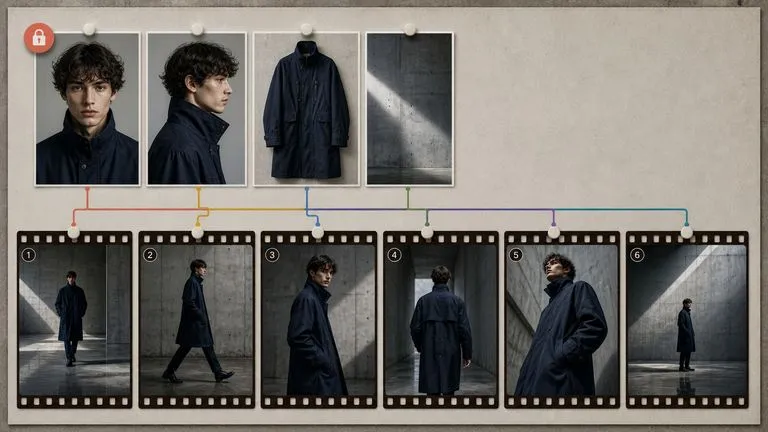
Build the stills with an image model on the same canvas, then hand them to Minimax H3 without exporting.
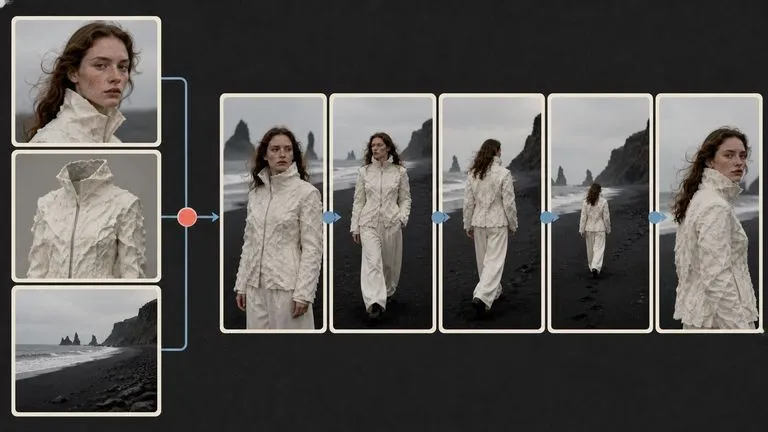
Move between Minimax H3 and 30+ other image and video models without leaving the canvas or rewriting the brief.
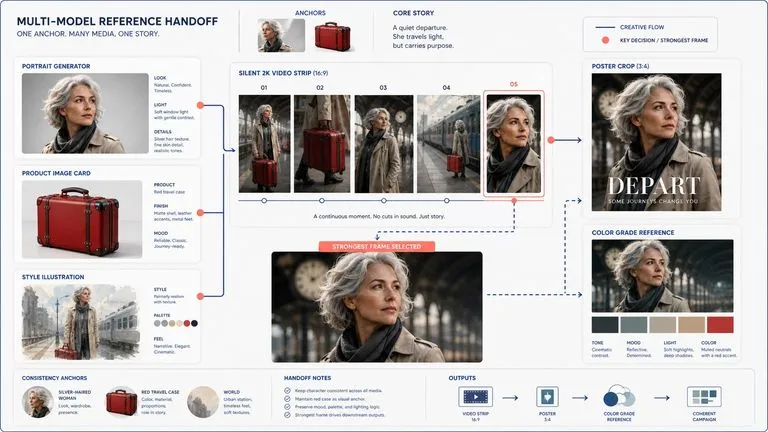
Lay the run out in order so a subject that has drifted between shot two and shot five is obvious.
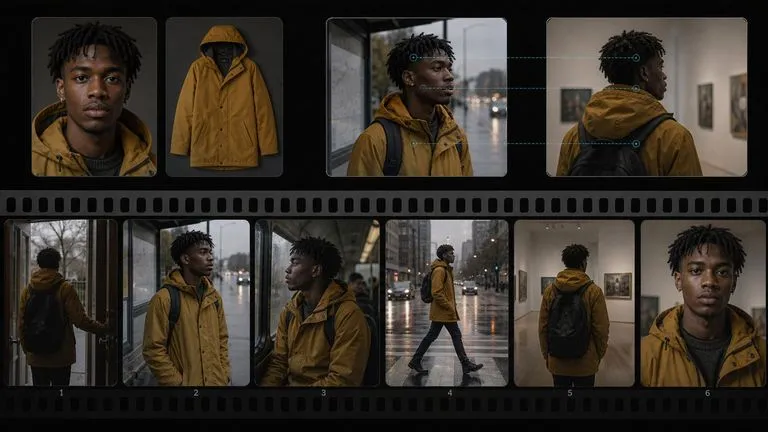
Several clips featuring the same person, held together by a shared reference set.
Rotations, reveals, and detail passes at a resolution that survives cropping.
Garment and styling references driving movement without re-describing them each time.
Stylised clips where a defined visual language has to carry from shot to shot.
Frame-driven clips where the composition is already decided.
Material for timelines where generated dialogue and ambience are a starting point rather than something added later.
Frame-driven when you know the composition, reference-driven when a subject must stay recognisable.
Load the two endpoint frames, or the reference set with a stated job for each picture.
State what moves in the scene, how the camera behaves, and at what pace.
Keep the same inputs and change only the brief so the series holds together.
A useful Minimax H3 prompt usually includes four elements:
이렇게 쓰는 대신
A model walking through a gallery, cinematic, using the attached references.
이렇게 쓰세요
Use the person in Image 1, the coat in Image 2, and the gallery interior in Image 3. She walks from the left edge of frame toward the centre at an unhurried pace and stops facing a painting off camera to the right. The camera tracks with her at a constant distance, holding her at the same size in frame throughout. End with her stationary, in profile, at the centre of the frame.
Use the woman in Image 1 and the workshop interior in Image 2. She is seated at a bench, hands working on something out of frame. She pauses, looks up toward the window on the left, then returns to her hands. Camera holds a static medium shot from slightly above bench height, no movement and no cuts. Preserve her face, hair, and clothing exactly as shown in Image 1. End with her head lowered again.
Open on the composition in Image 1: a leather satchel standing upright on a pale stone ledge, buckles facing camera. The camera orbits slowly to the left through roughly forty-five degrees, keeping the satchel centred and at constant size. Light stays fixed as the camera moves, so highlights travel across the leather and hardware. End on a three-quarter view with the side gusset and stitching visible.
Begin on Image 1: an empty stage with a single microphone stand, house lights up. The house lights fade down over the first half of the clip while a single overhead spotlight rises on the microphone. Nothing else moves. Camera holds a locked-off wide shot throughout. End on Image 2: the stage in darkness apart from the lit microphone.
| 비교 항목 | Minimax H3 | Minimax H3 Reference |
|---|---|---|
| Input | First frame, last frame, or both | Supplied reference images |
| Output | Silent 2K | Silent 2K |
| Best for | Shots with a defined composition | Subjects that must stay recognisable |
| Endpoint control | Both ends can be fixed | Driven by references rather than frames |
| Typical use | Product motion, transitions | Character series, styled campaigns |
| Switching cost | Same brief structure on both | Same brief structure on both |
Uploading three pictures without saying which is the subject is the most common way these briefs go wrong.
Changing one image between clips is enough to break continuity. Change the brief instead.
Output carries sound. Dialogue, effects, and ambience cues in the prompt shape what is generated.
Shots that move from one defined state to another are what the standard entry does best.
Prepare reference images and visual directions for your next video.
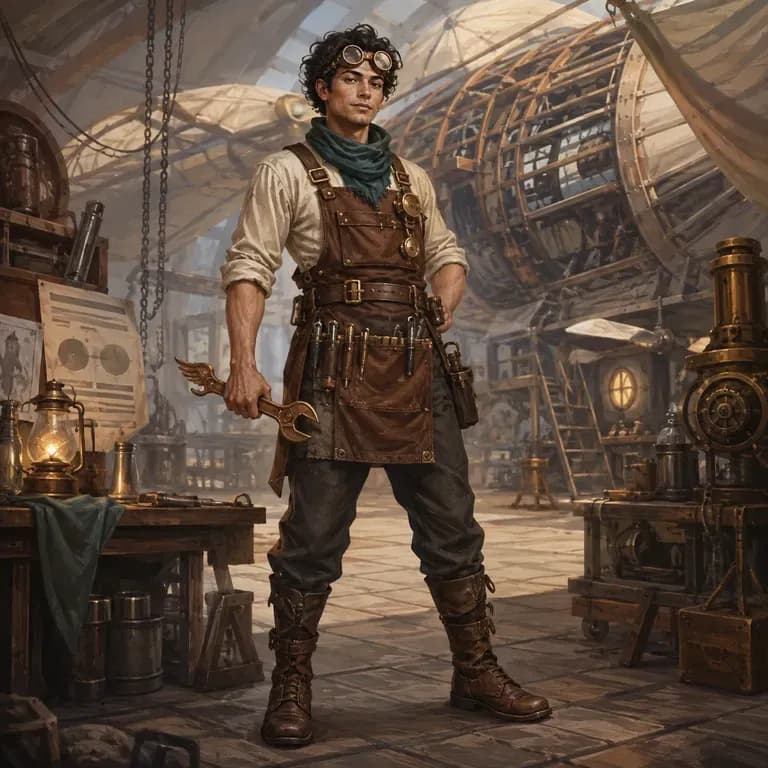
대부분의 캐릭터 프롬프트는 사람이 읽기에는 괜찮지만 이미지 모델에서는 무너집니다. 정체성, 세계관, 시각적 스타일이 모델이 파싱할 수 있는 하나의 문장이 아니라 서로 다른 세 문장에 흩어져 있기 때문입니다. 캐릭터가 누구인지 설명하고, 구조화된 버전을 생성한 뒤, 같은 캔버스에서 실제 렌더로 바로 테스트하세요. 무료 크레딧으로 첫 라운드를 진행할 수 있습니다.
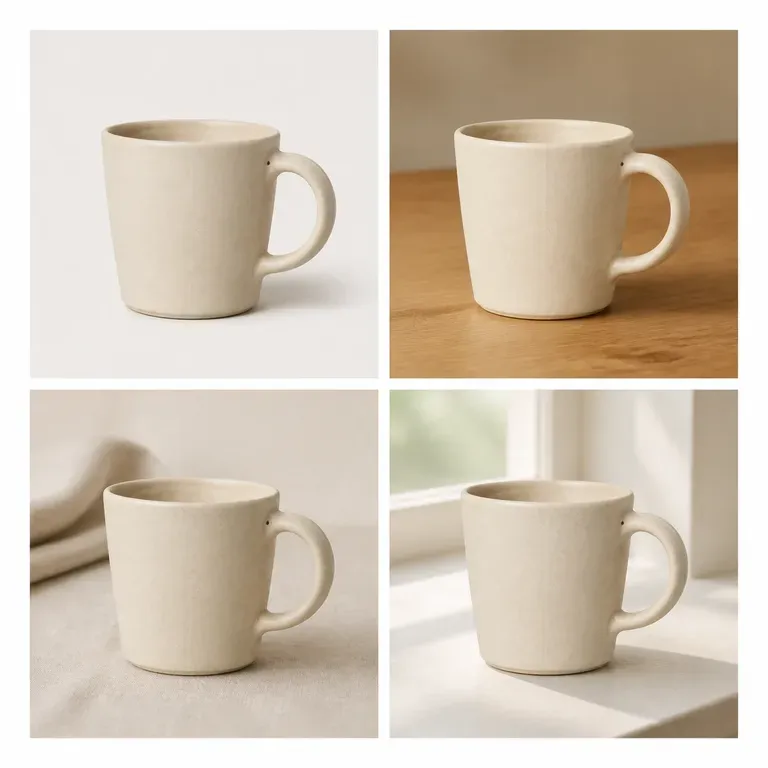
제품을 슬그머니 바꿔 버리는 변형은 변형이 아니라 다른 제품입니다. 이미지 하나를 업로드하고, 장면, 색상 또는 각도 중 무엇을 바꿀지 지정하면 나머지는 그대로 유지된 배치를 받을 수 있습니다. 무료 크레딧만으로도 피사체가 배치 전체에서 실제로 유지되는지 테스트하기에 충분합니다.
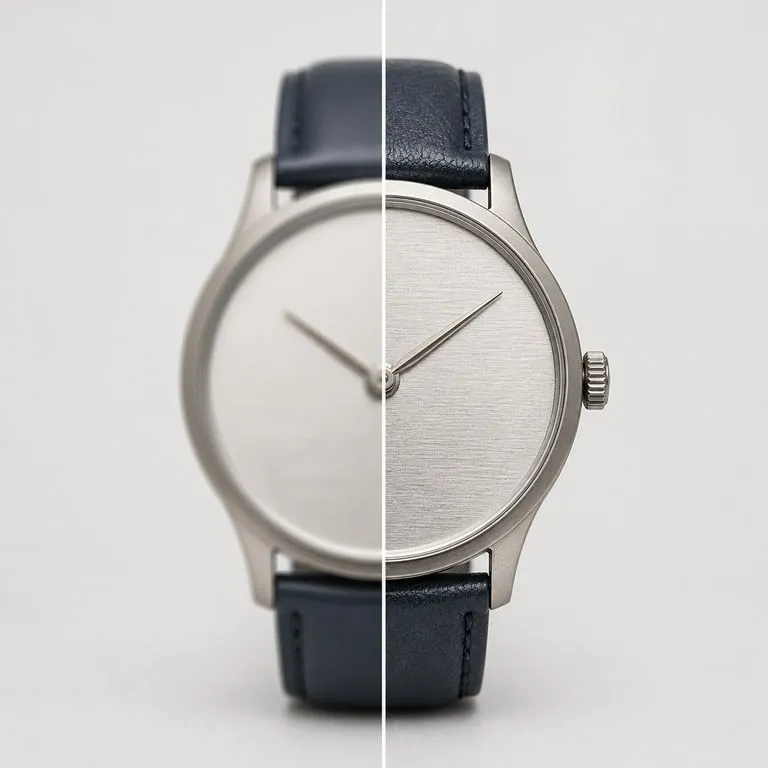
사용하기에 충분히 좋지 않은 사진을 업로드하세요. 흐림, 노이즈, 압축 아티팩트 또는 단순한 픽셀 부족 등 실제로 무엇이 문제였는지 파악하고, 먼저 이를 보정한 다음 선택한 해상도로 렌더링합니다.
동기화된 오디오, 멀티모달 레퍼런스, 정밀한 크리에이티브 제어 기능으로 Seedance 2.5에서 영화 같은 30초 비디오를 생성하세요.
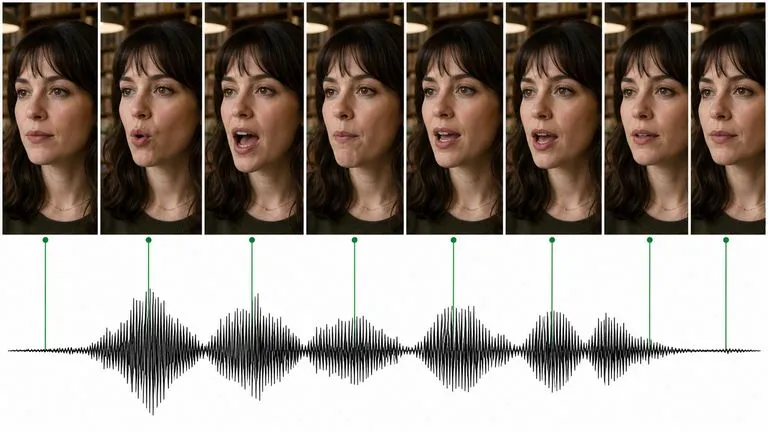
Kuaishou의 Kling 3.0은 말합니다 — 5개 언어의 립싱크 대화, 캐릭터별 서로 다른 음성, 전체 시퀀스를 구성하는 스토리보드 모드를 제공합니다.
ByteDance's Seedance 2.0 produces picture and sound in one pass, from a first and last frame or from reference images, at sizes from 480P to native 4K.
Pick the entry that matches what you have, describe the motion, and get 2K back without a configuration screen in between.