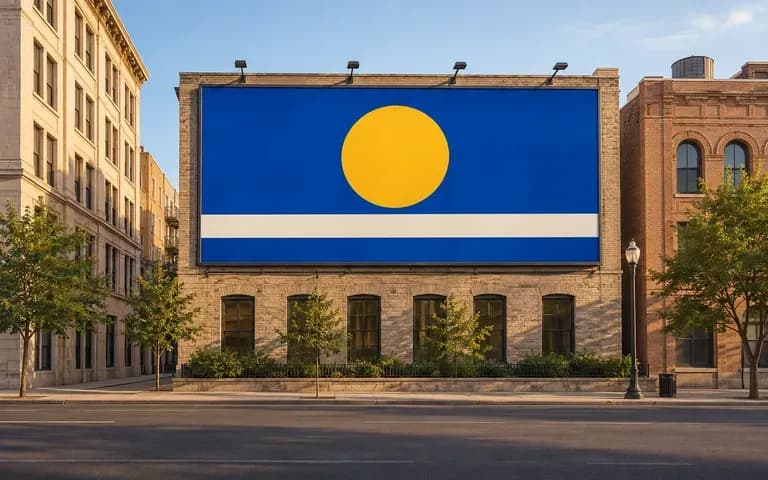
Street context
Match Your Street or Building Reference
Supply your own street corner, highway approach, or building photo so the outdoor billboard mockup reflects the architectural setting your client is actually discussing.

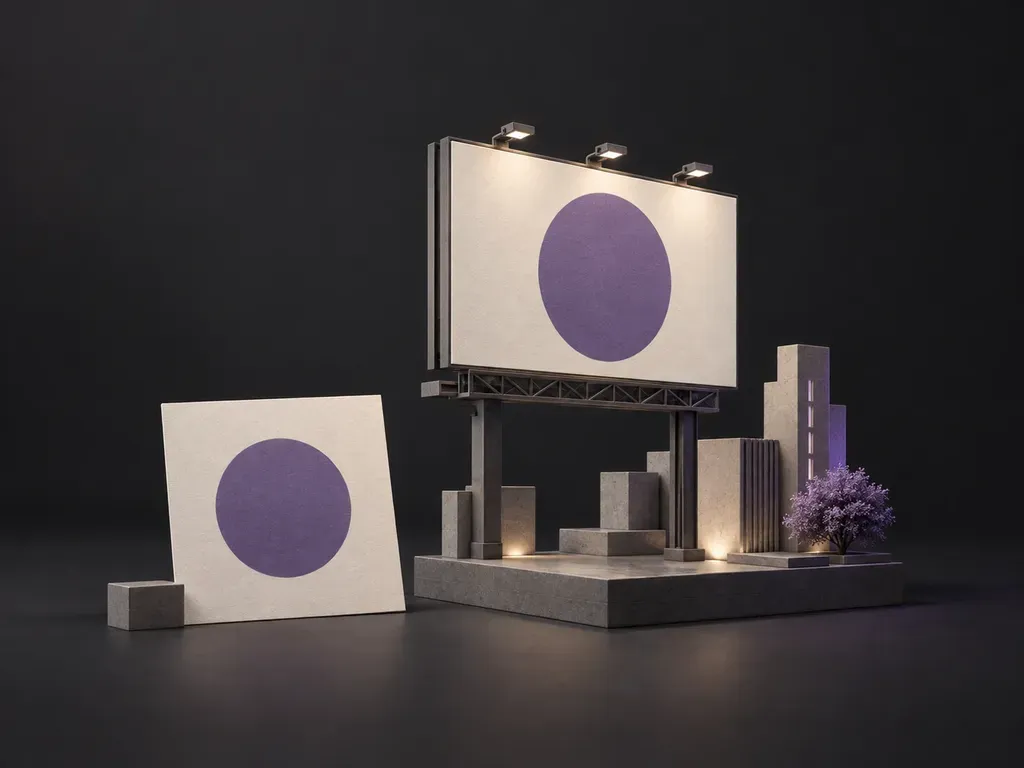
Upload your campaign artwork and a street or board reference photo, then set the camera angle and lighting. This billboard mockup generator places your design onto a highway bulletin, brick facade, or city screen for client pitches.
A billboard mockup generator places finished campaign artwork into a street, highway, or building scene so teams can evaluate an outdoor billboard mockup before production:
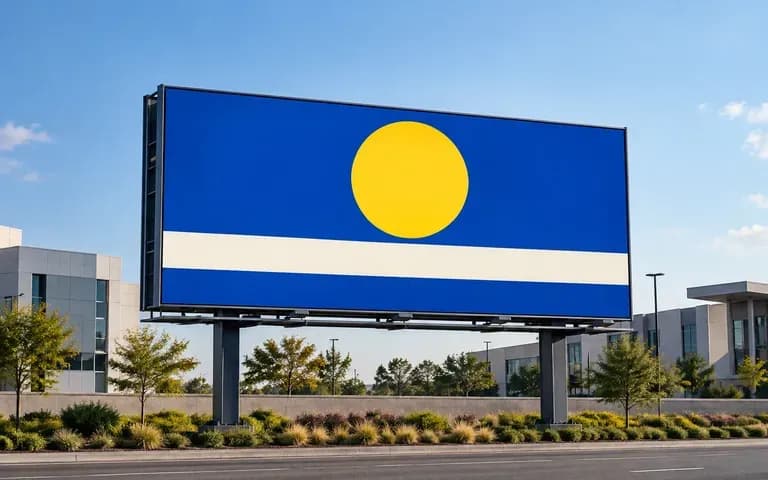
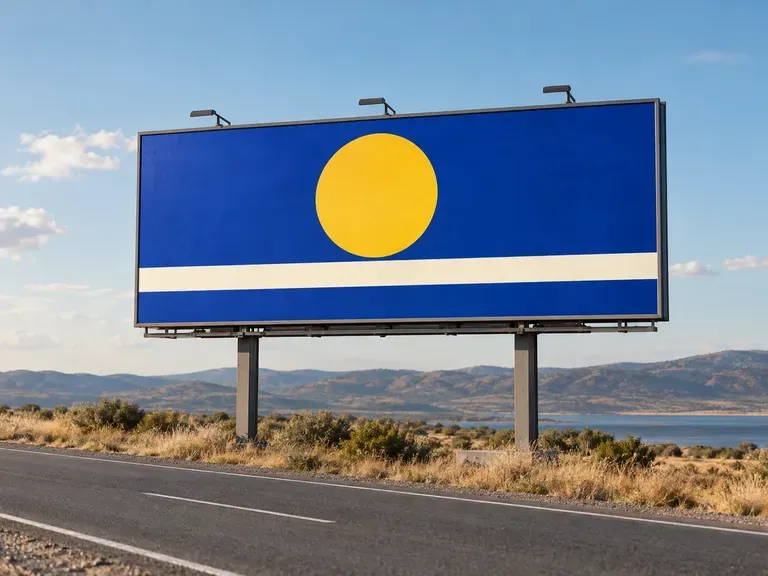
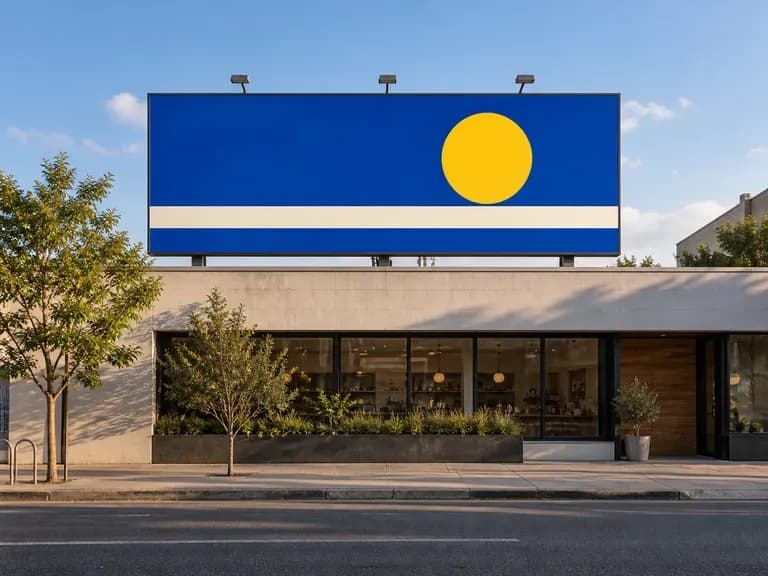
• Roadside 14x48 bulletin scale: See how a wide 14x48 billboard mockup or 48-sheet poster reads against open sky, utility poles, and approaching traffic lanes.
• Viewing distance legibility: Check whether short headlines, brand marks, and high-contrast color blocks stay clear across a busy intersection.
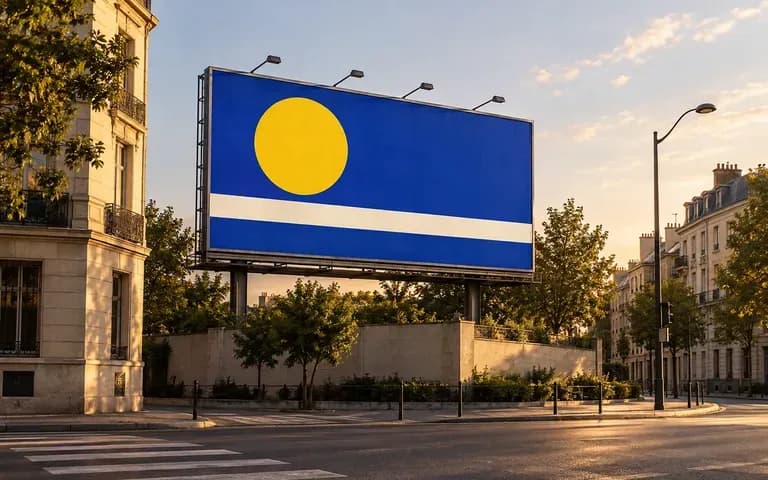
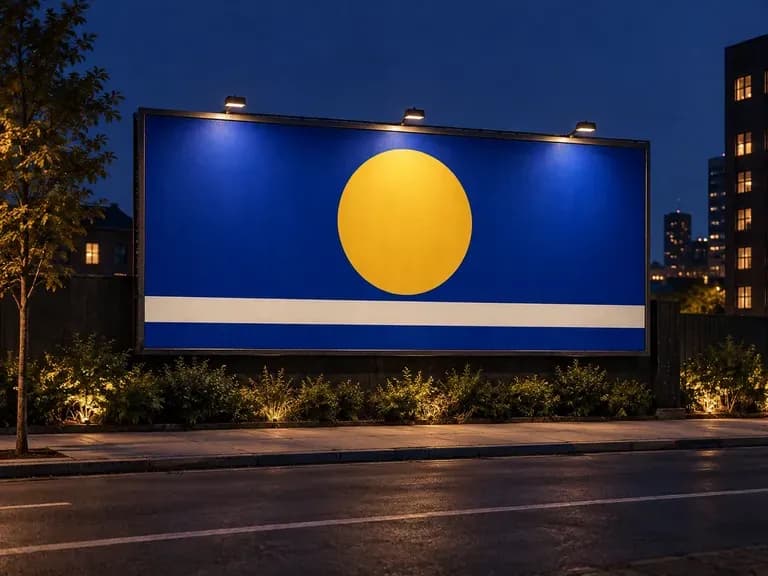
• Perspective and lighting: Preview your layout from an angled street viewpoint under midday sun, dusk shadows, or night floodlights.
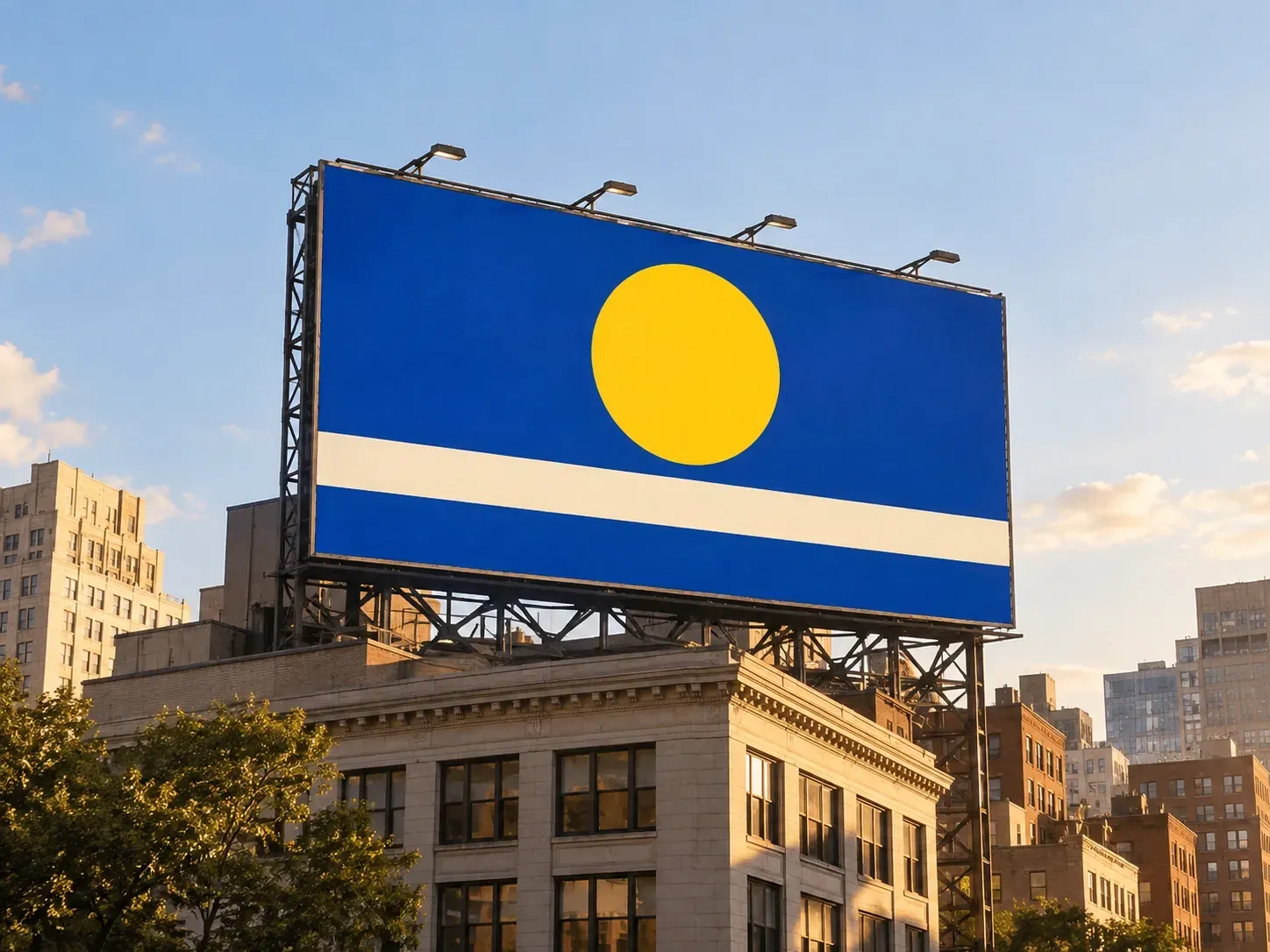
Three scene controls that make a reference-driven billboard mockup more useful in a pitch than a fixed template.
Supply your own street corner, highway approach, or building photo so the outdoor billboard mockup reflects the architectural setting your client is actually discussing.
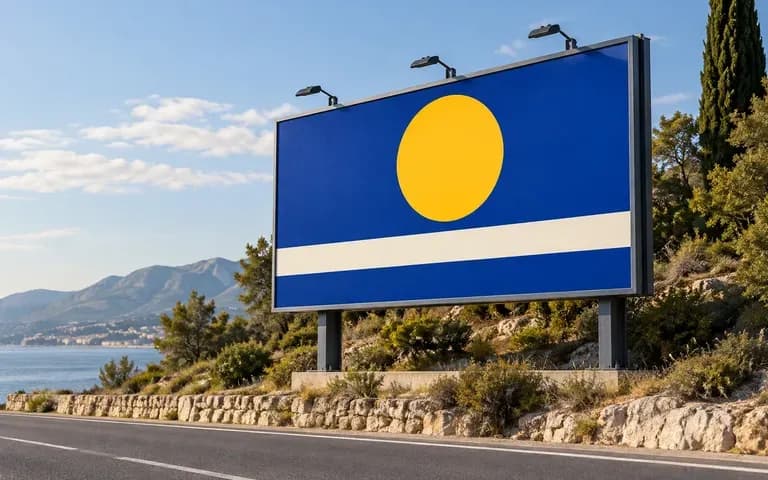
Request a straight-on elevation, a cross-street pedestrian angle, or a driver's approach view to check perspective alignment and spot unwanted frame cropping early.
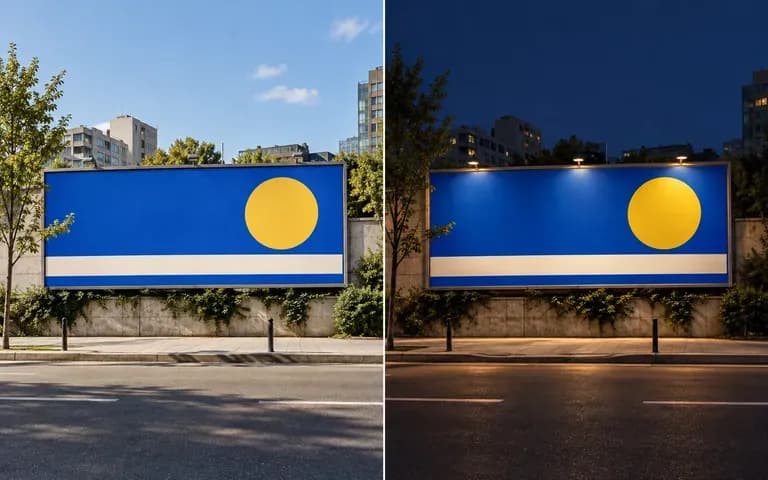
Specify daylight, golden hour, or after-dark illumination in your brief to preview both printed vinyl boards and a glowing digital billboard mockup.
How generating a scene from your own location reference compares with editing a static billboard mockup PSD file.
Static Billboard Mockup PSD
Virse Billboard Mockup Generator
Add your completed campaign creative with the headline, key visual, and brand logo already laid out in place.
Provide a billboard or street reference photo and note the placement style, camera viewpoint, and time of day.
Run the generator to composite your artwork onto the board with matching perspective alignment and ambient street light.
Inspect headline wording, logo proportions, and frame edges against your source file before dropping the image into your pitch deck.
Specific notes on board format, camera angle, and light produce cleaner outdoor previews. Copy any of these three billboard briefs:
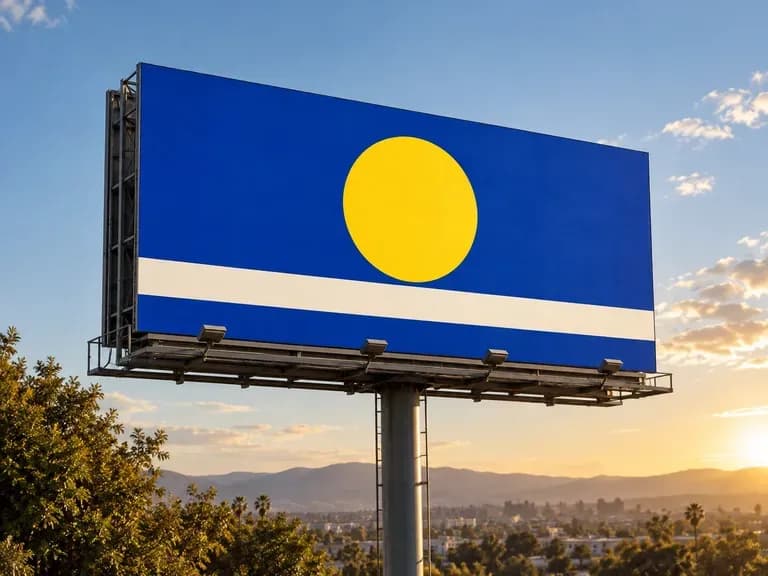
• Highway 14x48 bulletin: "Wide roadside 14x48 billboard mockup mounted on a steel monopole beside a four-lane highway, viewed from the right lane in morning daylight."
• Urban digital OOH display: "High-brightness digital billboard mockup mounted above a downtown crosswalk at dusk, wet pavement reflections, viewed from the sidewalk."
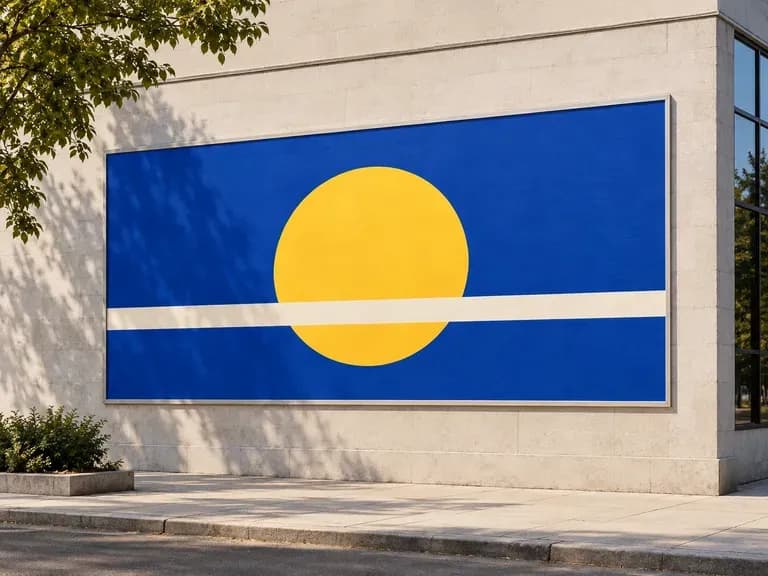
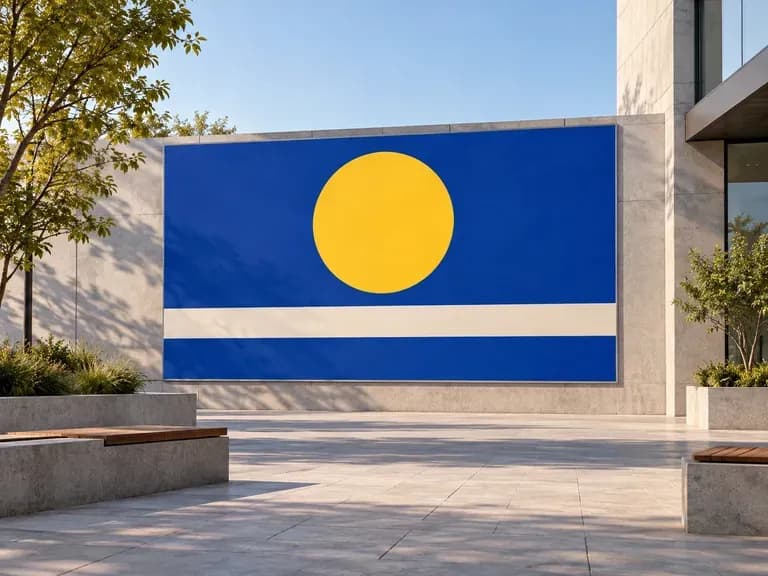
• Brick facade placement: "Large horizontal ad frame bolted to a weathered red-brick warehouse wall, angled street view in afternoon sun."
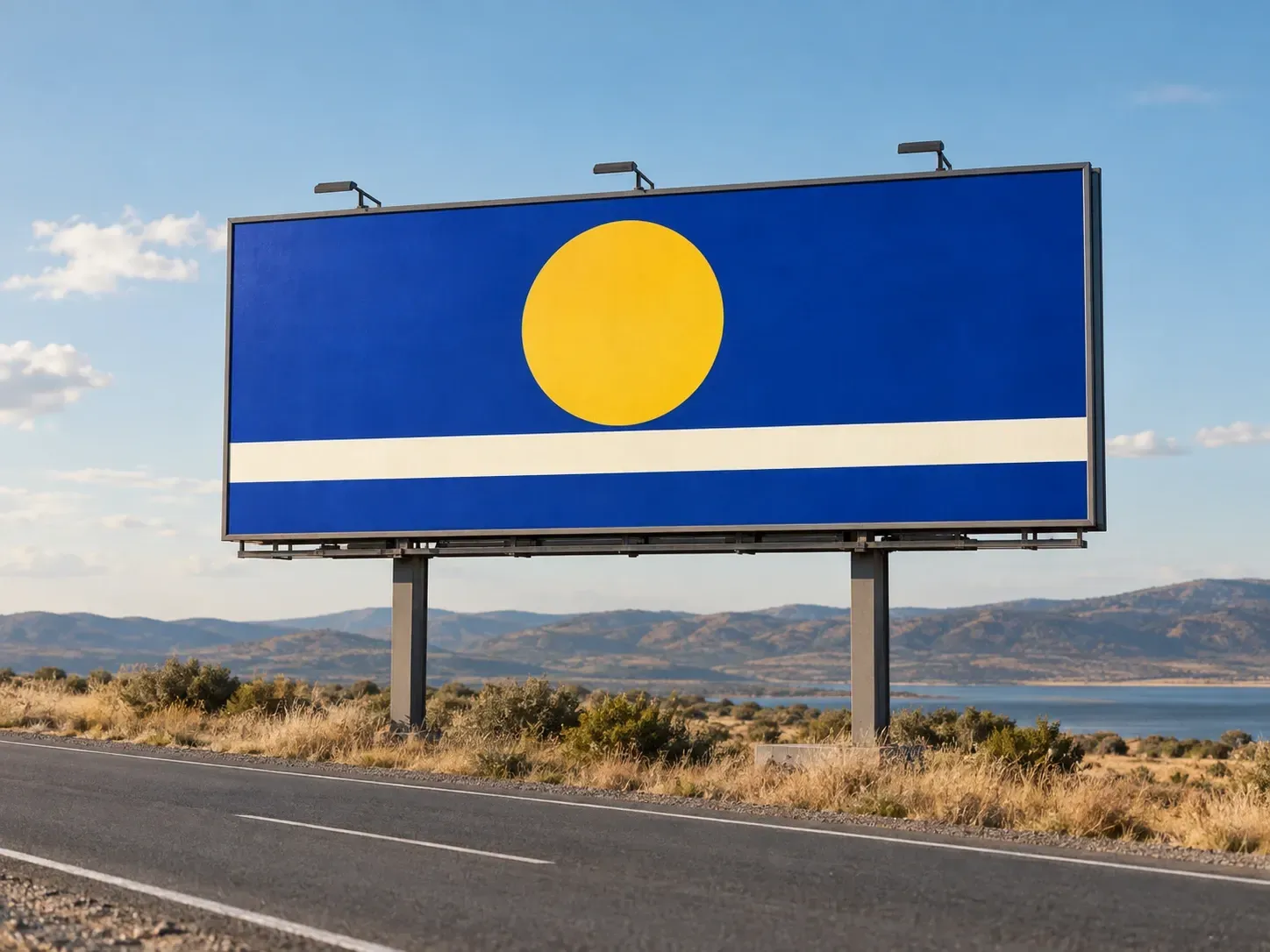
Four advertising and design roles that rely on a billboard mockup generator to present outdoor concepts in context.
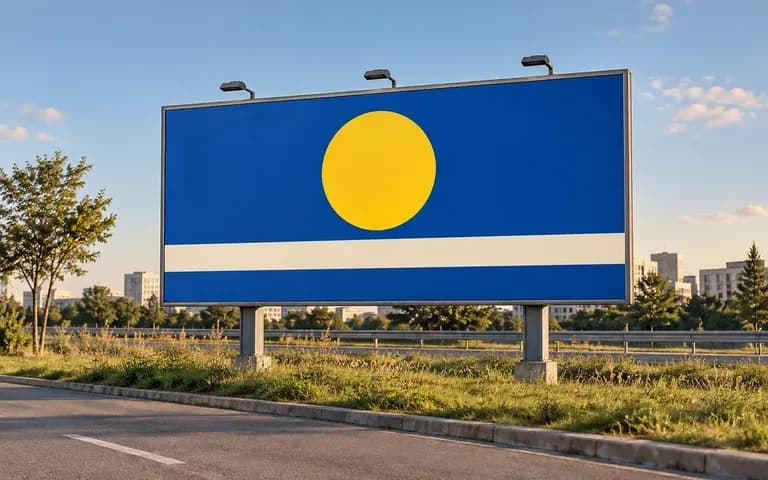
Test viewing distance legibility and visual hierarchy between the headline, hero product, and surrounding street clutter before final prepress.
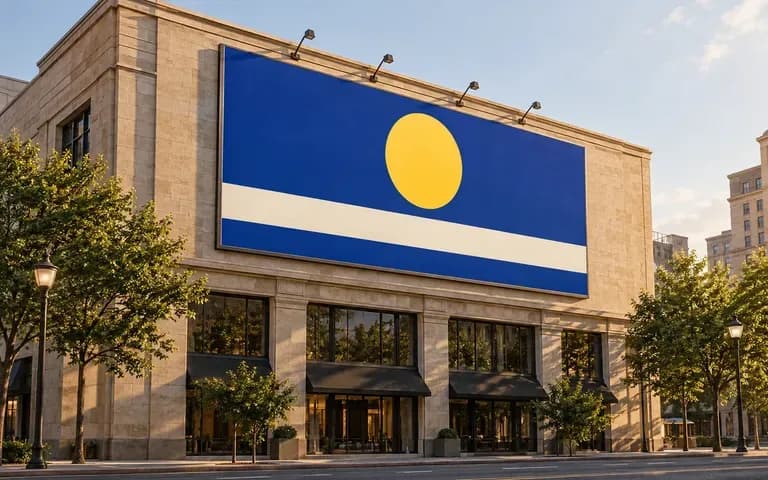
Give clients a concrete outdoor placement visual to anchor creative presentations instead of showing flat rectangular artboards on white slides.
Bring an out-of-home extension of an existing digital or print campaign into internal stakeholder reviews before committing media budget.
Present rebranding concepts and typographic systems inside believable physical environments for clearly labeled portfolio case studies.
Six outdoor advertising previews covering highway bulletins, brick facades, nighttime LED boards, and street-level viewpoints.
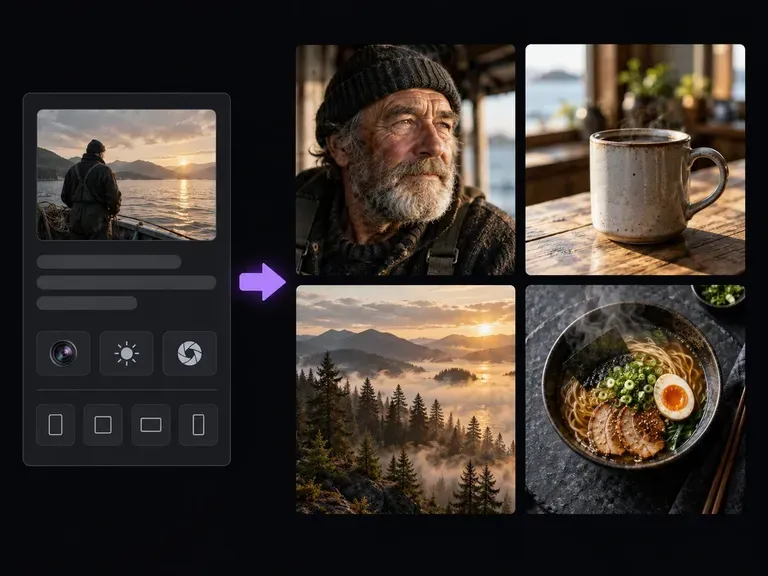
Create photographic key visuals and product scenes before laying out your outdoor campaign headline.
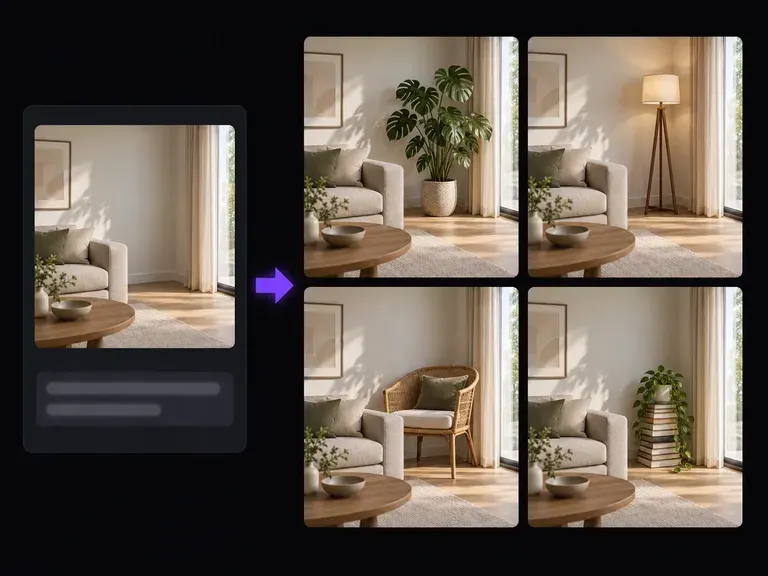
Expand background margins or replace distracting street details in your location reference photos.
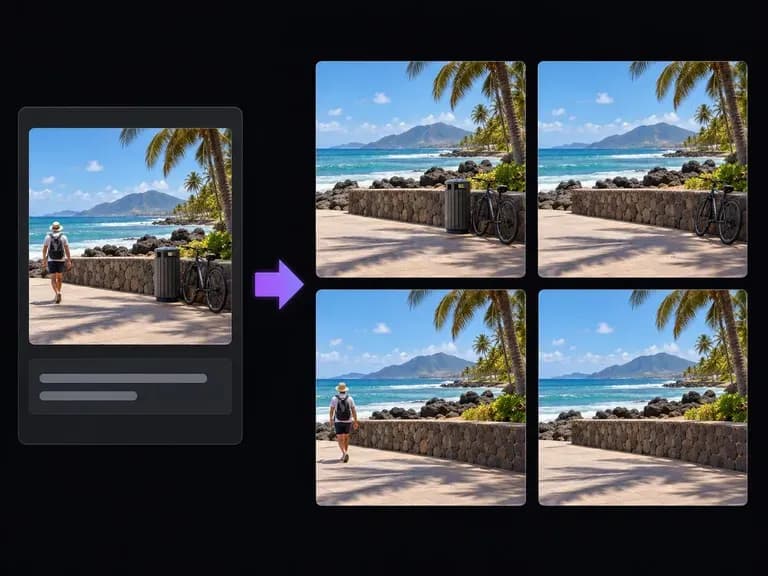
Remove stray street signs, parked cars, or overhead wires from reference photos before pitching.
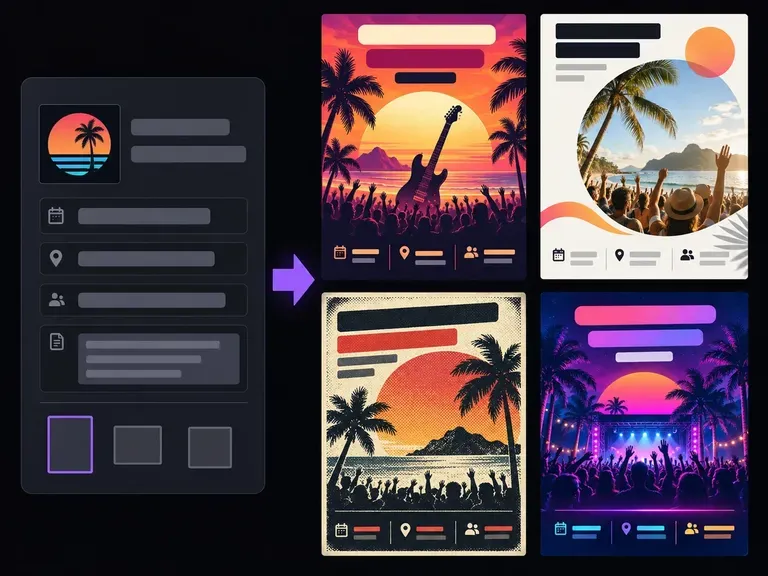
Lay out promotional handbills and event leaflets with strong headline and date hierarchy.
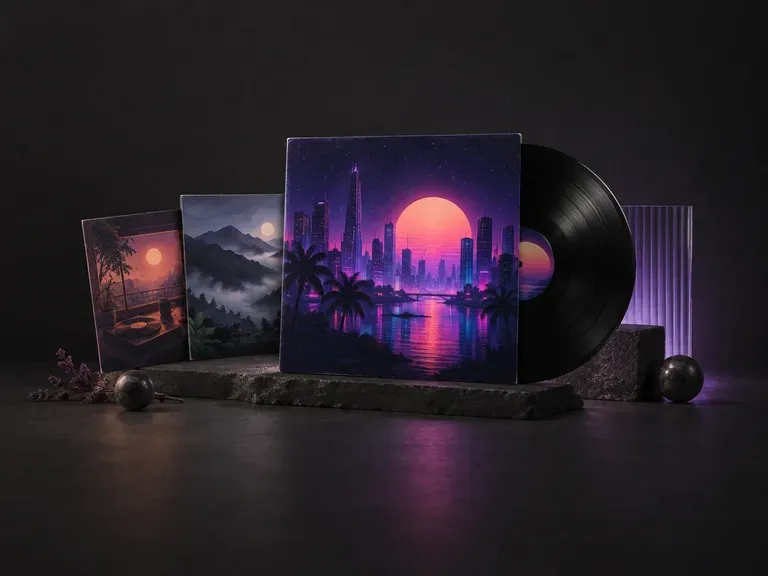
Create square 1:1 cover artwork built to hold up on vinyl sleeves and tiny streaming thumbnails.
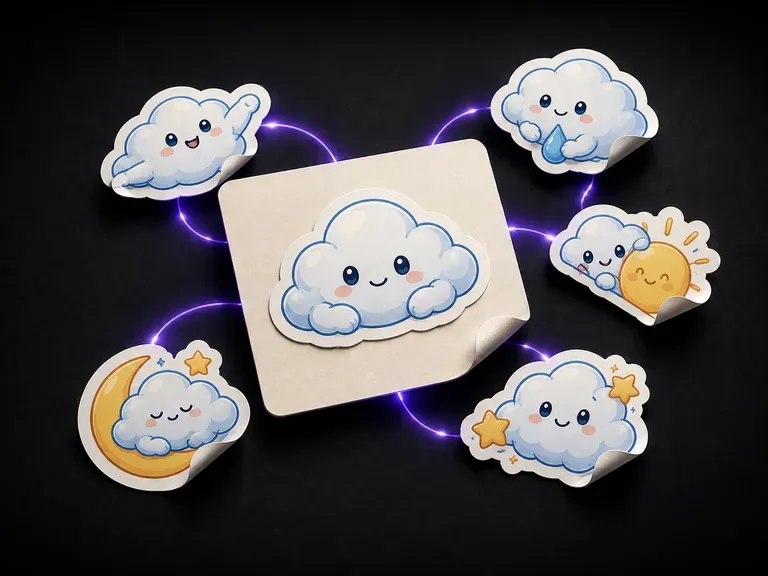
Generate die-cut illustrations with clean white kiss-cut borders for sticker packs and laptops.
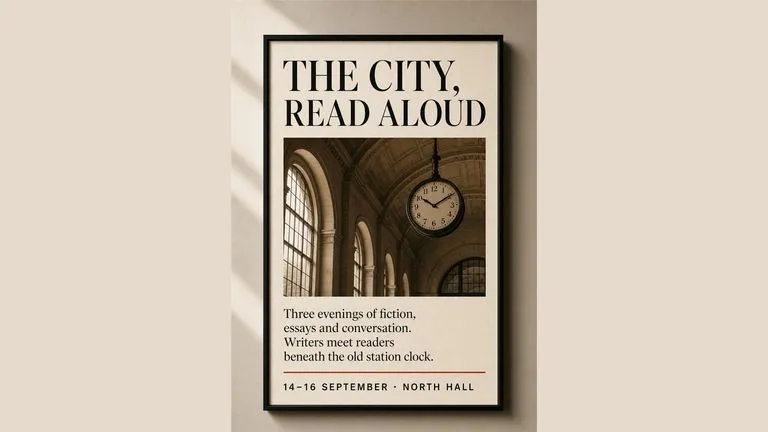
Render crisp labels, fine surface textures, and multi-reference compositions up to 4K resolution.

Follow complex multi-part written briefs that combine uploaded reference photos with strict layout rules.
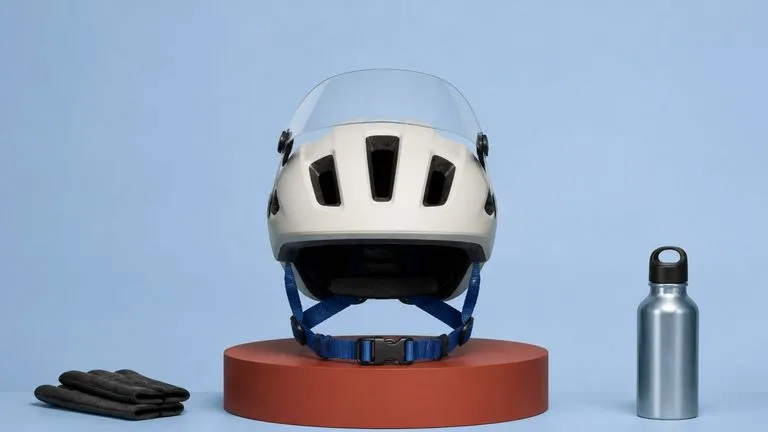
Produce realistic studio lighting, contact shadows, and natural material grain for commercial shots.
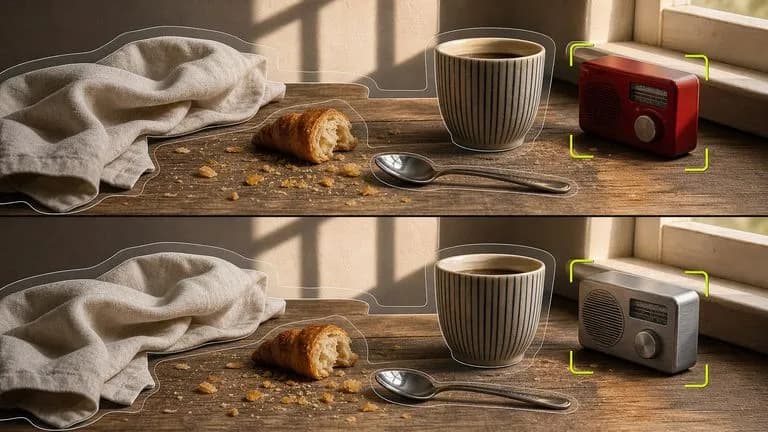
Swap backgrounds, lighting setups, or colorways while keeping your core subject geometry locked.

Explore four distinct framing and styling variations side by side on the canvas in a single run.
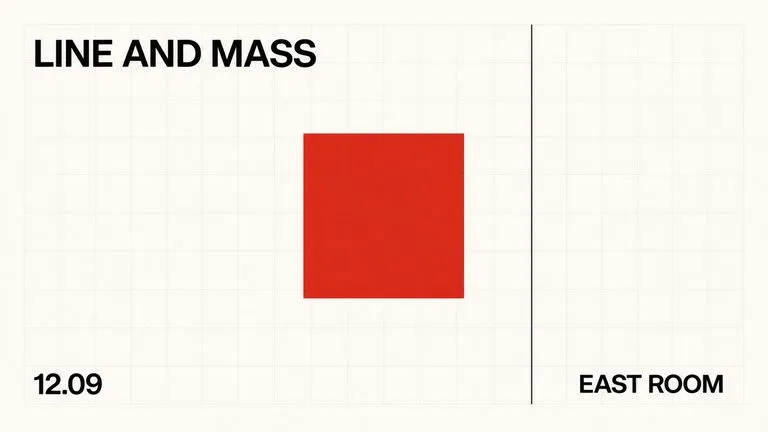
Keep display headlines, packaging wordmarks, and monogram badges sharp inside generated visuals.
Upload your finished ad artwork and a street reference photo to generate a context-ready billboard preview on the Virse canvas.