Outdoor Space Designer

Outdoor Space Designer

A patio's real limits are its footprint and its overhead sun, not its style. Upload a photo, say what you actually want to do out there, host a table of eight, read alone in the shade, and get back furniture and shade directions sized to the deck you already have. The first set is free.

Entrada
Outdoor space photo · ObligatorioActivity needs · OpcionalStyle preference · OpcionalNumber of schemes · Opcional
Salida
户外空间效果预览(套数按所选数量)

Outdoor space photo

Obligatorio

Drop a photo of your patio or deck

La imagen se sube en el lienzo; este formulario lleva los ajustes.

Number of schemesOpcional

What Is an AI Outdoor Design Generator?

An AI outdoor design generator furnishes the deck or patio you photograph rather than proposing an idealised structure you don't have. It focuses on the layer that actually changes fastest outdoors: furniture, shade and how the space gets used, not the hard construction underneath it.

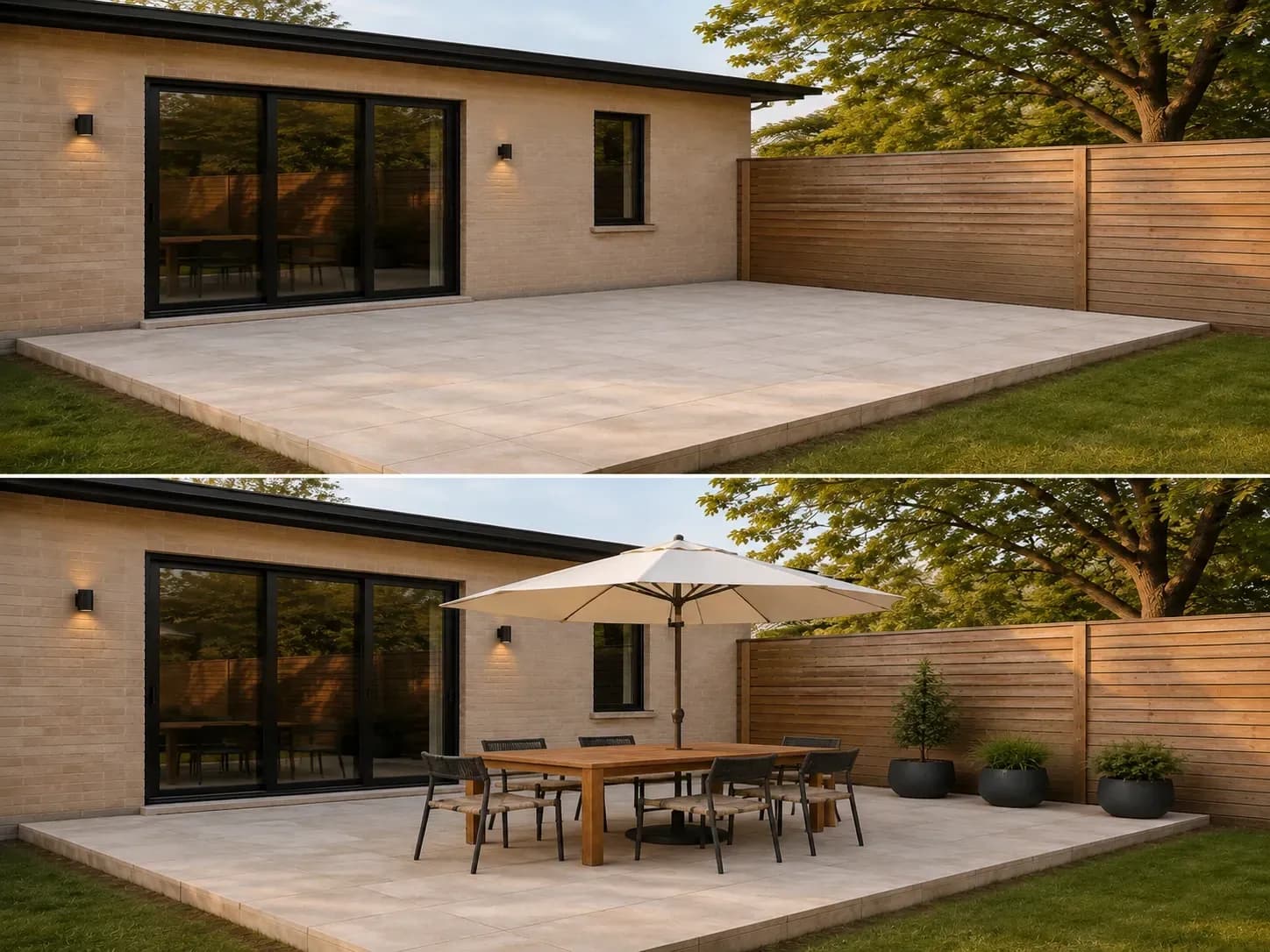
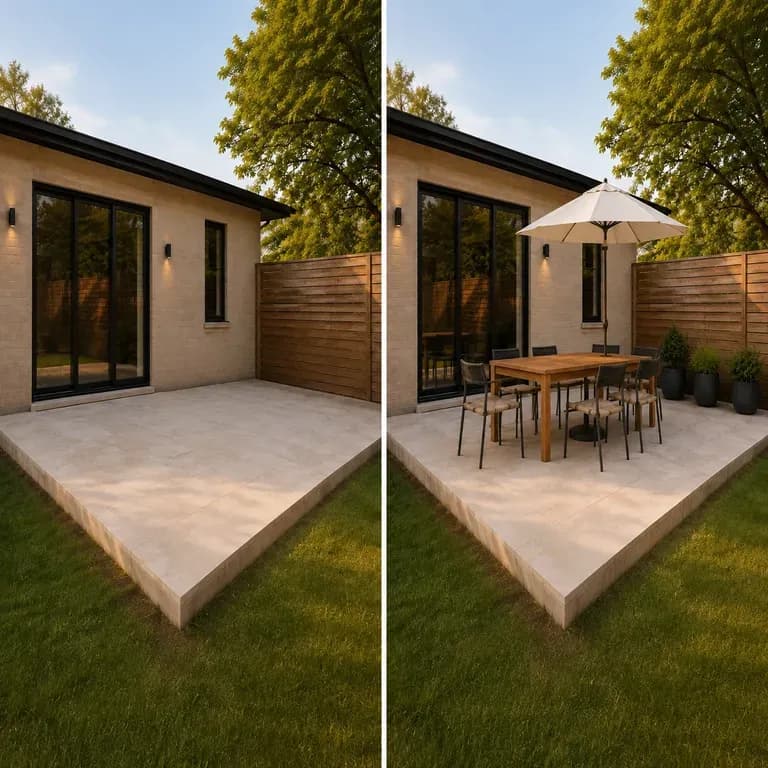
An empty patio before and after: the same camera position and boundary, now a dining set with an umbrella
An outdoor space photo turned into a living-space preview

Why Use Virse's Outdoor Design Generator?

Decking and outdoor furniture are expensive to redo. Seeing a few directions on your actual space is what makes the decision easier.

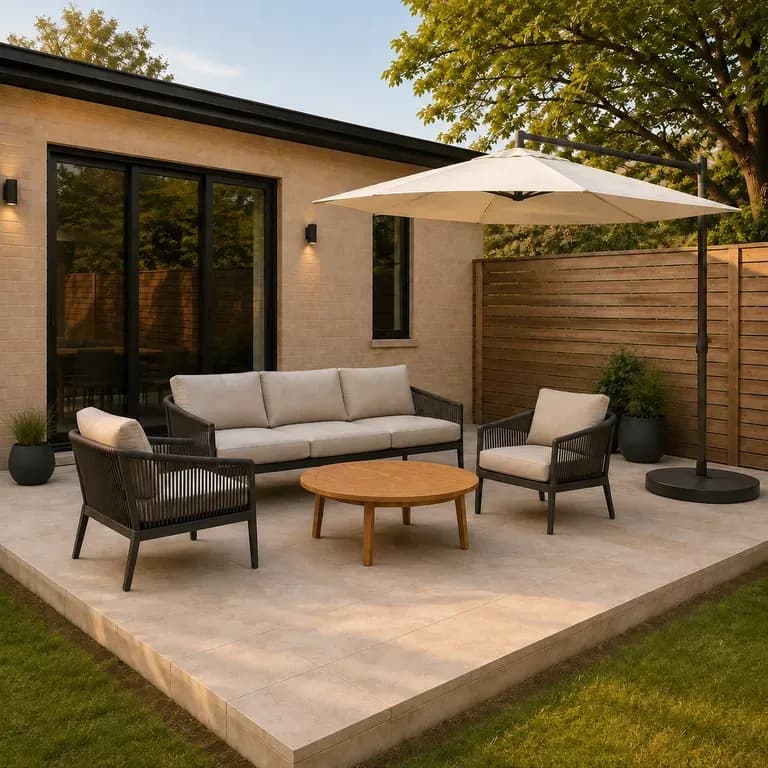
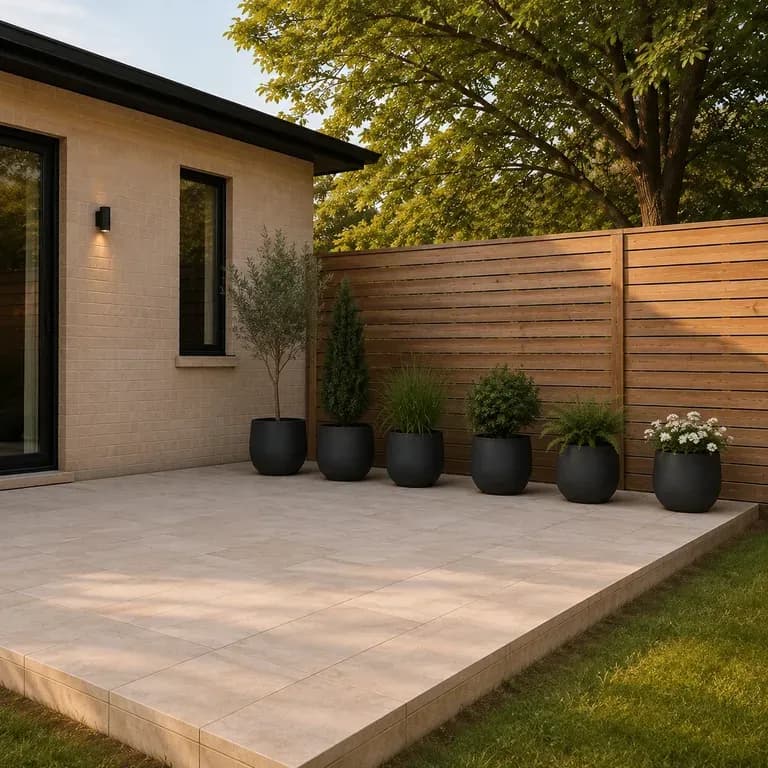
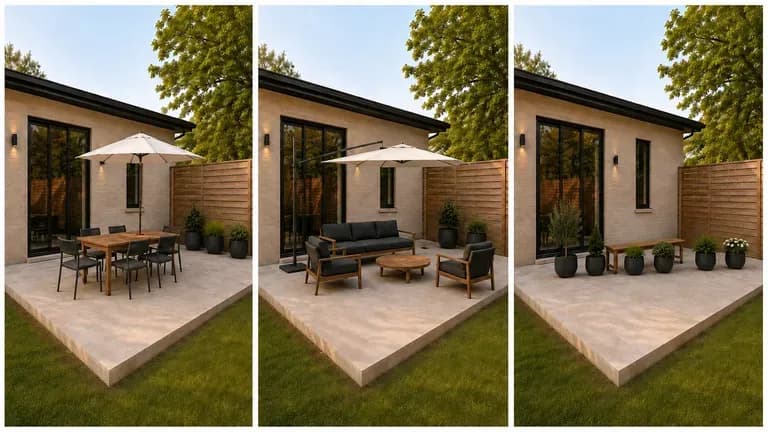
The same patio shown in three uses: dining and entertaining, lounge and relax, green and layered
Free

Start with Free Generations

Try your first outdoor space preview on Virse credits. New users can generate up to 10 images, enough to see whether a direction fits your space before committing to a build budget.

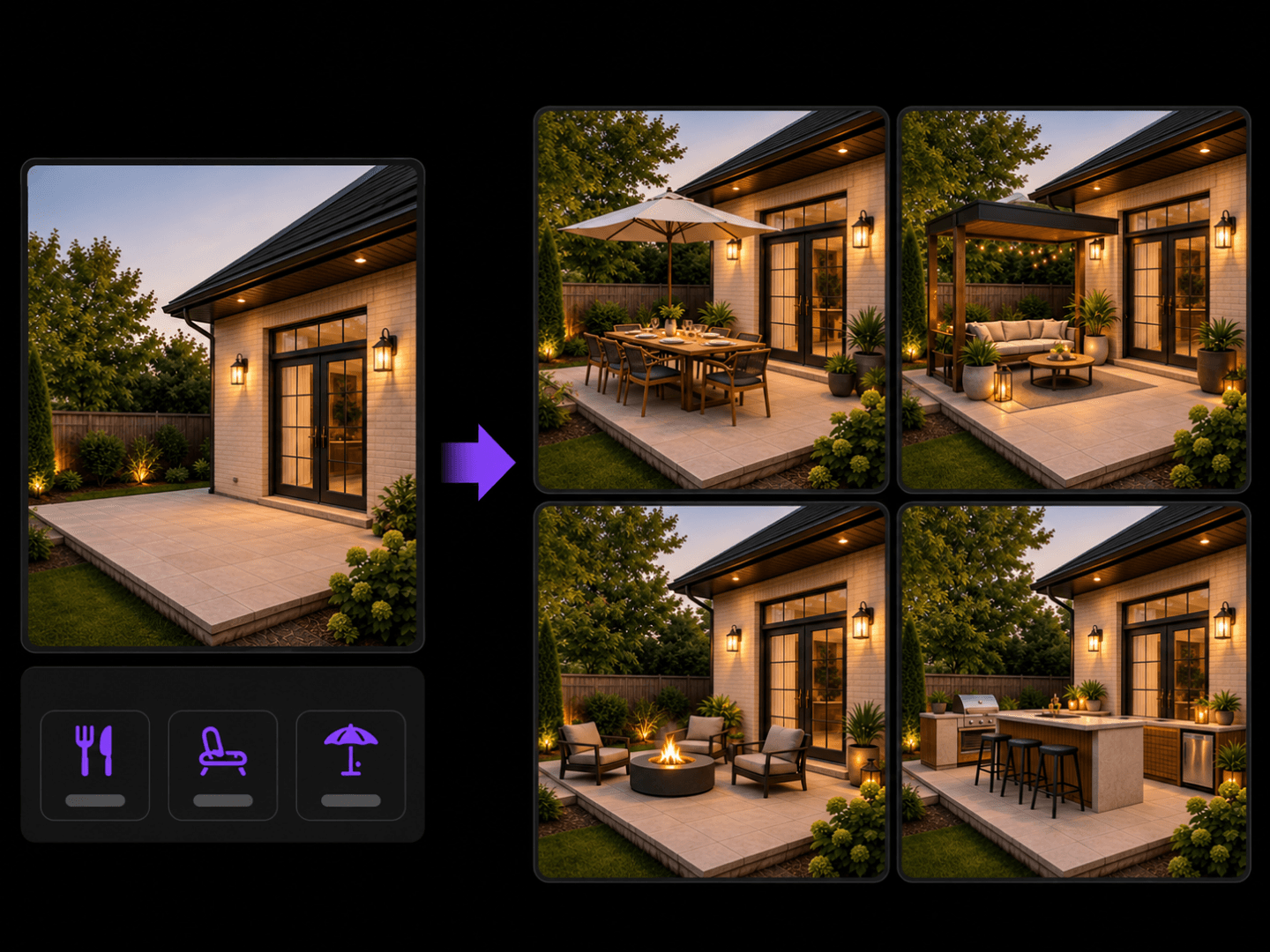
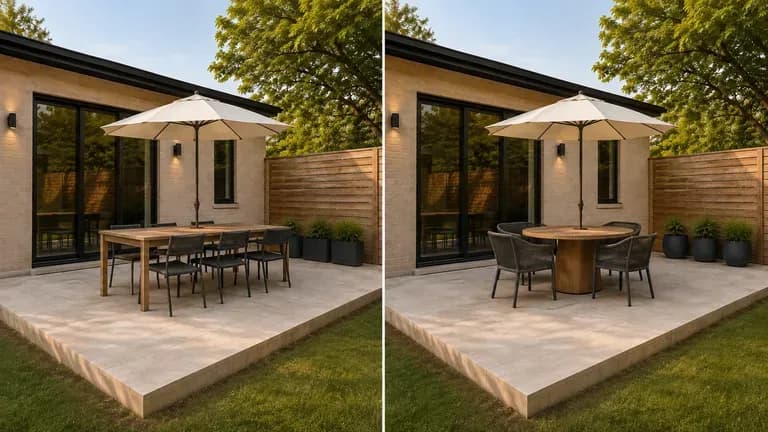
Two model interpretations of the same outdoor space preview placed side by side
40+ models

Explore with Multiple AI Models

Virse brings 40+ AI models into one environment, and paid plans include unlimited model usage. You can see how different models handle the same space without rebuilding your brief for each one.
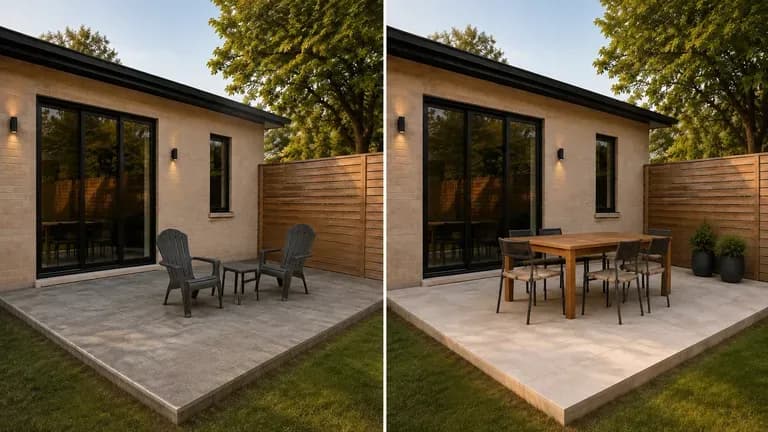
A deck material shown before and after, the building outline unchanged, only surface and furniture updated
Canvas

Compare Directions on One Canvas

Site photos, generated previews and alternative directions stay together on an infinite canvas. Virse keeps your space details in context, so the next round builds on the direction already picked.

How to Generate an Outdoor Design with AI in Four Steps

  1. Photograph the space empty, if you can

    Clear away whatever furniture is already out there before shooting. An empty deck or patio shows the true footprint the previews need to fill.

  2. Say what you actually do out there

    Weeknight dinners for two, big Sunday lunches, a spot to work from a laptop in the shade. The furniture and shade choices that fit a dinner party are wrong for a solo reading nook.

  3. Generate furnished directions

    Run an available AI image model and let it work through furniture, shade structures and planting sized to your actual patio or deck footprint.

  4. Check the sun angle before you buy

    An umbrella or pergola that looks right in a preview shot at 3pm might do nothing for you at dinner time. Note when you'd actually use the space and sense-check the shade placement against it.

Who Is an AI Outdoor Design Generator For?

People about to spend real money outdoors, who want to see it first.
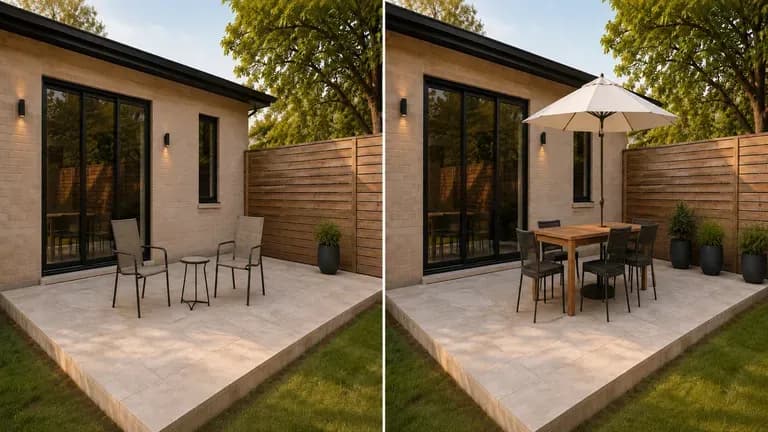
An ordinary patio shown before and after an outdoor redesign

Homeowners Planning an Outdoor Upgrade

Preview a patio or deck direction before calling a contractor for a quote.
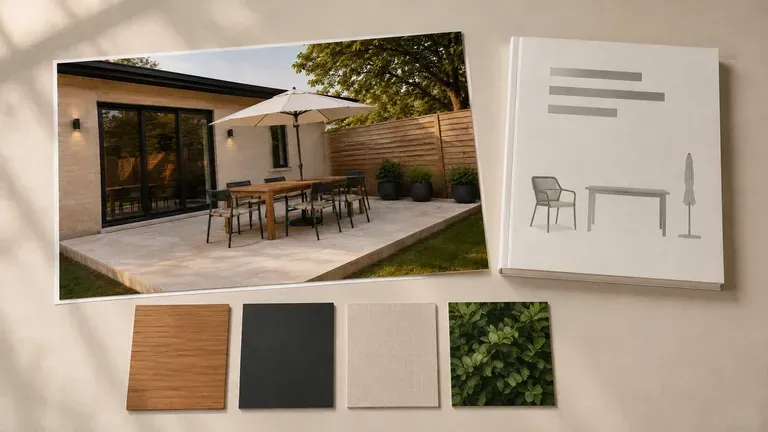
An outdoor concept preview beside a furniture catalogue and colour cards

Landscape & Outdoor Designers

Generate quick concept previews for a client before committing to full design drawings.
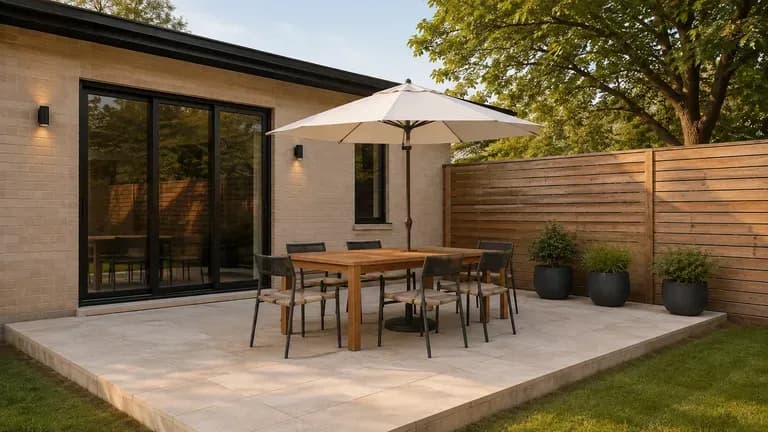
A patio redesign preview shot in a wide, real-estate-style composition

Real Estate & Property Marketers

Show a property's outdoor living potential with a preview for a listing.
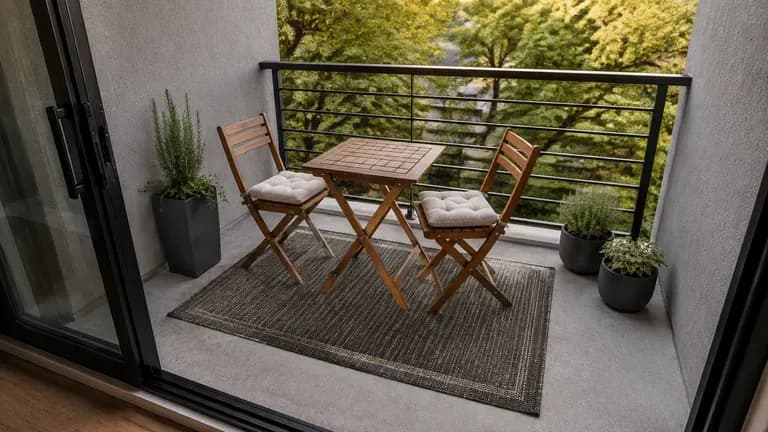
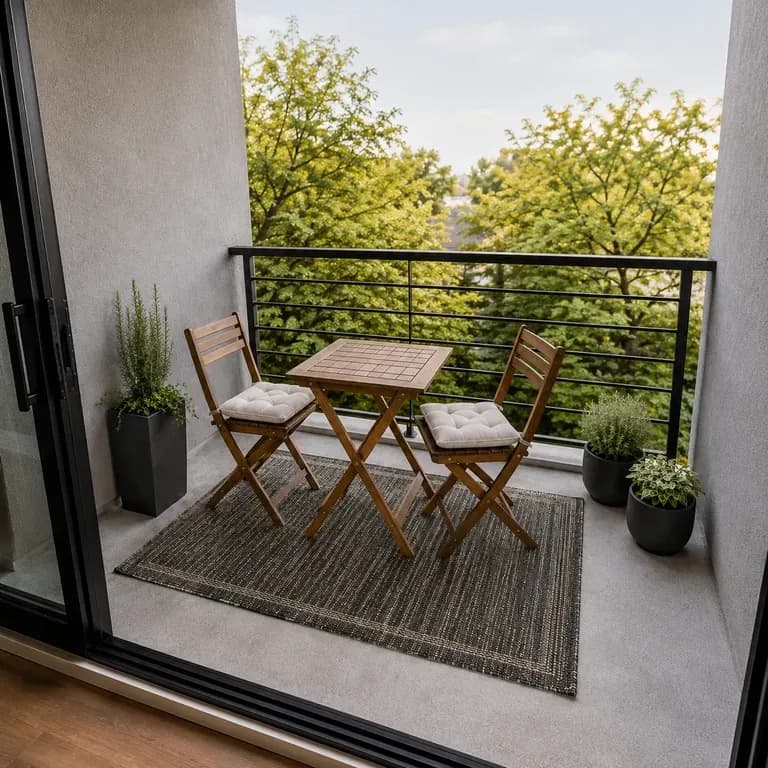
A small balcony redesign preview shown in a compact setting

Renters & Apartment Balcony Owners

Preview smaller-scale outdoor upgrades that fit a balcony or rented patio.
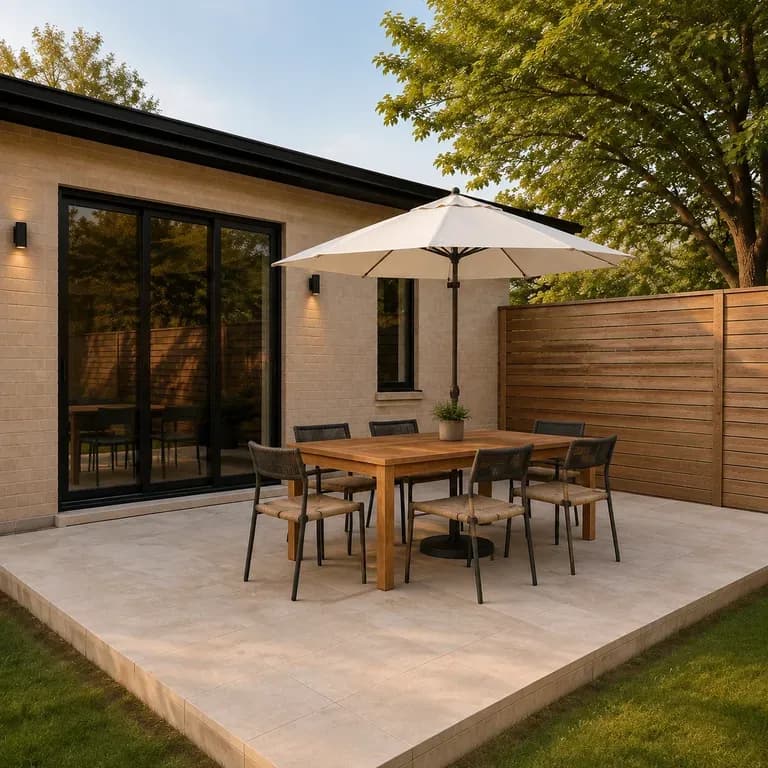
AI Outdoor Design Generator Use Cases

A close-up of a dining and entertaining outdoor area after a redesign
Dining & Entertaining Previews: a furnished area built around a table and seating
A close-up of a lounge and relax outdoor area after a redesign
Lounge & Relax Previews: soft seating and shade for a slower pace
A close-up of a green, planting-layered outdoor area after a redesign
Green & Layered Previews: planting-forward outdoor spaces with softer edges
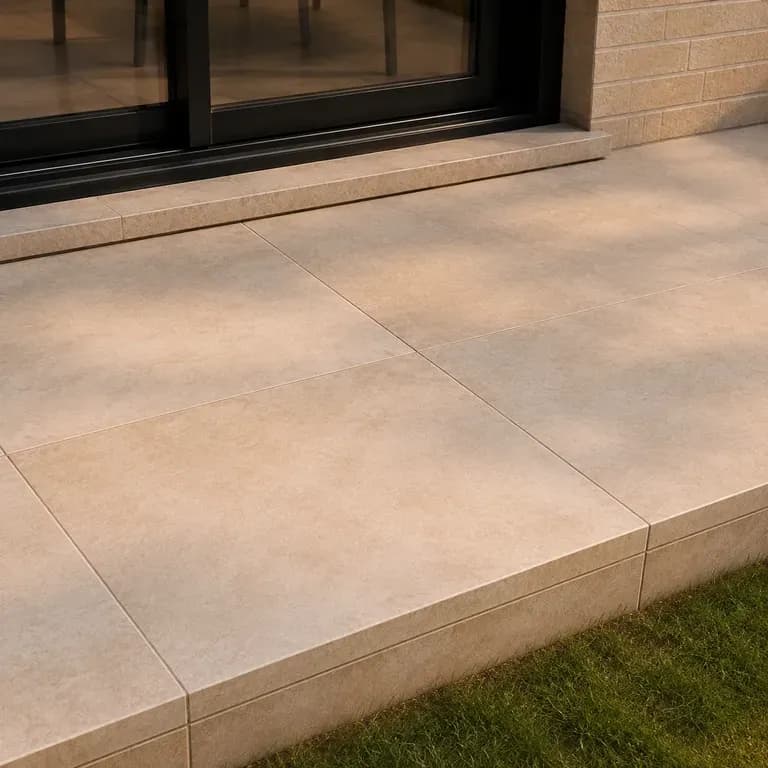
A close-up of deck or paving material after a redesign
Deck & Patio Material Previews: new decking or paving shown on the existing structure
A close-up of a small balcony after a redesign
Balcony Upgrade Previews: a smaller-scale outdoor space redesigned within its footprint
A split-frame before and after comparison of the same patio
Before & After Outdoor Comparisons: the original photo shown beside the new preview
FAQ

Frequently Asked Questions

Is this outdoor design generator free?
You can start on free Virse credits. New users can generate up to 10 images with Nano Banana 2, enough to test a direction before deciding whether you need a paid workflow. Free access is limited rather than unlimited.
Will it keep the deck or patio footprint I actually have?
Yes. The preview furnishes the space shown in your photo rather than expanding it into a larger structure you would need to build.
Does it design a new pergola, deck or permanent structure?
It can preview one, but treat that as a concept, not a buildable plan. Permits, footings and structural work still need a contractor and, in most places, local approval.
Can I preview a small balcony, not just a full patio?
Yes. Describe the space you actually have, including its size, and the preview works within that footprint rather than assuming a full-size patio.
Will it factor in how much sun or shade the space actually gets?
Only what your photo and notes tell it. Mention when you use the space and where the shade already falls, and the shade and seating placement reflects that rather than guessing.
What do Virse paid plans include?
Paid plans include access to 40+ AI models with unlimited model usage and unlimited team seats, aimed at designers previewing multiple sites.

Generate Your Outdoor Design with AI

Photograph the deck or patio you actually have, say what you want to do out there, and see furnished directions before you order anything.