
Logo or label
Cover Both Reusable Flasks and Bottled Water Labels
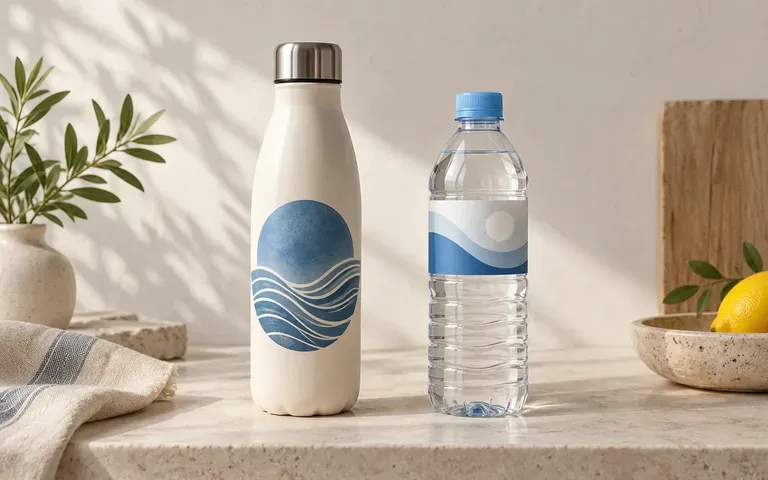
Use a single-color mark for a reusable water bottle mockup or upload a full wrap-around decal for a bottled water label mockup by stating the application type in your brief.
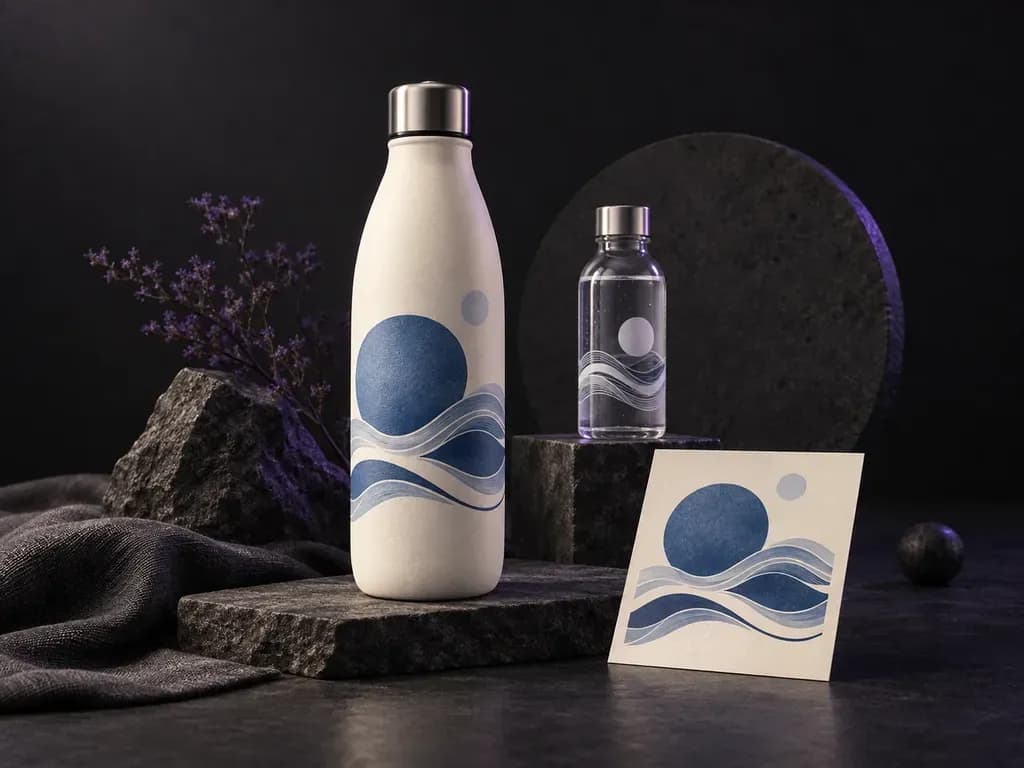
Upload a reference photo of your bottle along with your logo or wrap-around label file, then specify the finish and backdrop. This water bottle mockup generator previews branding on reusable insulated flasks and bottled water containers before you order samples.
A water bottle mockup (including a metal water bottle mockup or water bottle label mockup) previews your logo or wrap-around decal on a cylindrical bottle before printing or engraving:
• Curvature and wrap distortion: Check how wide wordmarks or nutrition panels curve around the bottle barrel without clipping at the left and right edges.
• Surface finish contrast: Compare white screen prints, color decals, or laser-engraved marks against powder-coated matte finishes, brushed steel, or clear PET plastic.
• Hardware proportions: Align graphics cleanly beneath a sports cap silhouette, flip-straw lid, carry loop handle, or neck ring.
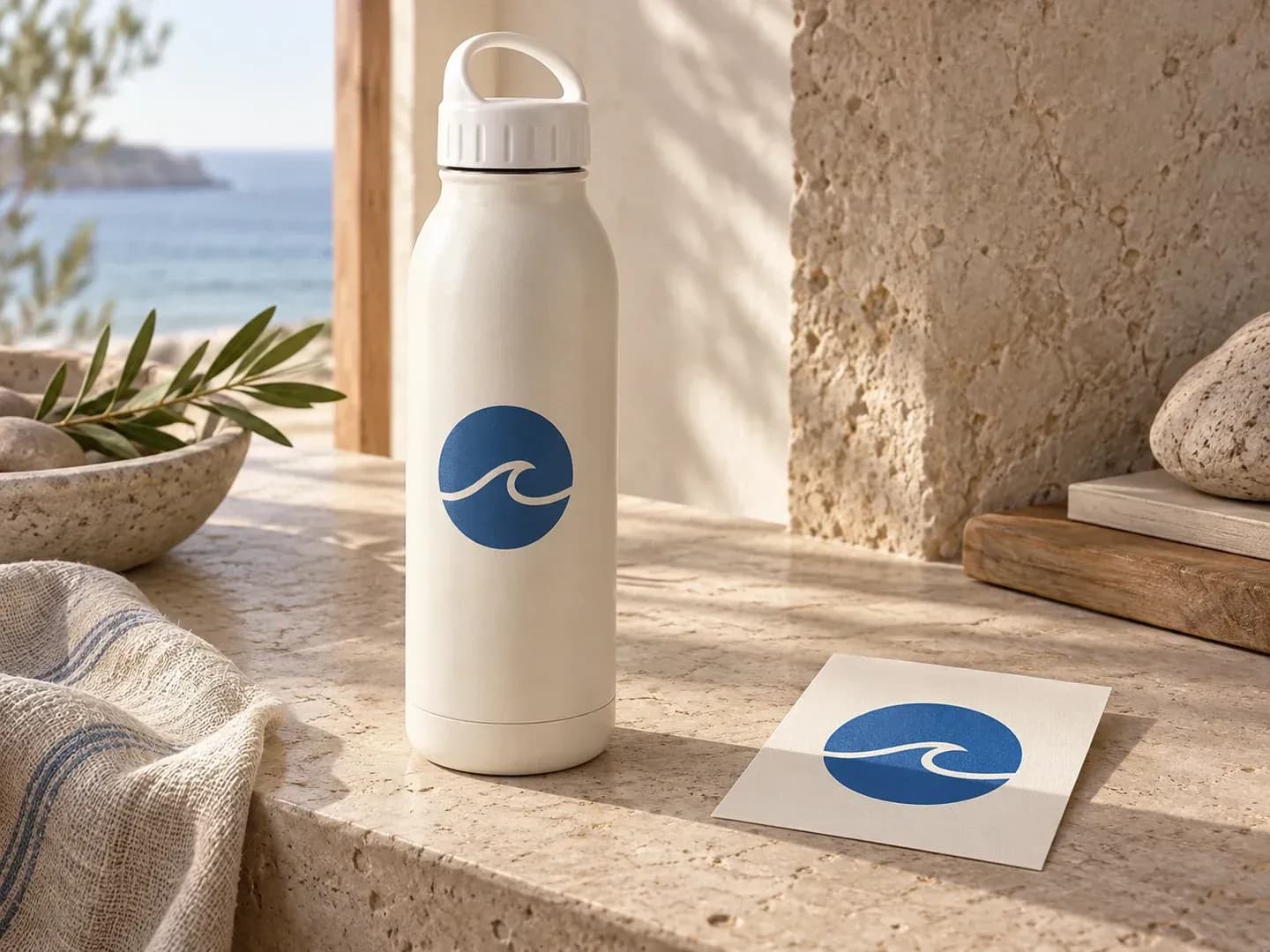
Why drinkware and beverage teams start from their own container reference rather than a generic stock cylinder.
Use a single-color mark for a reusable water bottle mockup or upload a full wrap-around decal for a bottled water label mockup by stating the application type in your brief.
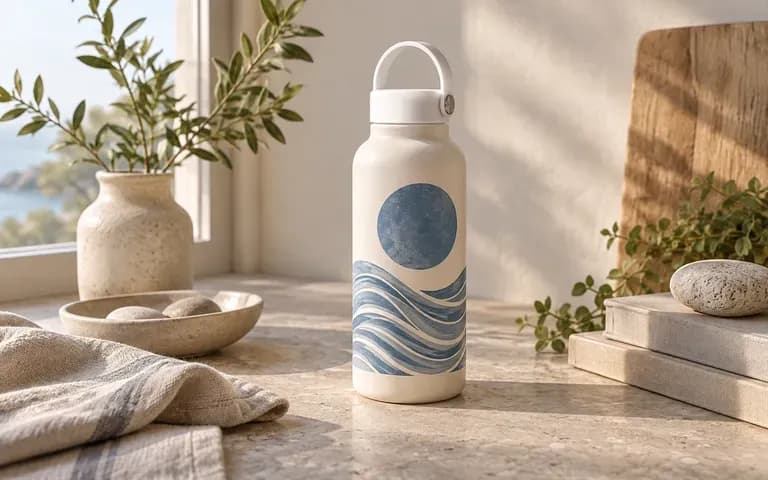
Upload a photo of the actual supplier vessel you plan to order, whether an insulated stainless steel flask, wide-mouth chug lid, aluminum cycling bottle, or clear spring-water container.
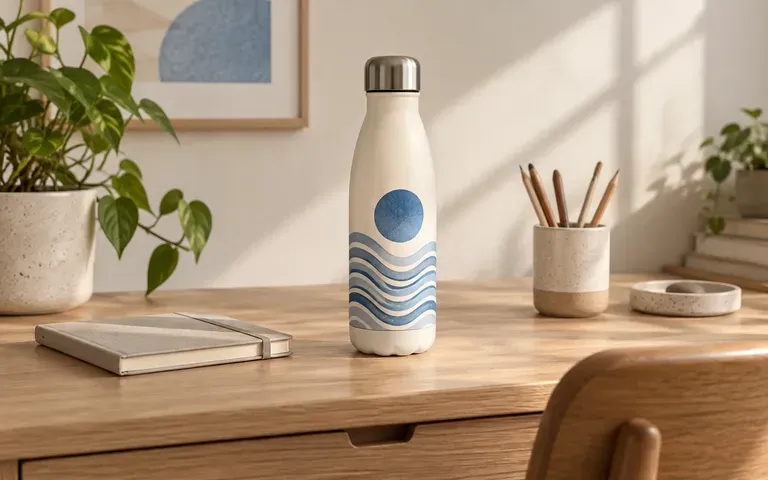
Place the branded bottle on a clean studio Sweep for catalog listings, an office desk for corporate welcome kits, or a gym bench for athletic merch drops.
How generating a drinkware preview from your supplier bottle photo compares with editing a fixed water bottle mockup PSD template.
Static Water Bottle Mockup PSD
Virse Water Bottle Mockup Generator
Add a clear, straight-on photo of the reusable flask or water container that shows its body outline, neck, and cap hardware.
Upload your logo mark or wrap-around label artwork and specify the bottle body color, surface finish, and placement height.
Name the backdrop, such as a neutral studio surface, wooden desk, or gym floor, and generate the static bottle preview.
Compare the logo edges, label wrap, cap silhouette, and body proportions against your source files before sharing with suppliers.
Clear finish and placement notes keep logos readable on curved drinkware. Copy any of these three water bottle mockup prompts:
• Powder-coated flask: "Insulated steel flask from the uploaded bottle photo in sage powder-coated matte finish, vertical white logo, black loop sports cap, on a birch desk."
• Bottled water label: "Clear 500ml spring water bottle from the reference photo, wrap-around paper label at mid-body, condensation droplets, white studio backdrop."
• Athletic sideline bottle: "Brushed aluminum sports bottle from the supplied reference, two-color team crest on front barrel, flip-straw lid, on a gym bench."
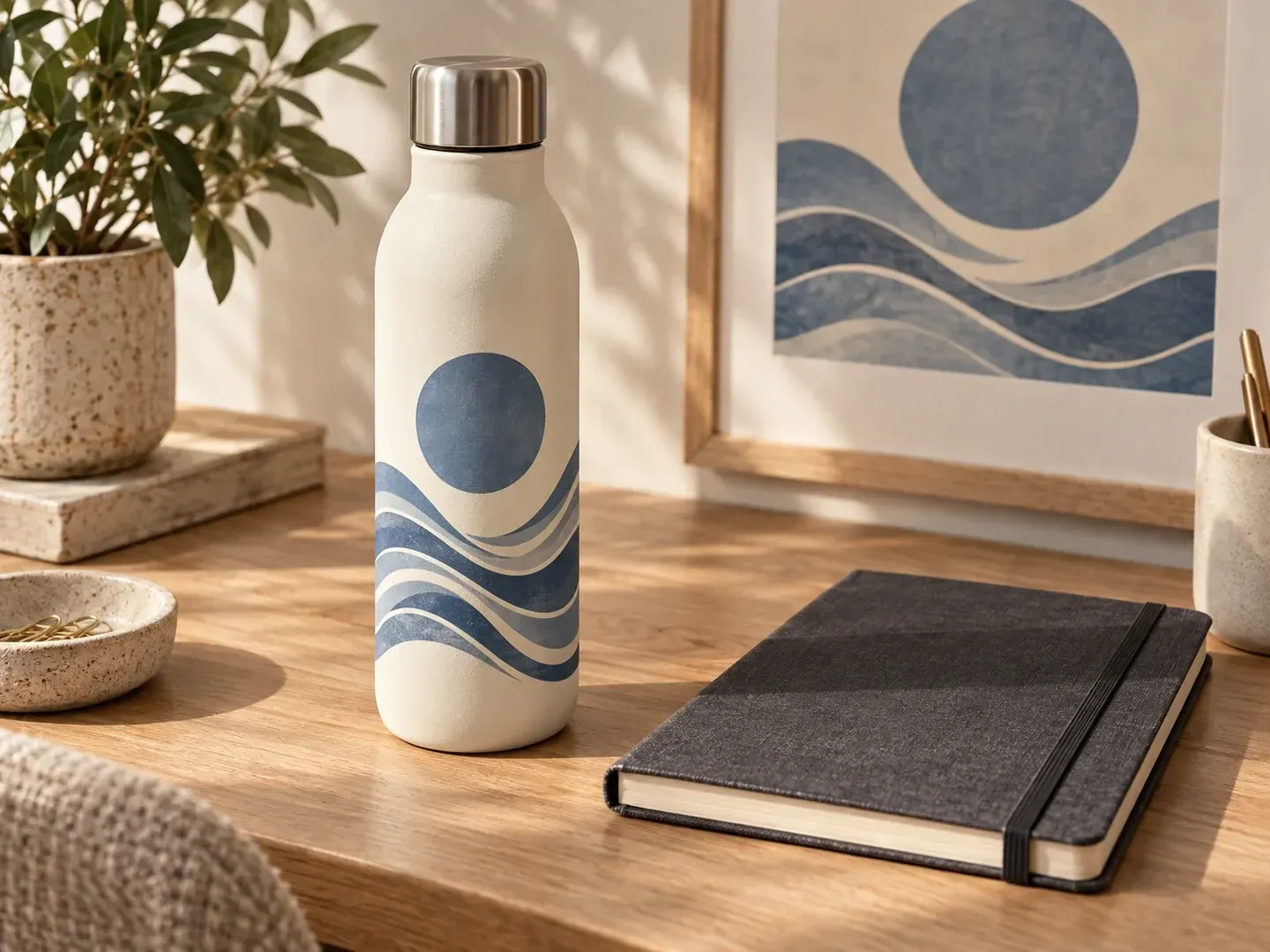
Four teams that preview drinkware and beverage graphics before committing to factory engraving or label press runs.
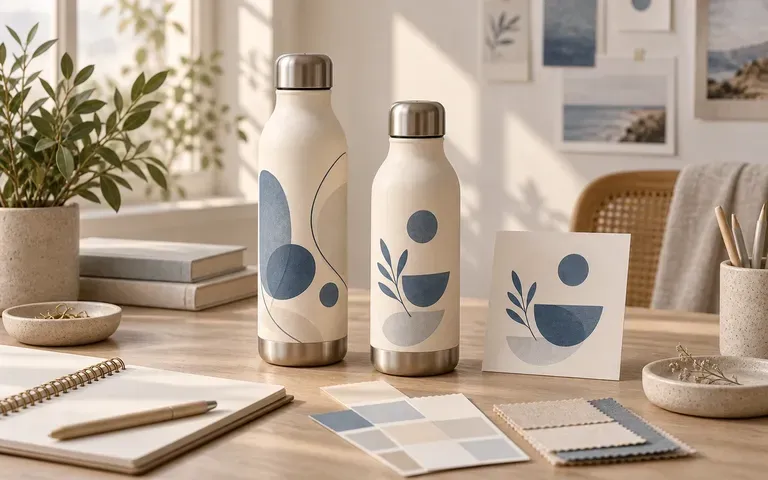
Show HR and brand stakeholders how the company mark reads on an insulated stainless steel flask for employee onboarding kits and conference giveaways.
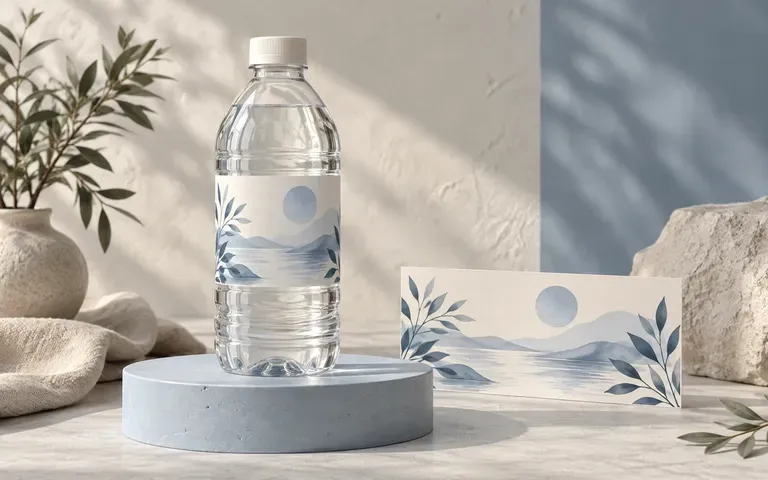
Preview finished wrap-around label artwork on clear PET, aluminum, or glass containers to check typography hierarchy and shelf presence.
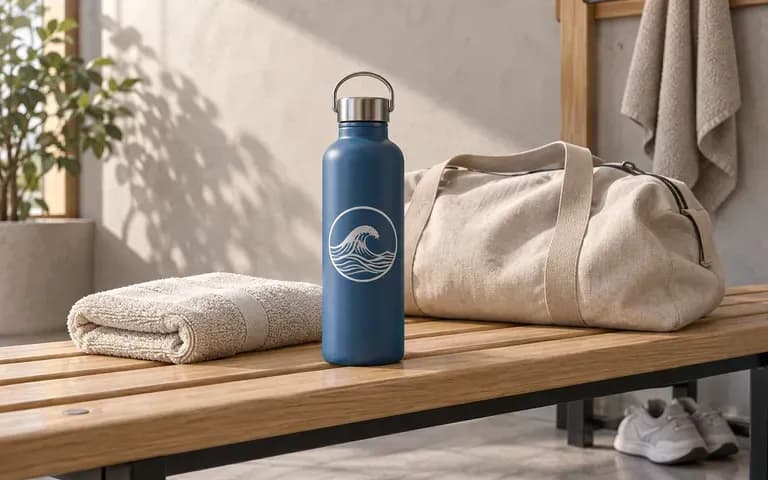
Prepare custom squeeze-bottle and metal flask concepts for athletic teams, marathons, and sponsor pitch decks before ordering bulk stock.
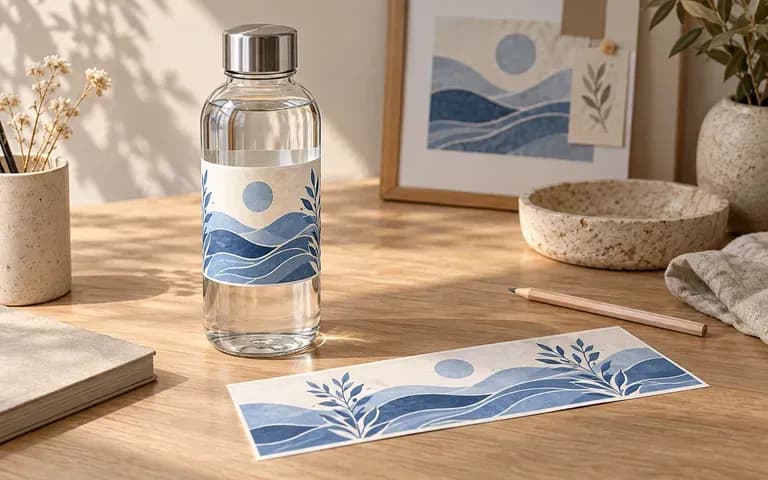
Test how decal height, vertical wordmarks, and powder-coated colorways interact with the taper, shoulder, and cap of a chosen bottle blank.
Six water bottle mockup outputs covering corporate merch flasks, bottled water labels, team drinkware, color studies, and lifestyle scenes.
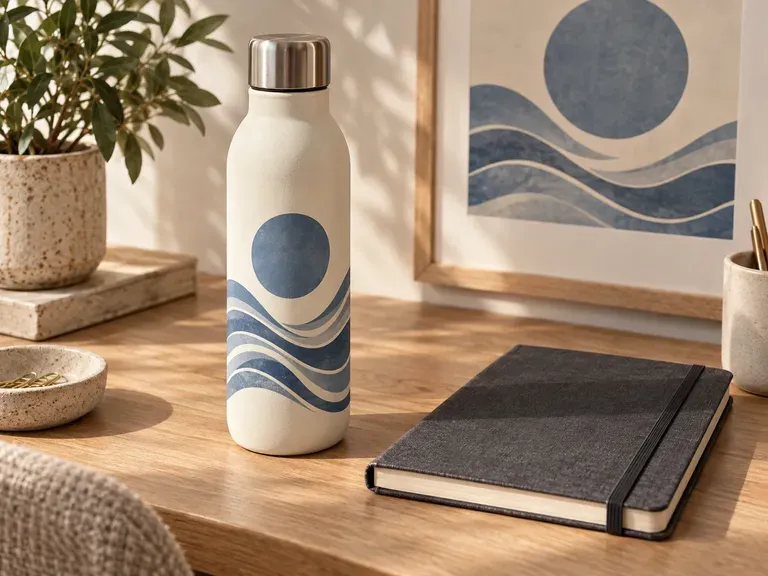
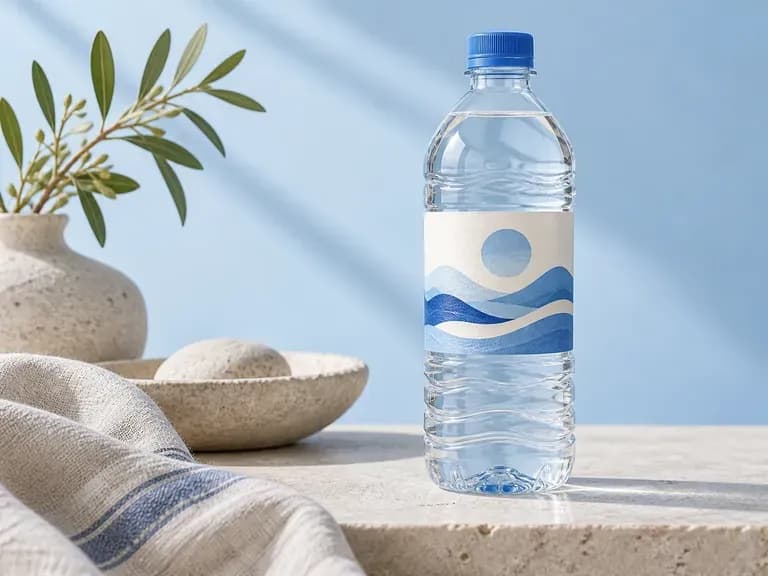
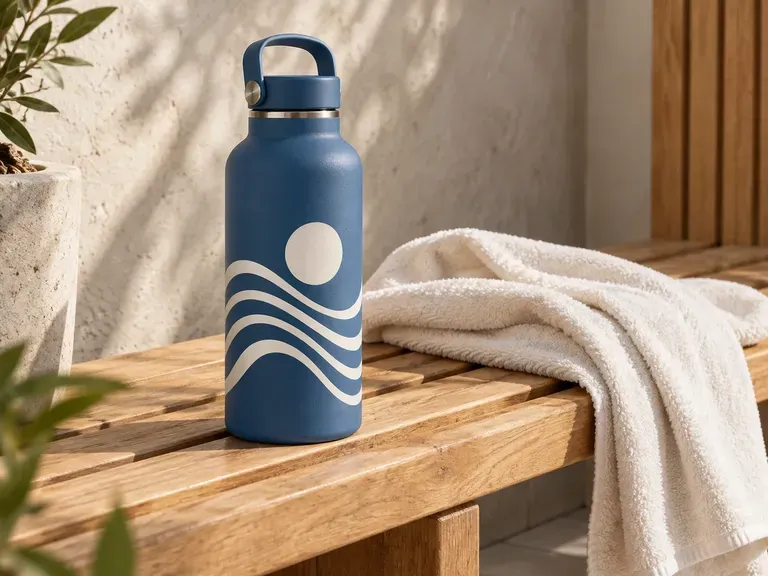
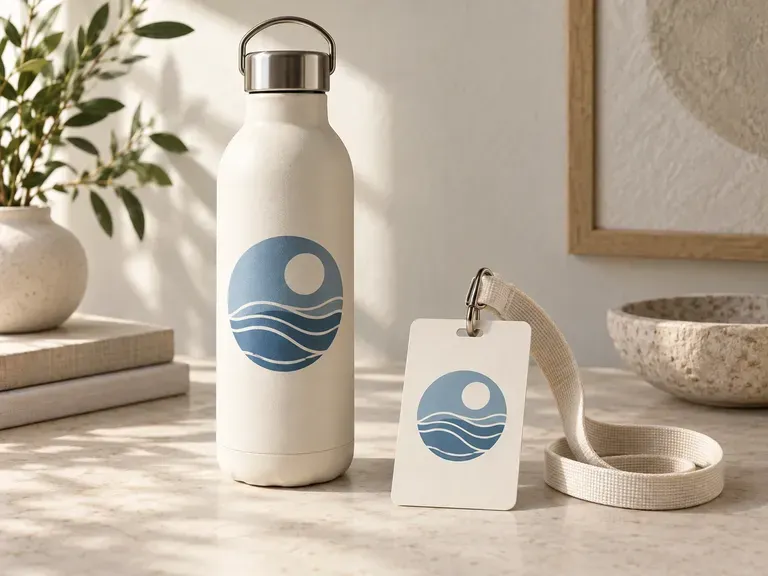
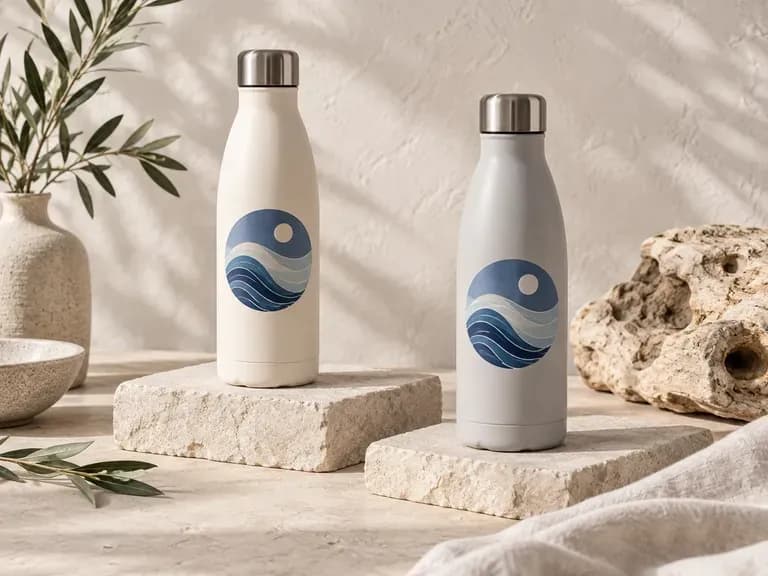
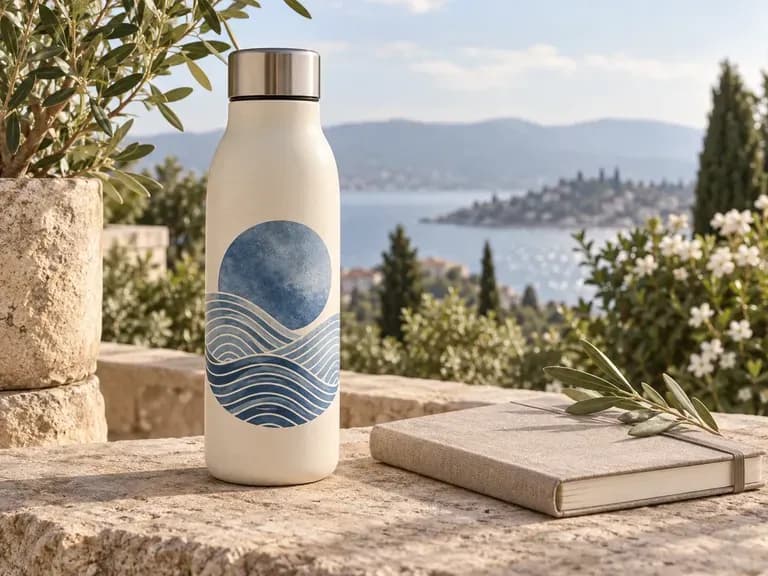
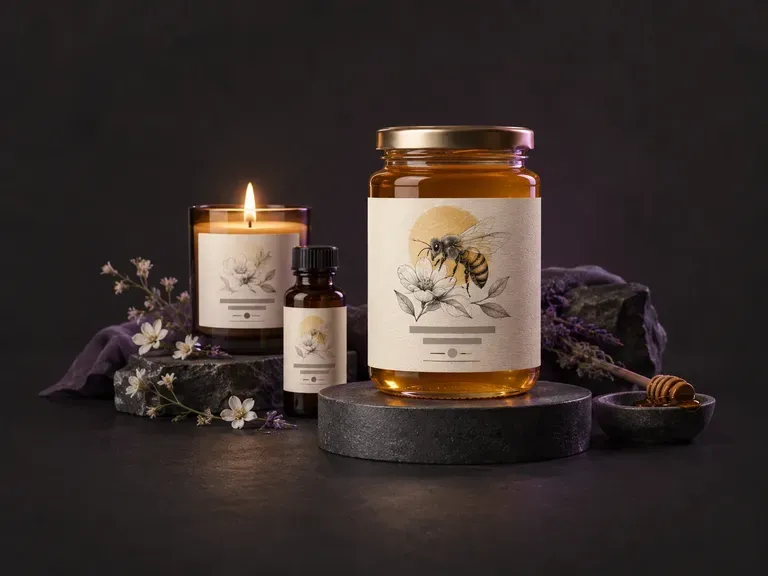
Create front and wrap-around product label concepts from your brand name, flavor notes, and style.
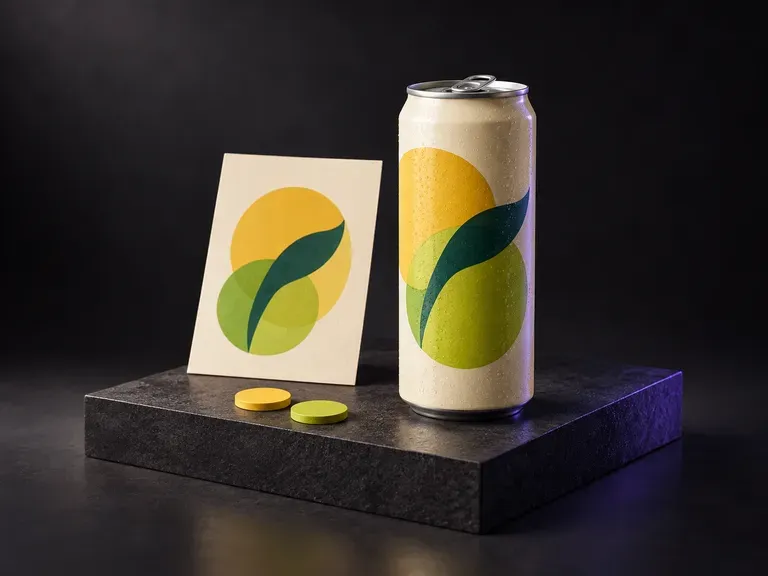
Preview beverage graphics, flavor colorways, and condensation effects on aluminum drink cans.
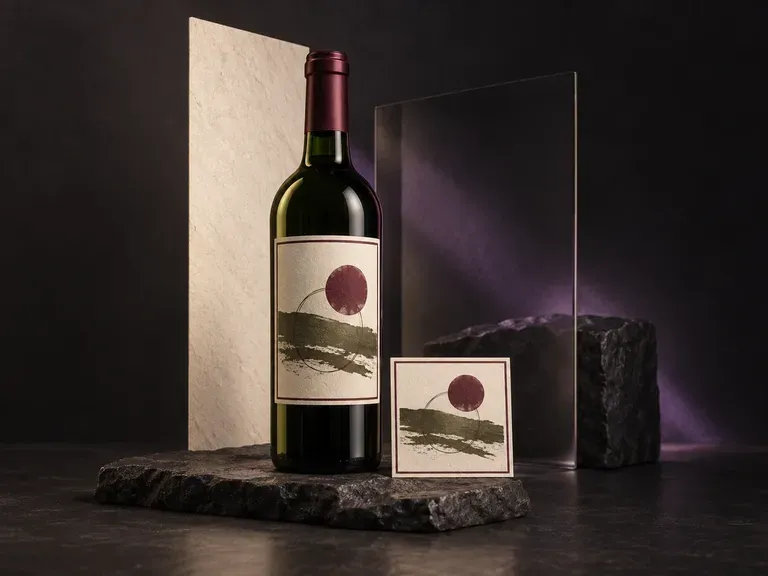
Test front labels, neck capsules, and glass tints on wine bottles in studio or table settings.
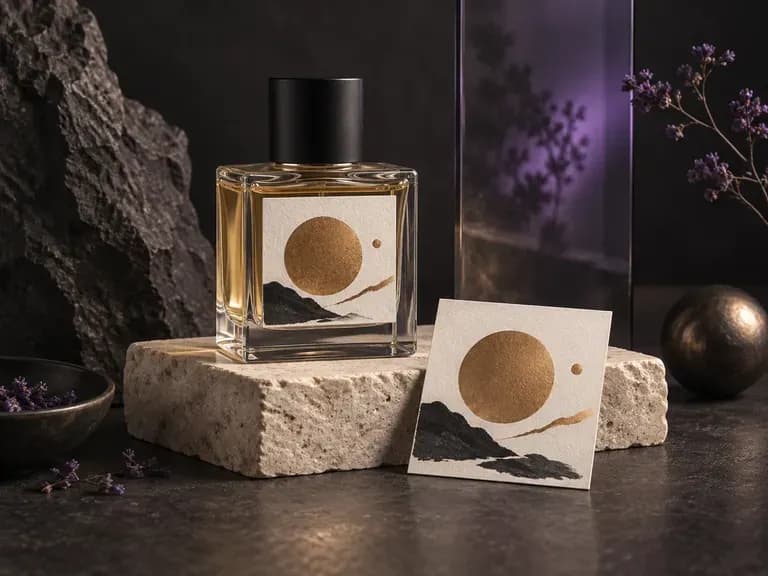
Render cut-glass flacons, atomizer collars, and luxury carton pairings for fragrance launches.
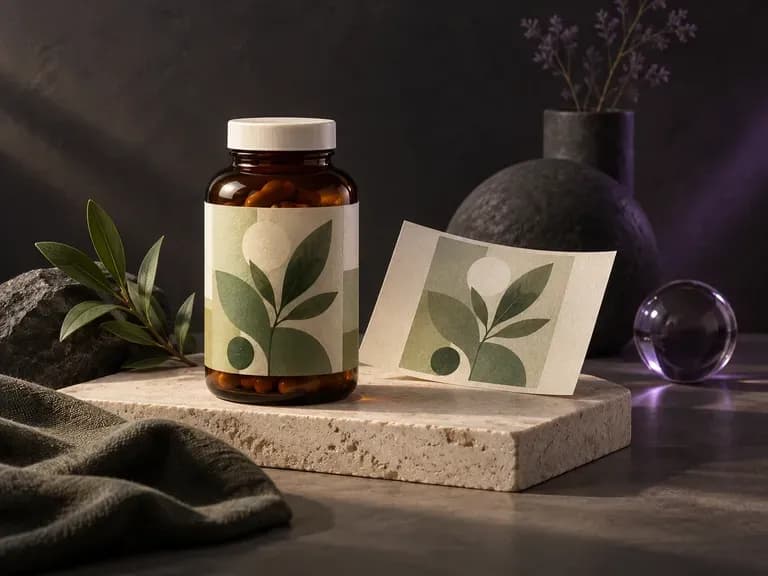
Verify dosage tables, safety seals, and metallic labels on wellness jars and dropper bottles.
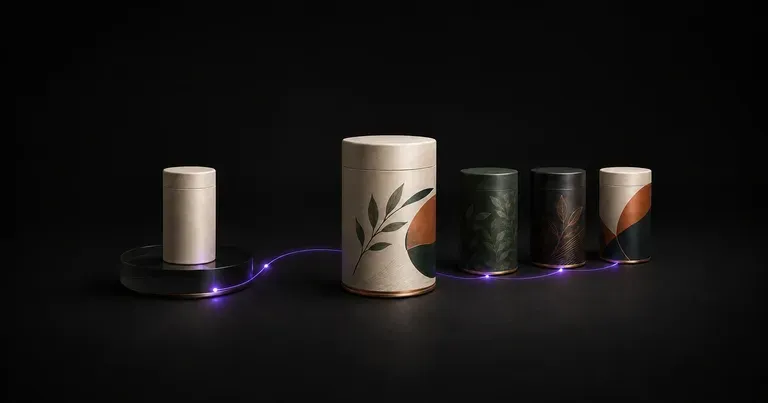
Explore structural concepts, surface graphics, and shelf blocking for new consumer products.

Explore four distinct framing and styling variations side by side on the canvas in a single run.
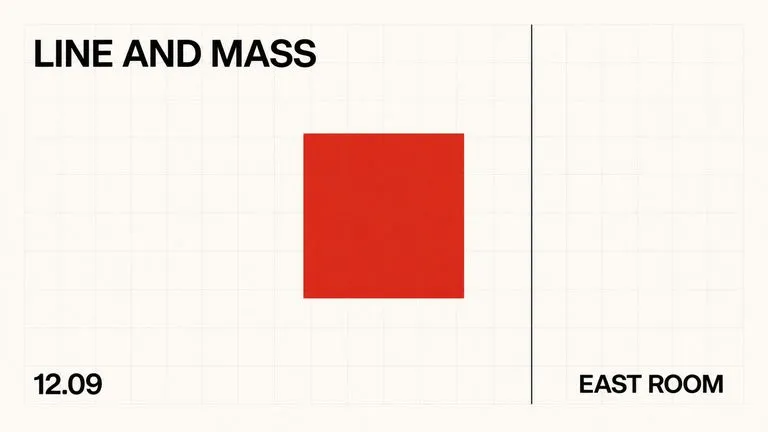
Keep display headlines, packaging wordmarks, and monogram badges sharp inside generated visuals.

Translate detailed creative briefs into balanced compositions with reliable spatial relationships.

Render high-contrast metallic reflections, fabric weaves, and shallow depth of field.

Guide subject posture, materials, and lighting using up to 14 reference images at 1K to 4K.
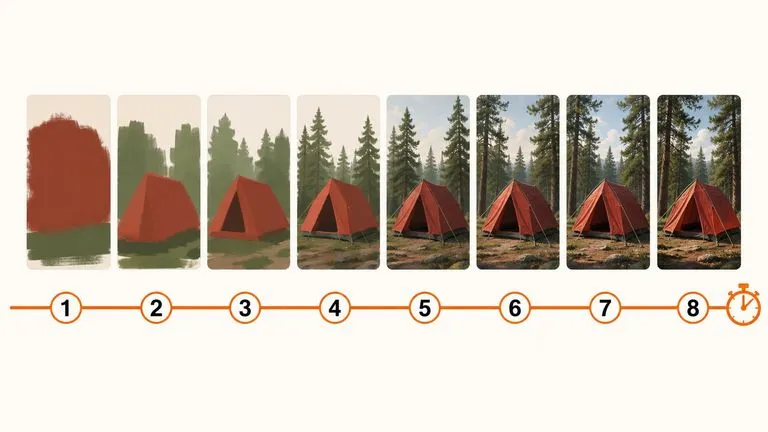
Draft rapid concept thumbnails and layout options before committing compute to final high-res renders.
Bring your blank drinkware photo and artwork file together to test your cylindrical branding in studio or lifestyle lighting.