
Free compute
Start with Free Generations
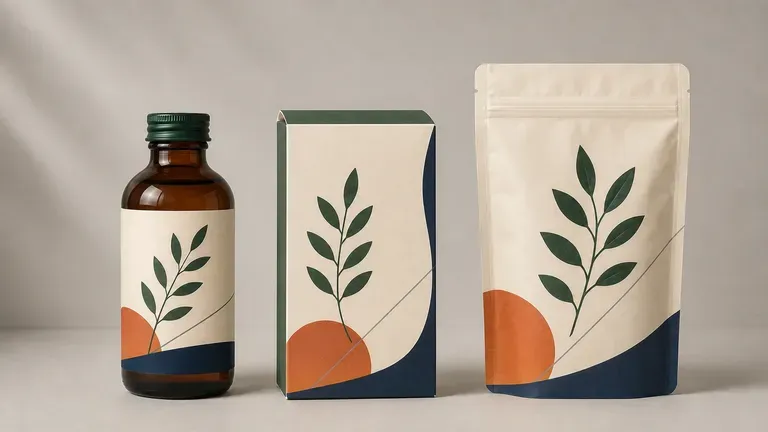
New Virse accounts start with 200 free compute (plus 50 daily below 200), letting you test whether a bottle, carton, or pouch concept holds up in 3D before prepress work.
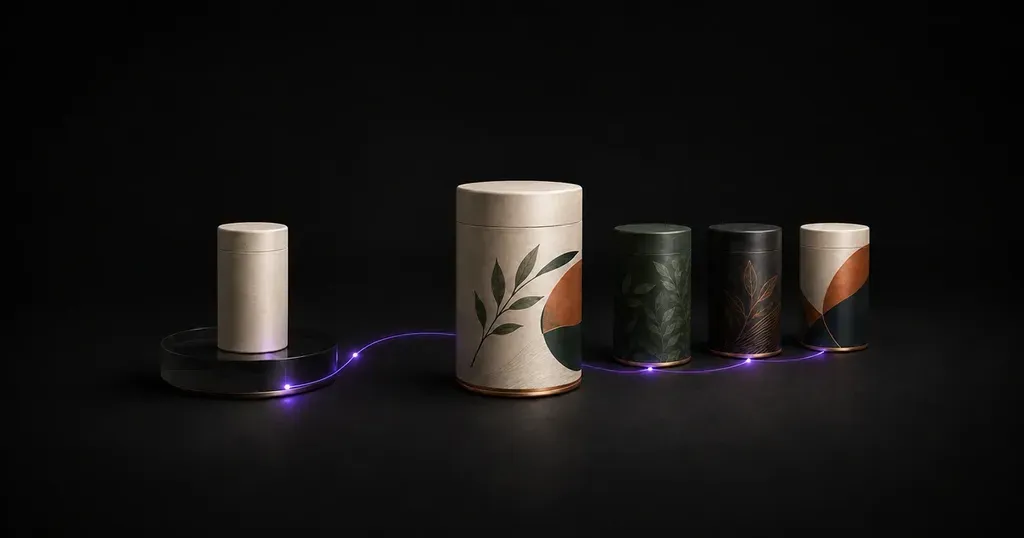
Describe your product, container form, and brand assets to preview how graphics wrap around a bottle, aluminum can, or carton. This AI packaging design generator builds original packaging concepts with 3D previews on one infinite canvas.
An AI packaging design generator turns product notes, container types, and brand assets into 3D packaging concepts before dieline work. Virse's AI product packaging design workflow covers three decisions:
• Form factor exploration: Compare how a product reads in a rigid box, tuck-end folding carton, stand-up pouch, beverage can, glass jar, or dropper bottle.
• Surface graphics and finishes: Test typography hierarchy, flavor colorblocking, and finishes like matte paperboard, foil, or frosted glass.
• Shelf-presence moodboards: Evaluate multiple creative directions side by side on one infinite canvas before prepress engineering.
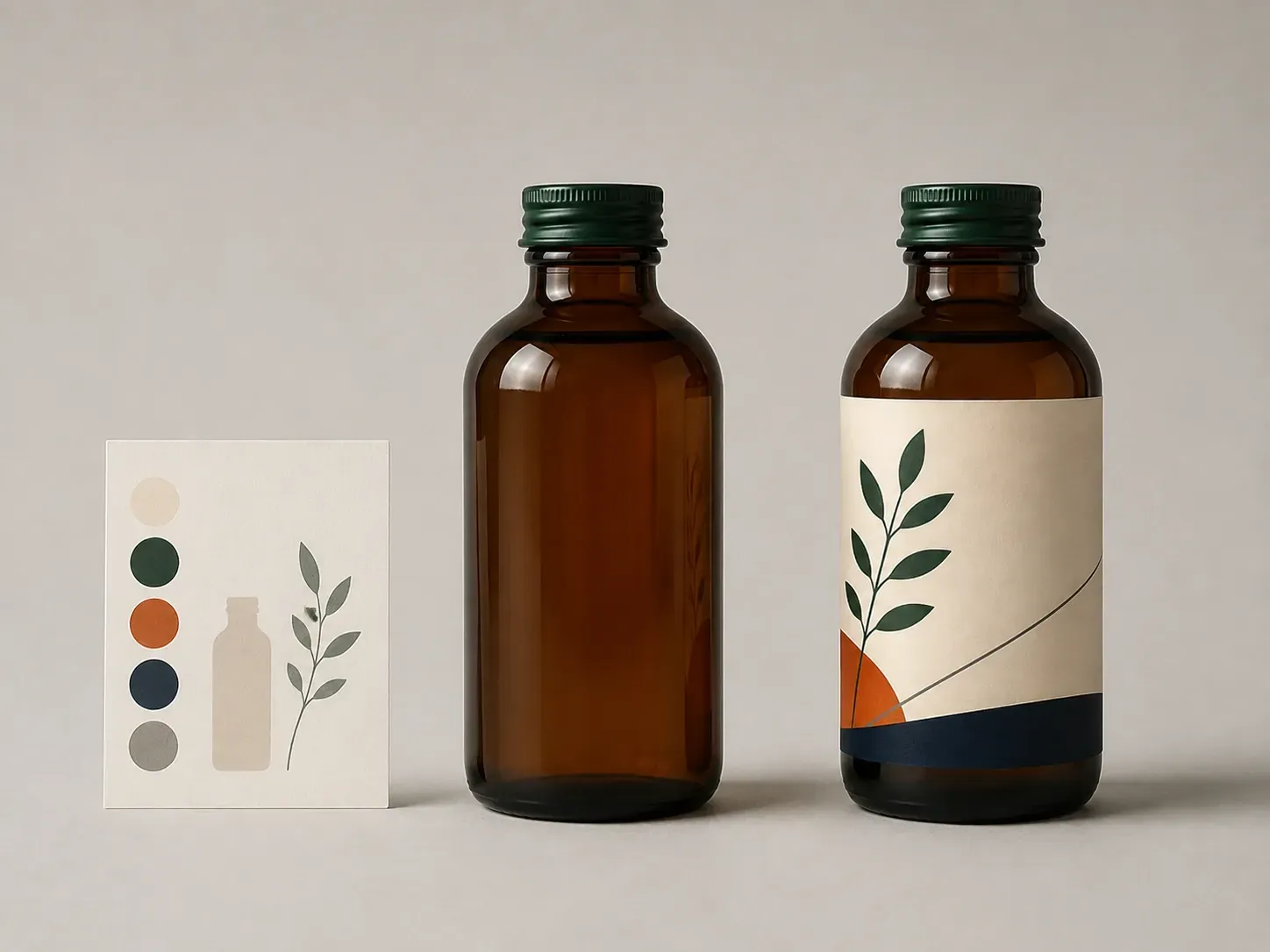
Three capabilities that make early packaging concepting faster and more grounded.
New Virse accounts start with 200 free compute (plus 50 daily below 200), letting you test whether a bottle, carton, or pouch concept holds up in 3D before prepress work.
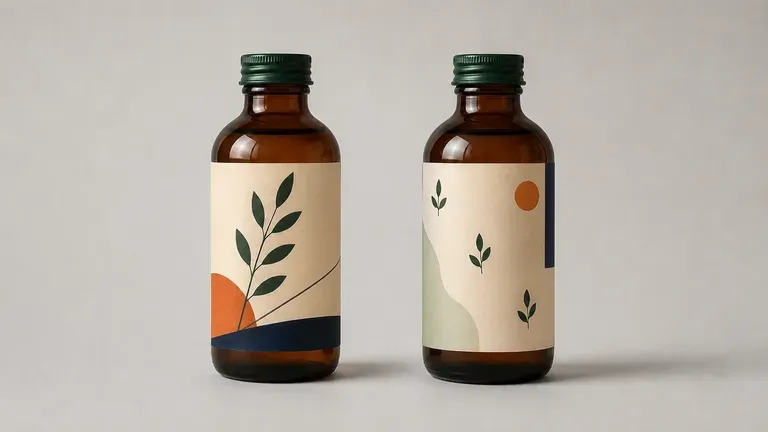
Virse connects 40+ AI models in one workspace, so you can run the same packaging brief across multiple image models to compare typographic and illustrative strengths.
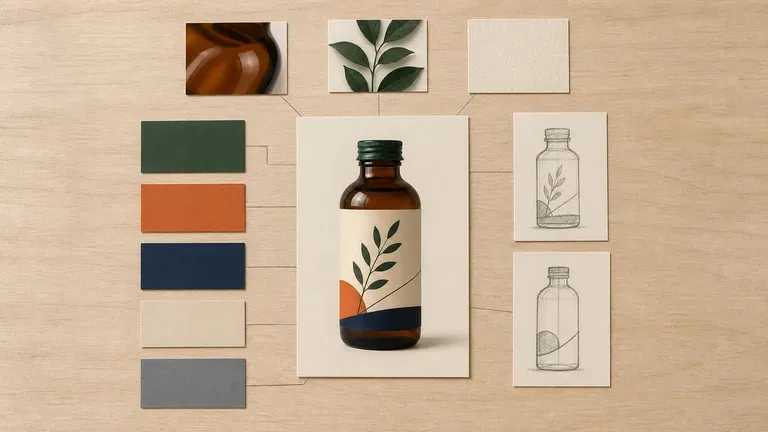
Keep your uploaded brand logos, color references, and generated 3D packaging concepts together on one canvas so each revision builds directly on the strongest direction.
How generating new packaging directions from a brief compares with pasting finished art onto a static template.
Fixed Single-Format Mockup Templates
Virse AI Packaging Design Generator
Write a brief naming your product category, target container (can, jar, carton, or stand-up pouch), material finish, and mood.
Add your logo, color swatch, or reference photo, and pick a preset such as Label & bottle, Box & carton, or Pouch & sachet.
Run the packaging design AI workflow to generate surface graphics in the round and judge curvature and panel balance.
Compare directions on the Virse canvas, refine the winner with follow-up notes, and hand it to your engineer for CAD dielines.
Specific container geometry, substrate texture, and hierarchy notes produce usable concepts. Copy any of these three briefs to explore AI package design:
• Beverage can and bottle label: "250ml slim aluminum cold brew can, matte charcoal with wraparound cream label, bold sans title 'NIGHT ROAST', copper foil band, studio 3D view."
• Rigid box and folding carton: "Tuck-end skincare carton in uncoated sage paperboard, debossed front border, apothecary type, beside an amber dropper bottle."
• Flexible stand-up pouch: "Resealable kraft zipper pouch for granola, terracotta and oat colorblocking, clear flavor hierarchy, crisp studio light."
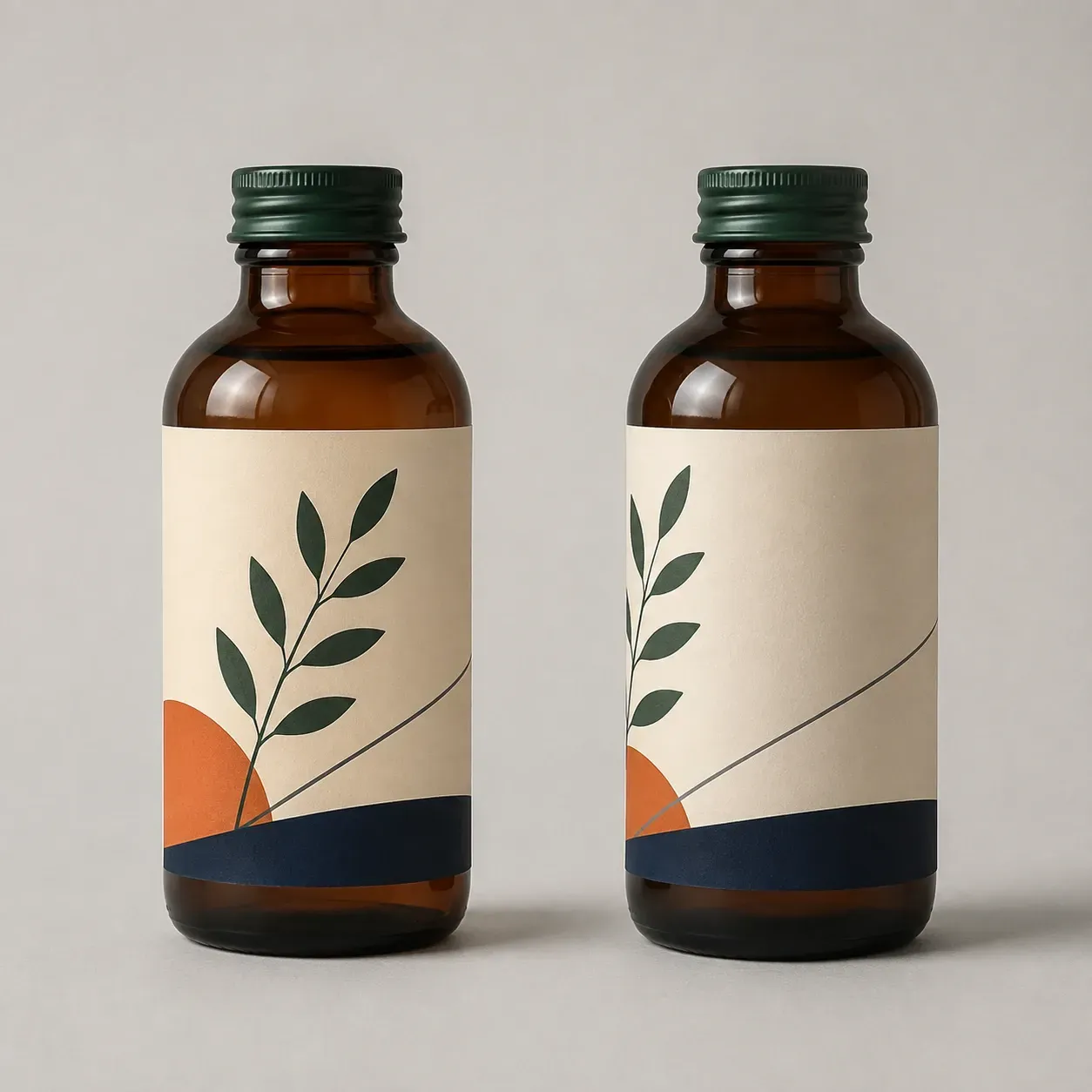
Four teams that explore 3D packaging concepts before investing in structural engineering and print tooling.
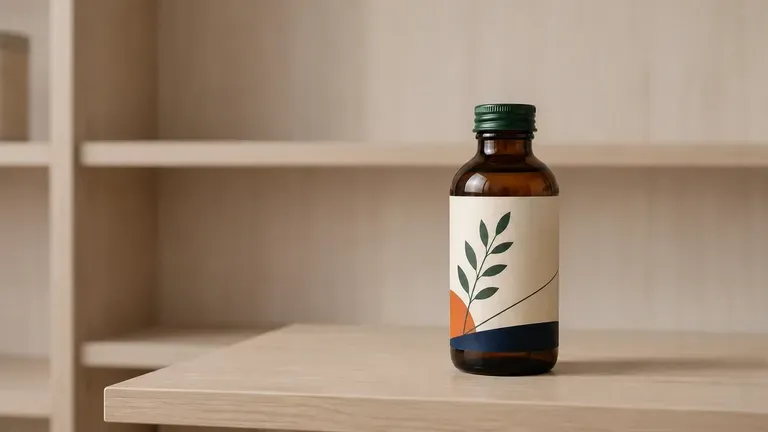
Test new SKU extensions, flavor colorways, and container formats before briefing a structural packaging engineer.
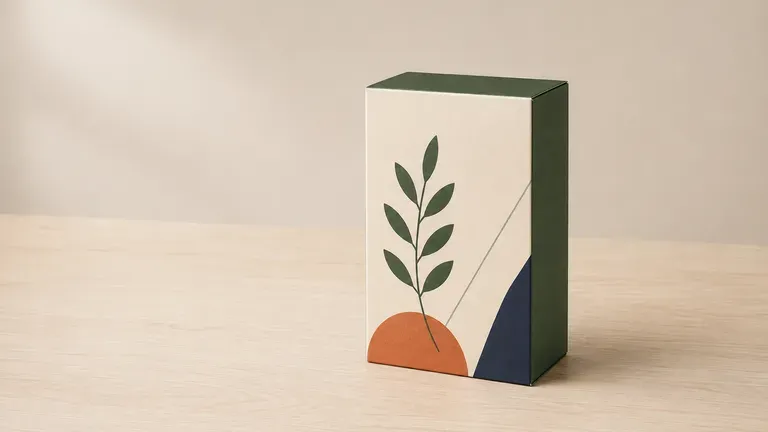
Develop a clear visual packaging direction from a product idea and logo to align co-packers, investors, and designers.
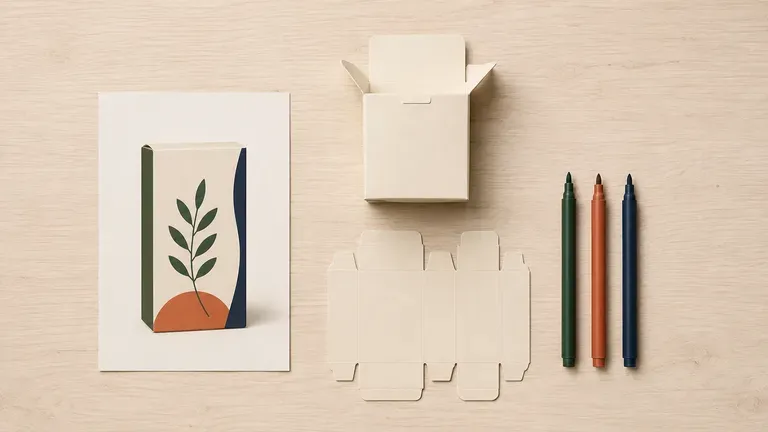
Generate visual moodboards across boxes, jars, and pouches to align clients on type and finishes before drawing dielines.
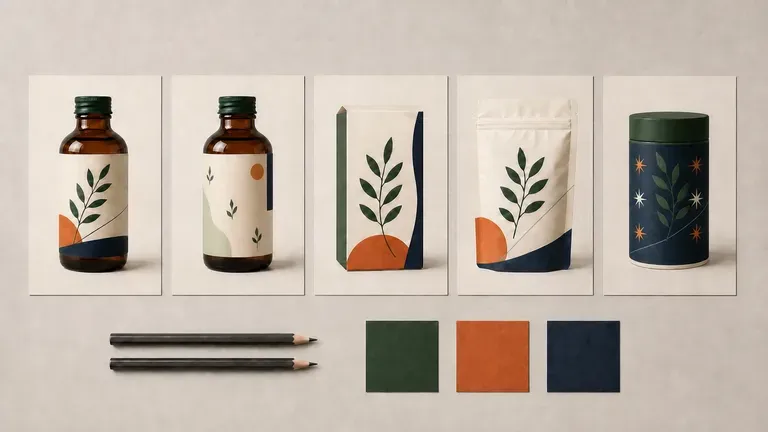
Present three distinct 3D packaging territories in a client pitch deck without spending studio hours modeling unapproved ideas.
Six packaging concept explorations covering wraparound bottle labels, folding cartons, flexible pouches, product launches, seasonal editions, and multi-direction comparisons.
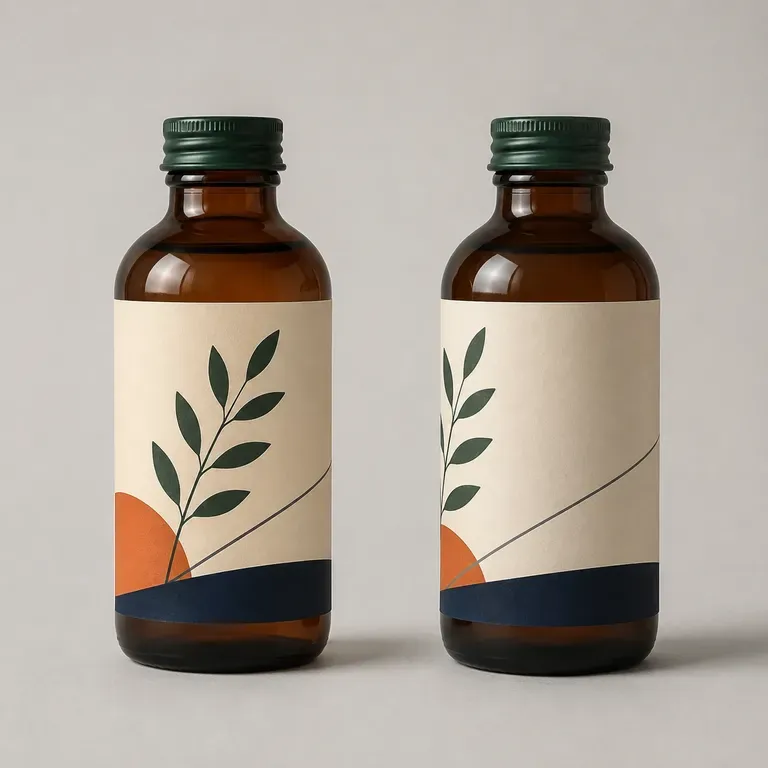
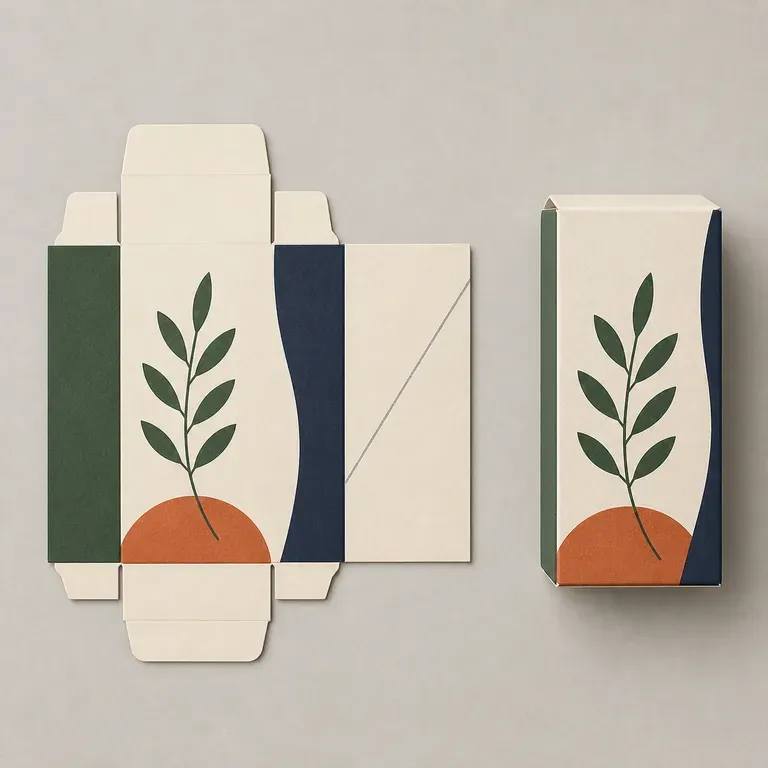
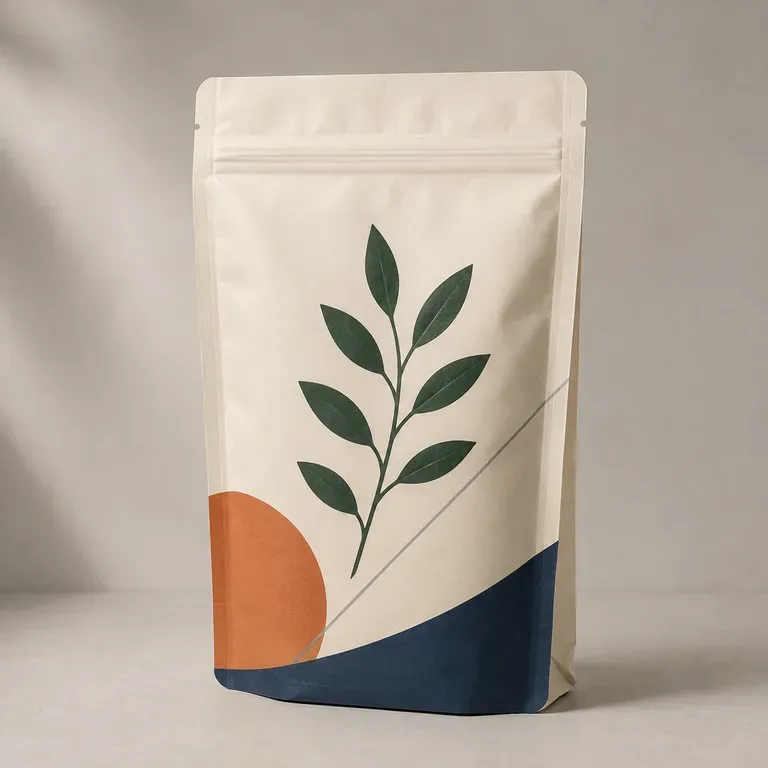
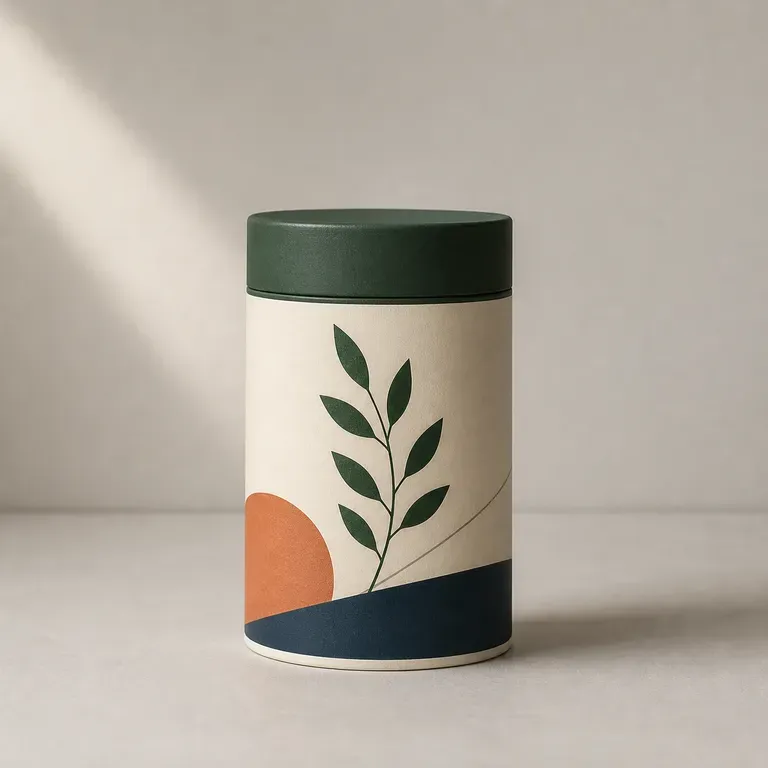
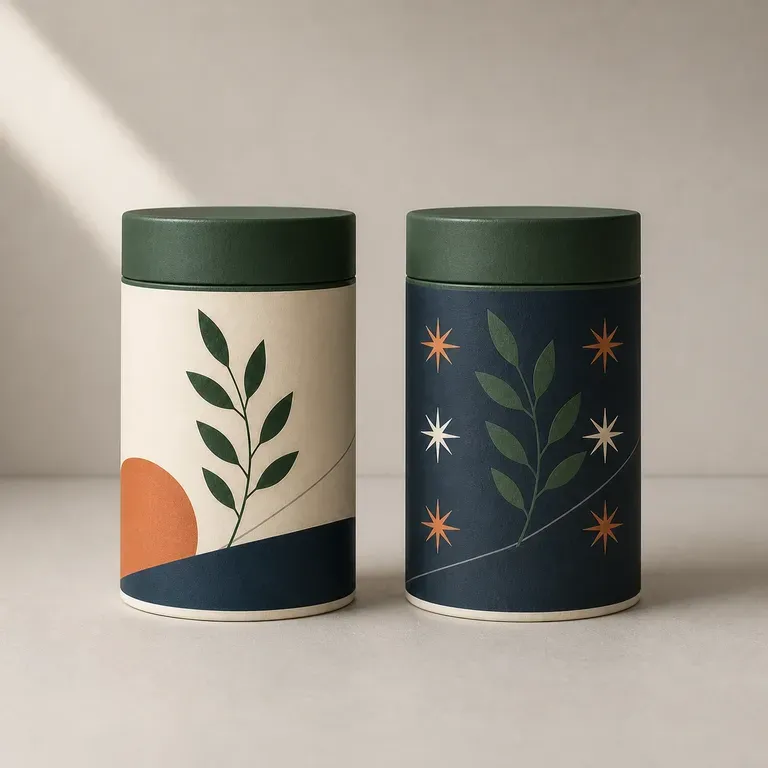
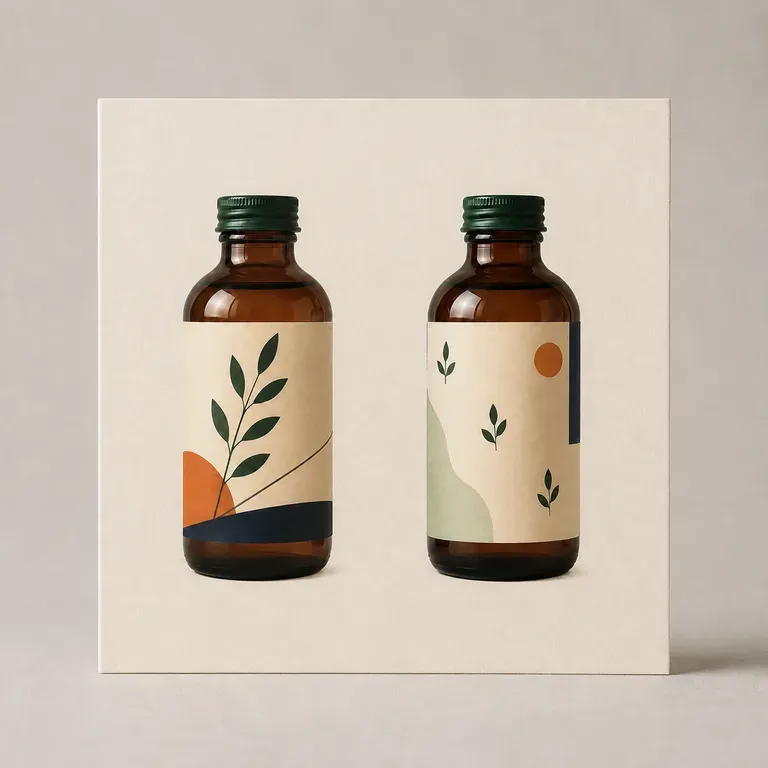
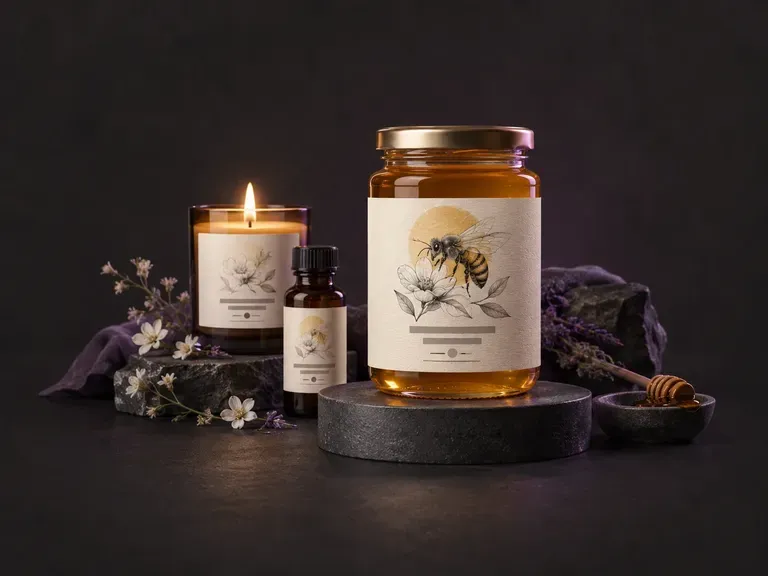
Design front-of-pack and wraparound label concepts from your brand name, flavor notes, and visual style.
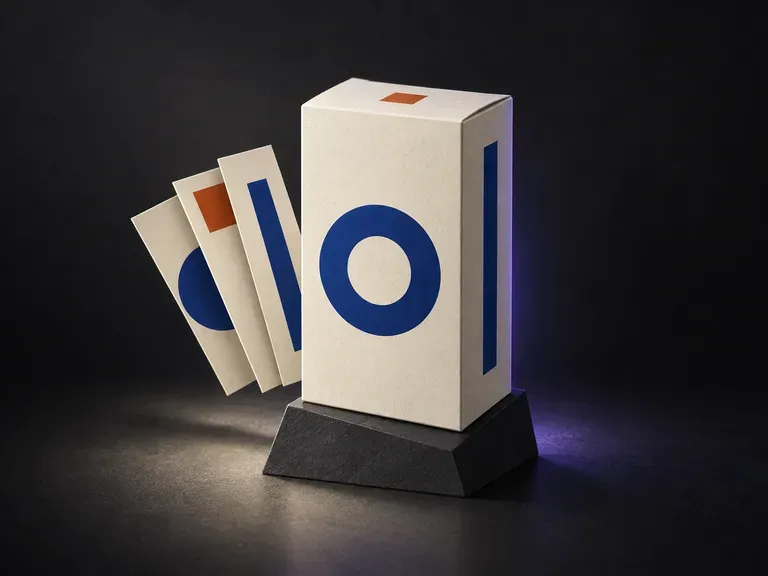
Already have finished panel artwork? Preview your completed graphics across the visible faces of a box.
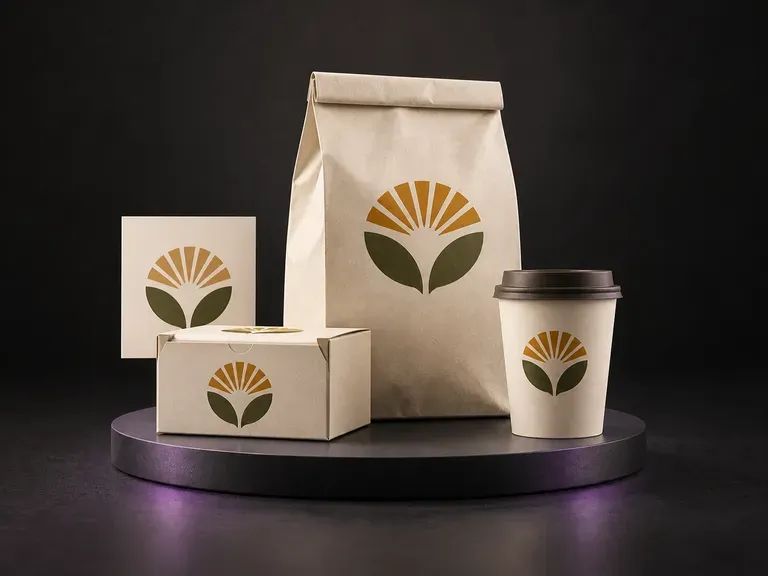
Present an approved food brand identity across coordinated boxes, bags, pouches, and cups.
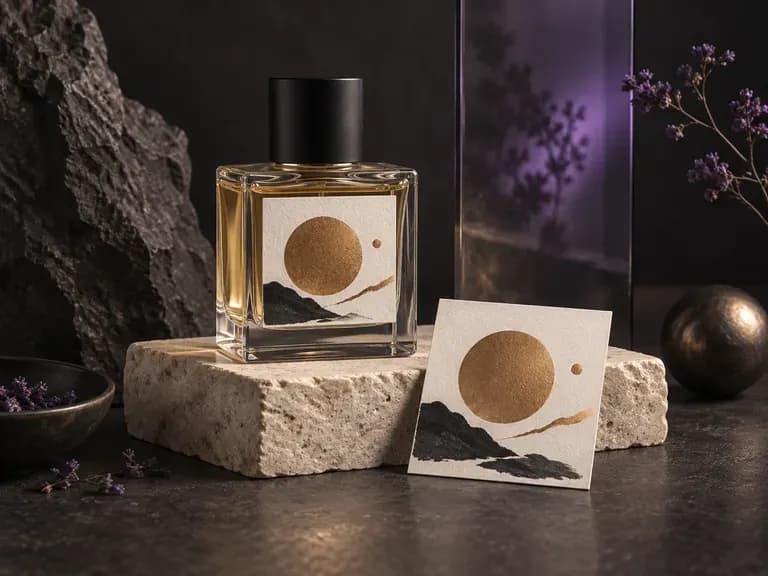
Render cut-glass flacons, atomizer collars, and luxury carton pairings for fragrance launches.
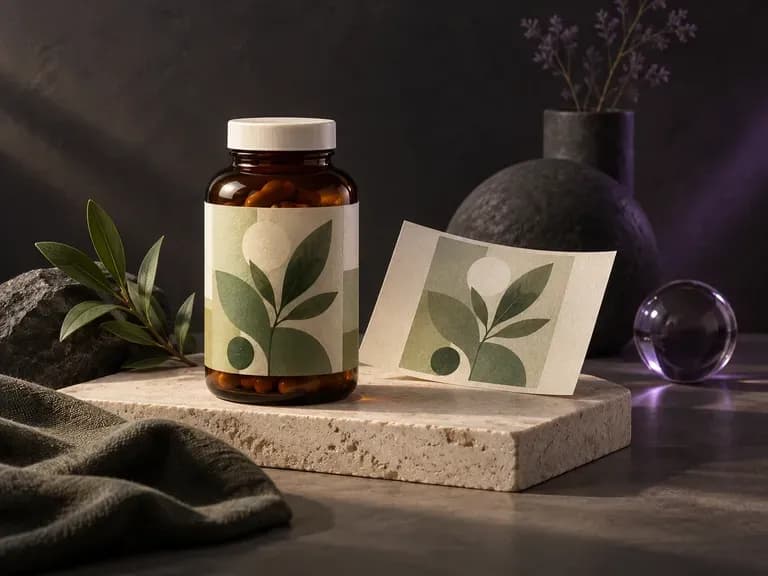
Verify dosage tables, safety seals, and metallic labels on wellness jars and dropper bottles.
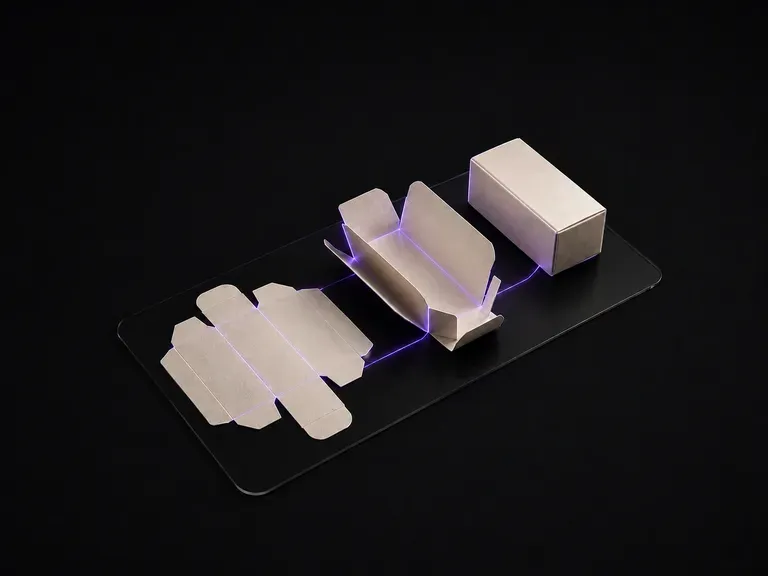
Convert a flat 2D packaging dieline directly into a shaded 3D structural presentation.
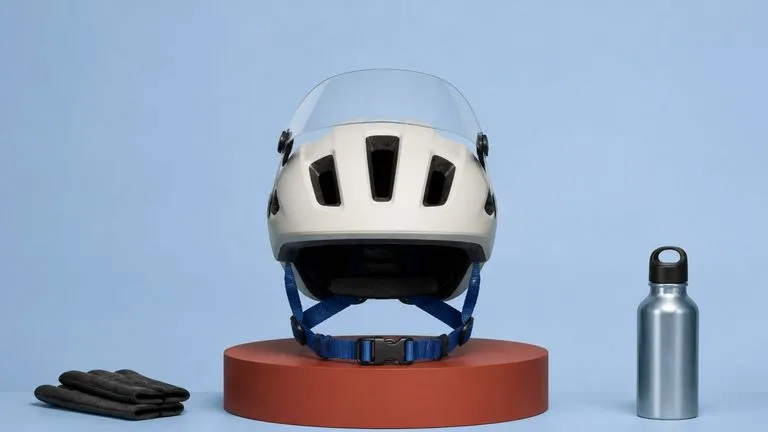
Produce realistic studio lighting, contact shadows, and natural material grain for commercial shots.
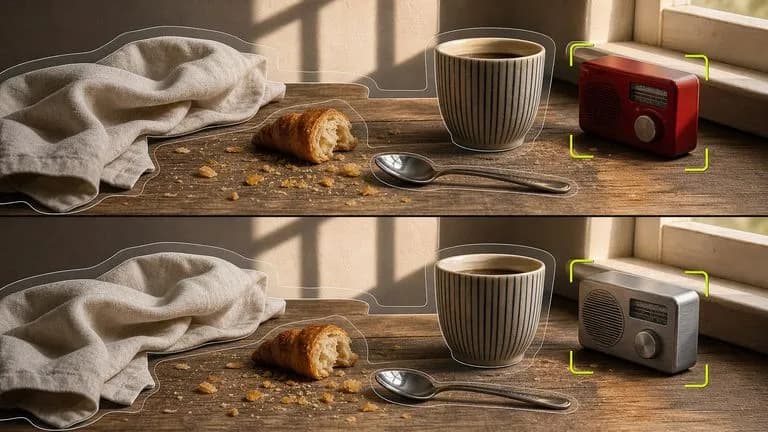
Swap backgrounds, lighting setups, or colorways while keeping your core subject geometry locked.

Explore four distinct framing and styling variations side by side on the canvas in a single run.
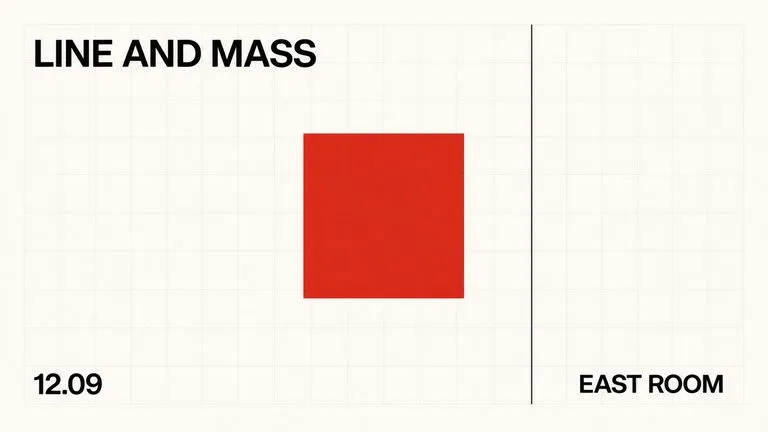
Keep display headlines, packaging wordmarks, and monogram badges sharp inside generated visuals.
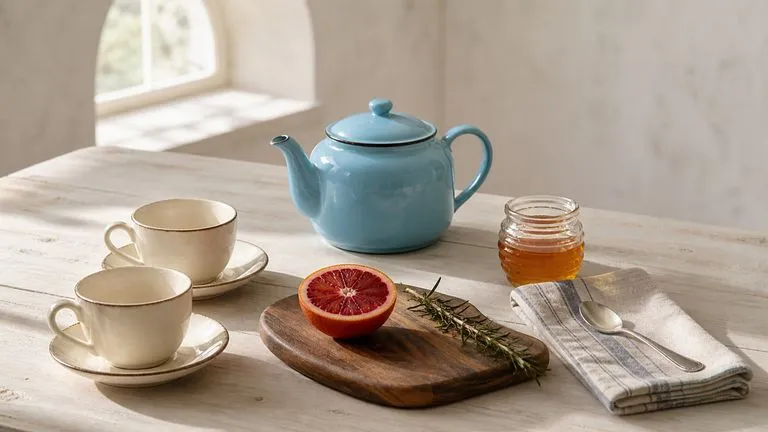
Translate detailed creative briefs into balanced compositions with reliable spatial relationships.
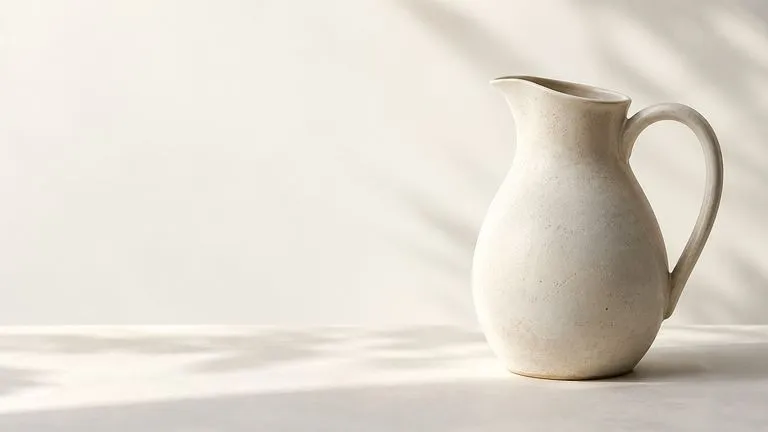
Render high-contrast metallic reflections, fabric weaves, and shallow depth of field.
Bring your brand references and product brief into Virse to test bottle, carton, can, and pouch concepts on one shared canvas.