
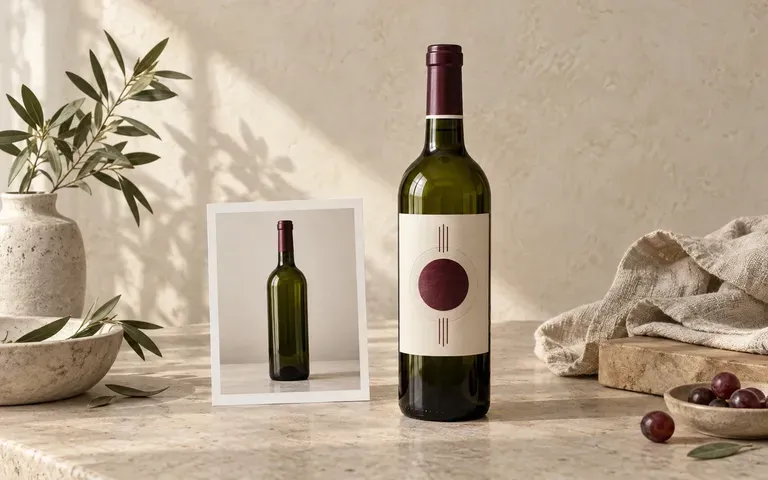
Bottle photo
Start with the real bottle reference
Use your bottle photo to guide the packaging preview. Compare the silhouette and glass color with the reference before choosing the final presentation.
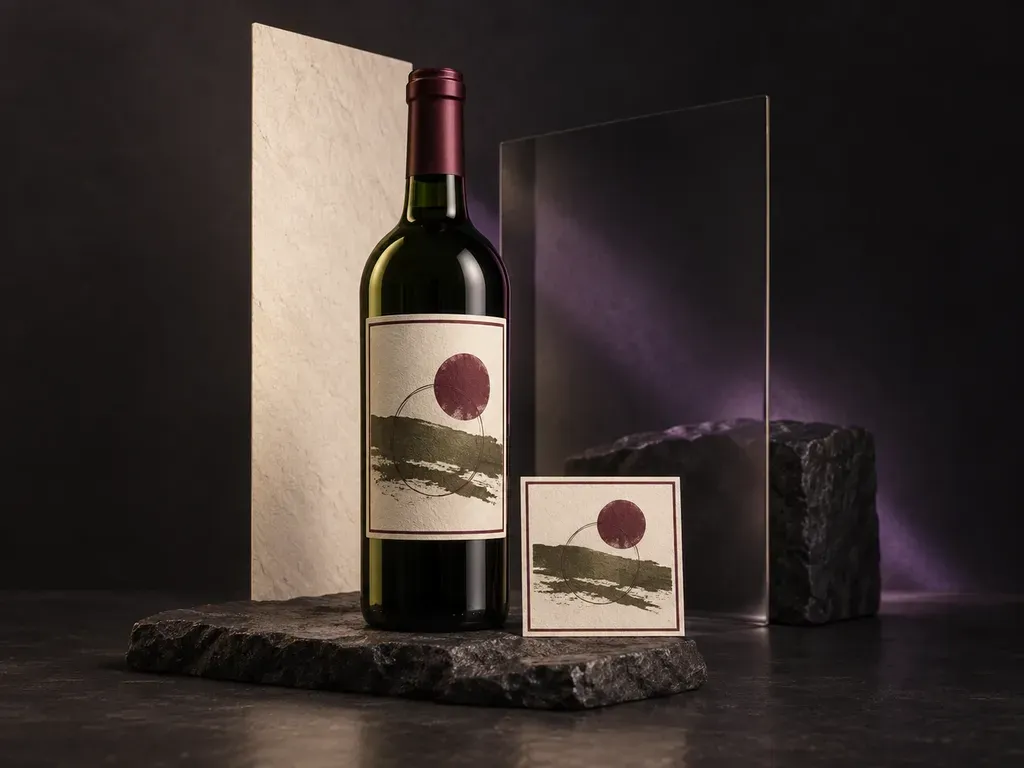
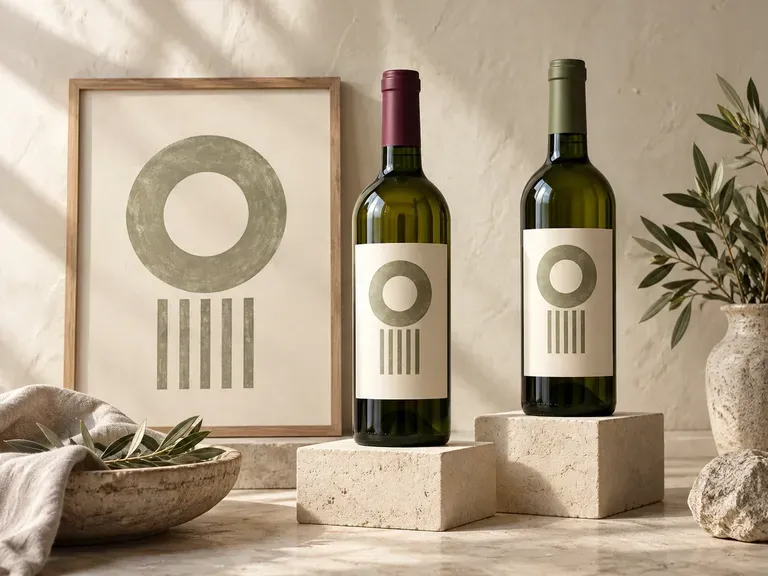
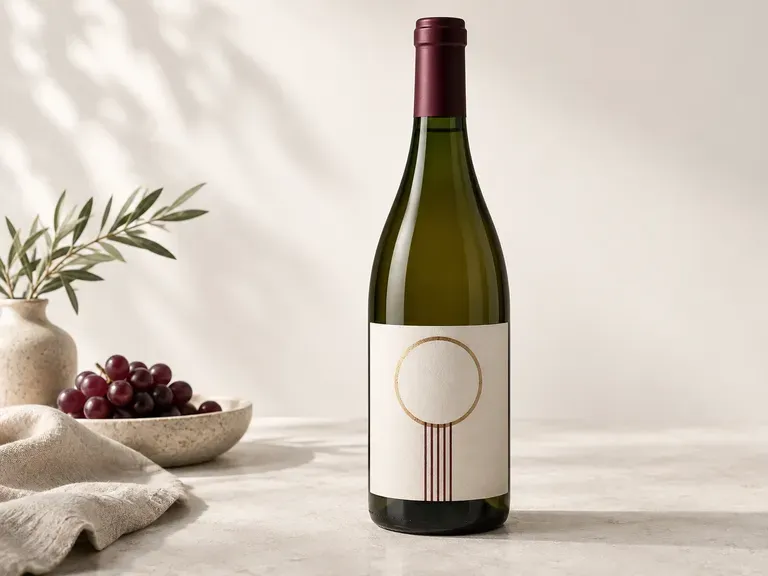
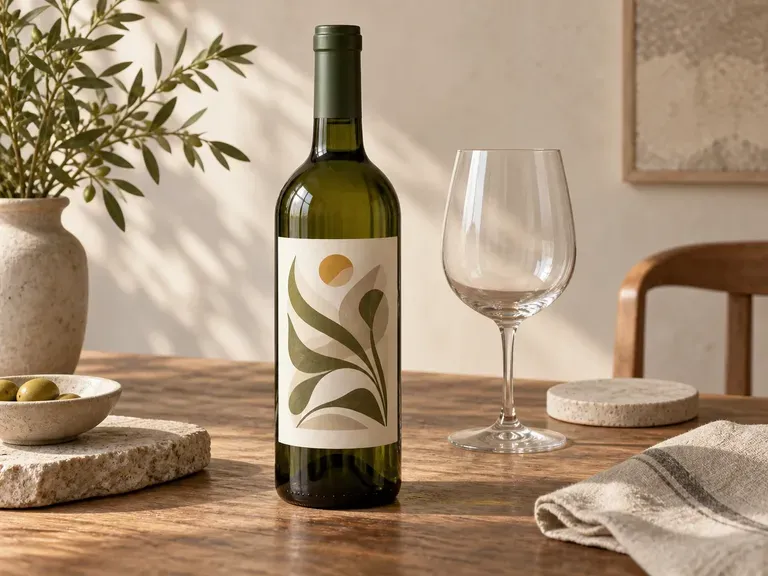
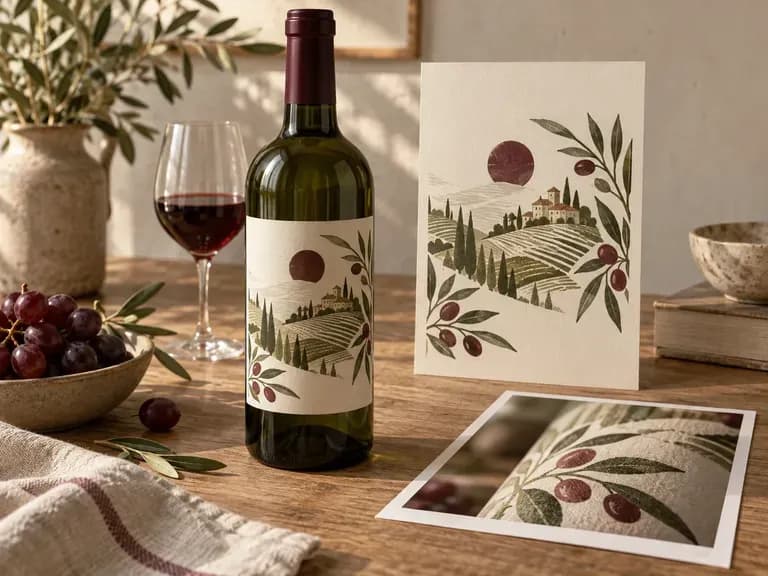
Give your label a bottle and a setting to be judged in. Add the bottle photo, front or back artwork, capsule color, and scene reference to create a wine bottle mockup for a packaging review or brand presentation.
A wine bottle mockup shows a bottle with its label and capsule. Virse uses your bottle photo, front or back artwork, capsule color, and scene reference to create a static packaging presentation—built around three core workflow advantages:
· Bordeaux, Burgundy & flute shapes: Respects the exact shoulder slope, punt depth, and glass tint of your bottle reference.
· Capsule, neck & paper details: Models tin capsule colour, wax-dip seals, deckle-edge cotton paper, and foil stamping.
· Cellar, dining & studio scenes: Place the finished bottle on a clean studio backdrop, oak barrel cellar, or linen dinner table.
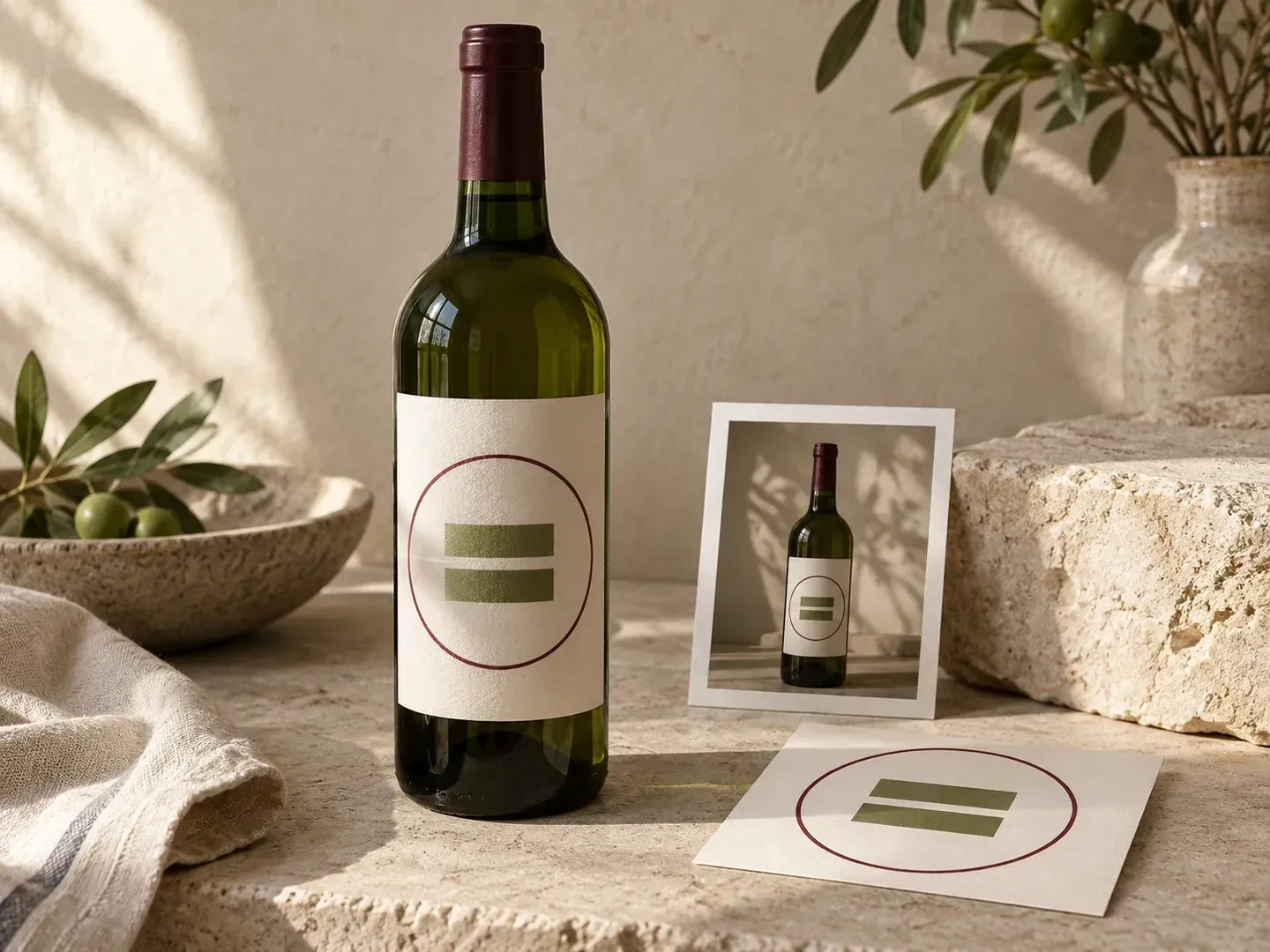
Wine packaging has several visual anchors: the bottle silhouette, label proportions, and capsule. A useful mockup keeps those details open to inspection.
Use your bottle photo to guide the packaging preview. Compare the silhouette and glass color with the reference before choosing the final presentation.
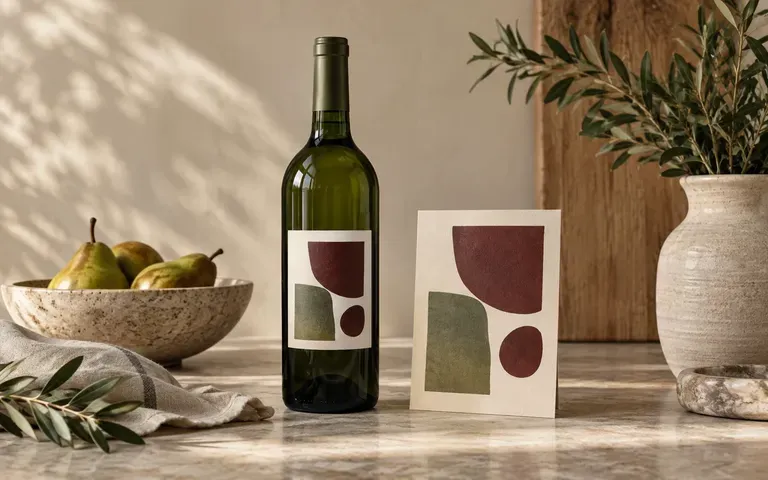
Provide front or back artwork for the view you need. Separate images can help you review each side without asking the model to invent unseen label content.
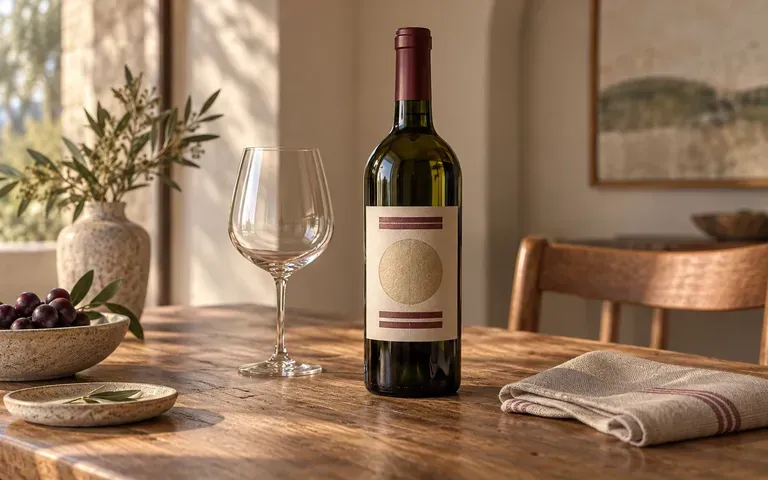
Describe a simple product view or add a reference for a table or tasting setting. Include the capsule color so the bottle presentation has a clear brief.
Compare generic stock bottle templates against reference-matched wine bottle presentations.
Generic Stock Bottle Templates
Virse Wine Bottle Mockup Generator
Supply a clear image of the bottle you want to show.
Add the artwork for the visible label. Identify the front or back view and state the capsule color.
Describe the setting or add a scene reference, then create the static wine bottle image.
Compare the label wording, bottle color, silhouette, and capsule with your references. Check small text before using the image in a presentation.
Upload your front/back label artwork and bottle photo, then specify glass colour, capsule finish, and setting:
· Estate Pinot Noir Burgundy bottle: Dead-leaf green Burgundy bottle, matte burgundy tin capsule, textured cotton paper label with gold foil crest, dark slate studio.
· Chilled Rosé flint glass presentation: Clear flint Provence bottle with rose-gold capsule, fine condensation droplets on glass, sunlit limestone bistro table.
· Natural wine wax-dipped bottle: Amber glass bottle with hand-dipped ochre sealing wax over the cork, die-cut wrap-around art label, rustic oak cellar shelf.
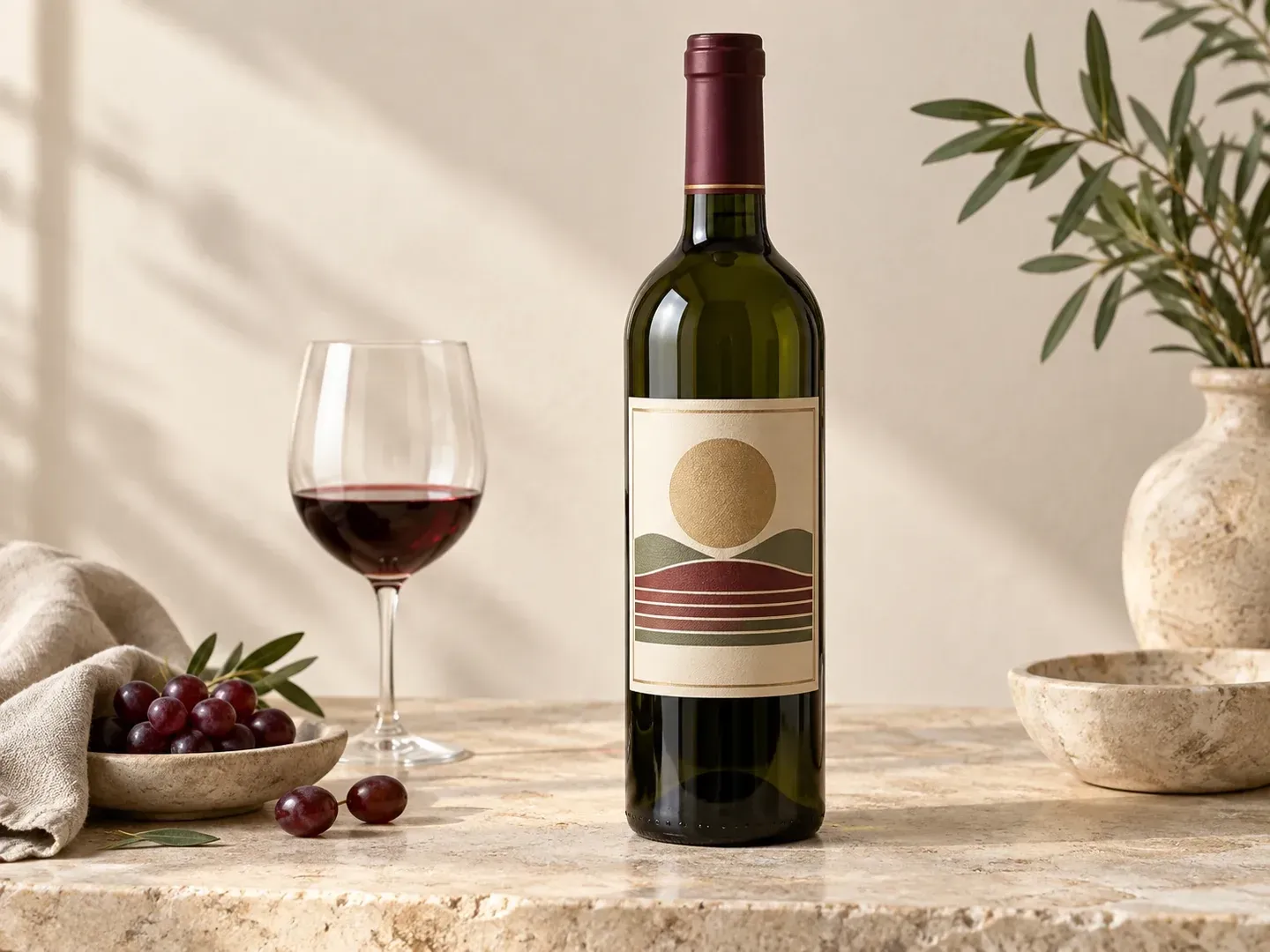
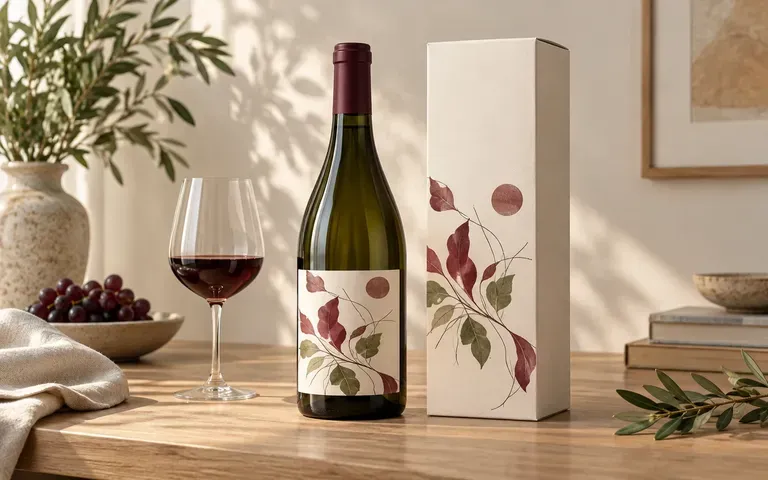
Review a finished label design on its bottle before preparing launch materials.
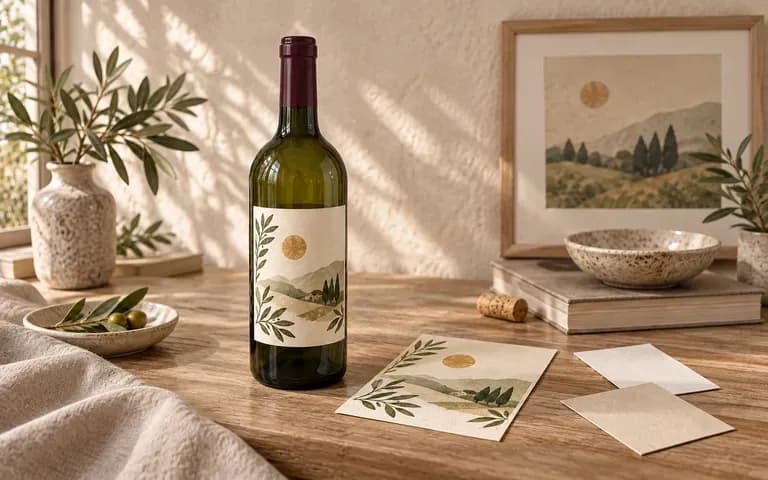
Inspect label proportions in relation to the bottle shoulder and body.
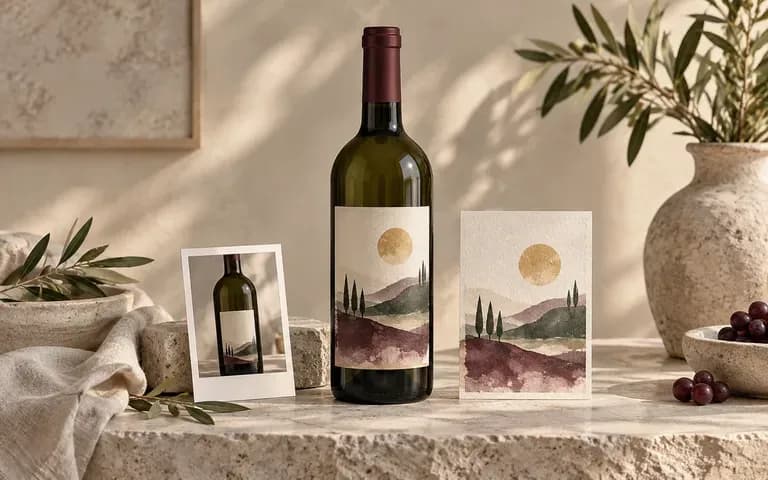
Prepare a concrete bottle presentation for client review.
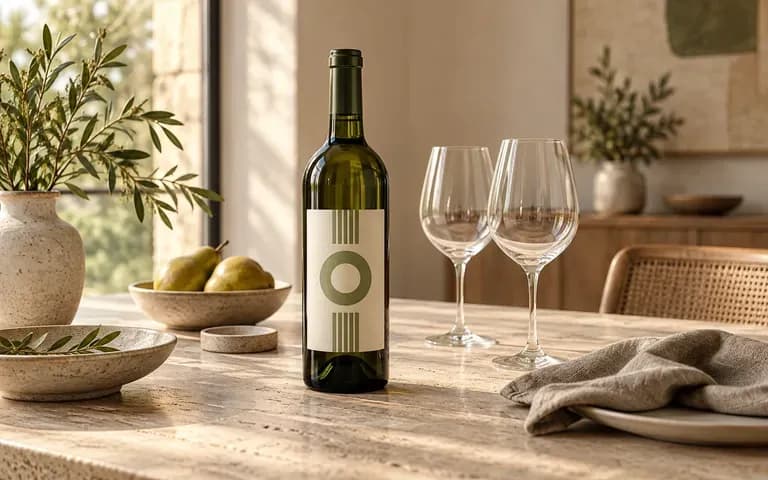
Develop a visual concept for a tasting or dining presentation.
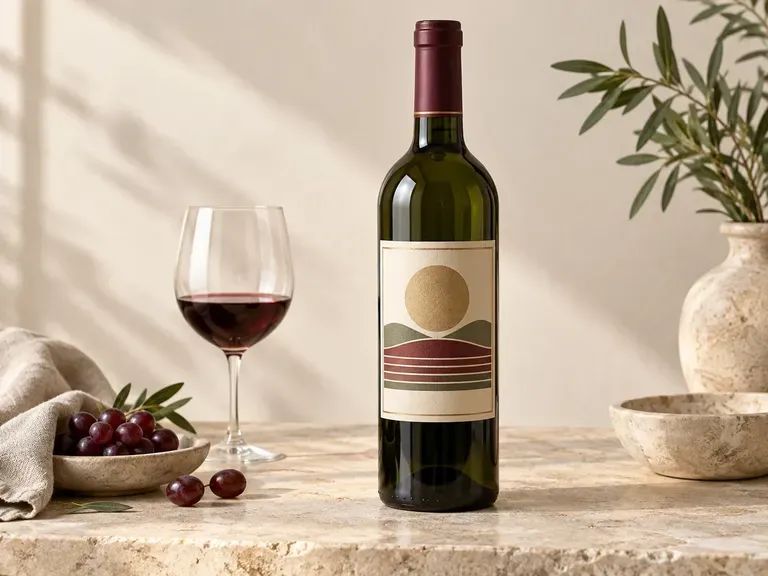
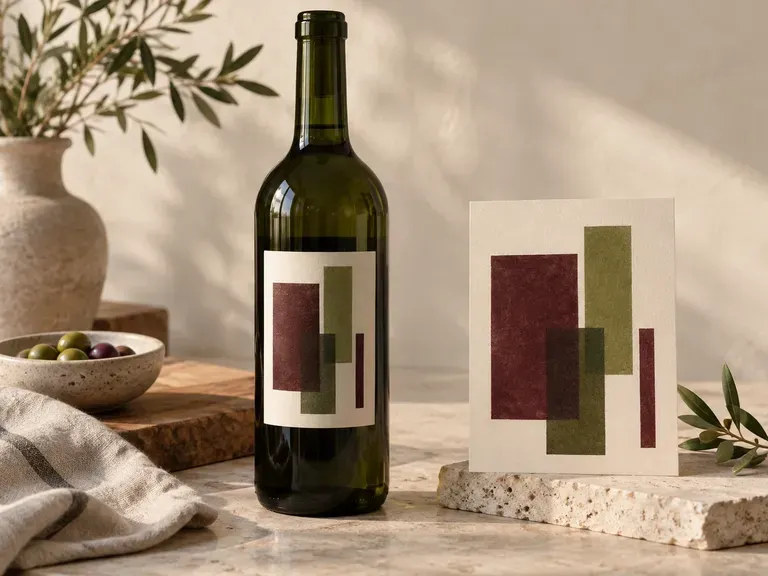
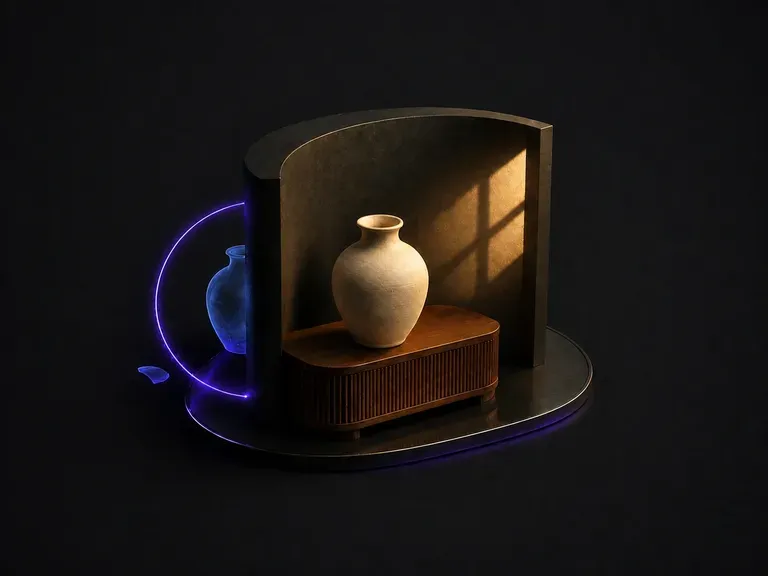
Upload a composite that looks pasted together. It works out why: light arriving from two directions, color temperature that does not match, shadows that are missing or pointing the wrong way. Then it unifies the frame under one dominant source.
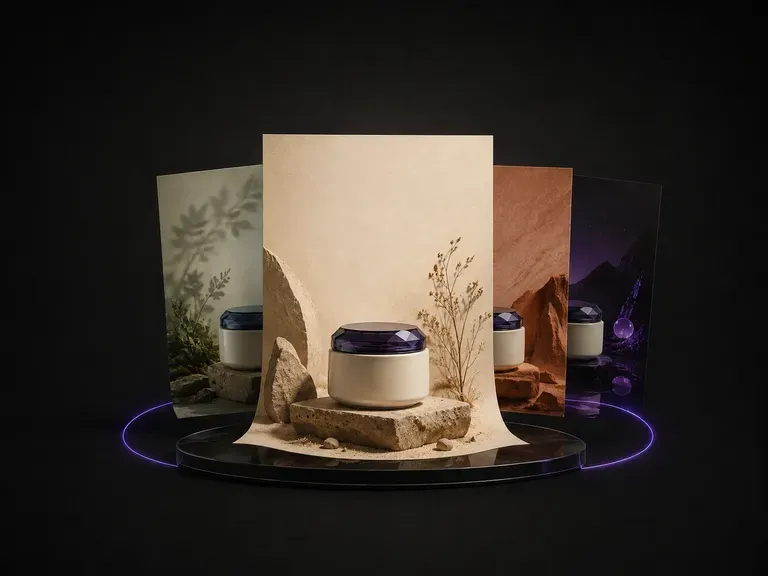
Upload one product photo. It reads the category, the colors and the temperament of what you sent, proposes a theme that suits it, then designs the poster around the product: background, layout and where the copy sits.
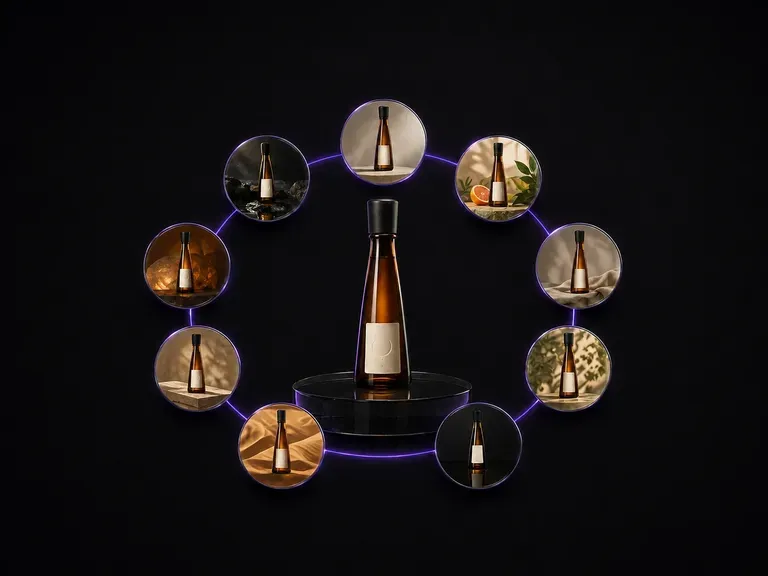
Upload one bottle photo. It comes back as nine distinct advertising scenes laid out in a three by three grid, with the bottle shape, the label artwork and the text on it exactly as they were.
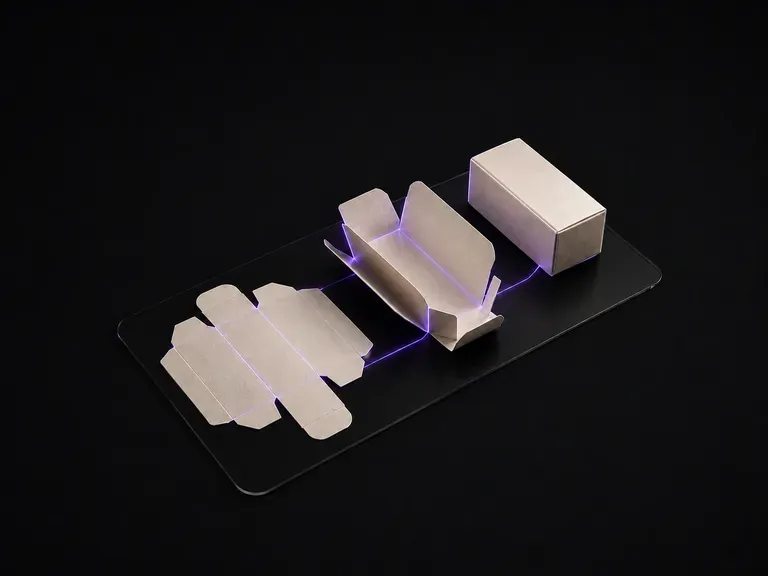
Upload your flat packaging dieline artwork. The generator reads the cut and crease layout panel by panel, infers the box geometry, and renders it folded in 3D—with every panel's graphics mapped to the right face.
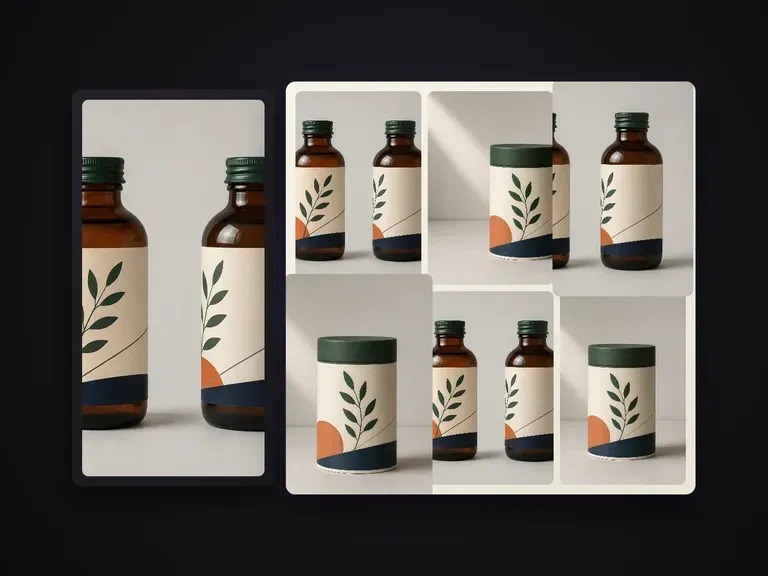
Extends one confirmed packaging render into a portfolio-grade shot series. Every shot carries a distinct information task while structure, pattern, A-tier text and finishes stay locked to the master. Defaults to a lean 6-shot set.
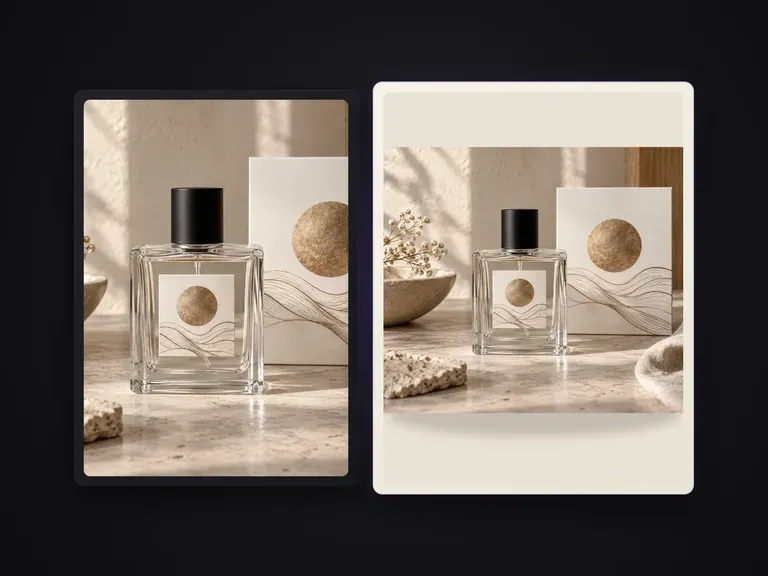
Replaces a product photo's background with a uniform solid color by name, hex code, or color reference image while keeping the product, edges and contact shadows intact.

ByteDance's Seedream 4.0 and Seedream 4.5 generate from written descriptions and from images you supply, turning one source picture into as many directions as a project needs.
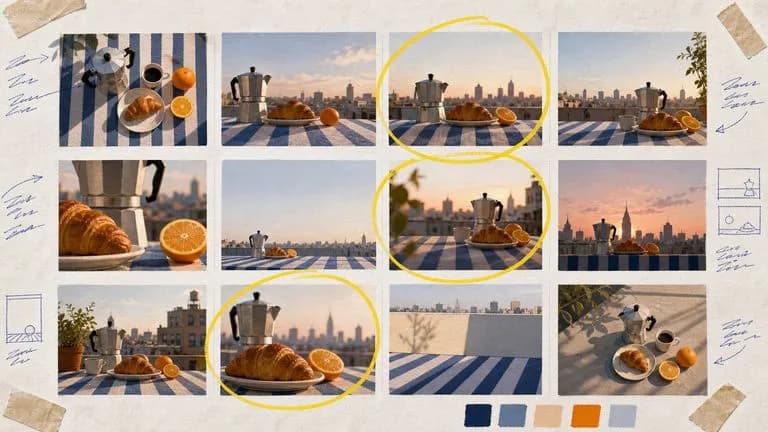
Google's Nano Banana 2 pairs flagship-level image quality with Flash-class speed, across four output sizes from rapid 0.5K prototypes to finished 4K.
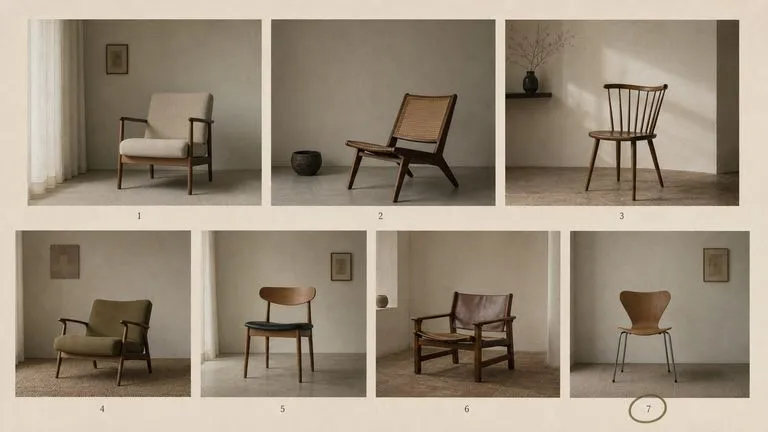
The generation of Black Forest Labs' FLUX line that came before FLUX 2, kept available as two entries — the standard model and Ultra.
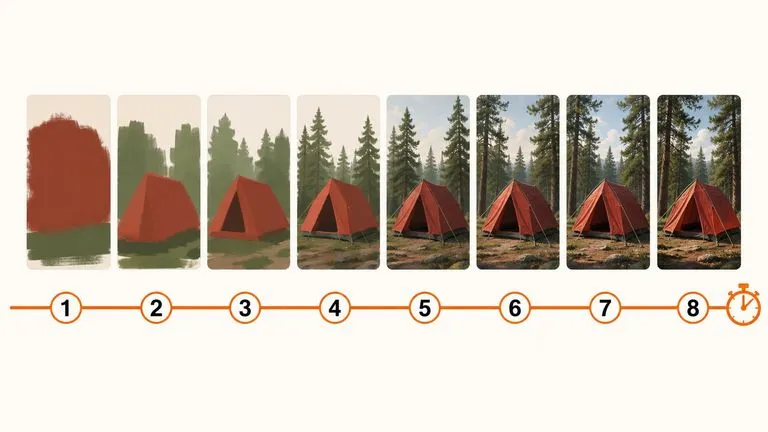
A 6-billion-parameter model compressed to an eight-step inference pipeline, built to return a usable picture before your train of thought moves on.

Generate studio-grade 4K images with Nano Banana Pro, blending multiple references while holding characters, products, and typography consistent.

OpenAI's ChatGPT Images 2.5 arrives in Virse as both API editions, GPT Image 2.5 Flare and GPT Image 2.5 Sunburst, with six quality grades and output up to 4K.
Add your bottle photo and label artwork, then describe the capsule and scene for the review you need.