
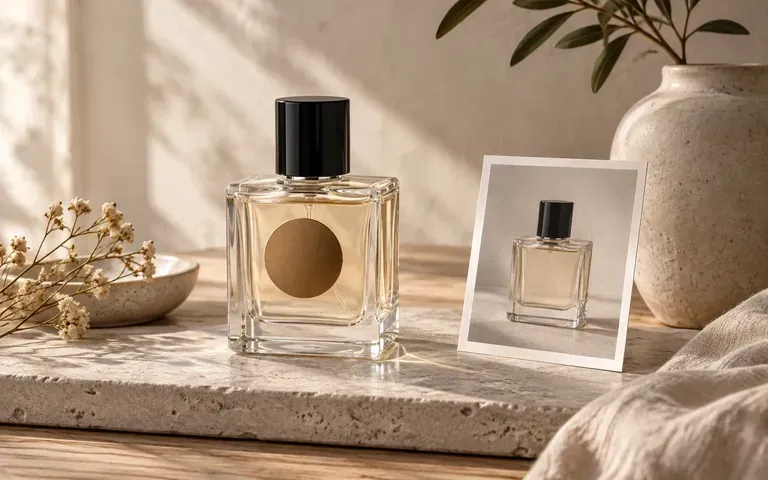
Bottle reference
Match Your Actual Flacon Reference
Start from a photo of the exact square, cylindrical, or apothecary spray vessel you plan to fill so the shoulder curve, Punt base thickness, and neck proportions follow your glass supplier's shape.
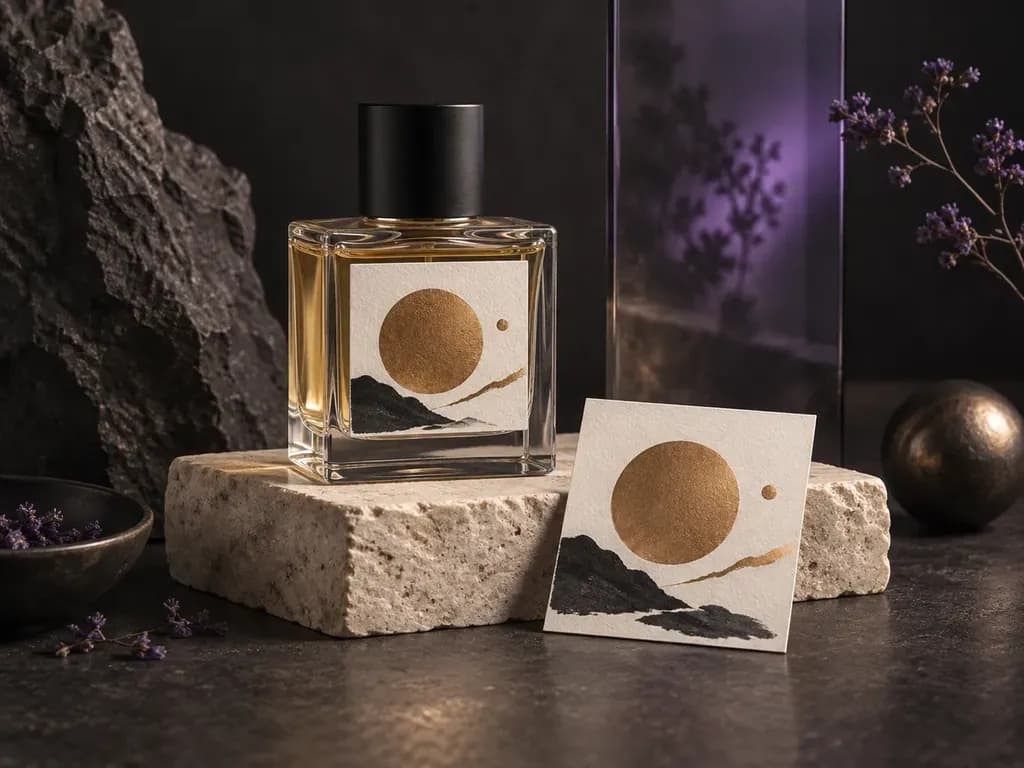
Upload a photo of your fragrance flacon with your front label or crest, then describe the glass finish, atomizer cap, and light. This perfume bottle mockup generator places your label onto the vessel in a studio or editorial scene.
A perfume bottle mockup (or fragrance bottle mockup) previews your finished label, glass finish, and atomizer cap in one scene rather than a rigid 3d perfume bottle mockup template:
• Flacon silhouette and scale: Check how the front paper label or screen-printed crest sits between the bottle shoulder, side walls, and heavy glass base.
• Glass refraction and contrast: Verify whether fine serif lettering stays legible against clear liquid, frosted acid-etched walls, or dark amber and black glass.
• Closure and scene harmony: Pair a brushed gold atomizer collar, matte black cylinder cap, or wood stopper with studio lighting.
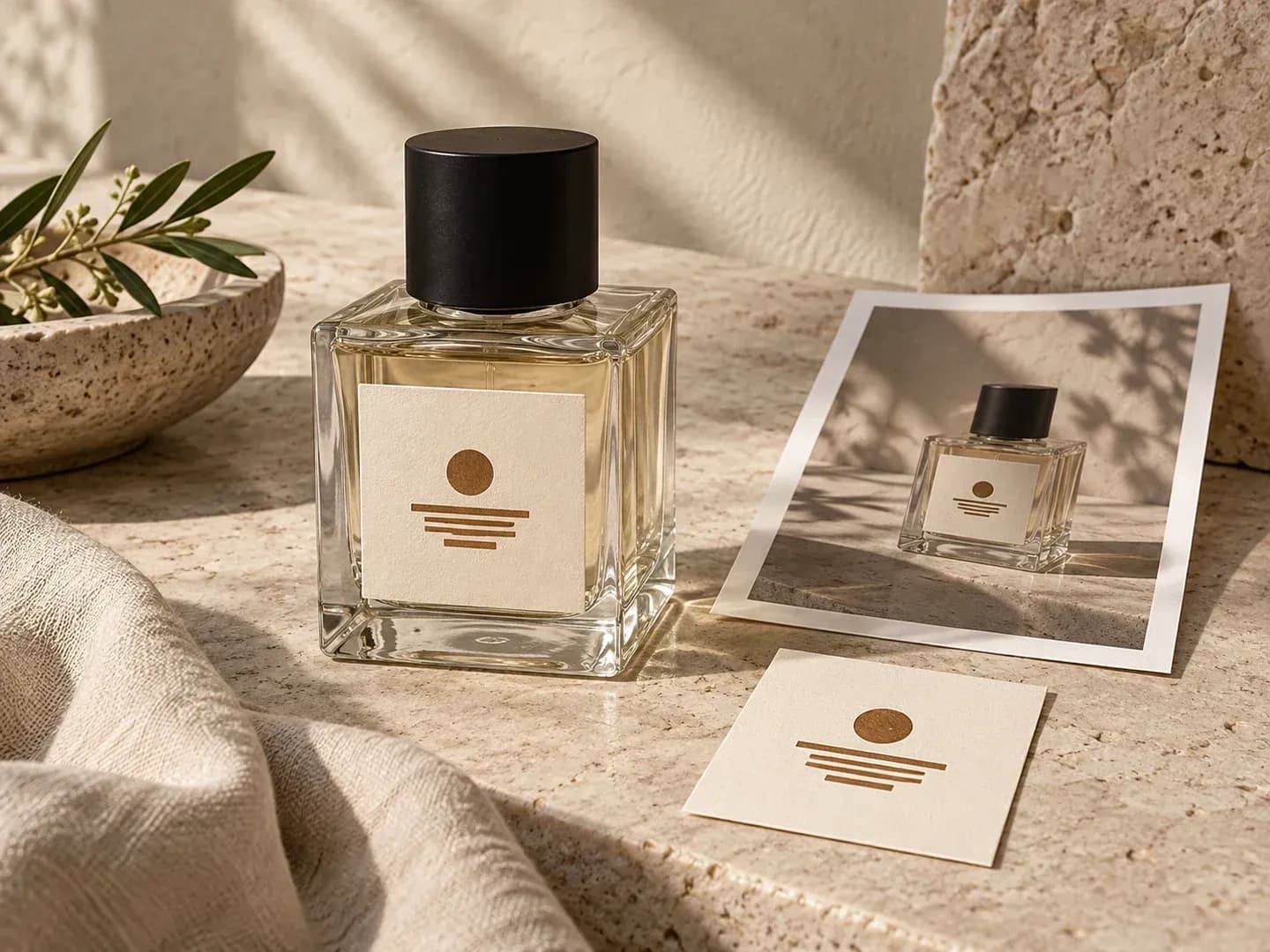
How fragrance founders and packaging designers evaluate glass flacons from their own vessel photo before ordering samples.
Start from a photo of the exact square, cylindrical, or apothecary spray vessel you plan to fill so the shoulder curve, Punt base thickness, and neck proportions follow your glass supplier's shape.
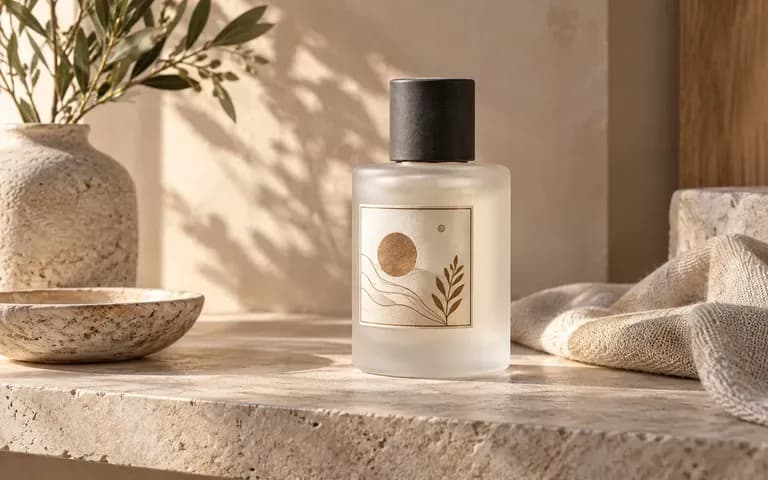
Specify clear flint glass, frosted matte walls, or opaque black glass alongside your chosen cap material to compare how surface reflections interact with your label color palette.
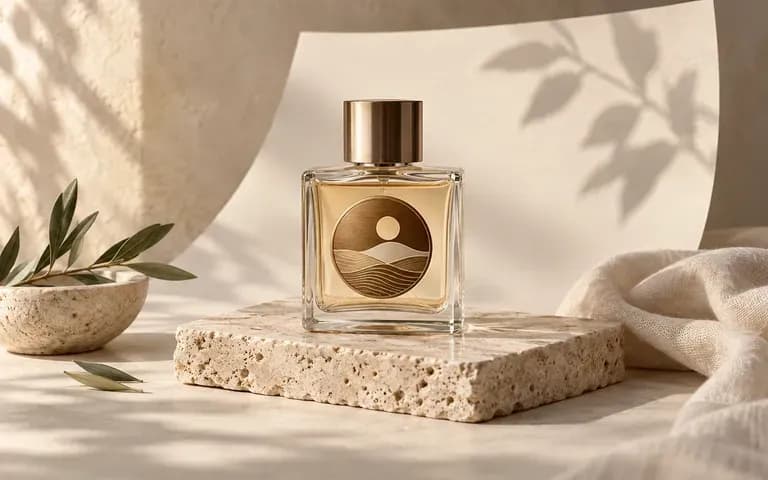
Request a quiet neutral backdrop for ecommerce catalog consistency or describe a travertine plinth, linen drape, or botanical shadow for a seasonal launch moodboard.
Why fragrance teams test front labels on their own flacon photo rather than relying on pre-rendered Photoshop files.
Static Perfume Bottle Mockup PSD
Virse Perfume Bottle Mockup Generator
Drop in a photo of your unlabelled or reference glass vessel alongside the PNG or JPG front label file.
Write a short brief covering glass transparency, liquid tint, cap finish, and whether you want a studio or styled setting.
Run the tool to combine your bottle silhouette, glass surface, and label graphic into a static packaging image on the canvas.
Compare the bottle outline, cap proportions, and small fragrance-concentration text against your source files before sharing.
Specific material and lighting notes produce convincing glass behavior. Copy any of these three fragrance bottle mockup briefs:
• Clear rectangular flacon: "Clear rectangular perfume bottle from the uploaded reference, champagne liquid tint, cream paper front label, gold cylinder cap, soft side daylight."
• Frosted apothecary bottle: "Frosted matte cylindrical spray bottle matching the reference silhouette, black serif front label, matte black ribbed cap, diffused studio light."
• Dark glass editorial scene: "Smoky black square flacon from the supplied photo, ivory label with gold border, silver atomizer cap on travertine."
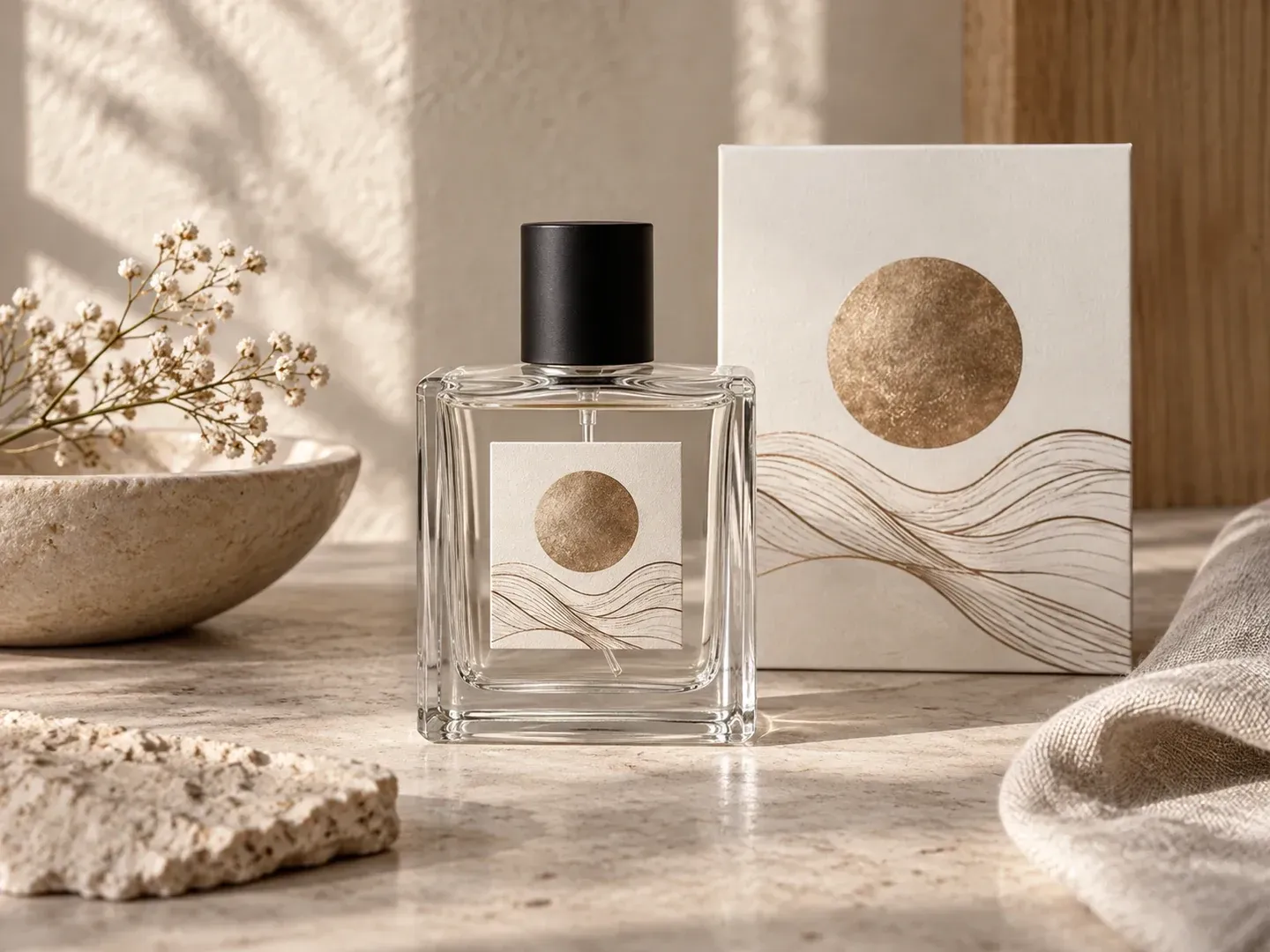
Four fragrance and design roles that use a perfume bottle mockup to review packaging before ordering glass and labels.
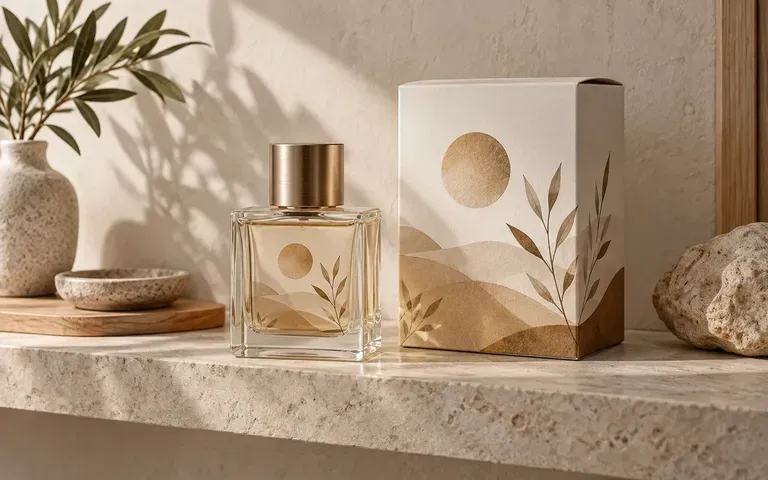
Test how a new eau de parfum label reads across 30 ml, 50 ml, and 100 ml stock flacons before committing to print runs.
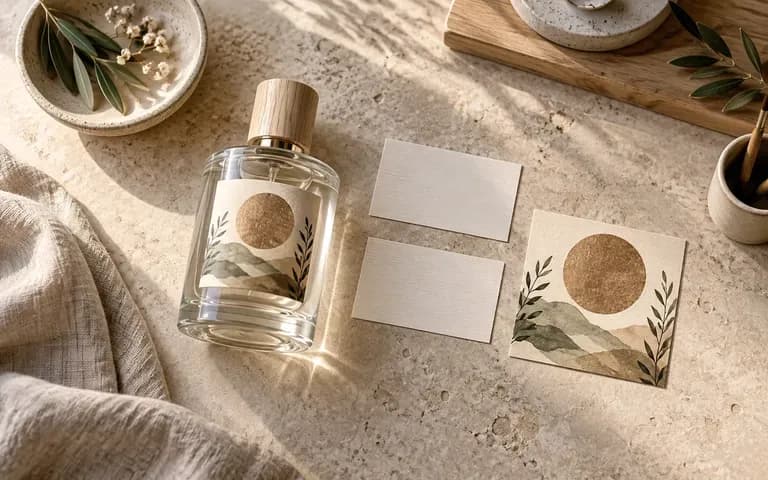
Evaluate the visual balance between label margins, glass wall thickness, and closure hardware across multiple colorway options.
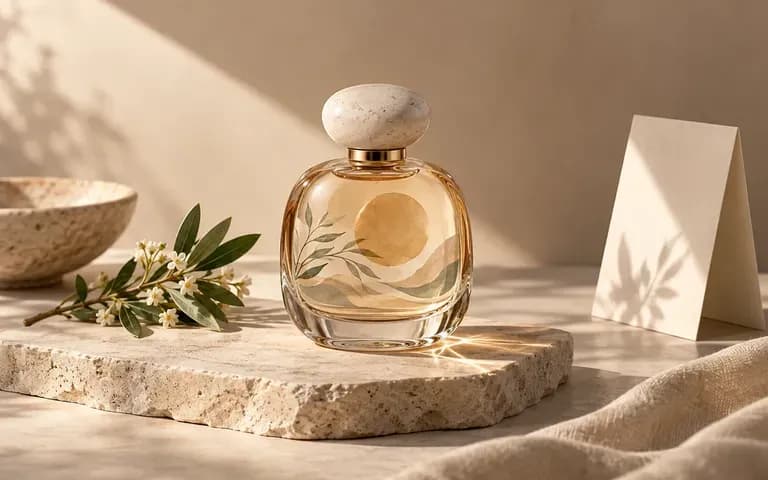
Explore stone, wood, fabric, and shadow lighting directions with the actual labeled bottle before booking a commercial studio shoot.
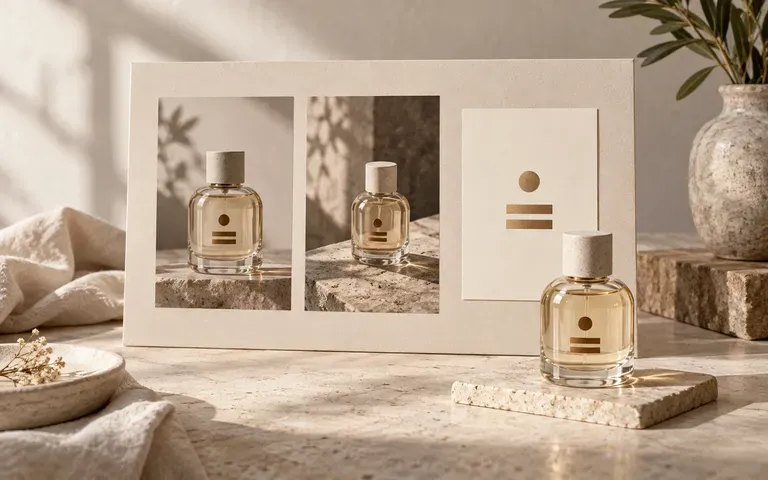
Present clients with cohesive visual proposals that show the fragrance typography on a physical vessel rather than a flat PDF slide.
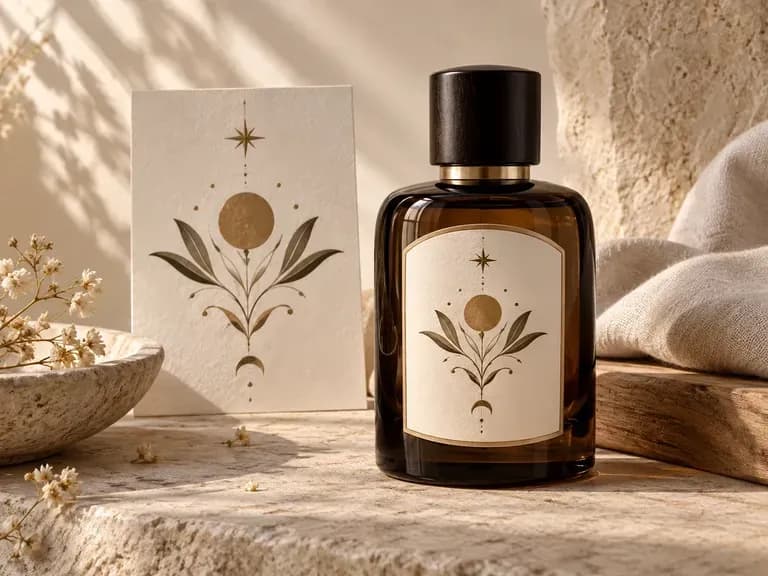
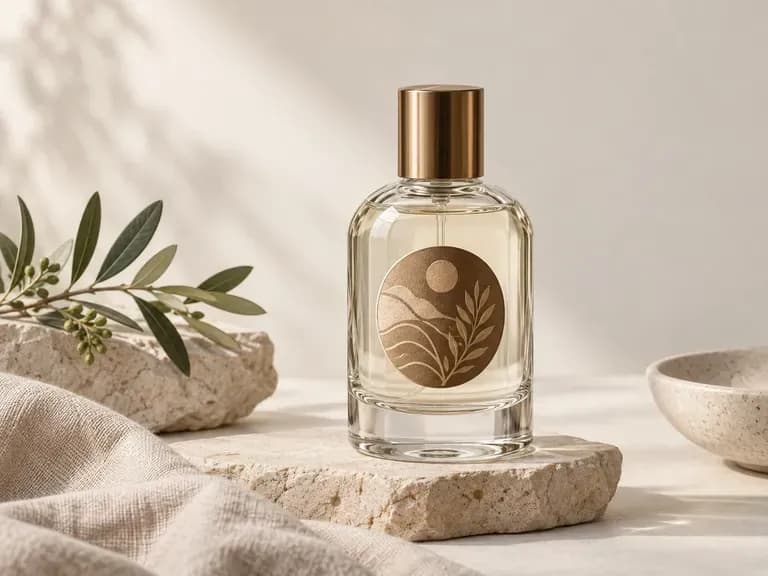
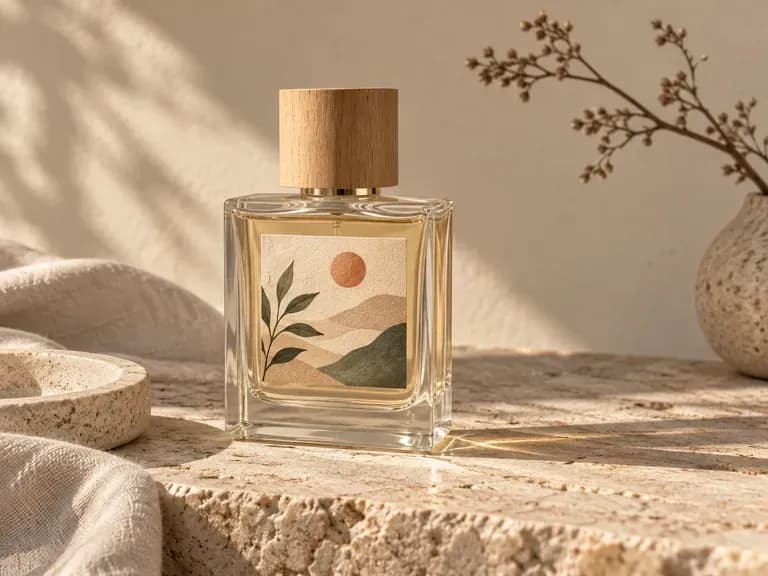
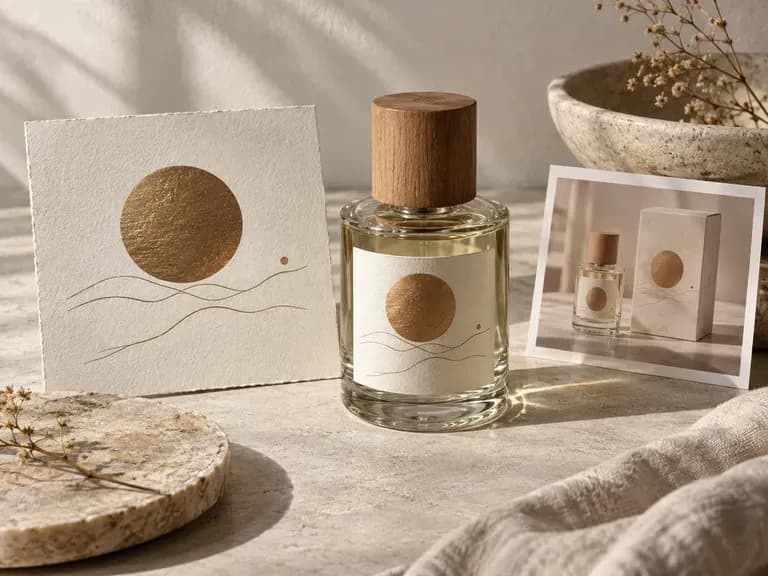
Six fragrance packaging previews illustrating clear flint glass, frosted matte walls, dark bottles, and styled campaign studies.
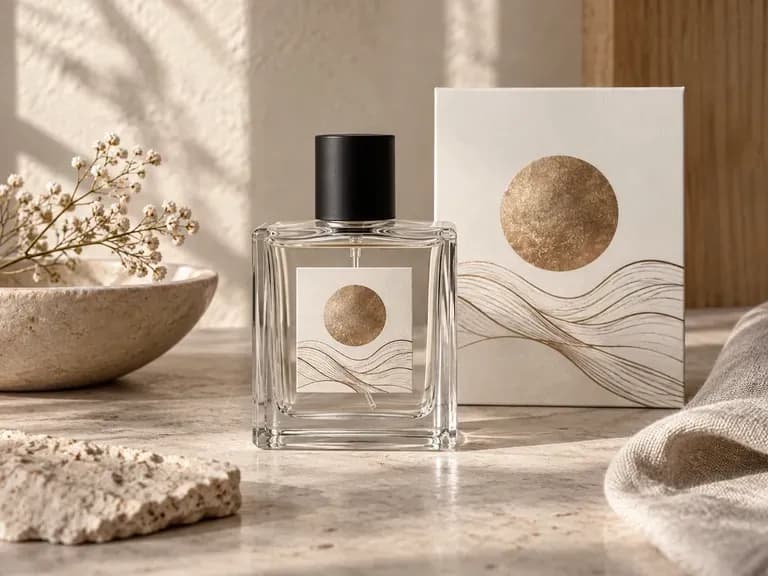
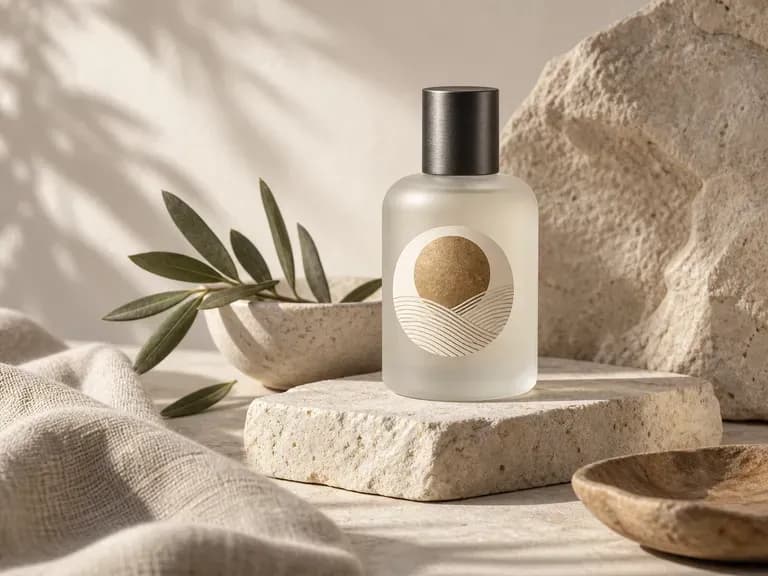
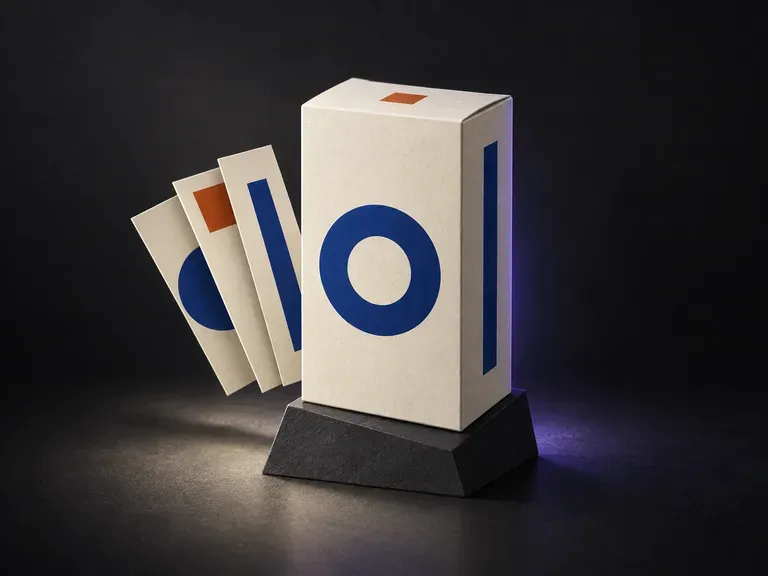
Preview your outer fragrance carton and folding box panels alongside your bottle design.
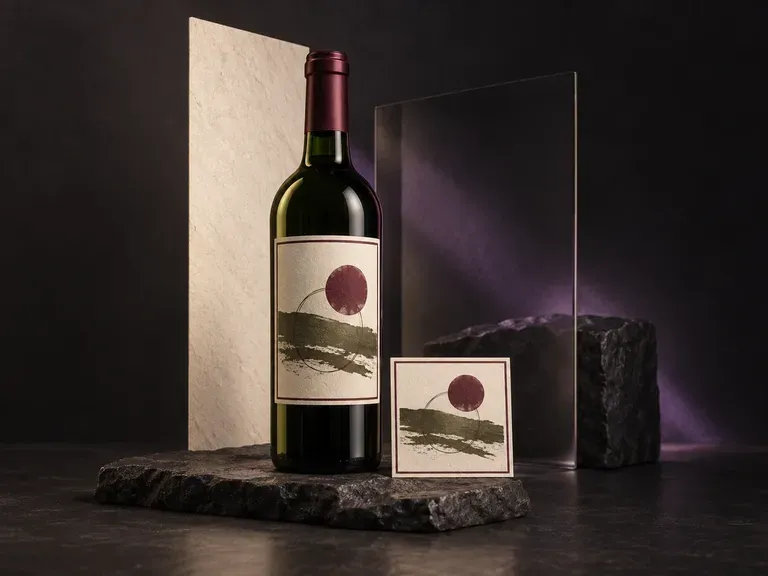
Test front labels, neck capsules, and tinted glass finishes on taller beverage bottles.
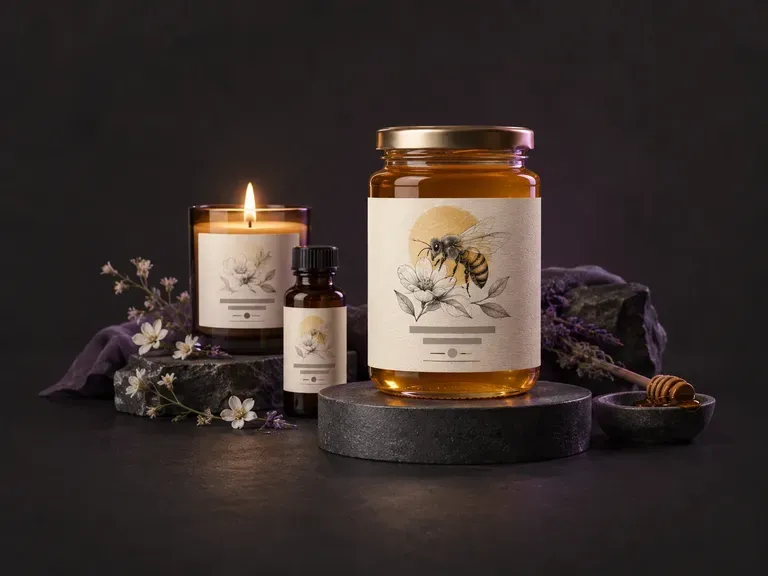
Draft new product label layouts and typographic frames before applying them to a bottle.
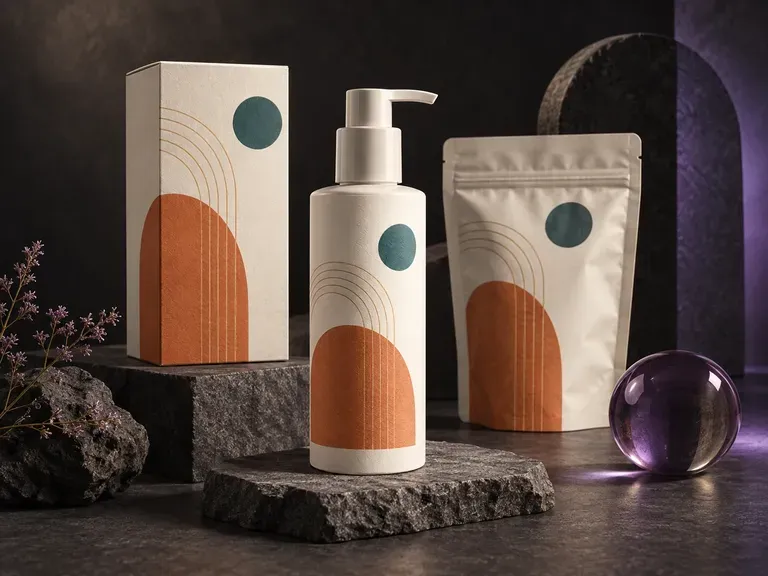
Place flat dielines and label files onto 3D cartons, pouches, and containers in studio light.
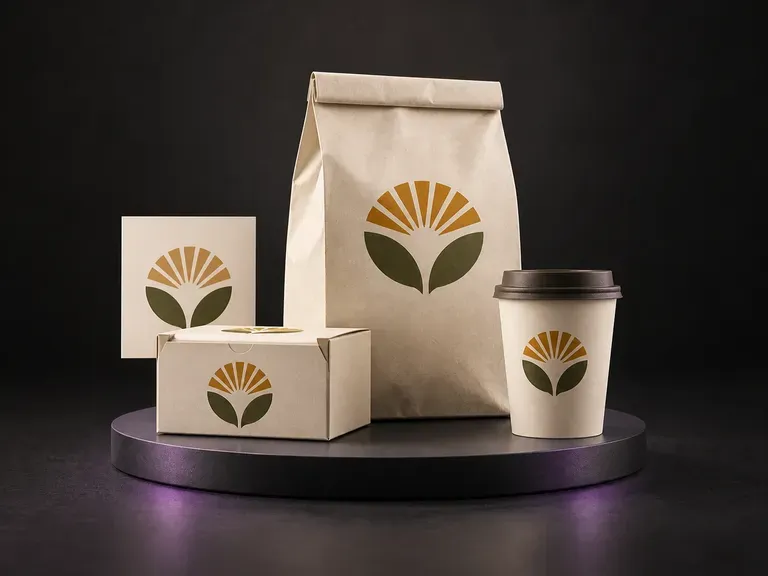
Check ingredient panels, appetite photography, and shelf contrast on grocery packs and wraps.
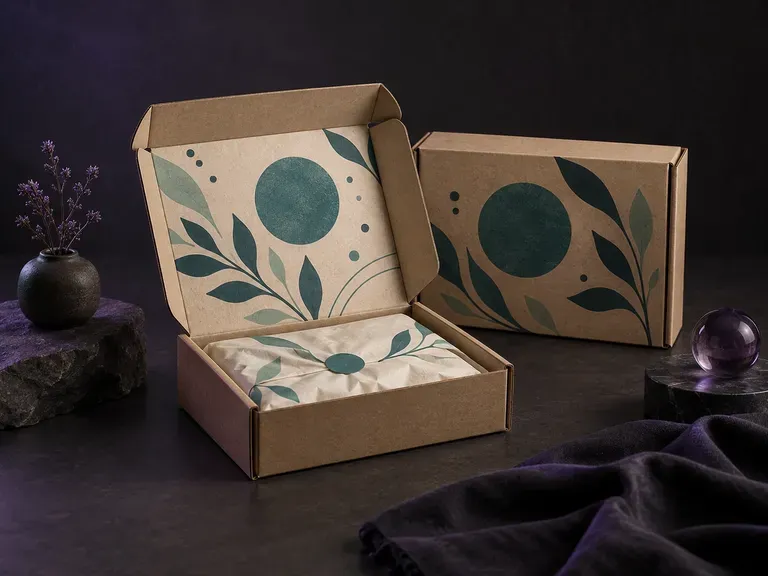
Visualize corrugated e-commerce mailers with outside branding and inside-lid unboxing prints.

Render crisp labels, fine surface textures, and multi-reference compositions up to 4K resolution.

Follow complex multi-part written briefs that combine uploaded reference photos with strict layout rules.

Produce realistic studio lighting, contact shadows, and natural material grain for commercial shots.

Swap backgrounds, lighting setups, or colorways while keeping your core subject geometry locked.

Explore four distinct framing and styling variations side by side on the canvas in a single run.
Keep display headlines, packaging wordmarks, and monogram badges sharp inside generated visuals.
Upload your bottle reference photo and label artwork to explore glass finishes, caps, and lighting on the Virse canvas.