
Can shape
Match Your 12oz Standard or Sleek Can Shape
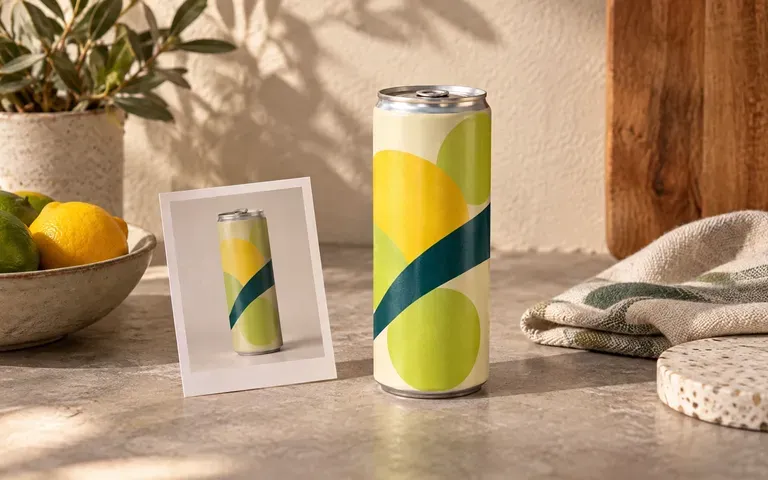
Upload a photo of your actual 12oz standard aluminum can, tall 12oz sleek prebiotic soda can, or 250ml slim vessel so the shoulder taper and height match your container.
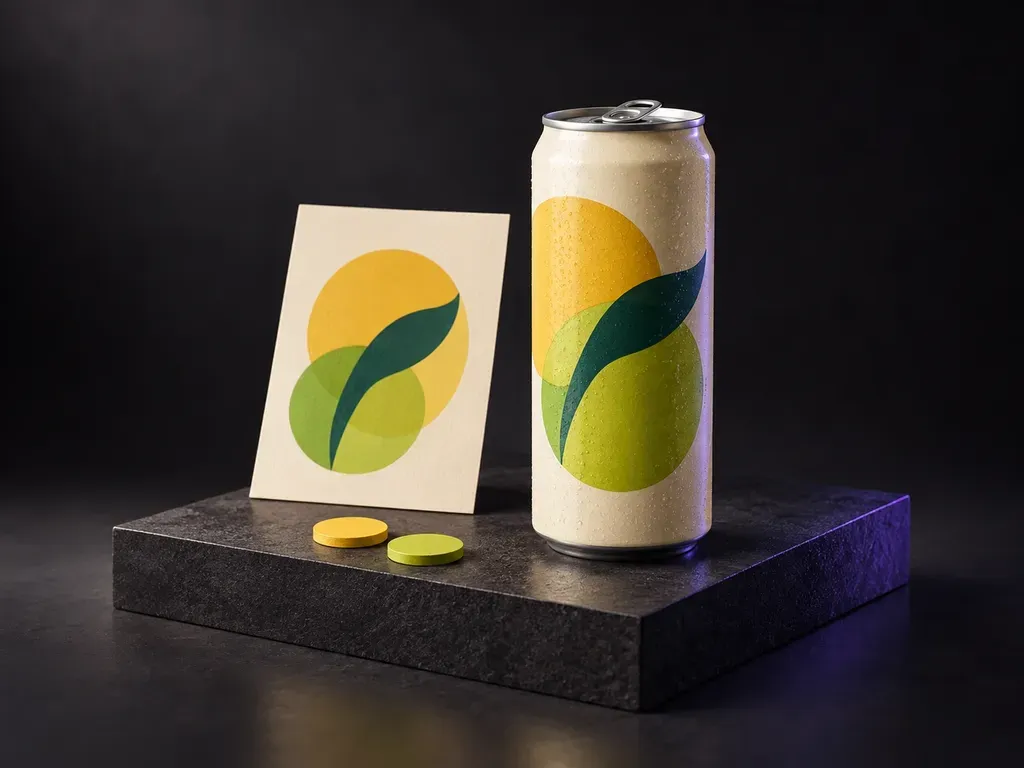
Upload a photo of your aluminum can with your finished label artwork, then describe the flavor palette, water droplets, and backdrop. This soda can mockup generator wraps your soft drink design onto a 12oz standard or sleek can.
A soda can mockup (or soda can label mockup) wraps your flat 2D artwork around a three-dimensional aluminum cylinder from your uploaded blank soda can mockup photo:
• Cylindrical wrap curvature: Check how the primary brand mark, flavor callout, and side graphics read as the aluminum body curves away from the lens.
• Metallic rim reflections: Preview how the silver lid, necked-in shoulder, and pull-tab interact with your printed shrink sleeve or direct-print palette.
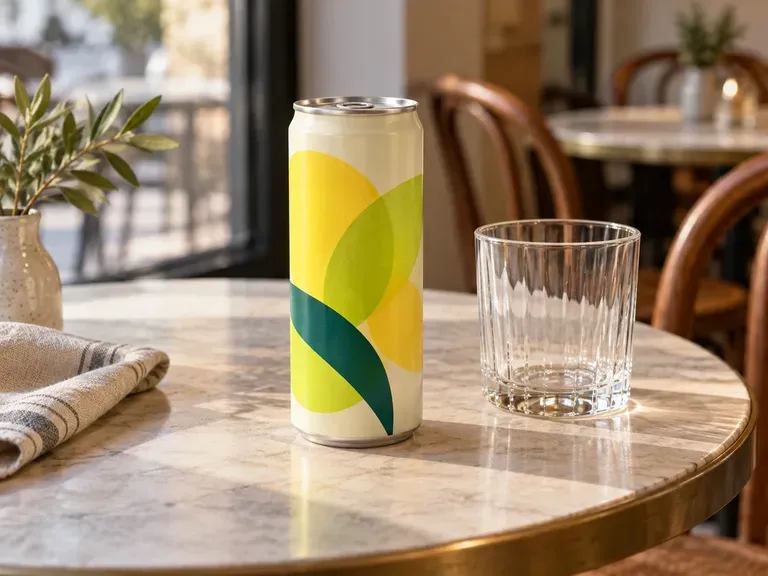
• Serving context: Compare citrus, berry, or botanical SKUs in a neutral packshot, a cafe table scene, or an ice-chilled summer setup.
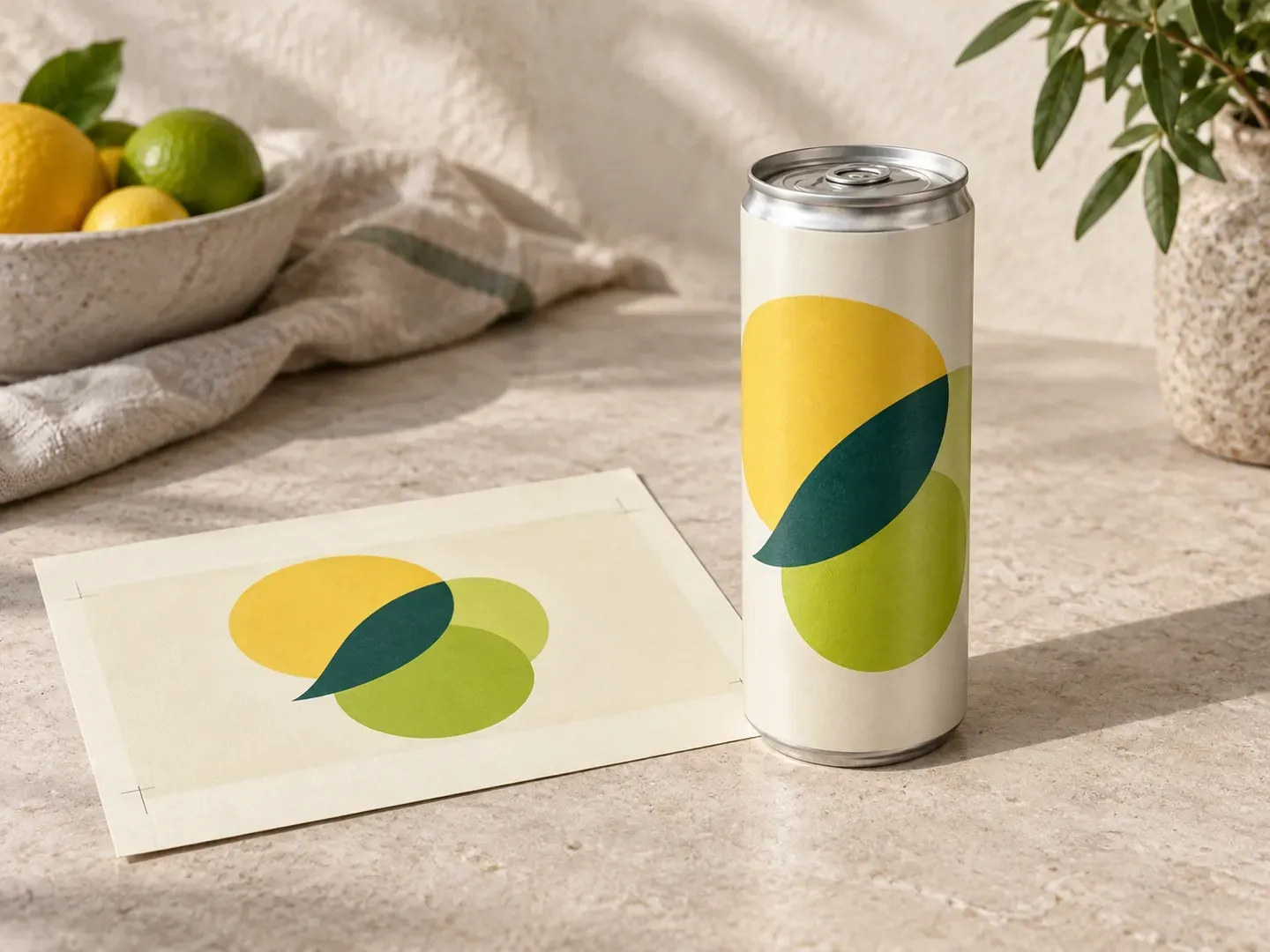
Why beverage brands preview soft drink cans from their own aluminum container photo instead of a generic template.
Upload a photo of your actual 12oz standard aluminum can, tall 12oz sleek prebiotic soda can, or 250ml slim vessel so the shoulder taper and height match your container.
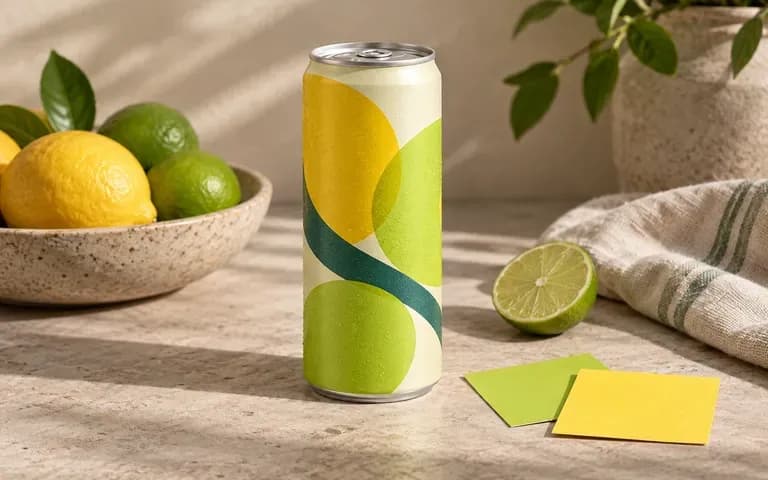
Specify your flavor colors, matte or gloss varnish, and silver or tinted lid to see how citrus, cola, or botanical palettes interact with metallic highlights and droplets.
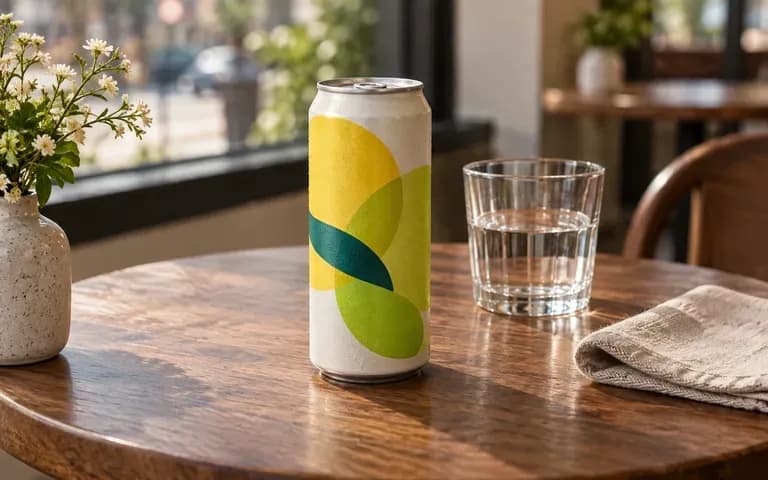
Generate a clean isolated packshot for distributor sell sheets, a sunlit cafe table view for food-service pitches, or a chilled outdoor campaign frame from the same uploaded can and artwork.
Comparing a browser-rendered soft drink preview built from your own aluminum can photo against static Photoshop templates.
Static Soda Can Mockup PSD
Virse Soda Can Mockup Generator
Provide a clear, straight-on photo of your target aluminum can alongside your finished front or full-wrap label artwork.
Note the flavor palette, metallic rim finish, optional water droplets, and whether you want a studio, cafe, or outdoor setting.
Run the tool to wrap your supplied soft drink artwork onto the can silhouette inside the requested lighting and scene.
Check the front logo, flavor name, necked-in shoulder, and curved edges against your source file, then refine the brief if needed.
Specific briefs keep container geometry and label legibility sharp. Copy any of these three soda can label mockup prompts:
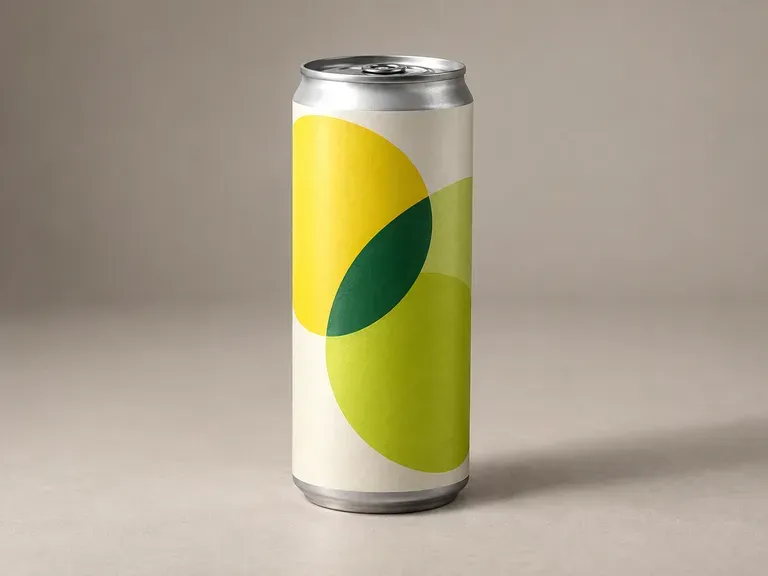
• 12oz sleek packshot: "Apply the uploaded yuzu citrus artwork to the 12oz sleek aluminum can reference, silver lid and pull-tab, condensation droplets, on a gray studio sweep."
• Cafe tabletop scene: "Wrap the supplied blood-orange soda label onto the reference can, matte finish with silver rim, on a terrazzo cafe table beside an iced glass."
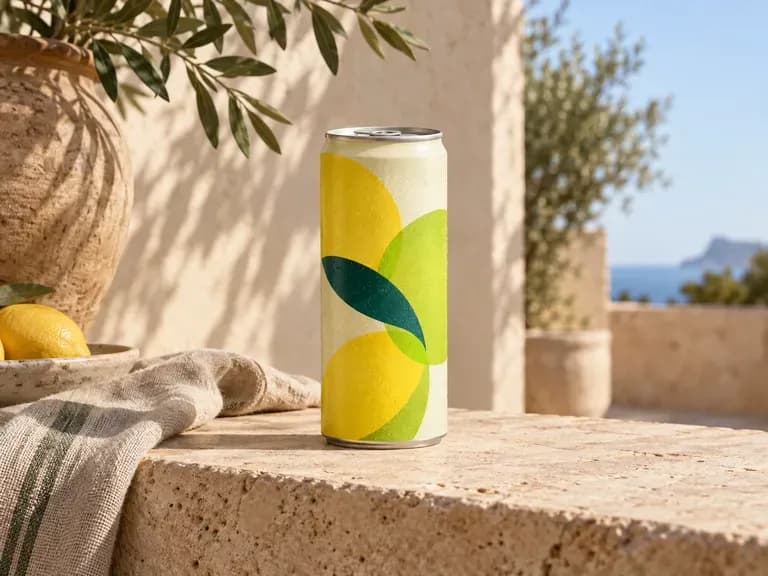
• Summer outdoor campaign: "Show the uploaded berry soda design on the 12oz can reference, magenta and lime palette, water beads, on a sunlit stone ledge."
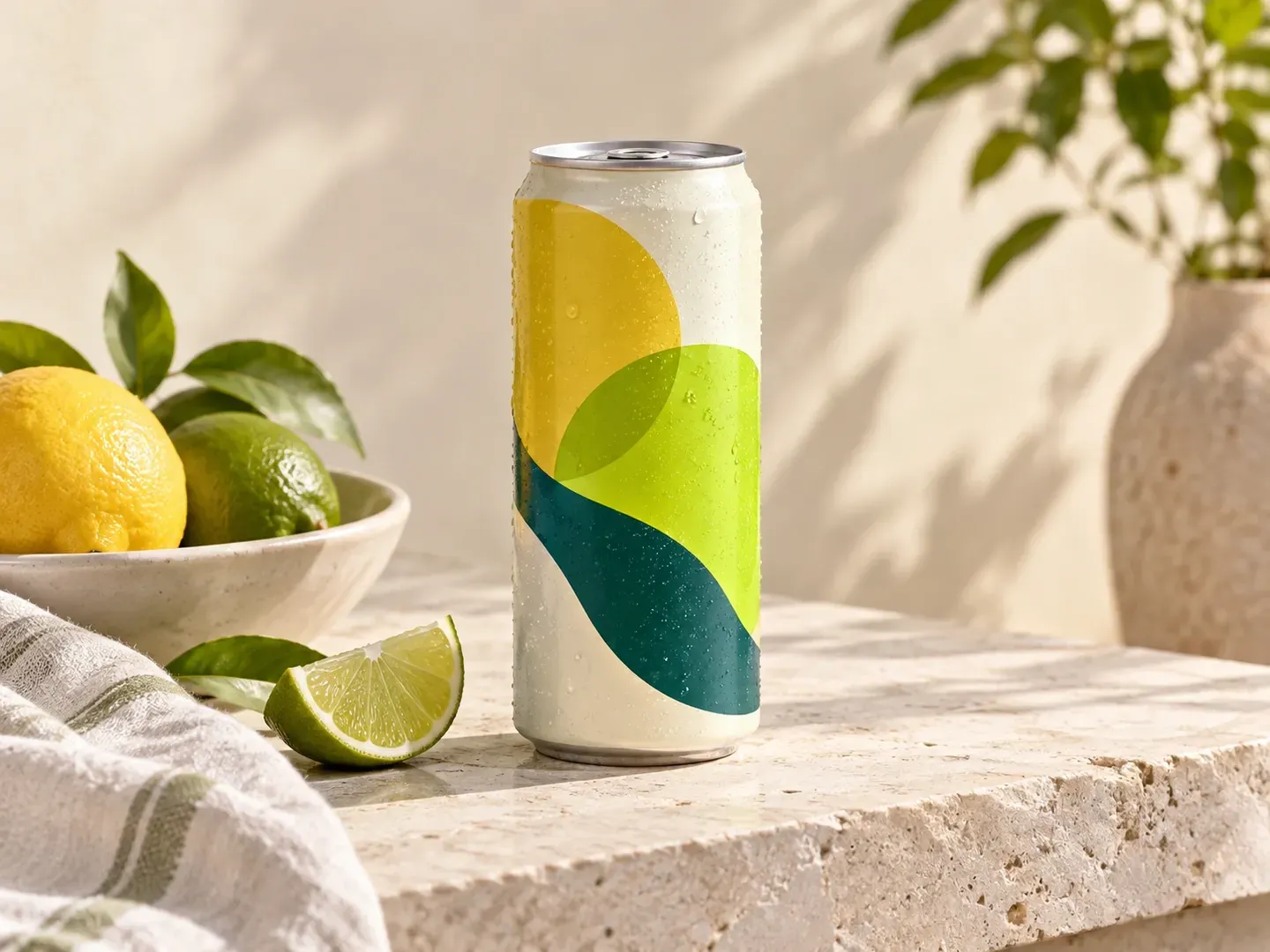
Four beverage and creative roles that use a soda can mockup to evaluate soft drink packaging before ordering printed cans or shrink sleeves.
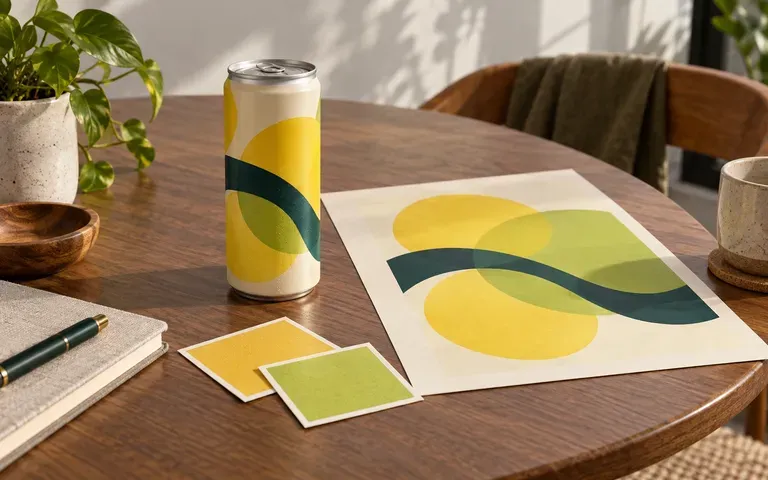
Present a multi-flavor line of functional sodas, sparkling waters, or energy drinks to buyers before tooling plates.
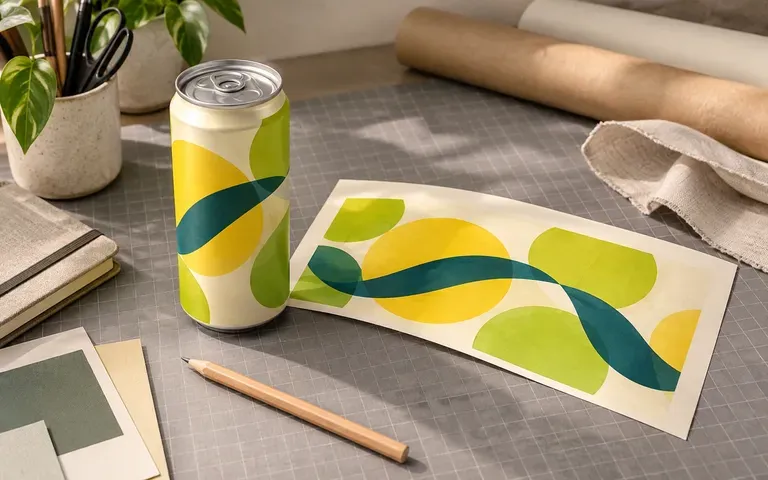
Check how typography hierarchy, flavor illustrations, and color blocking transition around the cylinder curve before sending mechanical dielines to prepress.
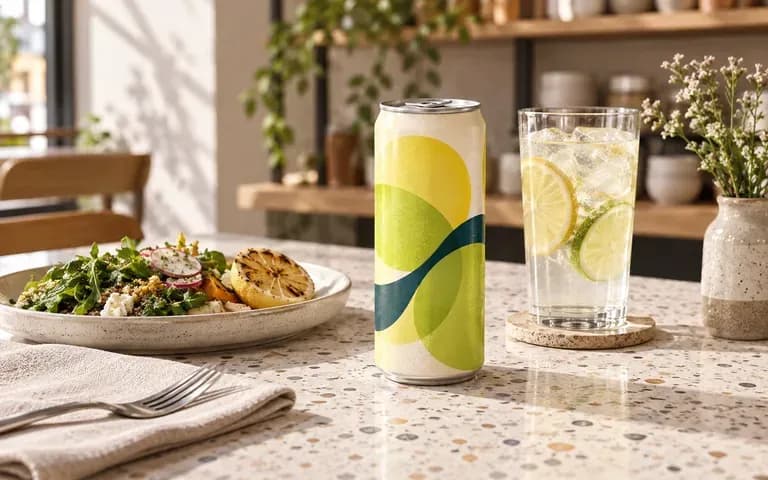
Preview how a house-branded craft soda or seasonal sparkling refresher looks on a counter, menu board, or tabletop before launching a promotion.
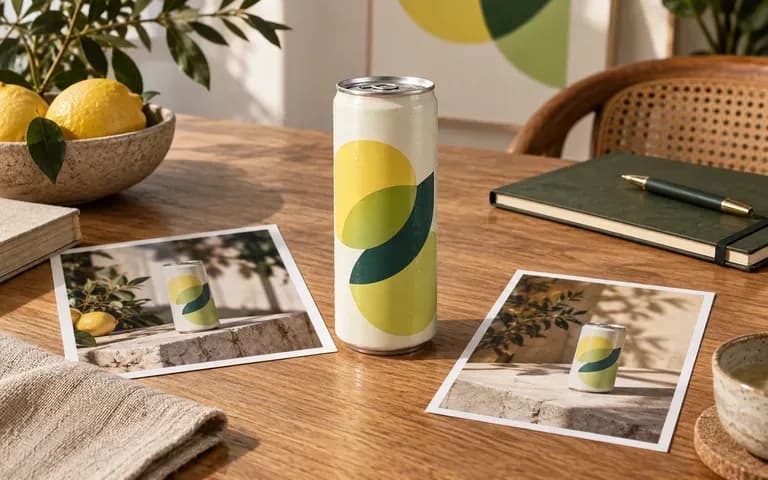
Show beverage clients their exact artwork in both clean ecommerce packshots and art-directed lifestyle environments within the same presentation deck.
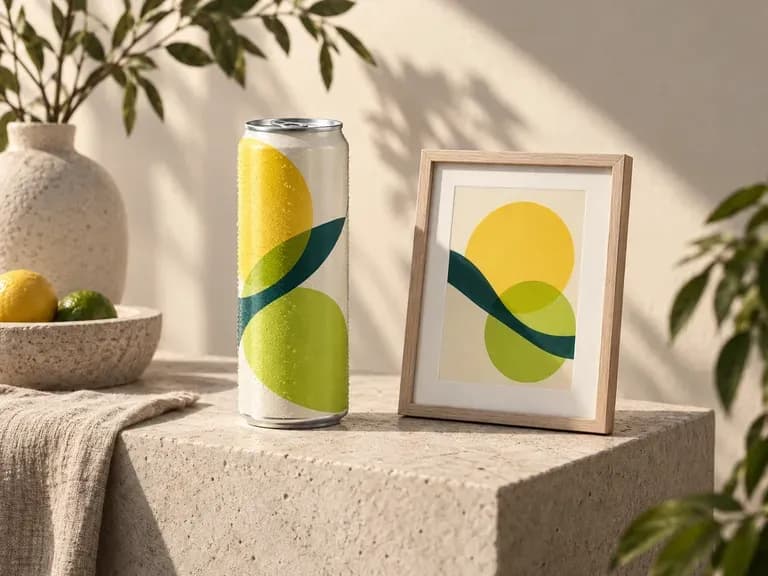
Six soda can mockup outputs showing flavor lineups, studio packshots, cafe table placements, and outdoor campaign concepts.
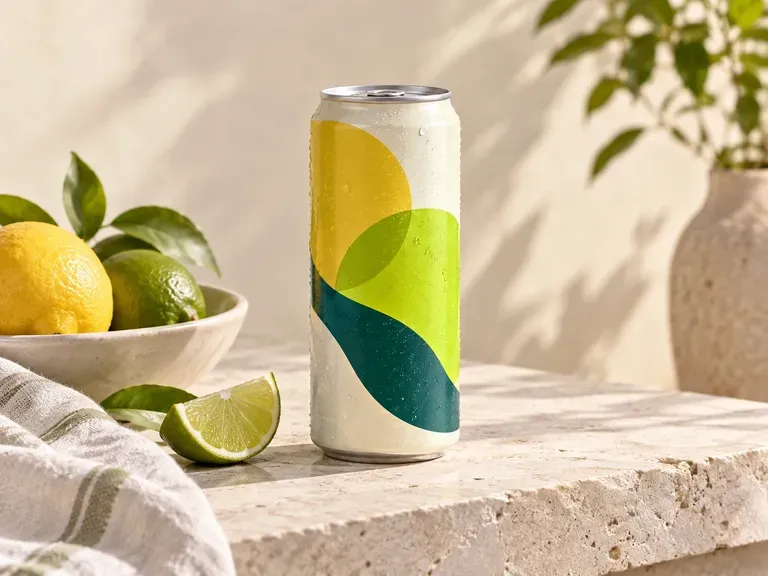
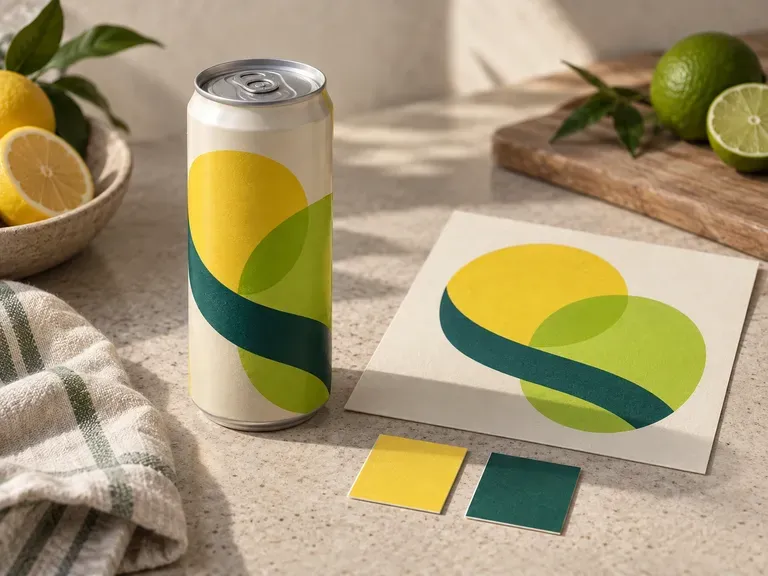
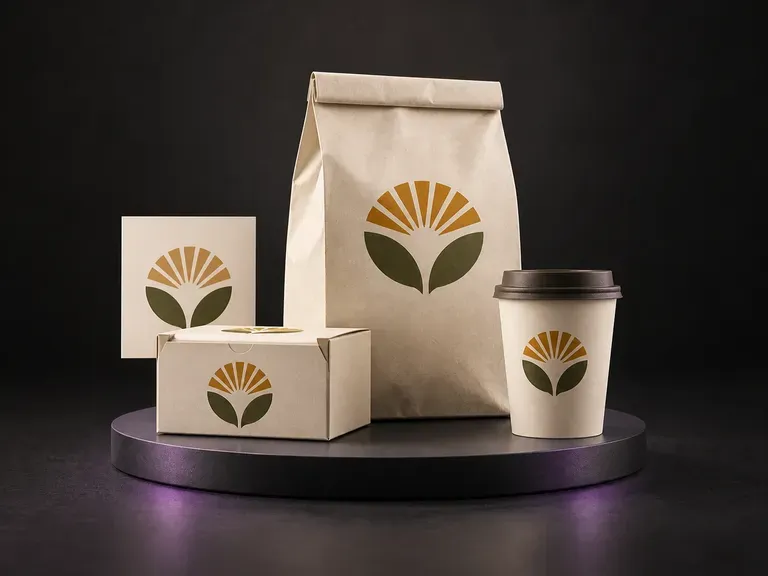
Preview one food or beverage brand identity across coordinated boxes, bags, and cups.
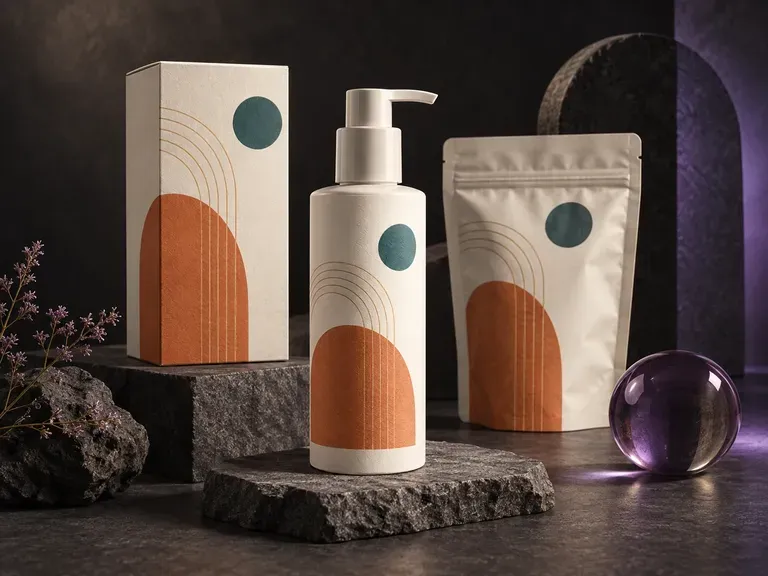
Test your finished brand artwork across pouches, cartons, jars, and bottles on one canvas.
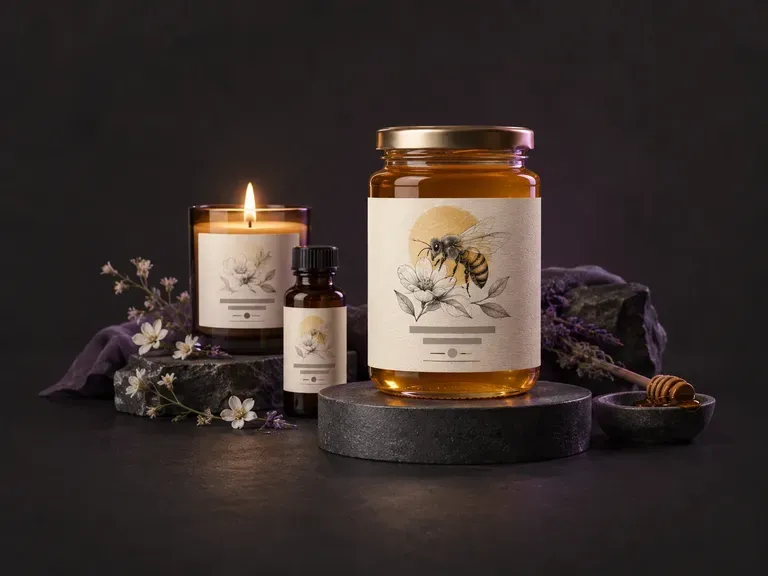
Draft new front-of-pack beverage and product label concepts from your brand name and style notes.
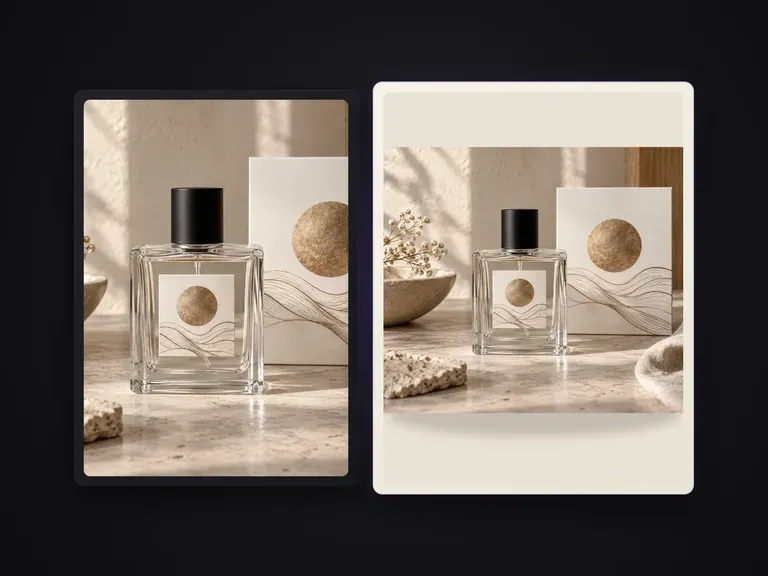
Isolate products against clean solid-color studio backdrops for catalog grids and PDPs.
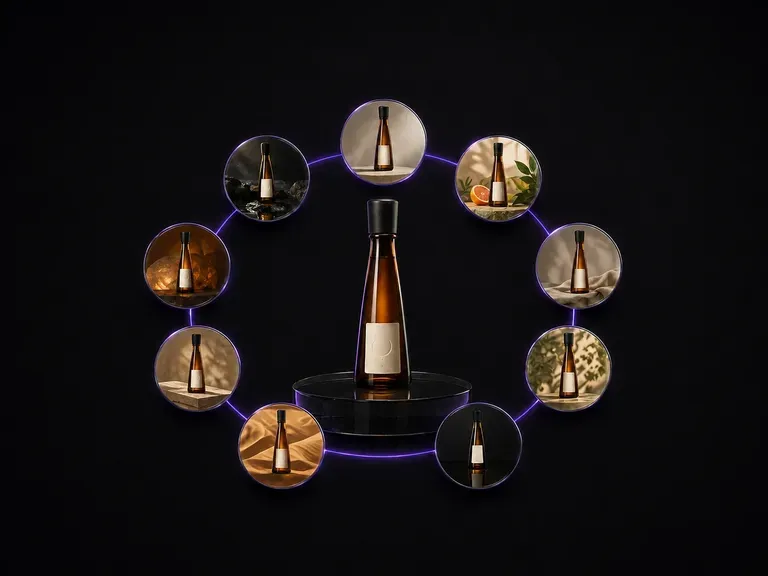
Generate a coordinated nine-frame campaign contact sheet from a single bottle reference.
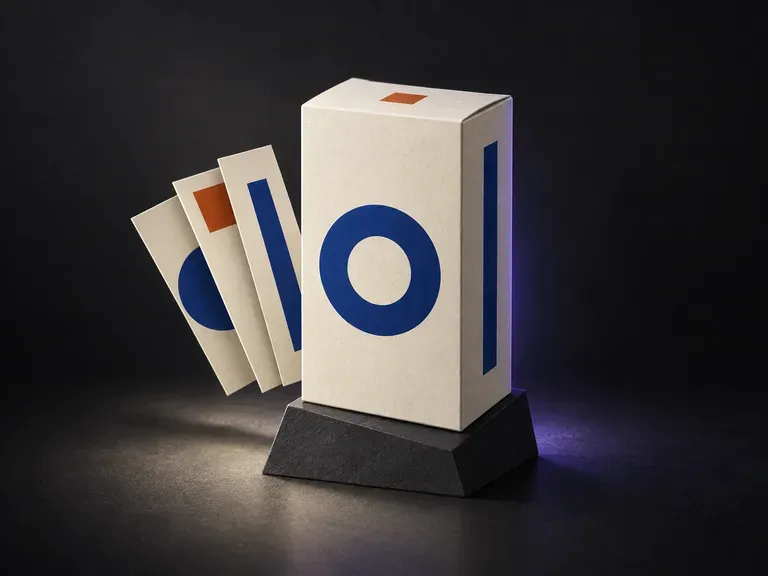
Preview folding cartons, rigid gift boxes, and shipping sleeves from front and angled views.

Guide subject posture, materials, and lighting using up to 14 reference images at 1K to 4K.
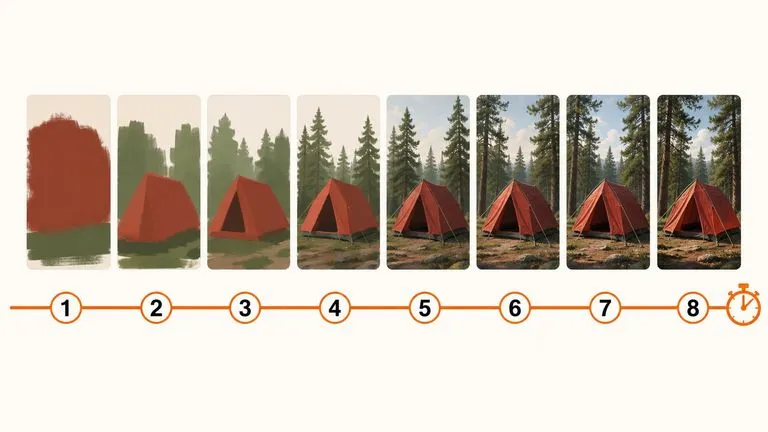
Draft rapid concept thumbnails and layout options before committing compute to final high-res renders.

Render crisp labels, fine surface textures, and multi-reference compositions up to 4K resolution.

Follow complex multi-part written briefs that combine uploaded reference photos with strict layout rules.

Produce realistic studio lighting, contact shadows, and natural material grain for commercial shots.

Swap backgrounds, lighting setups, or colorways while keeping your core subject geometry locked.
Upload your aluminum can reference and label artwork to see how your soft drink design reads in studio, cafe, or chilled scenes.