
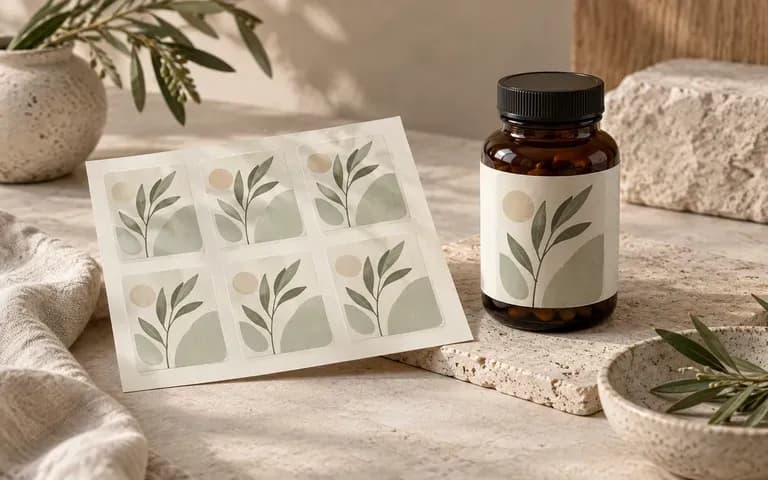
Existing label
Match Your HDPE, PET, or Amber Jar Reference
Upload a photo of your co-packer's actual white HDPE bottle, amber glass jar, or wide-neck sport tub to wrap your finished supplement label onto that exact container silhouette.
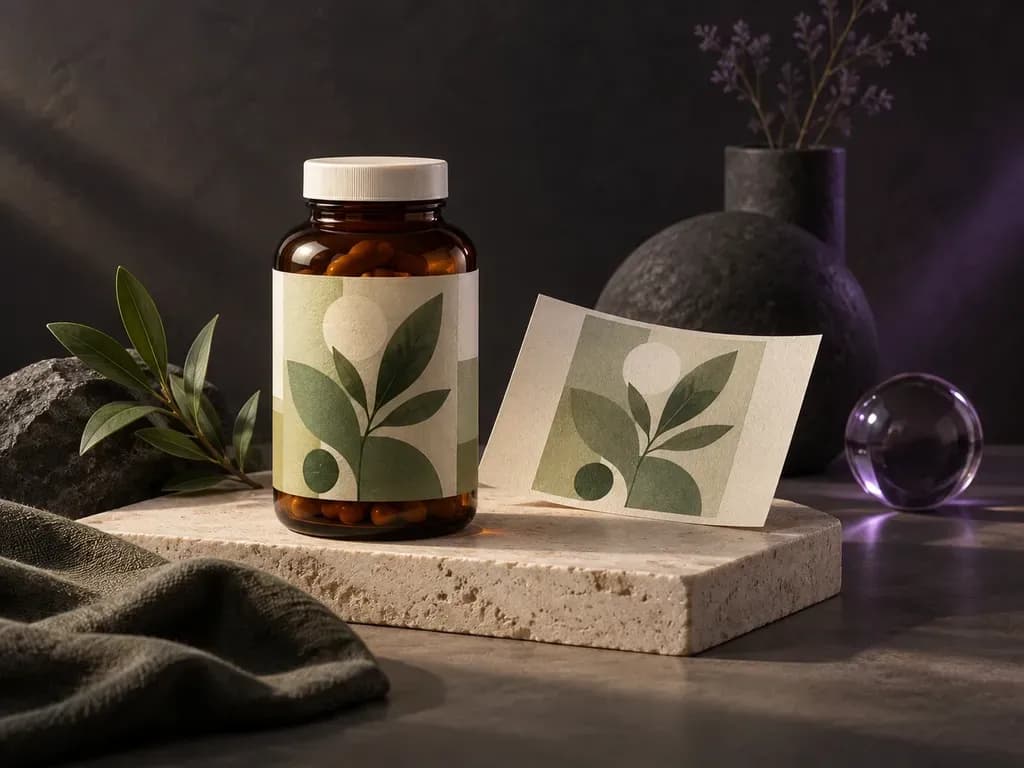
Upload a photo of your pill jar or vitamin bottle with your finished label artwork, then specify the cap finish and backdrop. This supplement bottle mockup generator wraps your label onto a white HDPE, matte black, or amber jar.
A supplement bottle mockup (or supplement bottle label mockup) wraps your flat label file around a cylindrical vitamin bottle, capsule jar, or powder tub from your uploaded reference:
• Cylindrical wrap curvature: Verify that the brand wordmark, potency badges, and capsule count stay centered on the front panel before curving toward the edges.
• Container material contrast: Compare how label colors read on a white supplement bottle mockup, a matte black supplement bottle mockup, or an amber glass packer jar.
• Closure proportions: Balance a smooth screw lid, ribbed child-resistant cap, or tamper-evident neck band with the label height.
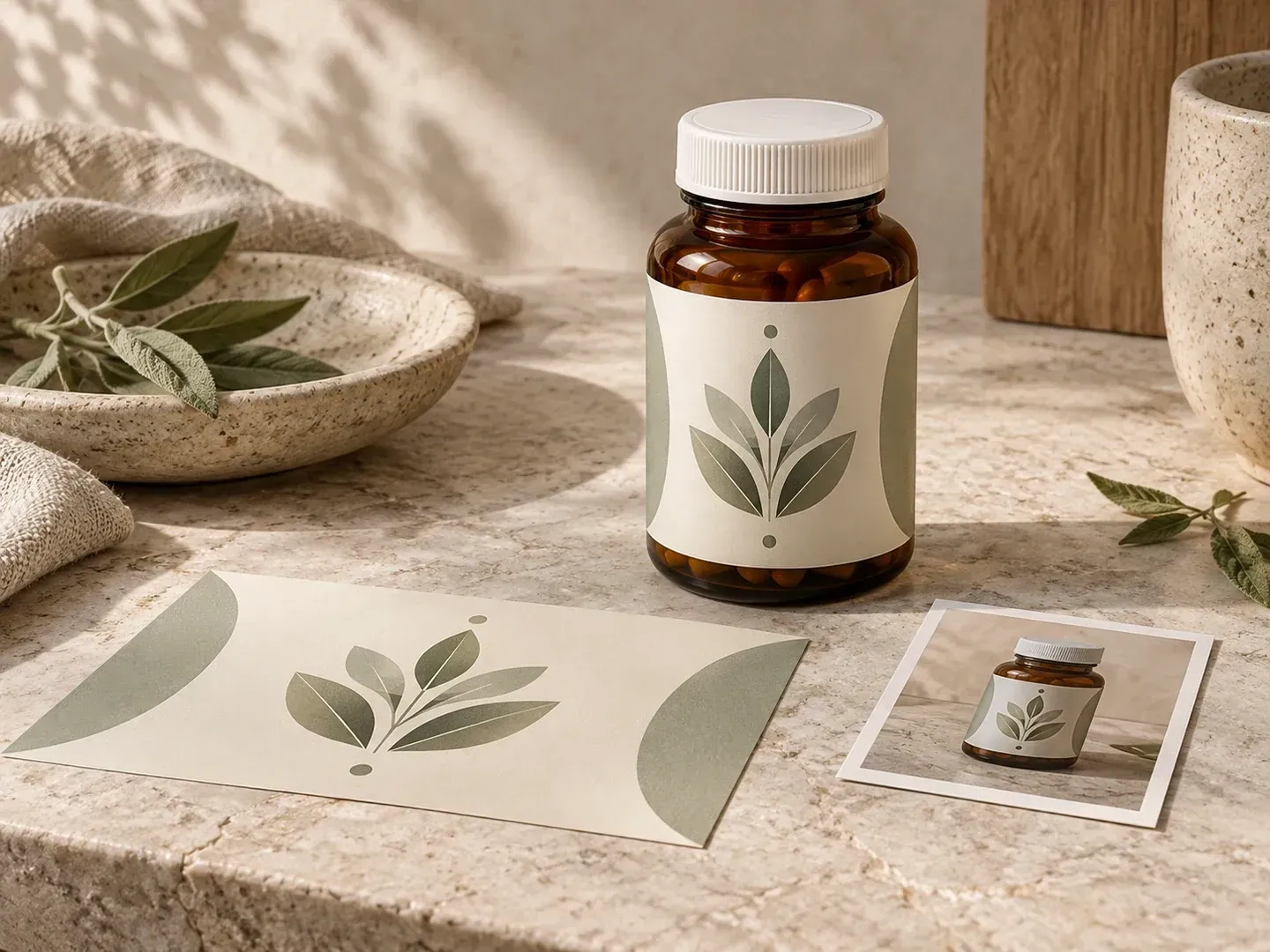
Three packaging checks a reference-based supplement bottle label mockup handles better than a fixed stock template.
Upload a photo of your co-packer's actual white HDPE bottle, amber glass jar, or wide-neck sport tub to wrap your finished supplement label onto that exact container silhouette.
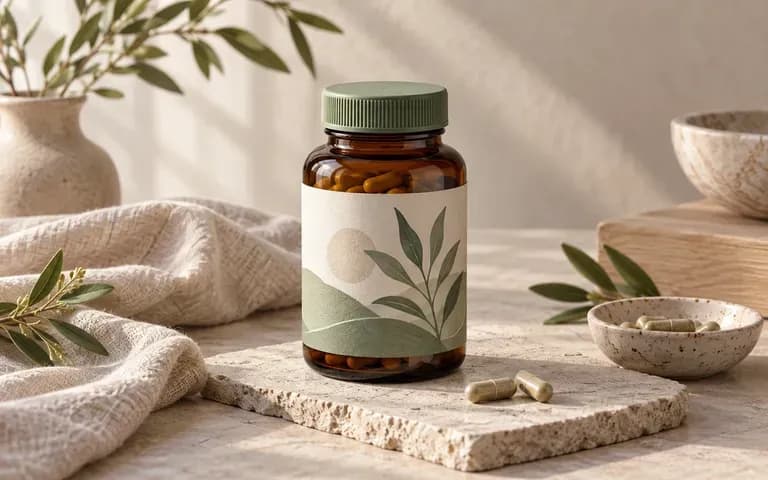
Specify your closure style and color, such as a ribbed screw cap, brushed gold lid, flip-top, or tamper-evident neck band, to see how top hardware pairs with your label palette.
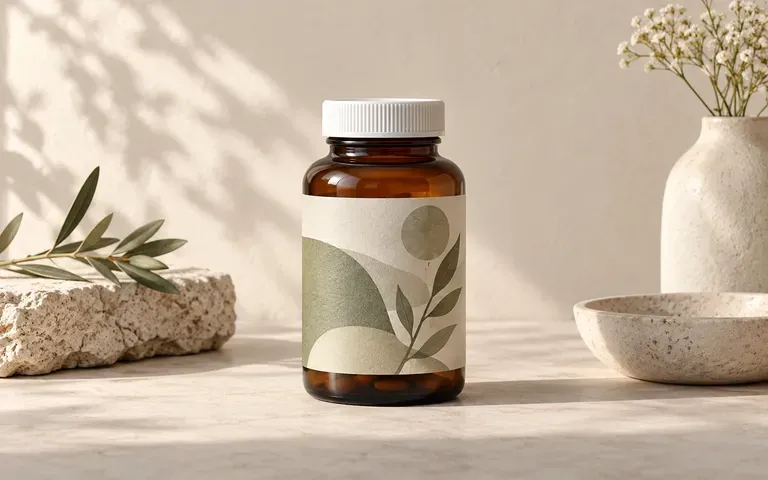
Choose a neutral studio backdrop for label sign-off and ecommerce drafts, or stage the bottle on a stone vanity, kitchen counter, or gym shelf with crisp front-panel legibility.
See how previewing nutraceutical labels on your own packer bottle or protein tub photo differs from layered Photoshop files.
Static Supplement Bottle Mockup PSD
Virse Supplement Bottle Mockup Generator
Add a straight-on photo of your supplement jar or bottle along with your finished front or full-wrap label artwork.
Write a brief naming the cap color, lid finish, background surface, and which part of the label should face forward.
Run the generator to combine your container silhouette, closure notes, and supplied label into a static packaging image.
Compare the brand name, capsule count, fine print, and barcode area against your source file, plus the bottle and cap shape.
Clear briefs preserve container material and front-panel hierarchy. Copy any of these three supplement bottle label mockup prompts:
• White HDPE capsule jar: "Apply the uploaded magnesium label to the white supplement bottle mockup reference, green ribbed cap with tamper-evident ring, on warm stone."
• Amber glass vitamin bottle: "Wrap the supplied cream botanical label onto the amber glass packer bottle reference, brass cap, morning light on travertine."
• Black sport supplement tub: "Place the uploaded pre-workout label onto the matte black supplement bottle mockup with wide neck and black lid on slate."
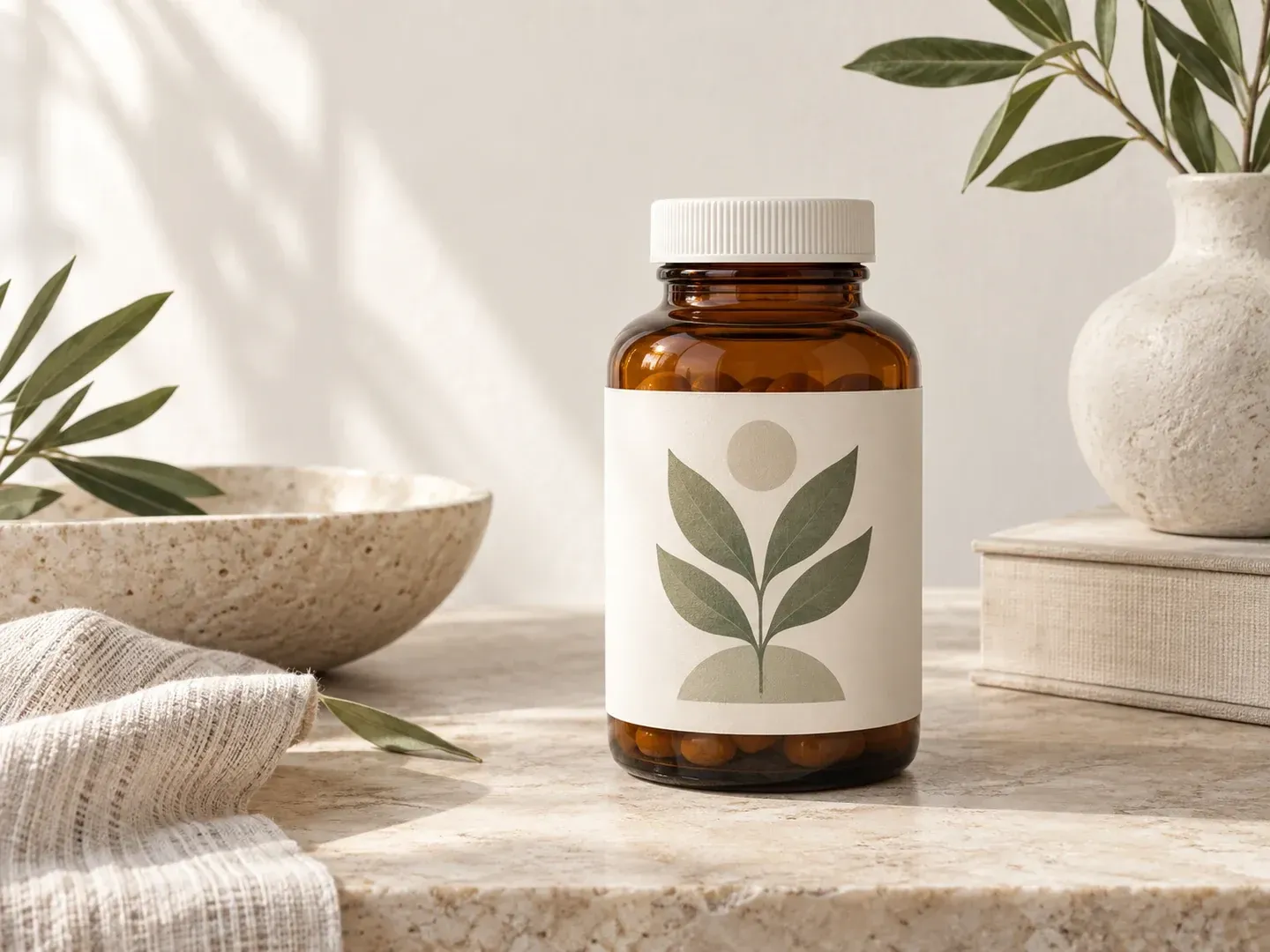
Four wellness and packaging roles that use a supplement bottle mockup to review finished label artwork before ordering label rolls.
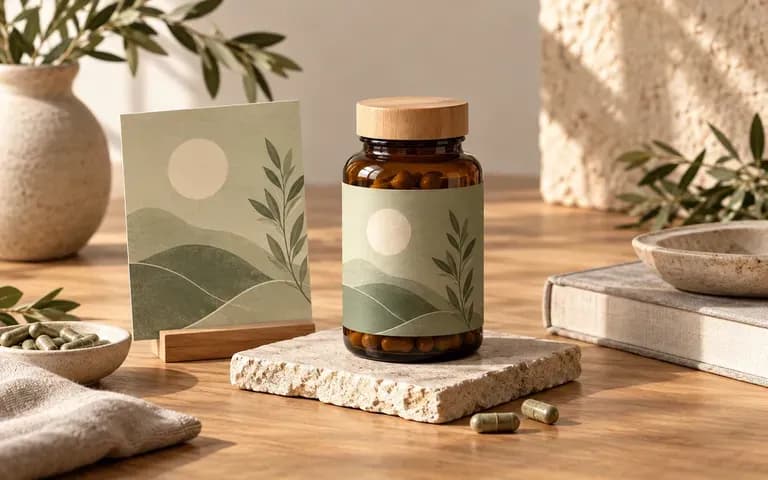
Preview how a new vitamin, probiotic, or herbal SKU aligns with the rest of your product line before approving label proofs with your contract manufacturer.
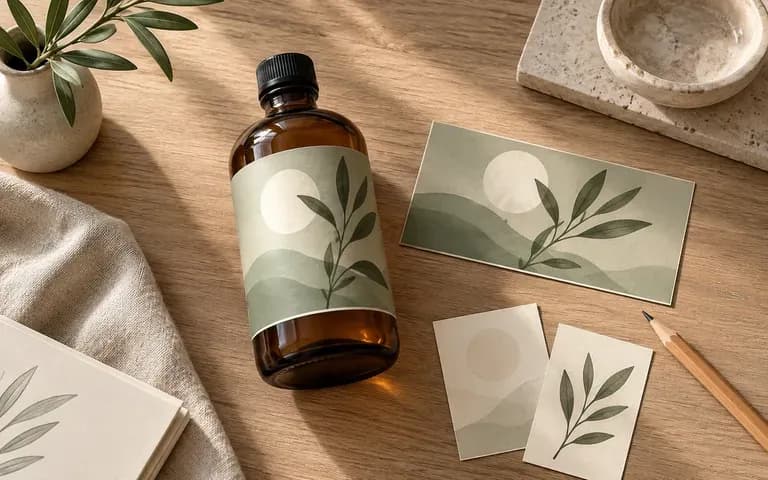
Evaluate how front-panel typography, foil or spot-color accents, and vertical margins sit across the curved cylinder and shoulder taper of the actual bottle.
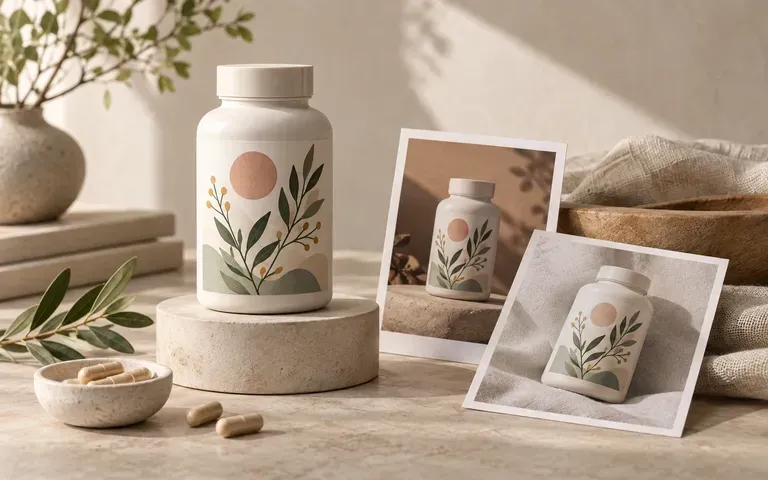
Prepare clean hero packshots and lifestyle countertop concepts from approved brand assets while physical inventory is still on the bottling line.
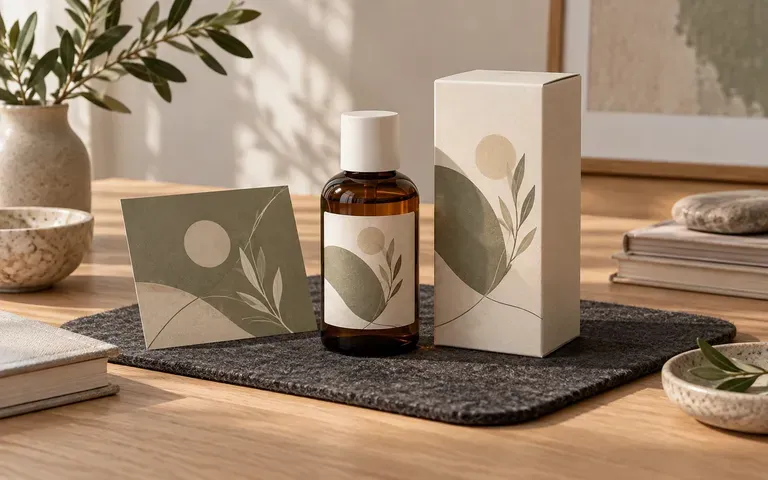
Present multiple cap colorways, bottle materials, and label refresh options side by side during client review sessions without building 3D renders from scratch.
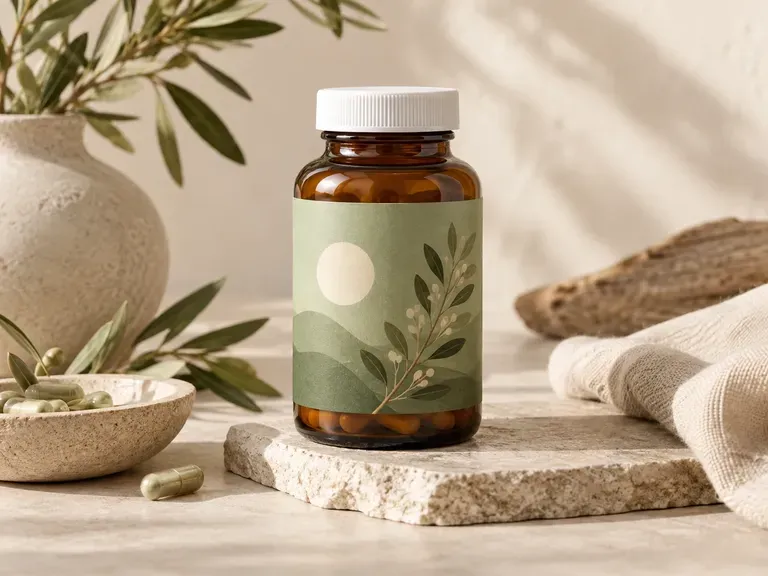
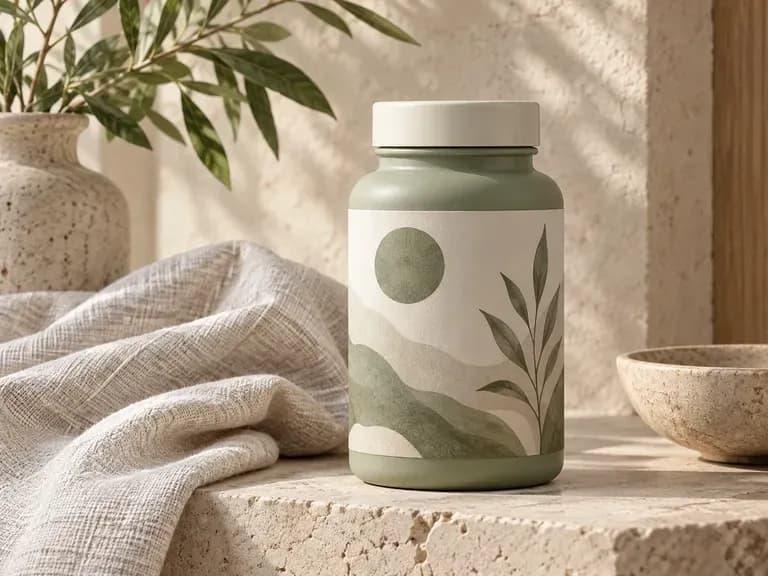
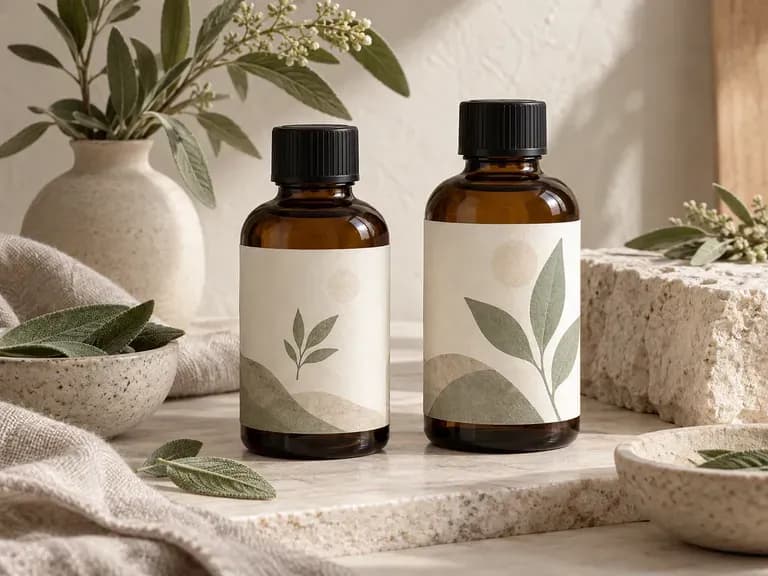
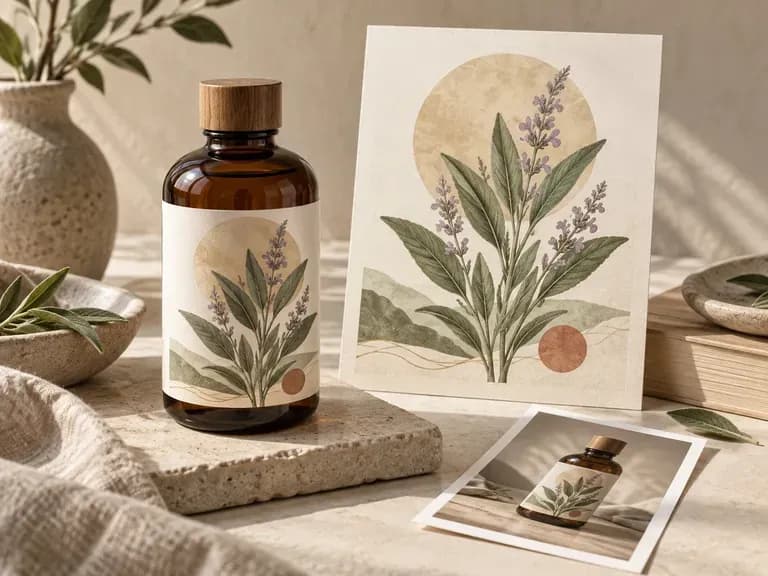
Six supplement bottle mockup outputs covering front-panel reviews, cap color studies, neutral packshots, and campaign scenes.
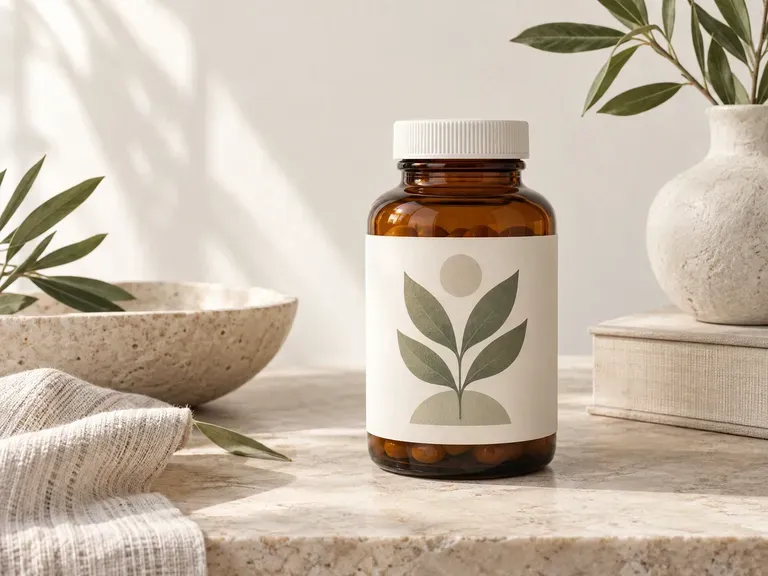
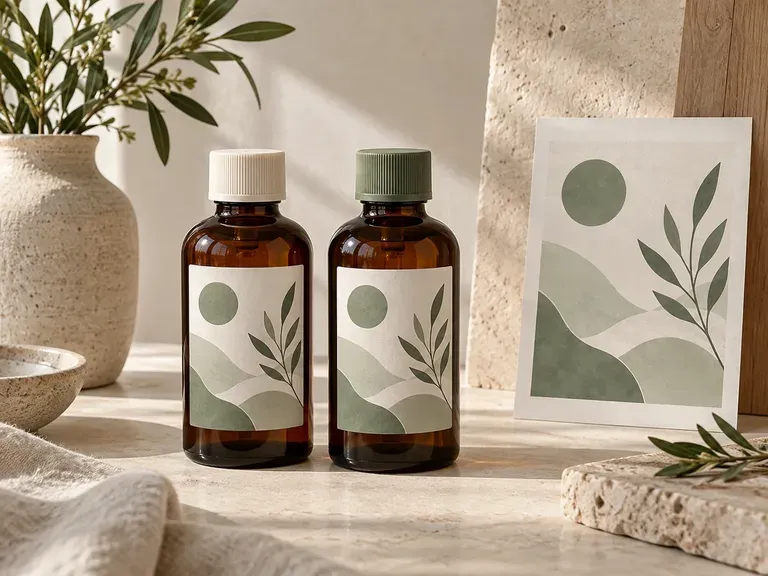
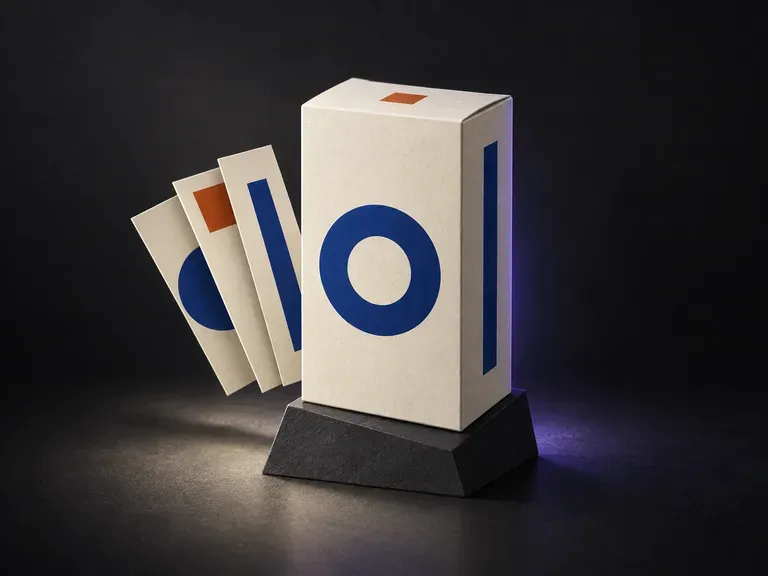
Preview outer unit cartons and retail folding boxes that house your supplement bottles.
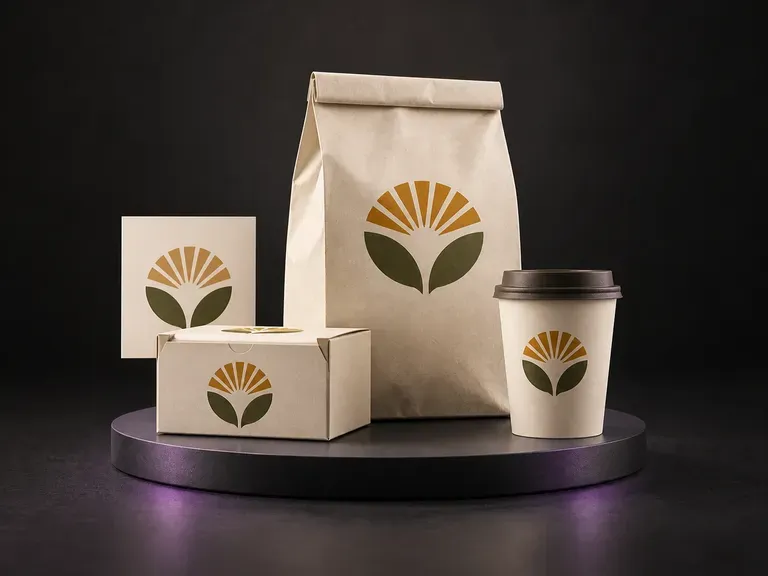
Show one wellness or nutrition brand across pouches, canisters, bags, and cups.
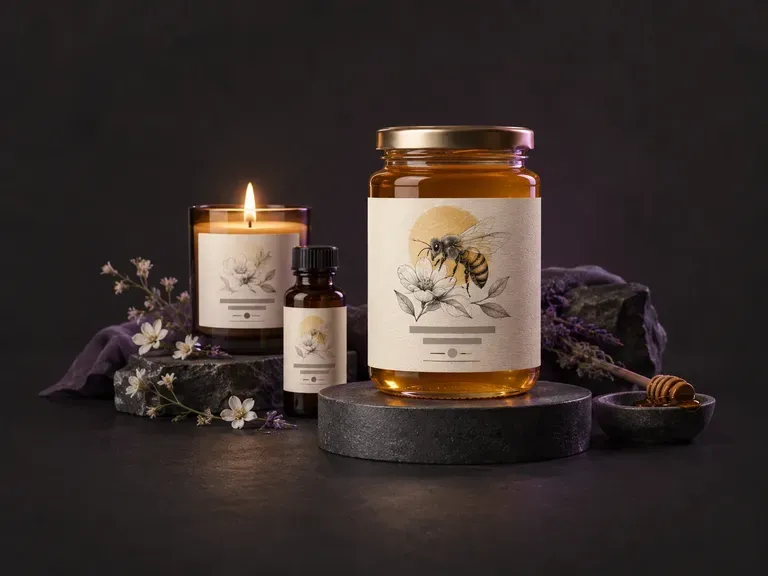
Explore initial front-of-pack label layouts and badge concepts before finalizing your dieline.
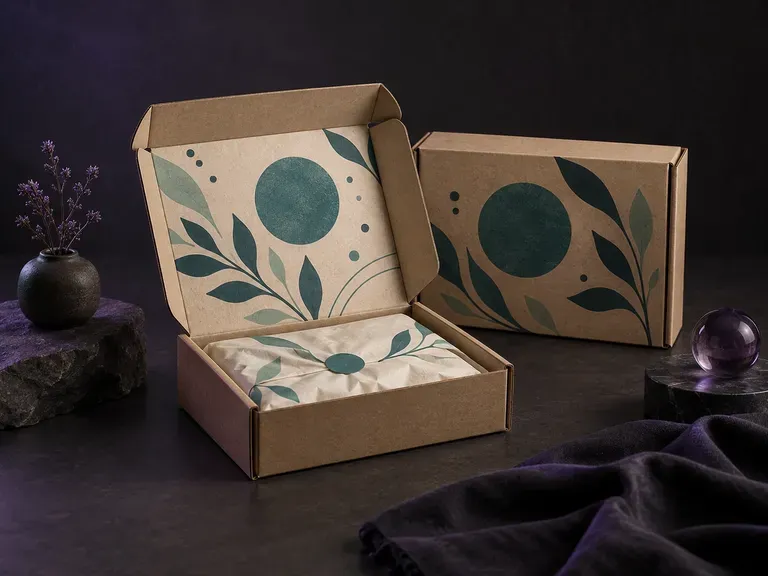
Visualize corrugated e-commerce mailers with outside branding and inside-lid unboxing prints.
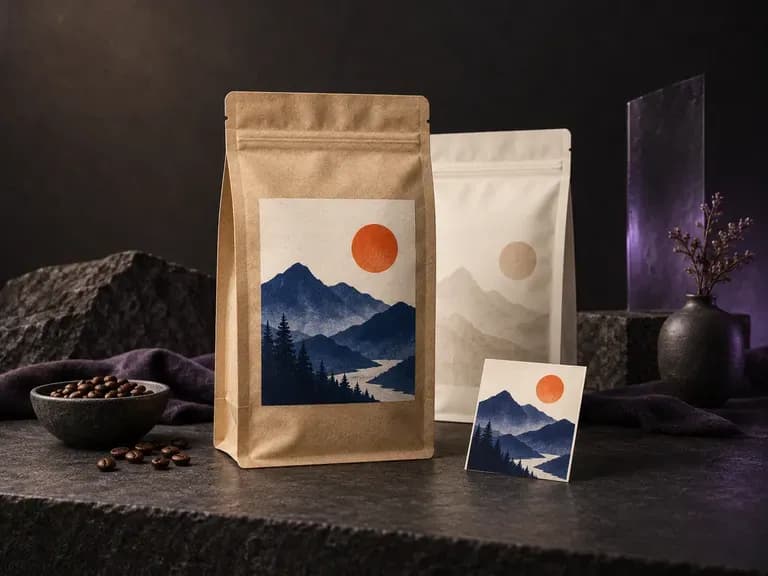
Apply front and back artwork to stand-up gusset pouches, tear-notch bags, and sachets.
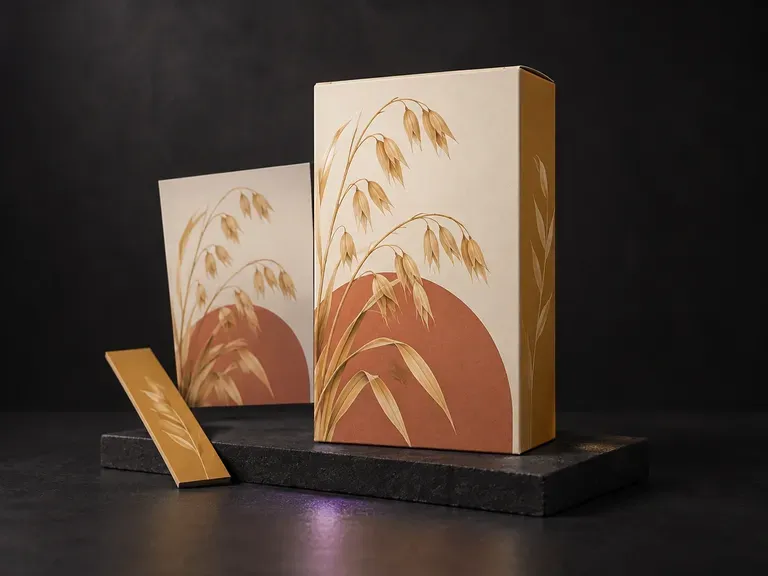
Test bold front-panel characters, nutrition headers, and aisle legibility on tall cartons.

Render crisp labels, fine surface textures, and multi-reference compositions up to 4K resolution.

Follow complex multi-part written briefs that combine uploaded reference photos with strict layout rules.

Produce realistic studio lighting, contact shadows, and natural material grain for commercial shots.

Swap backgrounds, lighting setups, or colorways while keeping your core subject geometry locked.

Explore four distinct framing and styling variations side by side on the canvas in a single run.
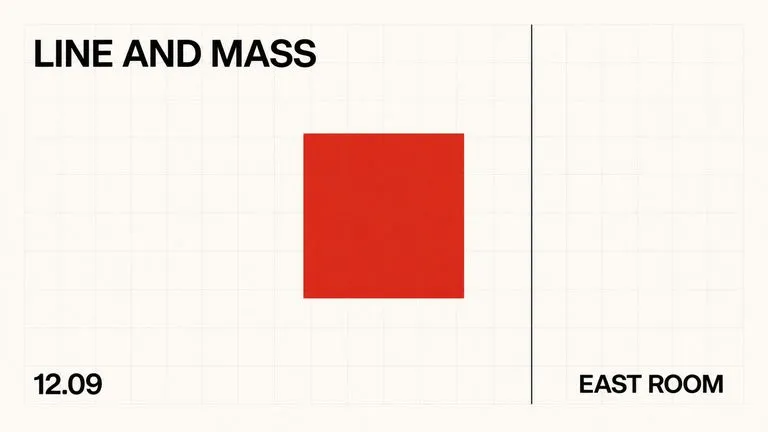
Keep display headlines, packaging wordmarks, and monogram badges sharp inside generated visuals.
Upload your bottle photo and finished label artwork to review cap colors, wrap proportions, and studio or countertop scenes.