
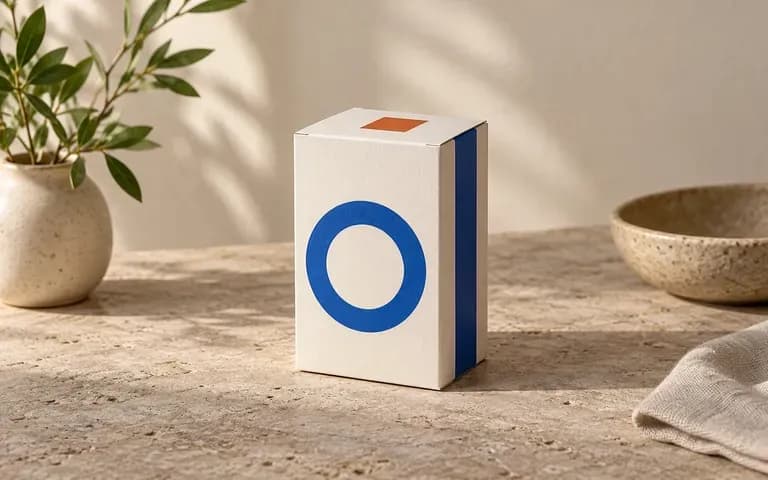
Panel mapping
Assign Artwork to Each Visible Carton Face
Upload distinct graphics for the front face, right or left side panel, and top lid so you can inspect corner wrap continuity and panel order in one combined view.
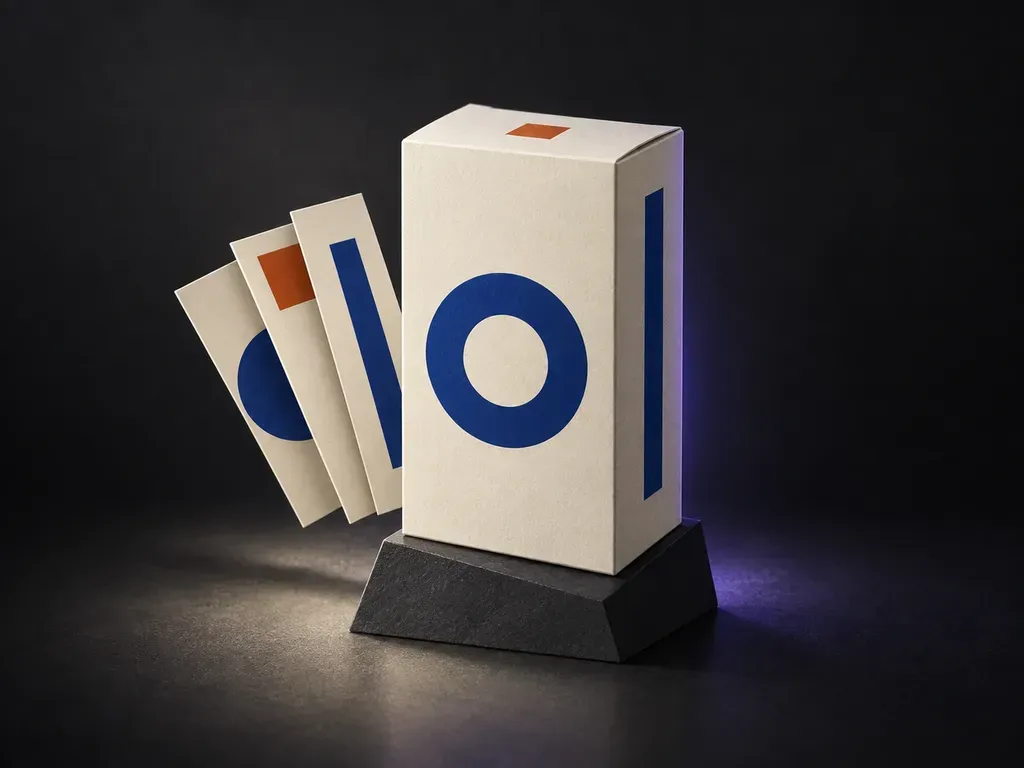
Upload a photo of your structural box sample with finished front, side, and top panel artwork, then note the paper stock and backdrop. This box packaging mockup generator maps your flat panels onto a 3D carton preview before print.
A box packaging mockup (or packaging box mockup) projects flat panel artwork onto the visible faces of a three-dimensional carton from your structural reference:
• Dieline panel alignment: Verify that wrap-around bands, nutrition tables, and type line up cleanly where the front panel meets the side gusset and top tuck flap.
• Board stock contrast: Compare how ink coverage, metallic foil, or pastel palettes read on uncoated corrugated kraft flute versus smooth matte SBS cardstock.
• Three-face hierarchy: Check how the primary hero face balances secondary side copy and top lid branding in an angled view.
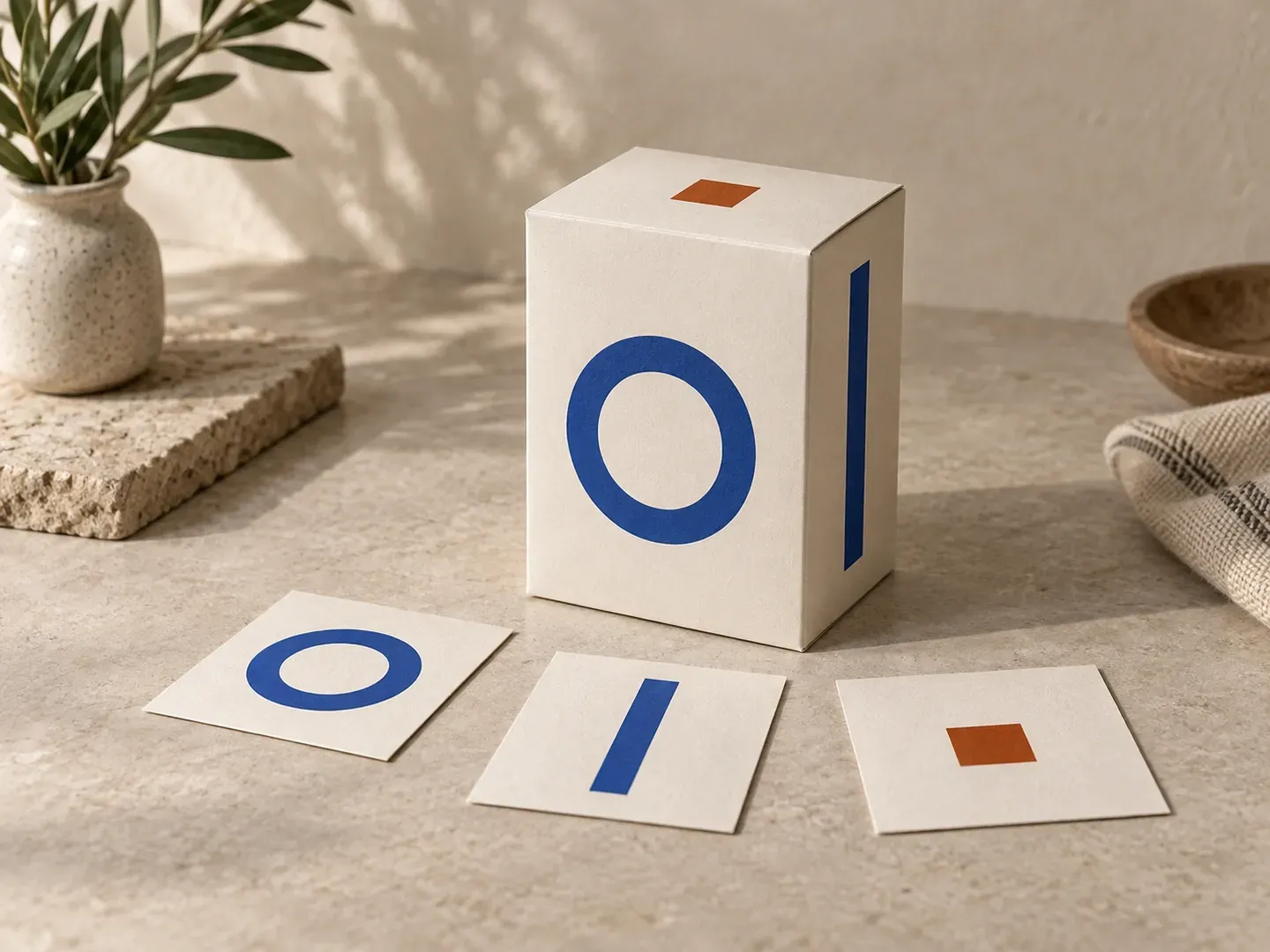
Three checks a reference-driven box packaging mockup generator handles better than a fixed stock template.
Upload distinct graphics for the front face, right or left side panel, and top lid so you can inspect corner wrap continuity and panel order in one combined view.
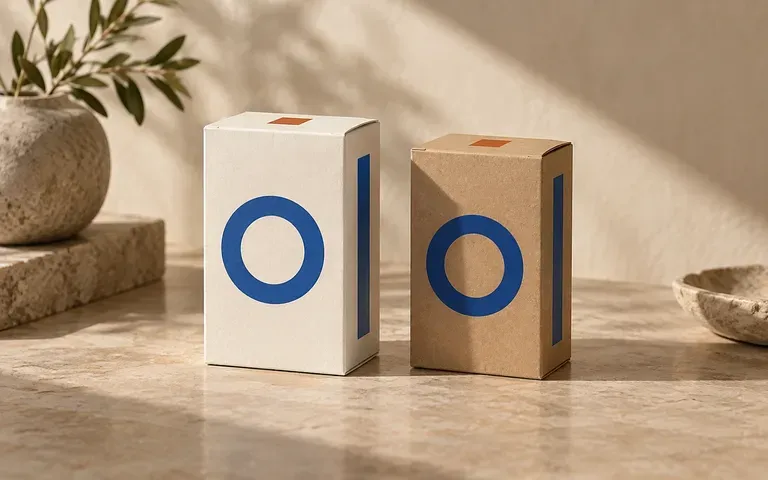
Describe your substrate in the brief to generate a cardboard box packaging mockup with raw kraft fiber, coated white folding board, or soft-touch matte and foil accents.
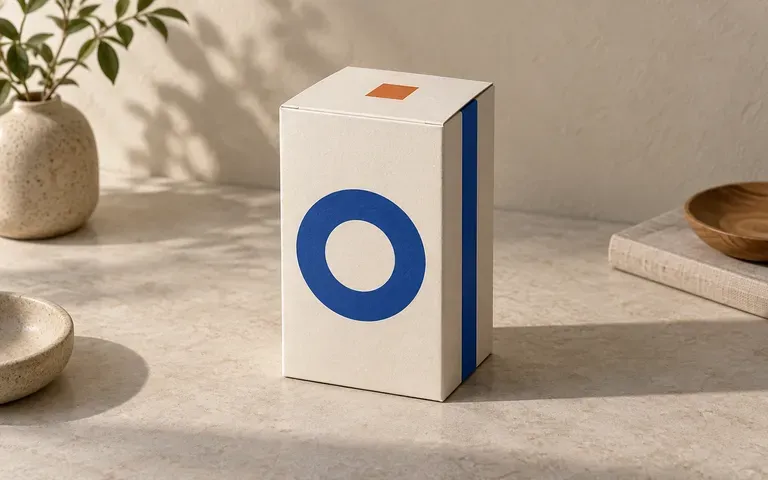
Specify a low retail-shelf angle, a three-quarter corner view, or an elevated top-lid angle so stakeholders see how the carton reads beyond a flat front elevation.
How building a preview from your own structural sample compares with editing a downloadable box packaging mockup PSD file.
Static Box Packaging Mockup PSD
Virse Packaging Box Mockup Generator
Upload a clear photo of your box shape along with the finished flat artwork files for each visible carton face.
Write a short brief naming which uploaded file belongs on the front, side, and top lid, then state the board finish and backdrop style.
Run the generator to project your panel graphics onto the structural box reference with consistent perspective and surface lighting.
Compare wrap-around lines, ingredient copy, and corner edges against your flat files before sending dielines to tooling.
Detailed material and face-assignment notes produce cleaner corner transitions. Copy any of these three packaging box mockup briefs:
• Cosmetic tuck-end carton: "Vertical tuck-end cosmetic carton matching the uploaded shape, apply Panel A to front and Panel B to right side, cream cardstock with gold foil on travertine."
• Corrugated kraft mailer: "Rectangular mailer box from the structural reference, apply top lid graphic and front lip stripe, unbleached E-flute kraft texture on a tabletop."
• Rigid drawer sleeve box: "Two-piece rigid slide drawer box from the reference, patterned outer sleeve and charcoal inner drawer on cotton stock."
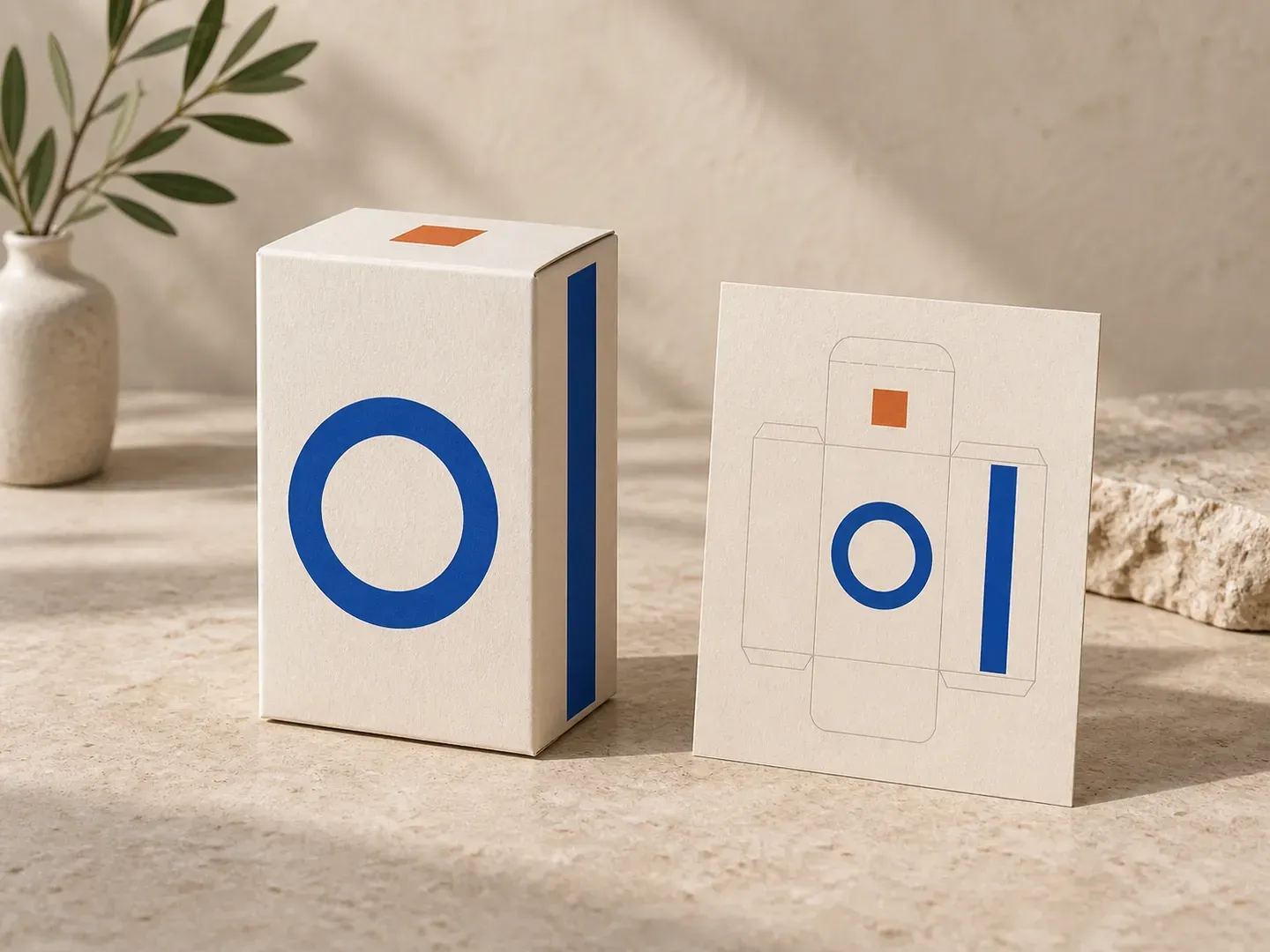
Four packaging, branding, and e-commerce roles that use perspective carton previews before committing to print plates or studio photography.
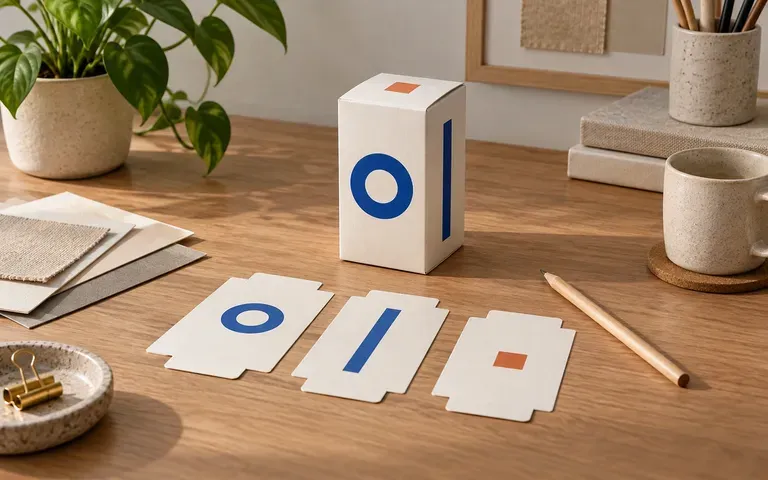
Check how color blocks, barcodes, and illustrations cross the fold line between front, side, and top panels before prepress.
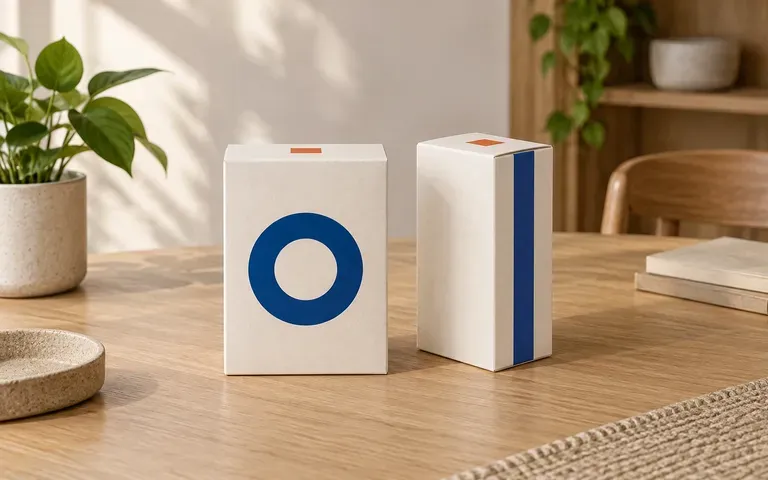
Compare matte white cardstock against natural kraft board so stakeholders can approve a carton direction before wet proofs.
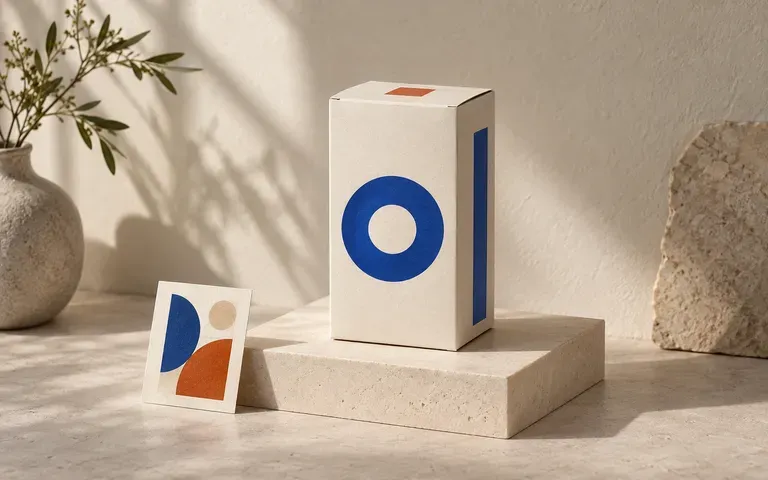
Present flat identity concepts as three-dimensional folding cartons and rigid gift boxes inside client pitch decks without waiting on 3D CAD rendering software.
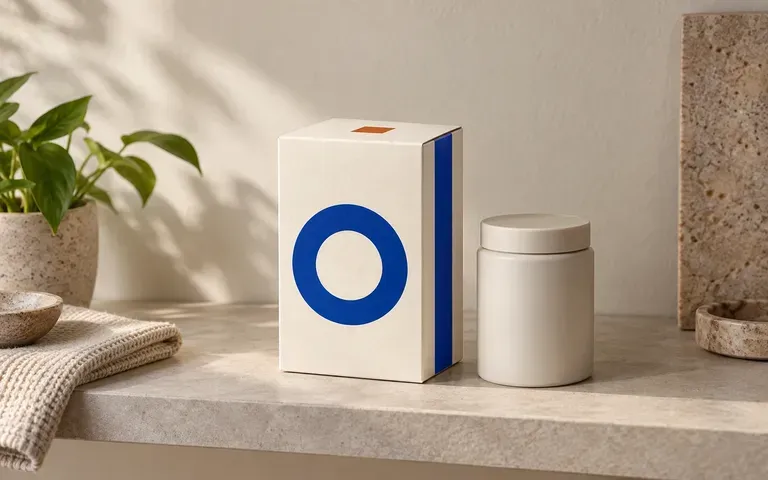
Produce clean product hero shots and launch visuals from finished carton artwork while the print factory is still manufacturing the production run.
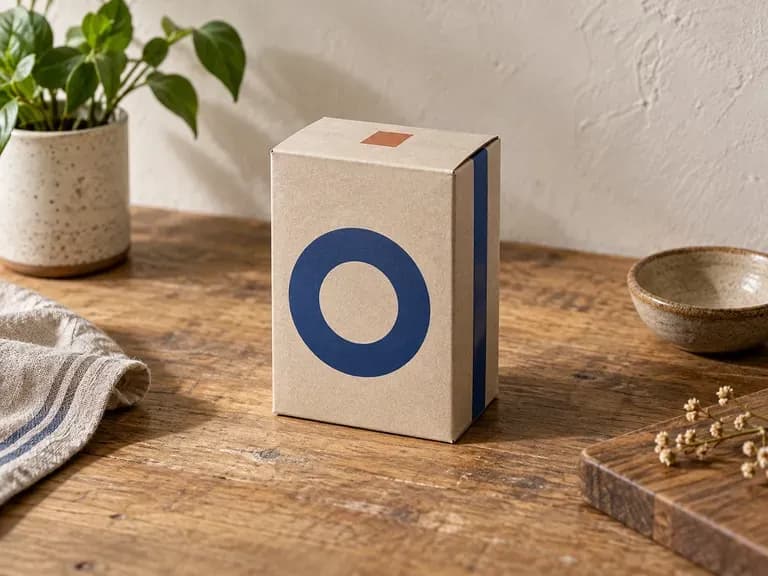
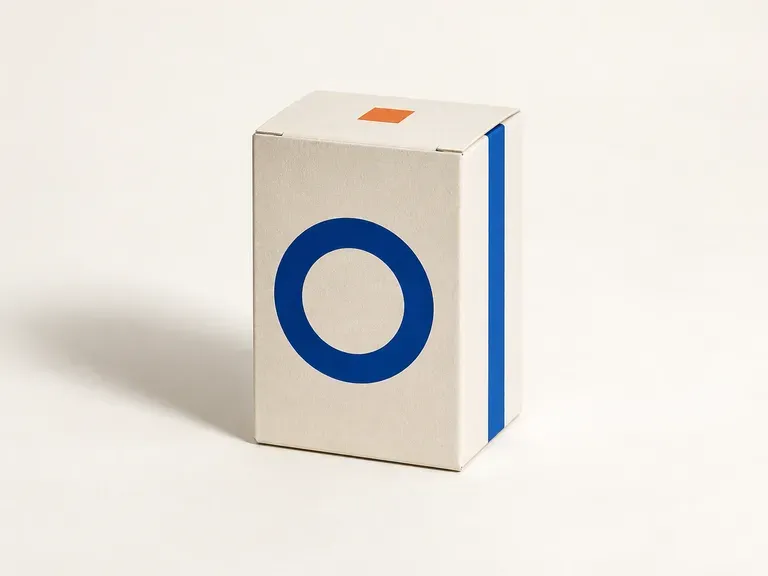
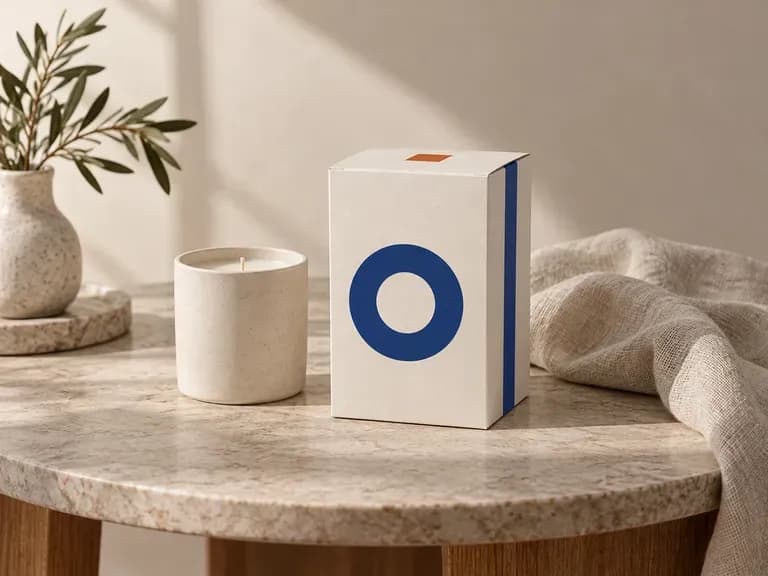
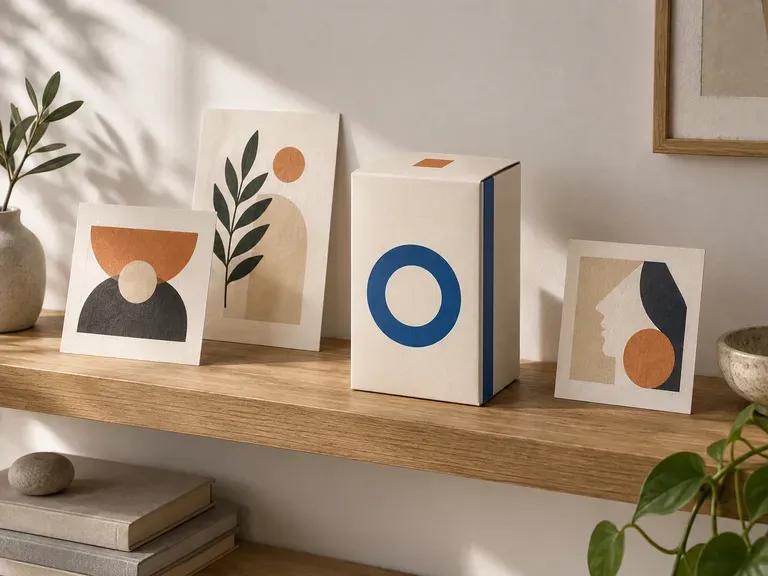
Six carton previews illustrating front-and-side alignment checks, top-lid reviews, kraft substrates, and launch presentations.
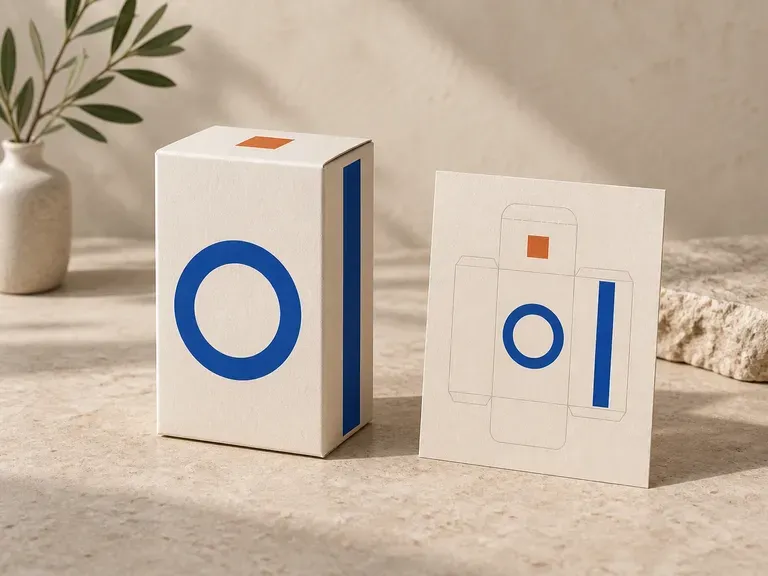
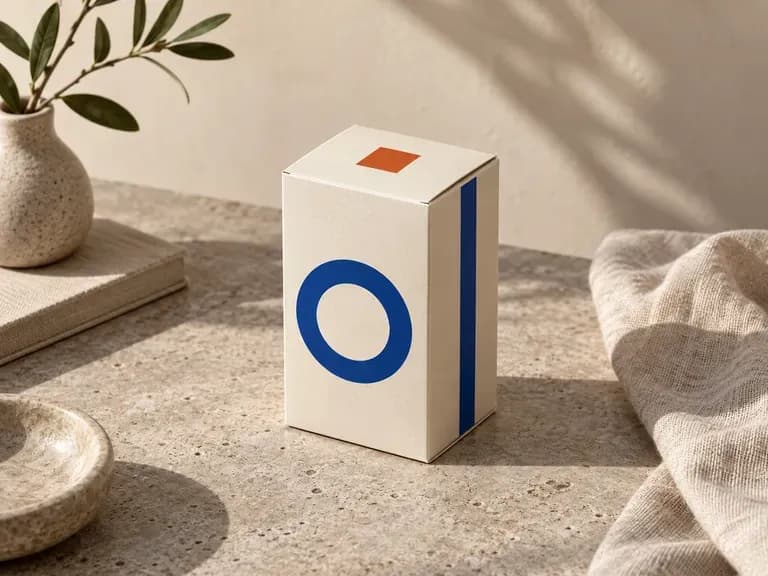
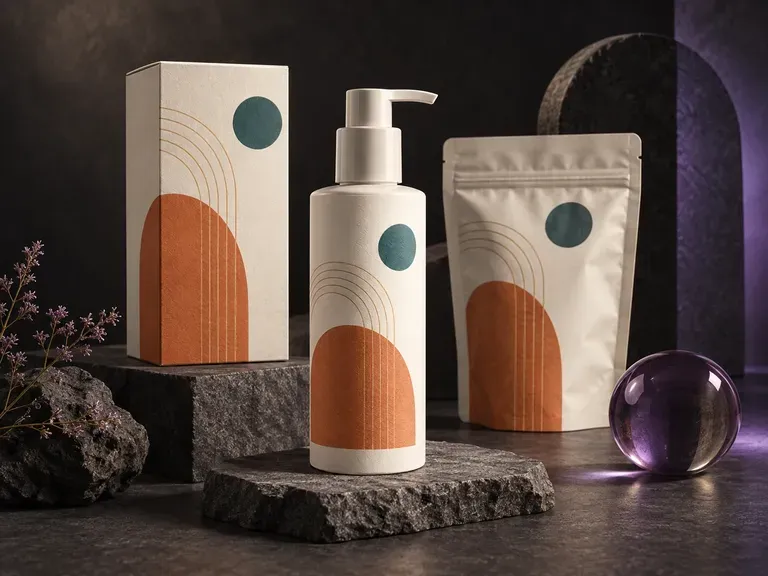
Preview existing brand artwork across boxes, flexible stand-up pouches, and bottles in one workflow.
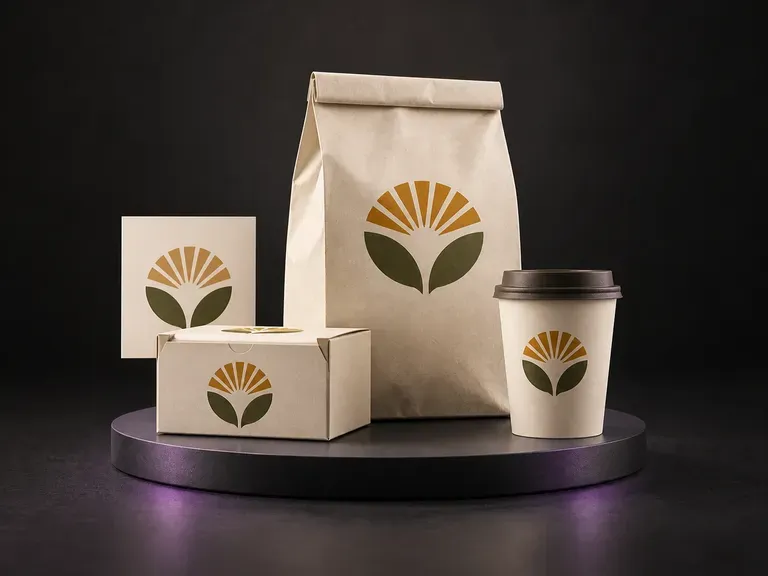
Present one food or beverage identity across cartons, take-out bags, and cups.

Draft front-of-pack product labels from your brand name, flavor notes, and visual style.

Render cut-glass flacons, atomizer collars, and luxury carton pairings for fragrance launches.

Verify dosage tables, safety seals, and metallic labels on wellness jars and dropper bottles.
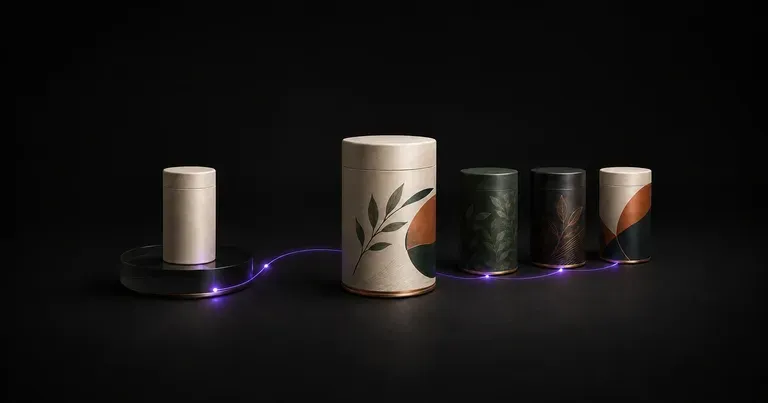
Explore structural concepts, surface graphics, and shelf blocking for new consumer products.

Guide subject posture, materials, and lighting using up to 14 reference images at 1K to 4K.
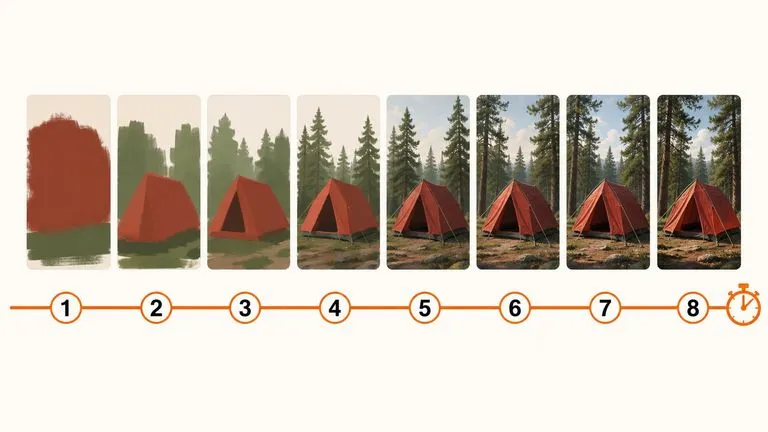
Draft rapid concept thumbnails and layout options before committing compute to final high-res renders.

Render crisp labels, fine surface textures, and multi-reference compositions up to 4K resolution.

Follow complex multi-part written briefs that combine uploaded reference photos with strict layout rules.

Produce realistic studio lighting, contact shadows, and natural material grain for commercial shots.

Swap backgrounds, lighting setups, or colorways while keeping your core subject geometry locked.
Upload your structural box reference and panel artwork to inspect the front, side, and top faces together on a Virse canvas.