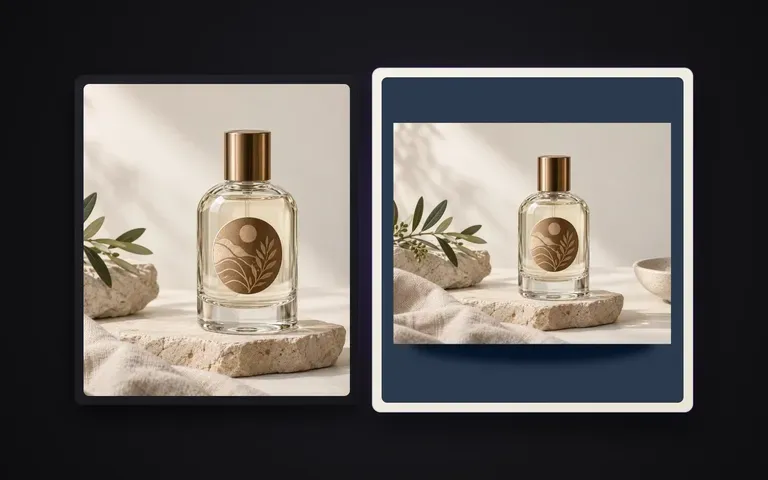
Hex 및 레퍼런스
세 가지 방식으로 색상 지정
warm sage 같은 색상 이름을 입력하거나, #E6DEC8 같은 정확한 hex 코드를 입력하거나, 브랜드 스와치 이미지를 업로드해 배경을 설정하세요.

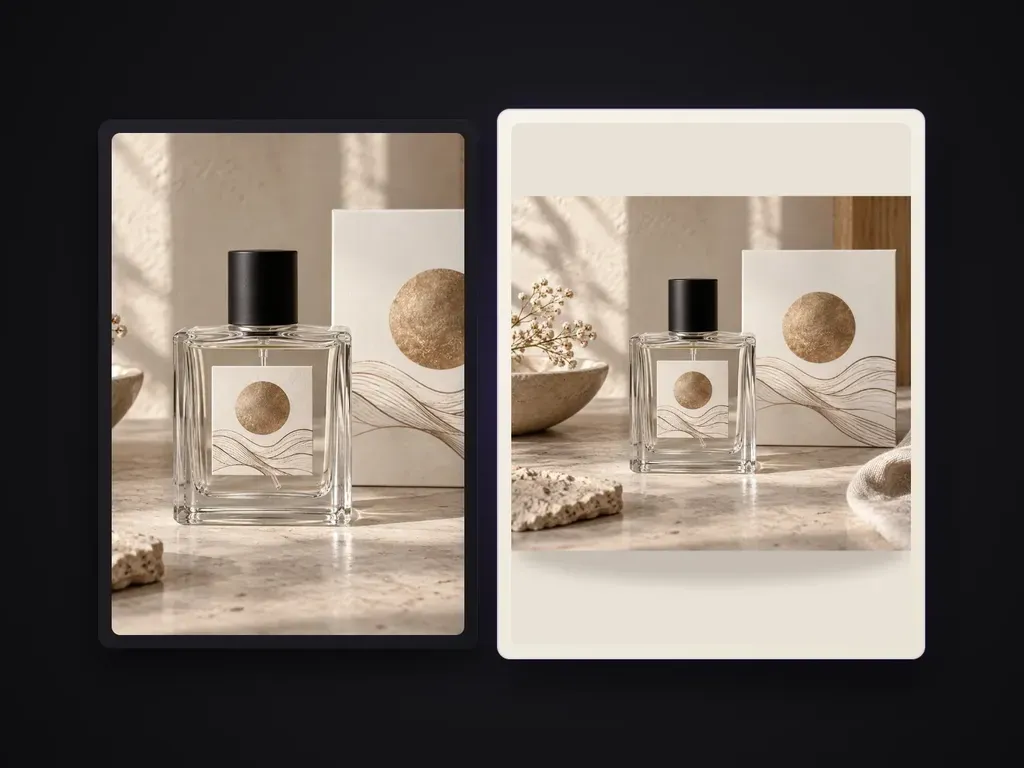
색상명, 16진수 색상값 또는 색상 참고 이미지로 지정한 균일한 단색으로 제품 사진의 배경을 바꿉니다. 제품은 그대로 두고 자연스러운 접촉 그림자와 깔끔한 가장자리를 유지합니다. 판매 등록 규정을 충족하는 순백색 상품 사진이나 장면·라이프스타일 배경 교체용은 아닙니다.
실제 컬러 심리스 종이에서 제품을 촬영하면 스튜디오 세팅당 하나의 배경 색조로 제한됩니다. Solid Color Product Shot은 제품 사진의 배경을 색상 이름, 정확한 헥스 코드 또는 색상 참조 이미지로 지정한 균일한 단색으로 교체하면서도 제품은 그대로 유지하고, 가장자리는 선명하게, 자연스러운 접촉 그림자는 표면에 안정적으로 자리 잡게 합니다:
· 정확한 헥스, 이름 또는 참조 색상: 헥스 코드를 입력하거나, 색조 이름을 지정하거나, 색상 견본을 업로드하여 브랜드 가이드라인에 맞추세요.
· 자연스러운 접지 그림자: 사실적인 접촉 그림자와 드리운 그림자를 보존하여 제품이 붙여 넣은 것처럼 보이지 않게 합니다.
· 제품 변경 없음: 라벨 타이포그래피, 표면 질감, 반투명 또는 금속성 가장자리가 그대로 유지됩니다.
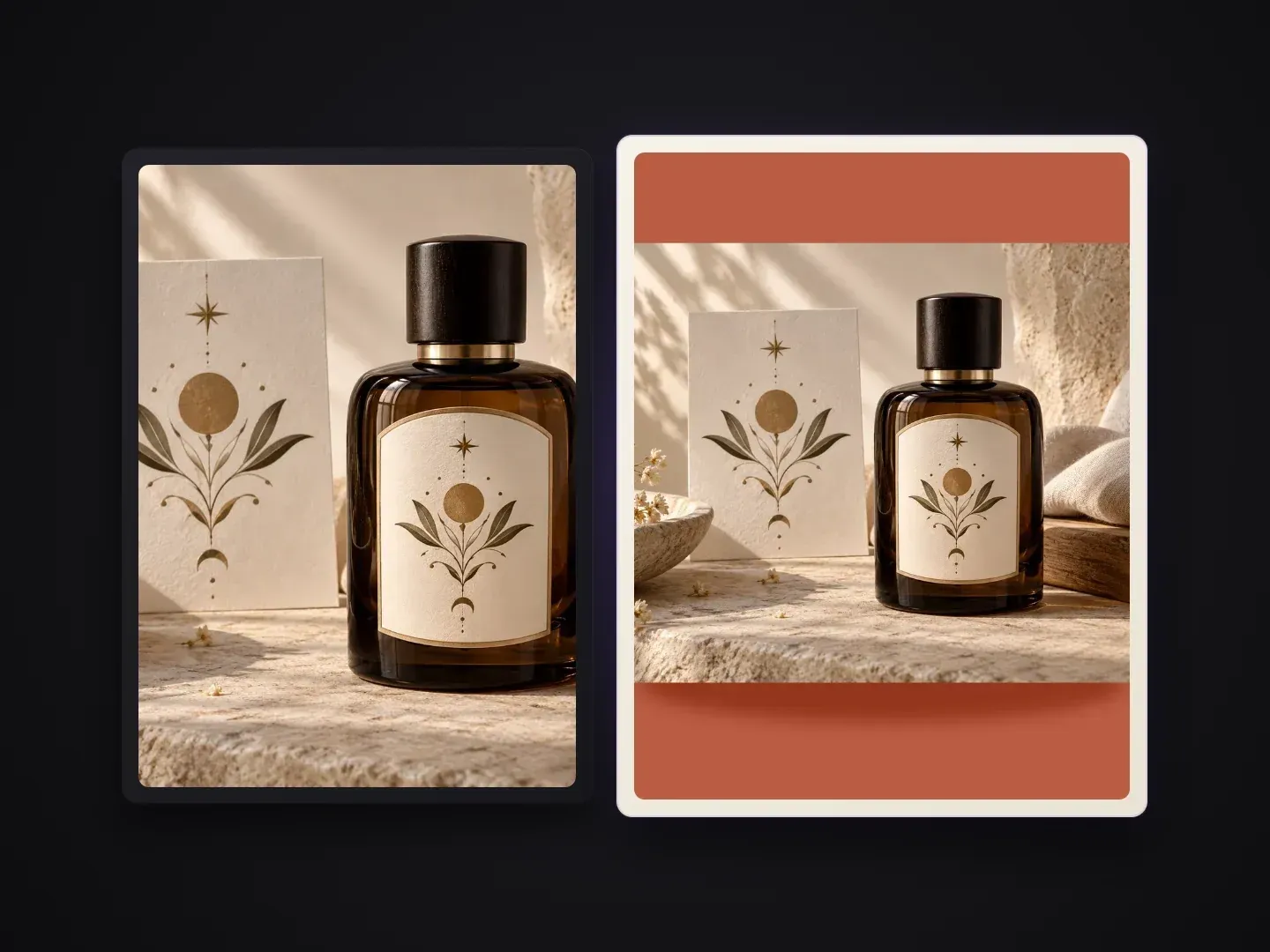
브랜드 컬러의 이커머스 그리드, 시즌 캠페인, 톤 맞춤 카탈로그 카드에 맞게 제작되었습니다.
warm sage 같은 색상 이름을 입력하거나, #E6DEC8 같은 정확한 hex 코드를 입력하거나, 브랜드 스와치 이미지를 업로드해 배경을 설정하세요.
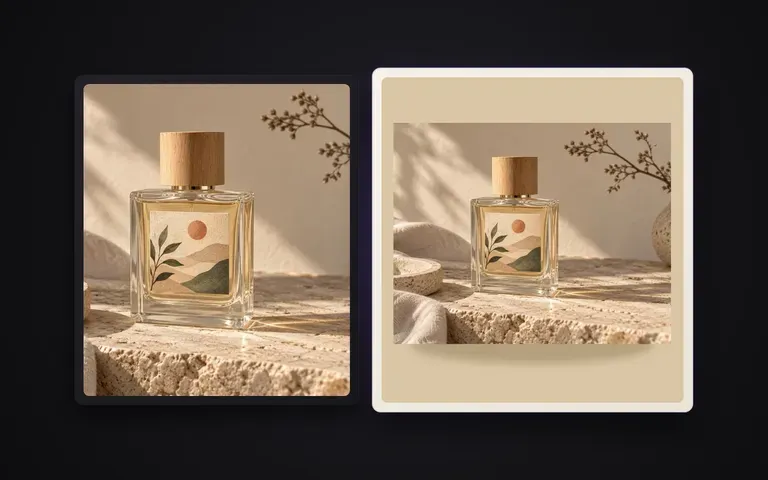
색상 사각형 위에 평평한 PNG 누끼를 얹는 것과 달리, 바닥면과 부드러운 접촉 그림자가 새 배경에 자연스럽게 맞춰집니다.
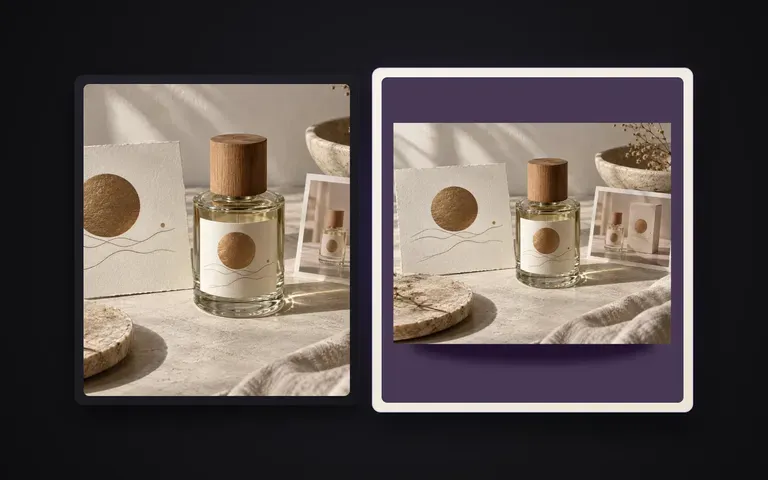
유리병, 섬세한 펌프 노즐, 매트한 화장품, 신발, 곡선형 하드웨어까지 후광 테두리 없이 처리합니다.
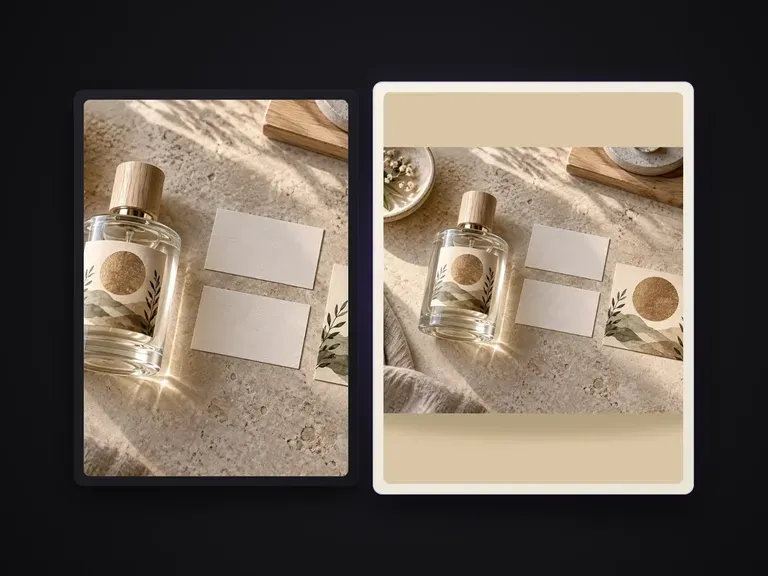
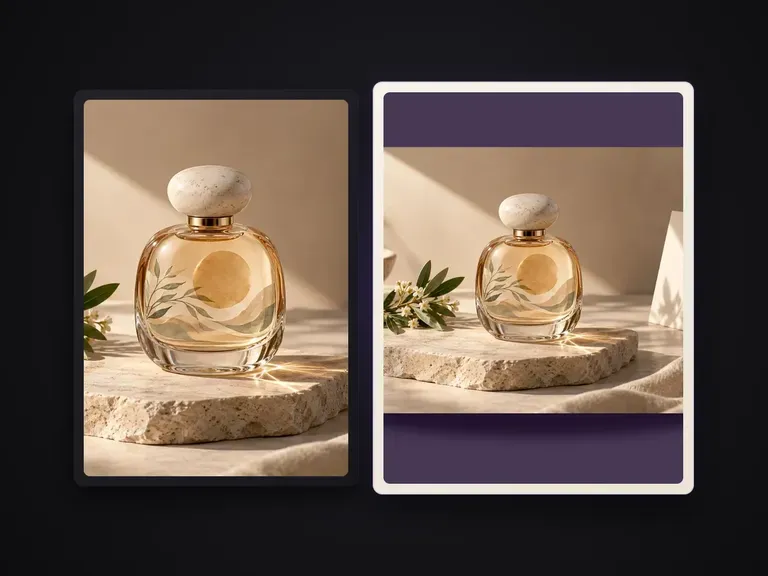
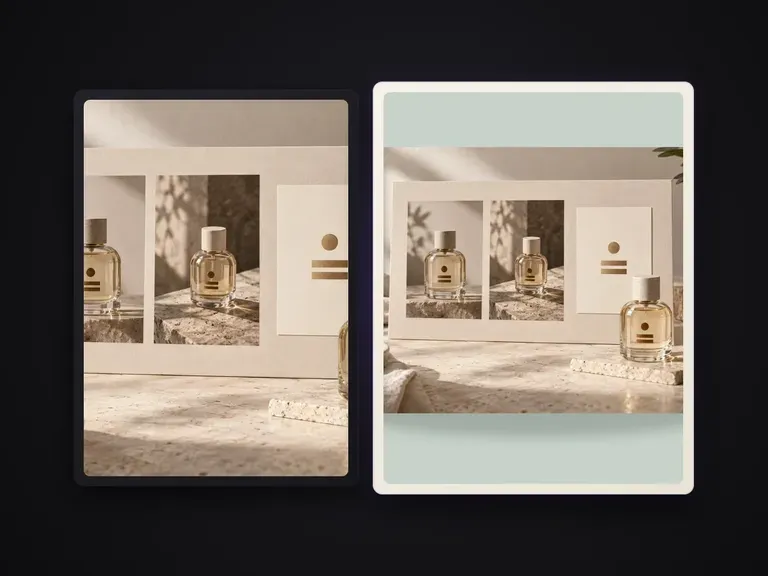
단색 배경과 접촉 그림자를 함께 해결하면 무엇이 달라지는지.
수동 누끼 + 단색 채우기 레이어
Virse 단색 제품 사진
책상 위, 라이트박스 안, 또는 기존 배경 앞에서 촬영한 선명한 제품 사진으로 시작하세요.
hex 코드(예: #D9E2DC)를 입력하거나, 색상 이름(예: muted terracotta)을 입력하거나, 색상 레퍼런스 이미지를 첨부하세요.
기본 부드러운 스튜디오 접촉 그림자를 유지하거나, 매트한 심리스 평면 위의 선명한 방향성 그림자를 지정하세요.
Virse 캔버스에서 컷을 실행하고 제품 라인 나머지에도 동일한 hex 코드를 적용하세요.
제품 사진과 함께 16진수 코드 또는 색상 설명을 제공하여 전체 컬렉션이 시그니처 톤의 배경을 공유하도록 하세요:
· 파스텔 스킨케어 컬렉션 그리드: 균일한 따뜻한 오트색 배경(#EFEAE2), 부드럽게 확산된 바닥 접촉 그림자, 반투명 유리병 가장자리 보존.
· 고대비 스니커즈 드롭 카드: 단색 코발트 블루 스튜디오 배경(#1B3B8B), 고무 아웃솔 아래 선명한 접지 그림자, 색 번짐 없음.
· 톤을 맞춘 음료 맛 라인업: 업로드한 복숭아색 견본 레퍼런스에 배경을 맞추고, 깔끔하고 매끄러운 수평선, 은은한 자연스러운 베이스 그림자.
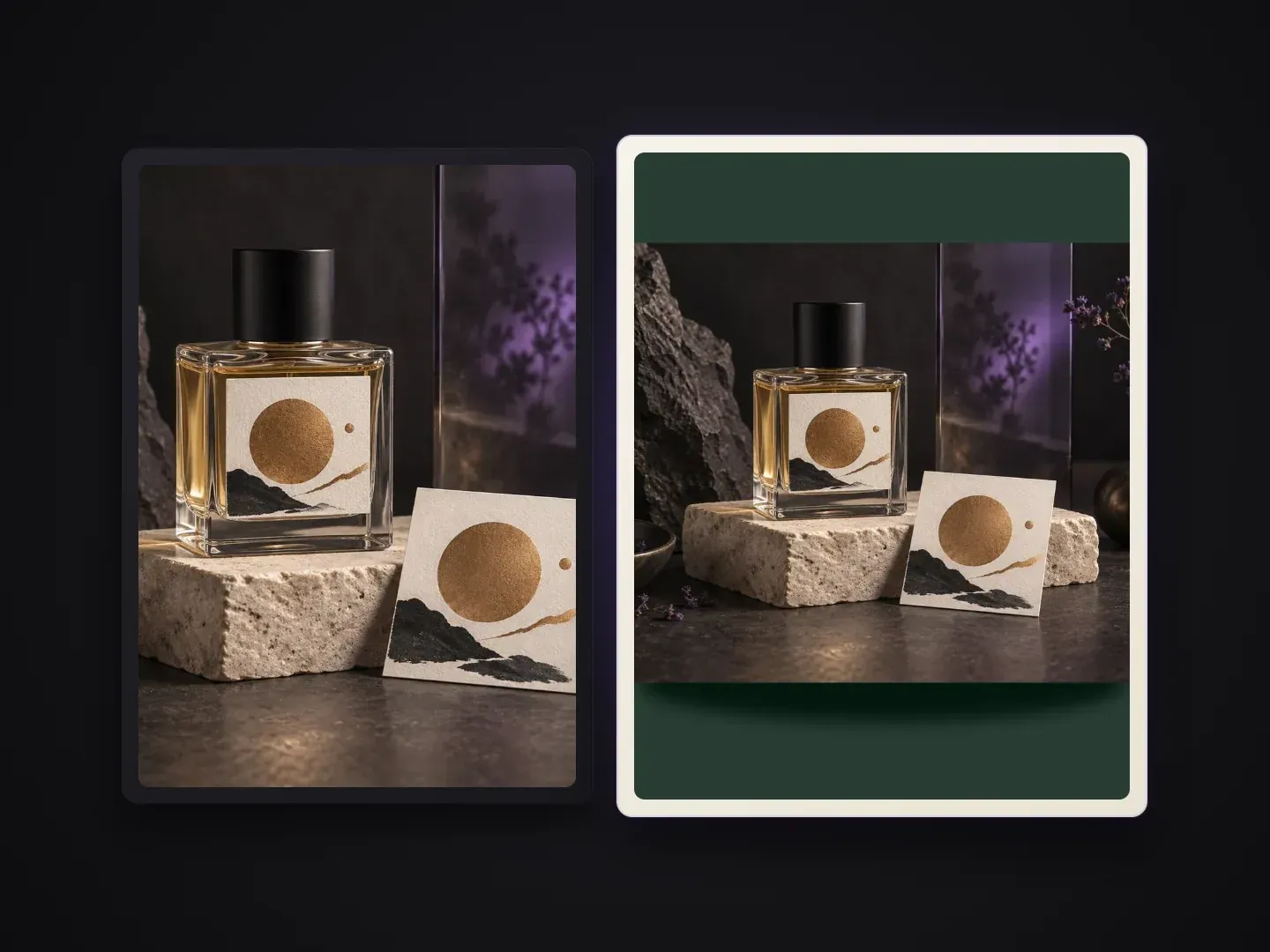
색상으로 구분된 제품 그리드와 소셜 카드를 제작하는 브랜드 및 판매자.
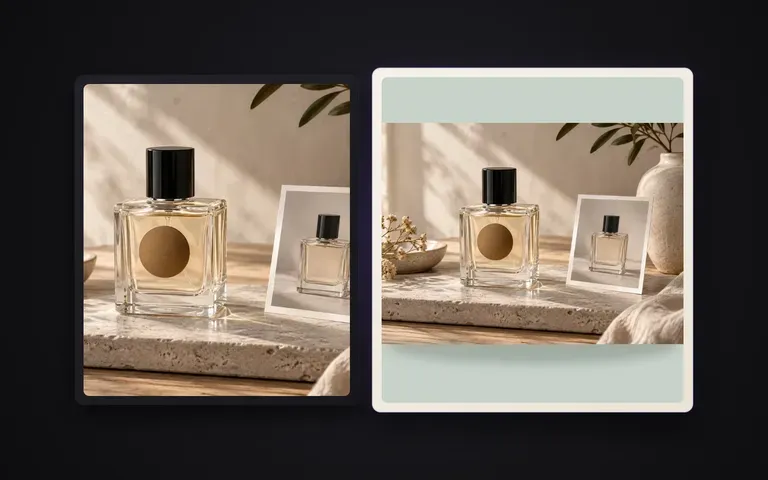
단순한 흰 배경이나 제각각인 공급업체 사진을 Shopify와 룩북용 시그니처 브랜드 컬러 컬렉션 그리드로 교체하세요.
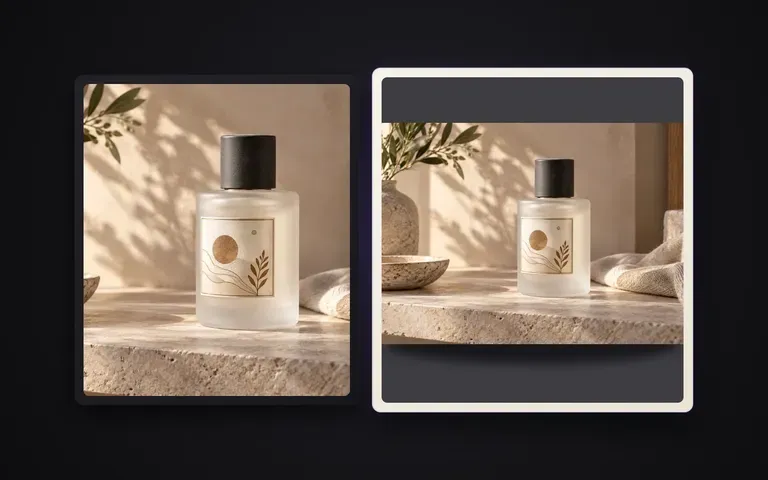
유료 소셜 광고를 위해 파스텔, 강렬한 기본색, 시즌 hex 팔레트로 맛 또는 색상별 제품 카드를 생성하세요.
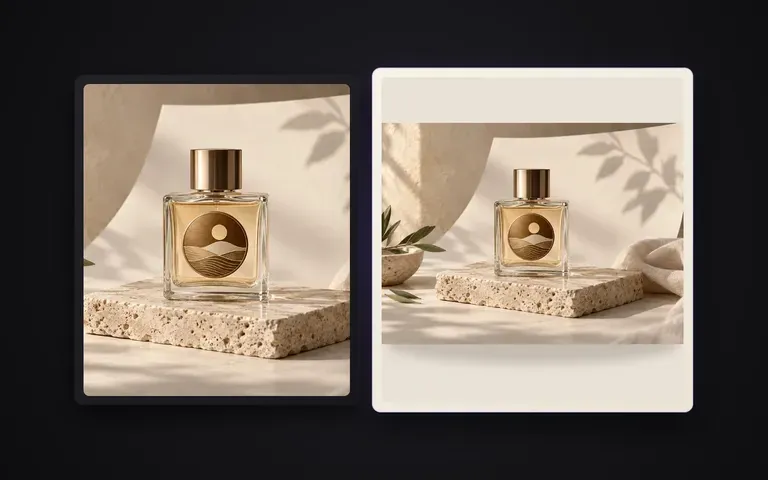
수백 개의 SKU 팩샷을 균일한 hex 배경과 일관된 접촉 그림자로 훨씬 짧은 시간 안에 표준화하세요.
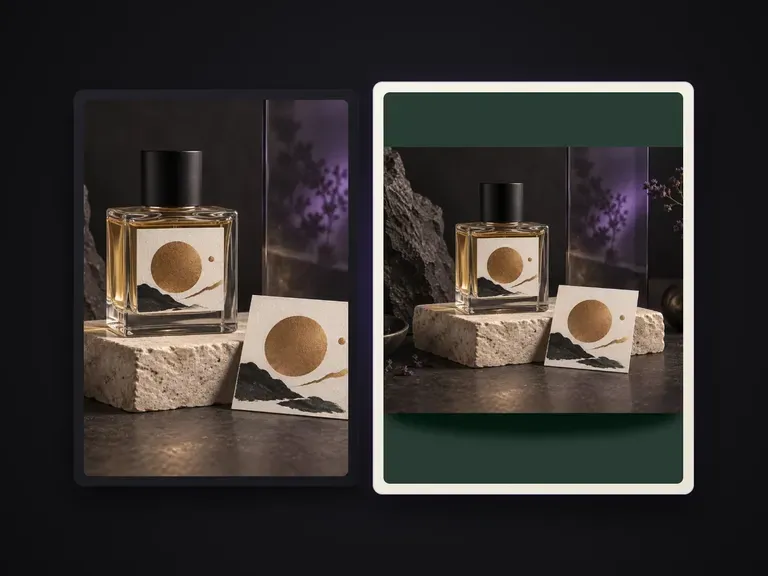
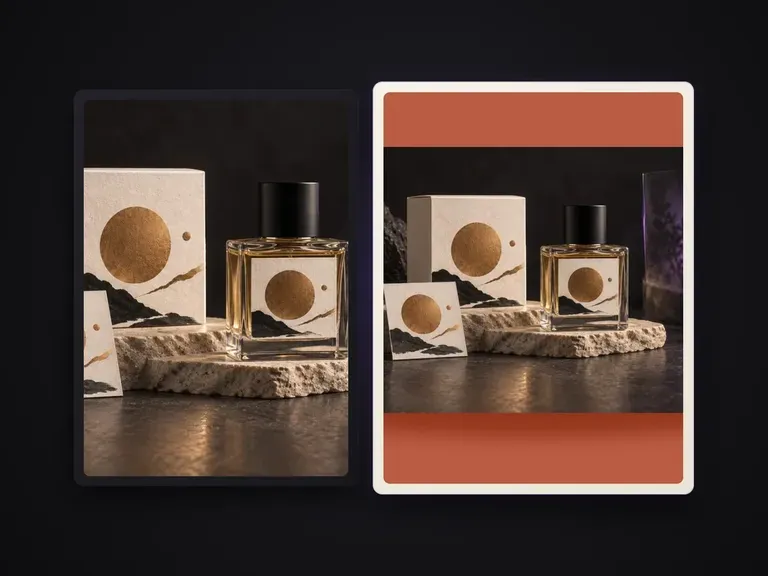
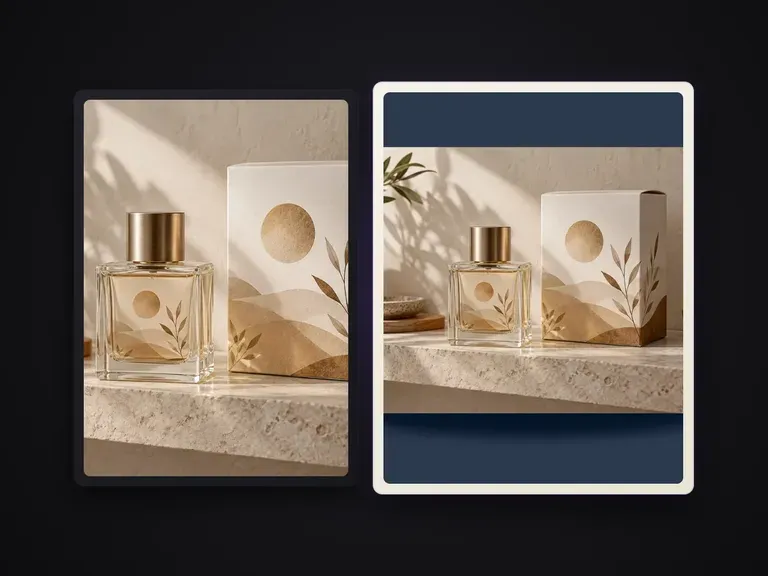
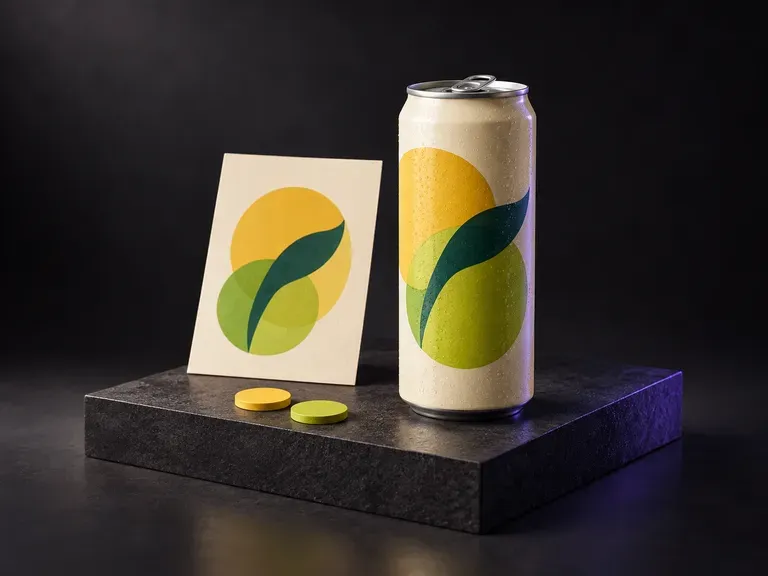
Upload a photo of your aluminum can with your finished label artwork, then describe the flavor palette, water droplets, and backdrop. This soda can mockup generator wraps your soft drink design onto a 12oz standard or sleek can.
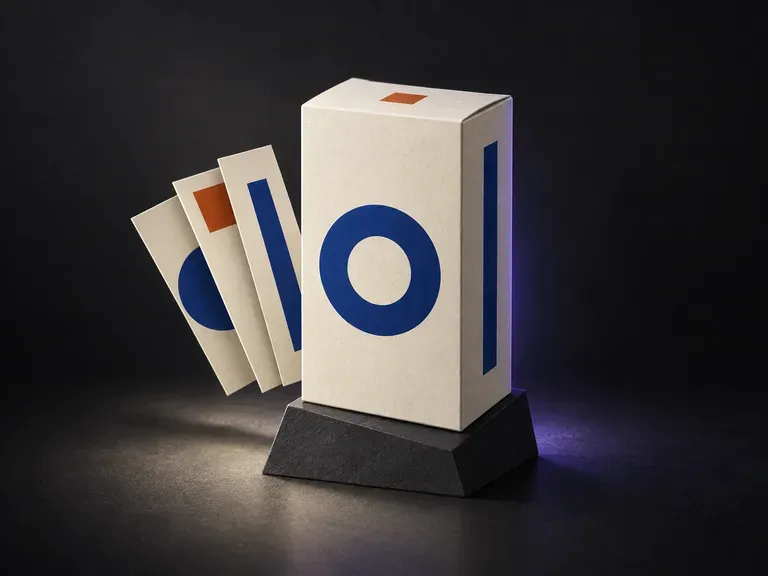
Upload a photo of your structural box sample with finished front, side, and top panel artwork, then note the paper stock and backdrop. This box packaging mockup generator maps your flat panels onto a 3D carton preview before print.
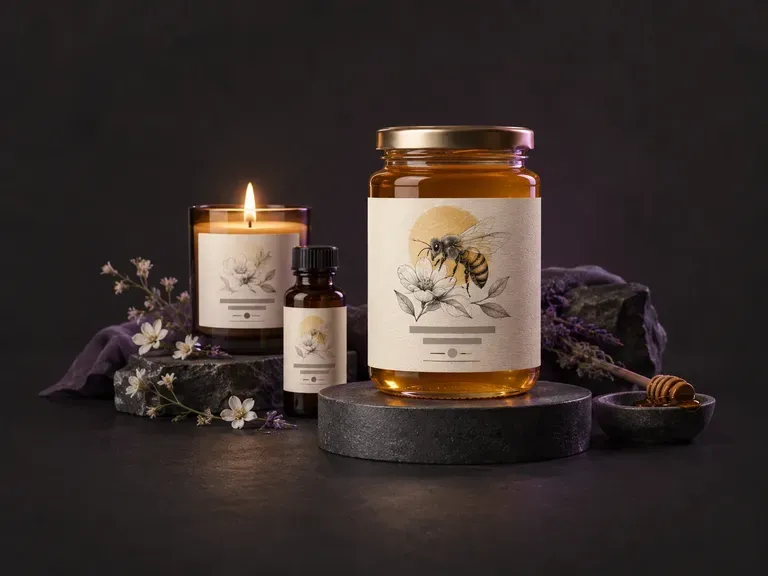
브랜드명, 맛 또는 향 변형, 비주얼 스타일을 바탕으로 평면 전면 패널 및 랩어라운드 제품 라벨 아트워크 초안을 제작하세요. 이 AI 라벨 생성기는 Virse 캔버스에서 병, 수제 음료 병, 알루미늄 캔, 캔들, 박스를 위한 맞춤형 라벨 그래픽을 생성합니다.
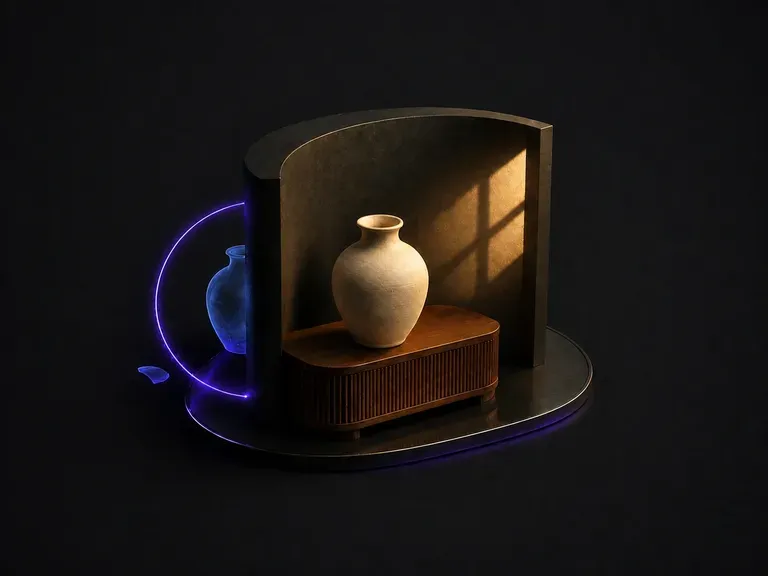
붙여 넣은 티가 나는 합성 이미지를 업로드하세요. 이유를 파악합니다: 두 방향에서 들어오는 빛, 맞지 않는 색온도, 없거나 잘못된 방향을 향한 그림자. 그런 다음 하나의 지배적인 광원 아래 프레임을 통일합니다.
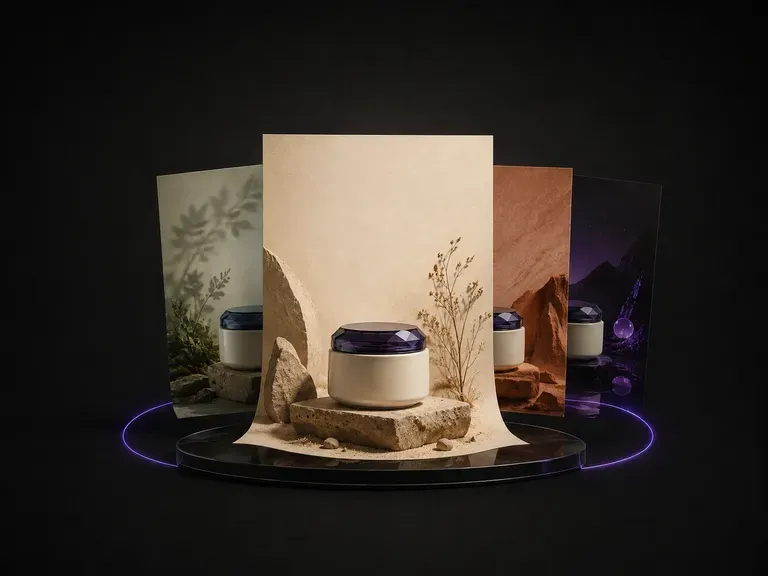
제품 사진 한 장을 업로드하세요. 보낸 이미지의 카테고리, 색상, 분위기를 읽고 어울리는 테마를 제안한 다음, 제품을 중심으로 배경, 레이아웃, 카피가 놓일 위치까지 포스터를 디자인합니다.
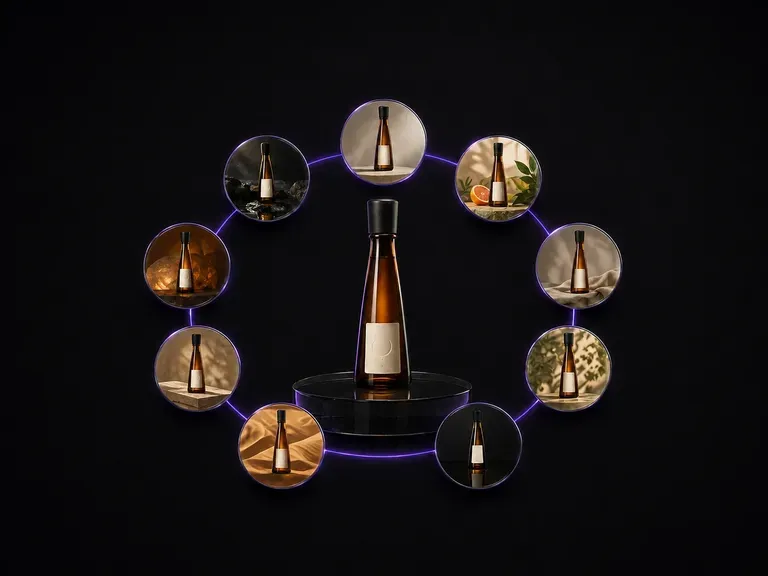
병 사진 한 장을 업로드하세요. 병의 형태, 라벨 아트워크, 라벨의 텍스트를 정확히 그대로 유지한 채, 3x3 그리드로 배치된 아홉 가지 서로 다른 광고 장면으로 돌아옵니다.

ByteDance의 최신 Seedream 세대로, Seedream 5.0 Pro와 Seedream V5 Lite로 제공되며 둘 다 동일한 작성 브리프를 받습니다.
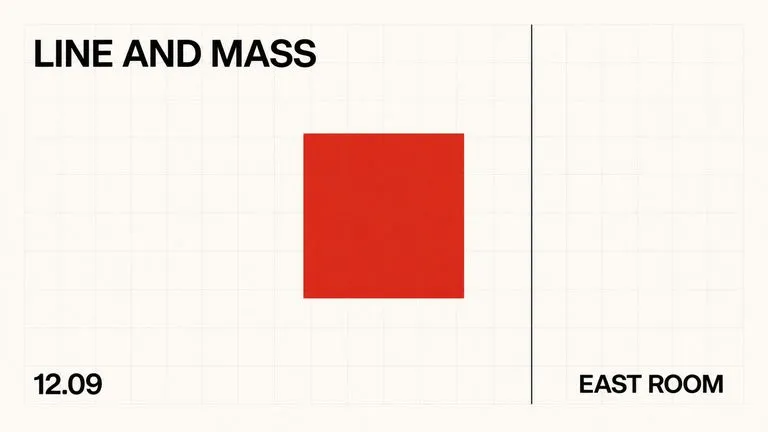
레이아웃을 중심으로 처음부터 학습한 텍스트 기반 이미지 파운데이션 모델로, 바운딩 박스 배치, 16진수 색상 조건 지정, 기본 2K 출력을 제공합니다.

동일한 Virse 캔버스에서 FLUX 3 Image로 1K, 2K 또는 4K 스틸 이미지를 만들고 편집하세요. 네이티브 오디오가 포함된 720P 또는 1080P의 5~20초 장면을 만들려면 FLUX 3 Video로 전환하세요.

Virse에서 Nano Banana 2.1로 이미지를 생성하고 편집하세요. 1K, 2K 또는 4K 출력을 선택하고 최대 14개의 참조 이미지를 사용해 피사체, 설정, 소재를 안내할 수 있습니다.

Alibaba의 Qwen Image 3.0 Pro는 열두 문자 체계의 글자를 언어로 렌더링하며 조밀한 레이아웃에서도 10픽셀까지 가독성을 유지합니다.
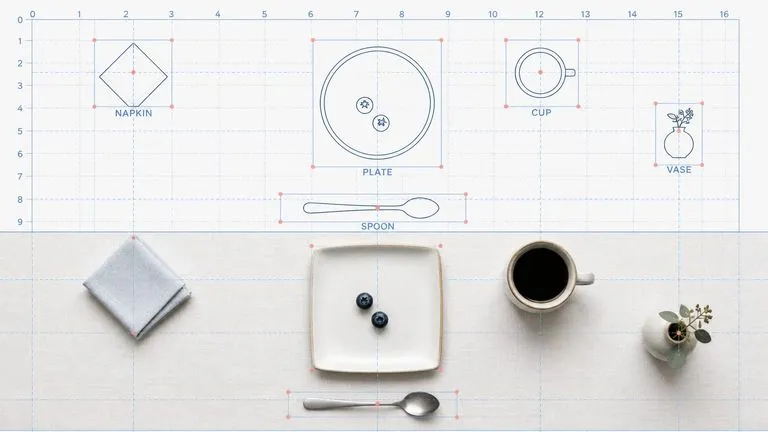
Reve AI의 2세대 모델은 렌더링 전에 위치를 지정할 수 있는 요소 레이아웃을 구성하므로 지정한 배치가 그대로 나옵니다.