
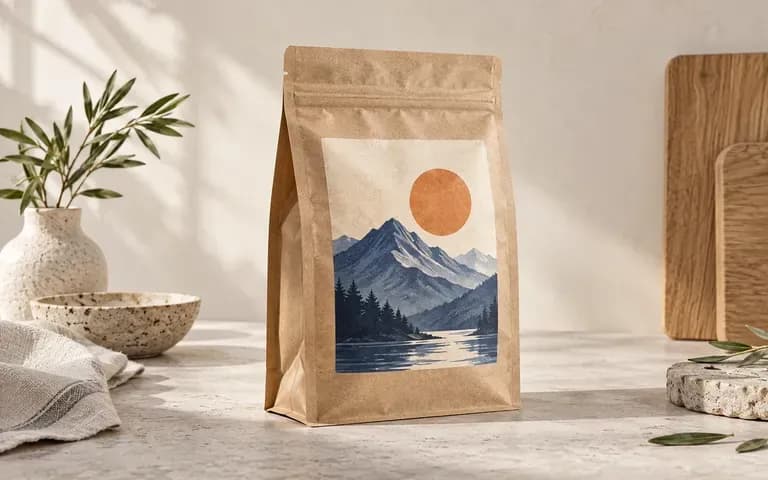
Pouch reference
Follow Your Actual Bag Reference
Supply a photo of the exact flat-bottom bag, doypack, or spouted refill pouch you plan to fill so the standing base, side gussets, and top seal proportions match your converter's dieline.
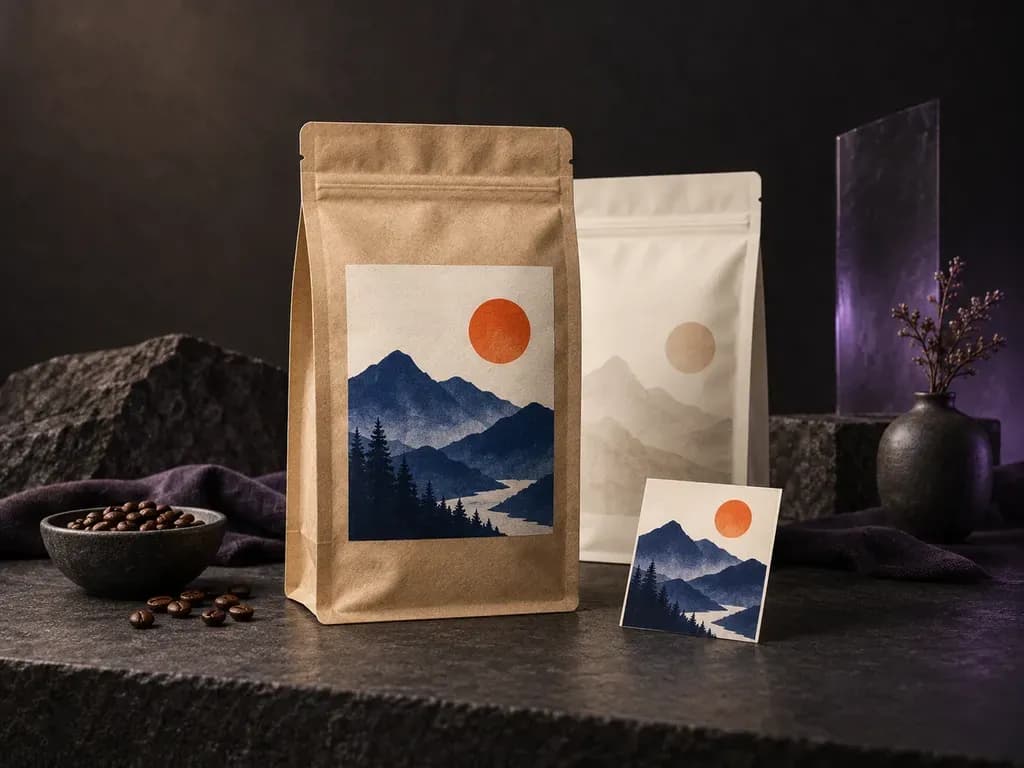
Upload a photo of your flexible bag reference with your front or back label artwork, then describe the film finish and scene. This pouch mockup generator places your design onto a coffee bag, stand-up doypack, or zipper sachet.
A pouch mockup shows your finished label or full-bleed print applied to a three-dimensional flexible bag with natural gusset curves from your uploaded reference:
• Bag geometry and folds: Check how a stand up pouch mockup, flat-bottom coffee bag, or three-side-seal sachet tapers at the top seal and expands at the bottom gusset.
• Closure and tear-notch clearance: Verify that brand marks and flavor banners stay clear of the zipper track and side crimp seams.
• Film and paper finishes: Compare ink contrast across unbleached kraft paper, matte soft-touch film, or glossy metallic foil.
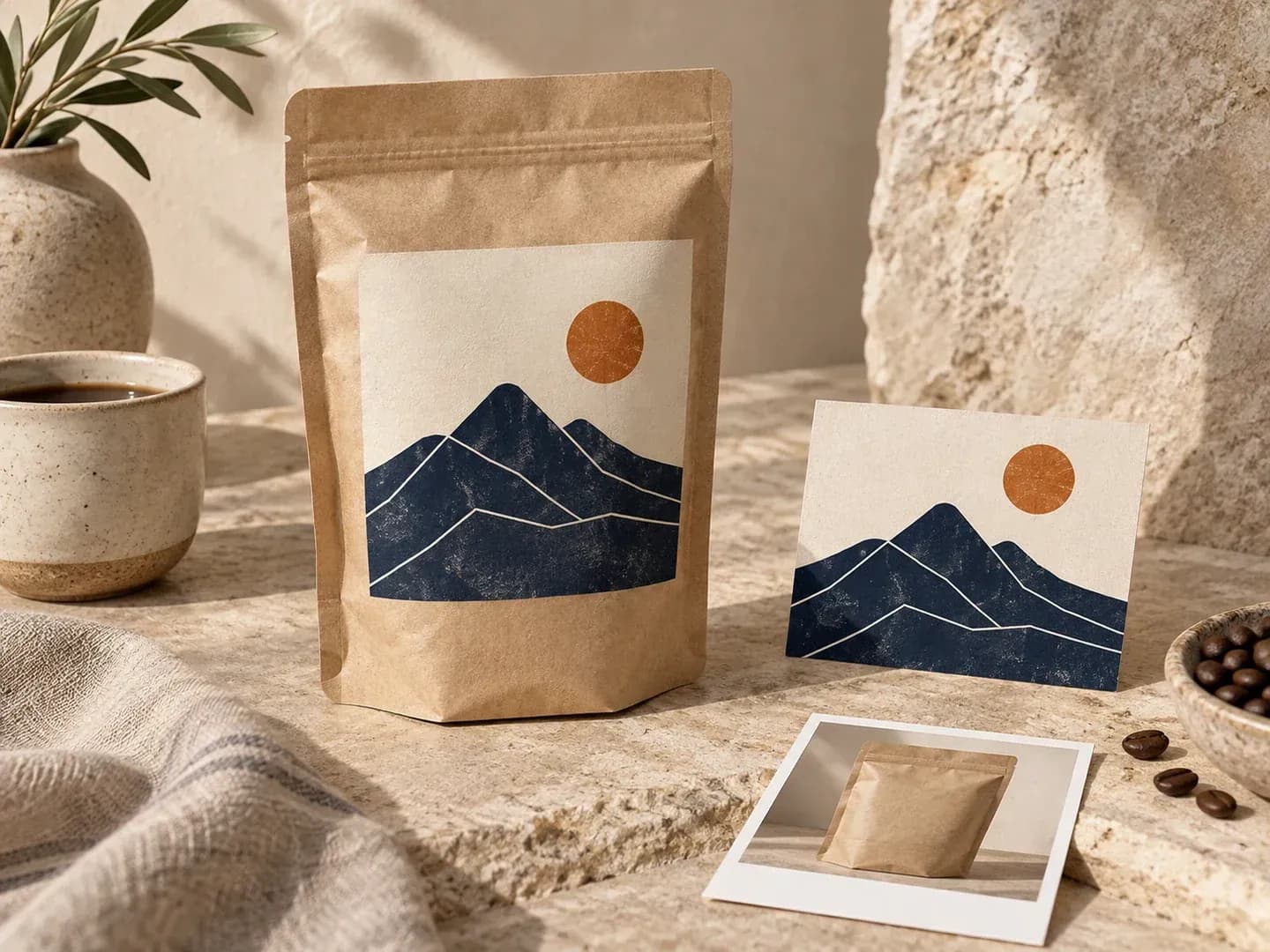
How food, coffee, and wellness brands test flexible bag artwork on their own pouch photo before press runs.
Supply a photo of the exact flat-bottom bag, doypack, or spouted refill pouch you plan to fill so the standing base, side gussets, and top seal proportions match your converter's dieline.
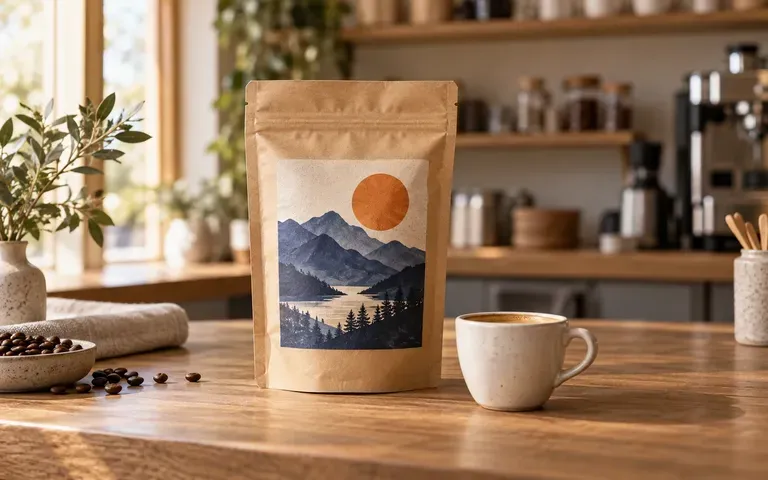
Combine your roast label with notes on kraft paper or matte film and place the coffee pouch mockup on a clean studio backdrop or a warm wooden espresso bar.
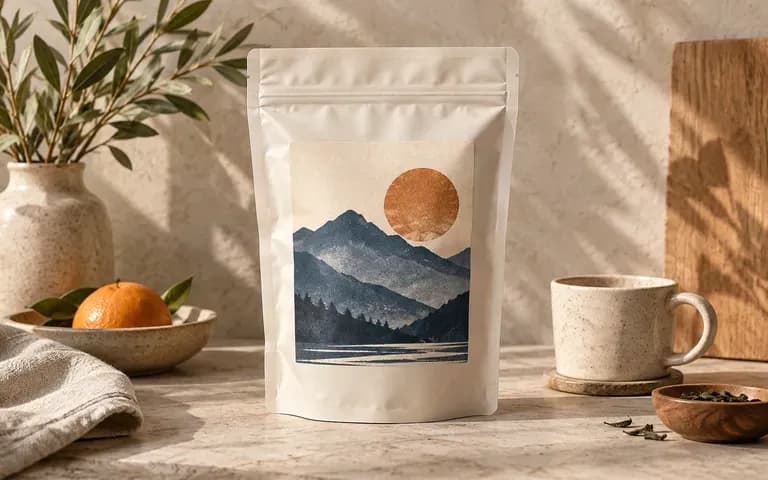
Specify unbleached kraft paper, matte white barrier film, or brushed aluminum foil in your brief to see how surface glare and natural creases affect label contrast.
Evaluating flexible packaging on your own bag reference photo versus warping artwork inside a static Photoshop file.
Static Pouch PSD Template
Virse Flexible Pouch Generator
Drop in a straight-on photo of the unlabelled or sample pouch that shows the standing shape, gusset, and top seal.
Upload the completed label or full-wrap artwork for the visible side and note the intended paper or film finish.
Request a clean studio catalog shot or a styled retail counter setting, then generate the static preview on your canvas.
Inspect how the artwork sits across the bottom curve, zipper line, and side crimps before sharing the image in a review.
Specific notes on bag structure, film finish, and lighting keep flexible packaging previews grounded. Copy any of these three pouch mockup briefs:
• Specialty coffee pouch: "Flat-bottom coffee pouch mockup from the uploaded reference, centered cream front label, brown kraft paper finish, on a walnut cafe counter."
• Matte stand-up doypack: "Upright stand-up pouch matching the reference silhouette, full-bleed sage front art with top zipper track, matte film on gray."
• Metallic foil sachet: "Three-side-seal flat zipper pouch from the supplied photo, black and white supplement label, brushed silver foil with crinkle highlights."
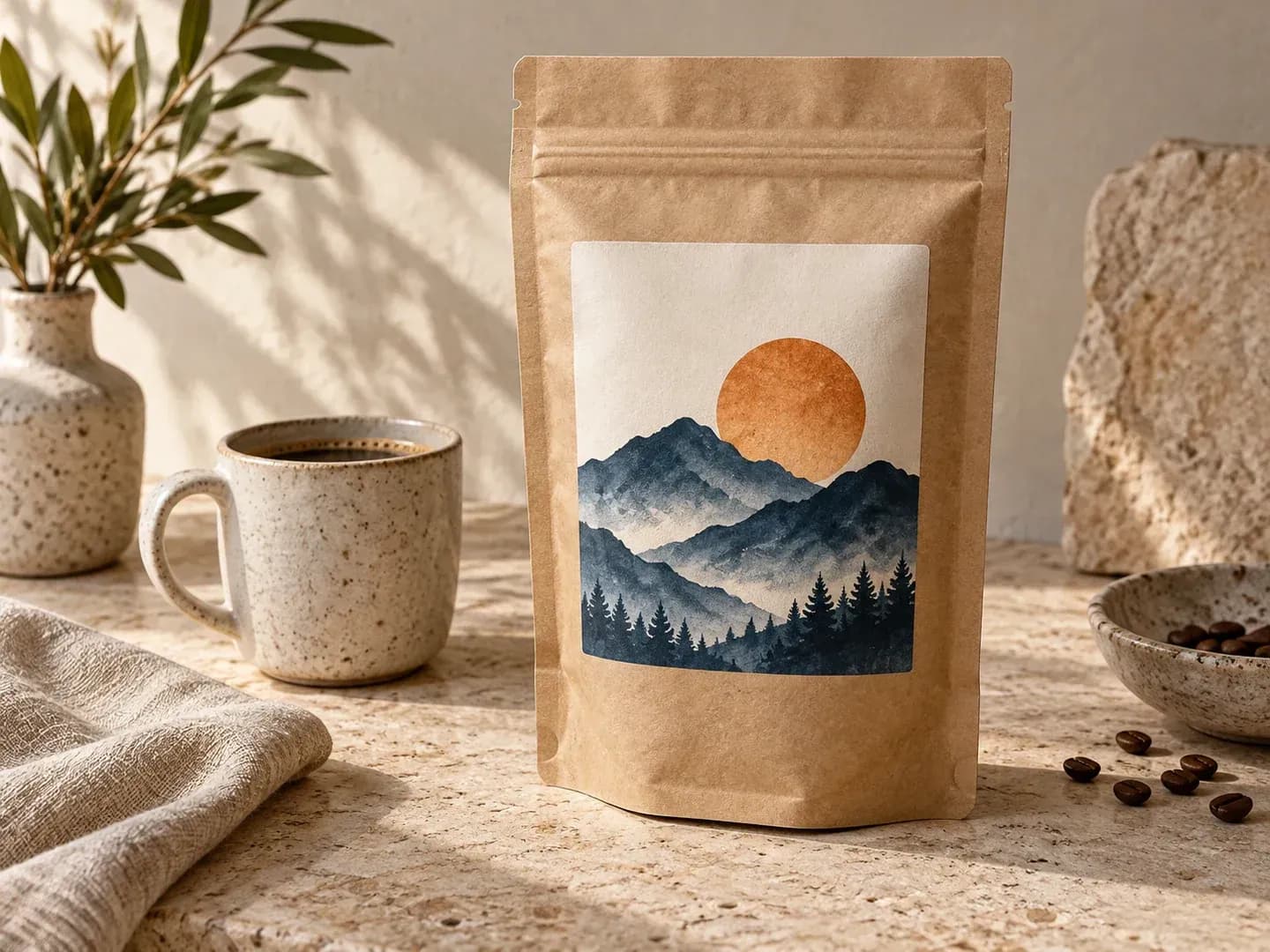
Four CPG, roasting, and creative teams that use a food pouch mockup to validate flexible packaging before press runs.
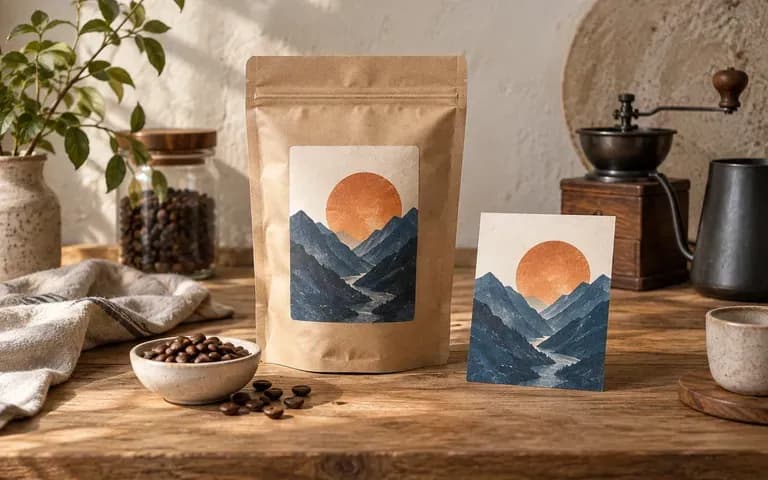
Preview single-origin and blend stickers on flat-bottom or quad-seal bags before ordering custom labels or printed rollstock.
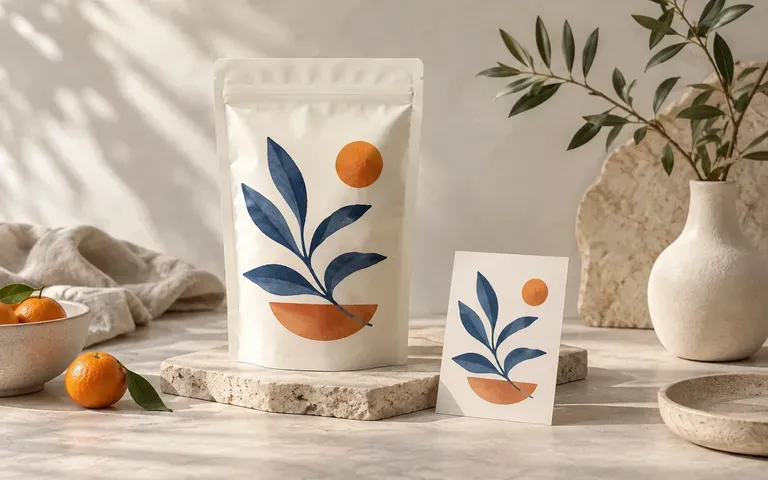
Review how flavor colorways, allergen callouts, and window graphics read on a stand-up food pouch mockup across a multi-SKU line.
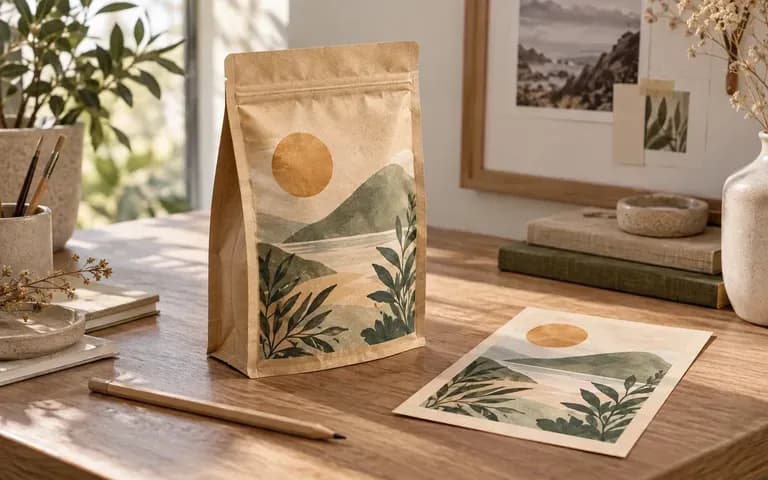
Test how typography and illustrations hold up against bottom gusset curves, side seals, and zipper tracks during client critiques.
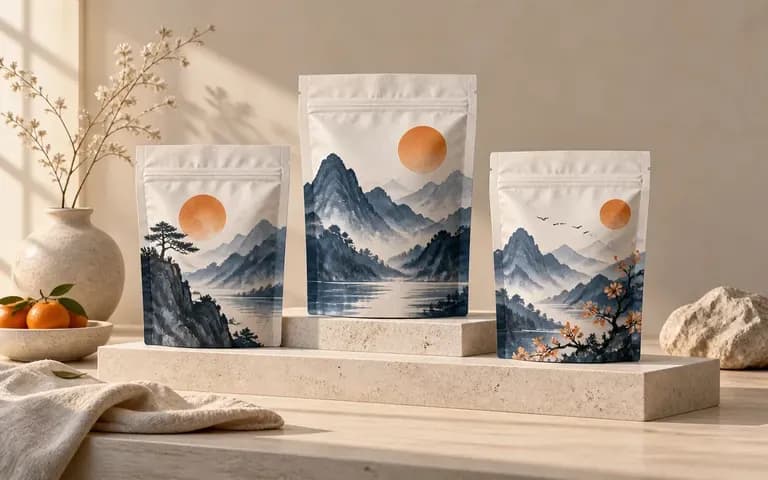
Build cohesive collection visuals for wholesale line sheets, subscription pages, and café launch announcements before physical bags arrive.
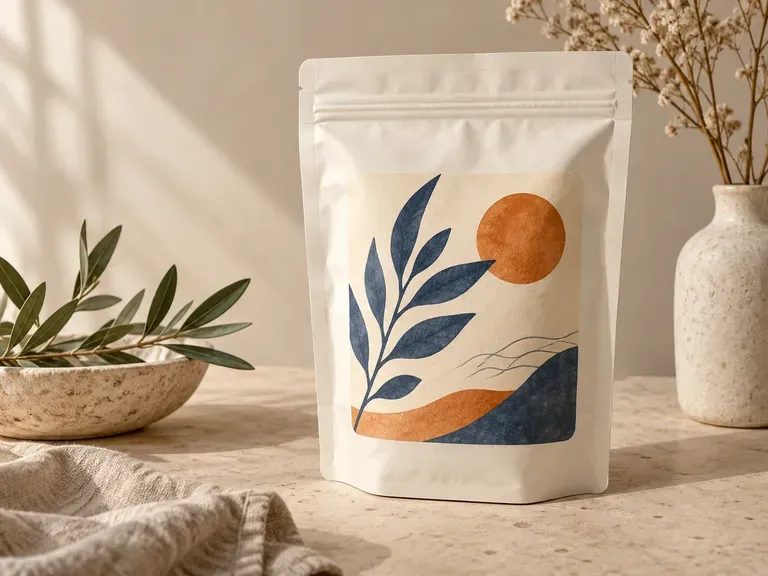
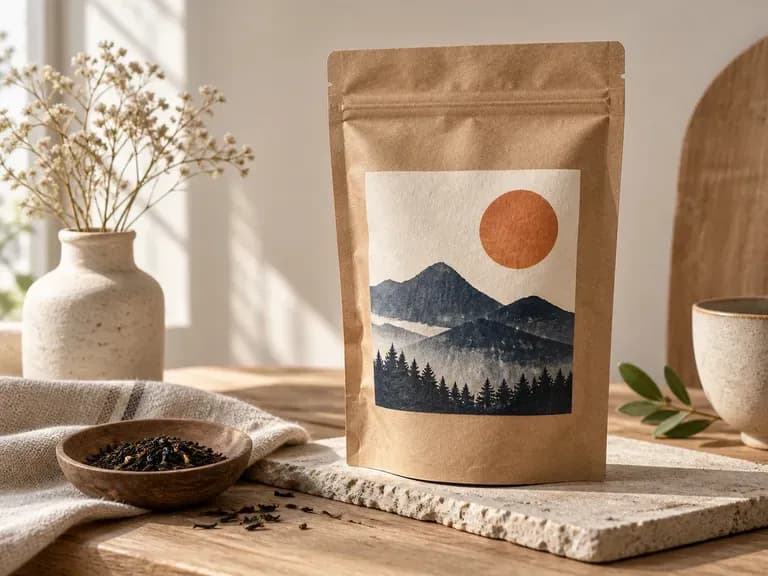
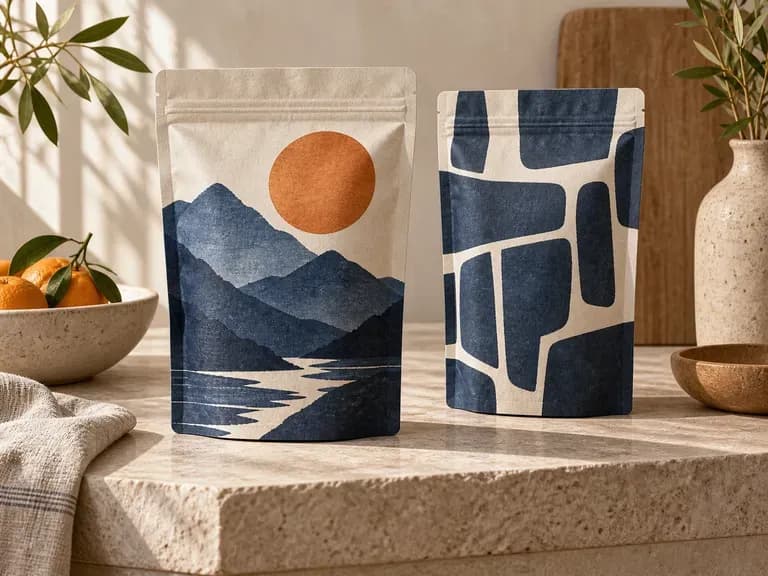
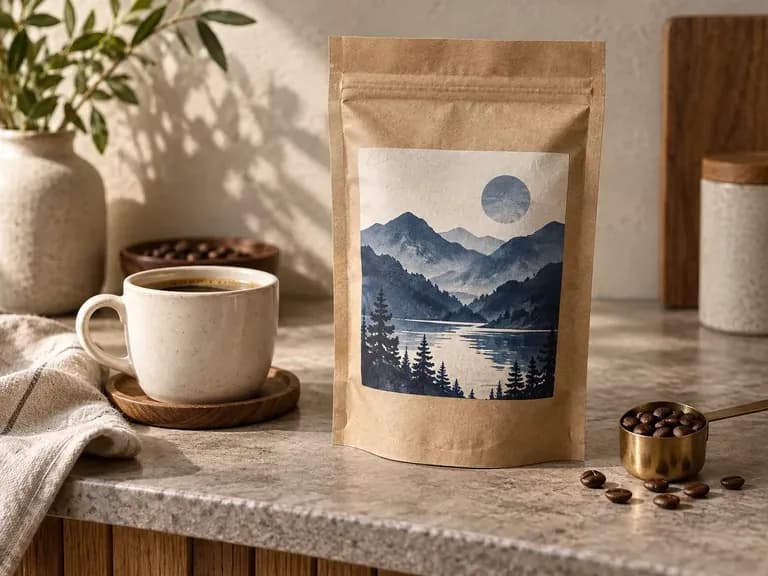
Six flexible packaging previews covering roast bags, upright doypacks, zipper closures, kraft paper textures, and café counter scenes.
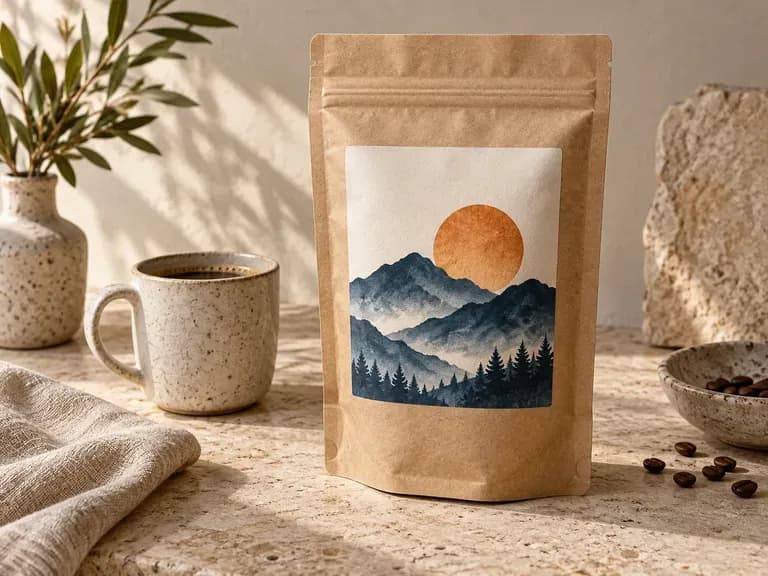
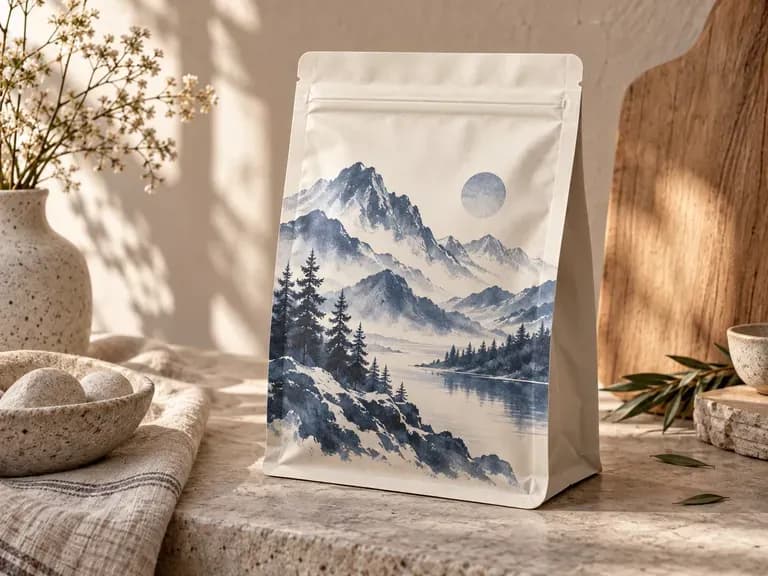
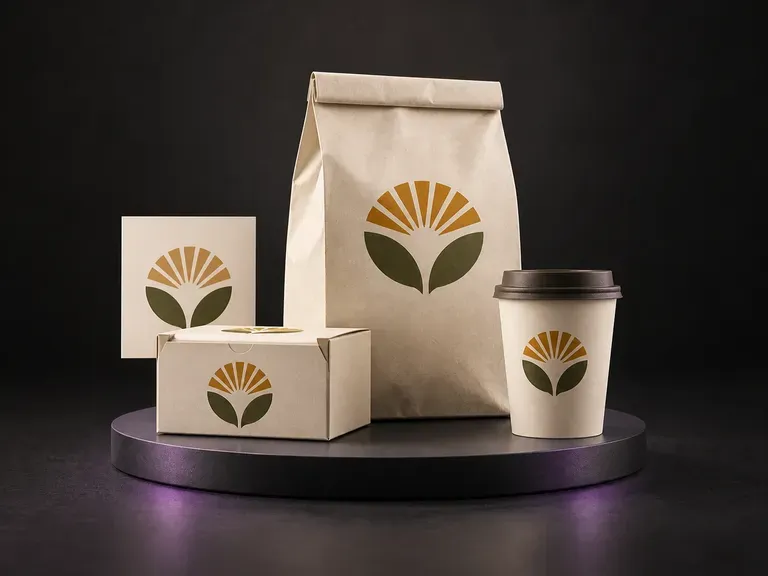
Present one food or beverage brand across a coordinated set of bags, boxes, and cups.
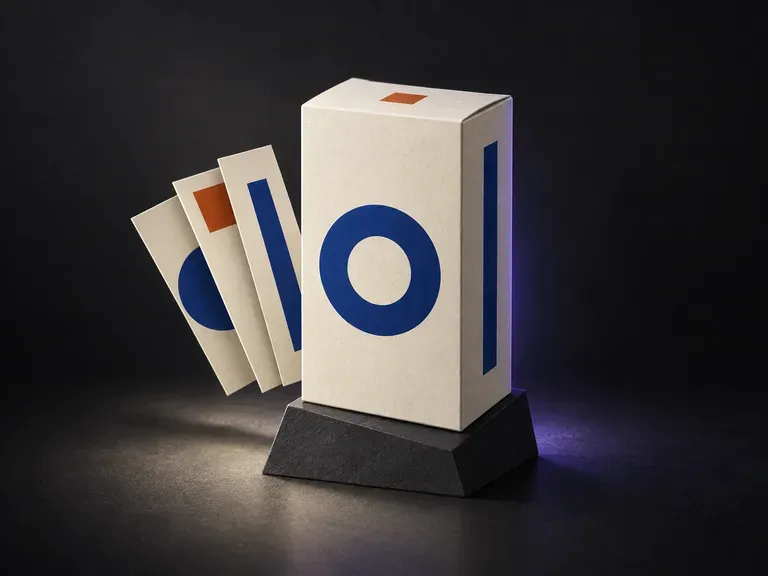
Preview your outer retail carton and shipping box panels alongside your flexible pouches.
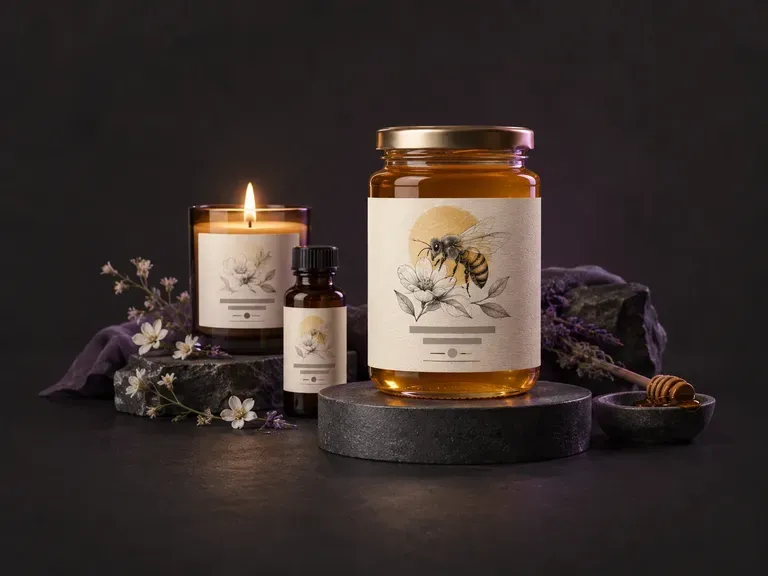
Create front sticker layouts and badge lockups before placing them onto a pouch or bottle.
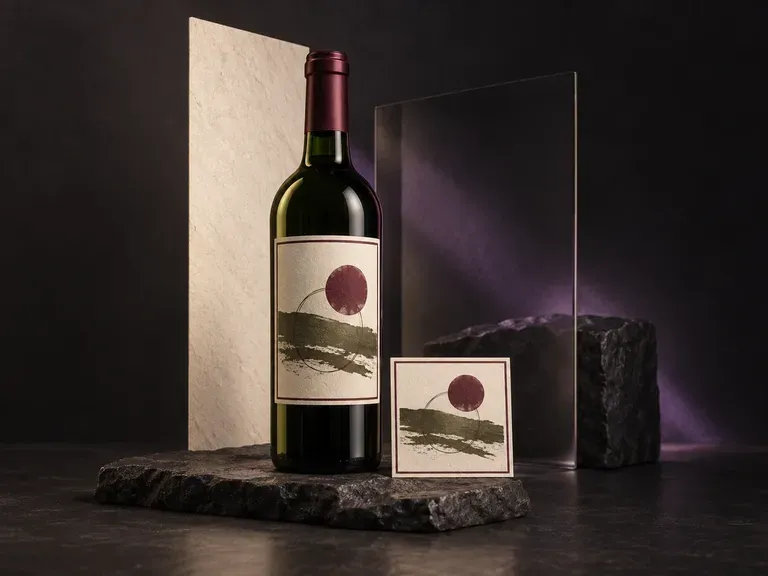
Present textured paper labels, foil capsules, and dark glass reflections for vintage releases.
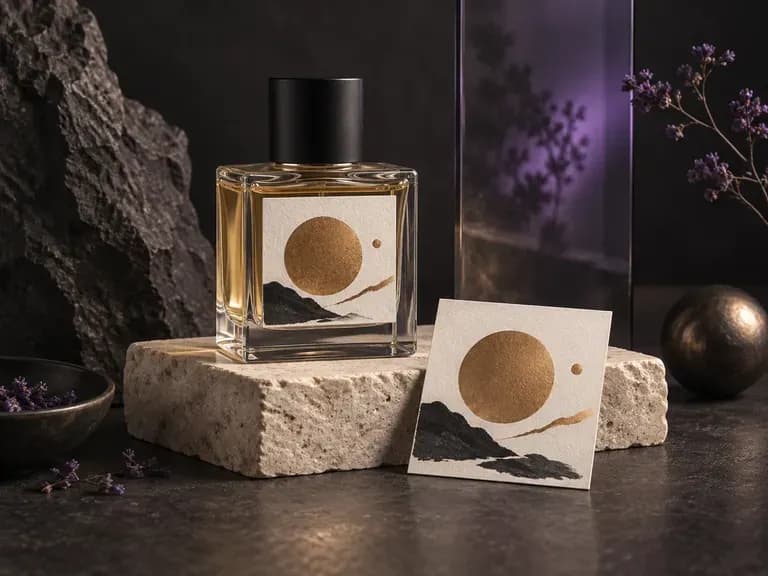
Render cut-glass flacons, atomizer collars, and luxury carton pairings for fragrance launches.
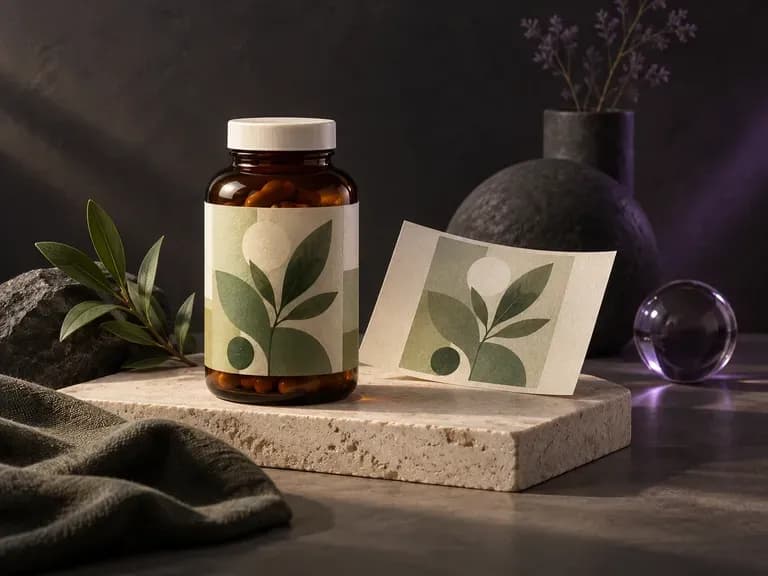
Verify dosage tables, safety seals, and metallic labels on wellness jars and dropper bottles.

Explore four distinct framing and styling variations side by side on the canvas in a single run.
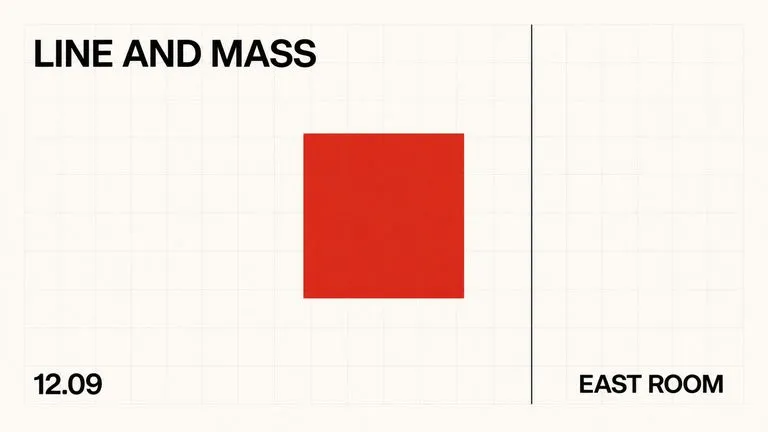
Keep display headlines, packaging wordmarks, and monogram badges sharp inside generated visuals.

Translate detailed creative briefs into balanced compositions with reliable spatial relationships.

Render high-contrast metallic reflections, fabric weaves, and shallow depth of field.

Guide subject posture, materials, and lighting using up to 14 reference images at 1K to 4K.
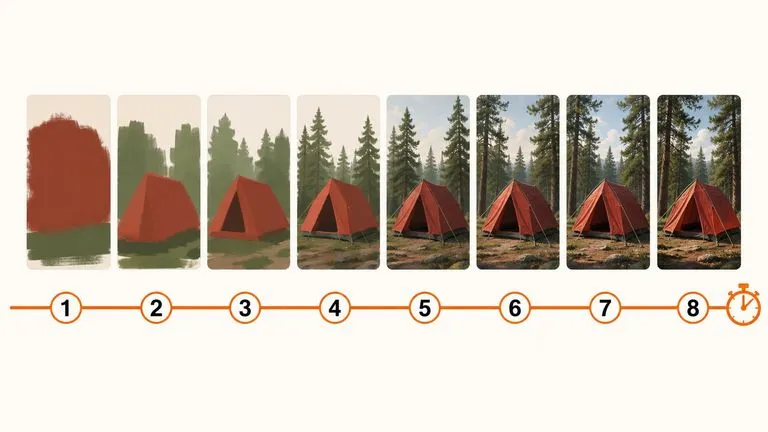
Draft rapid concept thumbnails and layout options before committing compute to final high-res renders.
Upload your bag reference photo and label artwork to explore materials, folds, and settings on the Virse canvas.