
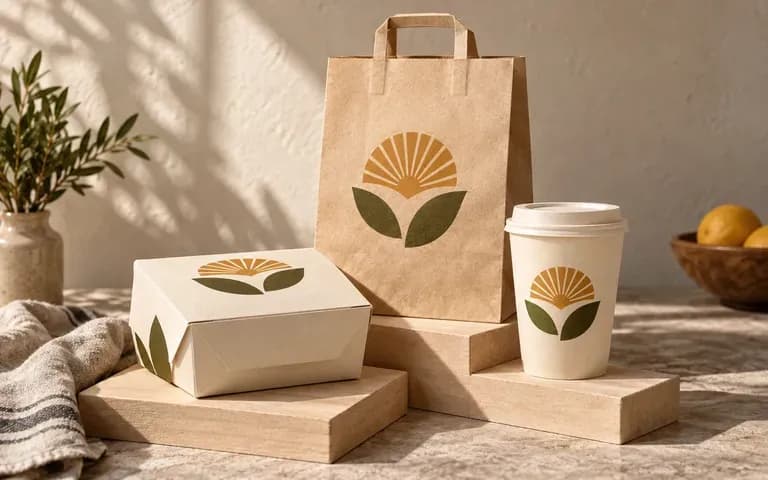
Product range
See different packs together
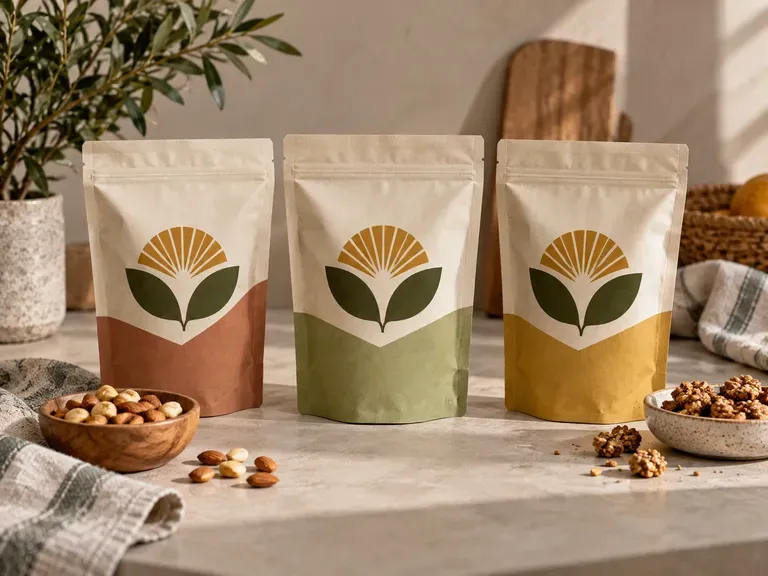
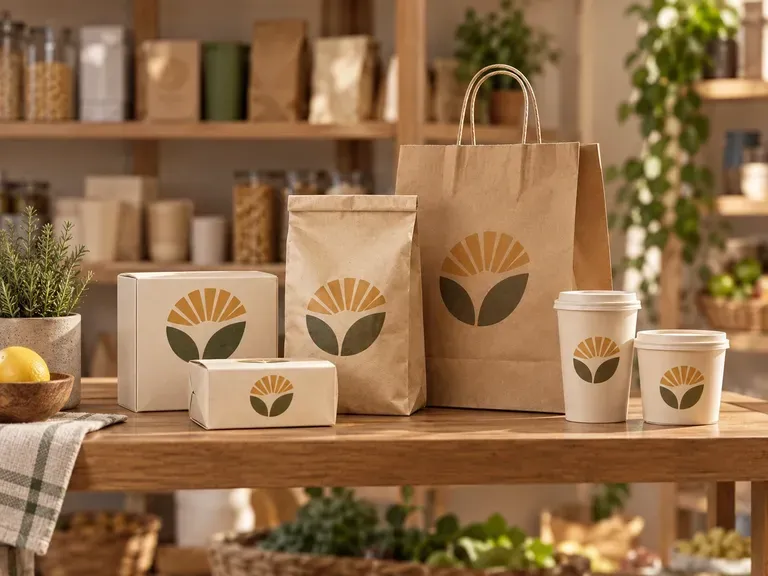
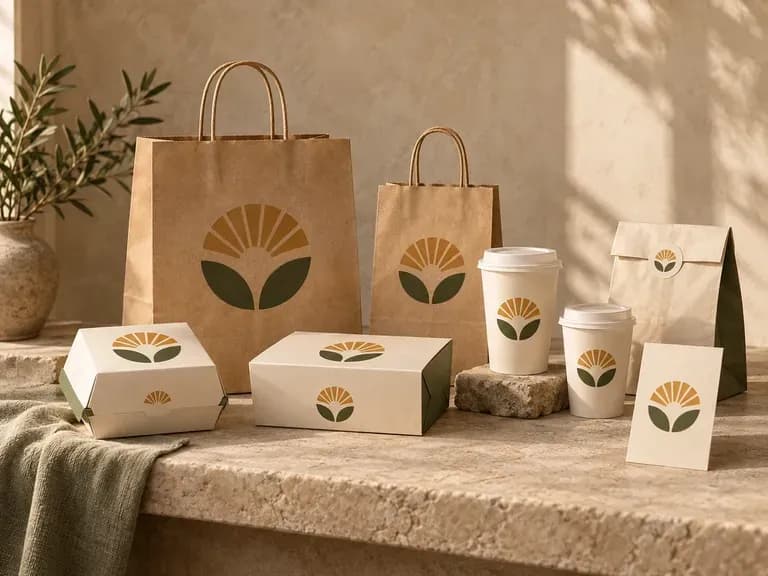
Present the container types your brand uses in a shared scene. Review whether the artwork feels related across their different shapes.
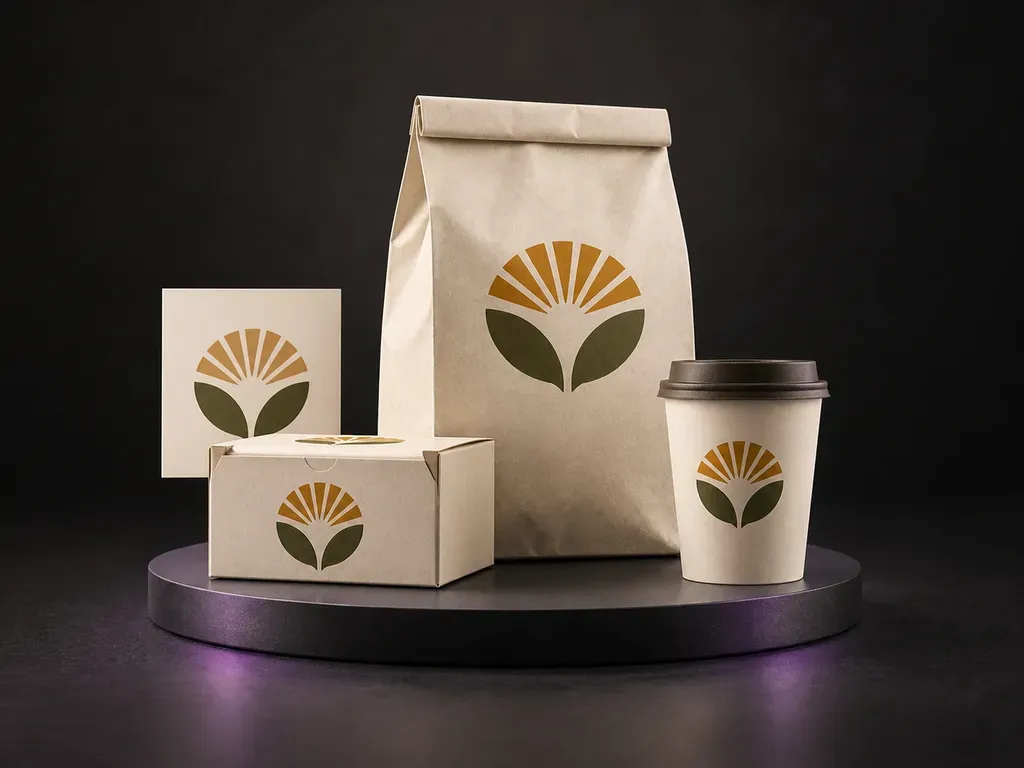
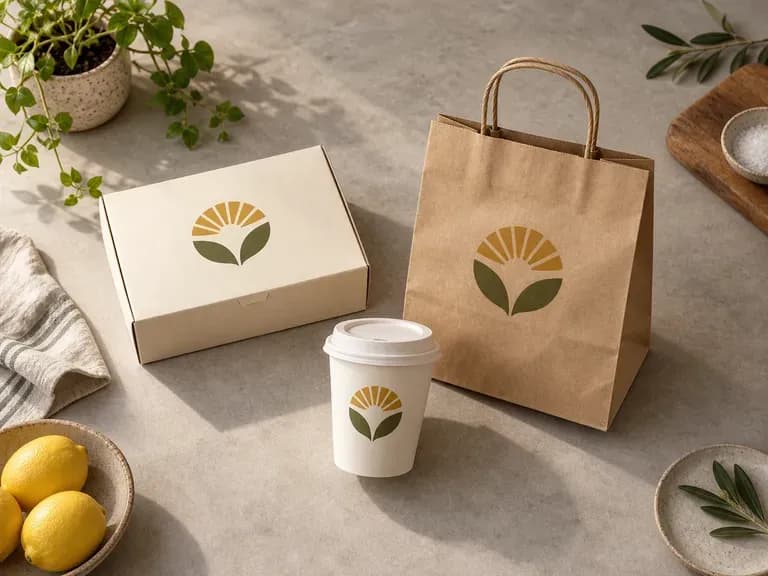
Bring your finished food packaging artwork and container references into Virse, then describe the arrangement. Generate a food packaging mockup to review one brand across boxes, bags and cups in a product or shelf scene.
A food packaging mockup presents existing artwork on food containers. Virse focuses on the brand's range, using your designs and container references to show boxes, bags or cups together in a static product or shelf scene—built around three core workflow advantages:
· Multi-format range previews: Show cartons, stand-up pouches, wrapper bars, tubs, and takeaway cups together in one frame.
· Faithful brand artwork mapping: Applies each pack's finished artwork accurately onto its corresponding container format.
· Shelf & serving table context: Evaluate how your product family holds together on a grocery shelf or styled kitchen table.
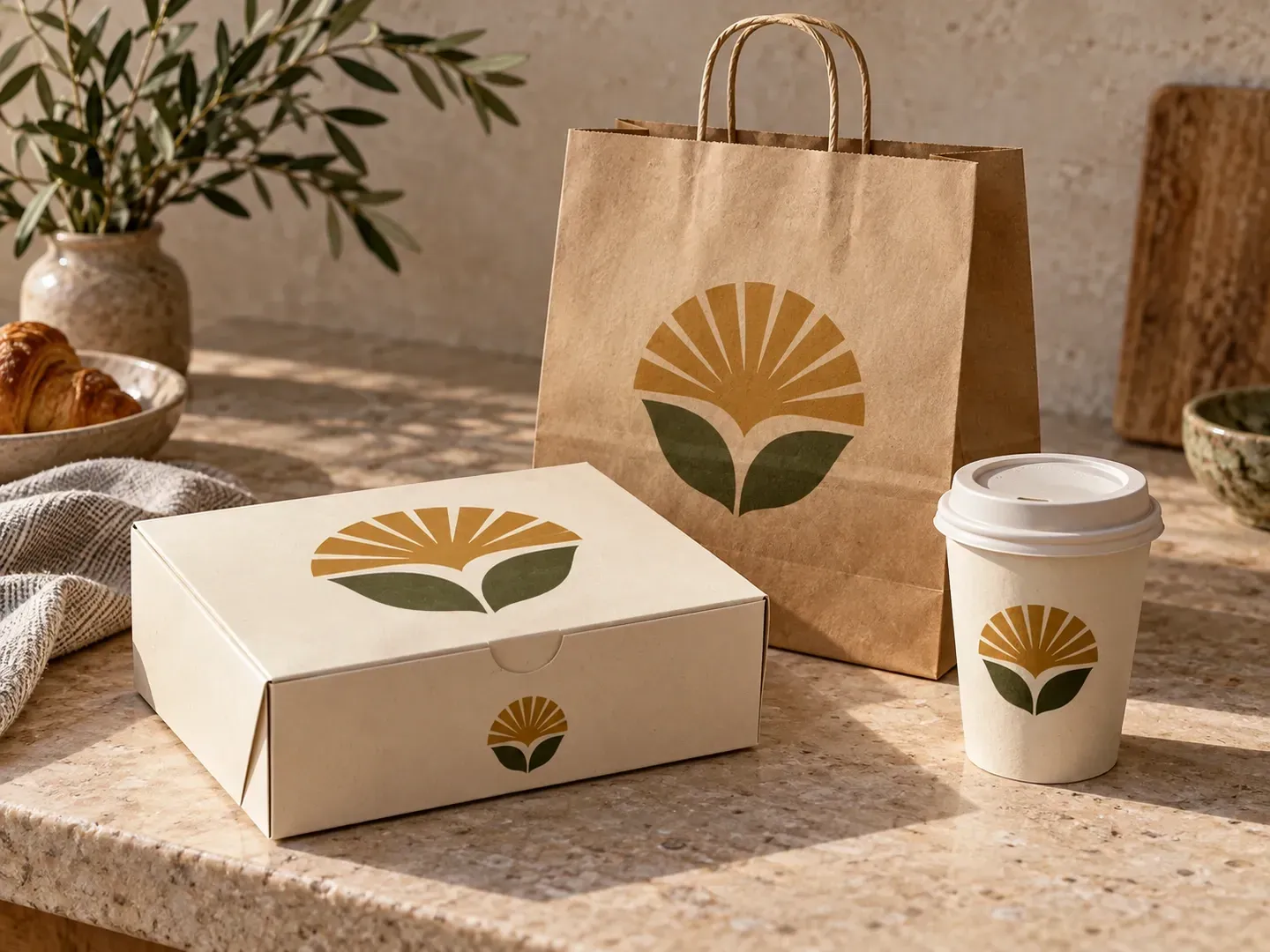
Review the whole packaging range while keeping the role of each container clear.
Present the container types your brand uses in a shared scene. Review whether the artwork feels related across their different shapes.
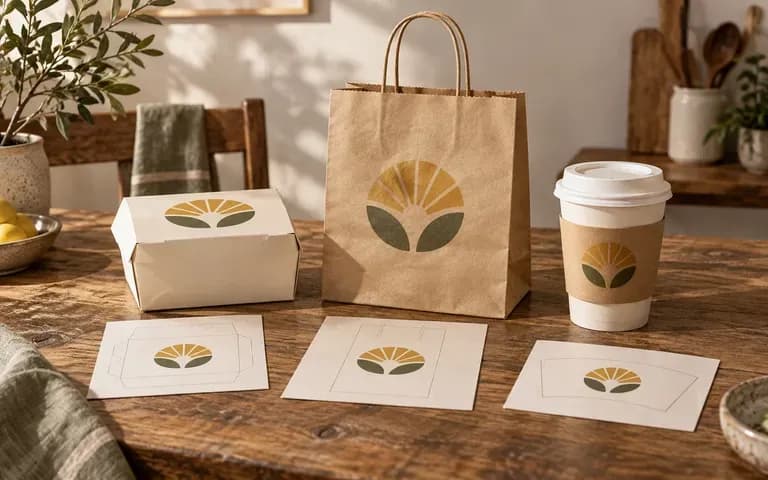
Supply the appropriate design for each box, bag or cup. Keep the focus on how the prepared identity appears when applied to its intended pack.
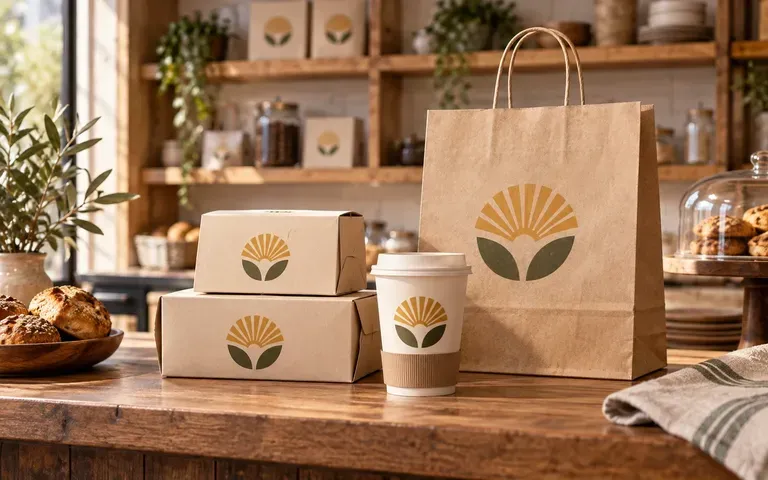
Describe a retail display, takeaway counter or product arrangement. The scene gives your team a common reference for the packaging discussion.
Compare isolated single-pack renders against unified multi-pack brand family scenes on the Virse canvas.
Isolated Single-Pack Mockups
Virse Food Packaging Mockup
Gather the completed artwork and a reference for every container you want to show.
Identify which design goes on each box, bag or cup. Describe the arrangement and background.
Create a static presentation of the food brand across the specified packaging types.
Check the logo, food imagery, text and container shape on each item. Keep approved source files separate from the preview.
Upload your finished packaging artworks and container references, then describe the lineup arrangement and setting:
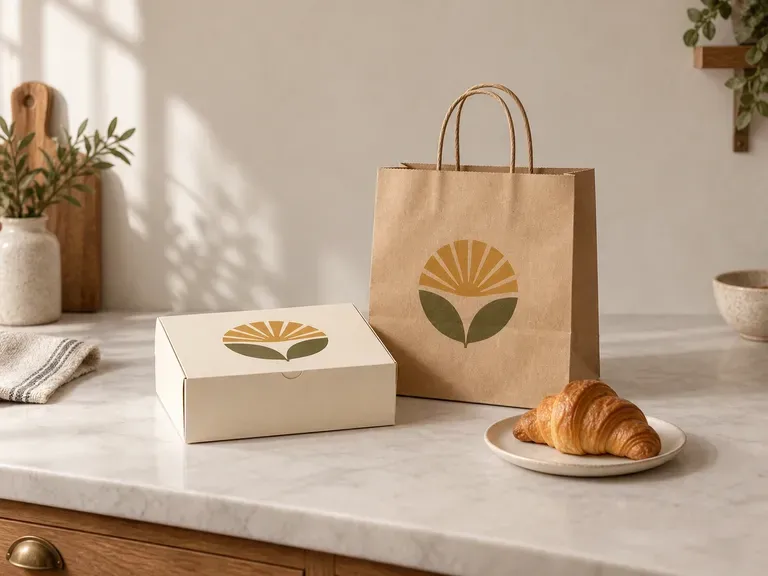
· Artisanal bakery & café system: Group paper pastry box, stamped kraft coffee bag, and 12oz takeaway cup on a warm marble café counter.
· Retail snack range shelf block: Line up three flavour stand-up pouches beside the master display carton on a clean sunlit grocery shelf.
· Gelato & dessert tub trio: Arrange three paper pint tubs with matching lids angled on a pastel studio plinth with subtle frost.
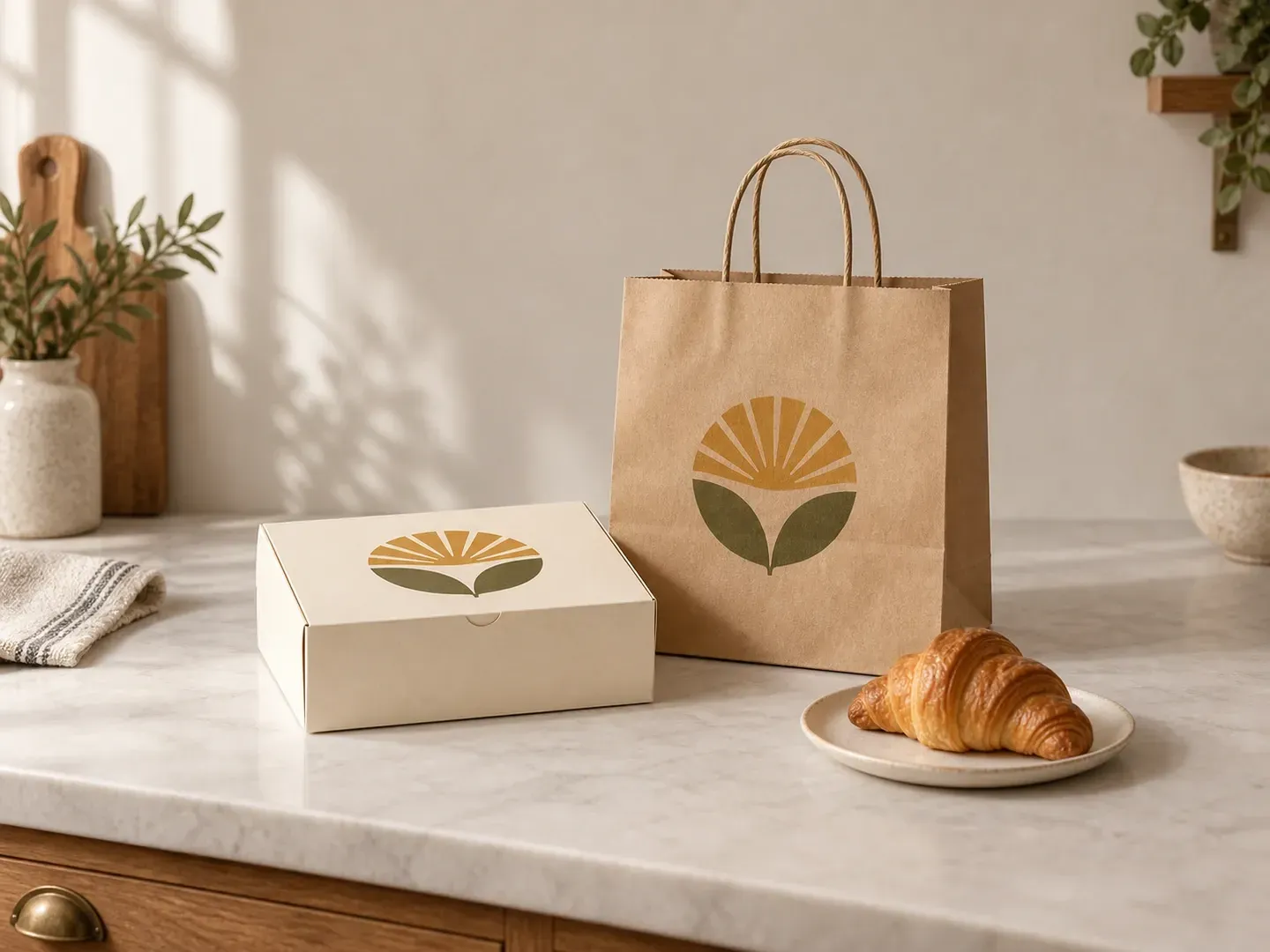
For teams presenting a food identity across more than one packaging type.
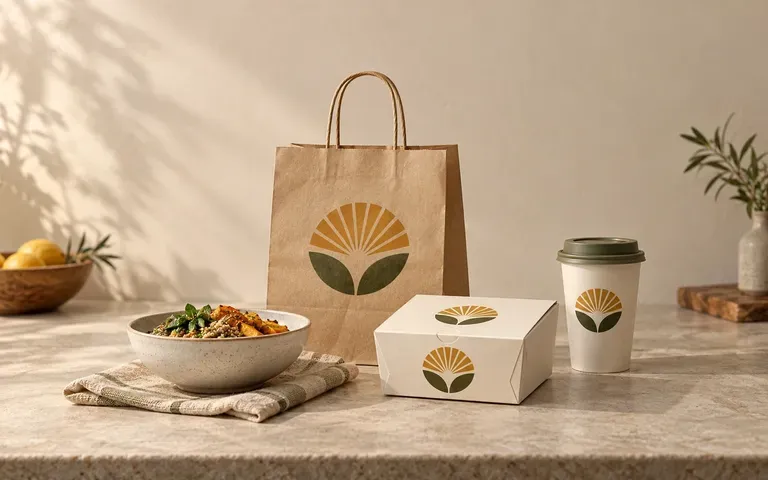
Review how the identity holds together across a product range.
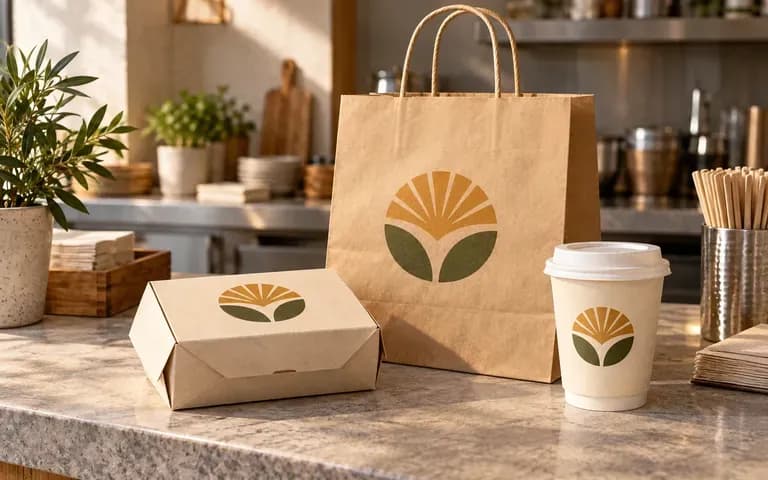
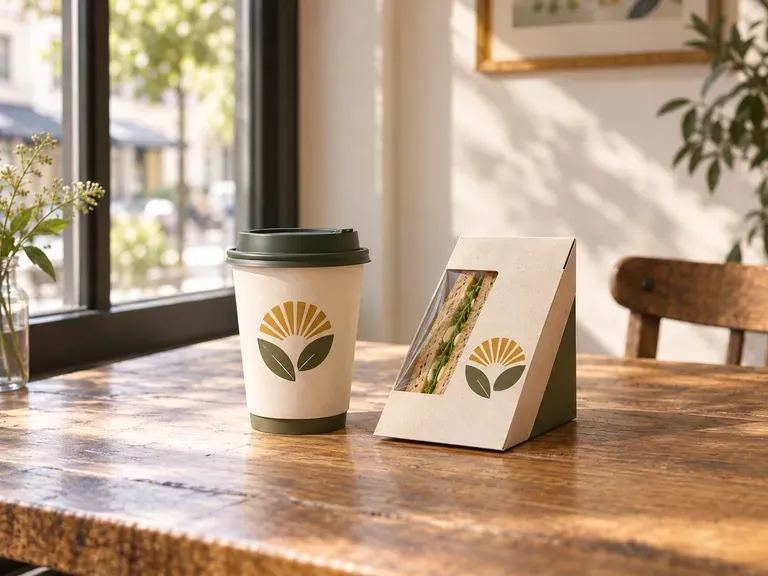
Plan the look of takeaway packaging as a set.
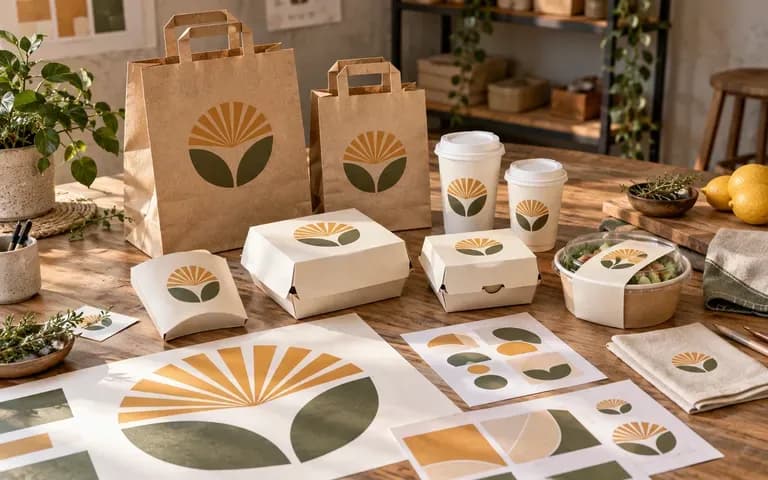
Explain a design system across containers with different proportions.
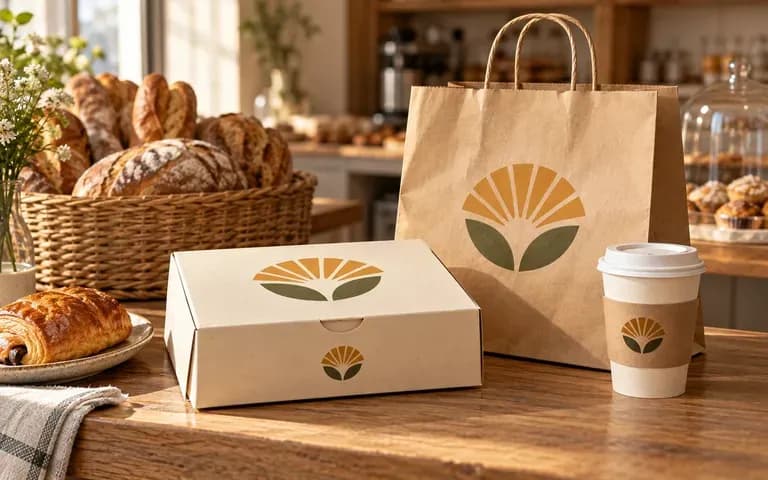
See the brand across the packaging customers carry away.
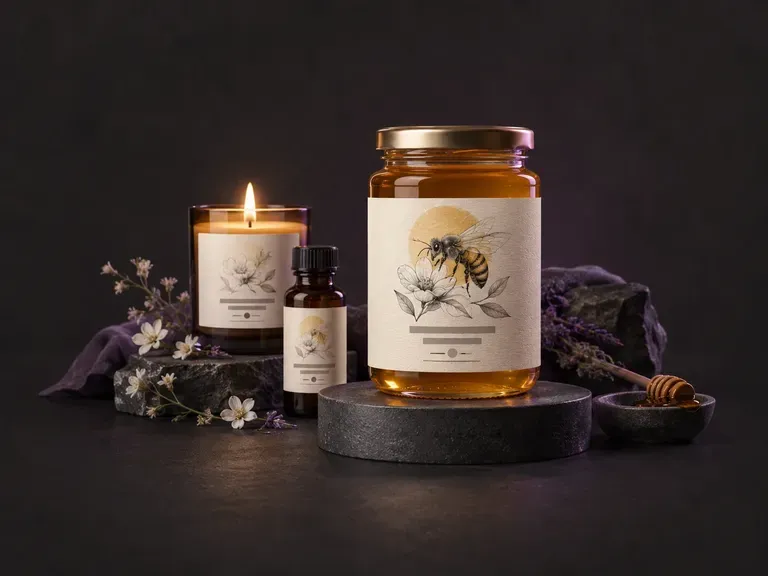
Draft flat front-panel and wrap-around product label artwork from your brand name, flavor or scent variant, and style. This AI label generator creates custom label graphics for jars, beverage bottles, cans, candles, and boxes on your Virse canvas.
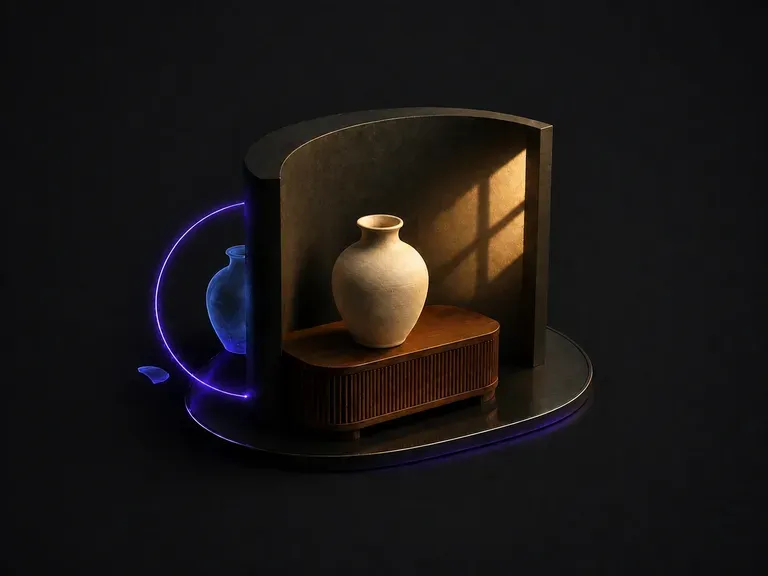
Upload a composite that looks pasted together. It works out why: light arriving from two directions, color temperature that does not match, shadows that are missing or pointing the wrong way. Then it unifies the frame under one dominant source.
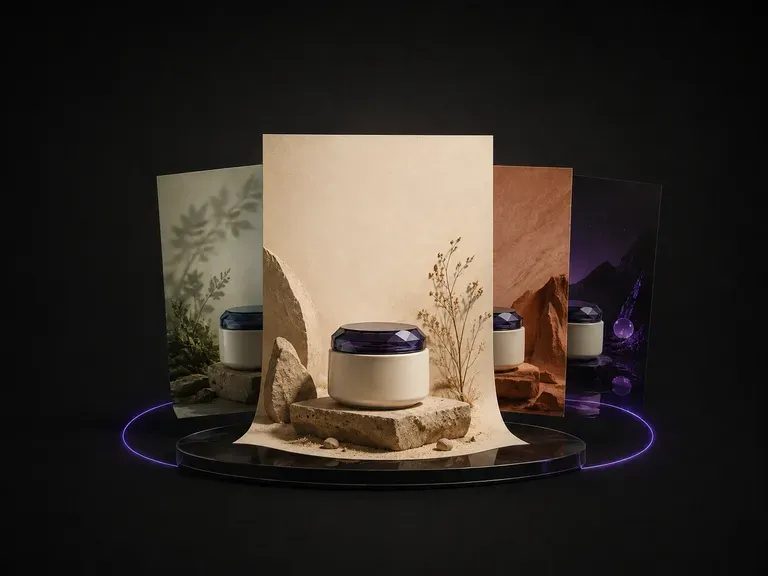
Upload one product photo. It reads the category, the colors and the temperament of what you sent, proposes a theme that suits it, then designs the poster around the product: background, layout and where the copy sits.
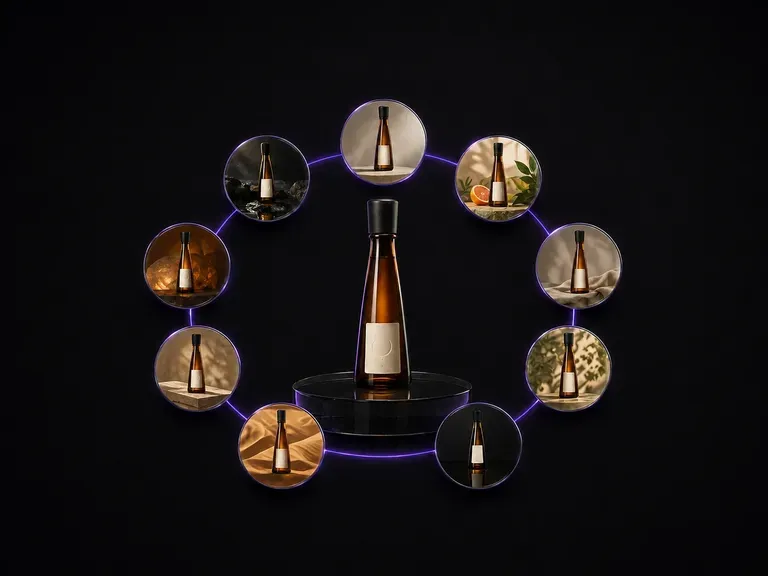
Upload one bottle photo. It comes back as nine distinct advertising scenes laid out in a three by three grid, with the bottle shape, the label artwork and the text on it exactly as they were.
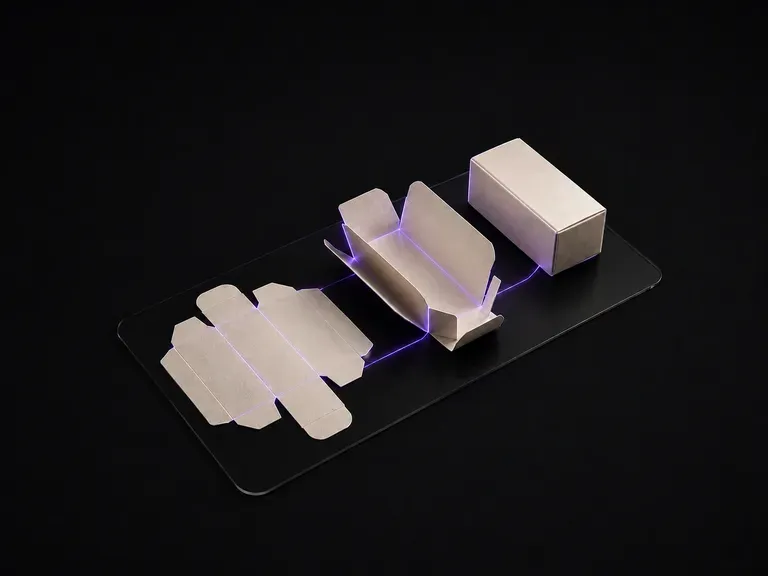
Upload your flat packaging dieline artwork. The generator reads the cut and crease layout panel by panel, infers the box geometry, and renders it folded in 3D—with every panel's graphics mapped to the right face.
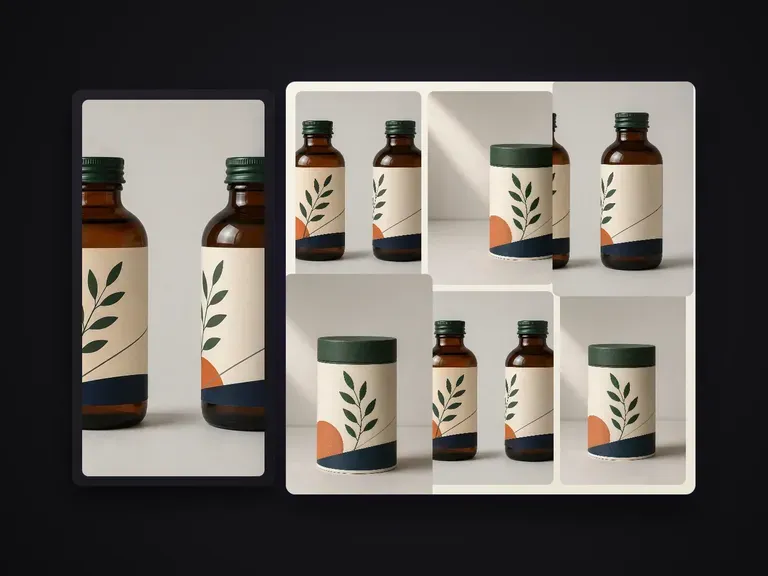
Extends one confirmed packaging render into a portfolio-grade shot series. Every shot carries a distinct information task while structure, pattern, A-tier text and finishes stay locked to the master. Defaults to a lean 6-shot set.
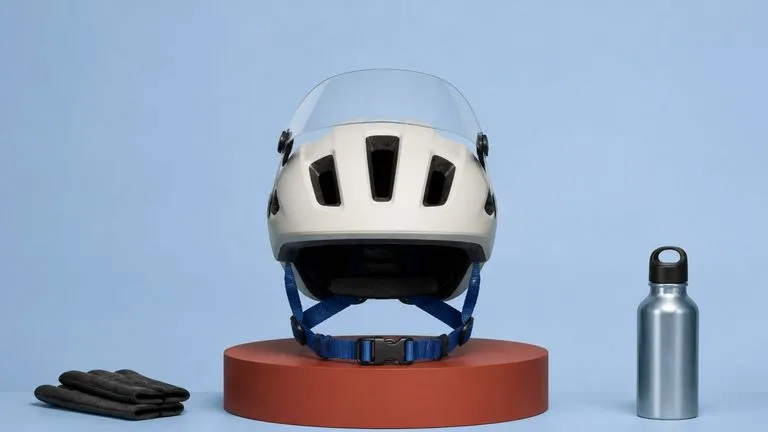
Black Forest Labs' production model reads briefs up to 32,000 tokens, so brand rules, colour values, and compositional constraints can all go in at once.
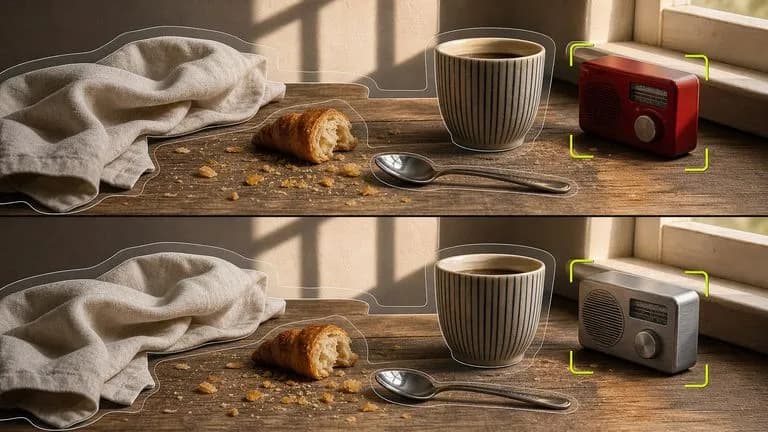
Black Forest Labs' editing models, FLUX Kontext Pro and Kontext Max, built to apply one described change while the rest of the frame survives untouched.

ByteDance's newest Seedream generation, available as Seedream 5.0 Pro and Seedream V5 Lite, both taking the same written brief.
A text-to-image foundation model trained from scratch around layout, with bounding-box placement, hex colour conditioning, and native 2K output.
Create and edit stills with FLUX 3 Image at 1K, 2K or 4K. Switch to FLUX 3 Video for 5–20-second scenes at 720P or 1080P with native audio, on the same Virse canvas.
Generate and edit images with Nano Banana 2.1 in Virse. Choose 1K, 2K or 4K output and use up to 14 reference images to guide the subject, setting and materials.
Bring the finished designs and the container references. Give your team one view of the packaging range.