
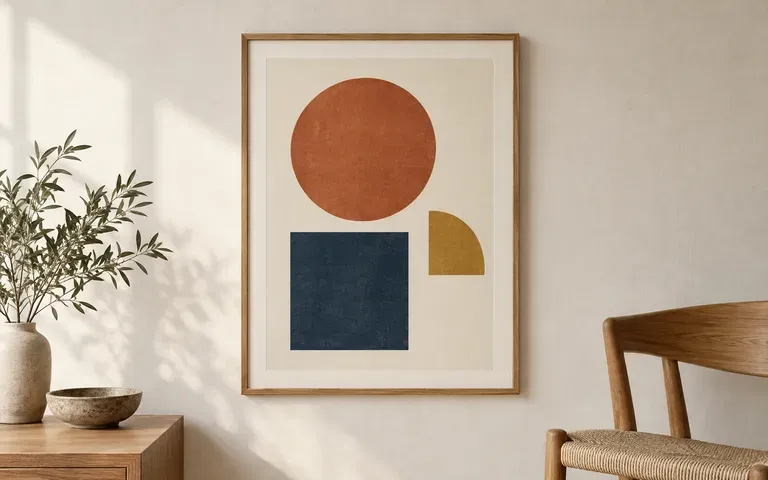
Existing artwork
Use the poster you have designed
Start with the finished poster, including the copy and layout you want to present. This workflow gives that artwork a display setting.
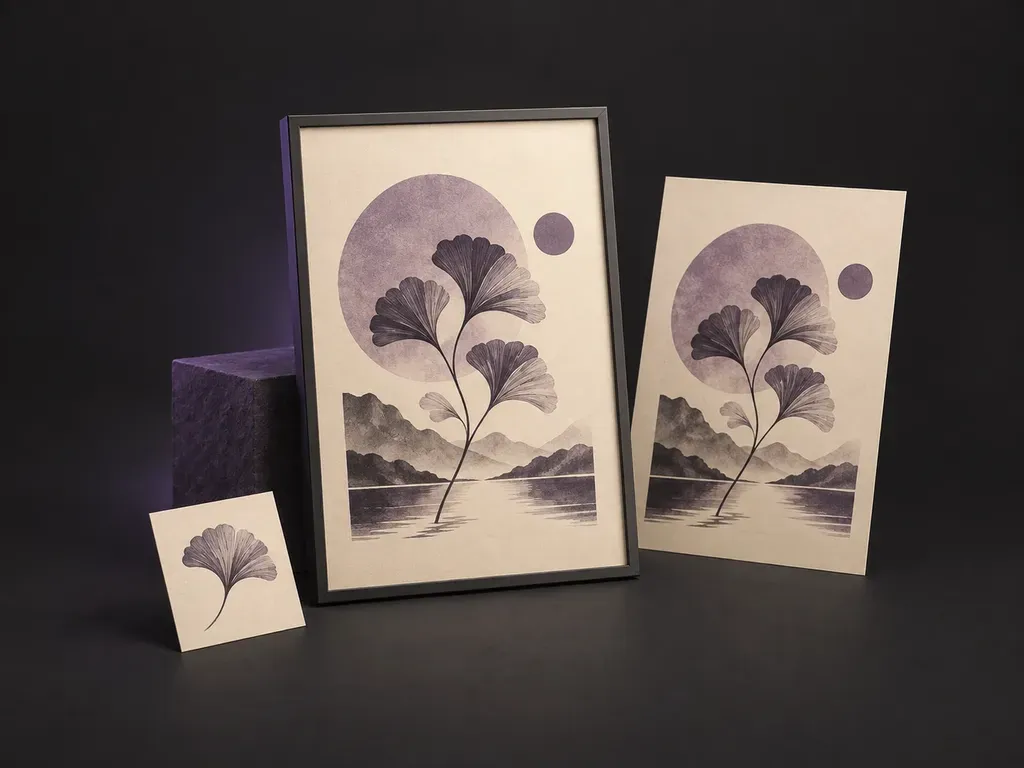
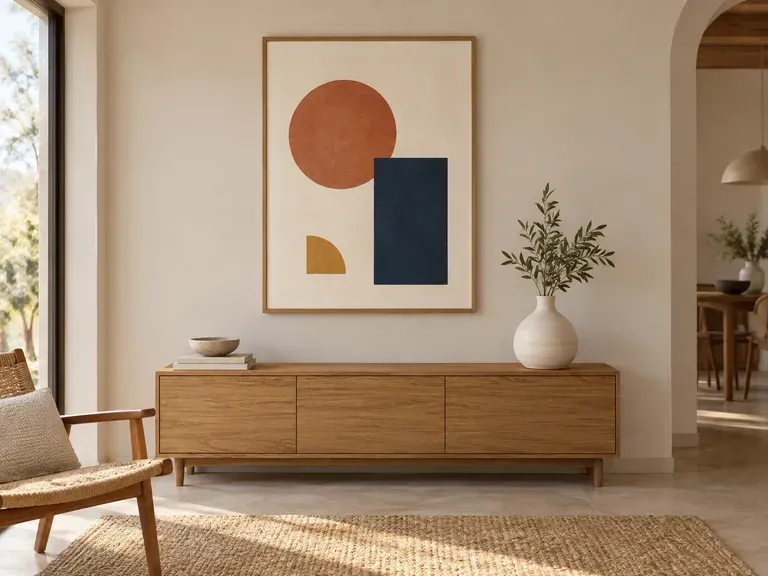
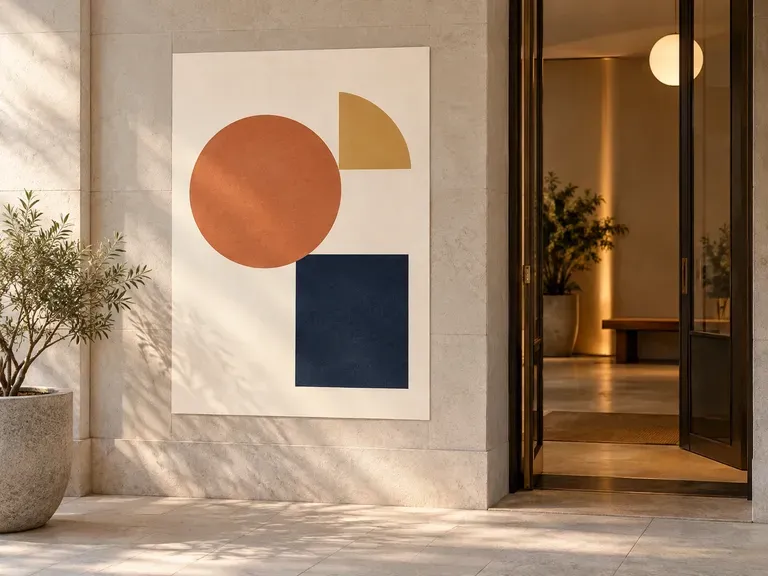
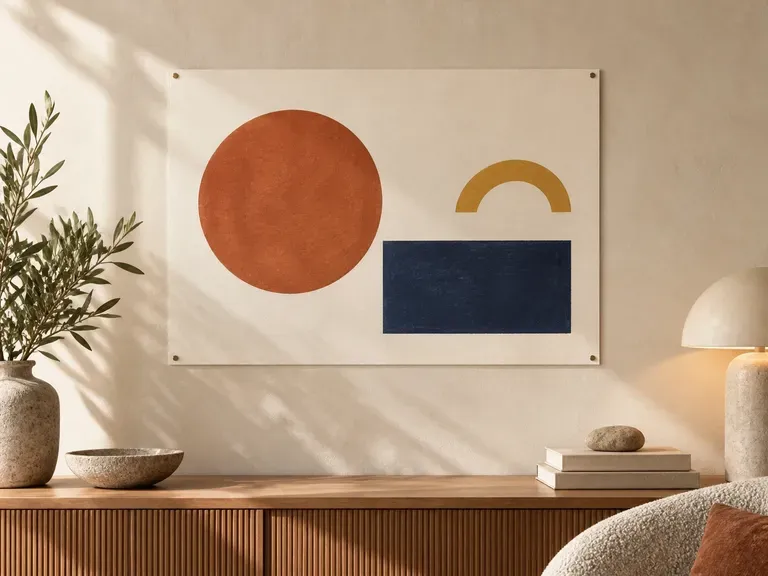
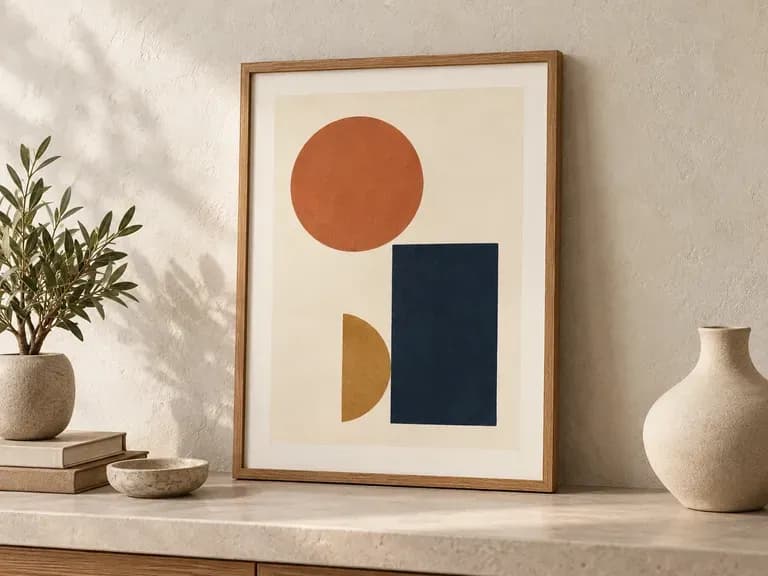
See your poster where it could hang. Add the finished artwork and a wall, frame or display reference. Virse creates a static poster mockup for discussing the work in a room, gallery or another display environment.
A poster mockup generator places finished artwork in a wall, frame or display setting. Virse uses your design and scene reference to create a static preview for an art, event or client presentation—built around three core workflow advantages:
· Framed or unframed mounting: Preview oak, black aluminum, or gallery frames with mat boards, or raw wheatpaste/clip hangs.
· Interior, gallery & street settings: Place your poster in a minimalist living room, white-cube gallery, studio workspace, or brick wall.
· True-to-art colour & proportion: Keeps your poster's illustration and typography untouched under the room's natural light.
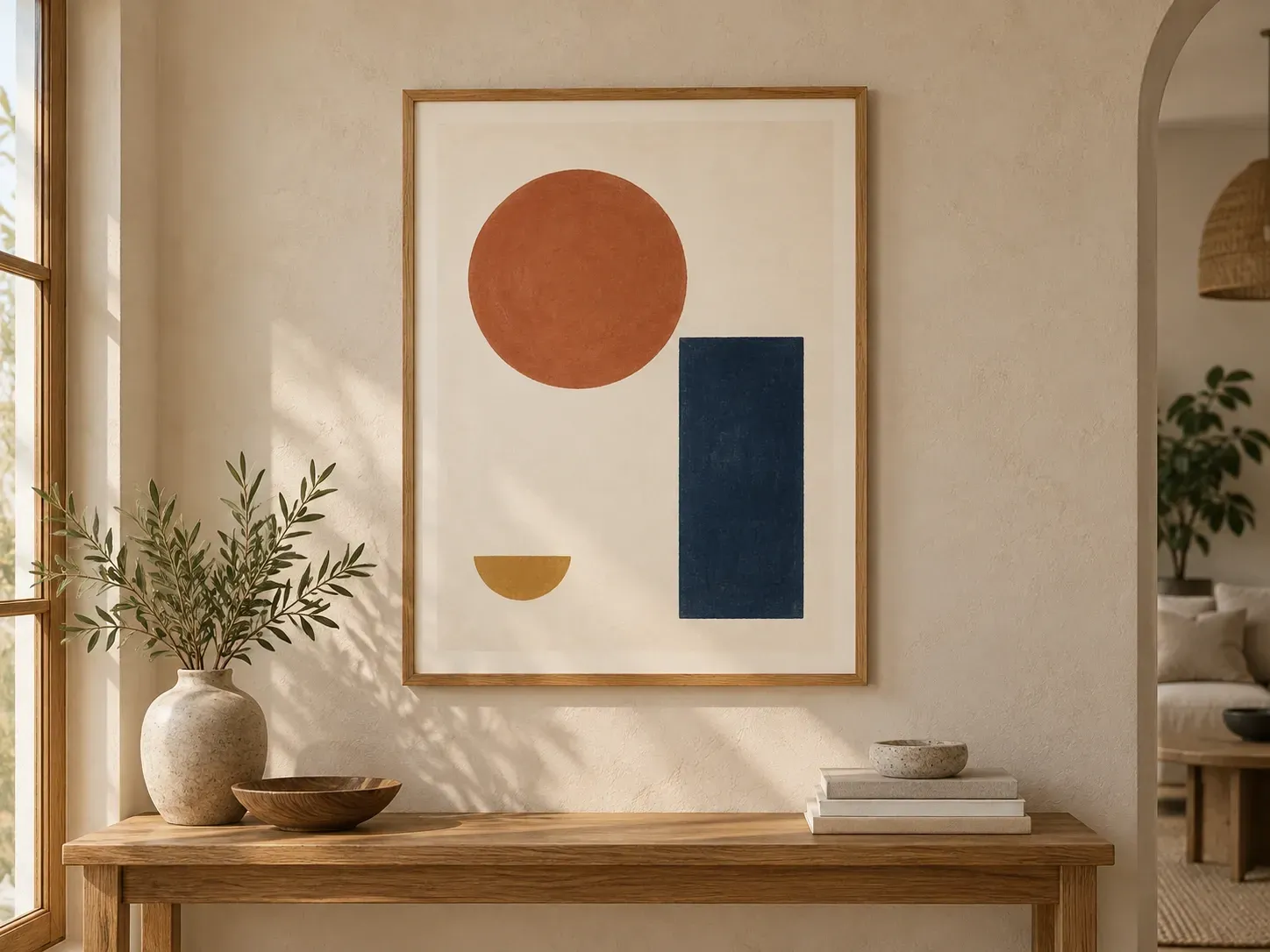
The surface and frame can change how a poster sits in a space. Show them alongside the artwork.
Start with the finished poster, including the copy and layout you want to present. This workflow gives that artwork a display setting.
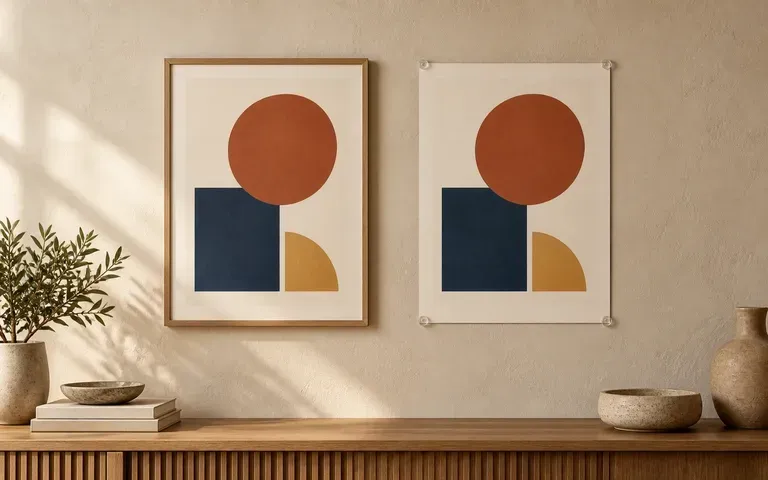
Provide a frame or wall reference and describe the mounting. Use the result to discuss the relationship between the paper, frame and surrounding surface.
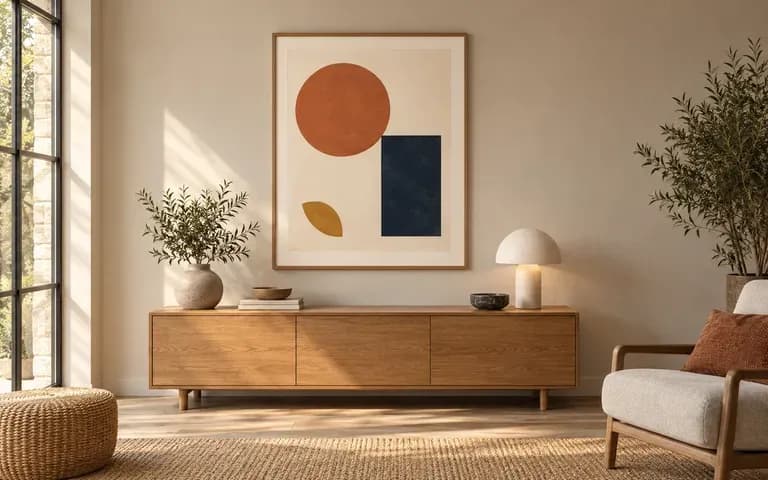
Add a reference for the display environment. A room preview helps clients or art buyers see how the poster fits the space.
Compare raw flat PNG exports against room- and frame-contextualized poster mockups on the Virse canvas.
Flat Unframed PNG Exports
Virse Poster Mockup Generator
Use the artwork you intend to display, with its content and layout already complete.
Add the wall, frame or display reference. Describe where the poster belongs and how it should be mounted.
Create a static image of the poster in the display environment.
Check text, image details, proportions and frame edges before using the result in a presentation.
Upload your finished poster file (and an optional room/frame photo), then describe the mounting style and wall environment:
· Scandinavian living room oak frame: Thin natural white oak frame with 2-inch cream mat board hanging on a warm plaster wall above a linen sofa, morning window shadow.
· White-cube art gallery exhibition: Large-scale matte black aluminum frame under directional museum track lighting on a crisp white gallery wall.
· Studio workspace wooden hanger clip: Unframed heavy cotton art print suspended from magnetic walnut poster rails over a creative desk setup.
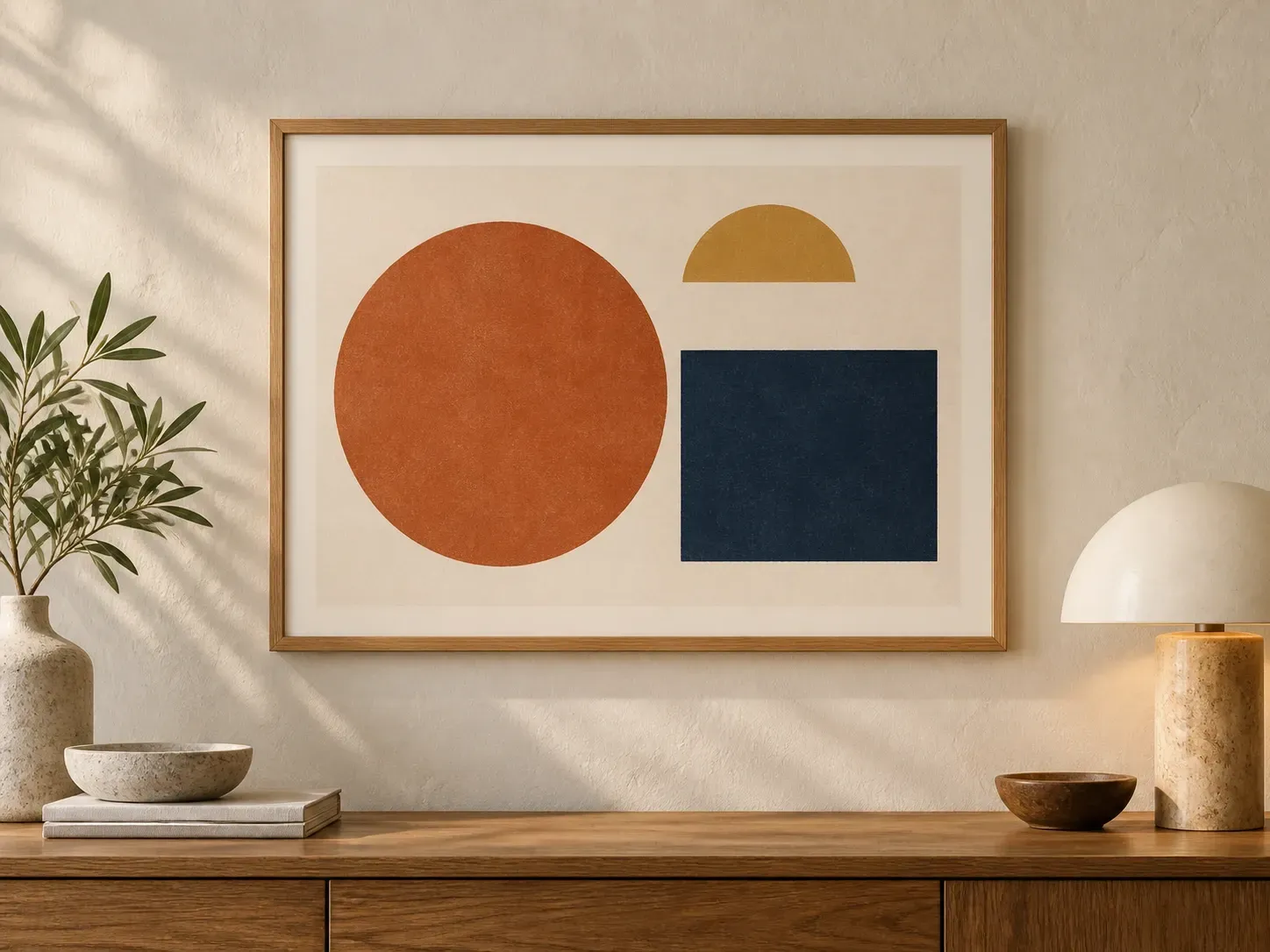
For people presenting finished artwork in a physical display setting.
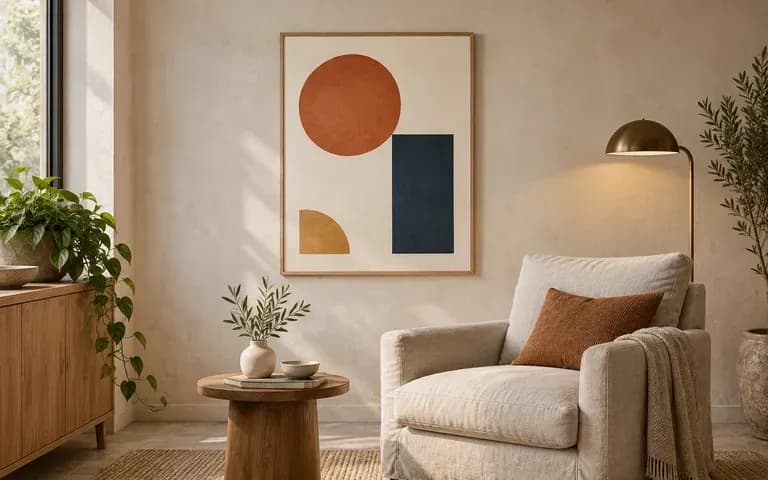
Show a finished art print in a room or framed display for a product presentation.
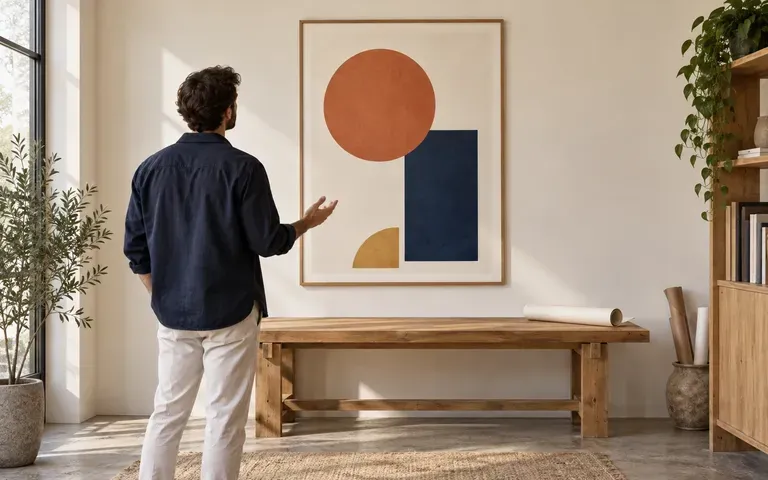
Place a completed poster in a setting for a client review or portfolio.
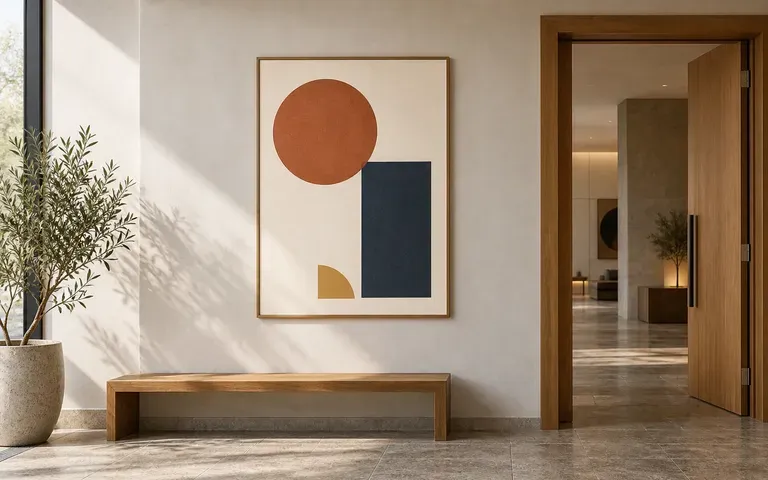
Preview an approved event poster in a venue display environment.
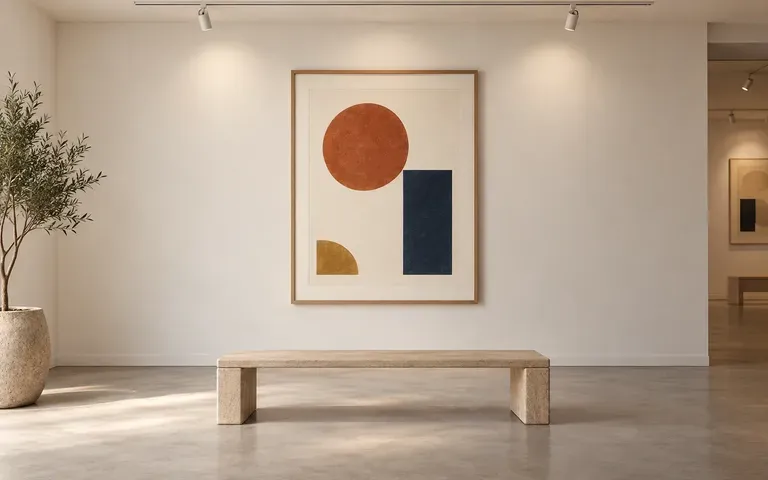
Discuss the appearance of existing exhibition artwork within a display concept.
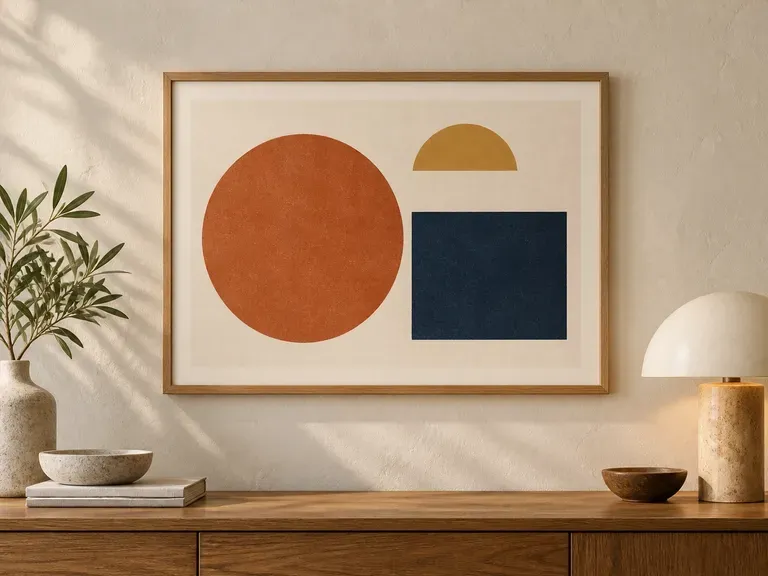
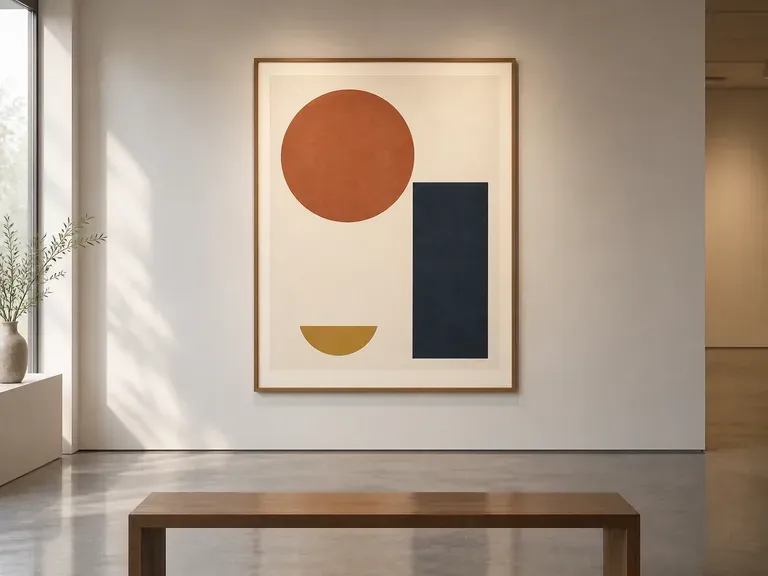
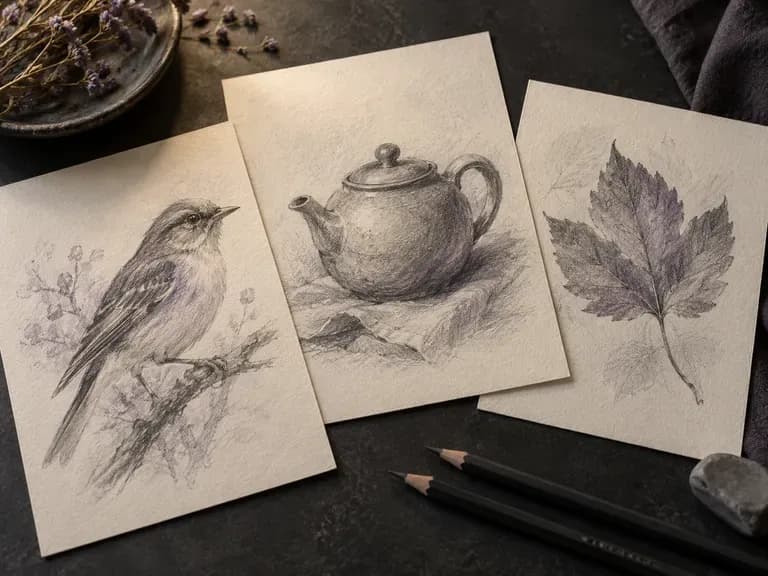
Render graphite pencil studies, architectural pen-and-ink linework, charcoal drawings, fashion croquis, and industrial wireframes with our AI sketch generator. Start from text or upload a photo to control contour weight, cross-hatching, and paper texture.
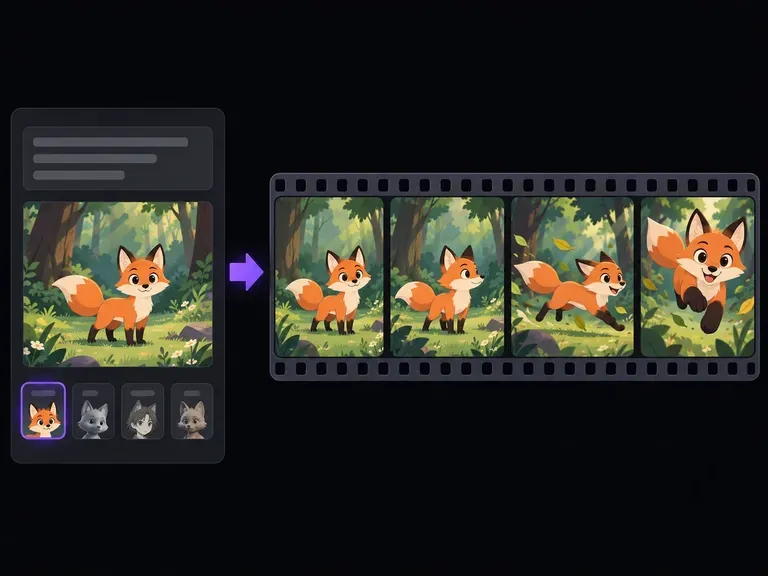
Turn text prompts or character illustrations into short animated video clips online. Choose 2D cartoon, anime cel-shading, 3D CGI, claymation, or sketch styles, set one clear motion beat, and export MP4 clips in seconds.
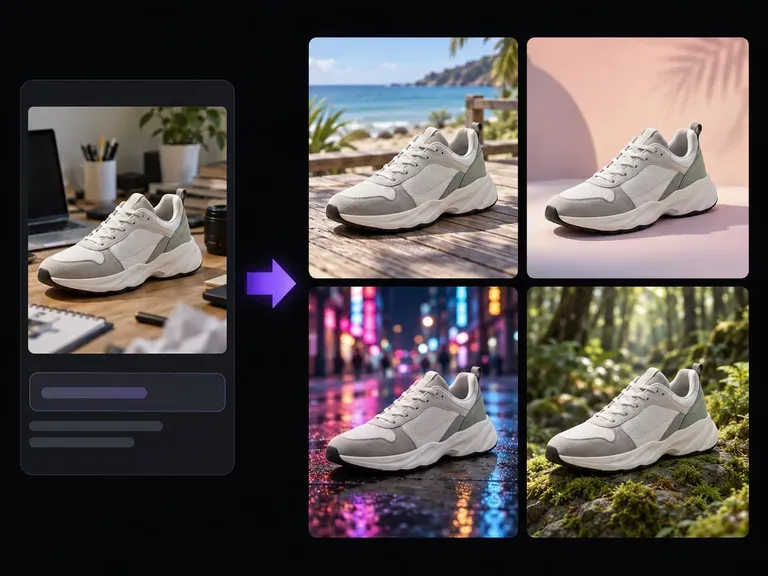
Upload a product photo or portrait and describe the new setting: a studio plinth, a sunlit room, or an outdoor patio. This AI background changer builds a custom scene around your subject to test surface materials, lighting direction, and mood on one canvas.
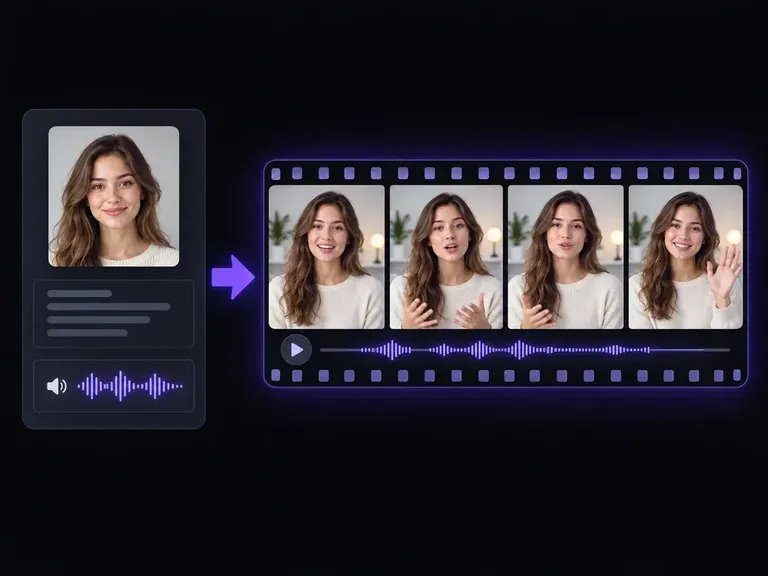
Upload an authorized portrait, headshot, or stylized character image and pair it with a short spoken script. This AI avatar generator animates your portrait into a 4-, 6-, or 8-second talking presenter clip with native speech or silent delivery.
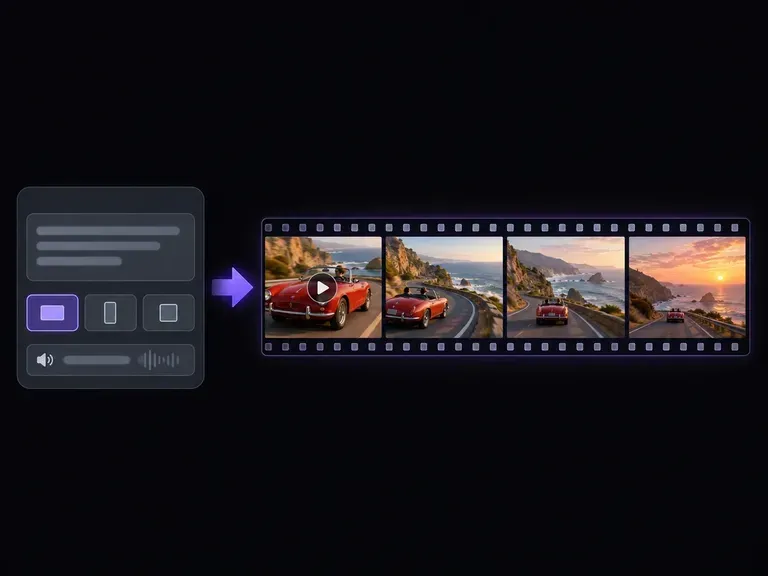
Describe one subject, one visible action, and a camera move, or upload a starting frame. This AI clip generator creates net-new short video footage for B-roll cutaways, product teasers, and social hooks across 9:16, 16:9, or 1:1 aspect ratios.
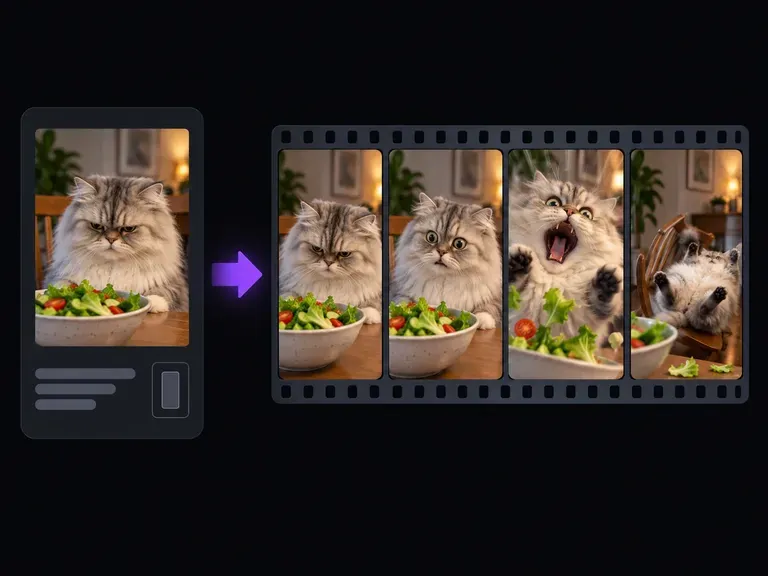
Turn pet snapshots, character images, or one-line punchlines into expressive reaction clips with our meme video generator. Upload a photo or describe the gag from scratch to generate crash zooms, deadpan office stares, and loopable slapstick clips.
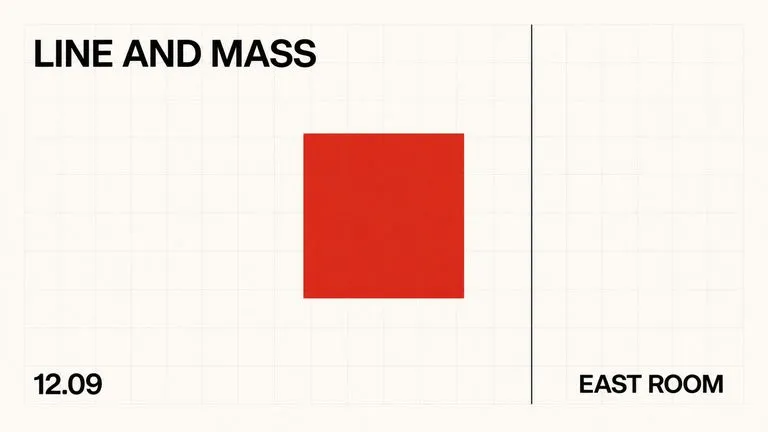
A text-to-image foundation model trained from scratch around layout, with bounding-box placement, hex colour conditioning, and native 2K output.

Create and edit stills with FLUX 3 Image at 1K, 2K or 4K. Switch to FLUX 3 Video for 5–20-second scenes at 720P or 1080P with native audio, on the same Virse canvas.

Generate and edit images with Nano Banana 2.1 in Virse. Choose 1K, 2K or 4K output and use up to 14 reference images to guide the subject, setting and materials.

Alibaba's Qwen Image 3.0 Pro renders type as language across a dozen scripts, holding legibility down to ten pixels in dense layouts.
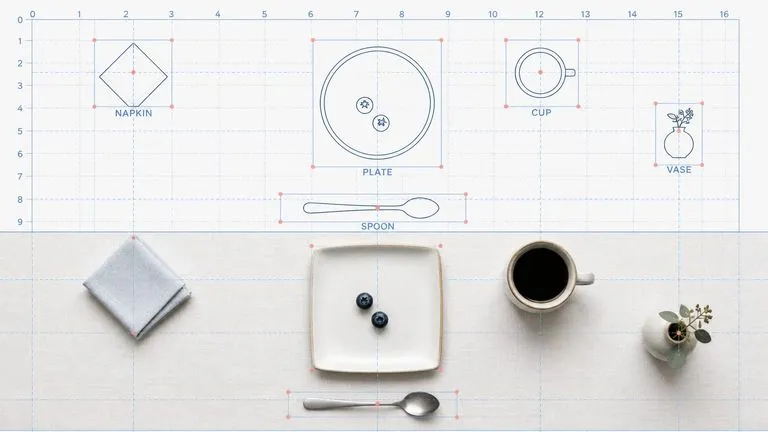
Reve AI's second-generation model builds an addressable layout of positioned elements before it renders, so a specified arrangement comes back arranged.
Google's Gemini 2.5 Flash Image — the original Nano Banana — generates and edits pictures at conversation speed, so a correction takes a sentence instead of a session.
Add the artwork and a wall or frame reference. Create a poster preview for your next presentation.