
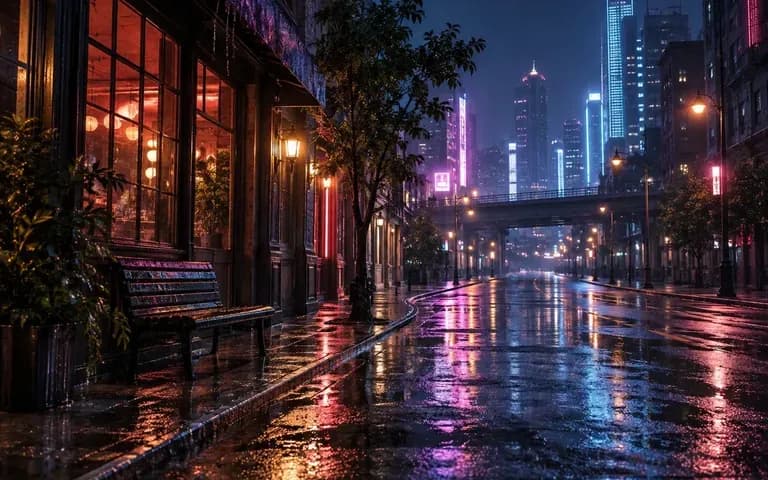
Shot brief
Structure One Action and Lighting Brief
Describe the setting, the primary subject movement, and the lighting quality so a paper boat crossing a dusk puddle or morning sun moving across a ceramic mug reads clearly in a few seconds.
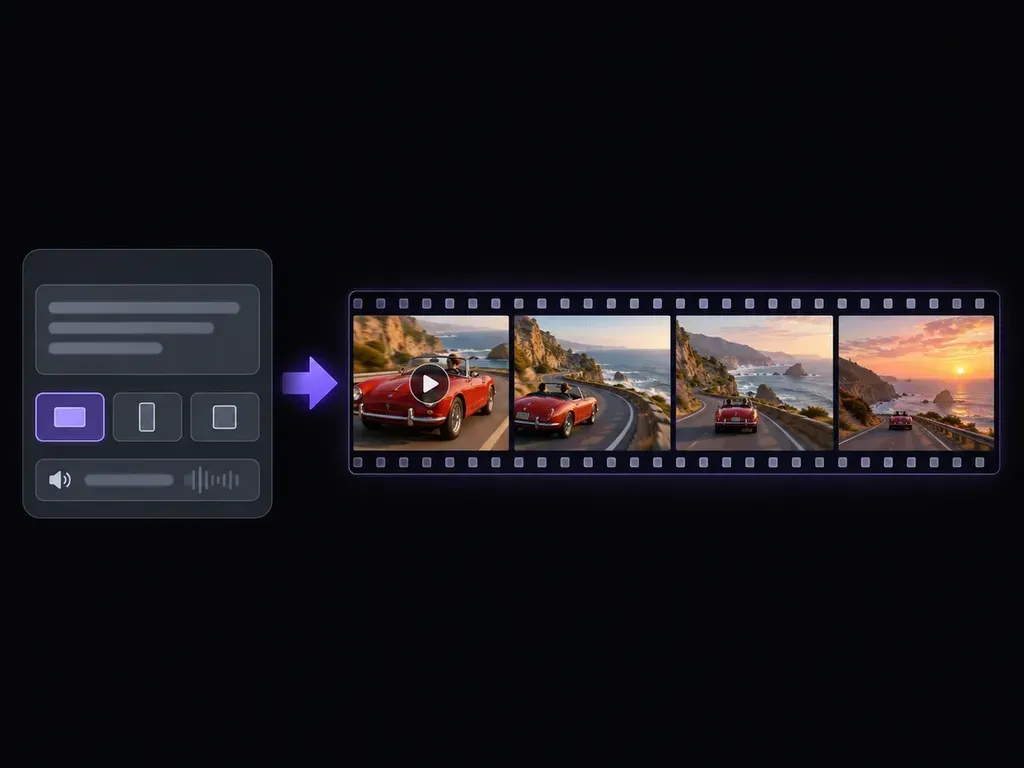
Describe one subject, one visible action, and a camera move, or upload a starting frame. This AI clip generator creates net-new short video footage for B-roll cutaways, product teasers, and social hooks across 9:16, 16:9, or 1:1 aspect ratios.
An AI clip generator (or AI video clip generator and AI clips generator) synthesizes brand-new short video footage from a written scene brief or an optional starting frame:
• Prompt and image modes: Start from text to explore new settings, or upload a product still so the clip inherits your lighting and aspect ratio.
• Directed camera movement: Pair one readable subject action with a single lens cue like a lateral tracking pan, macro push-in, or tripod shot.
• Social and editorial framing: Plan vertical 9:16 shots with clean caption headroom, widescreen 16:9 sequences, or square 1:1 loops.
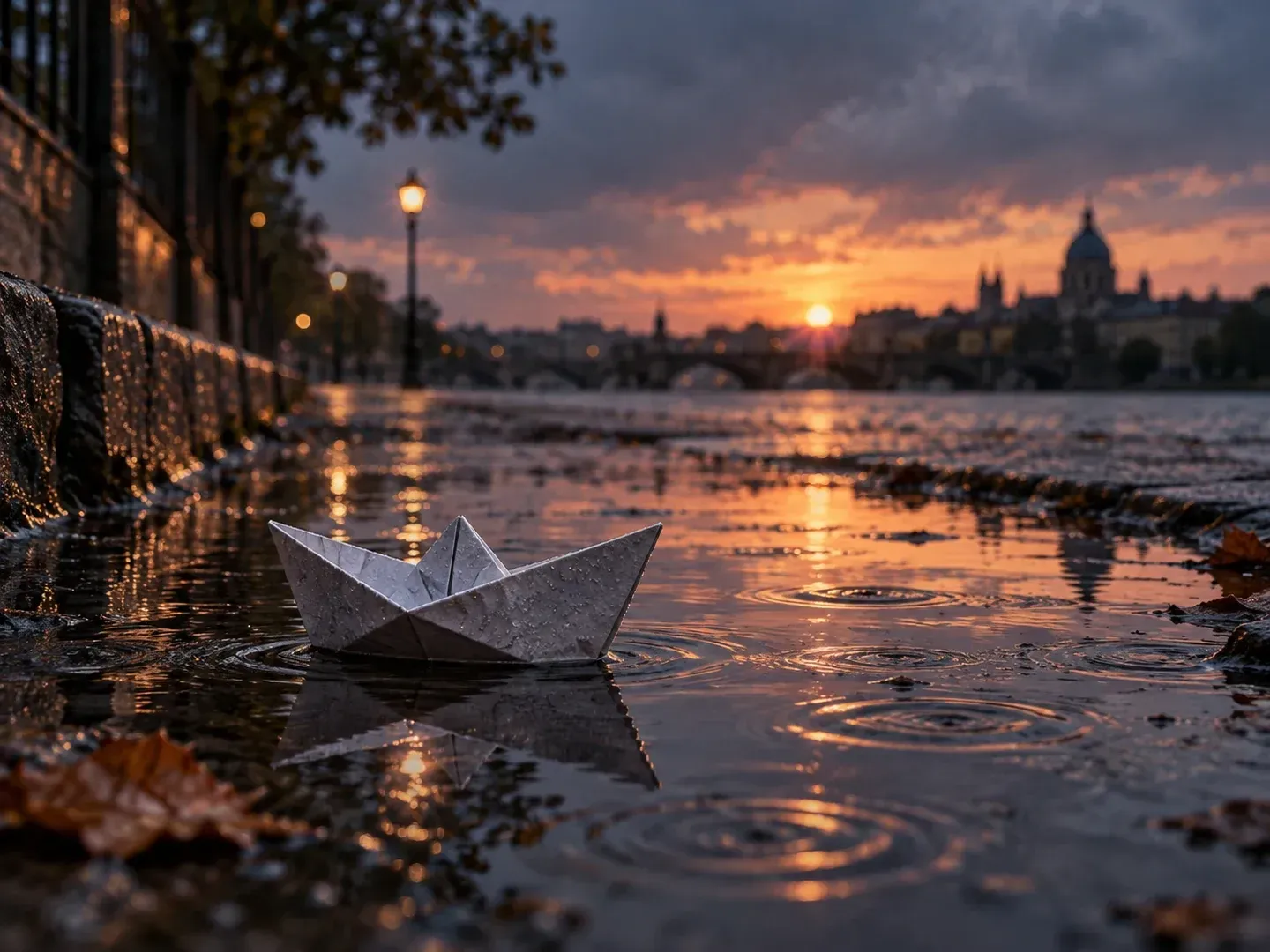
Three shot-planning controls that help short generated footage fit into social timelines, product launches, and story reels.
Describe the setting, the primary subject movement, and the lighting quality so a paper boat crossing a dusk puddle or morning sun moving across a ceramic mug reads clearly in a few seconds.

Compare a static eye-level frame, a close macro push-in, or a slow lateral tracking pan in your prompt to see which camera approach best supports your video edit.
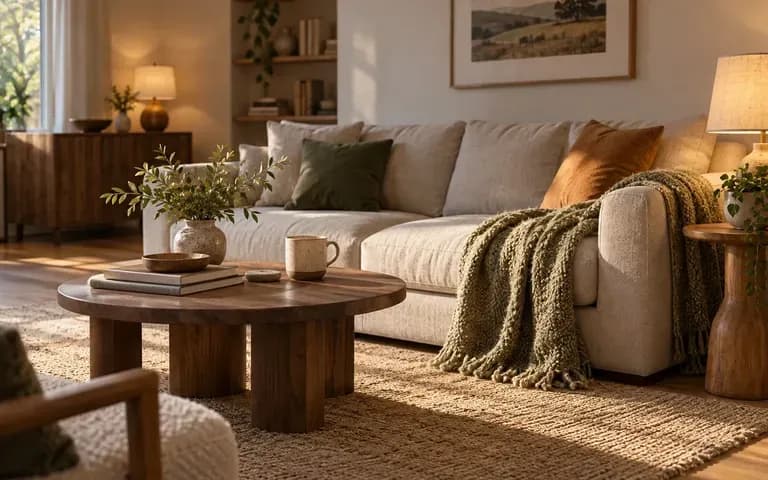
Keep multiple takes from your prompt-to-clip or image-to-clip runs side by side in your Virse workspace to check motion stability and 9:16, 16:9, or 1:1 framing.
How generating custom short scenes in an AI video clip generator compares with hunting through stock libraries or booking a reshoot.
Stock Footage & Manual Reshoots
Virse AI Clip Generator
State the main subject, environment, and one clear physical action so the clip generator AI workflow resolves movement cleanly.
Add the lens angle, camera motion, lighting mood, and 9:16, 16:9, or 1:1 framing, plus an optional starting reference frame.
Run the generation in Virse and inspect the complete video clip to verify subject shape, motion smoothness, and background coherence.
Pick the strongest take, refine one prompt detail if needed, and bring the exported clip into your editor to add captions, music, and cuts.
Pair one subject action with one camera cue and lighting grade. Copy any of these three prompts to create AI generated clips:
• Vertical 9:16 B-roll: "Neon rainy alley at night, commuter in a yellow raincoat walks under an umbrella, slow forward tracking camera, vertical 9:16 frame."
• Widescreen 16:9 teaser: "Frosted glass perfume bottle on dark veined marble, golden sunbeam sweeps across the facets, slow macro push-in, 16:9 tabletop shot."
• Square 1:1 cutaway: "Stoneware mug steaming on a sunlit wooden patio table, morning breeze shifting olive branch shadows, locked tripod shot, 1:1 frame."
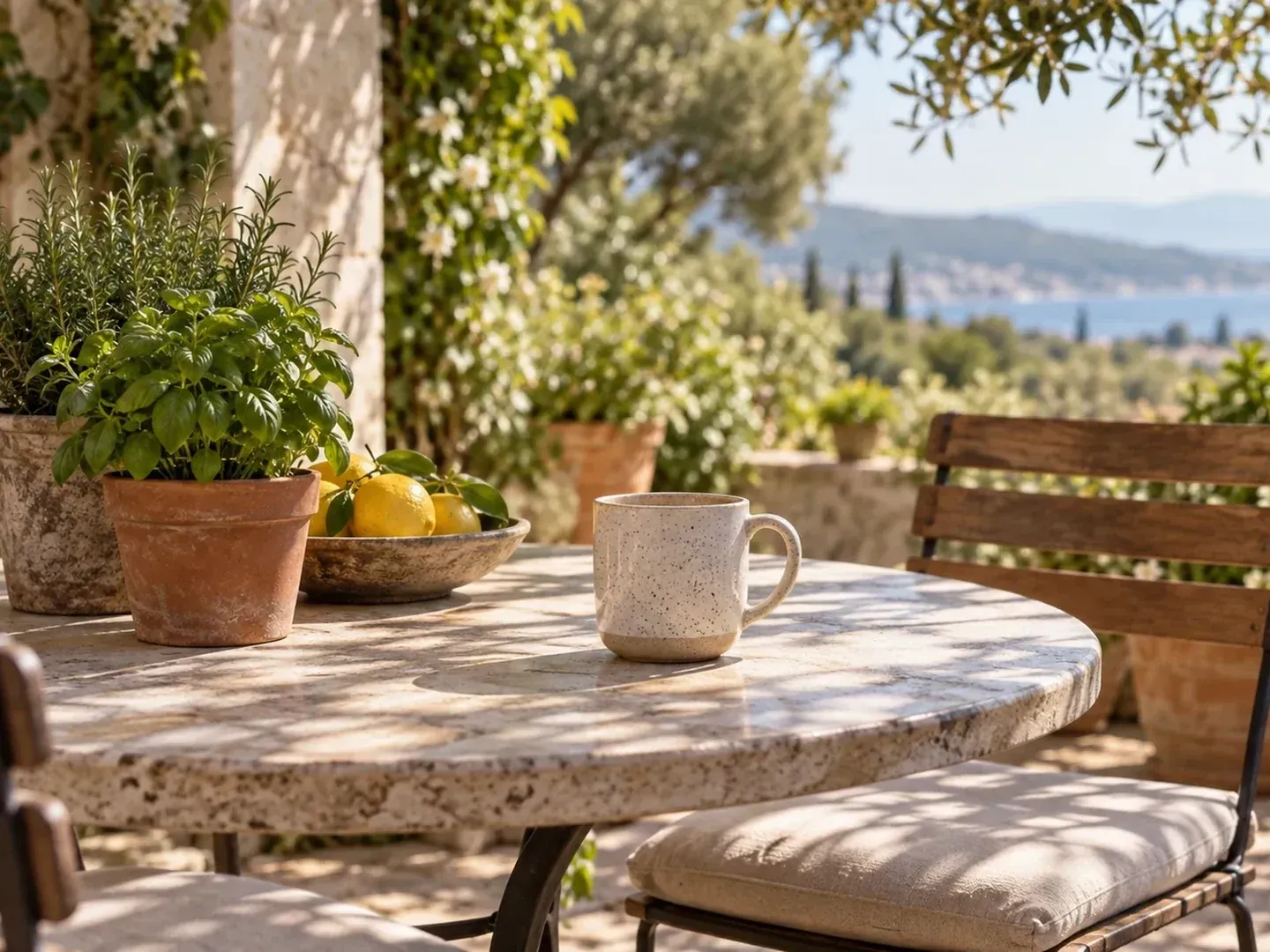
Four creative and marketing roles that use an AI clips generator to produce custom B-roll, product teasers, and visual story beats.
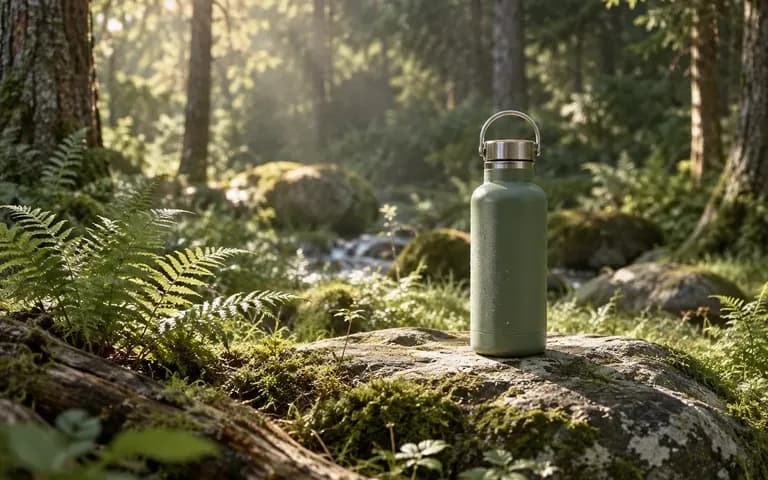
Generate atmospheric B-roll cutaways, visual hooks, and transition shots for Shorts, Reels, and TikTok edits when stock footage feels repetitive.

Preview how a bottle, mug, or packaged item looks under moving studio light or reflections, checking packaging geometry before campaign use.
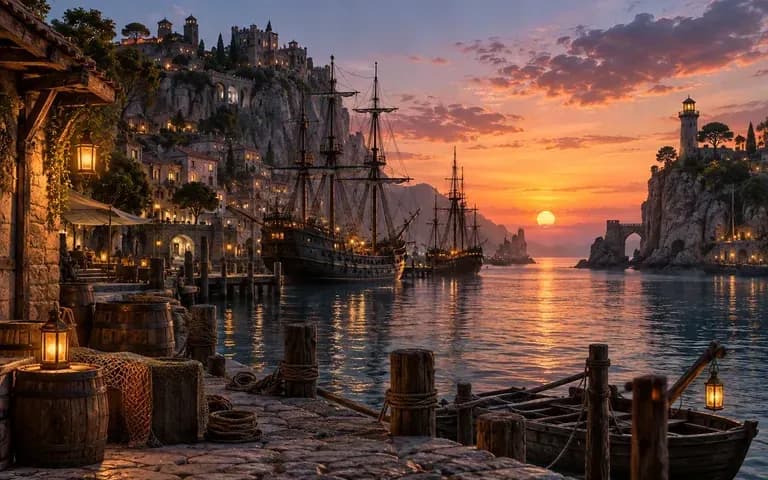
Turn written treatment notes into moving pre-visualization clips so clients and crew can evaluate camera pace, framing, and lighting mood before production.

Create looping background motion and clean 9:16 or 1:1 visual canvases first, then layer typography, logos, and captions in a video editor.
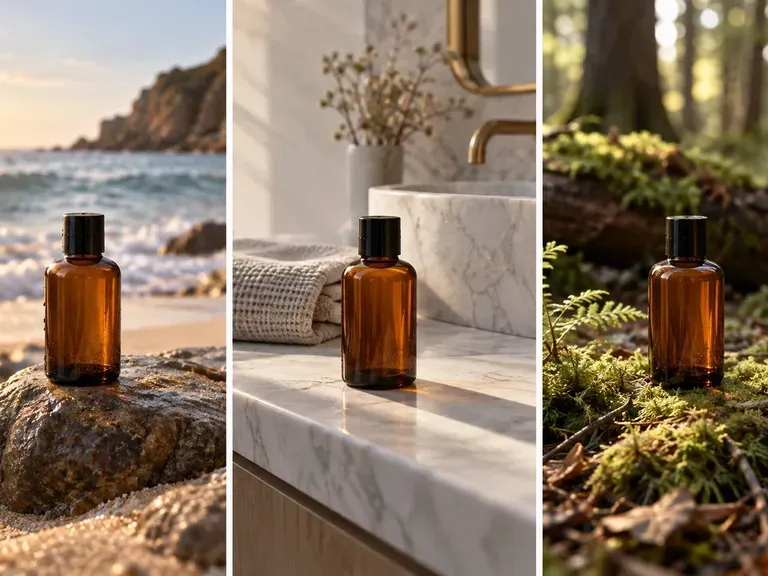
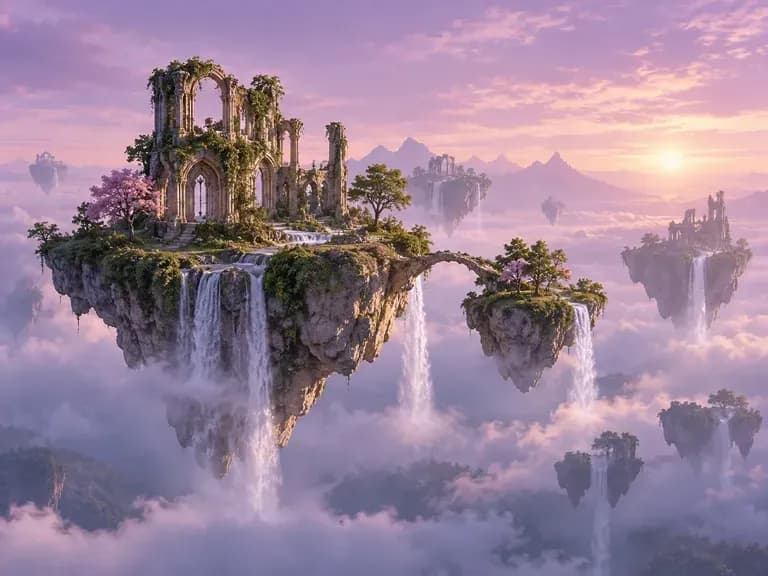
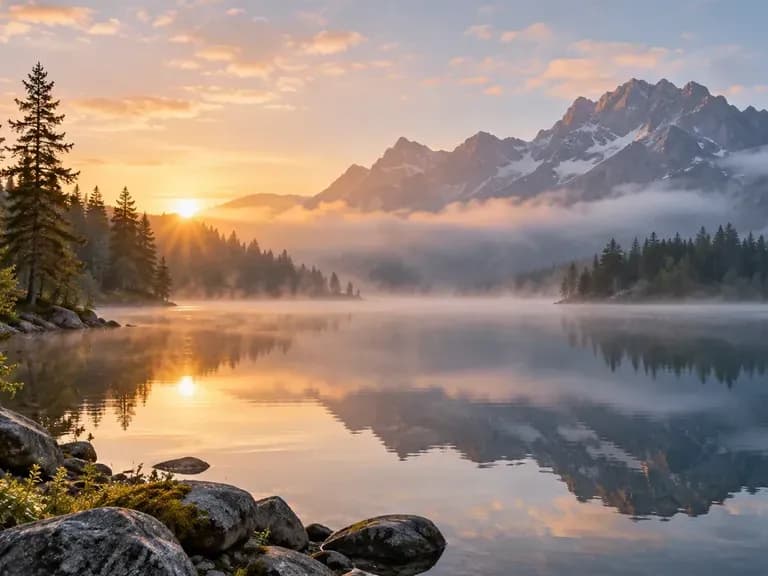
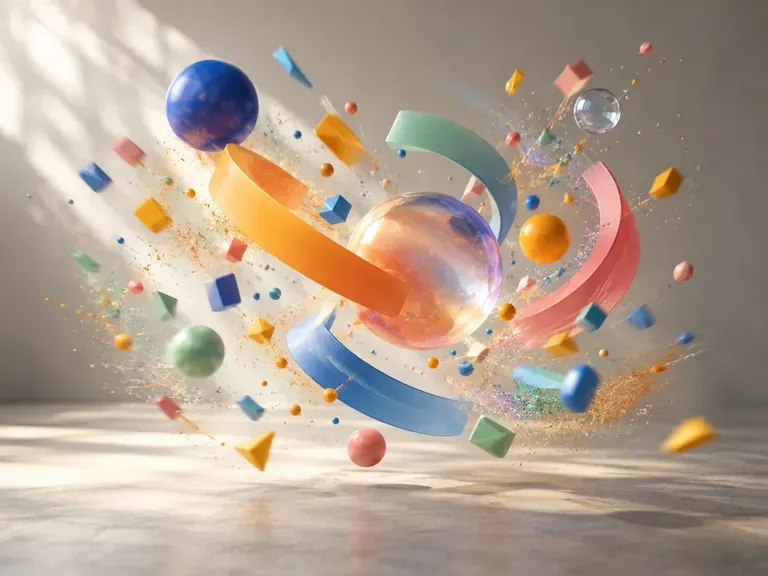
Six visual concepts showing tabletop still lifes, multi-setting product comparisons, landscapes, and narrative beats you can explore as short video clips.
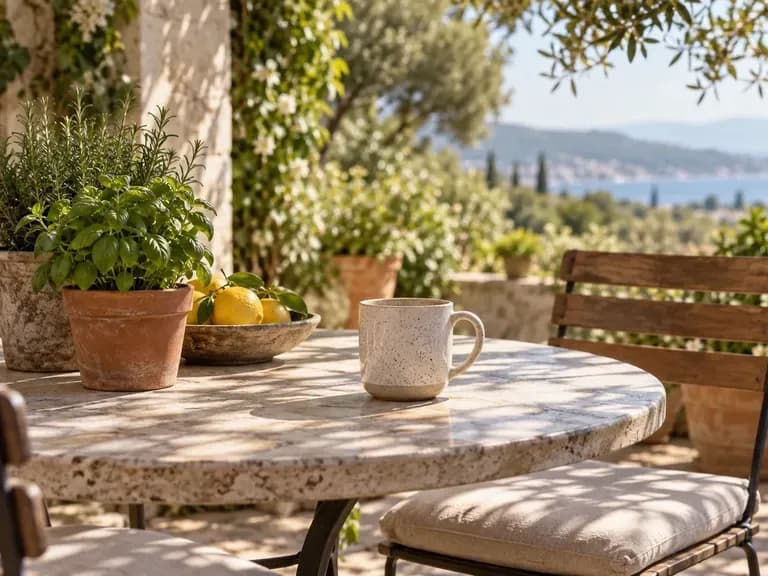

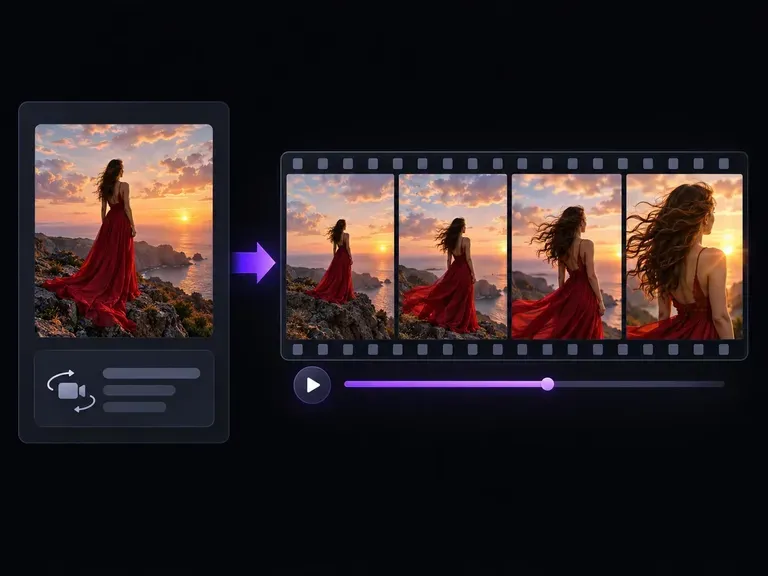
Start with a required still photo or product shot and animate camera motion directly from that frame.
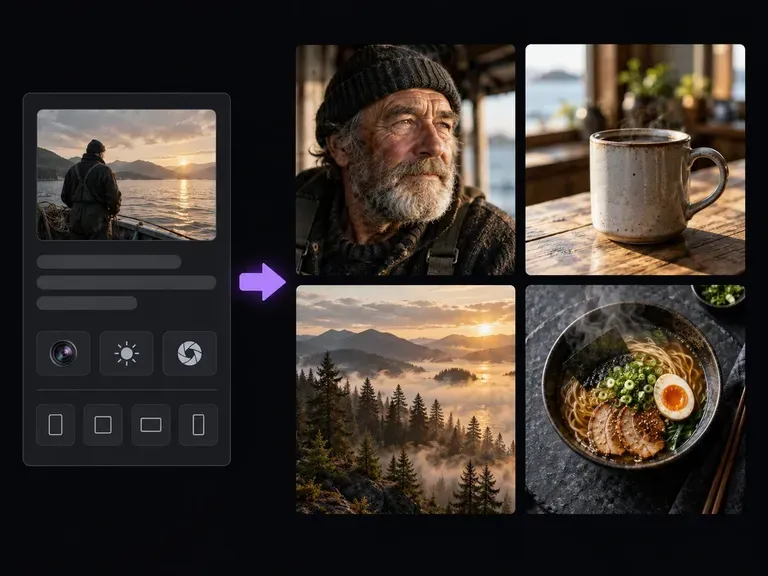
Generate a high-resolution still frame in 9:16, 16:9, or 1:1 first, then upload it as a starting frame.
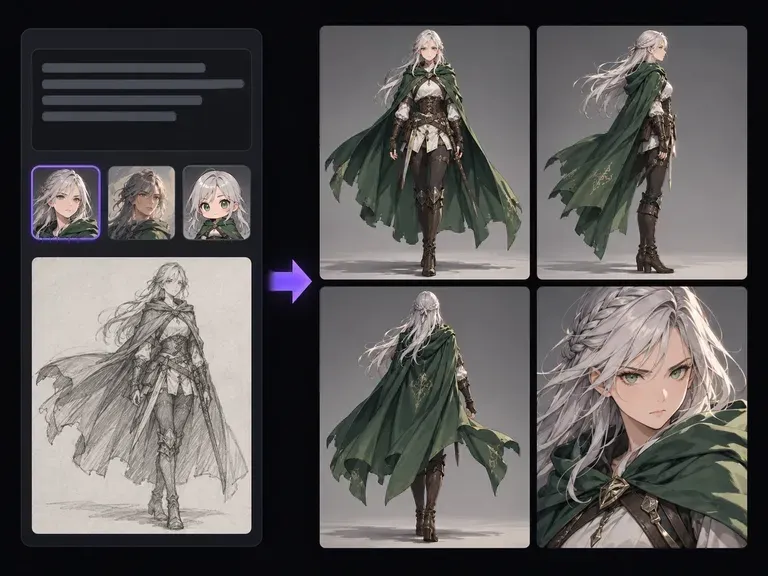
Design an original character or mascot sheet before staging that subject inside a short animated clip.
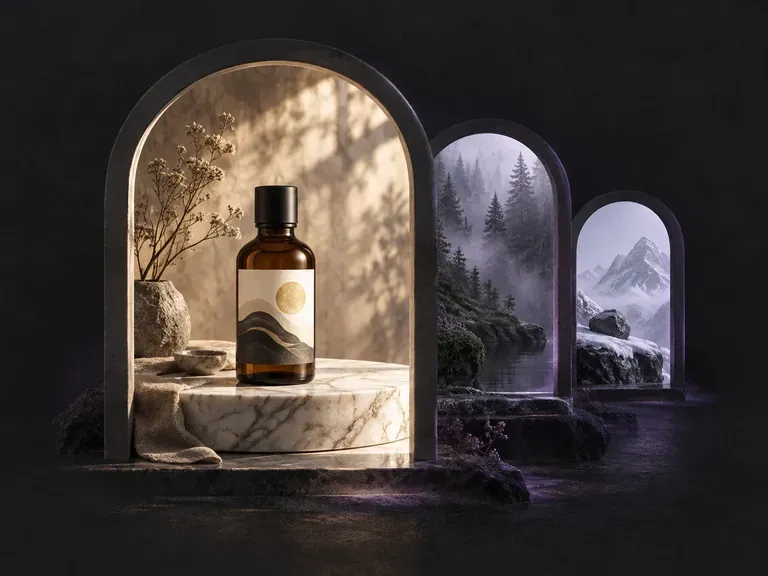
Build atmospheric environment backdrops with coherent perspective, lighting, and depth of field.
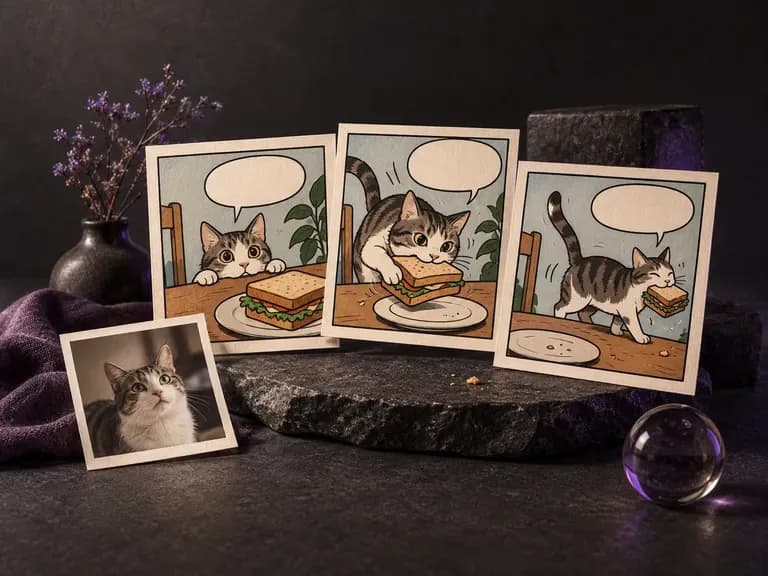
Lay out sequential panels, inked characters, and consistent costumes across comic pages.
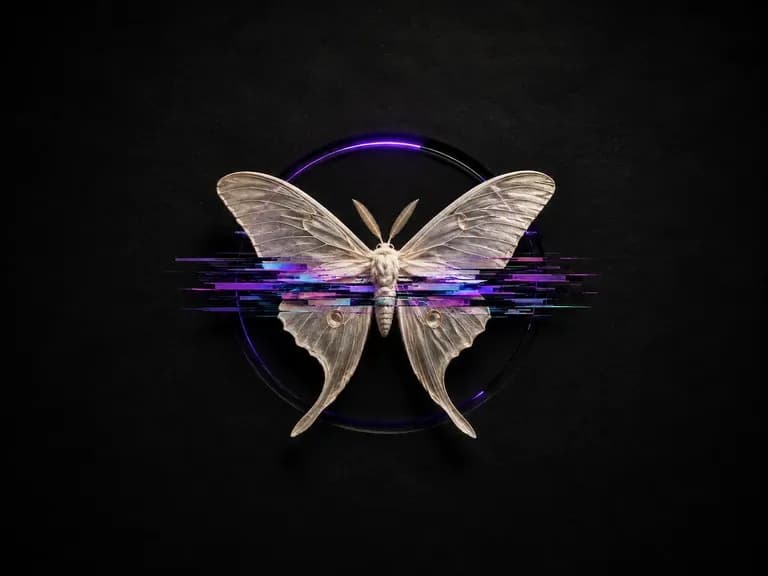
Add controlled scanlines, chromatic splits, and datamosh textures while keeping subjects legible.
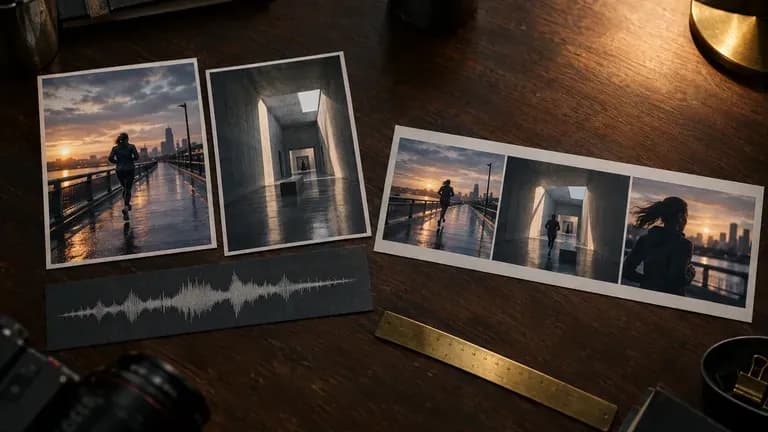
Start with a required still photo or product shot and animate camera motion directly from that frame.
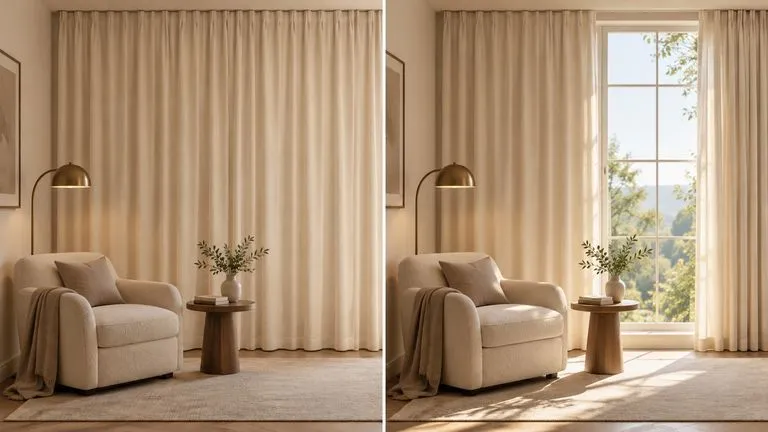
Generate a high-resolution still frame in 9:16, 16:9, or 1:1 first, then upload it as a starting frame.
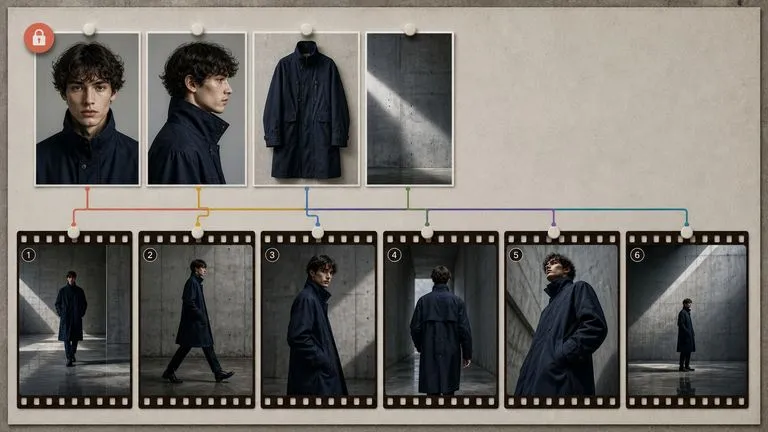
Design an original character or mascot sheet before staging that subject inside a short animated clip.
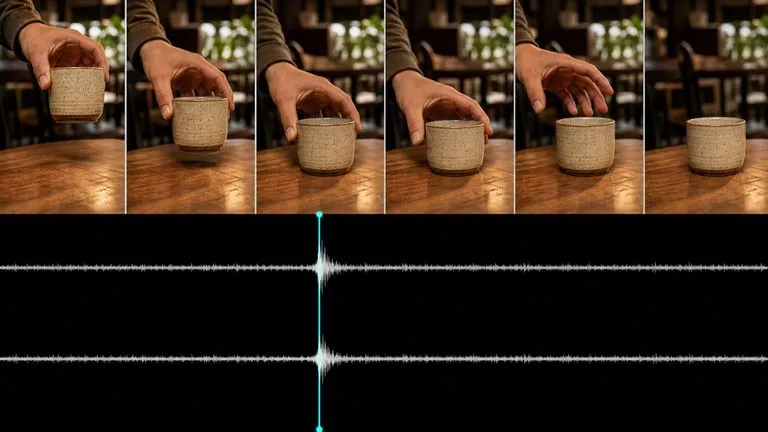
Test alternative motion trajectories and camera pans from a single starting keyframe.
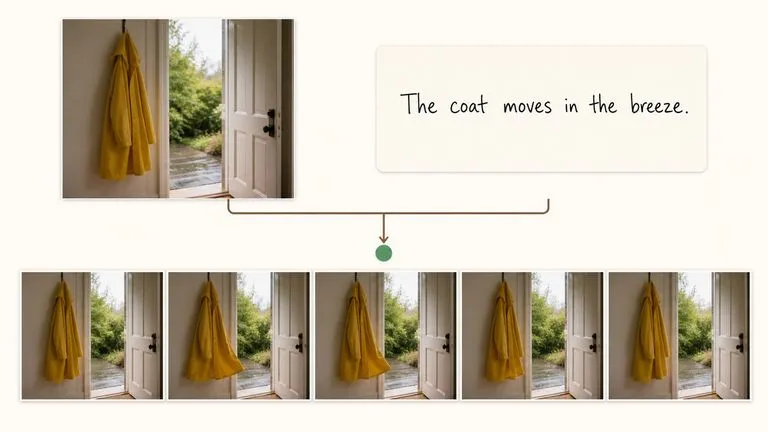
Create lively social-ready motion loops and stylized animated movement for short-form feeds.
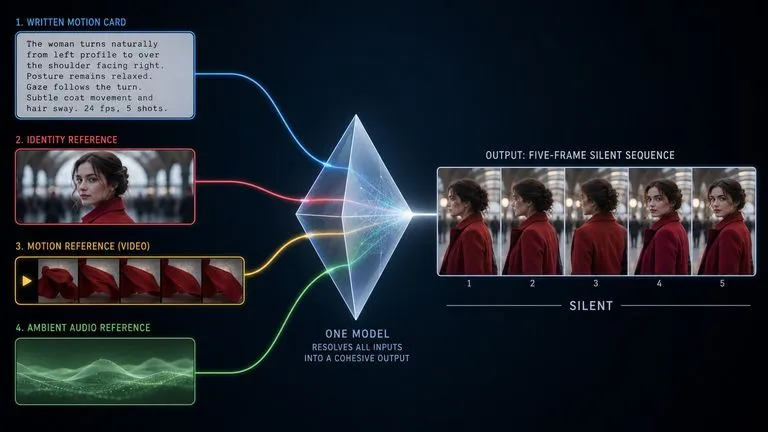
Draft quick motion previews and timing studies before rendering final high-bitrate video deliverables.
Turn a written shot concept or reference still into custom B-roll, product teasers, and social video clips inside Virse.