
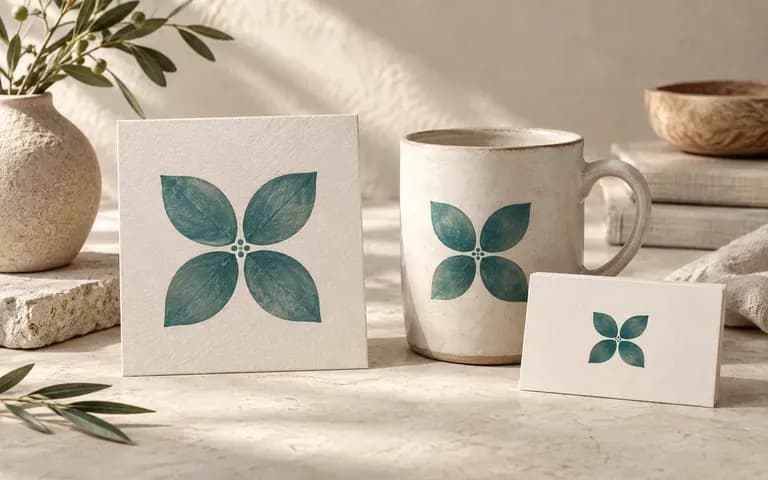
Your artwork
Start from Your Approved Identity Files
Upload the exact logo, wordmark, and graphic motifs your team has already designed so the preview tests your real identity rather than generating a replacement mark.
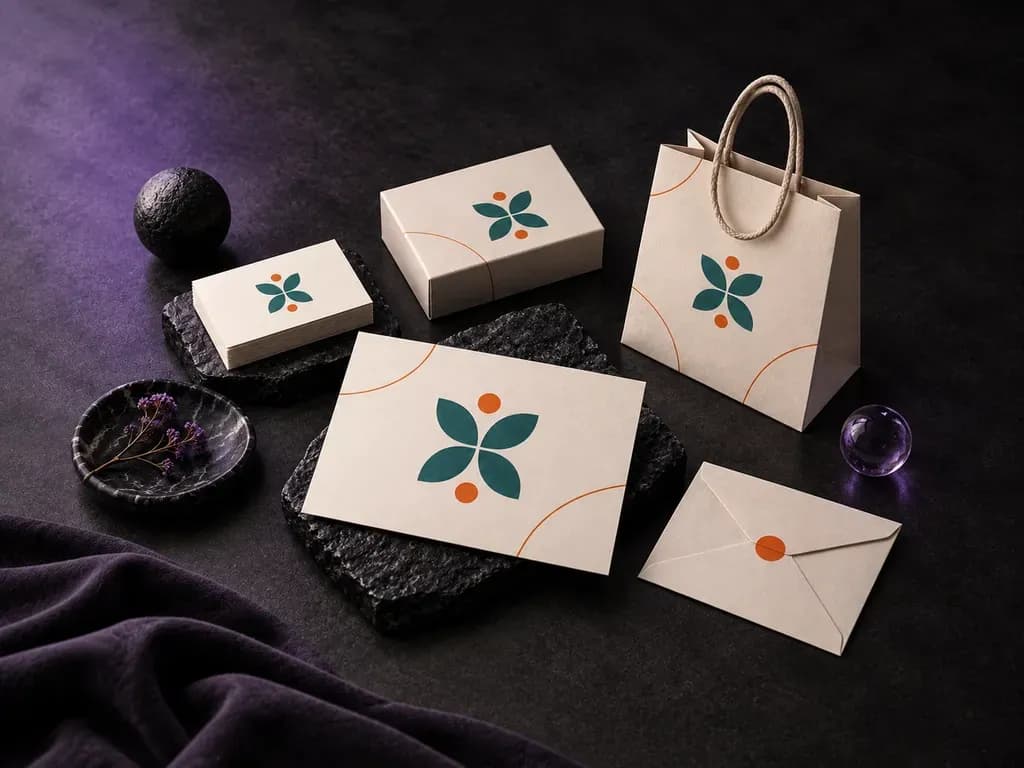
Upload your existing logo, color palette, and supporting brand graphics, then list the physical items you want in the frame. This branding mockup generator composes a coordinated presentation board across stationery, packaging, menus, or event collateral.
A branding mockup (or brand identity mockup and brand guidelines mockup) shows your visual identity applied across physical materials rather than isolated on an artboard:
• Cross-asset logo scale: Verify how your primary wordmark, secondary monogram, and clear space balance across business cards and large carrier bags.
• Substrate color consistency: Check how the same brand palette reads across uncoated cotton stationery, kraft packaging board, and coated menu stock.
• Touchpoint selection: Assemble physical items that match what a retail shop, cafe, or B2B studio actually hands to clients.
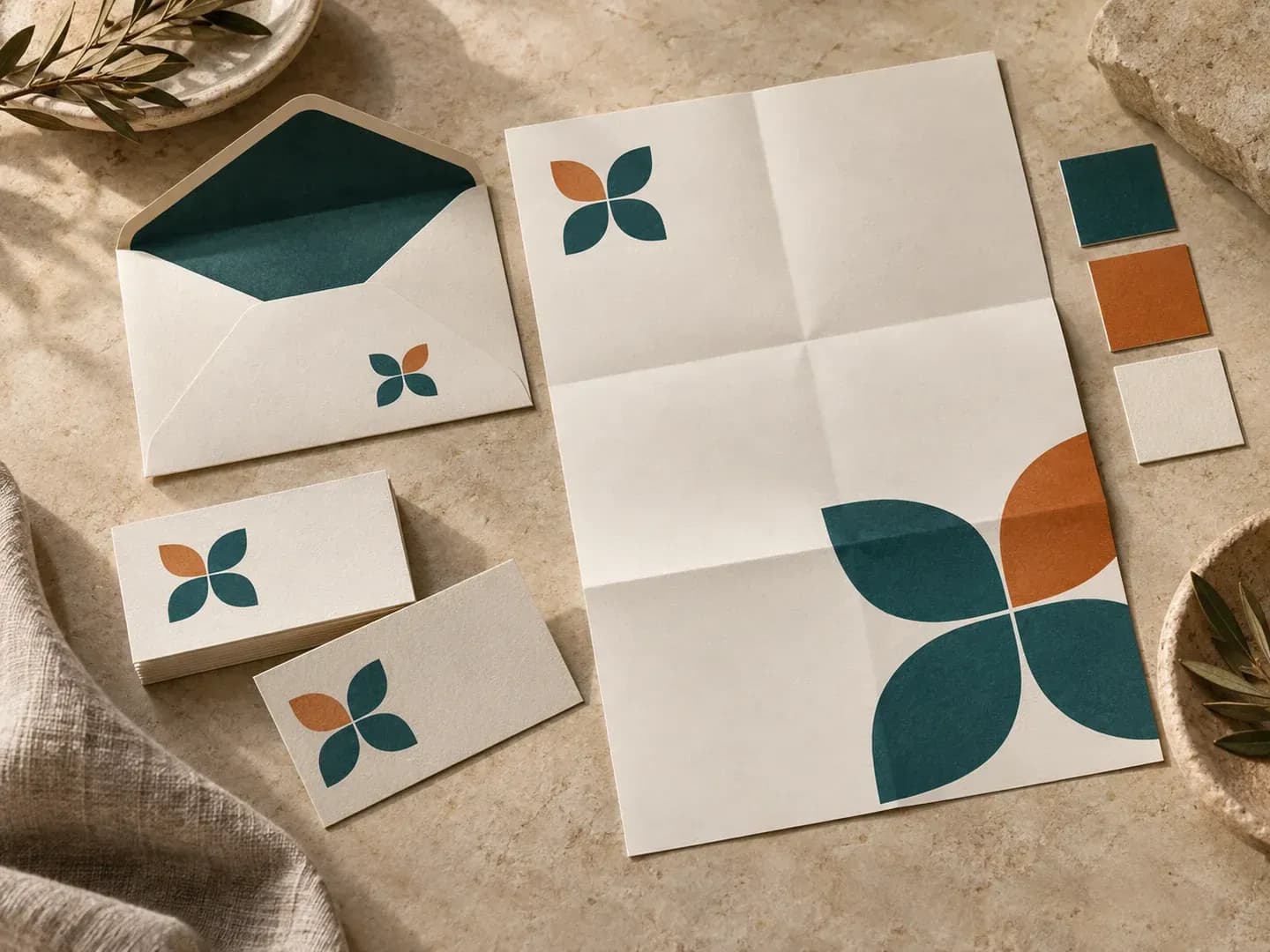
Why agencies and in-house teams build a branding mockup from their own assets and material list instead of a fixed stock bundle.
Upload the exact logo, wordmark, and graphic motifs your team has already designed so the preview tests your real identity rather than generating a replacement mark.
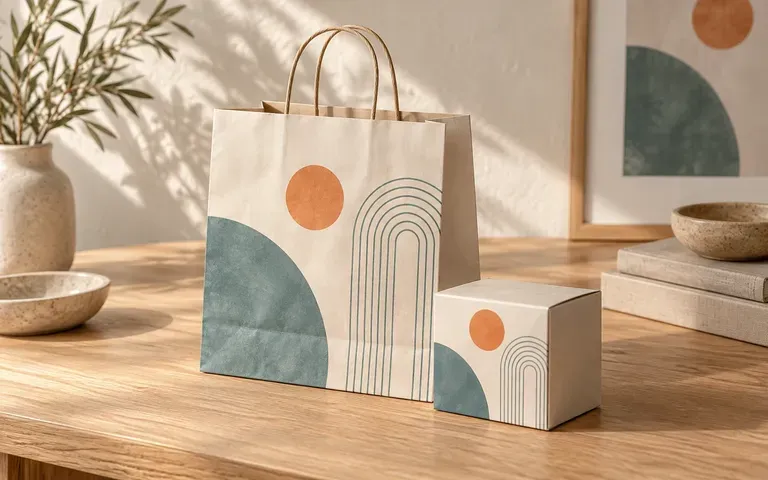
Name the exact touchpoints your client uses, such as a stationery branding mockup with cards and envelopes for a consultancy or bags, boxes, and stickers for retail.
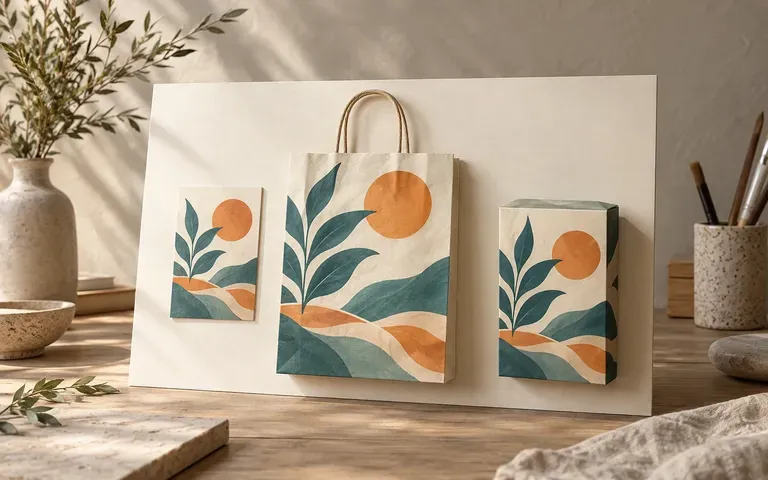
Place multiple branded items in a single composition to judge how logo proportions, background colors, and typography hold together across the suite.
How composing a tailored material board in your browser compares with editing pre-built Photoshop branding bundles.
Stock Branding Mockup PSD Packs
Virse Branding Mockup Generator
Add your finished logo file, supporting brand graphics, and reference notes for your core color palette.
Name the 2 to 4 physical materials to include, such as business cards, letterhead, packaging boxes, or menus, plus the surface setting.
Run the generator to render a static presentation image showing your identity applied across the requested material set.
Check logo proportions, fine lettering, and color accuracy on each object against your source files, refining the brief if needed.
Focused object lists keep every item legible. Copy any of these three branding mockup prompts and swap in your own palette and collateral:
• Stationery branding mockup: "Stationery branding mockup with the uploaded green wordmark and sand palette on a cotton business card, A4 letterhead, and envelope on travertine."
• Retail packaging suite: "Retail brand identity mockup with the uploaded monogram and cobalt accent on a matte shopping bag, gift box, and seal sticker on a plinth."
• Hospitality collateral: "Cafe branding mockup applying the uploaded emblem and terracotta palette to a dinner menu, coffee cup, and coasters on walnut."
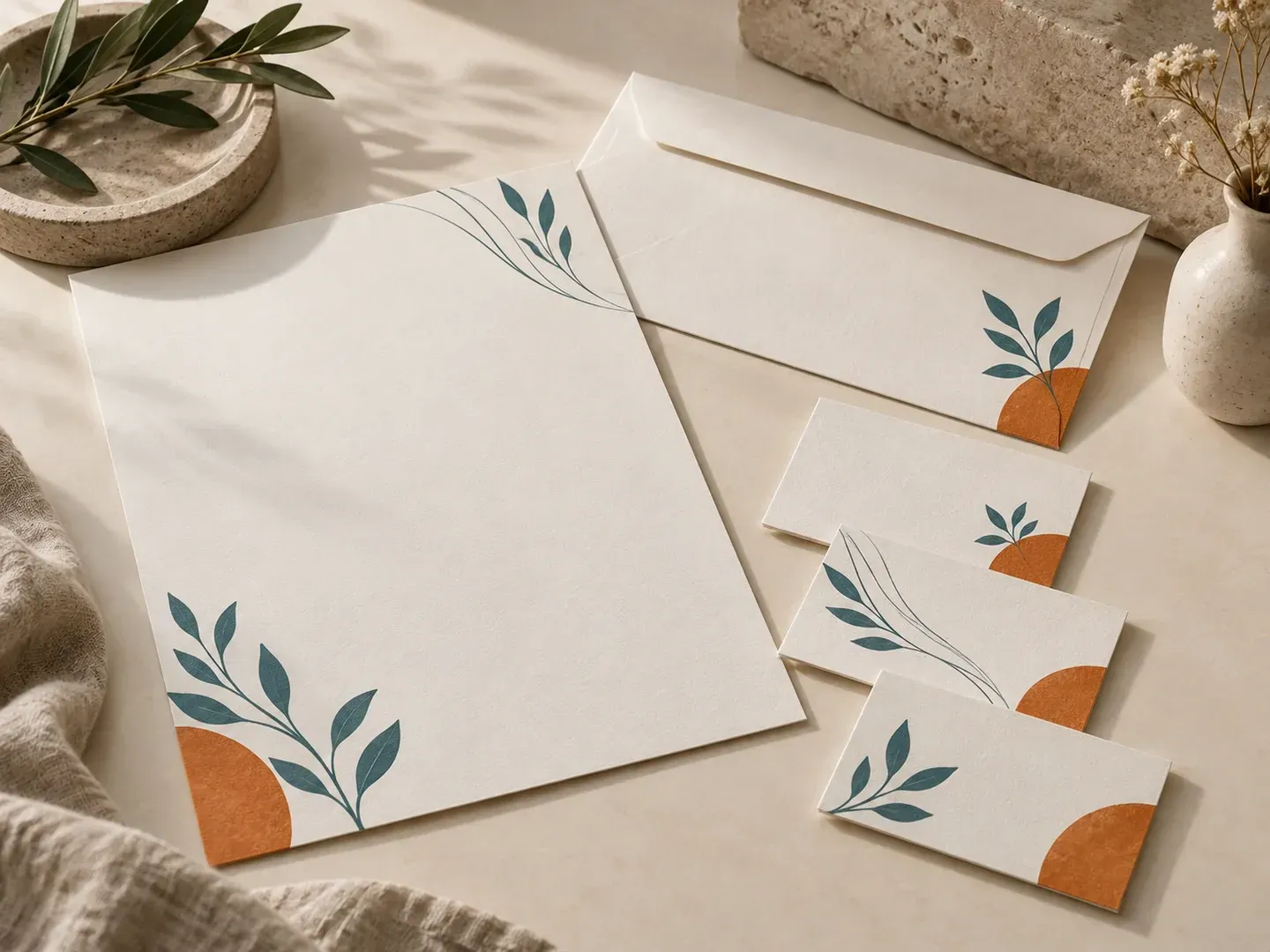
Four creative and business teams that use a brand mockup to bridges the gap between a flat logo sheet and physical production.
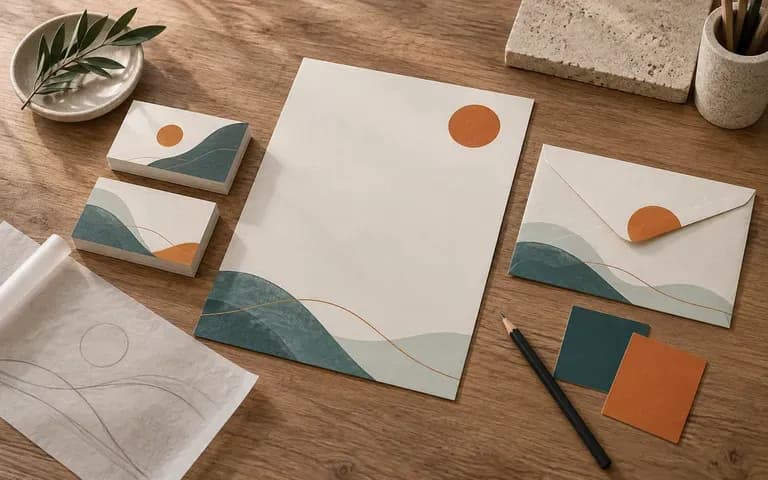
Build realistic application pages for client pitch decks and brand guidelines mockup sections without spending hours warping smart objects.
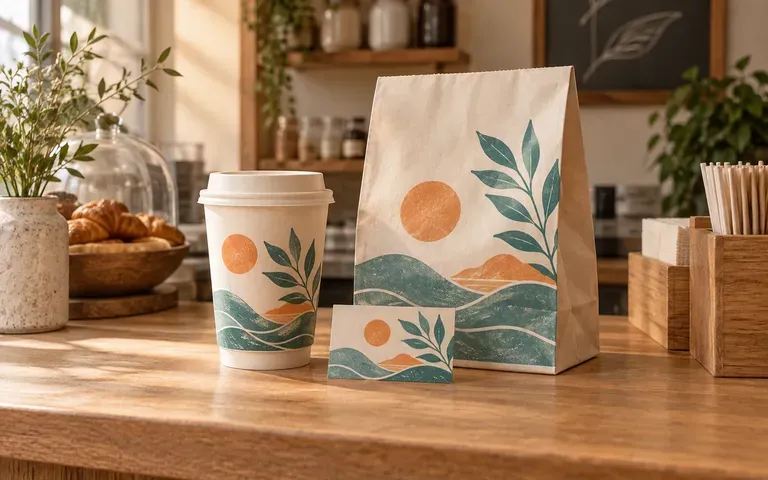
Preview how an existing shop logo and color scheme will look on bags, cards, menus, and counter signage before ordering print runs.
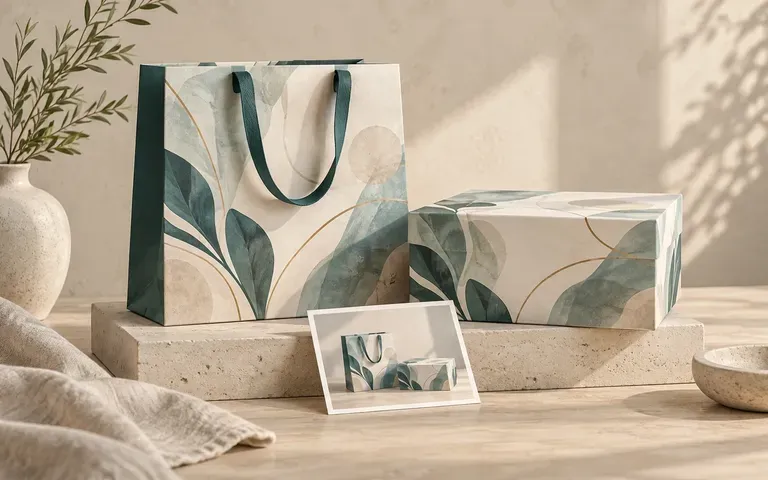
Present two or three distinct material directions side by side so stakeholders can approve the collateral scope before pre-press work begins.
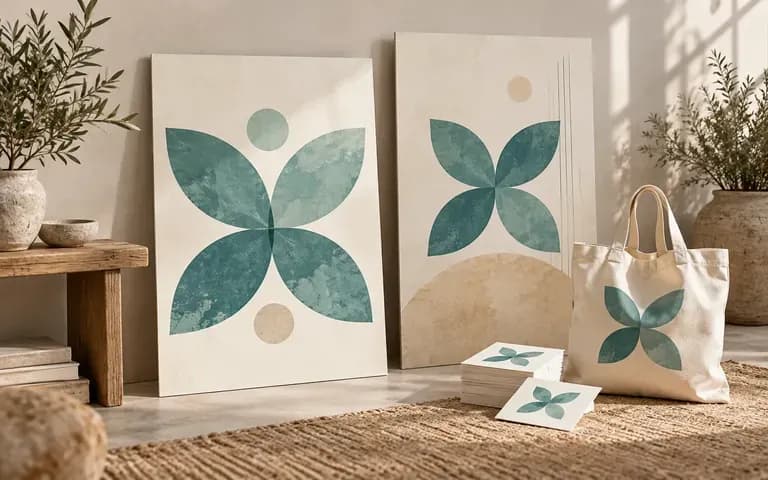
Check whether seasonal campaign graphics, event badges, and promotional mailers stay visually aligned with the company's core brand guide.
Six branding mockup boards illustrating office stationery, retail packaging, hospitality menus, event kits, and brand refresh comparisons.
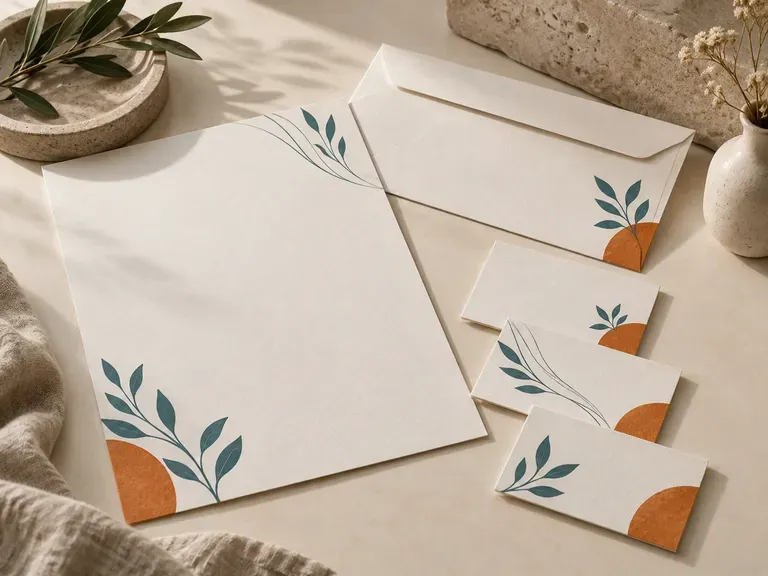
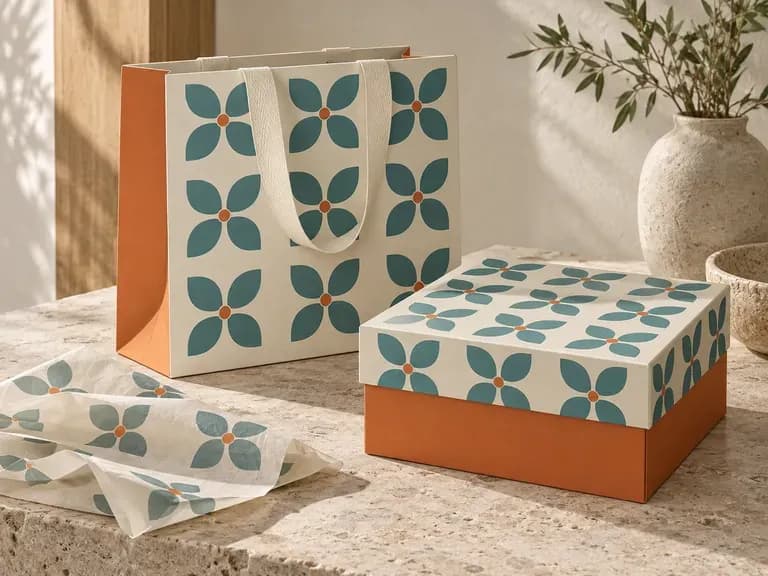
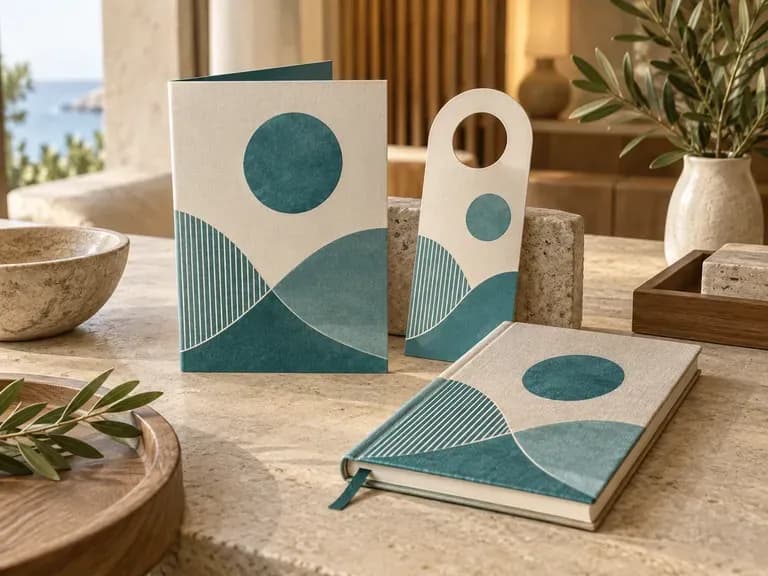
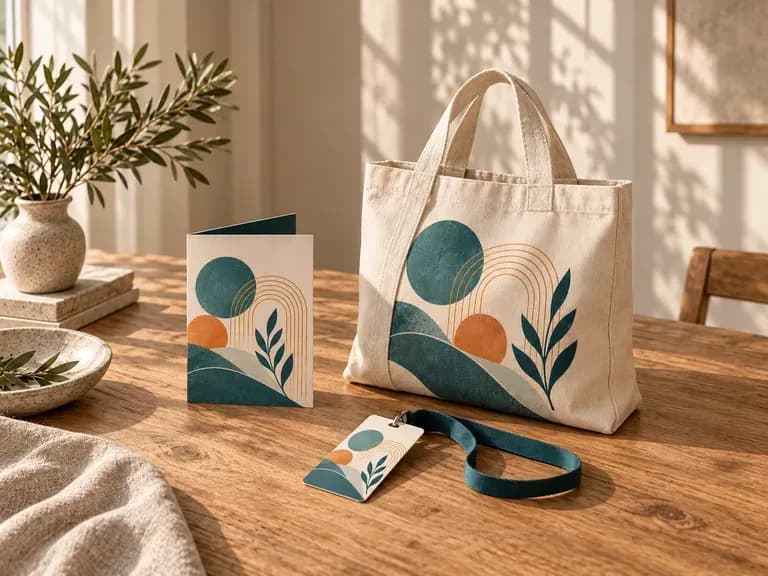
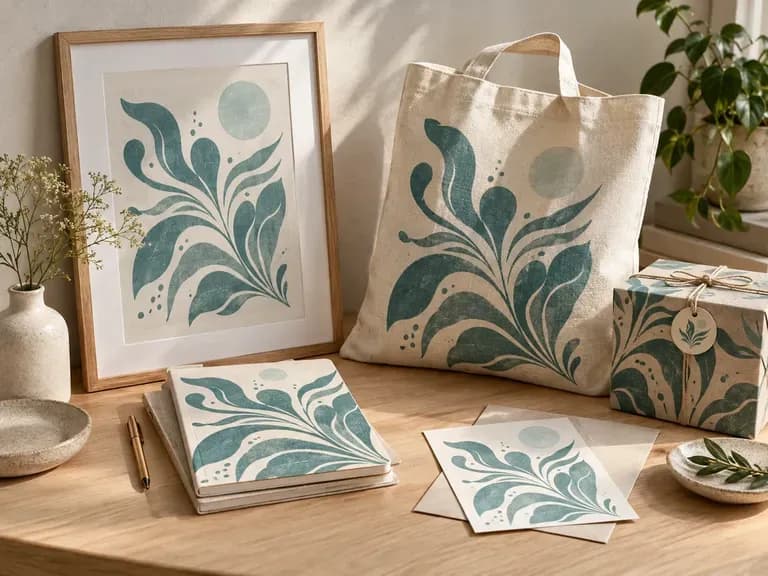
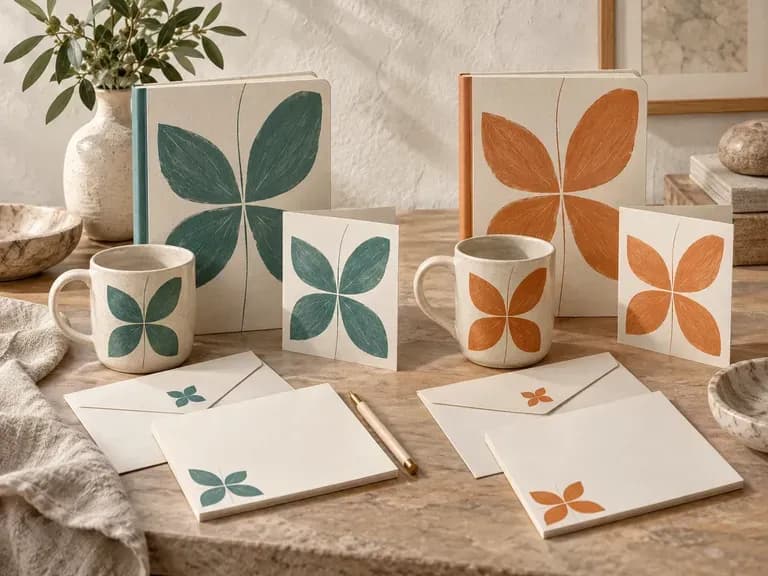
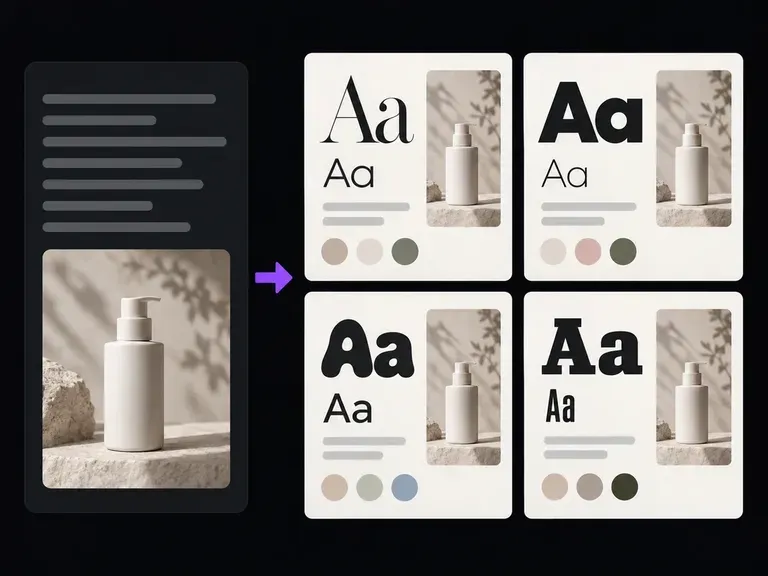
Compare heading and body-copy typography pairings in context before locking your brand style guide.
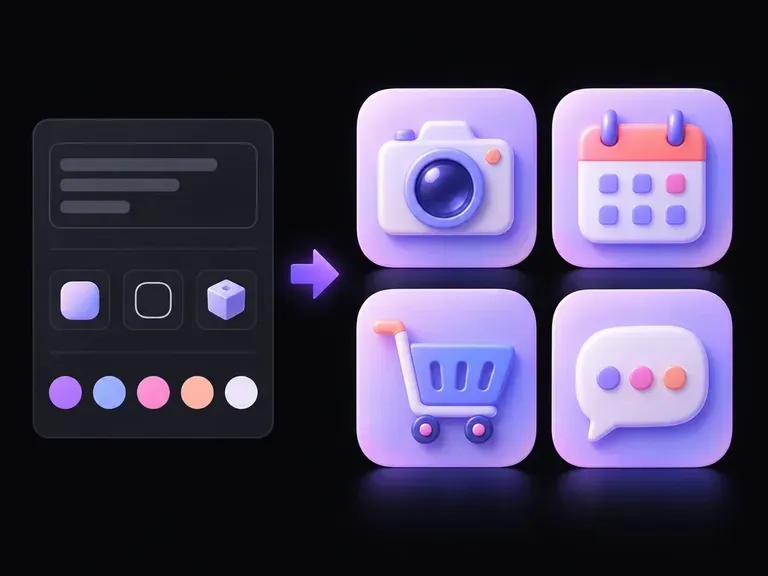
Develop cohesive visual symbols and icon sets with a consistent stroke, shape, and style.
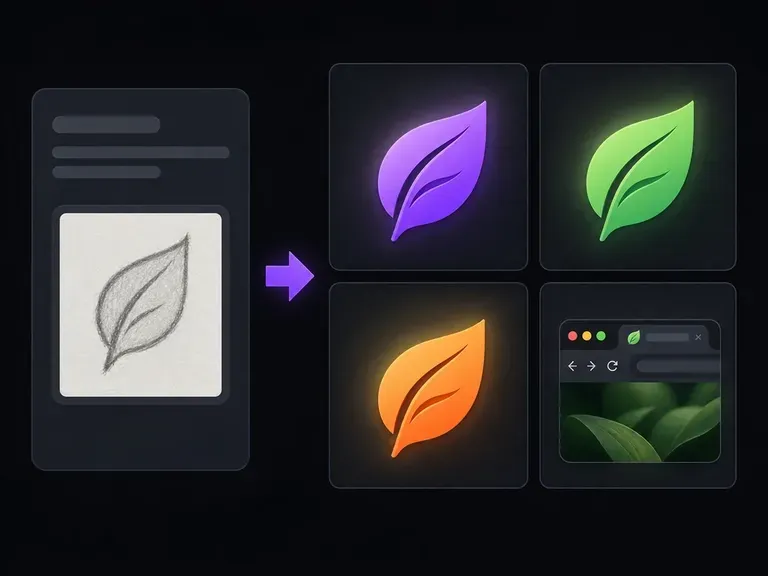
Distill your brand symbol or initial mark into a clean browser tab and app icon concept.
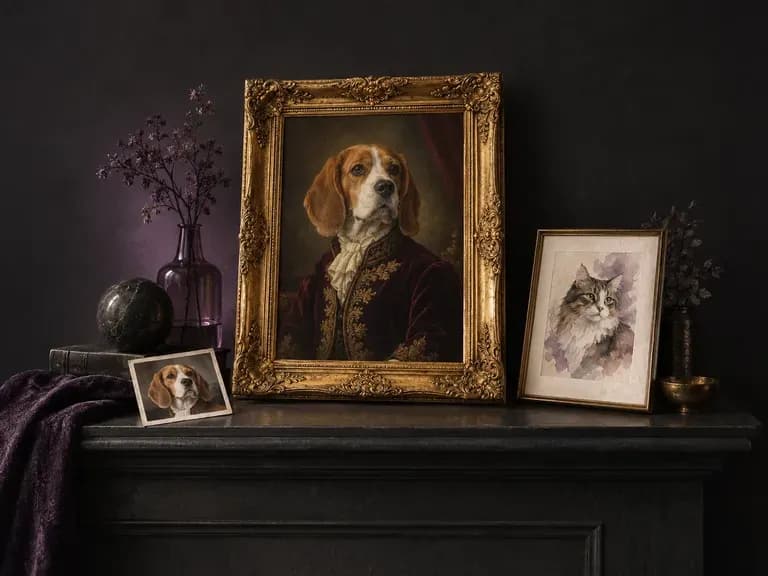
Render custom illustrated or studio-style portraits from a photo of a dog, cat, or pet.
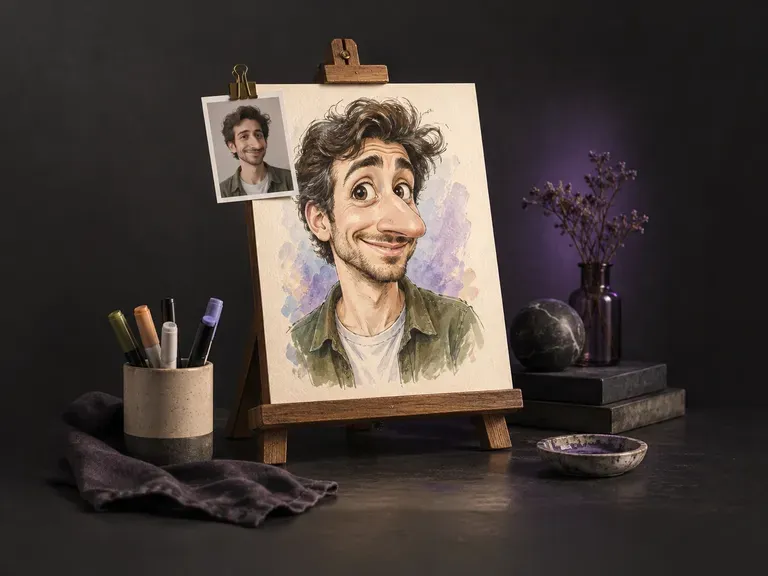
Create playful exaggerated portrait illustrations while keeping the subject recognizable.
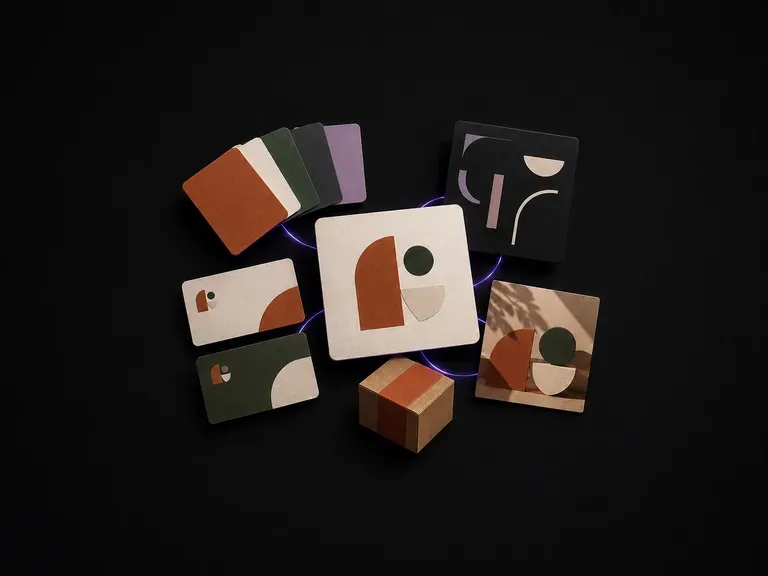
Assemble primary marks, color tokens, and visual direction boards from one brand brief.

Render crisp labels, fine surface textures, and multi-reference compositions up to 4K resolution.

Follow complex multi-part written briefs that combine uploaded reference photos with strict layout rules.

Produce realistic studio lighting, contact shadows, and natural material grain for commercial shots.

Swap backgrounds, lighting setups, or colorways while keeping your core subject geometry locked.

Explore four distinct framing and styling variations side by side on the canvas in a single run.
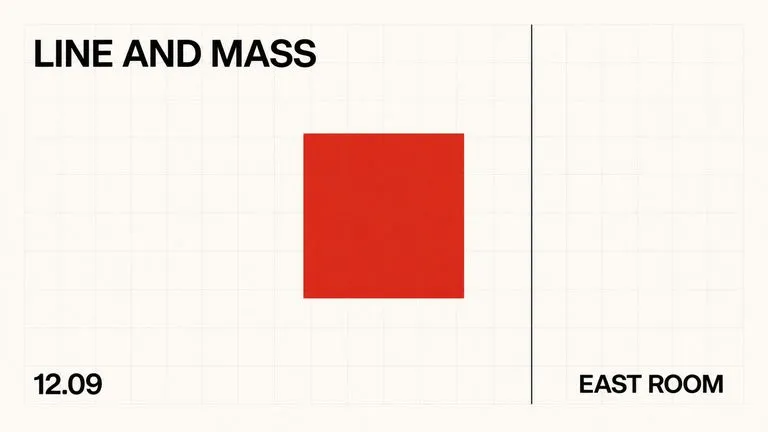
Keep display headlines, packaging wordmarks, and monogram badges sharp inside generated visuals.
Upload your logo and brand graphics, list the stationery or packaging items your customers see, and generate a coordinated presentation board.