
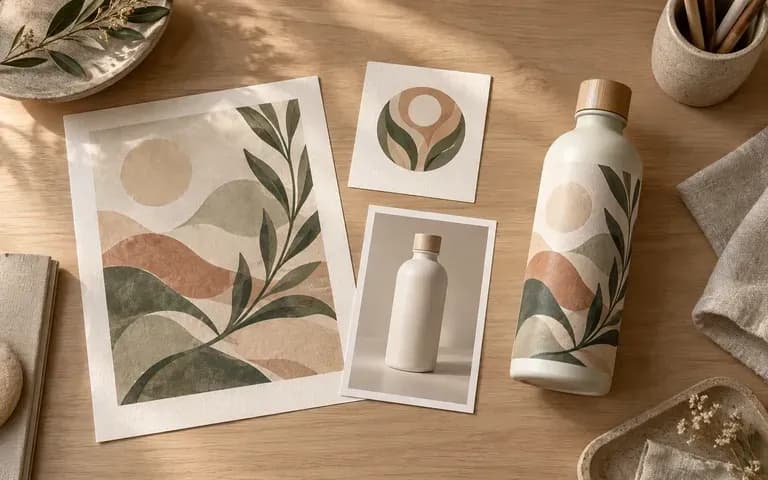
Your input
Start from existing work
Add a design that needs an object, a logo that needs an application, or a product image that needs a setting. State the task clearly in the brief.
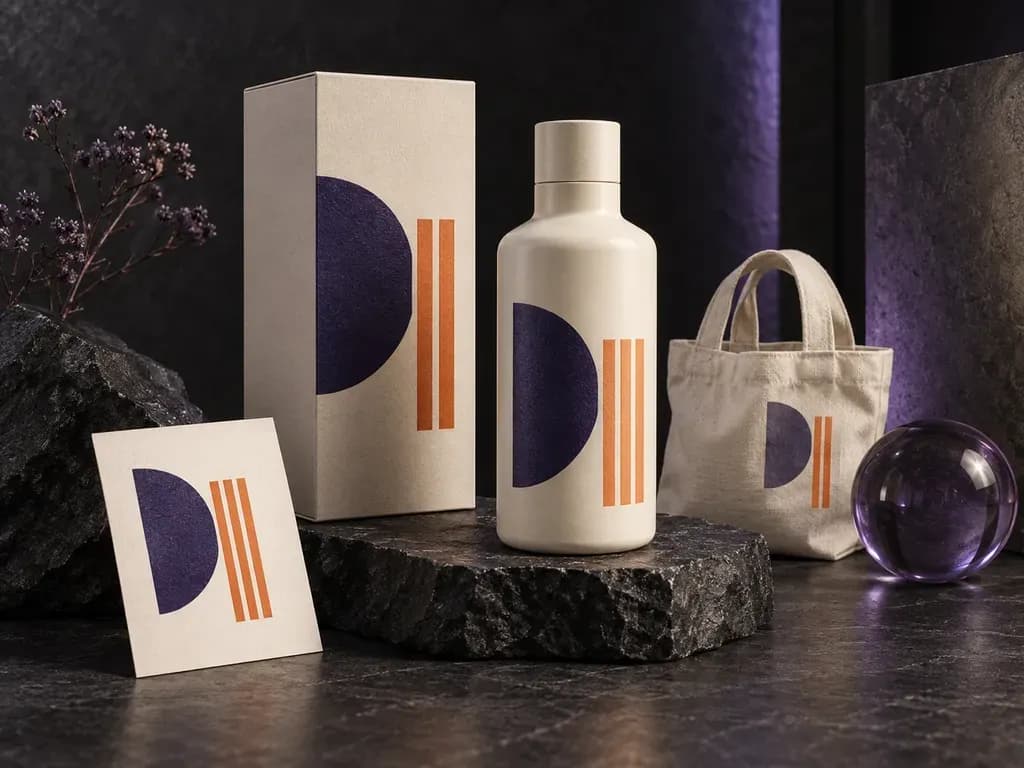
See your design where people will encounter it. Add artwork, a logo, or a product image, then describe the object, material, light, and setting. This AI mockup generator creates a static preview for reviewing the idea in context.
A mockup generator turns existing artwork, a logo, or a product image into a static product or display preview. Virse uses your image and notes on the object, material, lighting, and setting to show the design in context—built around three core workflow advantages:
· Works with any product or surface: Apply existing 2D designs onto packaging, apparel, signage, drinkware, or tech accessories.
· Material-true surface blending: Respects specular highlights on glass, grain on wood, weave on fabric, and curvature on cylinders.
· Custom lighting & environment: Steer studio plinths, retail shelves, desk setups, or outdoor street contexts from a short note.
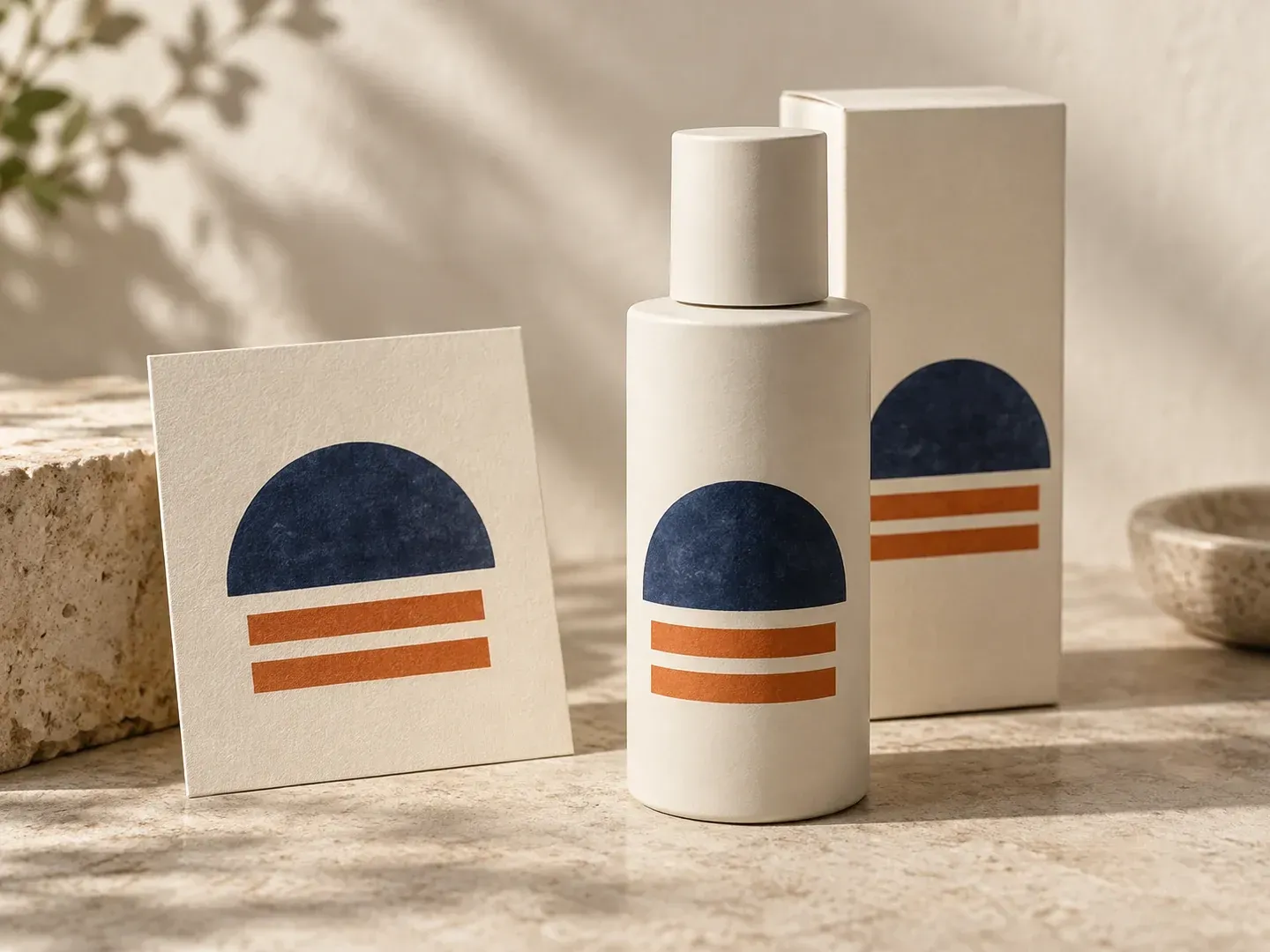
A flat design and a finished product photo answer different questions. Use the source you have, then explain what the preview needs to show.
Add a design that needs an object, a logo that needs an application, or a product image that needs a setting. State the task clearly in the brief.
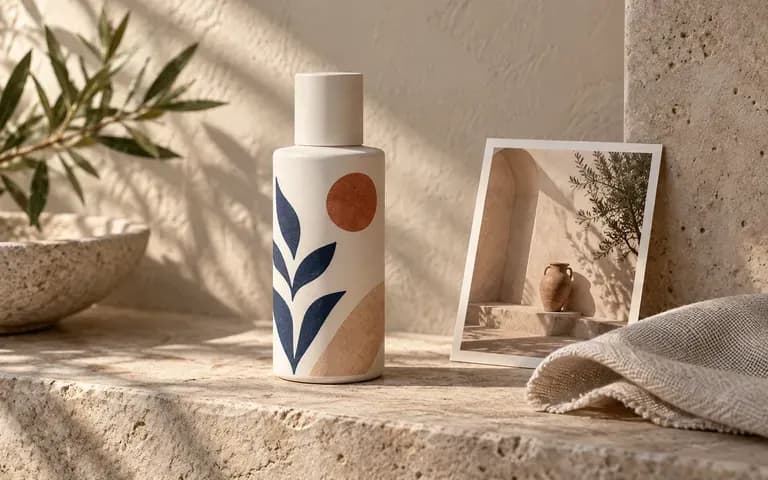
Name the object type, material appearance, and lighting. An optional scene reference gives the image another guide when a particular setting is part of the idea.
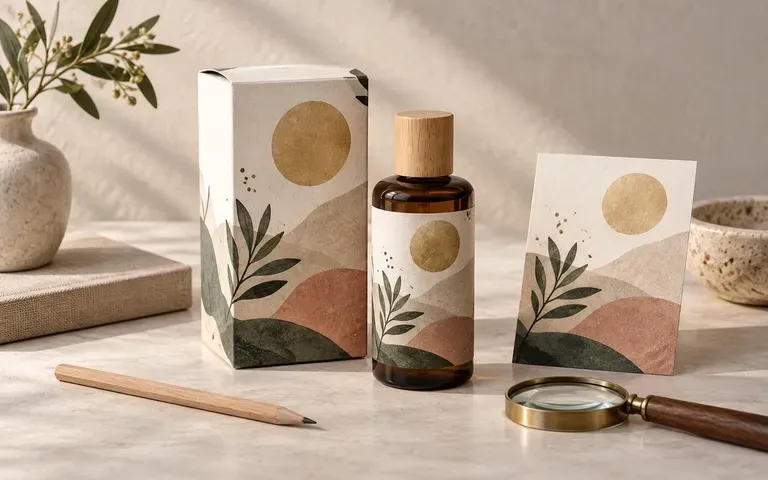
Use a product mockup generator to show the design in context. The image gives reviewers something specific to discuss, such as placement, contrast, or the background.
Compare rigid stock PSD templates against flexible, reference-driven AI mockups on the Virse canvas.
Fixed Stock PSD Templates
Virse AI Mockup Generator
Provide existing artwork, a logo, or a product photo. Explain whether the task is applying a design or presenting an existing product.
Specify the object type, material, light, and setting. Include a scene reference if it helps describe the view.
Create a static mockup from the image and brief.
Review text, logo proportions, object shape, and material appearance. Revise the brief if the preview changes details that need to stay intact.
Upload your finished logo or artwork and describe the target object, surface material, and lighting environment:
· Ceramic coffee mug on café counter: Apply uploaded emblem as a matte kiln-fired decal on a speckled stoneware mug, warm morning espresso bar light.
· Enamel lapel pin on denim jacket: Render uploaded badge artwork as a polished gold-plated hard enamel pin fastened to a washed indigo denim lapel.
· Acrylic storefront blade sign: Place uploaded monochrome wordmark onto a frosted illuminated round blade sign mounted on a brick façade at dusk.
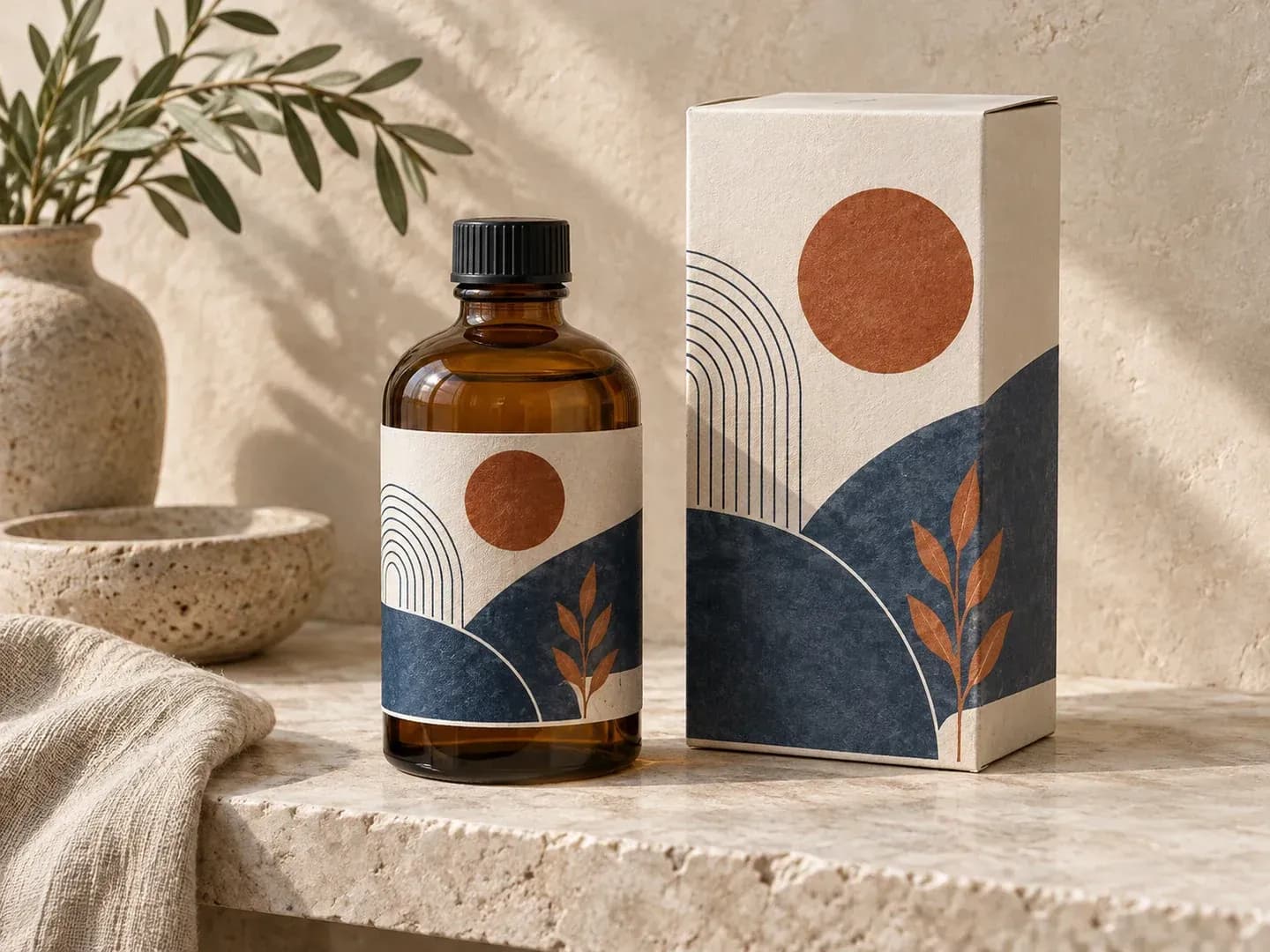
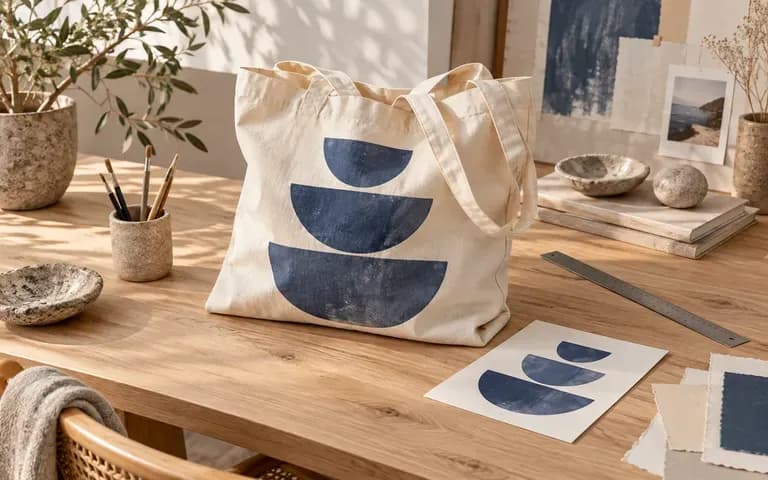
Show artwork in the product or display context a client needs to review.
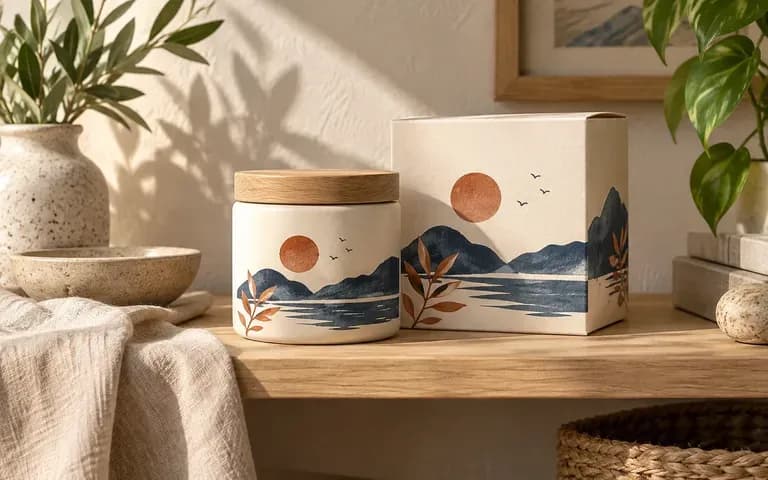
Explore a visual presentation using the design assets already available.
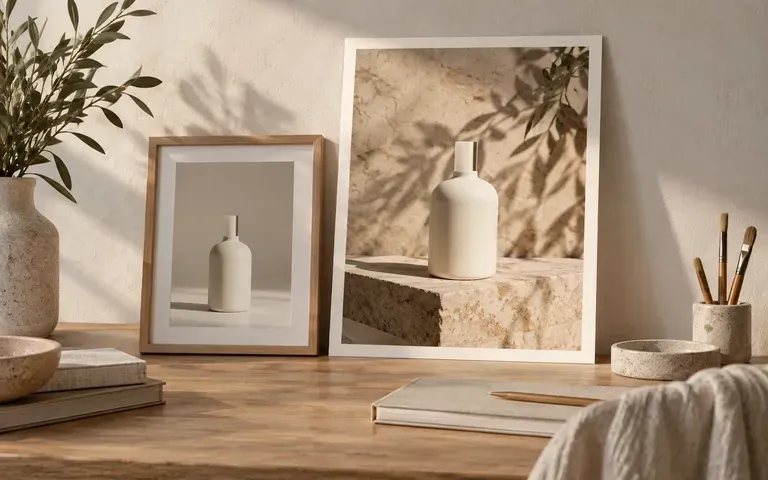
Develop a scene concept around an existing product image.
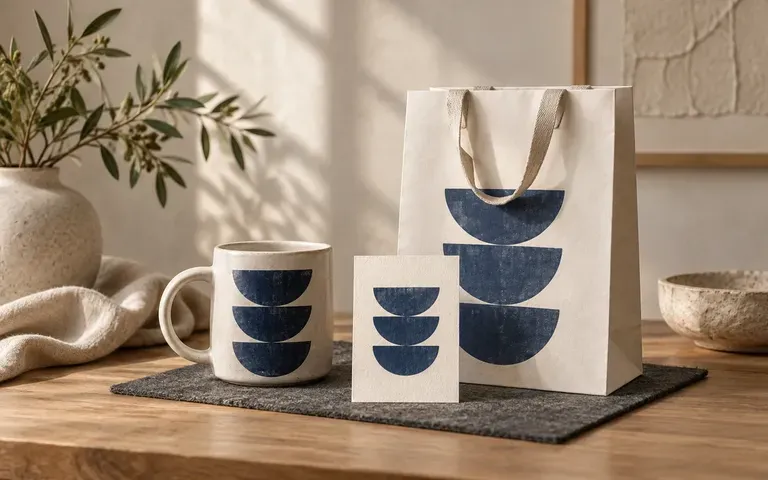
Present a logo or graphic on a relevant branded object.
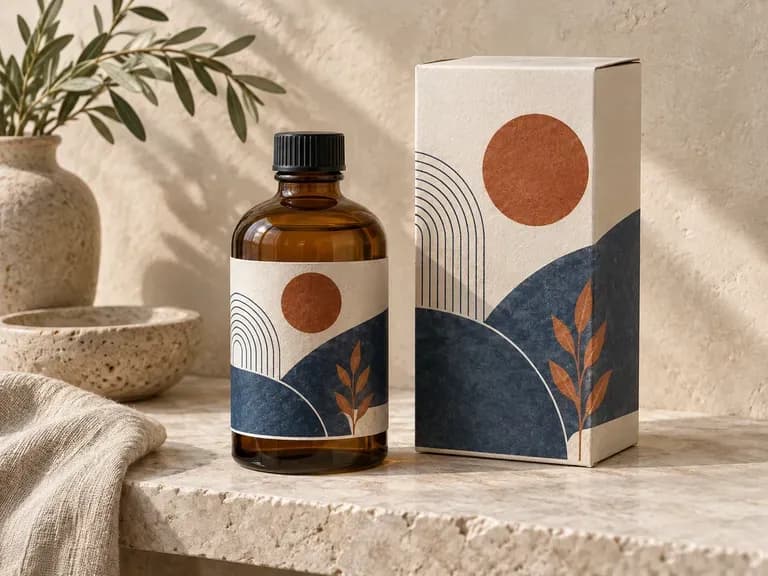
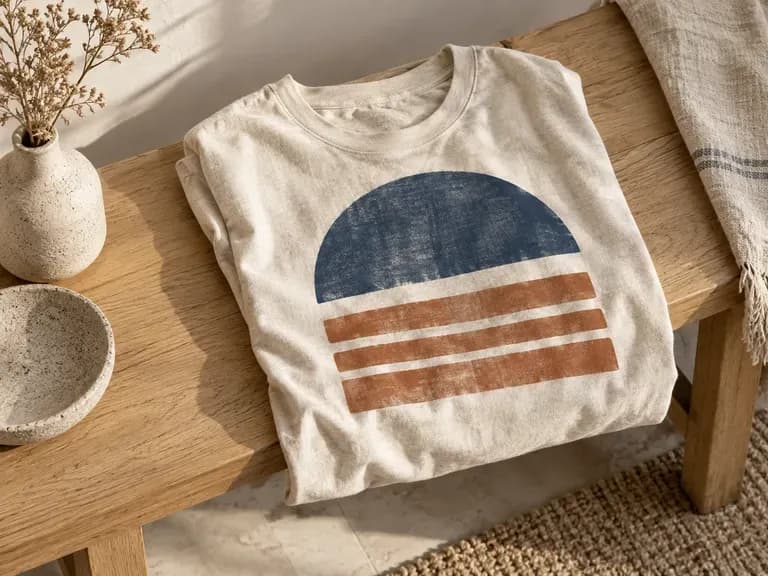
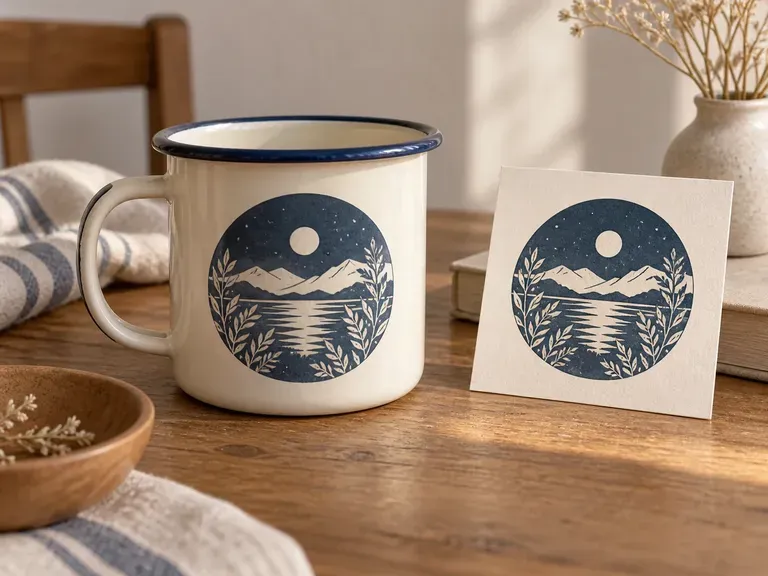
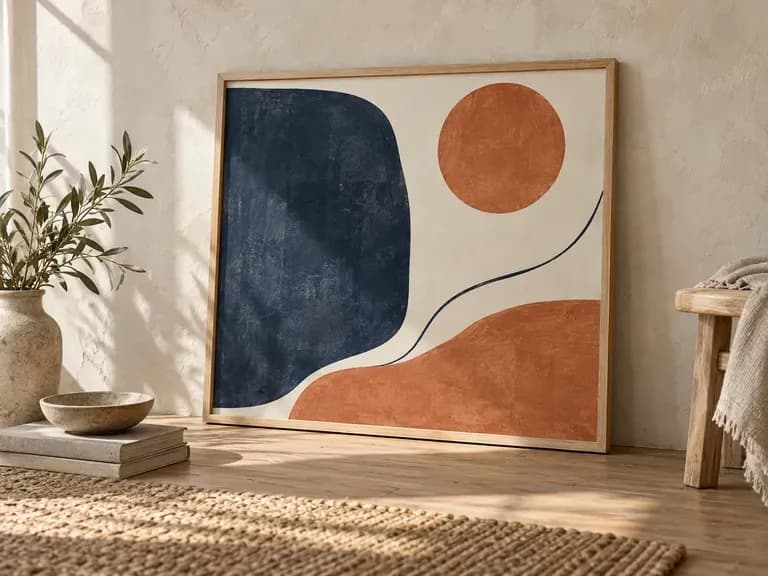
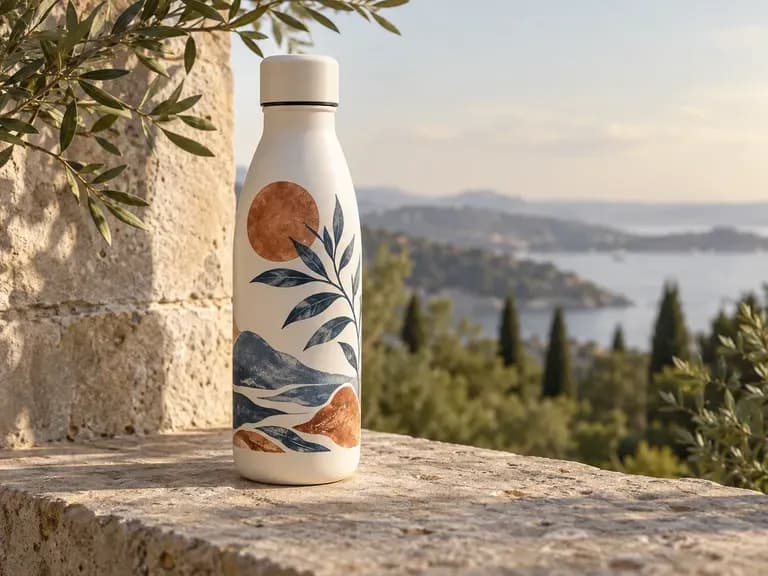
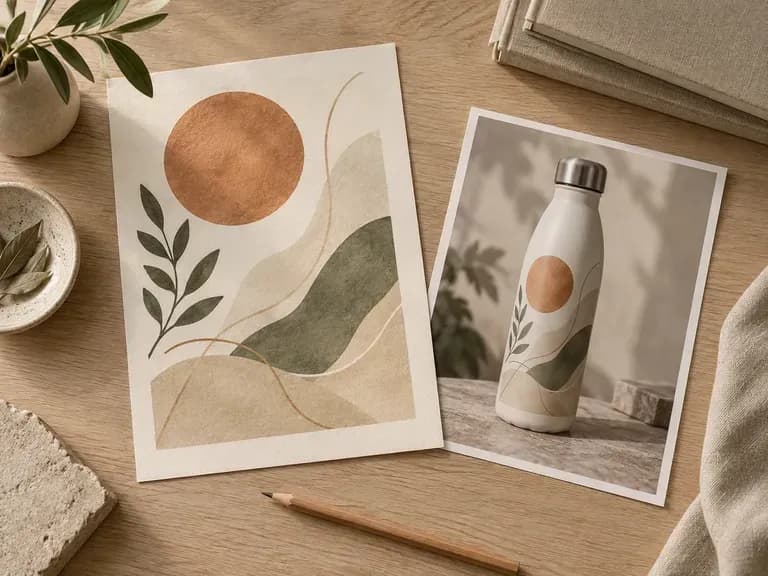
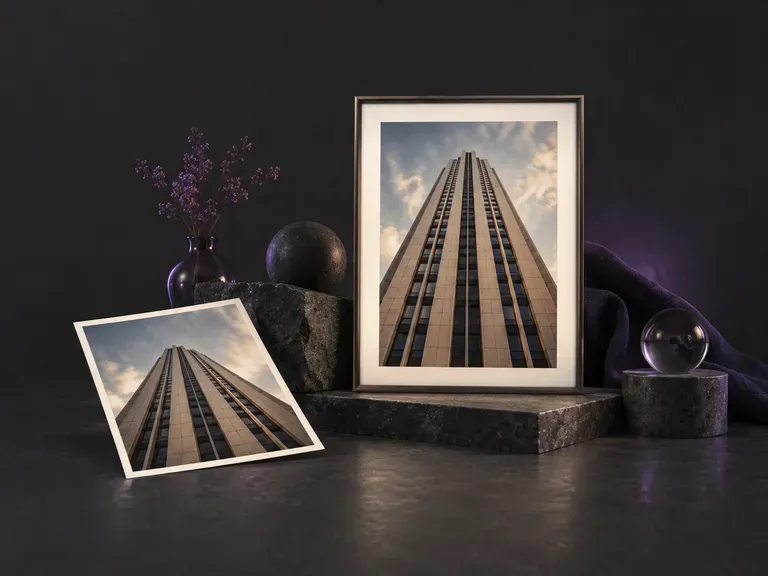
Upload an uncropped photo shot at an upward pitch or side angle to square up leaning walls, skewed boxes, or off-axis documents. This AI perspective correction tool aligns verticals, levels horizons, and preserves proportions, or applies a 3D tilt to flat graphics.
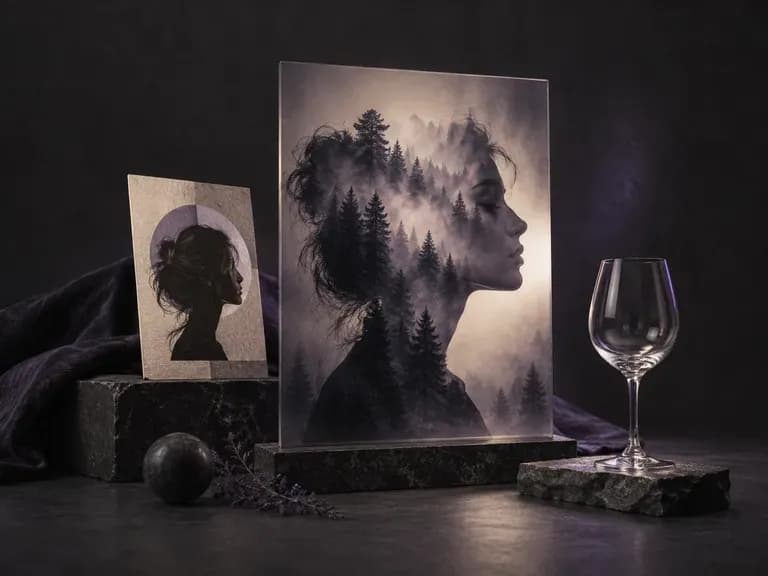
Upload a primary subject photo and a second texture or scene image, mark the target area, and describe how they should combine. Virse's image masking tool and AI photo blender merges both uploads into a double exposure, silhouette mask, or soft gradient composite.
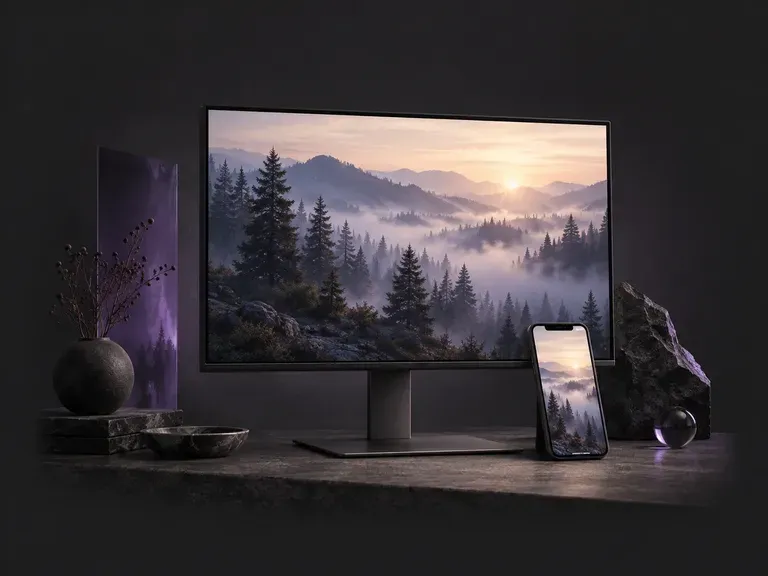
Choose a 9:16 phone or 16:9 desktop format, then describe the scene, style, and palette you want. This AI wallpaper generator creates custom screen backgrounds across minimalist gradients, misty landscapes, anime skylines, and 3D geometry with clock headroom.
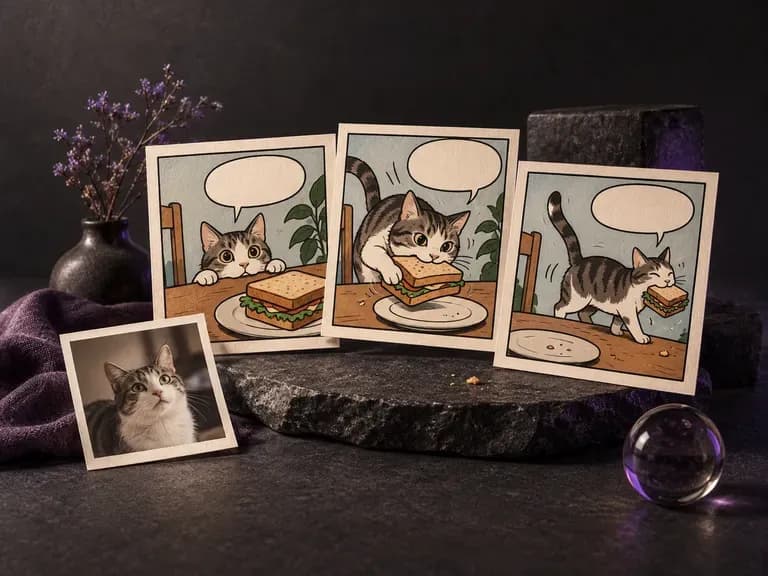
Whether you are pitching a three-panel gag, illustrating a handout, or redrawing a favorite photo in ink and halftone dots, this AI comic generator turns written beats or uploaded pictures into single comic frames and short sequential strips on the Virse canvas.
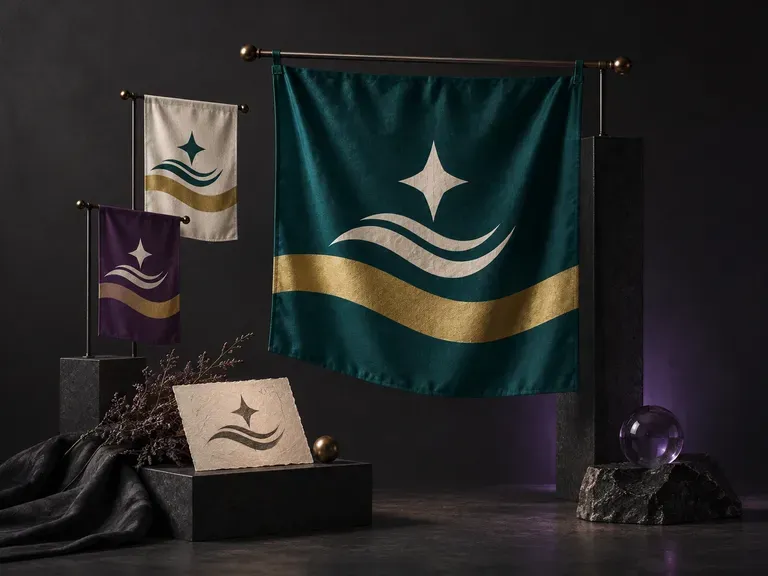
A strong flag reads clearly across a stadium or on a worldbuilding map. Describe your field colors, geometric division, and central motif, or upload an emblem, and this AI flag generator creates a front-facing flag design and flagpole preview on your Virse canvas.
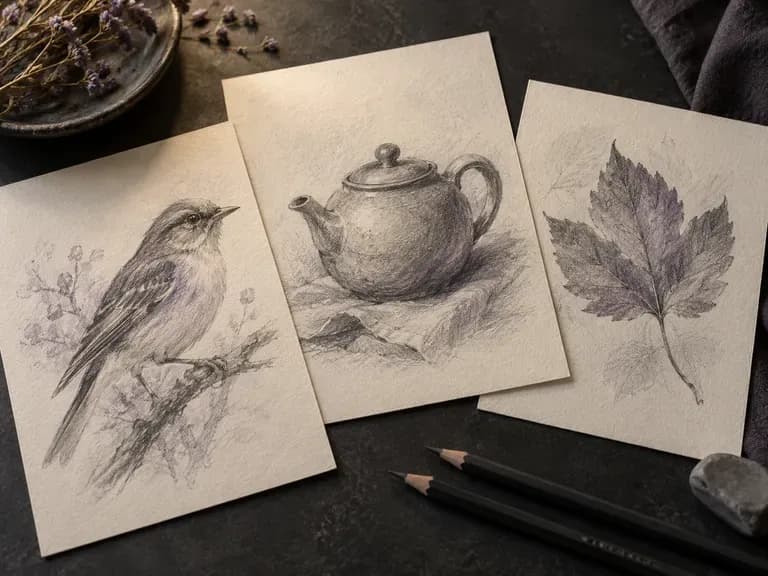
Render graphite pencil studies, architectural pen-and-ink linework, charcoal drawings, fashion croquis, and industrial wireframes with our AI sketch generator. Start from text or upload a photo to control contour weight, cross-hatching, and paper texture.

Alibaba's Qwen Image 3.0 Pro renders type as language across a dozen scripts, holding legibility down to ten pixels in dense layouts.
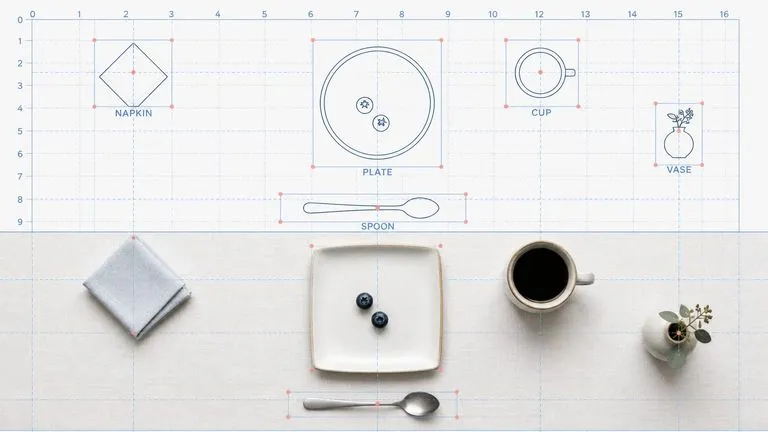
Reve AI's second-generation model builds an addressable layout of positioned elements before it renders, so a specified arrangement comes back arranged.
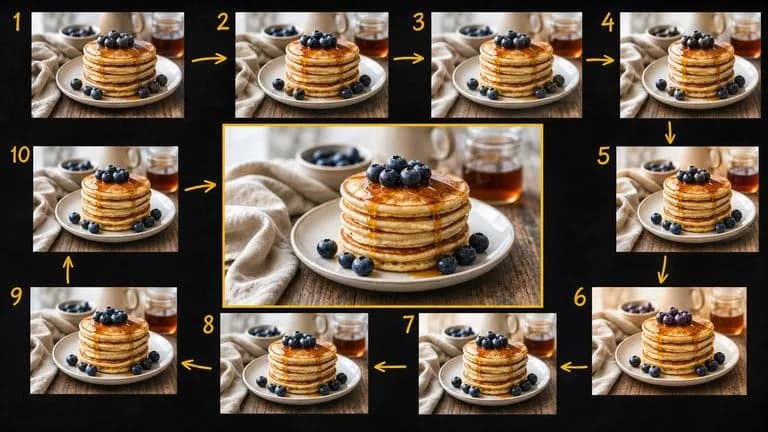
Google's Gemini 2.5 Flash Image — the original Nano Banana — generates and edits pictures at conversation speed, so a correction takes a sentence instead of a session.

ByteDance's Seedream 4.0 and Seedream 4.5 generate from written descriptions and from images you supply, turning one source picture into as many directions as a project needs.
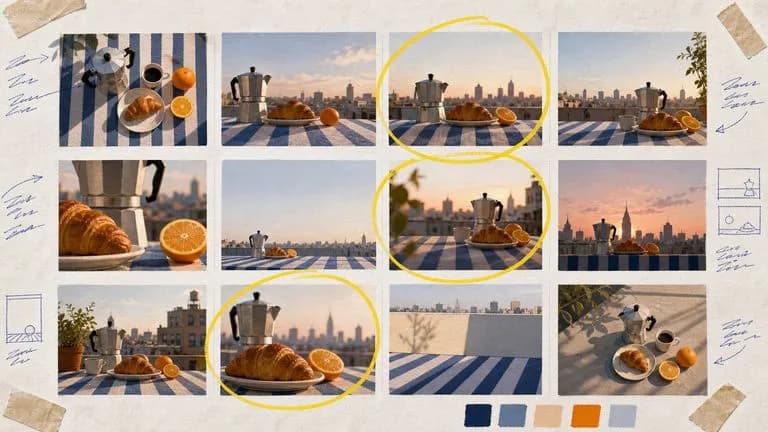
Google's Nano Banana 2 pairs flagship-level image quality with Flash-class speed, across four output sizes from rapid 0.5K prototypes to finished 4K.
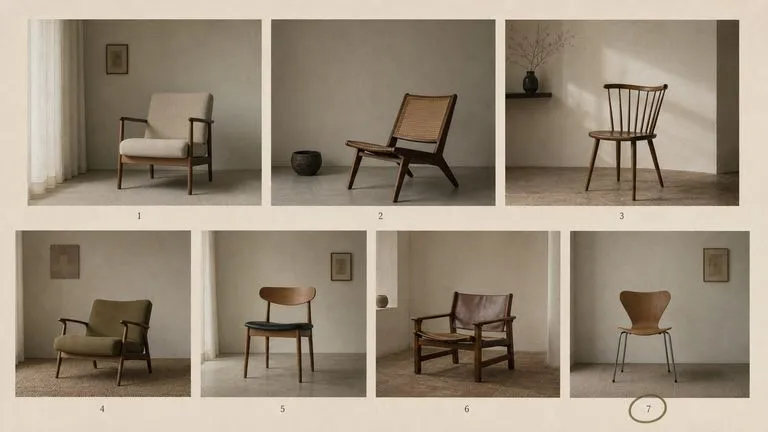
The generation of Black Forest Labs' FLUX line that came before FLUX 2, kept available as two entries — the standard model and Ultra.
Add the artwork or product image you already have and describe the view you want people to judge.