
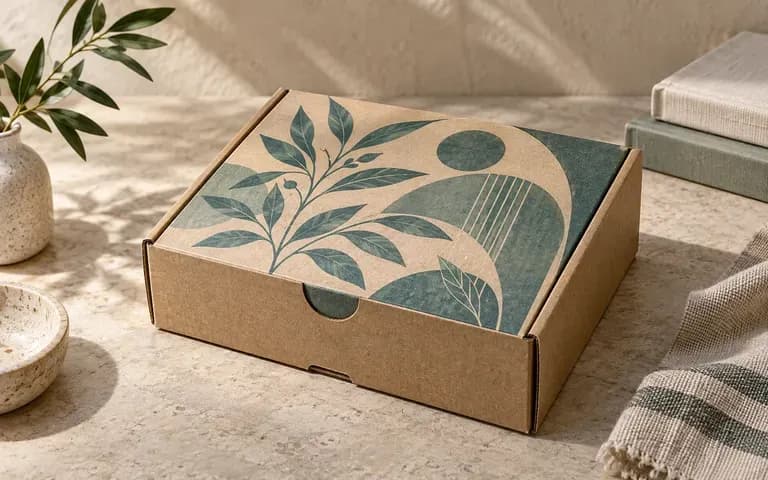
Outer lid
Preview Closed Exterior Lid Branding
Map your primary logo or seal onto a closed white mailer box mockup or natural kraft shipper to see how the package greets customers at the doorstep.
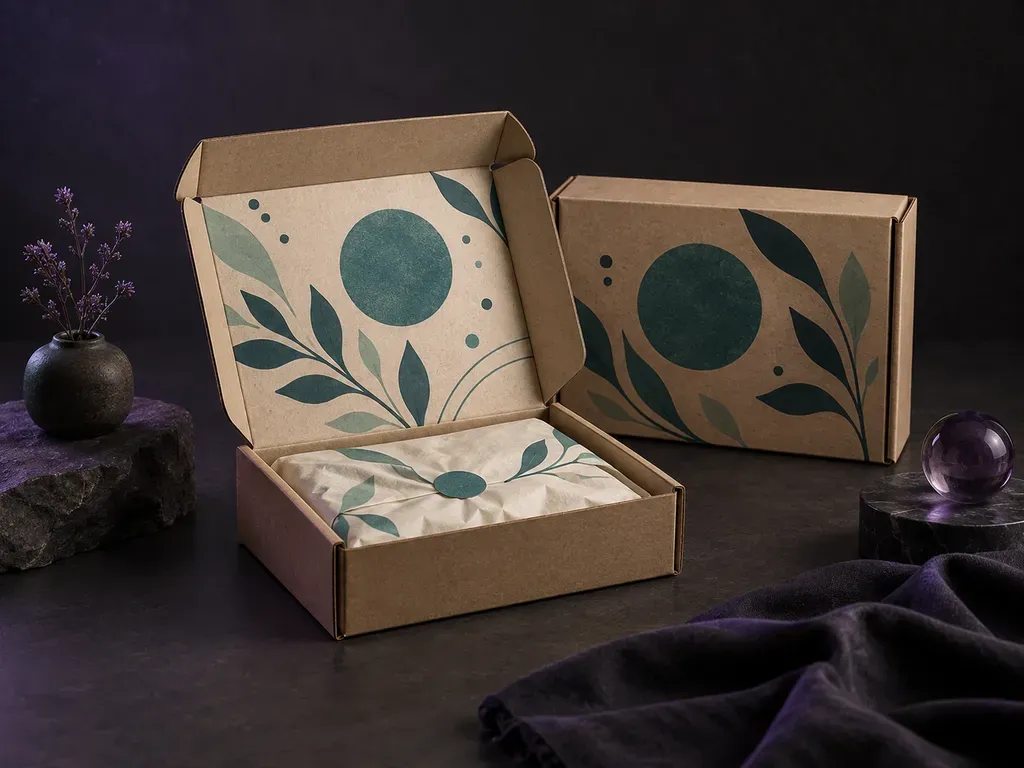
Upload a reference photo of your corrugated box with your outer and inner-lid graphics, and note whether the lid sits closed or open. This mailer box mockup generator previews exterior branding, inside-lid copy, and dust flaps before print.
A mailer box mockup (or mailing box mockup) previews roll-end tuck-front corrugated shipping boxes that carry branding on both the outer lid and interior unboxing surfaces:
• Closed arrival impact: Check how a centered wordmark, seal sticker, or wrap stripe sits across the hinged top lid and front locking tabs.
• Inside-lid unboxing reveal: Verify how interior welcome copy, QR cards, or flood prints under the lid contrast with side dust flaps and tray walls.
• Linerboard tone: Compare dark soy inks or bright brand colors on an unbleached kraft mailer box mockup versus a bleached white mailer box mockup.
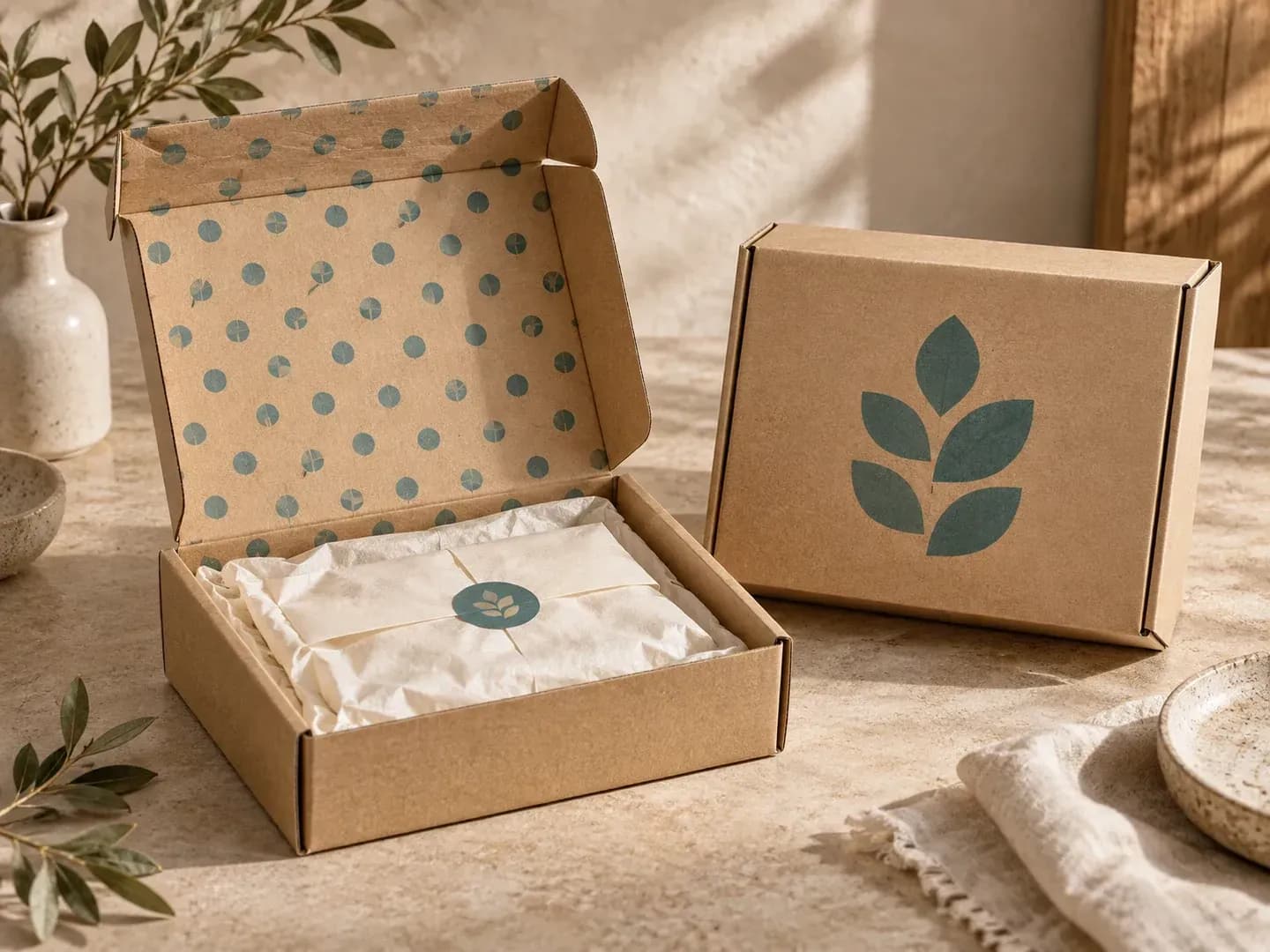
Three unboxing controls that go beyond single-face retail carton templates.
Map your primary logo or seal onto a closed white mailer box mockup or natural kraft shipper to see how the package greets customers at the doorstep.
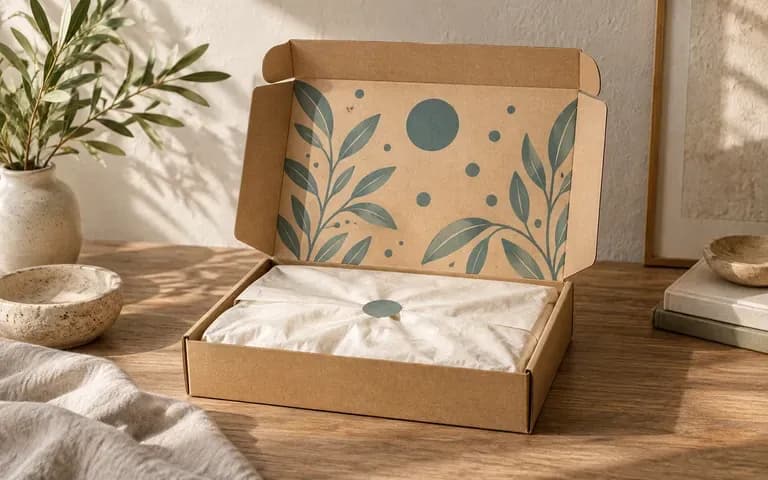
Supply a second graphic for the underside of the lid and request an open view so stakeholders can inspect the interior message and side dust flaps in context.
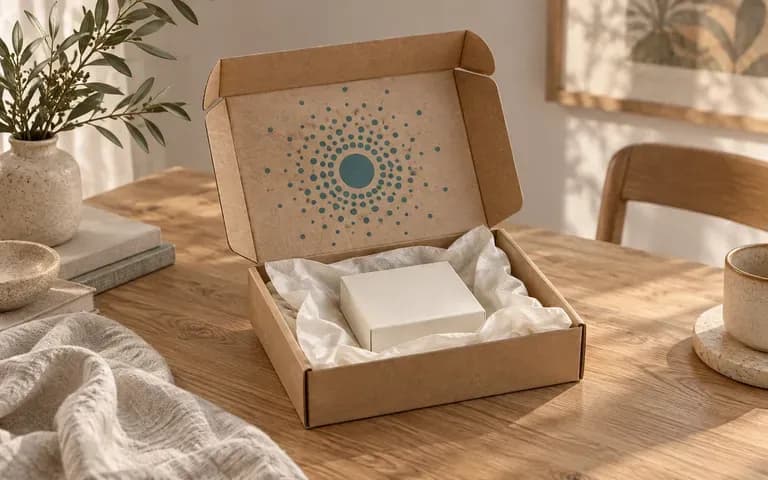
Test the same artwork on brown E-flute kraft board versus matte white corrugated linerboard in a studio or tabletop setting by updating one phrase in your brief.
How generating closed and open unboxing views from your own box reference compares with editing a static mailer box mockup PSD file.
Static Mailer Box Mockup PSD
Virse Mailer Box Mockup Generator
Upload a photo of your roll-end mailer box along with the finished graphic files for the outer and inner lid faces.
State whether the box sits closed or hinged open, and note which uploaded file belongs on the outer lid versus inside.
Name the corrugated surface, such as unbleached brown kraft or matte white linerboard, and describe the surrounding studio or doorstep surface.
Check that the inside-lid reading direction, locking tabs, and interior dust flaps align with your source files before sharing the preview.
Clear surface labels keep exterior and interior graphics on the right faces. Copy any of these three mailer box mockup briefs:
• Open white mailer: "Open white mailer box from the uploaded photo, place Artwork A under the top lid and sage green on dust flaps, on travertine."
• Closed kraft mailer: "Closed E-flute kraft mailer box mockup matching the uploaded shape, black logo centered on top lid, visible front locking tabs, concrete backdrop."
• Two-box subscription pair: "Two mailing boxes on linen: one closed with the terracotta outer emblem, one open showing the botanical inner lid pattern."
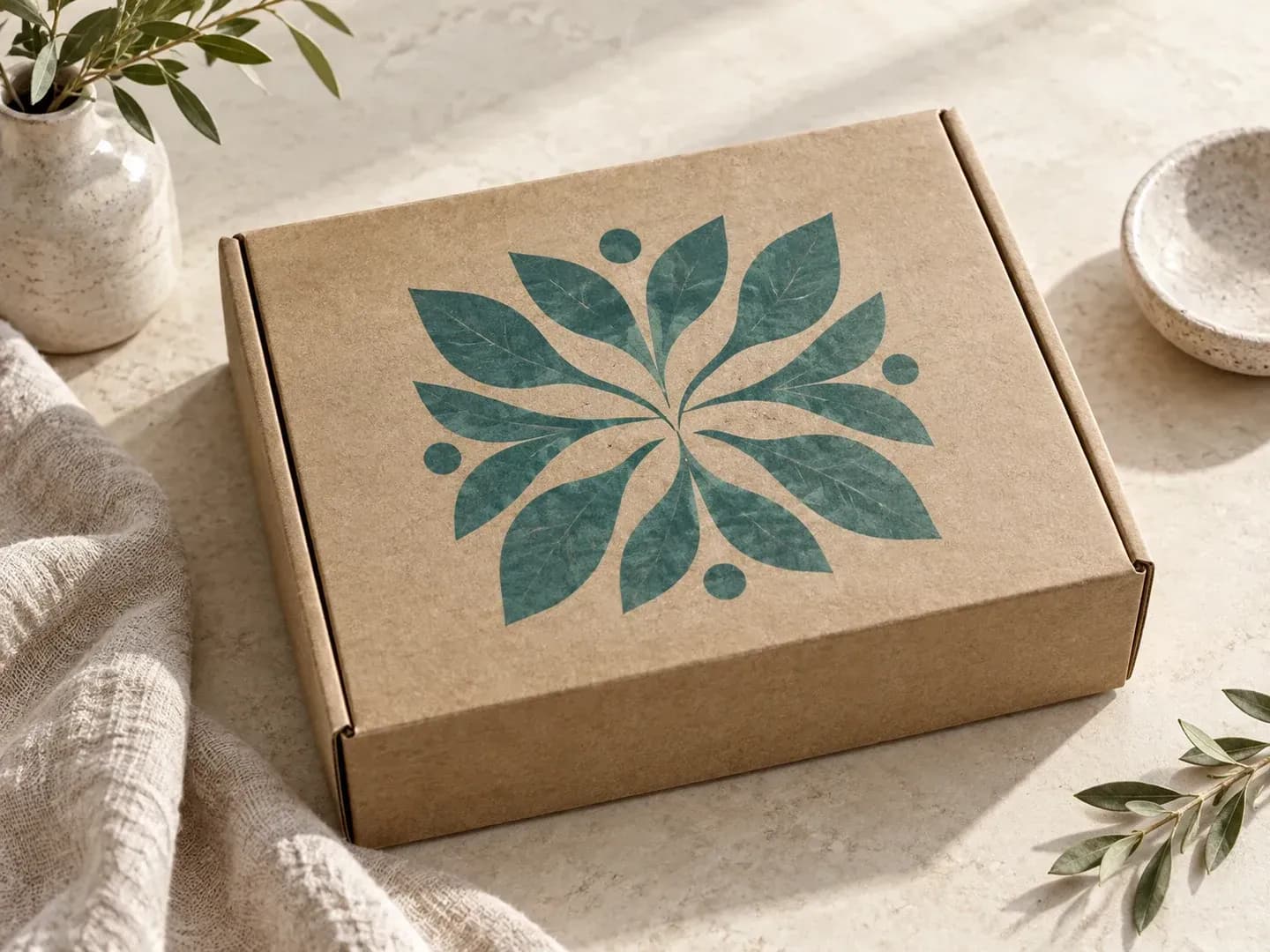
Four e-commerce, subscription, and packaging teams that review arrival and unboxing views before ordering corrugated print plates.
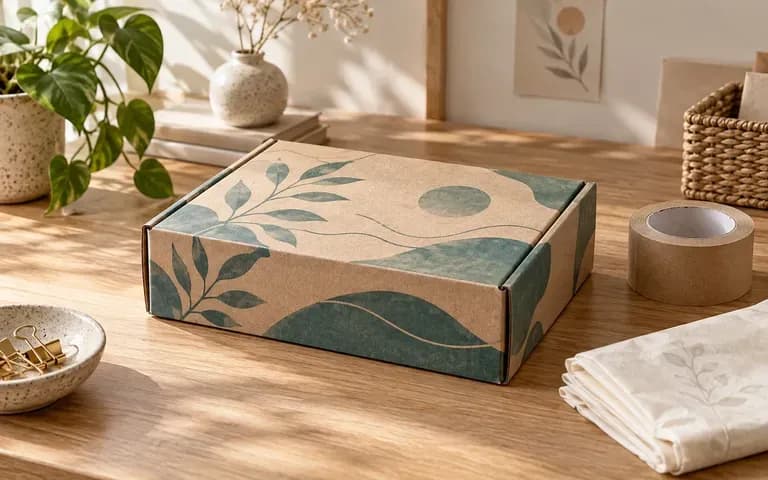
Evaluate how a shipping box carries the brand from doorstep delivery to the moment the customer lifts the front tuck flap.
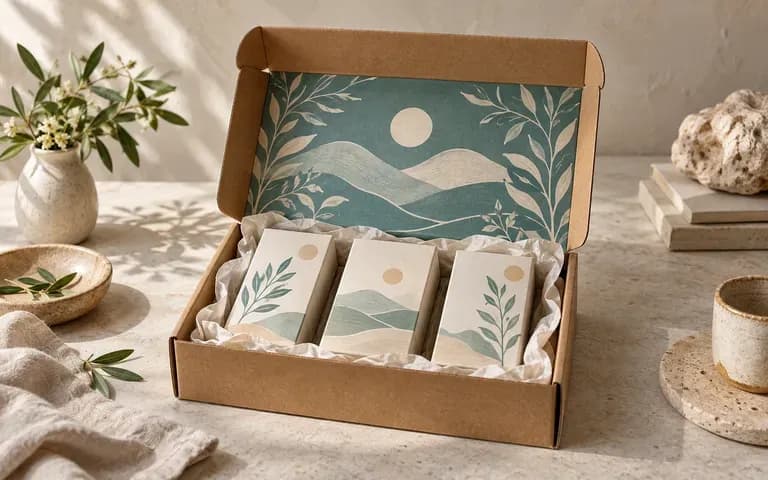
Preview monthly theme graphics, inside-lid founder notes, and seasonal color swaps on recurring delivery boxes before locking print quantities.
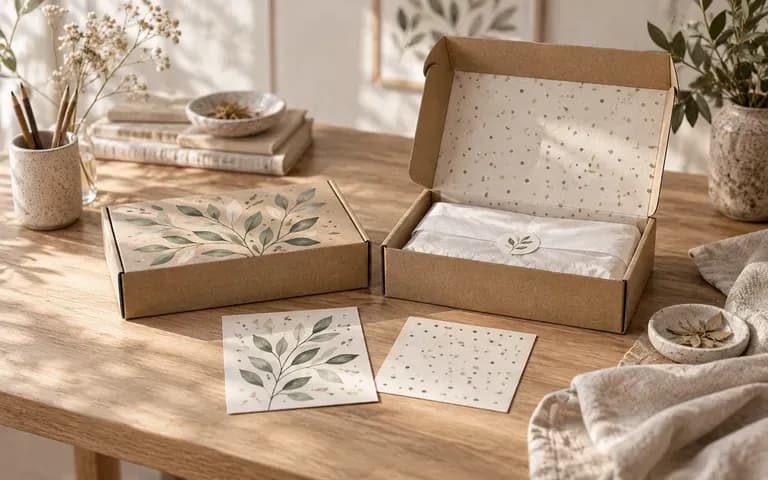
Demonstrate how minimalist exterior flexo printing pairs with full-color interior litho-laminated patterns across the lid and dust flaps.
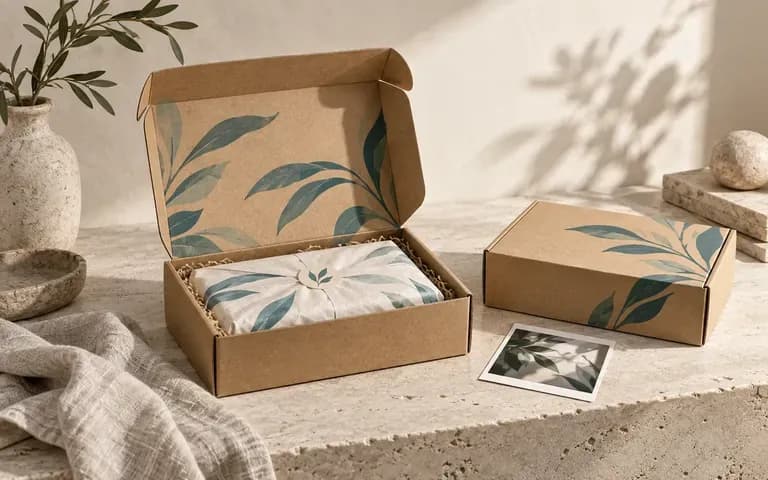
Build realistic unboxing visuals for client pitch decks, pre-order landing pages, and influencer seeding proposals before physical boxes are die-cut.
Six shipping and subscription box previews illustrating closed lids, inside-lid reveals, recurring kits, and seasonal editions.
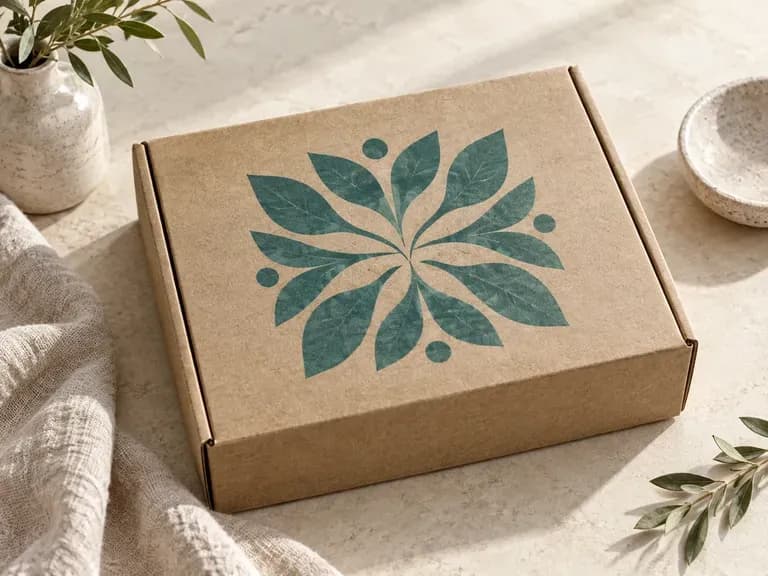
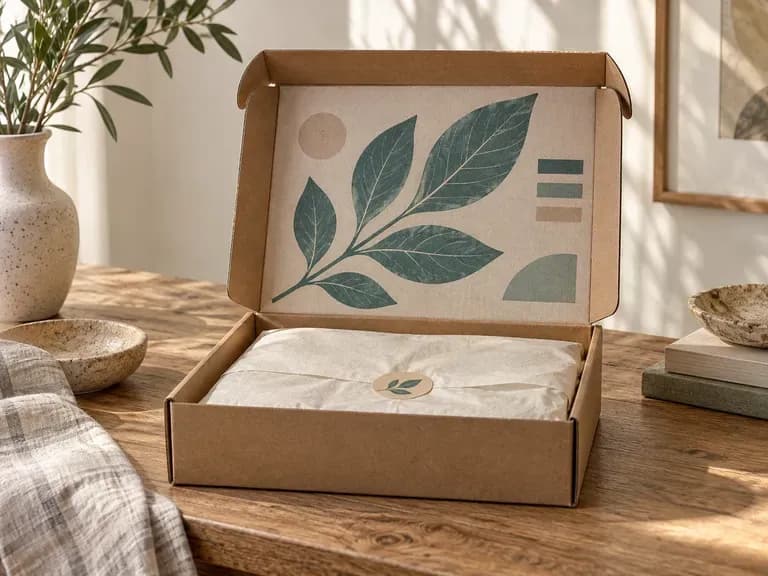
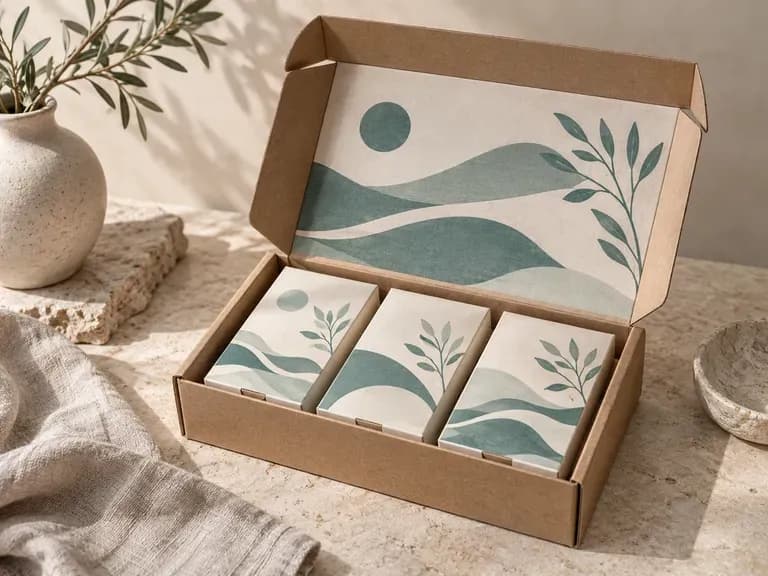
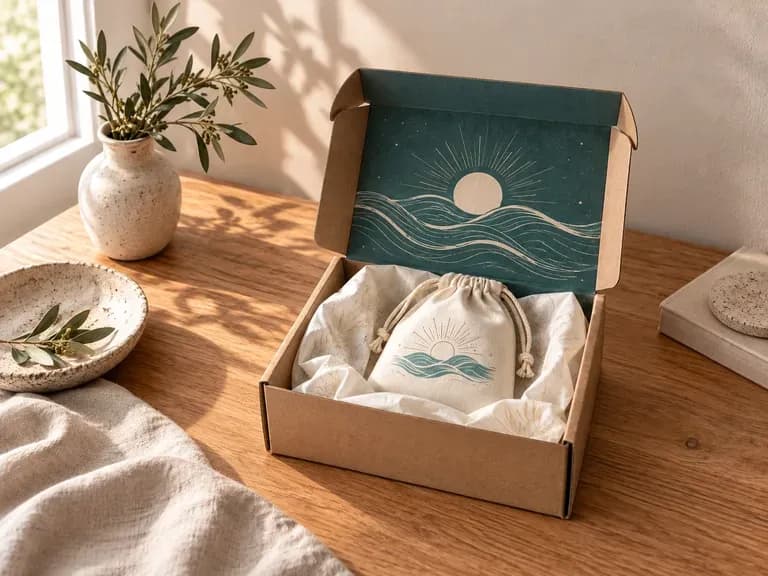
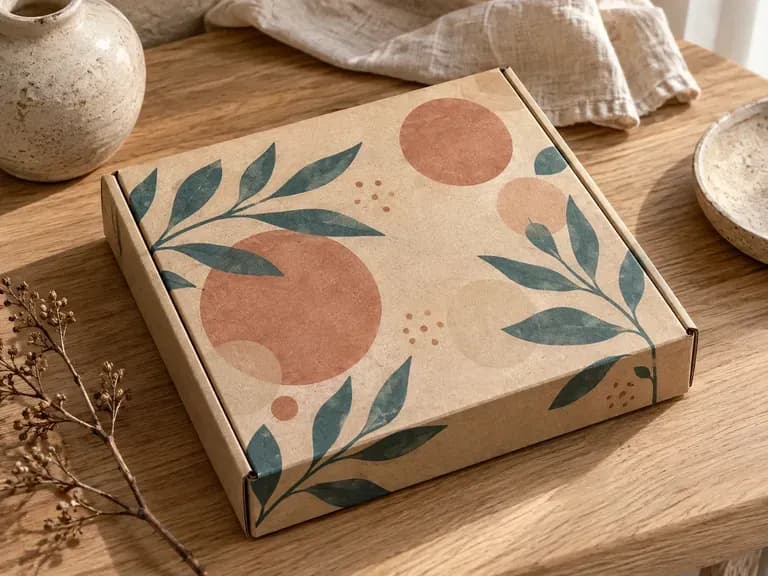
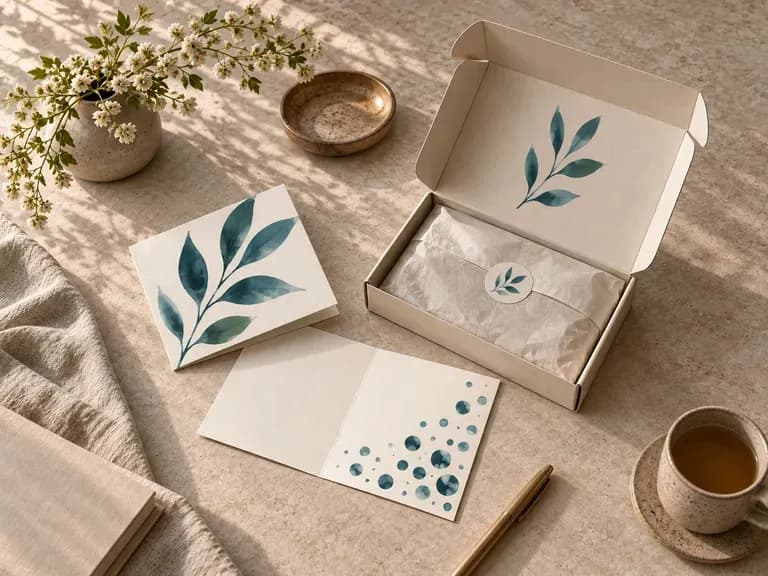
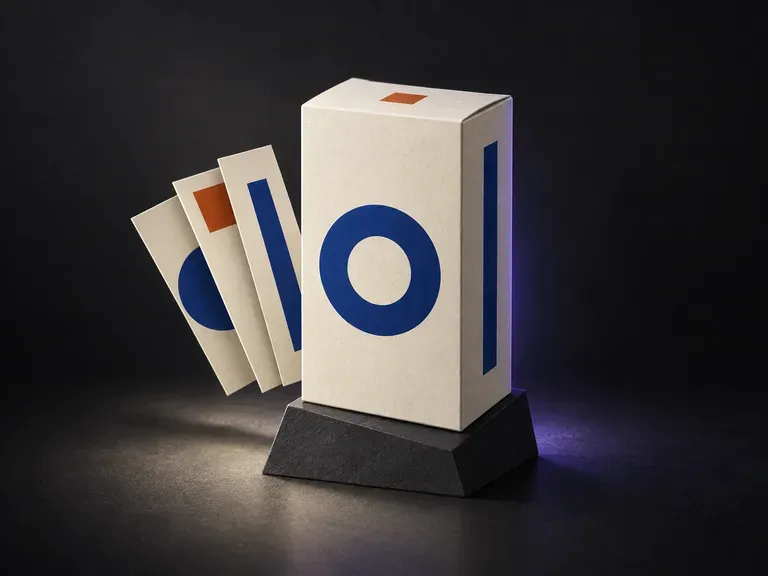
Preview retail tuck-end folding cartons and rigid drawer boxes across front, side, and top faces.

Test one brand identity across shipping boxes, flexible pouches, cans, and bottles in one workspace.
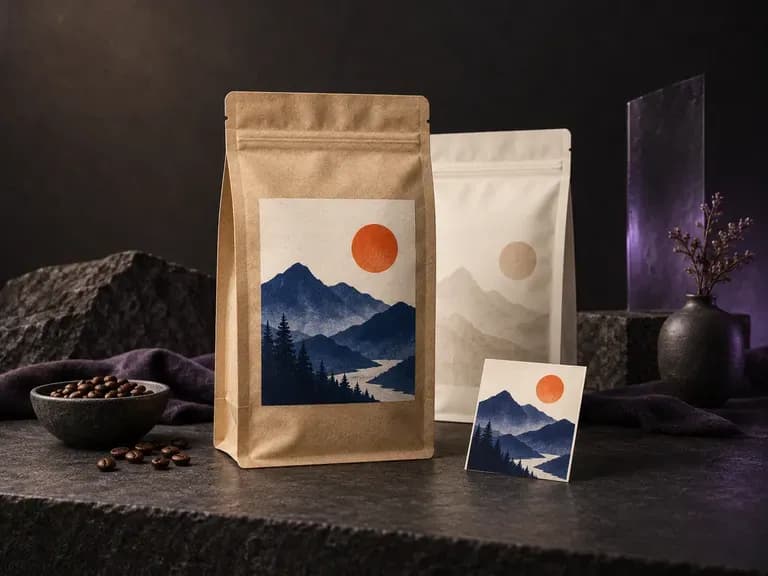
Visualize stand-up resealable pouches and flat coffee or snack bags that ship inside your mailer box.

Verify dosage tables, safety seals, and metallic labels on wellness jars and dropper bottles.

Compose front-of-pack badges, typography hierarchy, and border ornaments for jars and bottles.
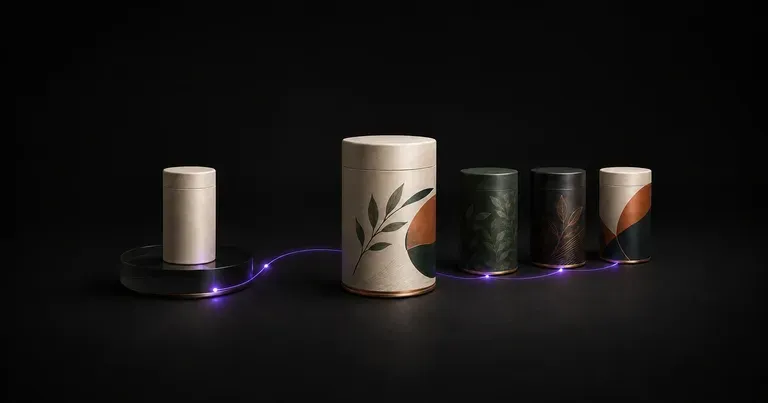
Explore structural concepts, surface graphics, and shelf blocking for new consumer products.

Translate detailed creative briefs into balanced compositions with reliable spatial relationships.

Render high-contrast metallic reflections, fabric weaves, and shallow depth of field.

Guide subject posture, materials, and lighting using up to 14 reference images at 1K to 4K.
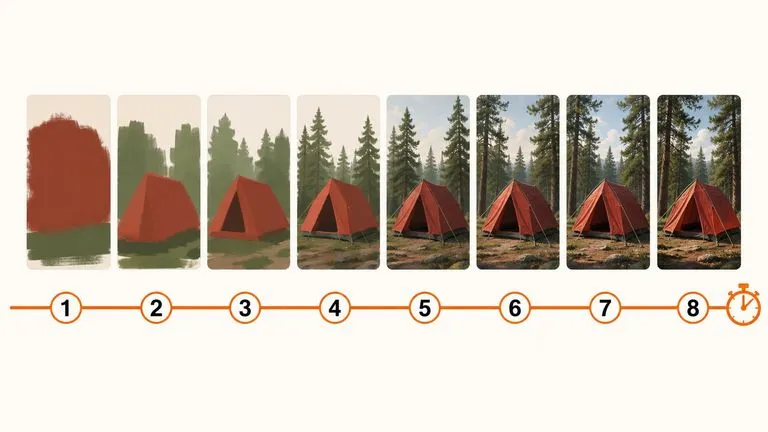
Draft rapid concept thumbnails and layout options before committing compute to final high-res renders.

Render crisp labels, fine surface textures, and multi-reference compositions up to 4K resolution.

Follow complex multi-part written briefs that combine uploaded reference photos with strict layout rules.
Upload your mailer reference and lid artwork to inspect closed arrival branding and open inside-lid reveals on a Virse canvas.