
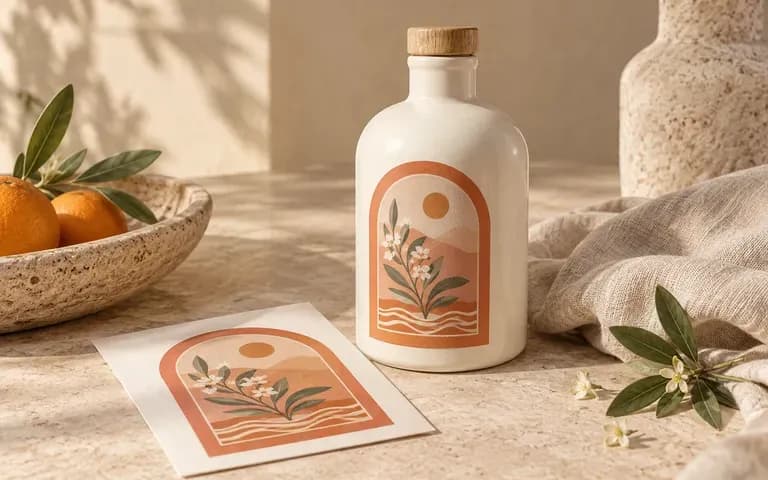
Existing design
Bring the finished artwork
Use the label or packaging artwork you already have. Review how it appears on the pack while keeping the original file as the reference for text and graphics.
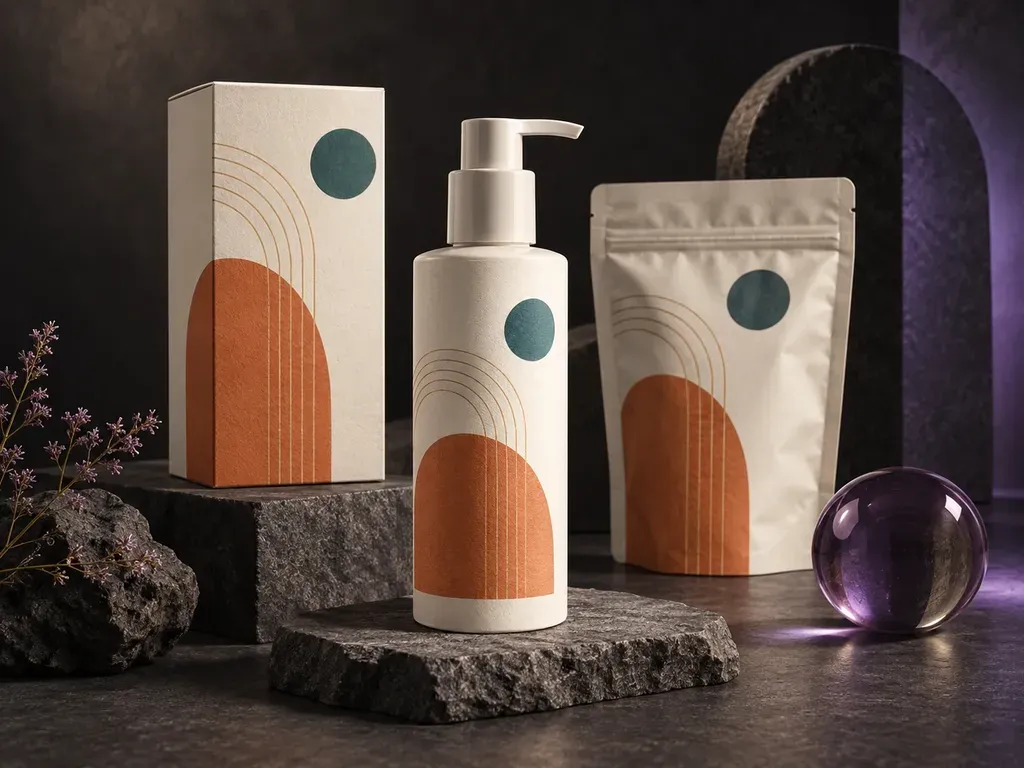
See how the flat artwork looks once it is on the pack. Add your label or packaging design, a container photo or type, and notes on the material and scene. This packaging mockup generator creates a static preview for your next design discussion.
An AI packaging mockup generator shows existing artwork on a container. Virse uses your label or design, container reference, and material and scene notes to create a static packaging preview—built around three core workflow advantages:
· Supports boxes, pouches & bottles: Preview your flat label or carton graphic across folding cartons, stand-up pouches, jars, and tins.
· Substrate & finish accuracy: Show kraft paper, frosted glass, metallic mylar, matte lamination, or spot UV highlights.
· Studio or retail shelf context: Generate clean white/tonal packshots or styled countertop and retail display scenes.
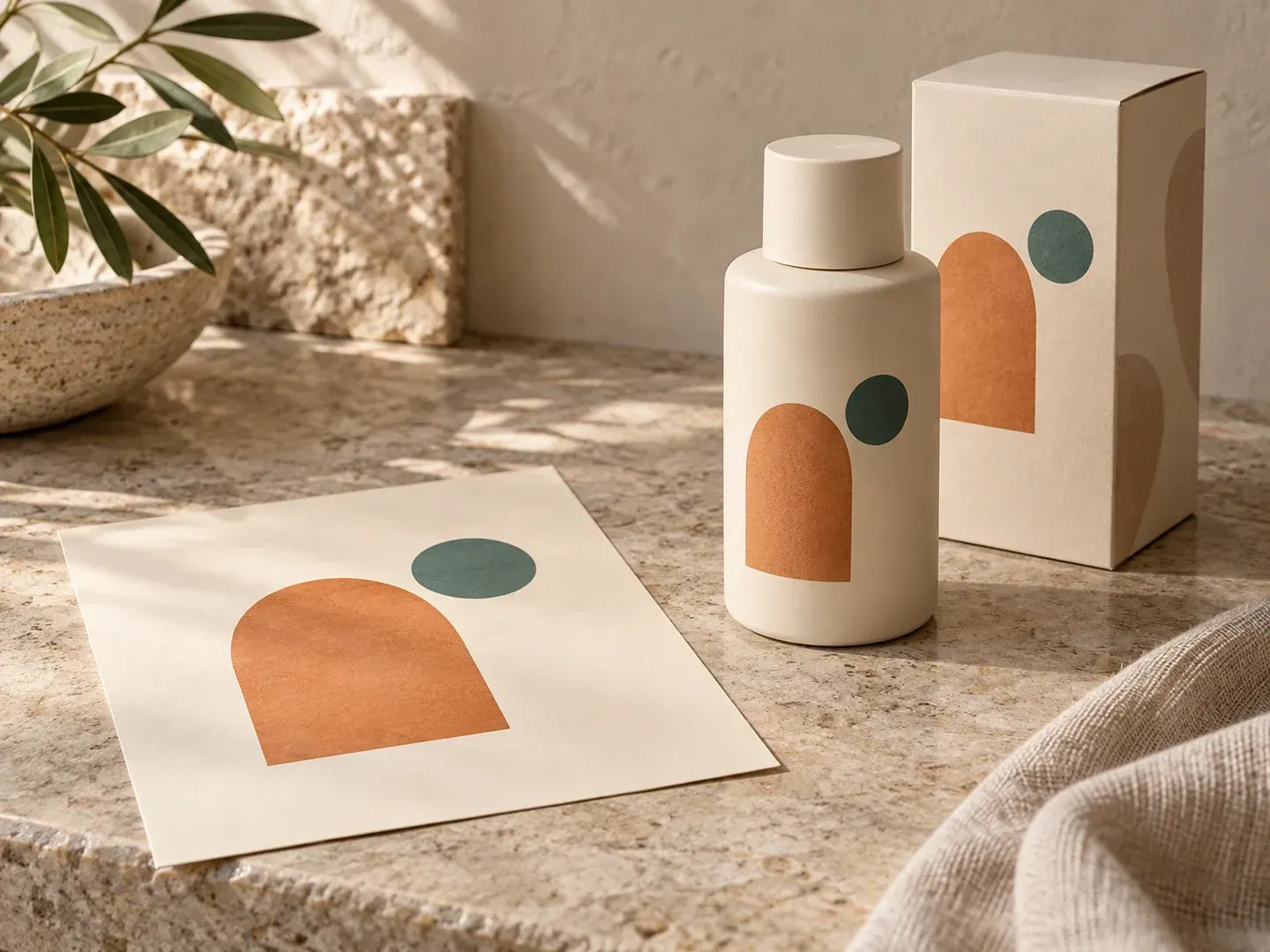
The useful questions are specific: where does the label sit, how does it read against the material, and what should the image help someone decide?
Use the label or packaging artwork you already have. Review how it appears on the pack while keeping the original file as the reference for text and graphics.
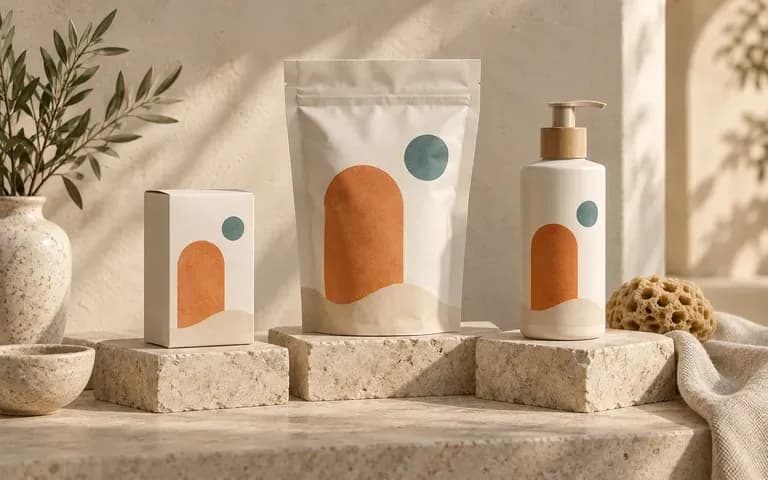
Provide a box, pouch, or bottle reference, or name the container type. Include visible details that matter to the presentation, such as the cap or front panel.
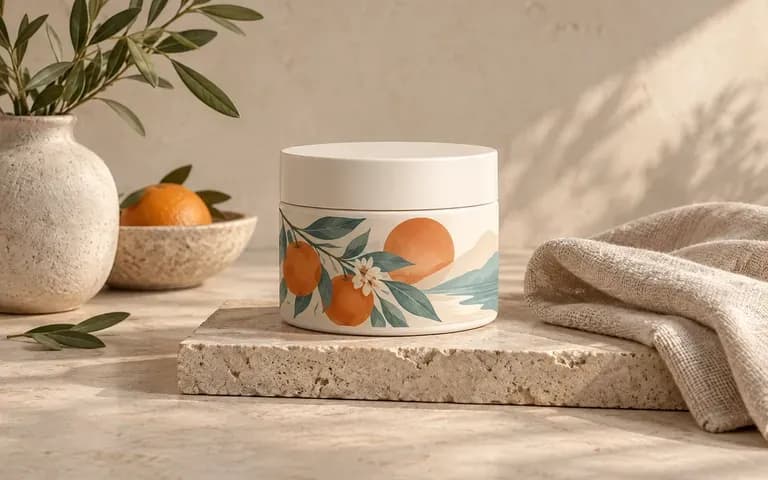
Describe the material appearance and background that suit the project. Use a plain scene for reviewing artwork or a contextual scene for a brand proposal.
Compare flat 2D print artboards against realistic 3D container mockups on the Virse canvas.
Flat 2D Artboards & Generic Templates
Virse Packaging Mockup Generator
Provide the finished label or packaging design. Include artwork for the surfaces you expect the image to show.
Add a container photo or describe its type. State the material appearance and any visible shape details that matter.
Write the setting and presentation requirements, then generate the static packaging preview.
Check text, graphics, container shape, and artwork position against your references. Revise the brief where details drift.
Upload your finished label or packaging artwork (plus an optional container photo) and note the substrate and setting:
· Stand-up resealable coffee pouch: Matte black soft-touch Doypack pouch with degassing valve, apply uploaded front label artwork, warm oak counter light.
· Amber glass apothecary jar: 250ml squat amber glass jar with black phenolic lid, wrap uploaded cream textured paper label around cylinder, bathroom shelf.
· Cylindrical tea tin canister: Brushed silver slip-lid metal tin, apply uploaded botanical wrap-around artwork with gold foil accents, studio plinth.
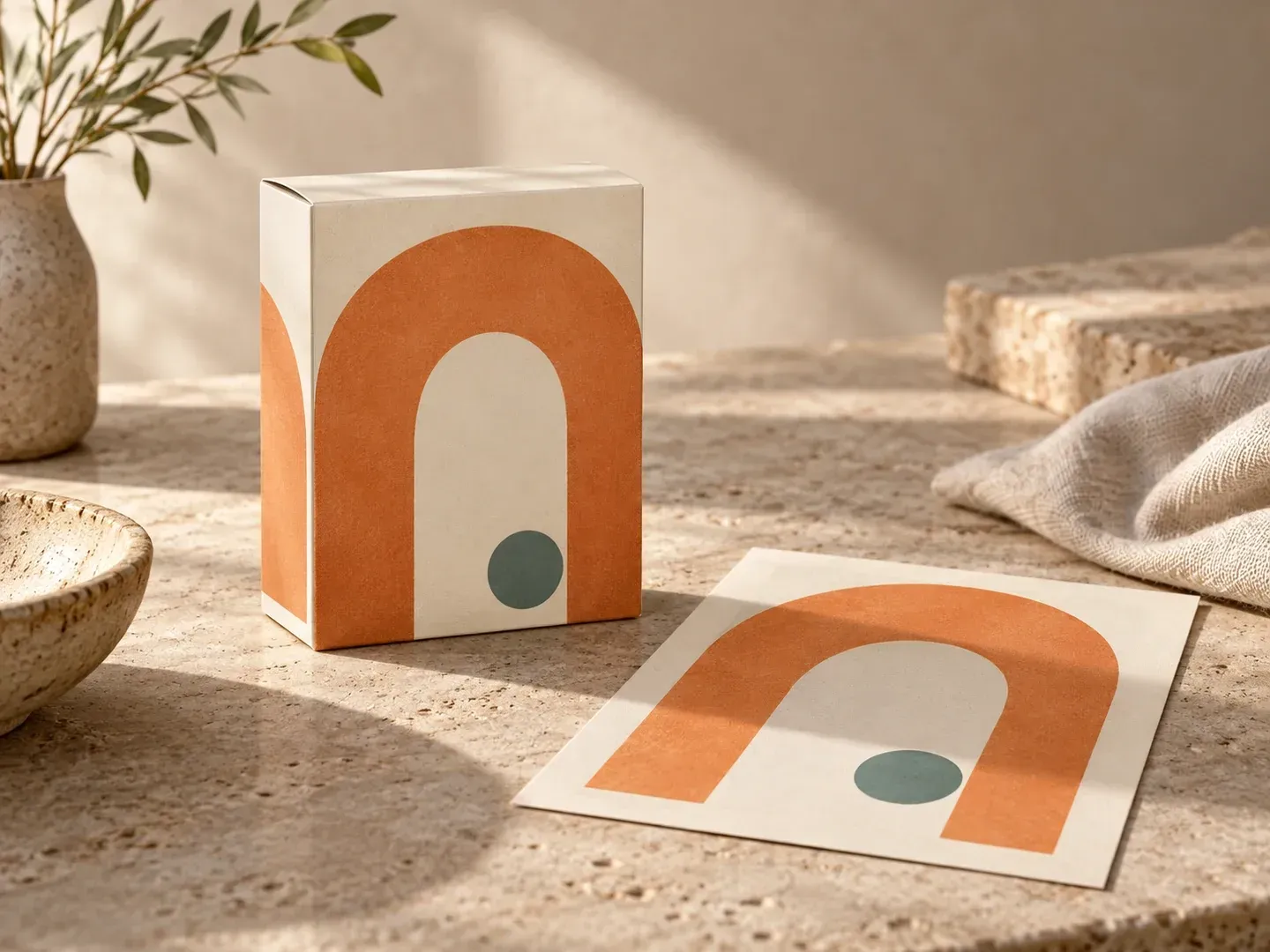
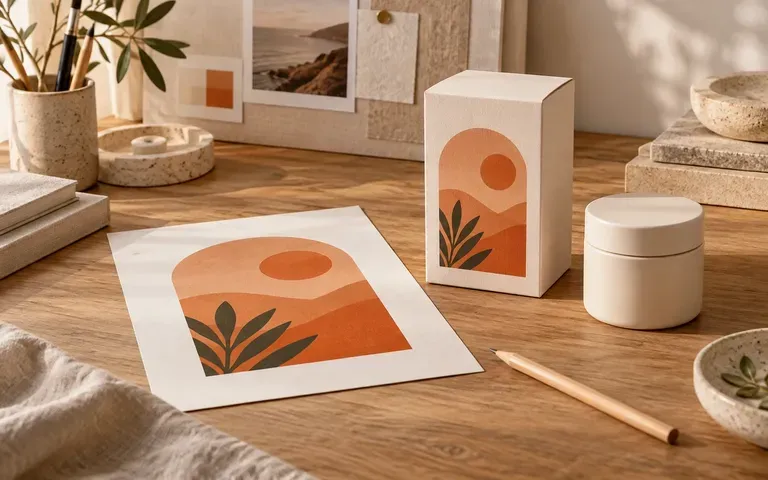
Present existing artwork in the shape and setting of the intended pack.
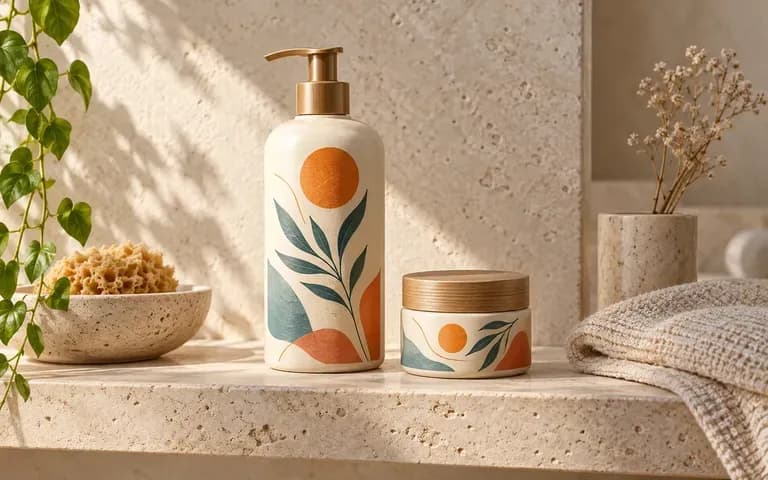
Preview completed cosmetic, shampoo, or skincare labels on containers.
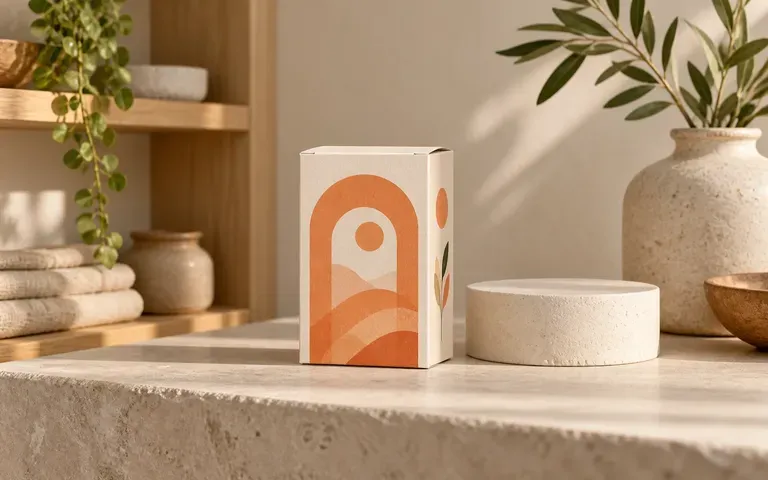
Discuss how a finished design might look in a product presentation.
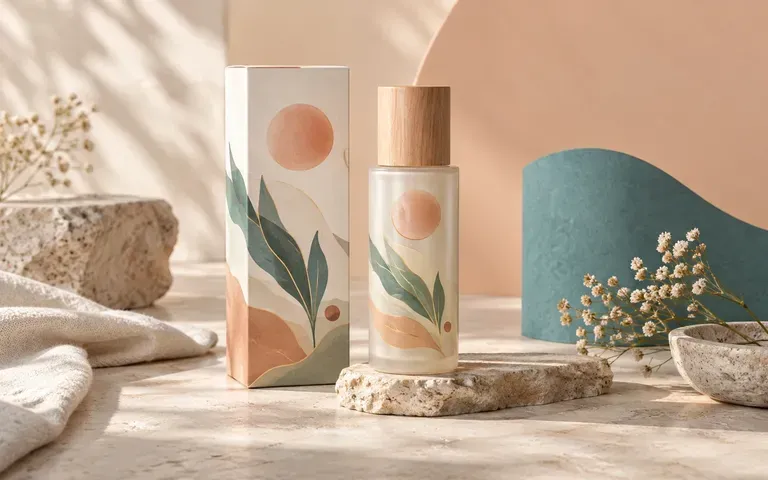
Prepare a packaging image concept around approved brand assets.
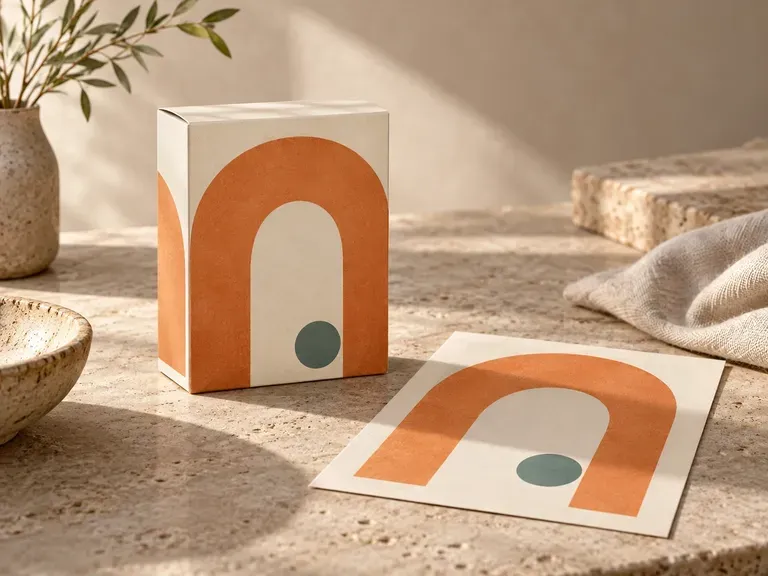
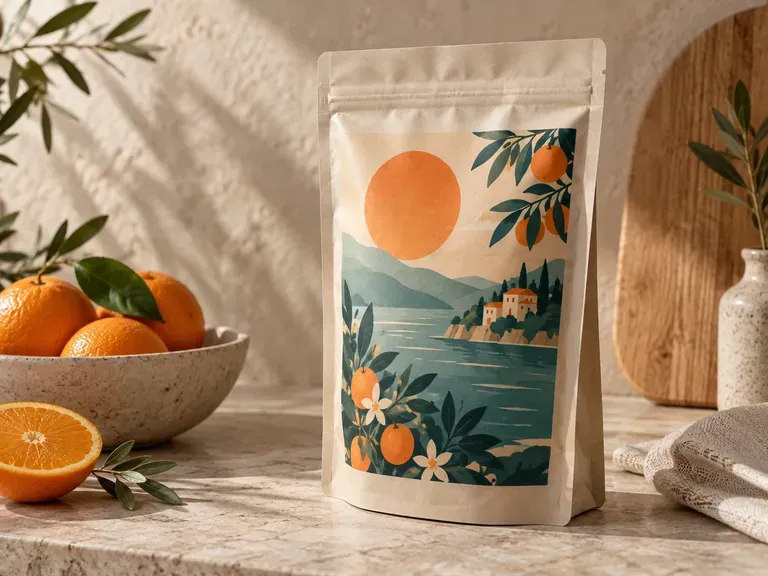
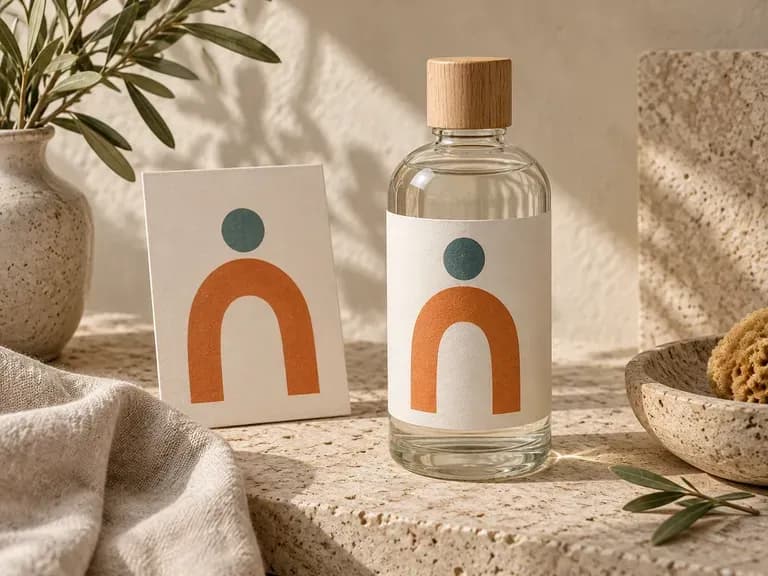
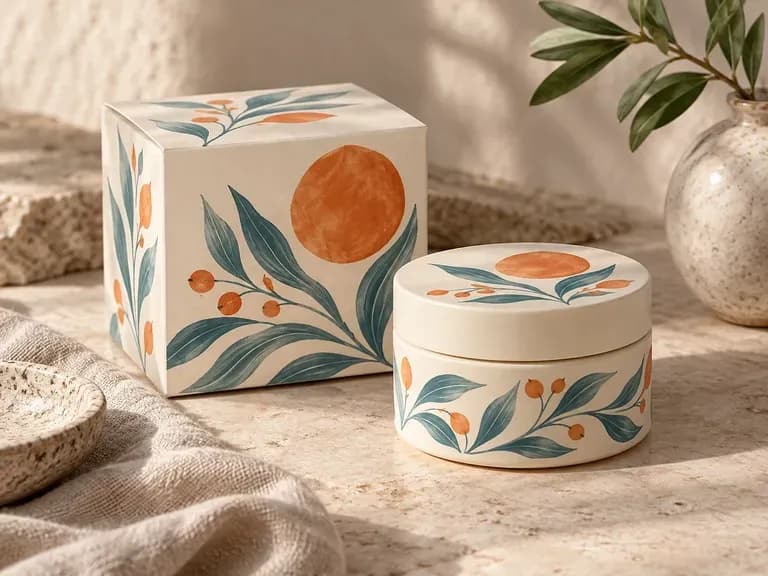
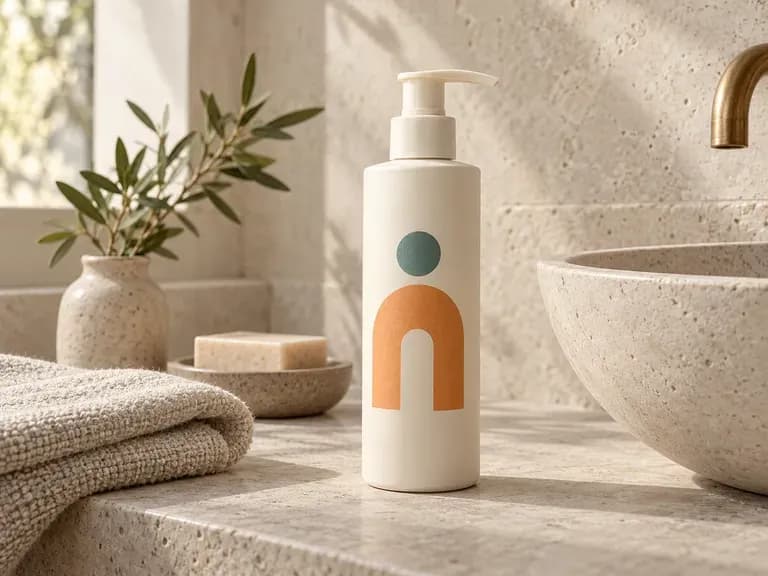
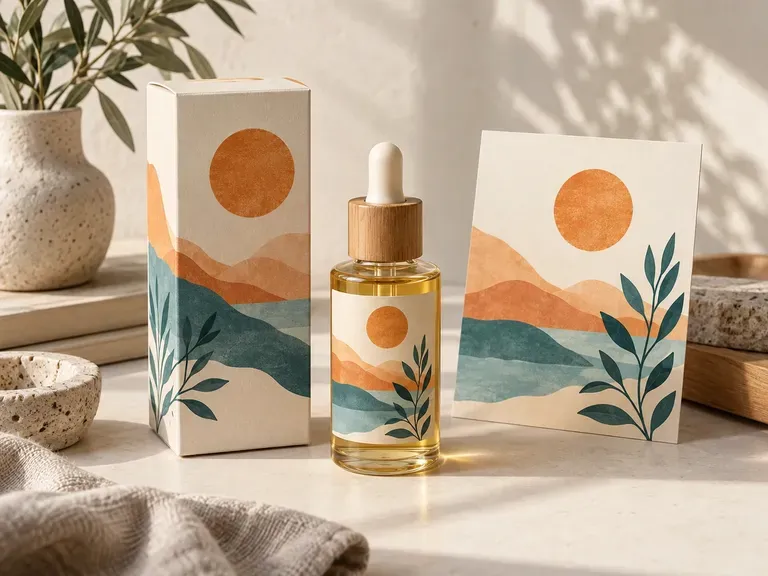
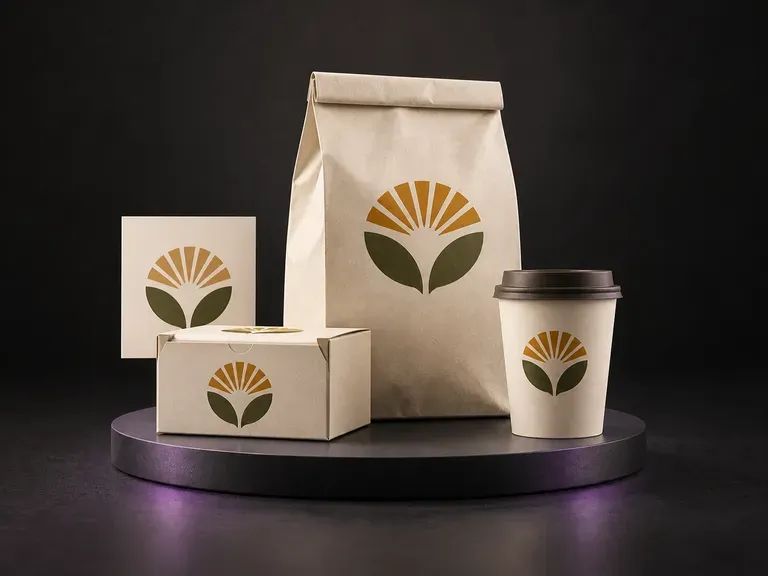
Bring your finished food packaging artwork and container references into Virse, then describe the arrangement. Generate a food packaging mockup to review one brand across boxes, bags and cups in a product or shelf scene.
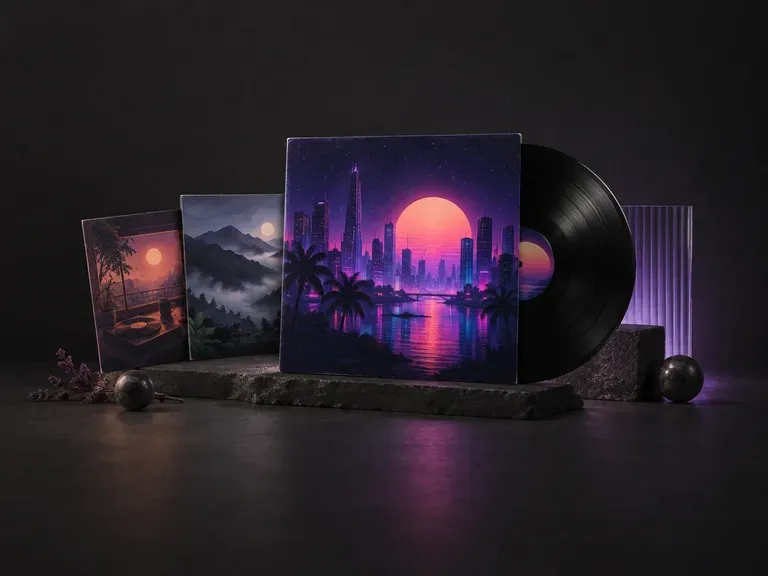
Your release title, artist name, genre and mood are all this AI album cover generator needs to draw cover art that fits the music.
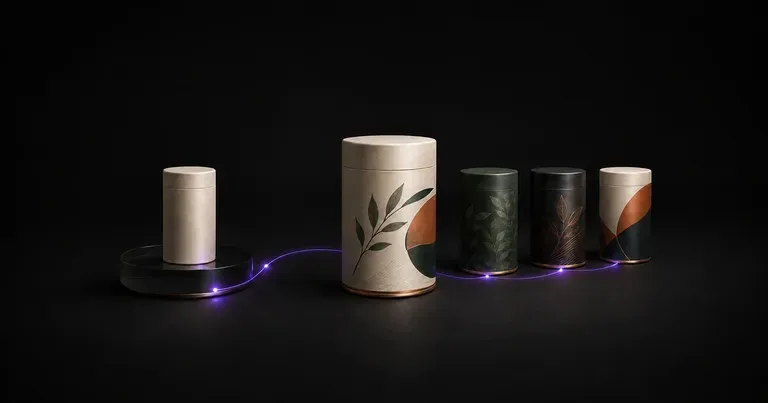
Describe your product, container form, and brand assets to preview how graphics wrap around a bottle, aluminum can, or carton. This AI packaging design generator builds original packaging concepts with 3D previews on one infinite canvas.
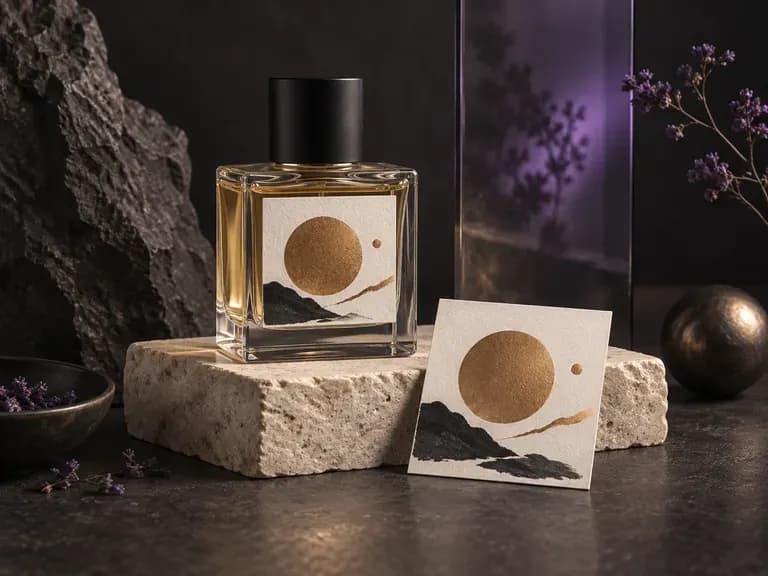
Upload a photo of your fragrance flacon with your front label or crest, then describe the glass finish, atomizer cap, and light. This perfume bottle mockup generator places your label onto the vessel in a studio or editorial scene.
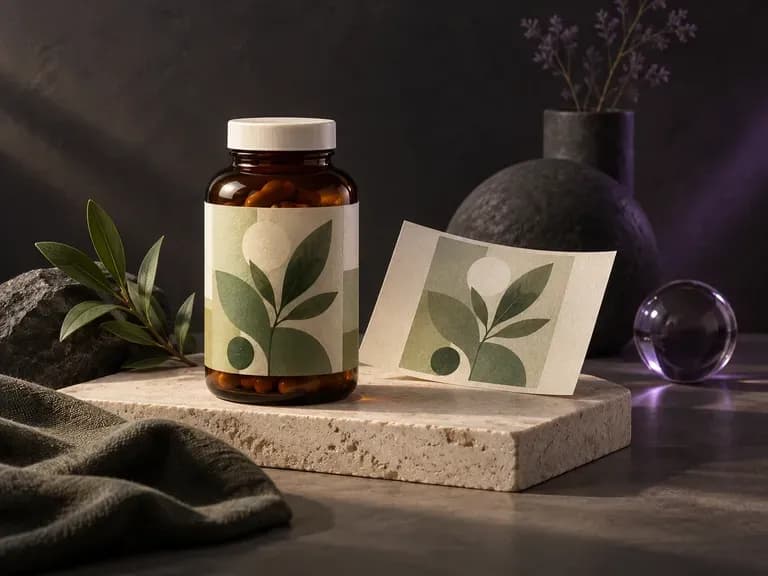
Upload a photo of your pill jar or vitamin bottle with your finished label artwork, then specify the cap finish and backdrop. This supplement bottle mockup generator wraps your label onto a white HDPE, matte black, or amber jar.
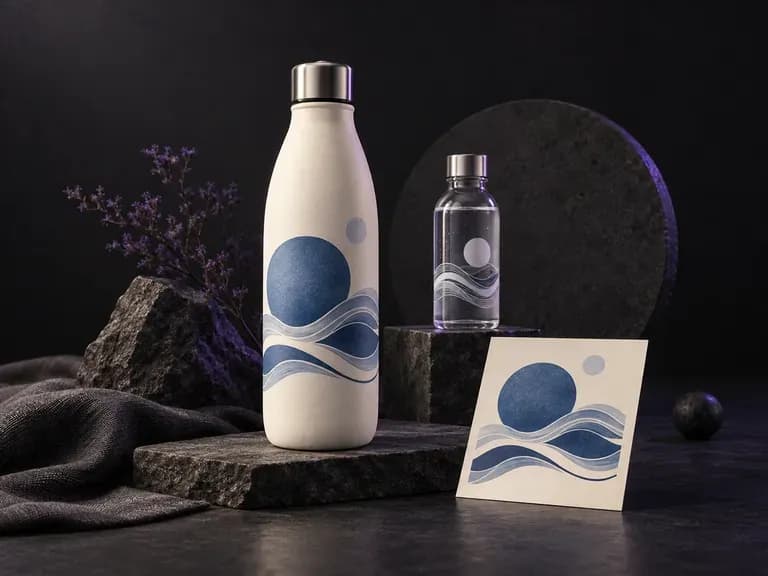
Upload a reference photo of your bottle along with your logo or wrap-around label file, then specify the finish and backdrop. This water bottle mockup generator previews branding on reusable insulated flasks and bottled water containers before you order samples.
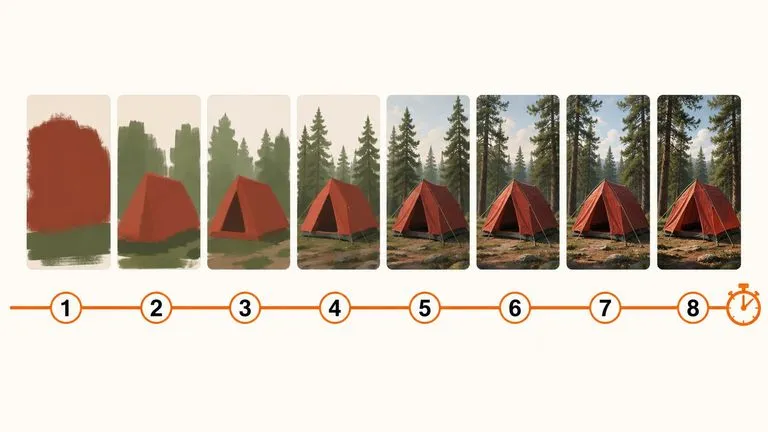
A 6-billion-parameter model compressed to an eight-step inference pipeline, built to return a usable picture before your train of thought moves on.
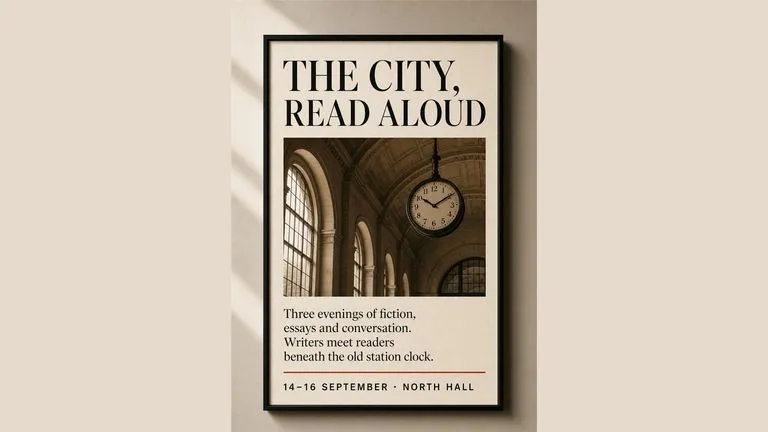
Generate studio-grade 4K images with Nano Banana Pro, blending multiple references while holding characters, products, and typography consistent.

OpenAI's ChatGPT Images 2.5 arrives in Virse as both API editions, GPT Image 2.5 Flare and GPT Image 2.5 Sunburst, with six quality grades and output up to 4K.
OpenAI's GPT Image 2.0 reads a hundred-word brief and attempts all of it, with independent quality and resolution controls from 1K to 4K.
Black Forest Labs' production model reads briefs up to 32,000 tokens, so brand rules, colour values, and compositional constraints can all go in at once.
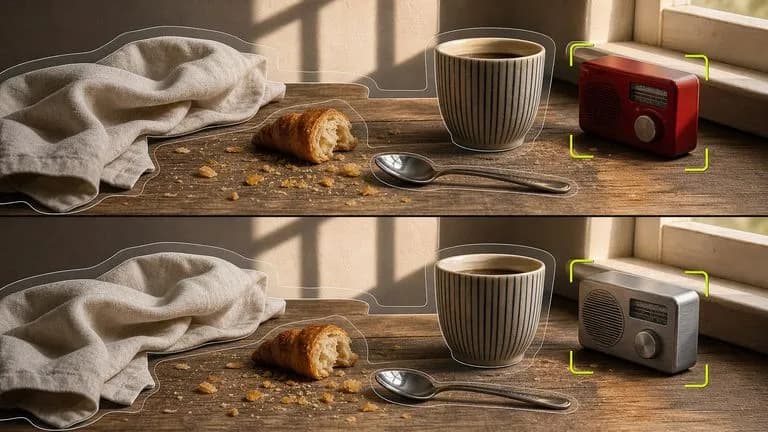
Black Forest Labs' editing models, FLUX Kontext Pro and Kontext Max, built to apply one described change while the rest of the frame survives untouched.
Bring the existing design and container reference together. Describe the material and setting to start your packaging preview.