
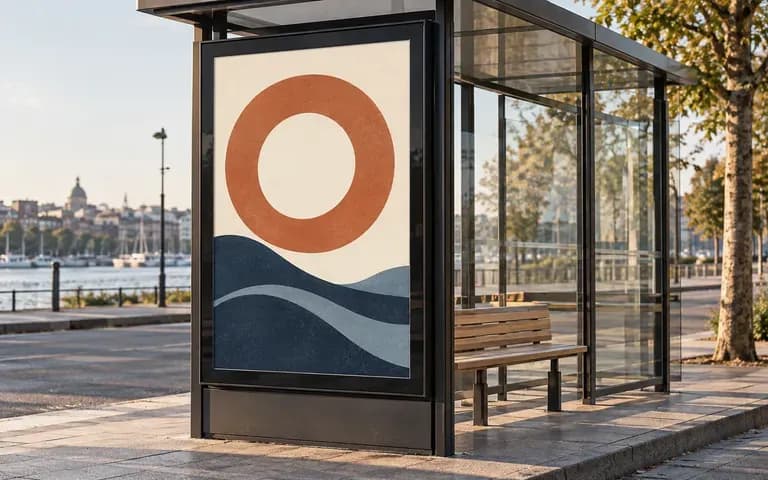
Shelter display
Focus on the portrait panel
Provide the finished portrait ad and a shelter reference. The resulting scene shows the design in the display area with its surrounding frame.
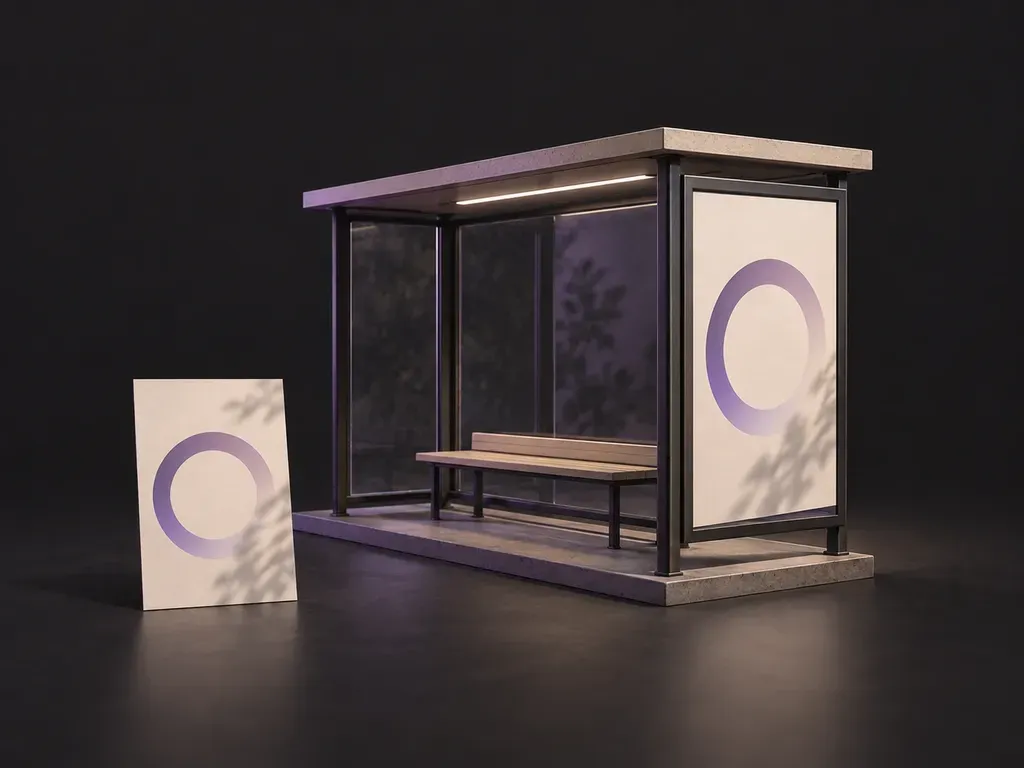
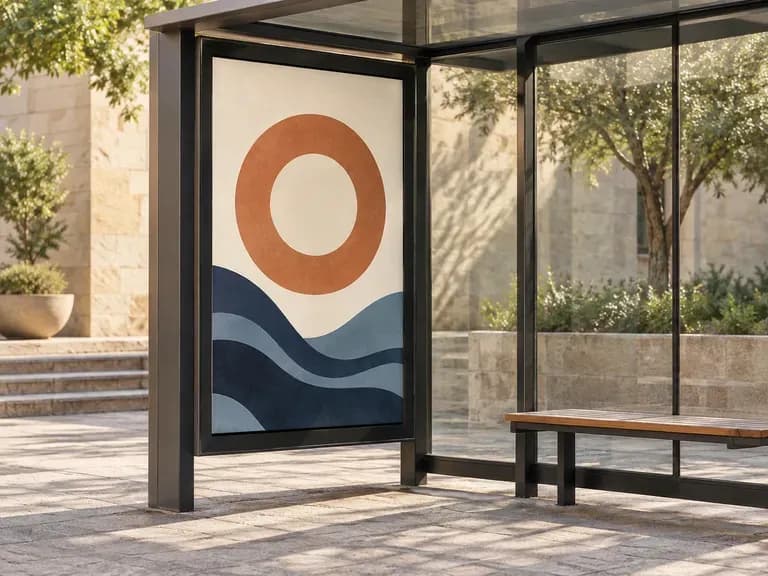
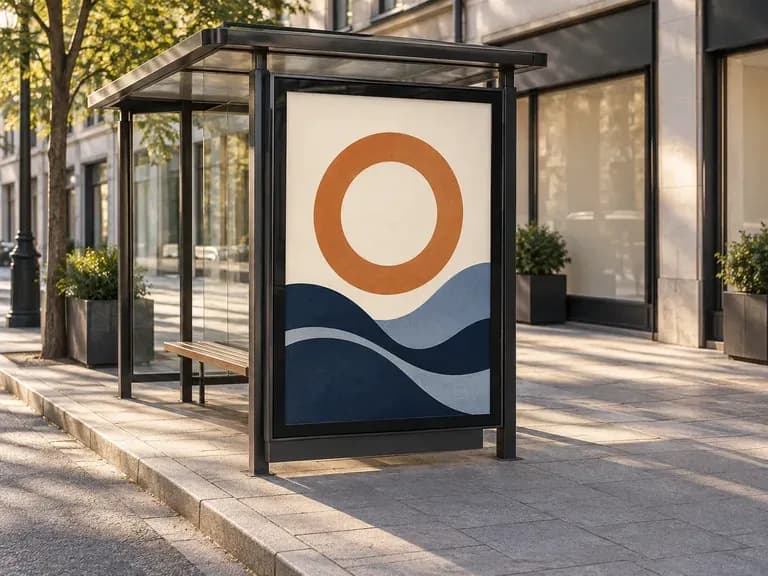
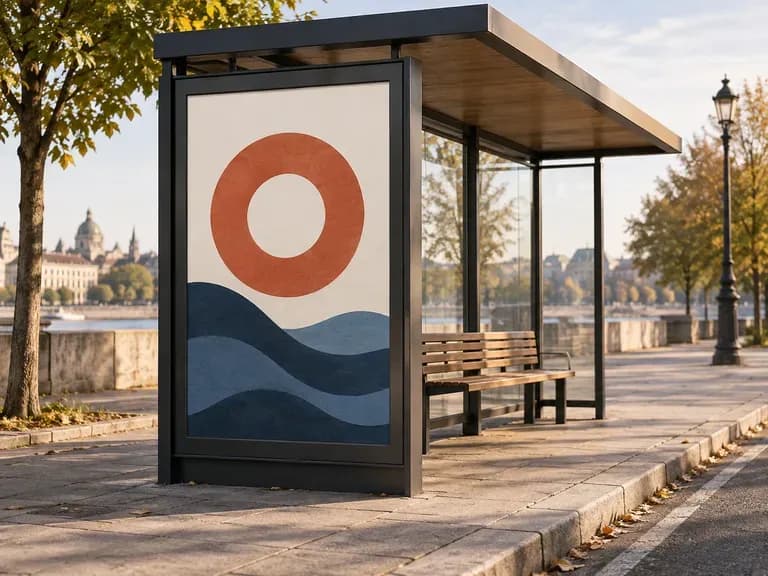
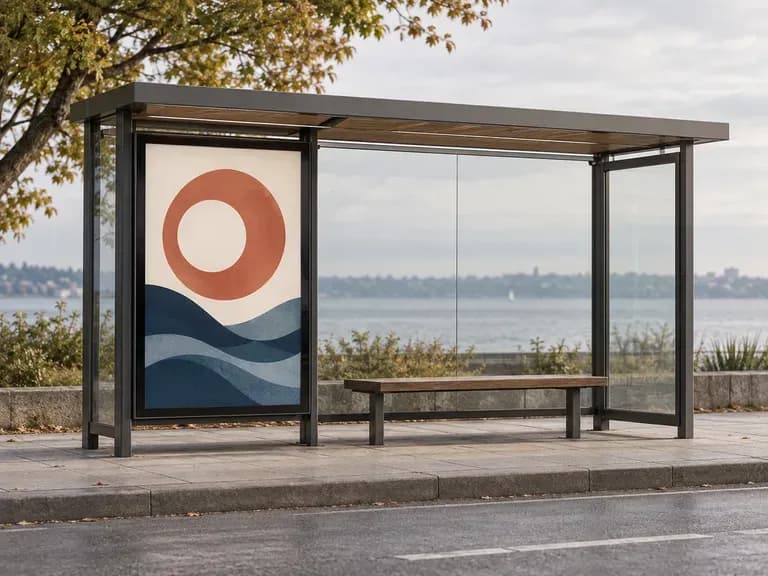
A shelter ad sits inside a frame on a busy street. Add your finished portrait artwork, shelter reference and lighting notes. Virse creates a bus shelter mockup for discussing the display and its surroundings.
A bus shelter mockup places finished portrait artwork in a shelter display panel. Virse uses your ad, shelter reference and lighting notes to create a static bus stop advertising preview for a campaign discussion—built around three core workflow advantages:
· Standard 6-sheet portrait framing: Places your vertical campaign poster inside a glass-fronted transit shelter lightbox.
· Day, dusk & night lighting: Preview backlit evening glow, overcast commuter daylight, or wet pavement night reflections.
· Realistic glass & street context: Preserves your poster typography and layout while adding subtle glass reflections and sidewalk scale.
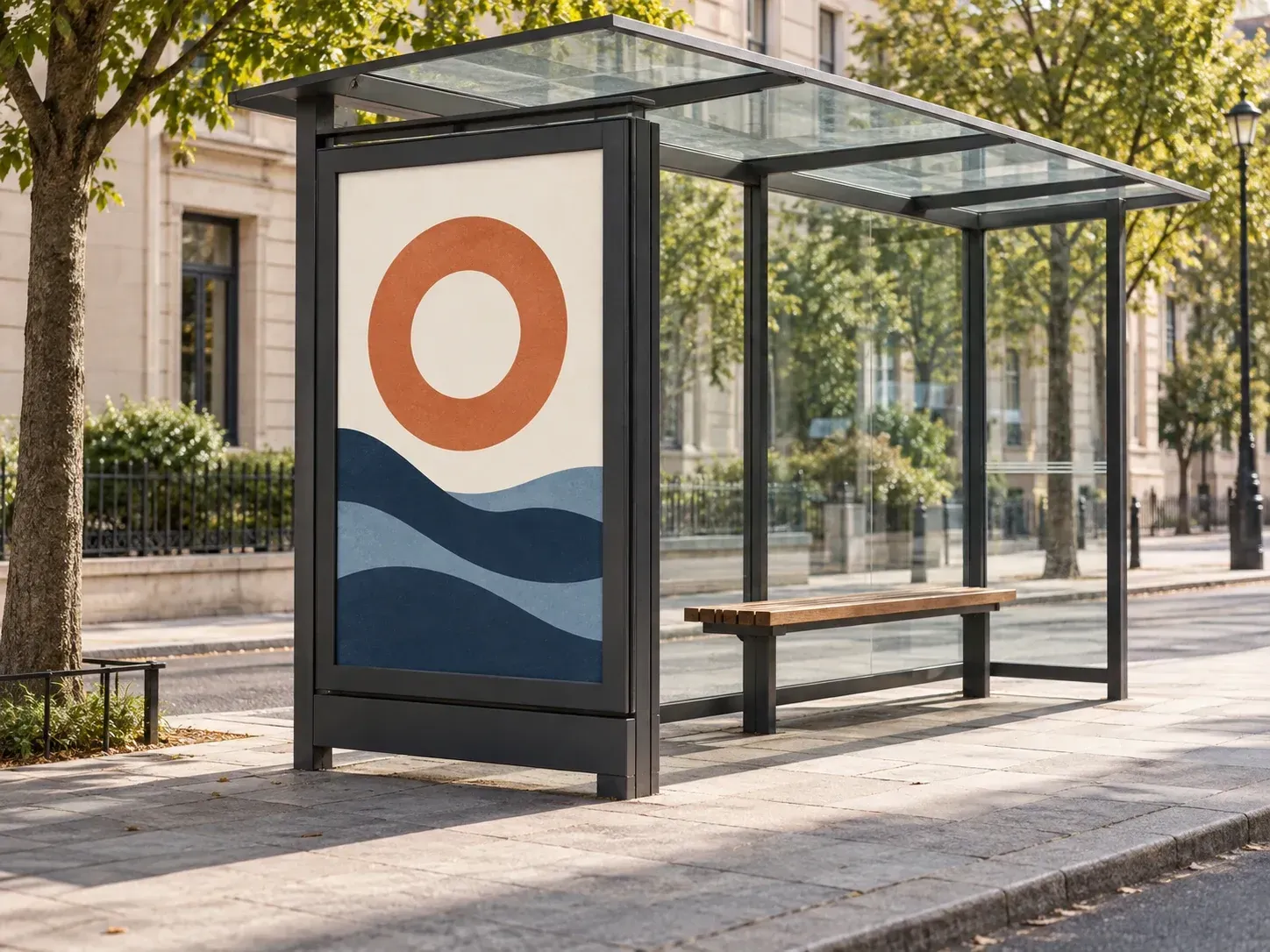
Keep the shelter in the picture so reviewers can judge the placement as a whole.
Provide the finished portrait ad and a shelter reference. The resulting scene shows the design in the display area with its surrounding frame.
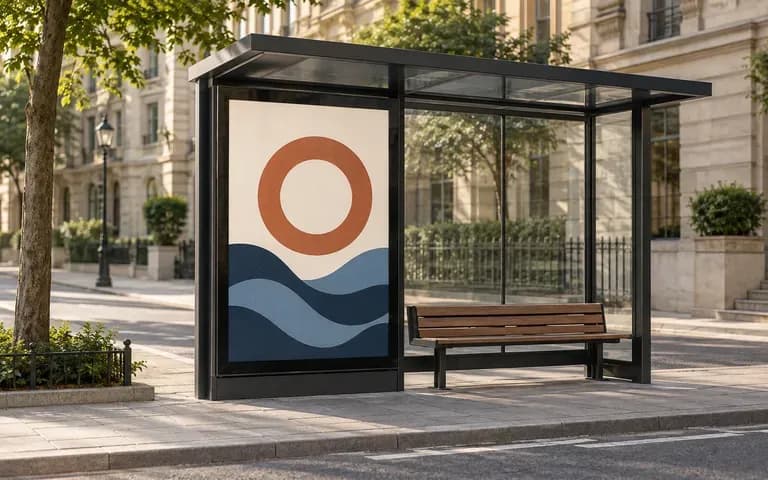
Describe the city setting and provide a reference for the approach to the shelter. The image gives the placement a context for a campaign presentation.
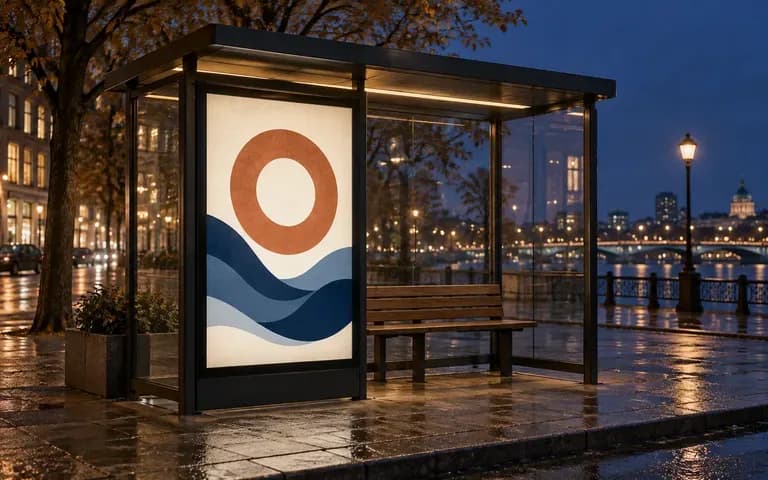
Use lighting notes to request a daytime panel or a backlit evening treatment. Inspect reflections and the visible artwork as part of the review.
Compare flat desktop poster views against street-level transit shelter mockups on the Virse canvas.
Reviewing OOH Posters on a Blank Monitor
Virse Bus Shelter Mockup
Use completed vertical artwork with the headline, imagery and logo already arranged.
Add a shelter photo or reference. Describe the city surroundings, viewpoint and lightbox or daylight appearance.
Create a still image of the advertisement in the shelter display.
Check text, cropping, frame edges and reflections against your original artwork. Use the reviewed scene to explain the concept.
Upload your portrait OOH poster artwork and add a short note describing the street setting and lighting time of day:
· Backlit rainy evening commuter shelter: Modern matte black transit shelter at dusk, warm internal lightbox illumination, subtle glass reflection on wet city pavement.
· Sunlit downtown avenue display: Clean glass bus stop panel on a tree-lined commercial street in crisp morning sunlight, three-quarter sidewalk angle.
· Minimalist Nordic transit station: Architectural concrete and steel shelter in soft overcast daylight, front-facing view for clear typography review.
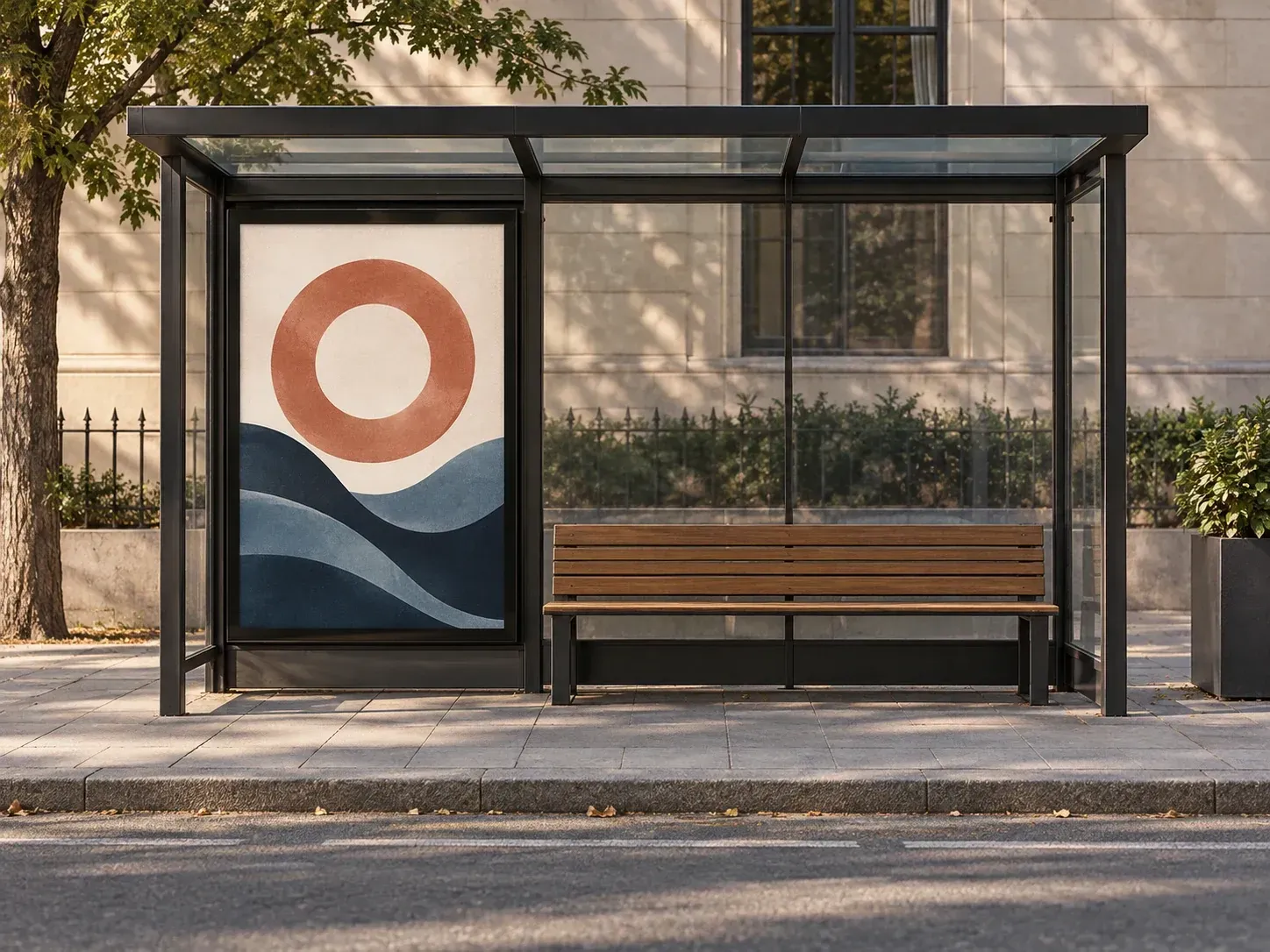
For teams working on a specific portrait placement at street level.
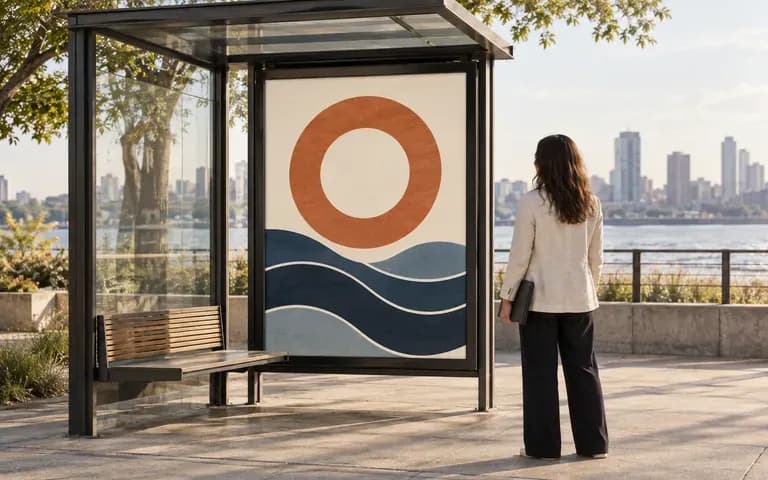
Check how finished portrait creative looks within a shelter display frame.
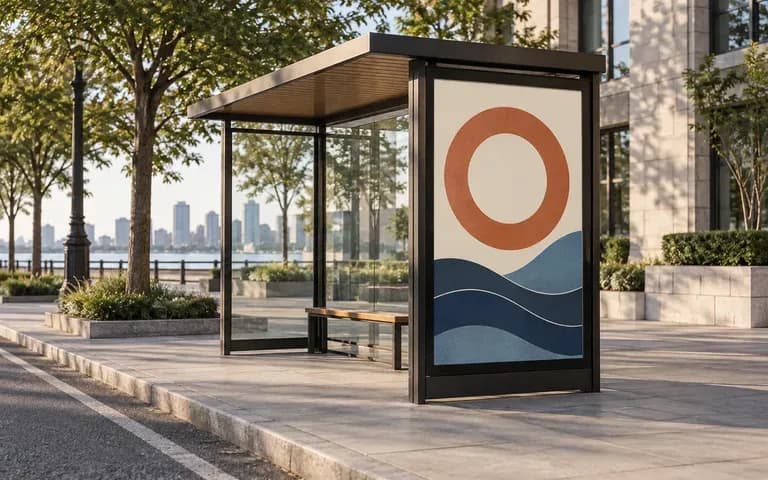
Illustrate the creative concept alongside a separately confirmed placement plan.
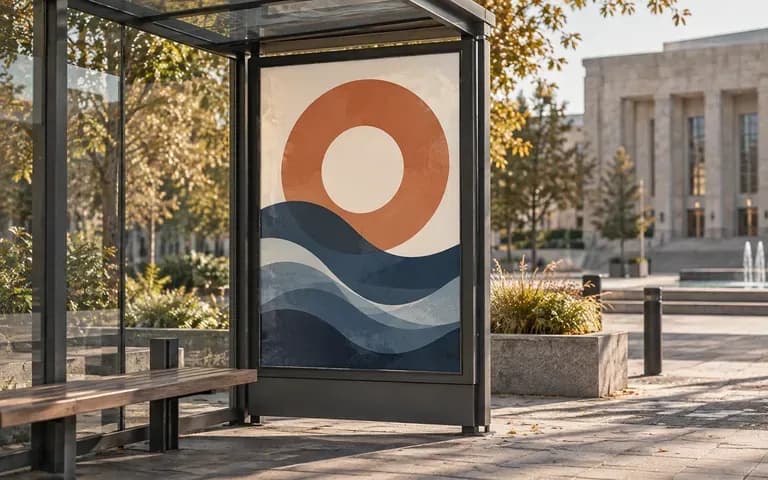
Present a local campaign idea within a recognizable type of street setting.
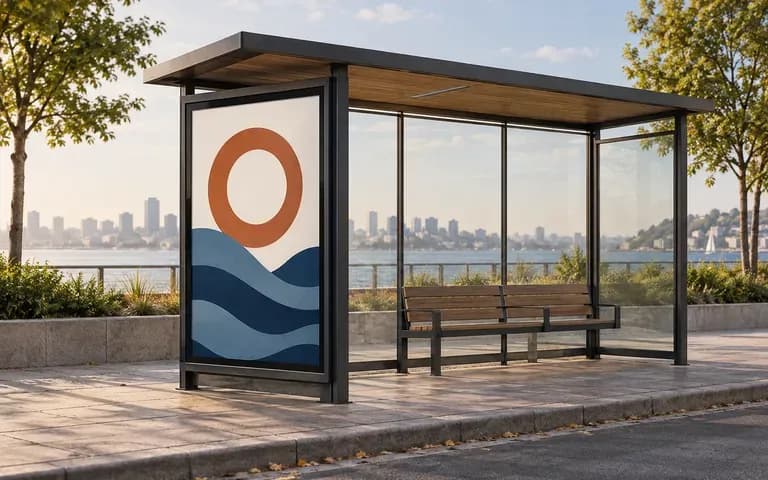
Give a client a view of the panel and surrounding shelter during a pitch.
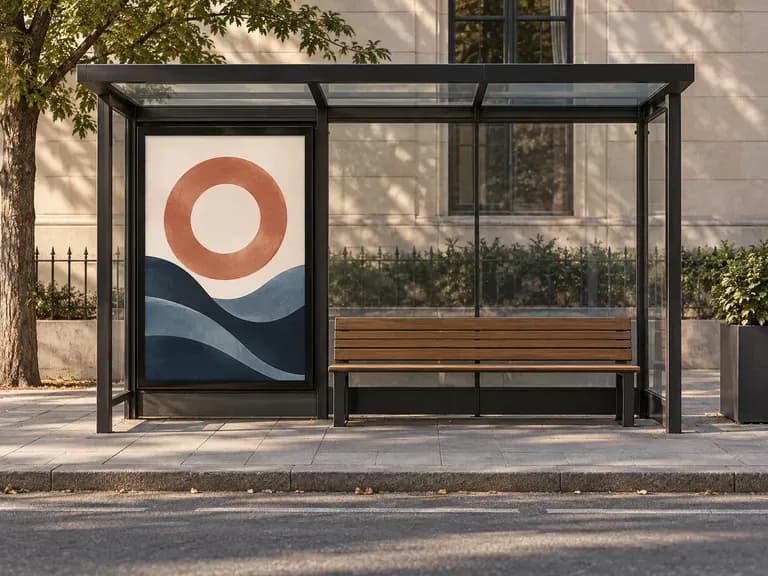
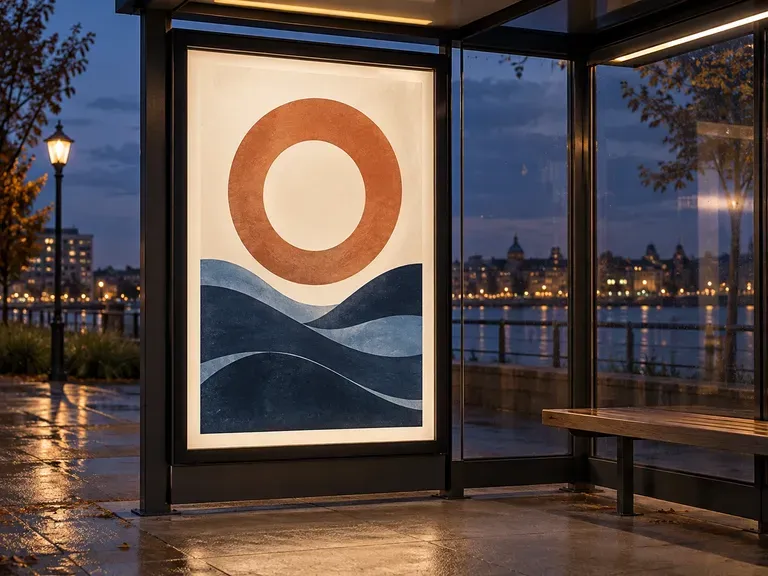
List your design goal, audience, format, brand colours and text constraints to generate a structured prompt that image models can follow accurately, starting on free Virse credits.
Describe a project to get a structured brief covering background, goals, audience and deliverables, or upload an in-progress design for strategy feedback on a Virse canvas, starting on free credits.
A sticker must hold up as a clean cut shape. Describe your subject and style to generate single characters or matching sticker sheets complete with die-cut outlines, starting on free credits.
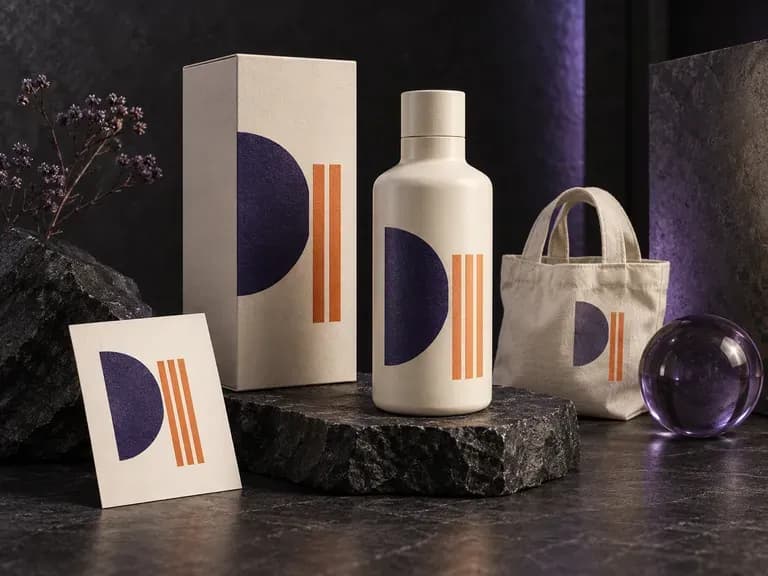
See your design where people will encounter it. Add artwork, a logo, or a product image, then describe the object, material, light, and setting. This AI mockup generator creates a static preview for reviewing the idea in context.
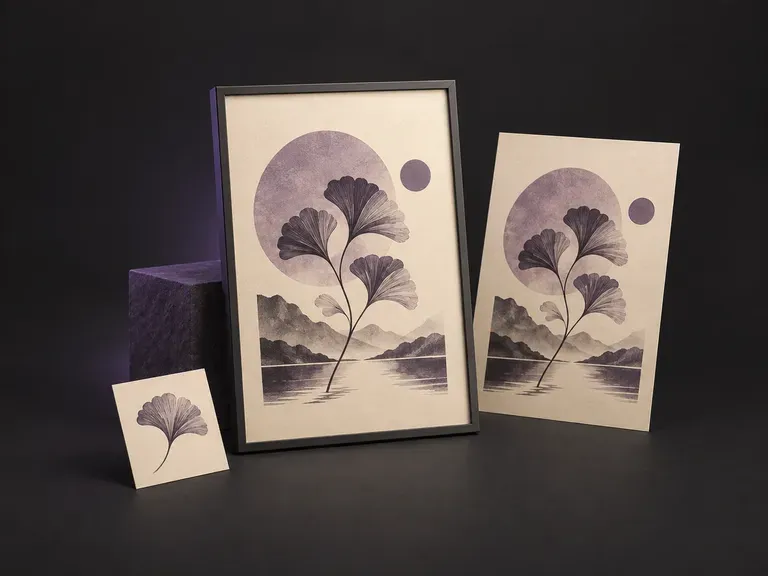
See your poster where it could hang. Add the finished artwork and a wall, frame or display reference. Virse creates a static poster mockup for discussing the work in a room, gallery or another display environment.
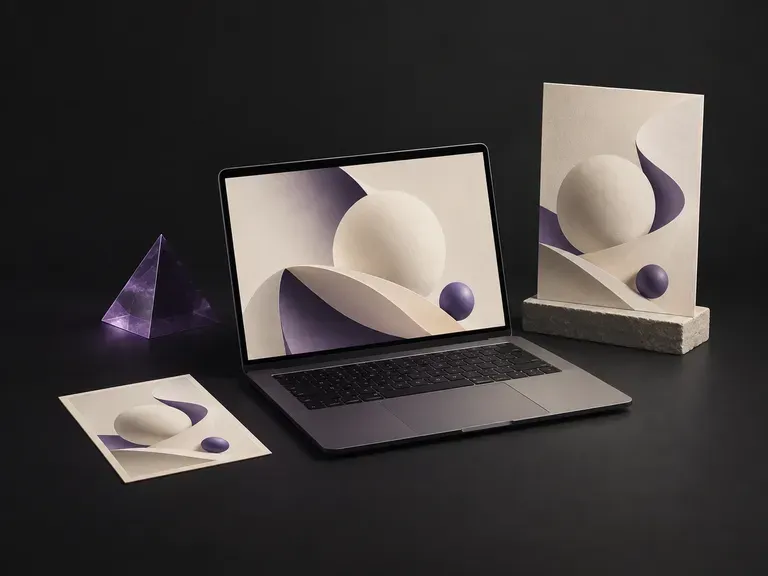
Give your interface a setting for the presentation. Add a screenshot and laptop reference, then describe the scene and screen fit. Virse creates a static laptop mockup for a portfolio, product pitch or design review.

Generate and edit images with Nano Banana 2.1 in Virse. Choose 1K, 2K or 4K output and use up to 14 reference images to guide the subject, setting and materials.

Alibaba's Qwen Image 3.0 Pro renders type as language across a dozen scripts, holding legibility down to ten pixels in dense layouts.
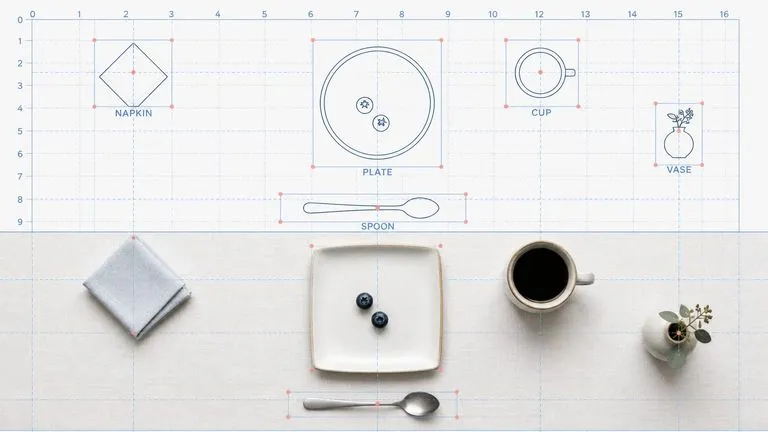
Reve AI's second-generation model builds an addressable layout of positioned elements before it renders, so a specified arrangement comes back arranged.
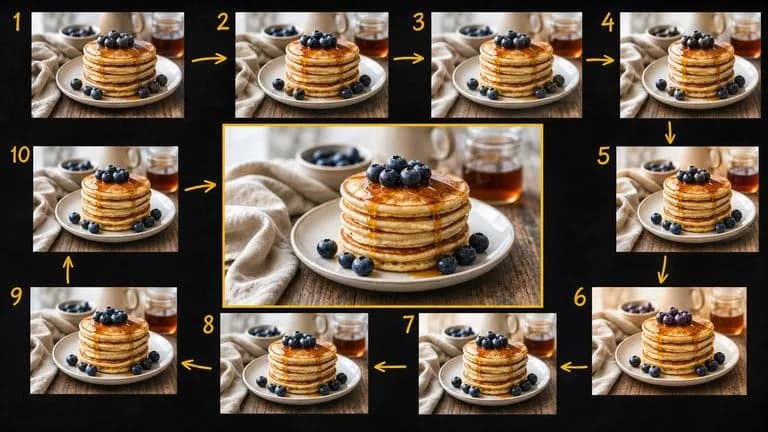
Google's Gemini 2.5 Flash Image — the original Nano Banana — generates and edits pictures at conversation speed, so a correction takes a sentence instead of a session.

ByteDance's Seedream 4.0 and Seedream 4.5 generate from written descriptions and from images you supply, turning one source picture into as many directions as a project needs.
Google's Nano Banana 2 pairs flagship-level image quality with Flash-class speed, across four output sizes from rapid 0.5K prototypes to finished 4K.
Add the portrait design and a shelter reference to create a scene for your next campaign discussion.