Free
Start with Free Generations
Try your first T-shirt design on Virse credits. New users can generate up to 10 images, enough to see whether a graphic holds up on a garment before ordering a sample run.
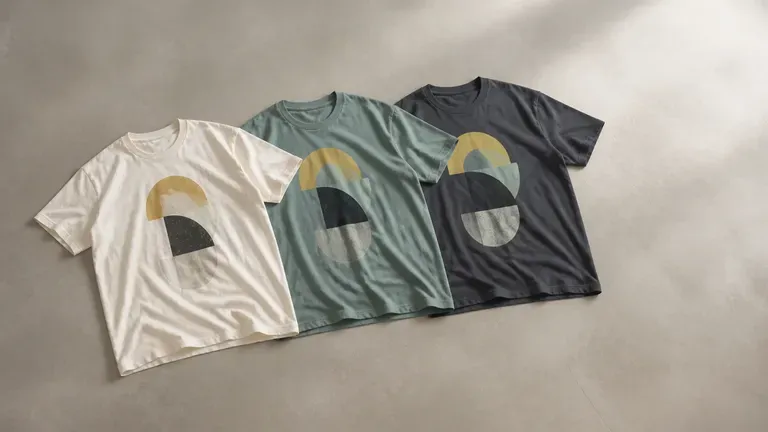
A graphic that looks fine on screen can shift once printed at chest scale. Describe your idea and colour palette to preview concepts on real print-position shirt mockups, starting with free Virse credits.
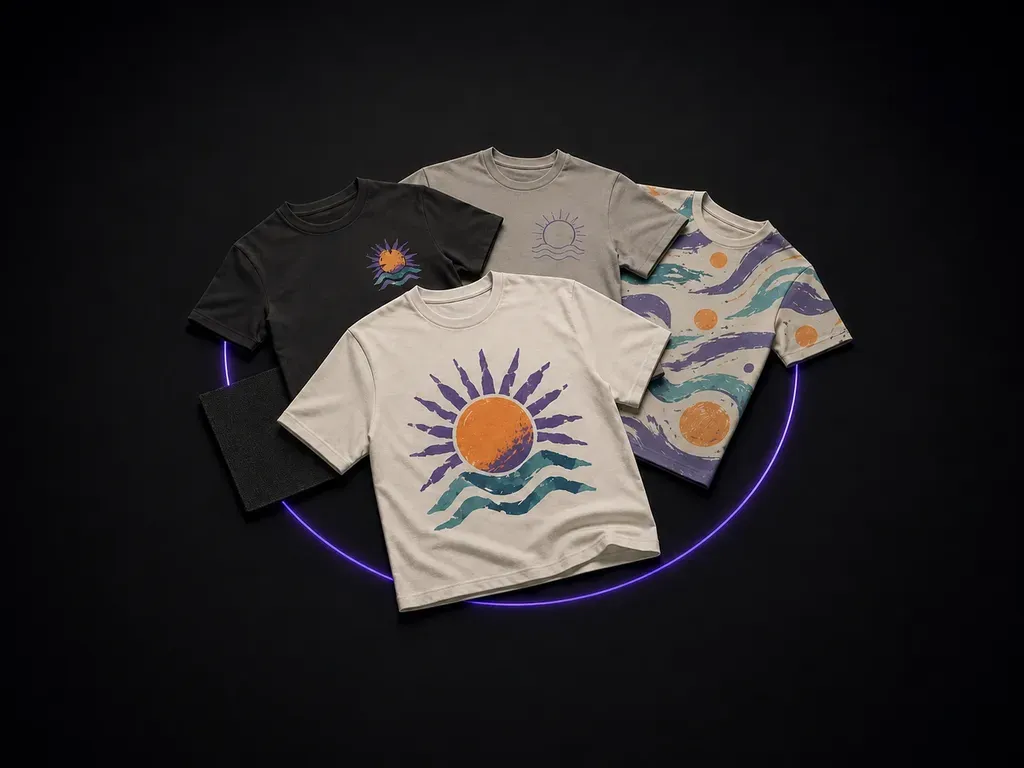
An AI T-shirt design generator turns a written style brief or reference sketch into wearable graphic concepts previewed directly on garment print mockups. Virse structures shirt ideation around three practical controls:
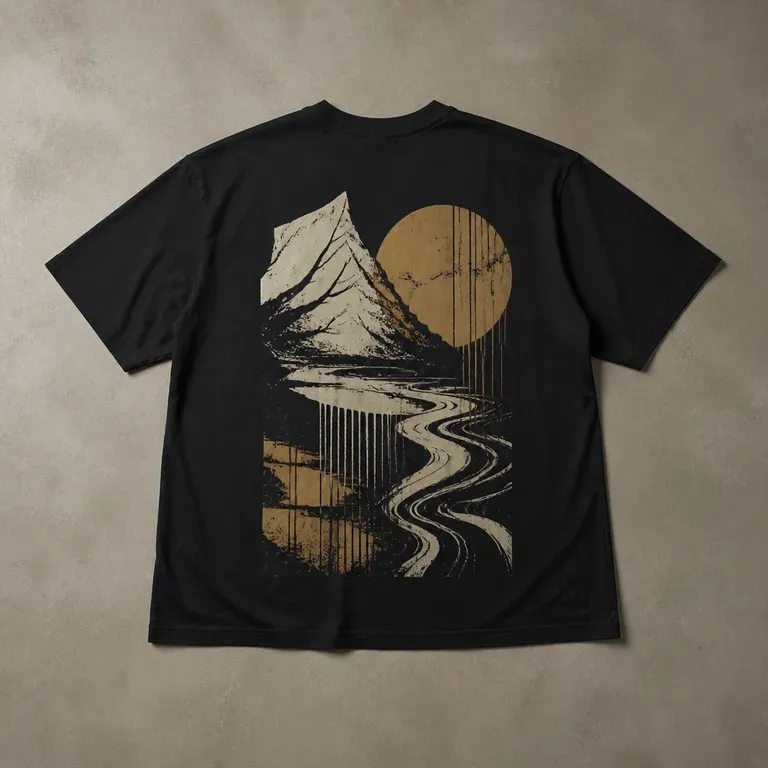
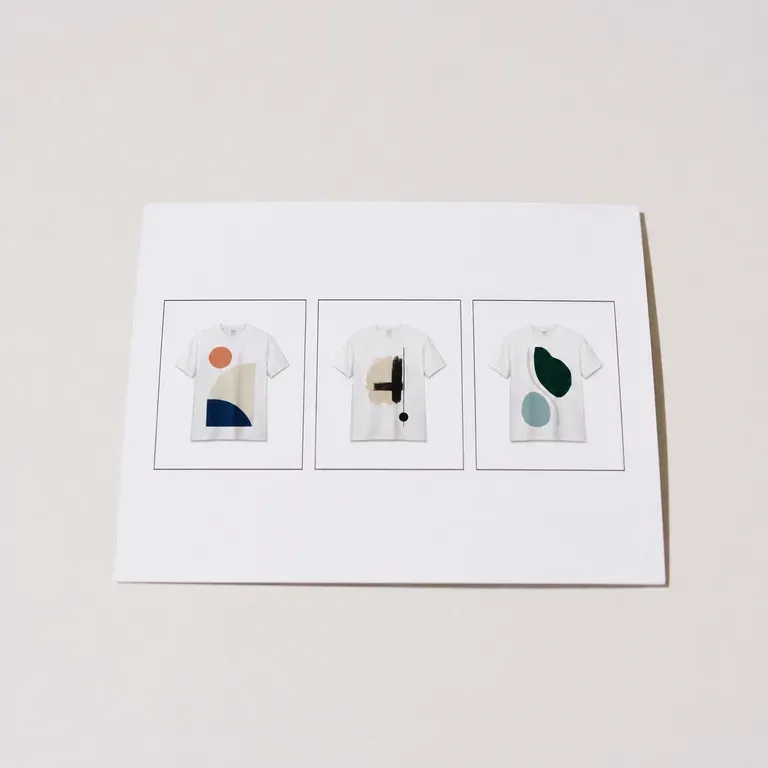
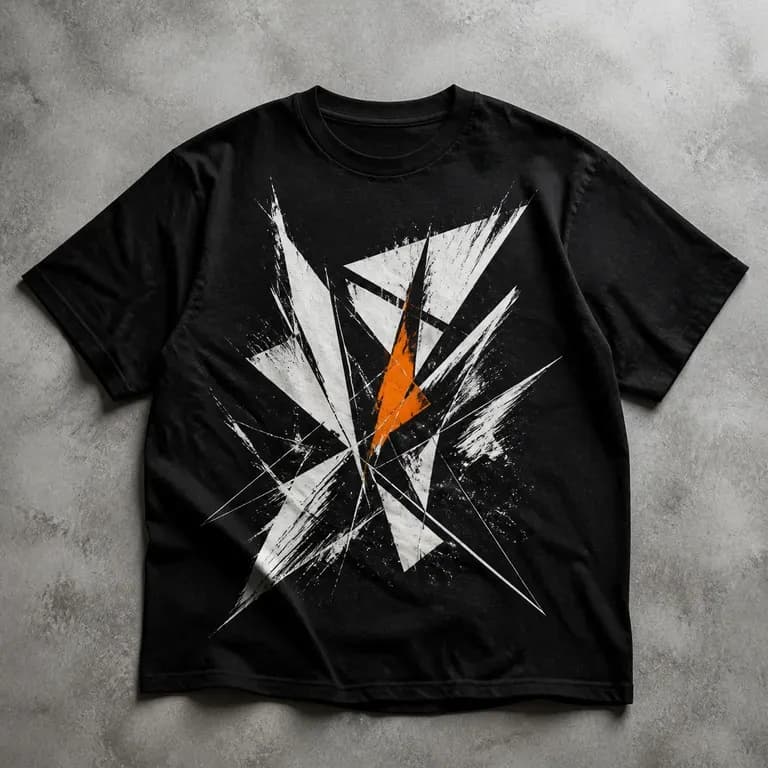
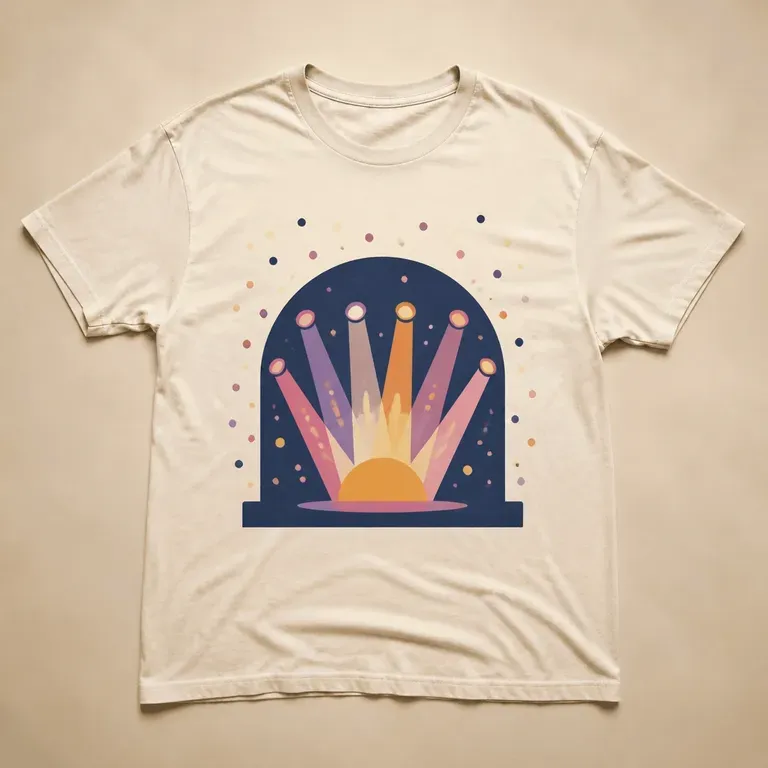
• Print-position previews: Test compact front chest emblems, full-panel front graphics, or statement back prints on realistic tees before sampling.
• Style and ink discipline: Guide linework weight, screen-print color count, vintage distressing, and fabric contrast from a single prompt.
• Canvas comparison: Keep reference art, colorway variants, and alternative placements side by side on one infinite canvas.
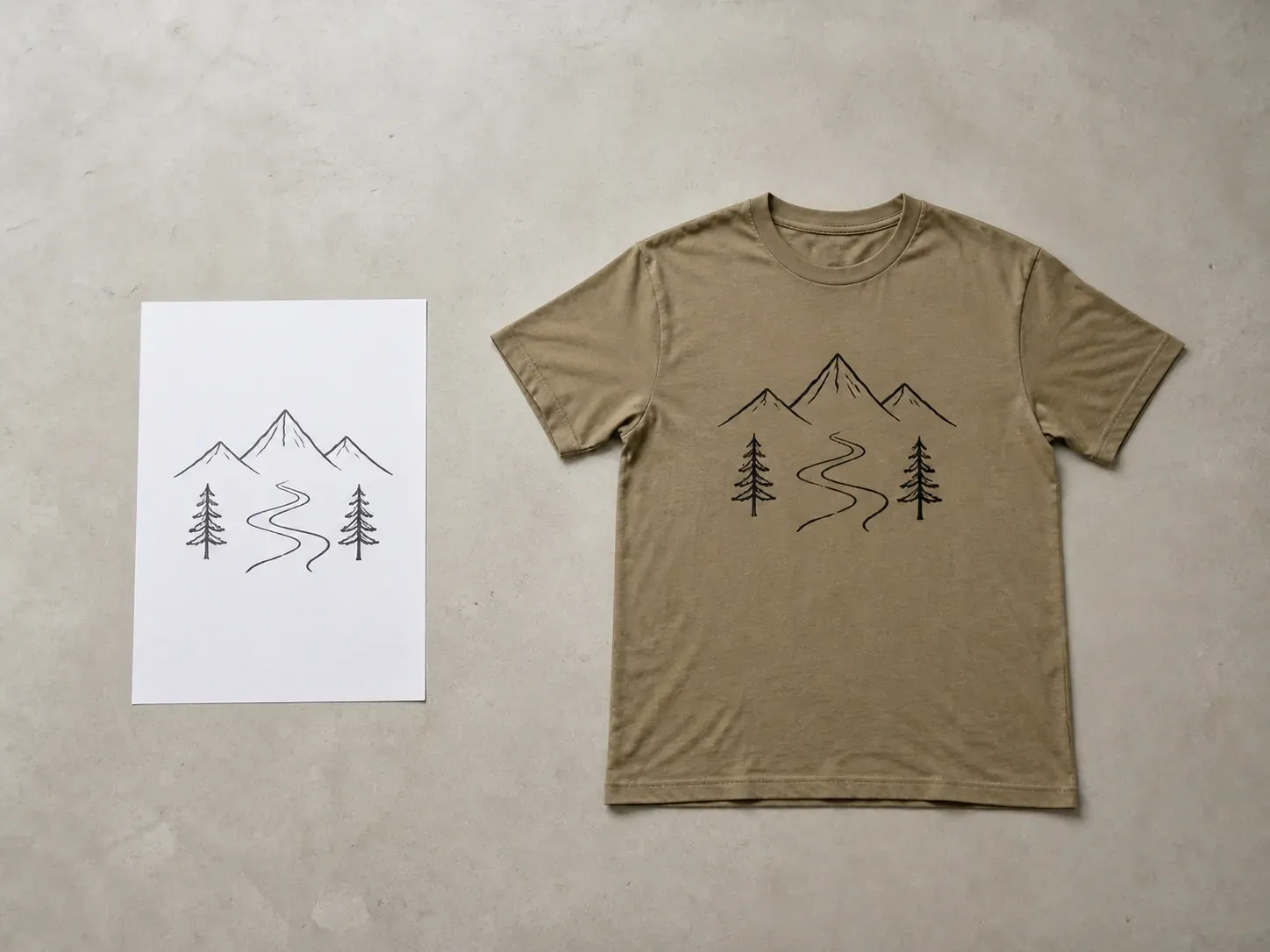
A T-shirt graphic has to work at print size, not just as a nice image. Seeing it on the garment early is what catches that.
Try your first T-shirt design on Virse credits. New users can generate up to 10 images, enough to see whether a graphic holds up on a garment before ordering a sample run.
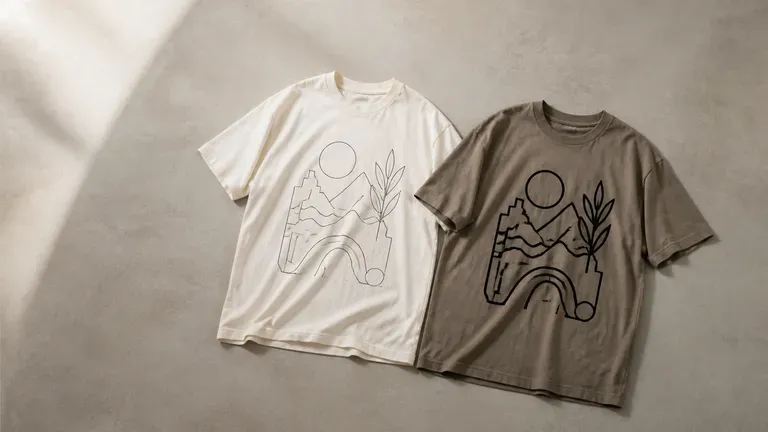
Virse brings 40+ AI models into one environment, and paid plans include unlimited model usage. You can see how different models handle the same graphic idea without rebuilding it for each one.
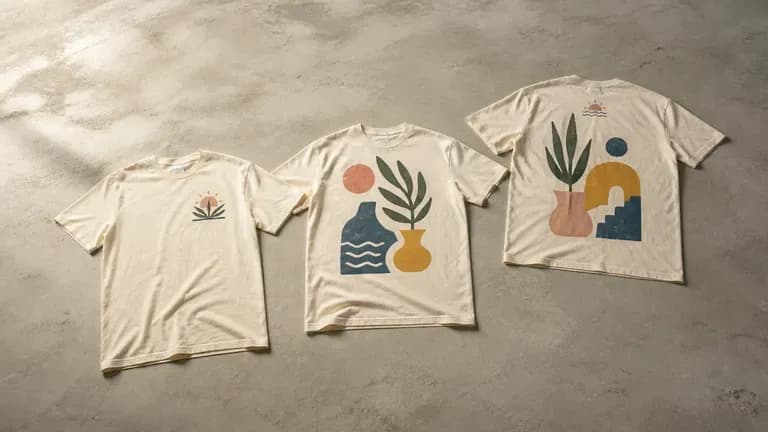
References, generated designs and alternative print positions stay together on an infinite canvas. Virse keeps the graphic direction in context, so the next round builds on what already worked.
How previewing shirt graphics on garment print positions compares with designing isolated flat files.
Isolated Flat Graphic Files
Virse T-Shirt Design Generator
Write out the theme, the visual style and any colour preferences. Add a reference image when it says more than a sentence would.
Pick front chest, full front or a back print with a small front mark, matching where you actually want the graphic to sit.
Run an available AI image model and let it produce a few graphic directions shown on a T-shirt print mockup.
Pick the strongest design and keep adjusting the colours and details. Once it is settled, it is ready to hand to a printer.
Effective T-shirt prompts pair a clear graphic motif, illustration style, ink palette, and garment placement. Copy any template below and swap in your theme:
• Front chest emblem: "Front chest print preset: compact vintage mountain badge in distressed cream and terracotta screen-print ink on a washed charcoal tee."
• Full front streetwear graphic: "Full front graphic preset: bold halftone botanical skull illustration with crisp linework across a heavyweight off-white cotton shirt."
• Statement back print: "Back print with small front mark preset: large ukiyo-e wave graphic across the upper back paired with a minimal chest crest."
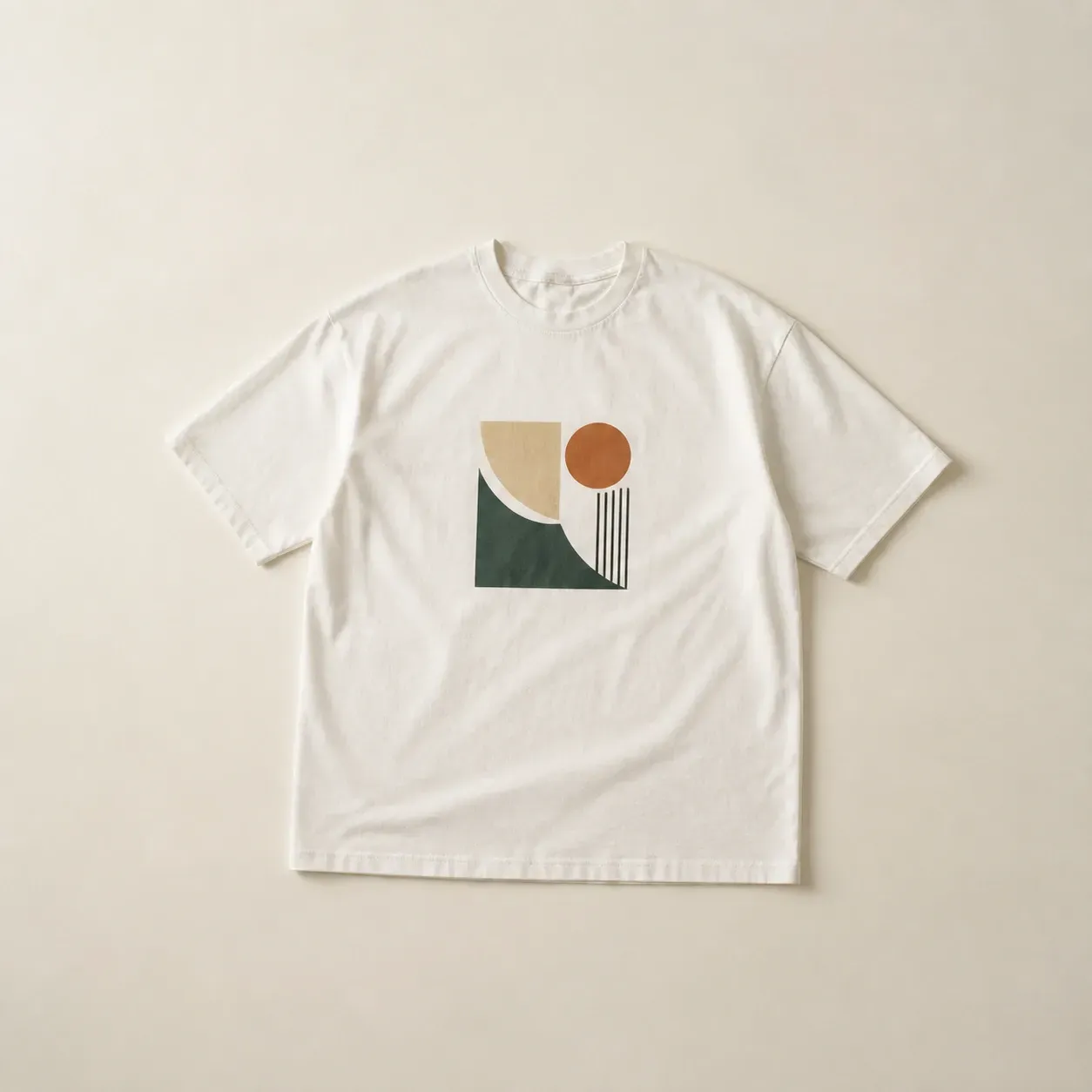
People turning a graphic idea into something they can actually print.
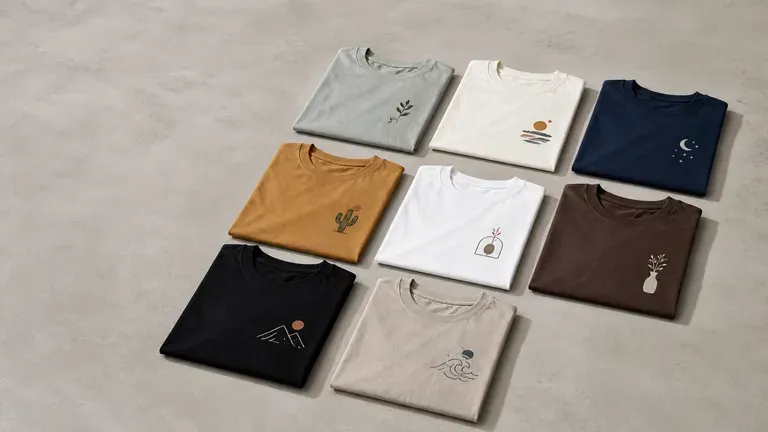
Generate a batch of T-shirt graphics to test across a catalogue without commissioning custom art for each one.
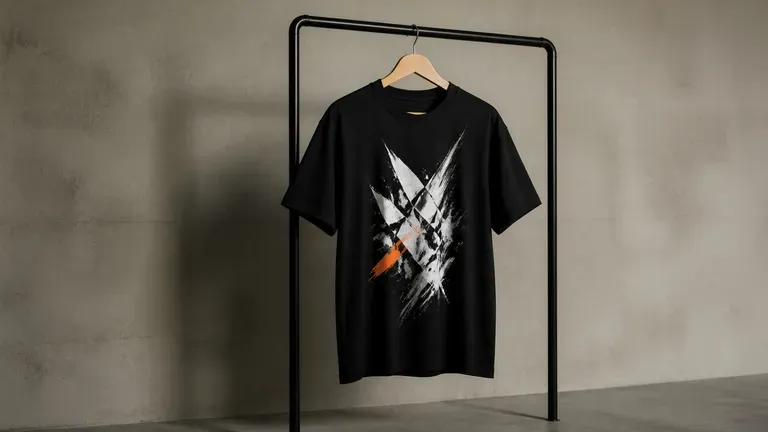
Explore bold graphic directions for a drop before committing to a production run.
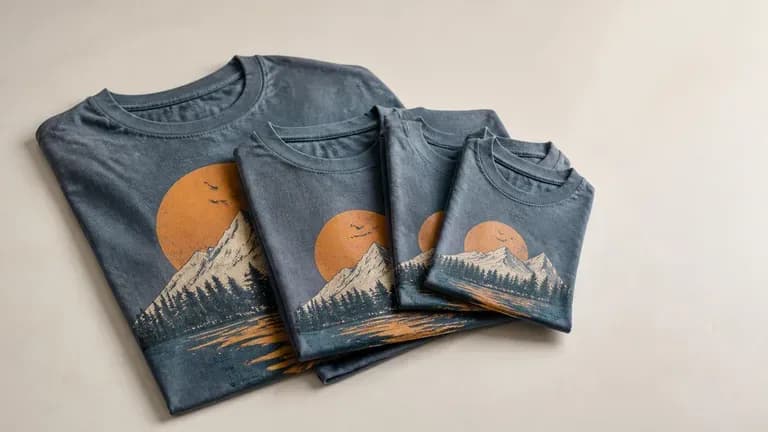
Turn an event theme or team identity into a graphic for a small production run.
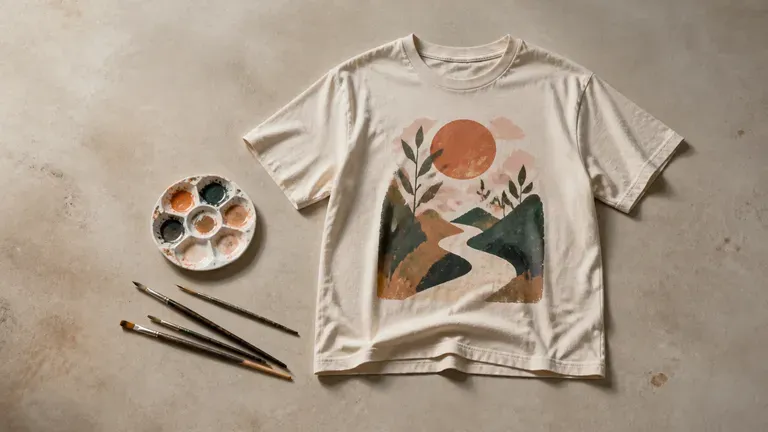
Turn a personal illustration style into wearable graphic designs.
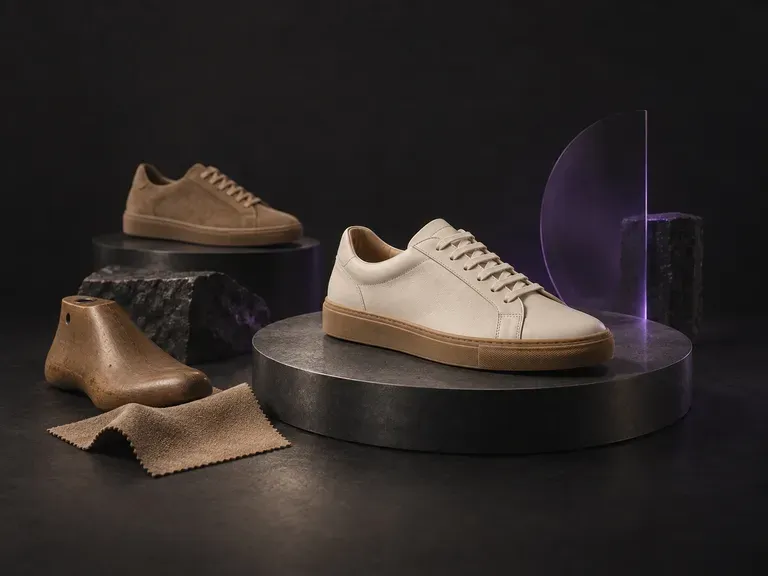
Turn a written footwear brief into photorealistic concept renders before cutting a pattern piece. This AI shoe design generator visualizes court sneakers, trail runners, Chelsea boots, sculptural heels, and loafers from your material notes on the Virse canvas.
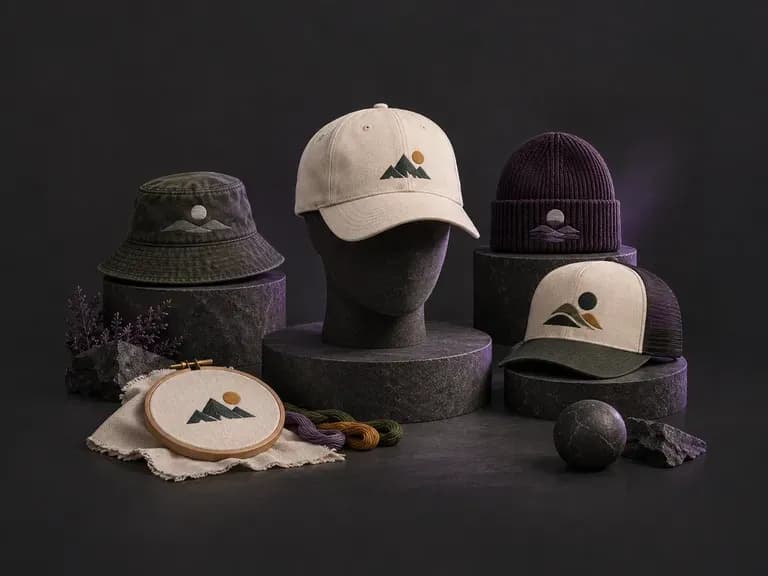
Describe your crown shape, fabric texture, and graphic application, or upload a logo, to preview headwear before ordering samples. This AI hat design generator renders front and side concepts for snapbacks, dad hats, truckers, and beanies on your Virse canvas.
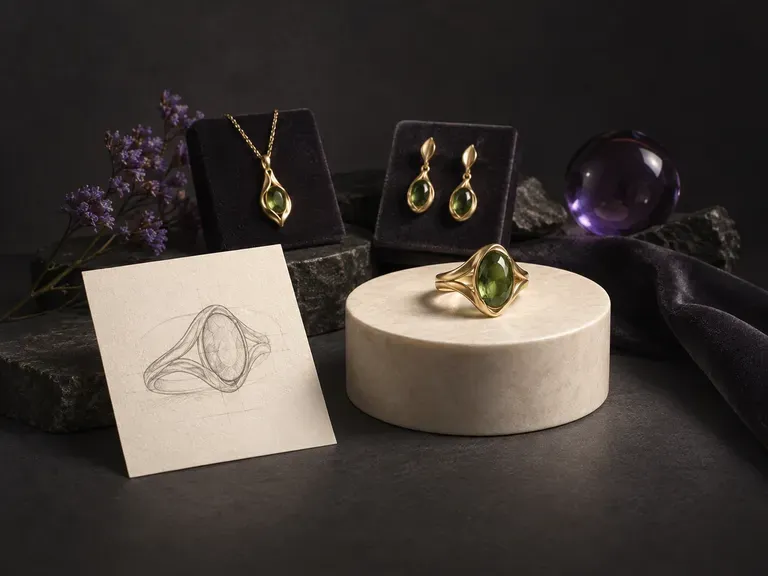
Turn written jewelry briefs or rough hand sketches into macro studio renders with our AI jewelry design generator. Explore solitaire, halo, and bezel rings, signets, pendant necklaces, earrings, and cuffs across 18k gold, platinum, and faceted gemstones.
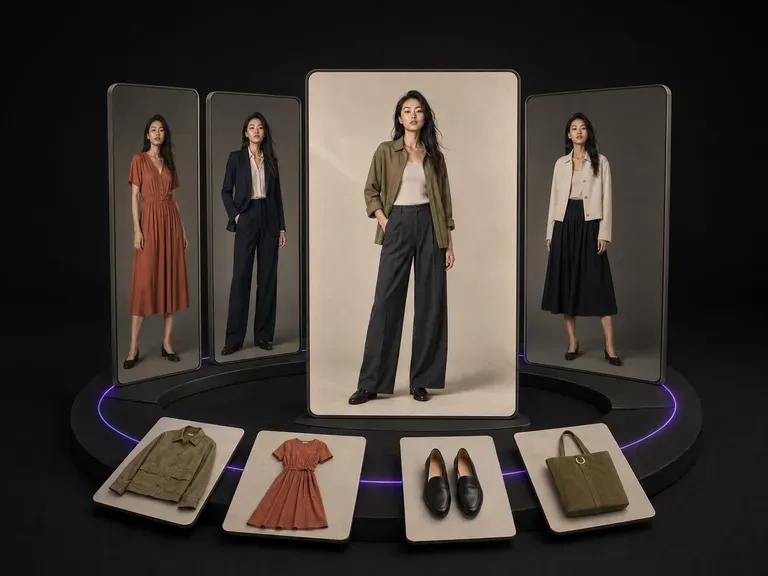
Upload a front-facing model photo and the garment pieces. Four differentiated try-on images come back, with the pose and framing varying between them while the model stays recognisably themselves and each garment keeps its exact design, seams and drape.
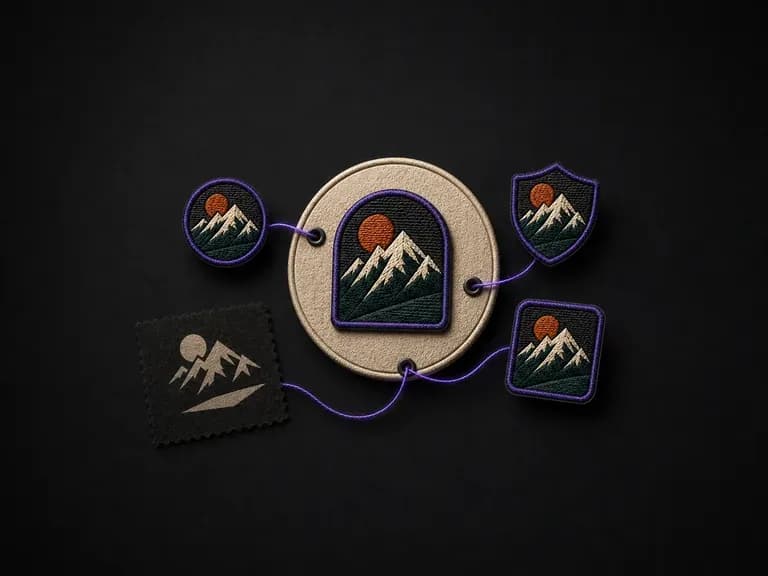
Fine screen detail can blur once stitched at patch scale. Describe your theme, shape, border and stitch style to preview custom patch concepts with realistic embroidered, chenille, woven or PVC textures at actual scale, starting with free credits.
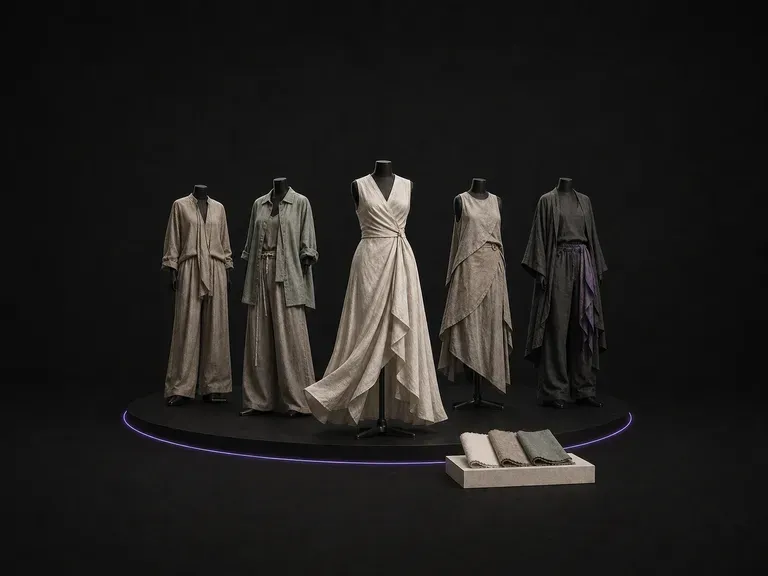
Describe your season, audience and silhouettes to generate a cohesive set of styled collection looks sharing one palette and fabric story on the Virse canvas, starting on free credits.
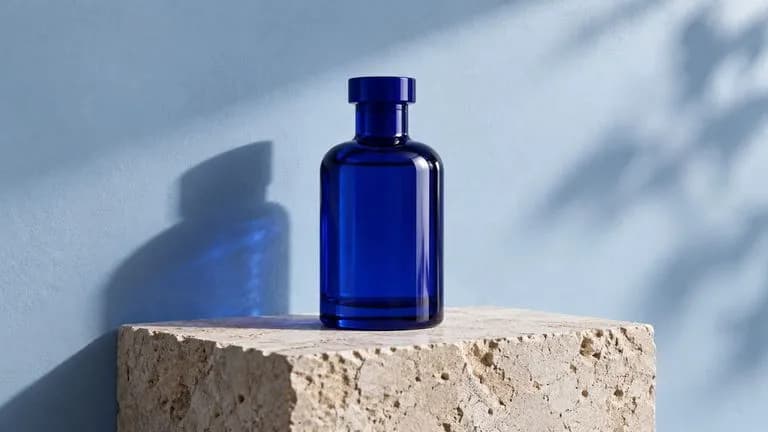
Generate and edit images with Nano Banana 2.1 in Virse. Choose 1K, 2K or 4K output and use up to 14 reference images to guide the subject, setting and materials.
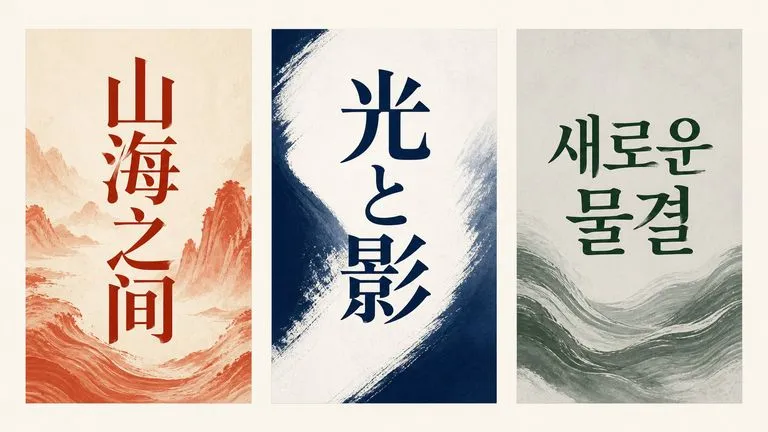
Alibaba's Qwen Image 3.0 Pro renders type as language across a dozen scripts, holding legibility down to ten pixels in dense layouts.
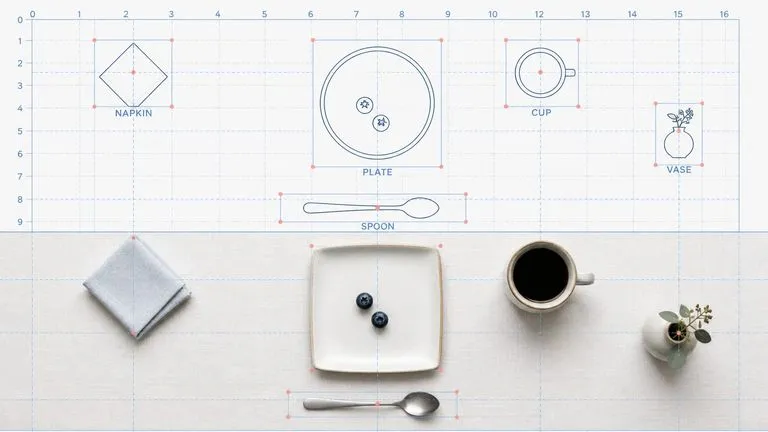
Reve AI's second-generation model builds an addressable layout of positioned elements before it renders, so a specified arrangement comes back arranged.
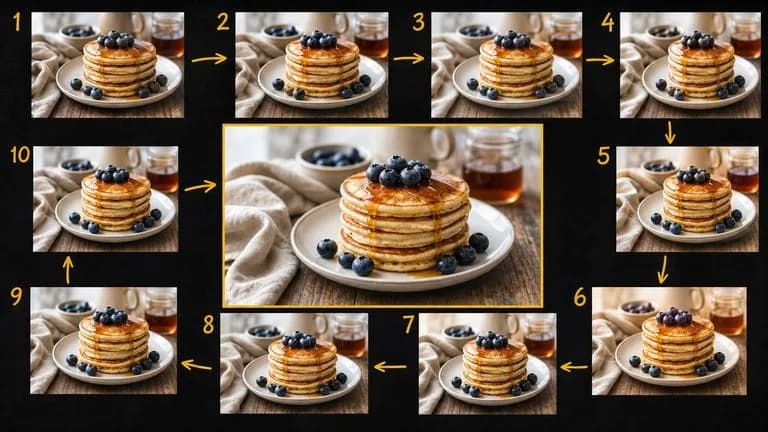
Google's Gemini 2.5 Flash Image — the original Nano Banana — generates and edits pictures at conversation speed, so a correction takes a sentence instead of a session.
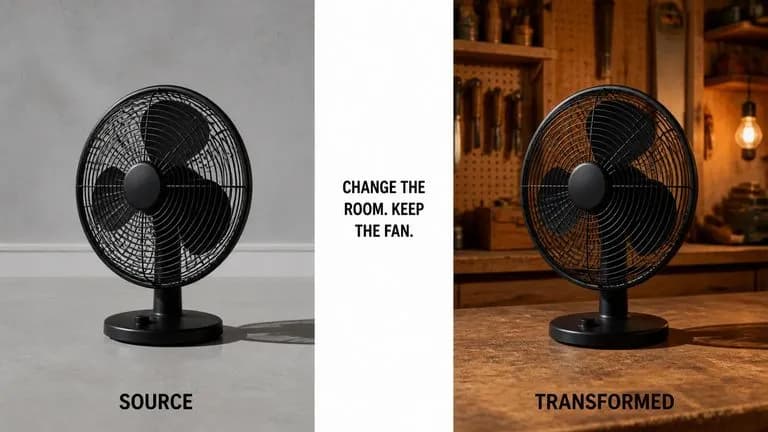
ByteDance's Seedream 4.0 and Seedream 4.5 generate from written descriptions and from images you supply, turning one source picture into as many directions as a project needs.
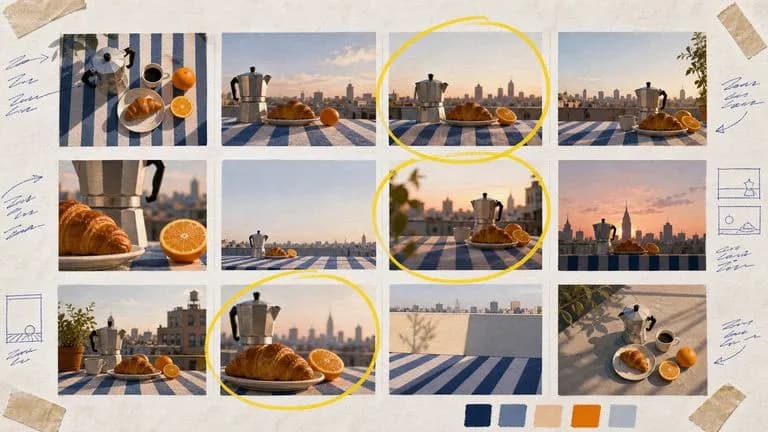
Google's Nano Banana 2 pairs flagship-level image quality with Flash-class speed, across four output sizes from rapid 0.5K prototypes to finished 4K.
Describe your graphic idea, generate design concepts with print position mockups, and refine the one worth producing.