T 恤设计生成器

T 恤设计生成器

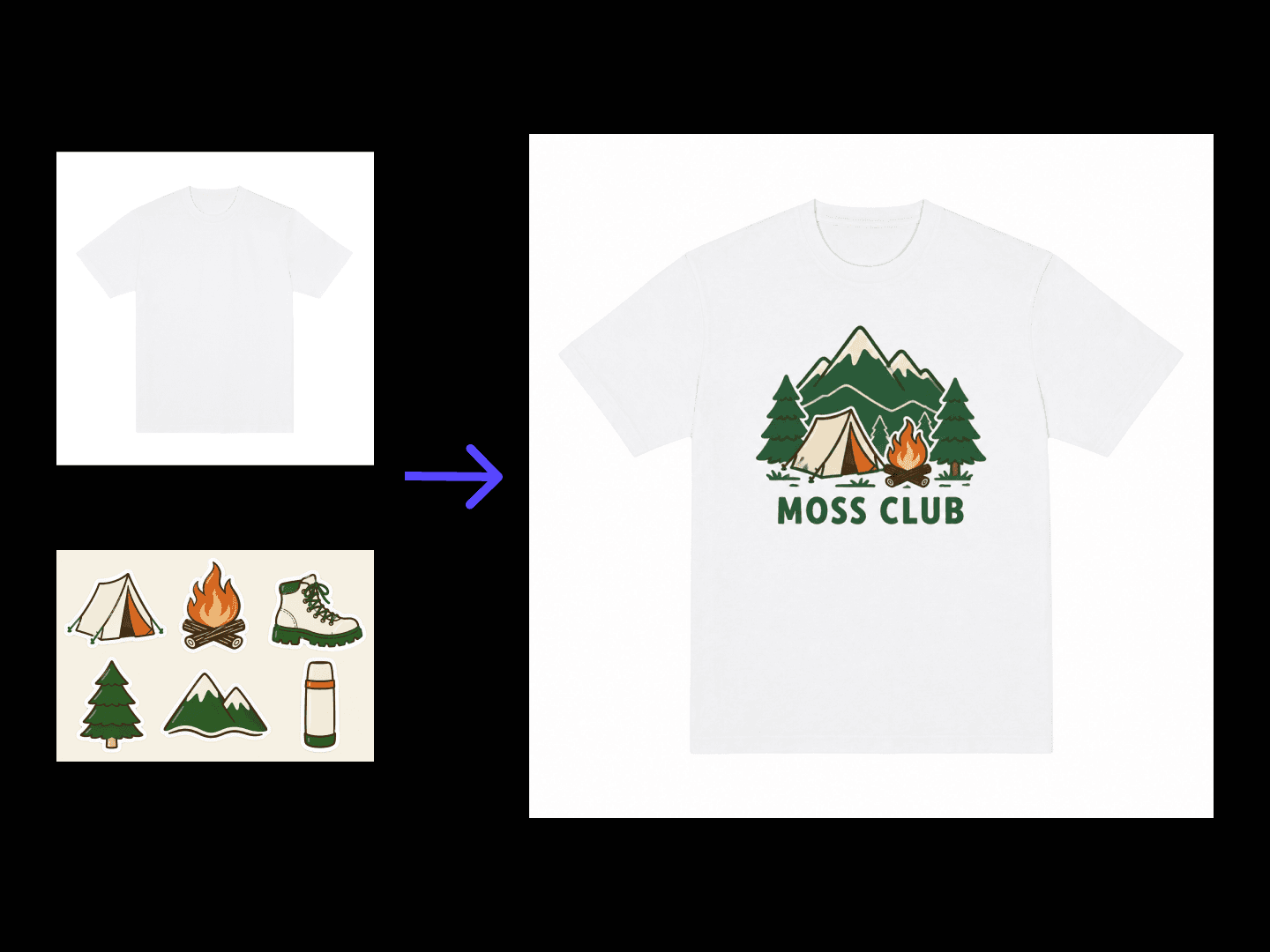
A graphic that reads fine on screen can shrink or shift once it's actually printed at chest scale. Describe the idea and your colour preferences, and get concepts back shown on real print position mockups, so you're judging the shirt, not just the artwork. The first run is on free credits.

输入
主题与图案内容 · 选填空白 T 恤底图 · 选填主题图案素材 · 选填T 恤款式 · 选填配色偏好 · 选填印花位置 · 选填款数 · 选填
输出
T 恤图案效果预览(款数按所选数量)
空白 T 恤底图选填

图片在画布里上传,这里填的是参数。

主题图案素材选填

款数选填

What Is an AI T-Shirt Design Generator?

An AI T-shirt design generator turns a style and a graphic idea into design concepts shown as print position mockups. In Virse you describe the graphic and the fit, generate a few directions and compare them on one canvas before anything goes to print.

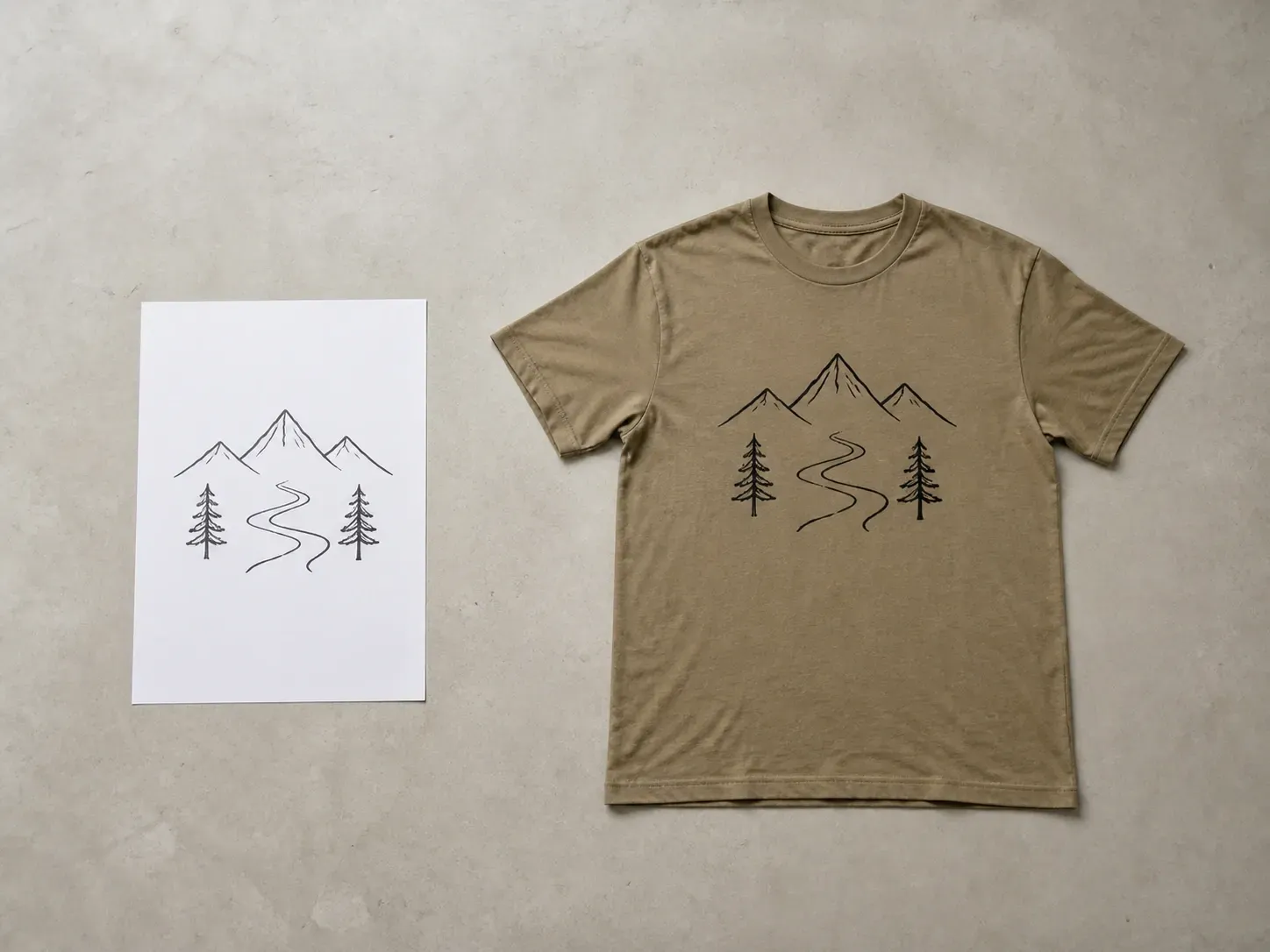
A hand-drawn mountain line art reference beside the same graphic printed on a khaki T-shirt
A graphic idea turned into a T-shirt design with a print mockup

Why Use Virse's T-Shirt Design Generator?

A T-shirt graphic has to work at print size, not just as a nice image. Seeing it on the garment early is what catches that.

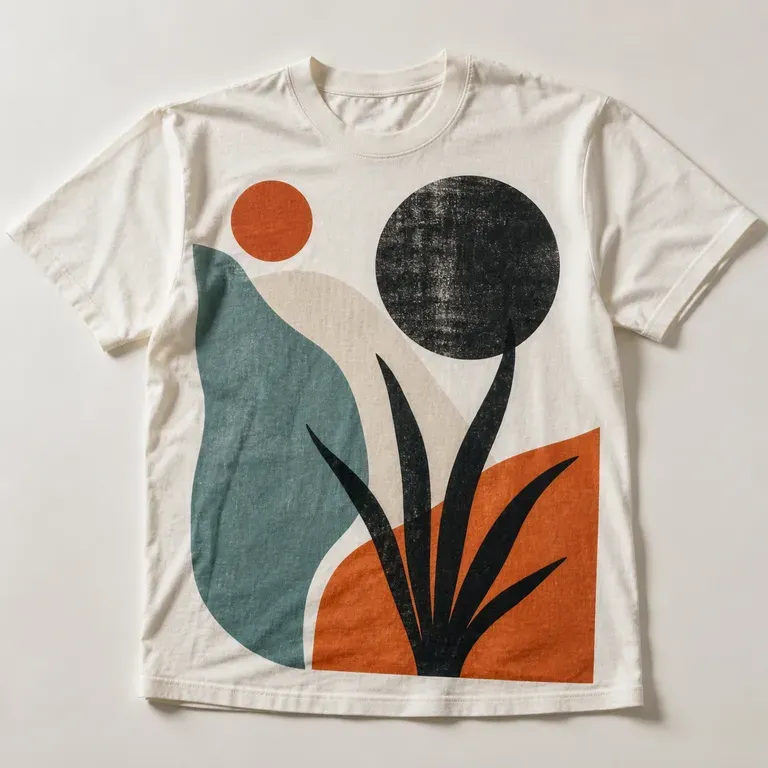
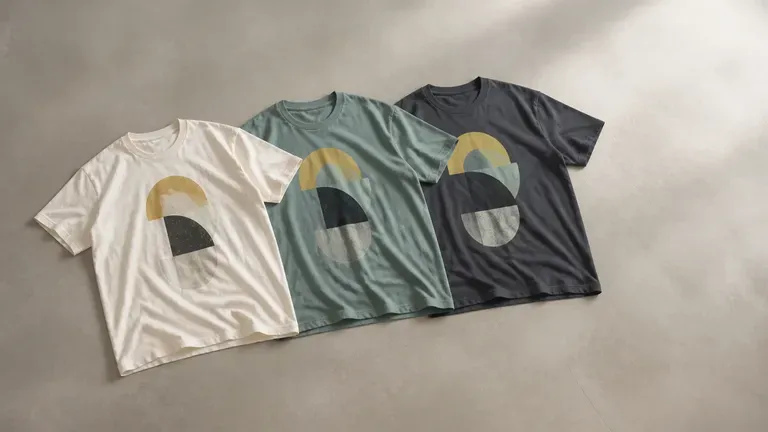
Three T-shirts in different colours flat-laid with the same abstract geometric graphic on the chest
Free

Start with Free Generations

Try your first T-shirt design on Virse credits. New users can generate up to 10 images, enough to see whether a graphic holds up on a garment before ordering a sample run.

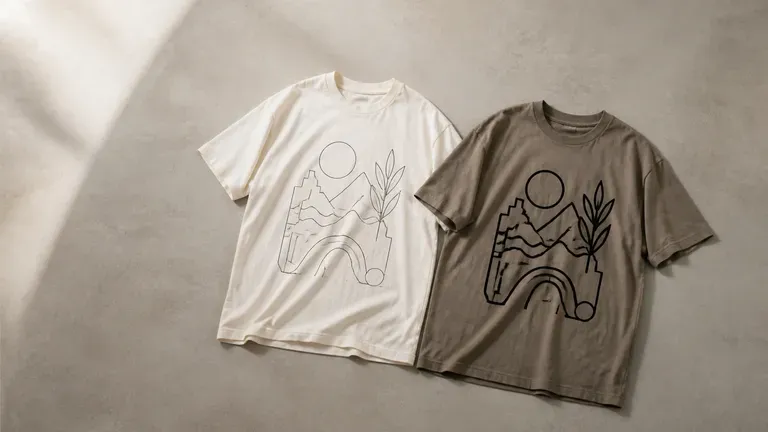
The same graphic shown in a thin-line and a bold-line version on two T-shirts
40+ models

Explore with Multiple AI Models

Virse brings 40+ AI models into one environment, and paid plans include unlimited model usage. You can see how different models handle the same graphic idea without rebuilding it for each one.
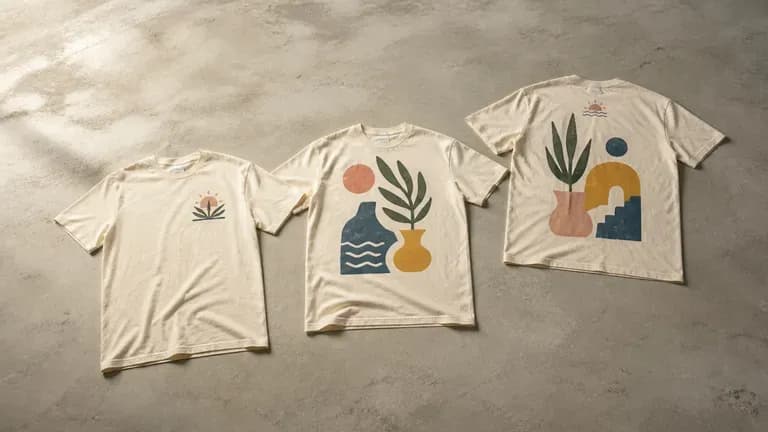
Three T-shirt print positions compared flat-laid: chest, full front and back with small chest mark
Canvas

Compare Designs on One Canvas

References, generated designs and alternative print positions stay together on an infinite canvas. Virse keeps the graphic direction in context, so the next round builds on what already worked.

How to Generate a T-Shirt Design with AI in Four Steps

  1. Describe the graphic and style

    Write out the theme, the visual style and any colour preferences. Add a reference image when it says more than a sentence would.

  2. Choose a print position

    Pick front chest, full front or a back print with a small front mark, matching where you actually want the graphic to sit.

  3. Generate design concepts

    Run an available AI image model and let it produce a few graphic directions shown on a T-shirt print mockup.

  4. Refine the one worth producing

    Pick the strongest design and keep adjusting the colours and details. Once it is settled, it is ready to hand to a printer.

Who Is an AI T-Shirt Design Generator For?

People turning a graphic idea into something they can actually print.
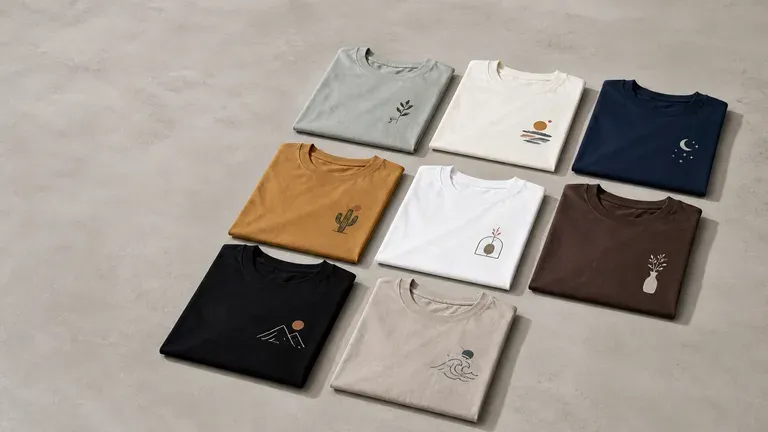
Several T-shirts flat-laid in a tidy grid suggesting a print-on-demand catalogue

Print-on-Demand Sellers

Generate a batch of T-shirt graphics to test across a catalogue without commissioning custom art for each one.
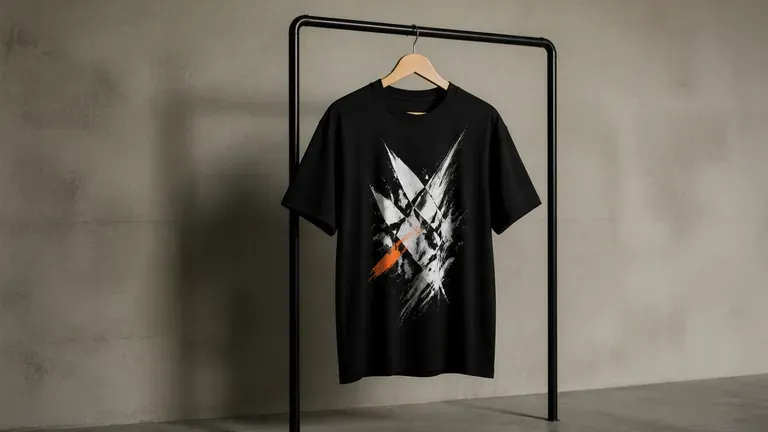
A T-shirt with a bold high-contrast graphic hanging on a simple clothes rail

Streetwear & Apparel Brands

Explore bold graphic directions for a drop before committing to a production run.
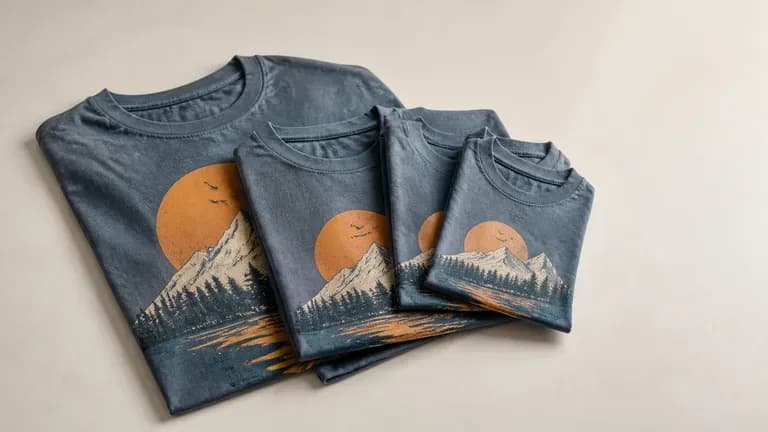
Several event-themed T-shirts in different sizes stacked together

Event & Team Merchandise Organisers

Turn an event theme or team identity into a graphic for a small production run.
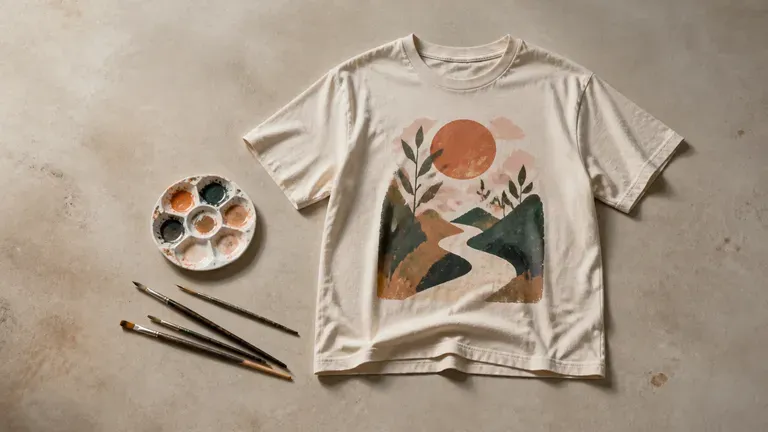
An illustration-style T-shirt graphic flat-laid beside paintbrushes and a palette

Artists & Independent Designers

Turn a personal illustration style into wearable graphic designs.
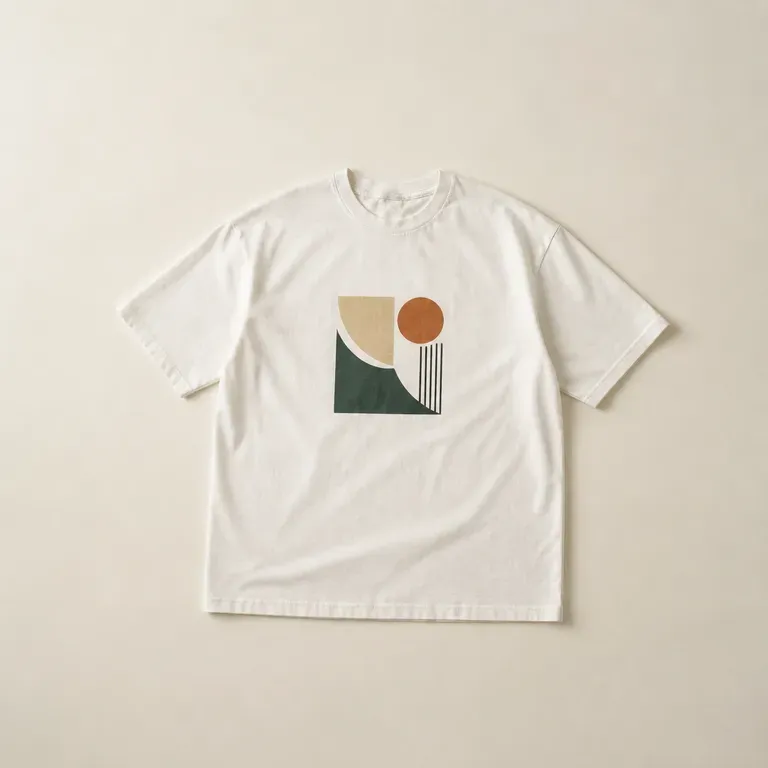
AI T-Shirt Design Generator Use Cases

A close-up of a small chest graphic print on a T-shirt
Front Chest Graphics: a compact design centred on the chest, shown on a garment mockup
A close-up of a full front graphic print on a T-shirt
Full Front Designs: a larger graphic covering most of the front panel
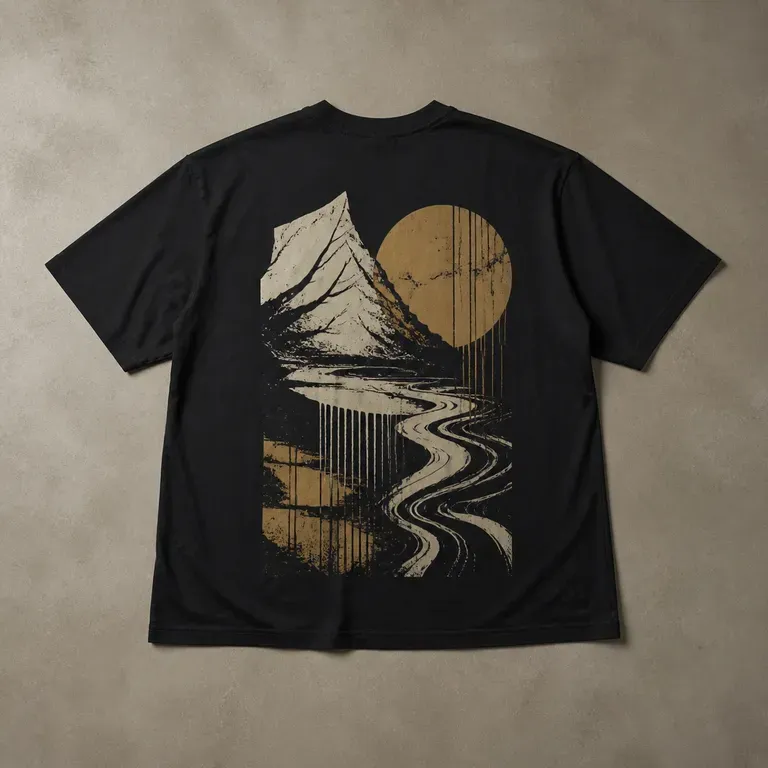
A close-up of a back print graphic on a T-shirt
Back Print Statements: a bold back graphic paired with a small front mark
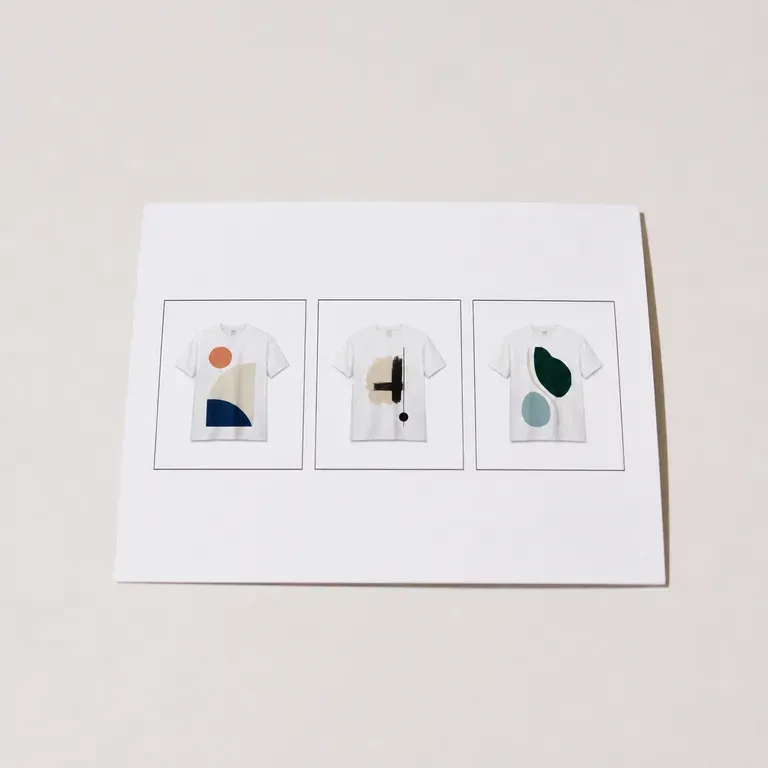
Three small T-shirt graphics shown together in a print-on-demand catalogue style
Print-on-Demand Catalogue Sets: several graphic directions generated for one theme
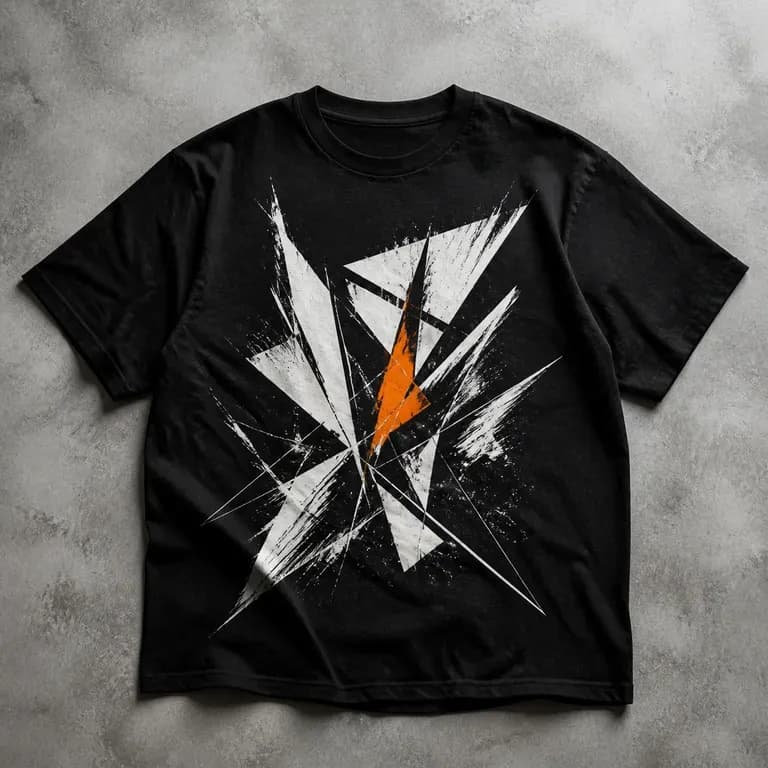
A close-up of a bold, high-contrast streetwear-style graphic on a T-shirt
Streetwear Drop Concepts: bold, high-contrast graphics for a limited release
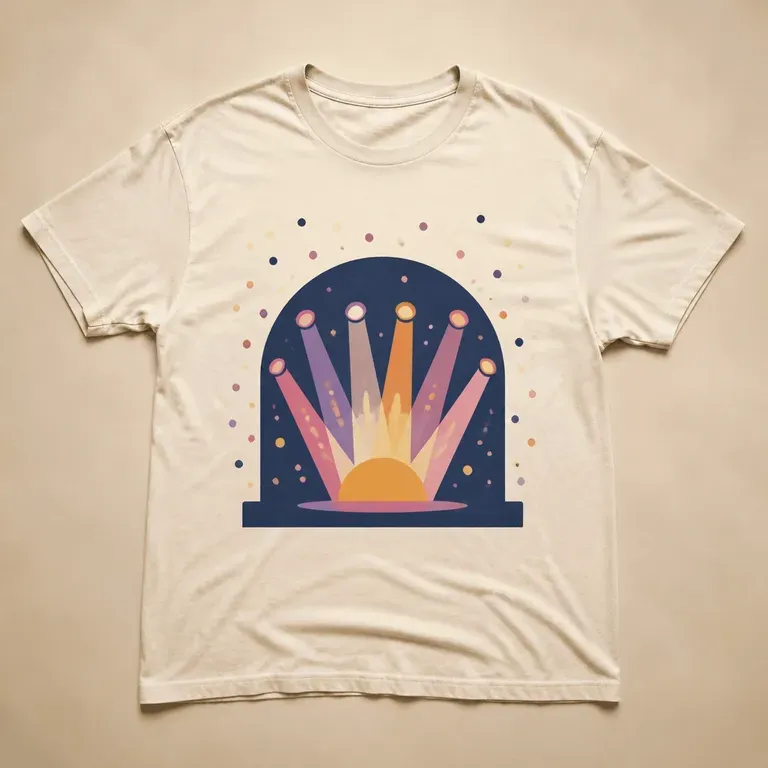
A close-up of an event-themed graphic printed on a T-shirt
Event & Team Merchandise: a theme or identity turned into a wearable graphic
FAQ

Frequently Asked Questions

Is Virse's T-shirt design generator free?
You can start on free Virse credits. New users can generate up to 10 images with Nano Banana 2, enough to test a graphic before deciding whether you need a paid workflow. Free access is limited rather than unlimited.
Does this provide print-ready production files?
No. It generates design concepts and print position mockups for visual review. A print-ready file, such as a vector or high-resolution transparent PNG at production specs, is a separate step your printer or a designer prepares.
Can I see the design on different print positions?
Yes. Choose a preset for front chest, full front or back print, and the mockup shows the graphic in that position on the garment.
Can I use my own artwork as a starting reference?
Yes. Upload a reference image and describe how you want it adapted, and the generator works from that starting point rather than an unrelated style.
Can I generate more than one graphic for the same theme?
Yes. You can run several directions from the same brief and compare them side by side on the canvas before choosing one to produce.
What do Virse paid plans include?
Paid plans include access to 40+ AI models with unlimited model usage and unlimited team seats, aimed at sellers and brands generating graphics regularly.

Generate Your T-Shirt Design with AI

Describe your graphic idea, generate design concepts with print position mockups, and refine the one worth producing.