Piece Types
Start from the Piece Type
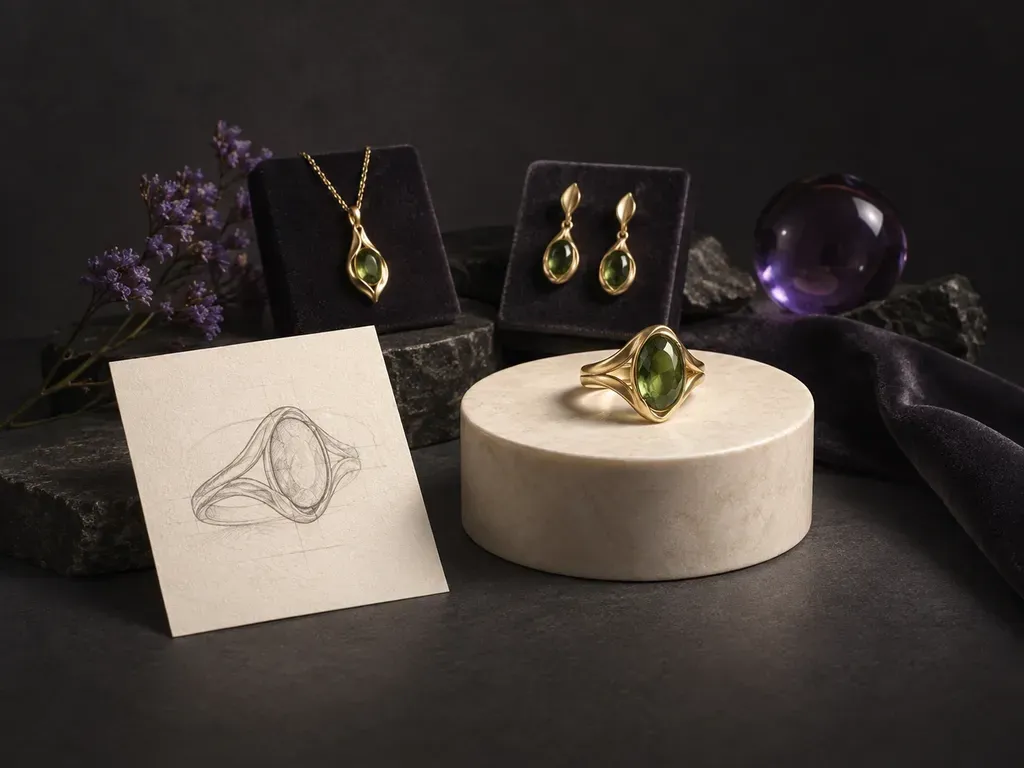
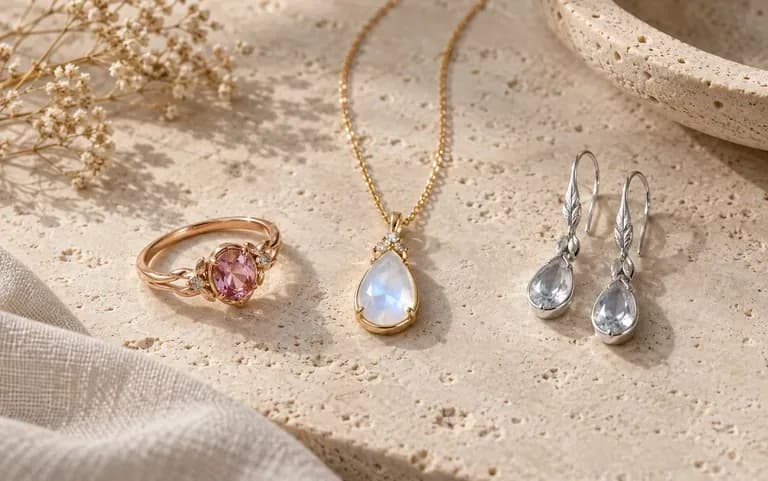
Name a ring, pendant necklace, pair of drop earrings, or cuff bracelet and specify its structural details, from bail and chain link style to gallery rail and band taper.
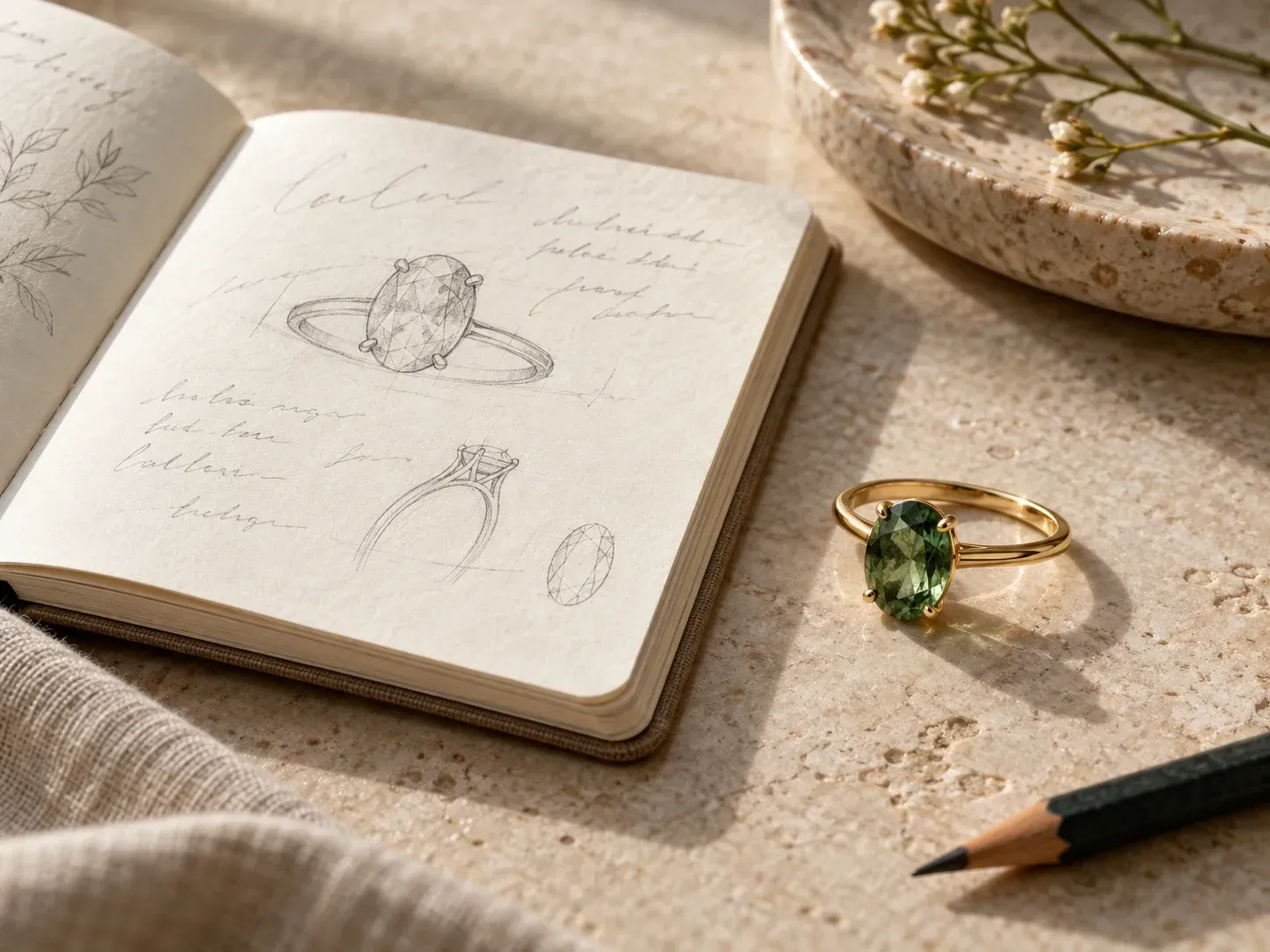
Turn written jewelry briefs or rough hand sketches into macro studio renders with our AI jewelry design generator. Explore solitaire, halo, and bezel rings, signets, pendant necklaces, earrings, and cuffs across 18k gold, platinum, and faceted gemstones.
An AI jewelry design generator turns specific setting styles, precious metal finishes, and gemstone cuts into macro concept renders before CAD modeling or wax carving:
• Setting & shank anatomy: Specify claw prongs, rubover bezels, pave diamond halos, split cathedral shanks, milgrain edges, or heavy signet faces.
• Metal & stone refraction: Compare high-polish 18k yellow gold, rose gold, brushed platinum, and sterling silver with emerald-cut, oval, or cabochon stones.
• Macro studio staging: Frame your piece on a dark velvet bust, a honed marble plinth, or an isolated white macro surface for client pitch decks.
Every control in our AI jewelry designer helps jewelers, couples, and accessory brands explore stone settings and metal combinations on a single workspace canvas.
Name a ring, pendant necklace, pair of drop earrings, or cuff bracelet and specify its structural details, from bail and chain link style to gallery rail and band taper.
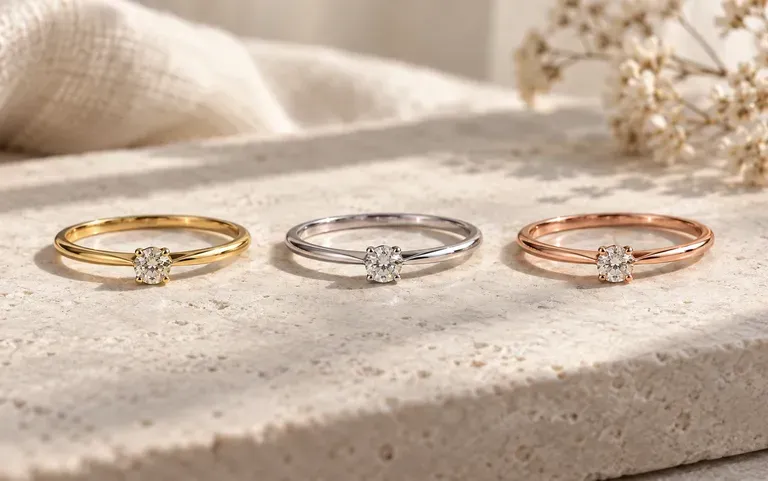
Keep the setting geometry fixed while swapping 18k yellow gold for platinum or trading an emerald-cut diamond for a deep blue Ceylon sapphire or cabochon opal.
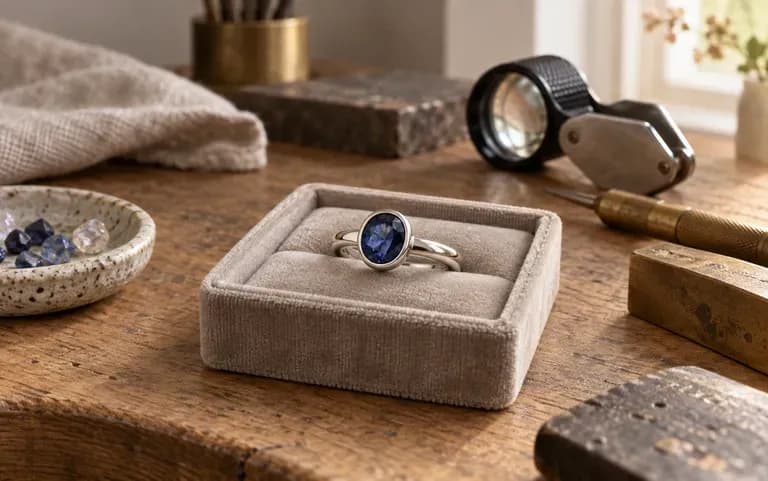
Hand your bench jeweler or CAD modeler a clear visual reference showing the exact stone cut, bezel or prong style, and band profile you want them to engineer.
See how exploring custom commissions in an AI jewelry design generator compares with commissioning multiple 3D CAD rounds before the client even settles on a direction.
Immediate 3D CAD Modeling Without Visual Alignment
Virse AI Jewelry Design Generator
Select Engagement ring, Pendant necklace, or Drop earrings, or upload your own pencil outline into the optional sketch slot.
Specify the precious metal, such as 18k yellow gold or brushed platinum, the gemstone cut, and a bezel, prong, or pave halo setting.
Click Generate jewelry design to render your piece on the Virse canvas and inspect the proportions between the center stone and band.
Run side-by-side variations to compare stone cuts or band widths, then bring your chosen concept image to a bench jeweler for CAD.
Combine piece type, metal finish, stone cut, setting detail, and staging in the AI jewelry design generator. Copy any of these three bench briefs:
• Art Deco emerald ring: "Platinum engagement ring with a 2-carat emerald-cut diamond in a four-claw setting, tapered baguettes, and milgrain shank on dark velvet."
• Hammered gold pendant: "18k yellow gold pendant on a fine cable chain, white baroque pearl suspended from a hammered oval bail on cream travertine."
• Silver & opal signet: "Heavy cushion signet ring in oxidized 925 sterling silver with satin shoulders and a flush oval black opal cabochon under macro light."
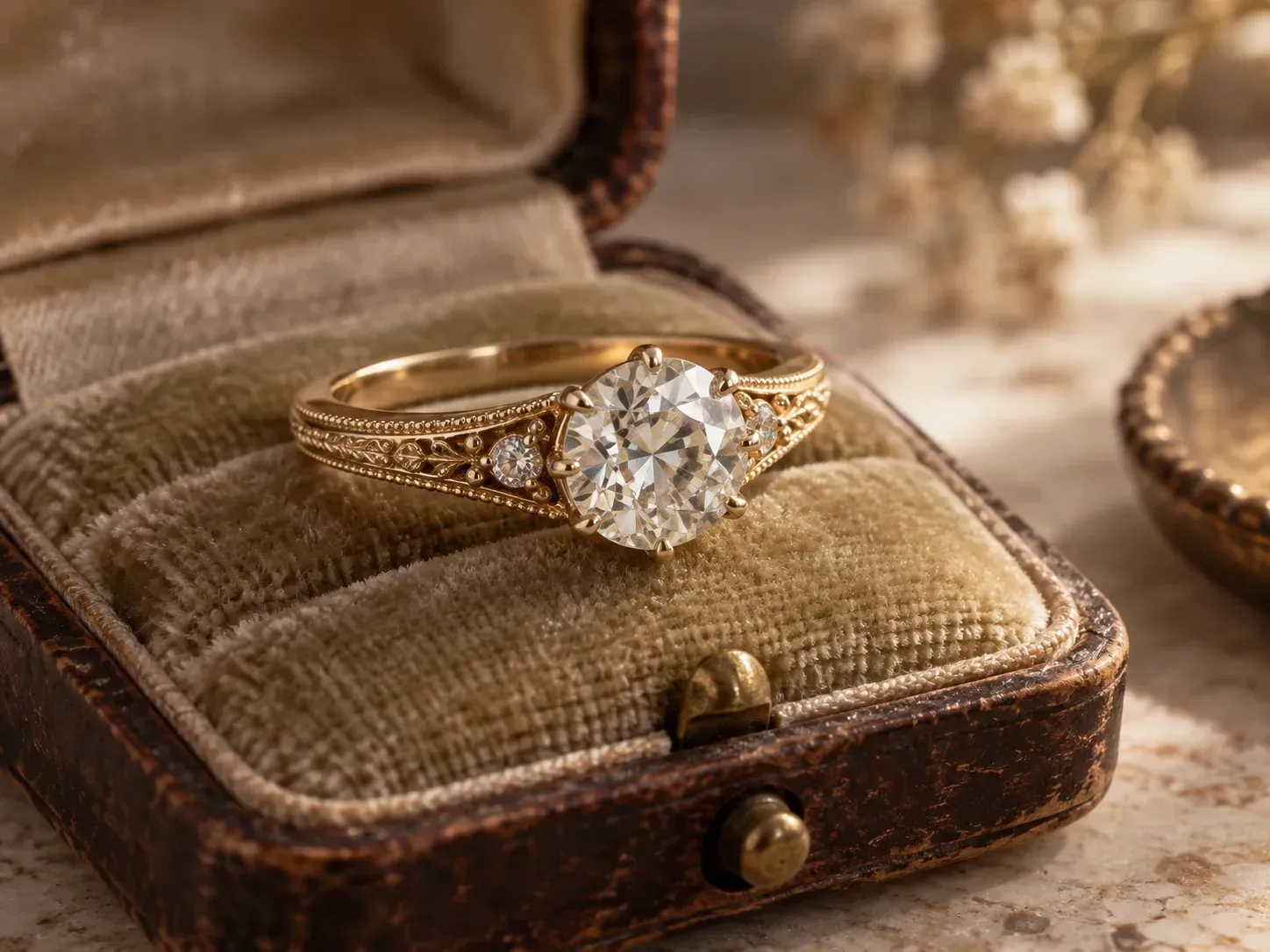
Independent jewelers, engaged couples, artisan makers, and students use custom ring design AI to bridge the gap between imagination and the jeweler's bench.
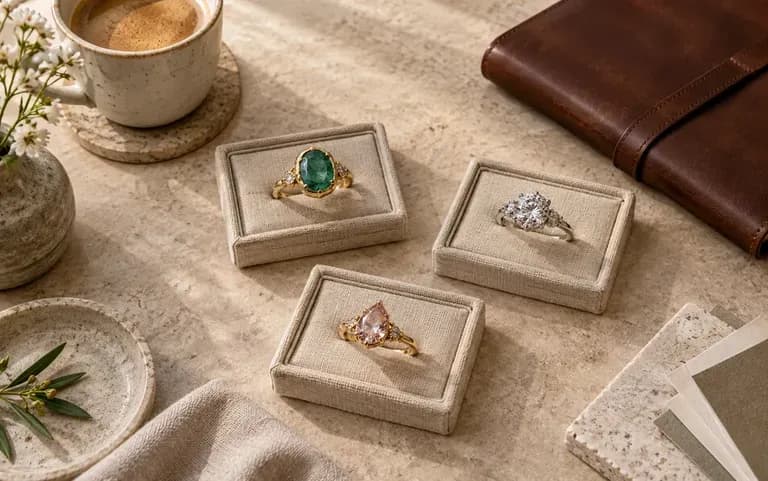
Show bespoke commission clients three distinct setting and stone directions during the first consultation before spending hours on CAD modeling.
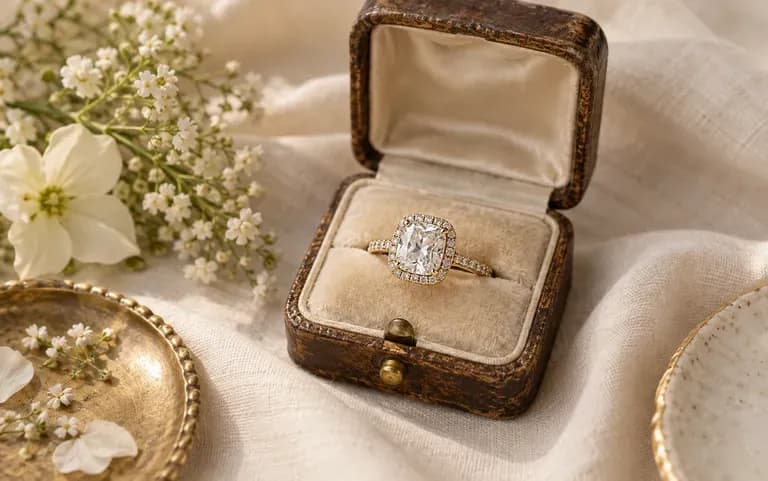
Combine favorite elements from vintage and modern rings into one visual picture so both partners and their jeweler share the exact same vision.
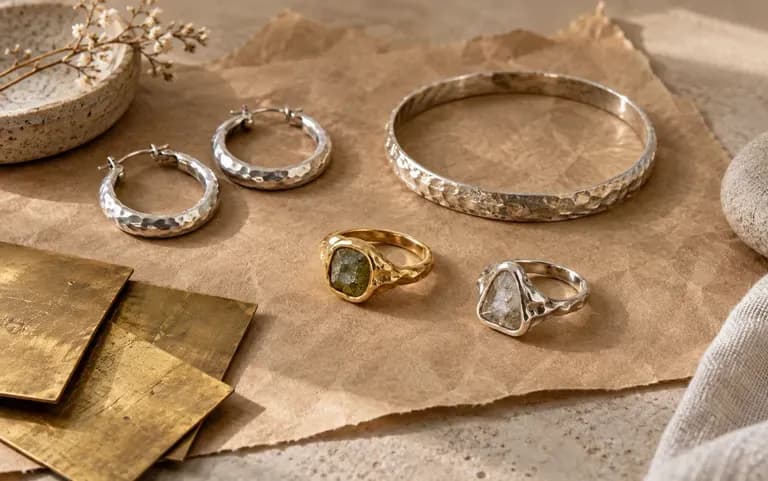
Prototype seasonal capsule collections of stacking rings, layered chains, and statement hoops to decide which designs deserve physical sample casting.
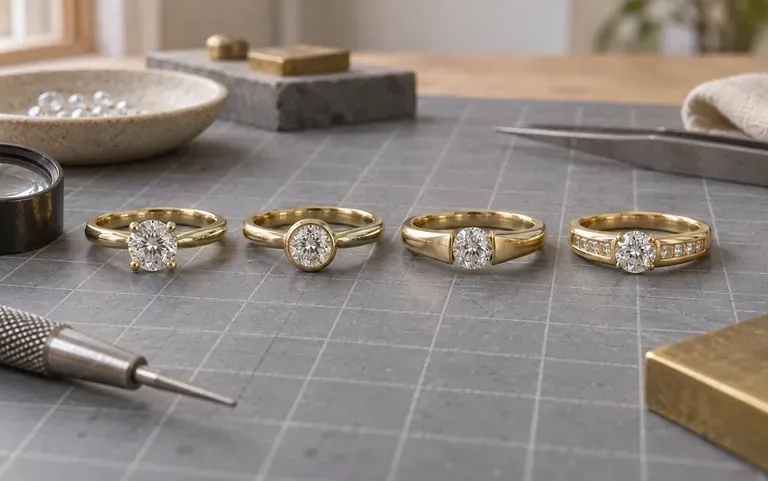
Experiment with dramatic chandelier earring silhouettes, sculptural cuff proportions, and mixed-metal contrasts while building design portfolios.
Browse sample concepts of AI generated jewelry design across vintage engagement rings, stacking bands, layered chains, and signets.
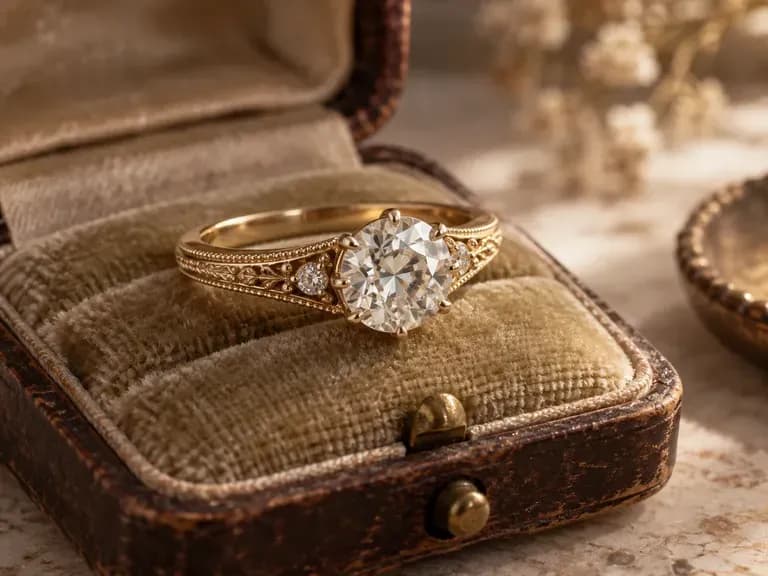
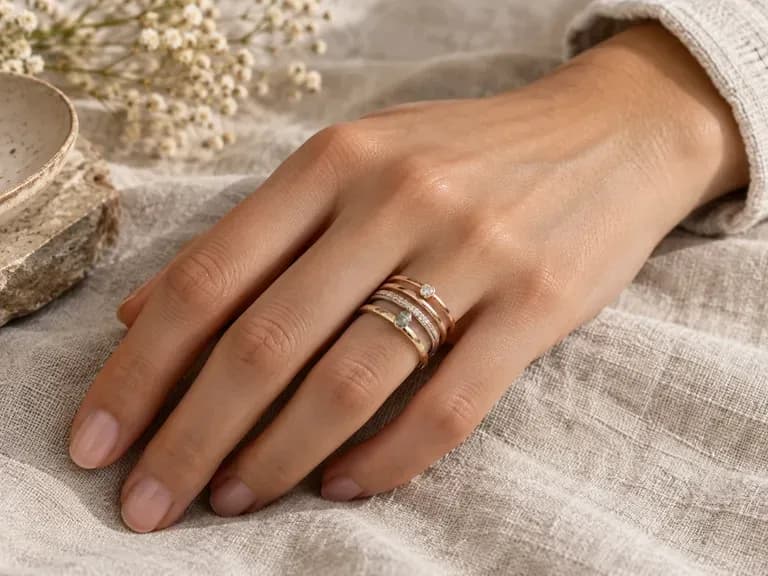
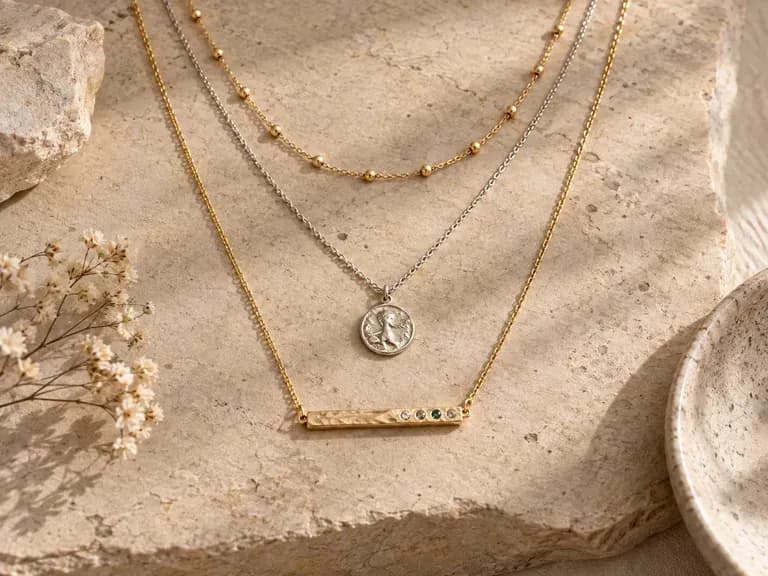
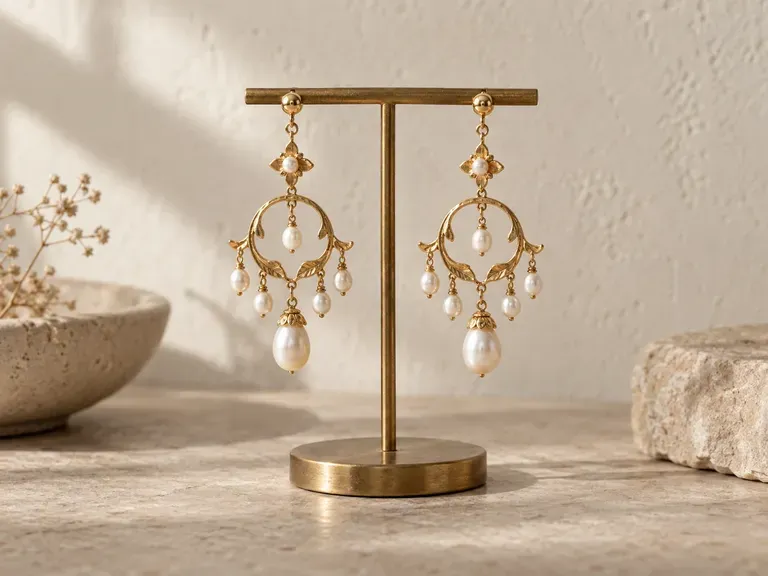
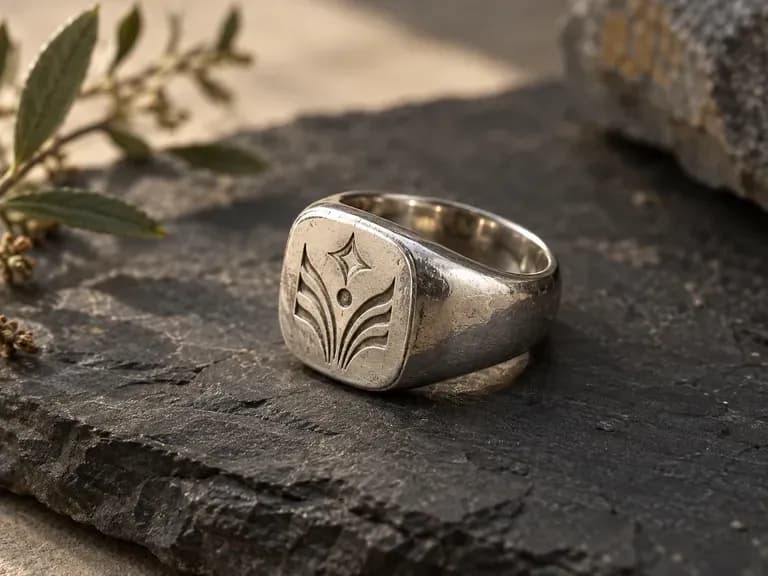
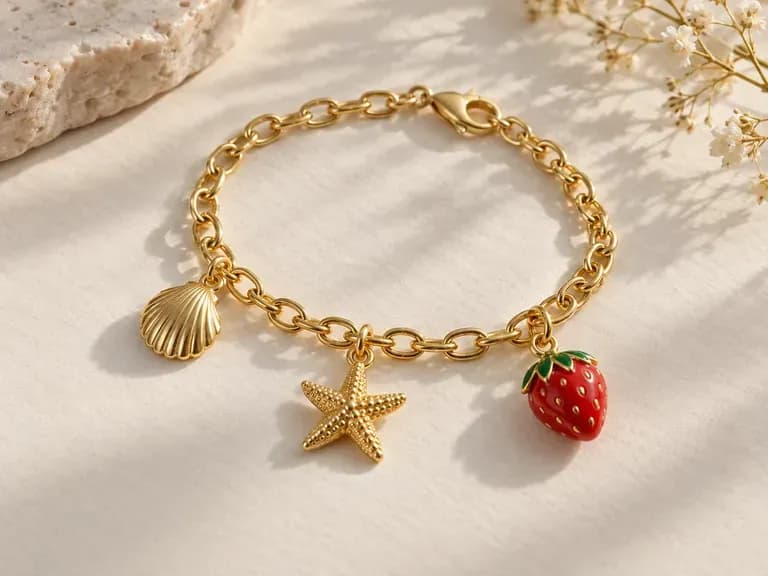
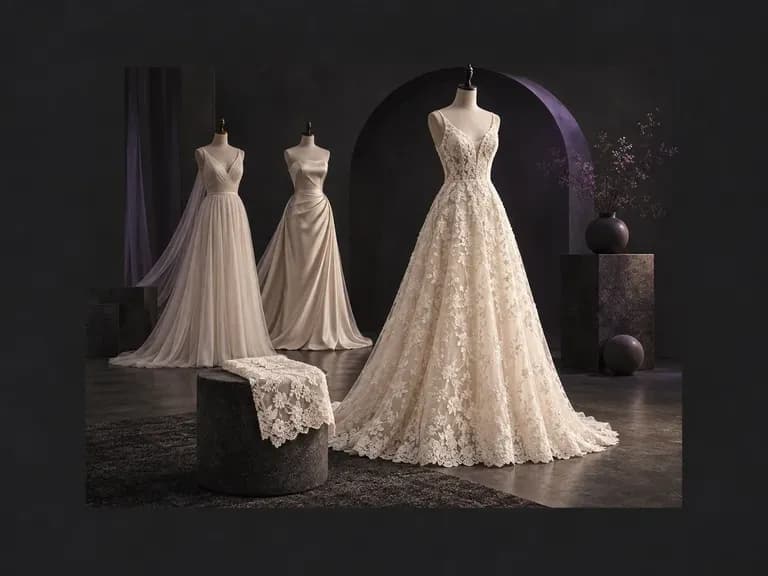
Explore lace, satin, and bridal gown concepts that match your engagement ring and earrings.
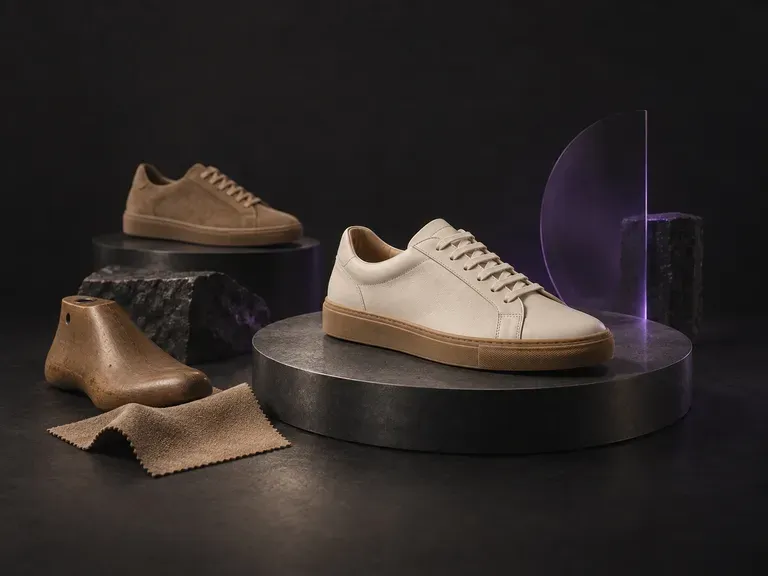
Coordinate your accessory line with bridal heels, leather loafers, or statement footwear concepts.
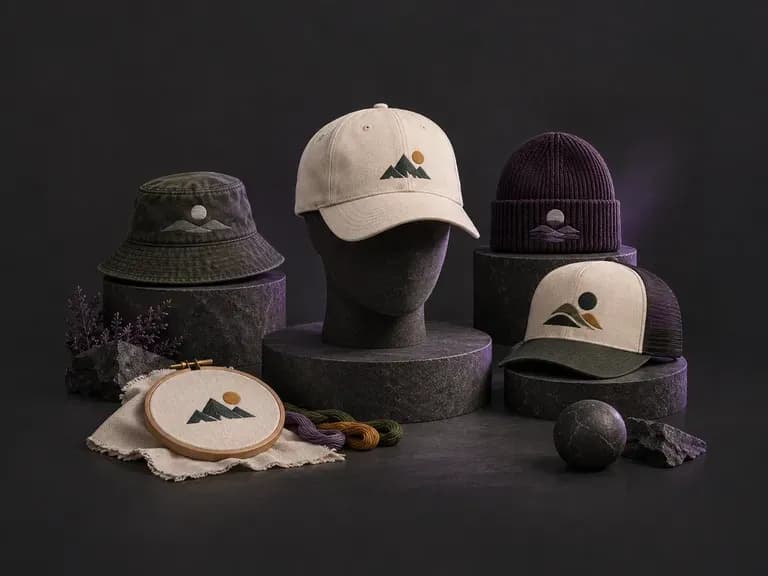
Complete your accessory pitch with structured fedoras, fascinators, or embroidered headwear concepts.
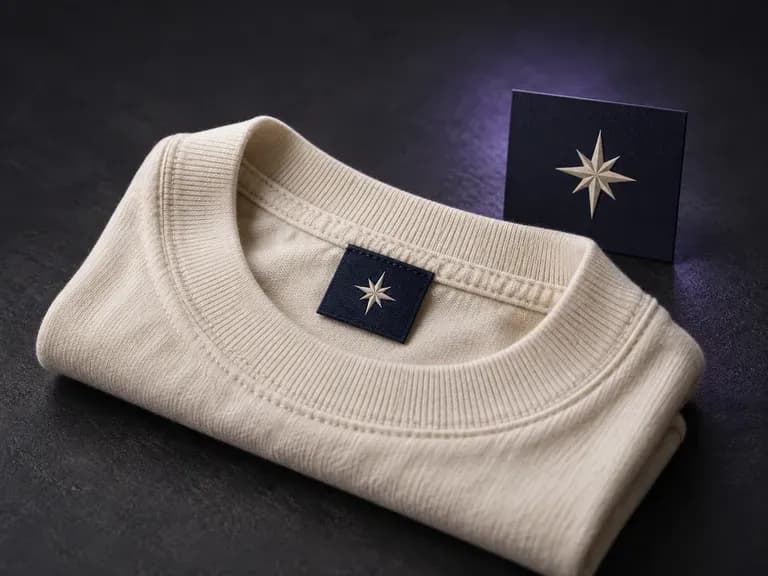
Check how woven neck labels, satin care tags, and size tabs read against garment fabric.
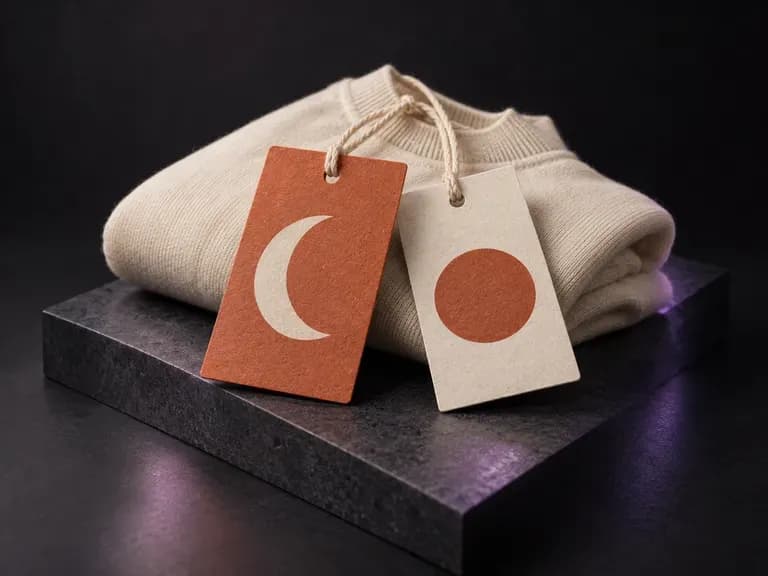
Preview paper hang tags, string fasteners, and foil logos beside finished apparel pieces.
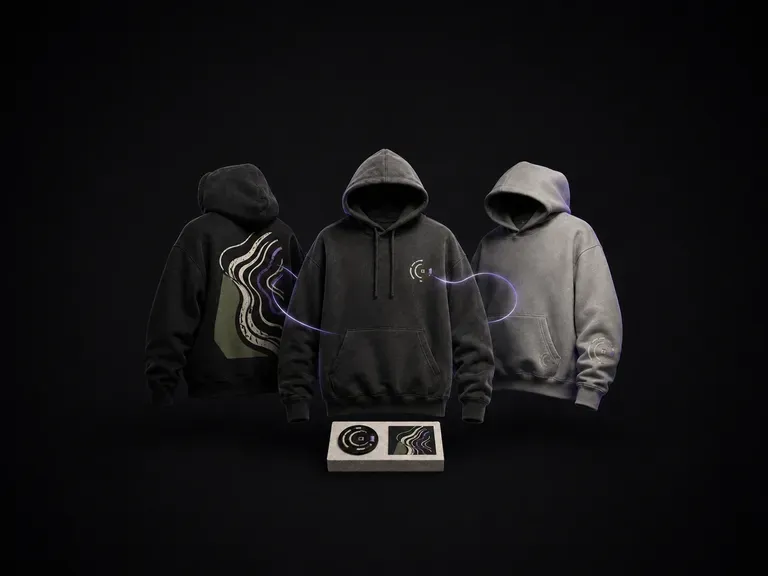
Explore heavyweight fleece cuts, pocket proportions, and graphic placements before sampling.

Explore lace, satin, and bridal gown concepts that match your engagement ring and earrings.
Coordinate your accessory line with bridal heels, leather loafers, or statement footwear concepts.
Complete your accessory pitch with structured fedoras, fascinators, or embroidered headwear concepts.
Render high-contrast metallic reflections, fabric weaves, and shallow depth of field.

Guide subject posture, materials, and lighting using up to 14 reference images at 1K to 4K.
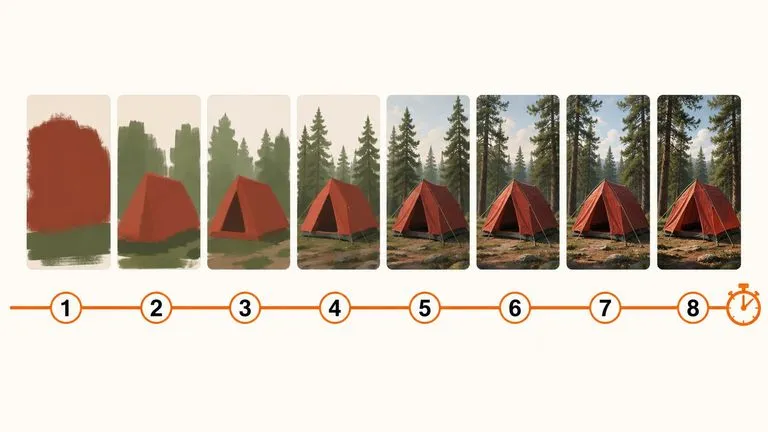
Draft rapid concept thumbnails and layout options before committing compute to final high-res renders.
Describe your setting, precious metal, and gemstone cut to generate macro jewelry concepts on your Virse canvas.