Multi-angle
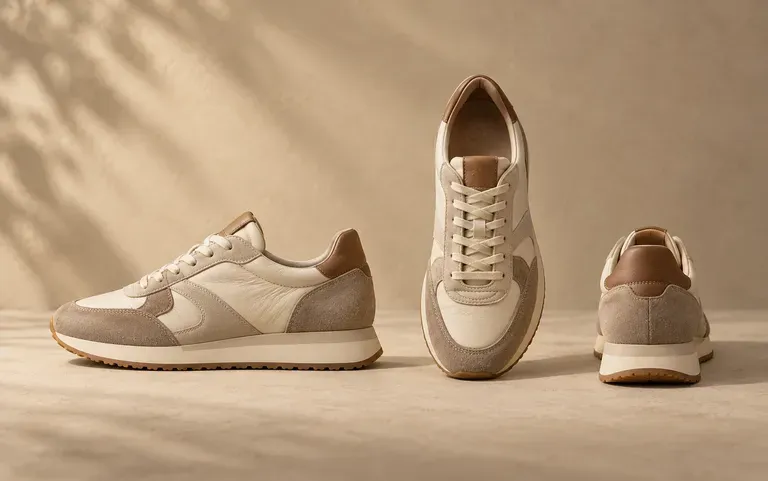
Inspect Multiple Angles of One Concept
A single lateral view hides toe-box width and heel geometry. Generate multi-angle concept sheets showing lateral profile, three-quarter perspective, and top-down vamp views before locking a design.
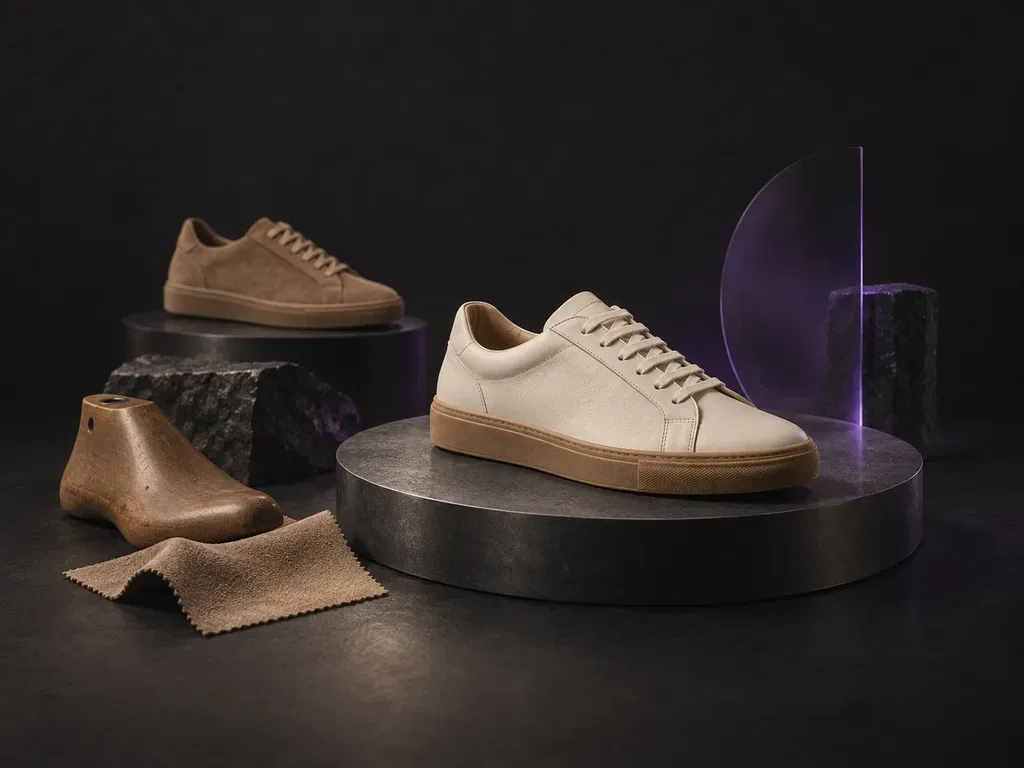
Turn a written footwear brief into photorealistic concept renders before cutting a pattern piece. This AI shoe design generator visualizes court sneakers, trail runners, Chelsea boots, sculptural heels, and loafers from your material notes on the Virse canvas.
An AI shoe design generator (or AI shoe designer) turns written specifications of silhouette, upper panels, and sole tooling into studio concept renders to evaluate three structural details:
• Silhouette and collar proportion: Explore low-top court shoes, chunky 1990s runners, high-top collars, ankle Chelsea boots, or architectural slingback heels.
• Upper panel breakup: Preview how hairy suede mudguards, perforated full-grain leather vamps, nylon quarters, and TPU cages layer across the upper.
• Midsole and outsole tooling: Compare stitched gum rubber cupsoles, sculpted EVA foam midsoles, deep trail lugs, or stacked leather heels.
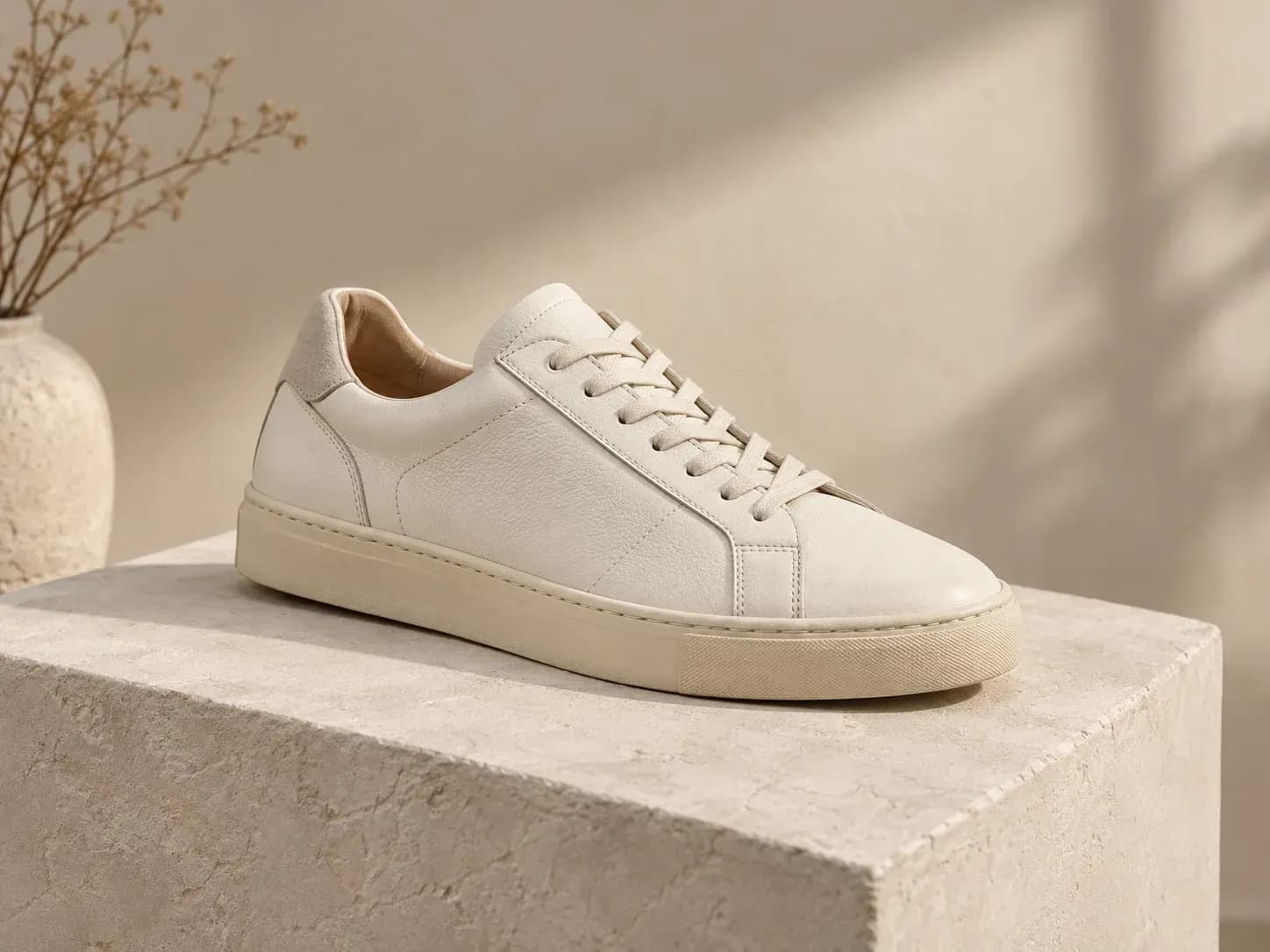
Three concept-stage controls that help footwear teams explore silhouettes, material swaps, and colorblocking on a single board.
A single lateral view hides toe-box width and heel geometry. Generate multi-angle concept sheets showing lateral profile, three-quarter perspective, and top-down vamp views before locking a design.
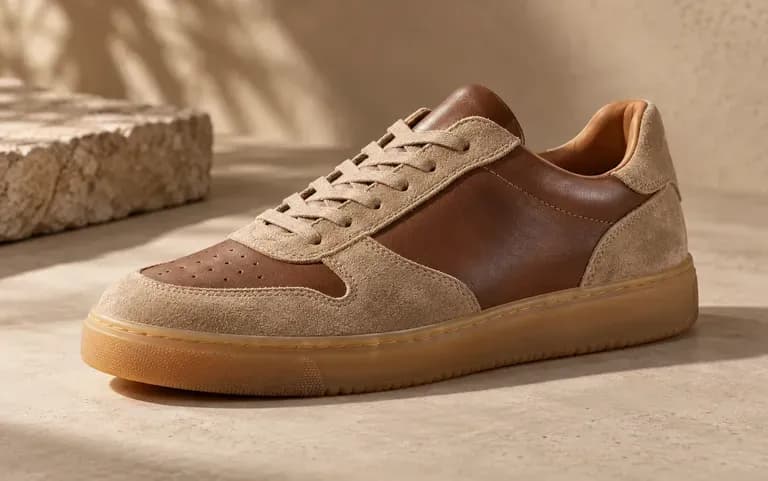
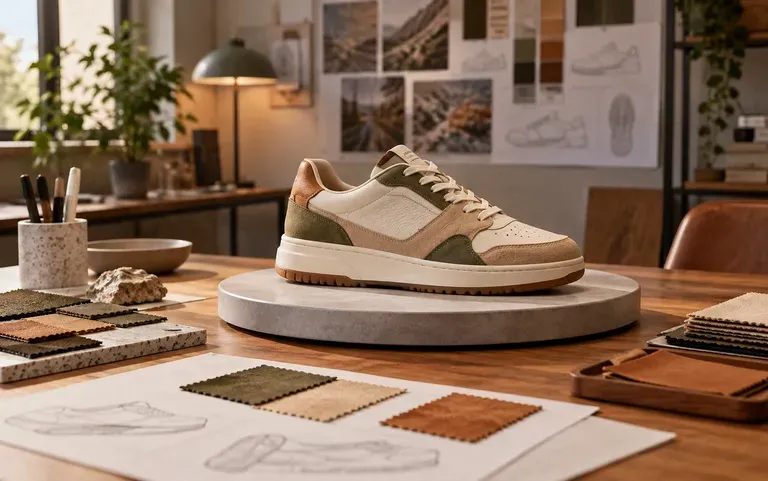
Give the toe cap, quarter panels, eyestay, tongue, heel counter, and outsole their own distinct materials, such as olive nubuck over ripstop nylon on a speckled EVA midsole.
Start from plain footwear language without CAD modeling. Swap one phrase in your prompt, such as changing a slim rubber cupsole to a chunky lugged platform, to compare both versions side by side.
How exploring footwear directions on the Virse Infinite Canvas compares with manual 3D modeling and early factory sample rounds.
Manual 3D Renders & Early Factory Pullovers
Virse AI Shoe Design Generator
State the base footwear category first: low-top court sneaker, retro trail runner, Chelsea boot, pointed pump, woven sandal, or penny loafer.
Name the materials by zone, including the vamp, overlays, heel tab, laces, midsole foam, and outsole tread with two or three colorway tones.
Ask for a clean lateral side profile to review line-sheet proportions, or a three-quarter studio product shot for pitch decks and previews.
Compare multiple takes side by side on your canvas, refine the strongest colorway, and export the concept render to brief your sample room.
Order footwear prompts from silhouette and upper panels to sole tooling. Try these three briefs in the AI shoe design generator free workspace:
• Retro trail runner: "Clean lateral studio shot of a chunky trail sneaker, oatmeal mesh base, green suede mudguard, orange laces, cream EVA lugged sole."
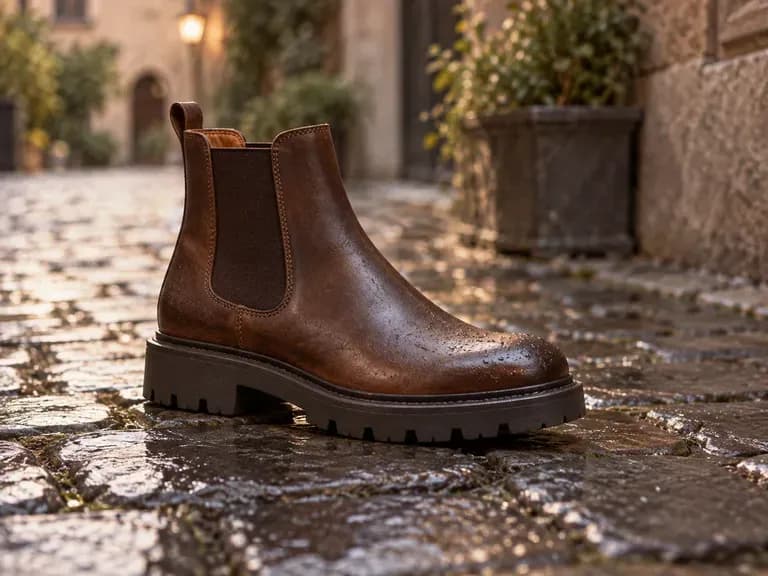
• Lug-sole Chelsea boot: "Three-quarter studio shot of an ankle Chelsea boot in espresso full-grain leather, black elastic gussets, pull tabs, heavy lug sole."
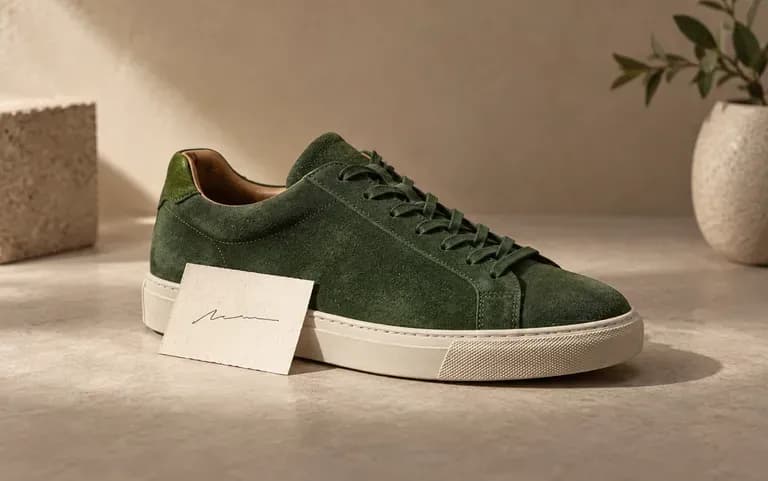
• Minimalist court sneaker: "Three-quarter studio render of a low-top court sneaker, off-white calfskin upper, perforated toe box, blue suede heel tab, gum cupsole."
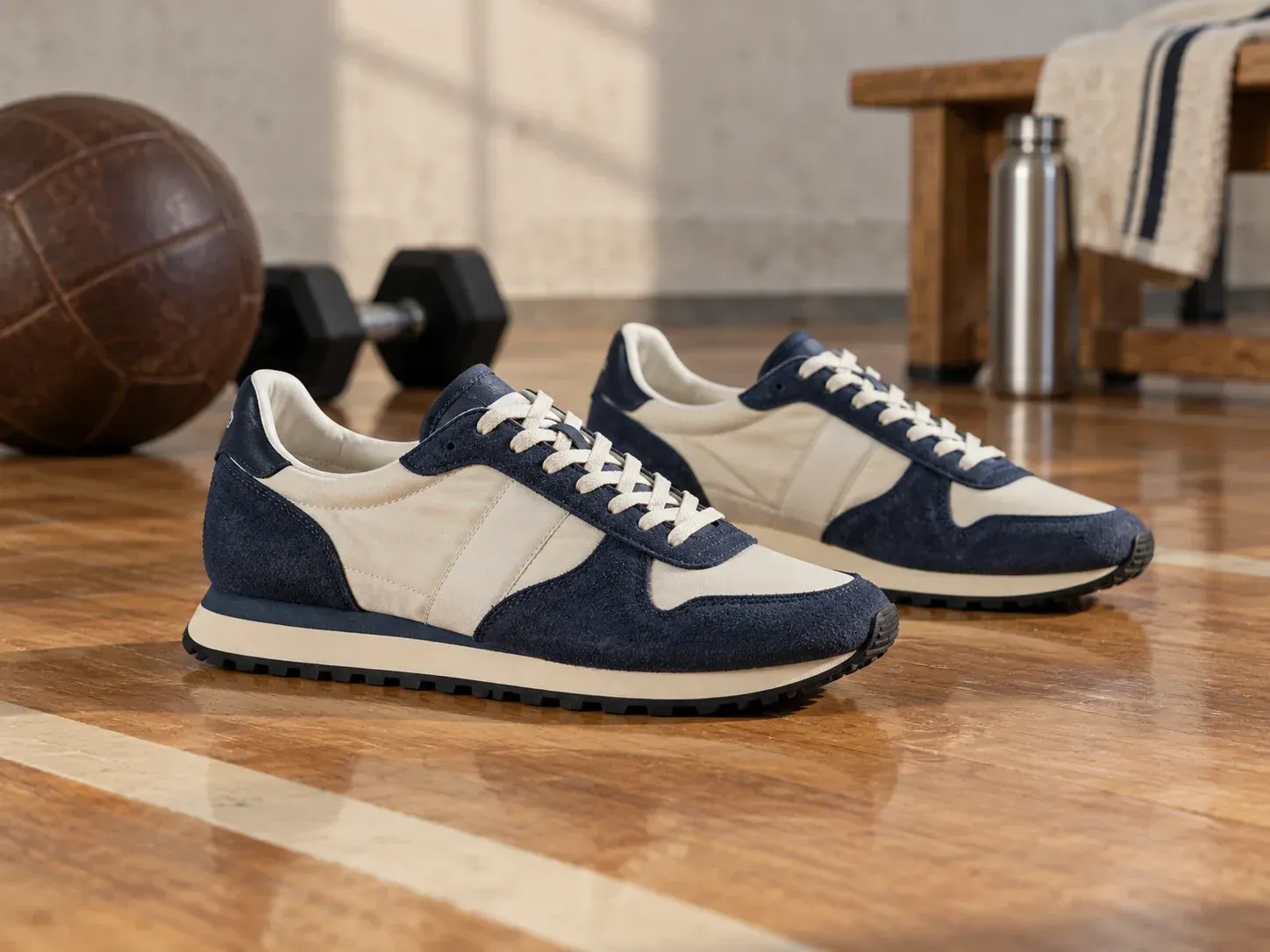
Four footwear, apparel, and academic groups that use prompt-driven renders for seasonal line reviews, custom commissions, and portfolios.
Translate early seasonal themes into photorealistic material and colorway studies that design directors and merchandisers can evaluate during line reviews.
Show manufacturing partners, investors, and wholesale buyers how a proposed sneaker or boot silhouette looks before committing budget to last tooling.
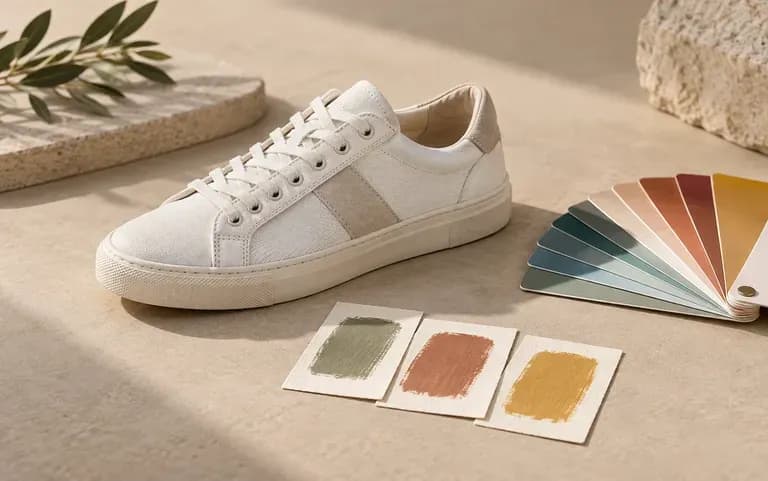
Mock up bespoke leather paint palettes, suede swaps, and dyed midsole plans on screen so custom clients can approve before prepping the pair.
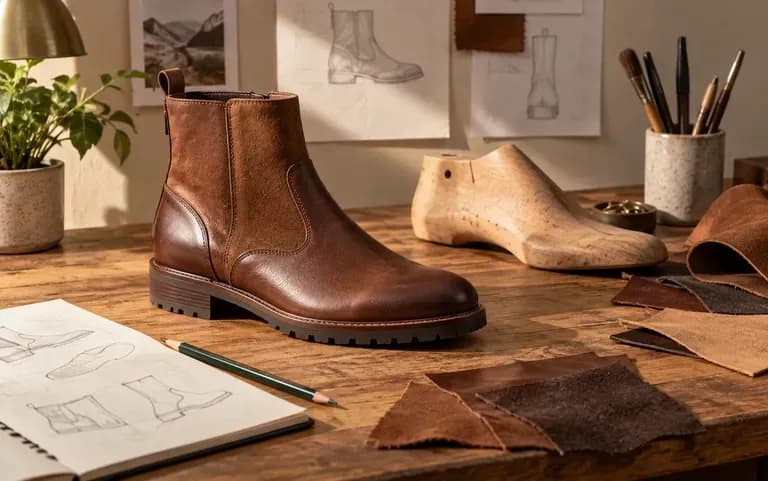
Turn studio project briefs into multi-angle footwear concept boards and material exploration sheets ready for classroom critiques and design portfolios.
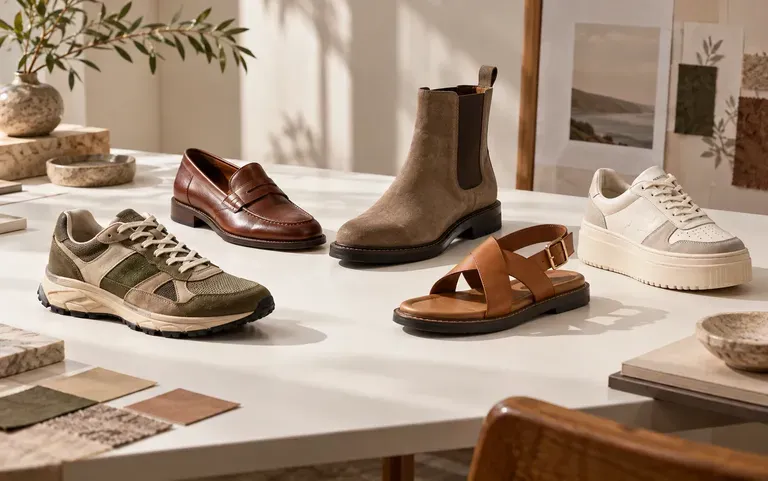
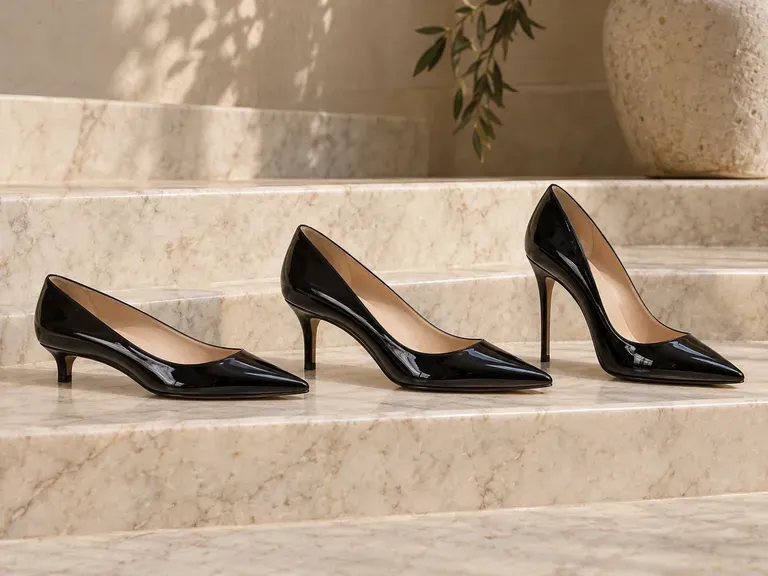
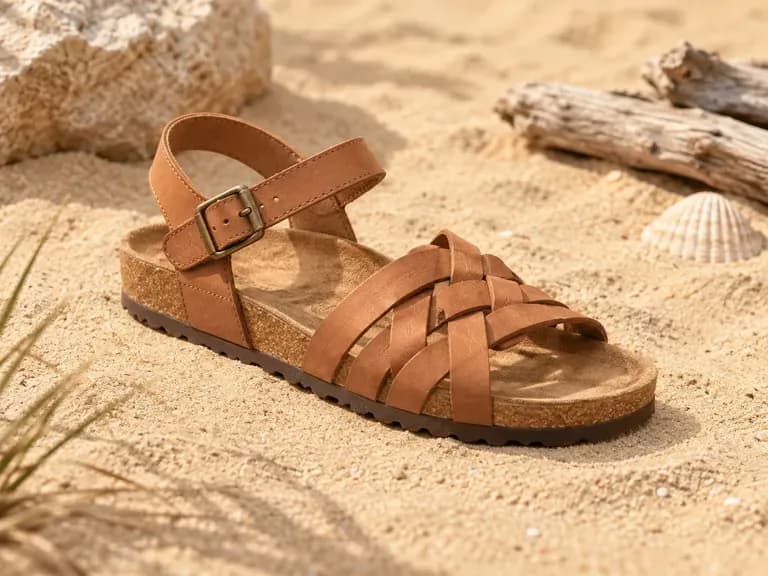
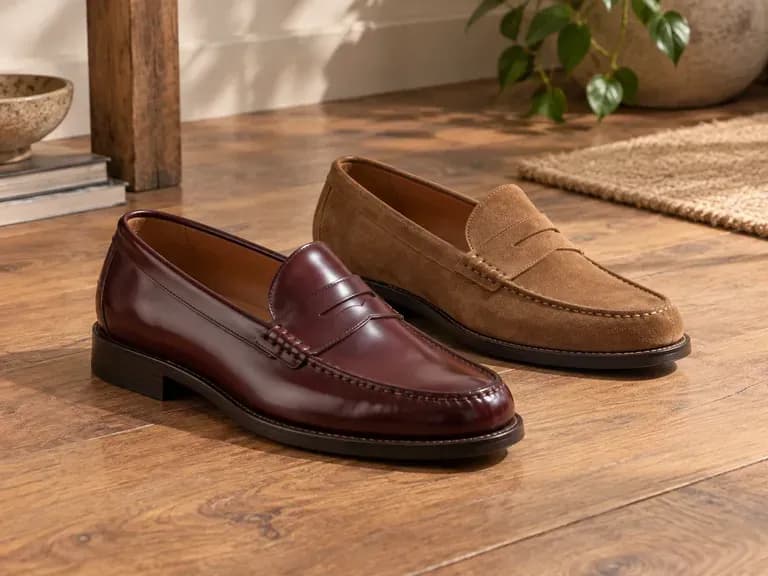
Six footwear categories generated in Virse, spanning heritage runners, platform streetwear, evening heels, rugged ankle boots, resort sandals, and classic loafers.
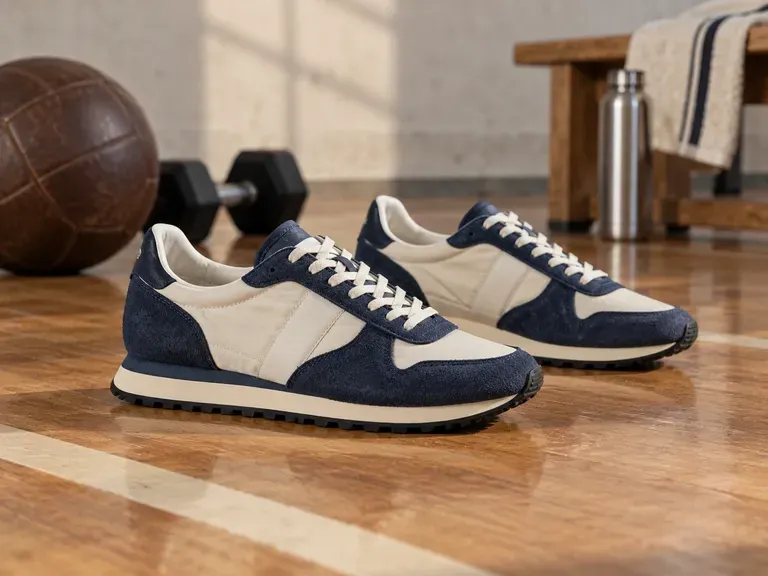
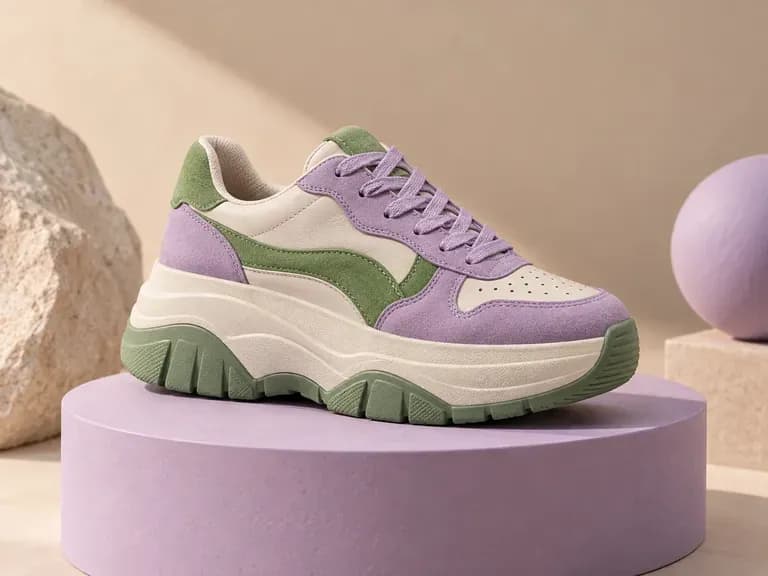
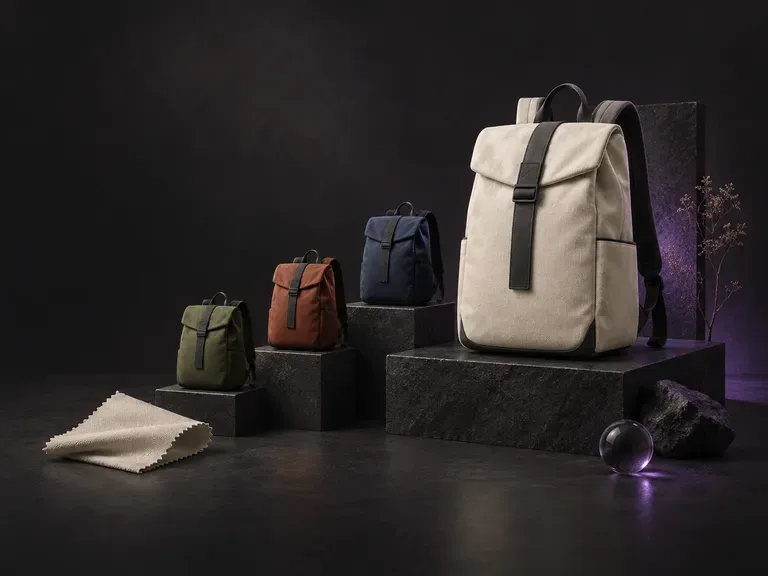
Coordinate technical fabrics, leather trims, and hardware palettes across backpacks and carry goods.
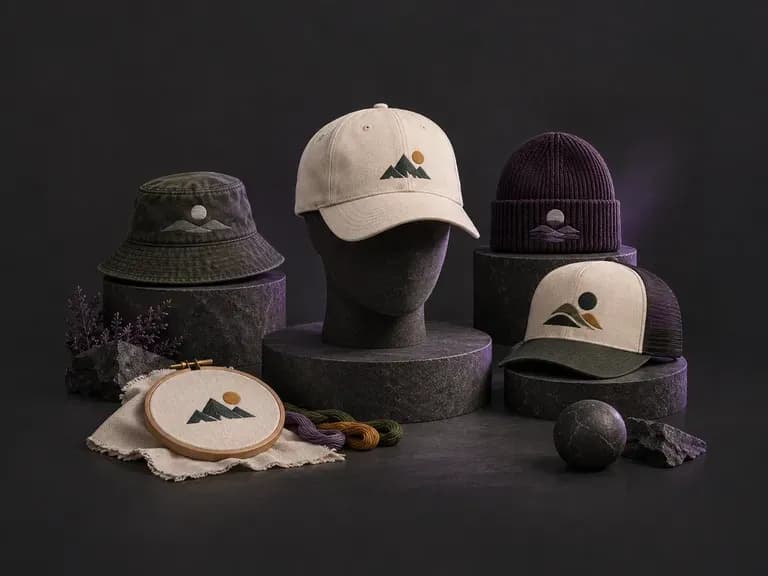
Extend your seasonal footwear colorway and material story into structured caps, beanies, and headwear.
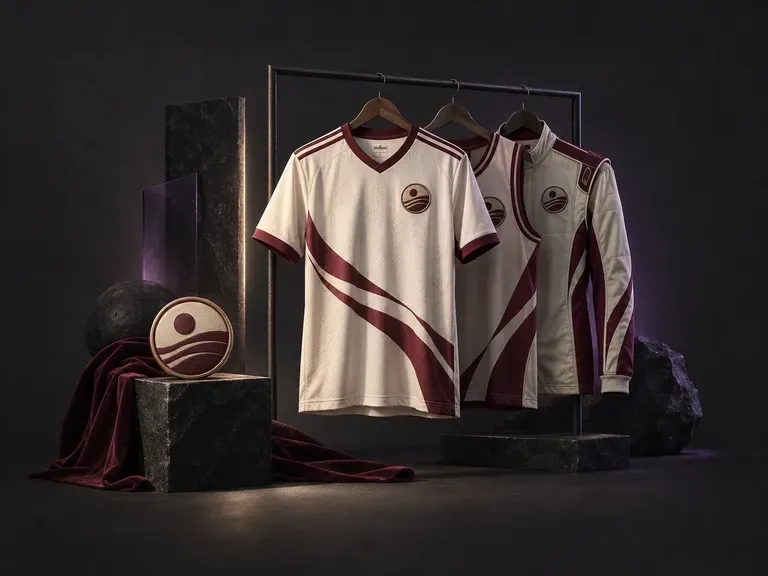
Pair athletic footwear concepts with custom team jerseys, mesh uniforms, and sportswear graphics.
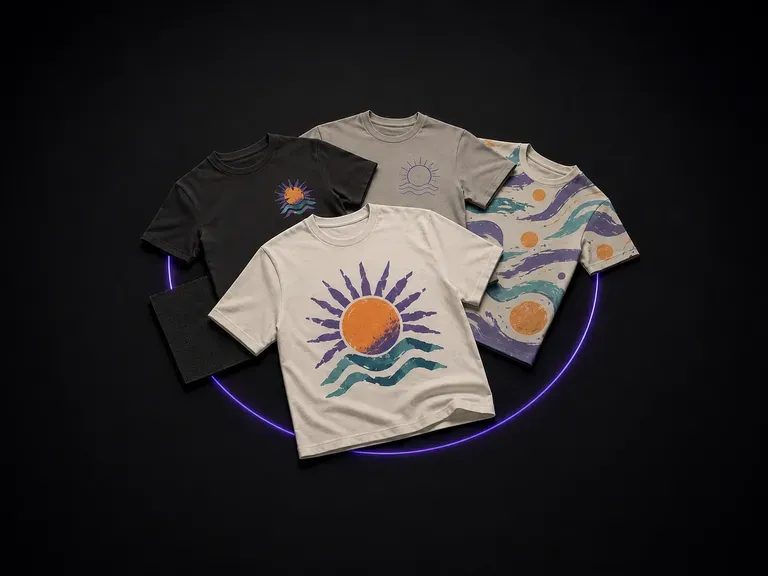
Draft original front and back tee graphics from a written theme, mood, and color brief.
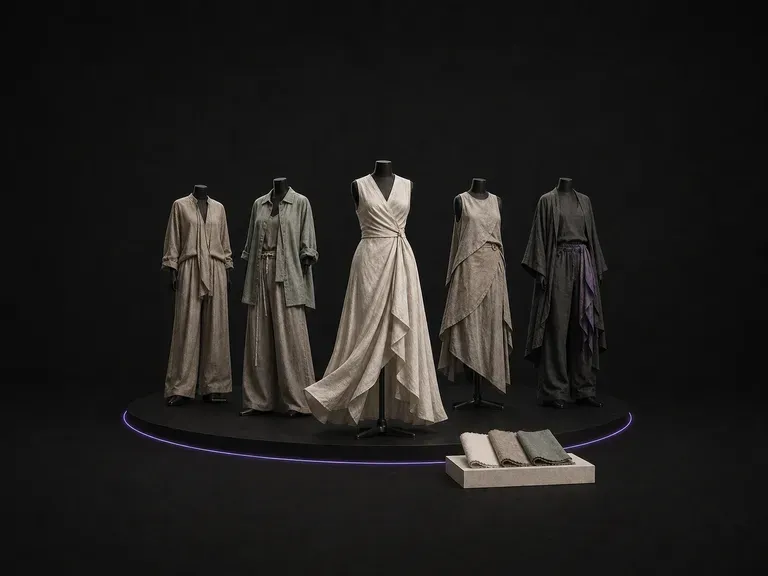
Produce realistic studio lighting, accurate contact shadows, and natural material grain for shots.
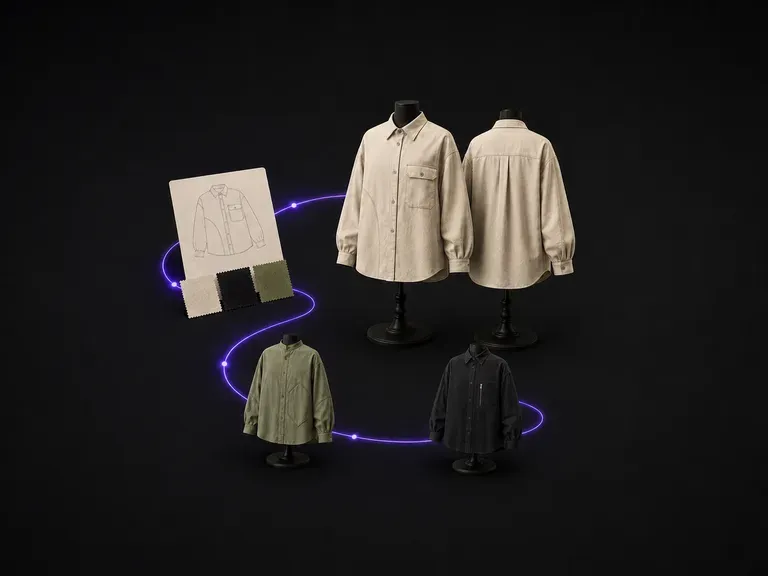
Sketch everyday tops, outerwear, and trousers with clear seam lines and fabric textures.

Guide subject posture, materials, and lighting using up to 14 reference images at 1K to 4K.
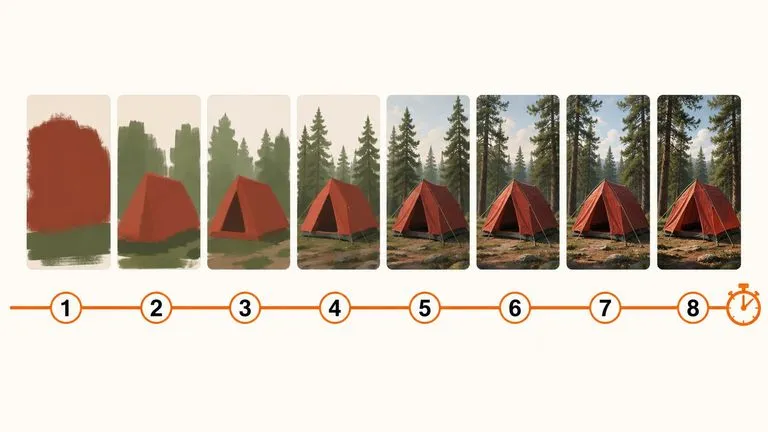
Draft rapid concept thumbnails and layout options before committing compute to final high-res renders.
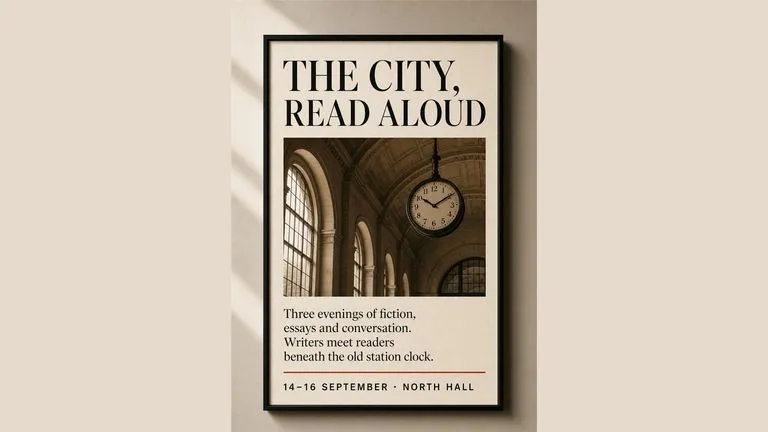
Render crisp labels, fine surface textures, and multi-reference compositions up to 4K resolution.

Follow complex multi-part written briefs that combine uploaded reference photos with strict layout rules.
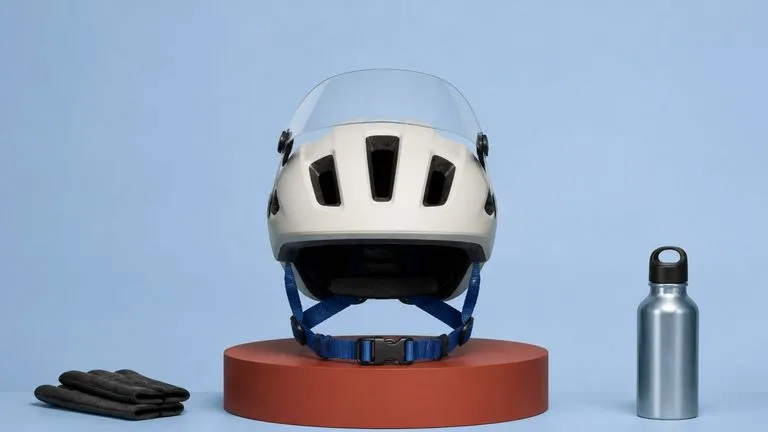
Produce realistic studio lighting, accurate contact shadows, and natural material grain for shots.
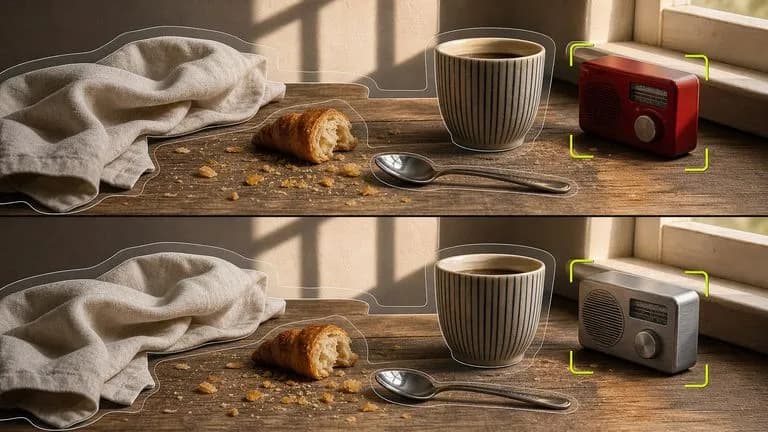
Swap backgrounds, lighting setups, or colorways while keeping your core subject geometry locked.
Open the Virse Infinite Canvas to test upper materials, sole tooling, and seasonal colorways before briefing a sample room.