AI Patch Designer for Custom Embroidered, Chenille & PVC Patches

Fine screen detail can blur once stitched at patch scale. Describe your theme, shape, border and stitch style to preview custom patch concepts with realistic embroidered, chenille, woven or PVC textures at actual scale, starting with free credits.

What Is an AI Patch Designer?

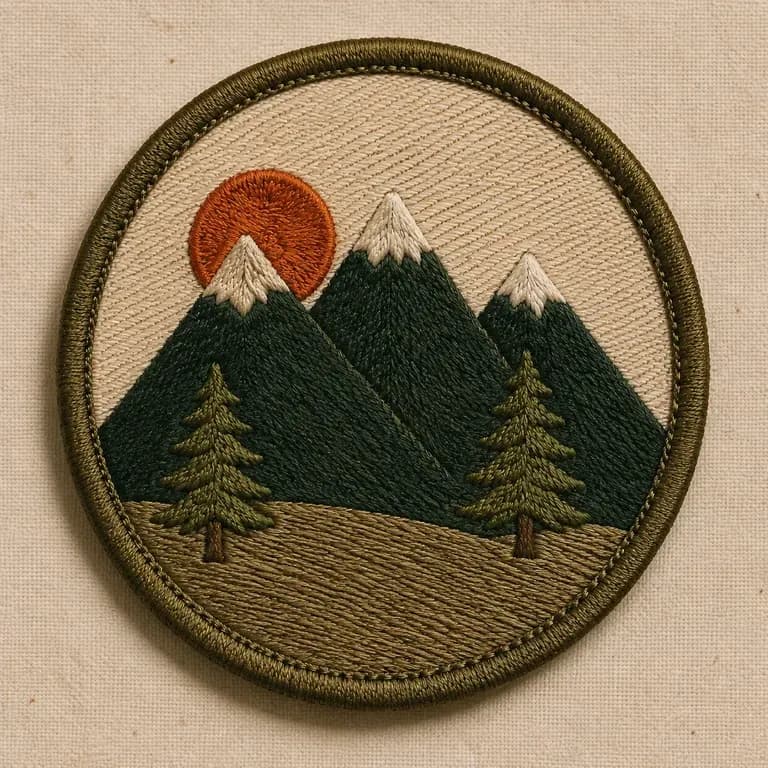
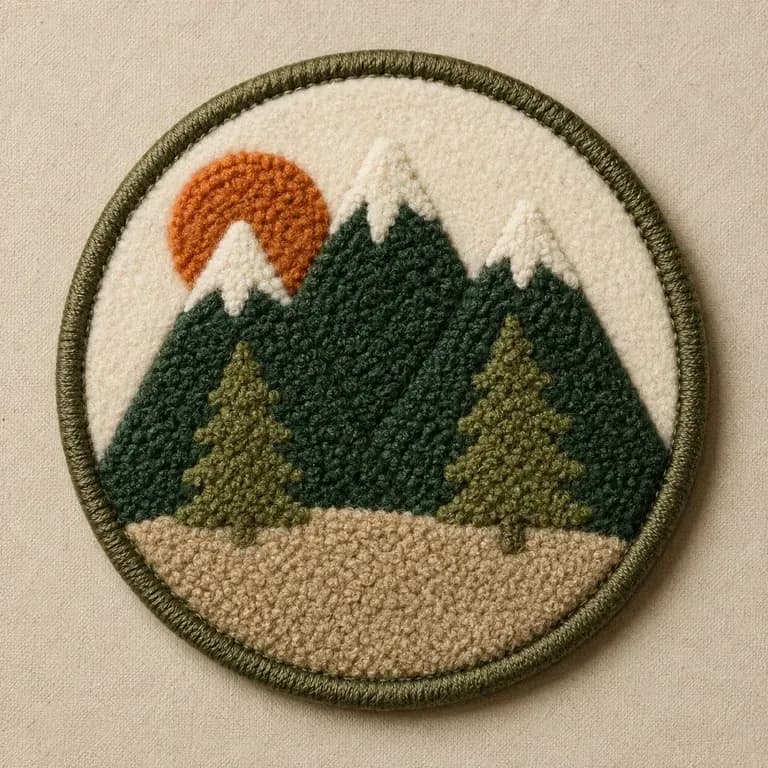
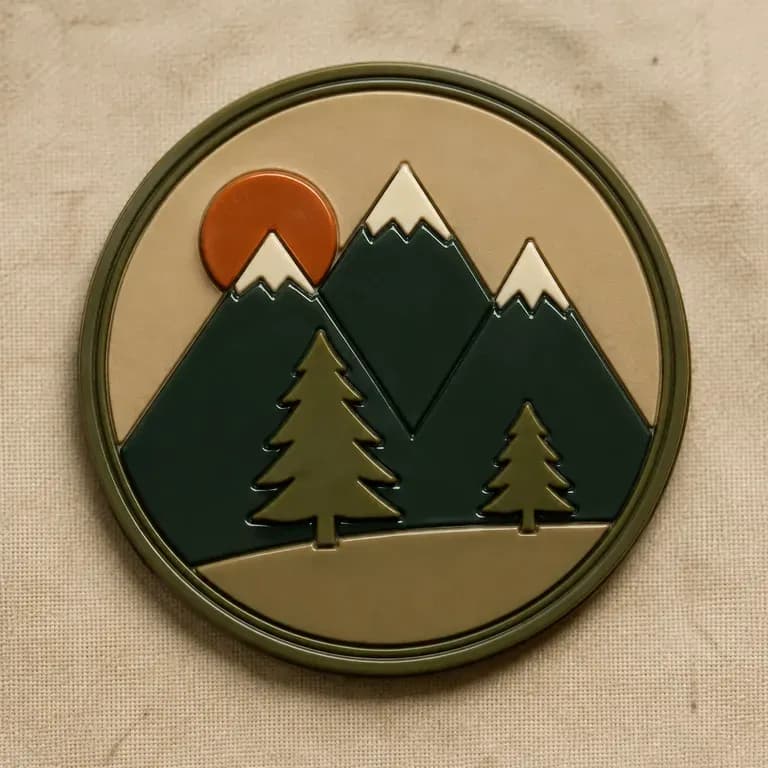
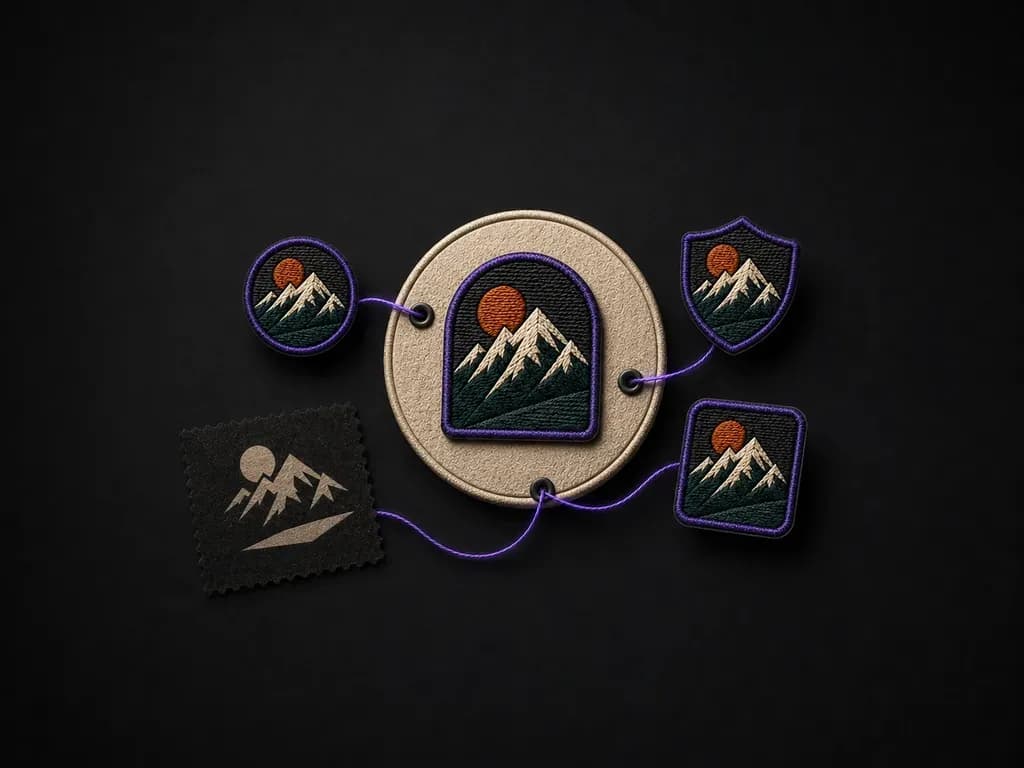
An AI patch designer turns a theme, badge shape, border type and stitch style into custom patch concepts shown with a realistic surface texture preview. In Virse you can test standard twill embroidery, fluffy varsity chenille, fine woven labels or molded 3D PVC patches—and compare multiple directions on one canvas before sending artwork to a digitizer or patch manufacturer:

· Thread and surface relief: See satin stitch direction, chenille loft, or molded PVC layers.

· Scale legibility check: Spot thin lettering that would blur under an embroidery needle.

· Borders and backings: Preview merrowed rims, laser-cut edges, and twill or felt grounds.

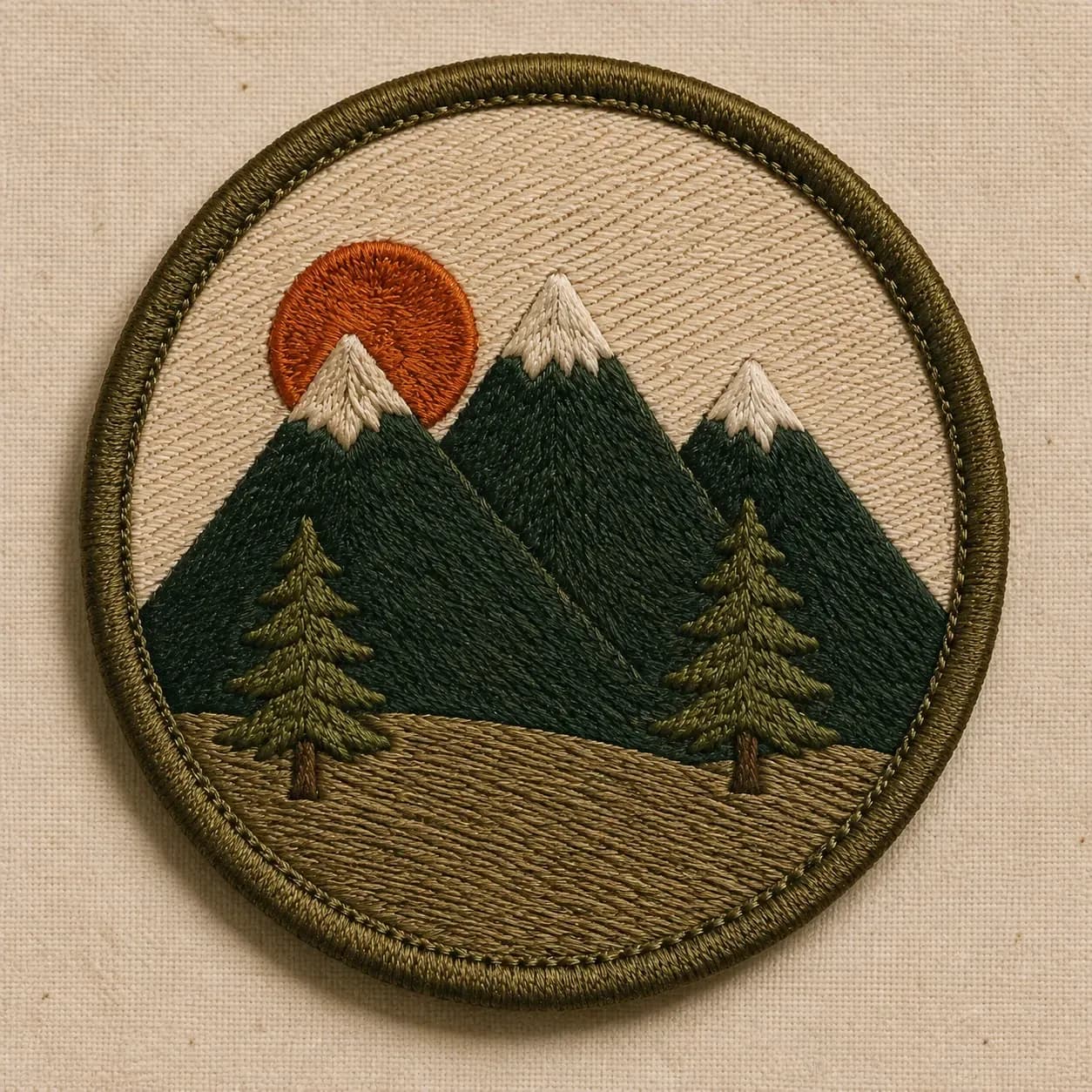
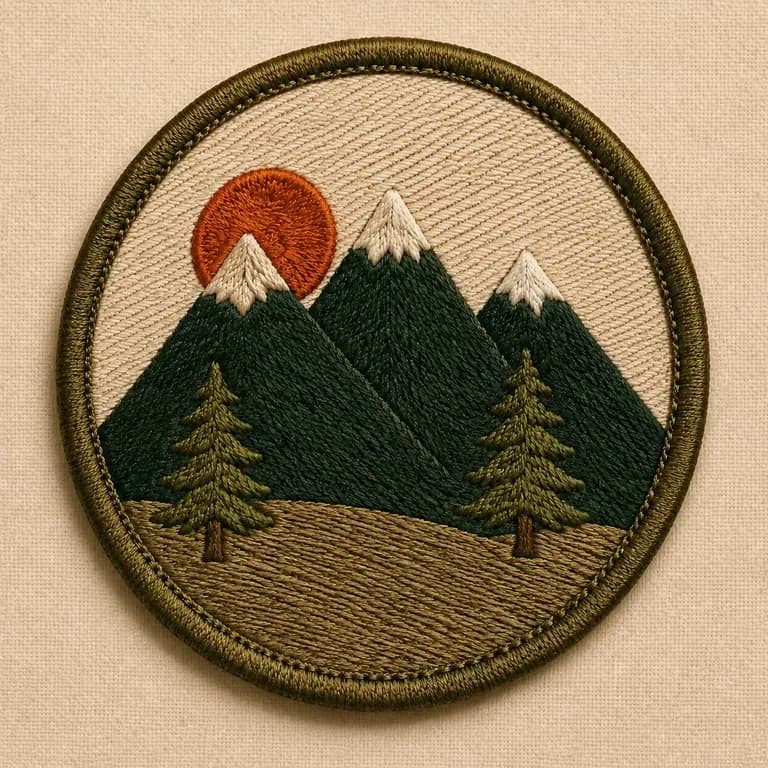
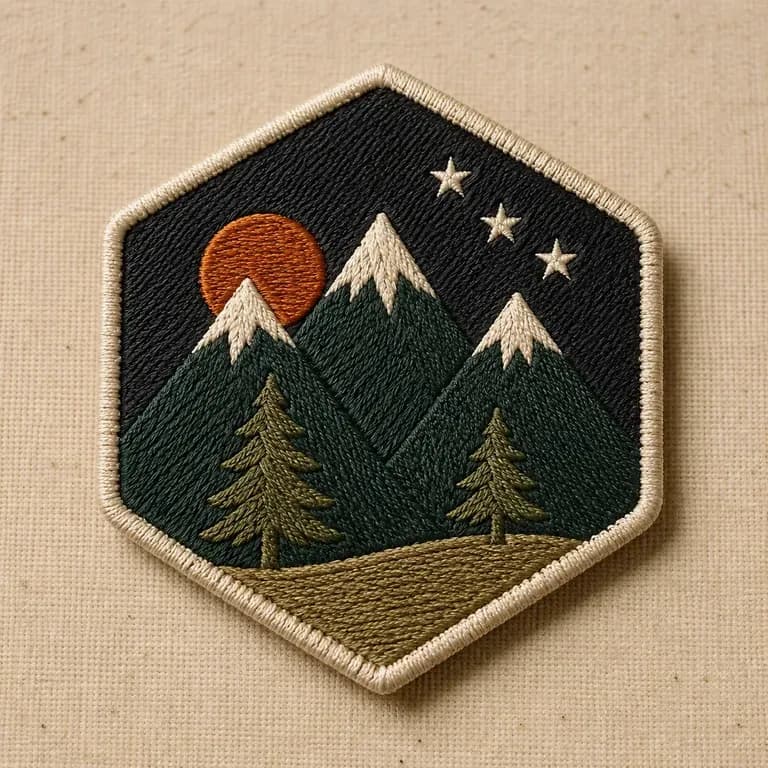
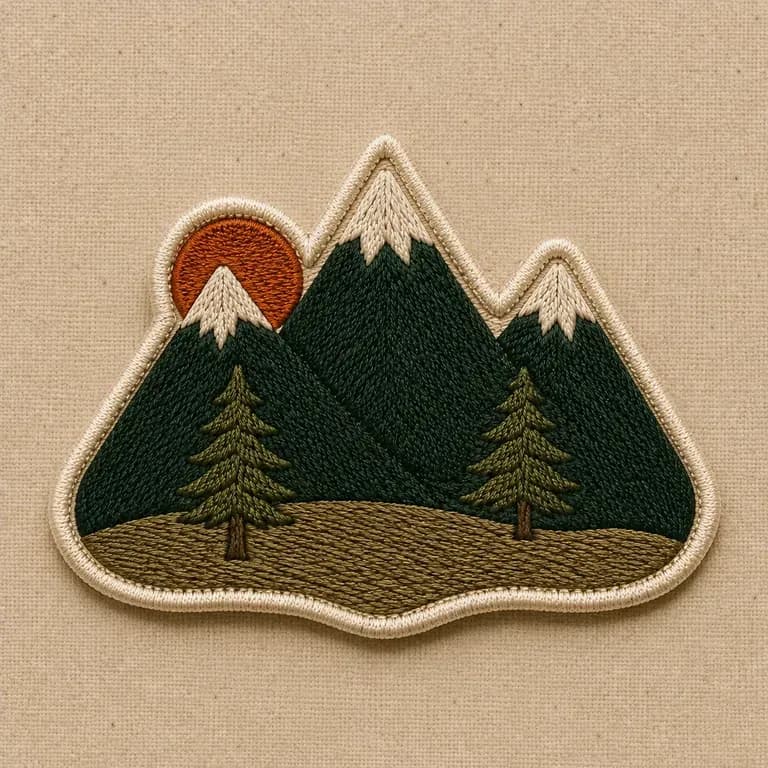
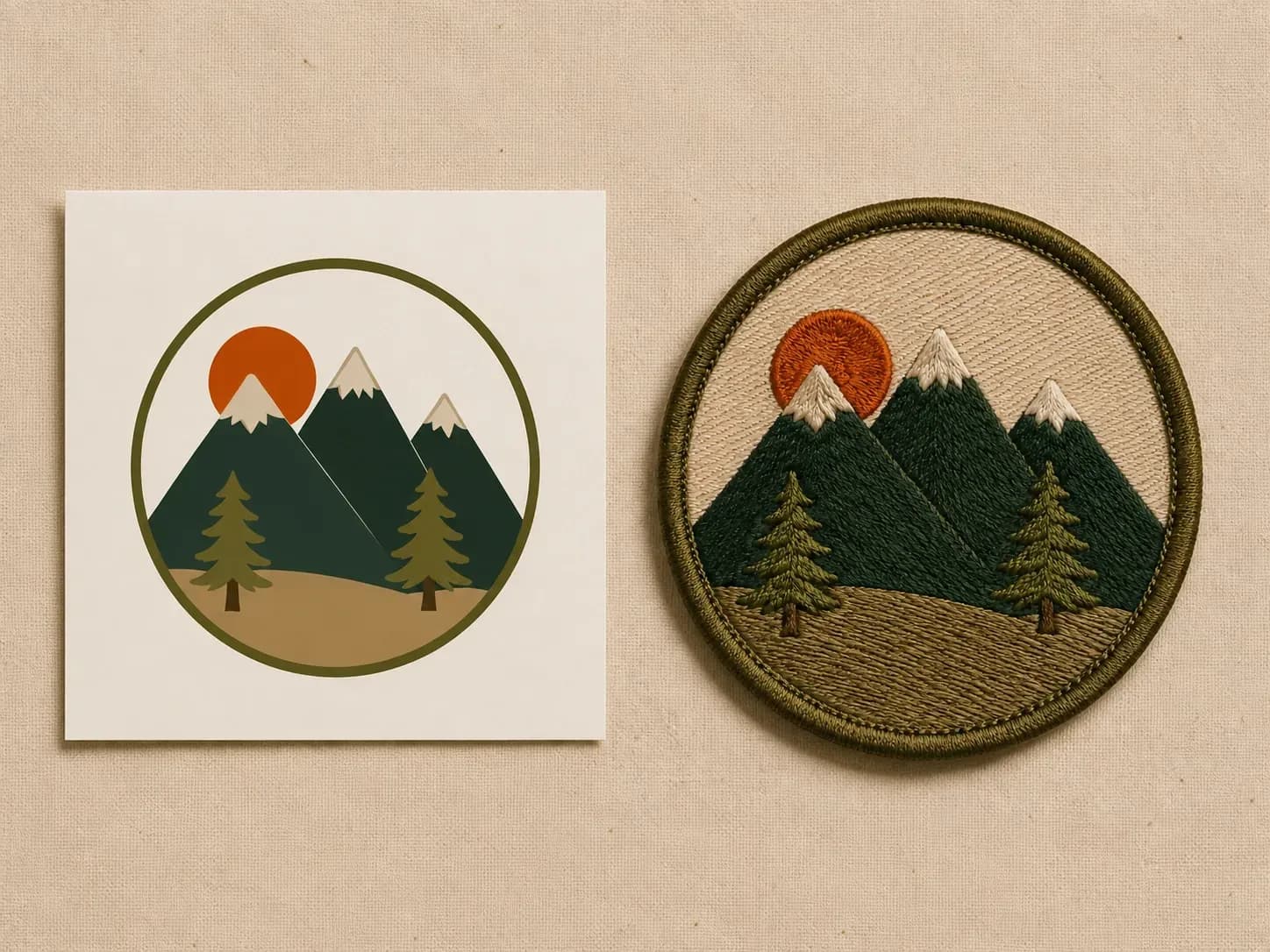
A mountain graphic reference beside the same design embroidered into a round olive patch
A theme brief turned into a patch concept with a texture preview

Why Use Virse's Patch Designer?

A patch has to read at a small, textured scale, not just as a flat graphic. Seeing the stitch texture early is what catches that.

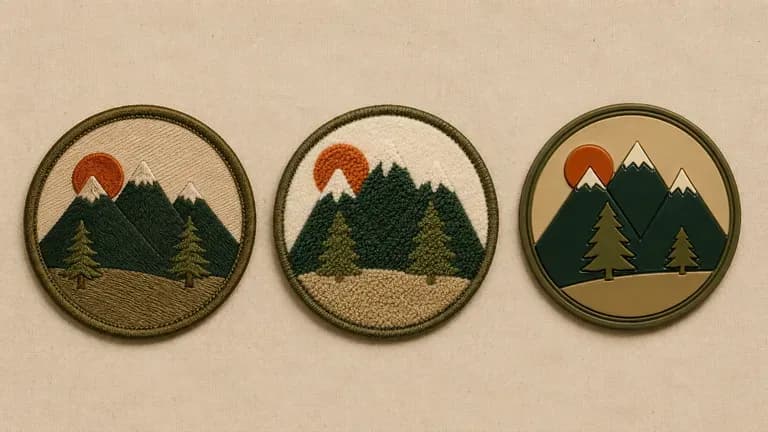
Three patches with the same graphic in different stitch techniques
Free

Preview Embroidered, Chenille, Woven & PVC Textures

Flat vector graphics hide how thread thickness changes small lettering and tight lines. Preview how your design reads in raised satin stitch, fuzzy chenille yarn, tight woven thread or matte PVC relief.

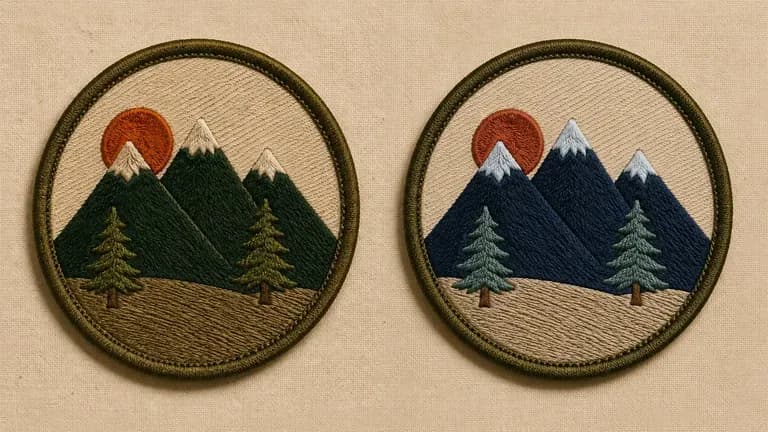
Two colour versions of the same patch design
40+ models

Test Custom Shapes, Merrowed Borders & Twill Backings

Compare classic round, rocker, hexagon and shield badges against custom die-cut silhouettes, with thick merrowed borders, satin-stitched edges or exposed twill fabric ground.

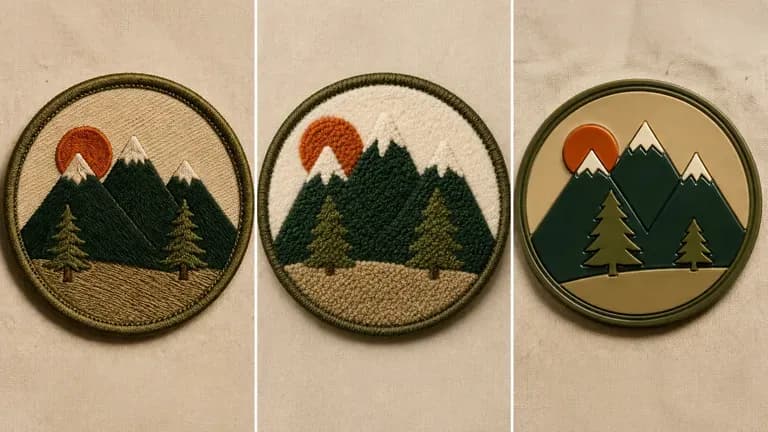
Three technique close-ups compared: classic embroidery, chenille and glossy PVC
Canvas

Compare Multiple Patch Concepts on One Canvas

Generate several colorways, border styles and motto layouts side by side on the Virse canvas so your club, unit or apparel team can pick the clearest design before ordering samples.

Why Preview Patch Stitch Texture Before Digitizing?​

Compare flat screen illustrations against realistic stitch and texture previews on the Virse canvas.​

Flat Vector Illustrations​

  • Tiny serif text and hairline strokes turn into unreadable blobs at 3-inch patch scale
  • Flat solid fills hide how satin stitch direction and twill backing texture interact
  • Hard to compare how the same emblem looks in classic embroidery vs. chenille or PVC
  • Paying for embroidery digitizing revisions after physical sample stitch-outs wastes time

Virse AI Patch Designer​

  • Shows realistic thread weight, merrowed border thickness, and twill backing weave
  • Makes overcrowded lettering obvious early so you can simplify before digitizing
  • Test embroidered, varsity chenille, woven, and 3D PVC styles from one prompt
  • Export a clear visual reference ready for your embroidery digitizer or factory

How to Generate a Patch Design with AI in Four Steps

  1. Describe the theme and shape

    Write out the theme, the shape such as round, shield or custom-cut, and any wording or icon you want included.

  2. Choose an embroidery style

    Pick classic embroidered, chenille varsity, or PVC and rubber, matching the finish you plan to order.

  3. Generate patch concepts

    Run an available AI image model and let it produce a few design directions shown with a stitched or moulded texture preview.

  4. Refine before ordering

    Adjust colours, border and detail with updated notes, then hand the settled design to an embroiderer or patch maker.

Copy-Ready Prompts for Embroidered, Chenille, and PVC Patches​

Clear patch prompts name the badge silhouette, border finish, surface medium, central motif, and maximum thread colours. Copy any of these templates into the generator to test your own concept:​

· Vintage outdoor club patch: Round embroidered patch with forest green merrowed border, cream twill ground, pine mountain crest, 4 thread colours.

· Varsity jacket chenille badge: Die-cut shield patch in raised cream and crimson chenille yarn with felt backing and bold block lettering.

· Tactical morale PVC patch: Hexagon 3D molded matte PVC patch, charcoal and olive relief layers, recessed channel lettering, sewn hook-and-loop rim.

A close-up of a classic embroidered round patch with a clear border

Who Is an AI Patch Designer For?

People designing something small that has to survive being sewn onto fabric.

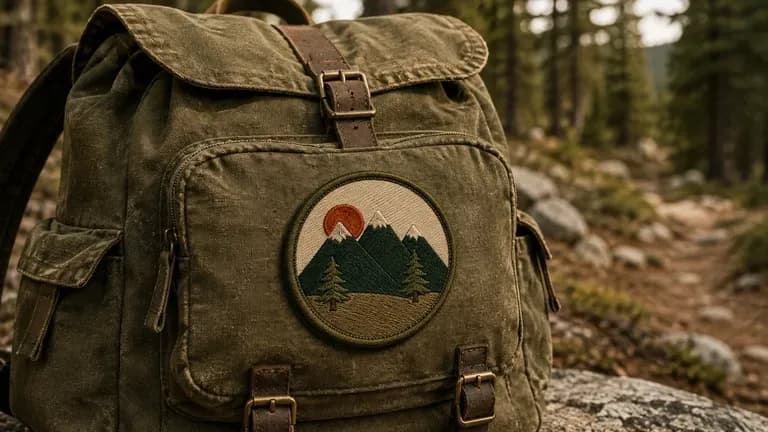
A round outdoor-club patch pinned to a canvas backpack

Outdoor & Hobby Clubs

Design a club patch for hikers, campers, cyclists or other outdoor groups.

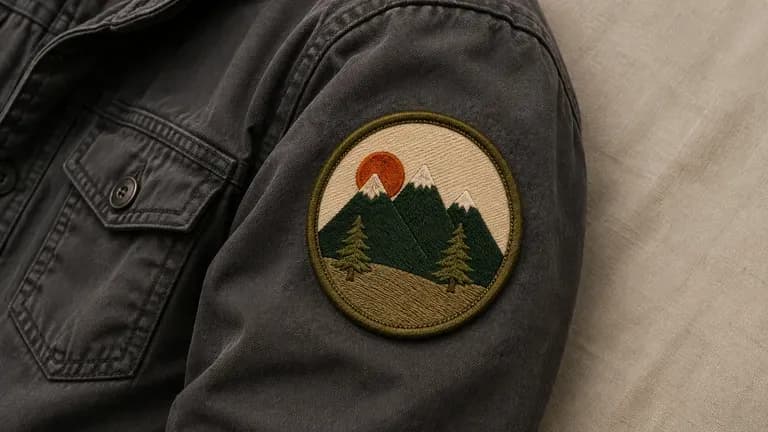
A team emblem patch sewn onto a jacket sleeve

Military, Team & Uniform Groups

Create a unit or team patch with the wording and colours a group actually wears.

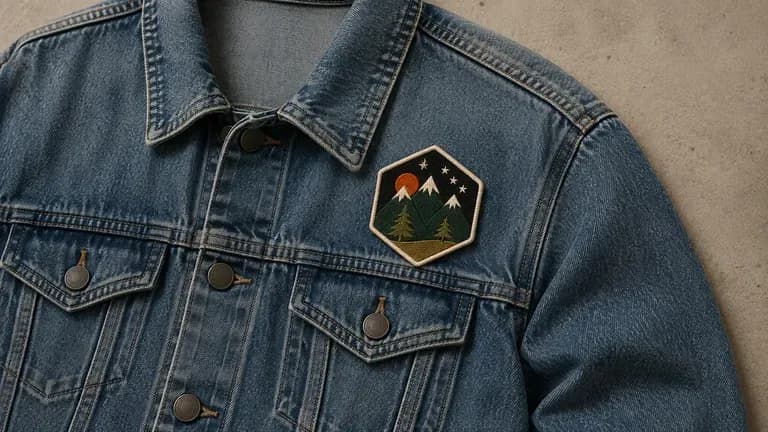
A bold graphic patch pinned to a denim jacket

Streetwear & Apparel Brands

Turn a graphic into a patch for jackets, caps or accessories.

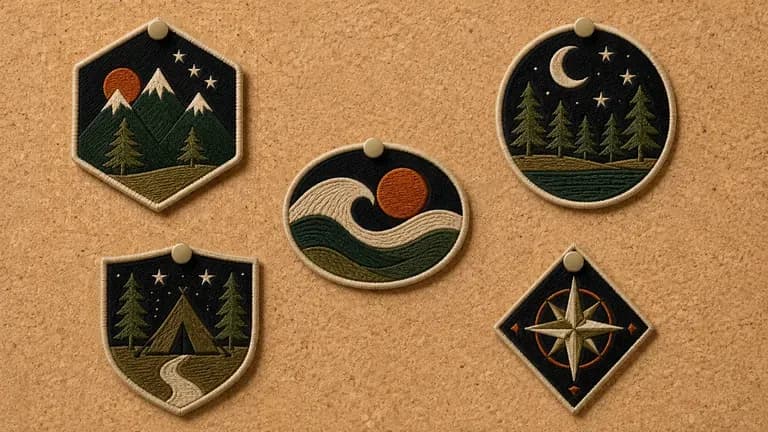
Several event-themed collector patches pinned to a corkboard

Event & Collector Pin Makers

Design a limited patch for an event, festival or collector series.

AI Patch Designer Use Cases

A close-up of a classic embroidered round patch with a clear border
Classic Embroidered Patches: dense stitch fill with a merrowed edge border
A close-up of a chenille-style raised patch
Chenille Varsity Patches: raised, textured fill in a bold collegiate style
A close-up of a glossy PVC or rubber patch
PVC & Rubber Patches: clean, moulded edges with a glossy finish
A close-up of an outdoor club themed patch
Outdoor & Hobby Club Patches: an icon-led design for a group identity
A close-up of a limited event collector patch
Event & Collector Patches: a limited design for a festival or series
A close-up of a custom-shaped patch with a non-standard outline
Custom Shape Patches: a non-standard outline built around a specific icon
FAQ

Frequently Asked Questions

Is Virse's patch designer free?
You can start on free Virse credits. New users can generate up to 10 images with Nano Banana 2, enough to test a concept before deciding whether you need a paid workflow. Free access is limited rather than unlimited.
Does this provide an embroidery production file?
No. It generates visual patch concepts with a texture preview. A production-ready embroidery file, such as a digitised stitch file, still comes from your embroiderer based on the chosen concept.
Can I choose the embroidery style, like chenille or PVC?
Yes. Pick a preset for classic embroidered, chenille varsity, or PVC and rubber, and the concept reflects that finish.
Can I request a custom shape instead of a standard round or shield patch?
Yes. Describe the shape you want in your notes, and the concept is built around that outline rather than a default shape.
Can I generate more than one design for the same theme?
Yes. You can run several directions from the same brief and compare them side by side on the canvas before choosing one to produce.
How do I make sure small text is readable on an embroidered patch?​
Keep lettering bold, use uppercase block fonts, limit text to a short motto or year along the rim, and stick to 3–6 high-contrast thread colors. If your design requires tiny lettering, specify a woven patch style instead of standard embroidery.​

Generate Your Patch Design with AI

Describe your theme and shape, generate patch concepts with a texture preview, and refine the one worth producing.